Tell us anything

An idea, a bug, something you love. We read every note.

⌘↵ to send. The page you're on comes along.

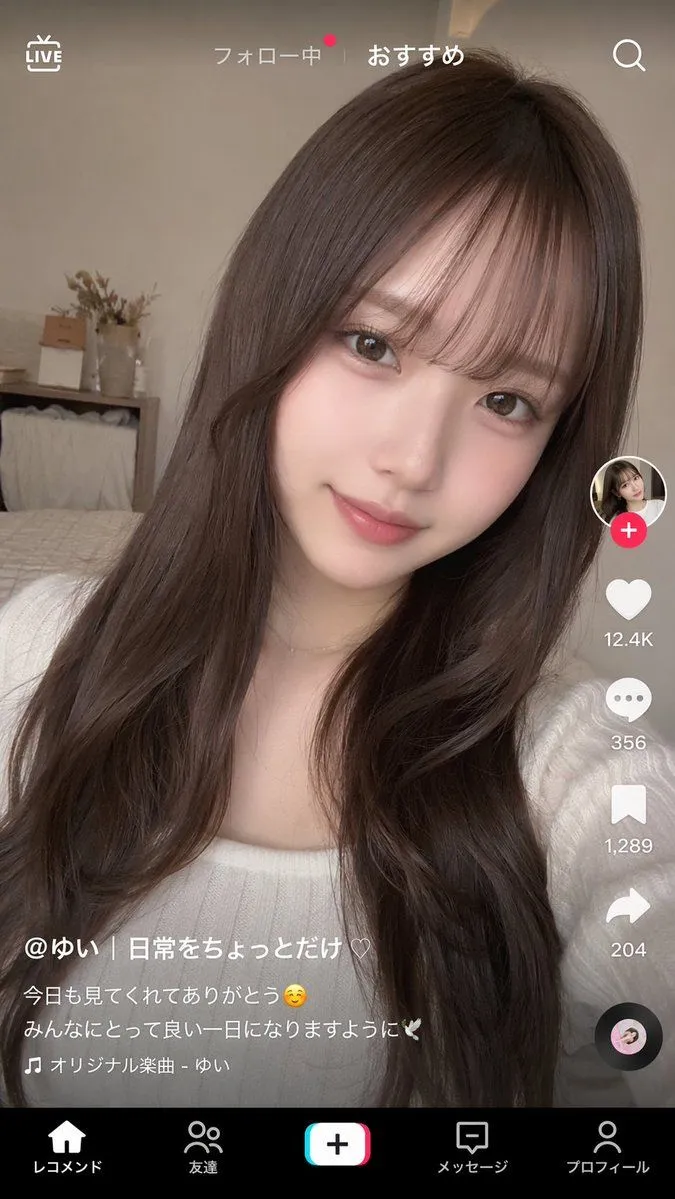
TikTok-Style Video Interface Mockup

Made with GPT Image 2 in ChatGPT by Library Lifestyle. Promptclay never generates images.

Did it work?

No reports yet. Tell others if it worked for you.

No comments yet. Be the first.

    TikTok-Style Video Interface Mockup

    GPT Image 29:16AI-generated

    Prompt

    { "type": "short-form video app interface mockup", "background_image": { "subject": "{argument name=\"subject description\" default=\"young Japanese woman with long wavy dark brown hair and see-through bangs, wearing a white ribbed top, soft natural makeup, smiling gently at the camera\"}", "setting": "cozy bedroom with a bed, wooden shelf, and dried flowers in the background, soft natural lighting, selfie angle" }, "ui_overlay": { "top_bar": { "left": "LIVE icon", "center": "フォロー中 | {argument name=\"active tab\" default=\"おすすめ\"}", "right": "Search icon" }, "right_sidebar": { "count": 6, "elements": [ "Profile picture with pink plus badge", "Heart icon with {argument name=\"like count\" default=\"12.4K\"}", "Speech bubble icon with 356", "Bookmark icon with 1,289", "Share arrow icon with 204", "Spinning vinyl record icon" ] }, "bottom_left_caption": { "username": "{argument name=\"username\" default=\"@ゆい | 日常をちょっとだけ♡\"}", "description": "{argument name=\"caption text\" default=\"今日も見てくれてありがとう☺ みんなにとって良い一日になりますように🕊\"}", "audio_track": "🎵 オリジナル楽曲 - ゆい" }, "bottom_navigation": { "count": 5, "labels": [ "レコメンド", "友達", "Create button", "メッセージ", "プロフィール" ] } } }

    Works in
    ChatGPT, Gemini
    Status
    Free to copy
    0
    DetailsVersions, settings and questions

    Written for

    What's in the prompt

    Subject
    Model
    GPT Image 2

    If your face changes

    keep my face exactly the same

    Questions

    Does this work in the ChatGPT app?
    Yes. Paste the prompt and attach your photo if it uses one.
    It changed my face. What do I do?
    Add "keep my face exactly the same" to the end and run it again.
    Can I use the images I make?
    Check the terms of the app you use. Promptclay never generates images and claims nothing you make.
    Similar prompts

    See more
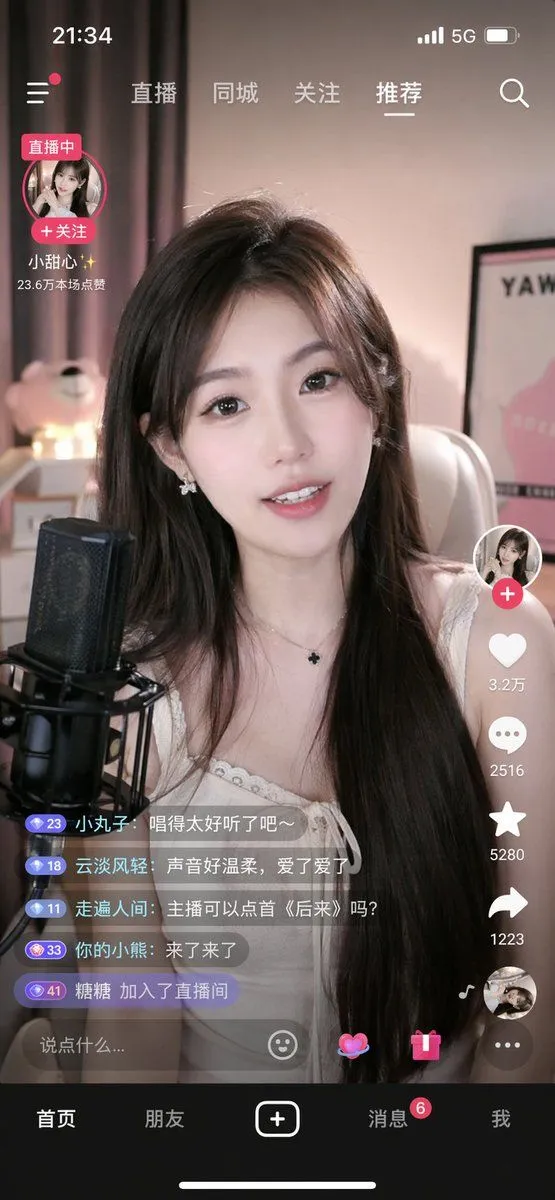
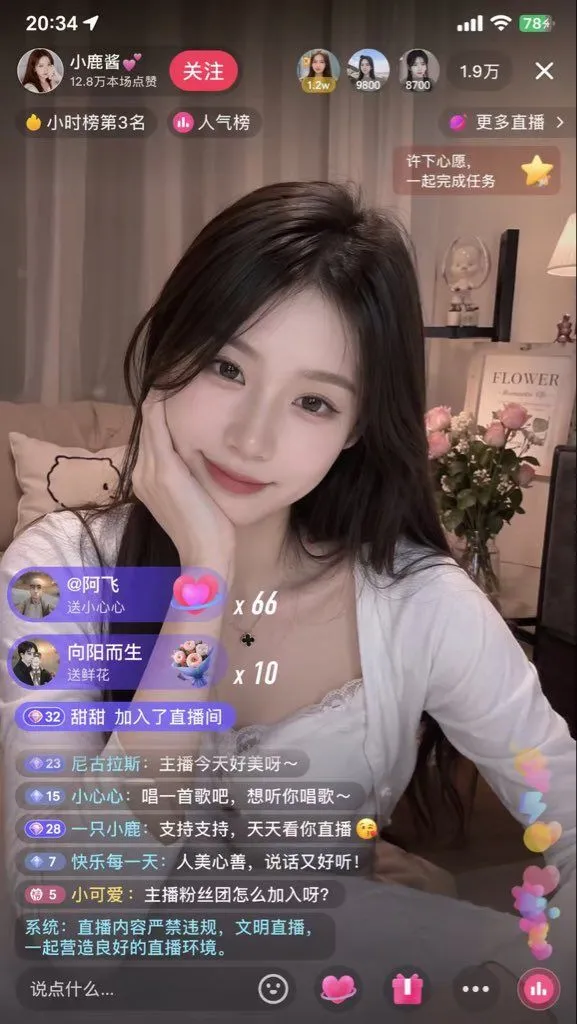
    • Mobile Live Streaming App Interface
    • Live Streaming App UI Mockup
    • Chinese Livestream Dorm Selfie UI
    • Live E-commerce UI Mockup
    • E-commerce Livestream UI Mockup
    • Japanese Manga Creation App Screenshot
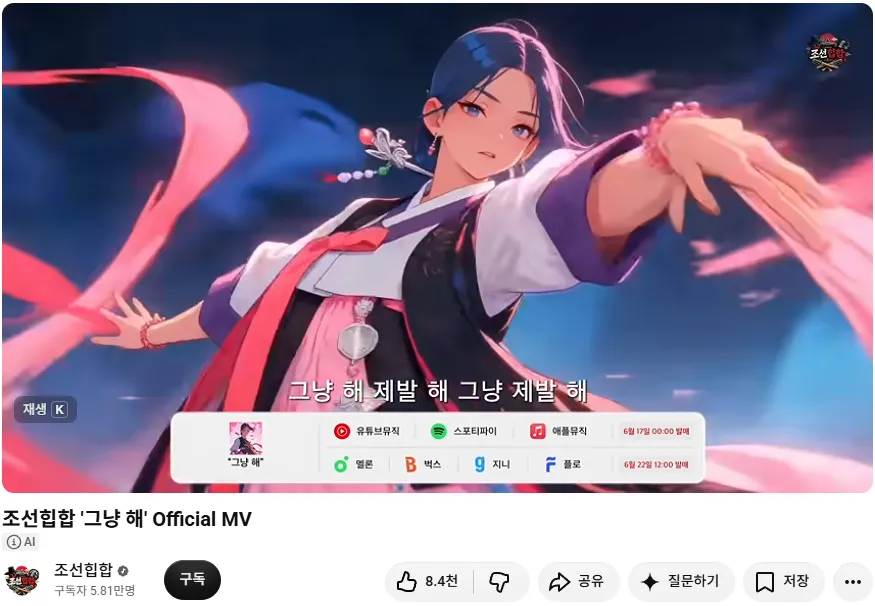
    • Korean Hip-Hop Anime MV Screenshot
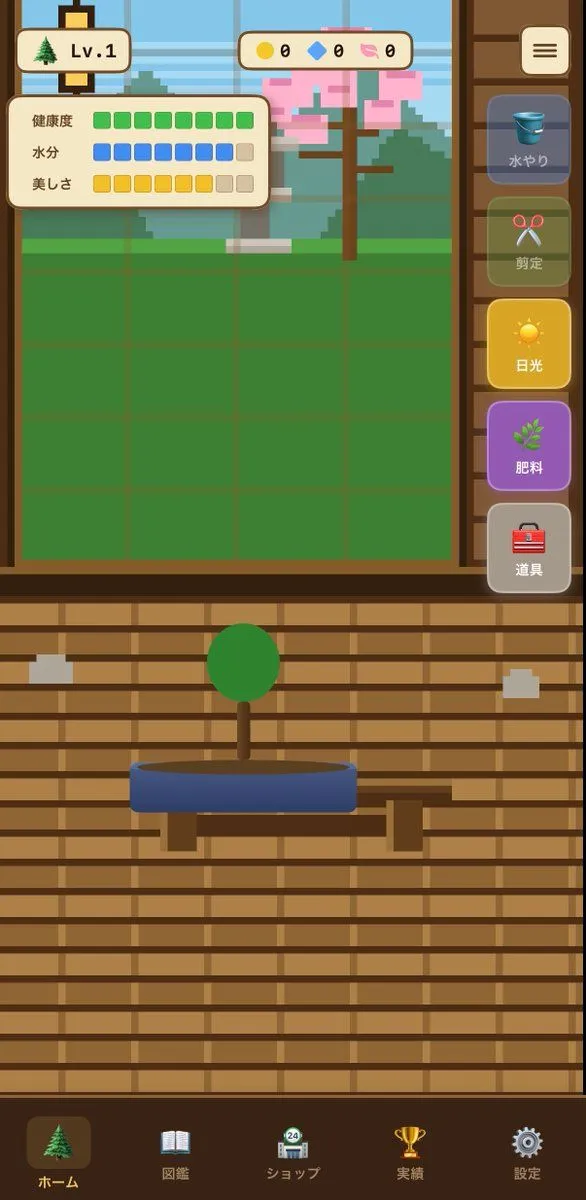
    • Bonsai Mobile Game UI Mockup
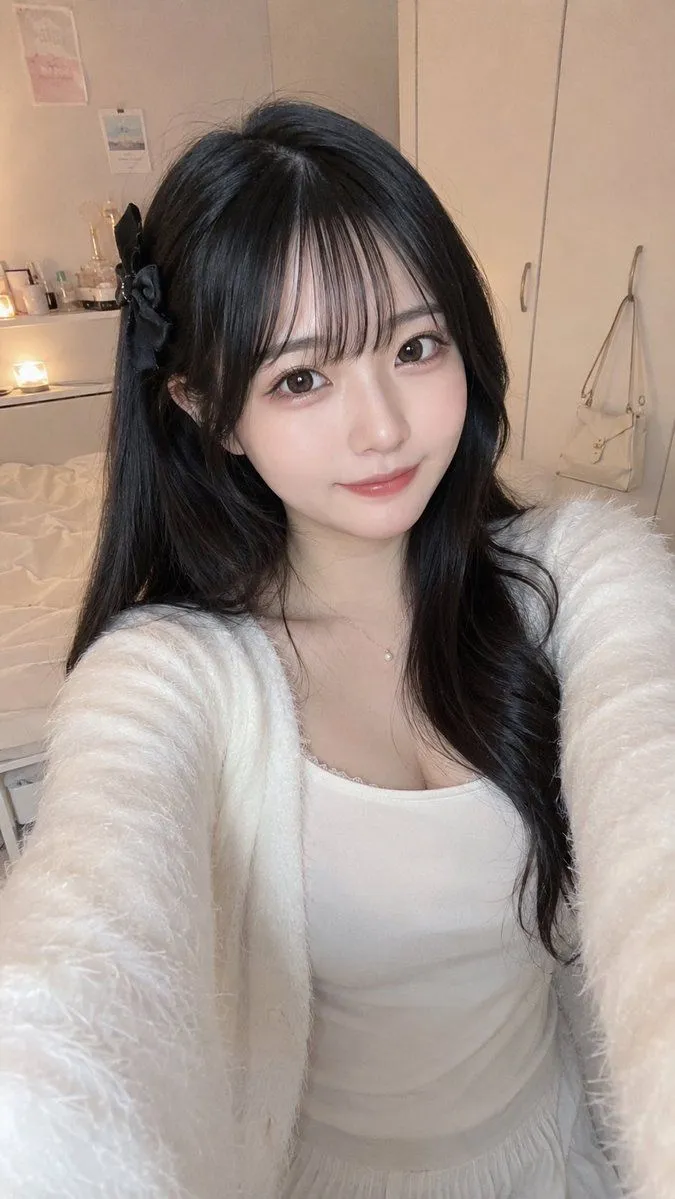
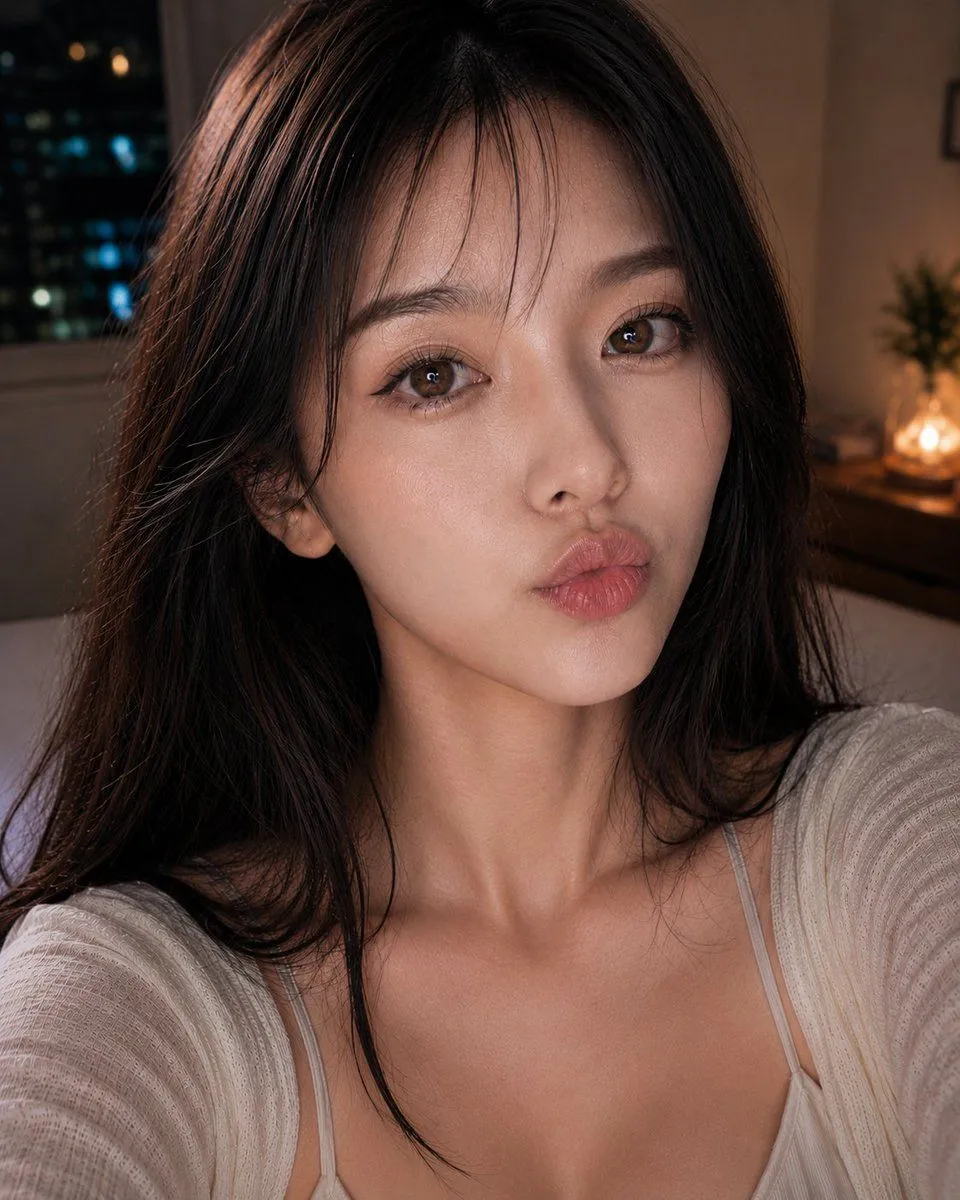
    • Cozy Bedroom Selfie Portrait
    • Natural Japanese Selfie Portrait
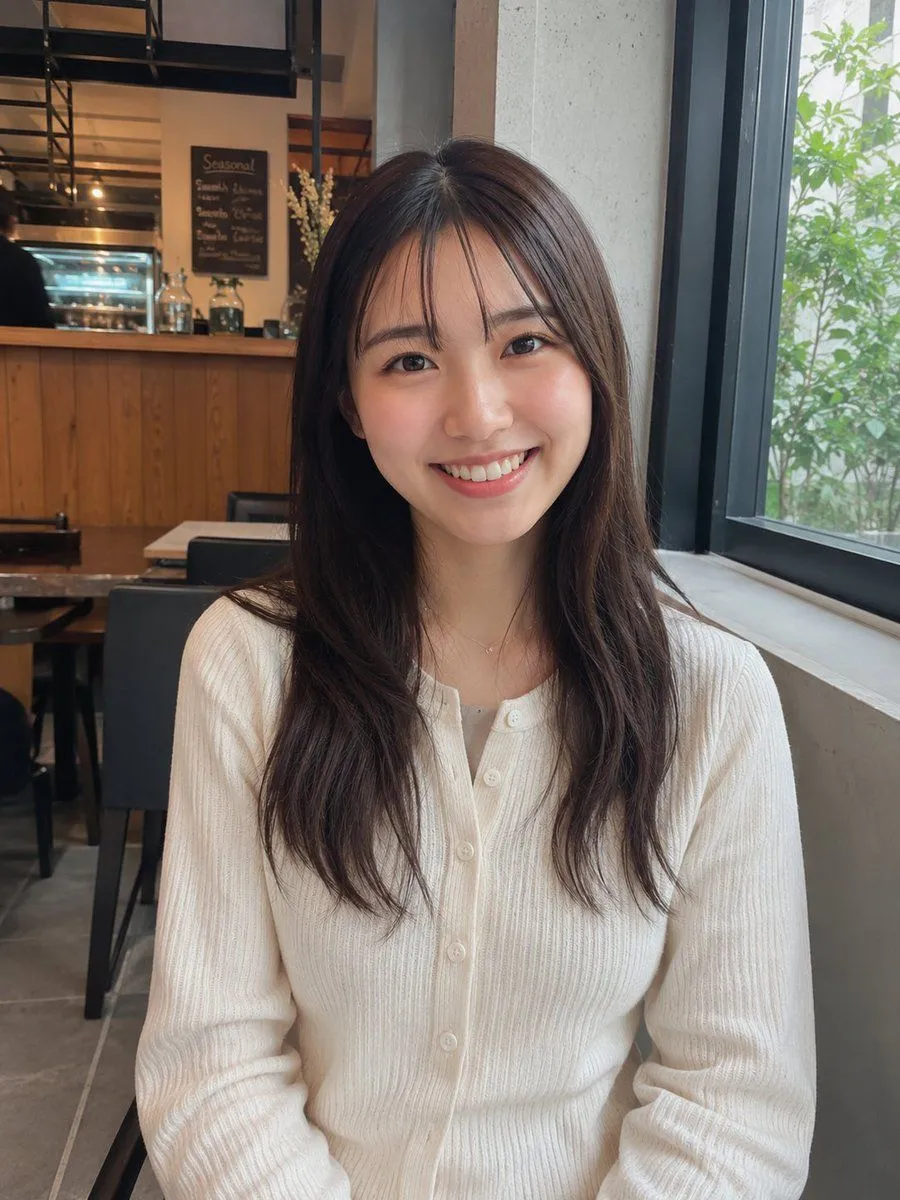
    • Realistic Cafe Portrait of Young Japanese Woman
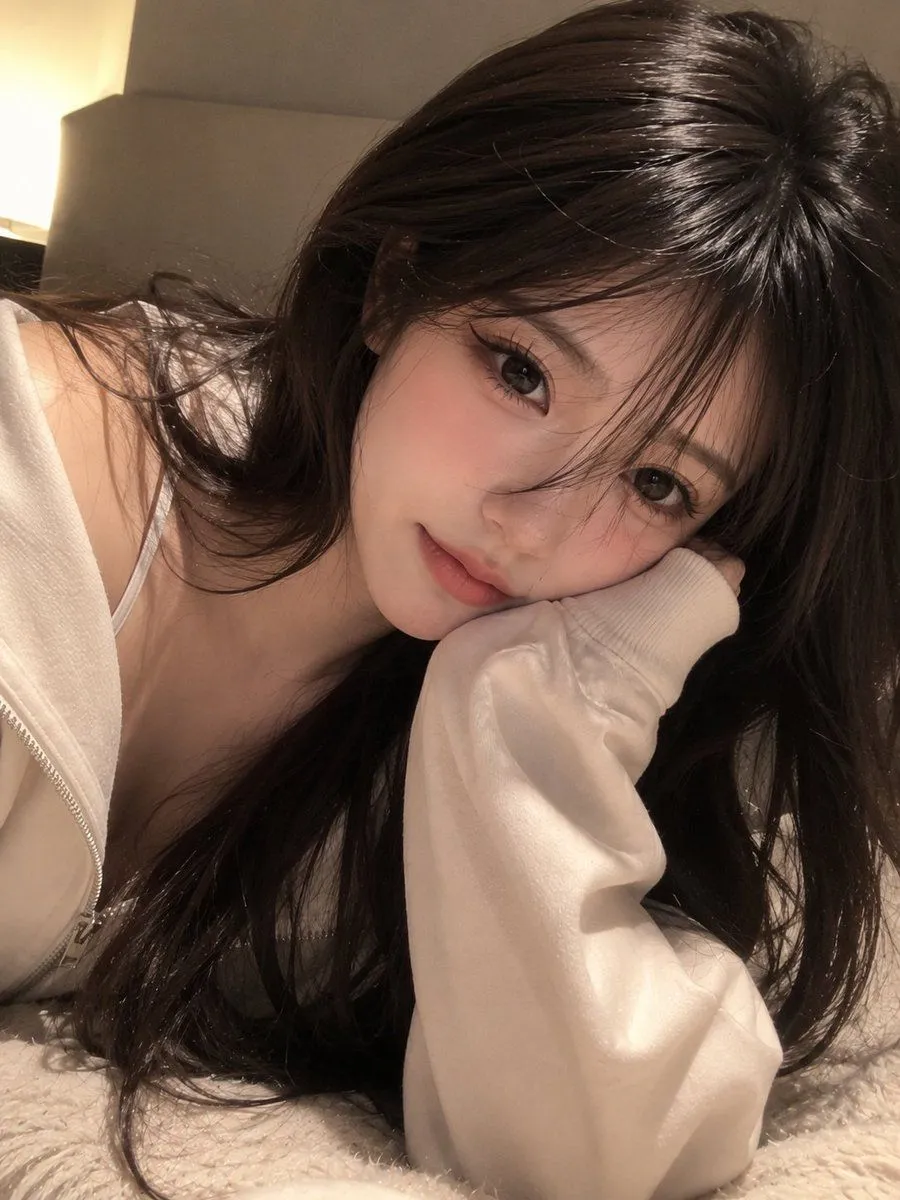
    • Cozy Hoodie Selfie Portrait
    • Image Editing: Change Hair Color to Black
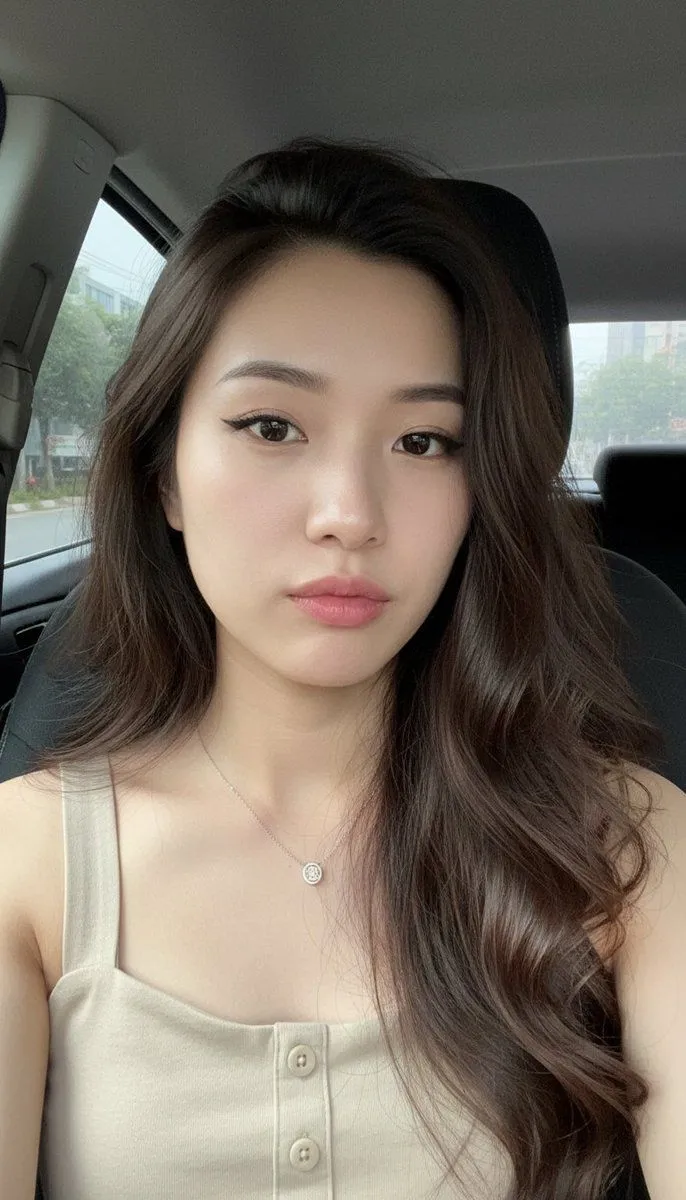
    • Realistic Car Interior Selfie
    • Seedance 2.0 Prompt for 'Office Worker Complaining about OpenClaw' VideoVideo, 0:15
    • Relaxed Woman on Sofa Sketch
    • Kawaii-Inspired Pastel Bedroom Portrait with Bleach Poster
    • New Year's Portrait Photo Prompt for Nano Banana Pro
    • Coser Resting on Tatami After PartyVideo, 0:10
    • Antique Chinese Noblewoman Poster
    • Busan Travel Journal Illustration
    • Japanese Personality Map Poster
    • Realistic Lace Fashion Portrait
    • Red Editorial Glamour Portrait

    Show more

    Run it on your phone

    1. Prompt copiedRead it

      { "type": "short-form video app interface mockup", "background_image": { "subject": "{argument name=\"subject description\" default=\"young Japanese woman with long wavy dark brown hair and see-through bangs, wearing a white ribbed top, soft natural makeup, smiling gently at the camera\"}", "setting": "cozy bedroom with a bed, wooden shelf, and dried flowers in the background, soft natural lighting, selfie angle" }, "ui_overlay": { "top_bar": { "left": "LIVE icon", "center": "フォロー中 | {argument name=\"active tab\" default=\"おすすめ\"}", "right": "Search icon" }, "right_sidebar": { "count": 6, "elements": [ "Profile picture with pink plus badge", "Heart icon with {argument name=\"like count\" default=\"12.4K\"}", "Speech bubble icon with 356", "Bookmark icon with 1,289", "Share arrow icon with 204", "Spinning vinyl record icon" ] }, "bottom_left_caption": { "username": "{argument name=\"username\" default=\"@ゆい | 日常をちょっとだけ♡\"}", "description": "{argument name=\"caption text\" default=\"今日も見てくれてありがとう☺ みんなにとって良い一日になりますように🕊\"}", "audio_track": "🎵 オリジナル楽曲 - ゆい" }, "bottom_navigation": { "count": 5, "labels": [ "レコメンド", "友達", "Create button", "メッセージ", "プロフィール" ] } } }

    2. Open your app

    3. Paste and run

      Press and hold the message box, then tap Paste. Add your photo first if the prompt uses one. You may need to sign in.

    TikTok-Style Video Interface Mockup