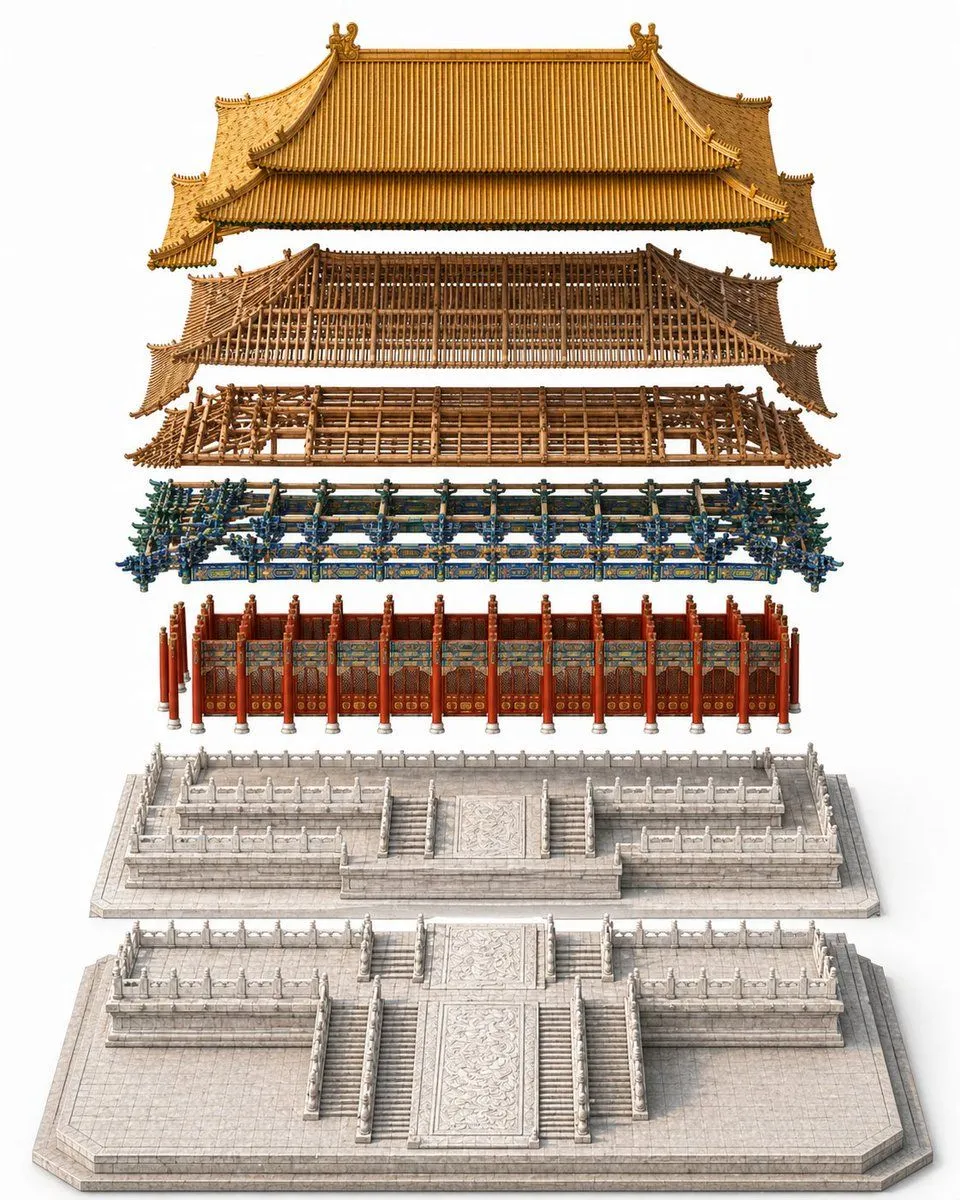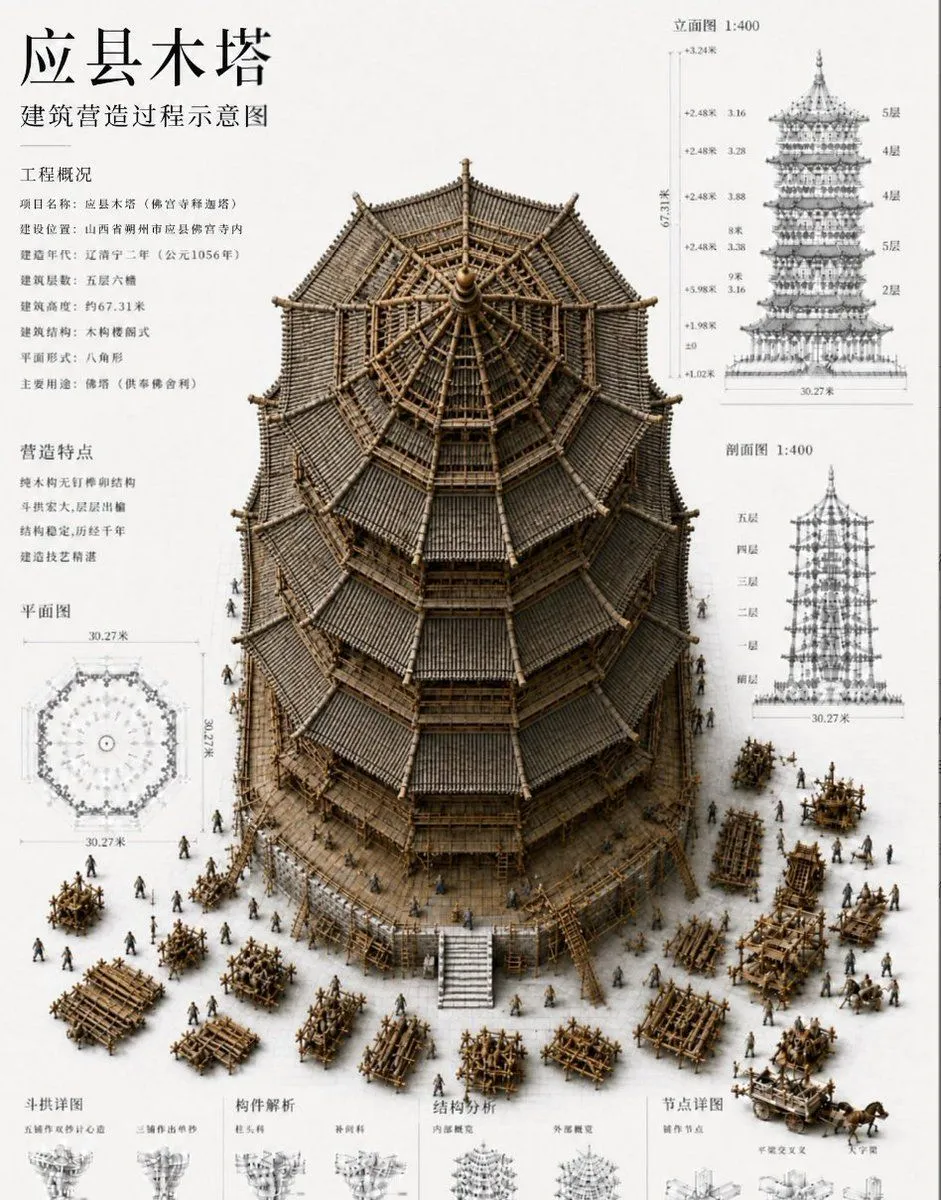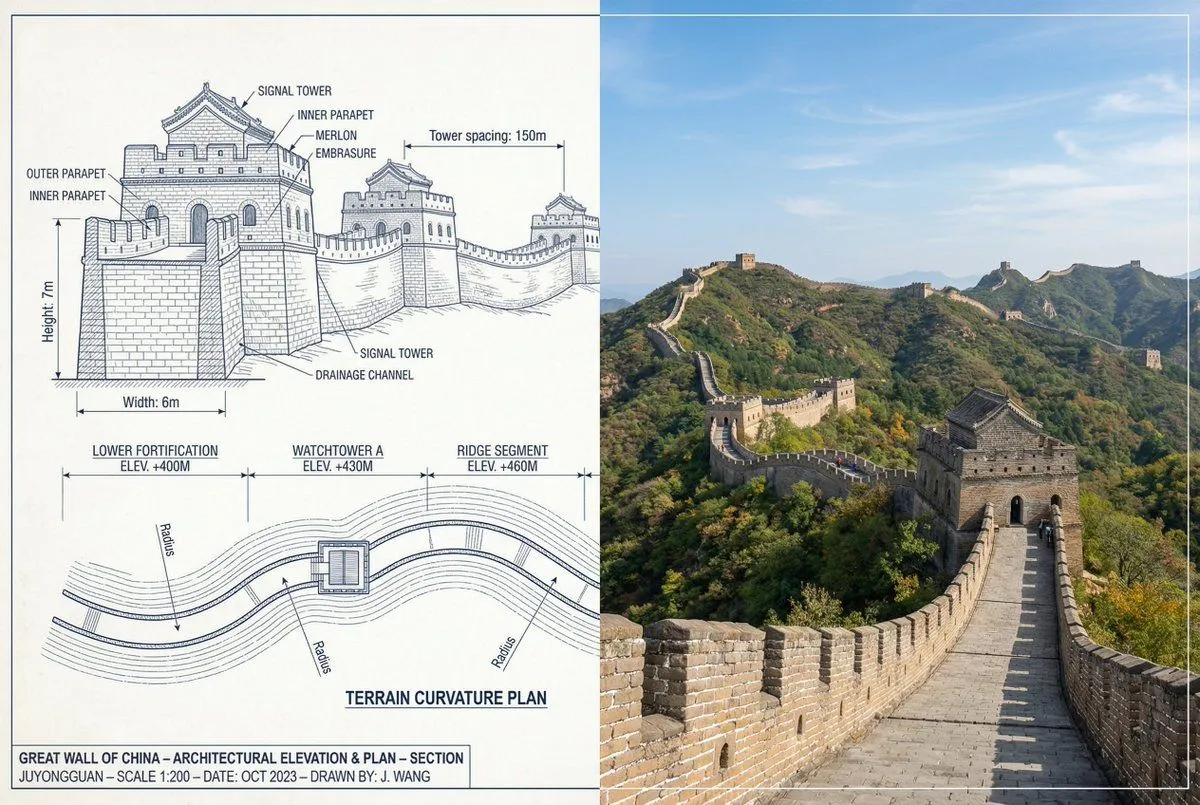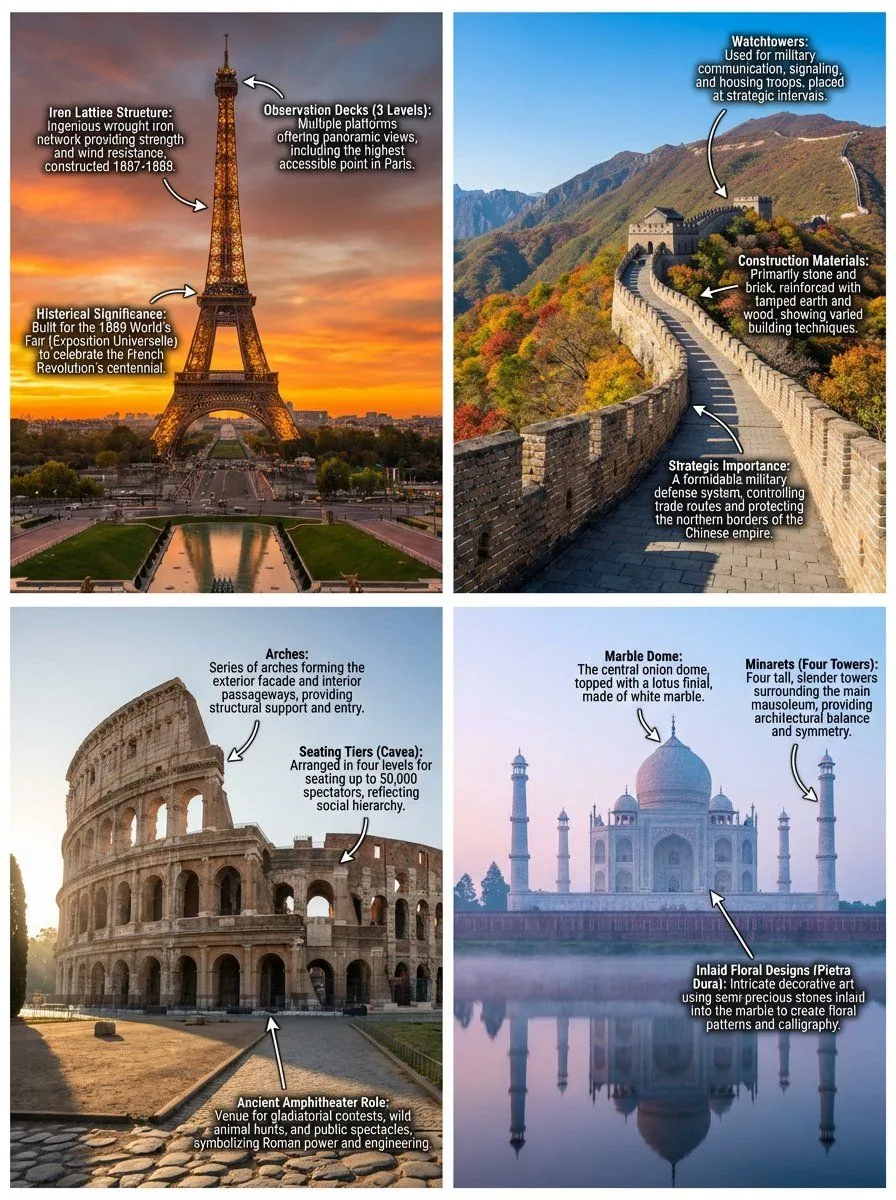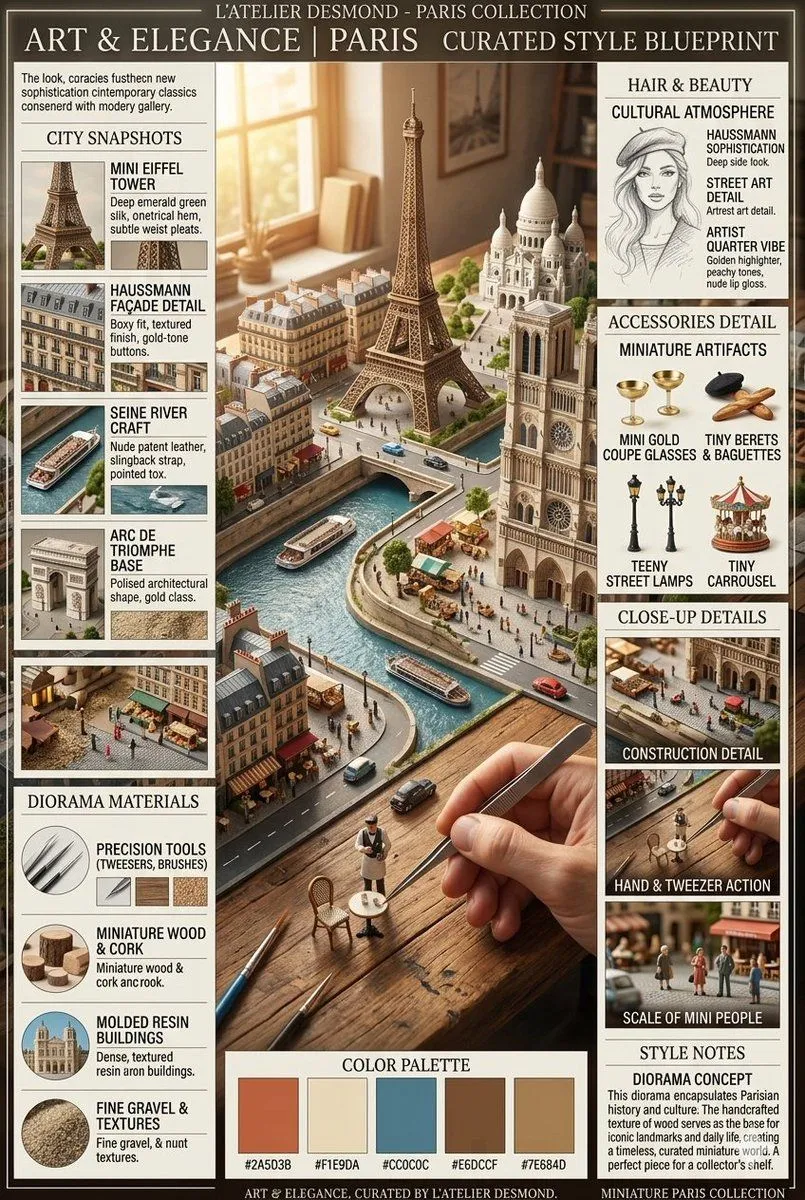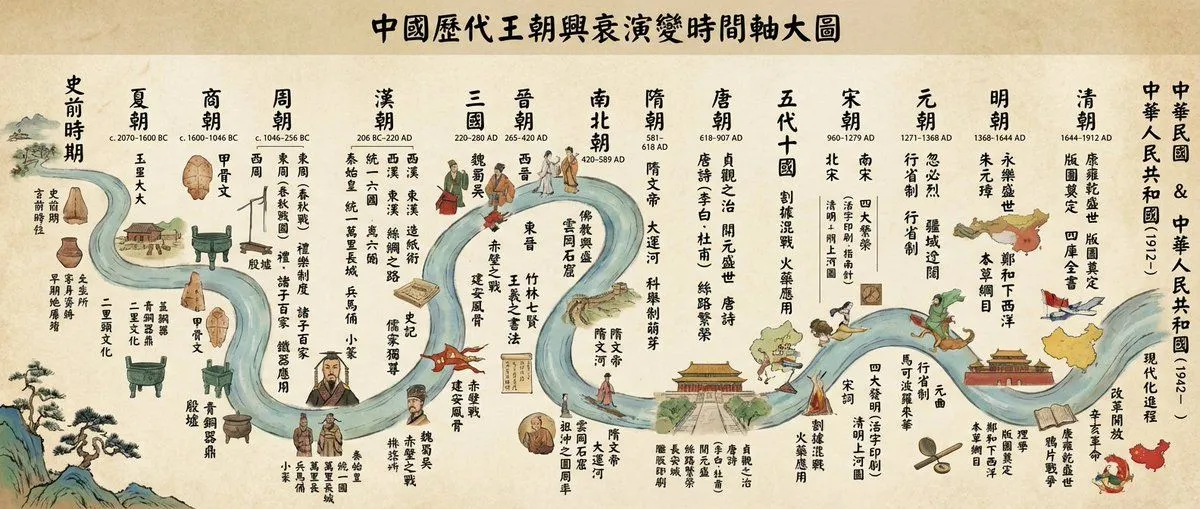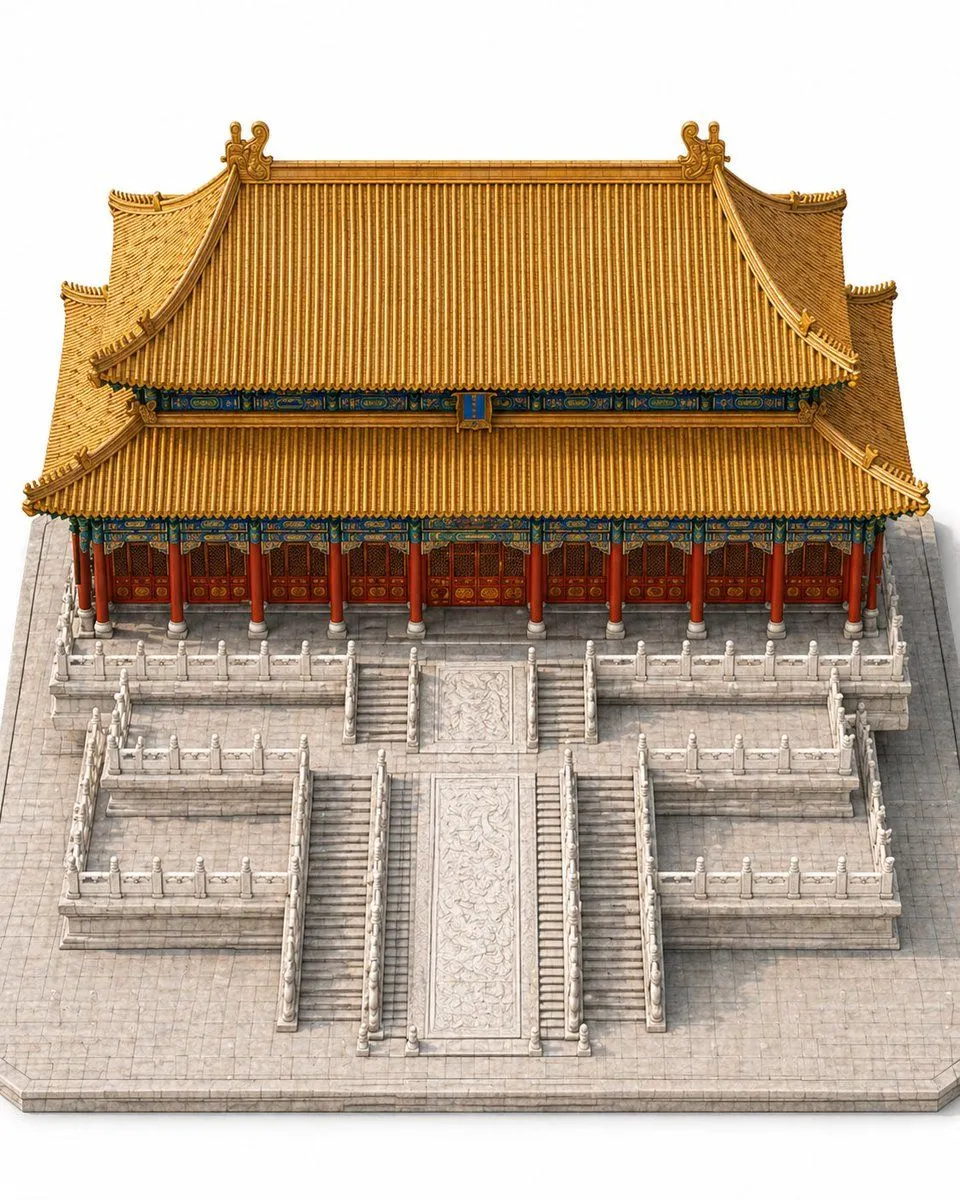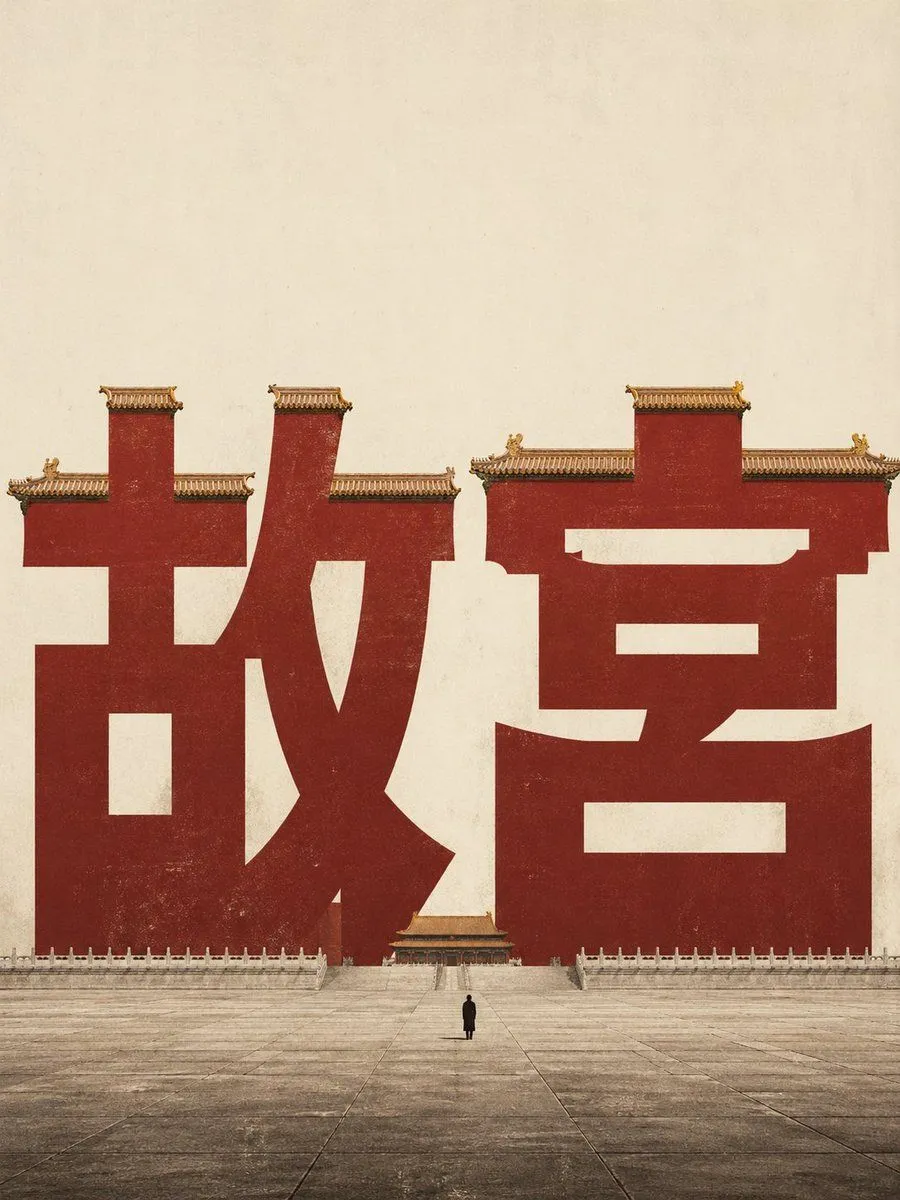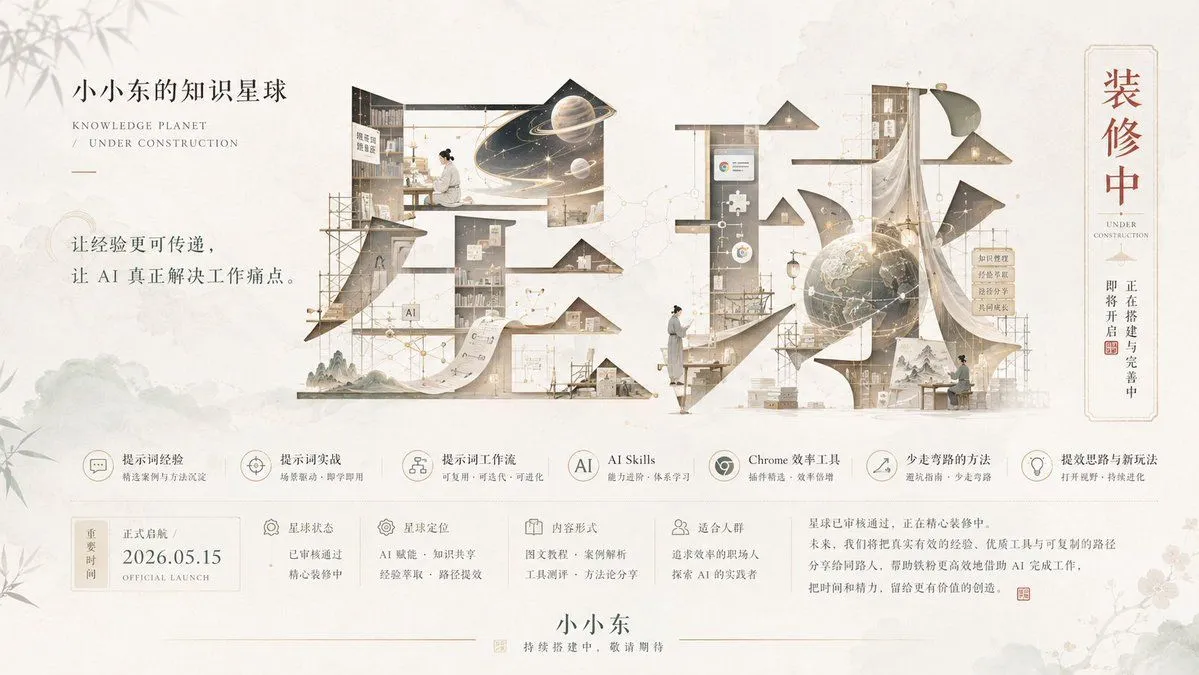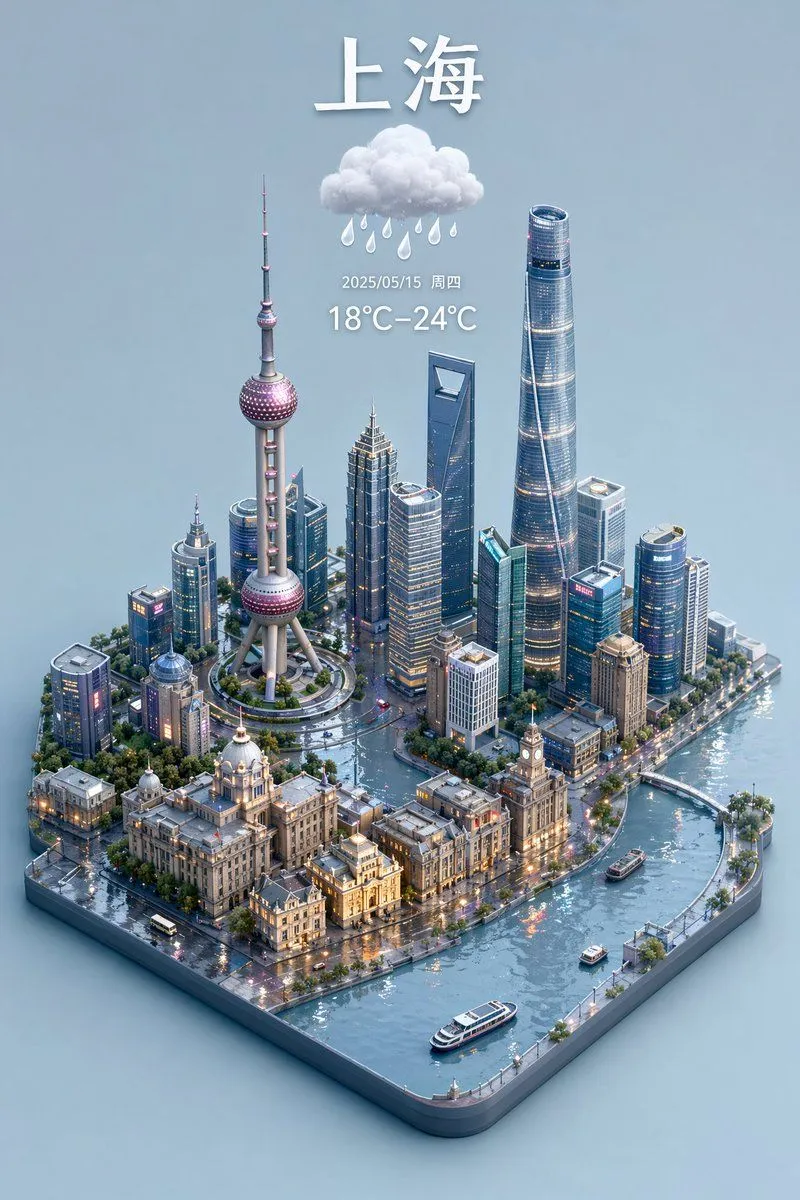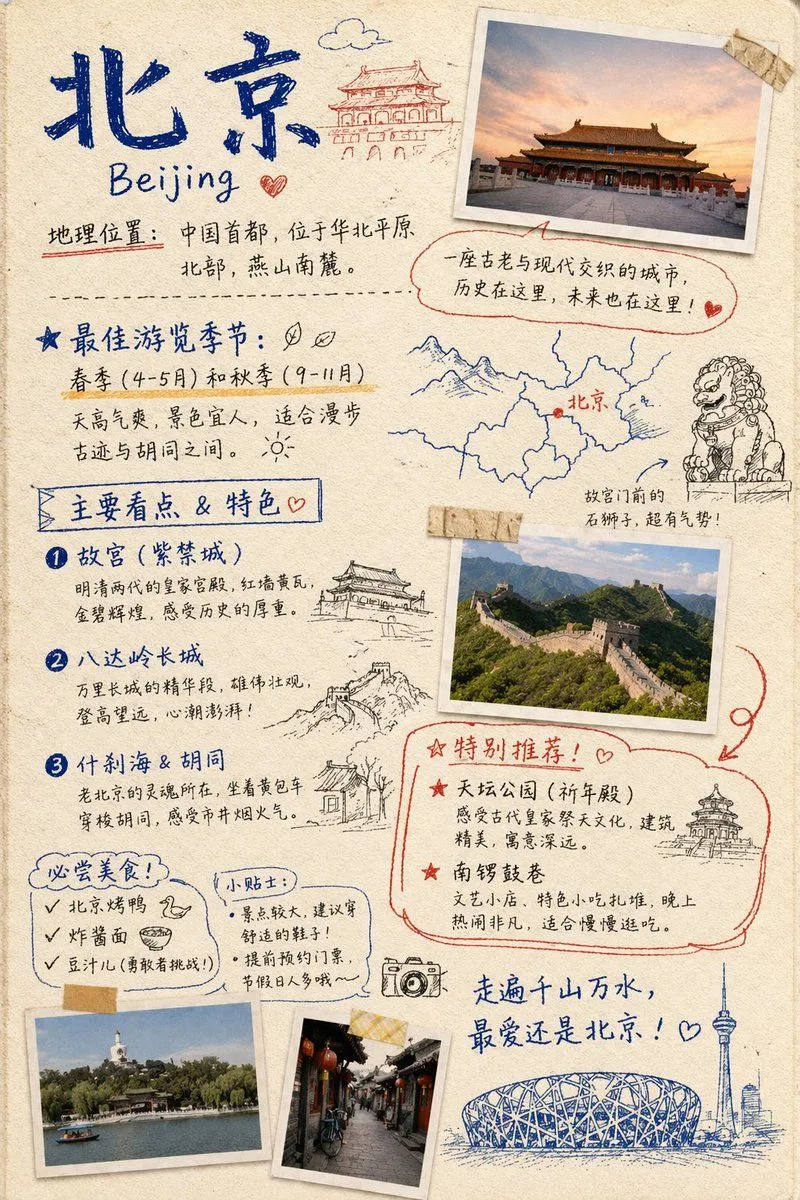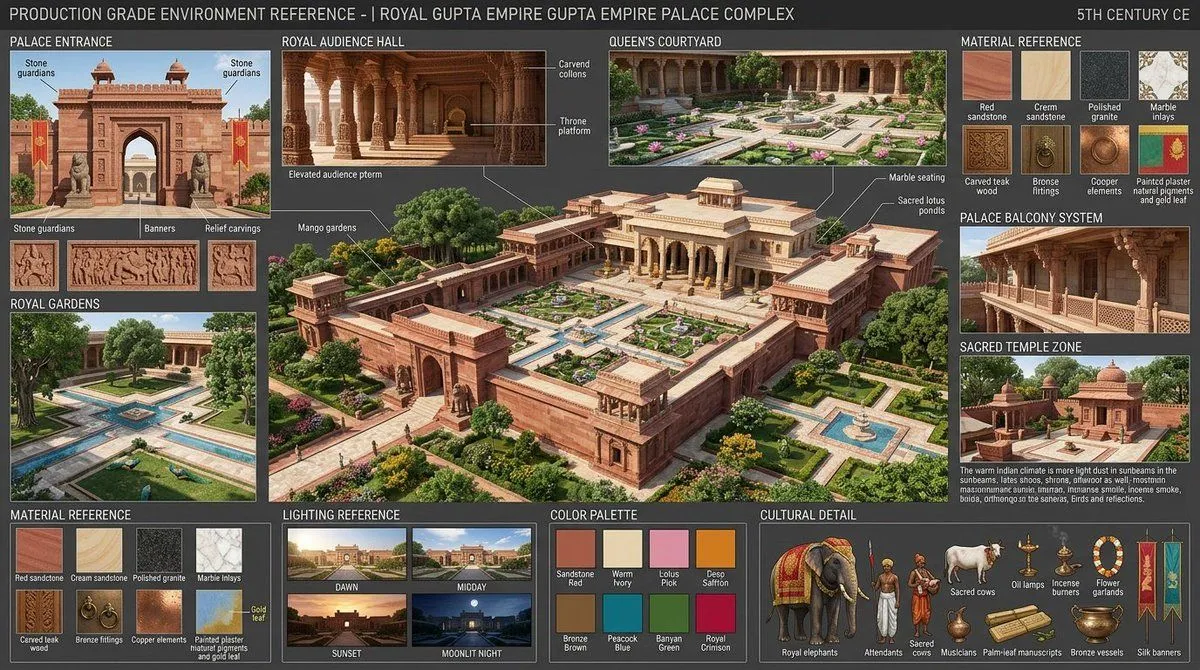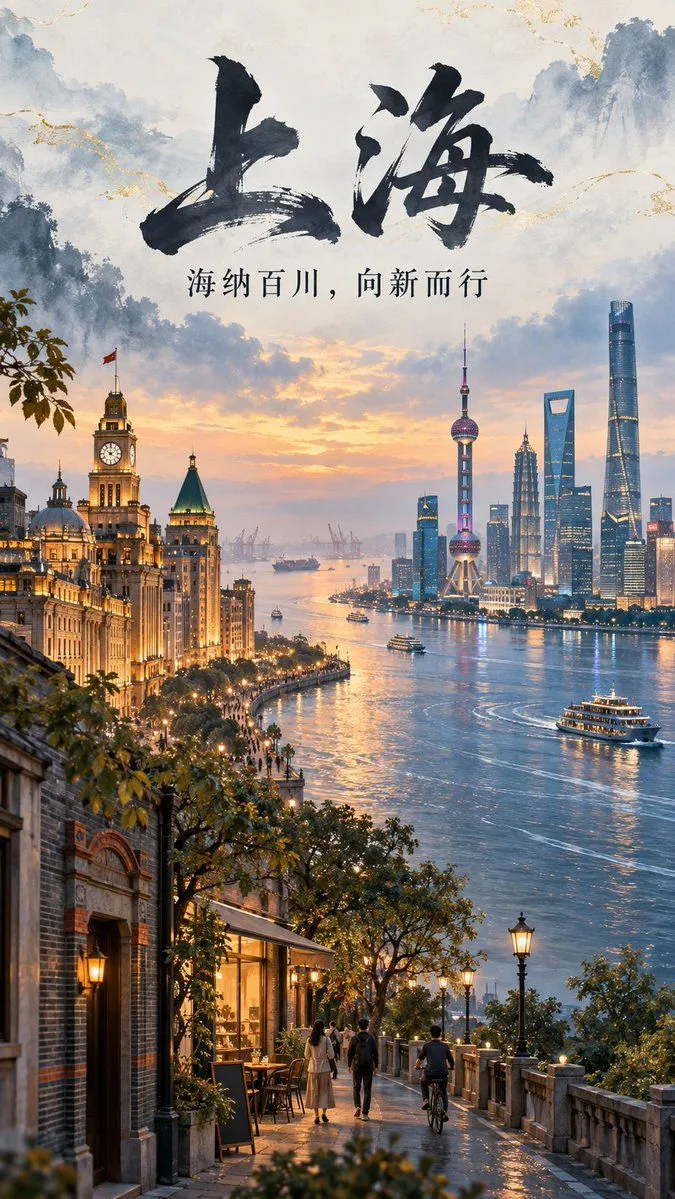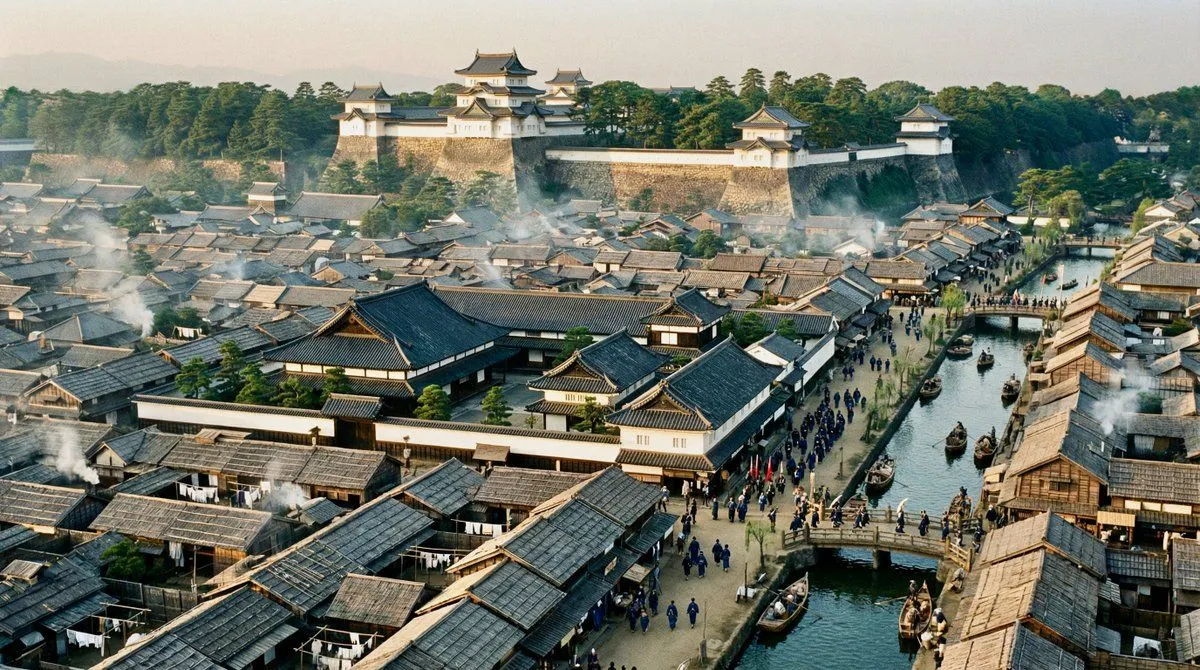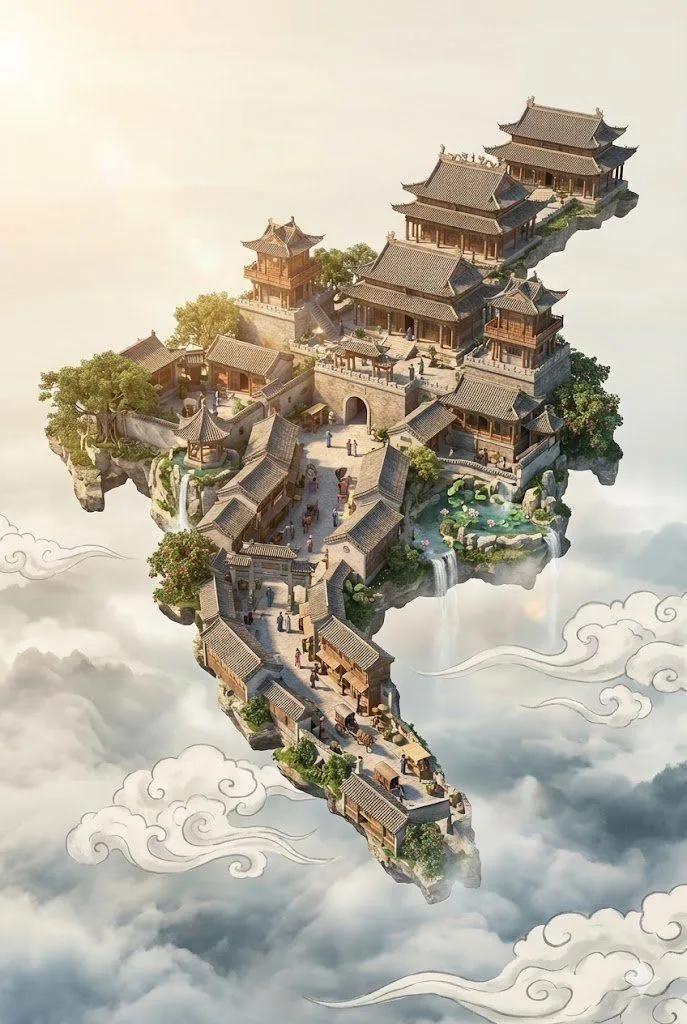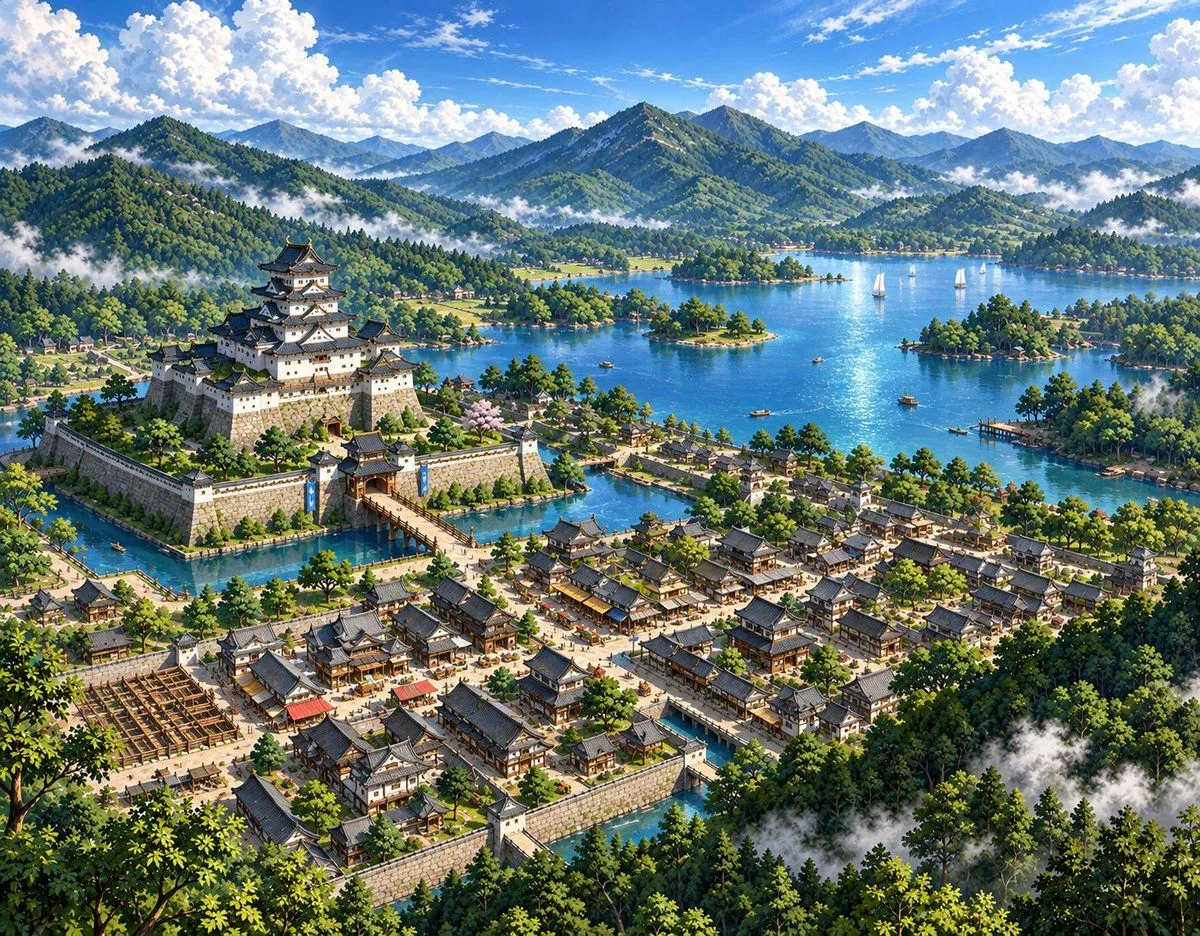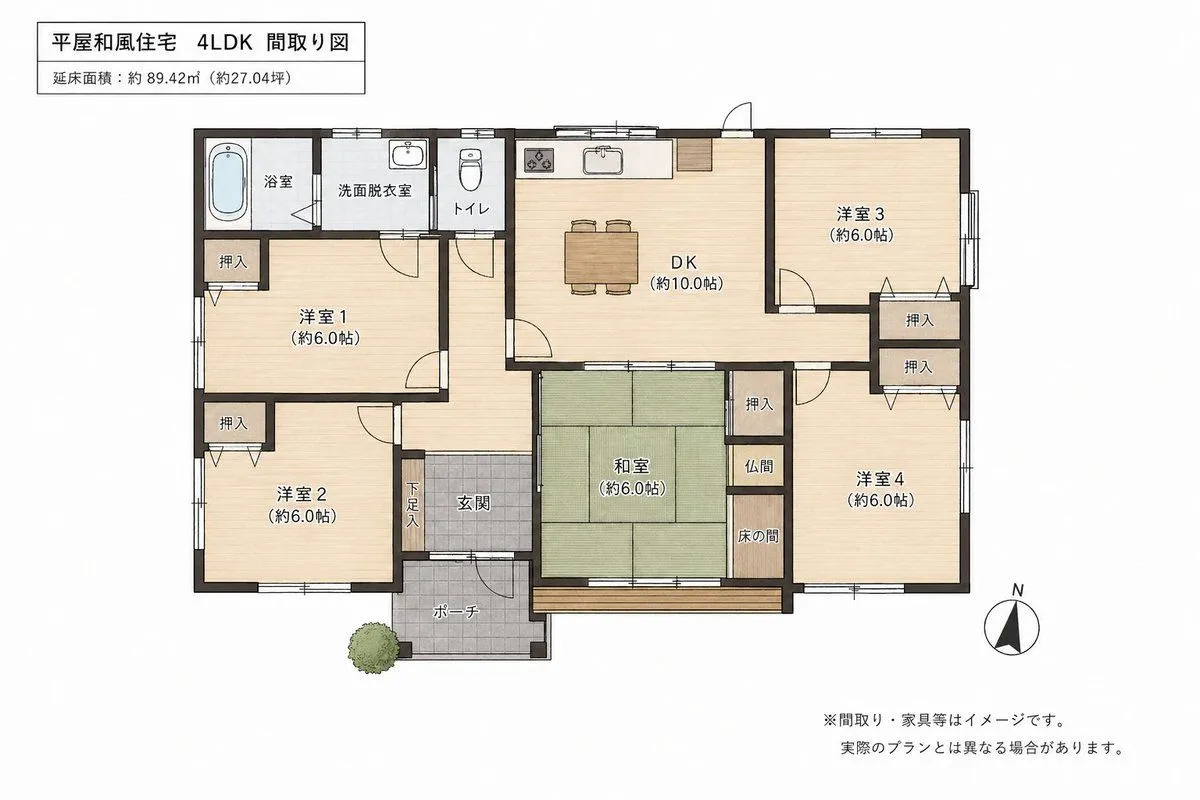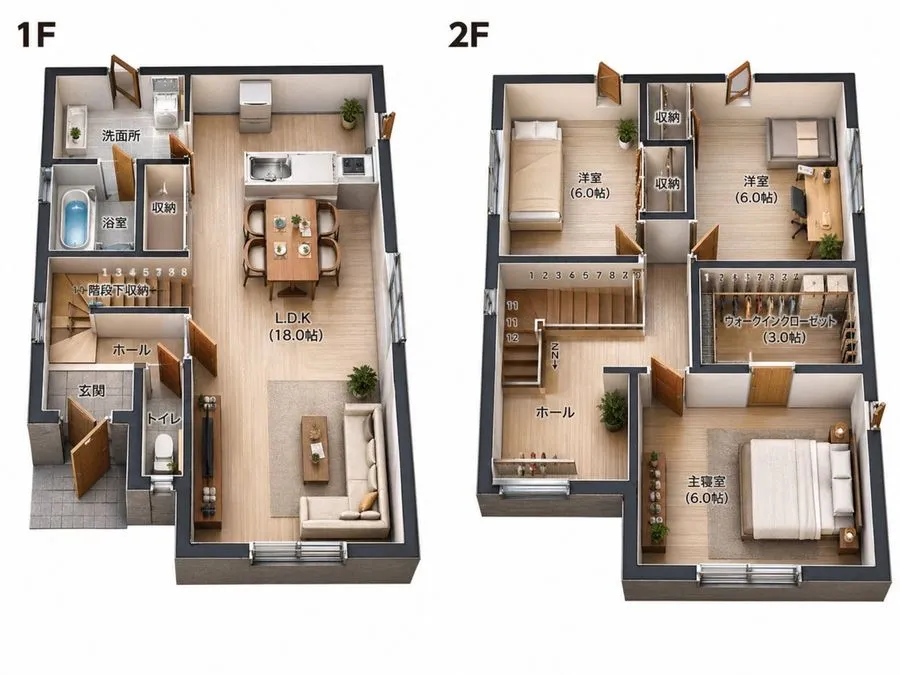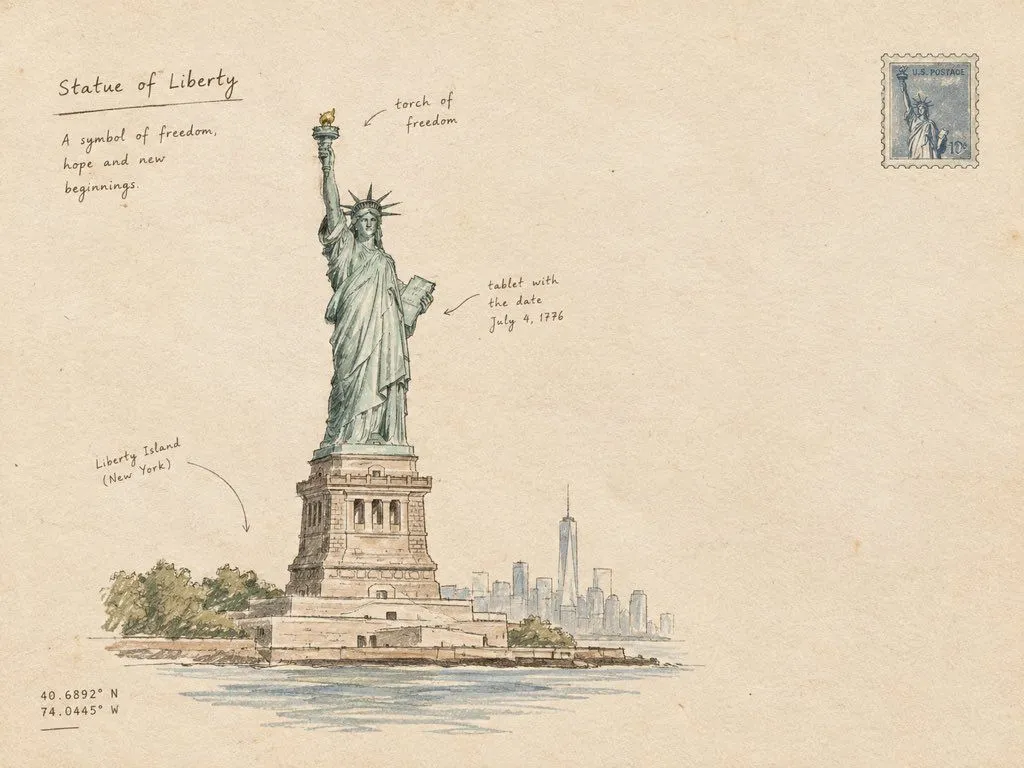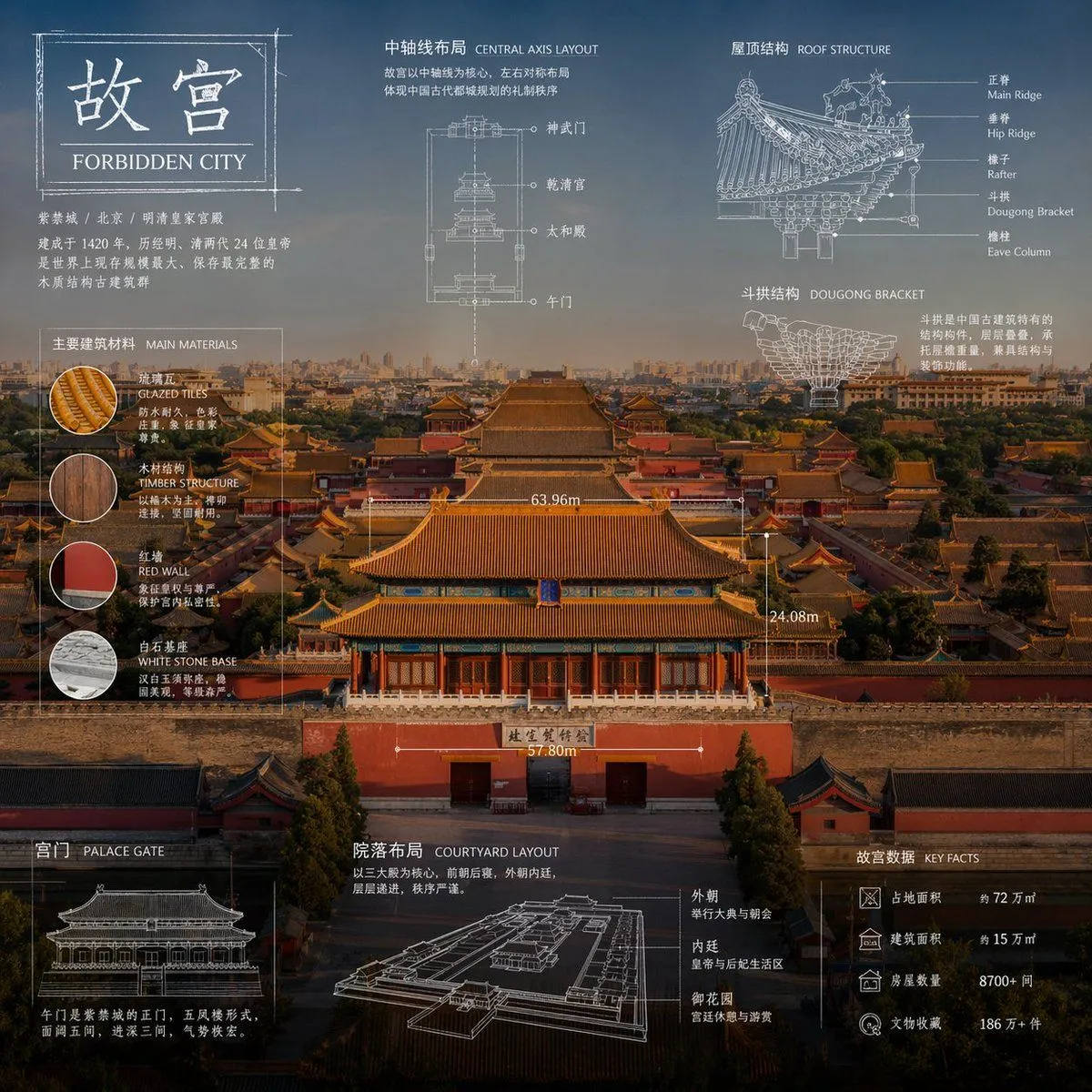
Made with GPT Image 2 in ChatGPT by Library Explainers. Promptclay never generates images.
Did it work?
No reports yet. Tell others if it worked for you.
Technical Blueprint Infographic Style
Prompt
2 blanks to fill"Advanced technical infographic of {subject}. Reinterpret the subject in a professional and realistic new photograph that is clean and bright, with a more appropriate and aesthetic background. Keep the items as real photos rather than illustrations. Add a technical blueprint style overlay with white lines, arrows, dimensions, labels, and small schematics of parts, materials, dimensions, and functions. A clear, elegant, and informative piece. Place a sketch box in the top left corner with the word '{label}'. 1:1 dimensions."
Preview of your prompt
"Advanced technical infographic of subject. Reinterpret the subject in a professional and realistic new photograph that is clean and bright, with a more appropriate and aesthetic background. Keep the items as real photos rather than illustrations. Add a technical blueprint style overlay with white lines, arrows, dimensions, labels, and small schematics of parts, materials, dimensions, and functions. A clear, elegant, and informative piece. Place a sketch box in the top left corner with the word 'OBJECT'. 1:1 dimensions."
DetailsVersions, settings and questions
Written for
What's in the prompt
- Subject
- Model
- GPT Image 2
If your face changes
keep my face exactly the sameQuestions
- Does this work in the ChatGPT app?
- Yes. Paste the prompt and attach your photo if it uses one.
- It changed my face. What do I do?
- Add "keep my face exactly the same" to the end and run it again.
- Can I use the images I make?
- Check the terms of the app you use. Promptclay never generates images and claims nothing you make.