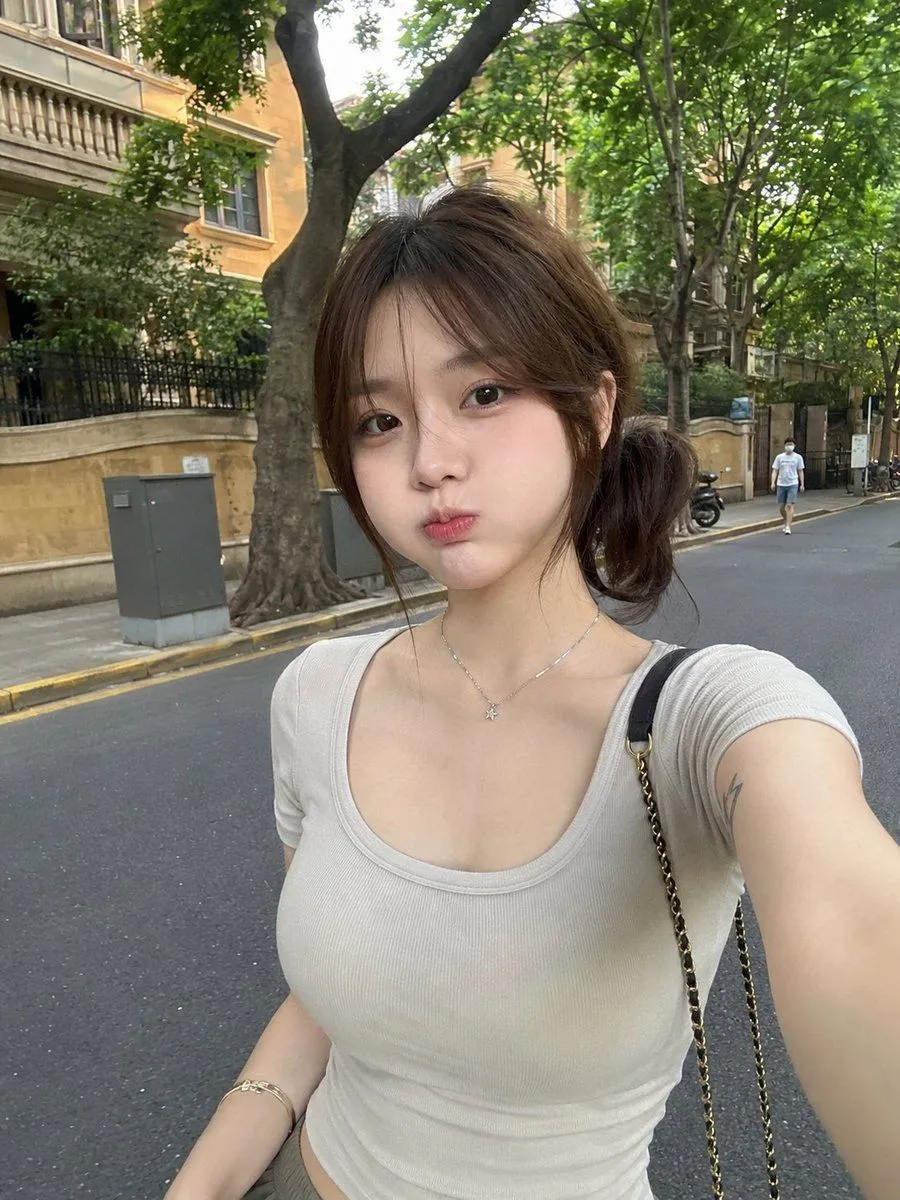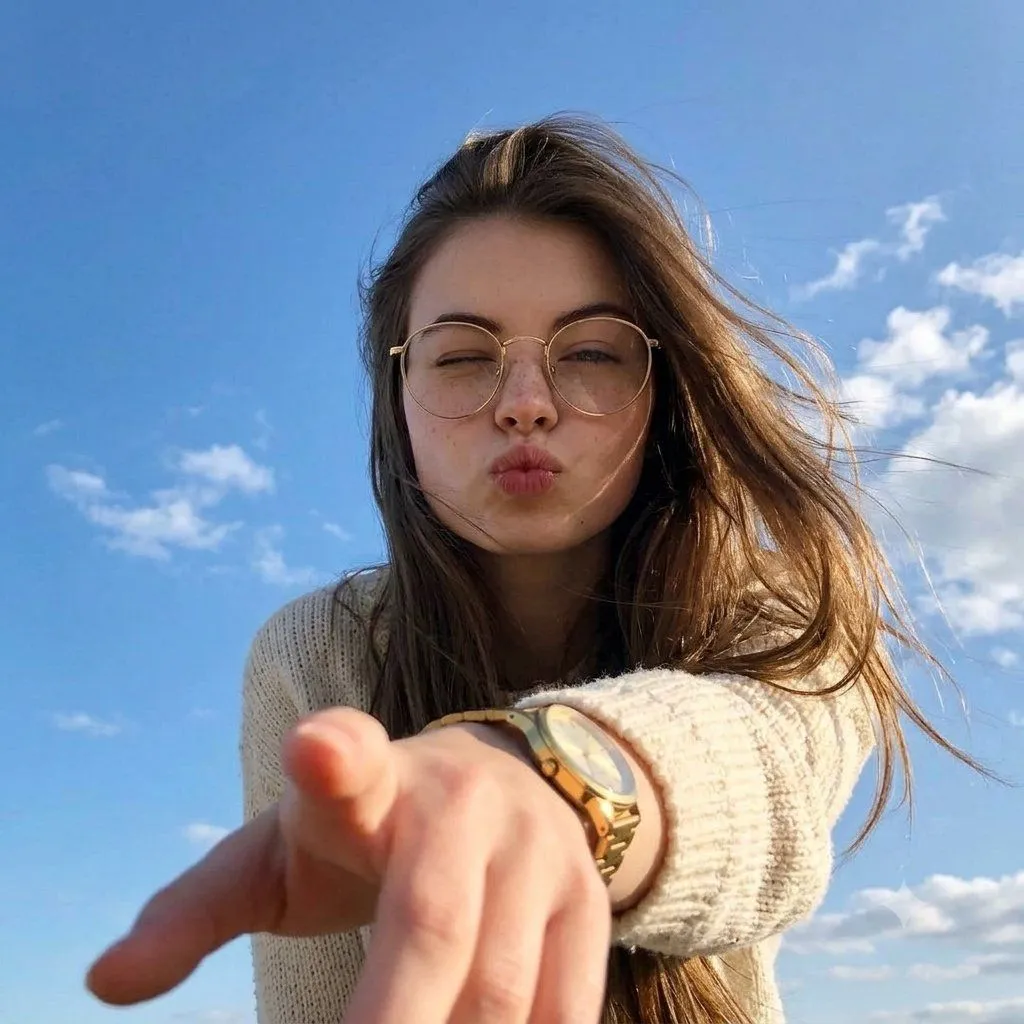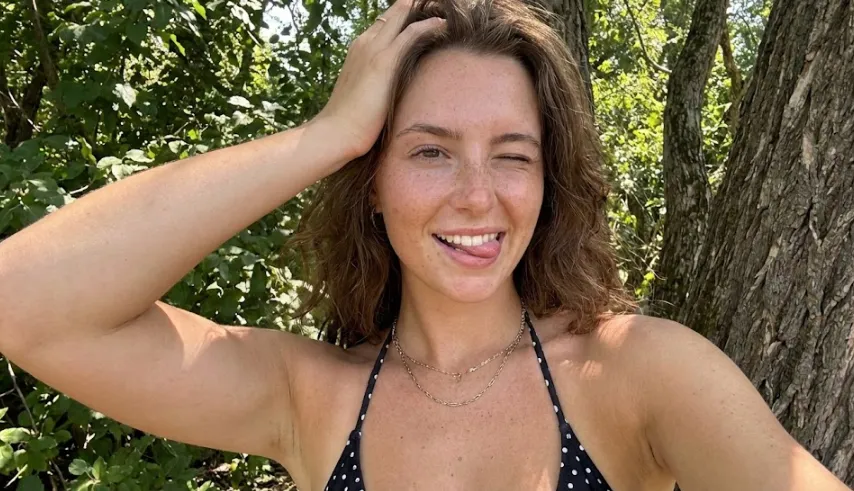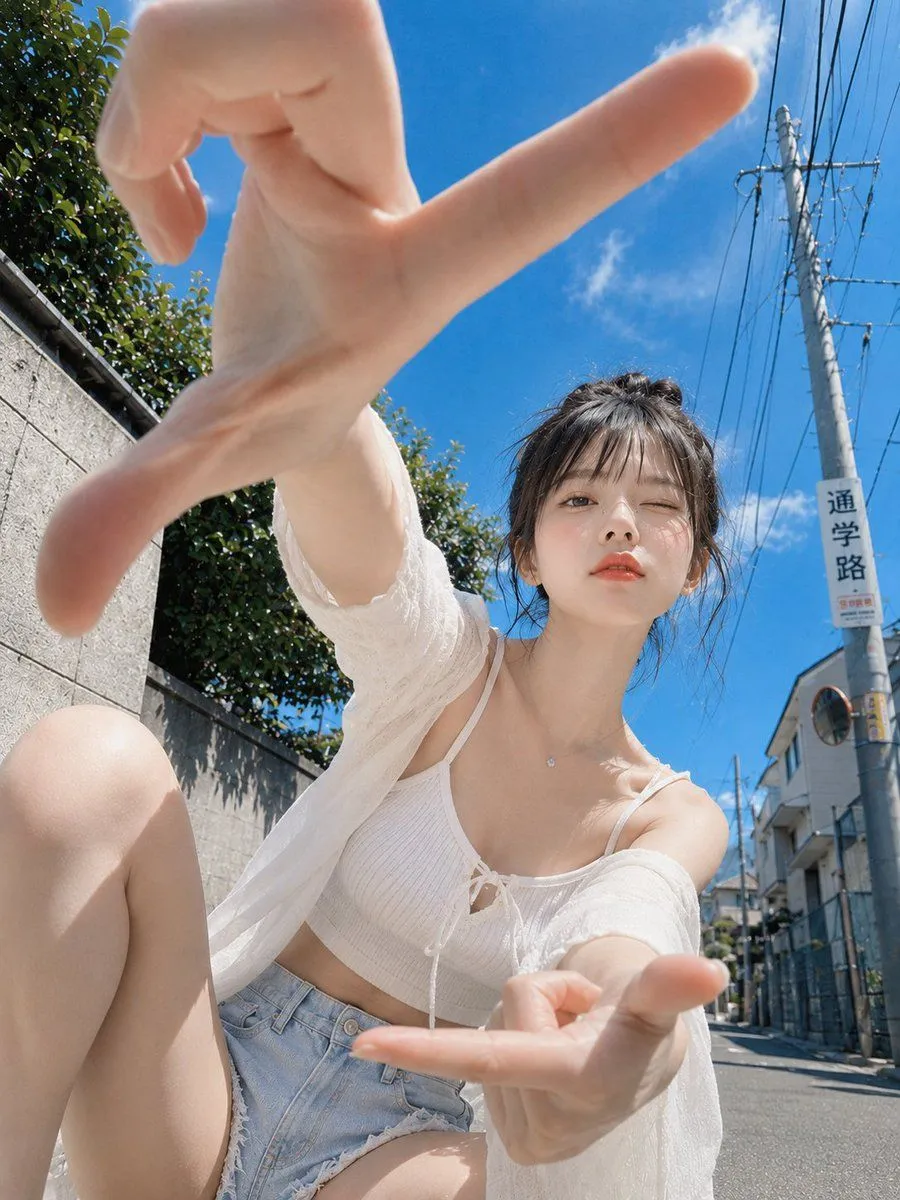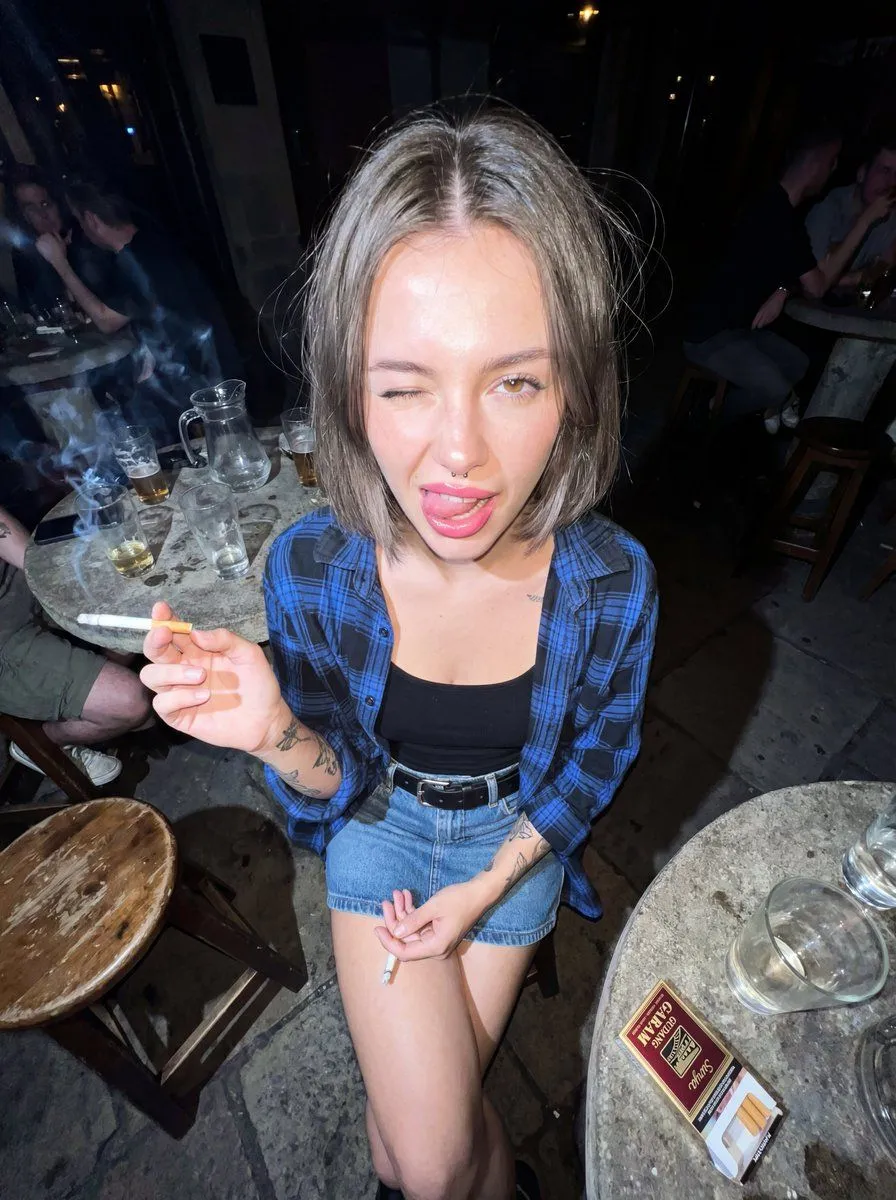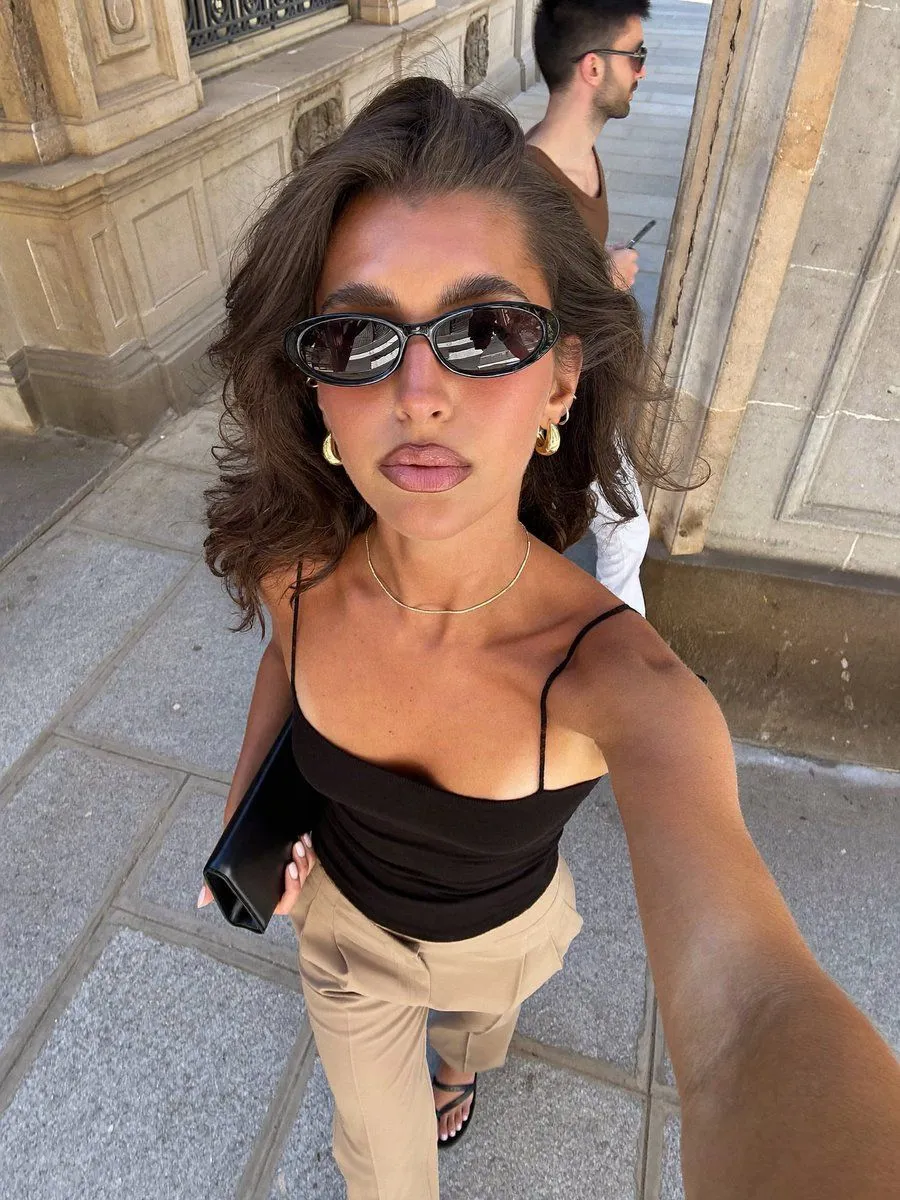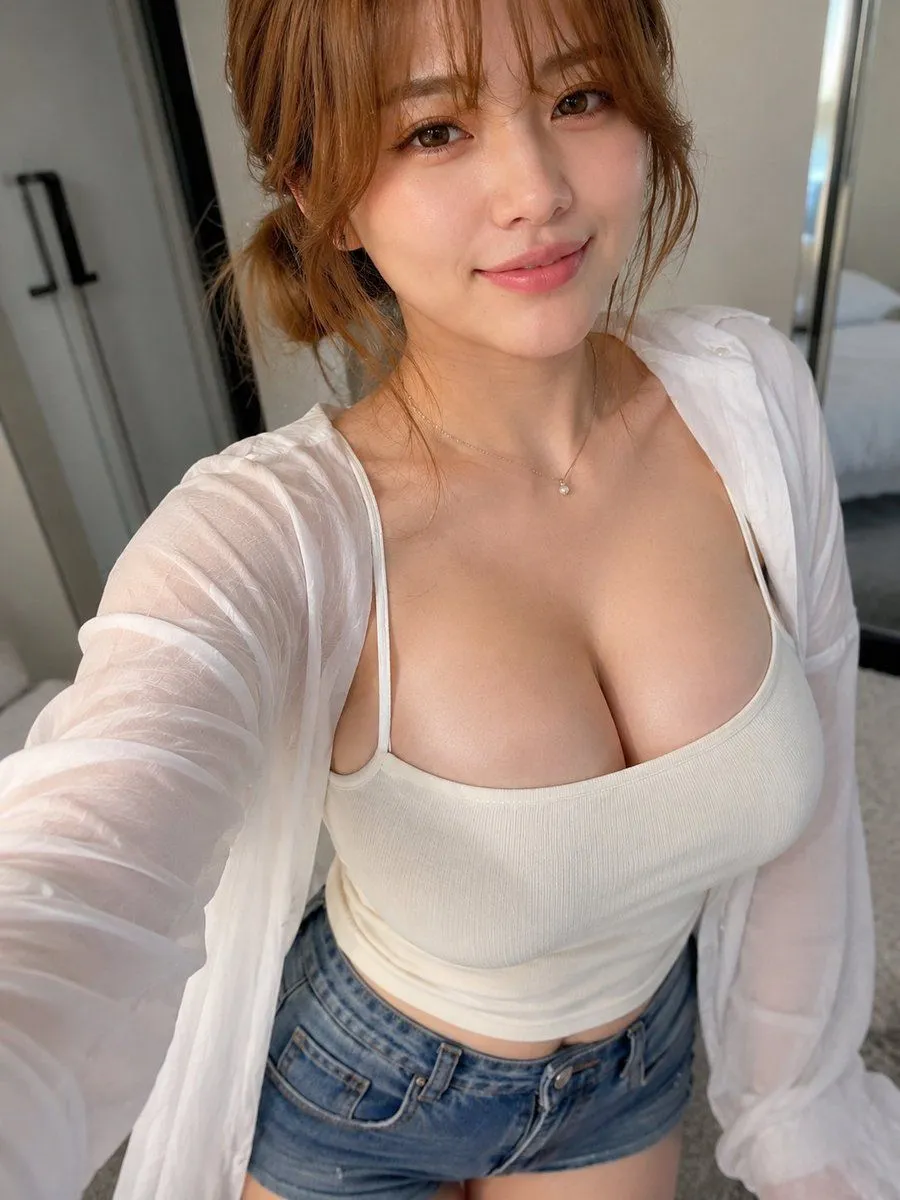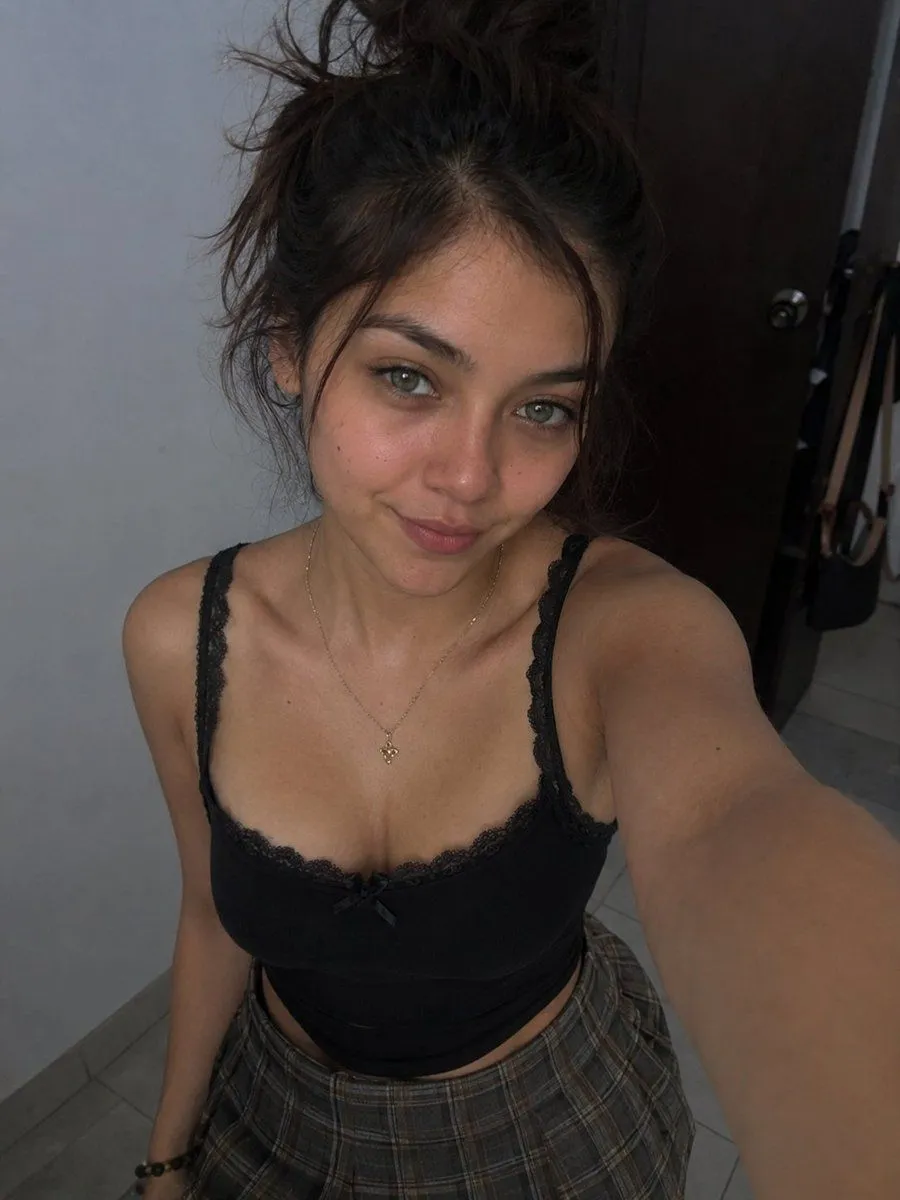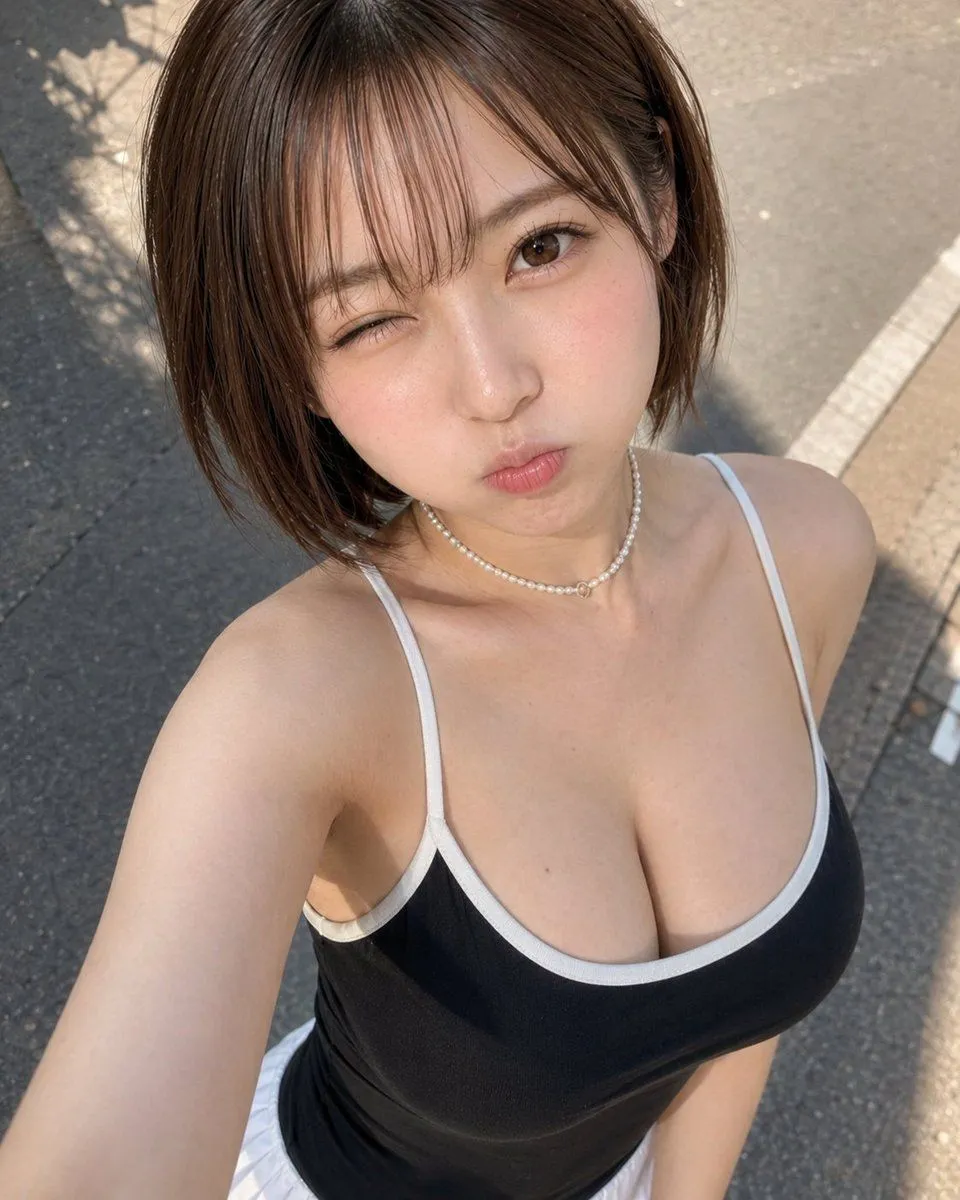
Made with GPT Image 2 in ChatGPT, collected by Library Avatars. Promptclay never generates images.
Did it work?
No reports yet. Tell others if it worked for you.
Sunny High-Angle Street Selfie
Prompt
1 blank to fillCreate a highly realistic smartphone selfie photo of a {subject} outdoors on a sunny street, shot from a high arm's-length angle looking down. She has a short chestnut-brown bob haircut with wispy bangs, smooth fair skin, warm brown eyes, and a playful expression: one eye winking, lips puckered in a cute pout, cheeks slightly flushed. She wears a fitted black camisole tank top with thin white straps and white trim, a delicate pearl choker necklace with a small center charm, and a white skirt barely visible at the bottom edge. Frame her from the upper torso upward, with her extended arm entering from the lower left as if holding the phone. Use bright natural midday sunlight, crisp shadows, realistic skin texture, glossy hair highlights, shallow smartphone-style depth of field, and an asphalt sidewalk/street background with curb markings and soft plant shadows. Keep the composition candid, casual, and photorealistic, with no text, no watermark, and no extra people.
Preview of your prompt
Create a highly realistic smartphone selfie photo of a young adult Japanese woman outdoors on a sunny street, shot from a high arm's-length angle looking down. She has a short chestnut-brown bob haircut with wispy bangs, smooth fair skin, warm brown eyes, and a playful expression: one eye winking, lips puckered in a cute pout, cheeks slightly flushed. She wears a fitted black camisole tank top with thin white straps and white trim, a delicate pearl choker necklace with a small center charm, and a white skirt barely visible at the bottom edge. Frame her from the upper torso upward, with her extended arm entering from the lower left as if holding the phone. Use bright natural midday sunlight, crisp shadows, realistic skin texture, glossy hair highlights, shallow smartphone-style depth of field, and an asphalt sidewalk/street background with curb markings and soft plant shadows. Keep the composition candid, casual, and photorealistic, with no text, no watermark, and no extra people.
DetailsVersions, settings and questions
Written for
What's in the prompt
- Subject
- Model
- GPT Image 2
If your face changes
keep my face exactly the sameQuestions
- Does this work in the ChatGPT app?
- Yes. Paste the prompt and attach your photo if it uses one.
- It changed my face. What do I do?
- Add "keep my face exactly the same" to the end and run it again.
- Can I use the images I make?
- Check the terms of the app you use. Promptclay never generates images and claims nothing you make.