Tell us anything

An idea, a bug, something you love. We read every note.

⌘↵ to send. The page you're on comes along.

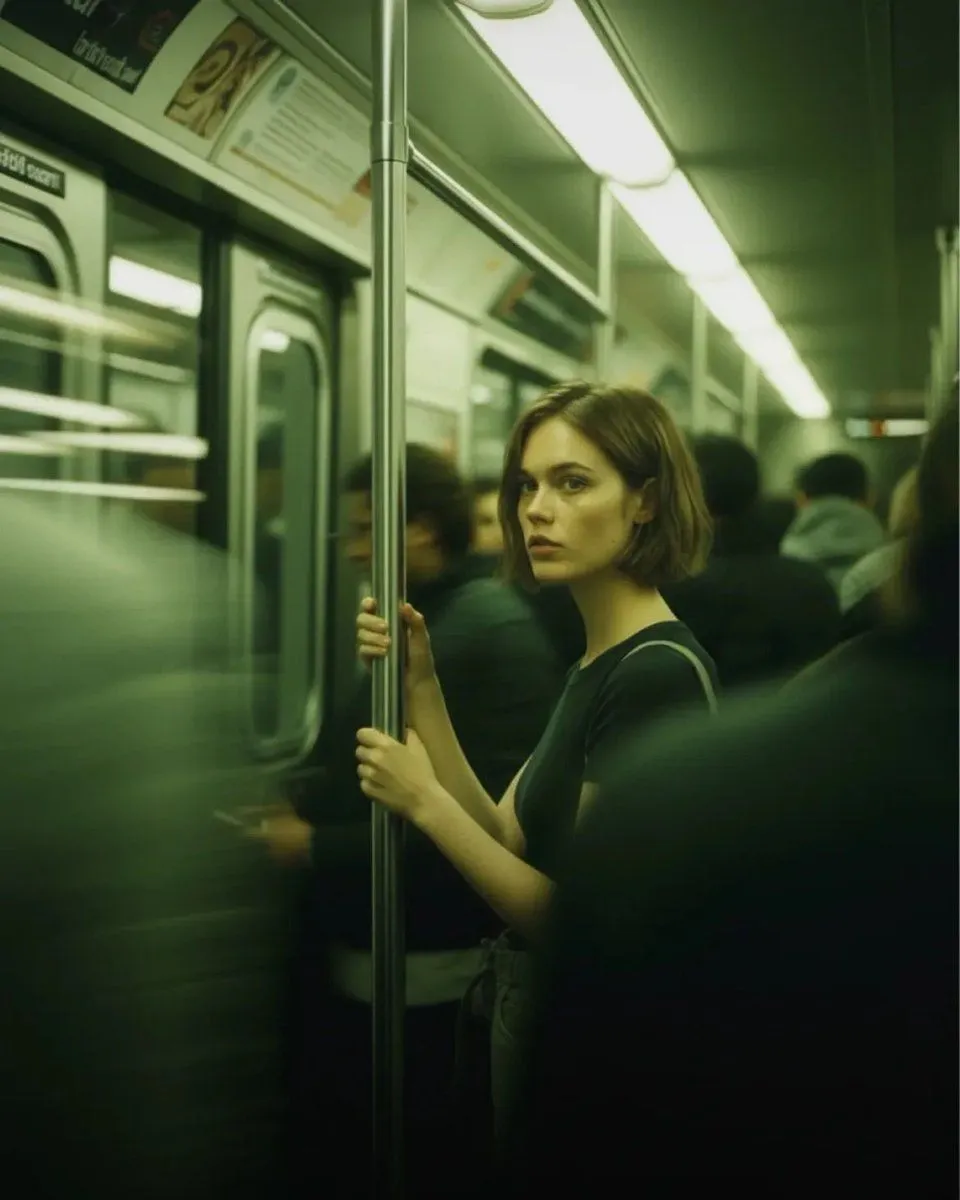
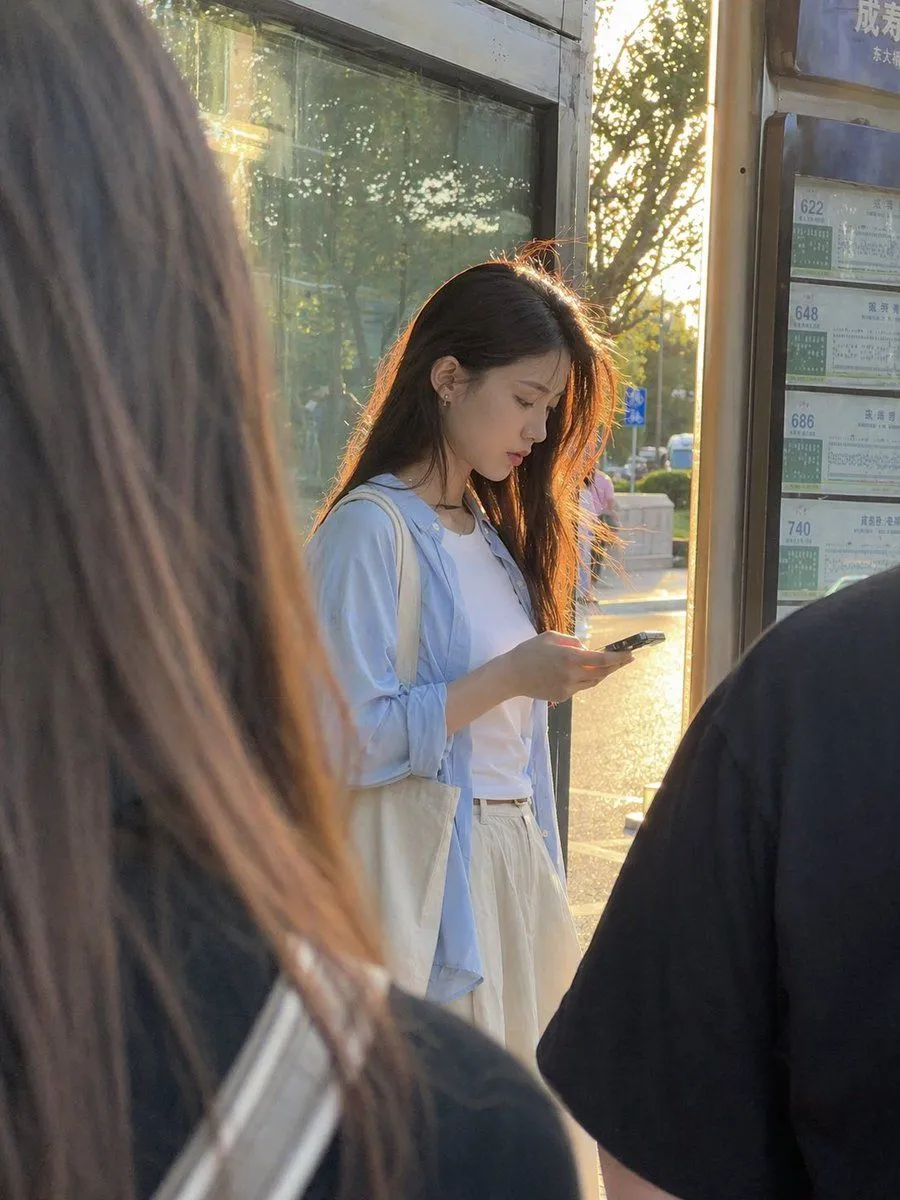
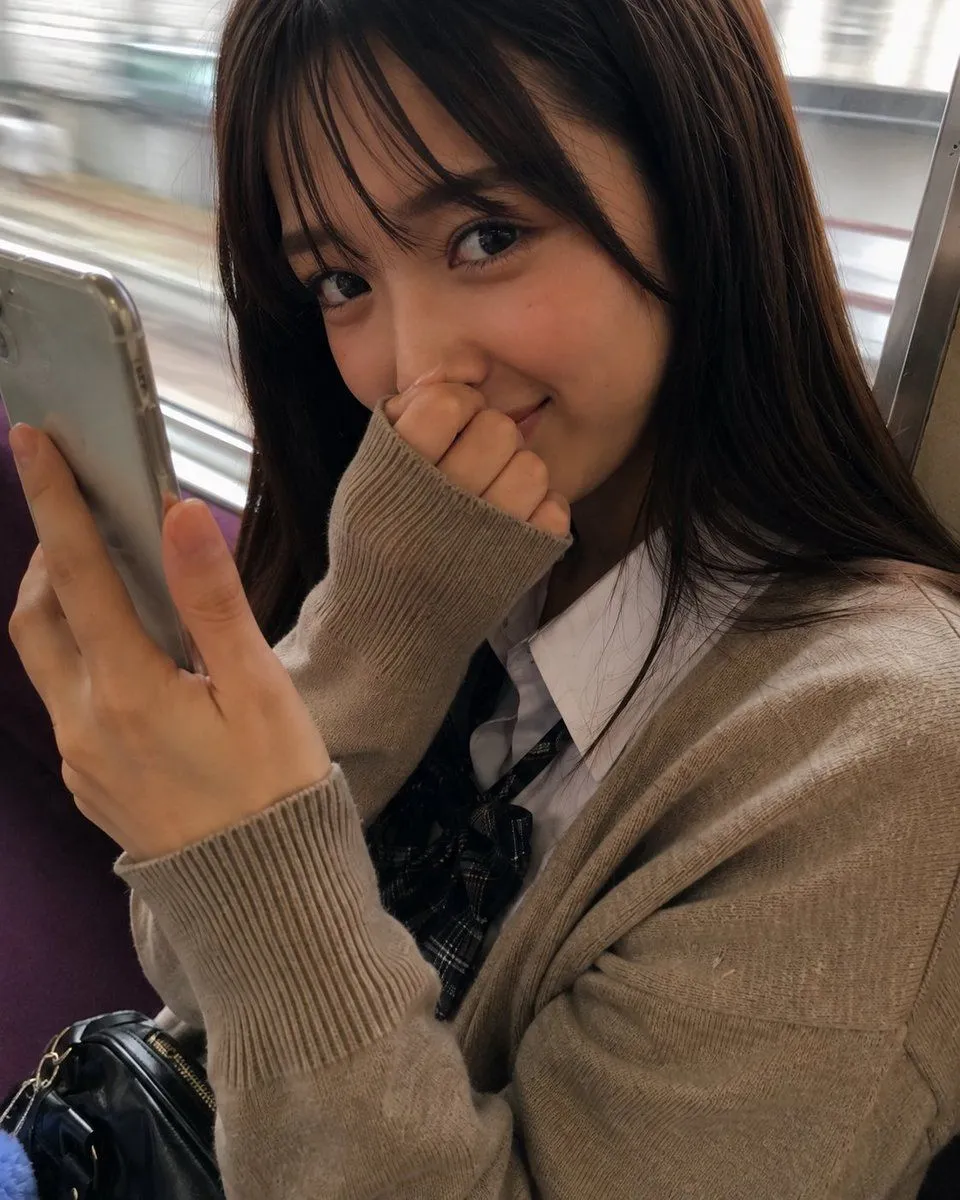
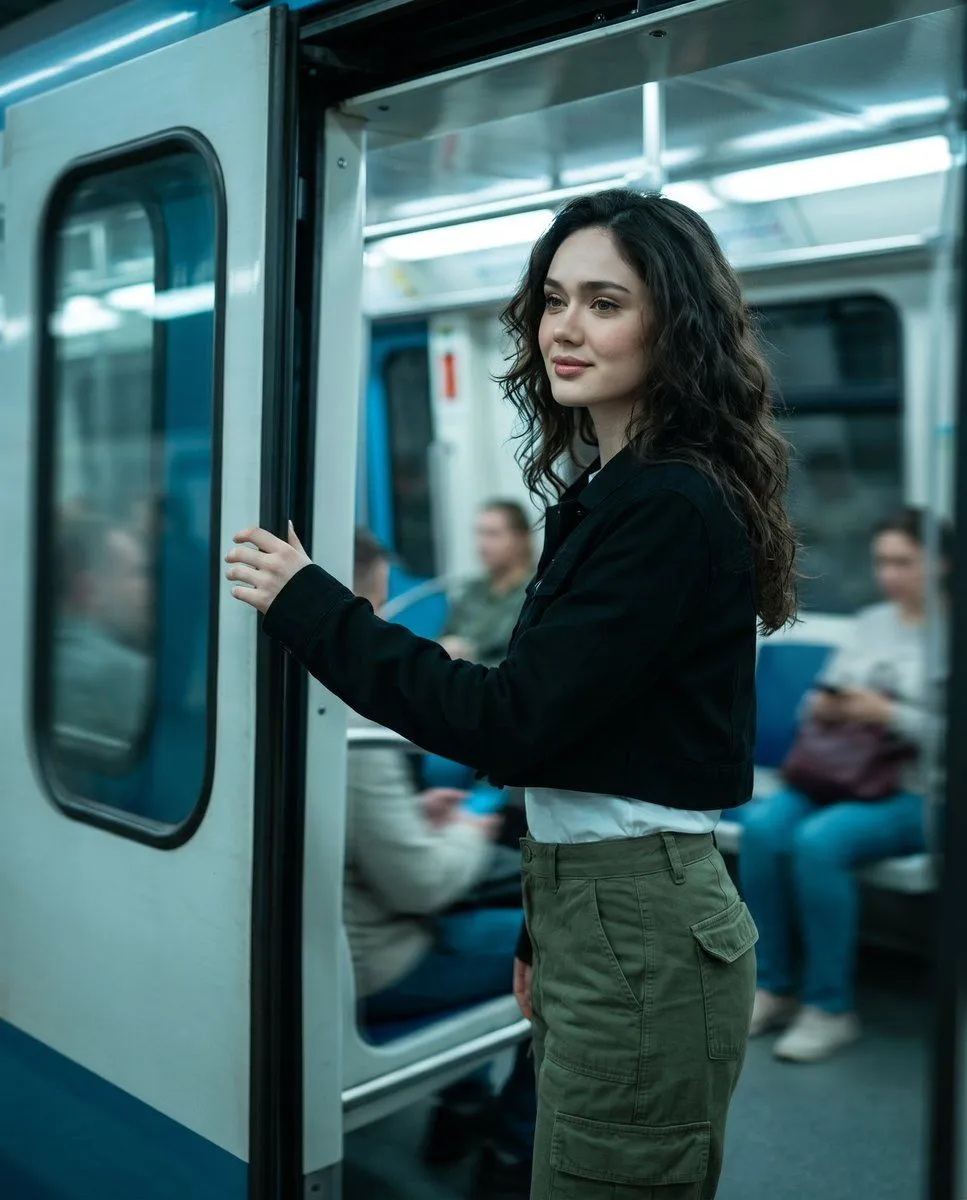
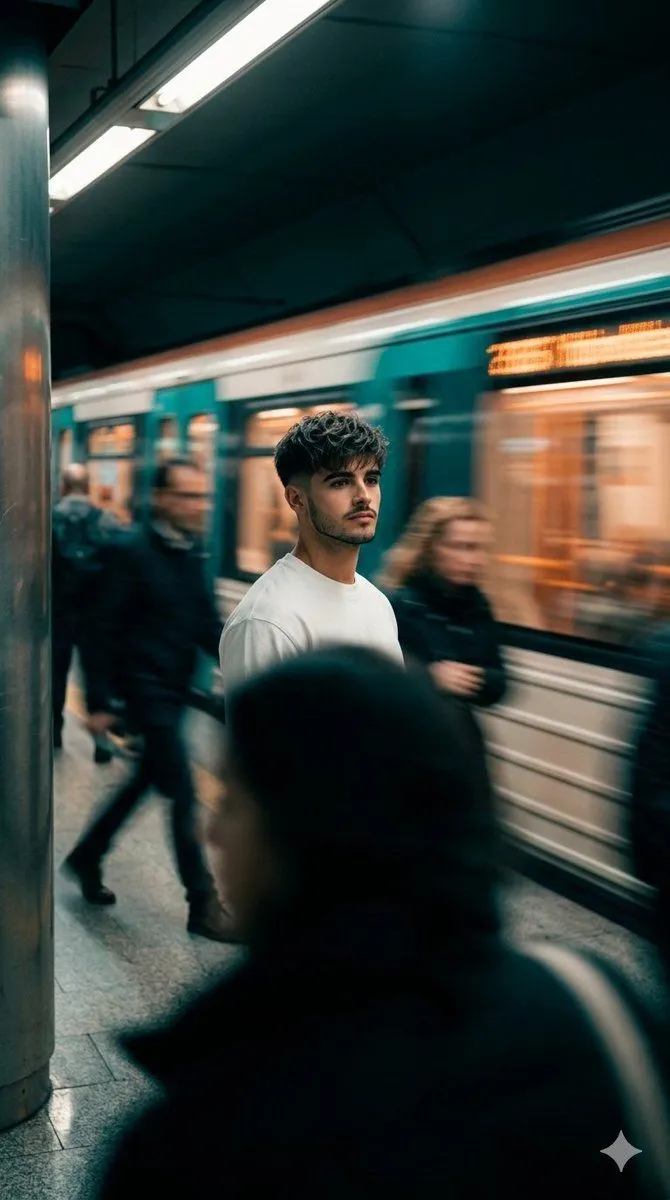
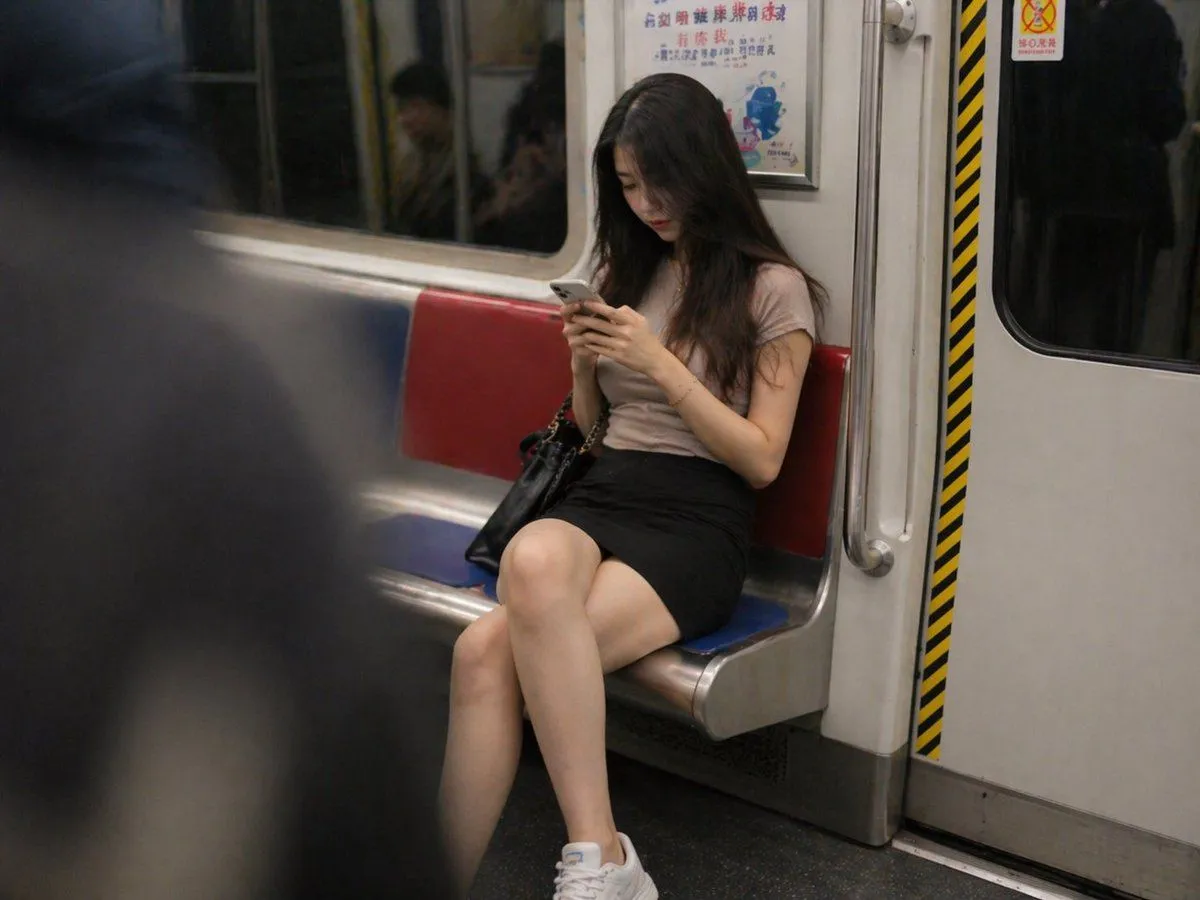
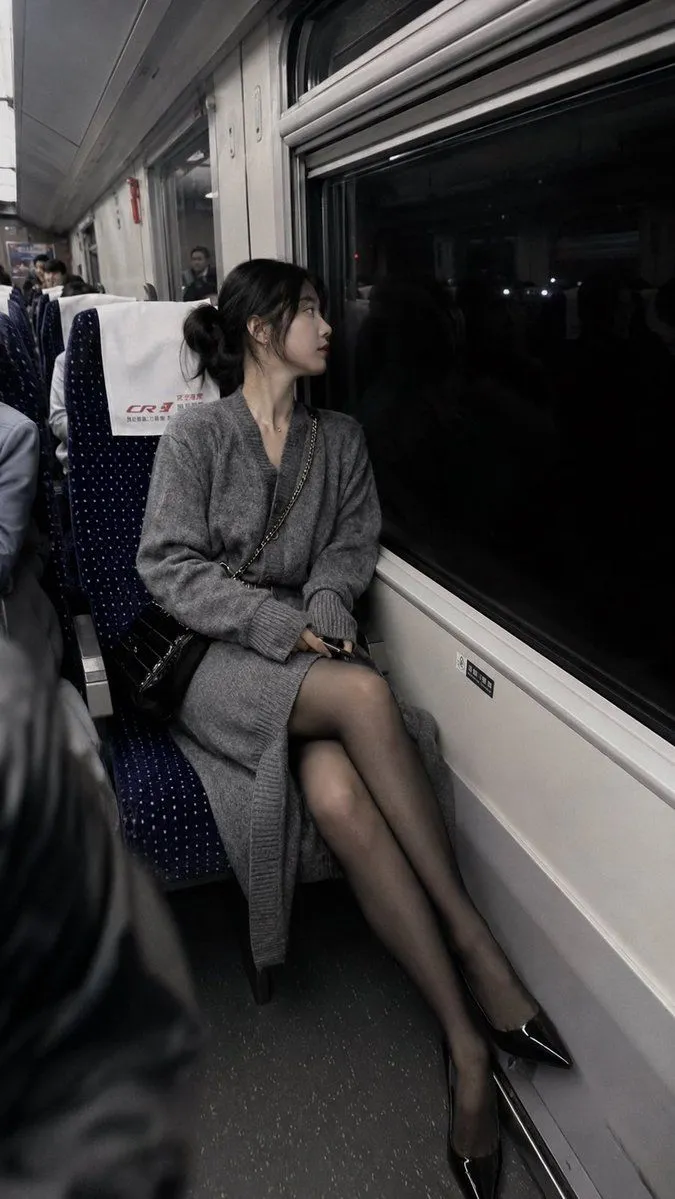
Subway Candid Photo Prompt

Made with GPT Image 2 in ChatGPT by Library Lifestyle. Promptclay never generates images.

Did it work?

No reports yet. Tell others if it worked for you.

No comments yet. Be the first.

    Subway Candid Photo Prompt

    GPT Image 24:3AI-generated

    Prompt

    3 blanks to fill

    A {subject} looking at her phone {location}; a {style}

    Works in
    ChatGPT, Gemini
    Status
    Free to copy
    0
    DetailsVersions, settings and questions

    Written for

    What's in the prompt

    Subject
    Model
    GPT Image 2

    If your face changes

    keep my face exactly the same

    Questions

    Does this work in the ChatGPT app?
    Yes. Paste the prompt and attach your photo if it uses one.
    It changed my face. What do I do?
    Add "keep my face exactly the same" to the end and run it again.
    Can I use the images I make?
    Check the terms of the app you use. Promptclay never generates images and claims nothing you make.

    Similar prompts

    See more
    • Reference-Based Character Portrait Prompt
    • Night Train Snapshot
    • Cinematic Subway Portrait
    • Golden Hour Bus Stop Candid
    • Candid Train Portrait
    • Urban Metro Cinematic Shot
    • Businesswoman at Shibuya Station
    • Cinematic Subway Motion Blur Portrait
    • Rush Hour Subway vs Traffic
    • Candid iPhone Style City Portrait
    • Realistic Car Backseat Selfie
    • Realistic Smartphone Cafe Portrait
    • Oversized Smartphone Street Portrait
    • Rainy Subway Betrayal Scene
    • Luxury Arcade with Sunlight Patterns
    • Minimalist Luxury Fashion Ad
    • Anime Floral Personality Poster
    • Cinematic Dark Movie Poster
    • Elegant Oriental Fantasy Illustration
    • Monochrome Scribble Ink Sketch
    • Mysterious Dark Forest Ritual Portrait
    • Pop Idol Typography Cover Art
    • Risograph Style Poetic Illustration
    • Skyscraper Climbing Action Shot

    Show more

    Run it on your phone

    1. Prompt copiedRead it

      A {subject} looking at her phone {location}; a {style}

    2. Open your app

    3. Paste and run

      Press and hold the message box, then tap Paste. Add your photo first if the prompt uses one. You may need to sign in.

    Subway Candid Photo Prompt