Tell us anything

An idea, a bug, something you love. We read every note.

⌘↵ to send. The page you're on comes along.

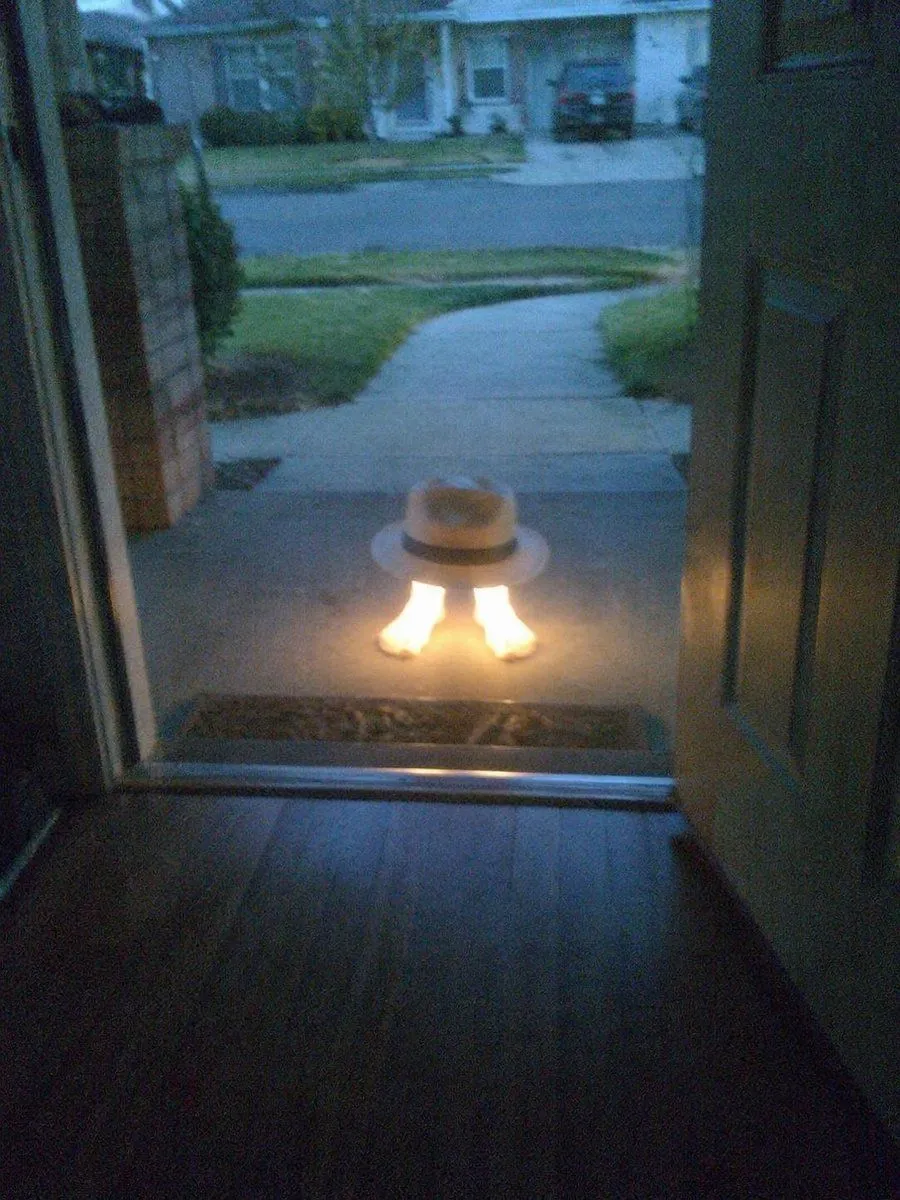
Subject Erasure and Hat Replacement

Made with GPT Image 2 in ChatGPT, collected by Library Lifestyle. Promptclay never generates images.

Did it work?

No reports yet. Tell others if it worked for you.

No comments yet. Be the first.

    Subject Erasure and Hat Replacement

    GPT Image 23:4AI-generated

    Prompt

    2 blanks to fill

    Using the reference image, completely remove the pelican's body. Replace the traffic cone with a {hat_style} and place it directly on top of the human feet. Apply a strong glowing effect to the feet, making them {foot_effect}. Keep the open doorway framing, the porch setting, and the dusk suburban background intact.

    Works in
    ChatGPT, Gemini
    Status
    Free to copy
    0
    DetailsVersions, settings and questions

    Written for

    What's in the prompt

    Subject
    Model
    GPT Image 2

    If your face changes

    keep my face exactly the same

    Questions

    Does this work in the ChatGPT app?
    Yes. Paste the prompt and attach your photo if it uses one.
    It changed my face. What do I do?
    Add "keep my face exactly the same" to the end and run it again.
    Can I use the images I make?
    Check the terms of the app you use. Promptclay never generates images and claims nothing you make.
    Similar prompts

    See more
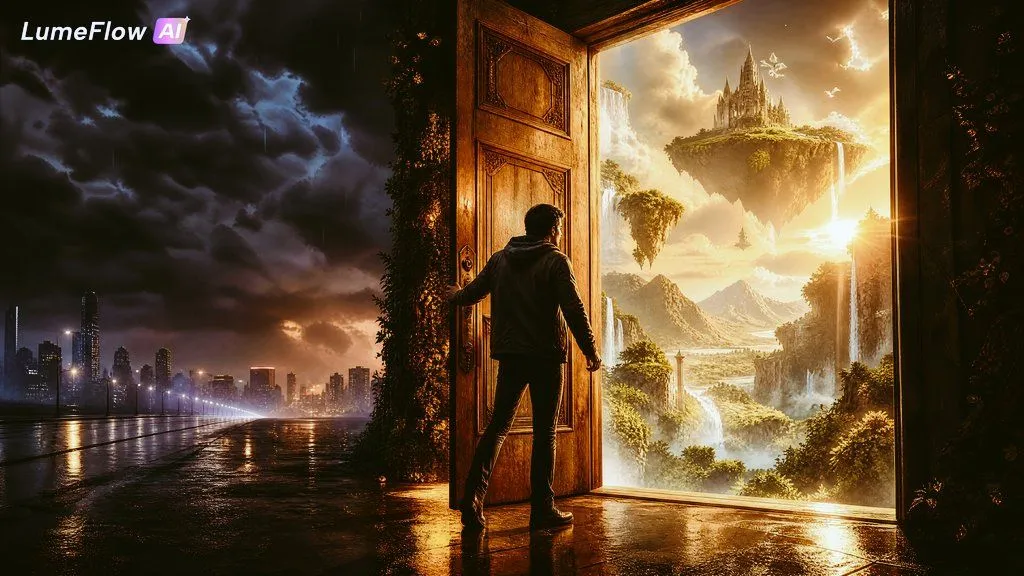
    • The Door to Another Life Surreal Fantasy Art
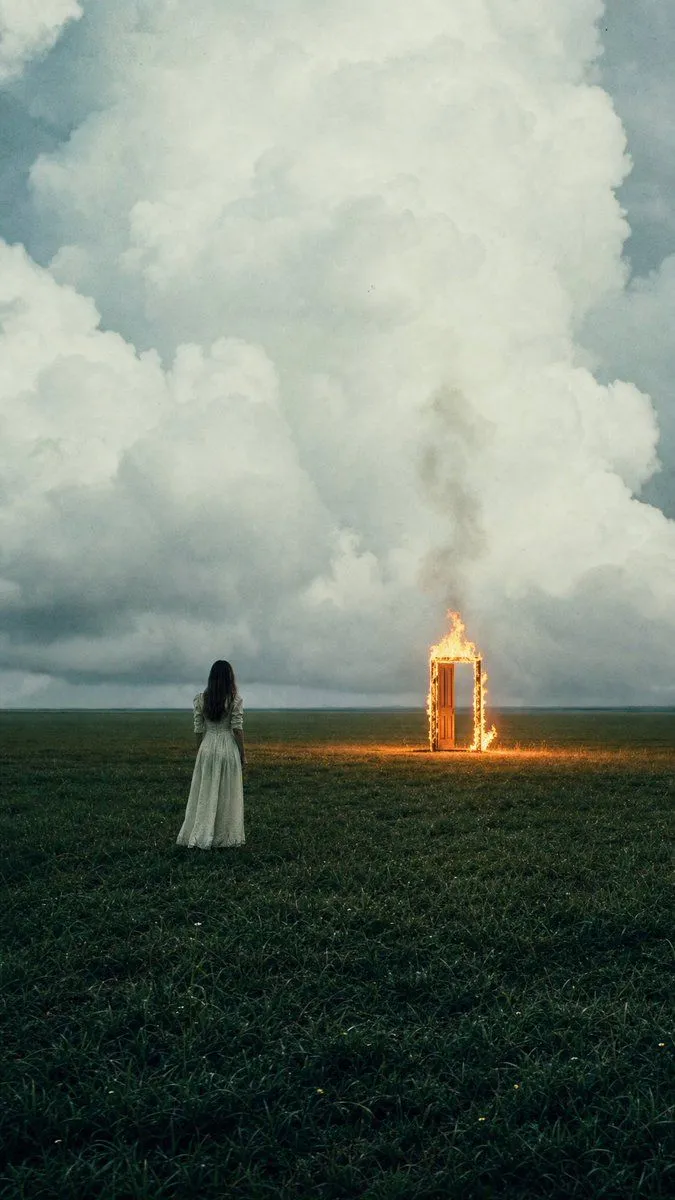
    • Woman Facing Burning Doorway
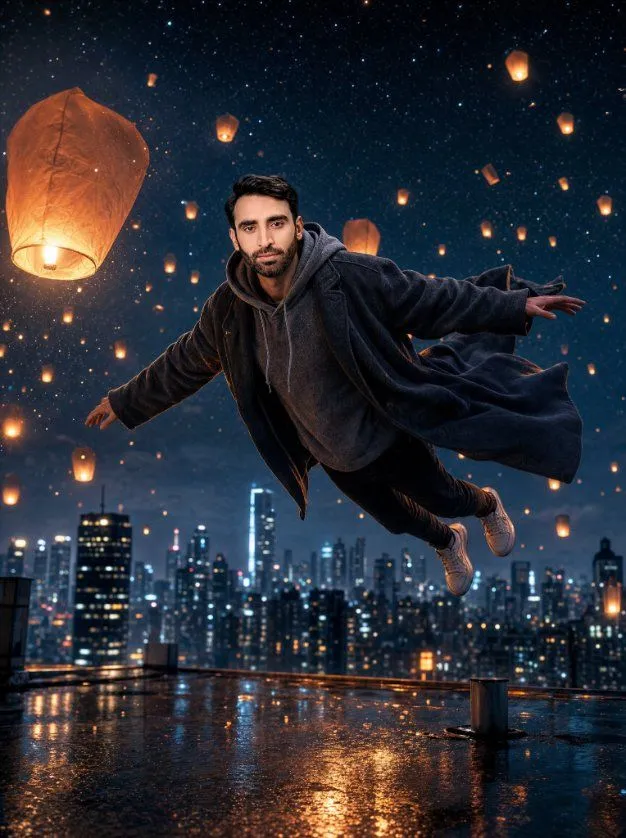
    • Floating Man Above Lantern City
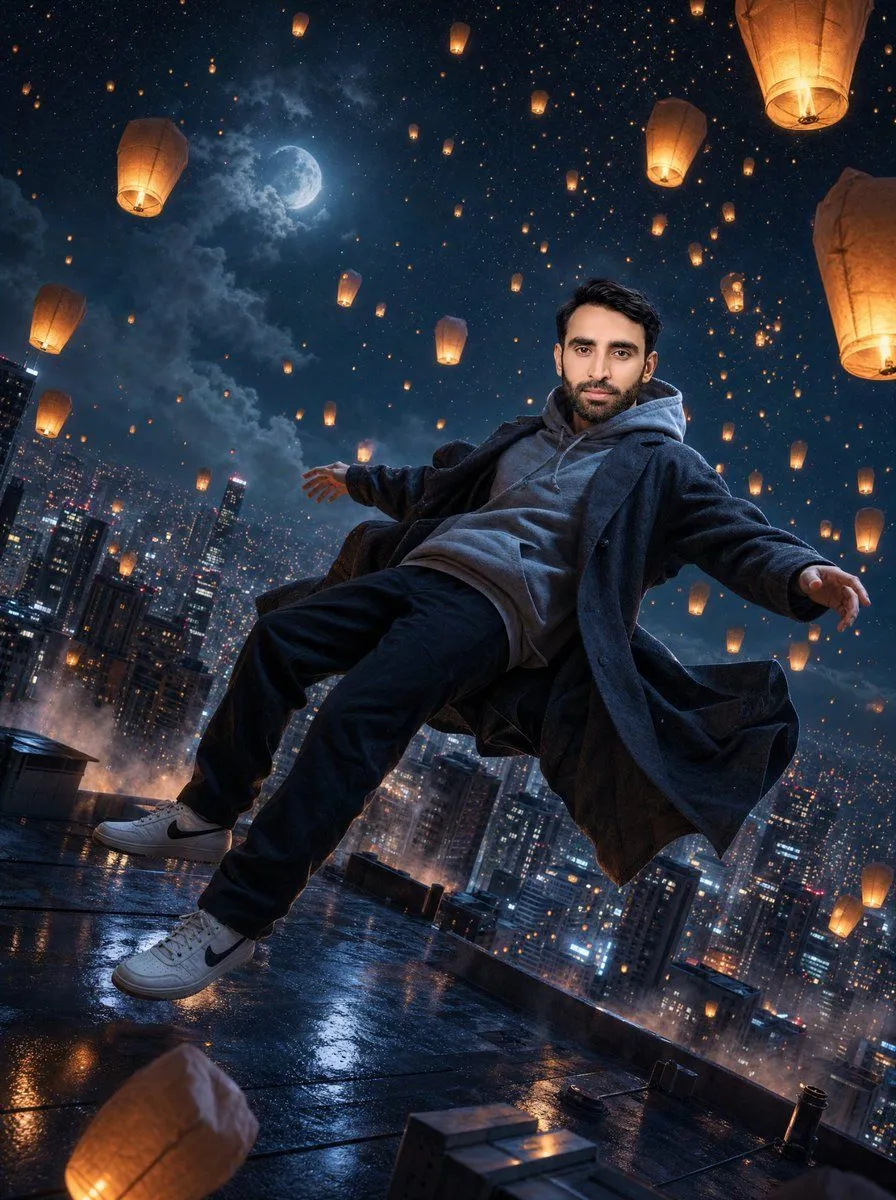
    • Floating Man Above Lantern City
    • Ethereal Silhouette on a Rooftop Edge
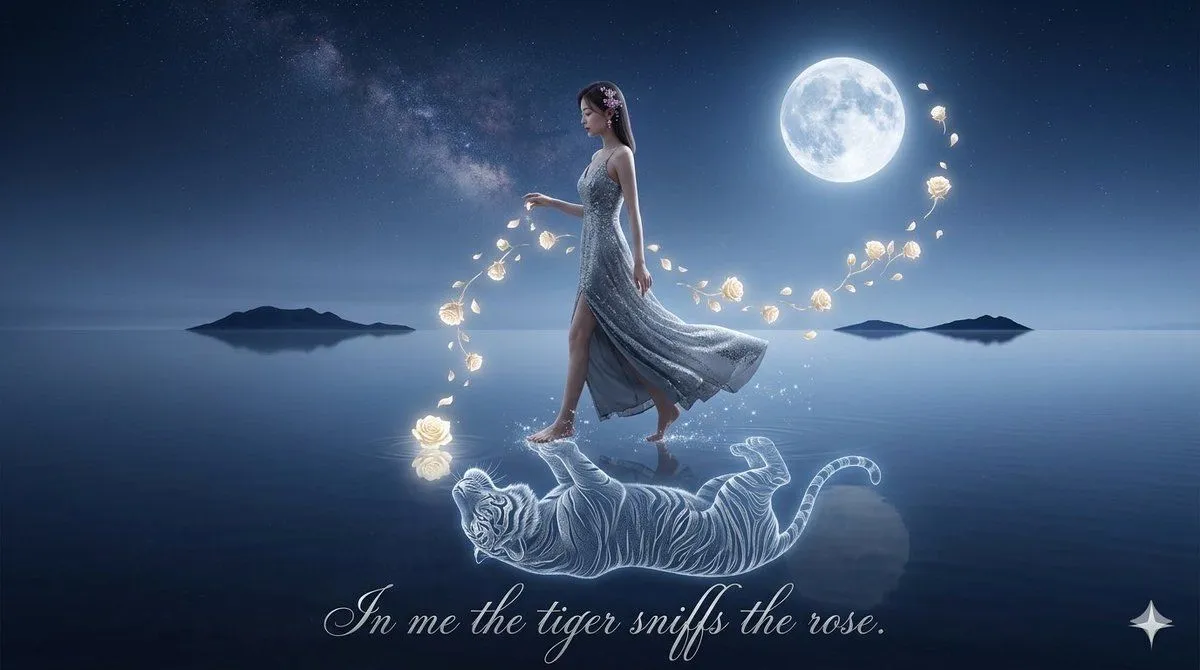
    • Spirit-Tiger Water Walk
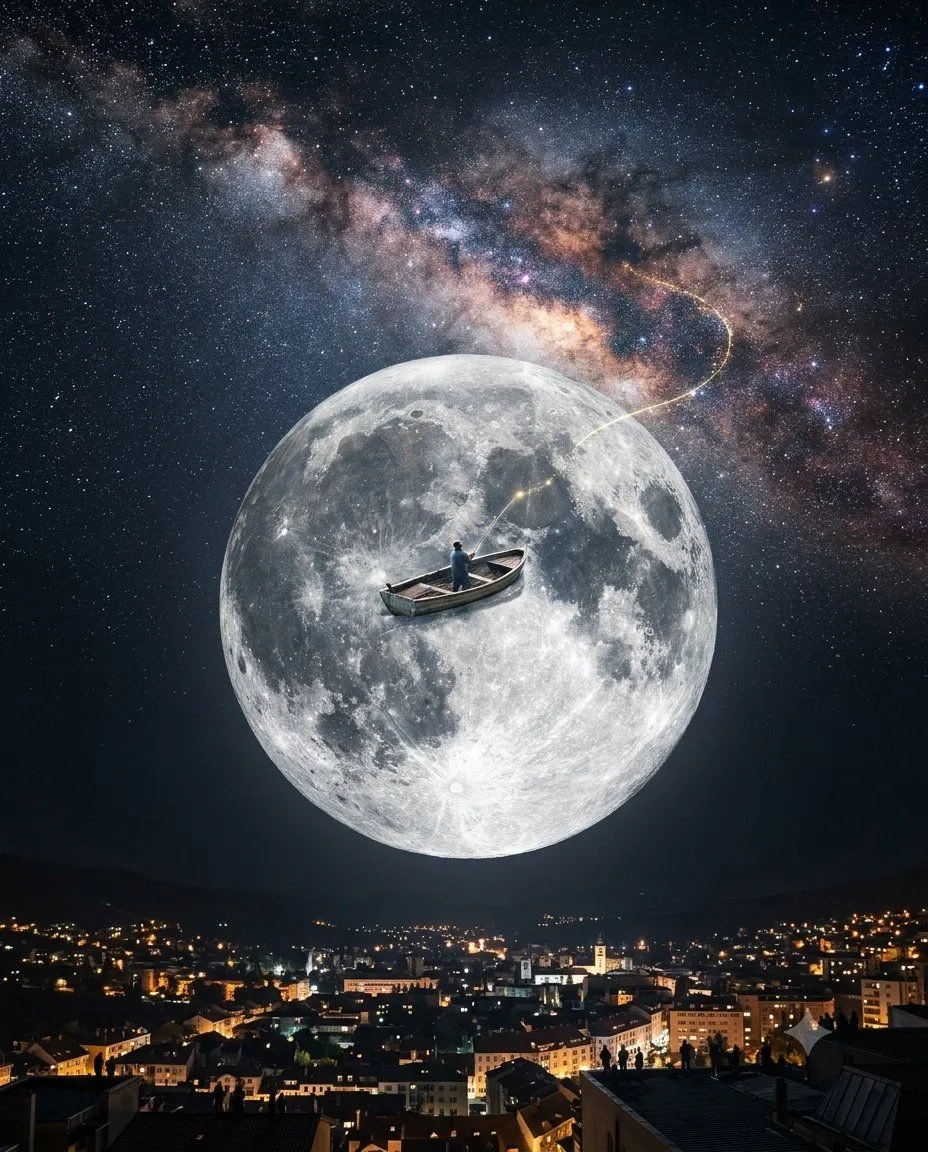
    • Dream Fisherman Surrealism
    • Abstract Scene Description Prompt
    • Person relaxing on glowing cloud above the sky
    • The Painter Who Finished the Sky
    • Image Editing: Cloud with Face Style Transfer
    • Surreal Ink Sea Dream
    • Surreal Floating Head With Censor Block
    • Ethereal Cloud Portrait Transformation
    • Silhouette on Mountain Peak at Cosmic Sunset
    • Surreal Ink Fluid Portrait
    • Surreal Low-Angle Floral Portrait
    • Surreal Conceptual Photography with Scale Distortion
    • Human-Succubus Fusion Portrait Prompt
    • Surreal Voyeuristic Portrait of Dua Lipa
    • Conceptual Fire and Water Portrait
    • Cosmic Catastrophe Blackout Scene
    • Fashion Editorial Surreal Flower Portrait
    • Explain Tesla Coil Science

    Show more

    Run it on your phone

    1. Prompt copiedRead it

      Using the reference image, completely remove the pelican's body. Replace the traffic cone with a {hat_style} and place it directly on top of the human feet. Apply a strong glowing effect to the feet, making them {foot_effect}. Keep the open doorway framing, the porch setting, and the dusk suburban background intact.

    2. Open your app

    3. Paste and run

      Press and hold the message box, then tap Paste. Add your photo first if the prompt uses one. You may need to sign in.

    Subject Erasure and Hat Replacement