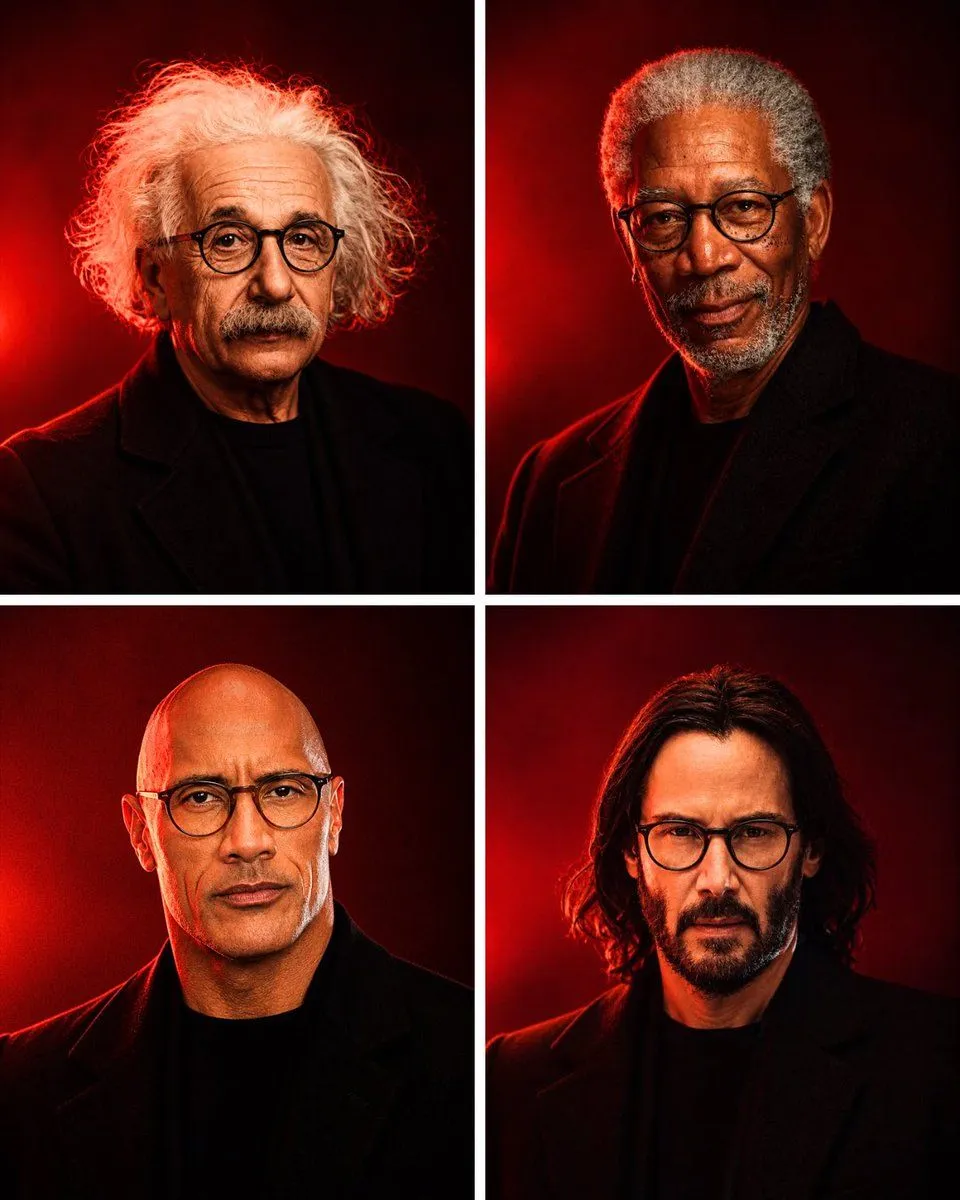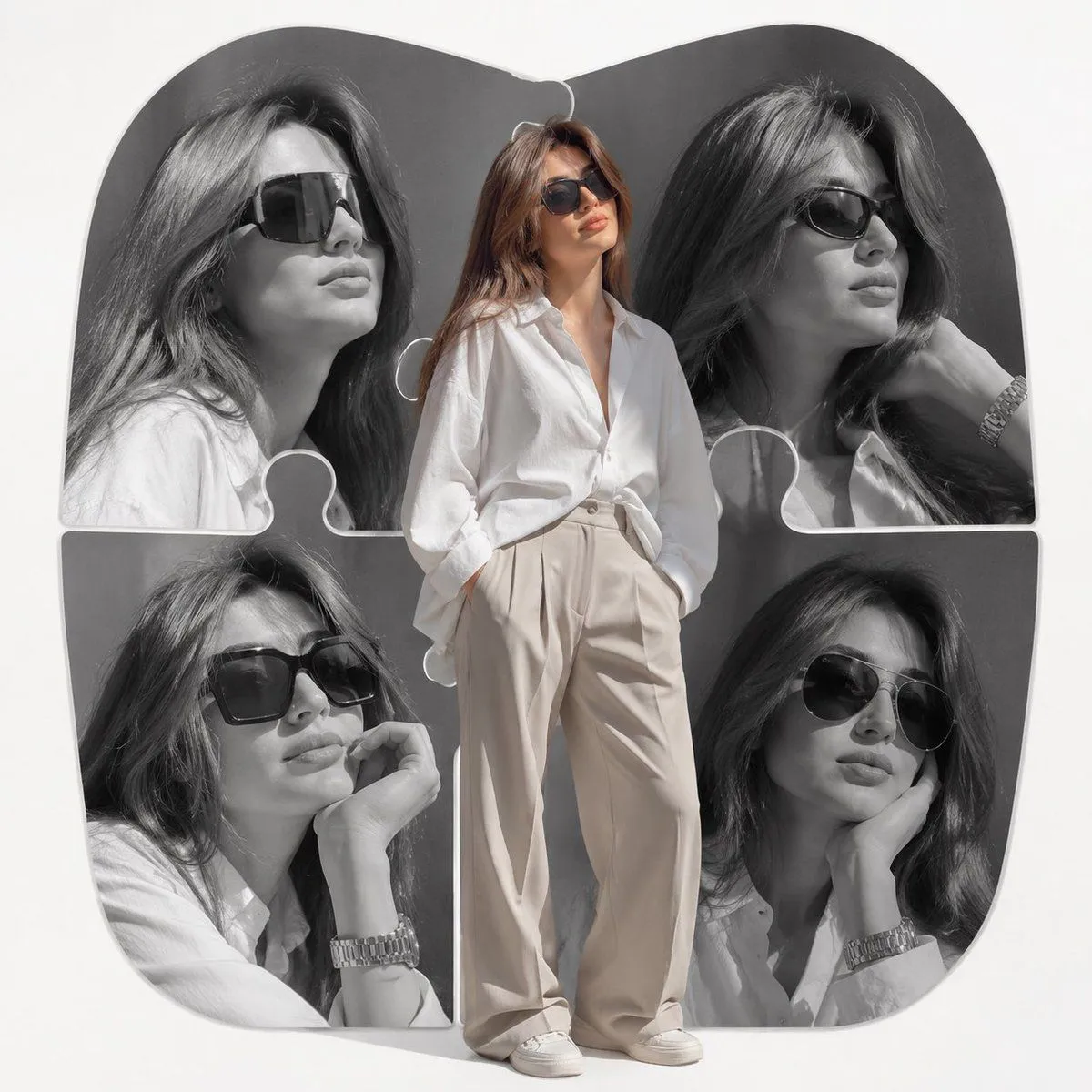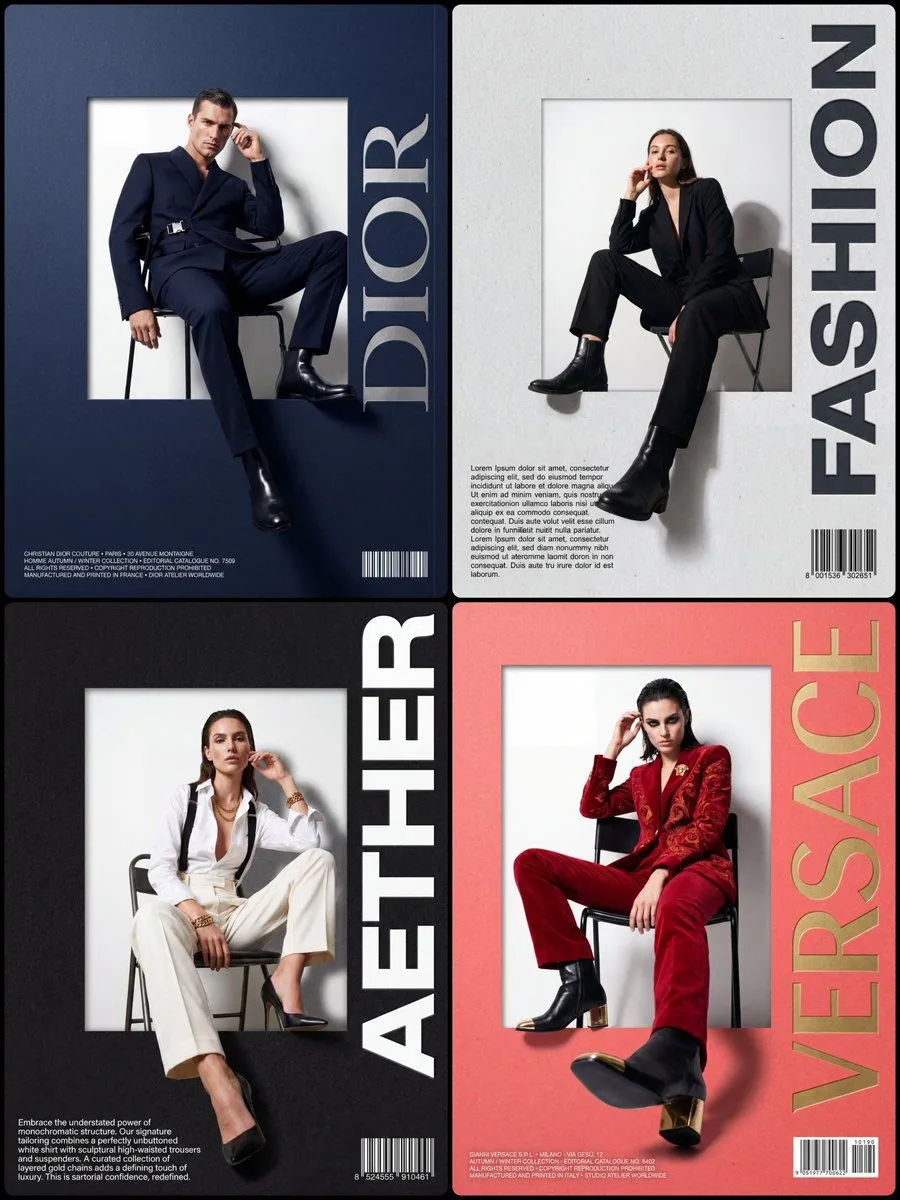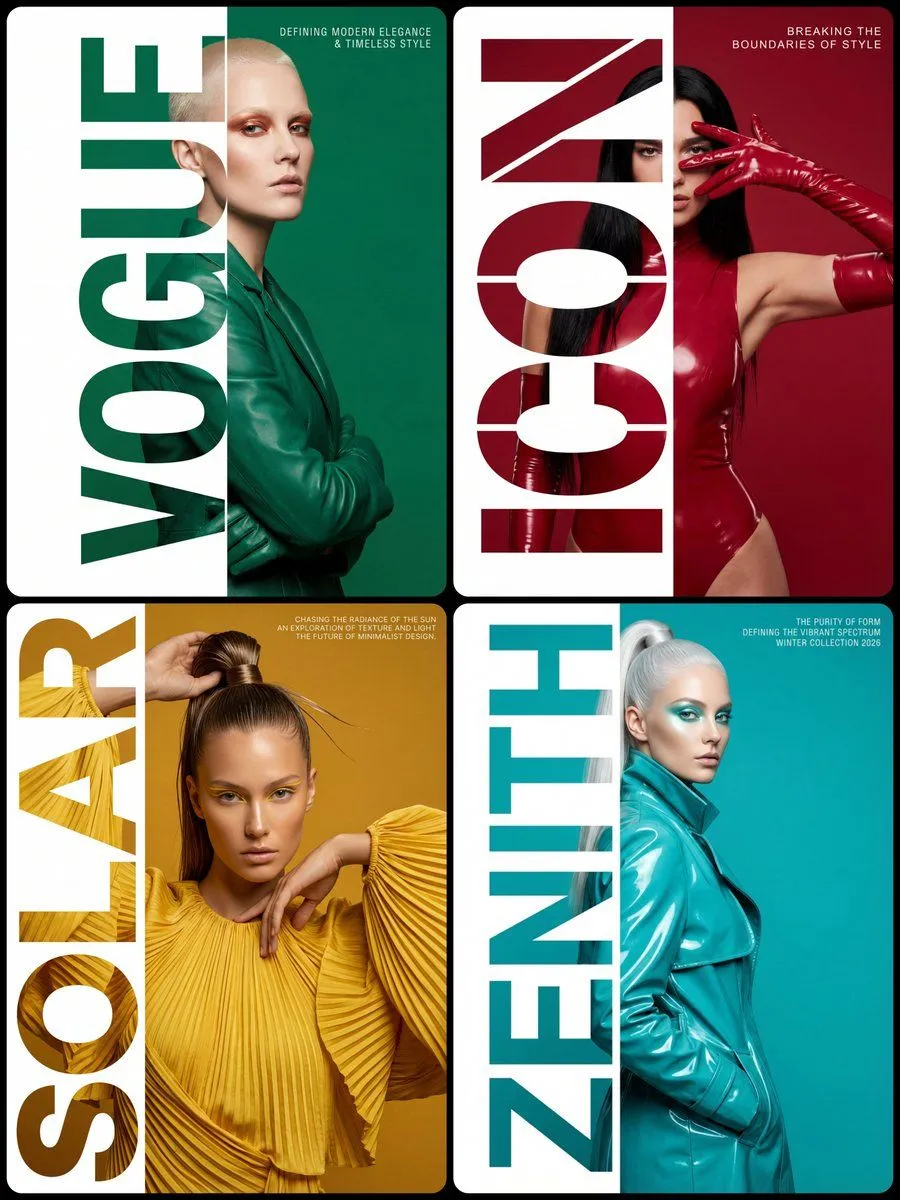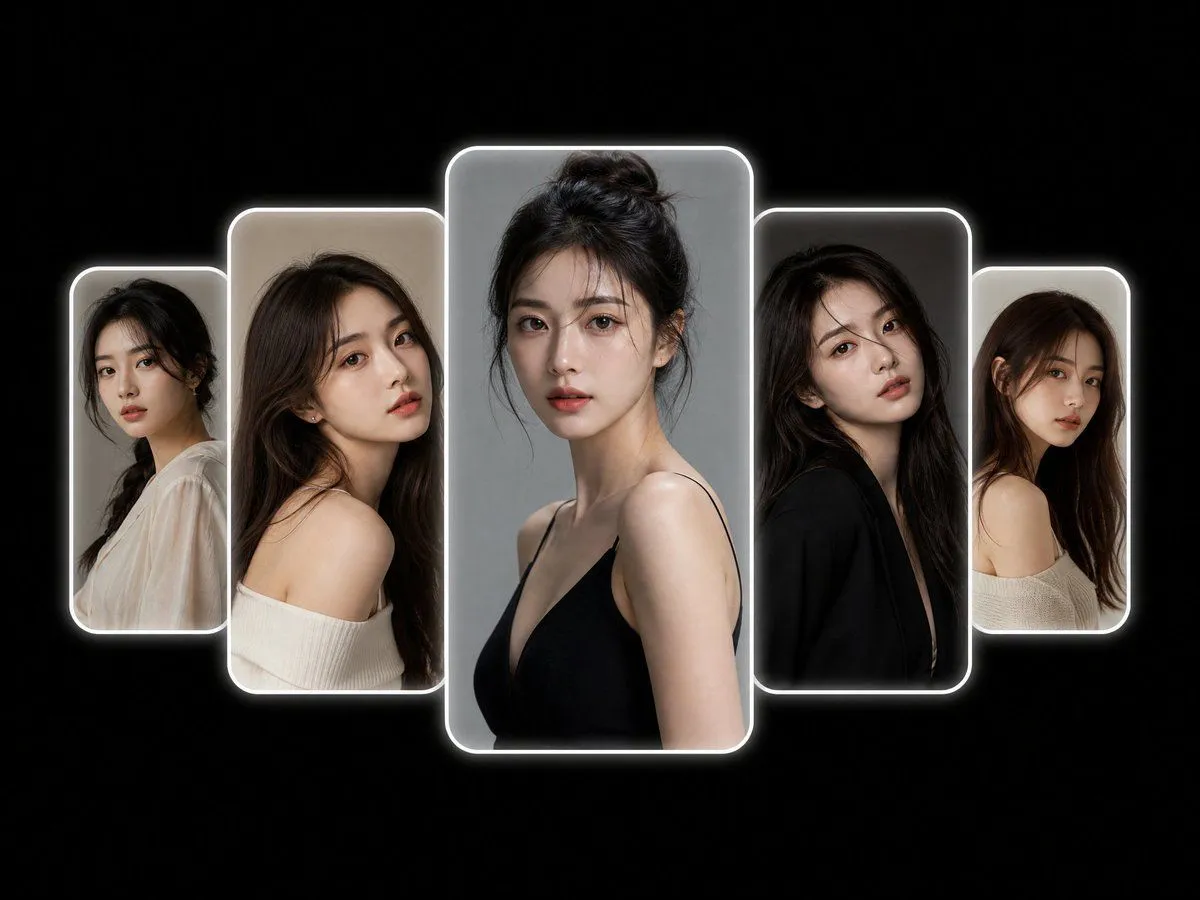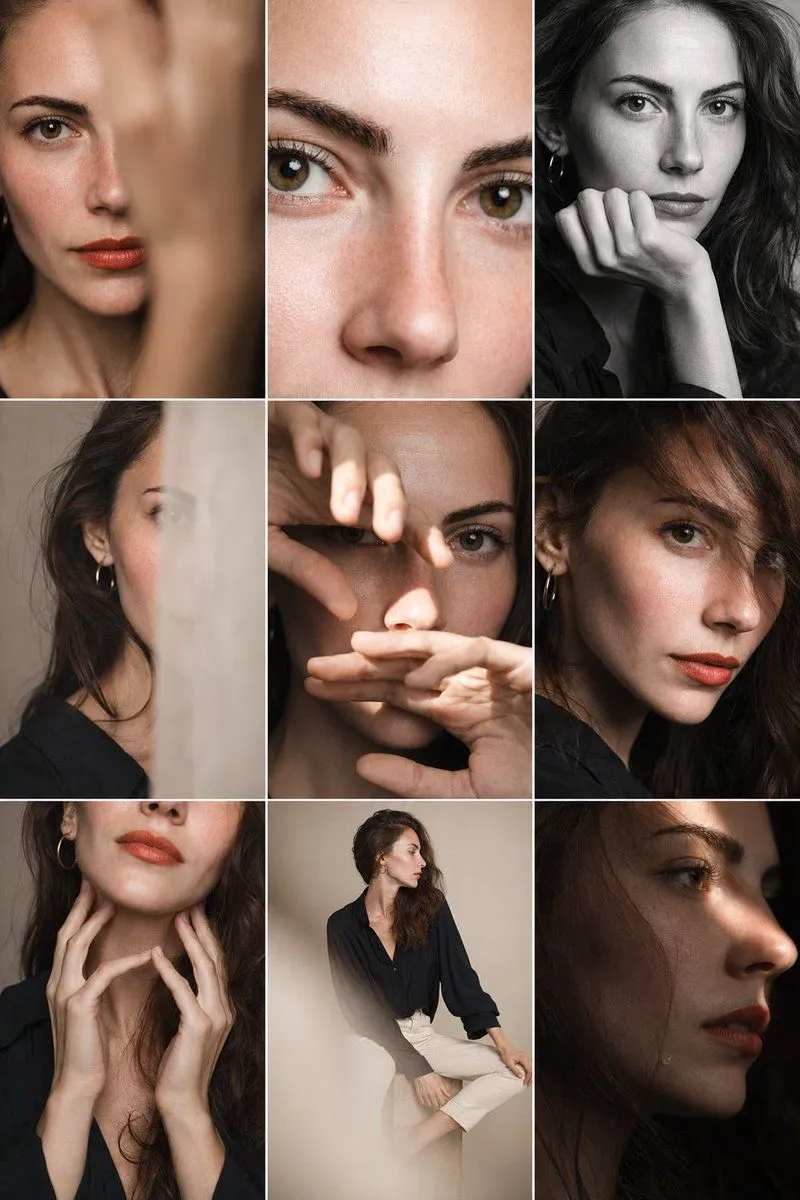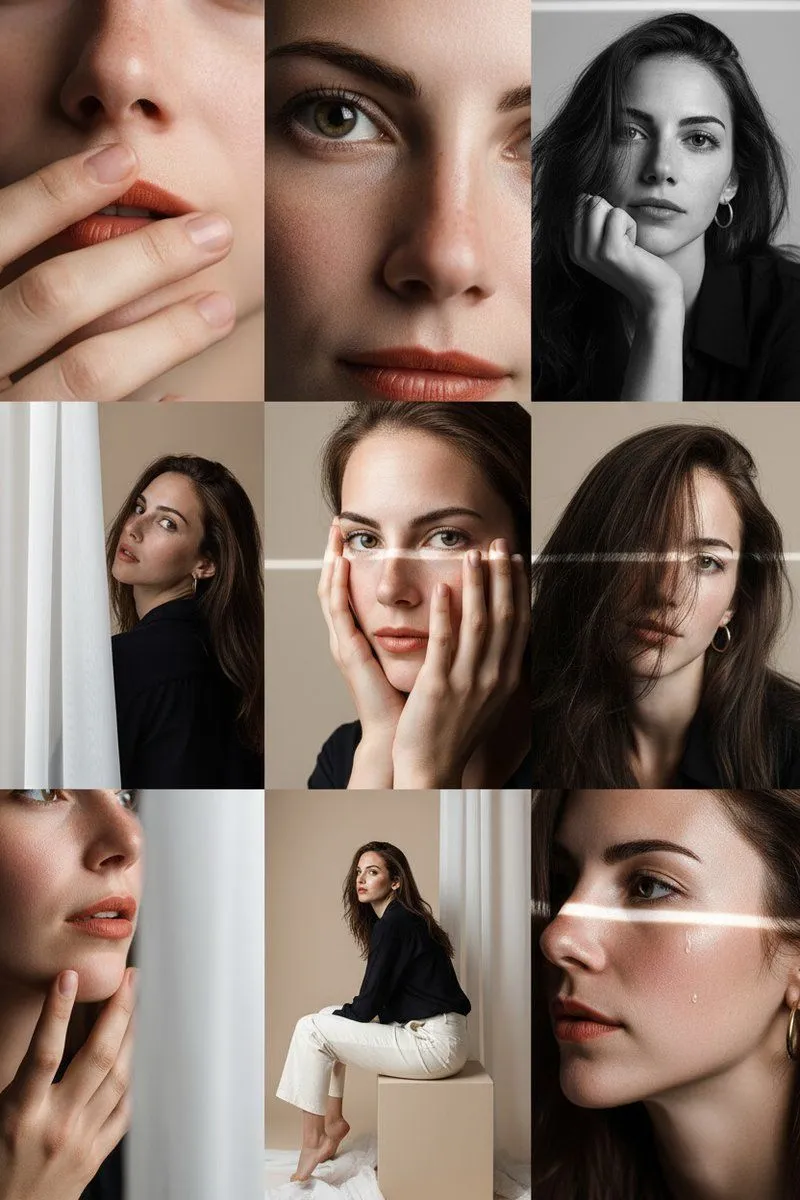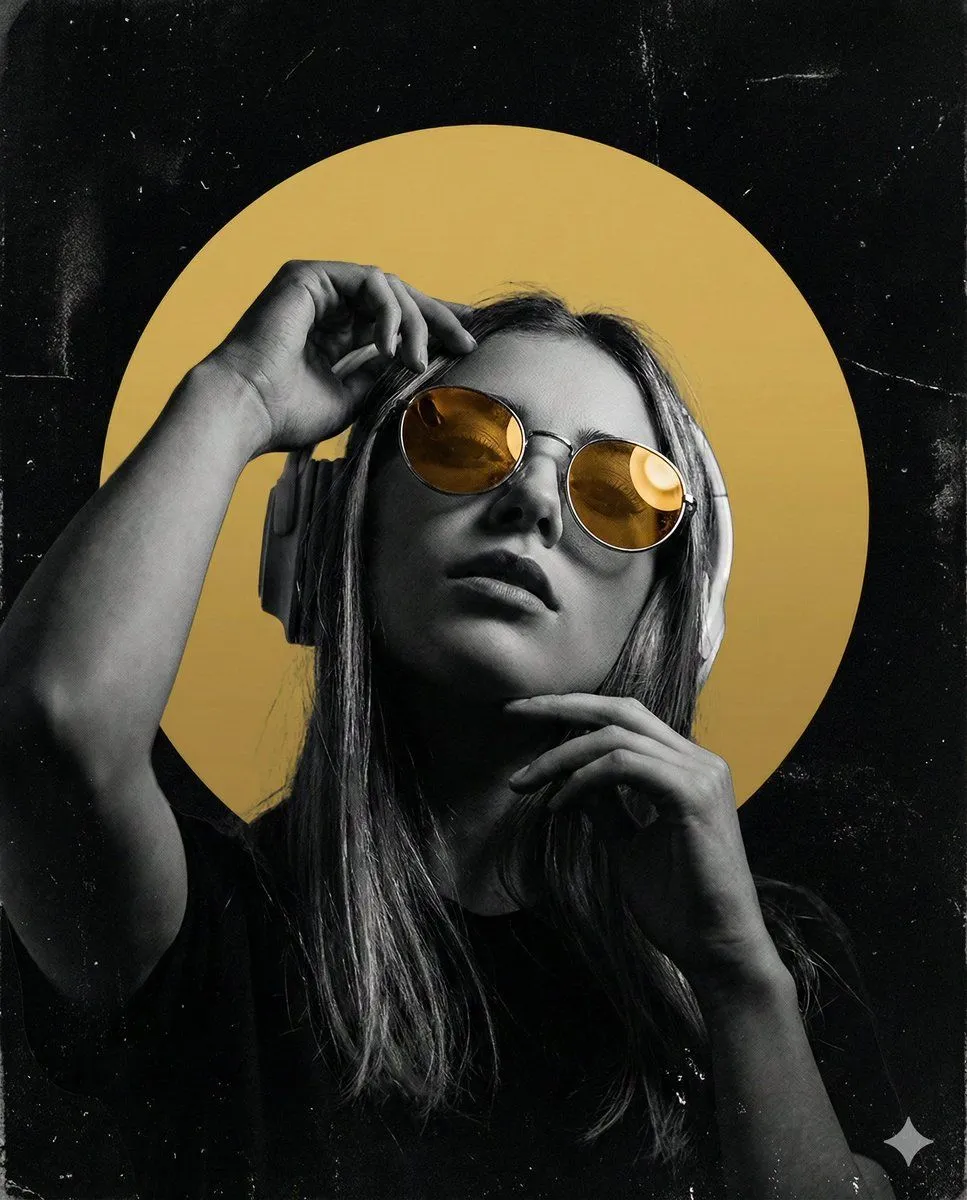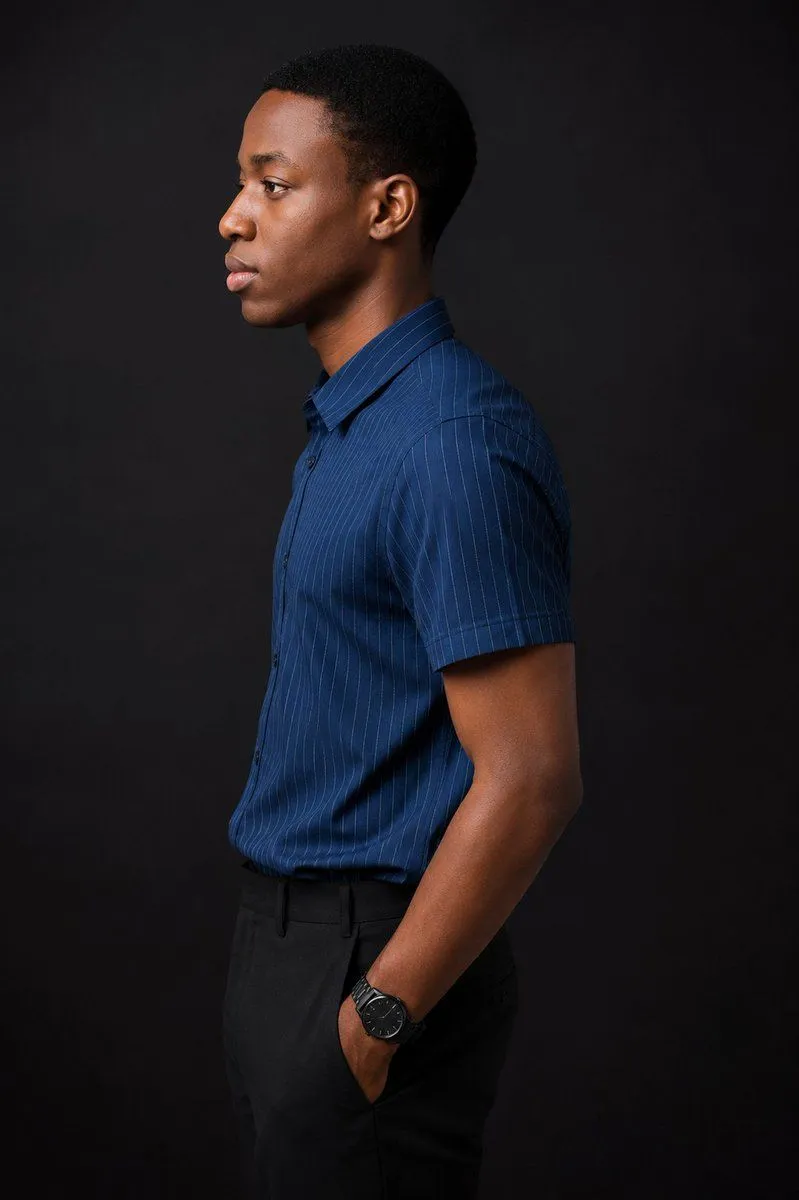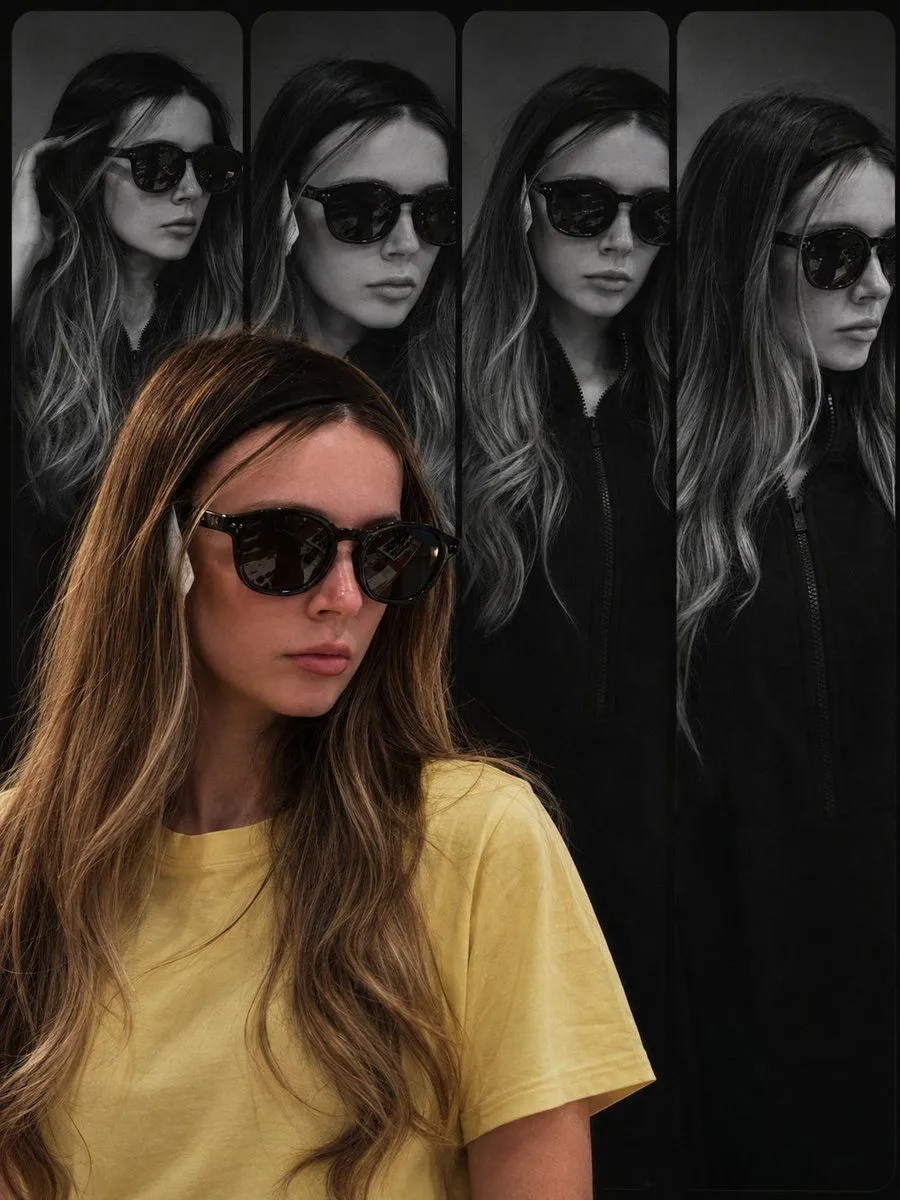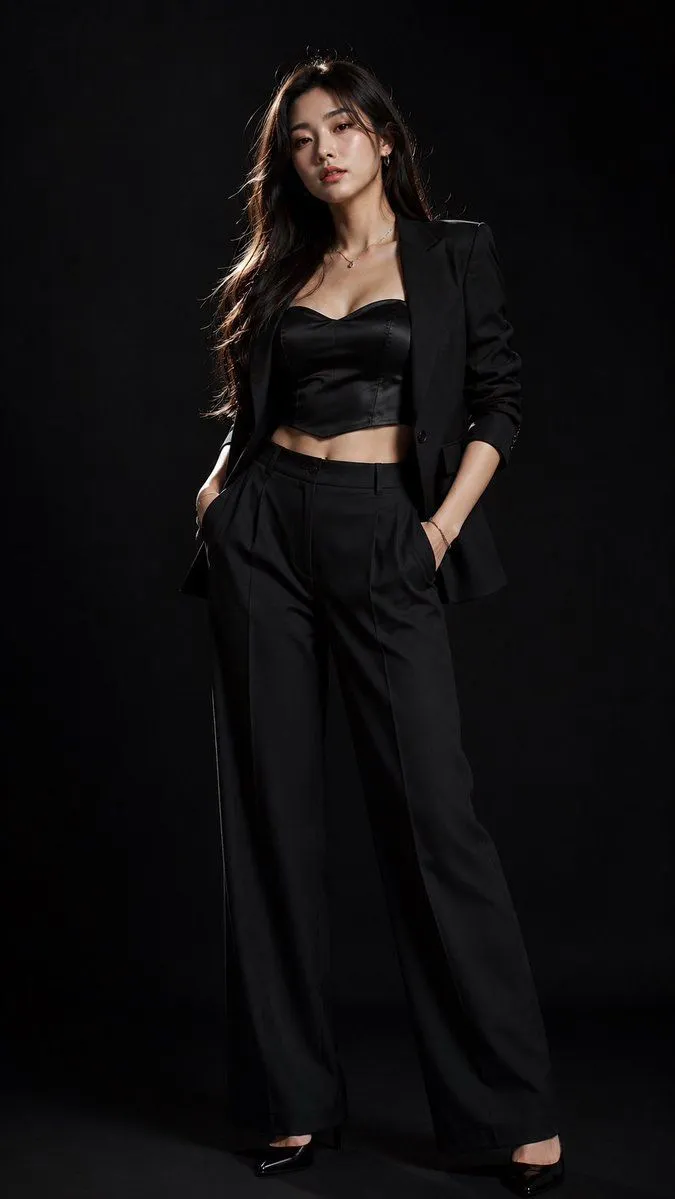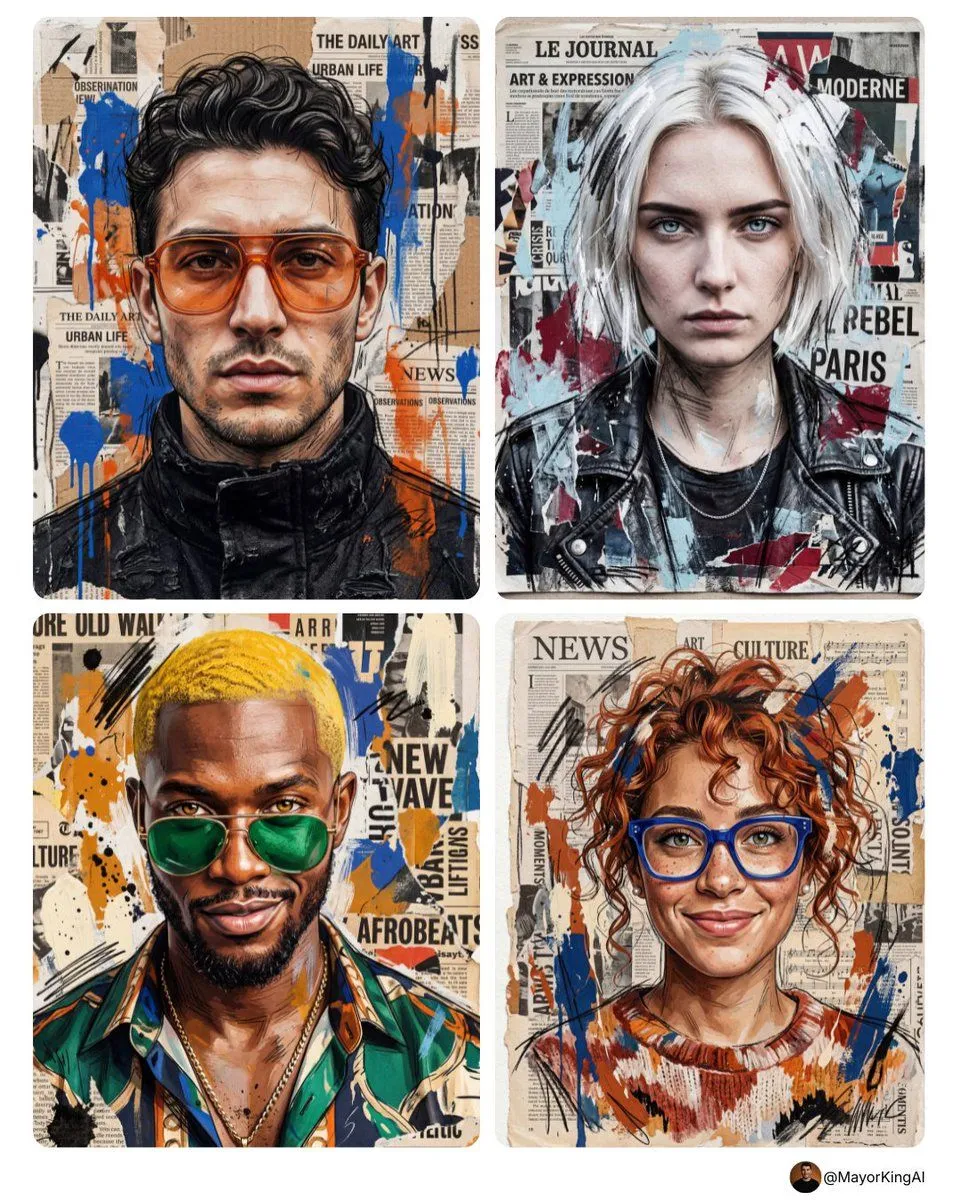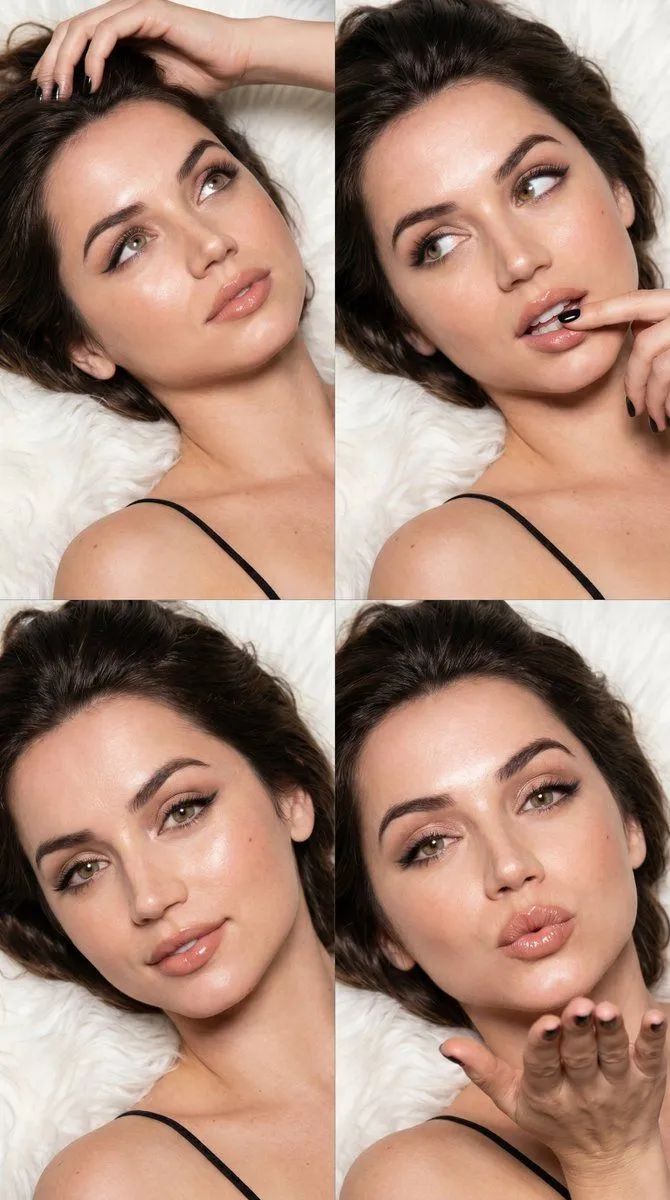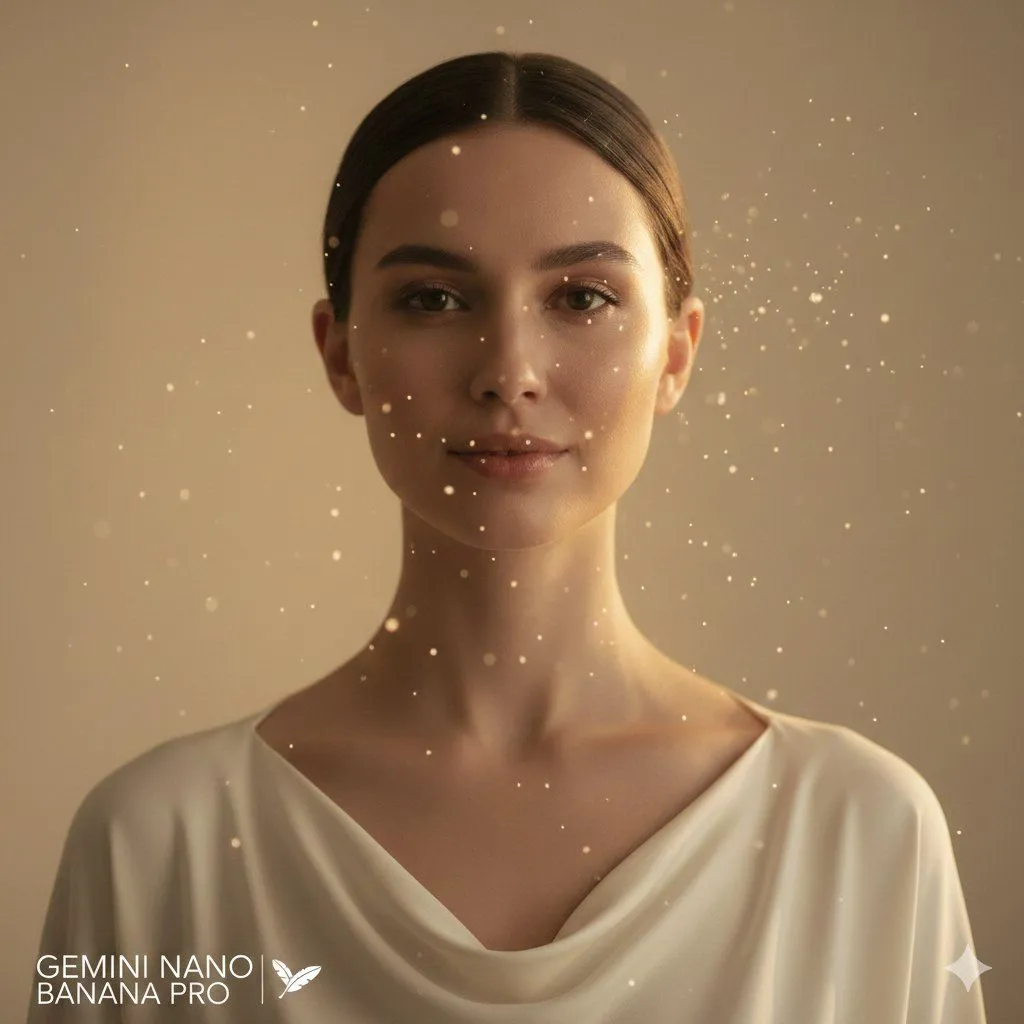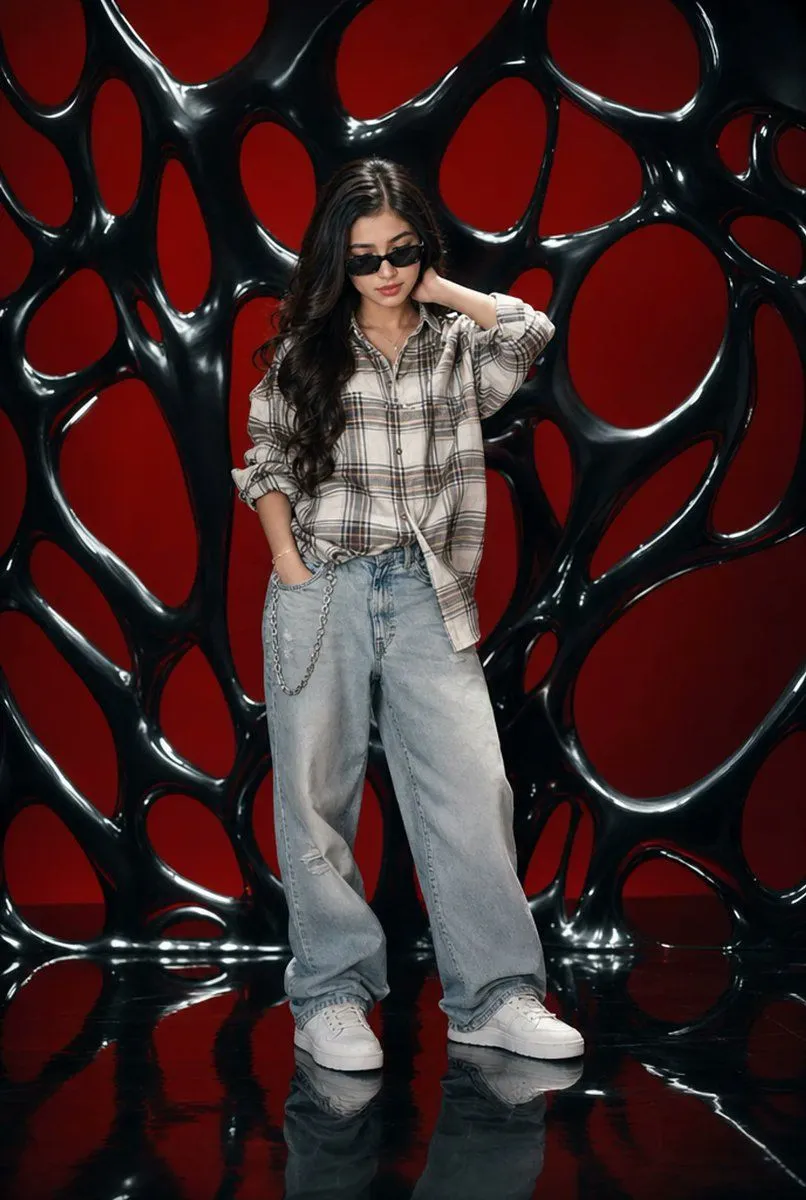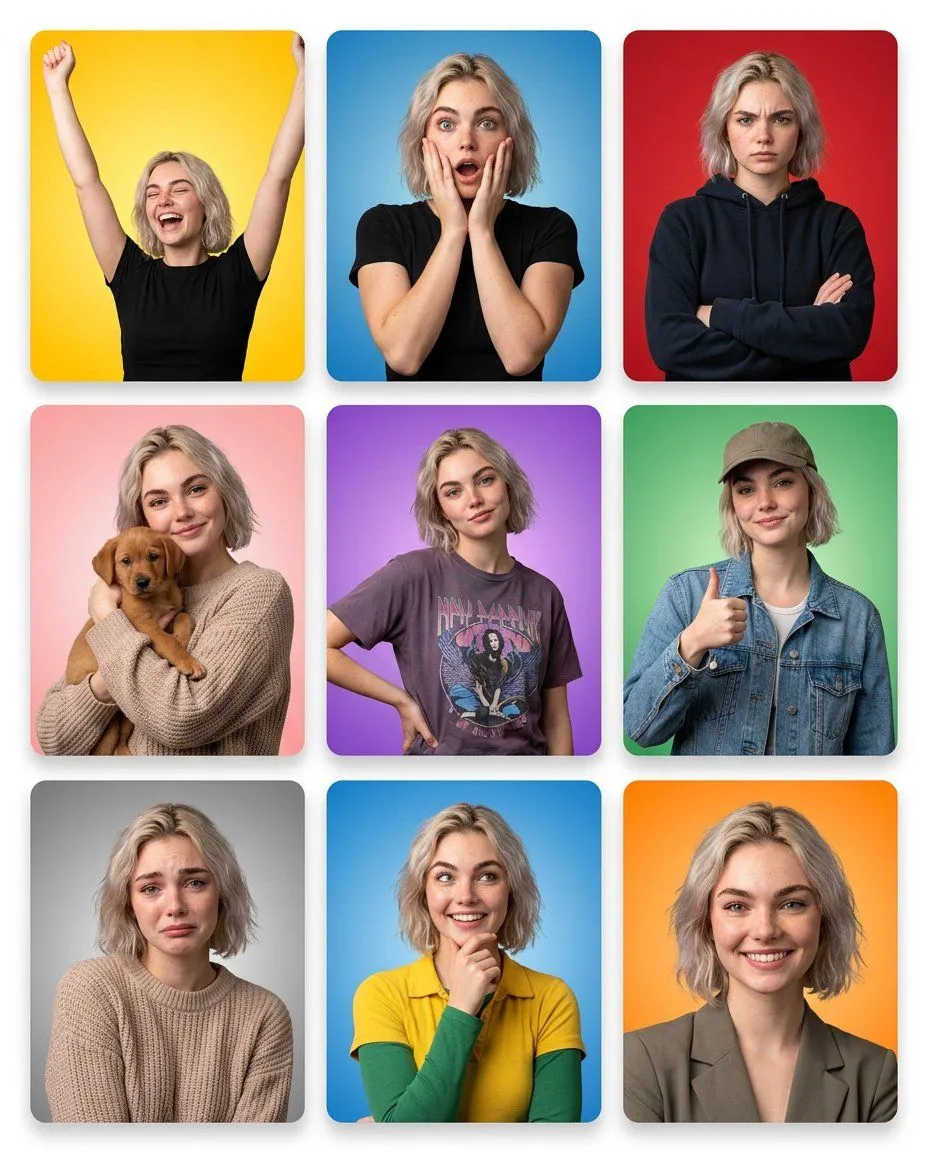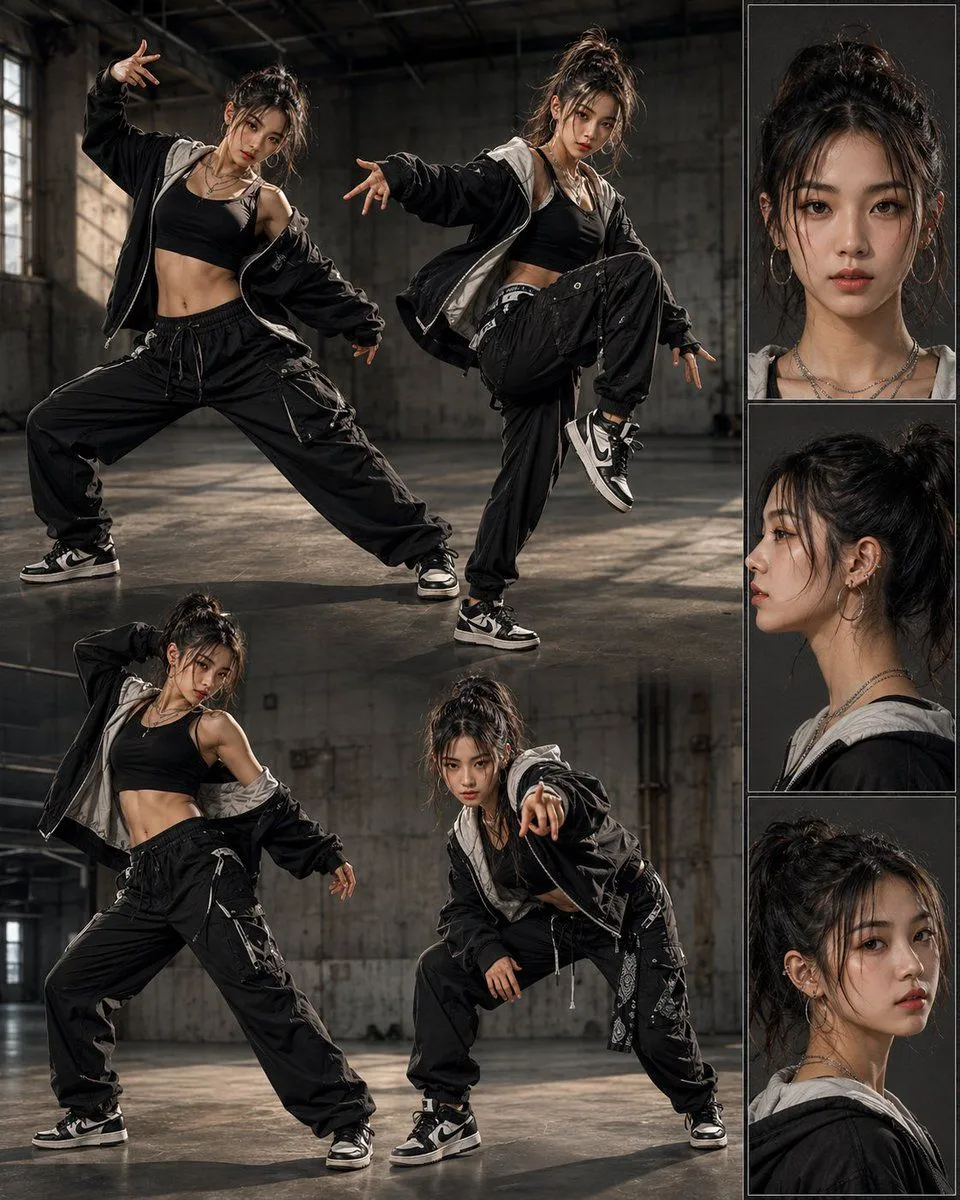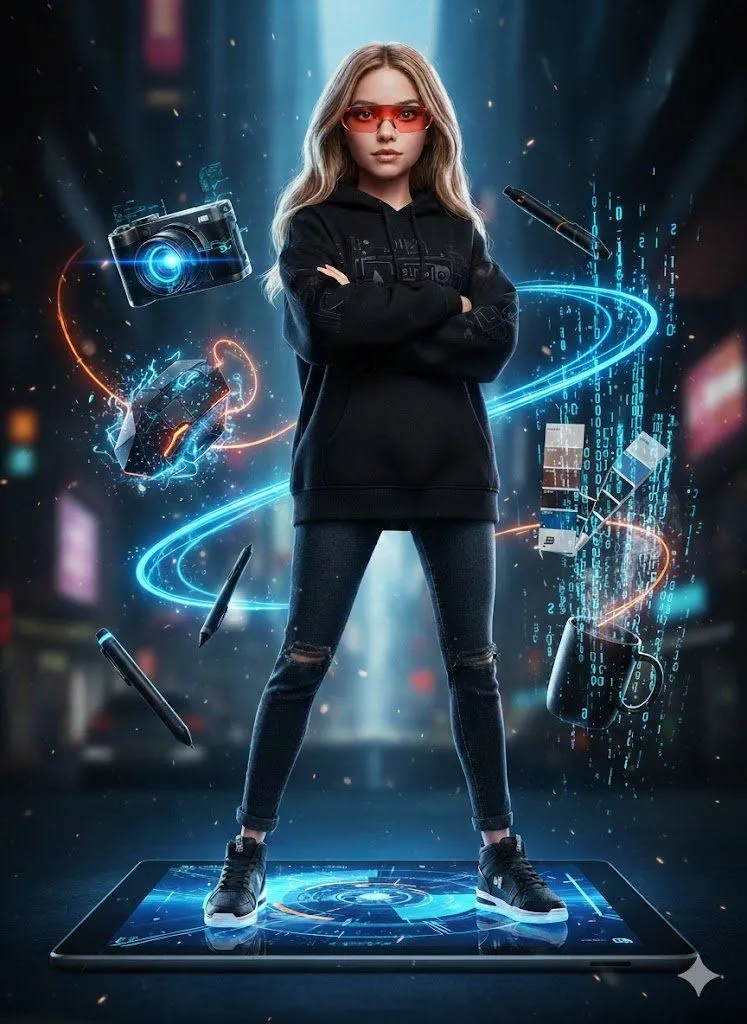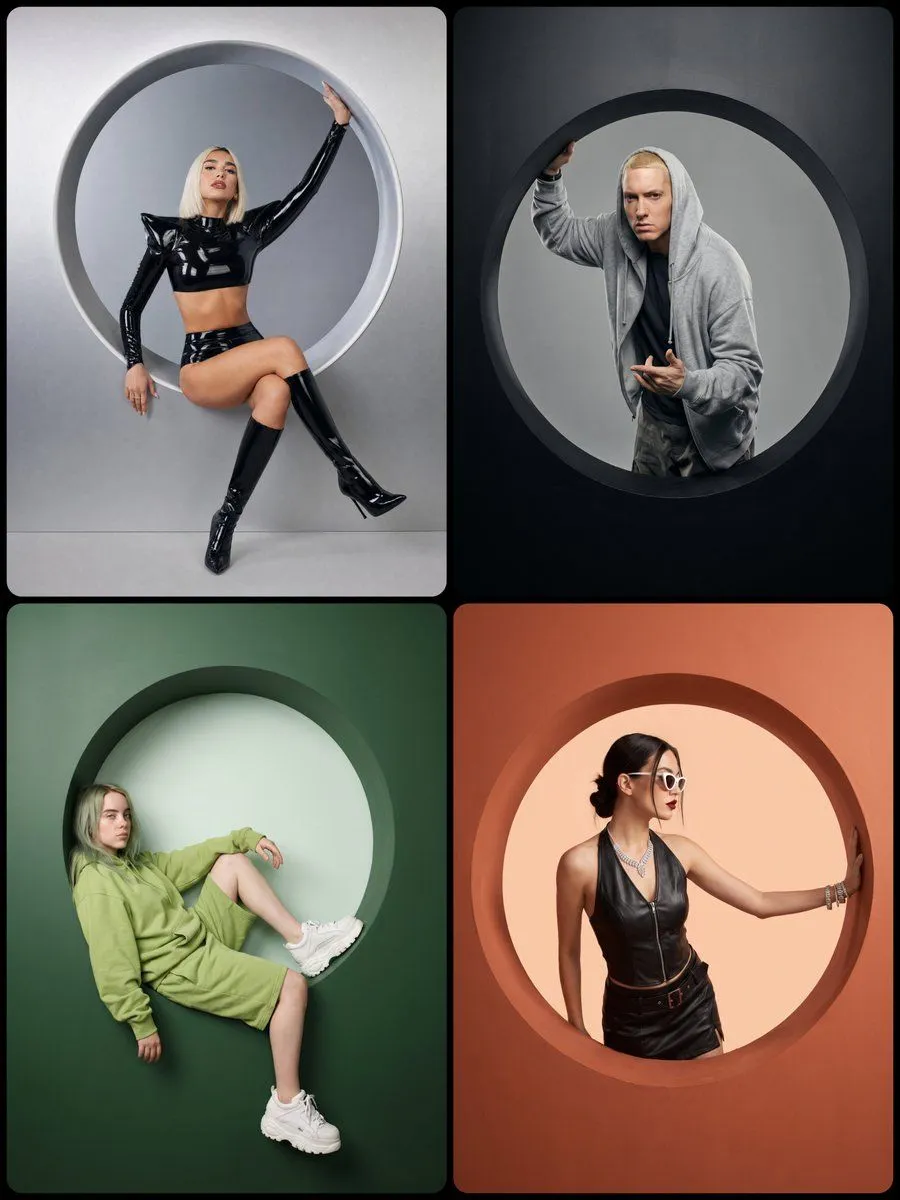
Made with GPT Image 2 in ChatGPT, collected by Library Brand. Promptclay never generates images.
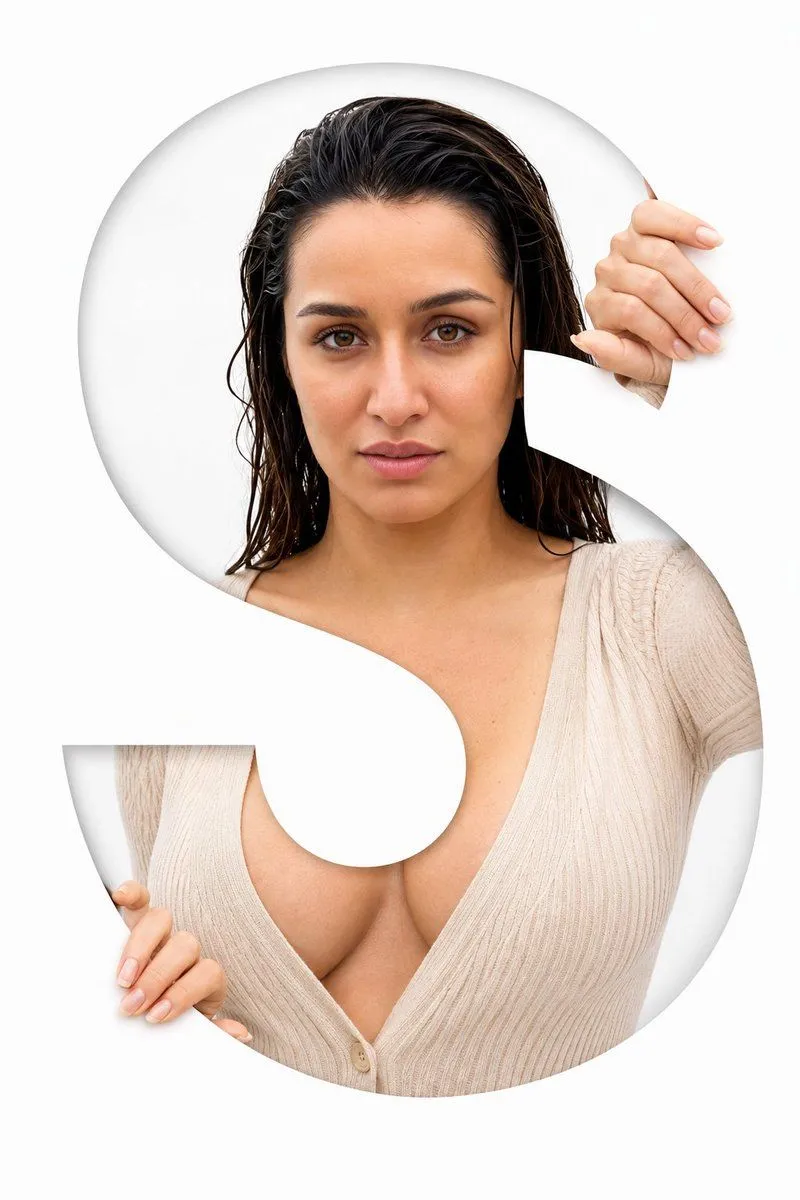
Studio Portrait with Circular Cutout
Prompt
4 blanks to fillA high-end studio portrait of {character_description}, interacting with a large circular cutout centered within a thick matte {wall_color} wall. The wall shows realistic 3D depth (around 8 cm) with soft rounded inner edges and smooth shadow falloff. Inside the circular opening, a clean {background_color} backdrop contrasts with the wall, clearly separating the inner and outer spaces. The model {interaction_style}. Lighting: balanced studio setup — soft diffused key from front-left and mild fill from right, creating gentle highlights and subtle shadow along the rim to define depth and separation between wall and background. Camera: straight-on, centered composition, 3:4 vertical portrait framing. Ultra-detailed 8K studio photography with sharp focus and natural tonal depth. Mood: [modern | editorial | cinematic | minimal | playful | bold]. No text, watermark, or extra props beyond the wall, circular cutout, and model.
Preview of your prompt
A high-end studio portrait of [CHARACTER DESCRIPTION], interacting with a large circular cutout centered within a thick matte [OUTER WALL COLOR] wall. The wall shows realistic 3D depth (around 8 cm) with soft rounded inner edges and smooth shadow falloff. Inside the circular opening, a clean [INNER BACKGROUND COLOR] backdrop contrasts with the wall, clearly separating the inner and outer spaces. The model [INTERACTION STYLE]. Lighting: balanced studio setup — soft diffused key from front-left and mild fill from right, creating gentle highlights and subtle shadow along the rim to define depth and separation between wall and background. Camera: straight-on, centered composition, 3:4 vertical portrait framing. Ultra-detailed 8K studio photography with sharp focus and natural tonal depth. Mood: [modern | editorial | cinematic | minimal | playful | bold]. No text, watermark, or extra props beyond the wall, circular cutout, and model.
DetailsVersions, settings and questions
Written for
What's in the prompt
- Subject
- Model
- GPT Image 2
If your face changes
keep my face exactly the sameQuestions
- Does this work in the ChatGPT app?
- Yes. Paste the prompt and attach your photo if it uses one.
- It changed my face. What do I do?
- Add "keep my face exactly the same" to the end and run it again.
- Can I use the images I make?
- Check the terms of the app you use. Promptclay never generates images and claims nothing you make.