Tell us anything

An idea, a bug, something you love. We read every note.

⌘↵ to send. The page you're on comes along.

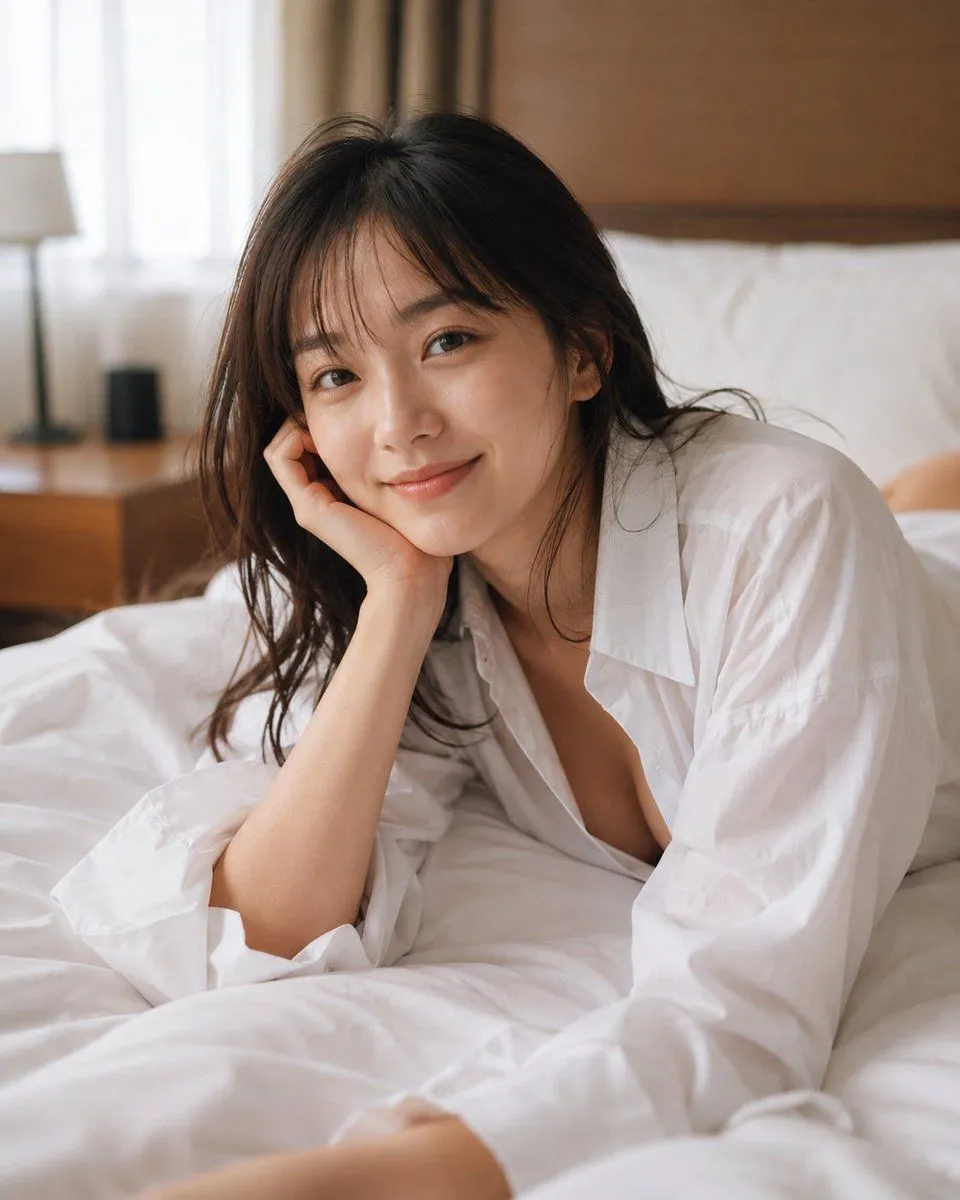
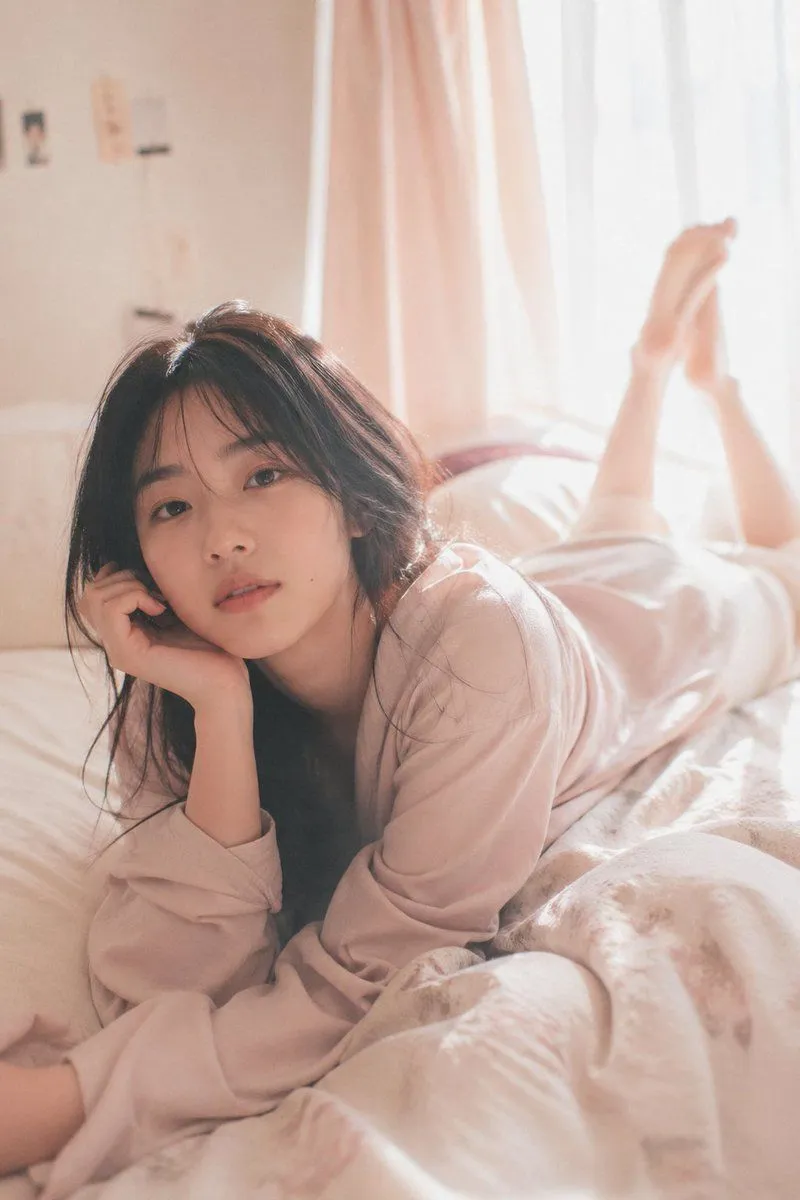
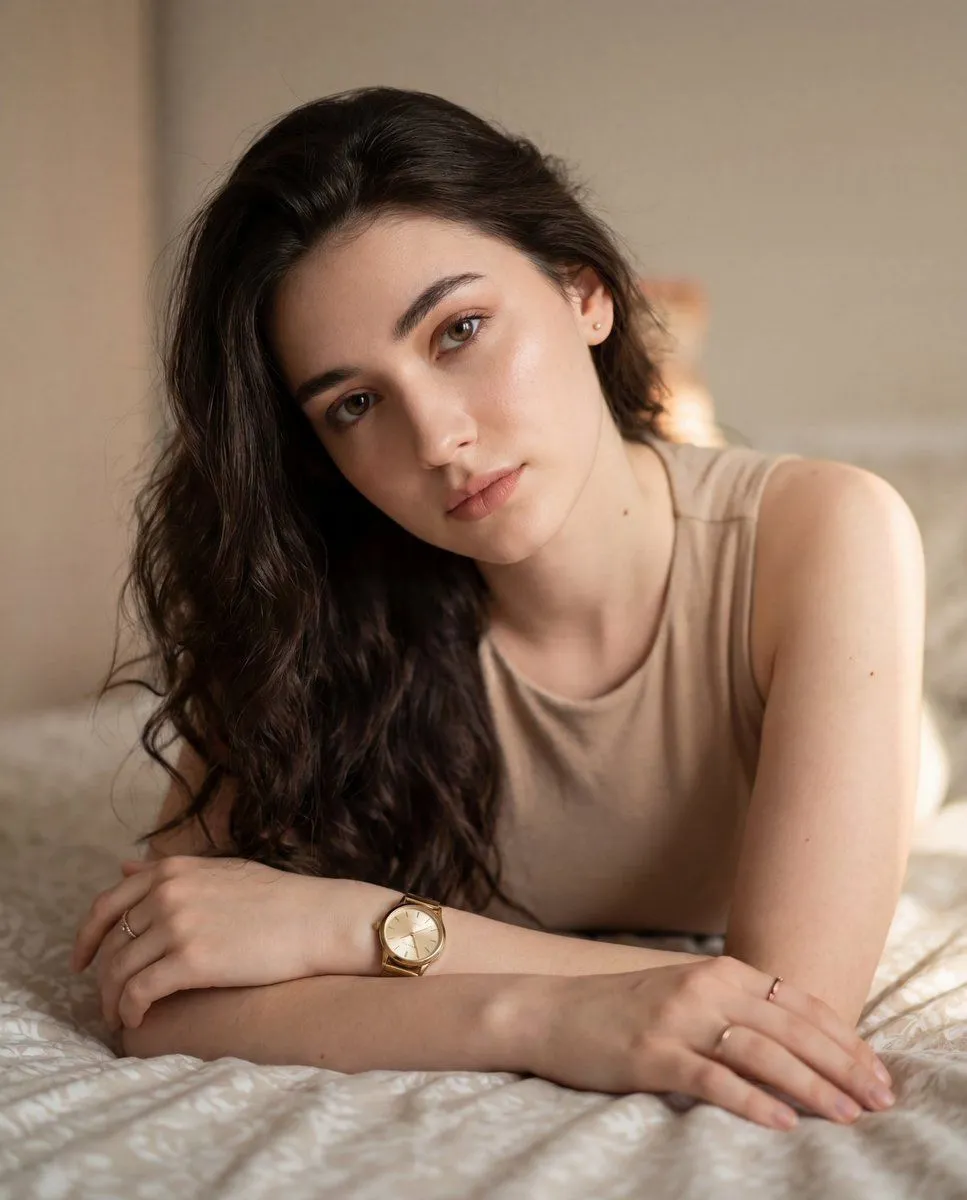
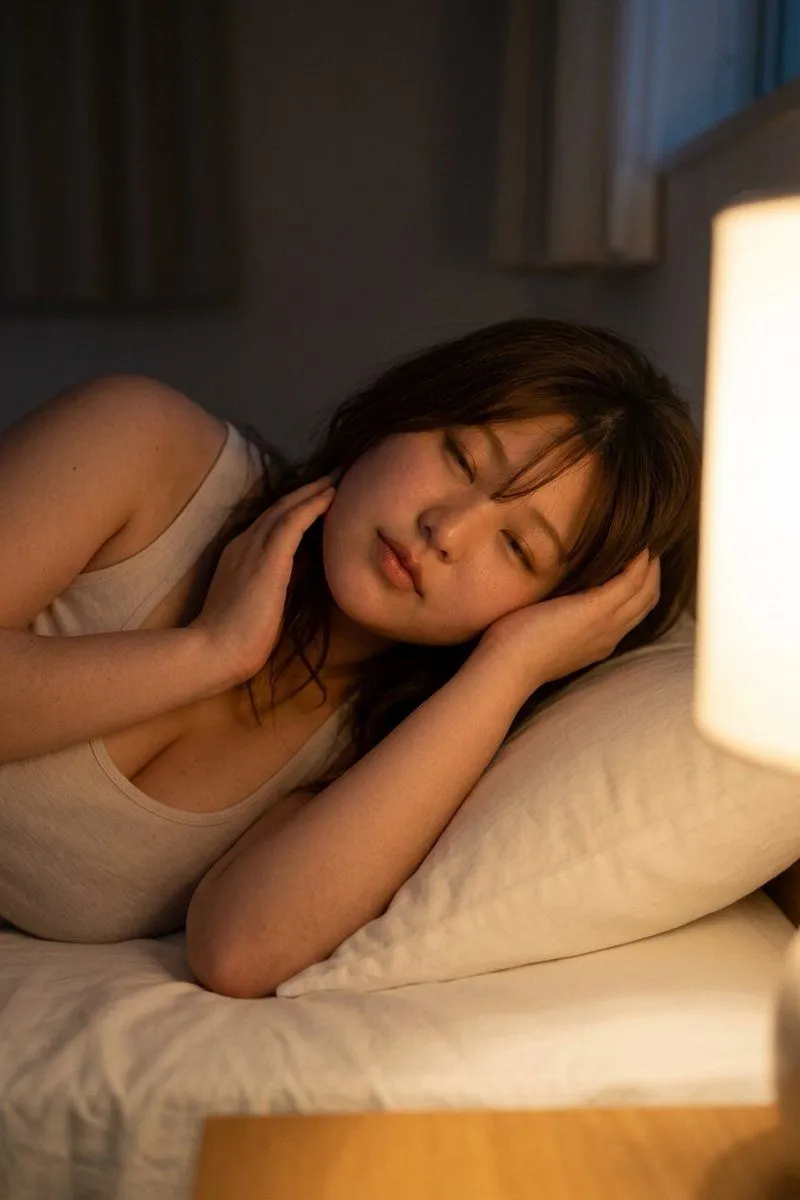
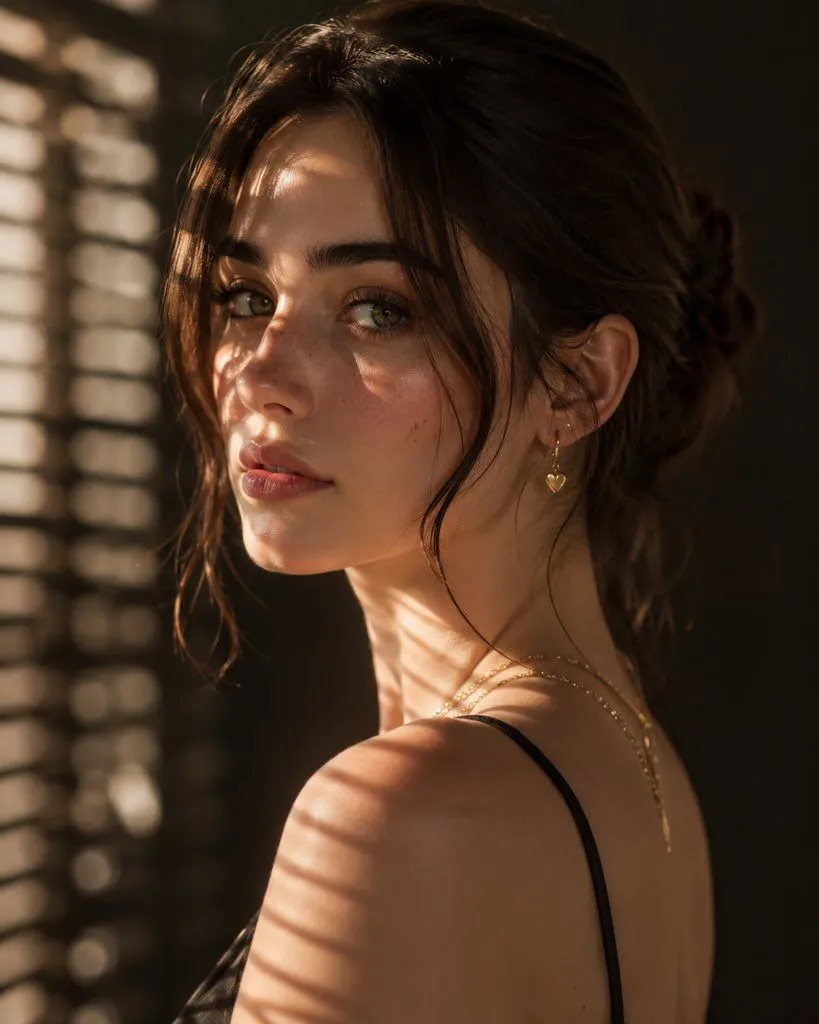
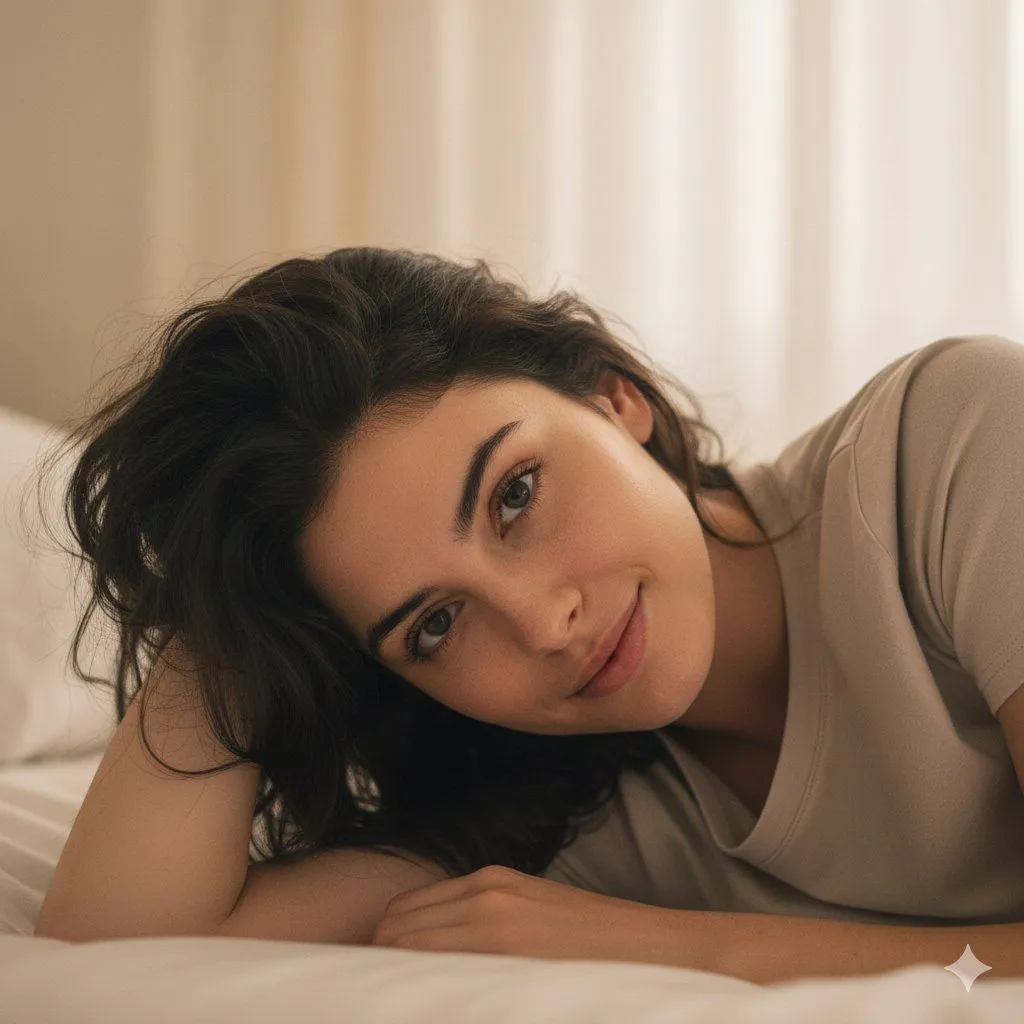
Structured Prompt for Natural Soft Portrait in Bedroom

Made with Nano Banana Pro in Gemini by Library Social. Promptclay never generates images.

Did it work?

No reports yet. Tell others if it worked for you.

No comments yet. Be the first.

    Structured Prompt for Natural Soft Portrait in Bedroom

    Nano Banana Pro1:1AI-generated

    Prompt

    { "image_generation": { "face": { "preserve_original": true, "reference_match": true, "description": "Keep all facial characteristics 100% identical to the reference image." }, "photo_style": { "type": "natural soft portrait", "camera_angle": "close, front-angled with gentle tilt", "lighting": "diffused daylight through curtains", "mood": "calm, serene, intimate", "texture": "natural pores visible, soft pastel tone", "focus": "eyes and face in sharp focus with creamy background blur" }, "subject": { "pose": "lying on bed on her side, head supported by hand", "expression": "relaxed half smile, soft gentle gaze", "hair": { "style": "messy natural waves around shoulders", "texture": "soft strands falling towards face" }, "clothing": { "type": "neutral comfy top", "details": "smooth texture, minimal" }, "hand": { "position": "resting under chin" } }, "environment": { "setting": "simple cozy bedroom space", "background": "pale curtains & soft light glow", "atmosphere": "peaceful morning warmth" }, "aesthetic": { "style": "warm natural portrait", "features": ["soft bokeh","gentle highlights","minimal backdrop","clean daylight aesthetic"] } } }

    Works in
    Gemini, ChatGPT
    Status
    Free to copy
    0
    DetailsVersions, settings and questions

    Written for

    What's in the prompt

    Subject
    Model
    Nano Banana Pro

    If your face changes

    keep my face exactly the same

    Questions

    Does this work in the Gemini app?
    Yes. Gemini runs Nano Banana, so paste the prompt and attach your photo if it uses one.
    It changed my face. What do I do?
    Add "keep my face exactly the same" to the end and run it again.
    Can I use the images I make?
    Check the terms of the app you use. Promptclay never generates images and claims nothing you make.
    Similar prompts

    See more
    • Soft Intimate Indoor Portrait with Window Light
    • Morning Light Bedside Portrait
    • Censored Bedroom Lifestyle Portrait
    • Intimate Mirror Selfie in a Sunlit Bedroom
    • Intimate Bedroom Lifestyle Portrait
    • Ethereal Morning Sunlight Portrait
    • Dreamy Editorial Portrait
    • Colored Pencil Illustration Style Prompt
    • Cozy Bedside Portrait With Face Censor
    • Realistic Fashion Portrait of a Young Woman
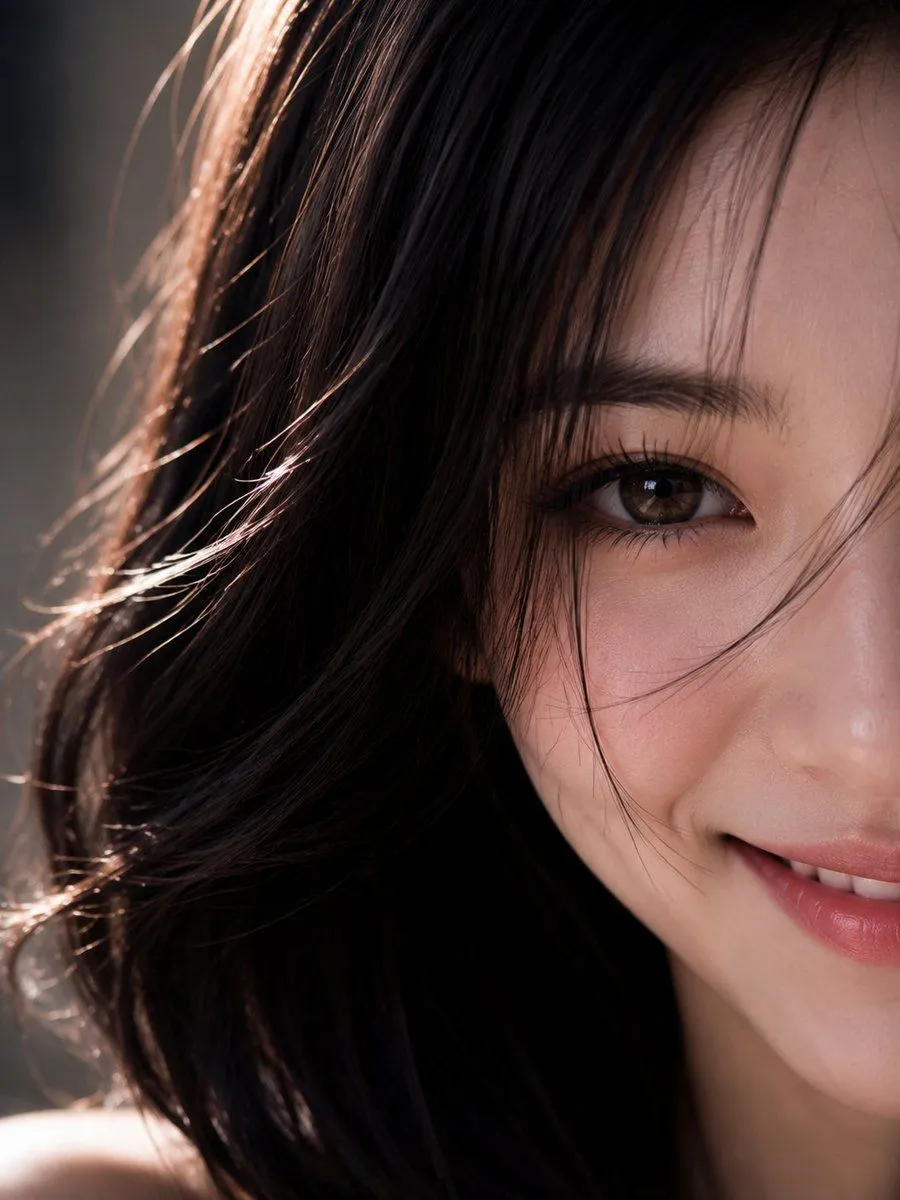
    • Hyper-Realistic Macro Eye Portrait
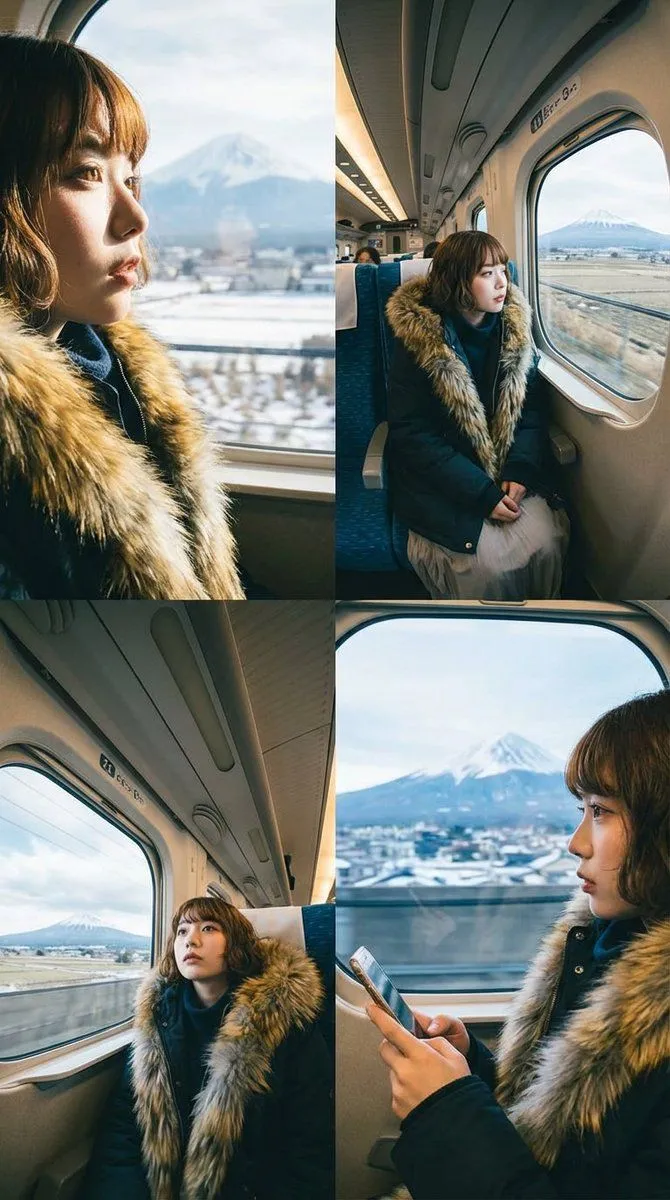
    • Four-Panel Image Generation with Specific Location and Perspective Prompt
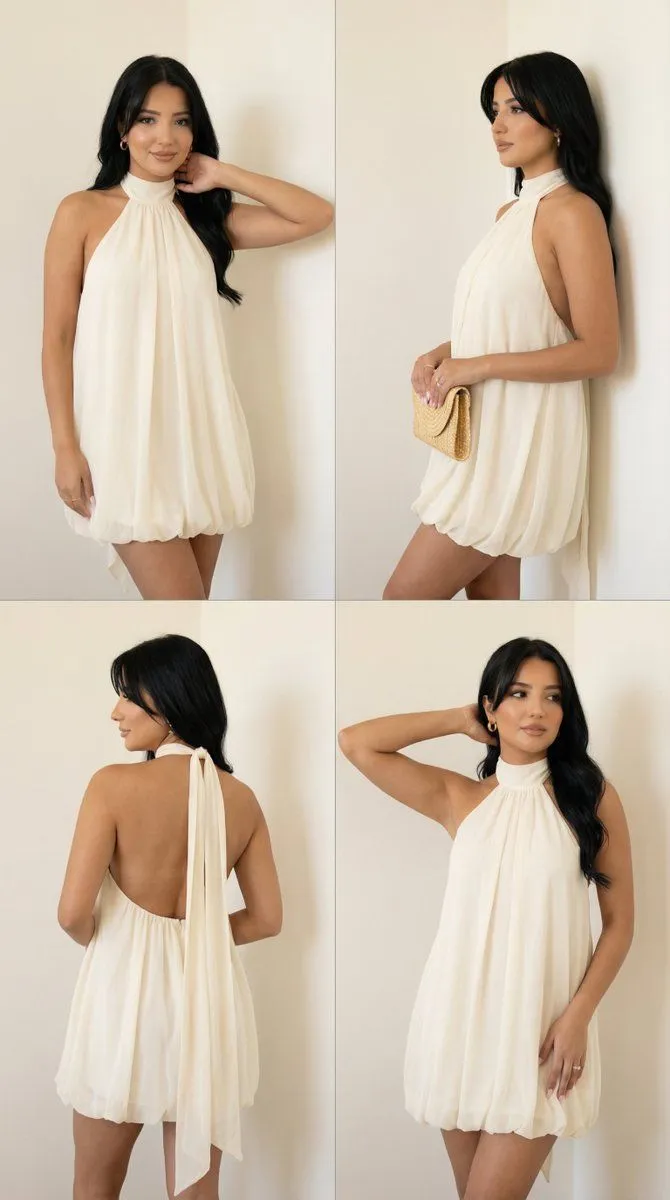
    • Quad-Pose Studio Lookbook Grid with Identity Preservation
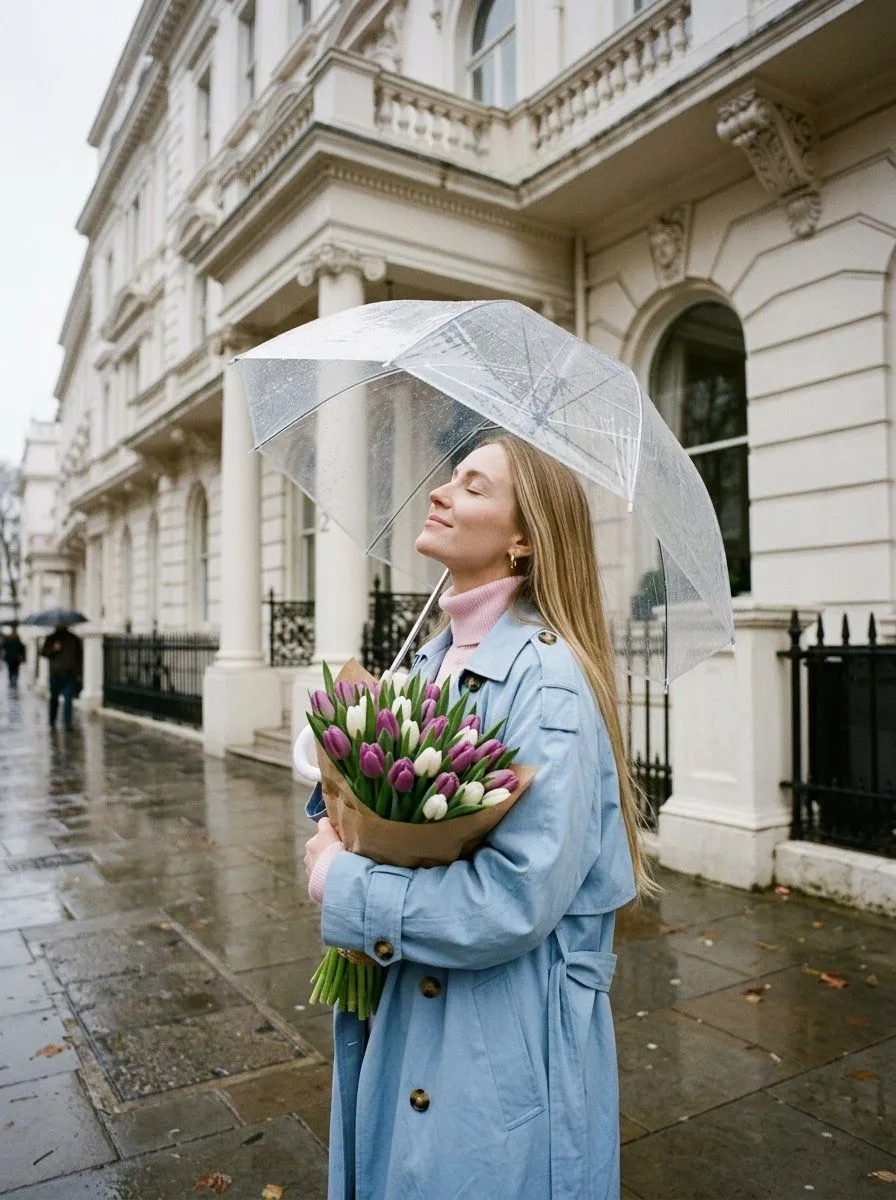
    • Romantic Rainy City Moment
    • Surreal Botanical Fashion Editorial
    • Ultra-Realistic Studio Portrait of Woman with Eyes Closed and Headphones
    • Hand-Carved Wooden Miniature Figure
    • Hyper-realistic Cobalt Blue Coconut Still Life
    • Hyperrealistic Tattooed Elf Couple
    • Multi-Angle Scene Generation Prompt (Oshi no Ko Style)
    • Nano Banana Pro Thumbnail Generation Example
    • Newspaper Collage Shadow Portrait
    • Sophisticated Oil Portrait Painting
    • The Lighthouse Keeper Storyboard

    Show more

    Run it on your phone

    1. Prompt copiedRead it

      { "image_generation": { "face": { "preserve_original": true, "reference_match": true, "description": "Keep all facial characteristics 100% identical to the reference image." }, "photo_style": { "type": "natural soft portrait", "camera_angle": "close, front-angled with gentle tilt", "lighting": "diffused daylight through curtains", "mood": "calm, serene, intimate", "texture": "natural pores visible, soft pastel tone", "focus": "eyes and face in sharp focus with creamy background blur" }, "subject": { "pose": "lying on bed on her side, head supported by hand", "expression": "relaxed half smile, soft gentle gaze", "hair": { "style": "messy natural waves around shoulders", "texture": "soft strands falling towards face" }, "clothing": { "type": "neutral comfy top", "details": "smooth texture, minimal" }, "hand": { "position": "resting under chin" } }, "environment": { "setting": "simple cozy bedroom space", "background": "pale curtains & soft light glow", "atmosphere": "peaceful morning warmth" }, "aesthetic": { "style": "warm natural portrait", "features": ["soft bokeh","gentle highlights","minimal backdrop","clean daylight aesthetic"] } } }

    2. Open your app

    3. Paste and run

      Press and hold the message box, then tap Paste. Add your photo first if the prompt uses one. You may need to sign in.

    Structured Prompt for Natural Soft Portrait in Bedroom