Tell us anything

An idea, a bug, something you love. We read every note.

⌘↵ to send. The page you're on comes along.

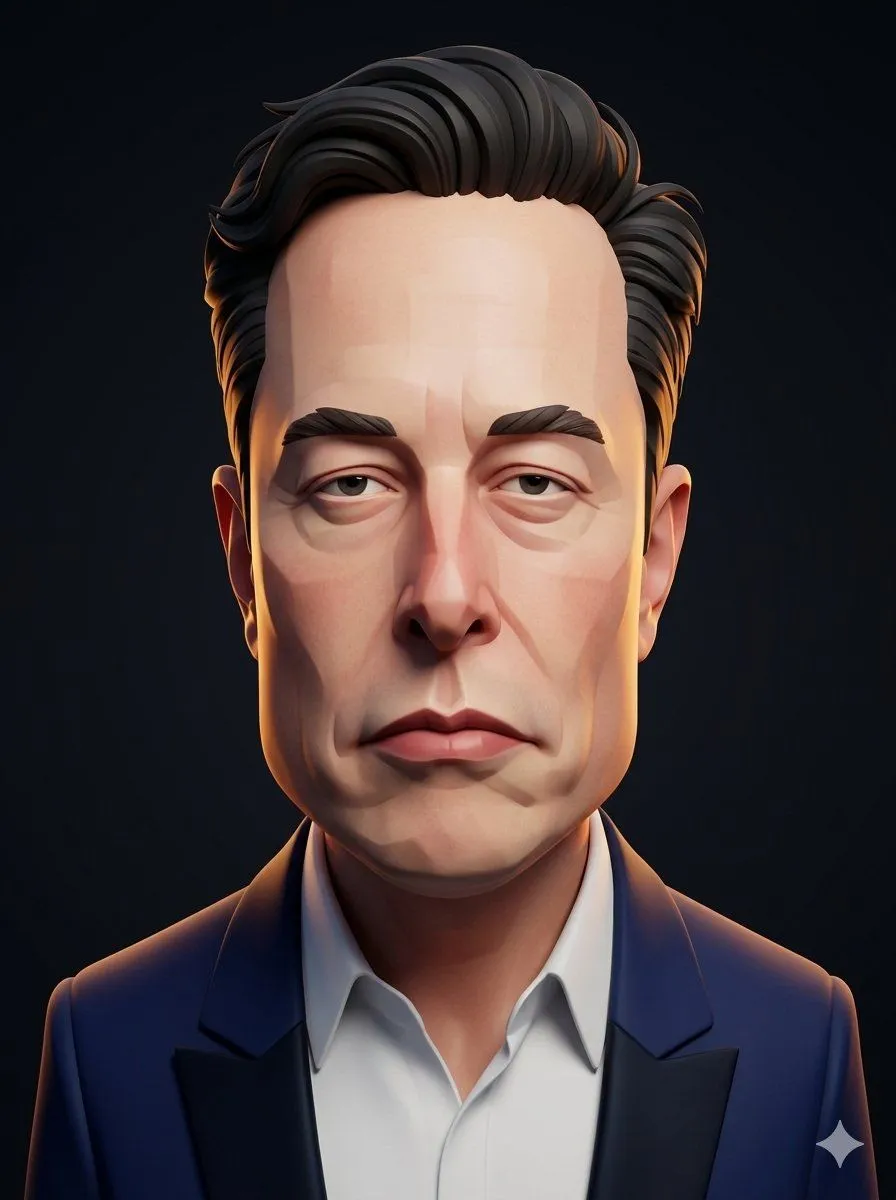
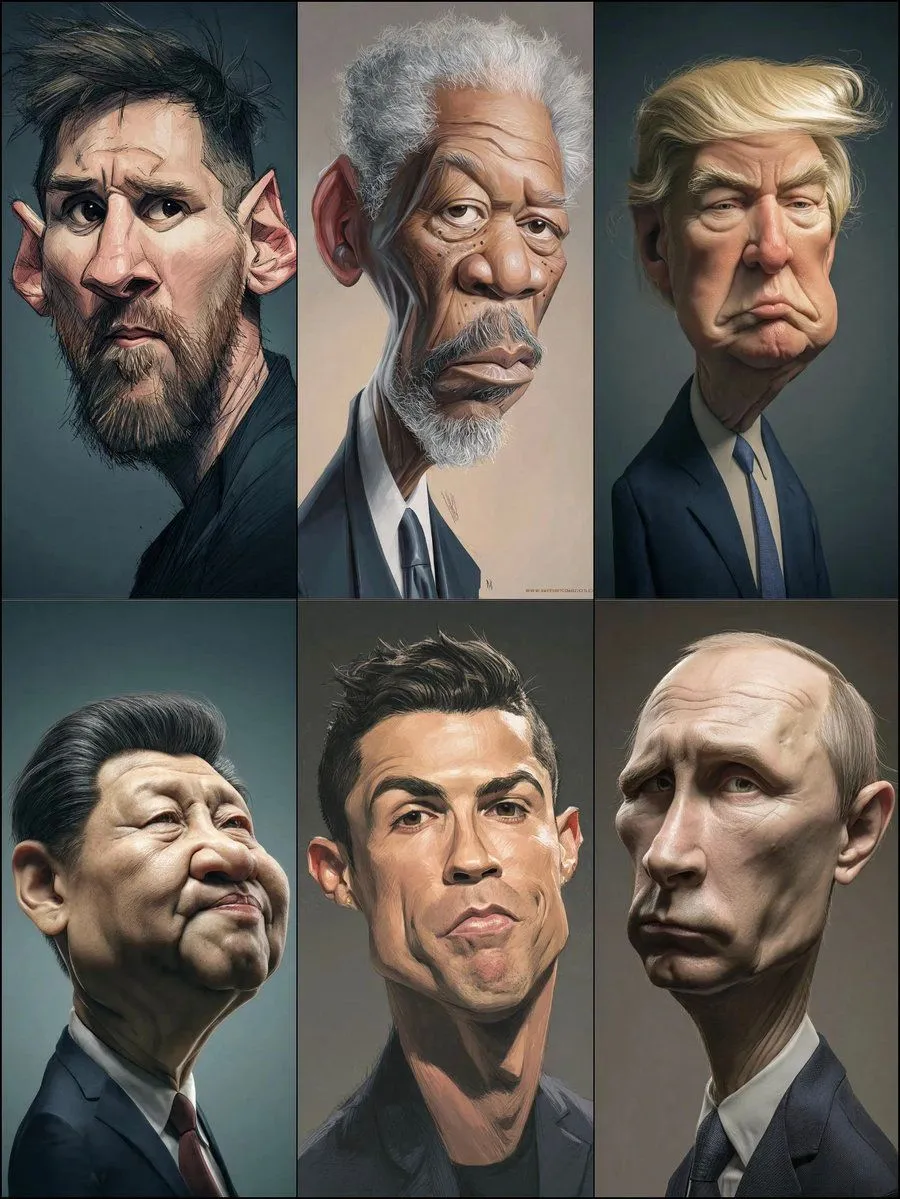
Structured Prompt for Hyperrealistic Caricature Portrait

Made with Nano Banana Pro in Gemini by Library Portraits. Promptclay never generates images.

Did it work?

No reports yet. Tell others if it worked for you.

No comments yet. Be the first.

    Structured Prompt for Hyperrealistic Caricature Portrait

    Nano Banana Pro3:4AI-generated

    Prompt

    { "style": { "type": "hyperrealistic caricature", "lighting": "soft studio lighting", "mood": "serious, dramatic", "details": "exaggerated facial proportions, smooth skin texture, painterly realism" }, "subject": { "type": "older man", "features": { "hair": "{argument name=\"hair style\" default=\"light blond, voluminous, swept to the side with dramatic flow\"}", "face": "{argument name=\"face features\" default=\"large exaggerated cheeks and chin, deep frown lines, pronounced brows, slightly drooping eyelids\"}", "expression": "{argument name=\"expression\" default=\"stern, pouting, serious\"}" }, "clothing": { "outfit": "dark formal suit", "shirt": "light-colored dress shirt", "tie": "{argument name=\"tie color\" default=\"light blue textured tie\"}" }, "pose": "straight posture, facing forward" }, "background": { "type": "plain dark gradient", "atmosphere": "studio portrait, minimalistic" }, "camera": { "angle": "straight-on", "depth_of_field": "shallow, soft background", "focus": "sharp on

    Works in
    Gemini, ChatGPT
    Status
    Free to copy
    0
    DetailsVersions, settings and questions

    Written for

    What's in the prompt

    Subject
    Model
    Nano Banana Pro

    If your face changes

    keep my face exactly the same

    Questions

    Does this work in the Gemini app?
    Yes. Gemini runs Nano Banana, so paste the prompt and attach your photo if it uses one.
    It changed my face. What do I do?
    Add "keep my face exactly the same" to the end and run it again.
    Can I use the images I make?
    Check the terms of the app you use. Promptclay never generates images and claims nothing you make.
    Similar prompts

    See more
    • Avengers CGI Caricature
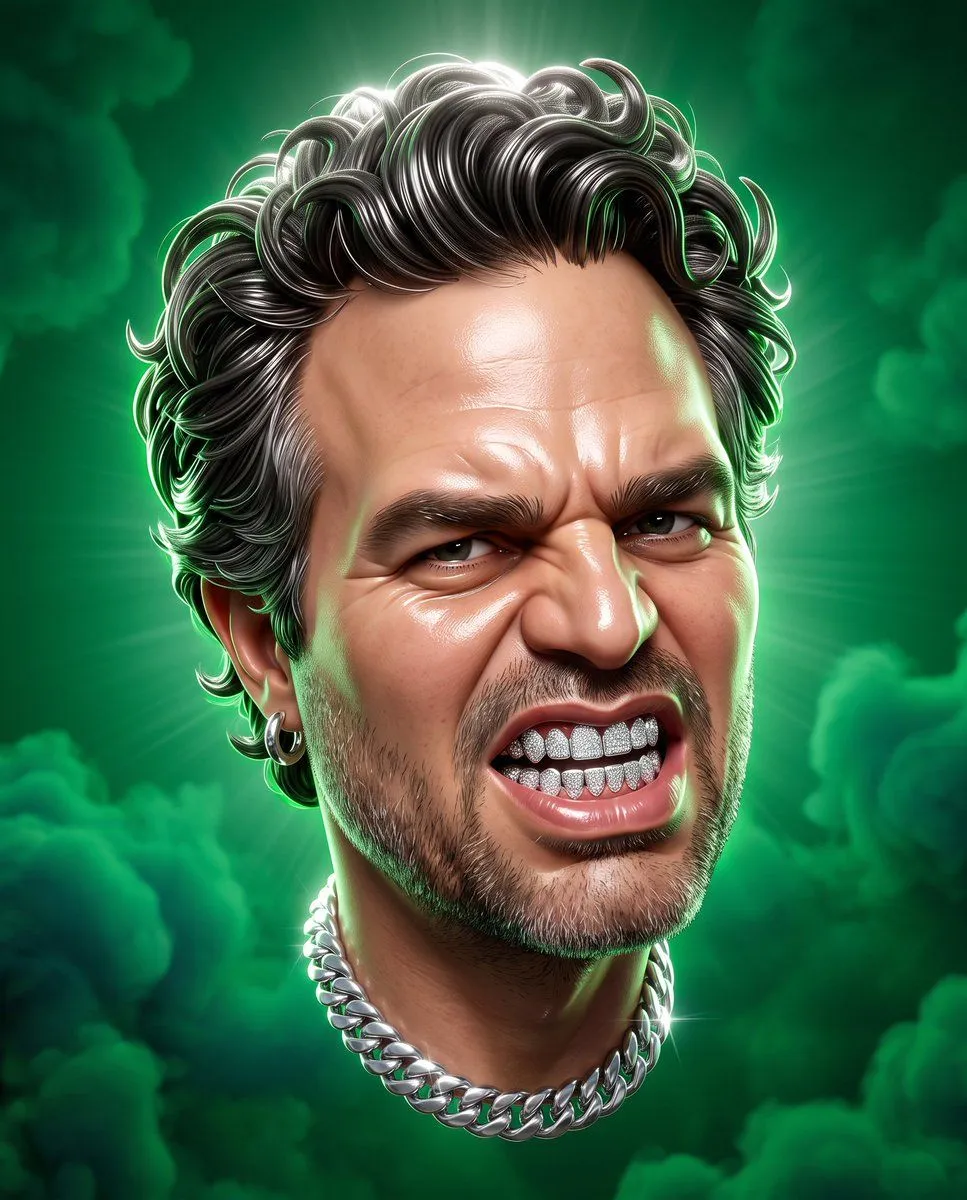
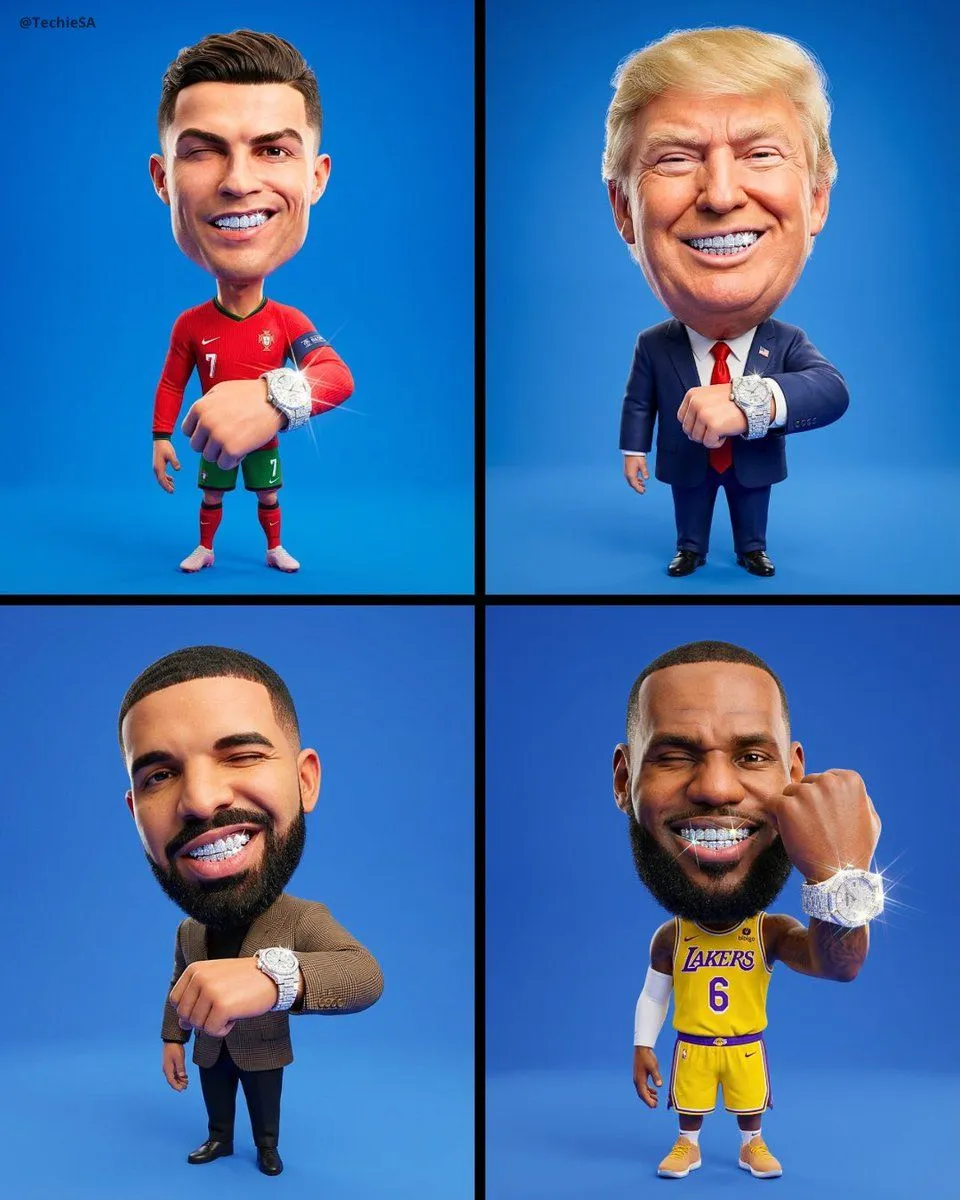
    • 3D Stylized Caricature with Diamond Grillz
    • 3D Caricature Meme Portrait
    • Editorial Caricature Illustration of a Man
    • 3D Stylized Caricature Portrait
    • Vintage Satirical Magazine Caricature
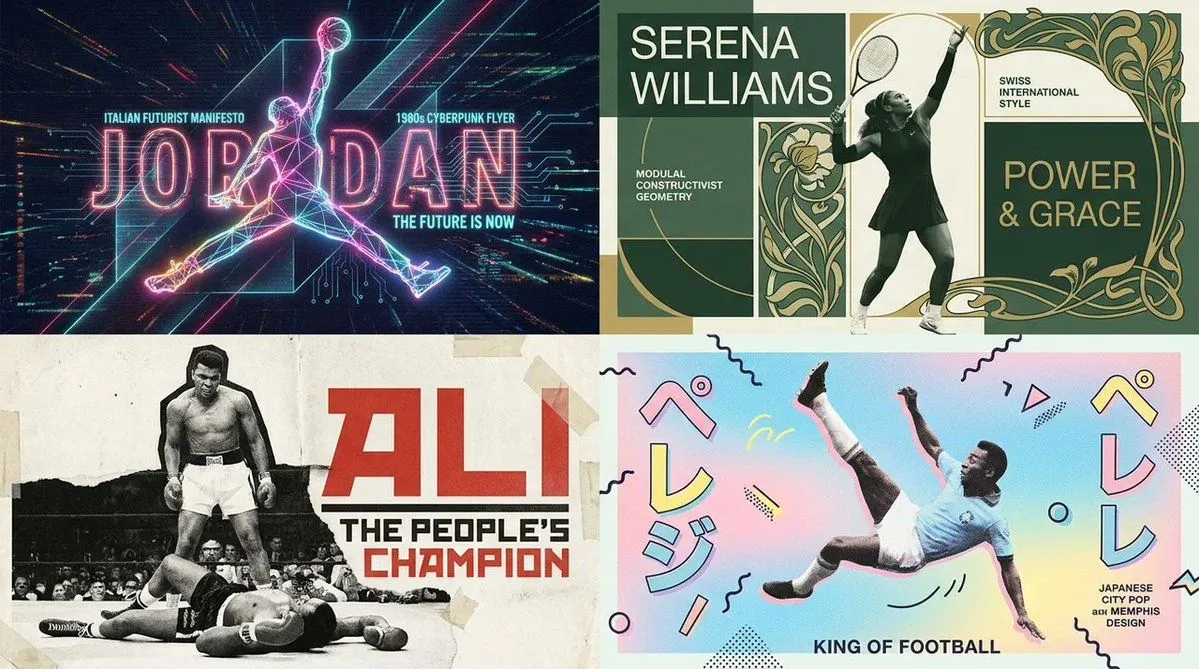
    • Dual Poster Movement Synthesis
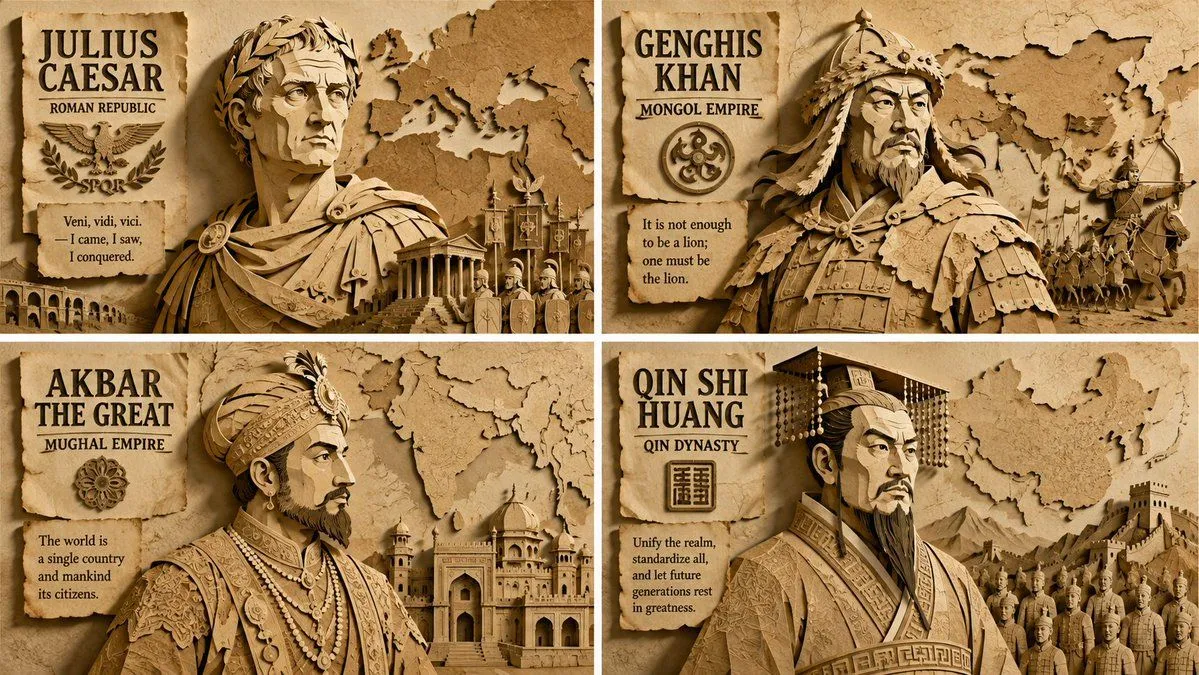
    • Paper Relief Hierarchical Composition
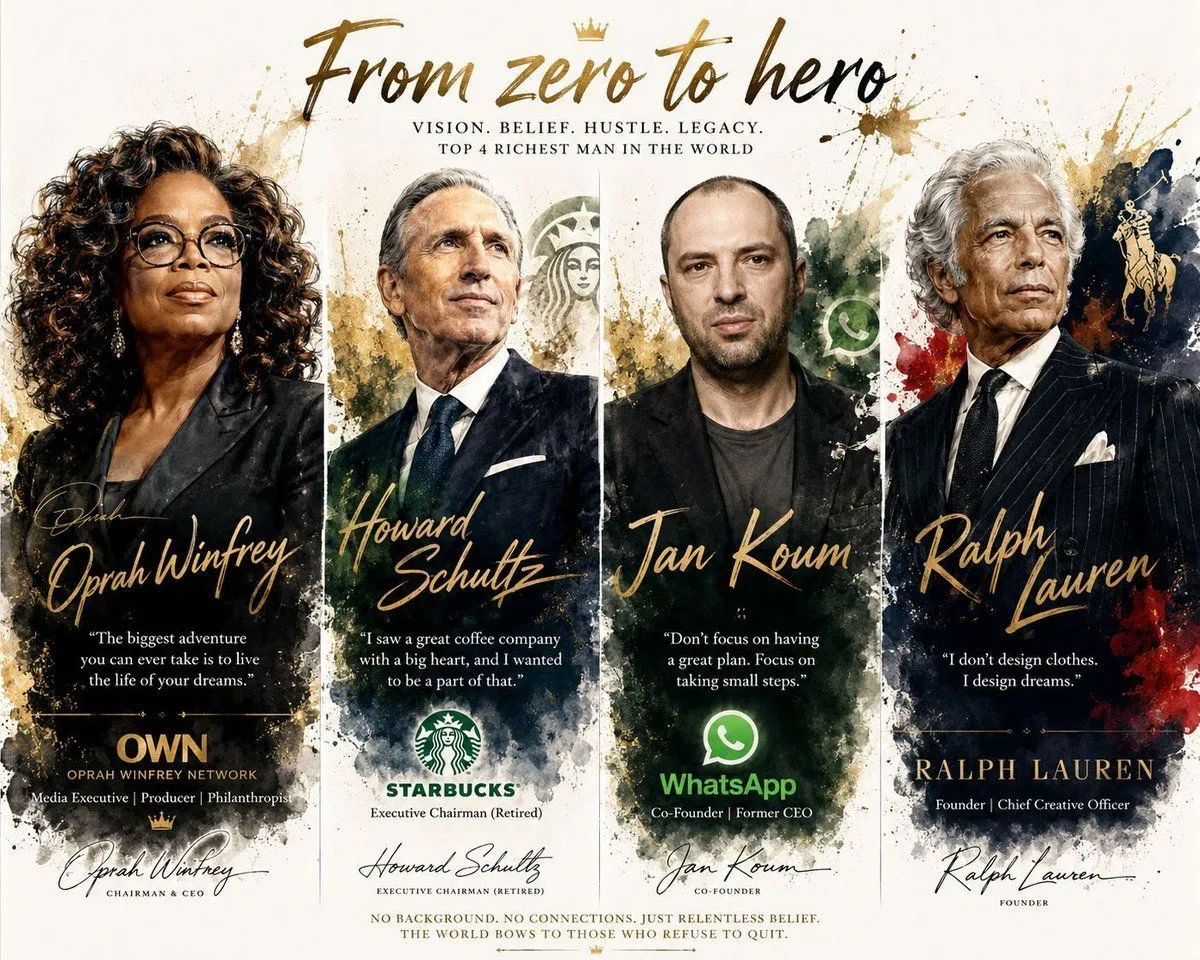
    • Luxury Watercolor Business Portrait
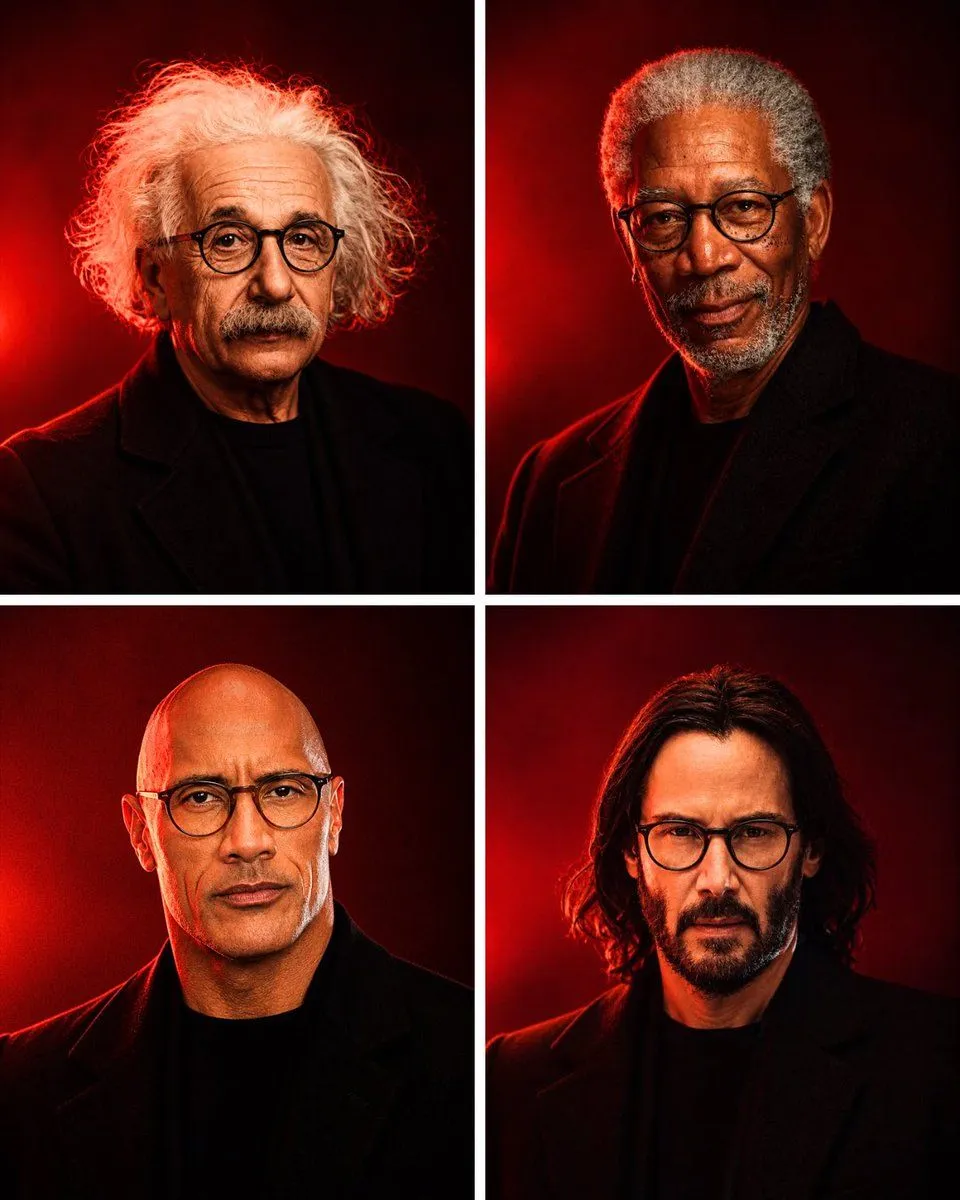
    • Anonymous Legends in Red Grid
    • Hyper-Realistic Coffee Powder Face Impression
    • Hyper-realistic Cyborg Side Profile
    • Ultra-High Resolution Upscale and Skin Texture Transfer Prompt
    • Cinematic Male Character Concept Board
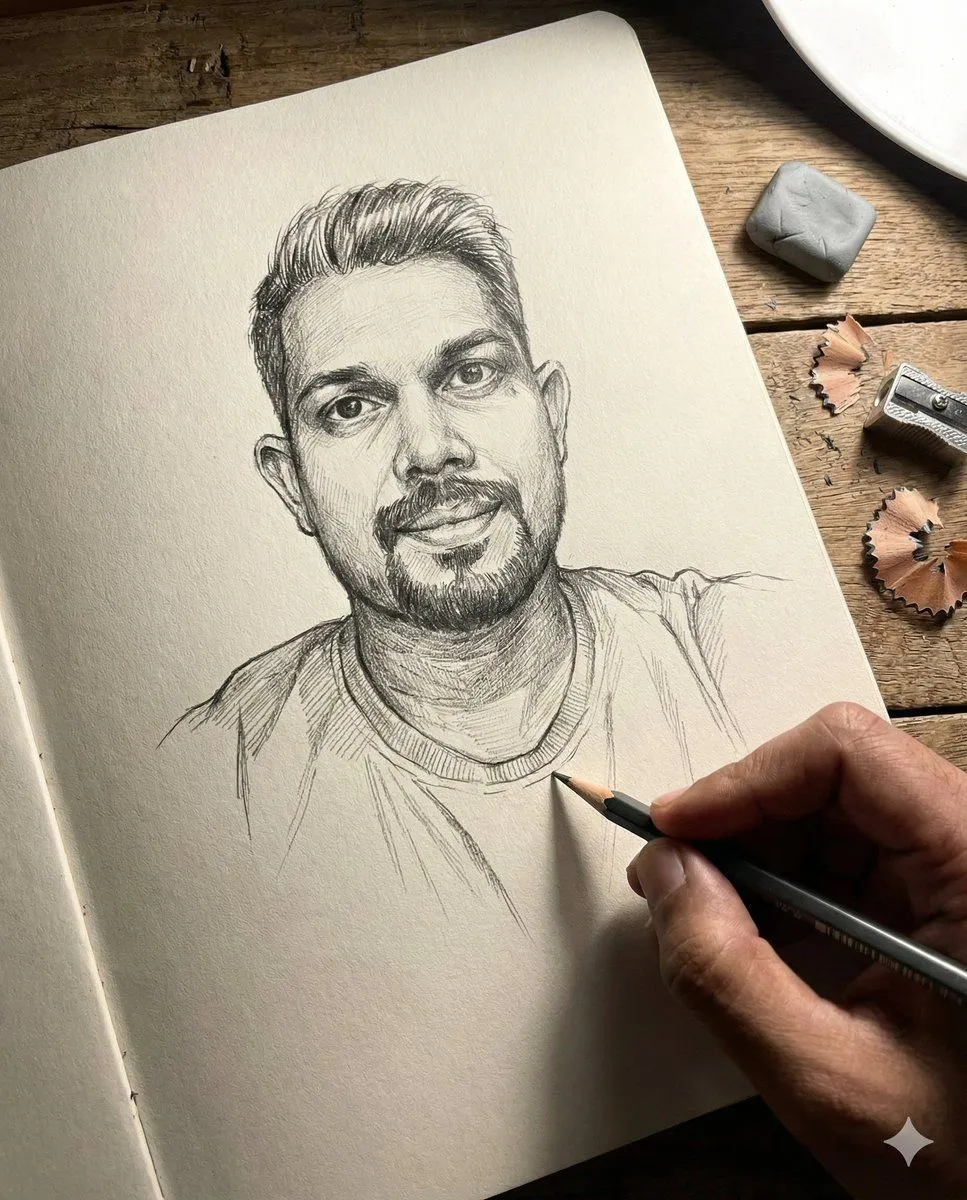
    • Anamorphic Graphite Sketch Illusion Prompt
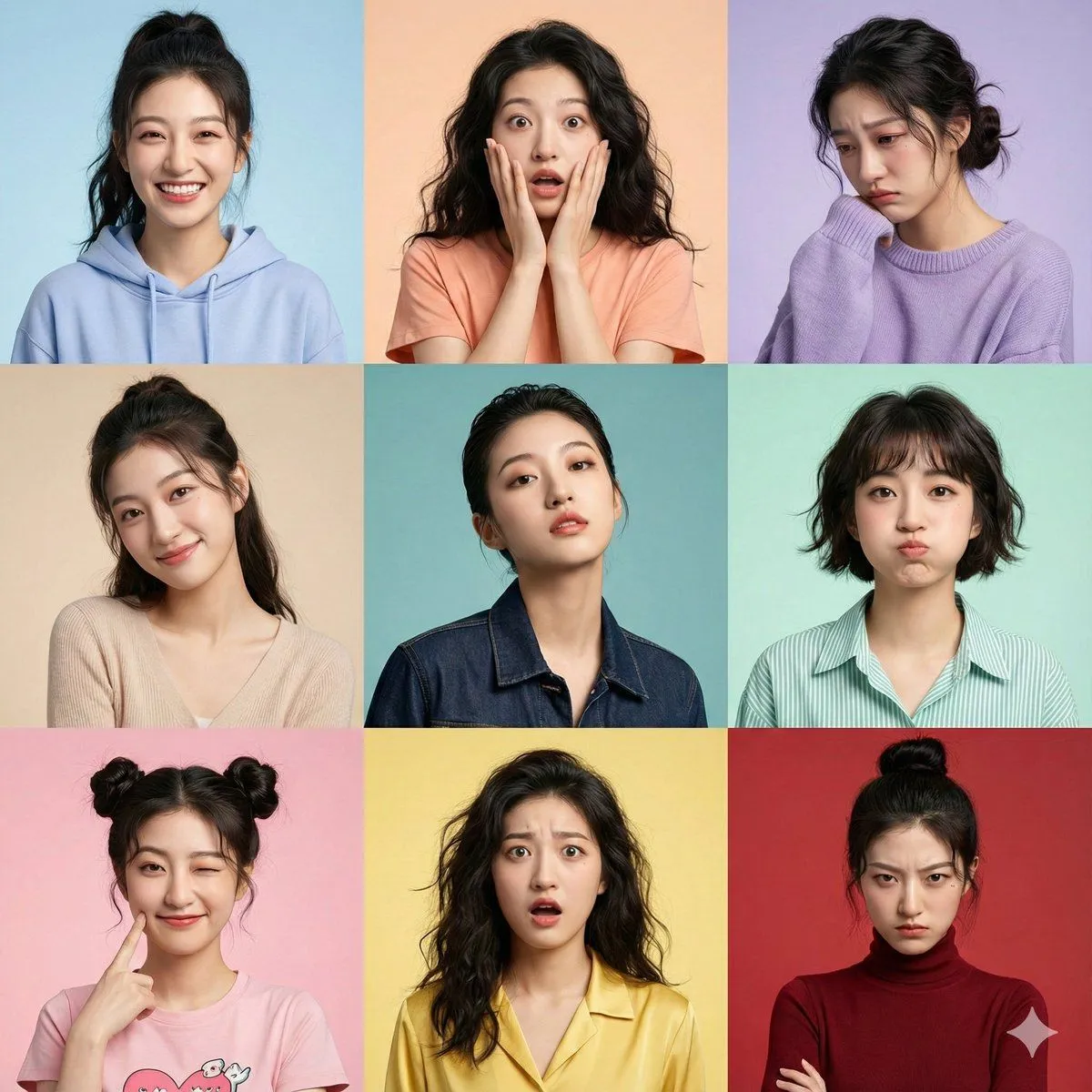
    • Hyper-Realistic 3x3 Grid Portrait with Fixed Identity
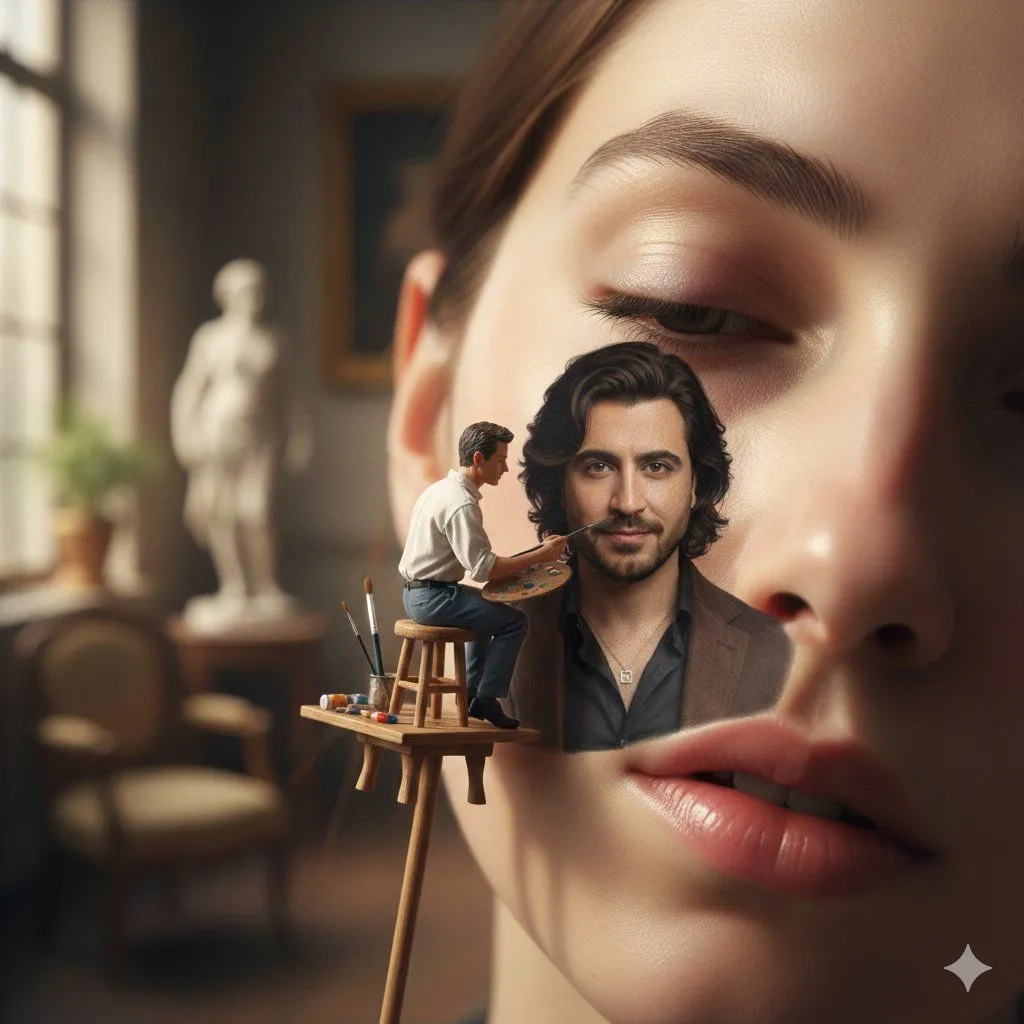
    • Miniature Artist Painting on a Giant Face Prompt
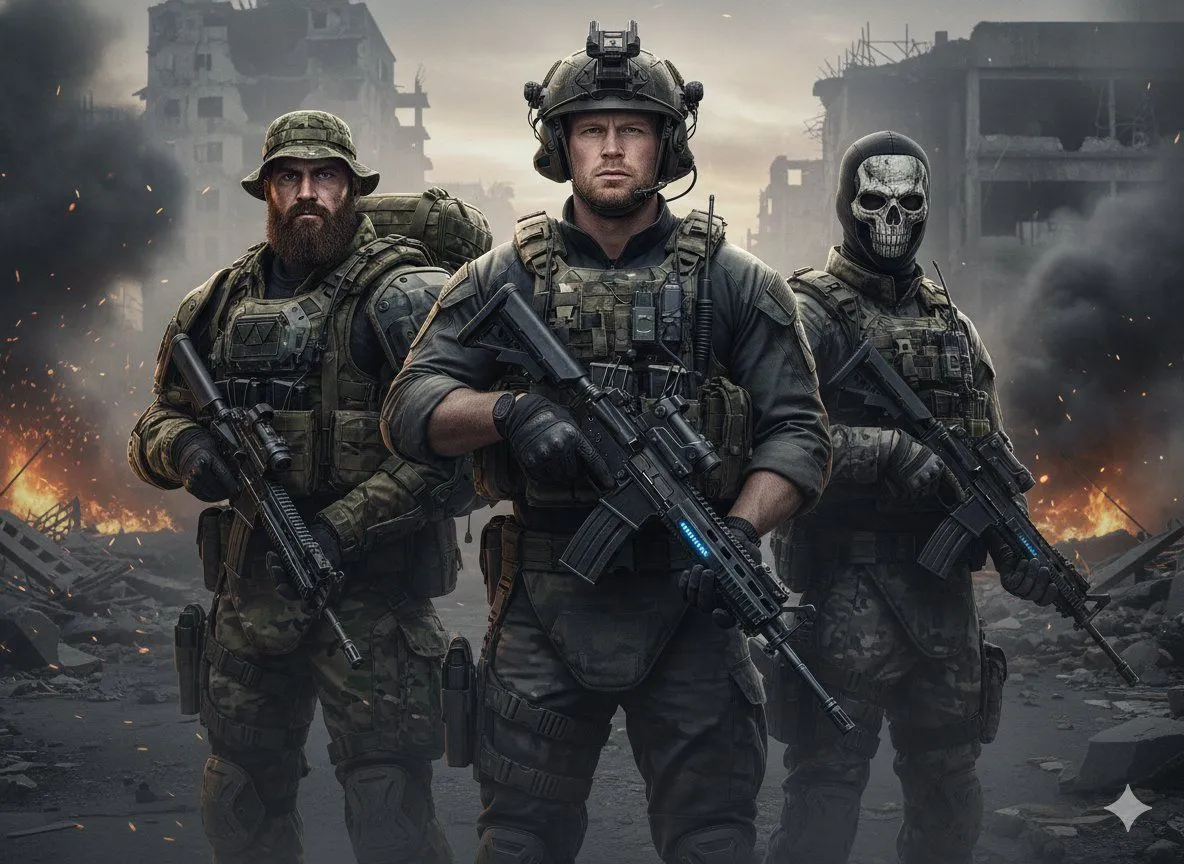
    • Hyper-Realistic Military Squad Portrait
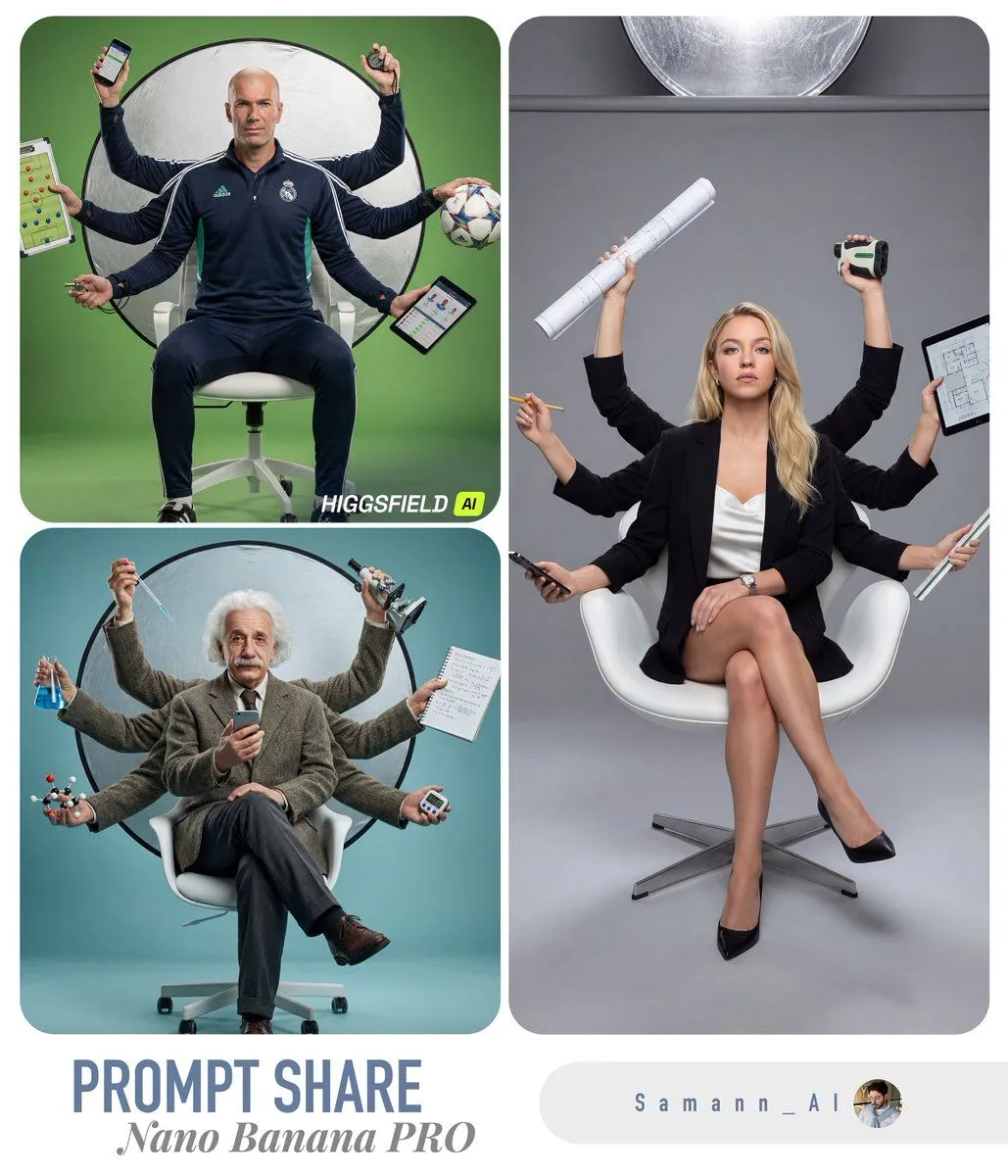
    • Hyper-Real Multi-Arm Professional Portrait
    • Stylized Wicker Caricature Figurine
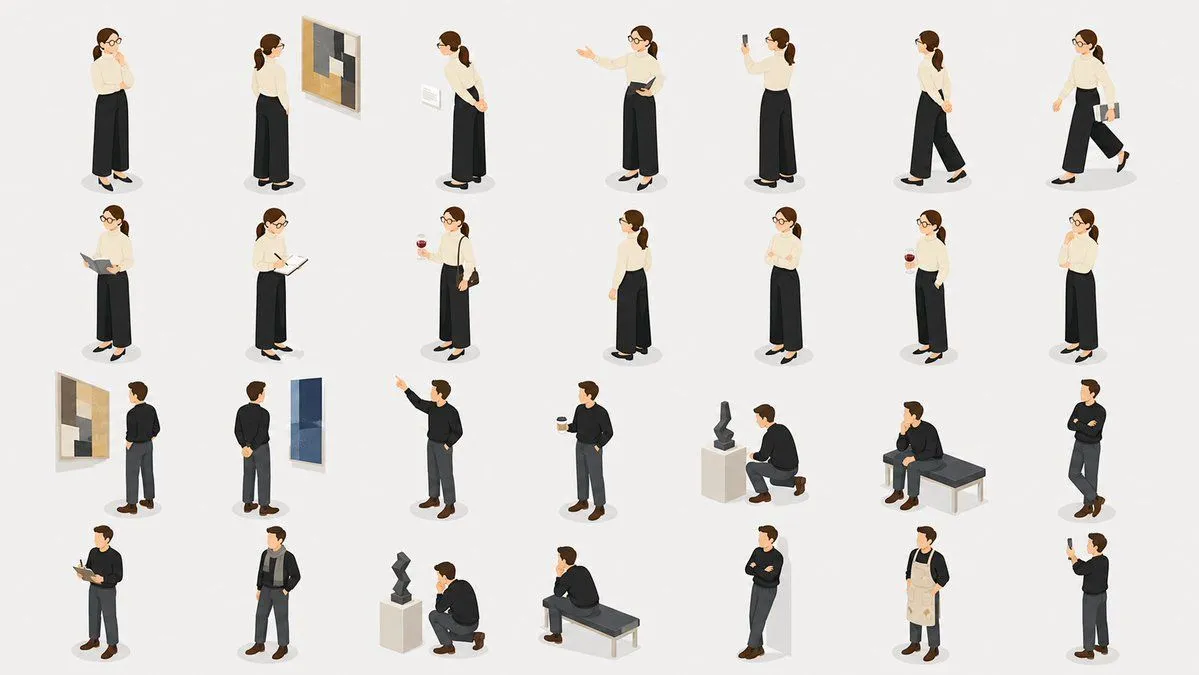
    • Isometric Gallery People Set
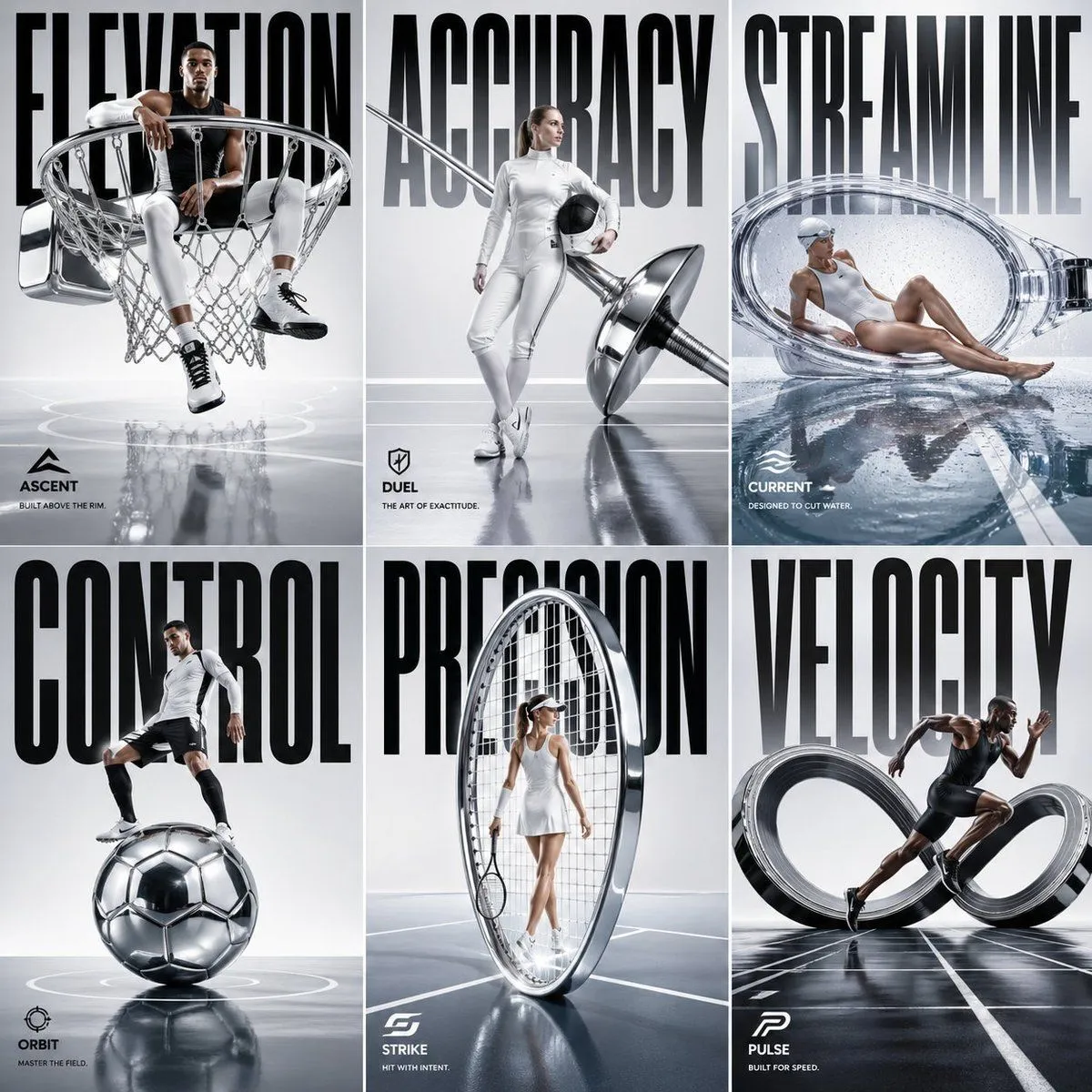
    • Luxury Sportswear 2x3 Campaign Grid
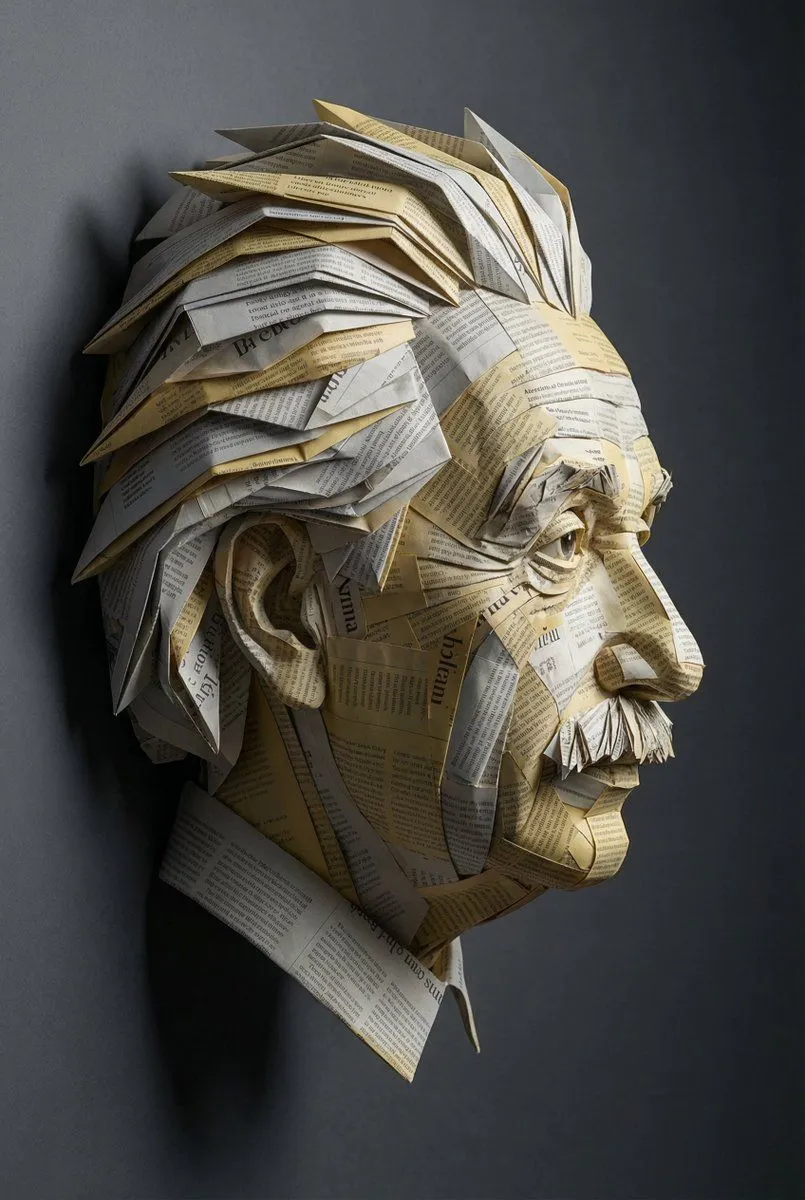
    • Surreal Einstein Paper Sculpture Photography Prompt
    • Stylized 3D Fashion Portrait

    Show more

    Run it on your phone

    1. Prompt copiedRead it

      { "style": { "type": "hyperrealistic caricature", "lighting": "soft studio lighting", "mood": "serious, dramatic", "details": "exaggerated facial proportions, smooth skin texture, painterly realism" }, "subject": { "type": "older man", "features": { "hair": "{argument name=\"hair style\" default=\"light blond, voluminous, swept to the side with dramatic flow\"}", "face": "{argument name=\"face features\" default=\"large exaggerated cheeks and chin, deep frown lines, pronounced brows, slightly drooping eyelids\"}", "expression": "{argument name=\"expression\" default=\"stern, pouting, serious\"}" }, "clothing": { "outfit": "dark formal suit", "shirt": "light-colored dress shirt", "tie": "{argument name=\"tie color\" default=\"light blue textured tie\"}" }, "pose": "straight posture, facing forward" }, "background": { "type": "plain dark gradient", "atmosphere": "studio portrait, minimalistic" }, "camera": { "angle": "straight-on", "depth_of_field": "shallow, soft background", "focus": "sharp on

    2. Open your app

    3. Paste and run

      Press and hold the message box, then tap Paste. Add your photo first if the prompt uses one. You may need to sign in.

    Structured Prompt for Hyperrealistic Caricature Portrait