Tell us anything

An idea, a bug, something you love. We read every note.

⌘↵ to send. The page you're on comes along.

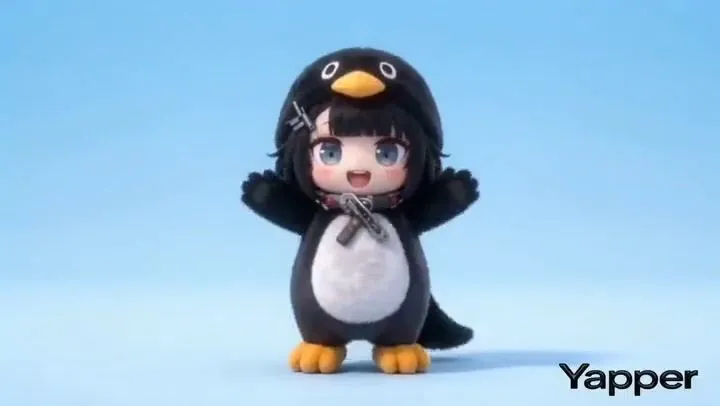
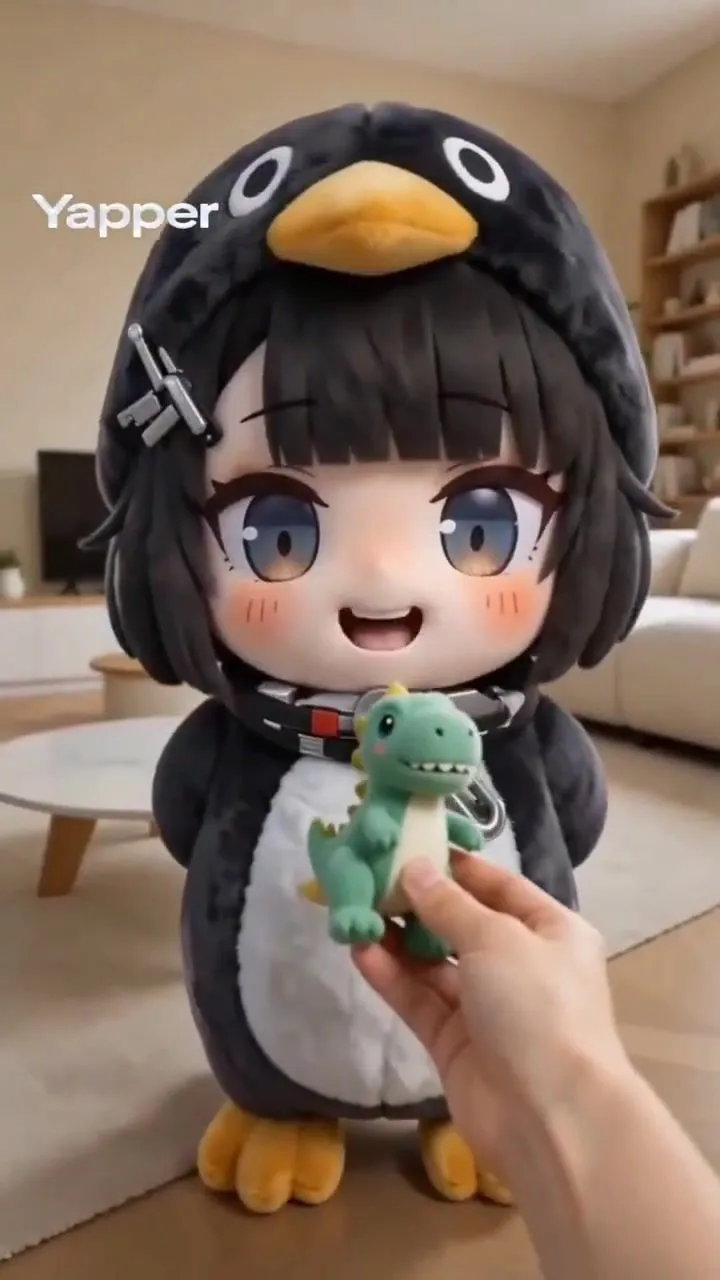
Structured Chibi Character Animation Prompt

Made with Seedance 2.0 in Kling, collected by Library Cinema. Promptclay never generates images.

Did it work?

No reports yet. Tell others if it worked for you.

No comments yet. Be the first.

    Structured Chibi Character Animation Prompt

    Seedance 2.016:9AI-generated

    Prompt

    { "video_generation_prompt": { "scenes": [ { "scene_name": "Intro Jump", "description": "Chibi character pops up from bottom of screen, big sparkling eyes, tiny hands waving, oversized head, cheerful smile, colorful outfit with cute accessories, soft pastel gradient background, short jump animation, cinematic soft lighting, adorable expression, 2 seconds" }, { "scene_name": "Magic Sparkle", "description": "Chibi character casts tiny sparkles from hands, sparkles float around, eyes wide with excitement, dynamic movement, outfit shimmering, pastel-colored magical effect, playful bouncing motion, 3 seconds" }, { "scene_name": "Happy Dance", "description": "Chibi character does a cute spin and small dance step, waving tiny hands, bouncing slightly, big smile, bright pastel background, soft shading and highlights, 3 seconds" }, { "scene_name": "Cute Wave Goodbye", "description": "Chibi character waves goodbye, jumps slightly and lands, eyes sparkling, happy expression, background soft pink gradient, end of video loop, 2 seconds" } ], "style": "Ultra-cute chibi, anime-inspired, large sparkling eyes, tiny round body, oversized head, soft pastel color palette, highly detailed cartoon textures, cinematic lighting, smooth fluid animation, 1080x1080 resolution, energetic, playful, kawaii mood", "transitions": "Quick cute fade between cut scenes, smooth movement, 0.5 second each", "output": { "format": "mp4", "frame_rate": 24, "duration": "total 10 seconds", "loop": false } } }

    Works in
    Kling
    Status
    Free to copy
    0
    DetailsVersions, settings and questions

    Written for

    What's in the prompt

    Subject
    Model
    Seedance 2.0

    If your face changes

    keep my face exactly the same

    Questions

    Does this work in the Kling app?
    Yes. Paste the prompt and attach your photo if it uses one.
    It changed my face. What do I do?
    Add "keep my face exactly the same" to the end and run it again.
    Can I use the images I make?
    Check the terms of the app you use. Promptclay never generates images and claims nothing you make.
    Similar prompts

    See more
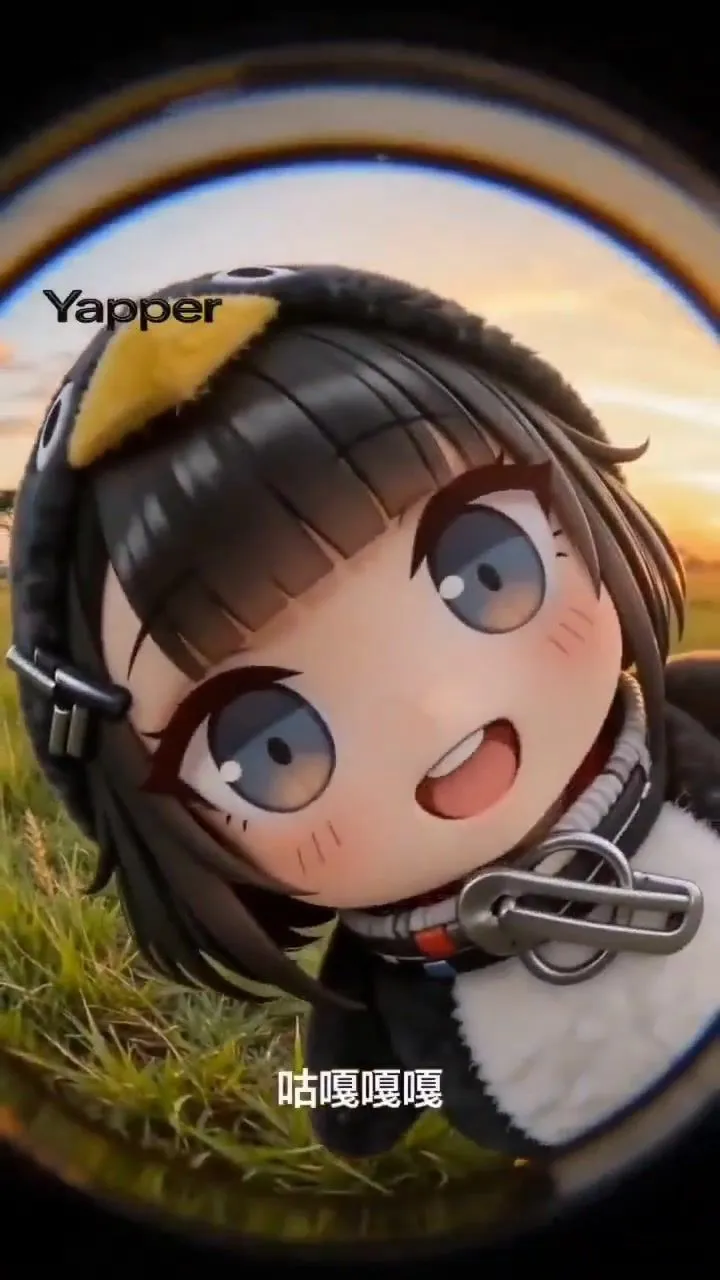
    • Kawaii chibi penguin-girl dancing promptVideo, 0:12
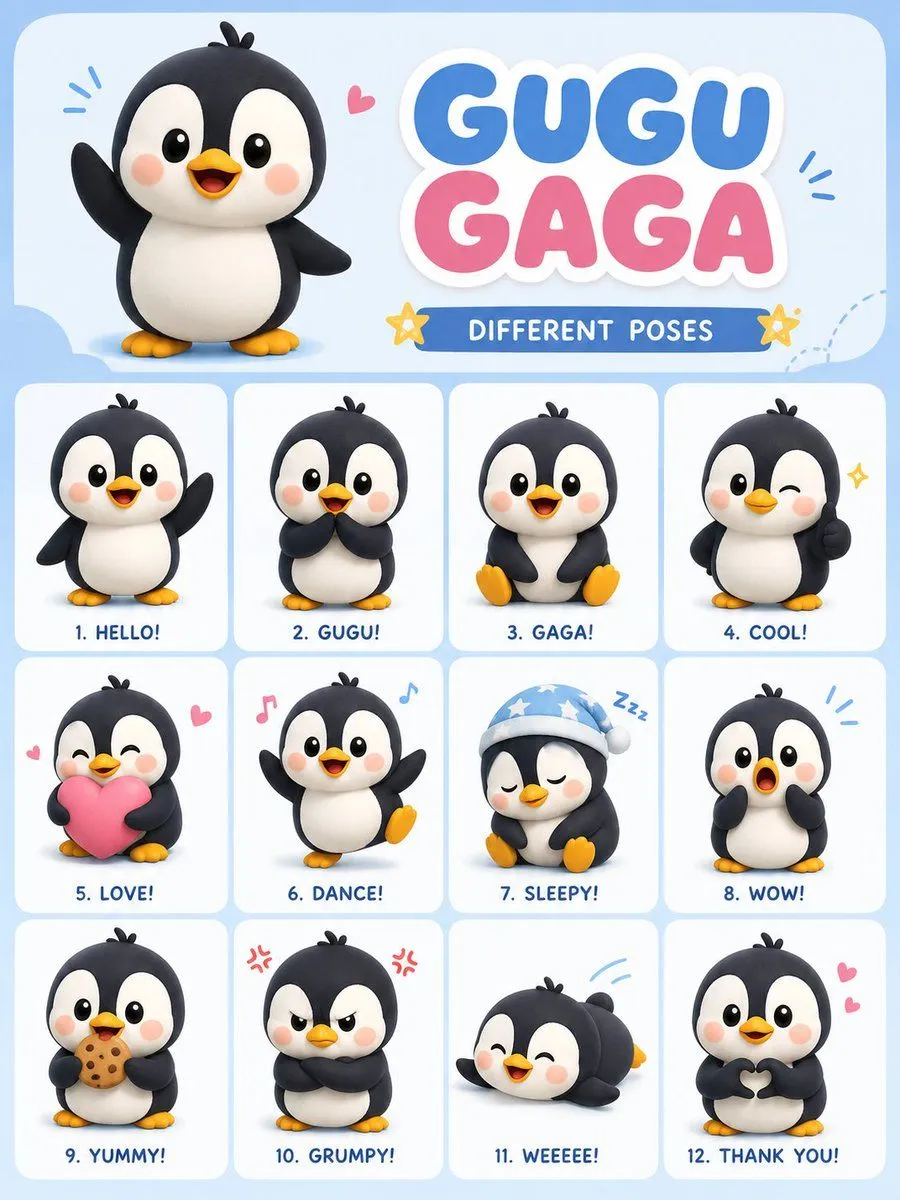
    • Chibi Penguin Expression Grid
    • Collectible Art Toy Character Design Sheet
    • Kawaii Mochi 3D Toy Character
    • Kawaii Chibi Sticker Sheet
    • Image Replacement Prompt
    • 3D Chibi Character Transformation Prompt for Nano Banana 2
    • 2D Anime to 3D Toy Avatar
    • Rainbow Chibi Schoolgirl Figurine
    • Chibi Santa Character Figure Generation Prompt
    • Chibi Penguin-Girl Dance Video PromptVideo, 0:15
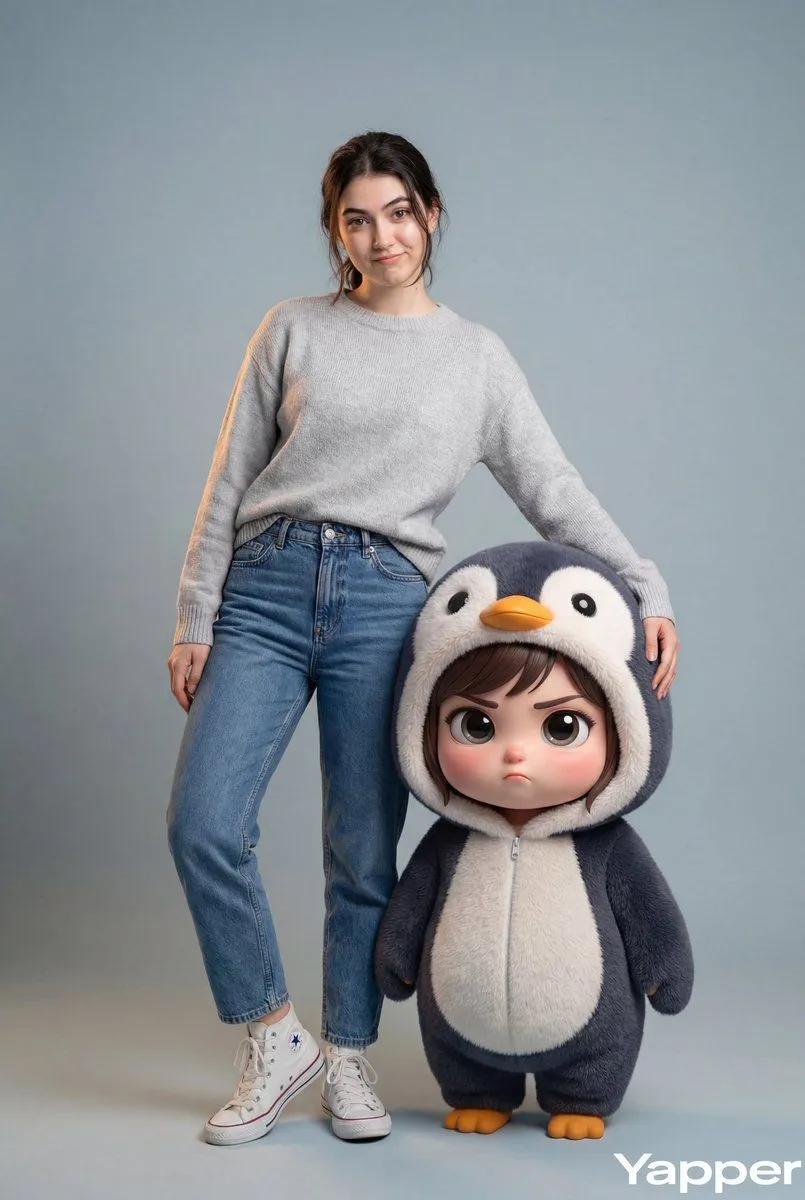
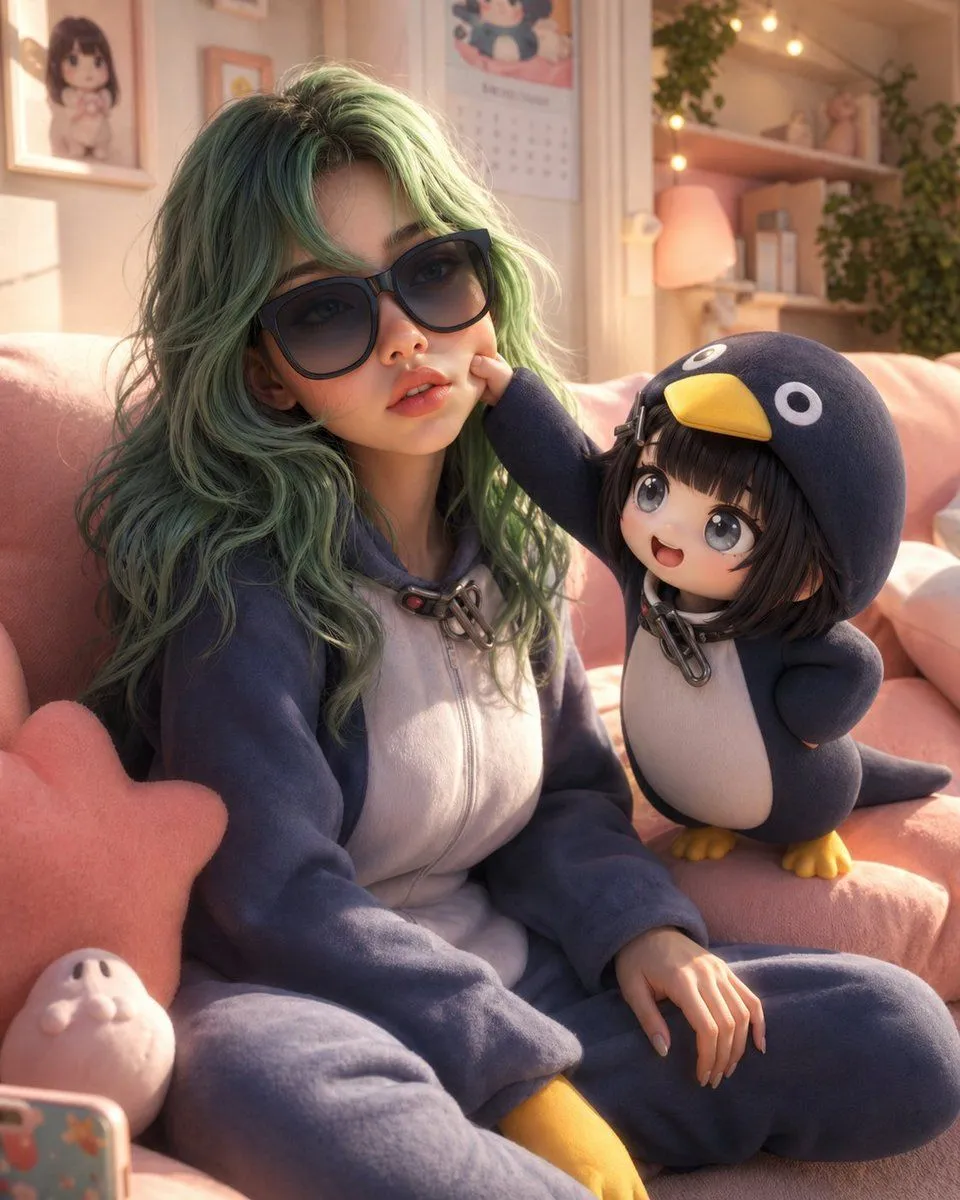
    • Hyper-Realistic Portrait with Chibi Penguin Character
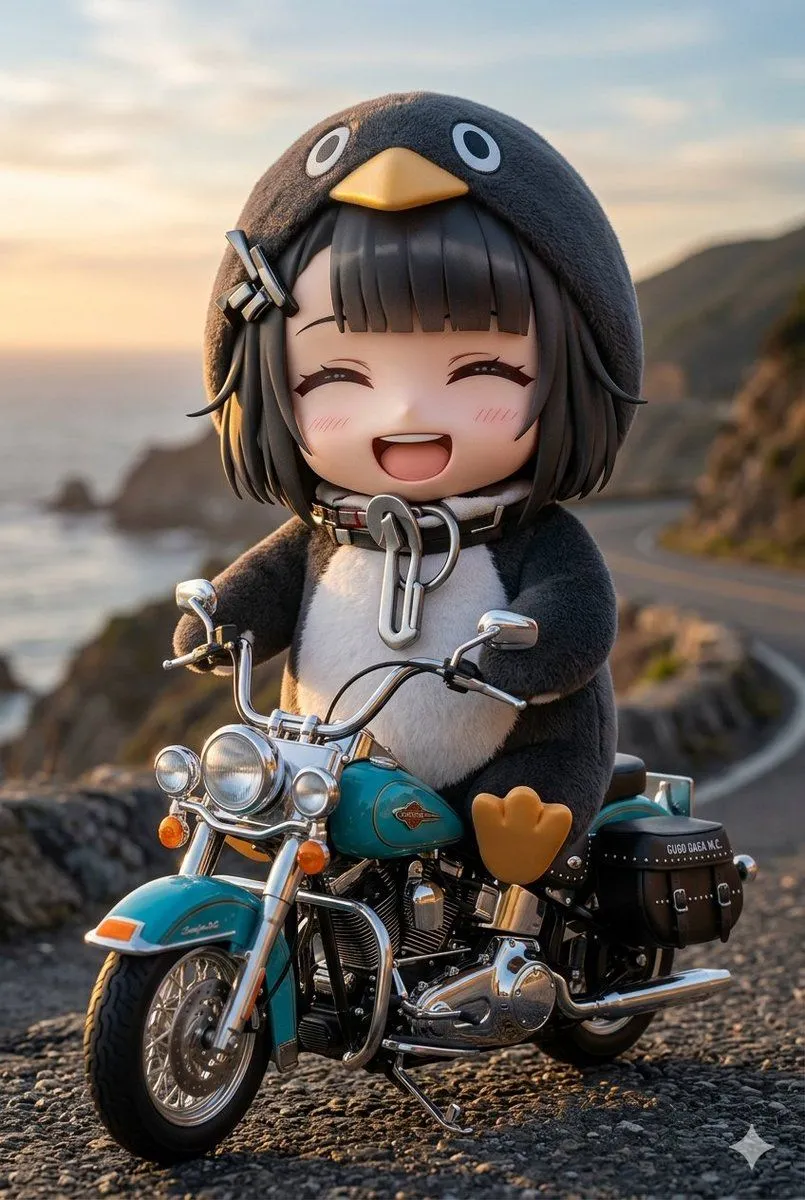
    • Chibi Penguin on a Motorcycle
    • 3D Animated Scene with Reference Matching
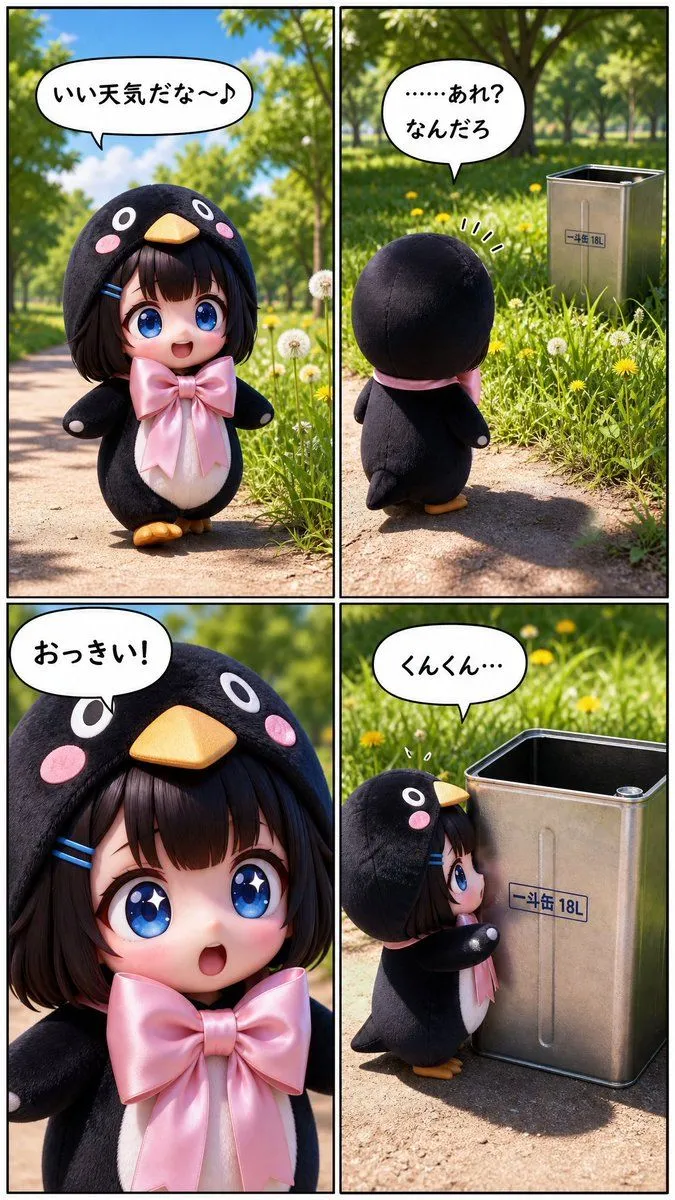
    • Cute Penguin Girl Comic Strip
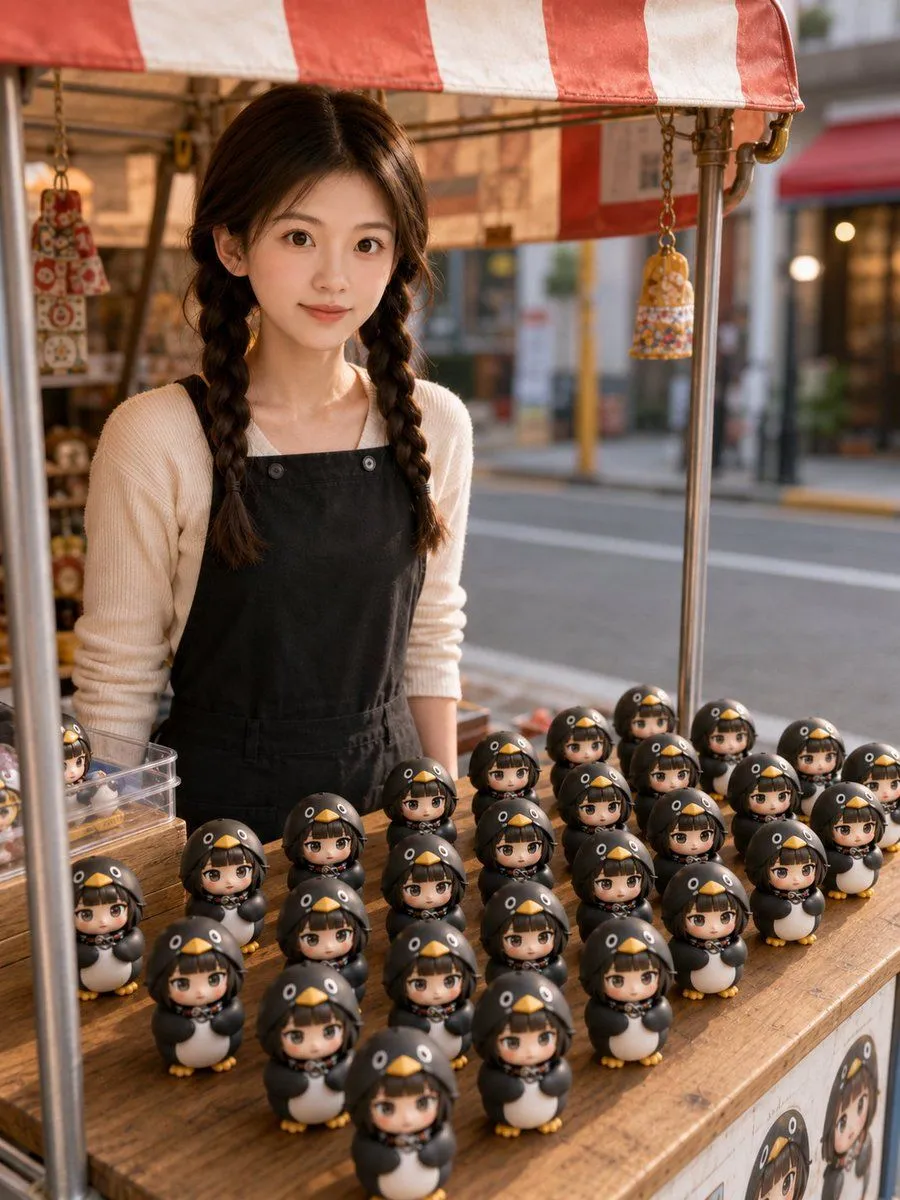
    • 3D Chibi Toy Vendor Portrait
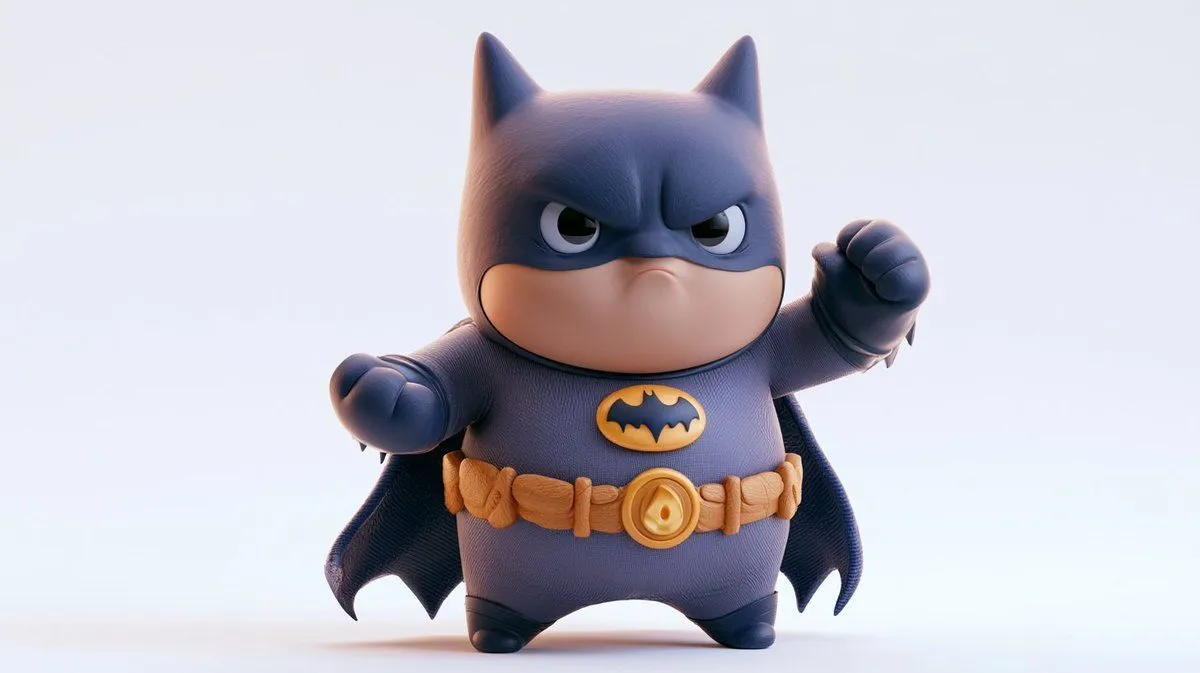
    • Chunky Cinematic Pop Culture Character
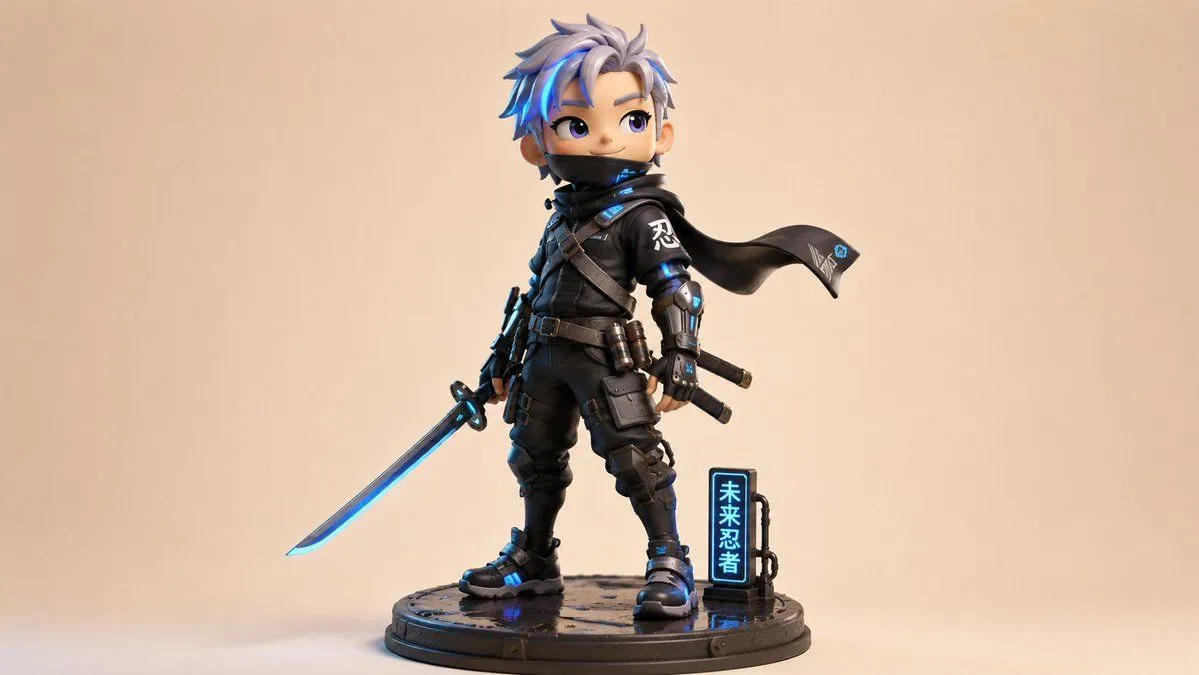
    • Chibi Cyber Ninja Figurine
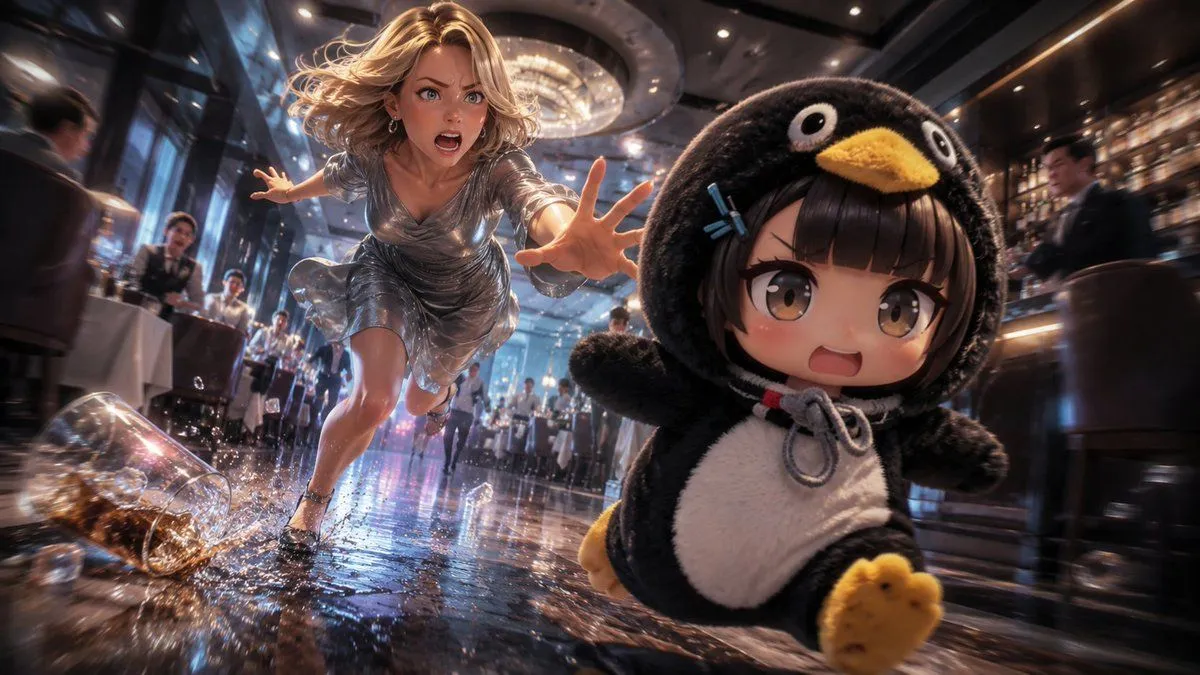
    • Anime Light Novel Restaurant Chase
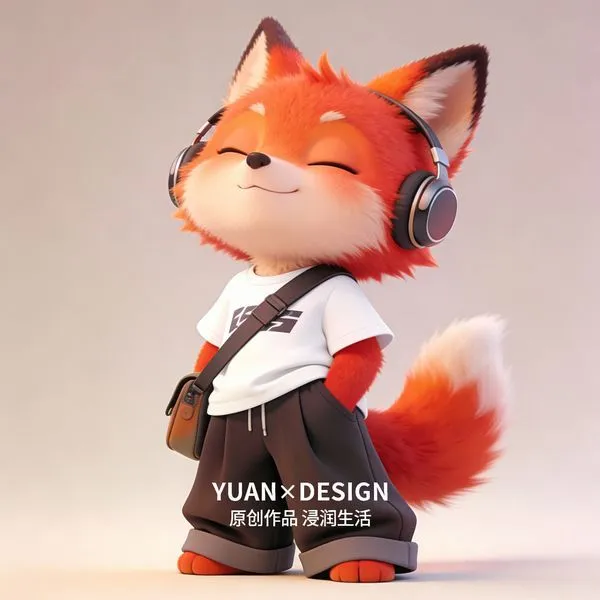
    • Trendy Little Fox IP Character Design
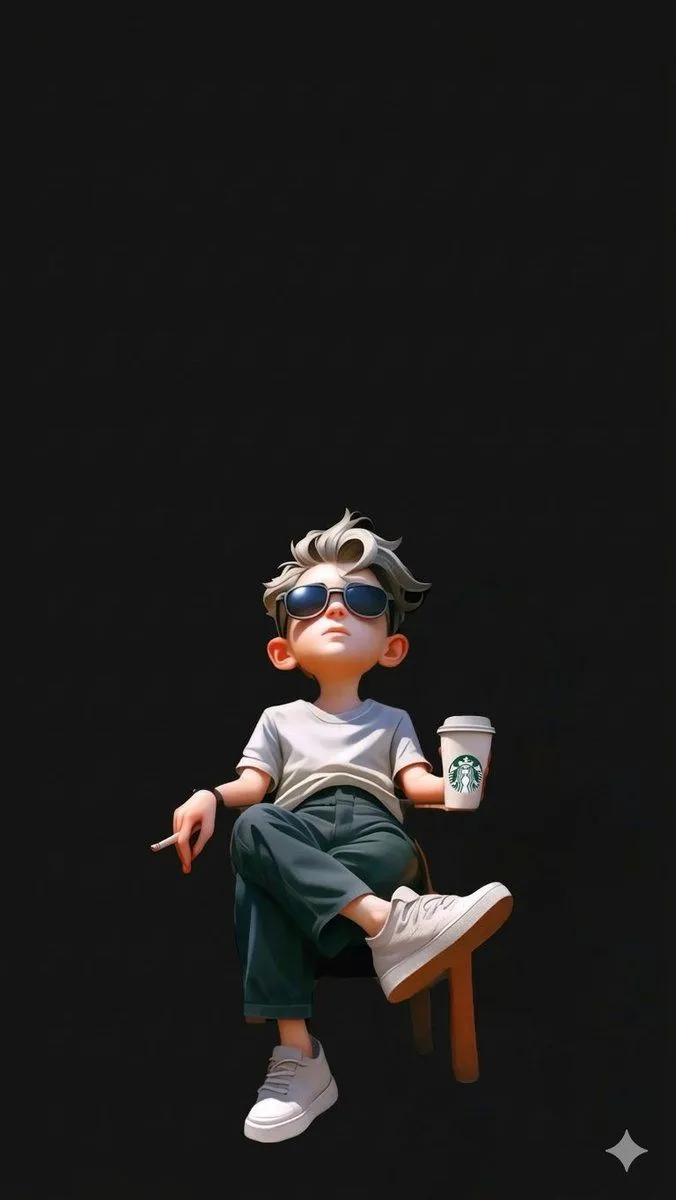
    • Pixar Style Cool Boy Illustration
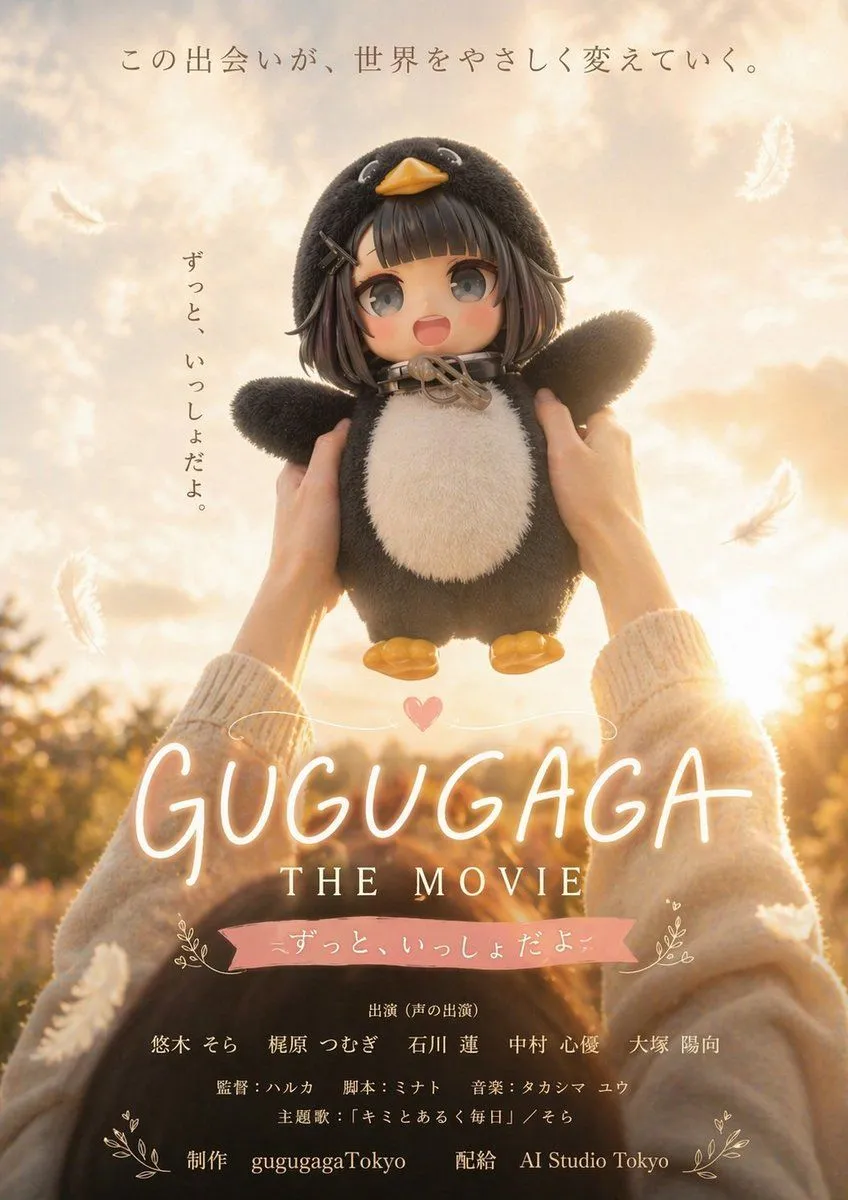
    • Warm Penguin Fantasy Movie Poster
    • Character Refrigerator Breakdown
    • Halloween Candy Corn Dress Girl

    Show more

    Run it on your phone

    1. Prompt copiedRead it

      { "video_generation_prompt": { "scenes": [ { "scene_name": "Intro Jump", "description": "Chibi character pops up from bottom of screen, big sparkling eyes, tiny hands waving, oversized head, cheerful smile, colorful outfit with cute accessories, soft pastel gradient background, short jump animation, cinematic soft lighting, adorable expression, 2 seconds" }, { "scene_name": "Magic Sparkle", "description": "Chibi character casts tiny sparkles from hands, sparkles float around, eyes wide with excitement, dynamic movement, outfit shimmering, pastel-colored magical effect, playful bouncing motion, 3 seconds" }, { "scene_name": "Happy Dance", "description": "Chibi character does a cute spin and small dance step, waving tiny hands, bouncing slightly, big smile, bright pastel background, soft shading and highlights, 3 seconds" }, { "scene_name": "Cute Wave Goodbye", "description": "Chibi character waves goodbye, jumps slightly and lands, eyes sparkling, happy expression, background soft pink gradient, end of video loop, 2 seconds" } ], "style": "Ultra-cute chibi, anime-inspired, large sparkling eyes, tiny round body, oversized head, soft pastel color palette, highly detailed cartoon textures, cinematic lighting, smooth fluid animation, 1080x1080 resolution, energetic, playful, kawaii mood", "transitions": "Quick cute fade between cut scenes, smooth movement, 0.5 second each", "output": { "format": "mp4", "frame_rate": 24, "duration": "total 10 seconds", "loop": false } } }

    2. Open your app

    3. Paste and run

      Press and hold the message box, then tap Paste. Add your photo first if the prompt uses one. You may need to sign in.