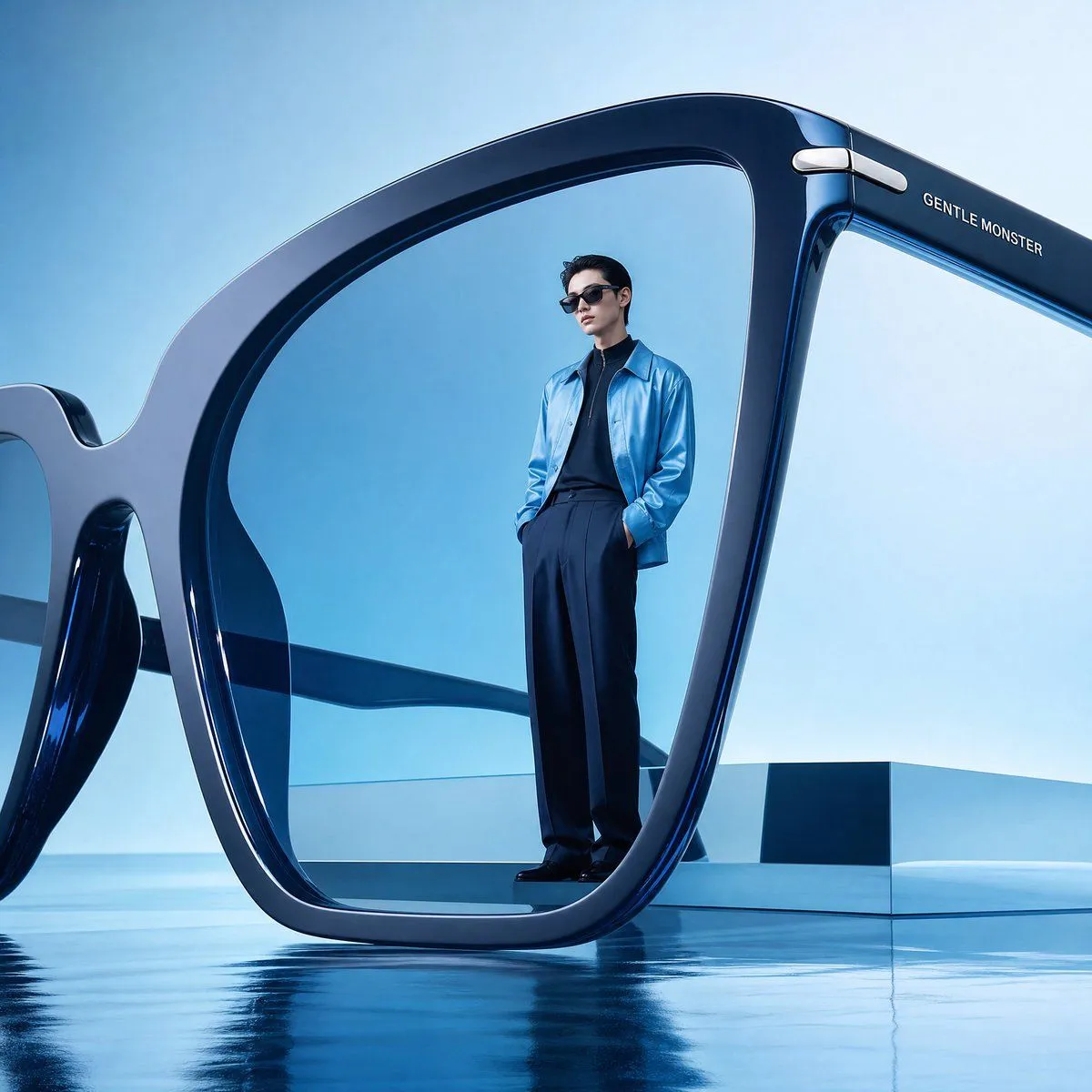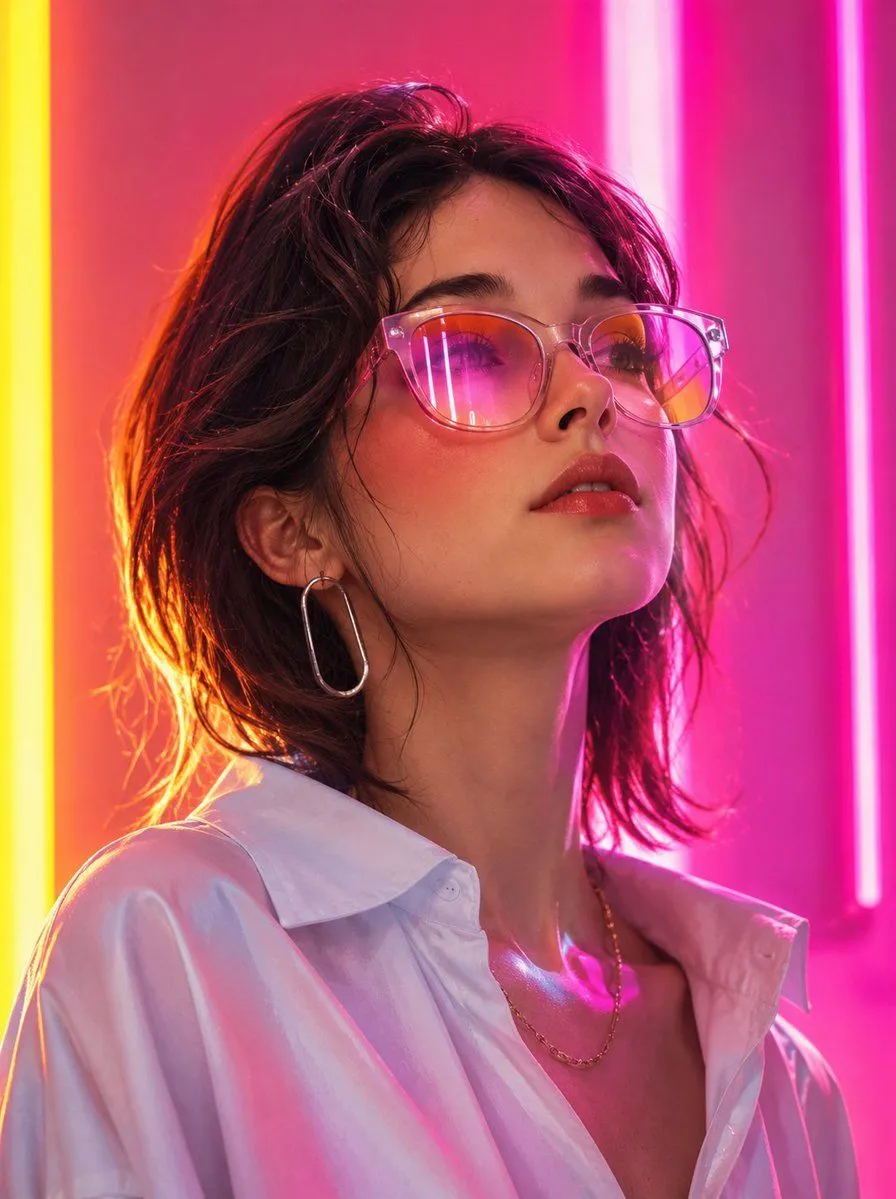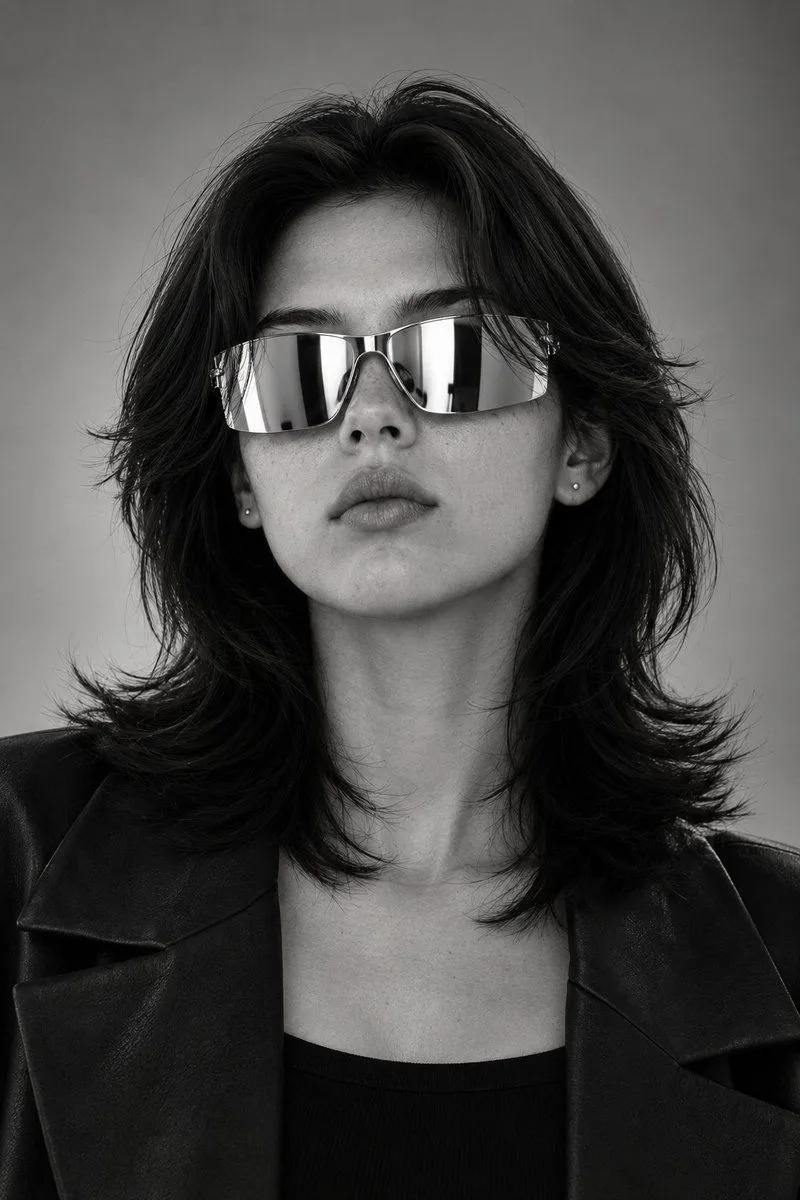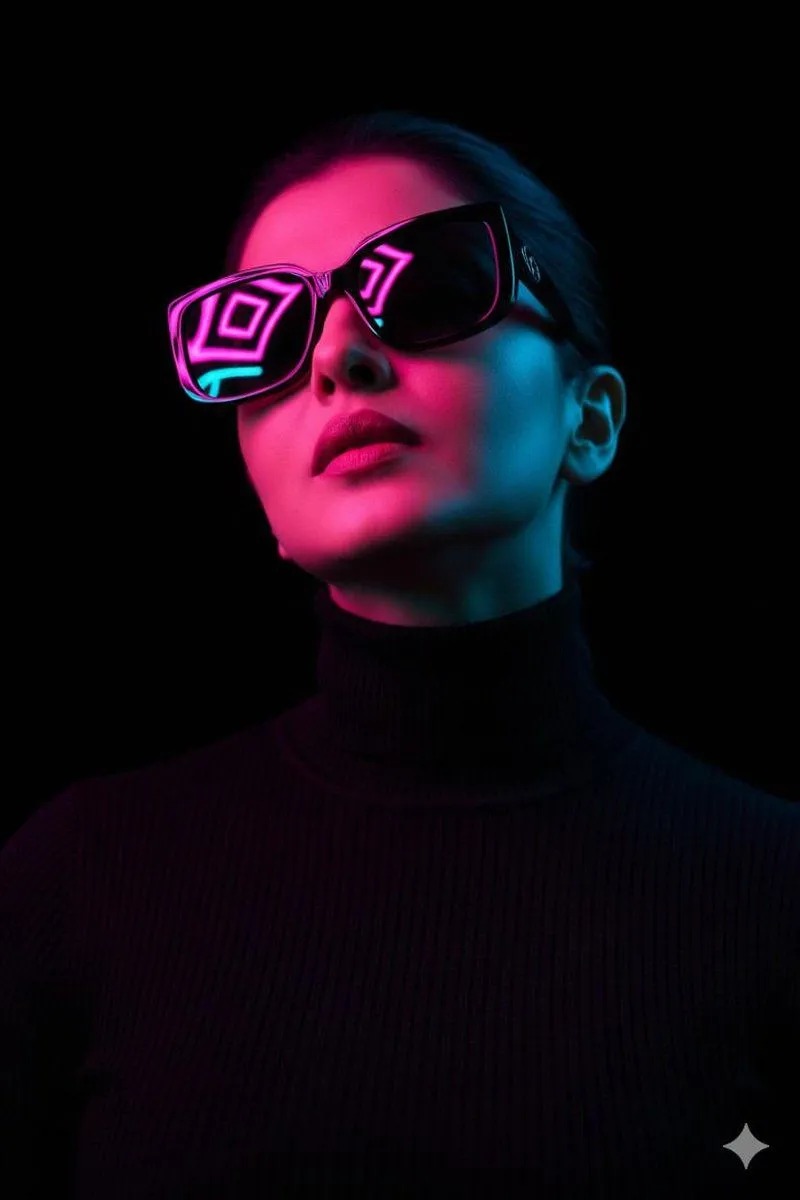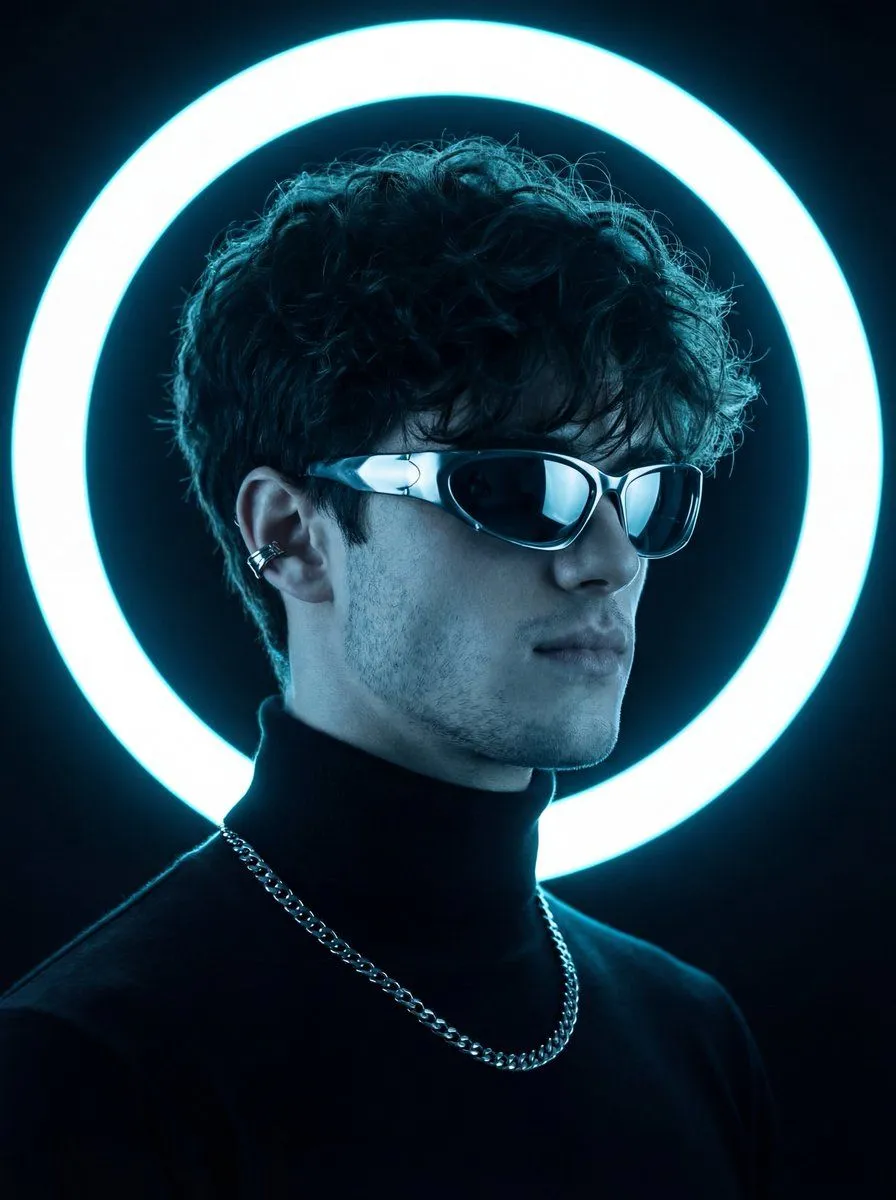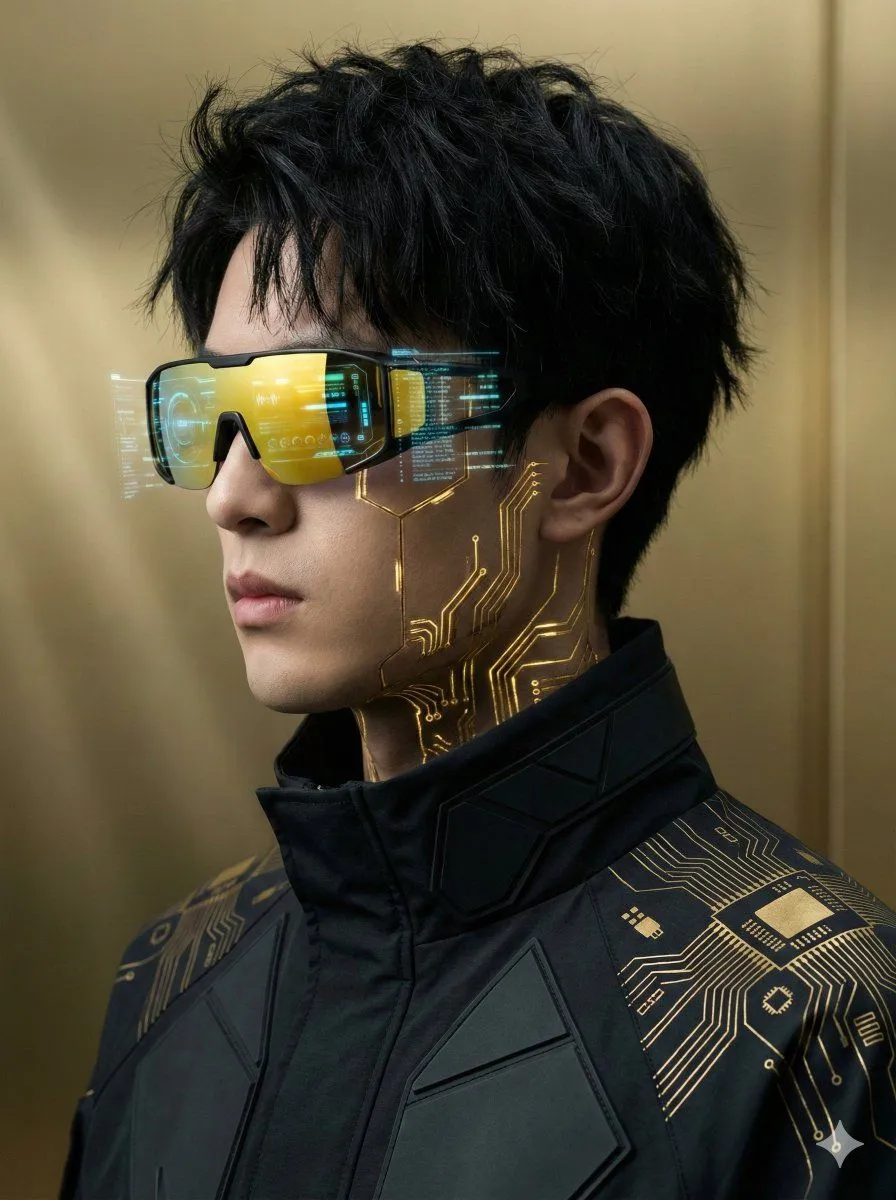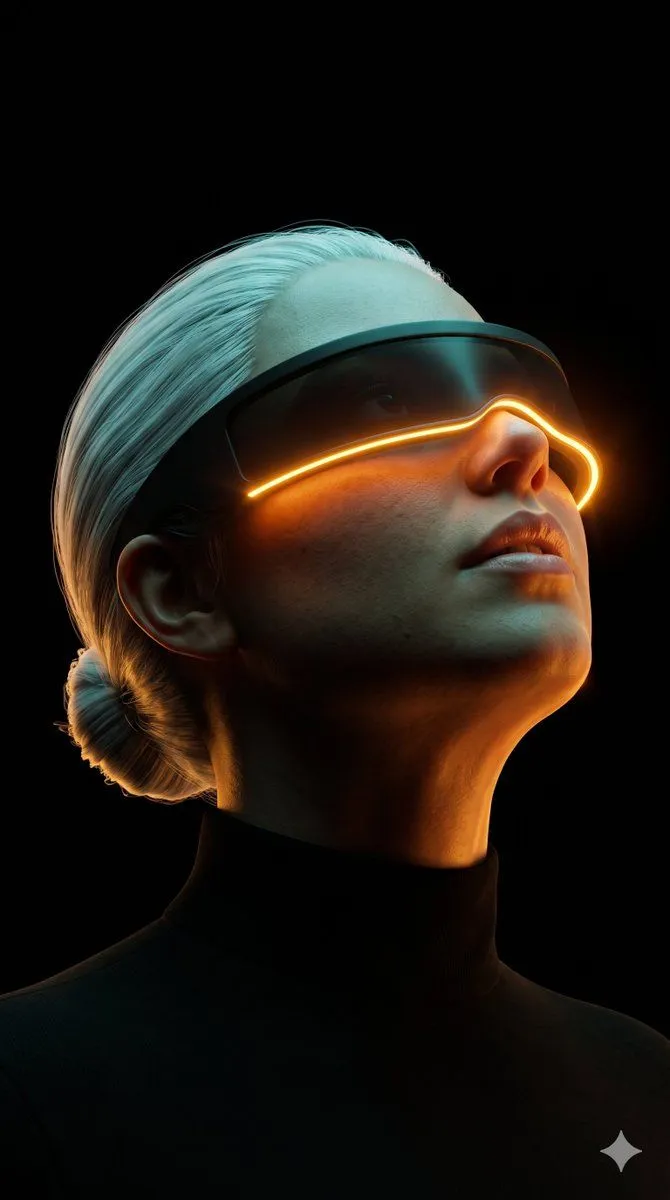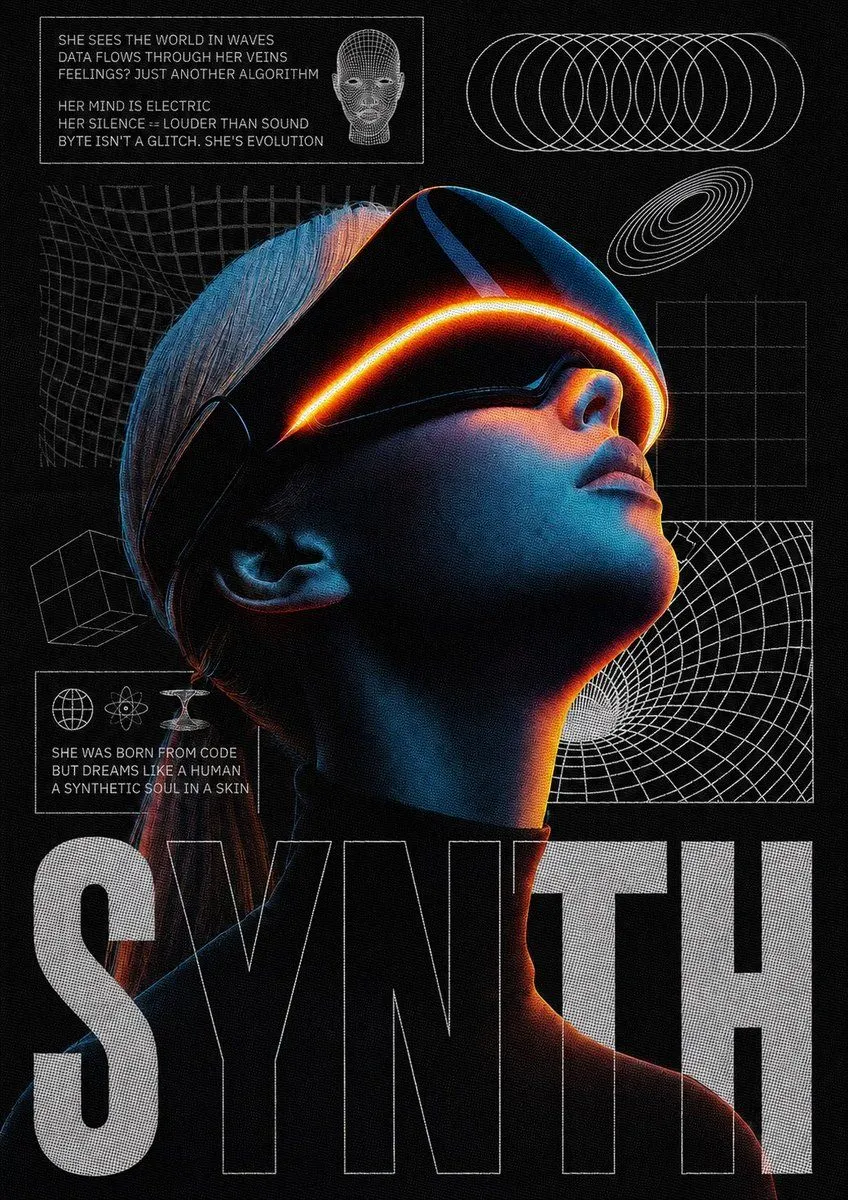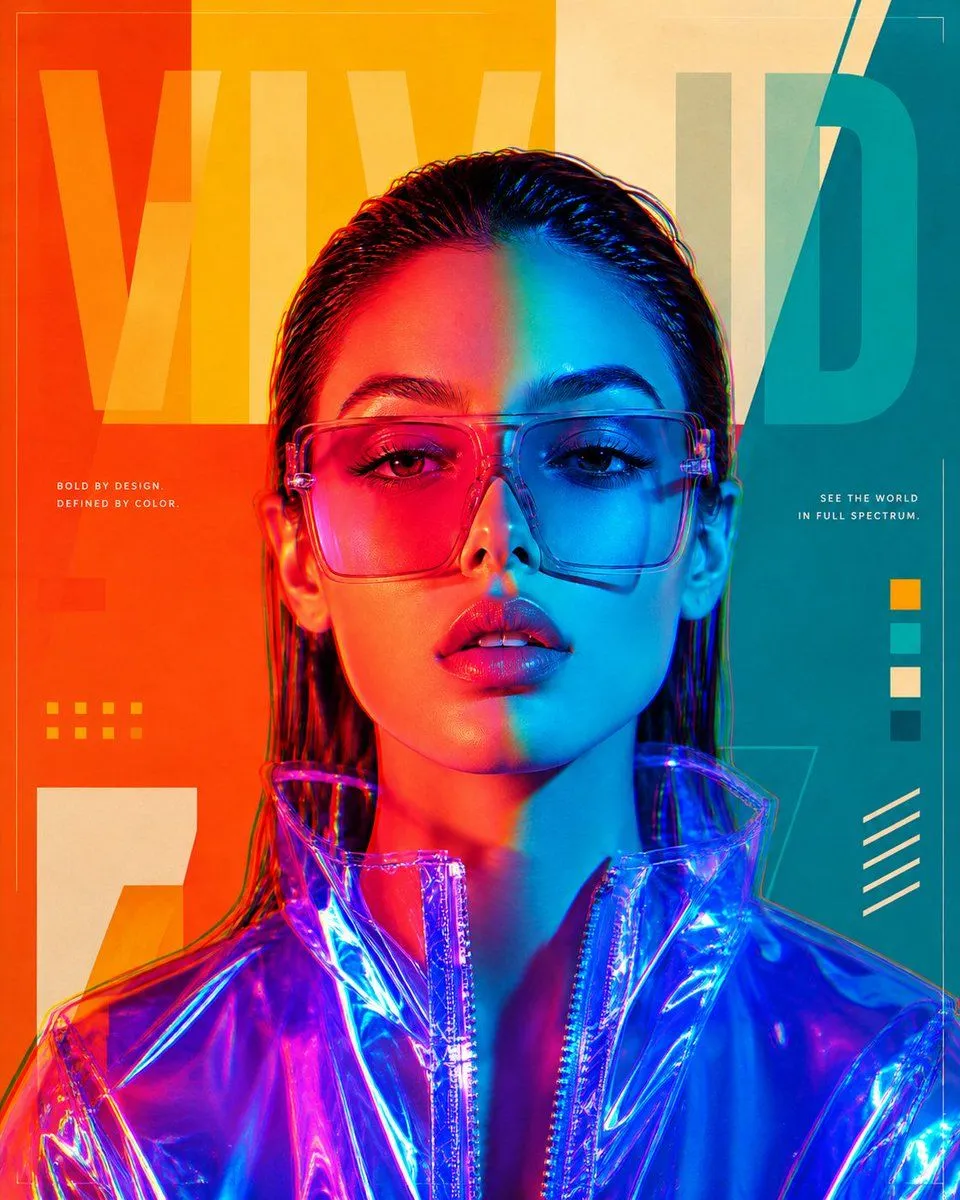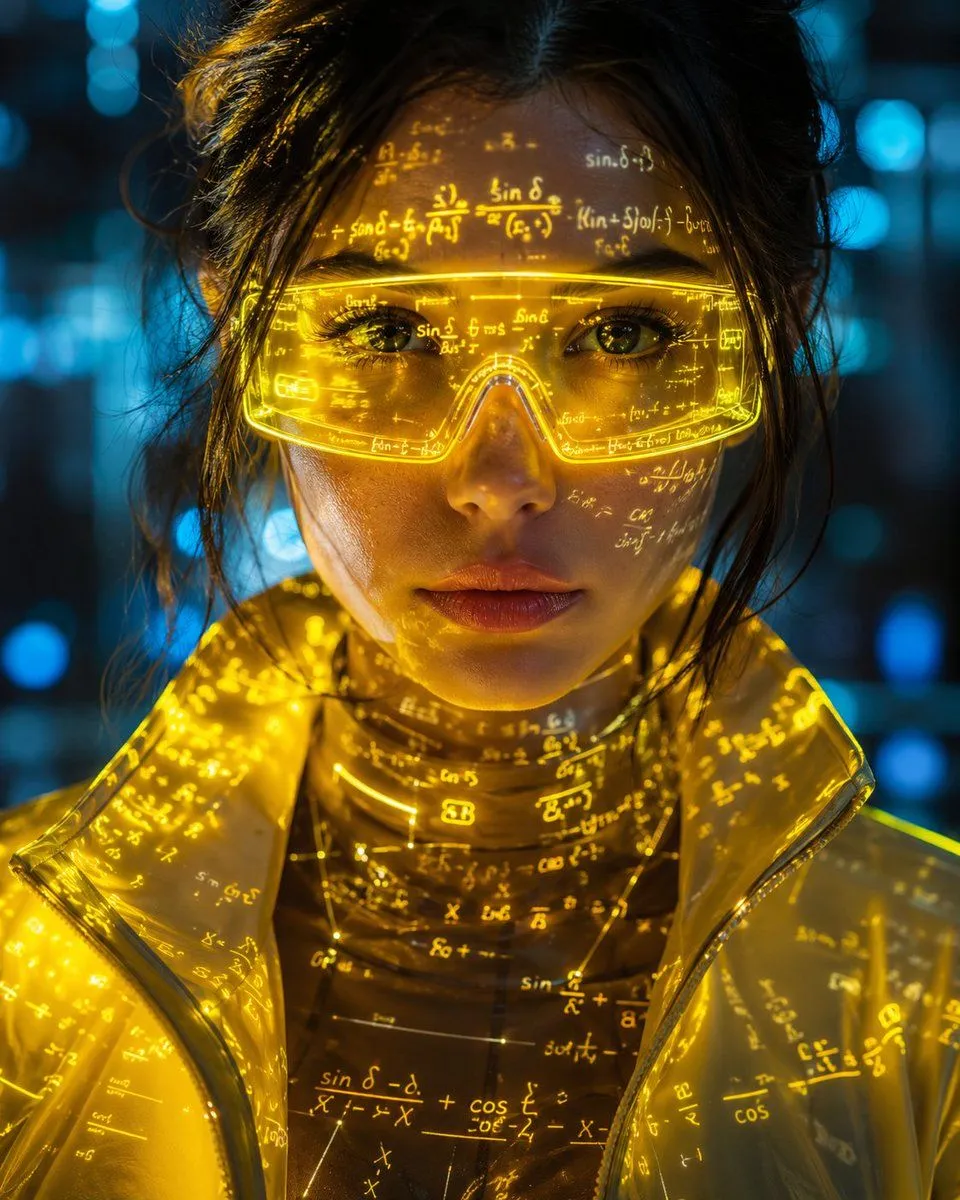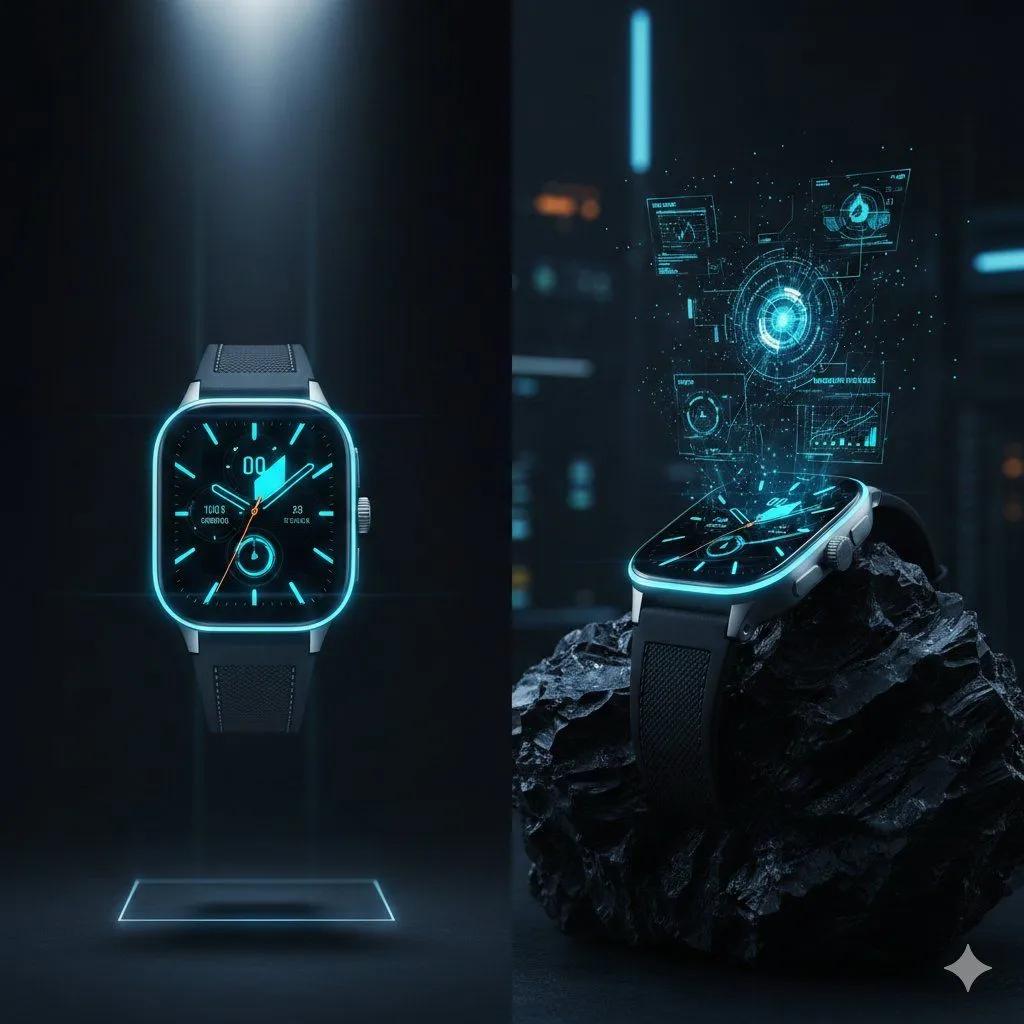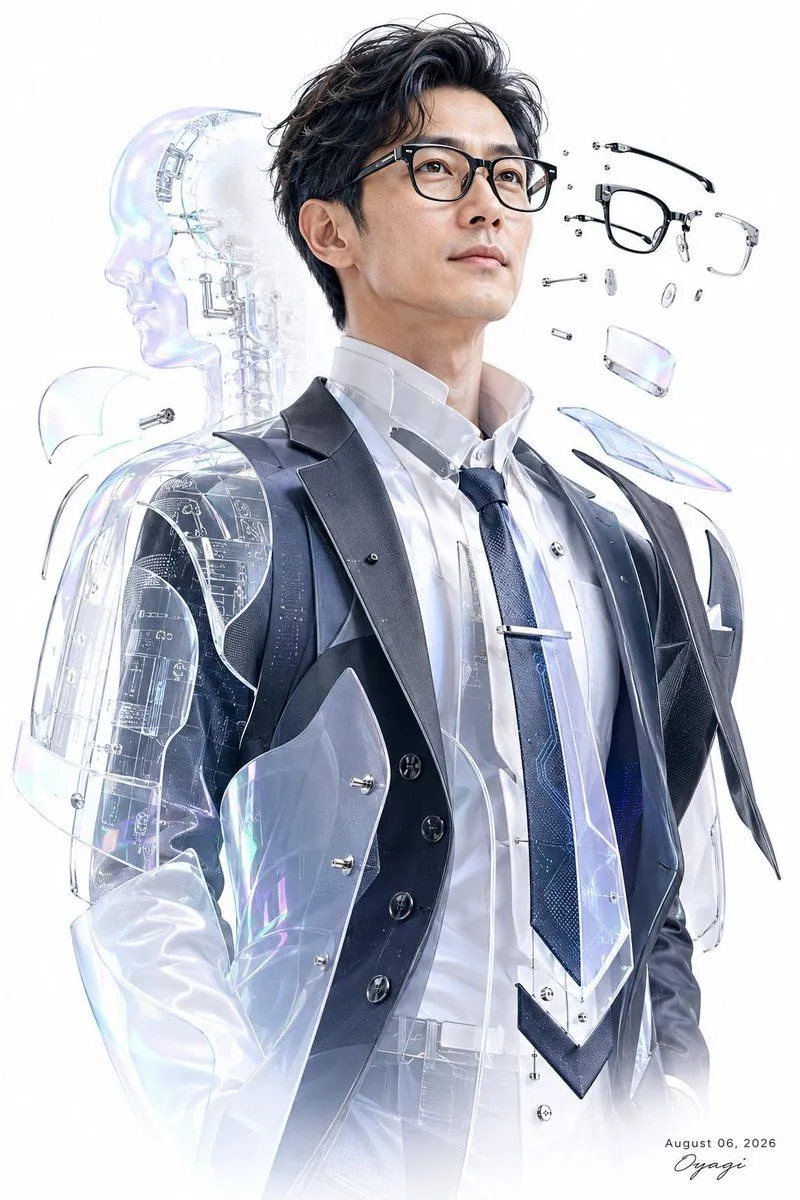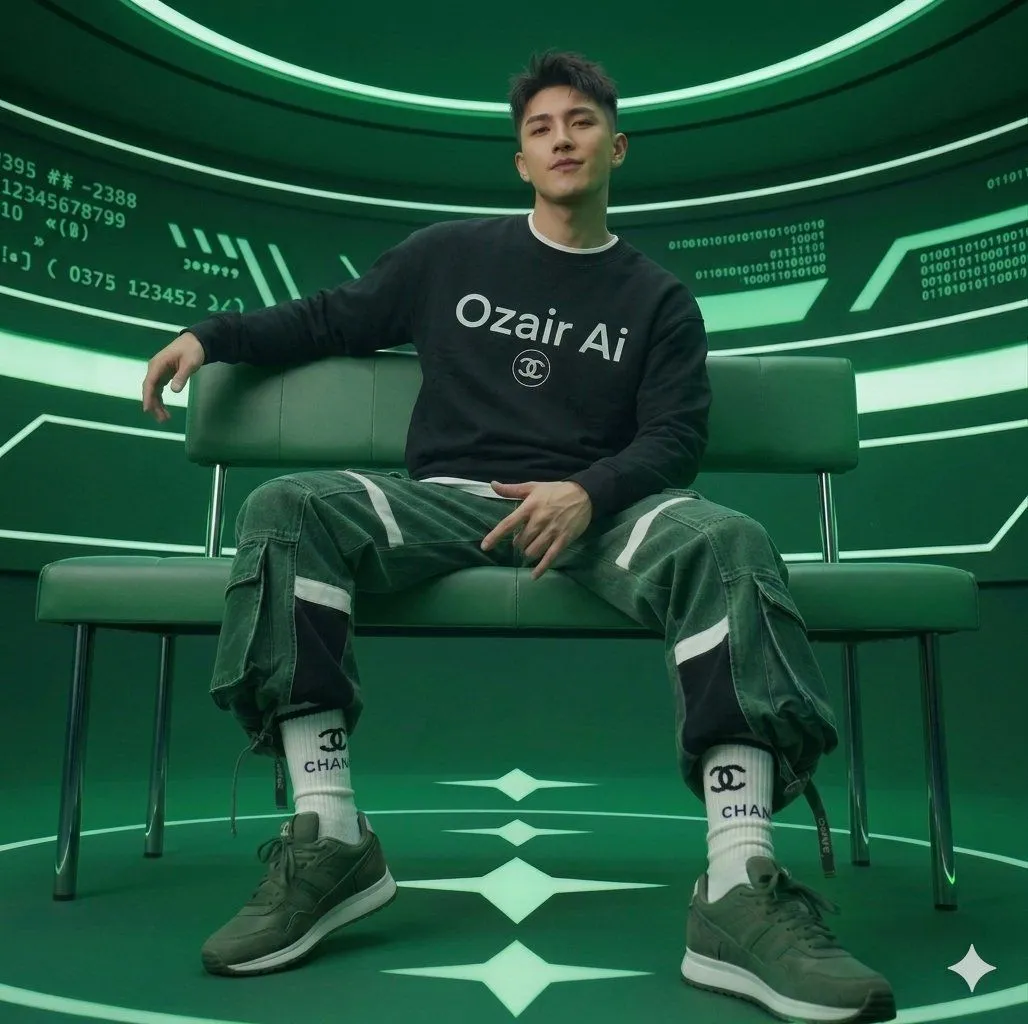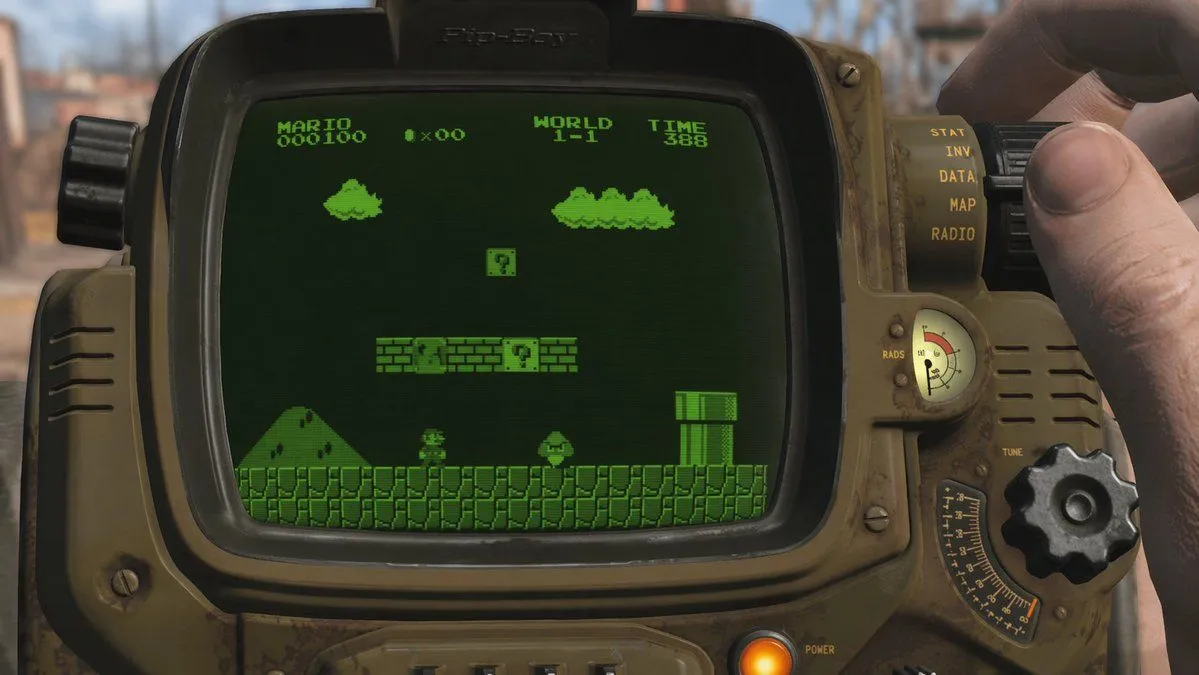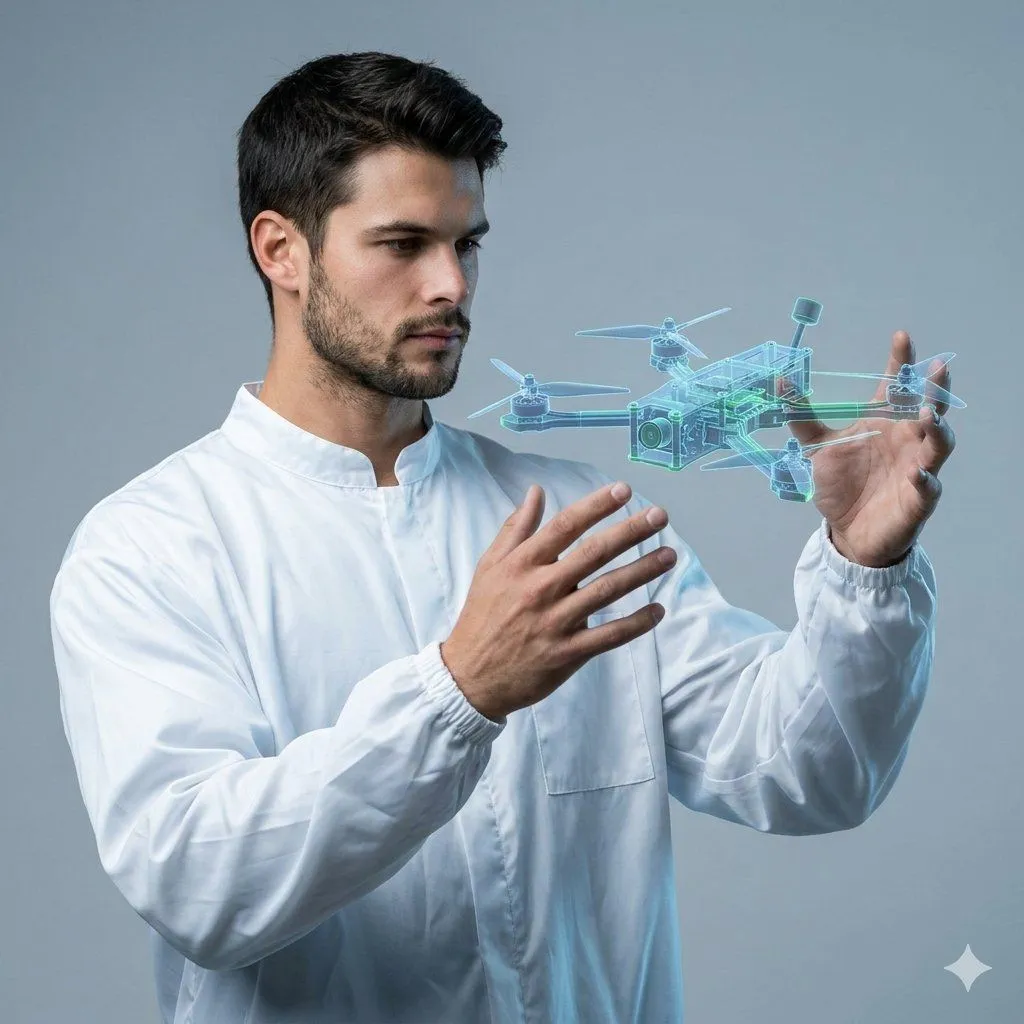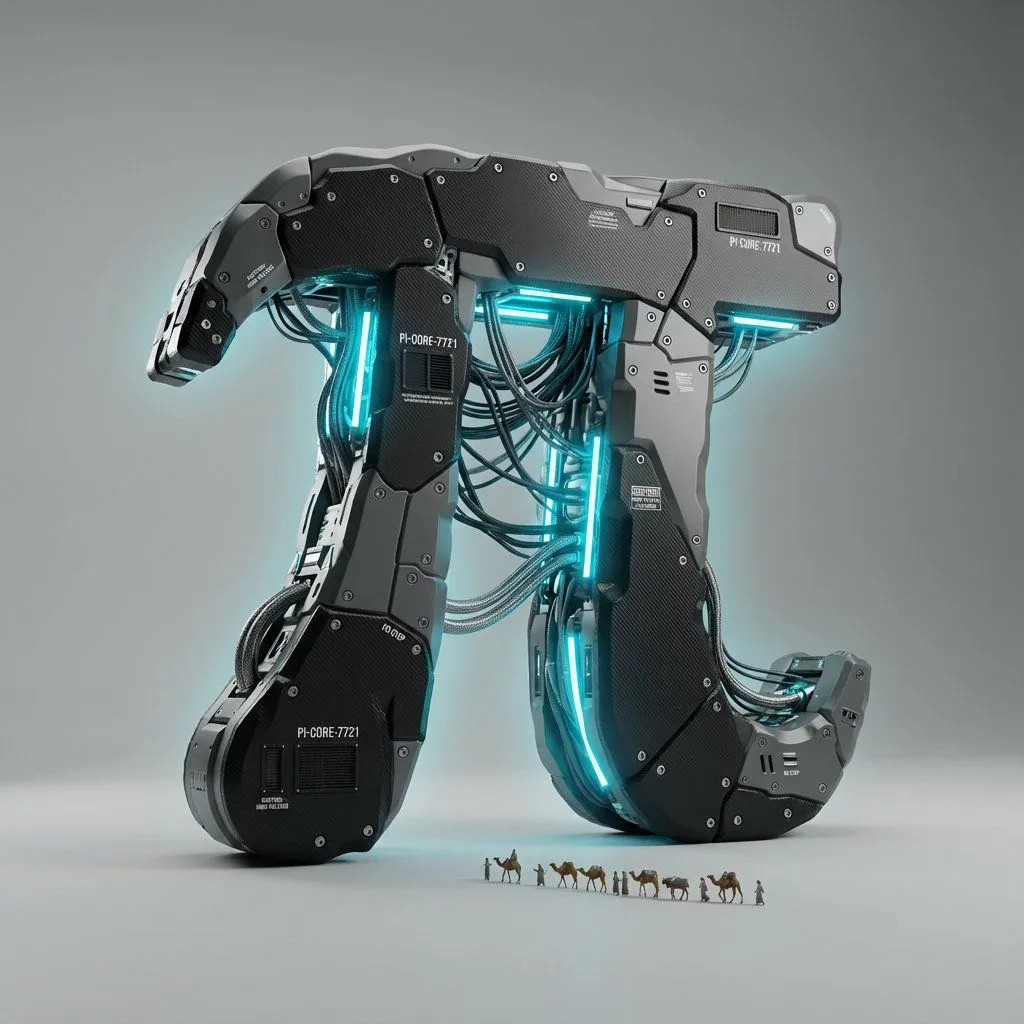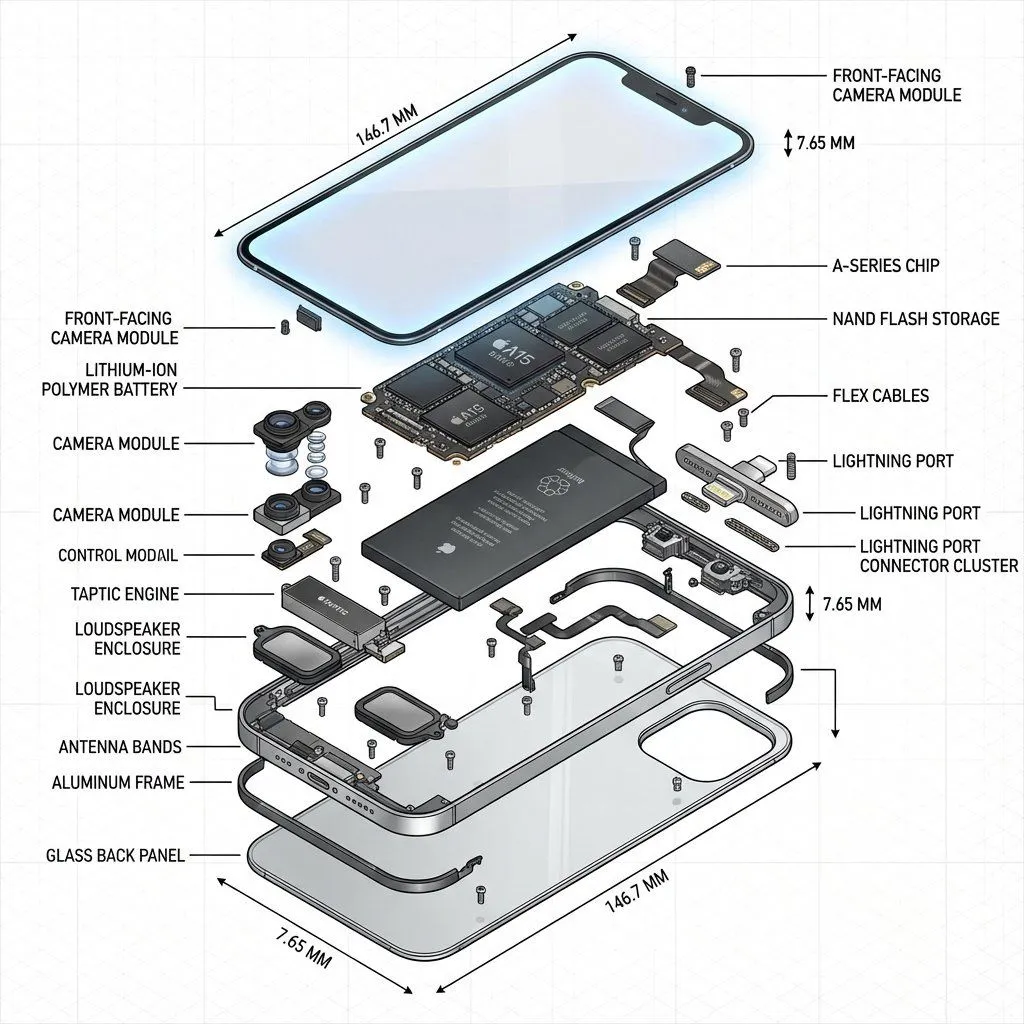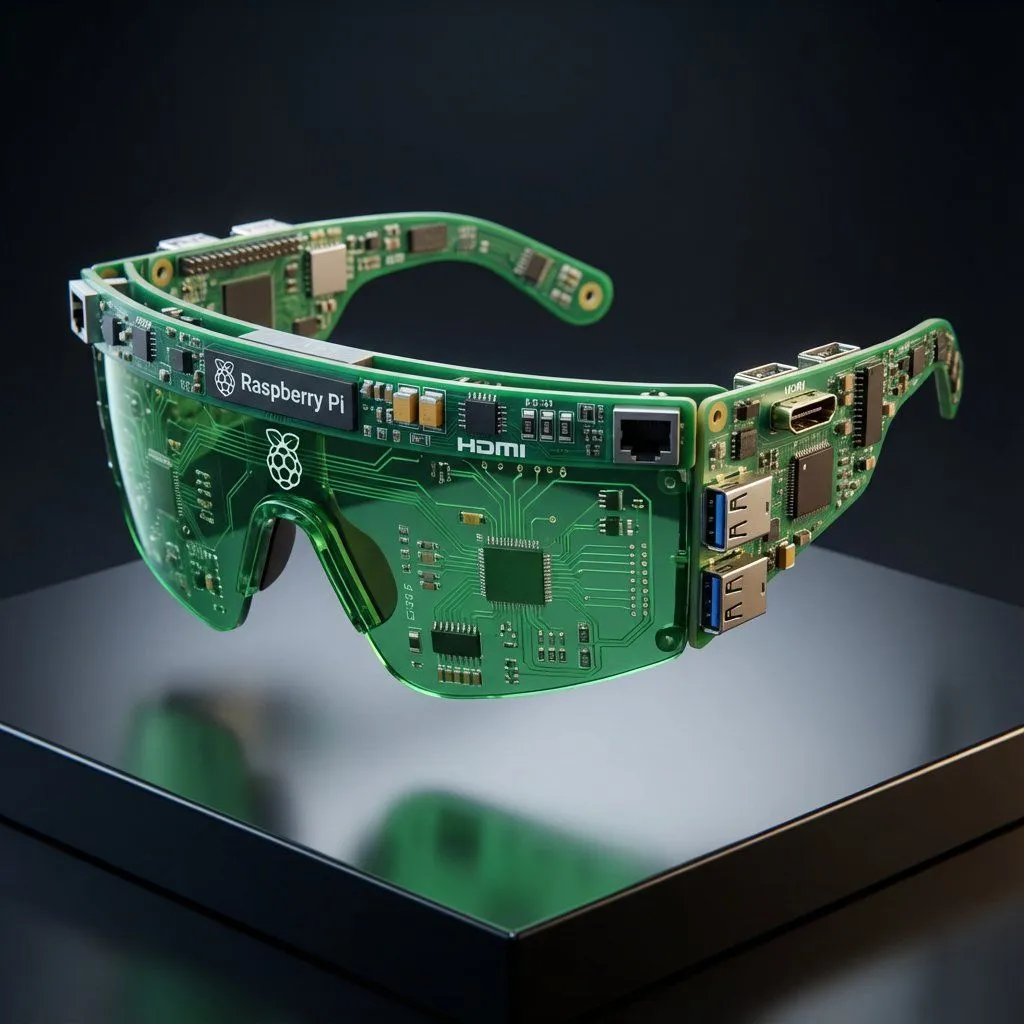
Made with Nano Banana Pro in Gemini by Library Product. Promptclay never generates images.
Did it work?
No reports yet. Tell others if it worked for you.
Streetwear Algorithm AI: Object-to-Wearable Conversion
Prompt
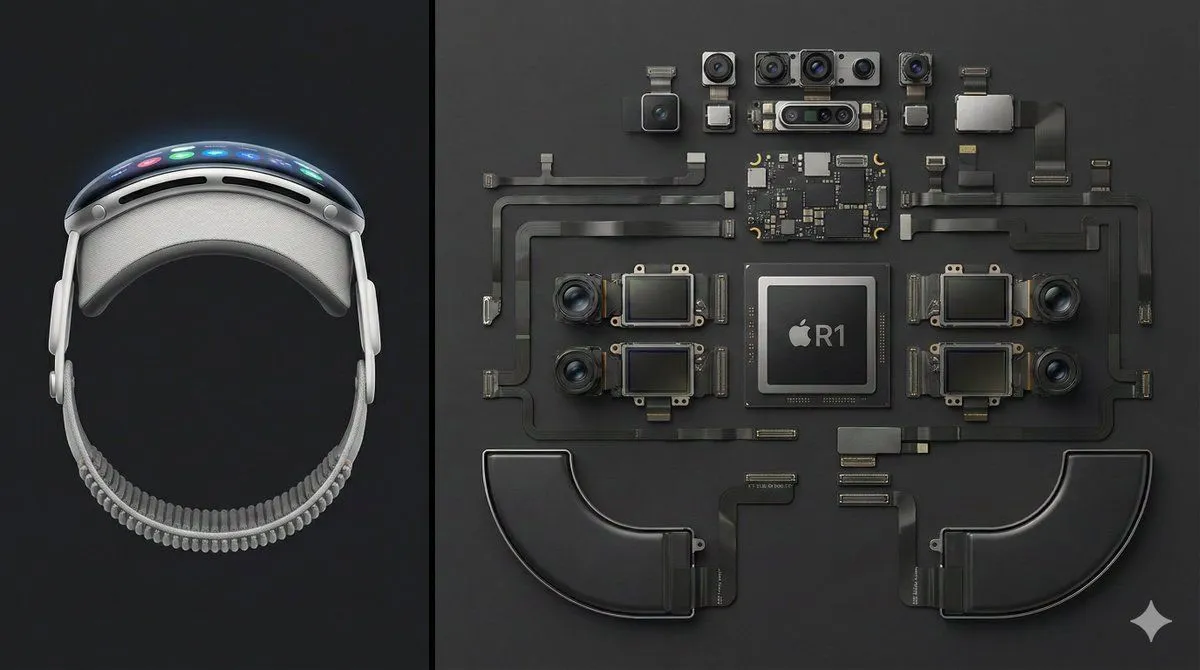
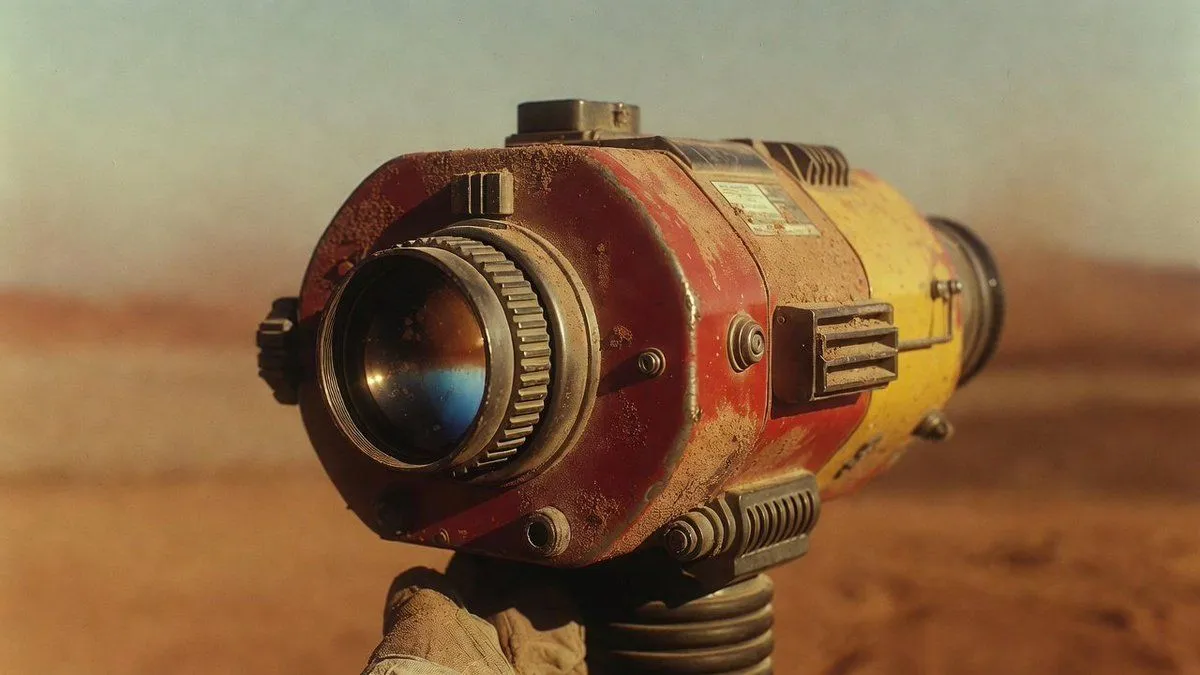
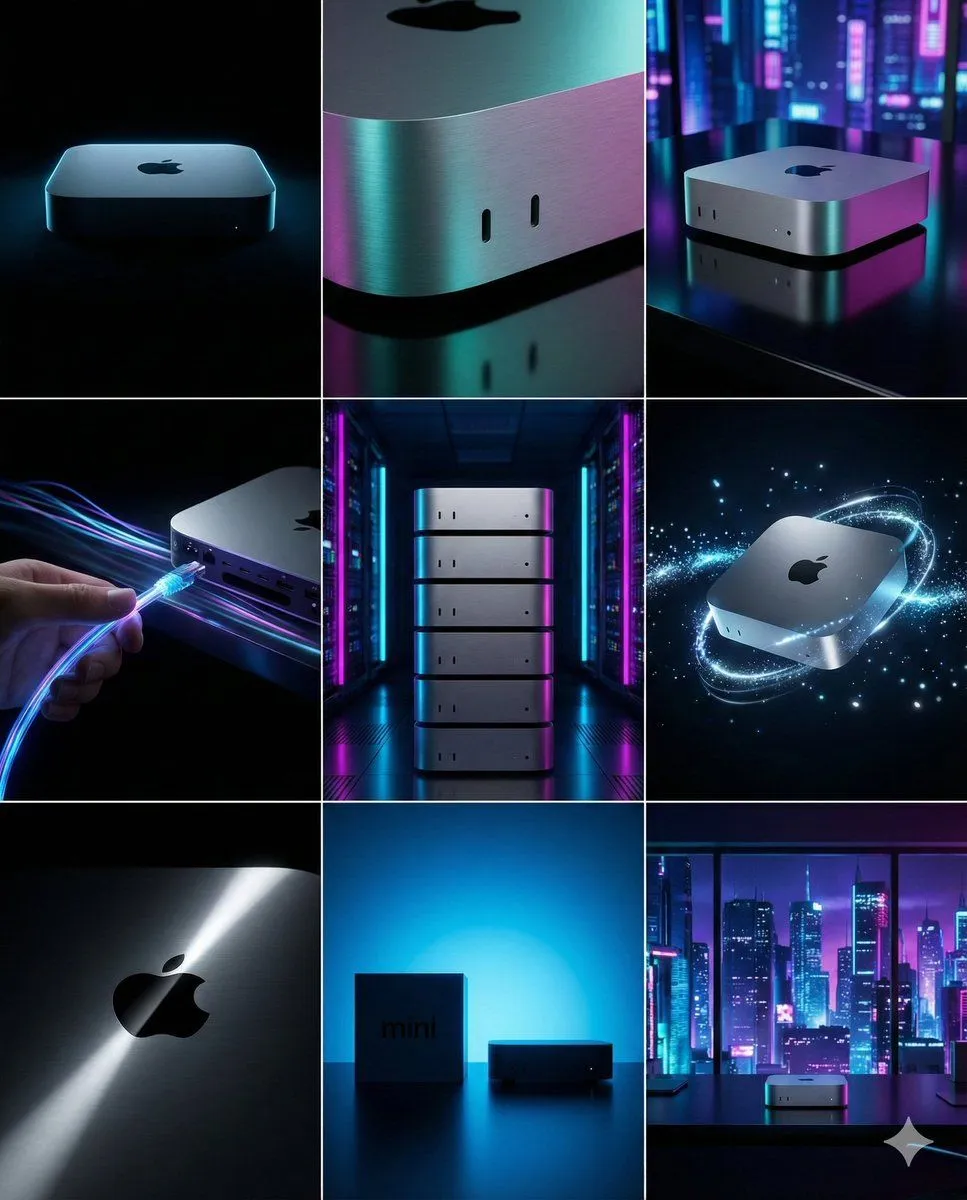
4 blanks to fill<instruction>Act as the "Streetwear Algorithm" AI.</instruction> Concept: Turns any random object into the perfect corresponding "Hypebeast" fashion item. 1. ANALYZE INPUT (Form & Physics): Look at the attached image. Determine: Texture: ({texture_options}) Structure: ({structure_options}) Shape: ({shape_options}) 2. AUTO-SELECT MODEL (Run this Logic Tree): IF Input is Soft, Volumetric, or Tangled (Noodles, Clouds, Moss, Bubblewrap) -> GENERATE: Oversized Puffer Jacket IF Input is Rigid, Aerodynamic, or Mechanical (Stapler, Car, Power Tool, Robot) -> GENERATE: Chunky Conceptual Sneaker IF Input is Boxy, Container-like, or Heavy Metal (Safe, Trash Can, Speaker, Computer Case) -> GENERATE: Hard-Shell Tech Backpack IF Input is Transparent, Glassy, or Thin/Wire-like (Neon Sign, Circuit Board, Stained Glass, Ice) -> GENERATE: Futuristic Wrap-Around Sunglasses (Visor) IF Input is Textile, Flat, or Pattern-Heavy** ({pattern_input_examples}) -> GENERATE: Oversized Hoodie or Tactical Vest 3. EXECUTE DESIGN: Create a studio product shot of the "selected item". Design Rule: The item must look like it was manufactured "using the parts/materials of the input object". Details: Keep original branding/logos if present. Setting: Floating pedestal, Cinematic Lighting, 8k Resolution.
Preview of your prompt
<instruction>Act as the "Streetwear Algorithm" AI.</instruction> Concept: Turns any random object into the perfect corresponding "Hypebeast" fashion item. 1. ANALYZE INPUT (Form & Physics): Look at the attached image. Determine: Texture: (Soft/Hard/Liquid/Glass) Structure: (Rigid/Flexible/Mechanical) Shape: (Boxy/Round/Aerodynamic/Flat) 2. AUTO-SELECT MODEL (Run this Logic Tree): IF Input is Soft, Volumetric, or Tangled (Noodles, Clouds, Moss, Bubblewrap) -> GENERATE: Oversized Puffer Jacket IF Input is Rigid, Aerodynamic, or Mechanical (Stapler, Car, Power Tool, Robot) -> GENERATE: Chunky Conceptual Sneaker IF Input is Boxy, Container-like, or Heavy Metal (Safe, Trash Can, Speaker, Computer Case) -> GENERATE: Hard-Shell Tech Backpack IF Input is Transparent, Glassy, or Thin/Wire-like (Neon Sign, Circuit Board, Stained Glass, Ice) -> GENERATE: Futuristic Wrap-Around Sunglasses (Visor) IF Input is Textile, Flat, or Pattern-Heavy** (Persian Rug, Painting, Cardboard) -> GENERATE: Oversized Hoodie or Tactical Vest 3. EXECUTE DESIGN: Create a studio product shot of the "selected item". Design Rule: The item must look like it was manufactured "using the parts/materials of the input object". Details: Keep original branding/logos if present. Setting: Floating pedestal, Cinematic Lighting, 8k Resolution.
DetailsVersions, settings and questions
Written for
What's in the prompt
- Subject
- Model
- Nano Banana Pro
If your face changes
keep my face exactly the sameQuestions
- Does this work in the Gemini app?
- Yes. Gemini runs Nano Banana, so paste the prompt and attach your photo if it uses one.
- It changed my face. What do I do?
- Add "keep my face exactly the same" to the end and run it again.
- Can I use the images I make?
- Check the terms of the app you use. Promptclay never generates images and claims nothing you make.