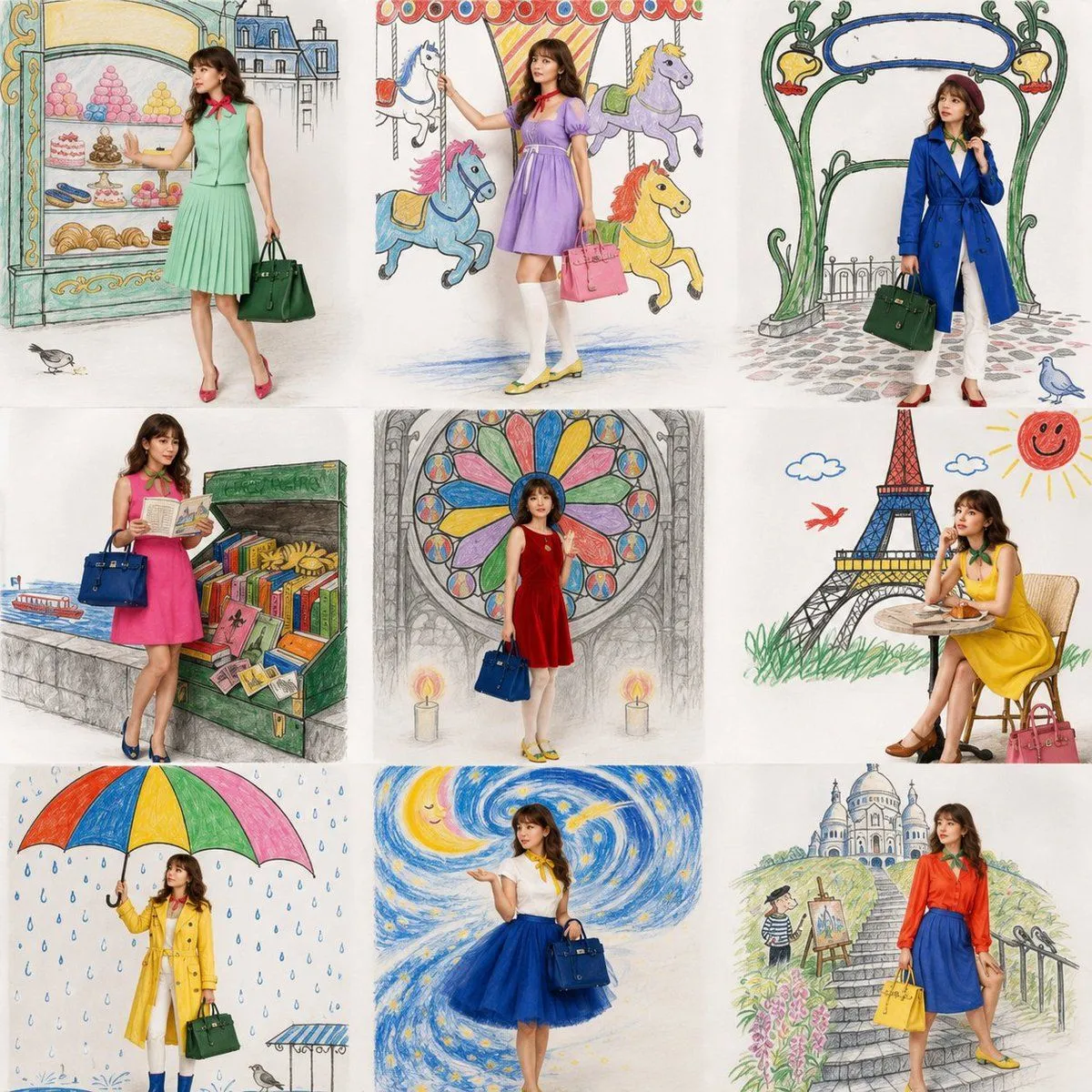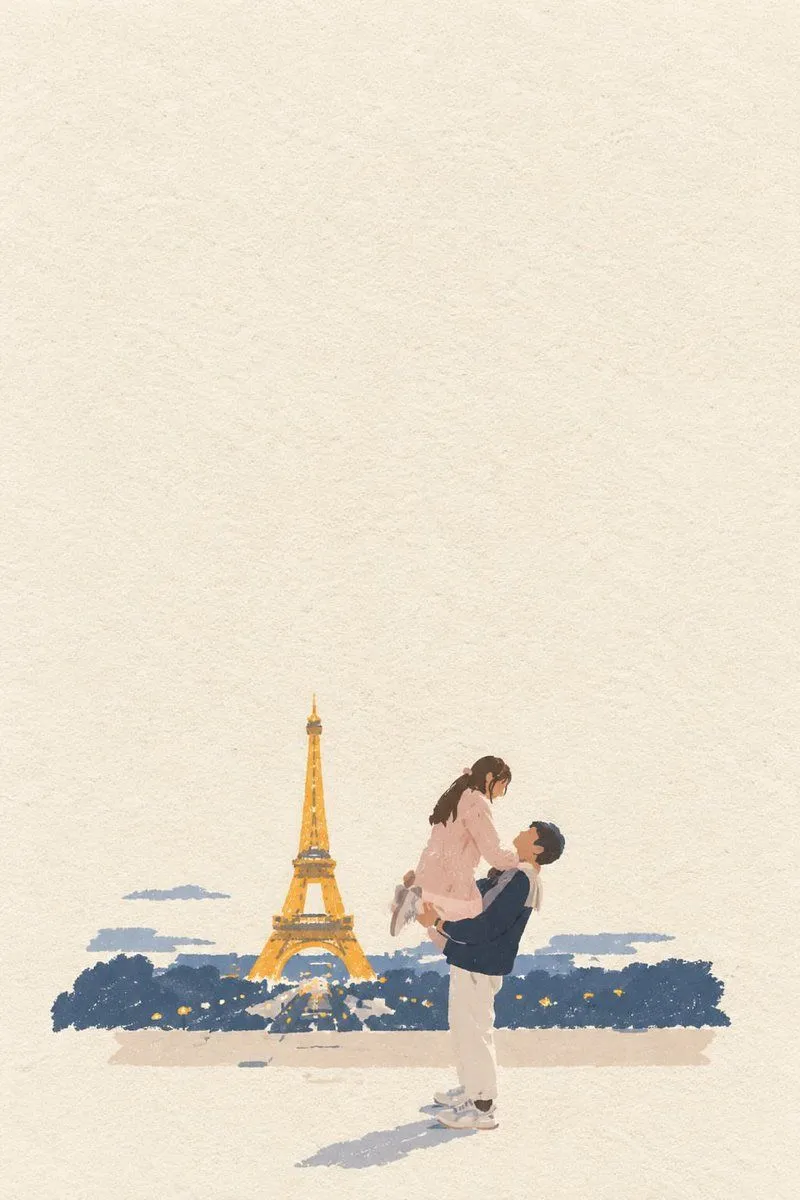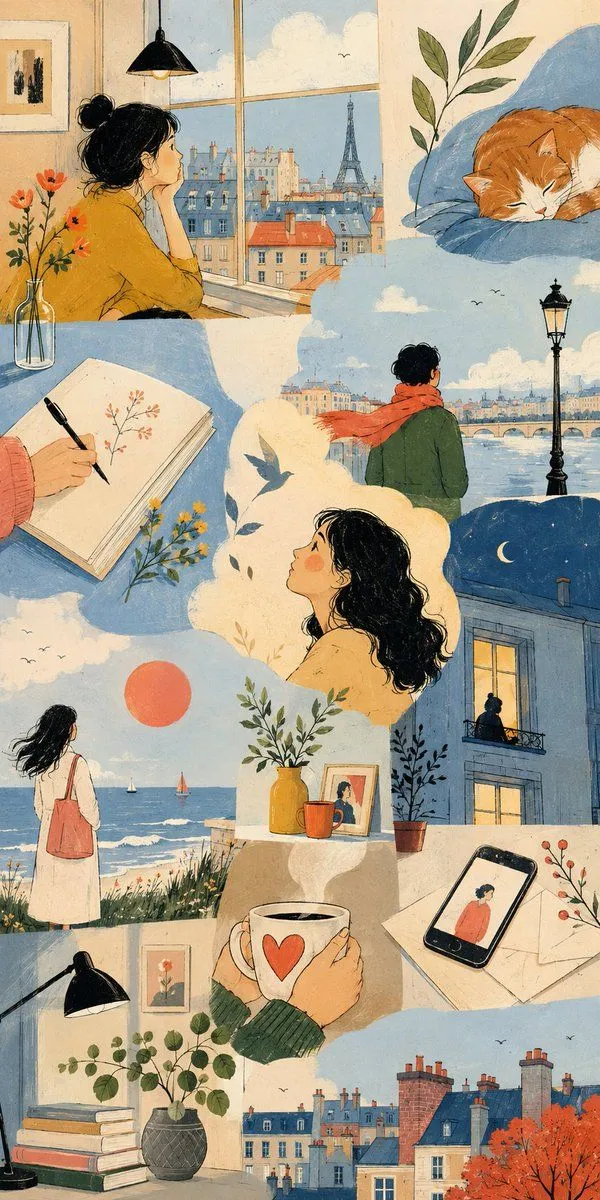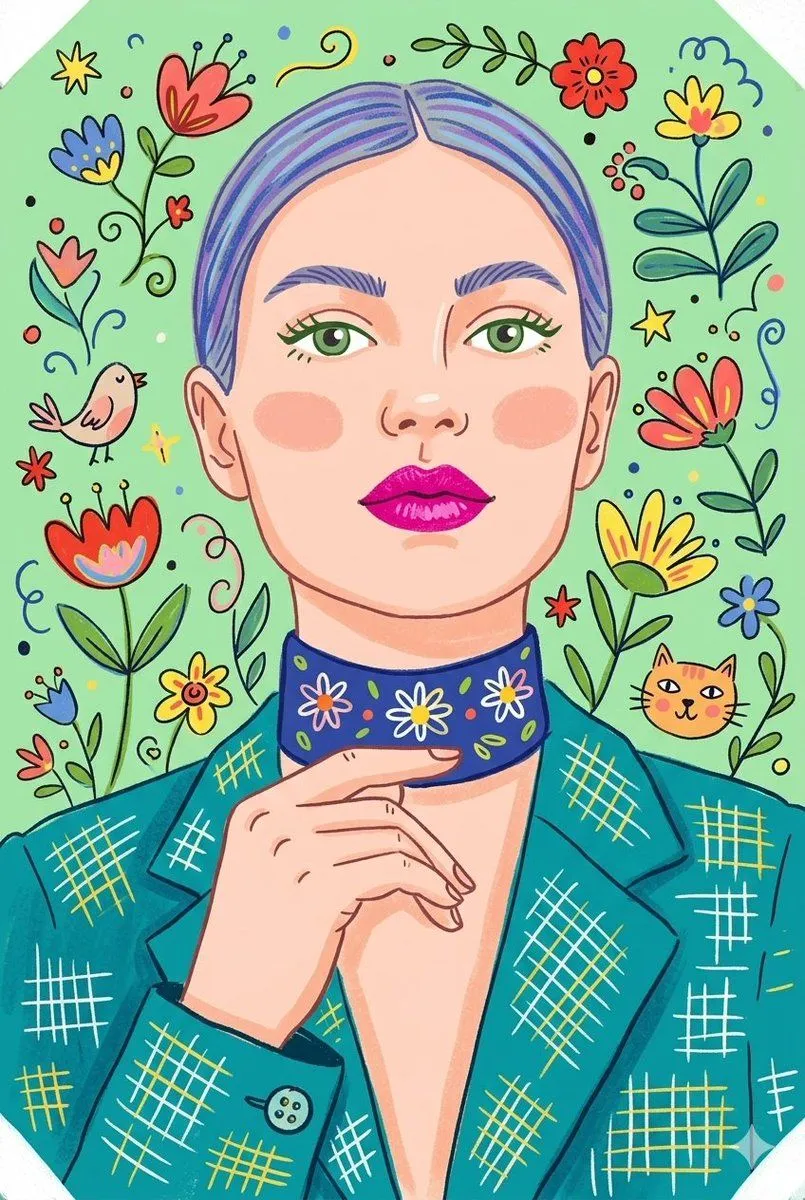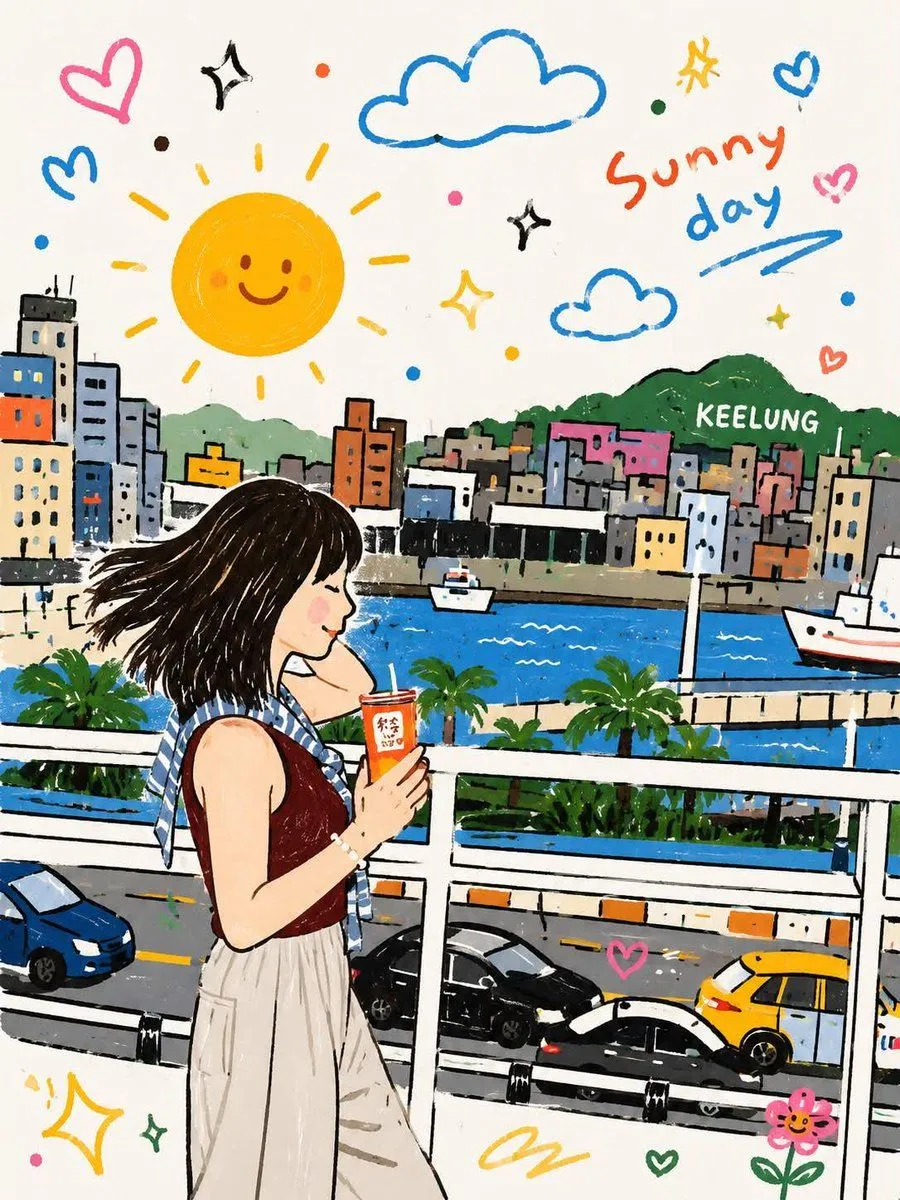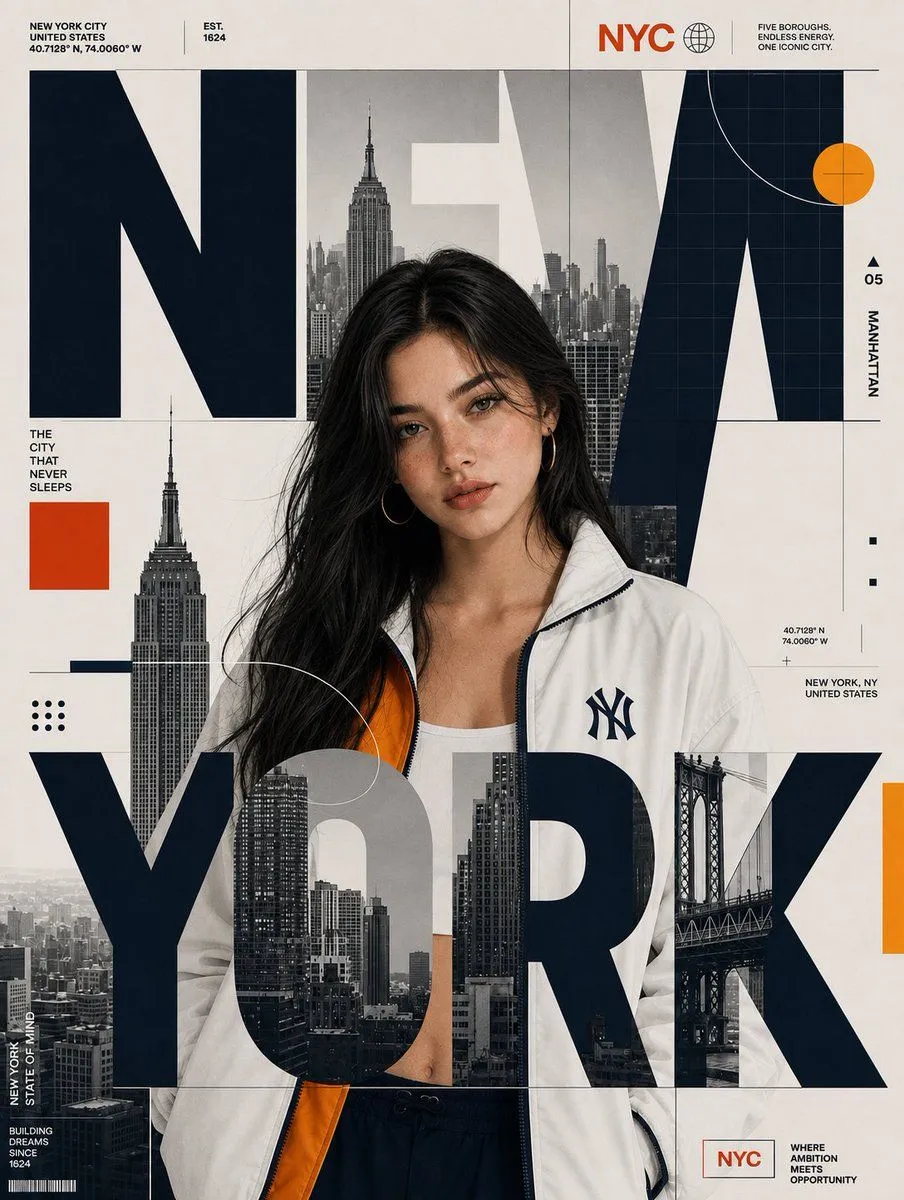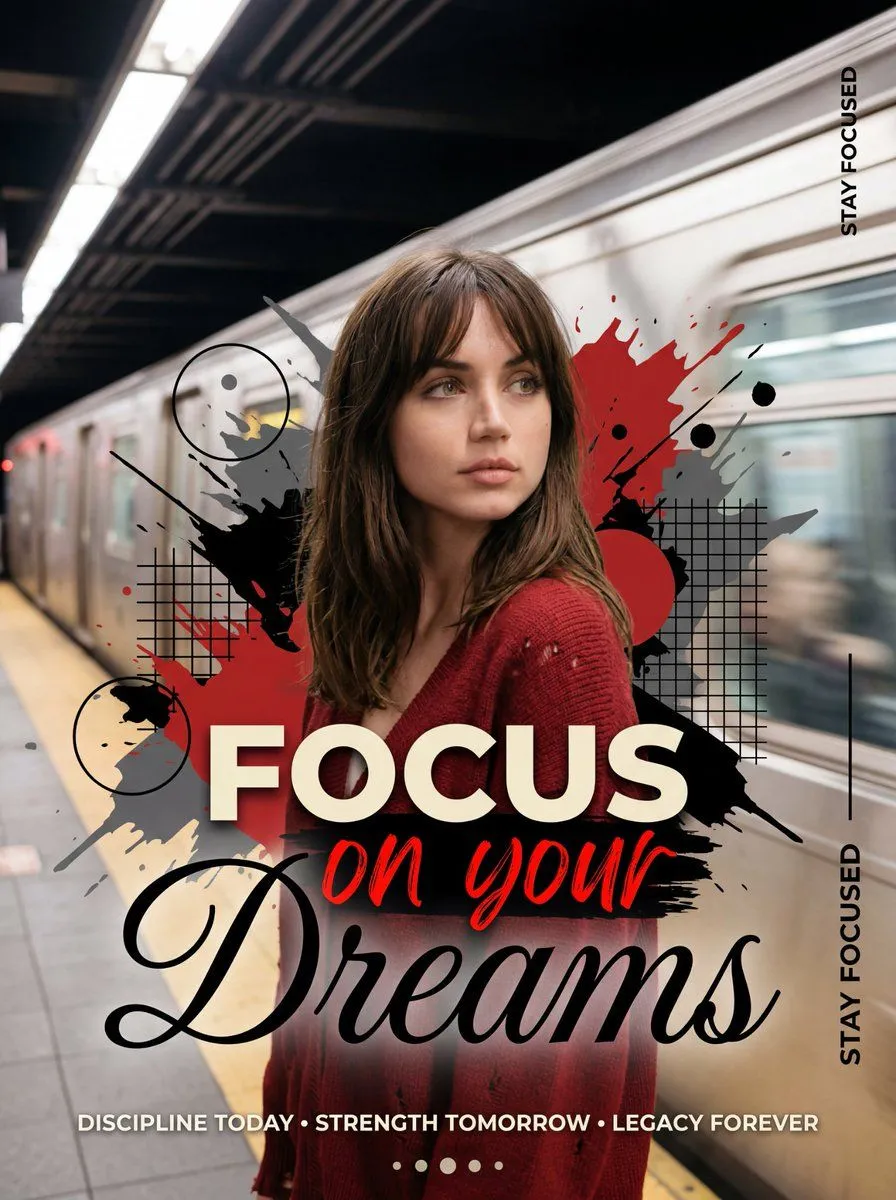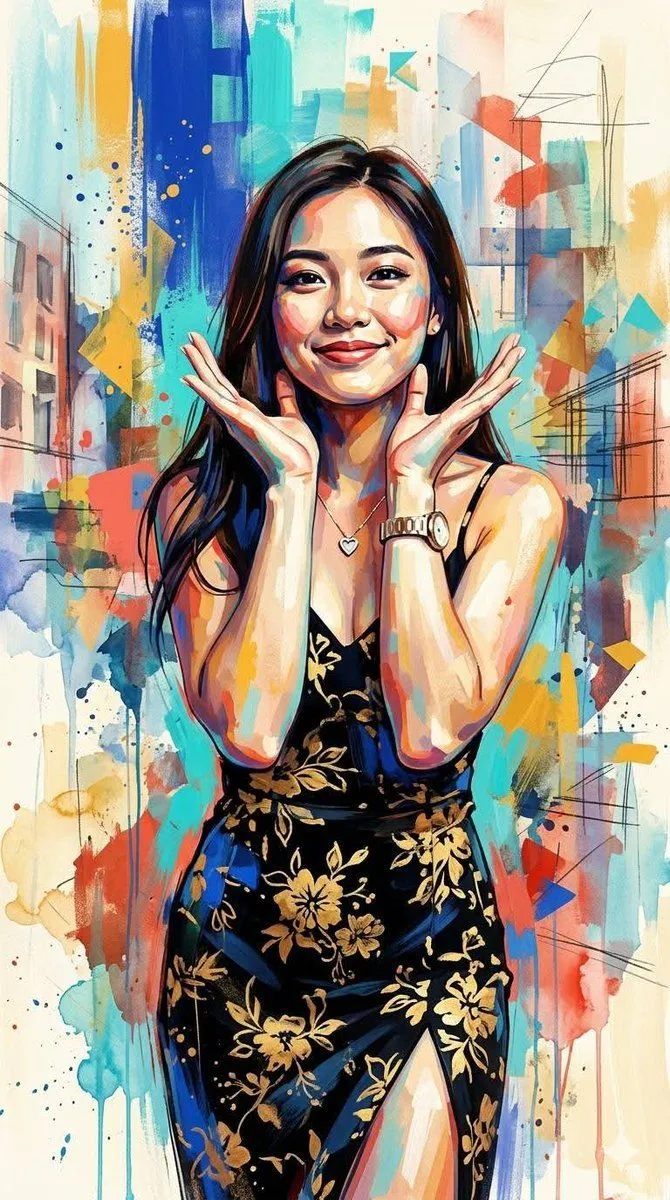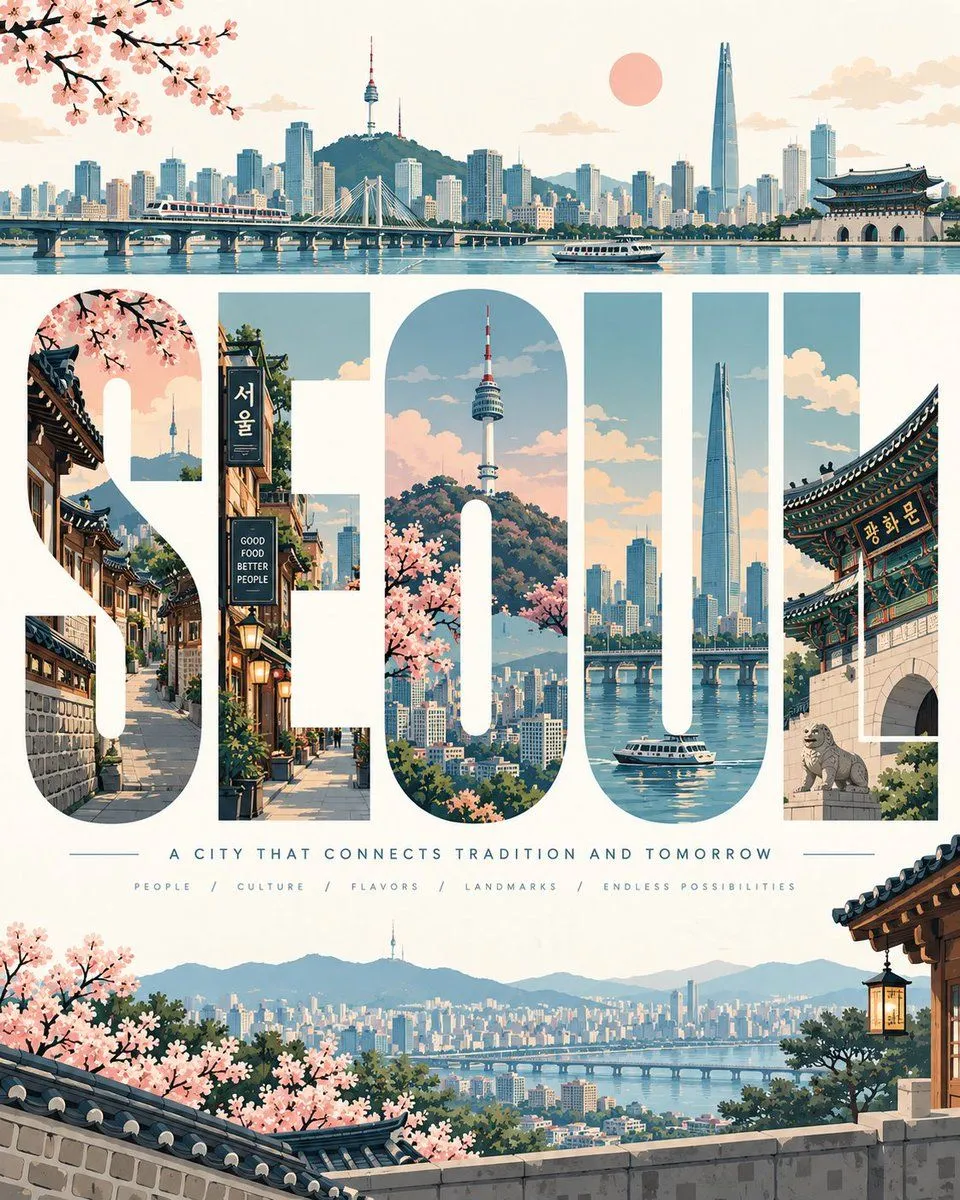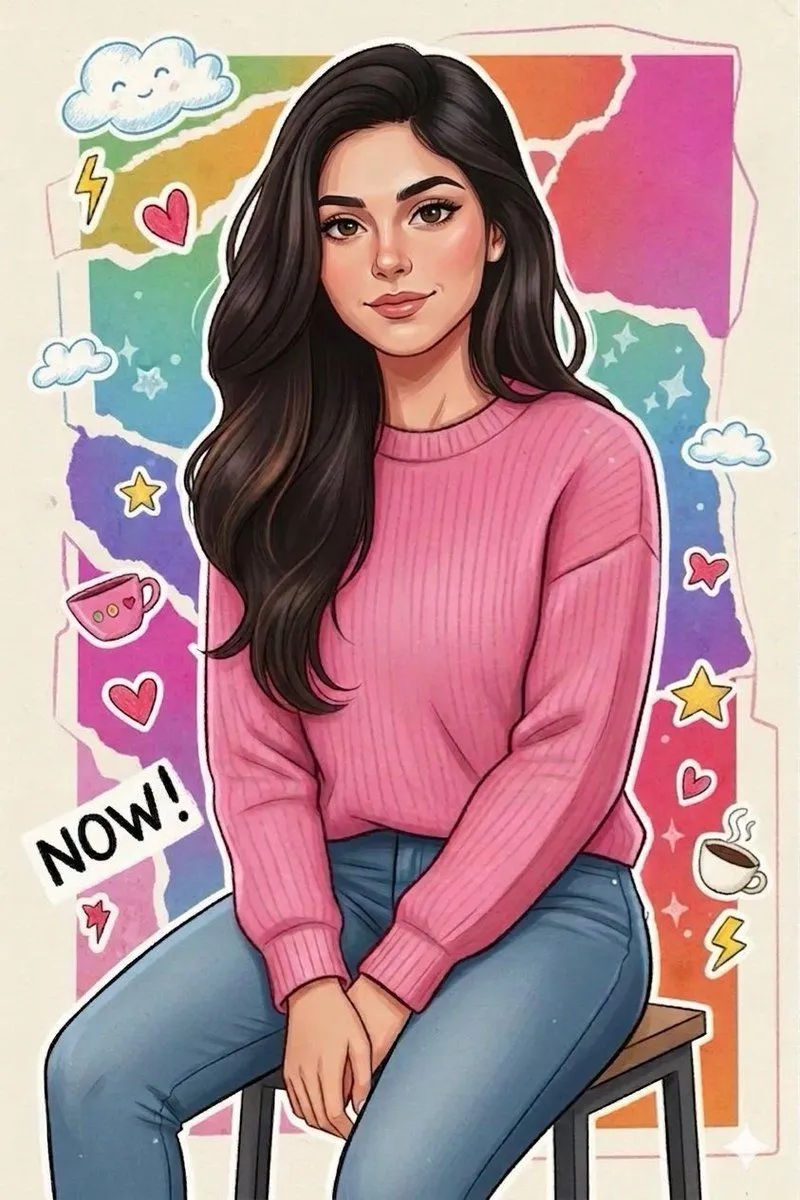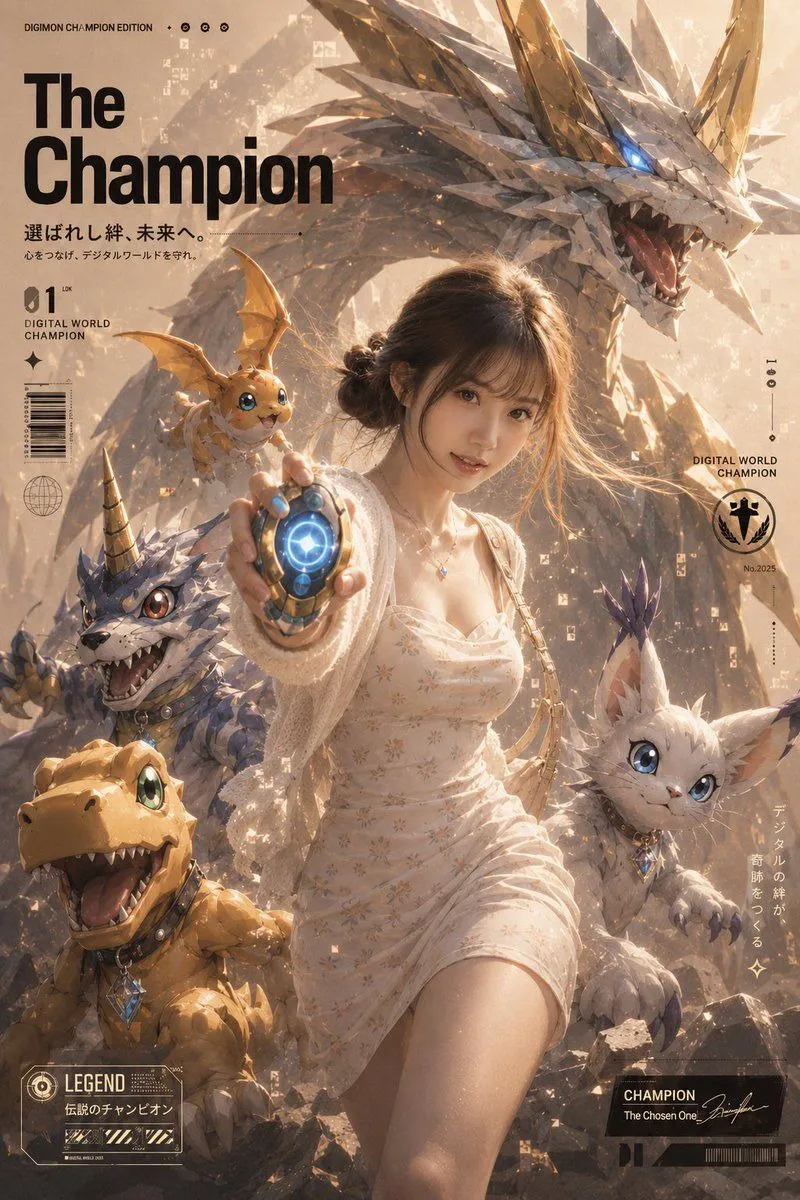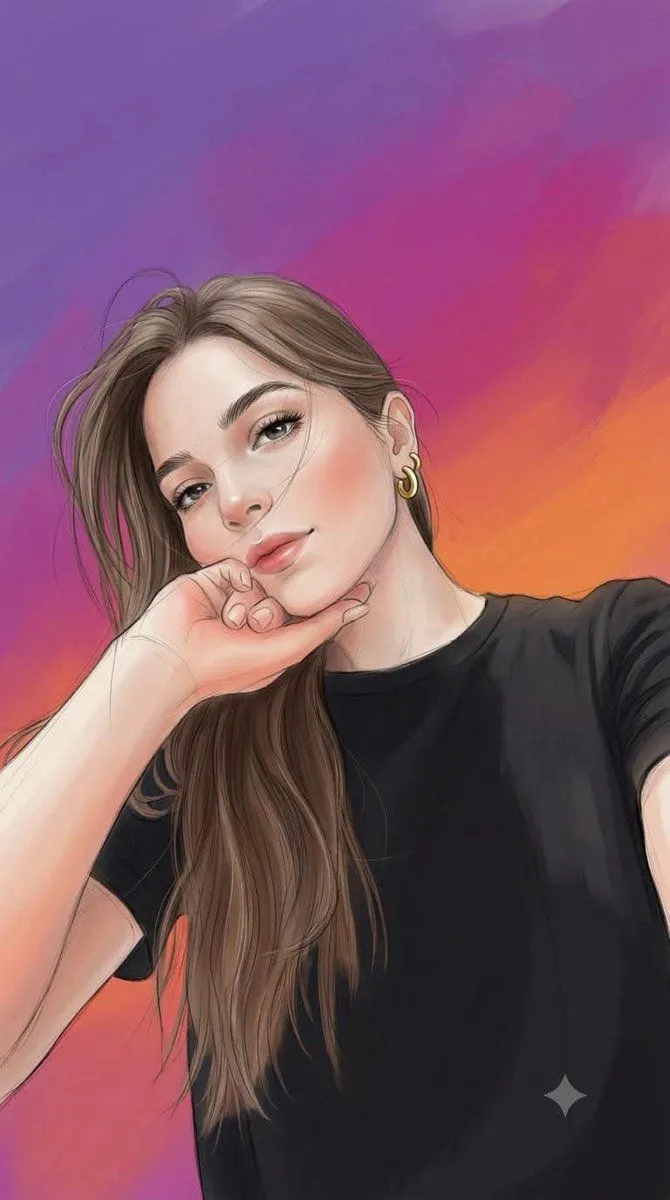
Made with GPT Image 2 in ChatGPT by Library Anime. Promptclay never generates images.
Did it work?
No reports yet. Tell others if it worked for you.
Storybook Times Square Photo Transformation
Prompt
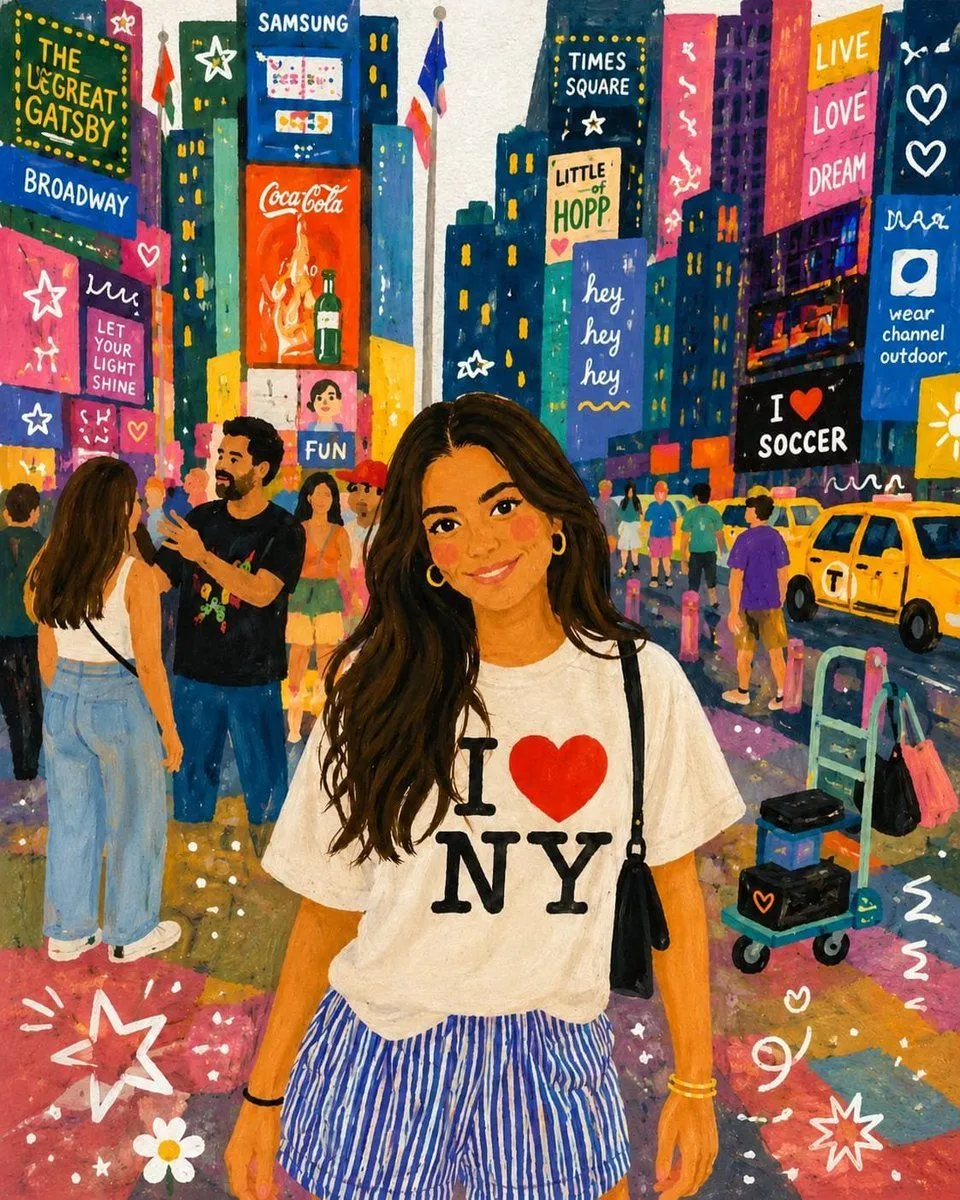
1 blank to fillUsing the provided reference image as the only source, transform the photo into a vibrant hand-painted storybook illustration while preserving the exact composition, subject identity, pose, outfit, facial proportions, hairstyle, and Times Square setting. Keep the central woman in the same position and preserve the shirt graphic text exactly as {shirt_text}. Style: Convert the scene into a whimsical gouache/acrylic children’s book painting with visible brush texture, softened facial details, warm rosy cheeks, simplified shapes, saturated colors, playful outlines, and a cheerful nighttime city glow. Make the lighting feel bright, colorful, and magical rather than photographic. Background transformation: Repaint the Times Square billboards and street details as hand-lettered illustrated signs, keeping the dense city-canyon composition but replacing realistic ads with playful fictional signage. Include exactly these prominent readable sign texts: 1) “THE GREAT GATSBY”, 2) “BROADWAY”, 3) “SAMSUNG”, 4) “CocaCola”, 5) “TIMES SQUARE”, 6) “LITTLE HOPP”, 7) “hey hey hey”, 8) “LIVE LOVE DREAM”, 9) “I ♥ SOCCER”, 10) “wear channel outdoor”, 11) “LET YOUR LIGHT SHINE”, and 12) “FUN”. Add simplified illustrated pedestrians, yellow taxis, street carts, barricades, and colorful pavement reflections matching the original layout. Added decorative elements: Overlay playful white doodles and small graphic marks across the scene, including stars, hearts, squiggles, flower shapes, dots, and motion lines, especially near the lower corners and on the billboards. Constraints: Use no other reference images, do not change the woman’s pose or outfit, do not alter the overall camera angle or framing, keep all original major objects in their approximate positions, avoid photorealism, and make the final image look like a charming painted travel-storybook poster.
Preview of your prompt
Using the provided reference image as the only source, transform the photo into a vibrant hand-painted storybook illustration while preserving the exact composition, subject identity, pose, outfit, facial proportions, hairstyle, and Times Square setting. Keep the central woman in the same position and preserve the shirt graphic text exactly as I ♥ NY. Style: Convert the scene into a whimsical gouache/acrylic children’s book painting with visible brush texture, softened facial details, warm rosy cheeks, simplified shapes, saturated colors, playful outlines, and a cheerful nighttime city glow. Make the lighting feel bright, colorful, and magical rather than photographic. Background transformation: Repaint the Times Square billboards and street details as hand-lettered illustrated signs, keeping the dense city-canyon composition but replacing realistic ads with playful fictional signage. Include exactly these prominent readable sign texts: 1) “THE GREAT GATSBY”, 2) “BROADWAY”, 3) “SAMSUNG”, 4) “CocaCola”, 5) “TIMES SQUARE”, 6) “LITTLE HOPP”, 7) “hey hey hey”, 8) “LIVE LOVE DREAM”, 9) “I ♥ SOCCER”, 10) “wear channel outdoor”, 11) “LET YOUR LIGHT SHINE”, and 12) “FUN”. Add simplified illustrated pedestrians, yellow taxis, street carts, barricades, and colorful pavement reflections matching the original layout. Added decorative elements: Overlay playful white doodles and small graphic marks across the scene, including stars, hearts, squiggles, flower shapes, dots, and motion lines, especially near the lower corners and on the billboards. Constraints: Use no other reference images, do not change the woman’s pose or outfit, do not alter the overall camera angle or framing, keep all original major objects in their approximate positions, avoid photorealism, and make the final image look like a charming painted travel-storybook poster.
DetailsVersions, settings and questions
Written for
What's in the prompt
- Subject
- Model
- GPT Image 2
If your face changes
keep my face exactly the sameQuestions
- Does this work in the ChatGPT app?
- Yes. Paste the prompt and attach your photo if it uses one.
- It changed my face. What do I do?
- Add "keep my face exactly the same" to the end and run it again.
- Can I use the images I make?
- Check the terms of the app you use. Promptclay never generates images and claims nothing you make.