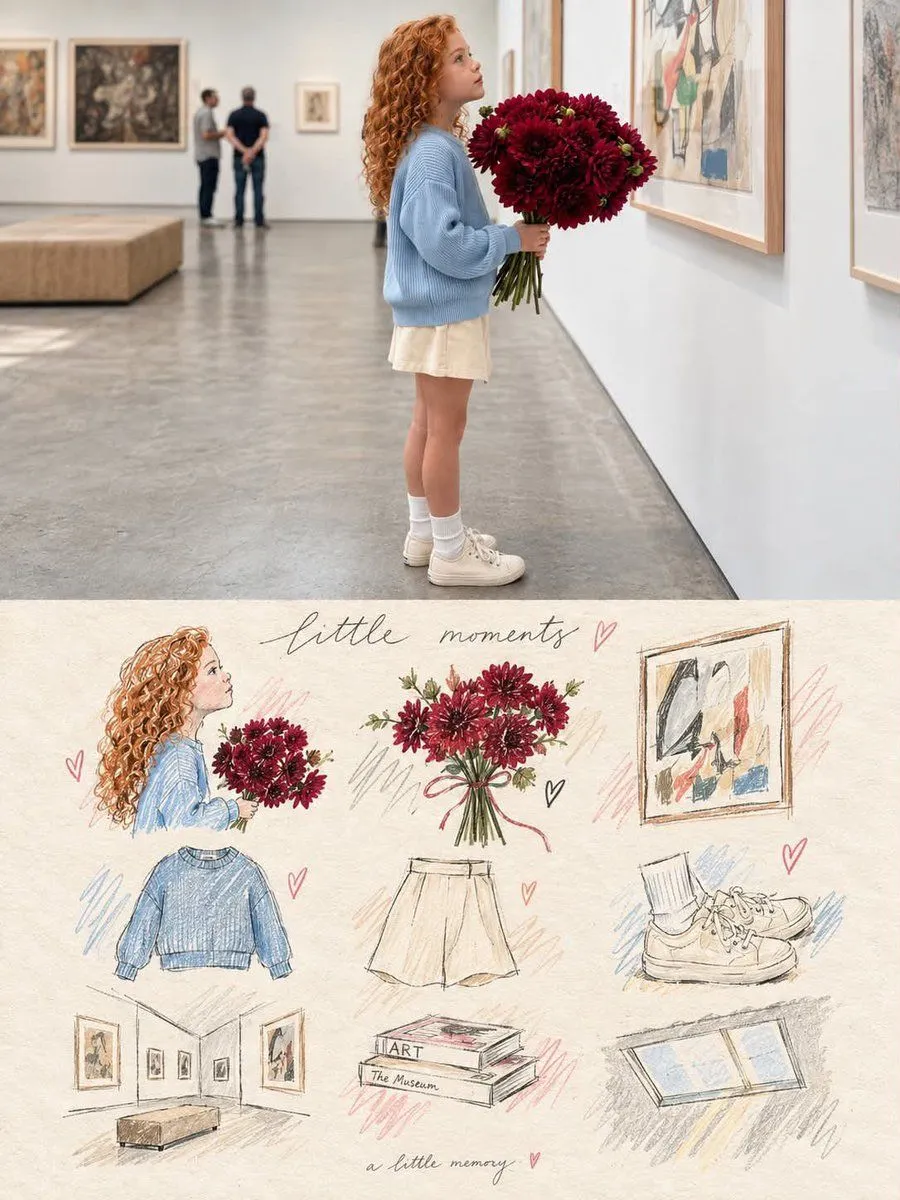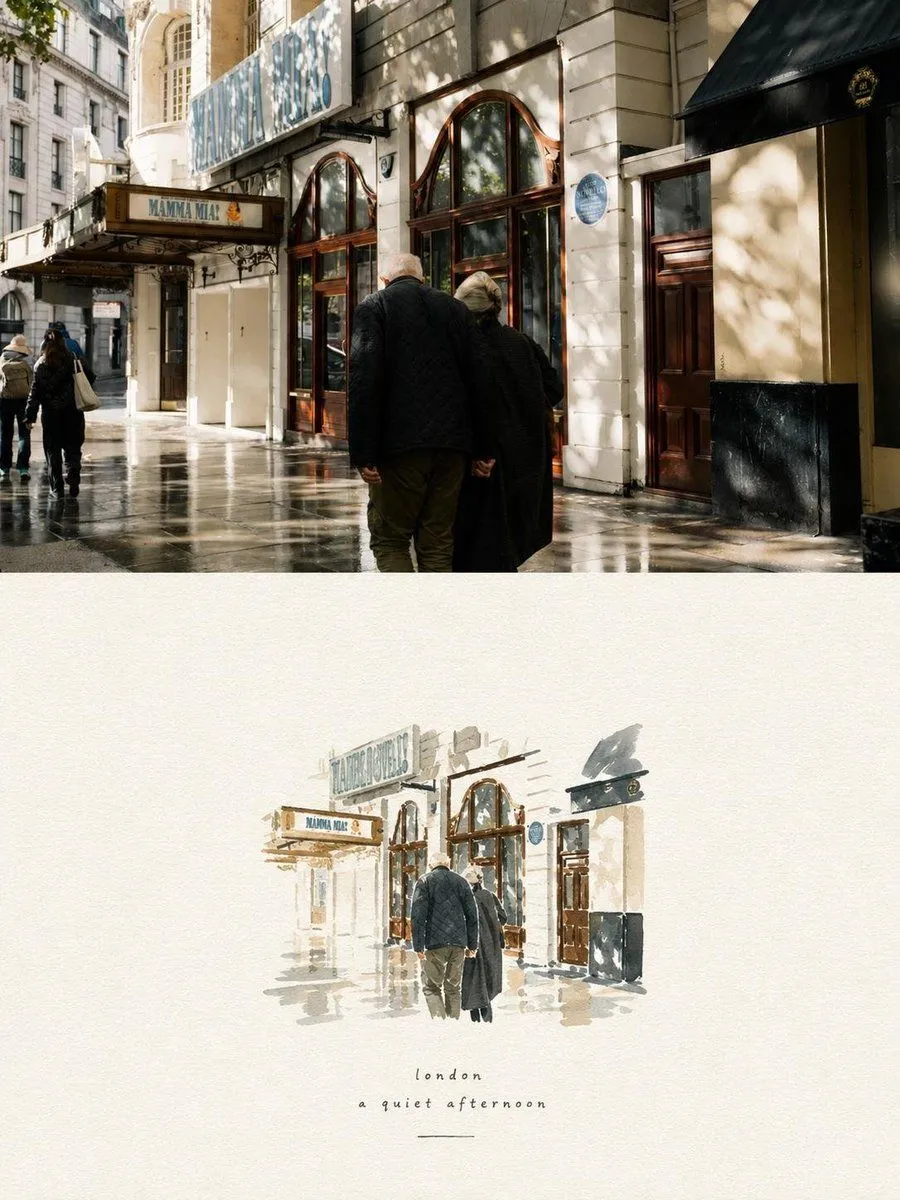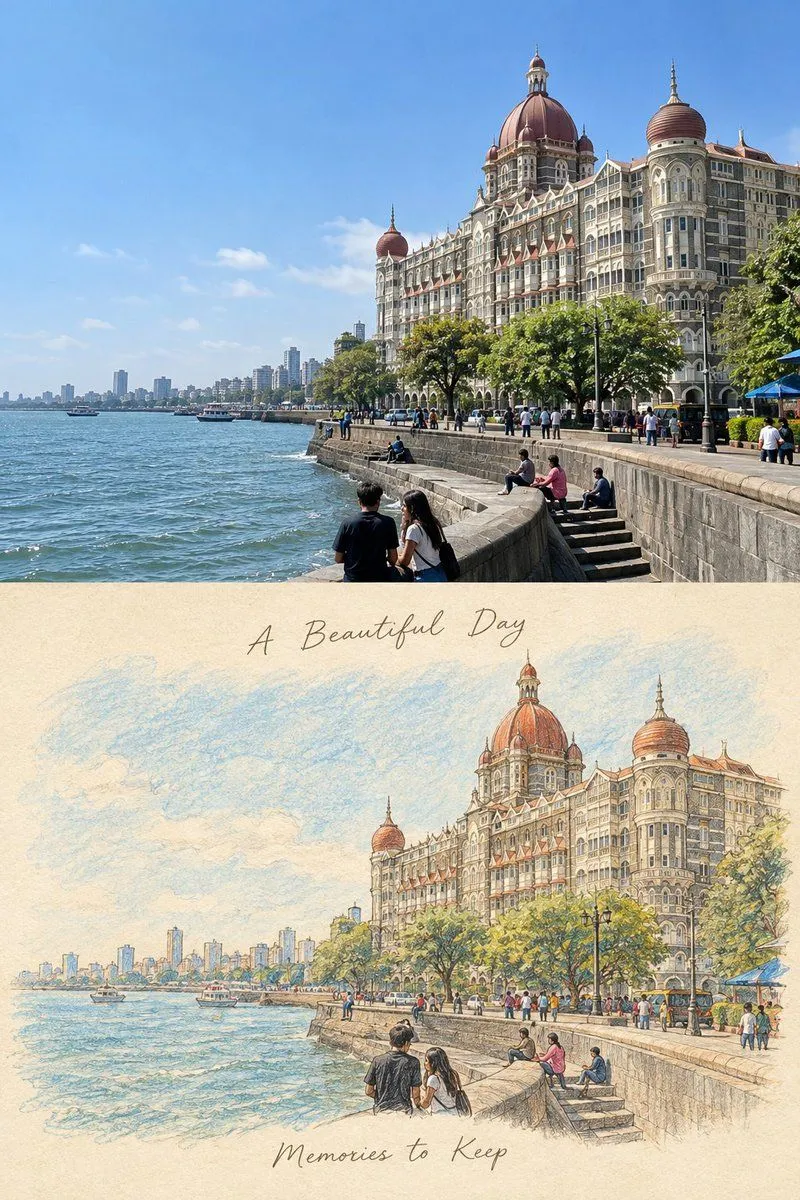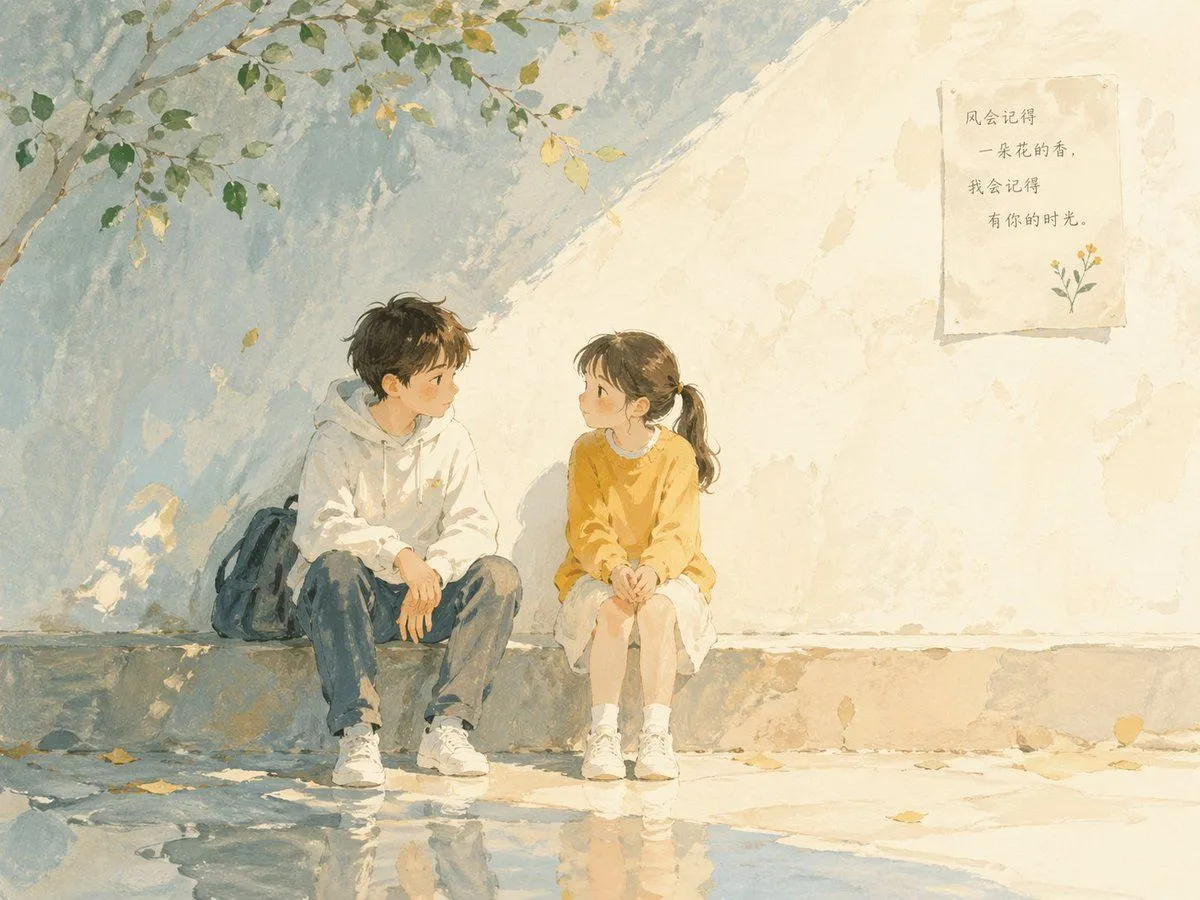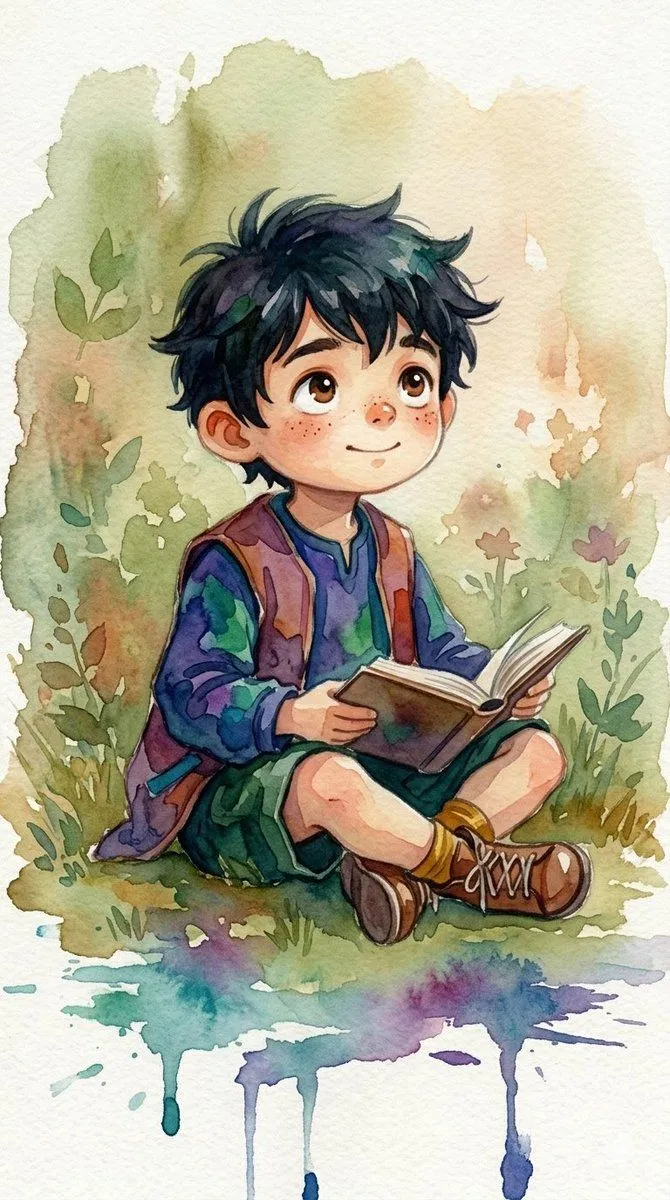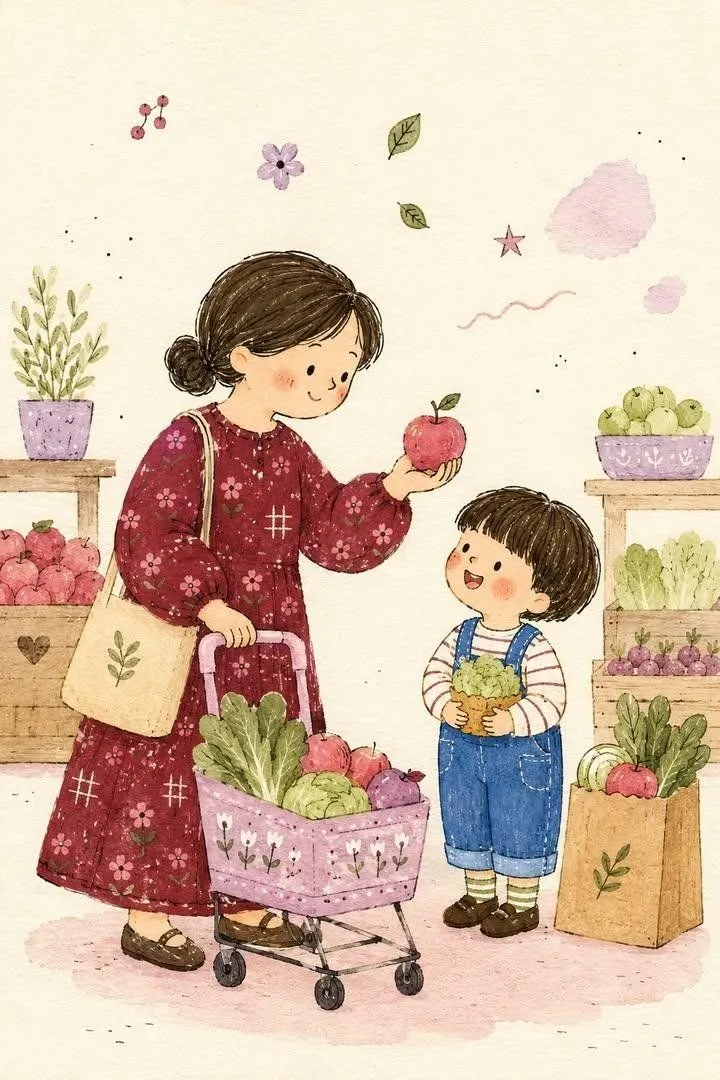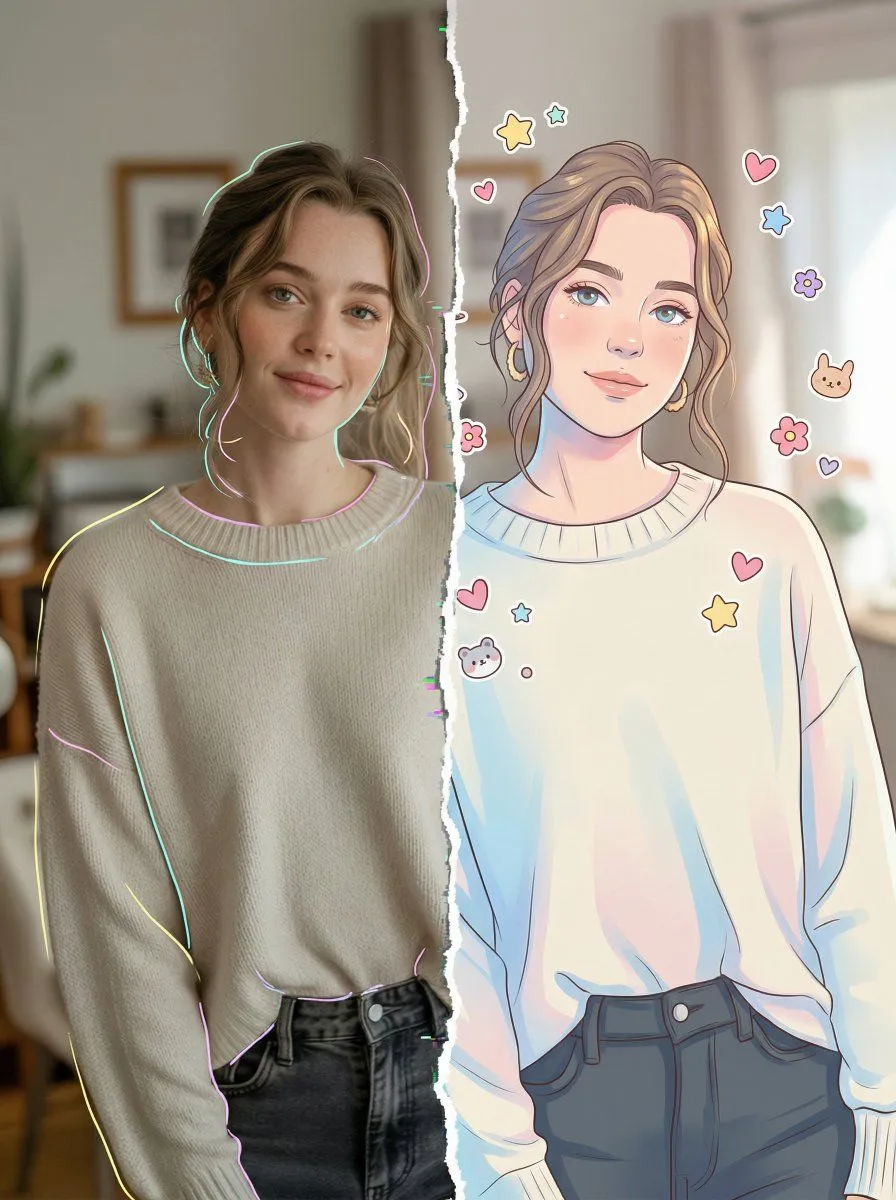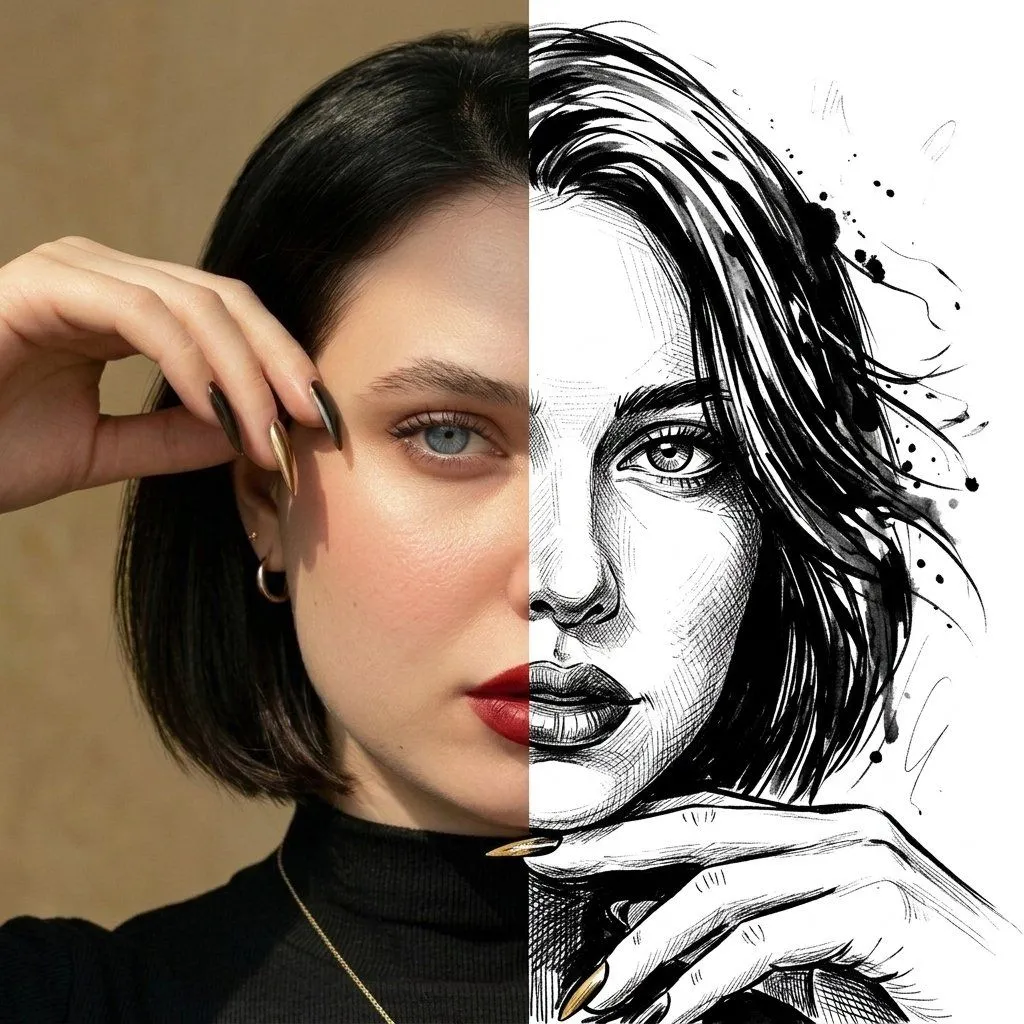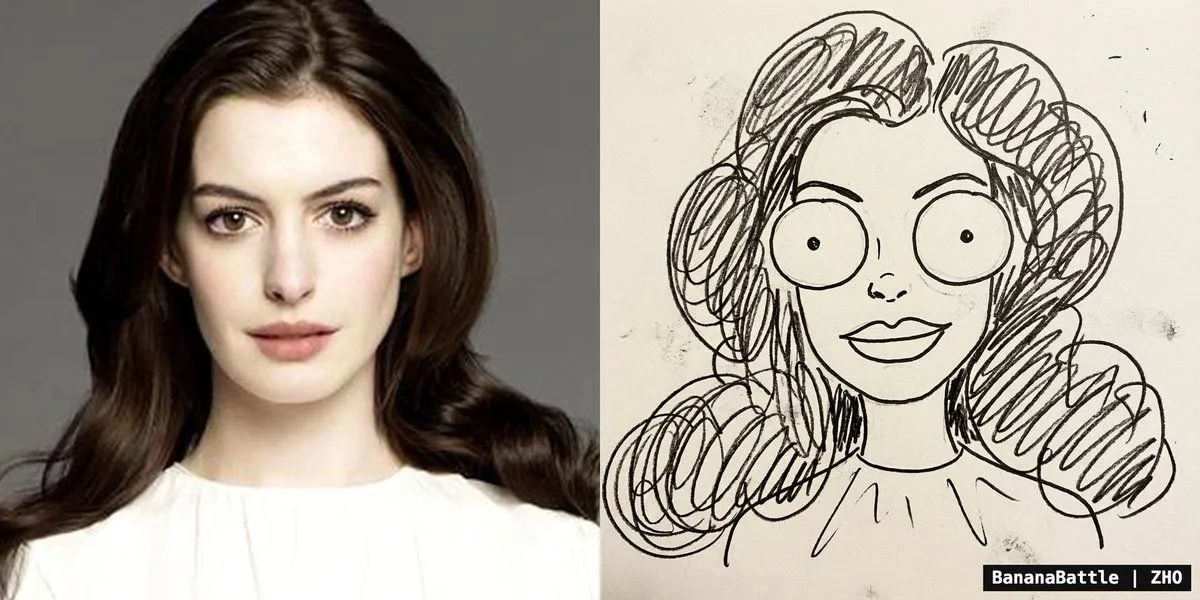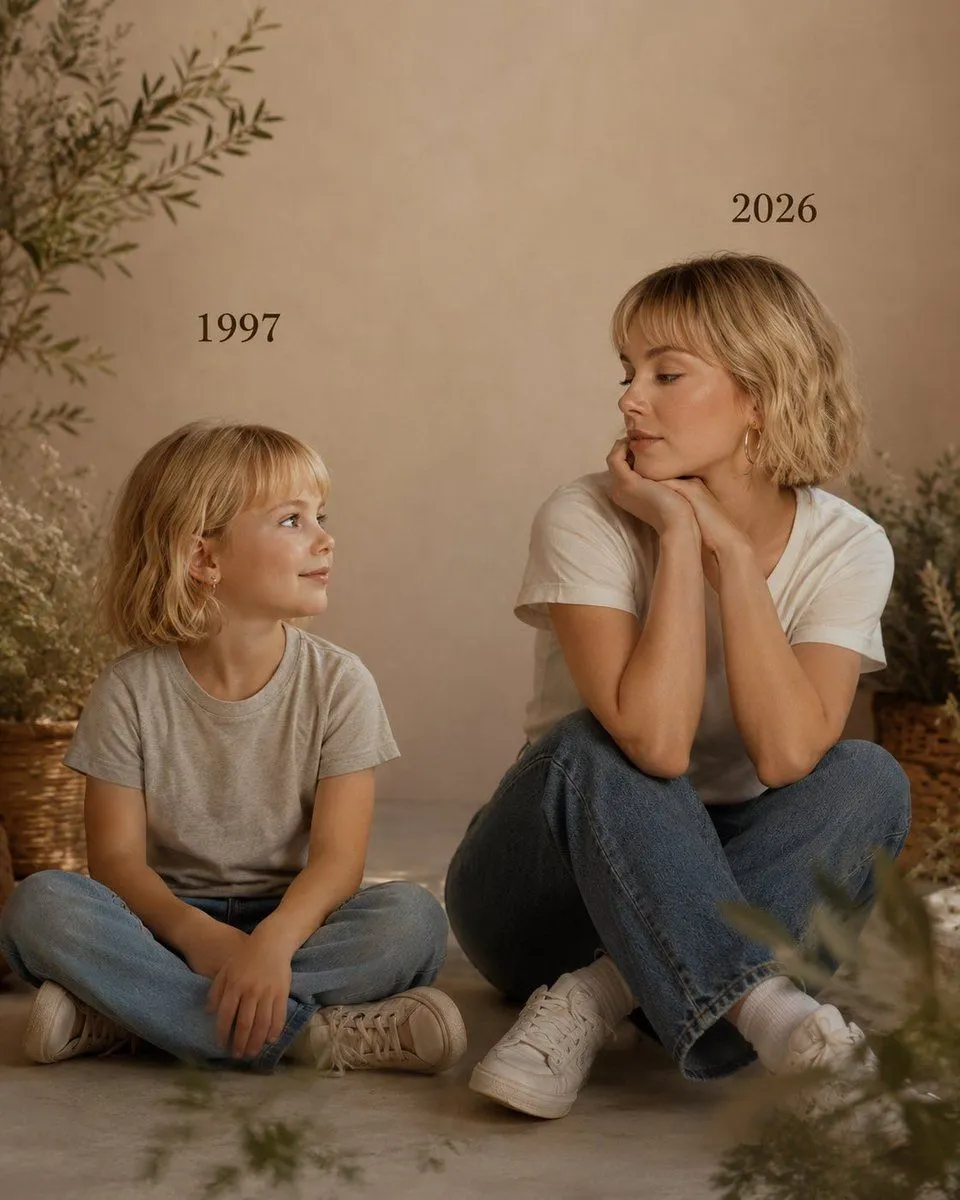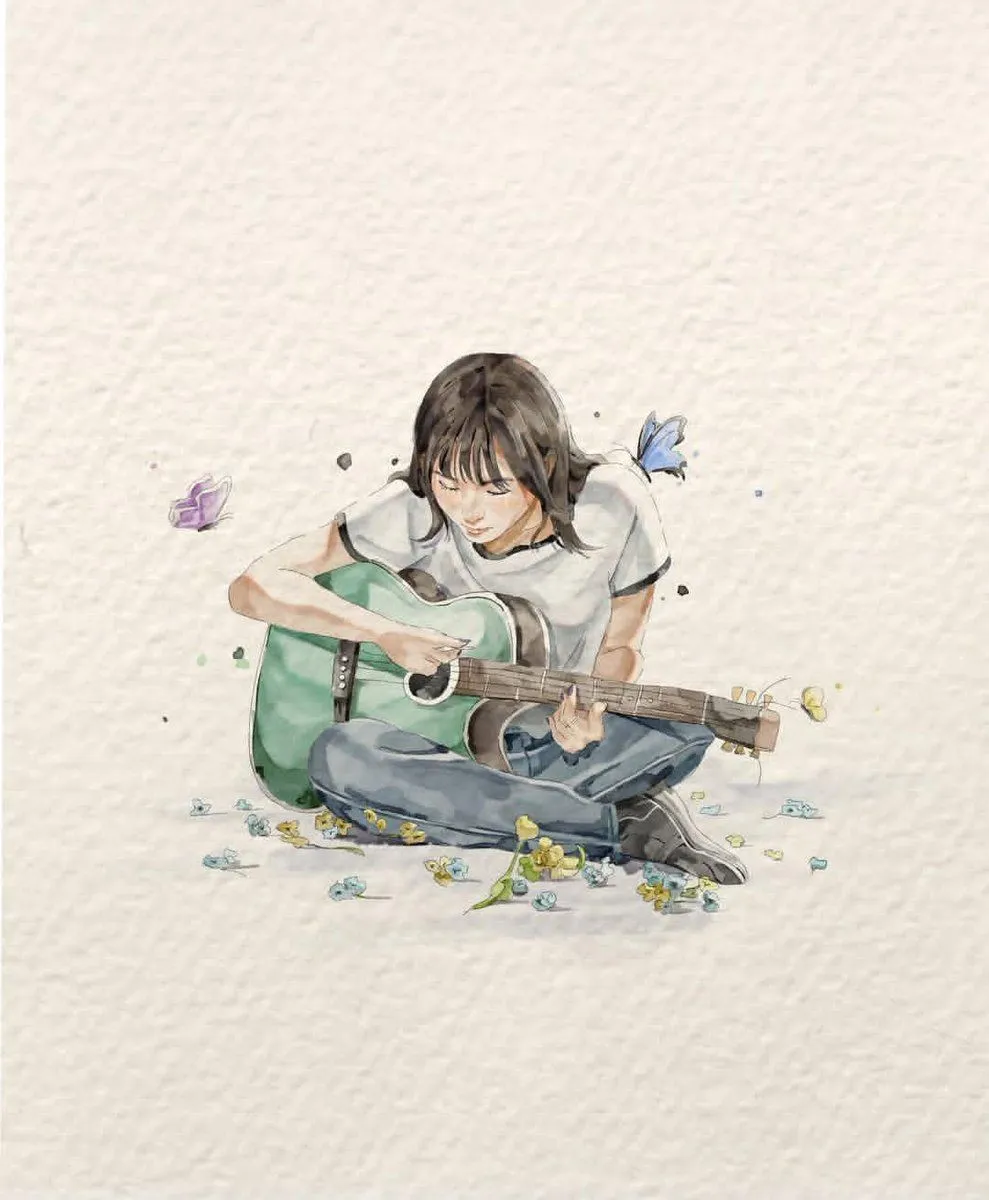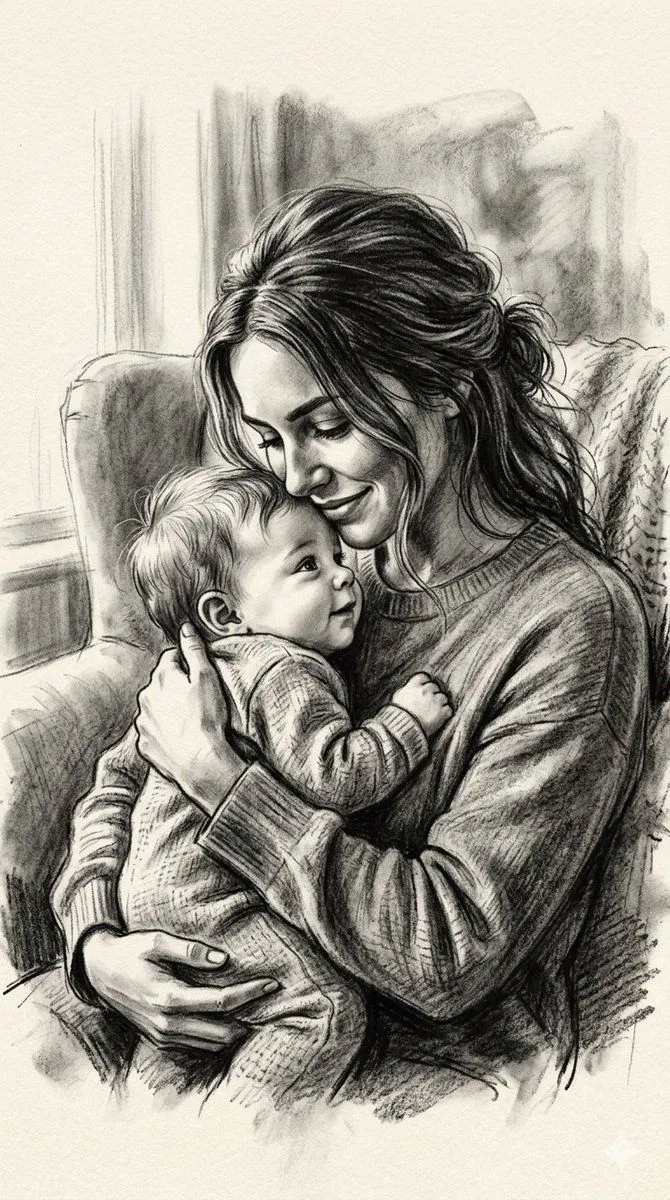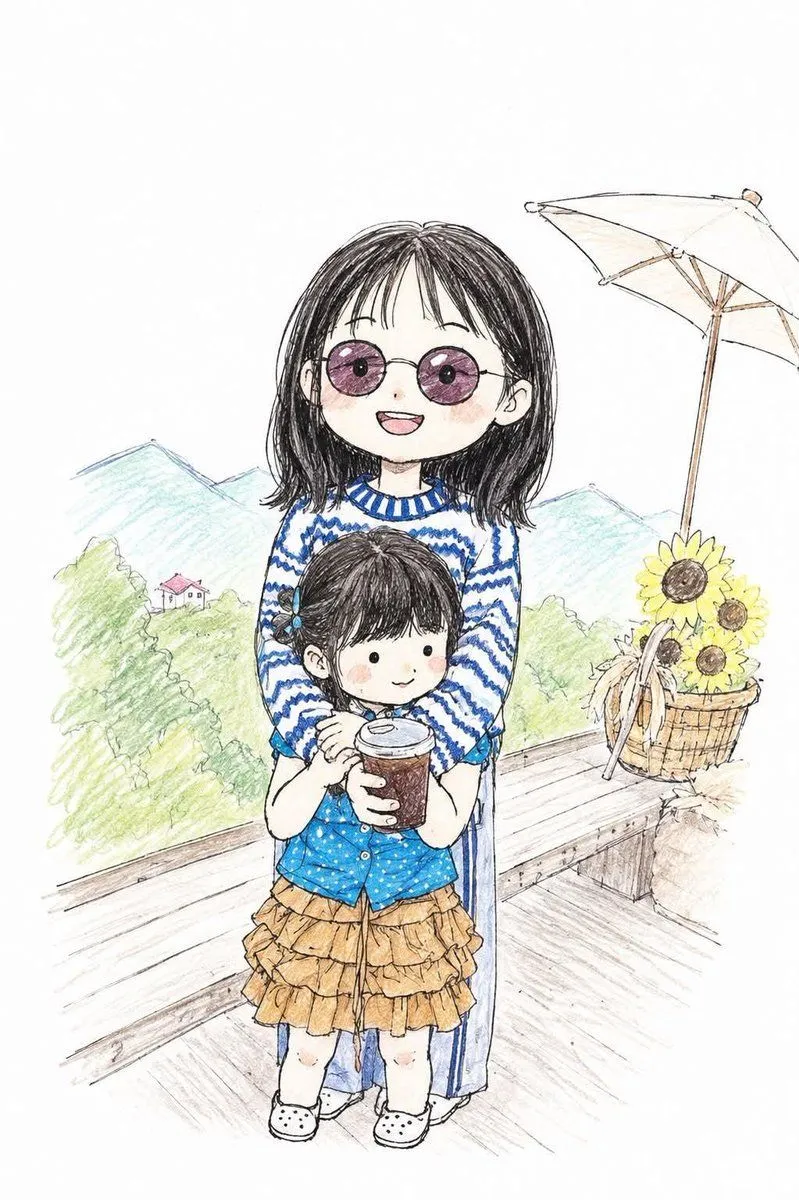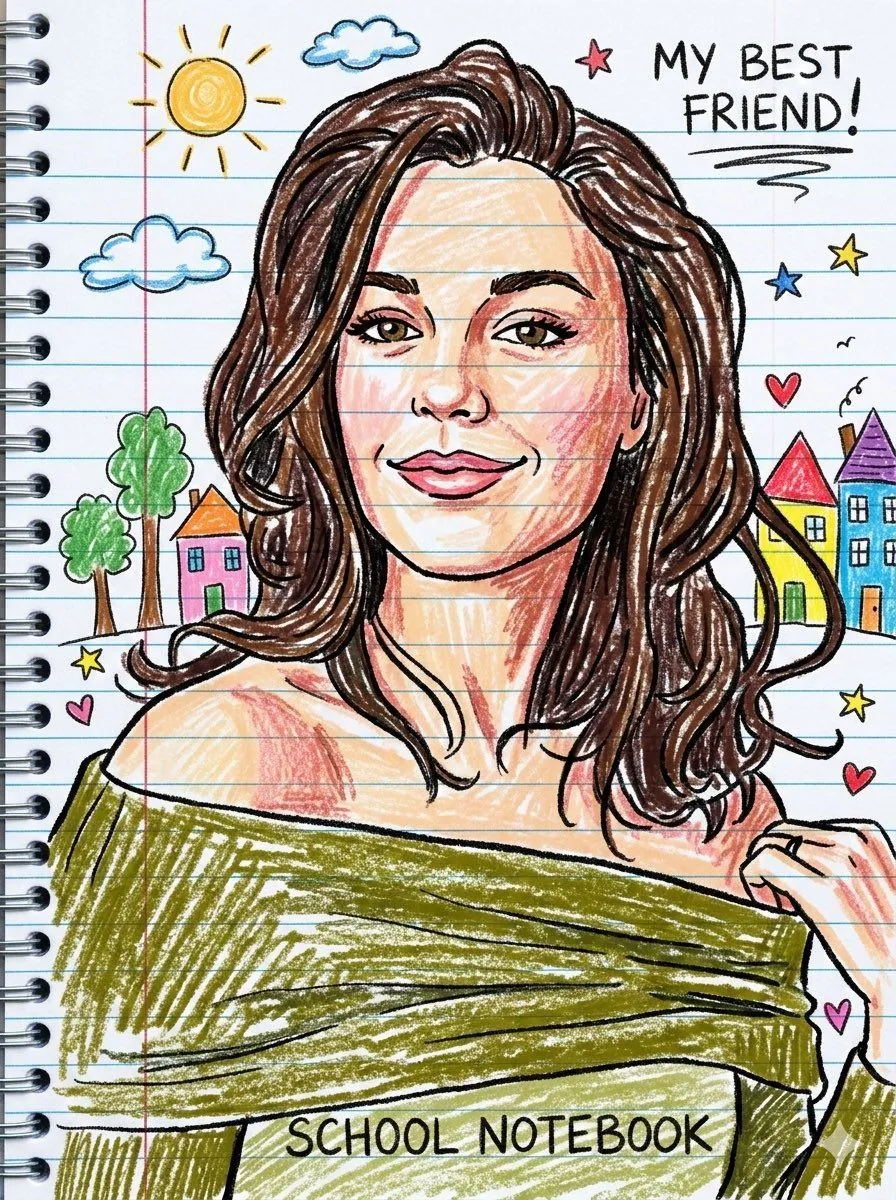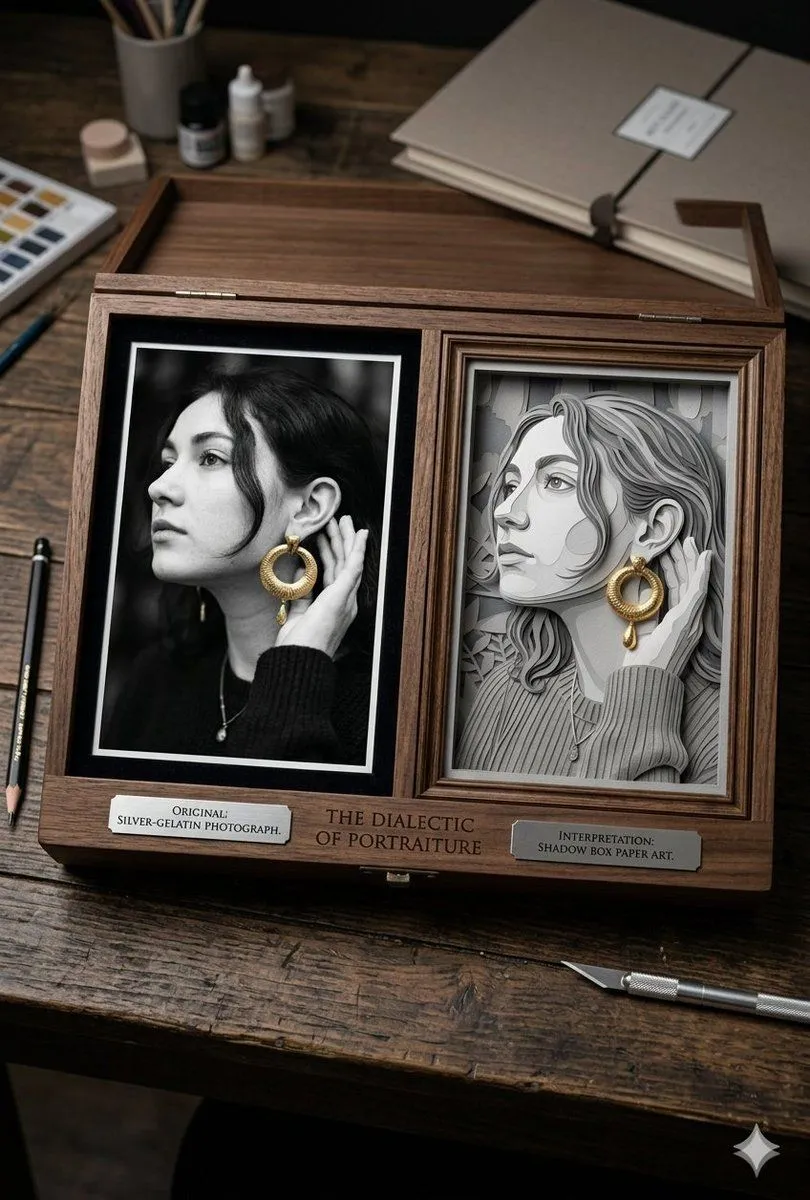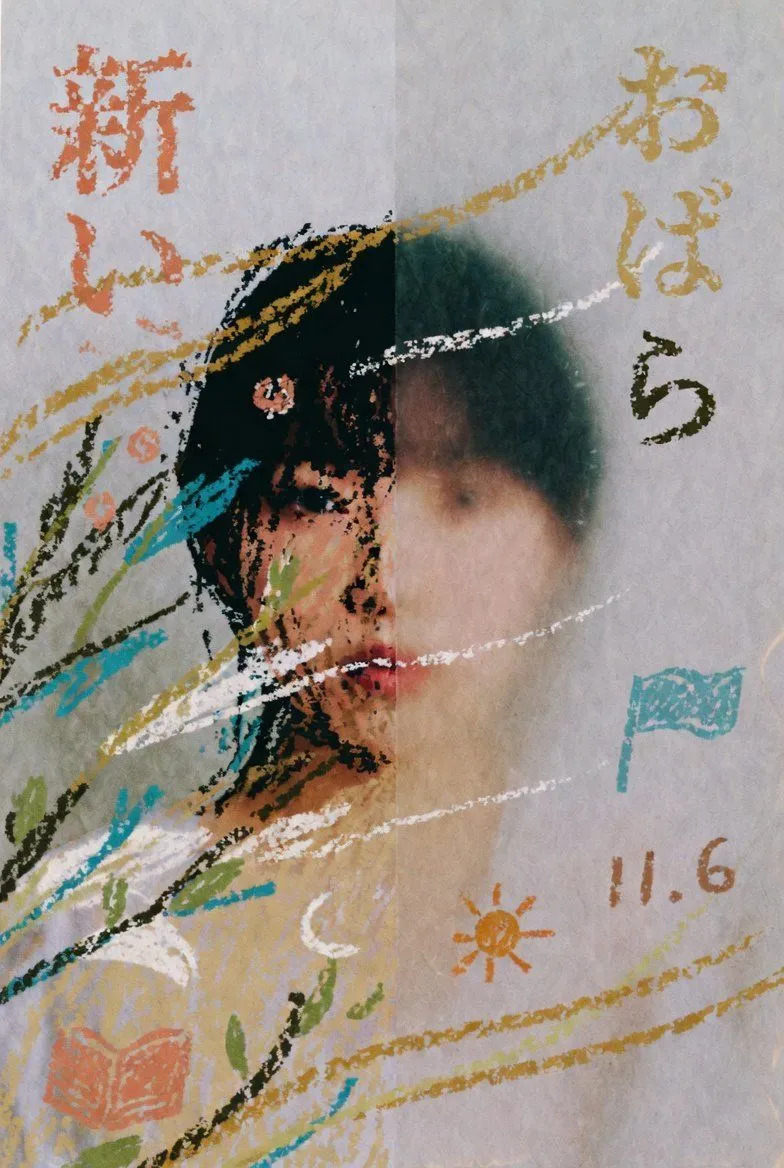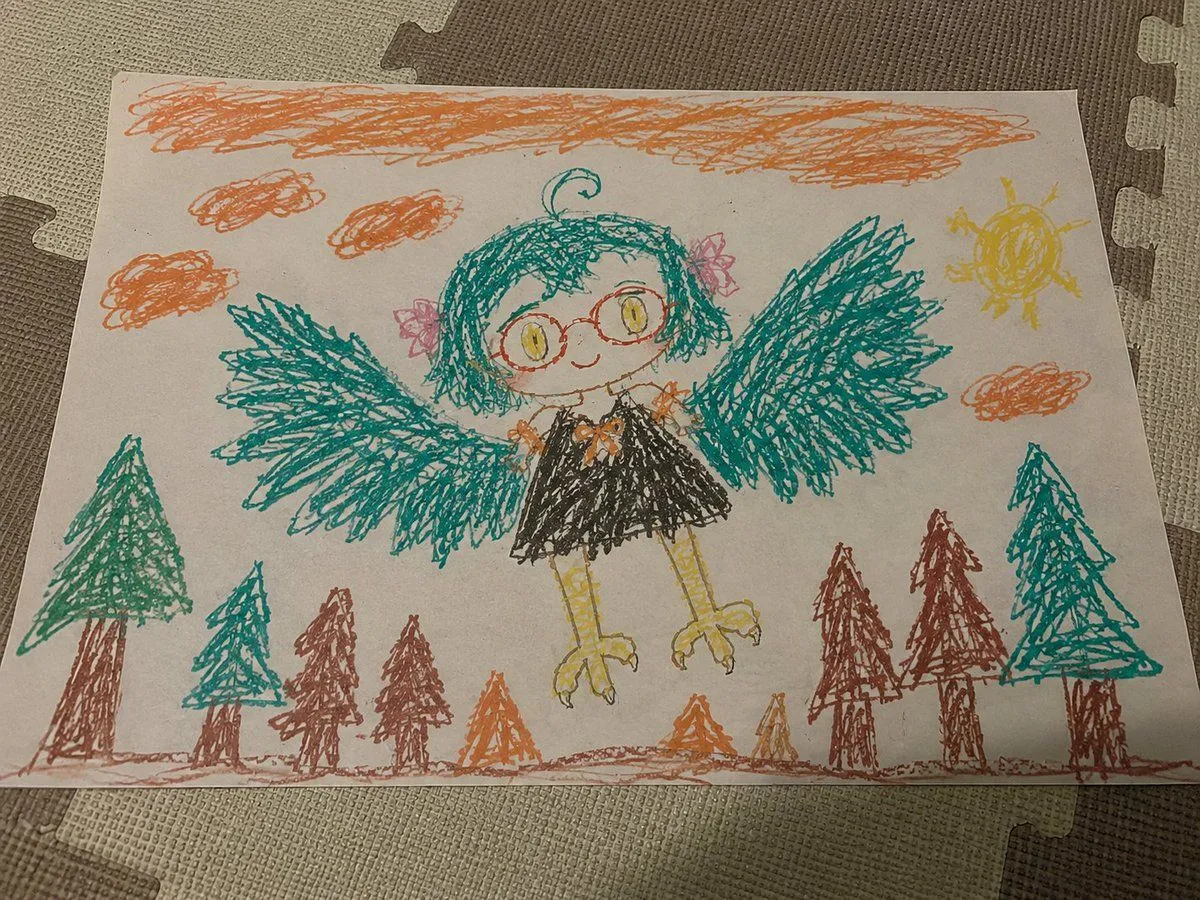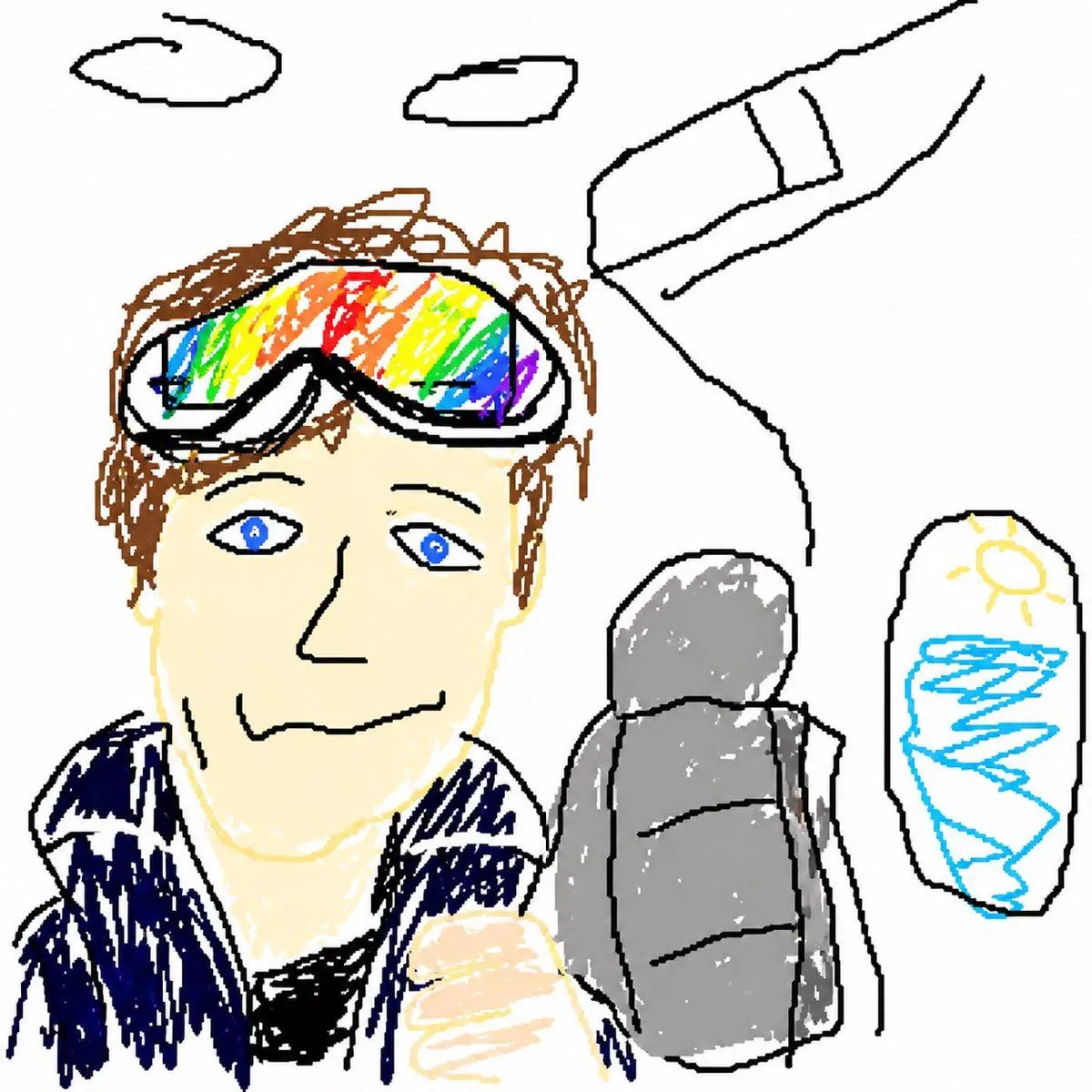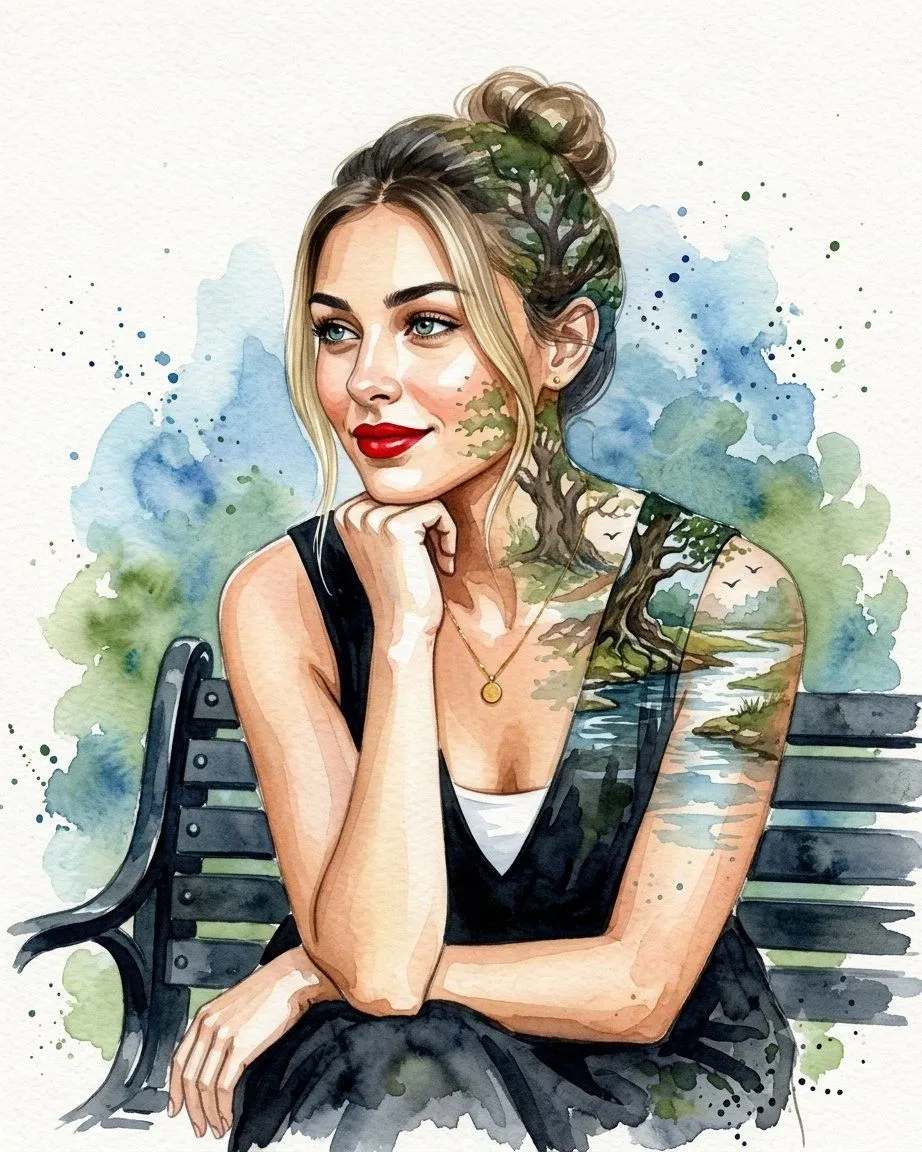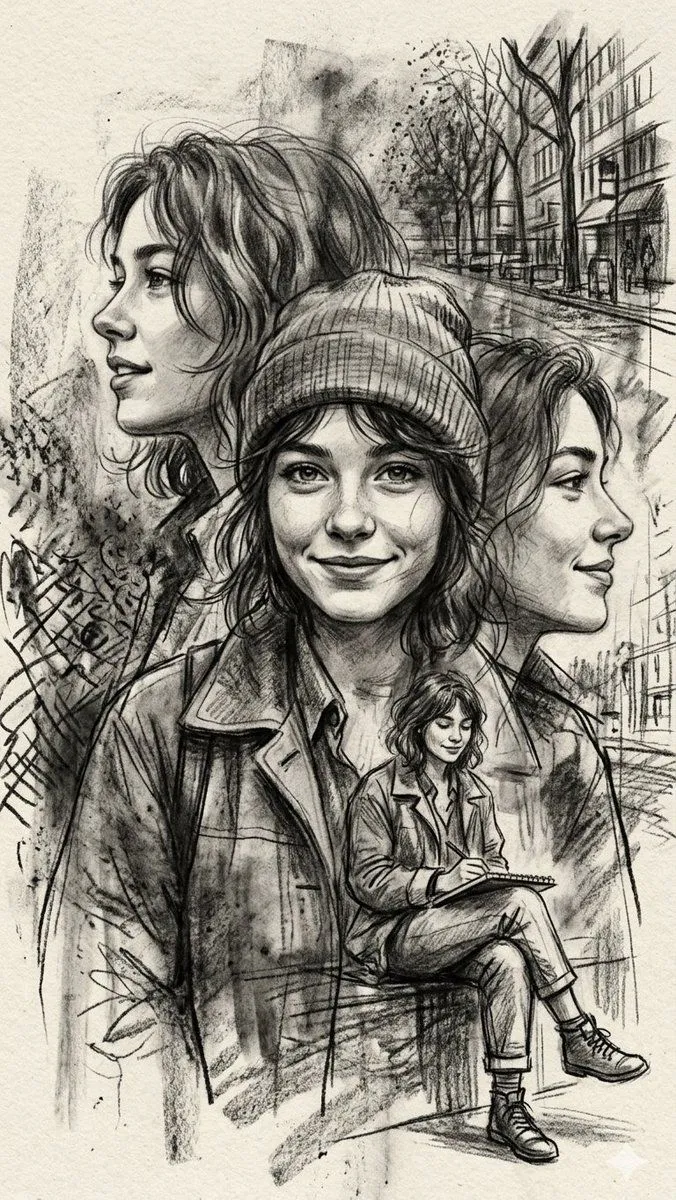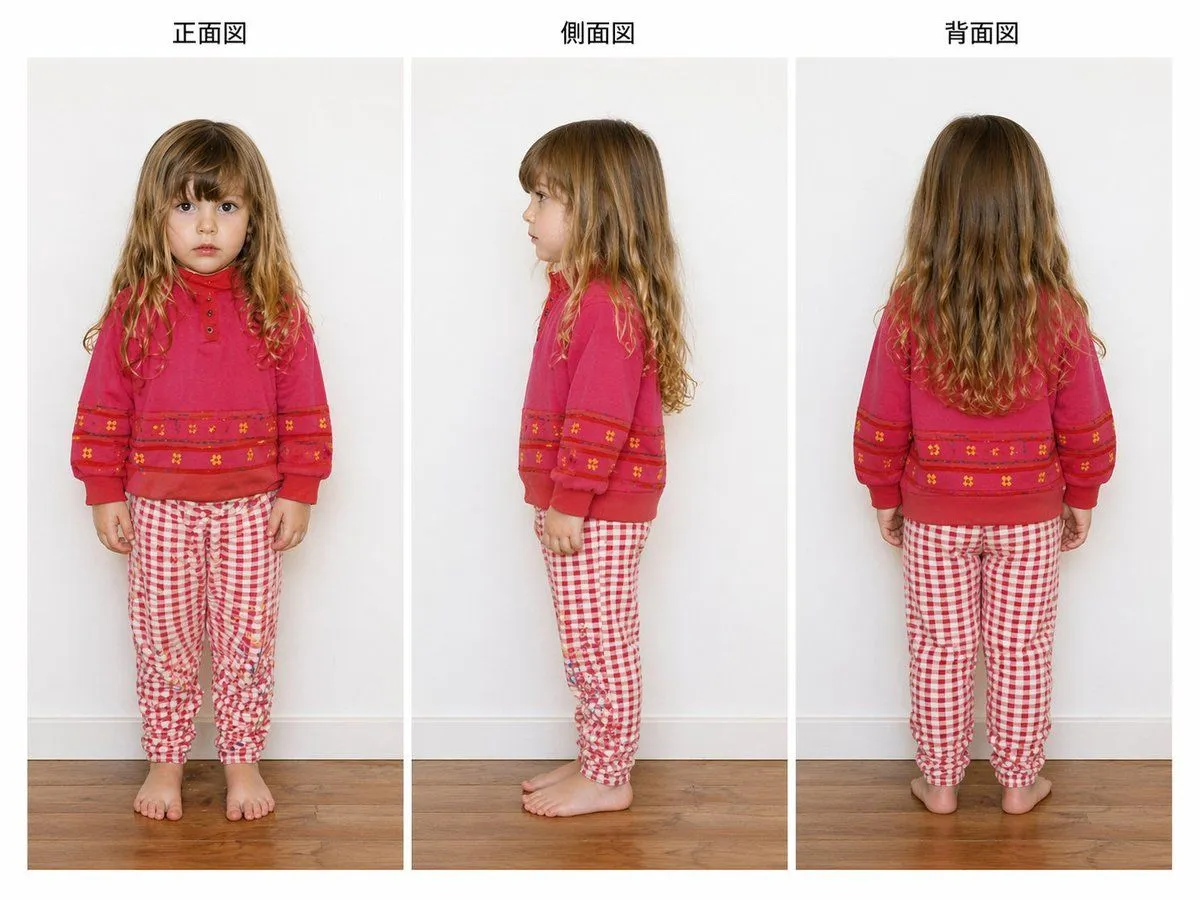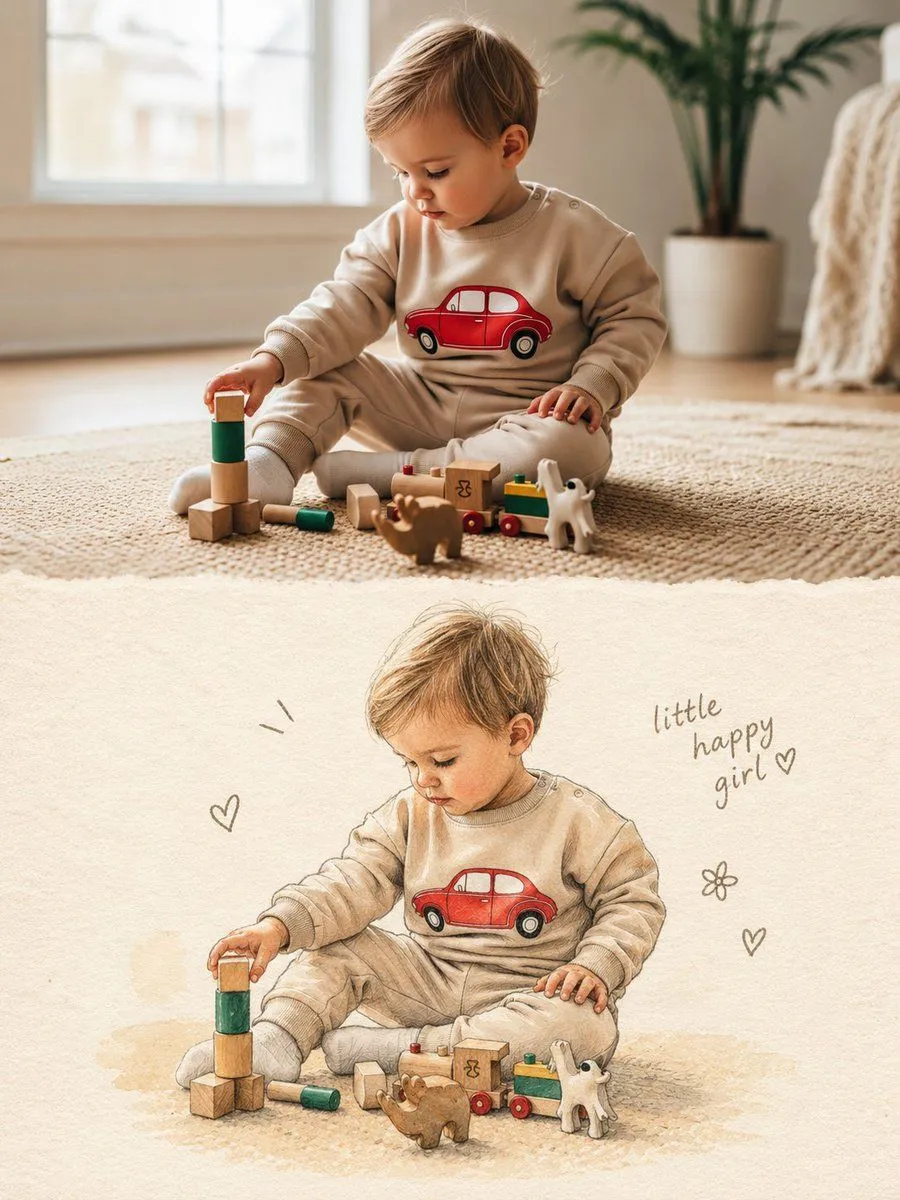
Made with GPT Image 2 in ChatGPT by Library Anime. Promptclay never generates images.
Did it work?
No reports yet. Tell others if it worked for you.
Split Photo and Storybook Illustration
Prompt
1 blank to fillCreate one vertical 3:4 composition that combines the uploaded photo with a hand-drawn illustrated version of the same moment. TOP HALF — ORIGINAL PHOTO. Keep the uploaded photograph in the upper portion of the canvas, occupying roughly 50%. Treat the photo as the only source of truth. Keep the person, face, expression, hair, outfit, accessories, pose, proportions, objects, lighting, colors, and surroundings faithful to the original. Do not beautify, retouch, restyle, replace, or reinterpret the photograph. It should remain natural and recognizable, as if the original image has simply been placed into the artwork. BOTTOM HALF — ILLUSTRATED VERSION. Use the lower portion to recreate the exact same moment as a handmade children's picture-book illustration. The illustrated version should retain: the same person and recognizable facial features, identical pose and body positioning, matching hairstyle and clothing, matching accessories and visible details, the same action and overall mood. Use a soft traditional art approach with: delicate watercolor washes, colored-pencil texture, fine pencil or ink contours, warm textured ivory paper, gentle hand-rendered shading, slightly uneven, organic strokes, subtle imperfections that make it feel handmade. Avoid a polished digital look. No photorealism, 3D rendering, anime aesthetics, or exaggerated cartoon styling. Simplify the background instead of copying every environmental detail. Keep only enough of it to suggest the original setting, while giving the illustrated subject plenty of breathing room. Make the illustrated subject slightly smaller than the photographic subject and leave generous negative space around it. SMALL HAND-DRAWN ACCENTS. Add only a handful of understated doodles around the illustration — perhaps tiny hearts, stars, flowers, or simple motion marks. They should feel naturally drawn onto the page rather than digitally decorated. Include a small handwritten note near the illustration: “{caption} ♡”. Use a casual brown or soft-gray pencil/ink appearance. If the subject is not a girl, replace the wording with something suitable or leave the caption out. FINAL FEEL. The finished piece should resemble a beautiful handmade scrapbook or children's storybook page, where a real photograph has been paired with a lovingly drawn memory of the same scene. Keep the presentation: vertical 3:4, warm and editorial, cleanly divided between photo and illustration, minimal and elegant, sentimental but not overly decorative, rich in tactile paper and traditional drawing texture. IMPORTANT. Use only the uploaded photograph as visual reference. Do not borrow anything from previous prompts, images, references, or generated results. Do not introduce a different person, outfit, pose, object, setting, color scheme, or visual detail. The lower illustration must unmistakably represent the exact scene and moment shown in the uploaded photograph.
Use only photos you have the right to usePhoto tips
- Your photo stays with your app. You upload it to Gemini, ChatGPT or the app you use. Promptclay never sees or stores it.
- Crop to what the prompt needs. Your face for a portrait. Leave out other people, house numbers, cards and screens.
- Check the result before you post. Apps sometimes add things that were not in your photo, like a mole, a tattoo or bare shoulders. Run it again or ask the app to remove them.
Preview of your prompt
Create one vertical 3:4 composition that combines the uploaded photo with a hand-drawn illustrated version of the same moment. TOP HALF — ORIGINAL PHOTO. Keep the uploaded photograph in the upper portion of the canvas, occupying roughly 50%. Treat the photo as the only source of truth. Keep the person, face, expression, hair, outfit, accessories, pose, proportions, objects, lighting, colors, and surroundings faithful to the original. Do not beautify, retouch, restyle, replace, or reinterpret the photograph. It should remain natural and recognizable, as if the original image has simply been placed into the artwork. BOTTOM HALF — ILLUSTRATED VERSION. Use the lower portion to recreate the exact same moment as a handmade children's picture-book illustration. The illustrated version should retain: the same person and recognizable facial features, identical pose and body positioning, matching hairstyle and clothing, matching accessories and visible details, the same action and overall mood. Use a soft traditional art approach with: delicate watercolor washes, colored-pencil texture, fine pencil or ink contours, warm textured ivory paper, gentle hand-rendered shading, slightly uneven, organic strokes, subtle imperfections that make it feel handmade. Avoid a polished digital look. No photorealism, 3D rendering, anime aesthetics, or exaggerated cartoon styling. Simplify the background instead of copying every environmental detail. Keep only enough of it to suggest the original setting, while giving the illustrated subject plenty of breathing room. Make the illustrated subject slightly smaller than the photographic subject and leave generous negative space around it. SMALL HAND-DRAWN ACCENTS. Add only a handful of understated doodles around the illustration — perhaps tiny hearts, stars, flowers, or simple motion marks. They should feel naturally drawn onto the page rather than digitally decorated. Include a small handwritten note near the illustration: “little happy girl ♡”. Use a casual brown or soft-gray pencil/ink appearance. If the subject is not a girl, replace the wording with something suitable or leave the caption out. FINAL FEEL. The finished piece should resemble a beautiful handmade scrapbook or children's storybook page, where a real photograph has been paired with a lovingly drawn memory of the same scene. Keep the presentation: vertical 3:4, warm and editorial, cleanly divided between photo and illustration, minimal and elegant, sentimental but not overly decorative, rich in tactile paper and traditional drawing texture. IMPORTANT. Use only the uploaded photograph as visual reference. Do not borrow anything from previous prompts, images, references, or generated results. Do not introduce a different person, outfit, pose, object, setting, color scheme, or visual detail. The lower illustration must unmistakably represent the exact scene and moment shown in the uploaded photograph.
DetailsVersions, settings and questions
Written for
What's in the prompt
- Subject
- Model
- GPT Image 2
If your face changes
keep my face exactly the sameQuestions
- Does this work in the ChatGPT app?
- Yes. Paste the prompt and attach your photo if it uses one.
- It changed my face. What do I do?
- Add "keep my face exactly the same" to the end and run it again.
- Can I use the images I make?
- Check the terms of the app you use. Promptclay never generates images and claims nothing you make.