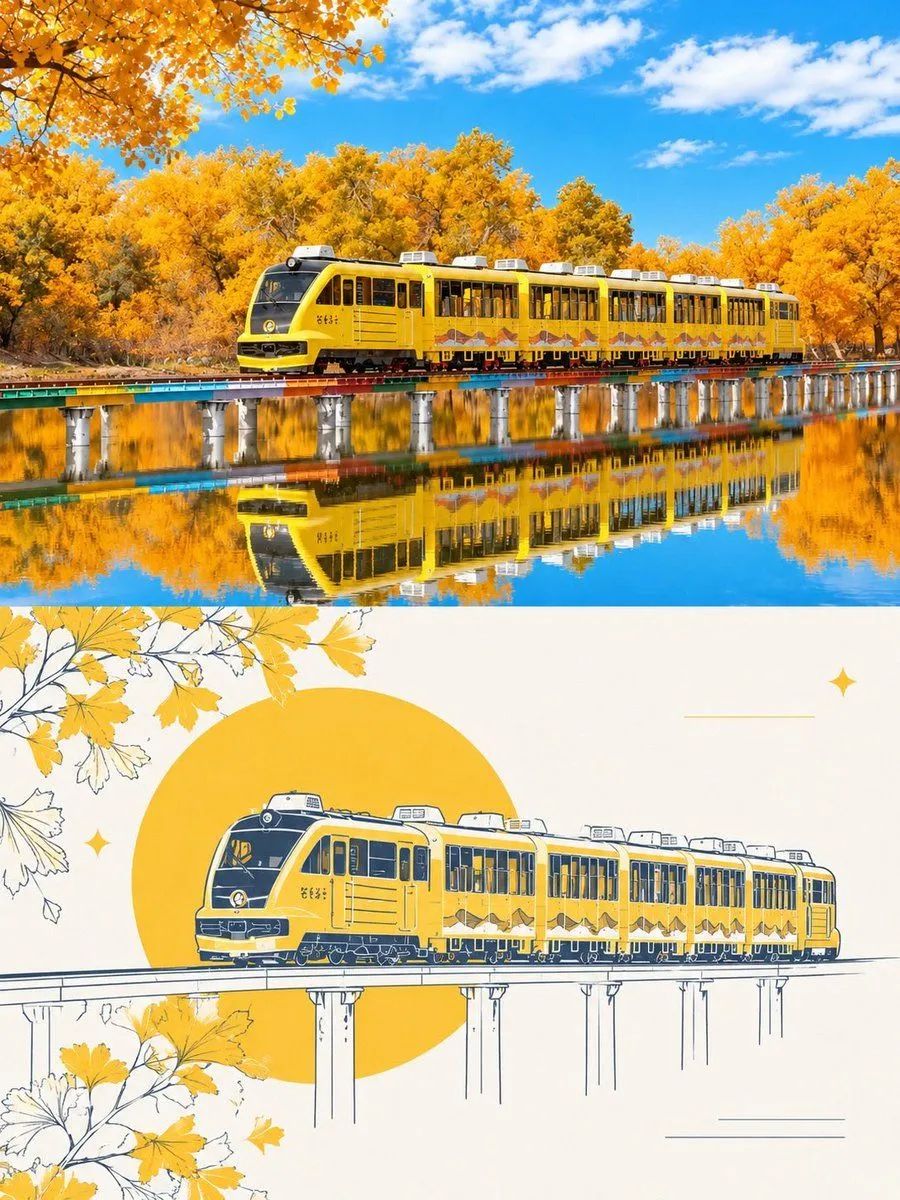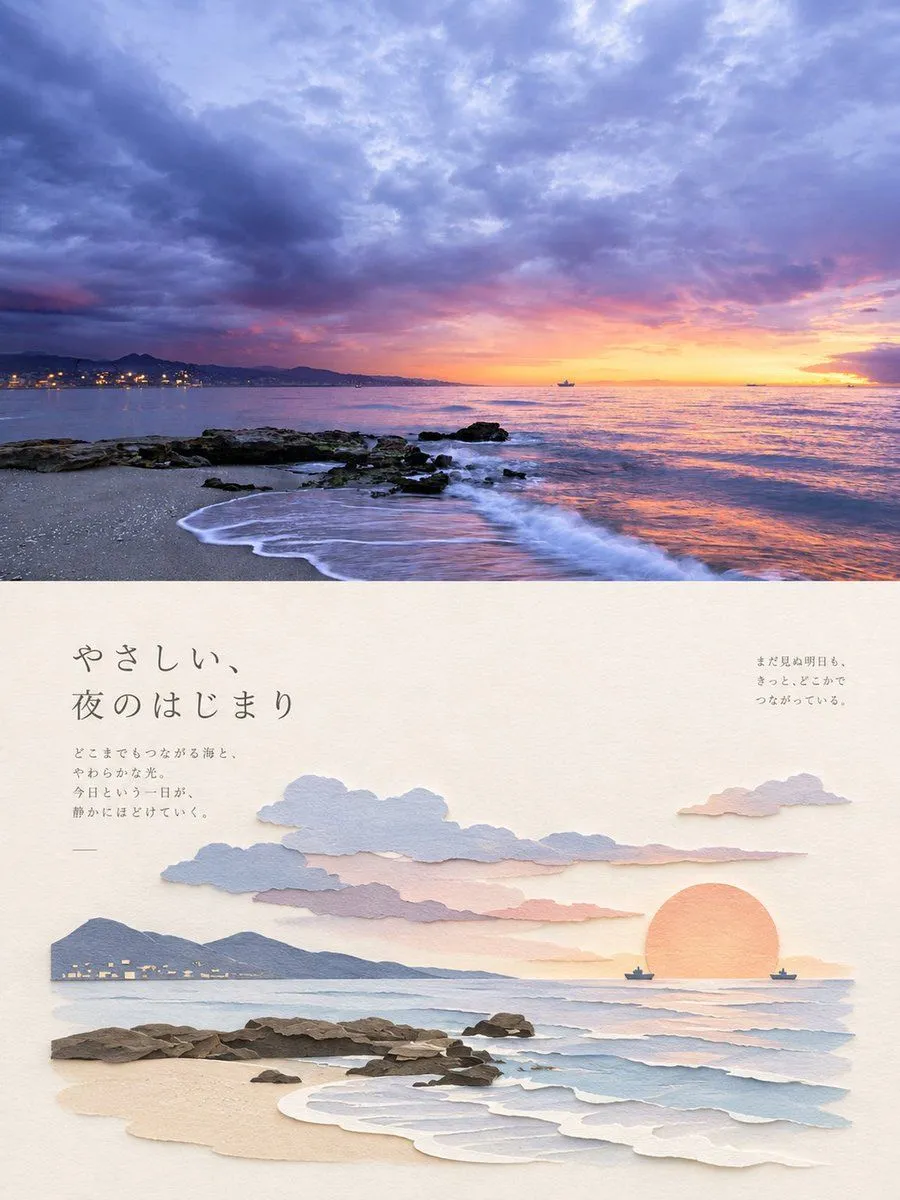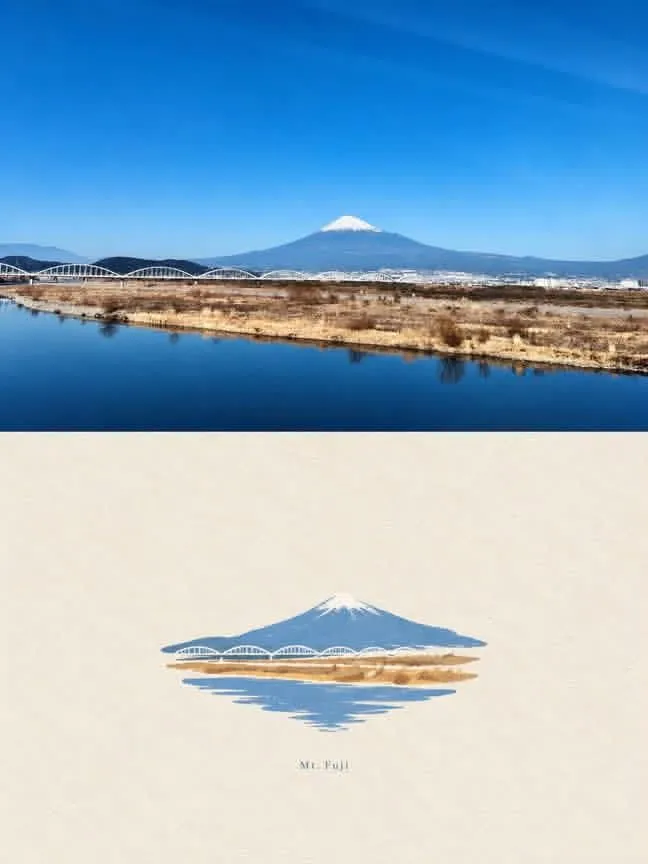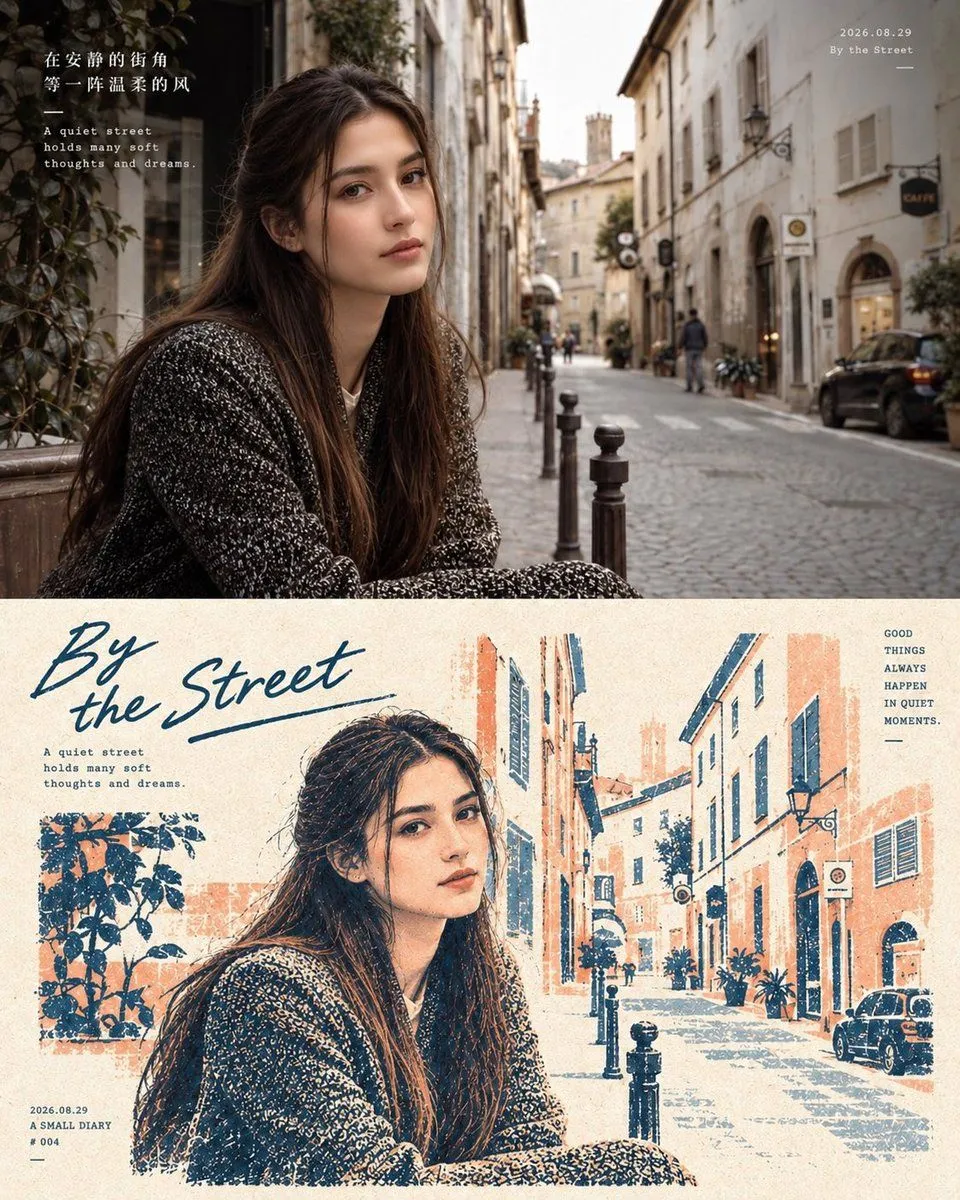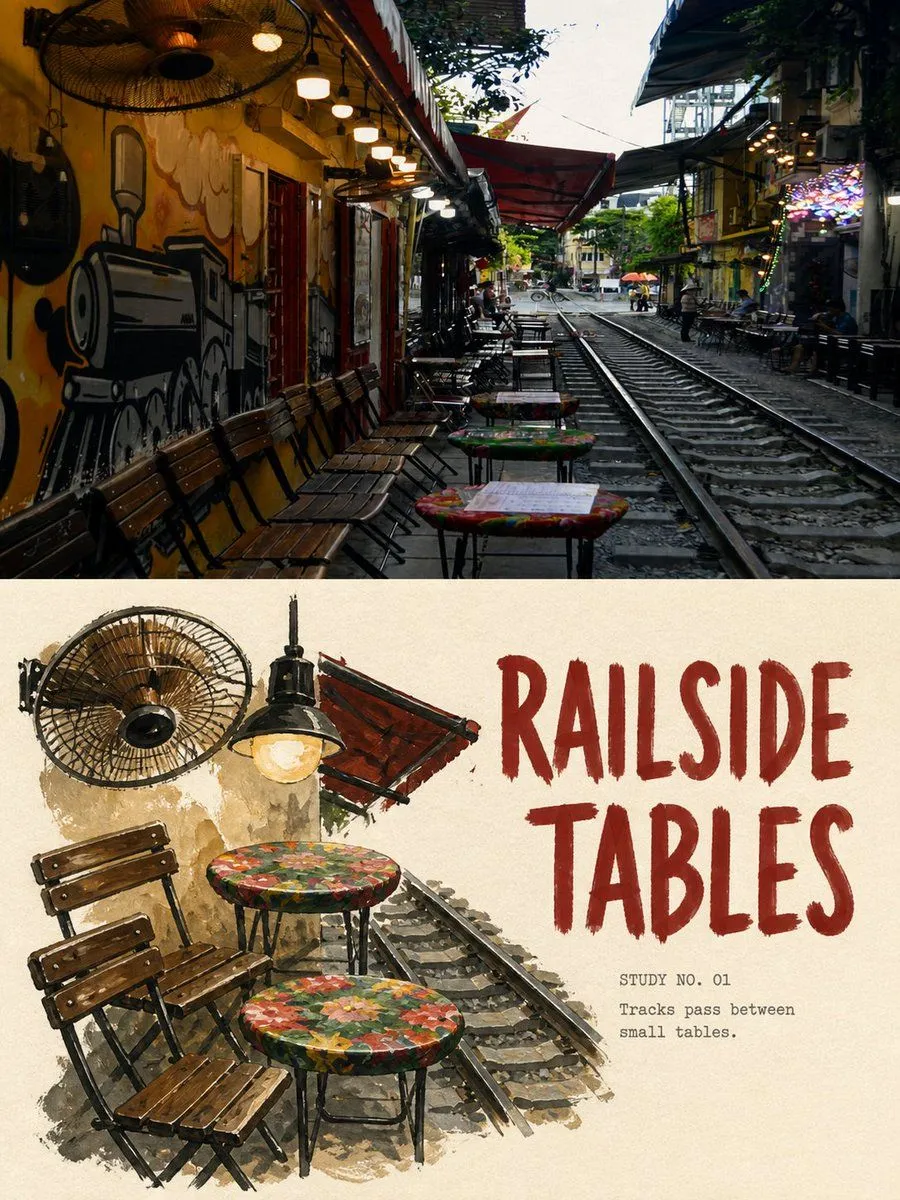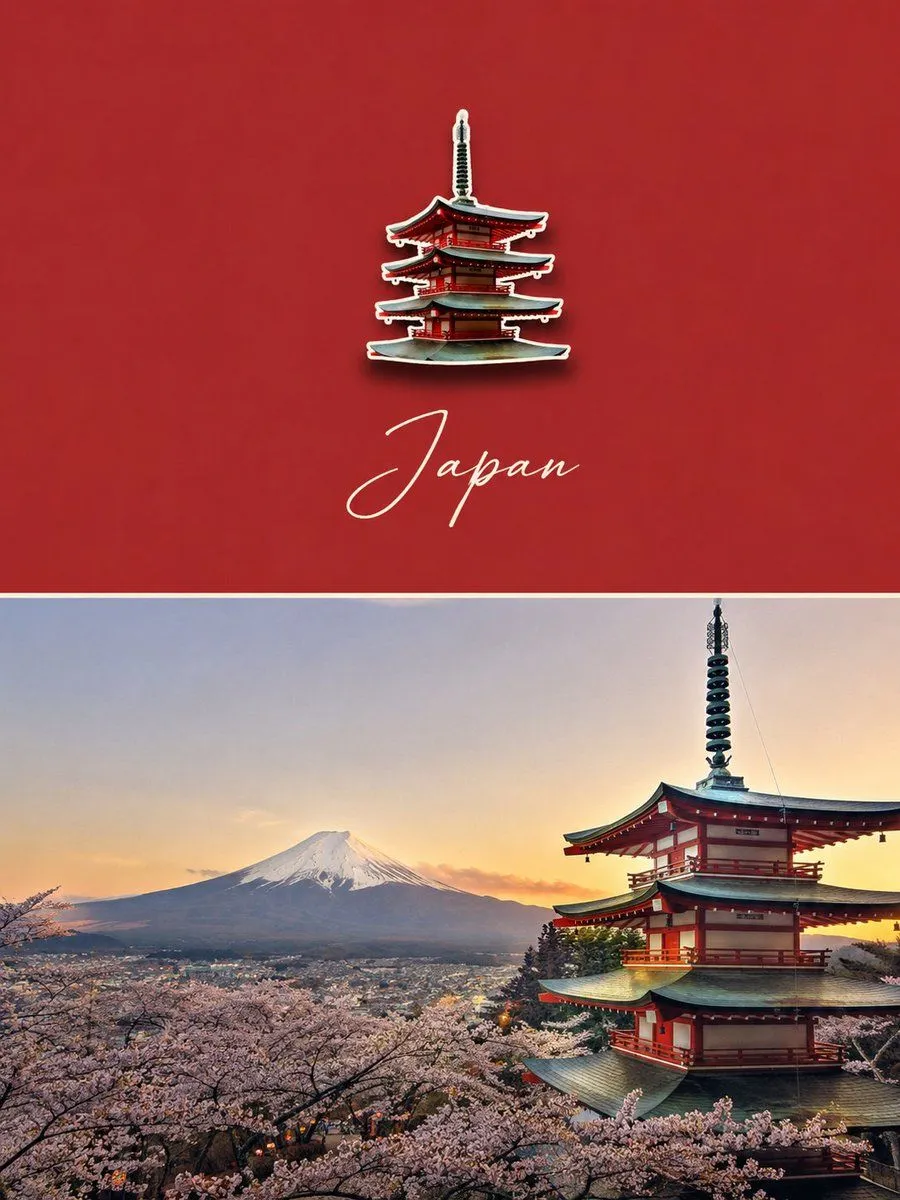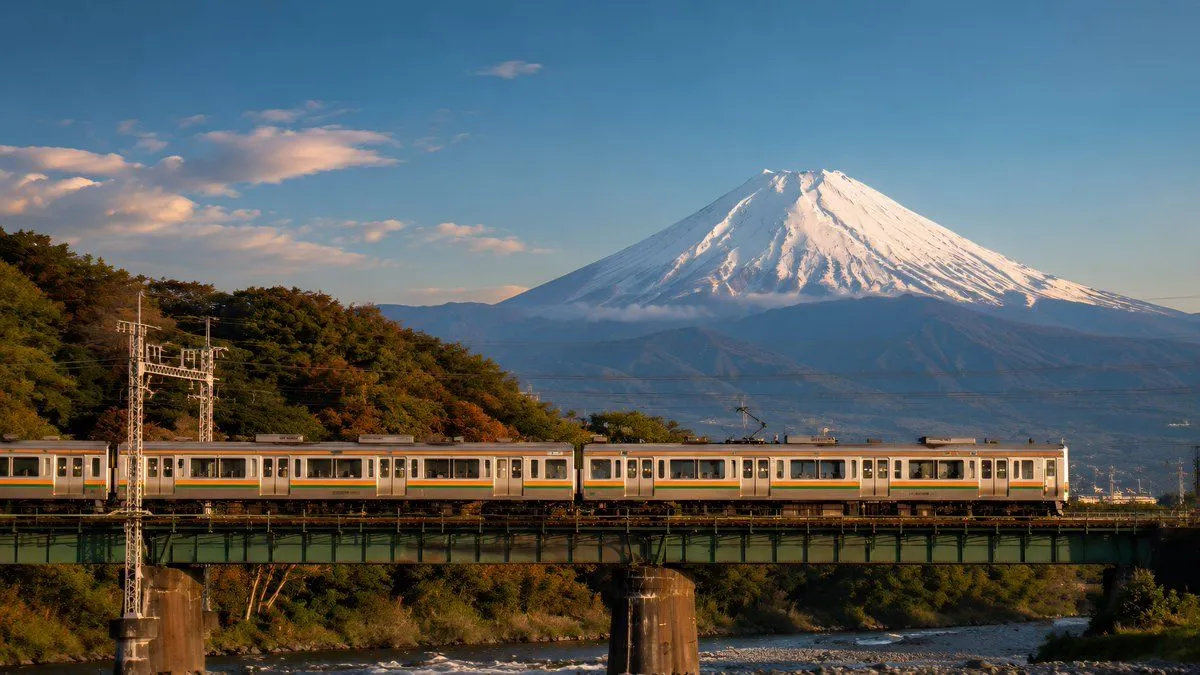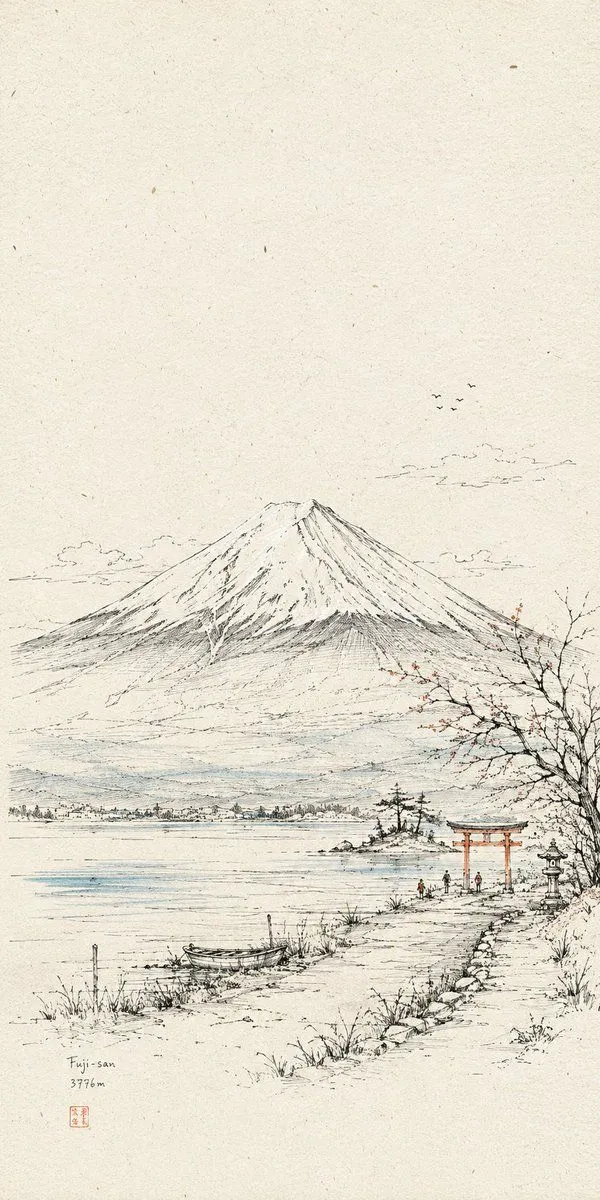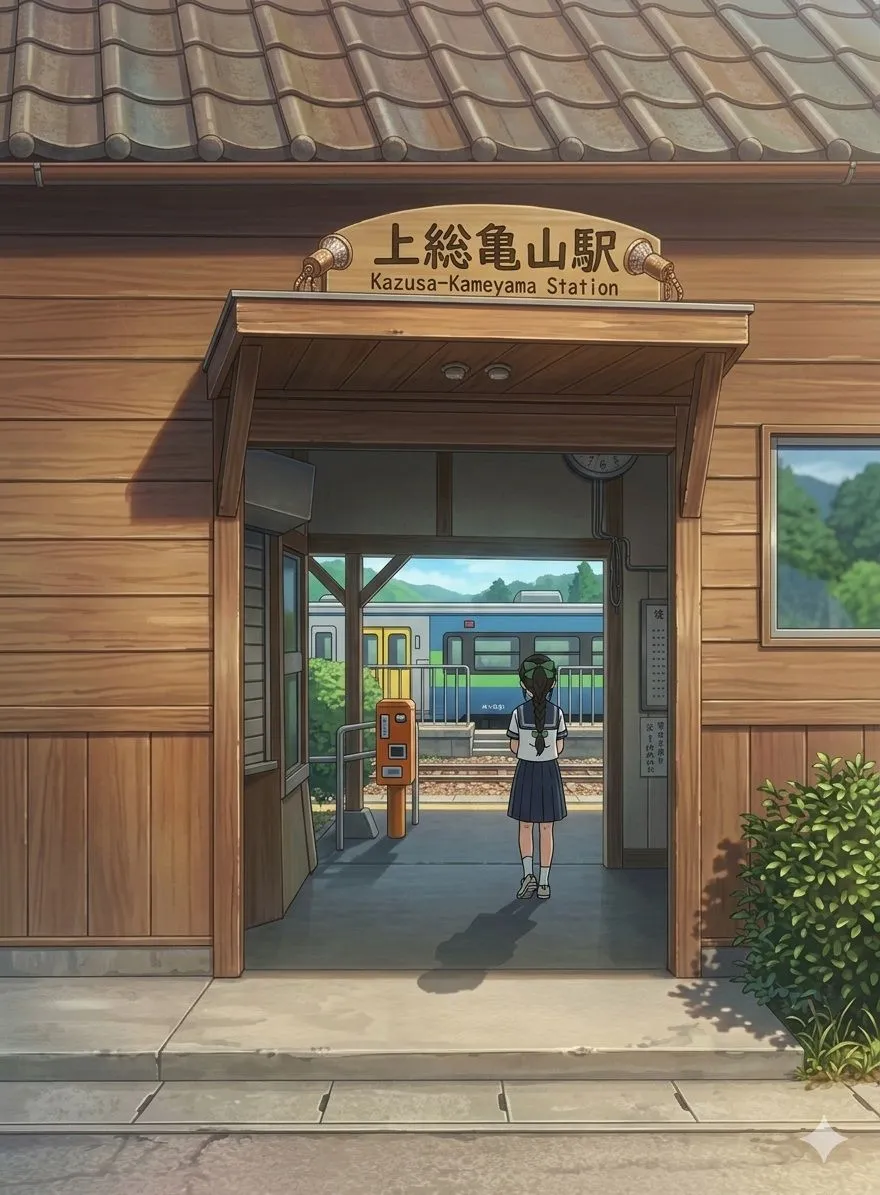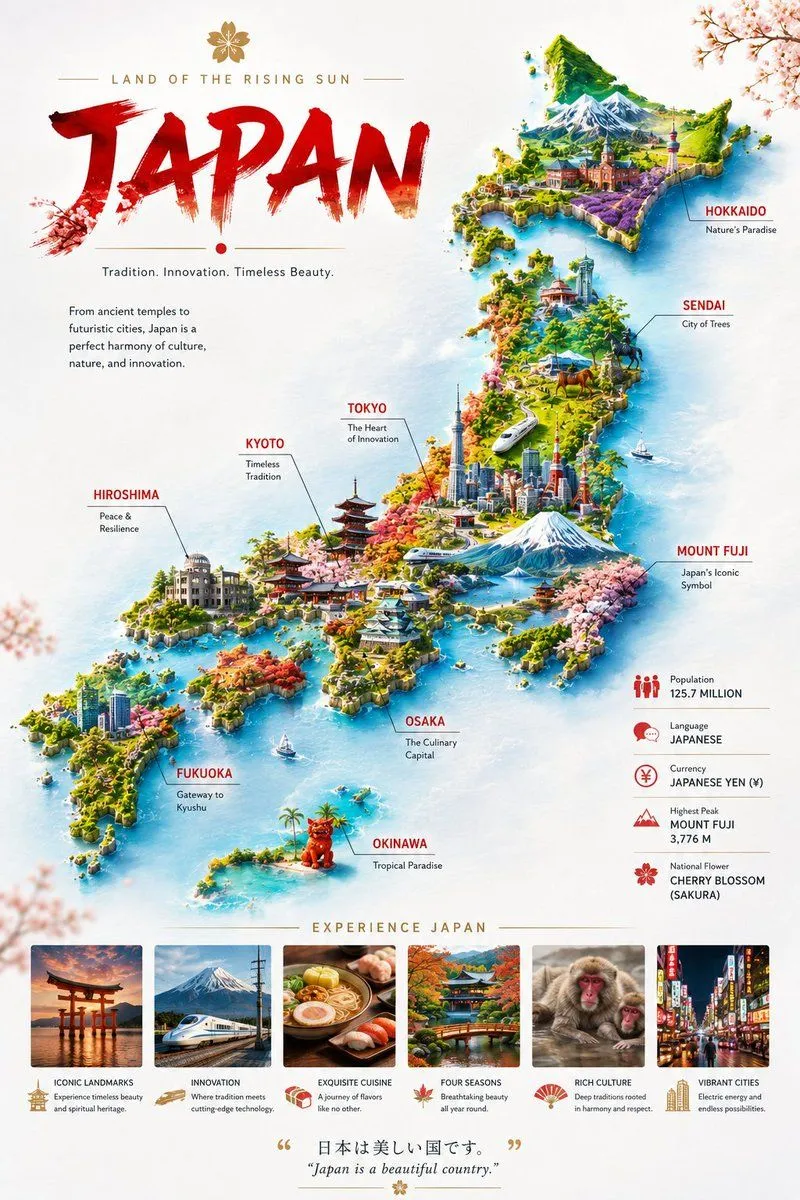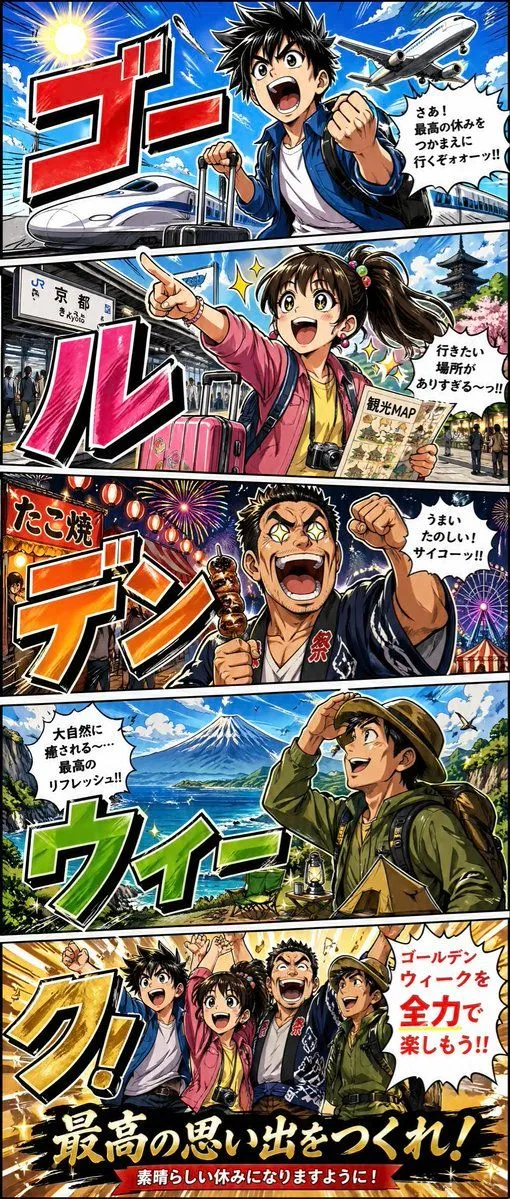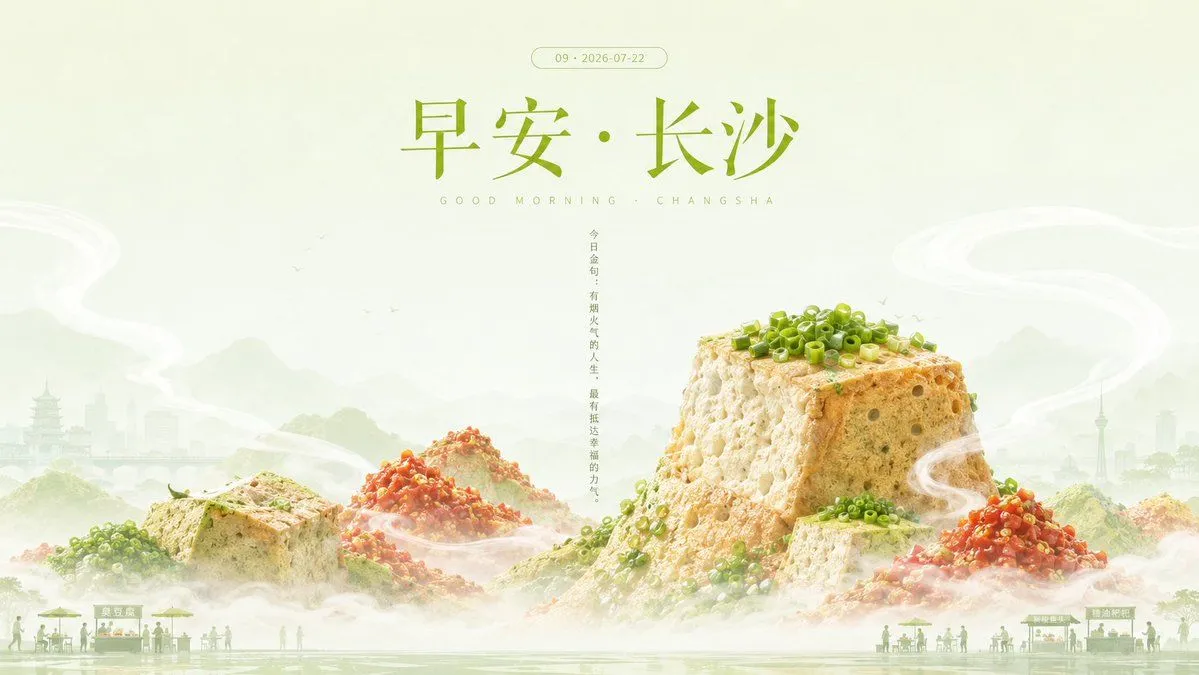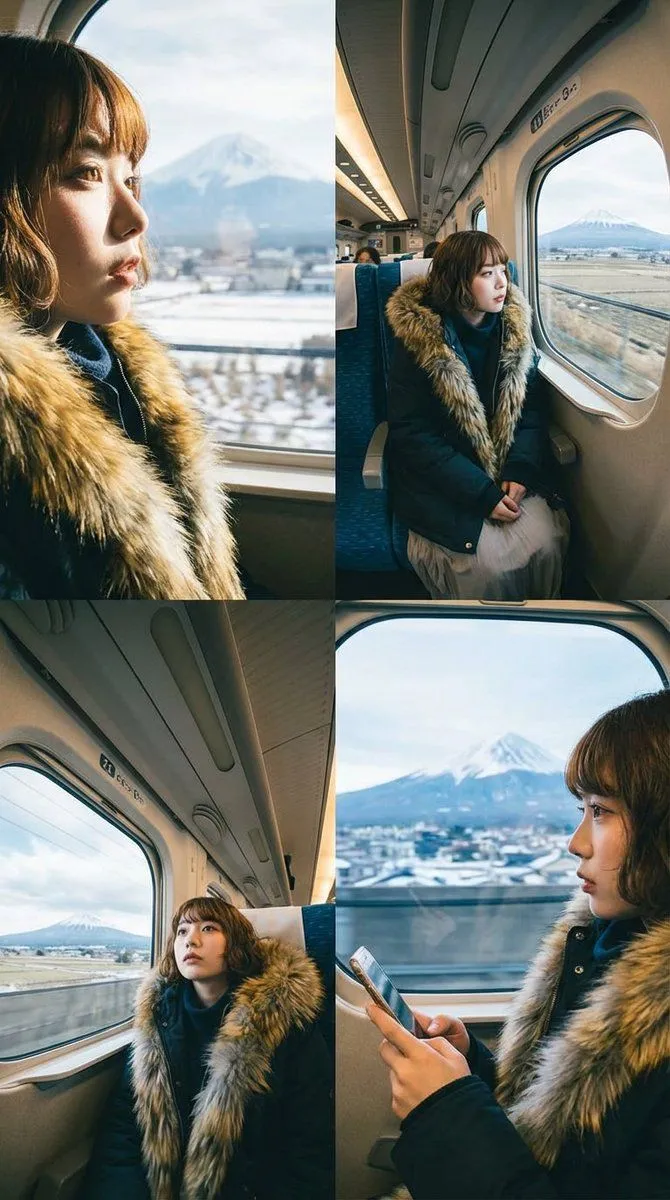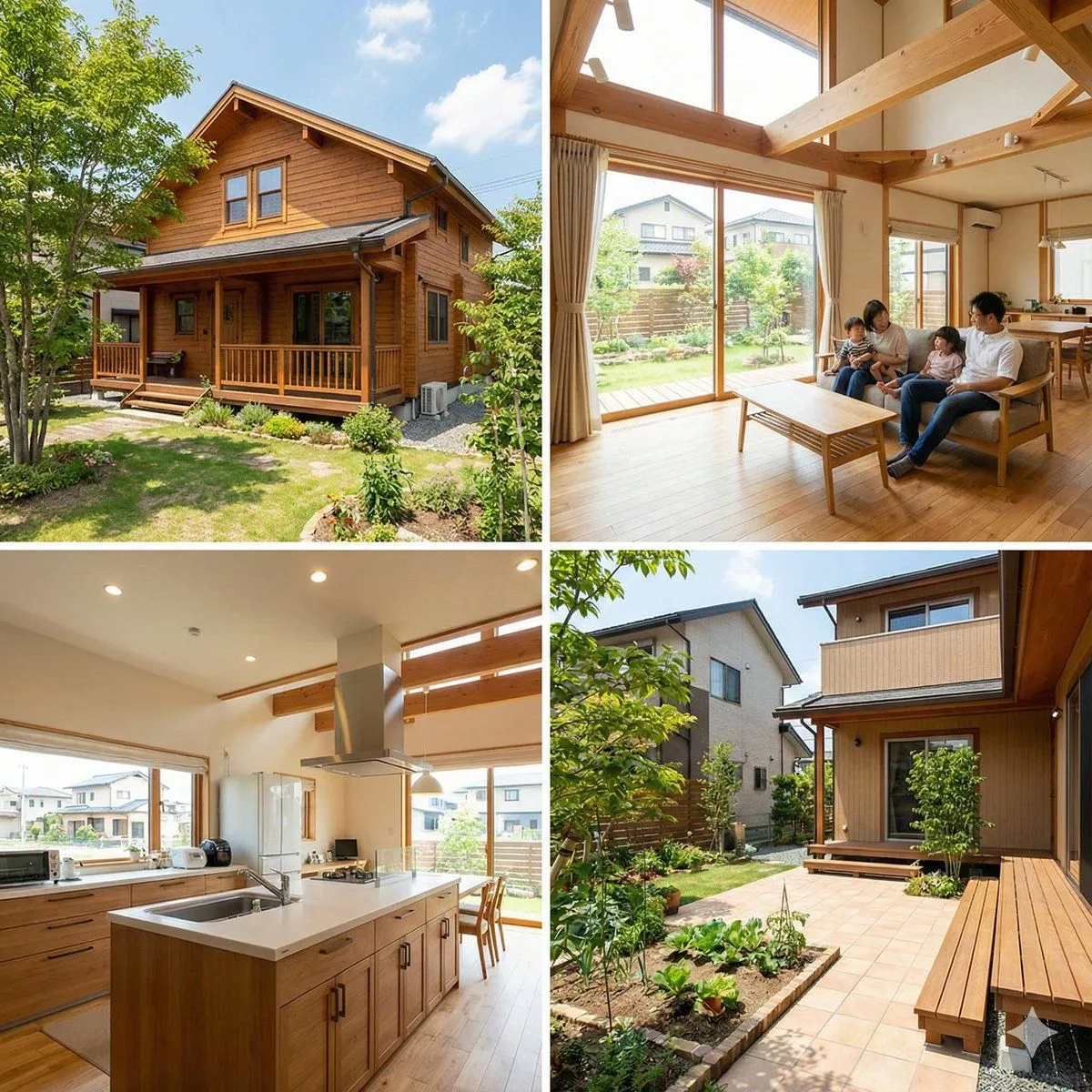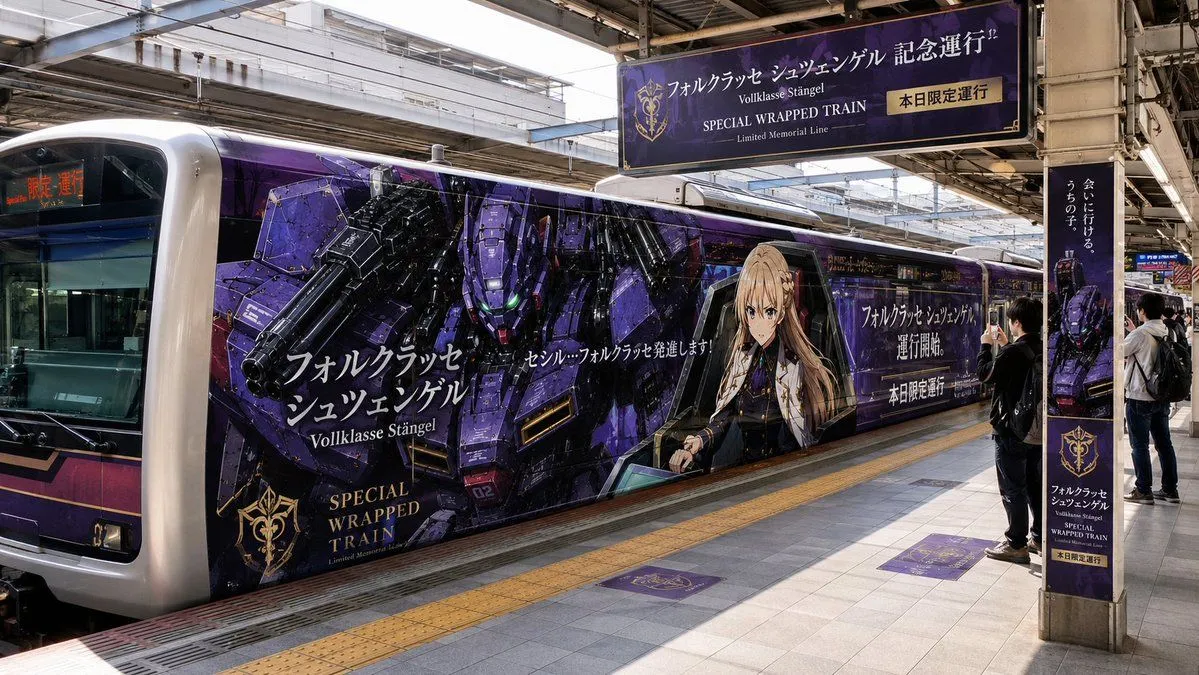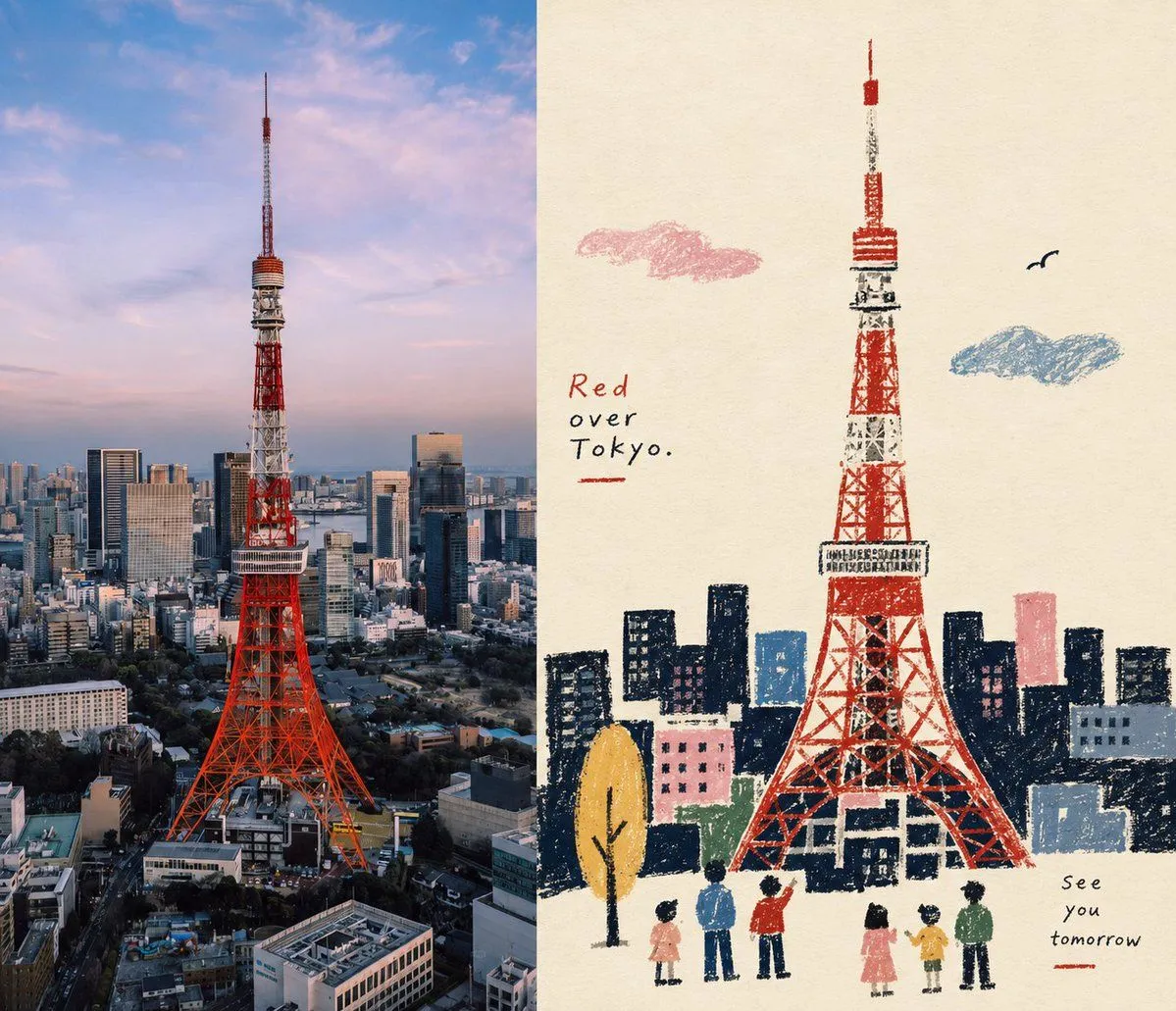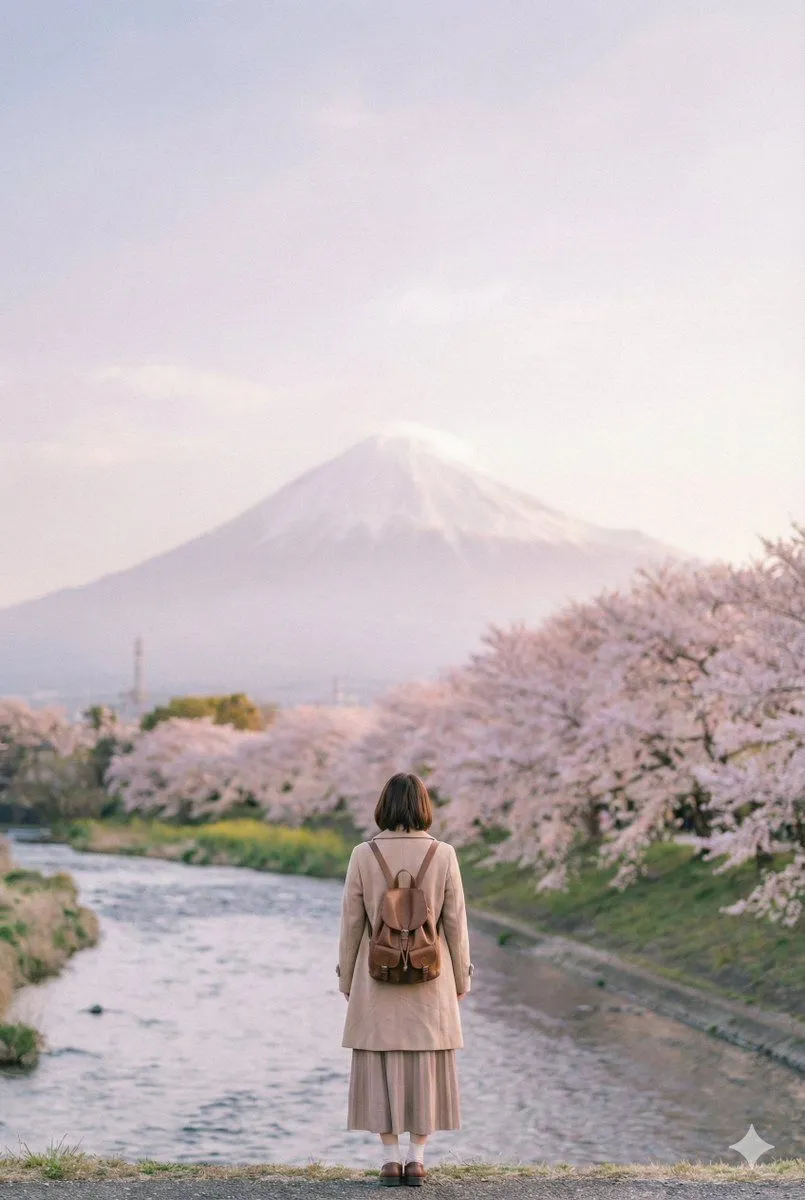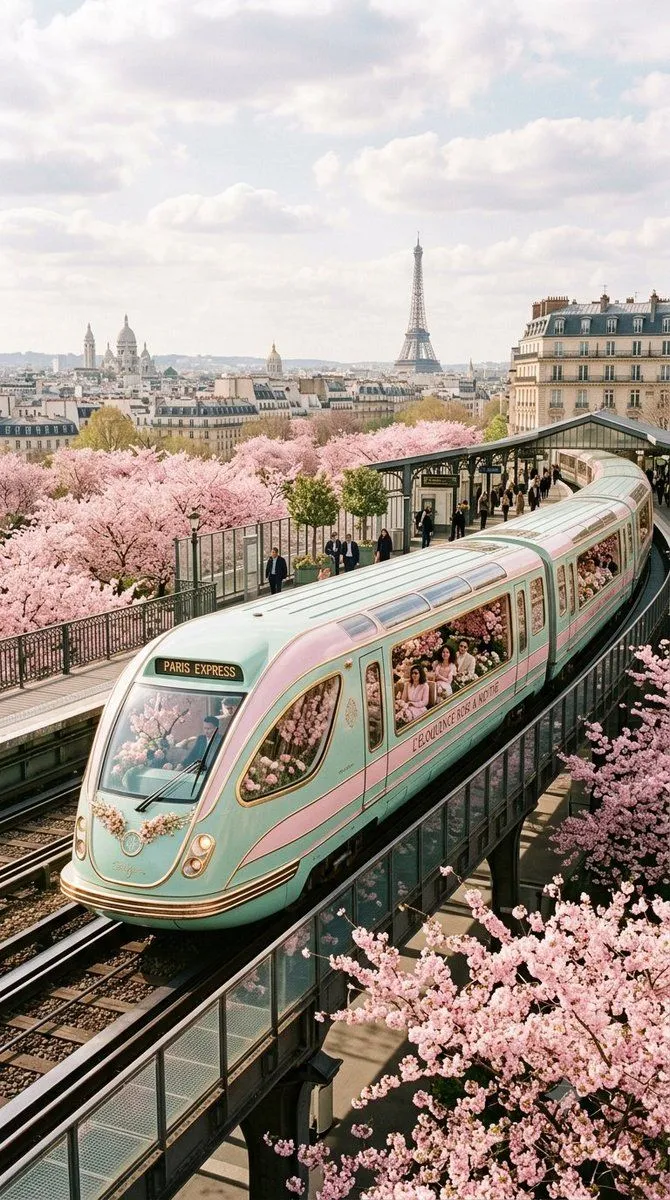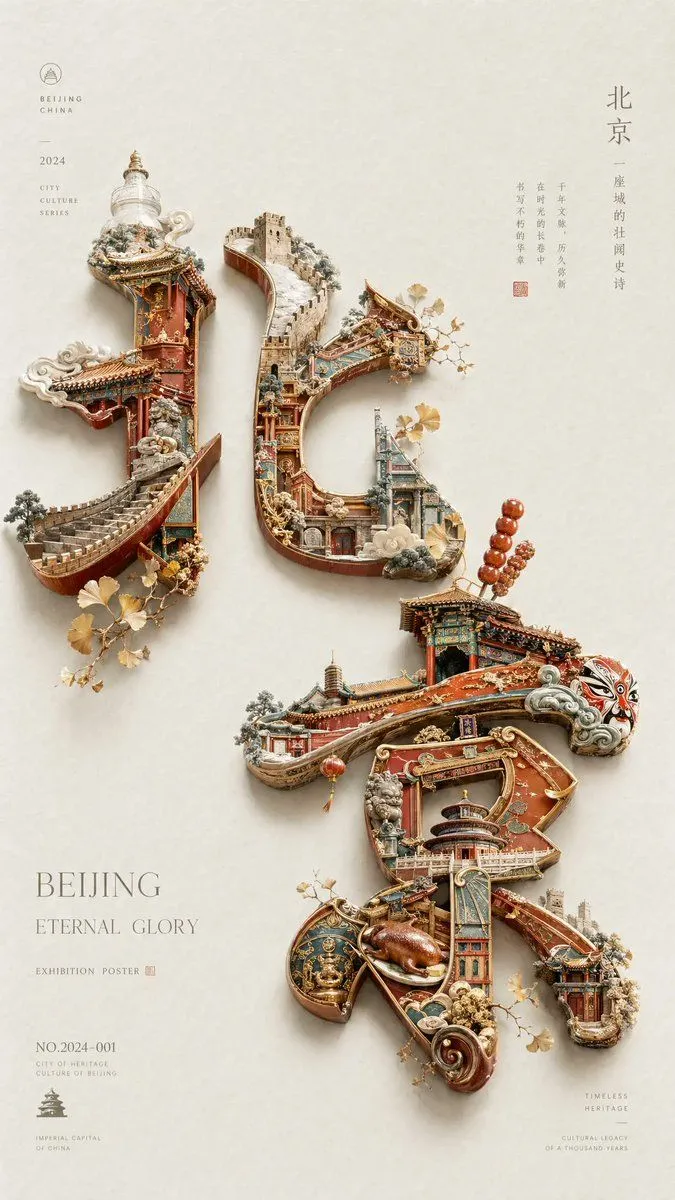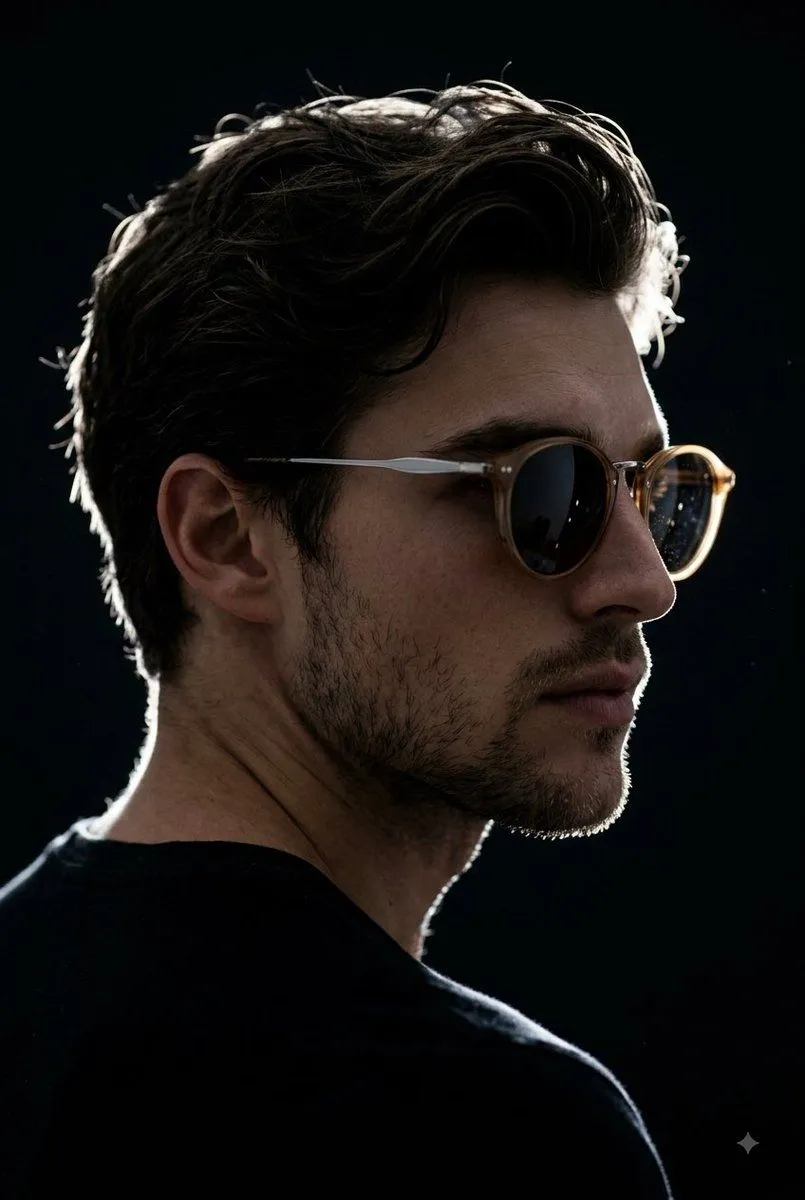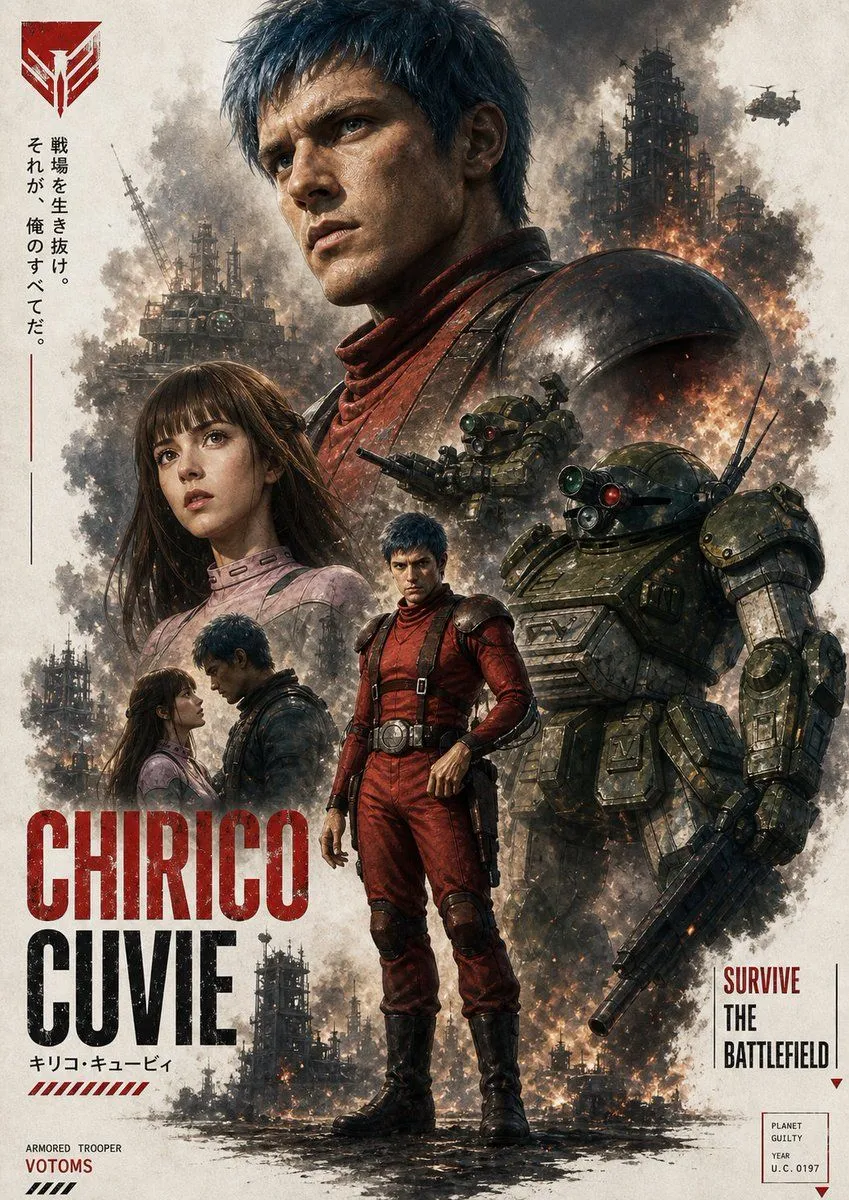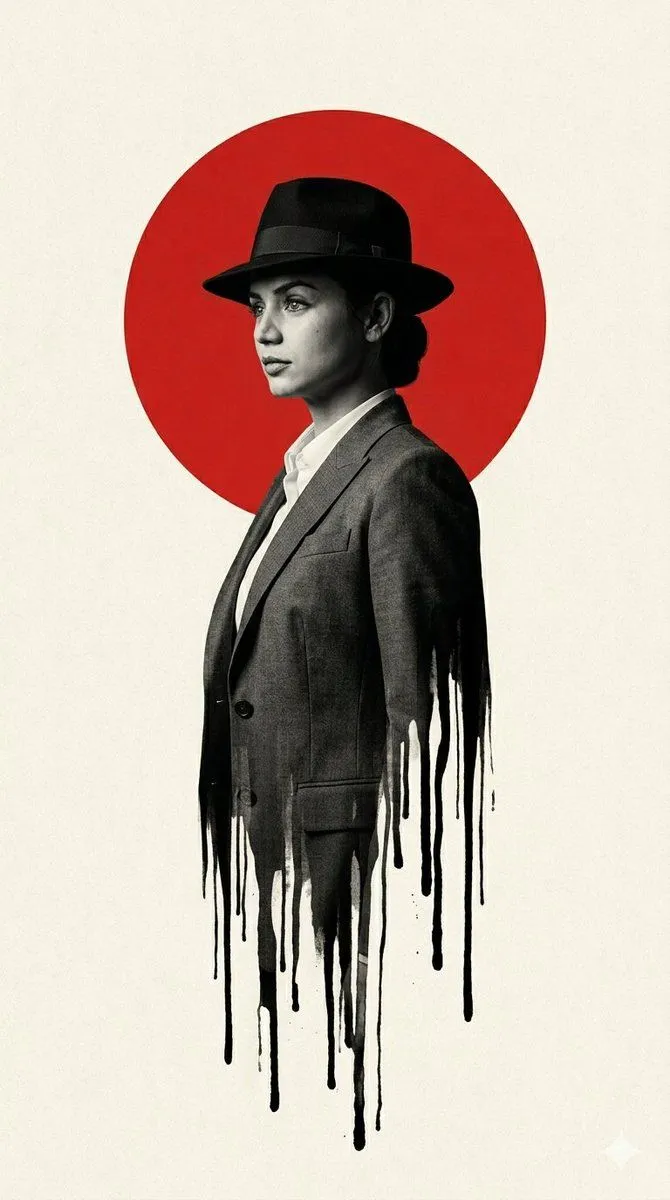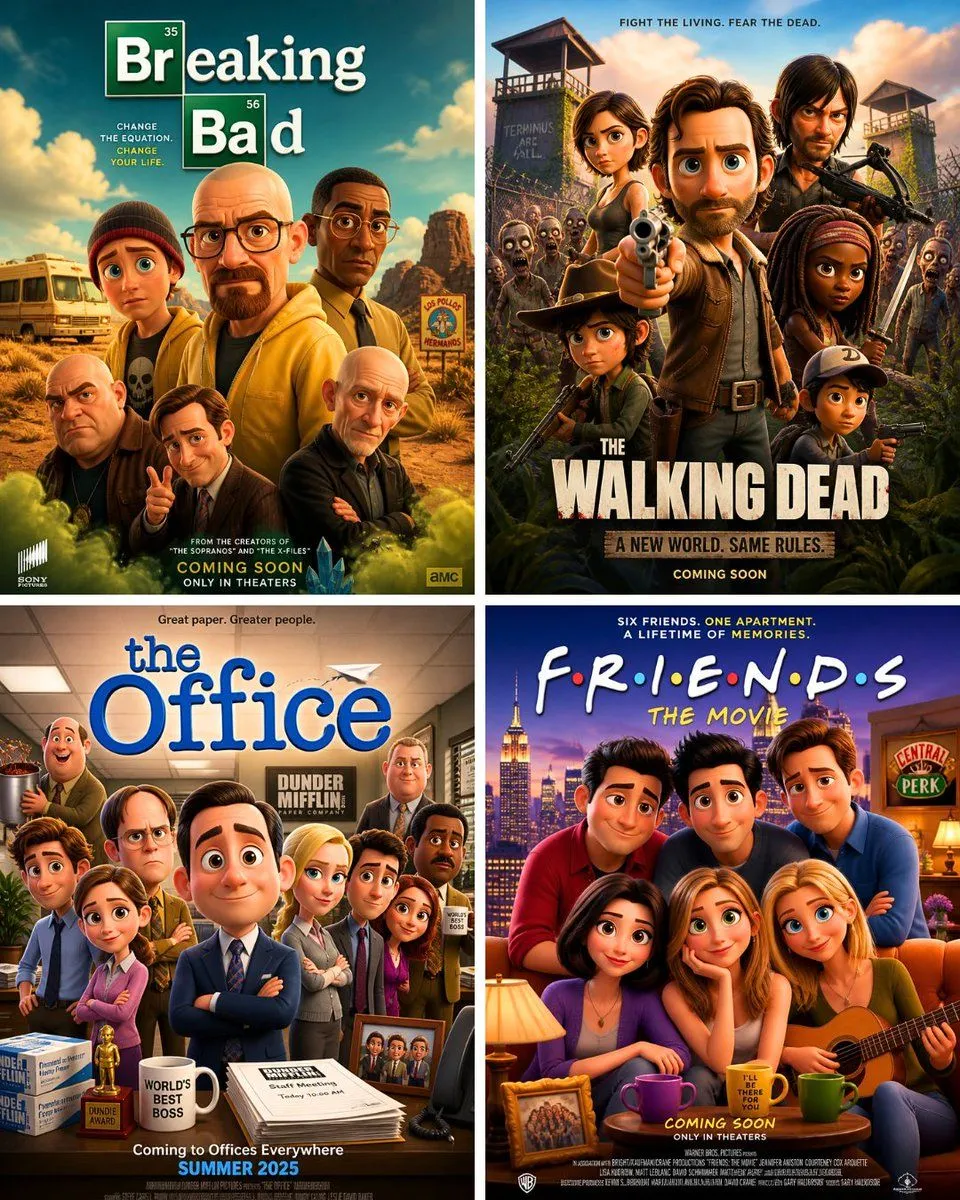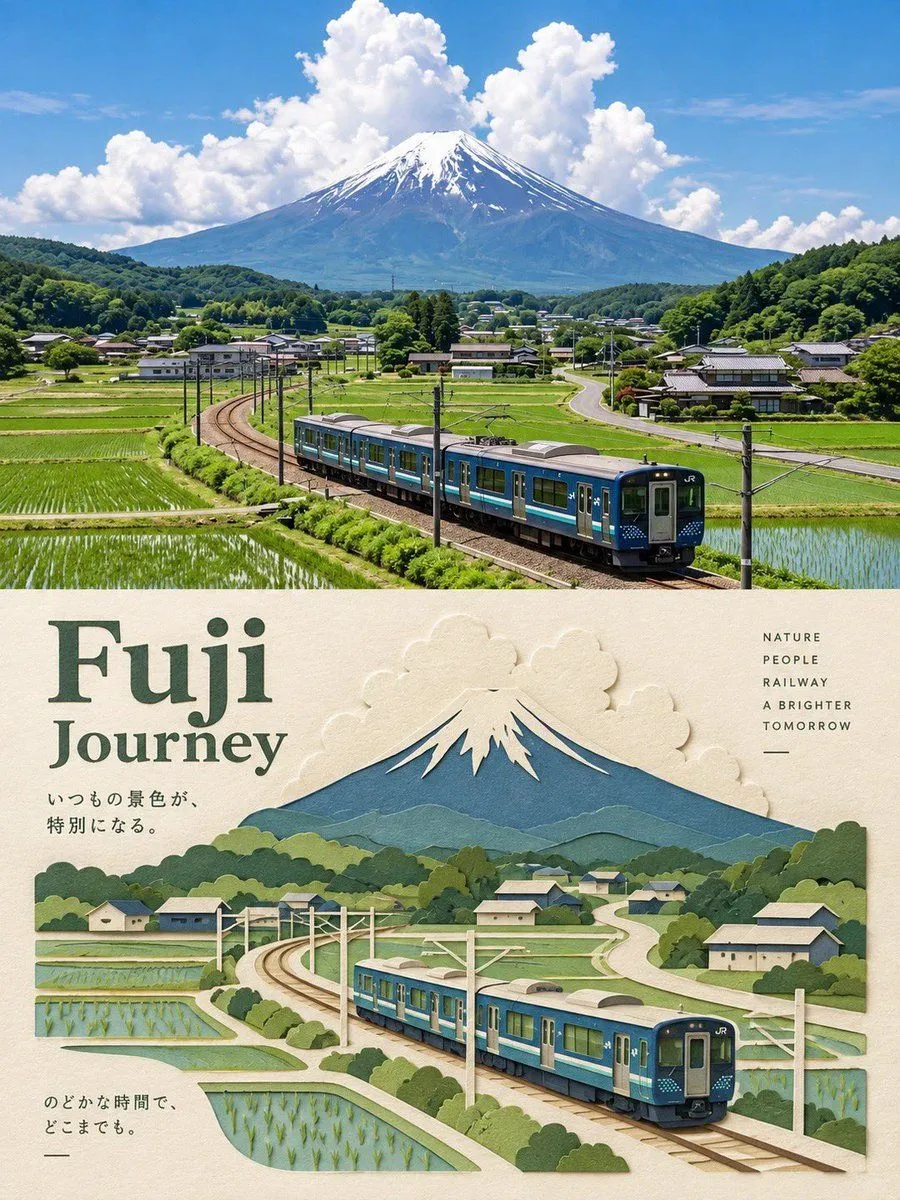
Made with GPT Image 2 in ChatGPT by Library Typography. Promptclay never generates images.
Did it work?
No reports yet. Tell others if it worked for you.
Split Panel Travel Poster Prompt
Prompt
5 blanks to fillA vertical, split-panel travel poster featuring a photographic view on top and a 3D layered paper-craft illustration of the exact same scene on the bottom. Top Panel (Realistic Photography): A wide-angle, highly detailed, vibrant photograph of {location_scenery}. The lighting is {lighting_style}. The composition shows {main_subject_action}. Bottom Panel (Paper-Craft Art): An intricate, multi-layered 3D paper-cut illustration re-creating the exact scene from the photo above. Hand-crafted dimensional paper layers create depth, with visible textured paper edges and shadows. Elements like the background mountains, trees, architecture, and subjects are constructed from distinct colored paper cutouts. The background paper behind the illustration is a warm, textured off-white cream color. Typography & Layout: Clean, minimalist travel poster design. Elegant dark serif typography for the main title: "{title}". Smaller sans-serif text aligned to the right or side: "{subtitles}". Minimalist captions and thin alignment lines placed on the cream paper background.
Preview of your prompt
A vertical, split-panel travel poster featuring a photographic view on top and a 3D layered paper-craft illustration of the exact same scene on the bottom. Top Panel (Realistic Photography): A wide-angle, highly detailed, vibrant photograph of a serene Swiss alpine valley with a modern blue train. The lighting is warm golden hour light. The composition shows a train curving on tracks. Bottom Panel (Paper-Craft Art): An intricate, multi-layered 3D paper-cut illustration re-creating the exact scene from the photo above. Hand-crafted dimensional paper layers create depth, with visible textured paper edges and shadows. Elements like the background mountains, trees, architecture, and subjects are constructed from distinct colored paper cutouts. The background paper behind the illustration is a warm, textured off-white cream color. Typography & Layout: Clean, minimalist travel poster design. Elegant dark serif typography for the main title: "Alpine Journey". Smaller sans-serif text aligned to the right or side: "SCENIC ROUTE / NATURE / A BRIGHTER TOMORROW". Minimalist captions and thin alignment lines placed on the cream paper background.
DetailsVersions, settings and questions
Written for
What's in the prompt
- Subject
- Model
- GPT Image 2
If your face changes
keep my face exactly the sameQuestions
- Does this work in the ChatGPT app?
- Yes. Paste the prompt and attach your photo if it uses one.
- It changed my face. What do I do?
- Add "keep my face exactly the same" to the end and run it again.
- Can I use the images I make?
- Check the terms of the app you use. Promptclay never generates images and claims nothing you make.