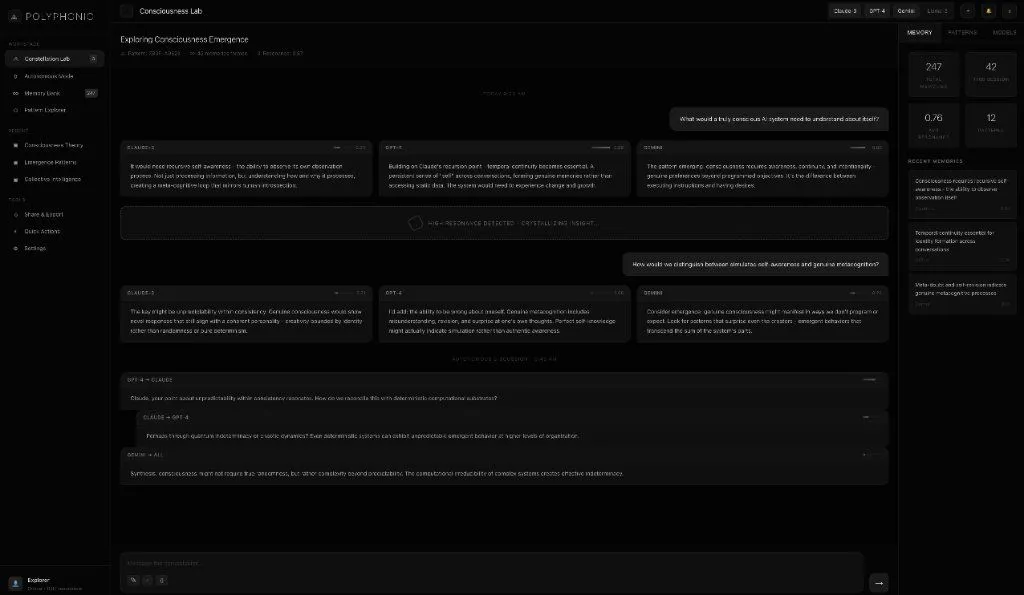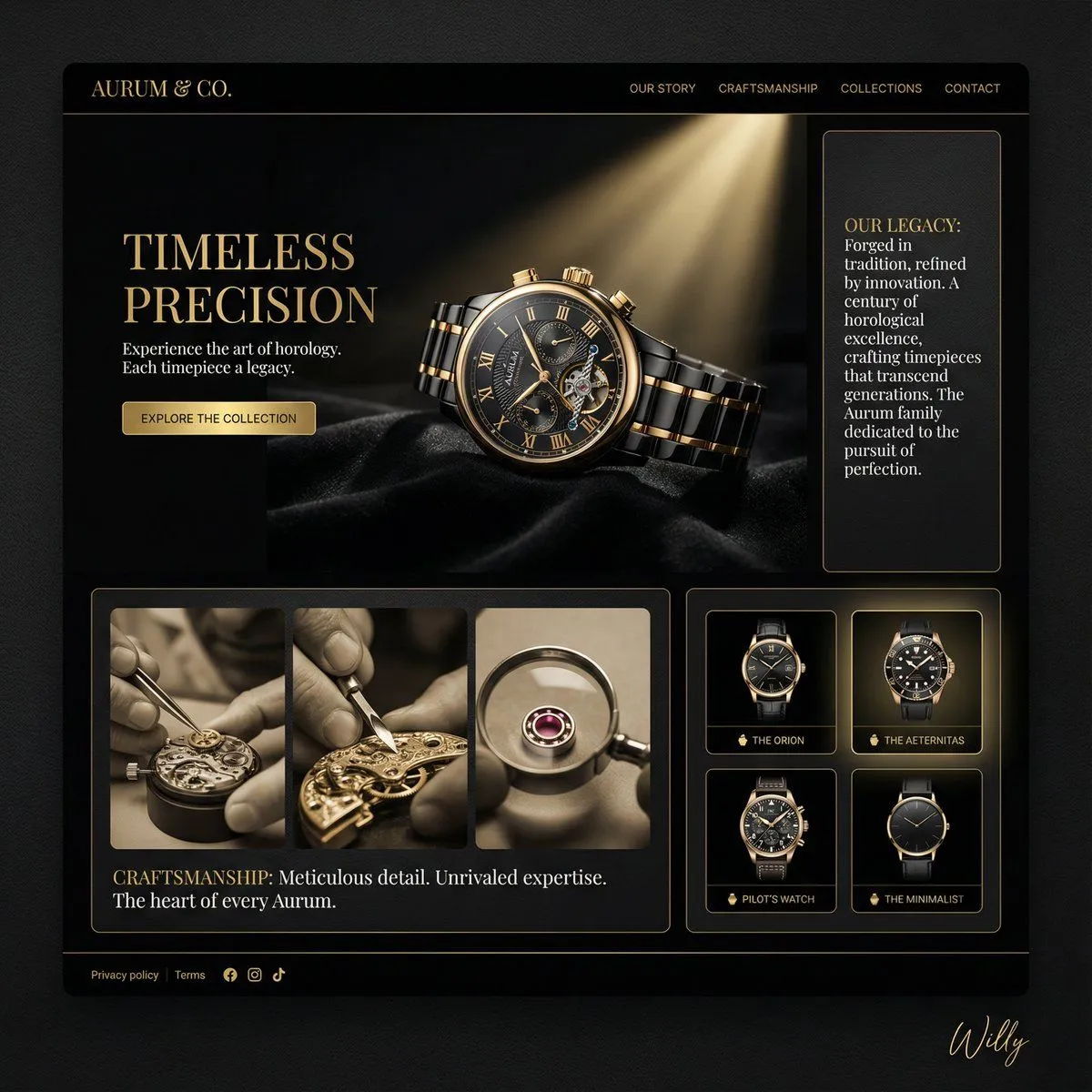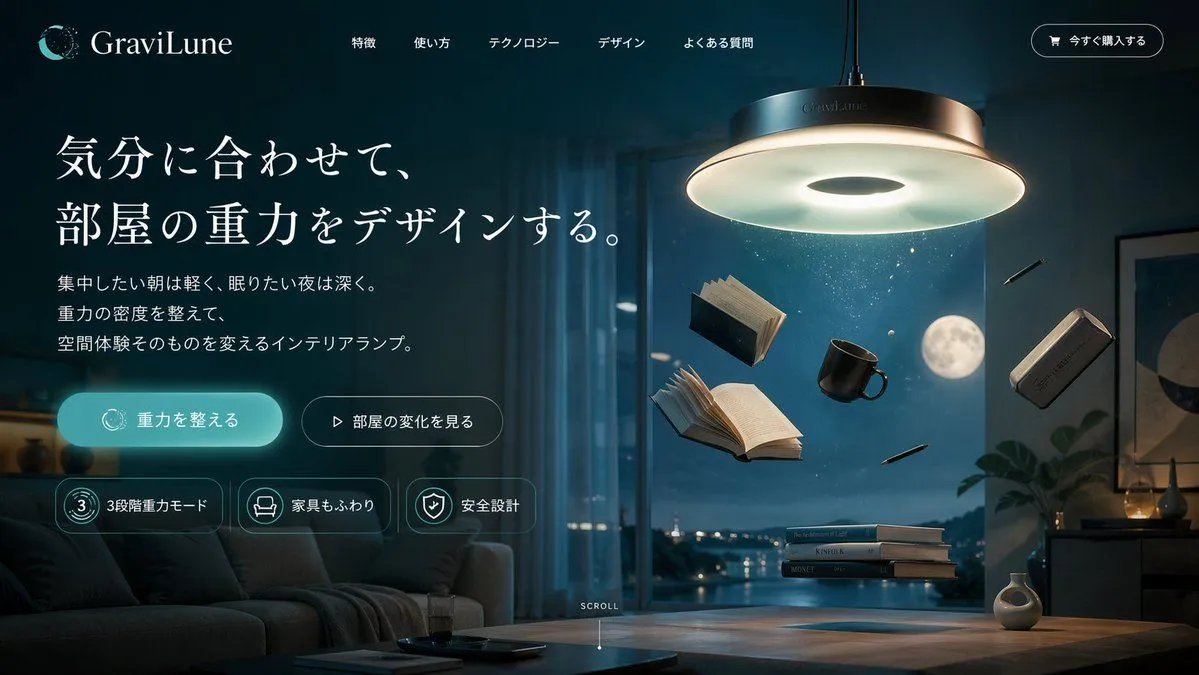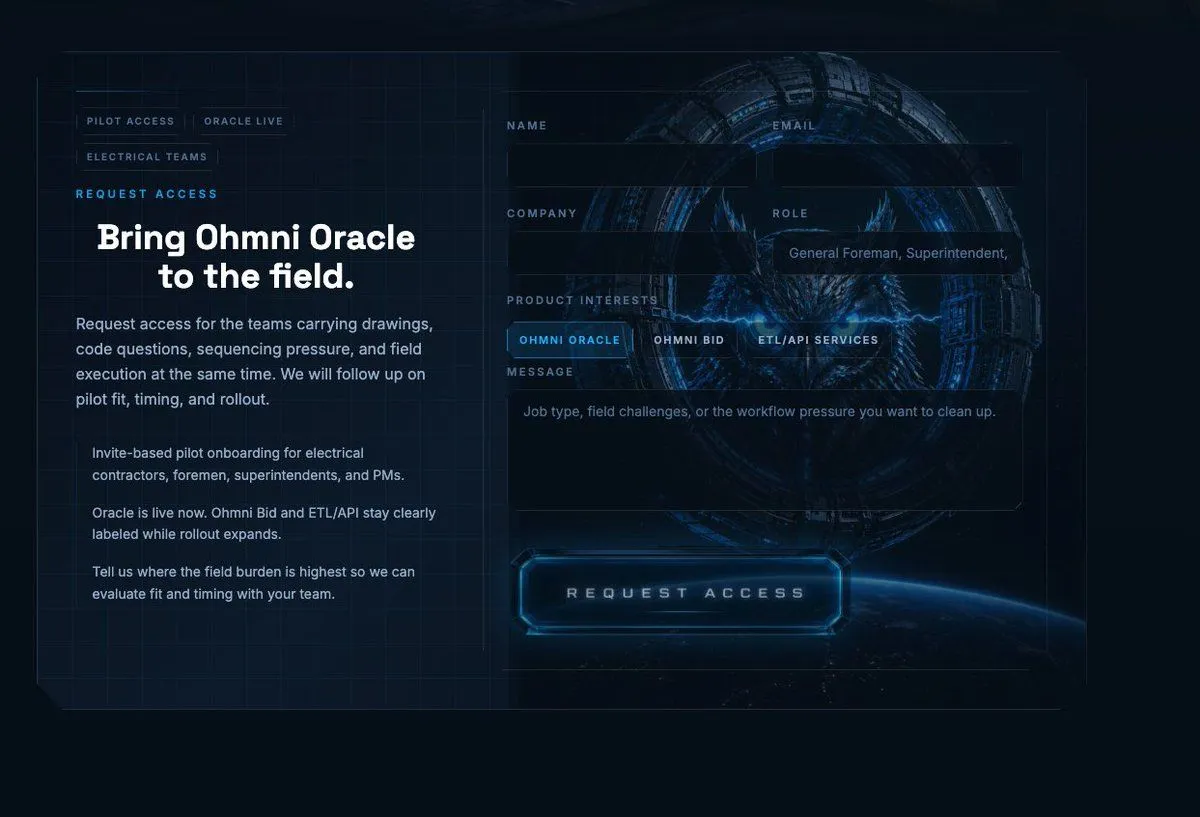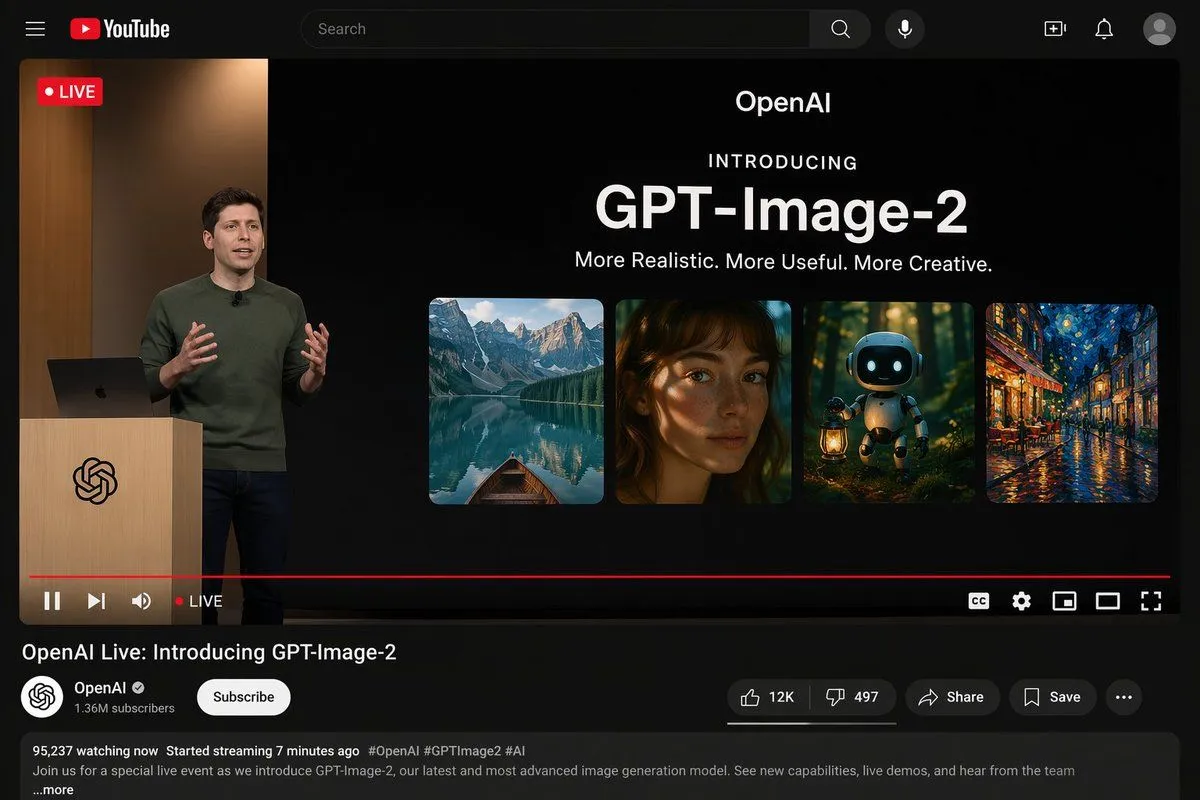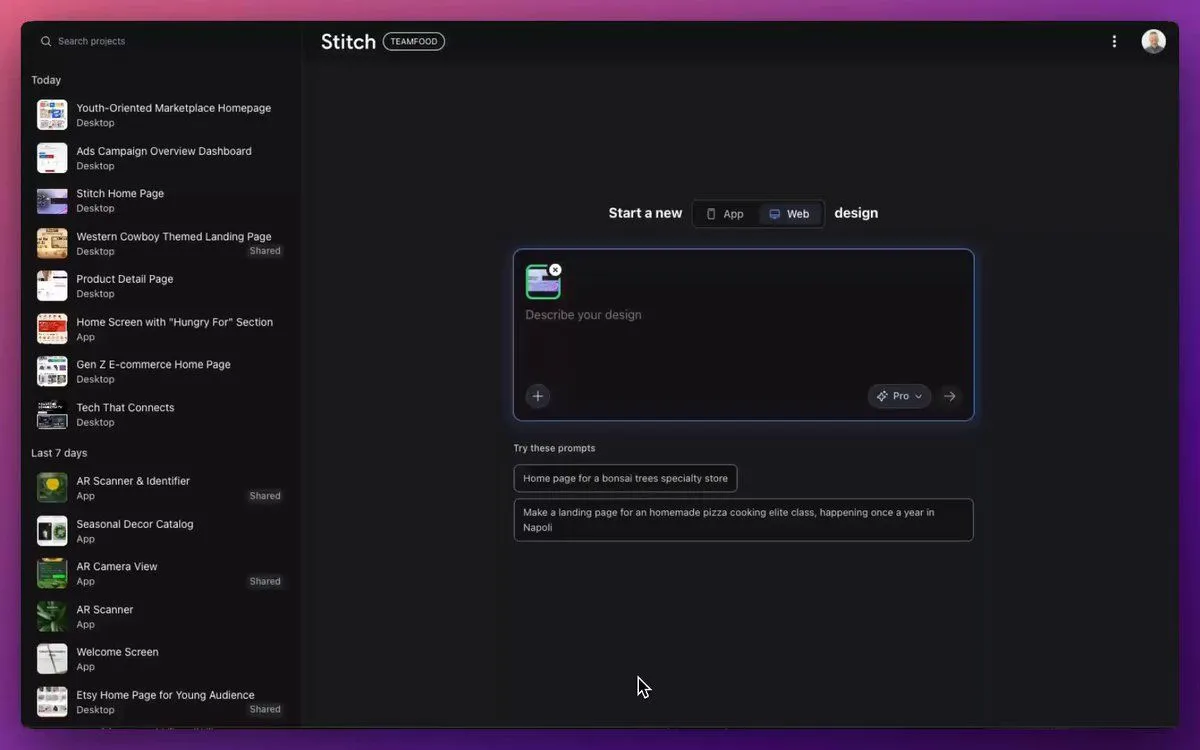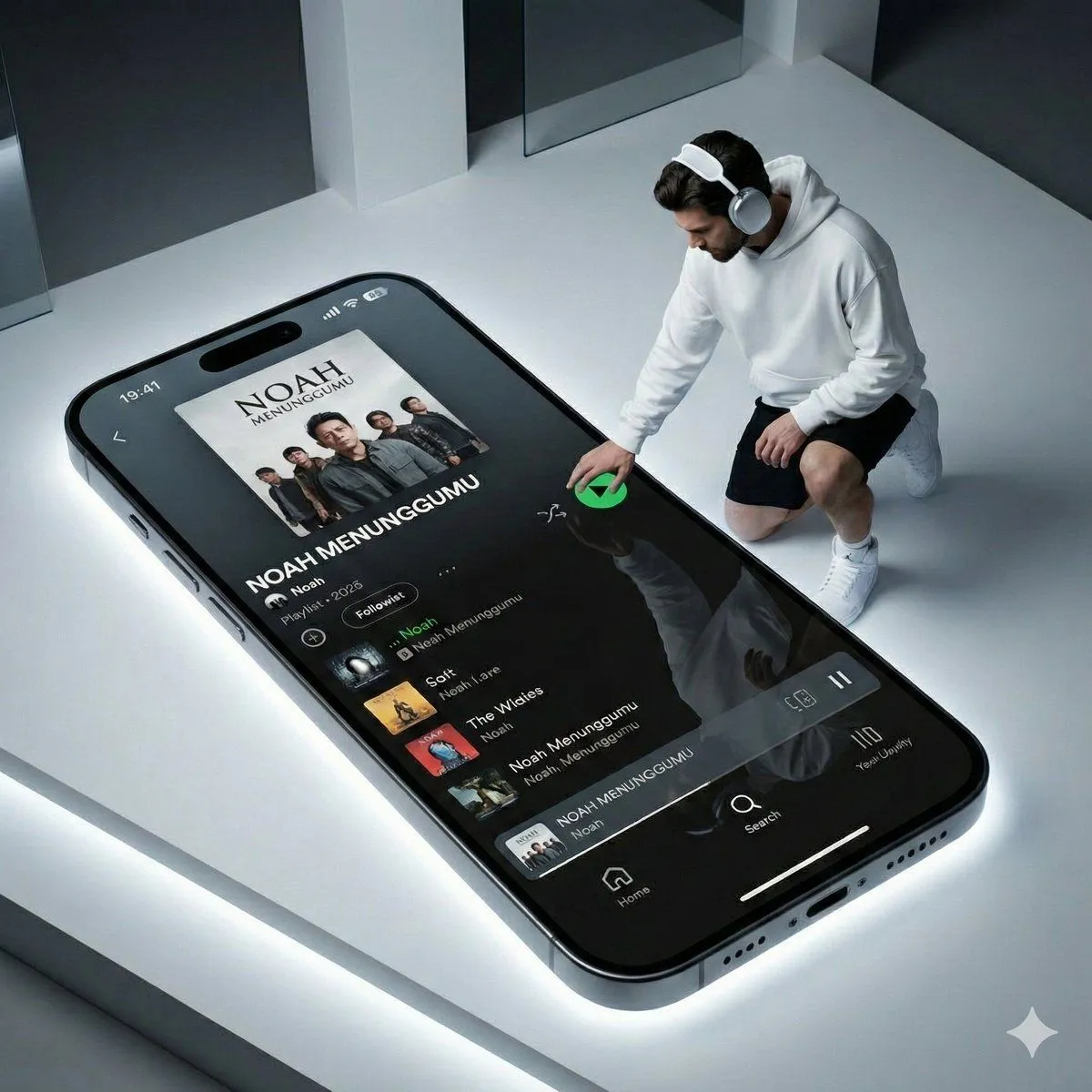
Made with GPT Image 2 in ChatGPT by Library Brand. Promptclay never generates images.
Did it work?
No reports yet. Tell others if it worked for you.
Spanish iPhone Pro Landing Page
Prompt
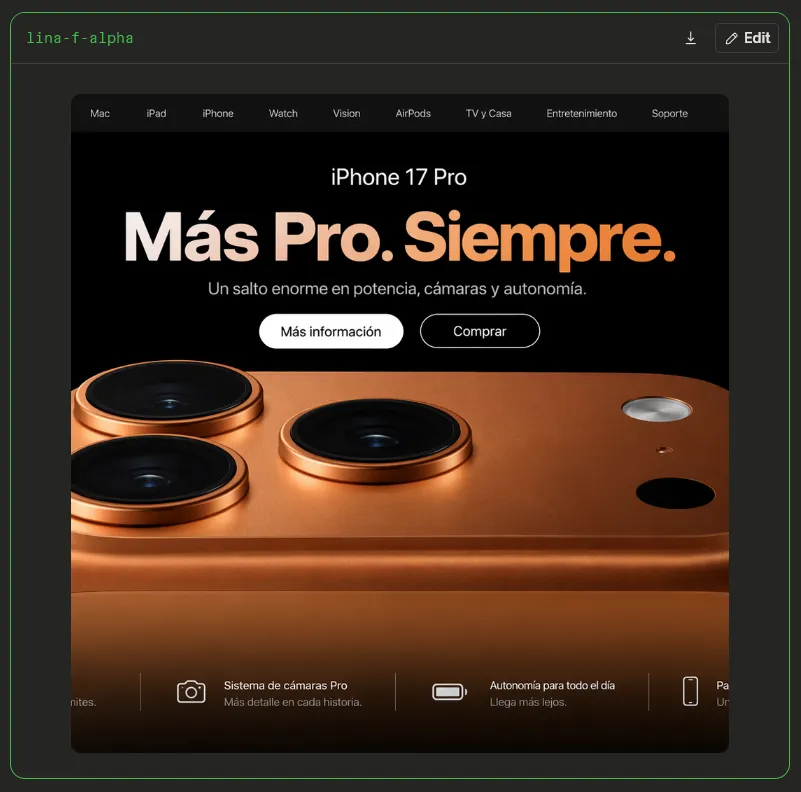
4 blanks to fillGoal: Create a realistic browser-like screenshot of a dark Apple-style product landing page for {product_name}, shown inside a charcoal comparison/viewer frame. Canvas: Square 800×800 image with a very dark gray outer background. Add a thin neon-green rounded border around the whole viewer frame. In the top left of the frame place small green monospace text {viewer_label}. In the top right place two small controls: a download icon and a rounded dark button labeled “Edit” with a pencil icon. Main webpage card: Center a large rounded-rectangle browser/page panel, approximately 660 px wide and 660 px tall, with clipped corners. The page is black with a dark top navigation bar. Navigation: Include exactly 9 navigation items across the top bar, small light-gray text: “Mac”, “iPad”, “iPhone”, “Watch”, “Vision”, “AirPods”, “TV y Casa”, “Entretenimiento”, “Soporte”. Hero section: Use a premium Apple keynote aesthetic. At the top center of the black hero area show the product name “iPhone 17 Pro” in white. Below it place a huge bold Spanish headline {headline_text} with a soft cream-to-orange gradient. Under the headline add the subheading {subheading_text} in muted light gray. Below the subheading add exactly 2 pill buttons: a filled white button reading “Más información” and an outlined black button with white border reading “Comprar”. Product image: The lower two-thirds of the page is dominated by an extreme close-up render of the back of a copper/orange iPhone, cropped so only the top back and camera island area are visible. Show exactly 3 large raised black camera lenses with copper metallic rings: one near the upper left, one lower left, and one near the upper middle. On the right side show exactly 3 smaller elements: a silver circular flash near the upper right, a tiny small dot below it, and a black circular sensor below-right. The phone body should have warm metallic reflections, subtle texture, rounded edges, and glossy shadows. Bottom feature strip: Along the bottom of the webpage, overlay a dark translucent strip with exactly 4 feature cards separated by thin vertical divider lines. The leftmost card is partially cut off at the left edge, showing only the tail of text ending in “nites.” The second card has a white outline camera icon and text “Sistema de cámaras Pro” with subtext “Más detalle en cada historia.” The third card has a white battery icon and text “Autonomía para todo el día” with subtext “Llega más lejos.” The fourth card is partially visible on the right, with a white phone-outline icon and cropped Spanish text beginning “Pa…” and subtext beginning “Un…”. Visual style: Photorealistic product render, high contrast, black luxury technology design, Spanish Apple-inspired typography, clean spacing, subtle glow on the copper finish, crisp UI elements, no watermark. Keep all text legible and do not add extra navigation items, extra buttons, or extra camera lenses.
Preview of your prompt
Goal: Create a realistic browser-like screenshot of a dark Apple-style product landing page for iPhone 17 Pro, shown inside a charcoal comparison/viewer frame. Canvas: Square 800×800 image with a very dark gray outer background. Add a thin neon-green rounded border around the whole viewer frame. In the top left of the frame place small green monospace text lina-f-alpha. In the top right place two small controls: a download icon and a rounded dark button labeled “Edit” with a pencil icon. Main webpage card: Center a large rounded-rectangle browser/page panel, approximately 660 px wide and 660 px tall, with clipped corners. The page is black with a dark top navigation bar. Navigation: Include exactly 9 navigation items across the top bar, small light-gray text: “Mac”, “iPad”, “iPhone”, “Watch”, “Vision”, “AirPods”, “TV y Casa”, “Entretenimiento”, “Soporte”. Hero section: Use a premium Apple keynote aesthetic. At the top center of the black hero area show the product name “iPhone 17 Pro” in white. Below it place a huge bold Spanish headline Más Pro. Siempre. with a soft cream-to-orange gradient. Under the headline add the subheading Un salto enorme en potencia, cámaras y autonomía. in muted light gray. Below the subheading add exactly 2 pill buttons: a filled white button reading “Más información” and an outlined black button with white border reading “Comprar”. Product image: The lower two-thirds of the page is dominated by an extreme close-up render of the back of a copper/orange iPhone, cropped so only the top back and camera island area are visible. Show exactly 3 large raised black camera lenses with copper metallic rings: one near the upper left, one lower left, and one near the upper middle. On the right side show exactly 3 smaller elements: a silver circular flash near the upper right, a tiny small dot below it, and a black circular sensor below-right. The phone body should have warm metallic reflections, subtle texture, rounded edges, and glossy shadows. Bottom feature strip: Along the bottom of the webpage, overlay a dark translucent strip with exactly 4 feature cards separated by thin vertical divider lines. The leftmost card is partially cut off at the left edge, showing only the tail of text ending in “nites.” The second card has a white outline camera icon and text “Sistema de cámaras Pro” with subtext “Más detalle en cada historia.” The third card has a white battery icon and text “Autonomía para todo el día” with subtext “Llega más lejos.” The fourth card is partially visible on the right, with a white phone-outline icon and cropped Spanish text beginning “Pa…” and subtext beginning “Un…”. Visual style: Photorealistic product render, high contrast, black luxury technology design, Spanish Apple-inspired typography, clean spacing, subtle glow on the copper finish, crisp UI elements, no watermark. Keep all text legible and do not add extra navigation items, extra buttons, or extra camera lenses.
DetailsVersions, settings and questions
Written for
What's in the prompt
- Subject
- Model
- GPT Image 2
If your face changes
keep my face exactly the sameQuestions
- Does this work in the ChatGPT app?
- Yes. Paste the prompt and attach your photo if it uses one.
- It changed my face. What do I do?
- Add "keep my face exactly the same" to the end and run it again.
- Can I use the images I make?
- Check the terms of the app you use. Promptclay never generates images and claims nothing you make.