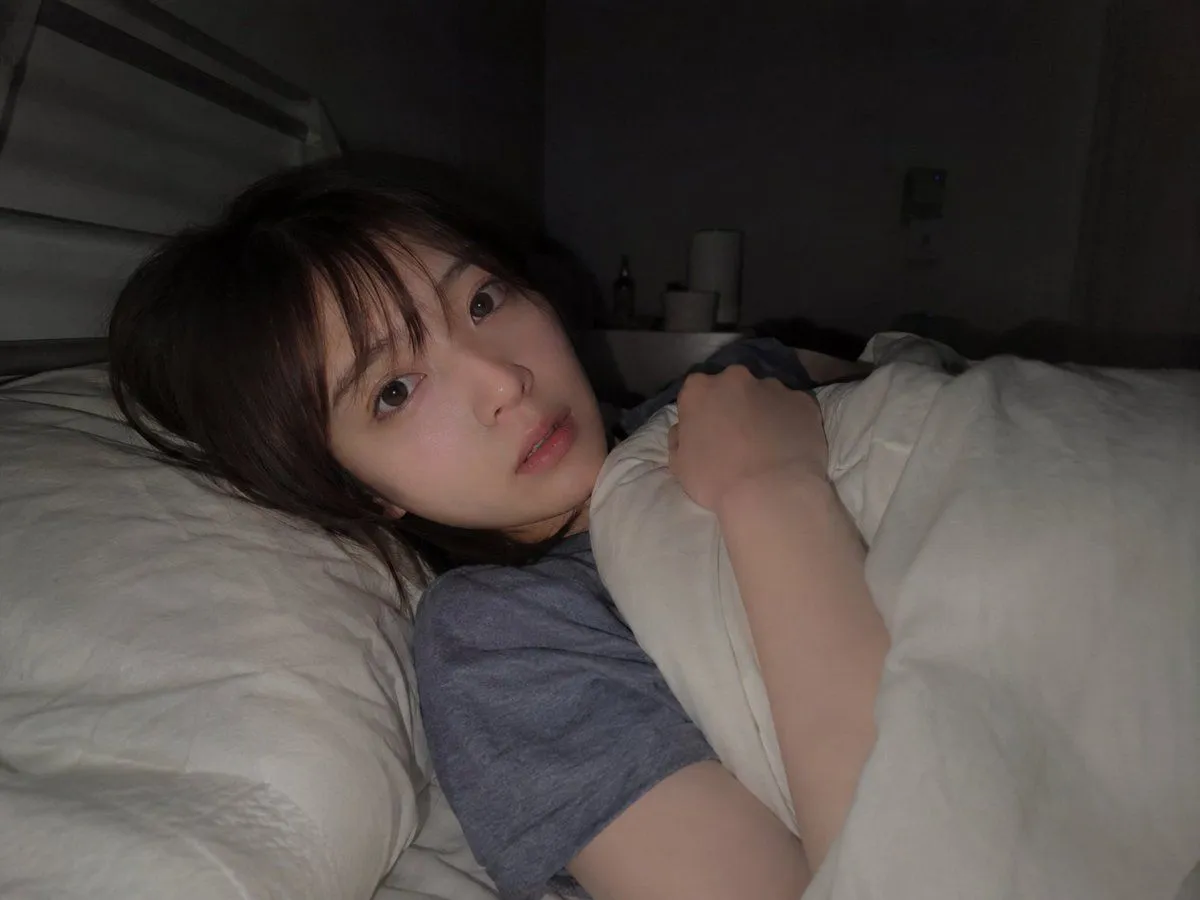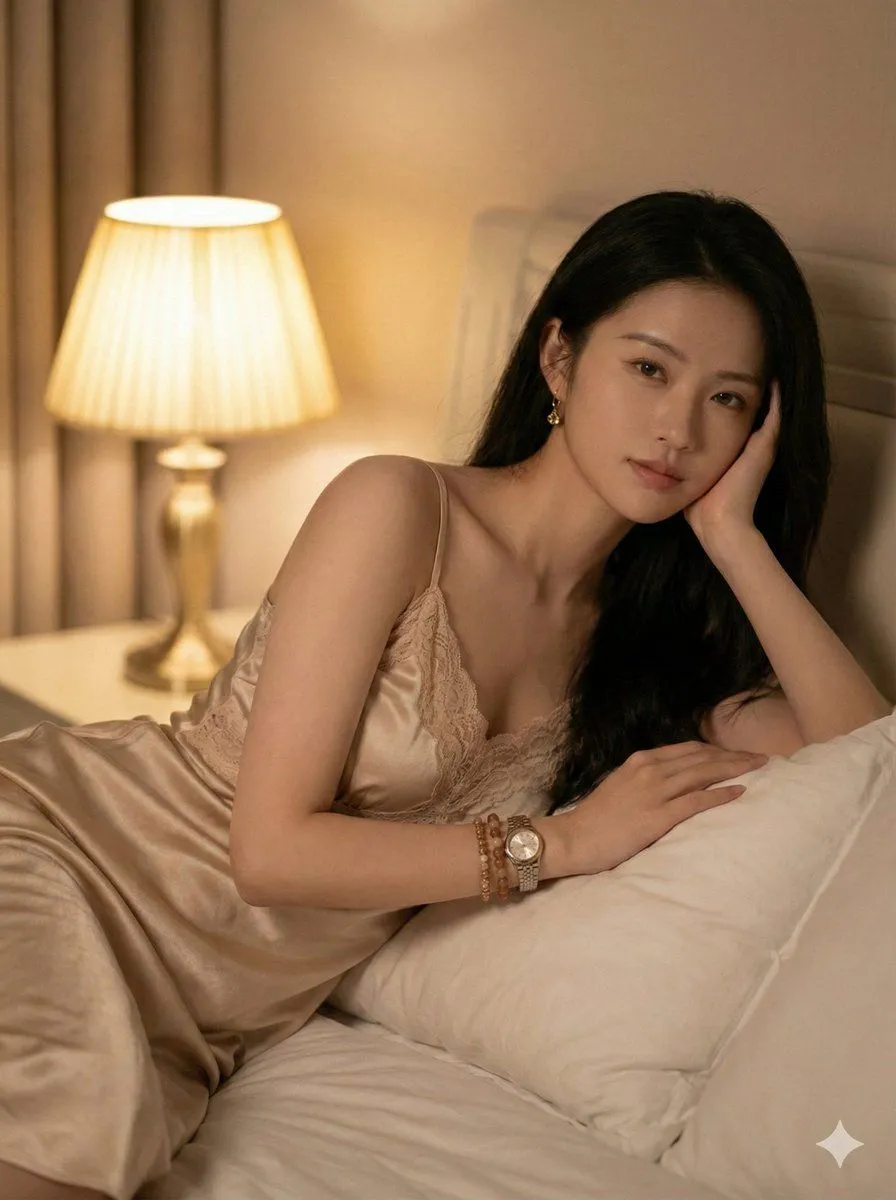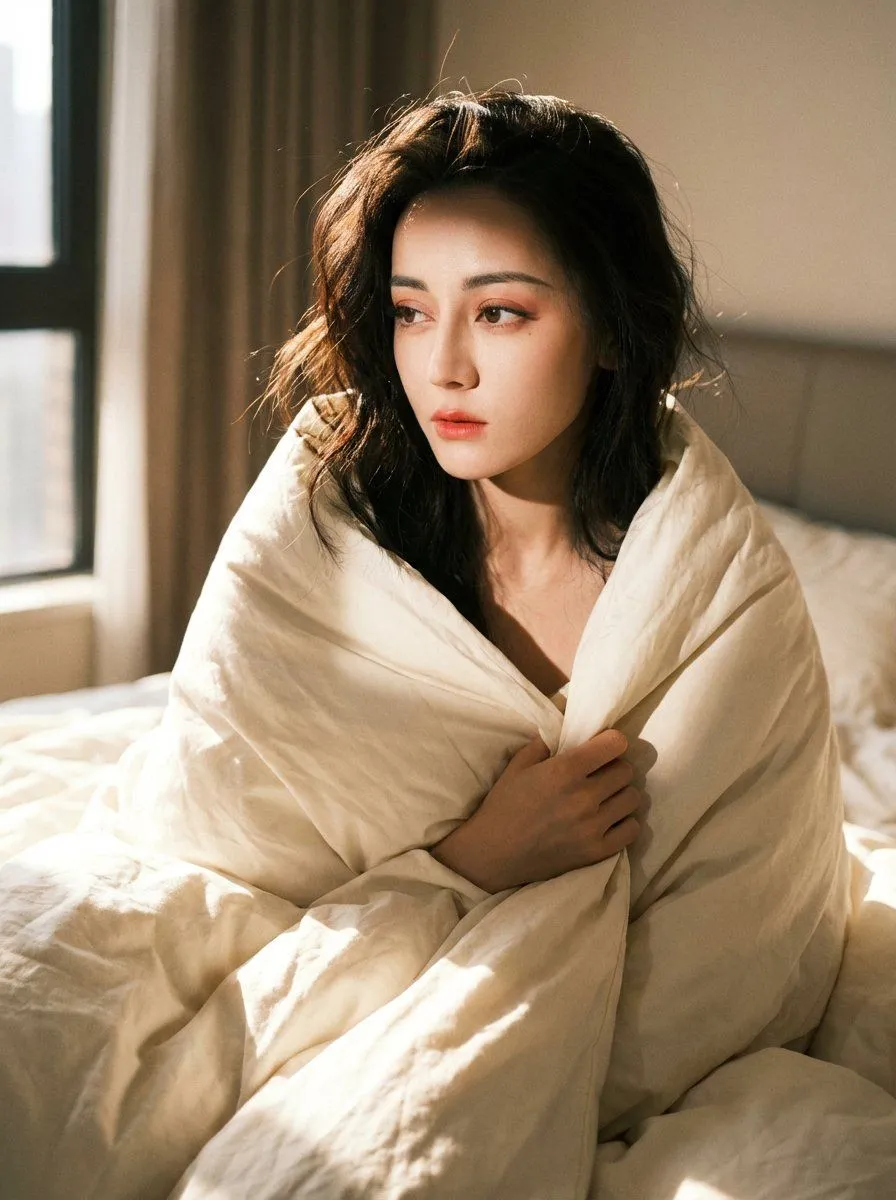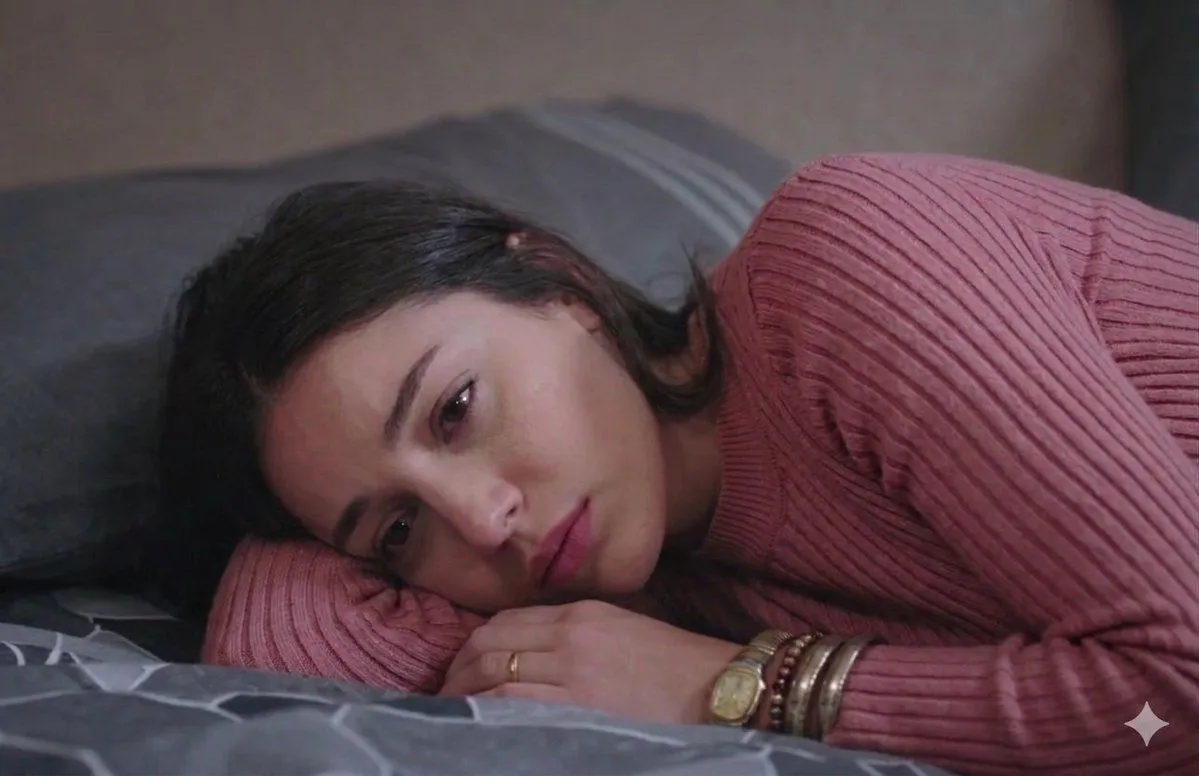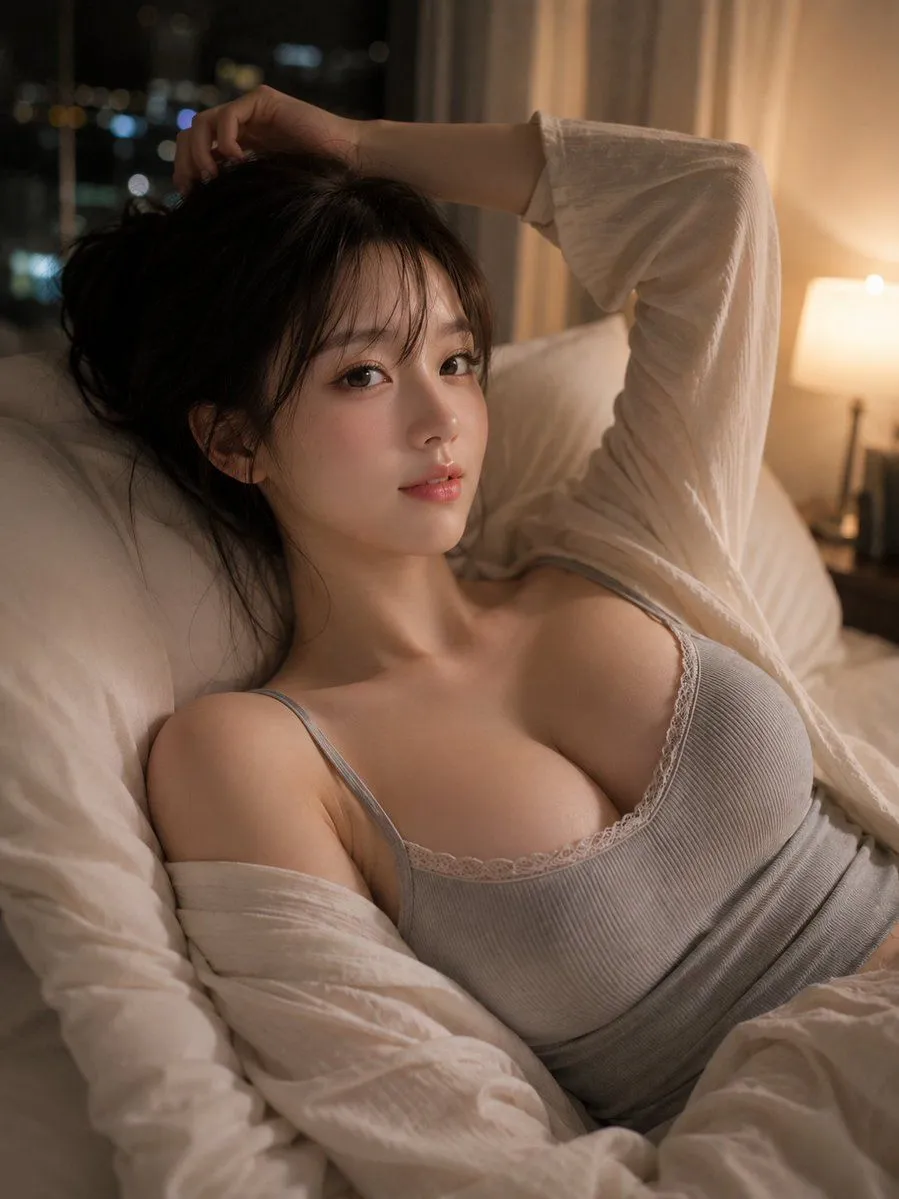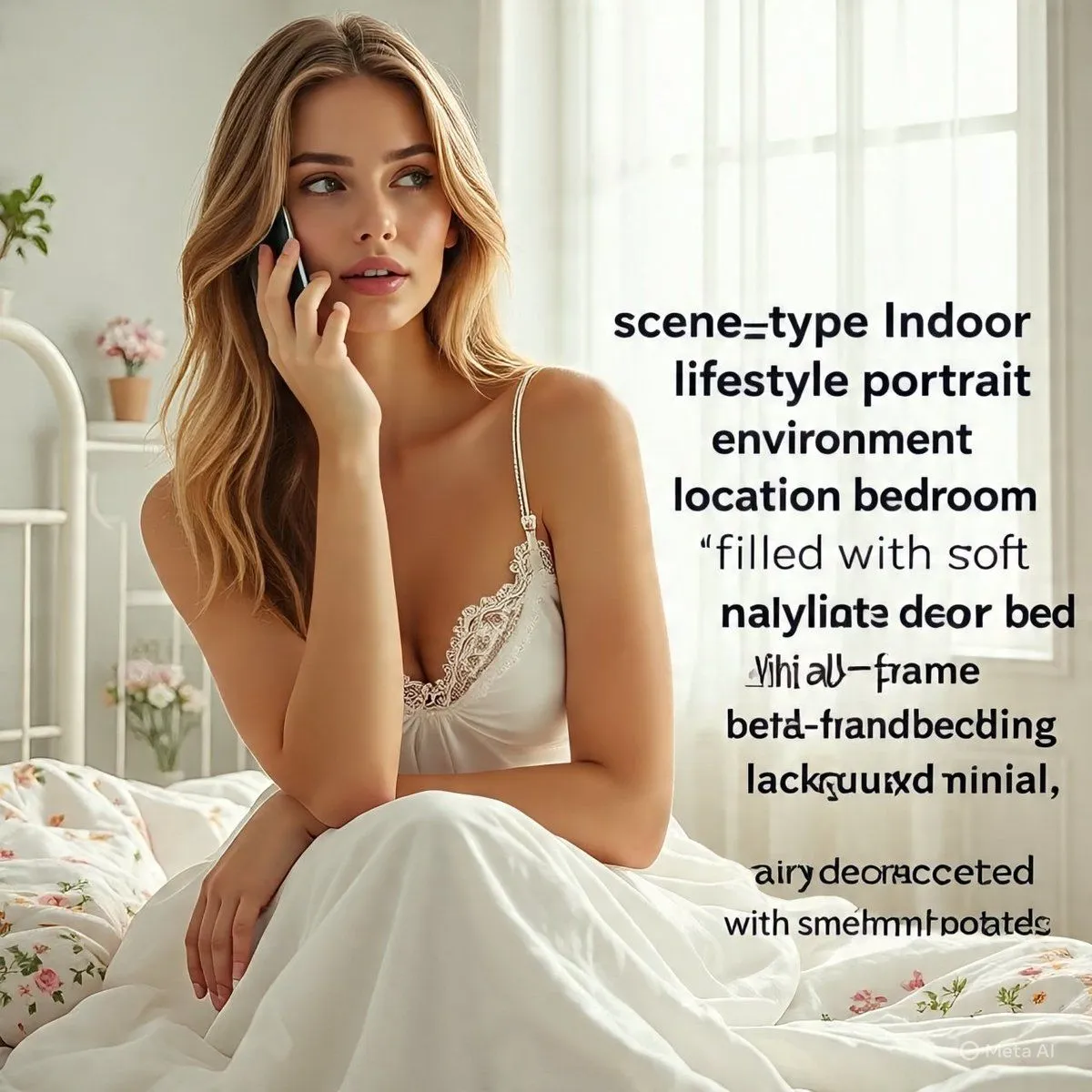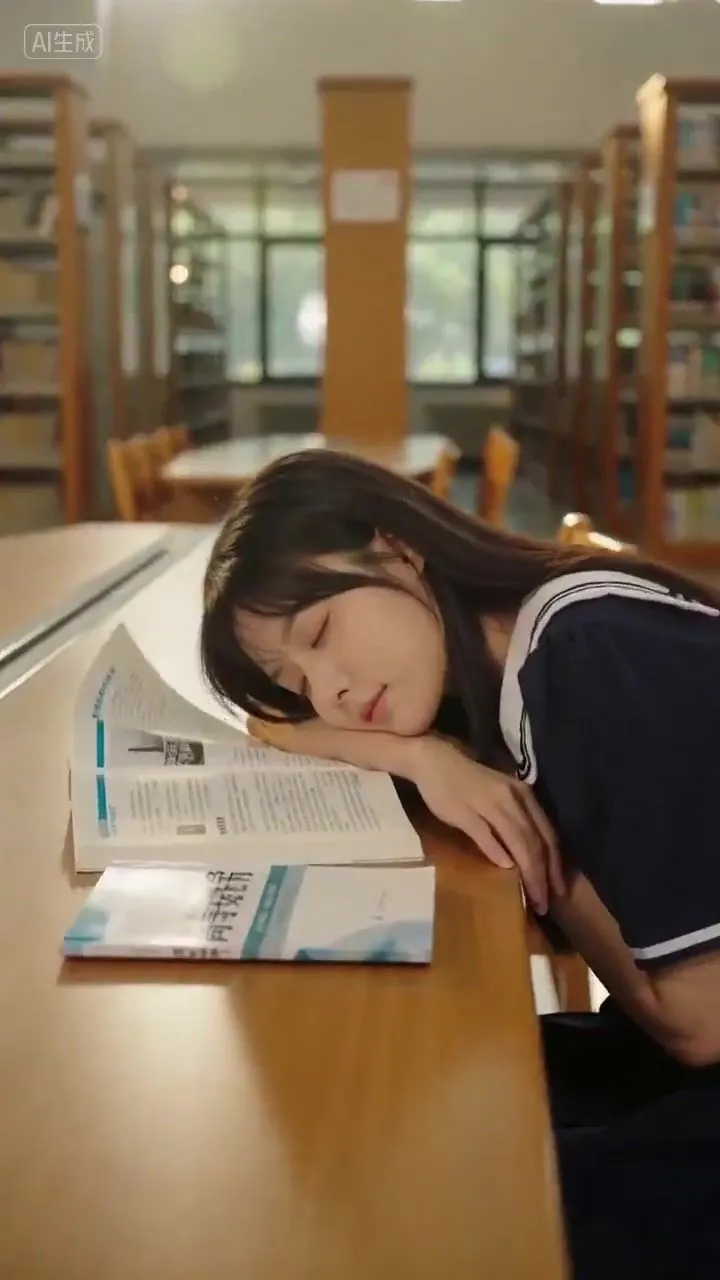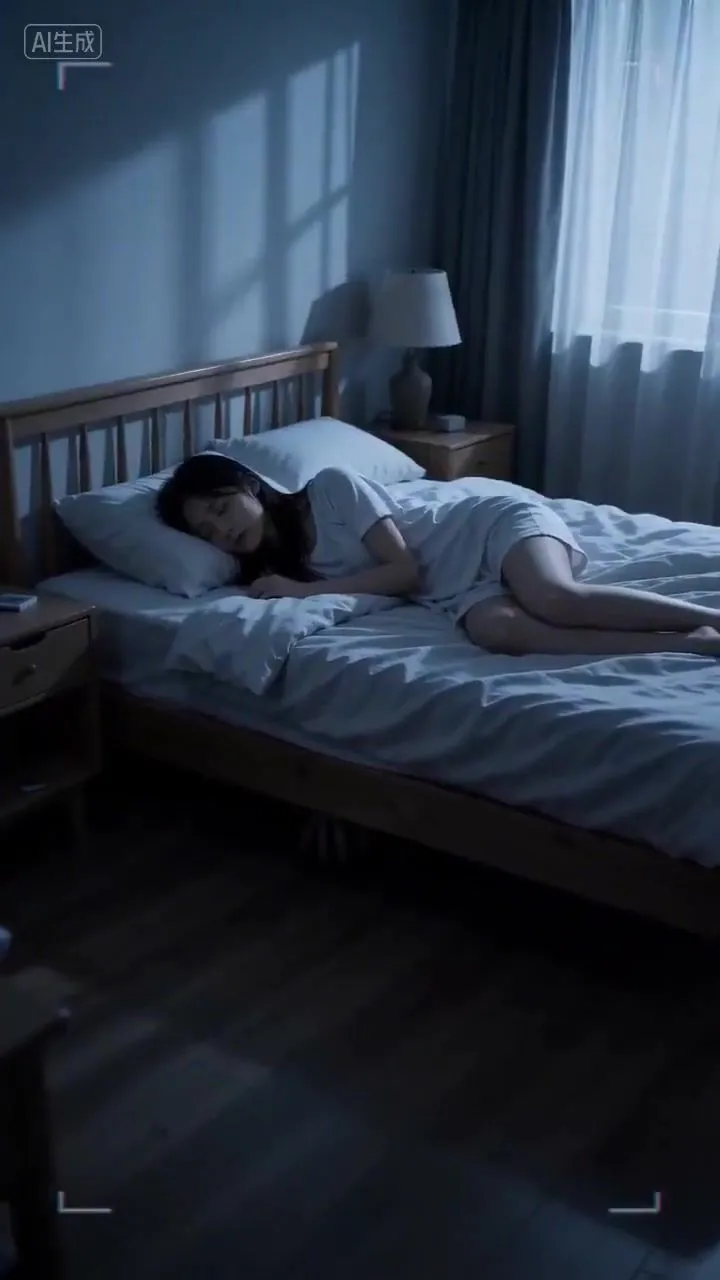
Made with GPT Image 2 in ChatGPT by Library Avatars. Promptclay never generates images.
Did it work?
No reports yet. Tell others if it worked for you.
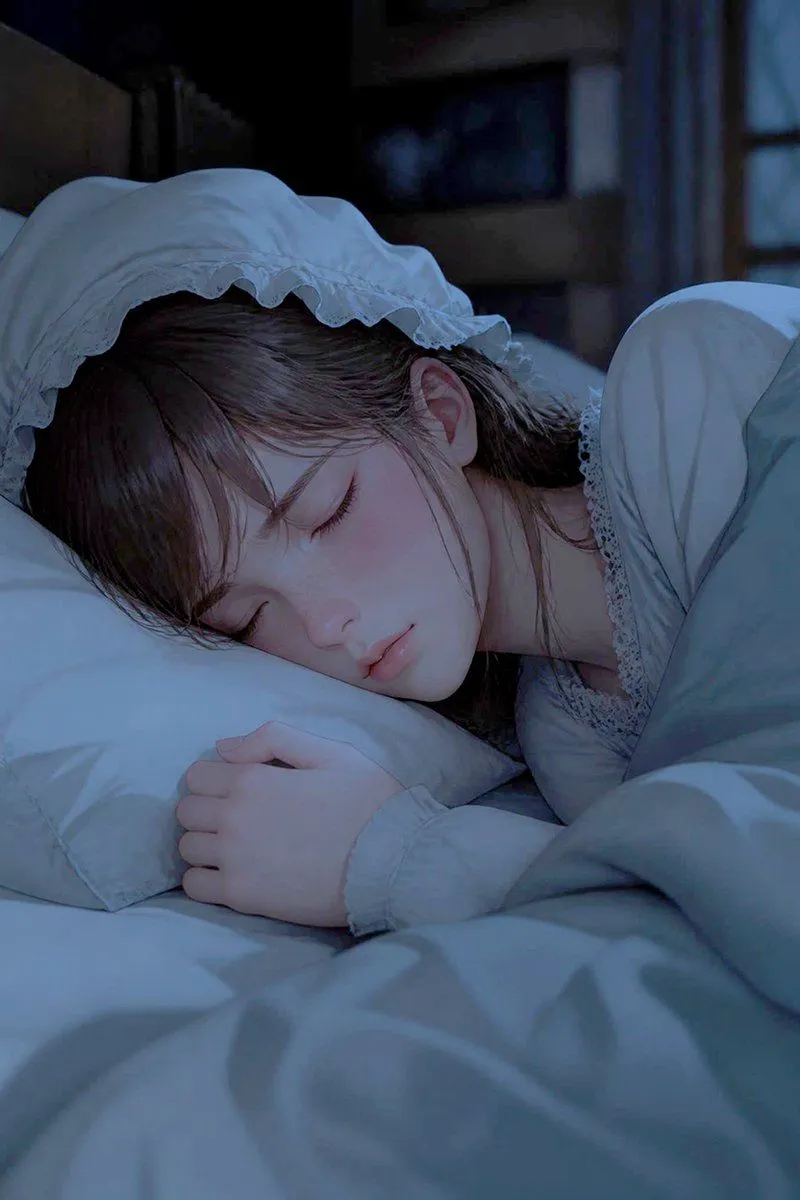
Sleeping Woman in Nightcap
Prompt
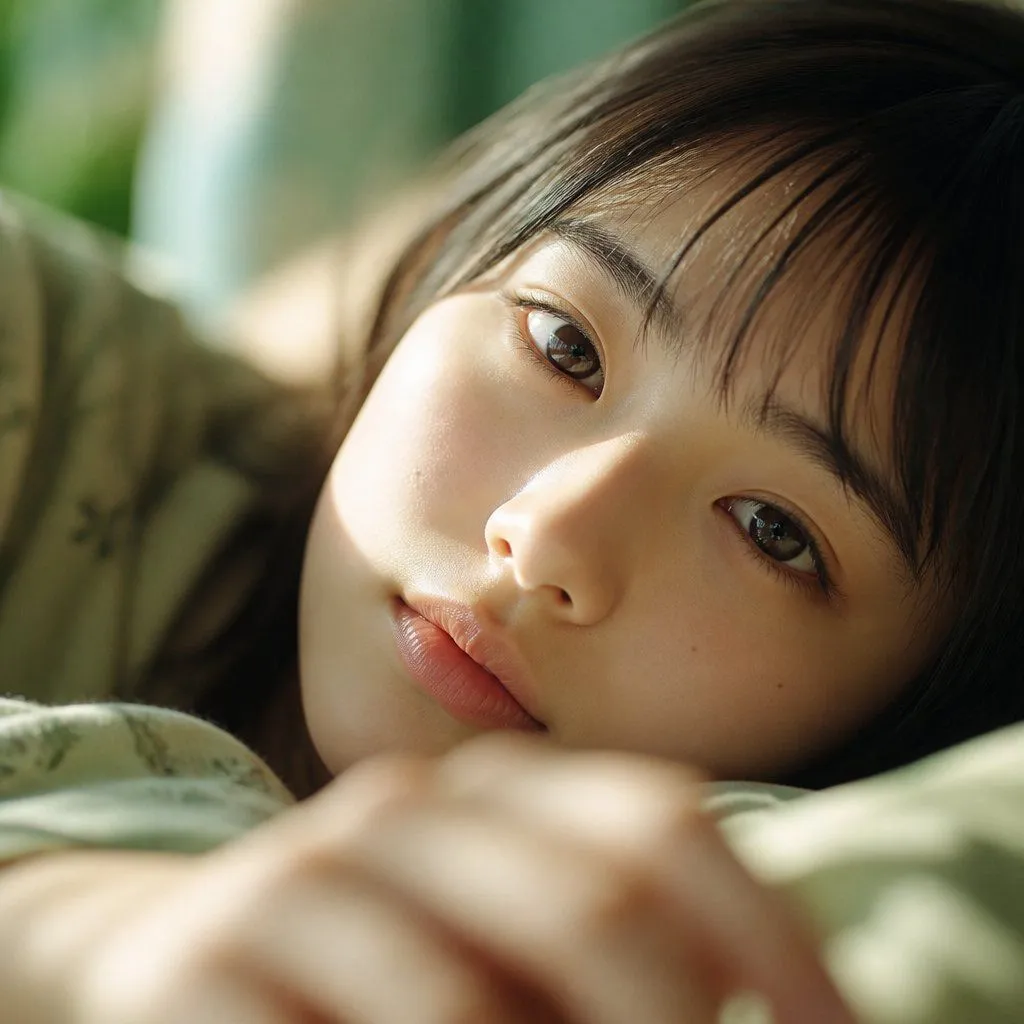
2 blanks to fillCreate a photorealistic cinematic close-up of {character_name} sleeping peacefully in bed at night, shown from a slightly elevated bedside angle in vertical portrait orientation. She has {hair_color} with soft bangs and loose strands framing her face, pale delicate skin, closed eyes, relaxed lips, and a serene expression. She wears a white vintage nightgown with lace trim and a white ruffled nightcap with a scalloped frill edge, the cap clearly visible and naturally shaped around her head. Her head rests sideways on a white pillow, one hand gently curled near her face, while a pale blue-gray blanket covers her body and fills the foreground with soft folds. The room is dim and quiet, with a dark blurred bedroom background, faint furniture silhouettes, and cool moonlight entering from the right, creating blue nighttime shadows and subtle highlights on the fabric and skin. Use shallow depth of field, realistic skin texture, soft cinematic lighting, gentle contrast, intimate calm mood, high detail, no text, no watermark, no extra people.
Preview of your prompt
Create a photorealistic cinematic close-up of a young woman sleeping peacefully in bed at night, shown from a slightly elevated bedside angle in vertical portrait orientation. She has dark brown hair with soft bangs and loose strands framing her face, pale delicate skin, closed eyes, relaxed lips, and a serene expression. She wears a white vintage nightgown with lace trim and a white ruffled nightcap with a scalloped frill edge, the cap clearly visible and naturally shaped around her head. Her head rests sideways on a white pillow, one hand gently curled near her face, while a pale blue-gray blanket covers her body and fills the foreground with soft folds. The room is dim and quiet, with a dark blurred bedroom background, faint furniture silhouettes, and cool moonlight entering from the right, creating blue nighttime shadows and subtle highlights on the fabric and skin. Use shallow depth of field, realistic skin texture, soft cinematic lighting, gentle contrast, intimate calm mood, high detail, no text, no watermark, no extra people.
DetailsVersions, settings and questions
Written for
What's in the prompt
- Subject
- Model
- GPT Image 2
If your face changes
keep my face exactly the sameQuestions
- Does this work in the ChatGPT app?
- Yes. Paste the prompt and attach your photo if it uses one.
- It changed my face. What do I do?
- Add "keep my face exactly the same" to the end and run it again.
- Can I use the images I make?
- Check the terms of the app you use. Promptclay never generates images and claims nothing you make.