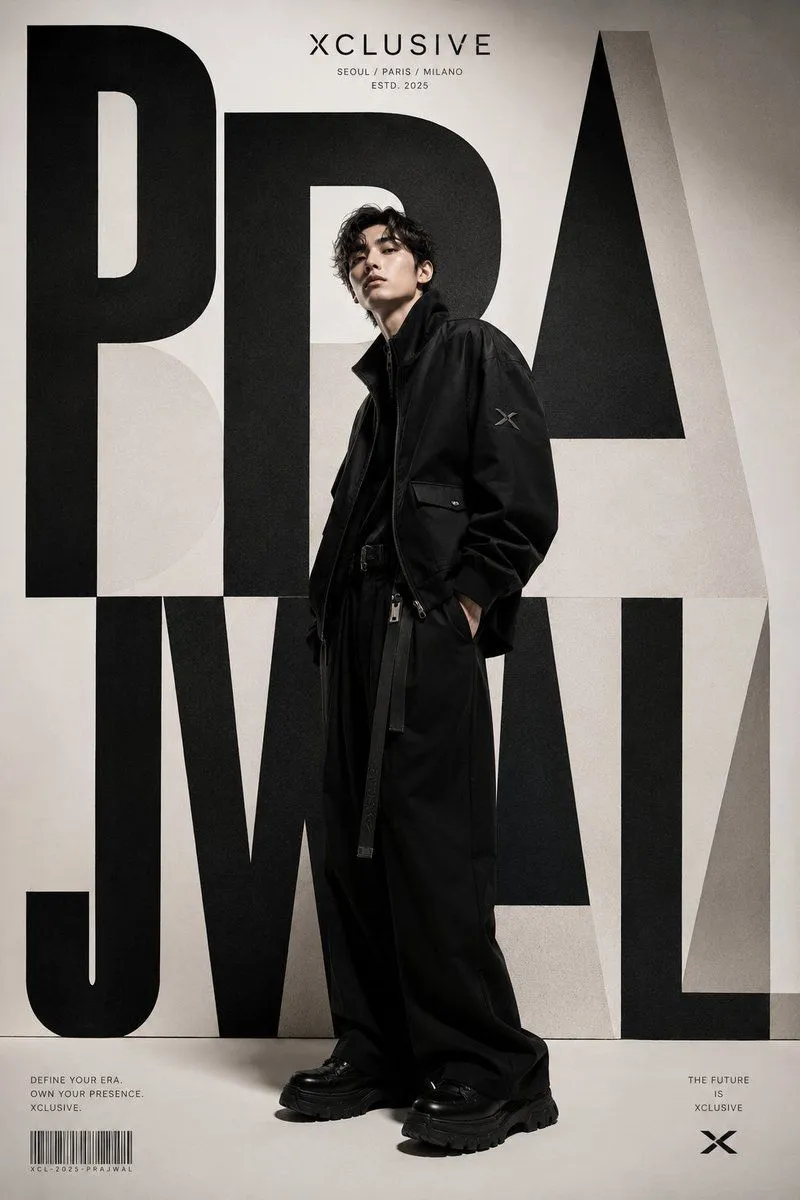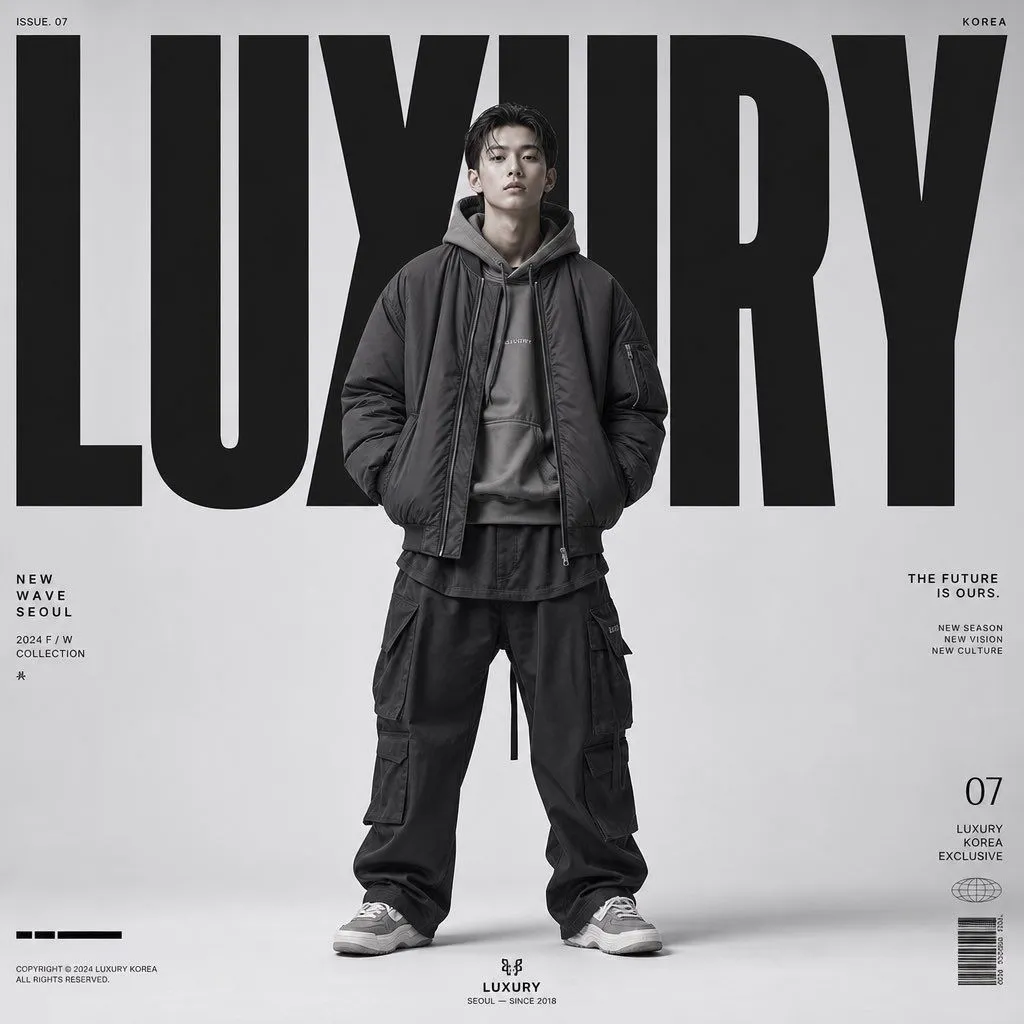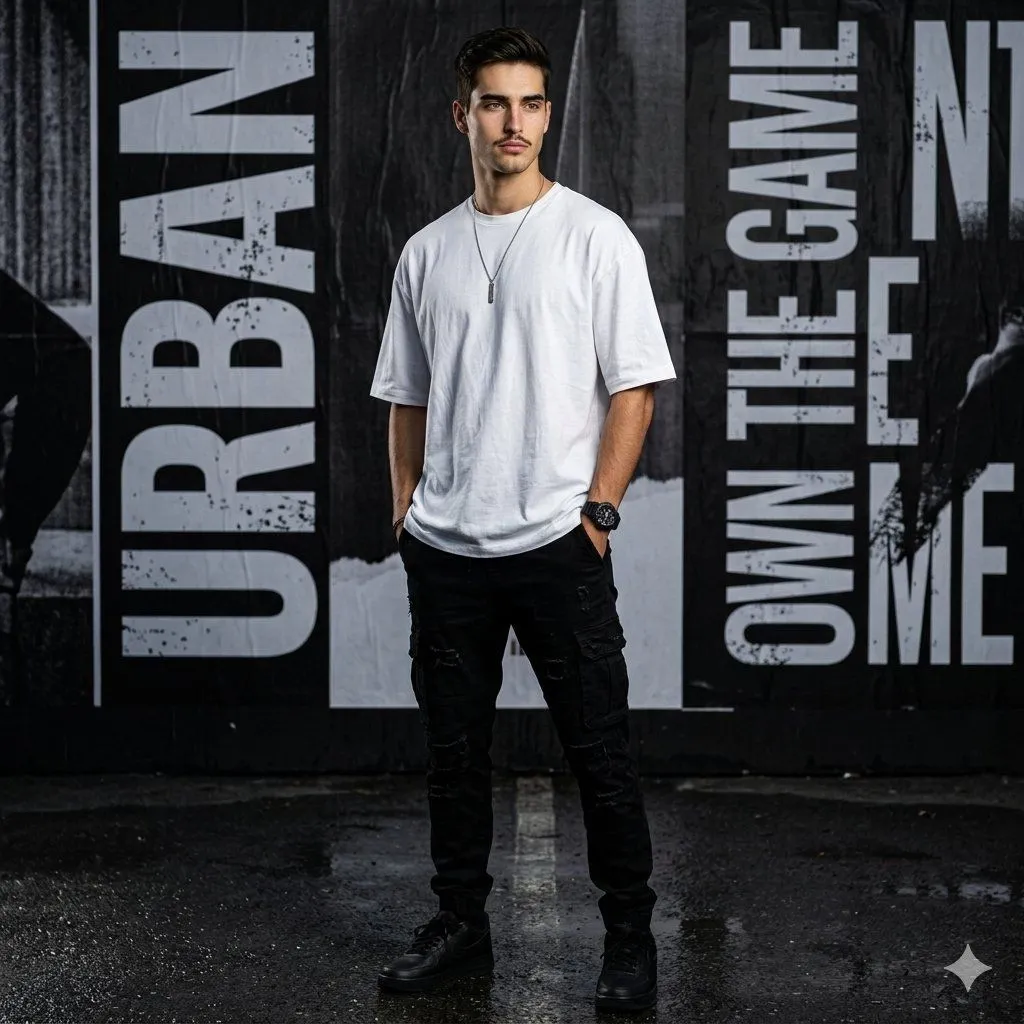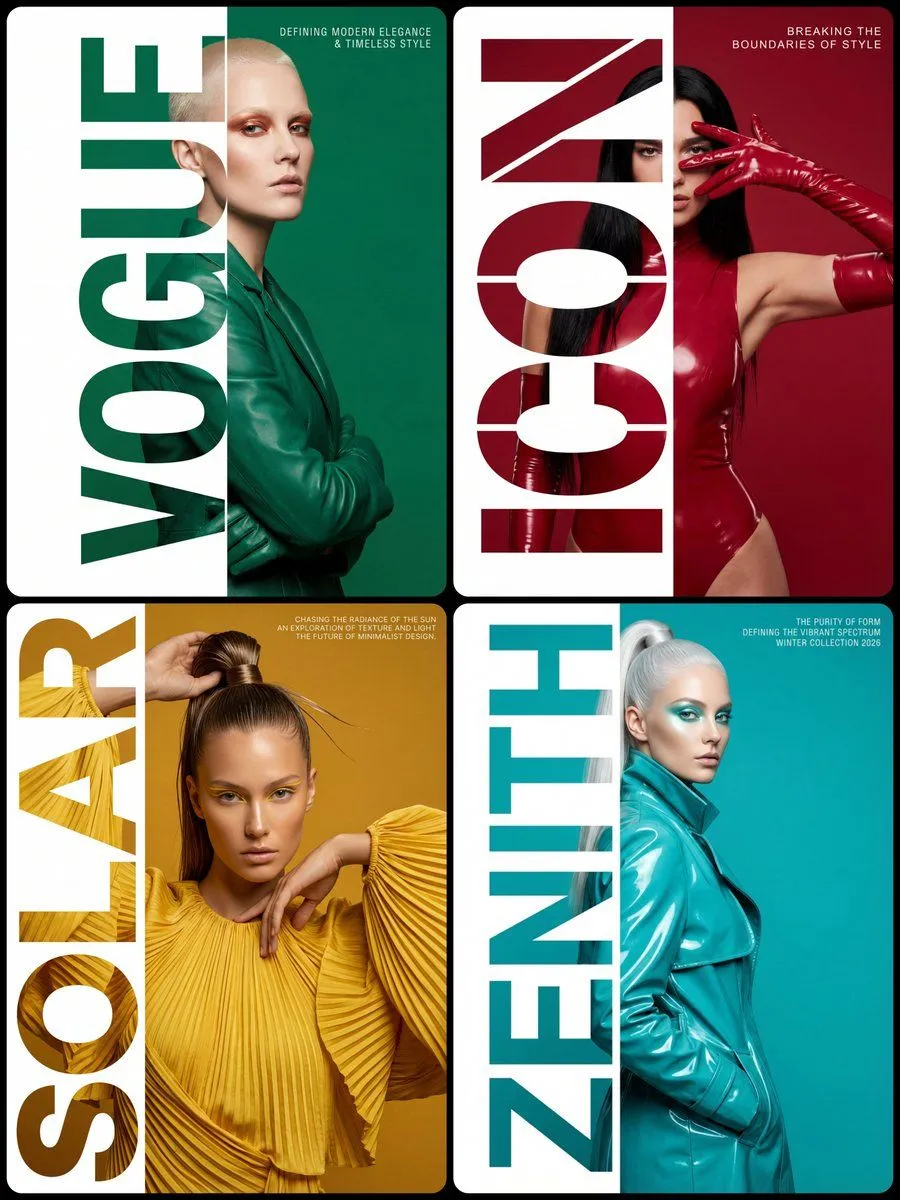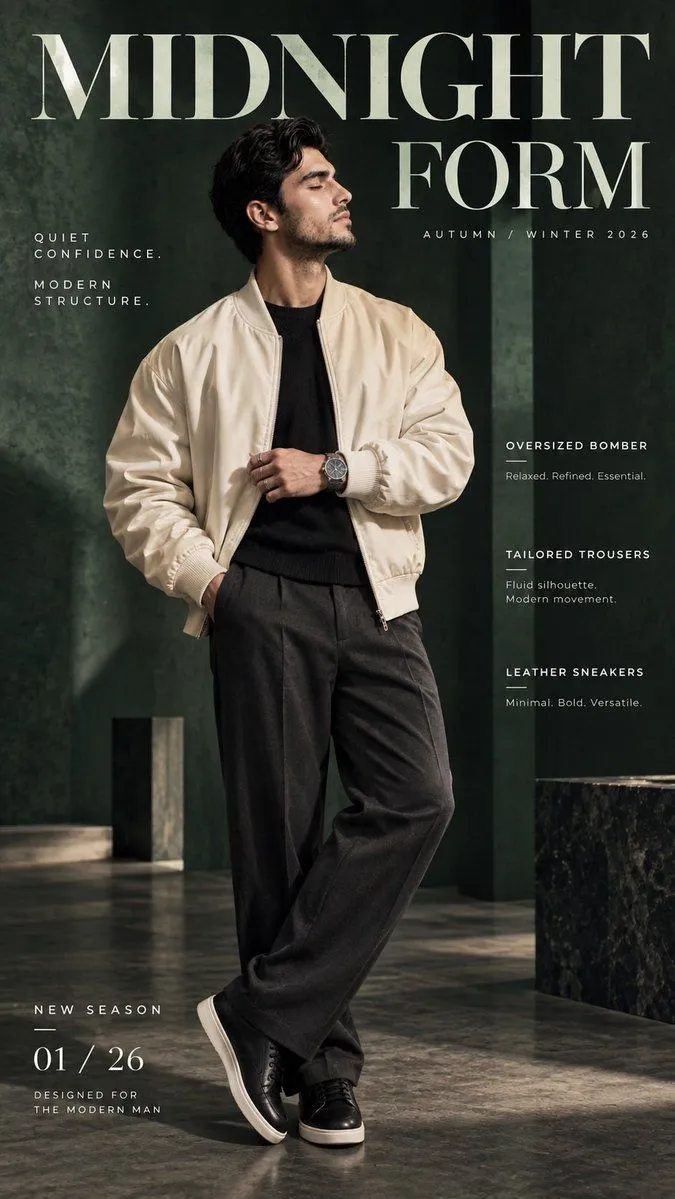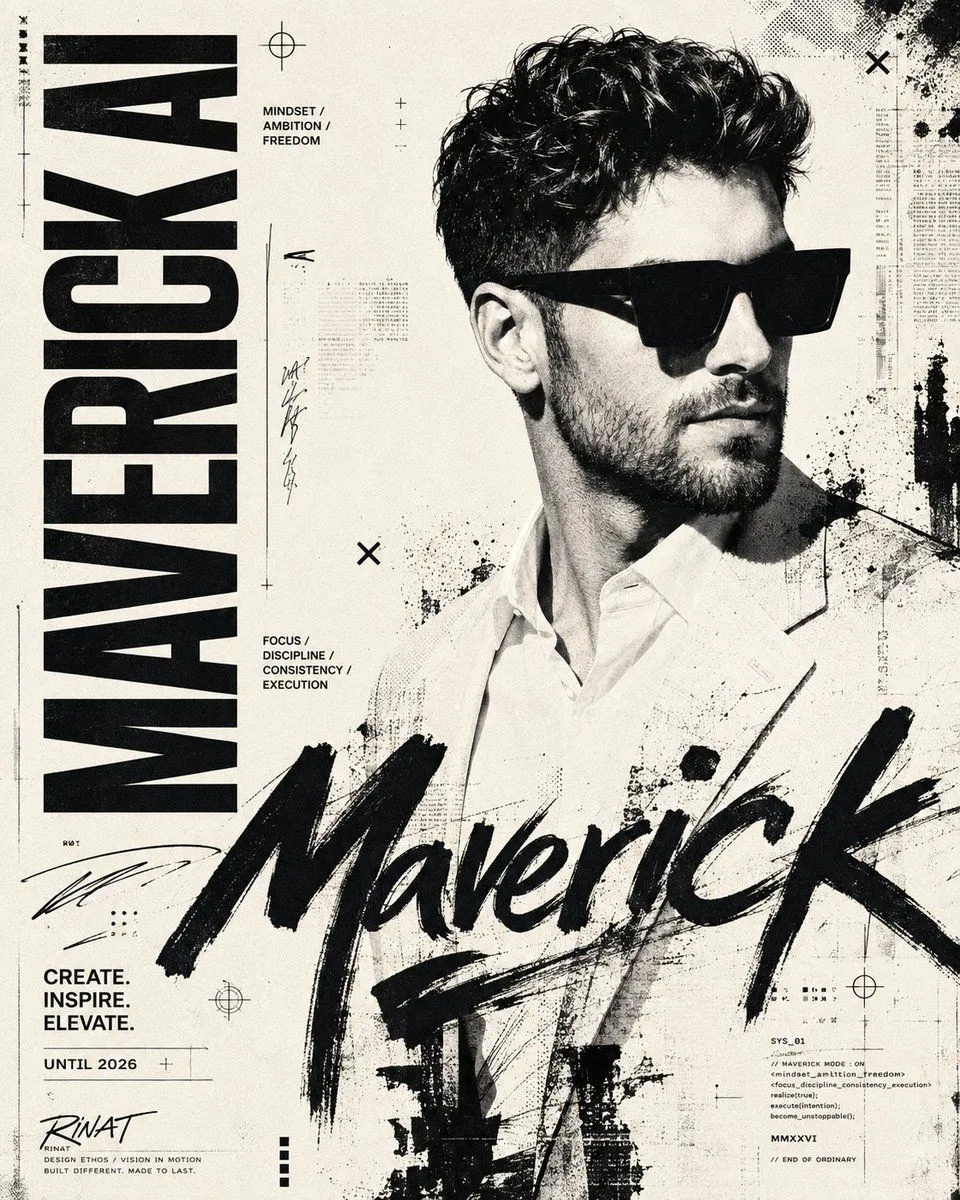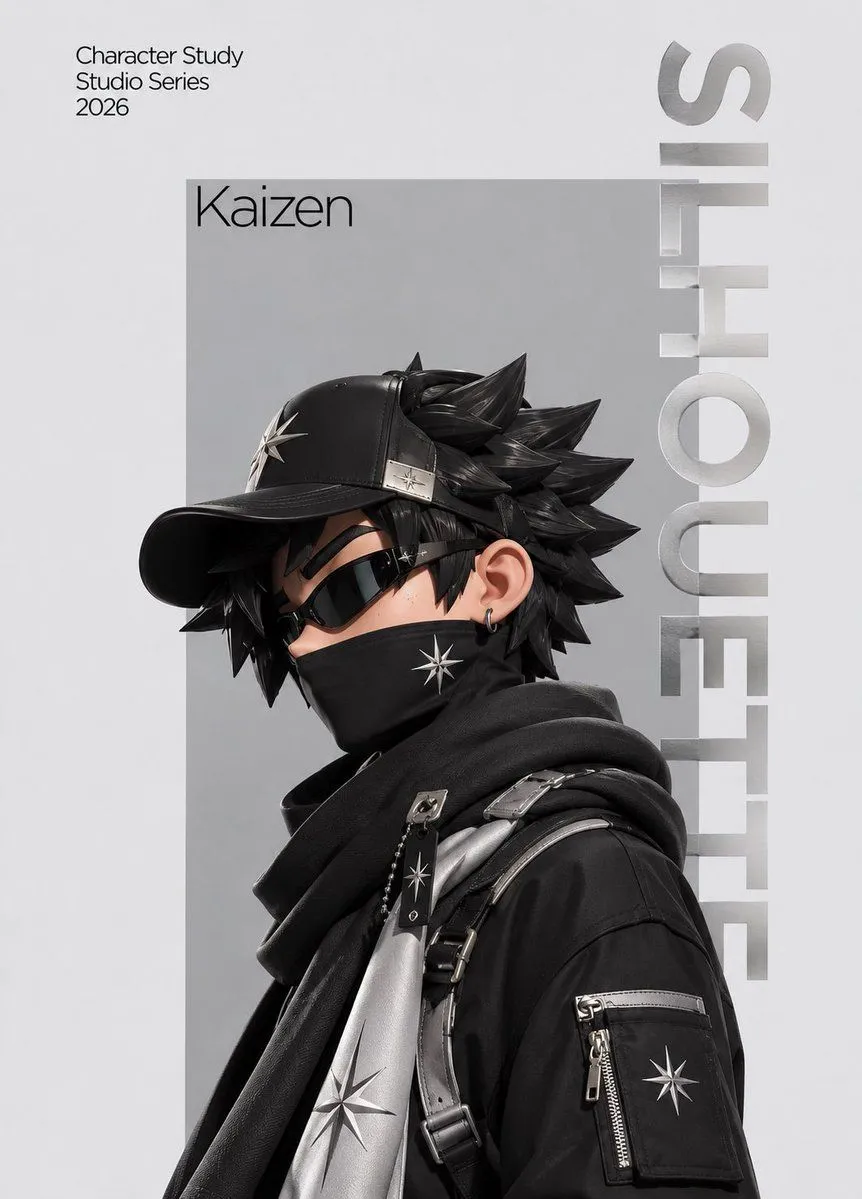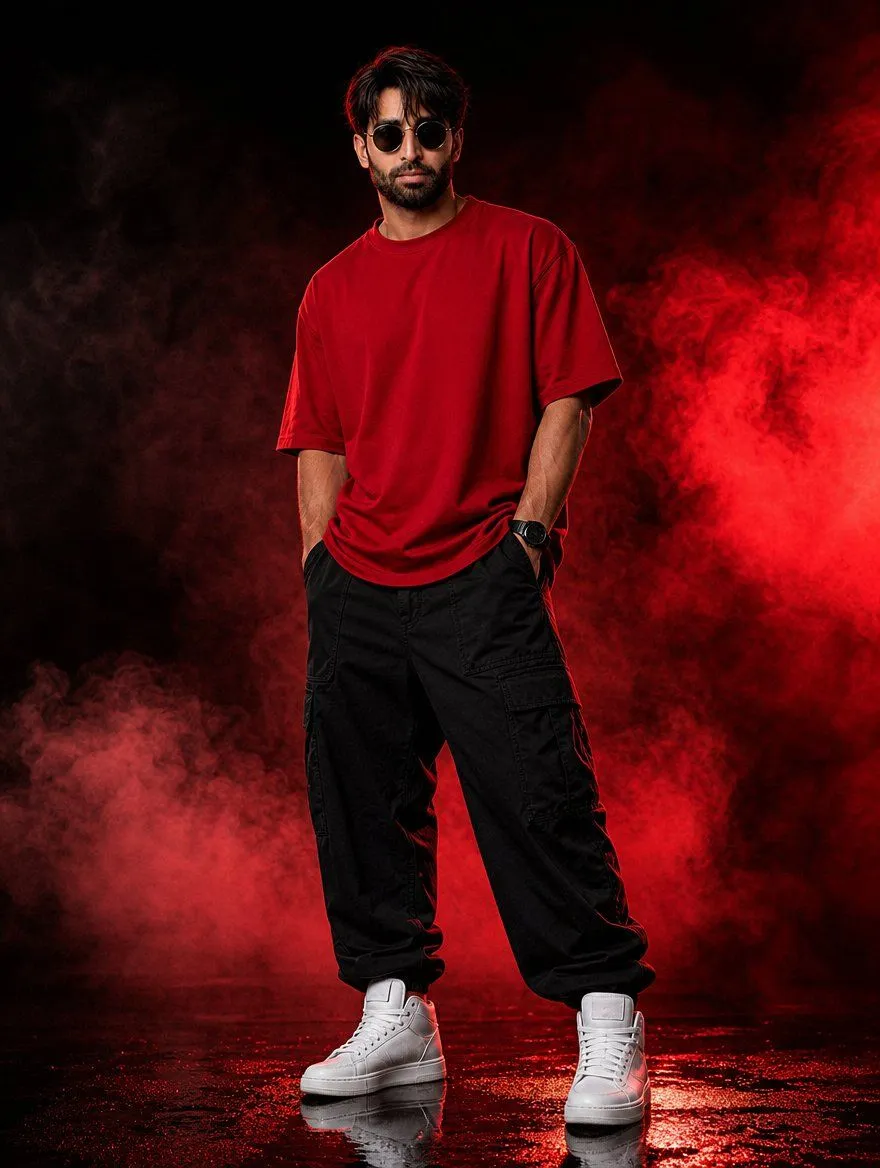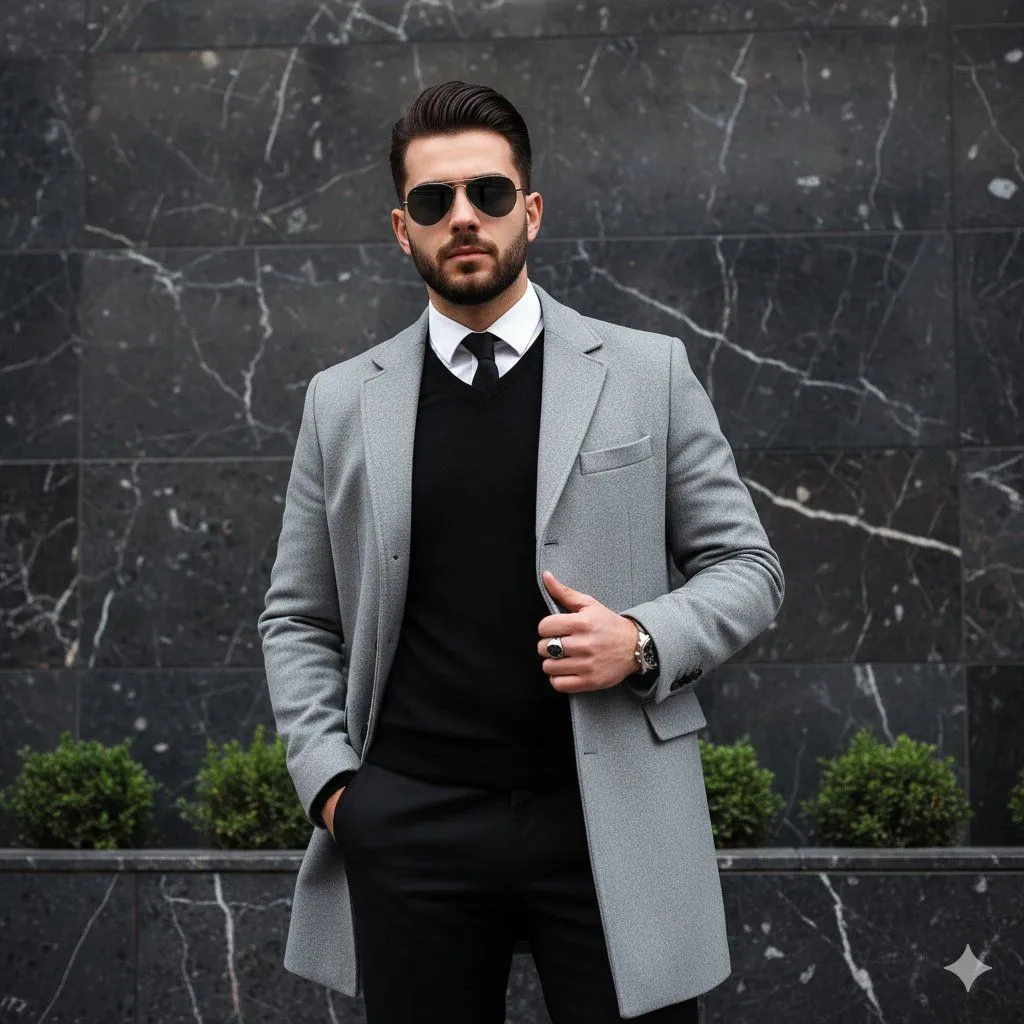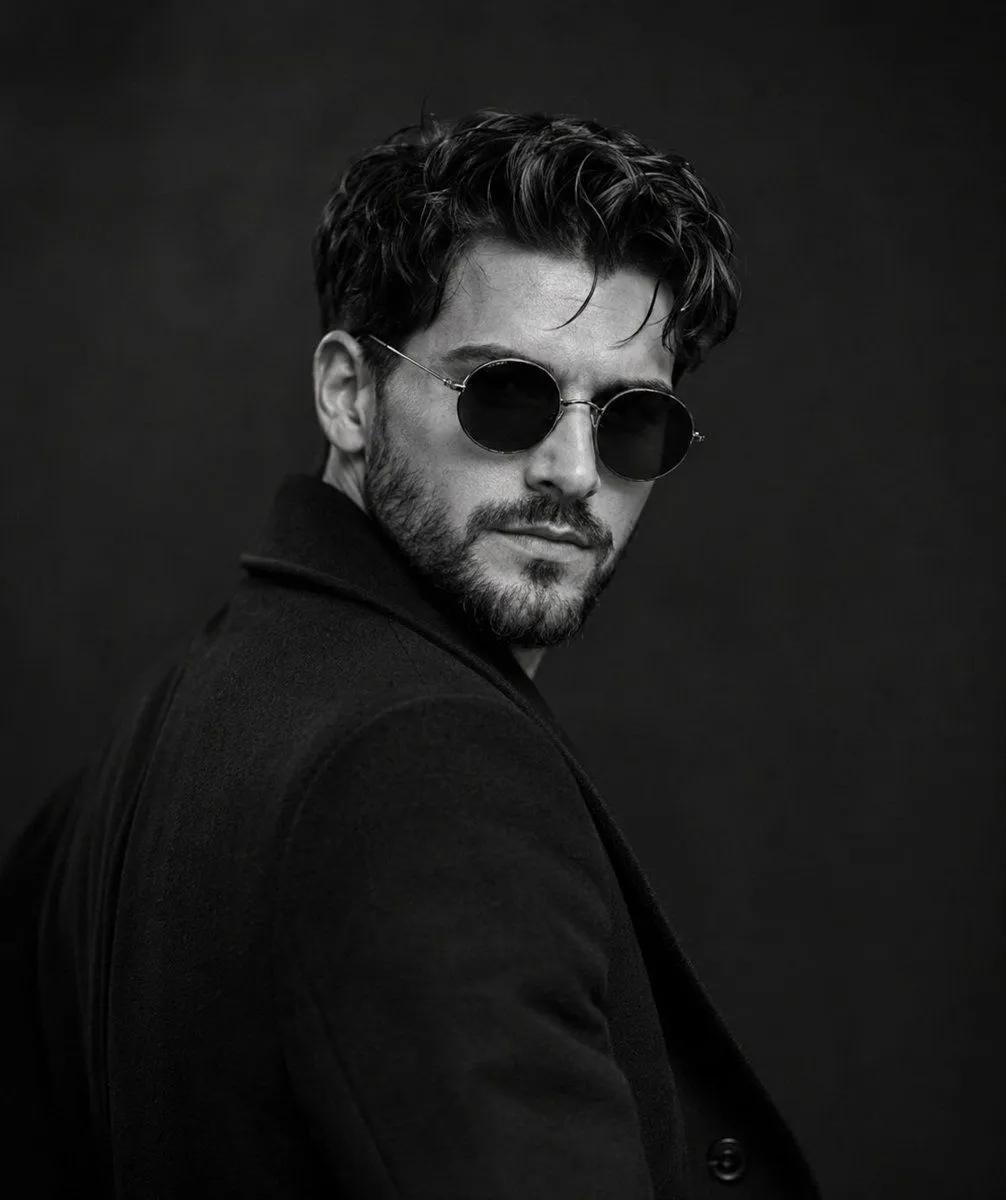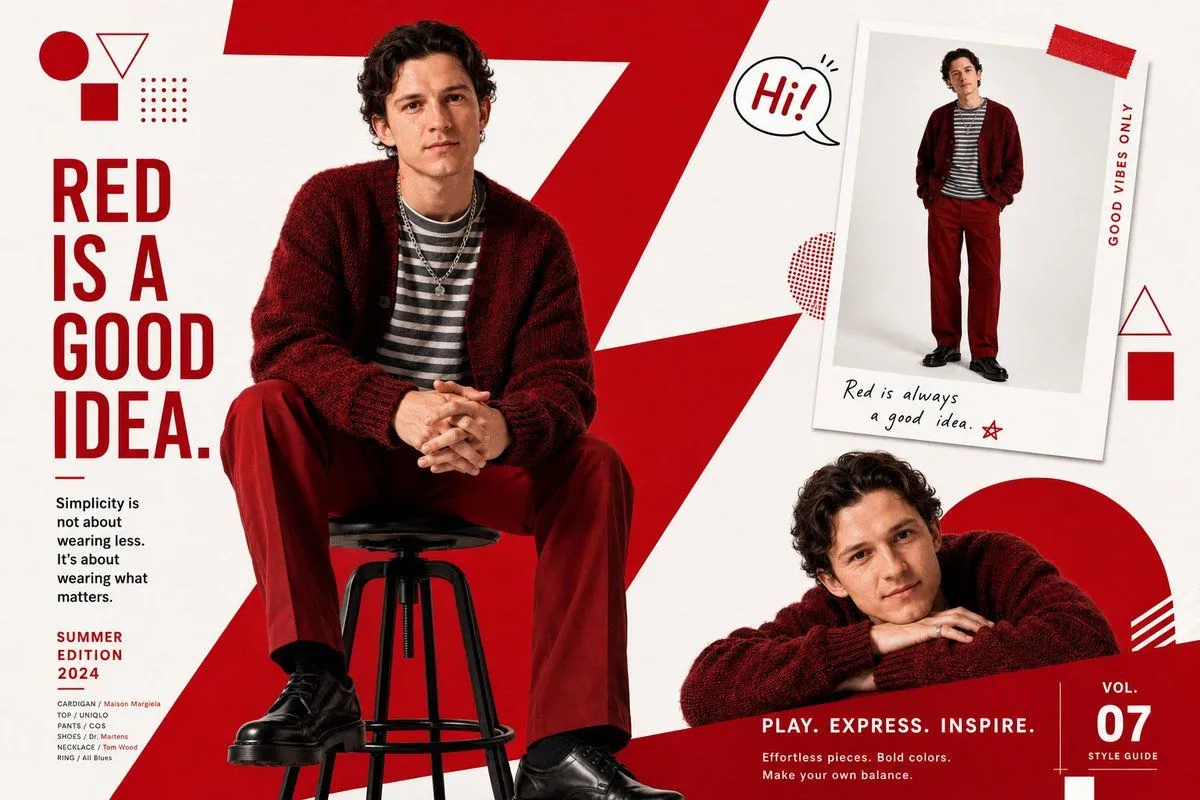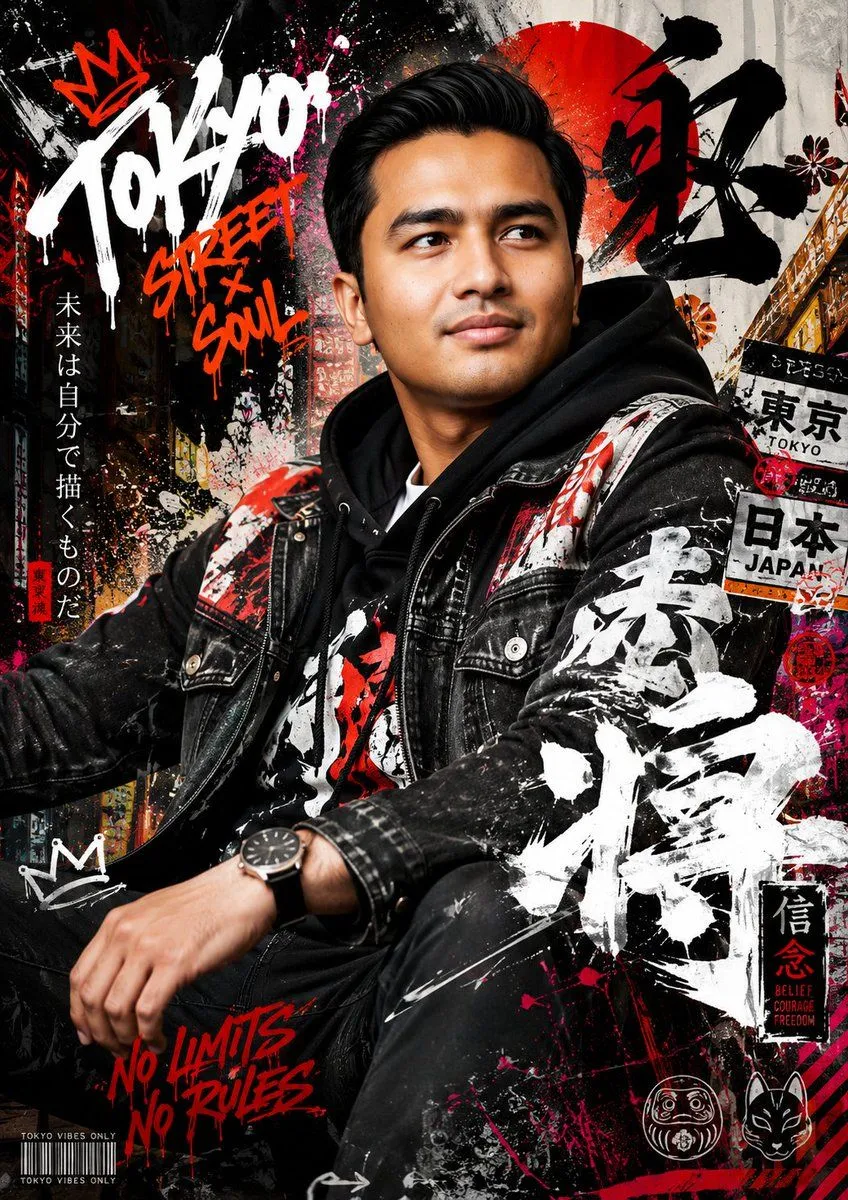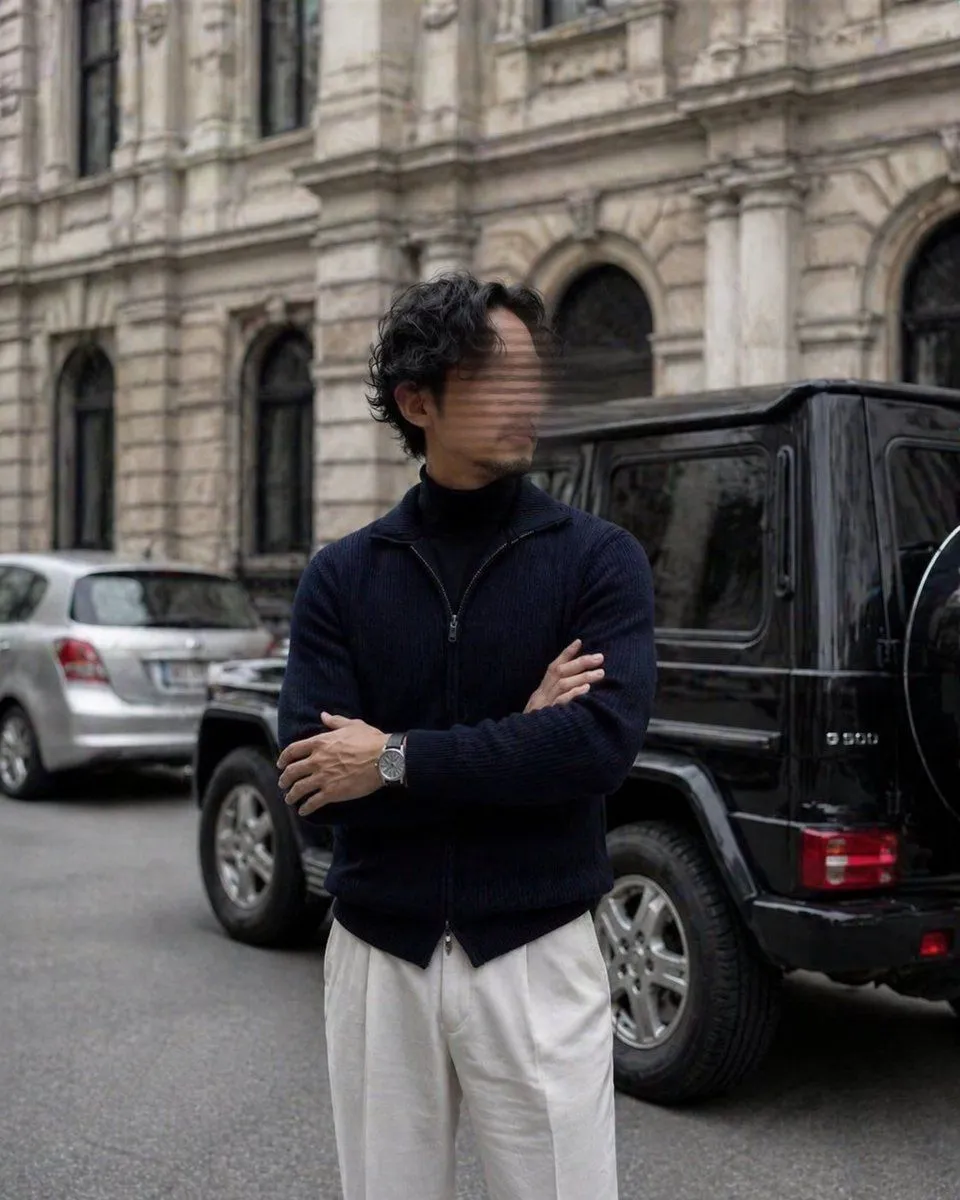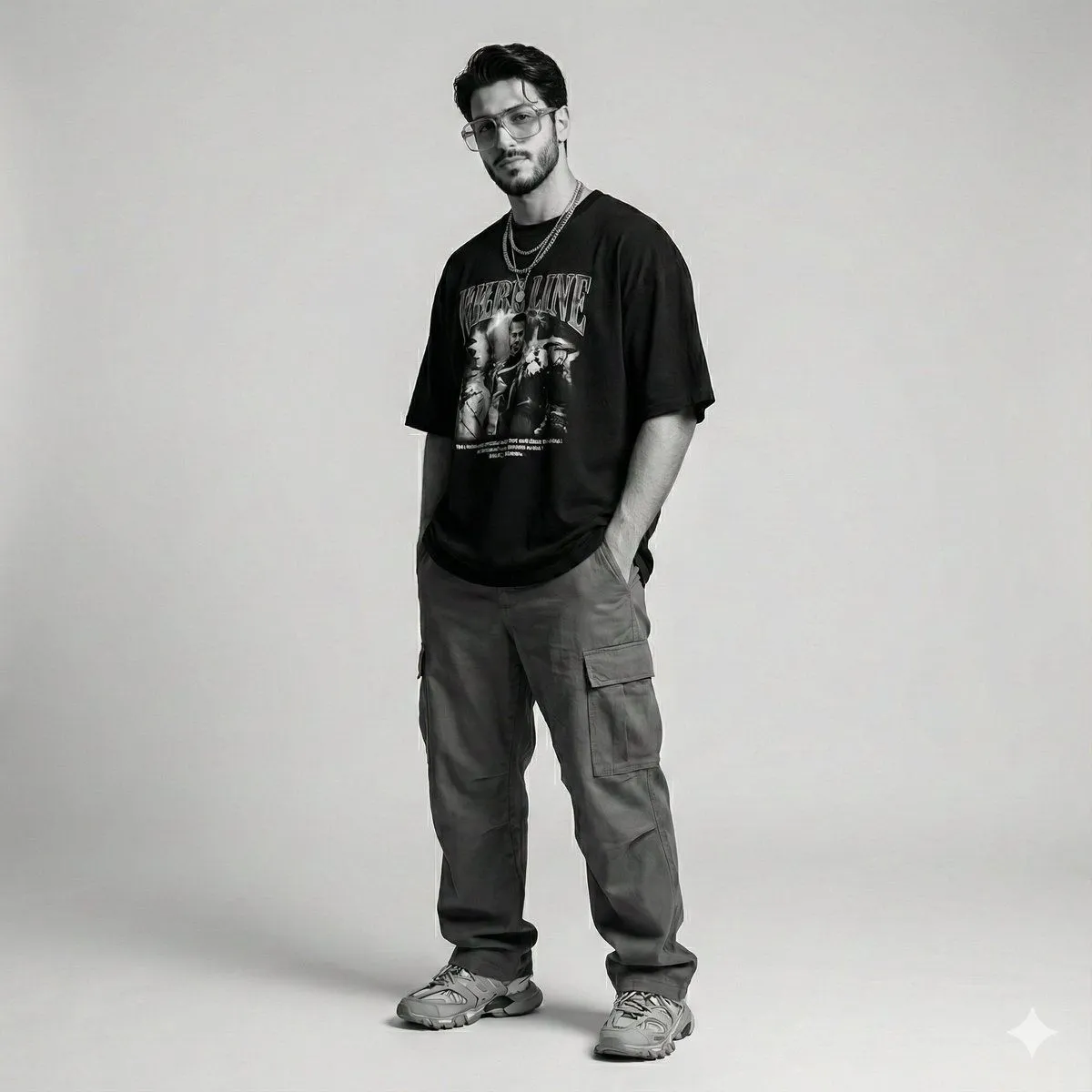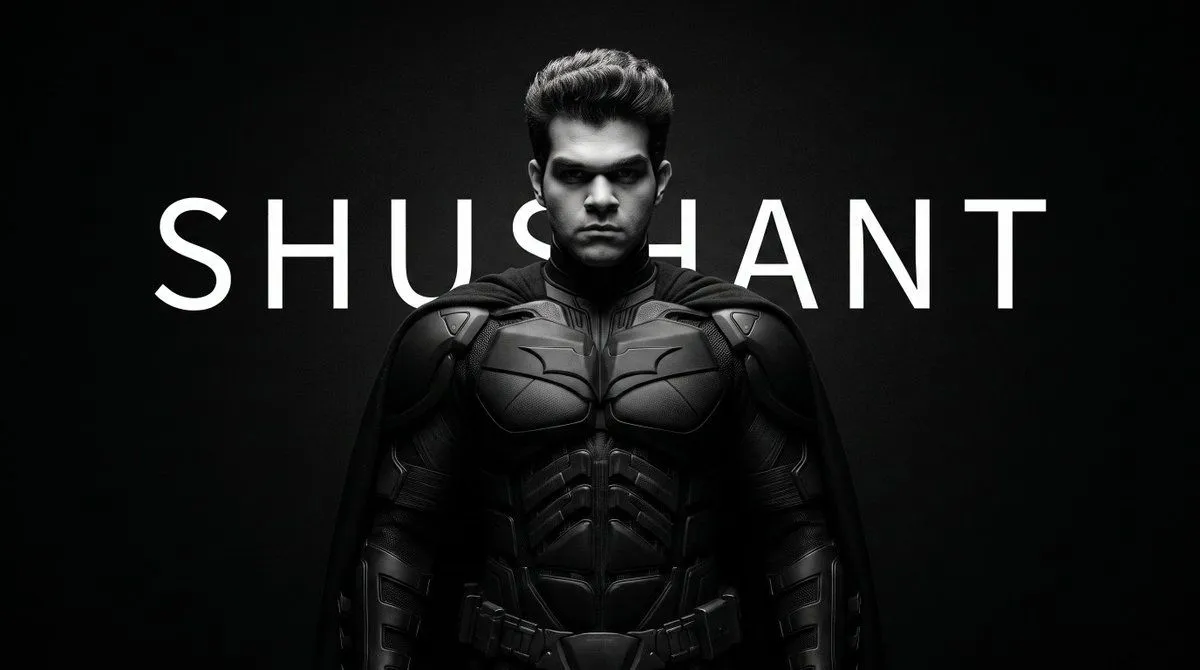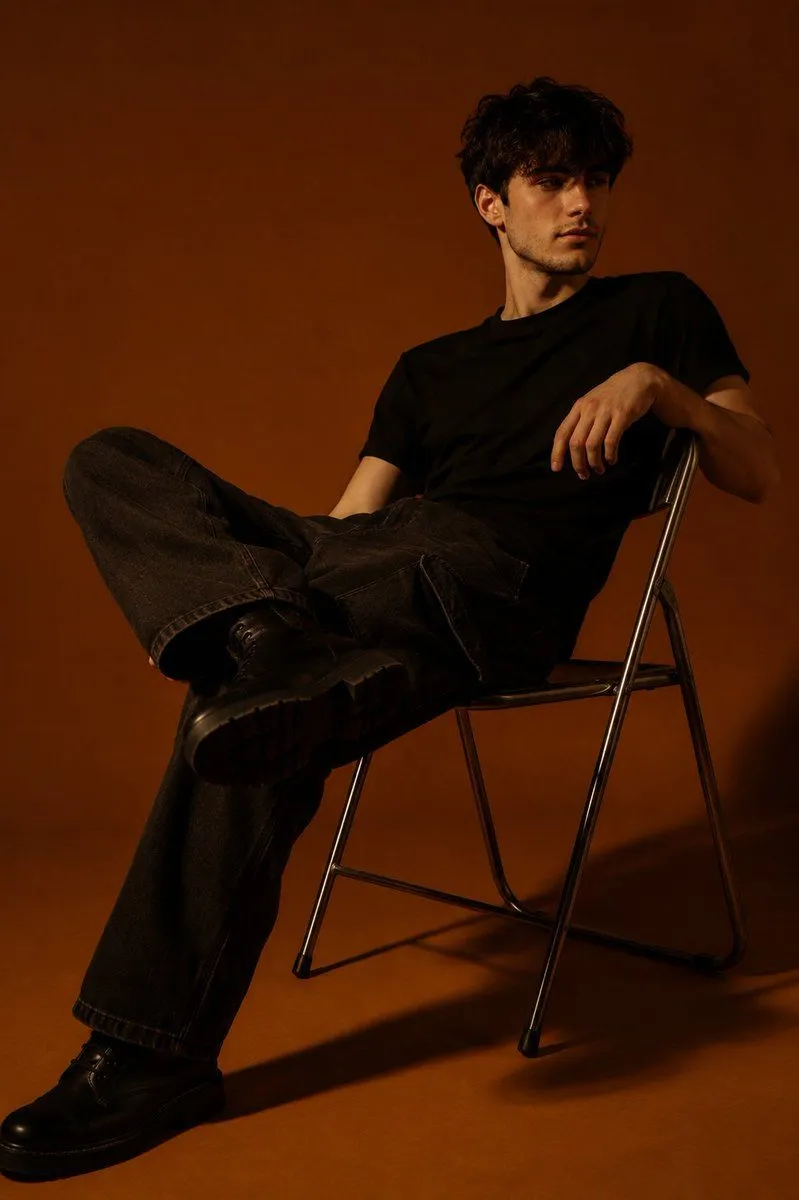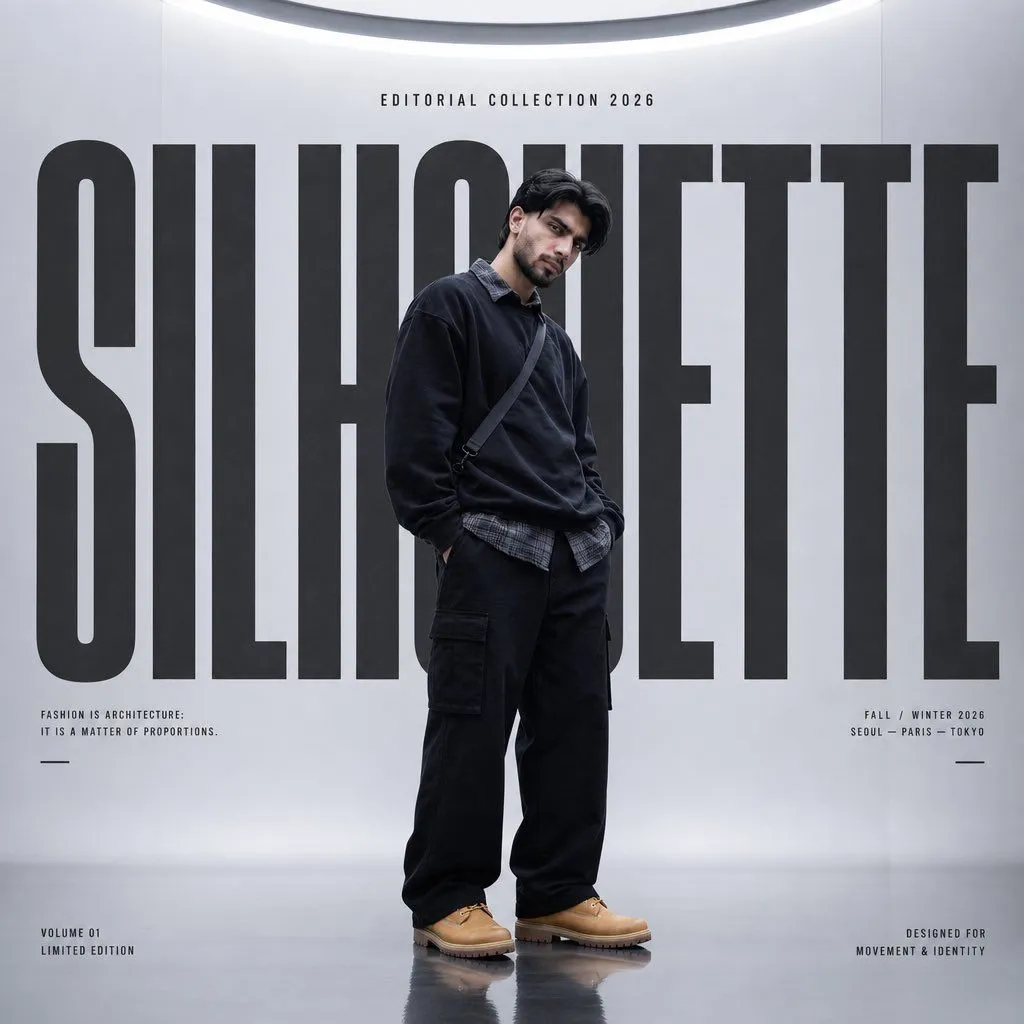
Made with GPT Image 2 in ChatGPT by Library Brand. Promptclay never generates images.
Did it work?
No reports yet. Tell others if it worked for you.
Silhouette High Fashion Editorial Poster
Prompt
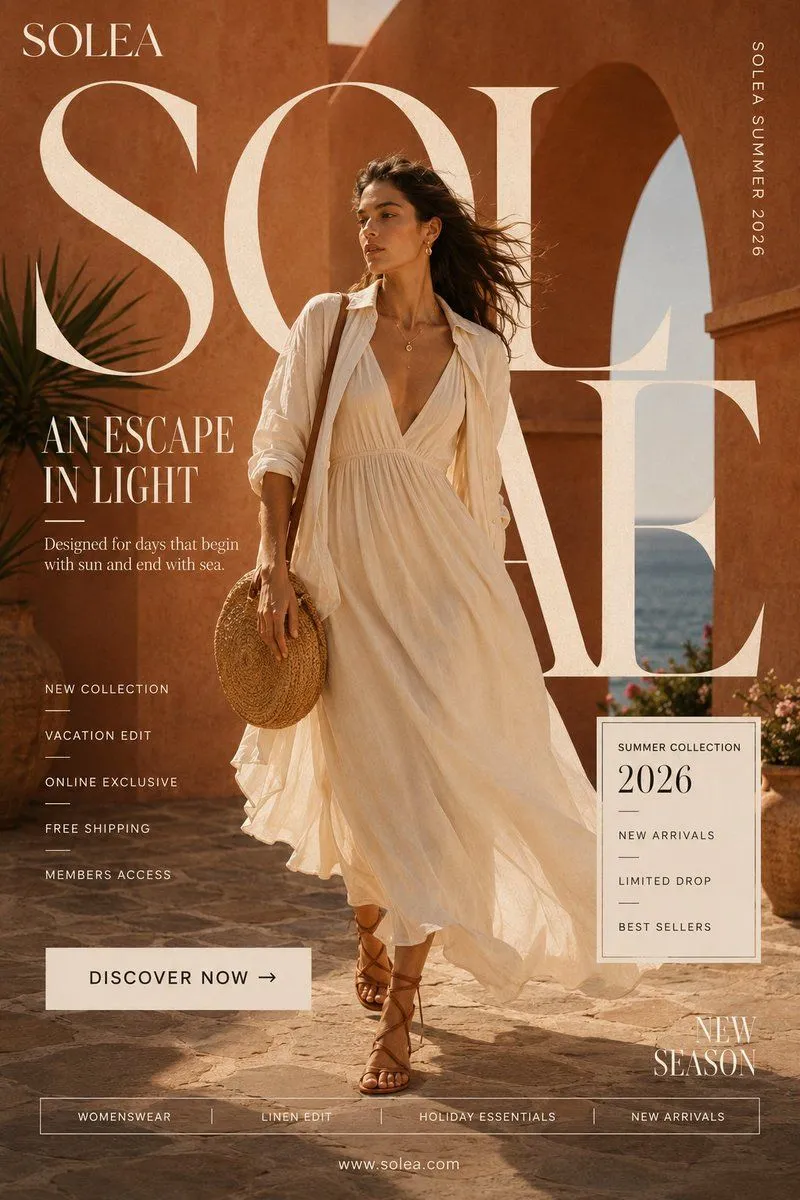
2 blanks to fillCreate a premium high-fashion editorial poster for “{brand_name}”. Style: oversized typography, minimal futuristic fashion, Korean high-fashion editorial, luxury streetwear, avant-garde magazine cover, monochromatic palette, Vogue-meets-streetwear aesthetic. Subject: full-body fashion model centered, oversized luxury streetwear outfit, clean symmetrical pose, neutral expression, realistic premium fashion photography, soft futuristic mood. Layout: huge bold typography “{brand_name}” behind the model, integrated into composition, centered symmetry, minimal clean background, spacious editorial layout. Text: Main title: “{brand_name}” Subtitle: “EDITORIAL COLLECTION 2026” Small micro editorial text/details. Lighting: soft studio lighting, luxury shadows, smooth pastel reflections, premium skin rendering. Colors: {color_scheme}, minimal luxury contrast. Quality: ultra-realistic, high-end fashion campaign, Behance/Vogue style, ultra-high resolution.
Preview of your prompt
Create a premium high-fashion editorial poster for “SILHOUETTE”. Style: oversized typography, minimal futuristic fashion, Korean high-fashion editorial, luxury streetwear, avant-garde magazine cover, monochromatic palette, Vogue-meets-streetwear aesthetic. Subject: full-body fashion model centered, oversized luxury streetwear outfit, clean symmetrical pose, neutral expression, realistic premium fashion photography, soft futuristic mood. Layout: huge bold typography “SILHOUETTE” behind the model, integrated into composition, centered symmetry, minimal clean background, spacious editorial layout. Text: Main title: “SILHOUETTE” Subtitle: “EDITORIAL COLLECTION 2026” Small micro editorial text/details. Lighting: soft studio lighting, luxury shadows, smooth pastel reflections, premium skin rendering. Colors: monochromatic charcoal, black, soft pastel tones, minimal luxury contrast. Quality: ultra-realistic, high-end fashion campaign, Behance/Vogue style, ultra-high resolution.
DetailsVersions, settings and questions
Written for
What's in the prompt
- Subject
- Model
- GPT Image 2
If your face changes
keep my face exactly the sameQuestions
- Does this work in the ChatGPT app?
- Yes. Paste the prompt and attach your photo if it uses one.
- It changed my face. What do I do?
- Add "keep my face exactly the same" to the end and run it again.
- Can I use the images I make?
- Check the terms of the app you use. Promptclay never generates images and claims nothing you make.