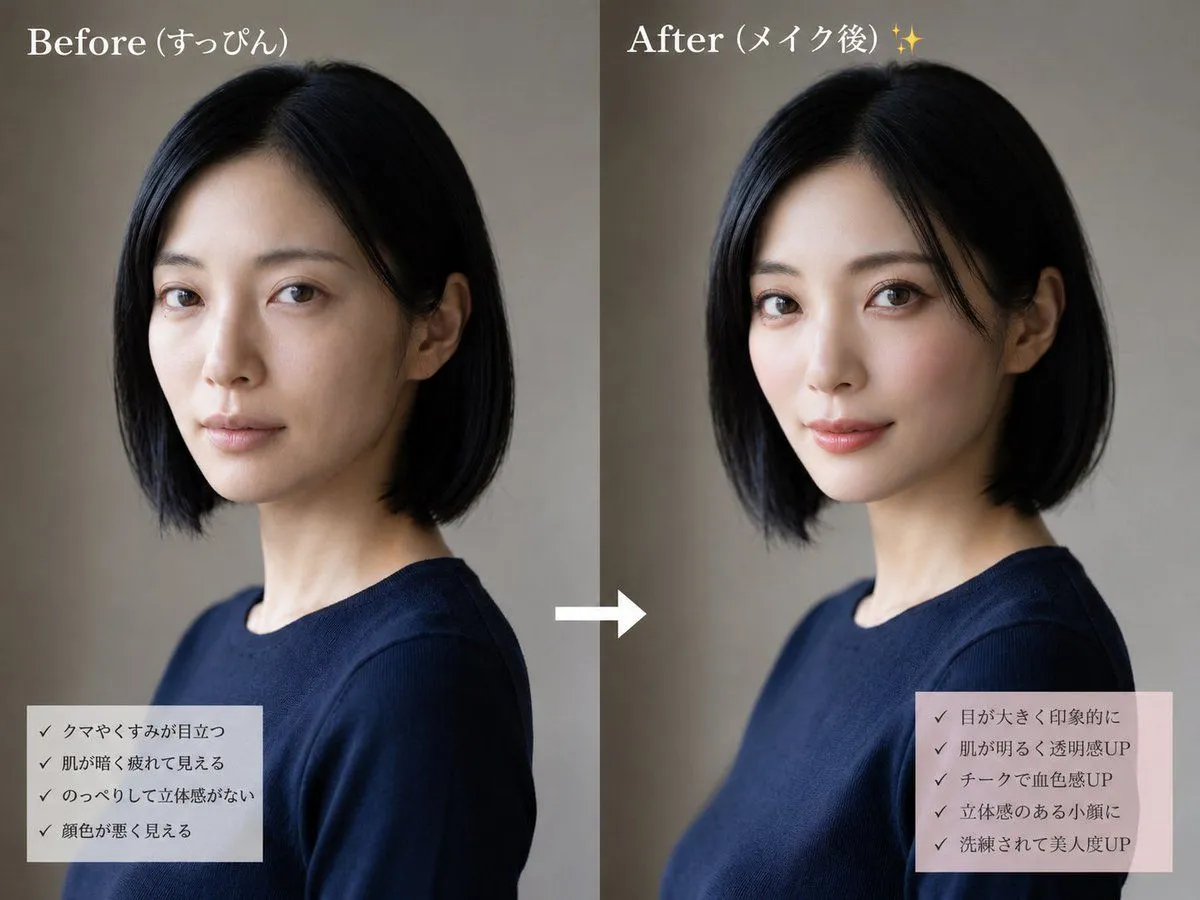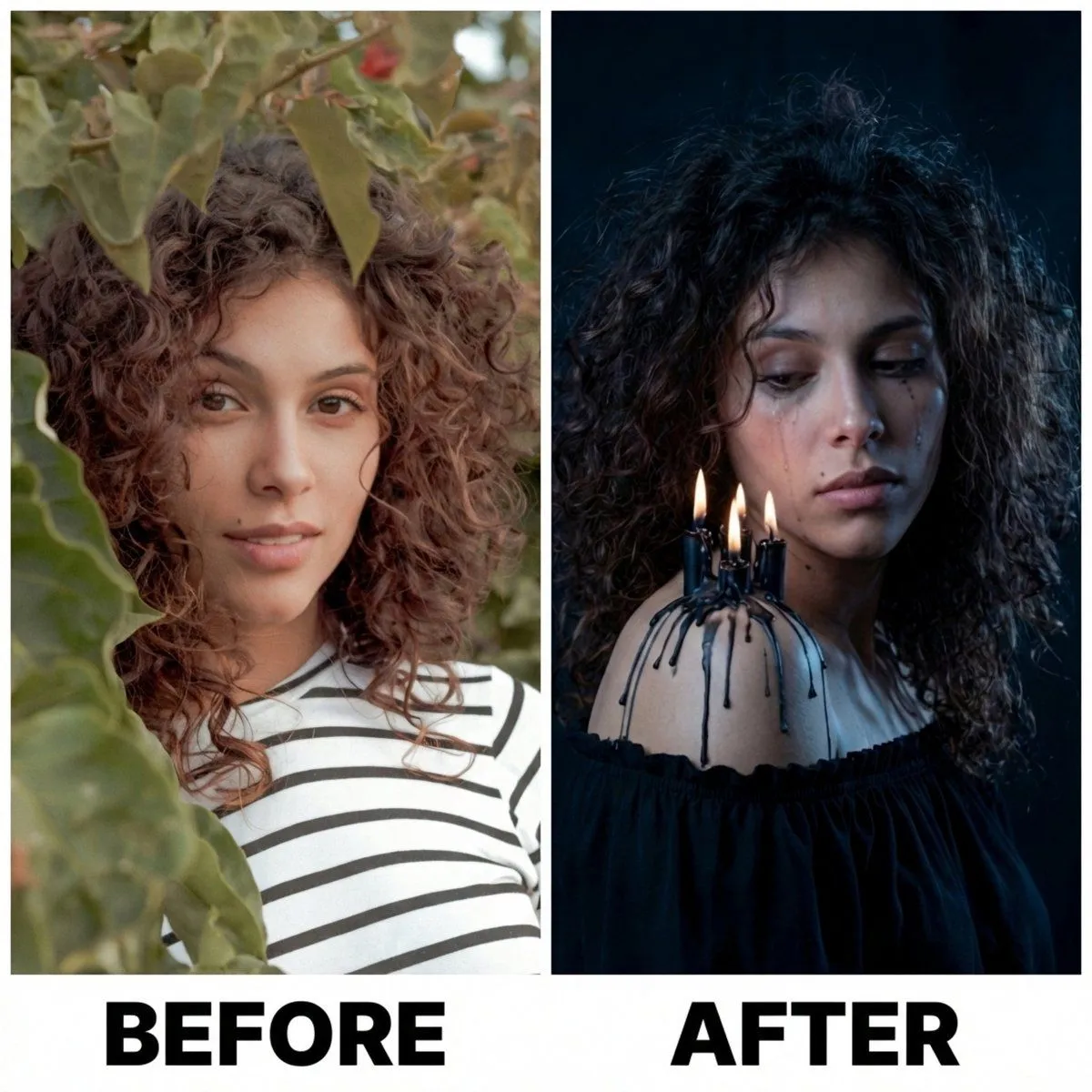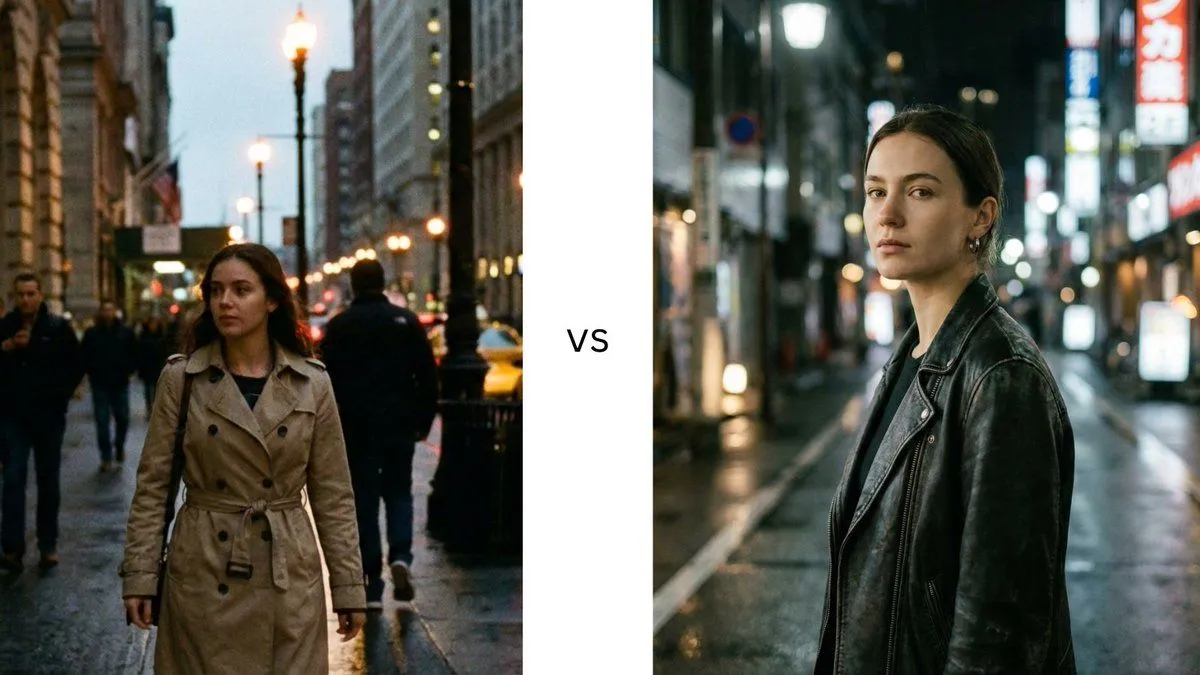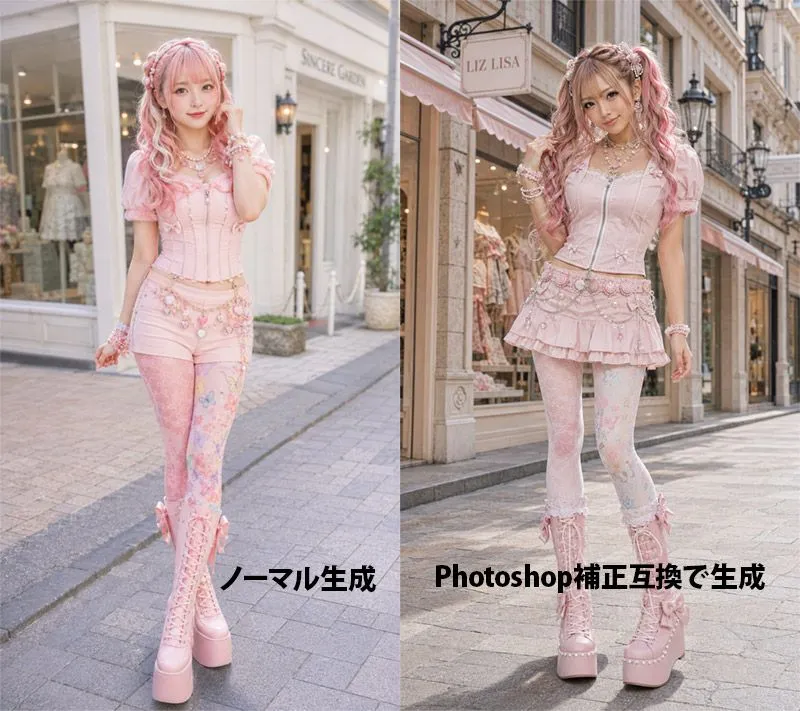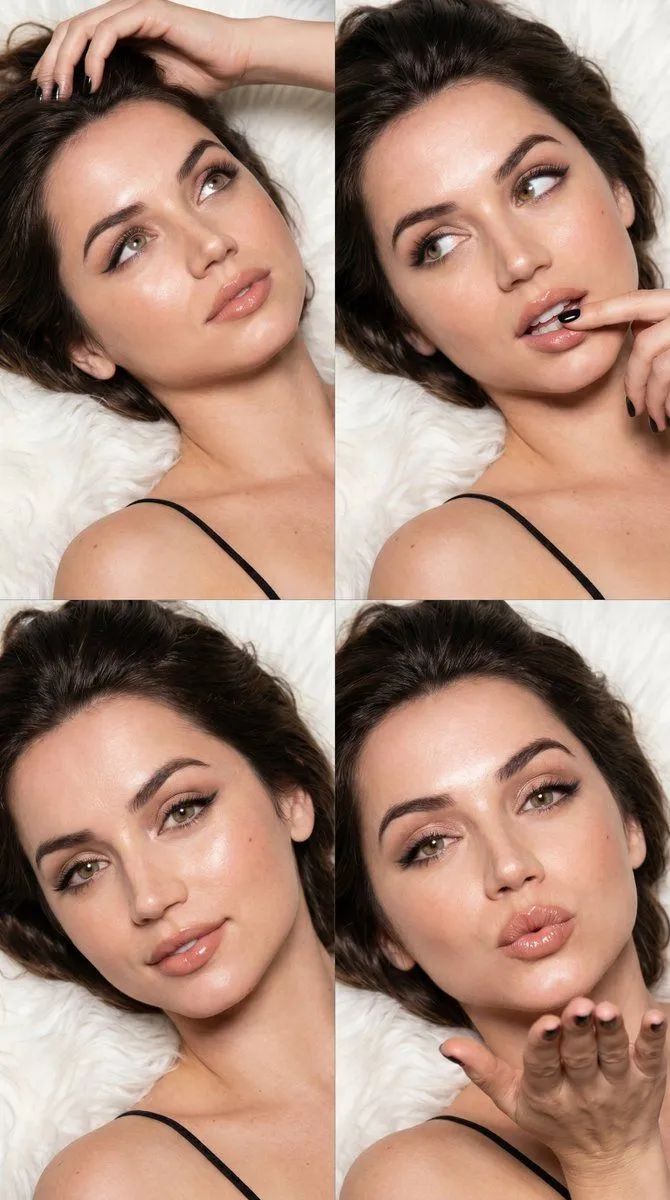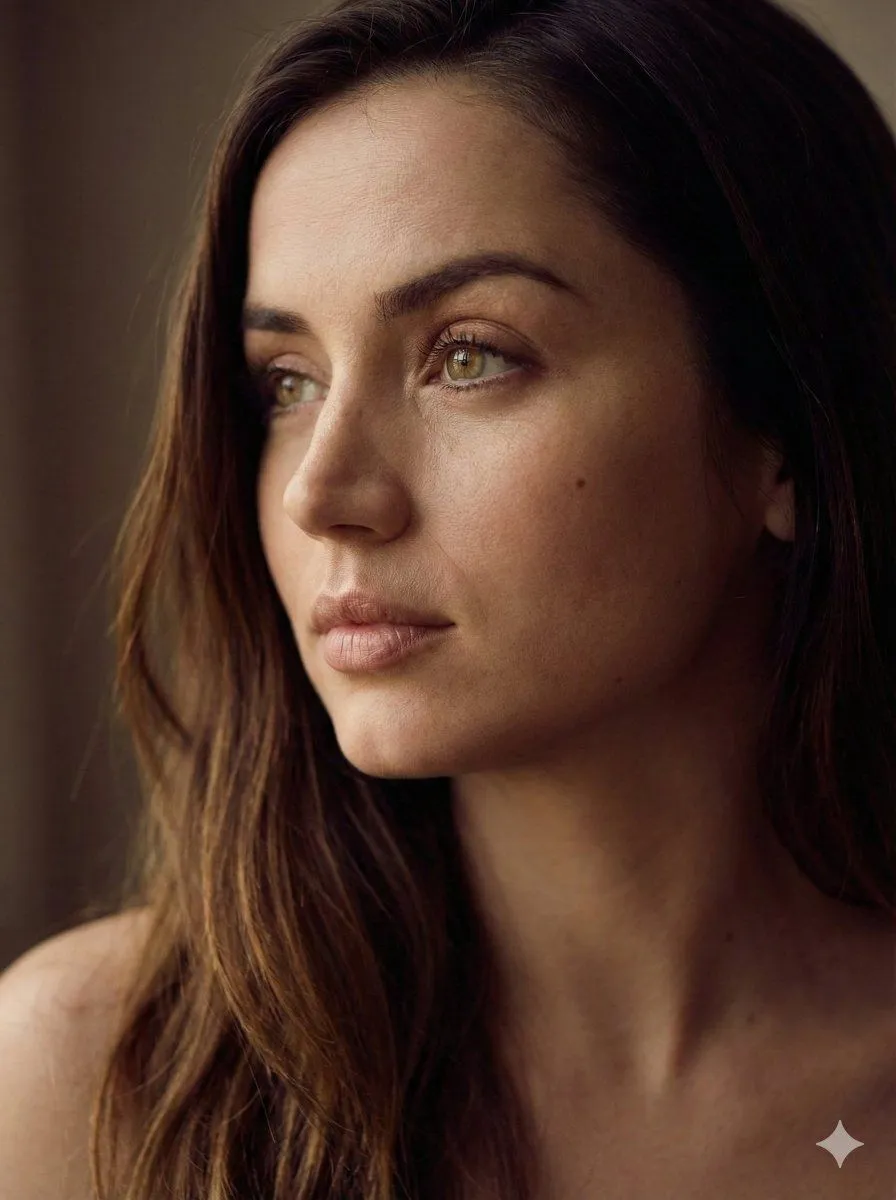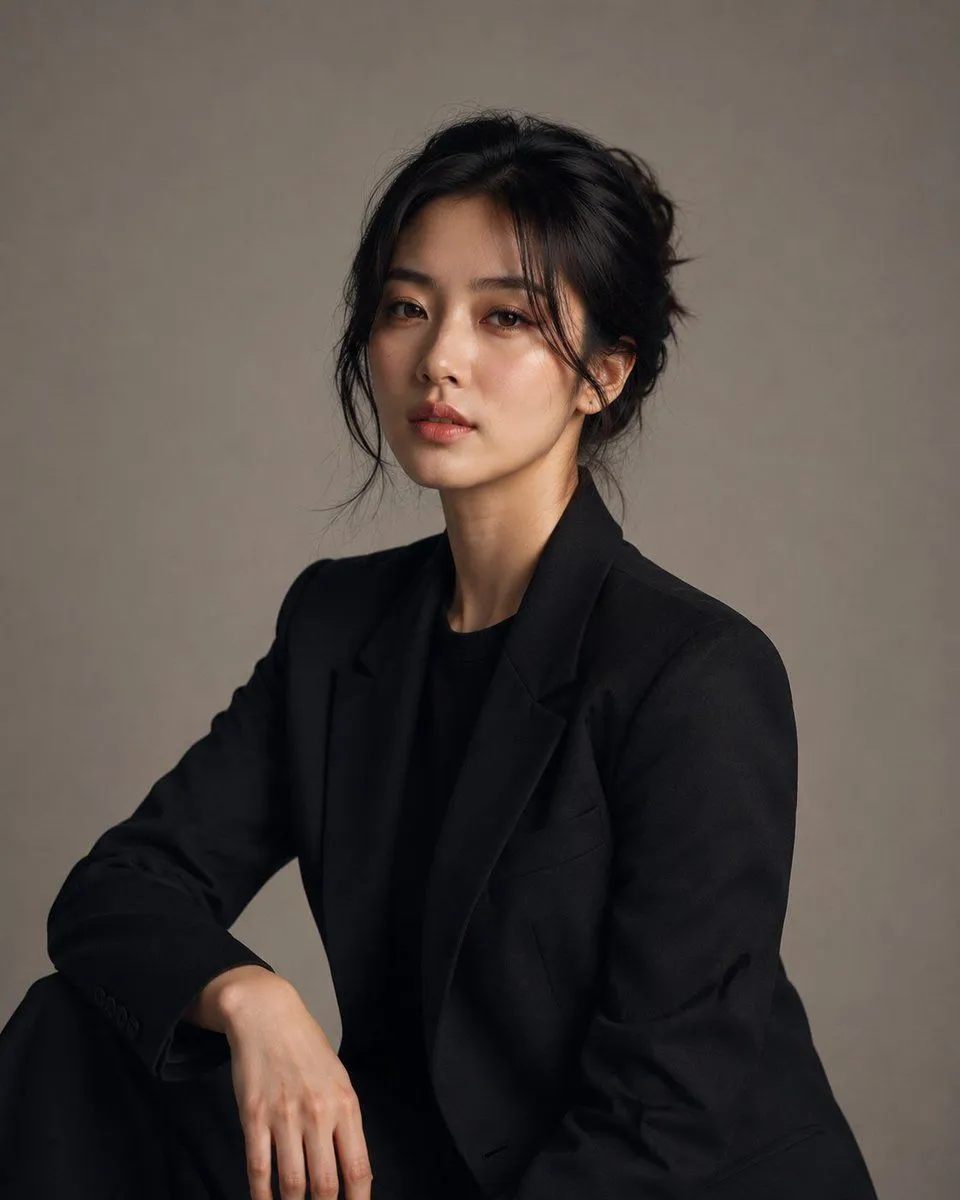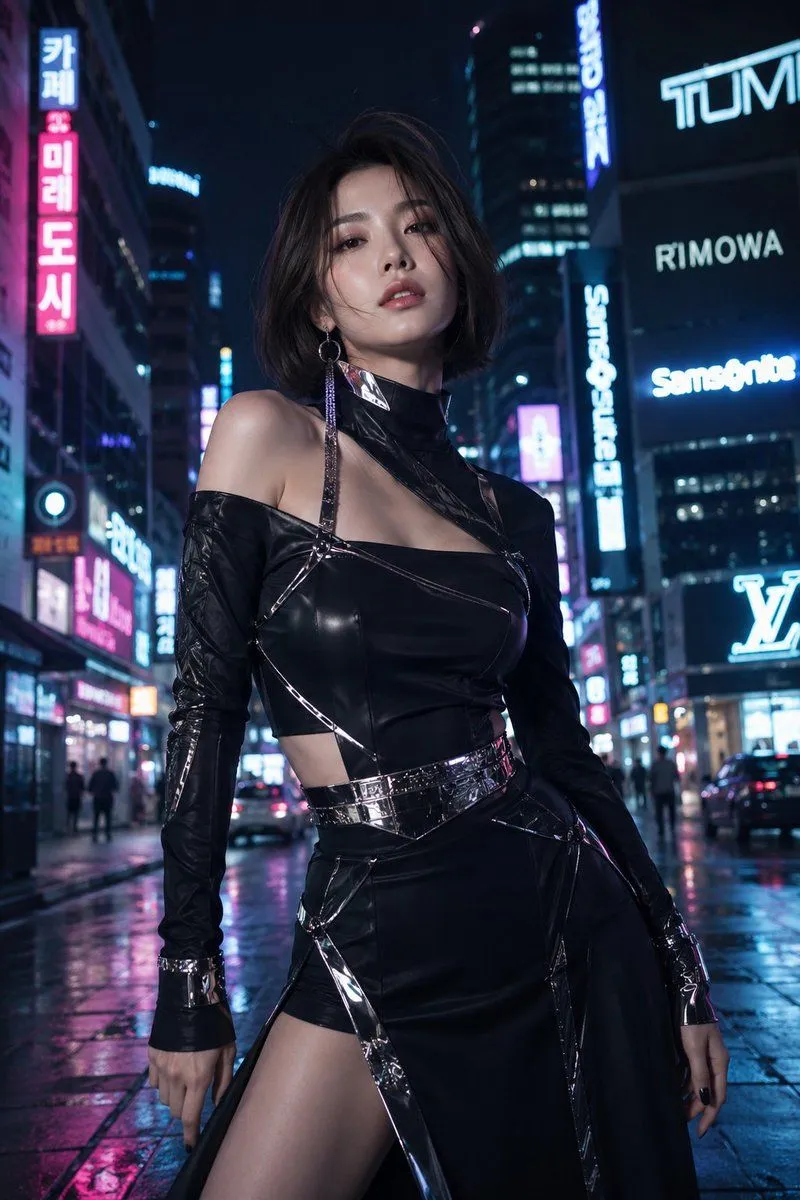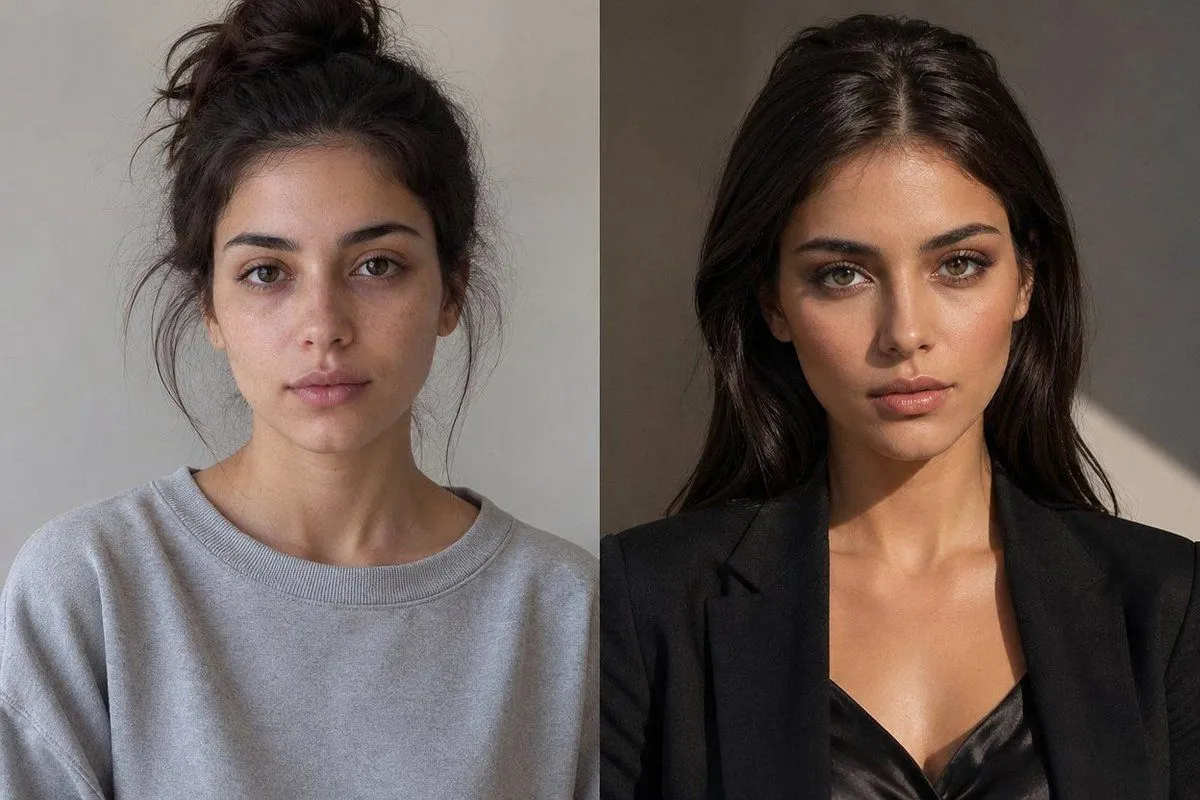
Made with GPT Image 2 in ChatGPT, collected by Library Lifestyle. Promptclay never generates images.
Side-by-Side Glow-Up Portrait
Prompt
2 blanks to fillCreate a realistic side-by-side photographic glow-up comparison of the same young woman, split vertically into exactly 2 equal panels. The left panel shows her as {time_label_left}: casual, slightly unpolished, dark brown hair in a messy high bun with loose flyaway strands, wearing an oversized light gray crewneck sweatshirt, neutral gray indoor wall background, soft flat daylight, shoulders-up portrait crop. The right panel shows her as {time_label_right}: confident and polished, long glossy dark brown hair worn down with a center part, wearing a tailored black blazer over a black satin camisole, warmer studio lighting with dramatic sunlight and shadow on a taupe wall, shoulders-up portrait crop. Keep the same body type, skin tone, posture, and camera angle across both panels so she is clearly the same person after a glow-up. Obscure the face in each panel with a centered solid rectangular privacy block matching the surrounding skin tone, covering the eyes, nose, and mouth. Use a clean vertical divider between the two panels, natural editorial fashion photography, realistic texture, no text, no logos, landscape 3:2 composition.
Preview of your prompt
Create a realistic side-by-side photographic glow-up comparison of the same young woman, split vertically into exactly 2 equal panels. The left panel shows her as today: casual, slightly unpolished, dark brown hair in a messy high bun with loose flyaway strands, wearing an oversized light gray crewneck sweatshirt, neutral gray indoor wall background, soft flat daylight, shoulders-up portrait crop. The right panel shows her as 5 years later: confident and polished, long glossy dark brown hair worn down with a center part, wearing a tailored black blazer over a black satin camisole, warmer studio lighting with dramatic sunlight and shadow on a taupe wall, shoulders-up portrait crop. Keep the same body type, skin tone, posture, and camera angle across both panels so she is clearly the same person after a glow-up. Obscure the face in each panel with a centered solid rectangular privacy block matching the surrounding skin tone, covering the eyes, nose, and mouth. Use a clean vertical divider between the two panels, natural editorial fashion photography, realistic texture, no text, no logos, landscape 3:2 composition.
DetailsVersions, settings and questions
Written for
What's in the prompt
- Subject
- Model
- GPT Image 2
If your face changes
keep my face exactly the sameQuestions
- Does this work in the ChatGPT app?
- Yes. Paste the prompt and attach your photo if it uses one.
- It changed my face. What do I do?
- Add "keep my face exactly the same" to the end and run it again.
- Can I use the images I make?
- Check the terms of the app you use. Promptclay never generates images and claims nothing you make.