Tell us anything

An idea, a bug, something you love. We read every note.

⌘↵ to send. The page you're on comes along.

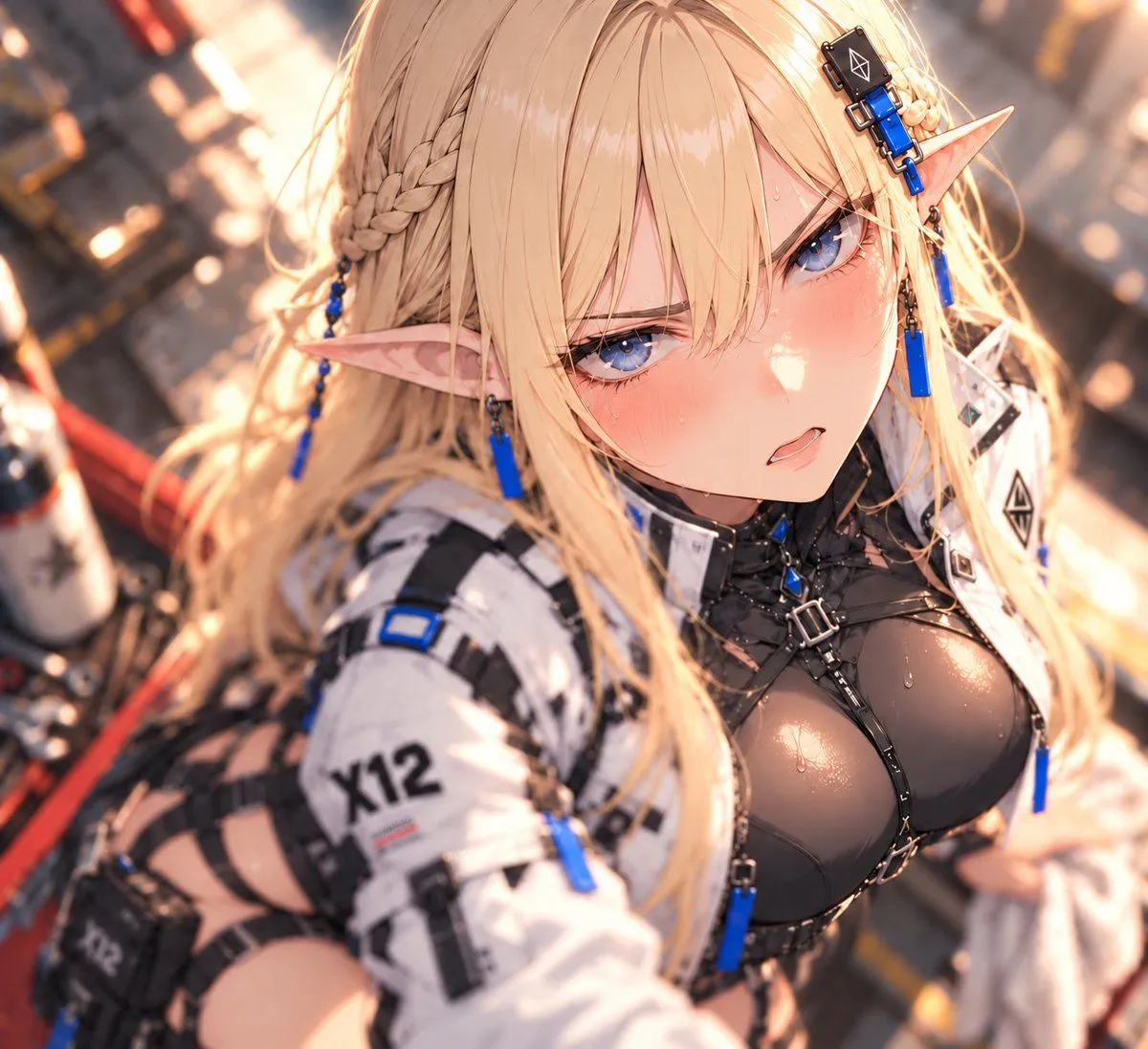
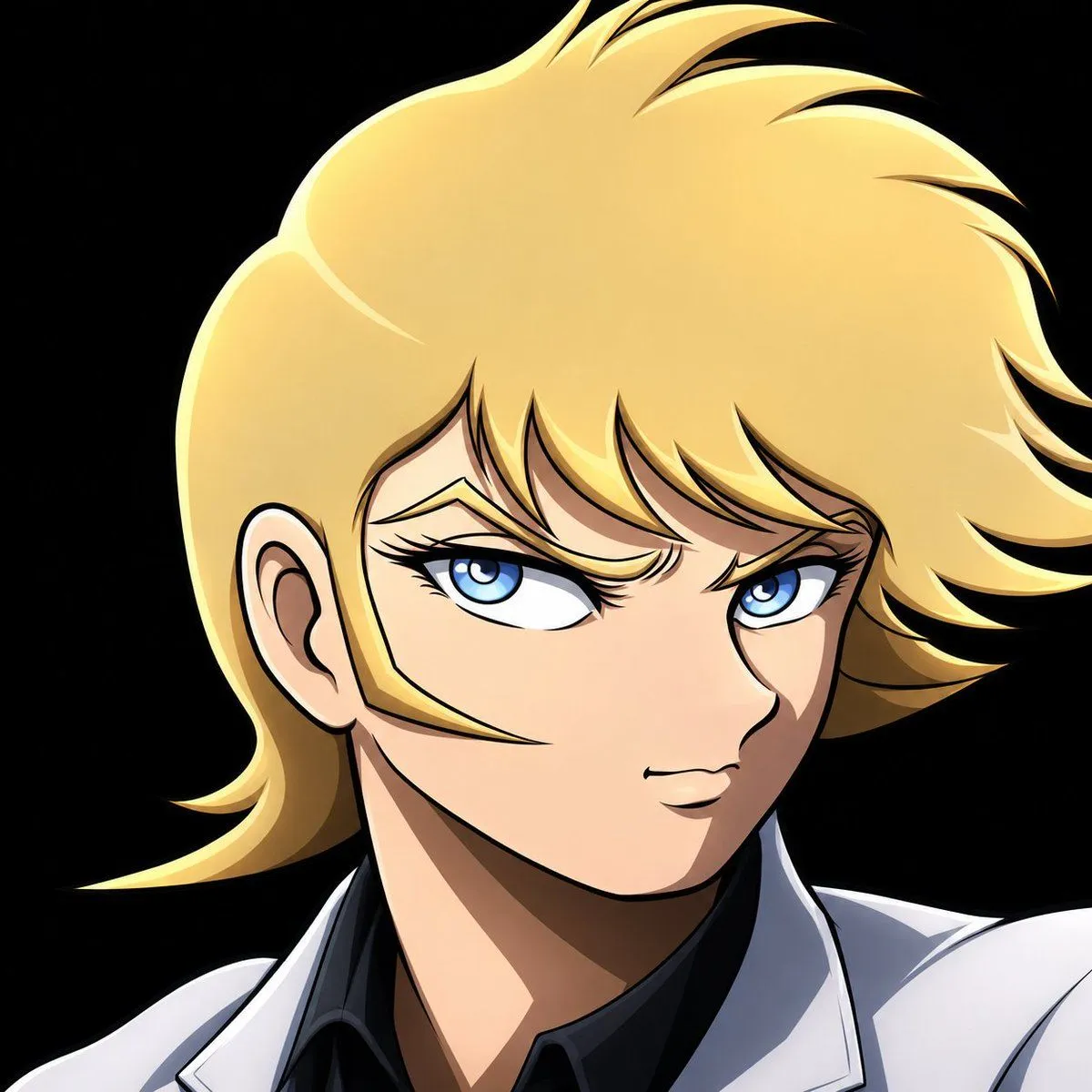
Shallow Depth of Field I2I

Made with GPT Image 2 in ChatGPT by Library Avatars. Promptclay never generates images.

Did it work?

No reports yet. Tell others if it worked for you.

No comments yet. Be the first.

    Shallow Depth of Field I2I

    GPT Image 2AI-generated

    Prompt

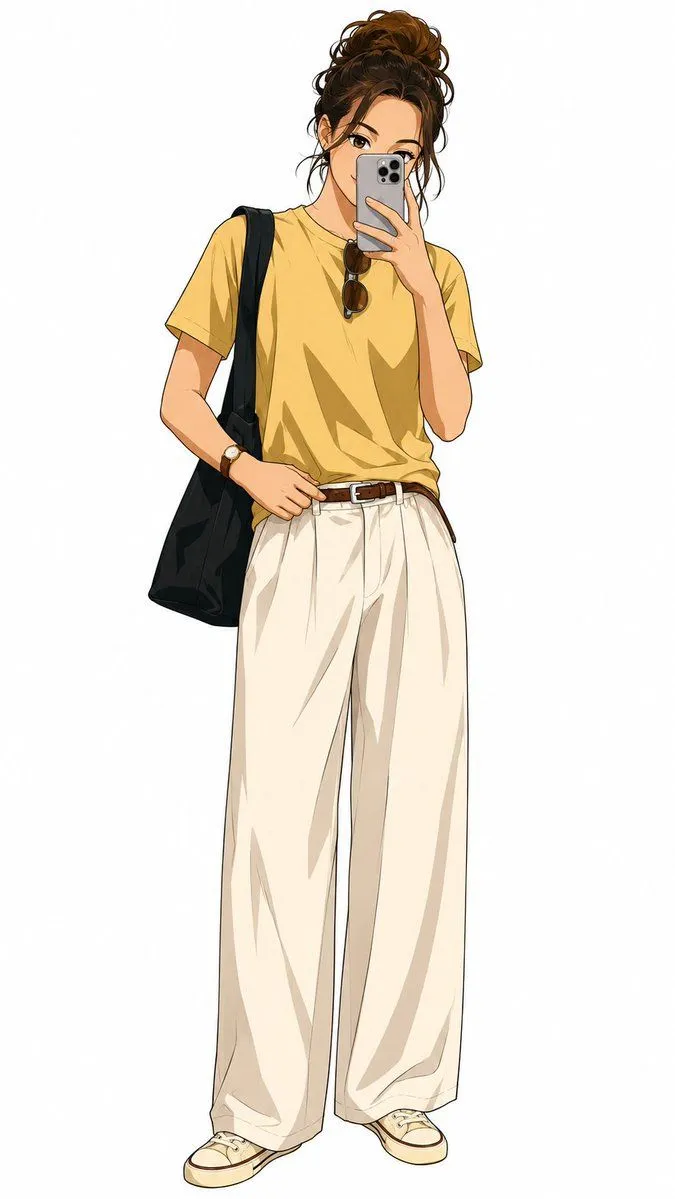
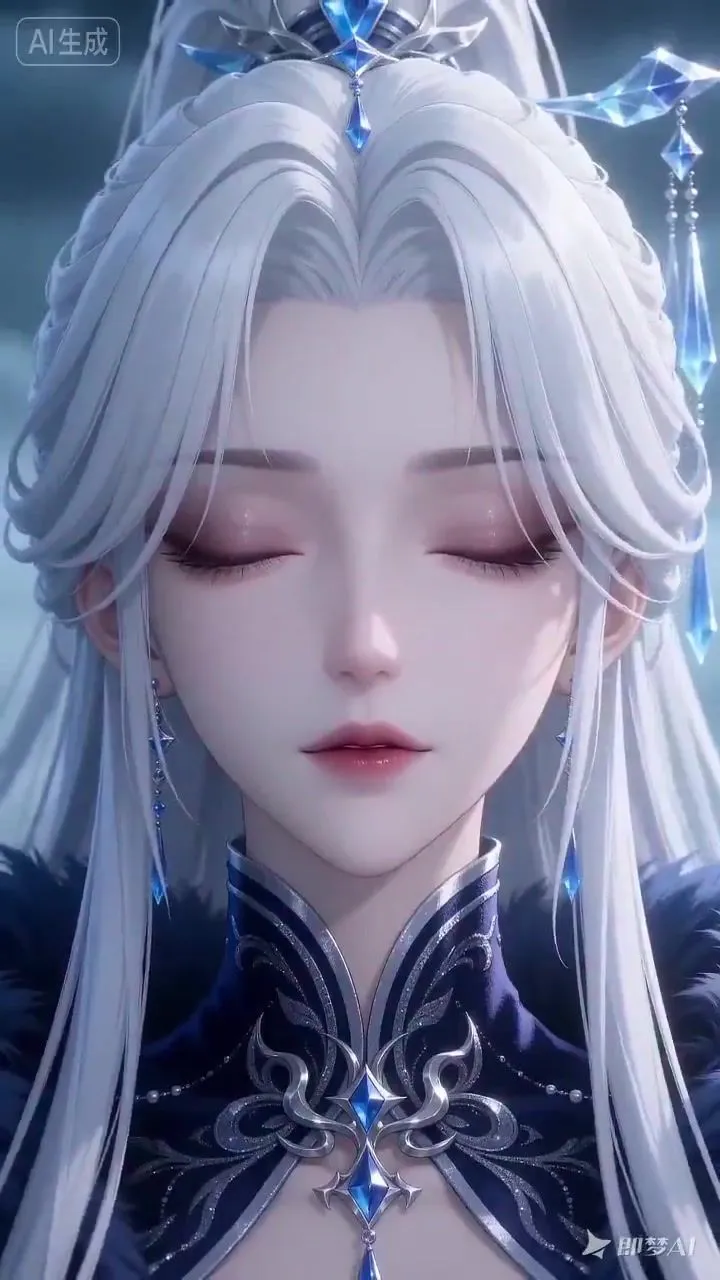
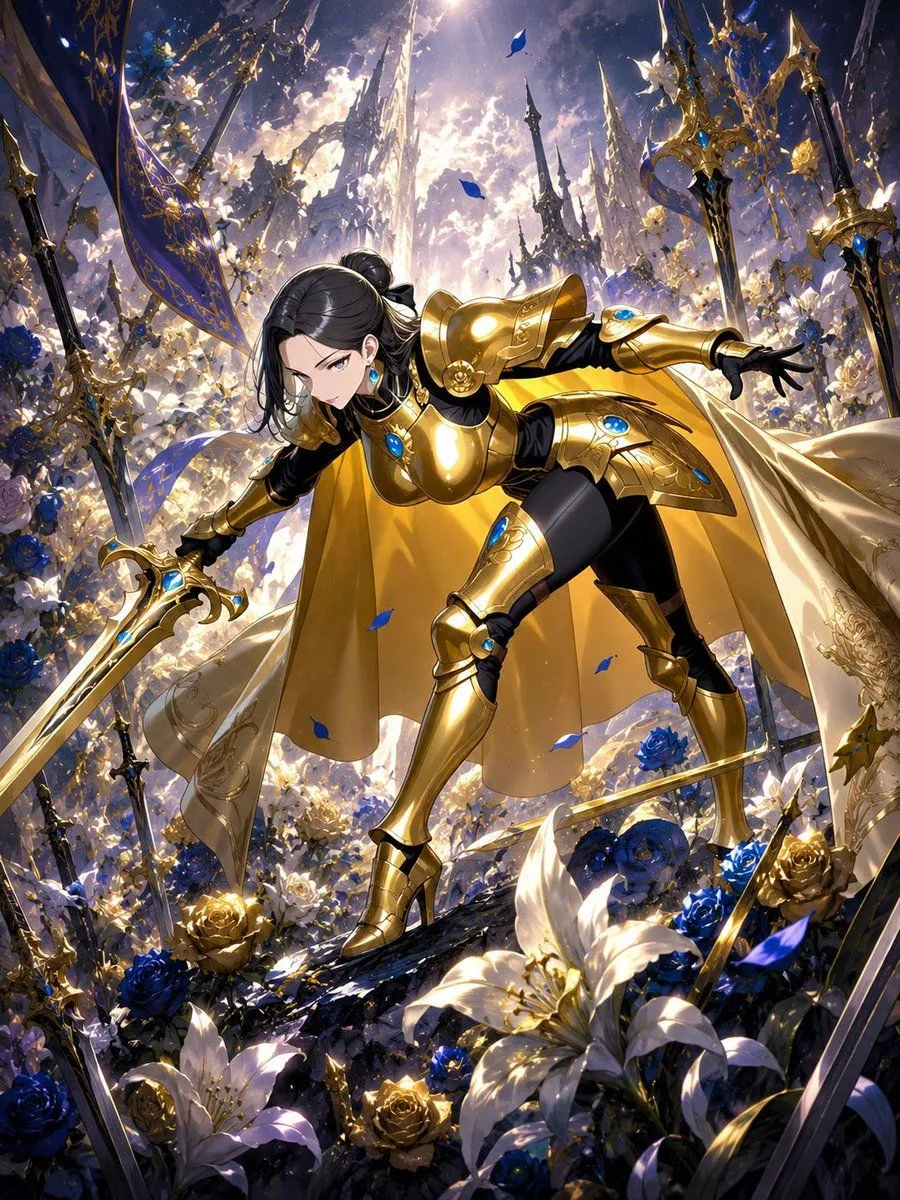
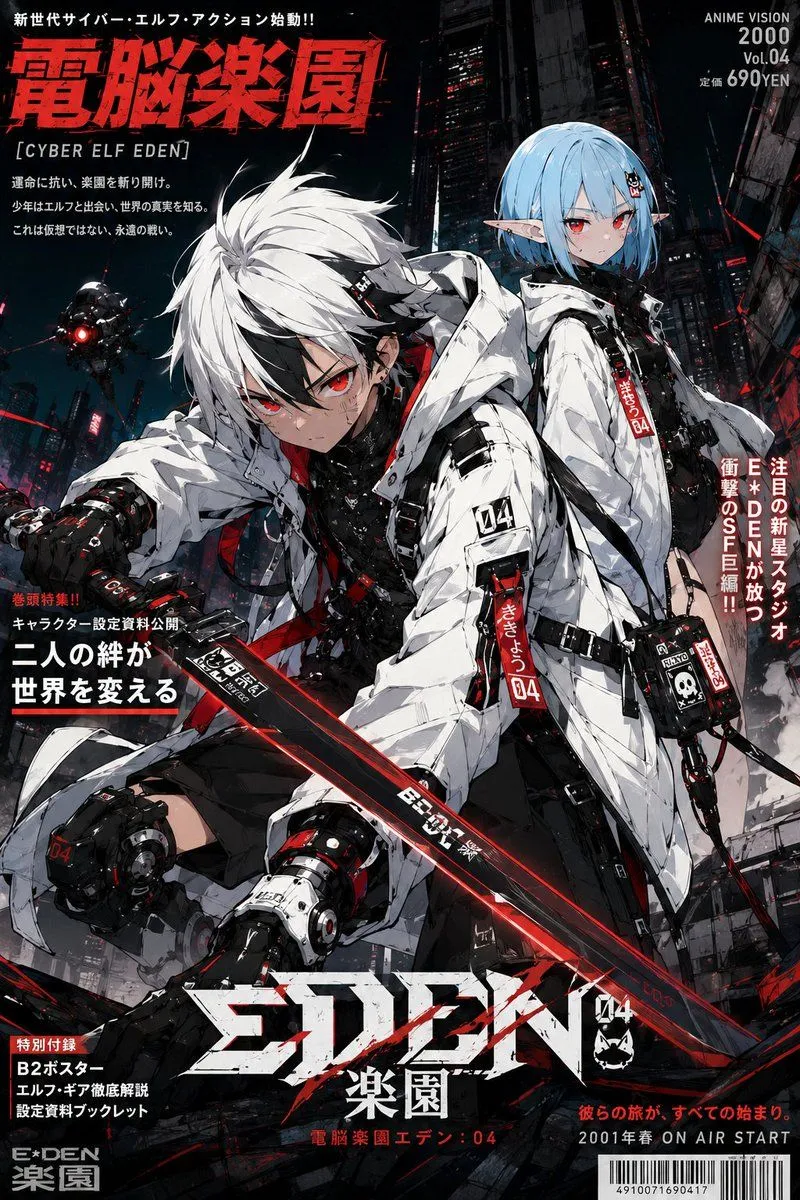
    Maintain the person, costume, composition, and art style of the original image, and apply a three-dimensional focus expression with shallow depth of field. Focus center on eyes and face. Keep pupils, eyelashes, and main facial lines clear. As you move away from the focal plane of the face, smoothly blur hair, shoulders, costume, and background according to distance. Create natural focus differences within the person as well. Add soft foreground bokeh to hair and shoulders close to the camera, and large melting background bokeh for the background. Describe point light sources in the background as soft circular bokeh. Illuminate hair and skin contours thinly with warm diagonal backlighting, adding subtle bloom and light bleed only to strong highlights. Maintain calm darkness in shadows to create cinematic depth that draws the eye to the face. Uniform blurring across the entire screen is prohibited. Do not erase facial details; maintain the original line art and drawing texture.

    Works in
    ChatGPT, Gemini
    Status
    Free to copy
    0
    DetailsVersions, settings and questions

    Written for

    What's in the prompt

    Subject
    Model
    GPT Image 2

    If your face changes

    keep my face exactly the same

    Questions

    Does this work in the ChatGPT app?
    Yes. Paste the prompt and attach your photo if it uses one.
    It changed my face. What do I do?
    Add "keep my face exactly the same" to the end and run it again.
    Can I use the images I make?
    Check the terms of the app you use. Promptclay never generates images and claims nothing you make.
    Similar prompts

    See more
    • SynClub Elf Character Promo Card
    • High-Quality Anime Style Colorization
    • Energy field barrier VFX and pose adjustment YAML prompt
    • Elven Archer Transformation Prompt
    • Moonlit Dark Fantasy Elf Portrait
    • Anime Silhouette Character Poster
    • Character Consistency Reference Instruction
    • 90s Anime Style Elf Warrior
    • Naruto and Luffy Fighting Scene PromptVideo, 0:15
    • Image Editing Prompt: Add Tribal Warpaint
    • Cyberpunk Elf Girl Full-Body Portrait
    • Two Anime Office Workers at Glass Doors
    • Cinematic Anime Frame Brush-Up
    • Faceless Elf Angel Library
    • Demon Slayer Anime Character Portrait
    • Seedance 2.0 Prompt for Anime Style White-Haired GirlVideo, 0:13
    • Cool Floral Weapon Background
    • Anime Protagonist and Companion Generator
    • Anime Stealth Scene with Keystoning Angle
    • Cyberpunk Dog-Eared Swordswoman
    • 2.5D Illustration Cleanup and Enhancement
    • Futuristic Anime Idol Concert
    • GPT-image 1.5 Test Prompt for a Detailed Scene
    • Cyberpunk Hoshi-Sakura Cafe

    Show more

    Run it on your phone

    1. Prompt copiedRead it

      Maintain the person, costume, composition, and art style of the original image, and apply a three-dimensional focus expression with shallow depth of field. Focus center on eyes and face. Keep pupils, eyelashes, and main facial lines clear. As you move away from the focal plane of the face, smoothly blur hair, shoulders, costume, and background according to distance. Create natural focus differences within the person as well. Add soft foreground bokeh to hair and shoulders close to the camera, and large melting background bokeh for the background. Describe point light sources in the background as soft circular bokeh. Illuminate hair and skin contours thinly with warm diagonal backlighting, adding subtle bloom and light bleed only to strong highlights. Maintain calm darkness in shadows to create cinematic depth that draws the eye to the face. Uniform blurring across the entire screen is prohibited. Do not erase facial details; maintain the original line art and drawing texture.

    2. Open your app

    3. Paste and run

      Press and hold the message box, then tap Paste. Add your photo first if the prompt uses one. You may need to sign in.

    Shallow Depth of Field I2I