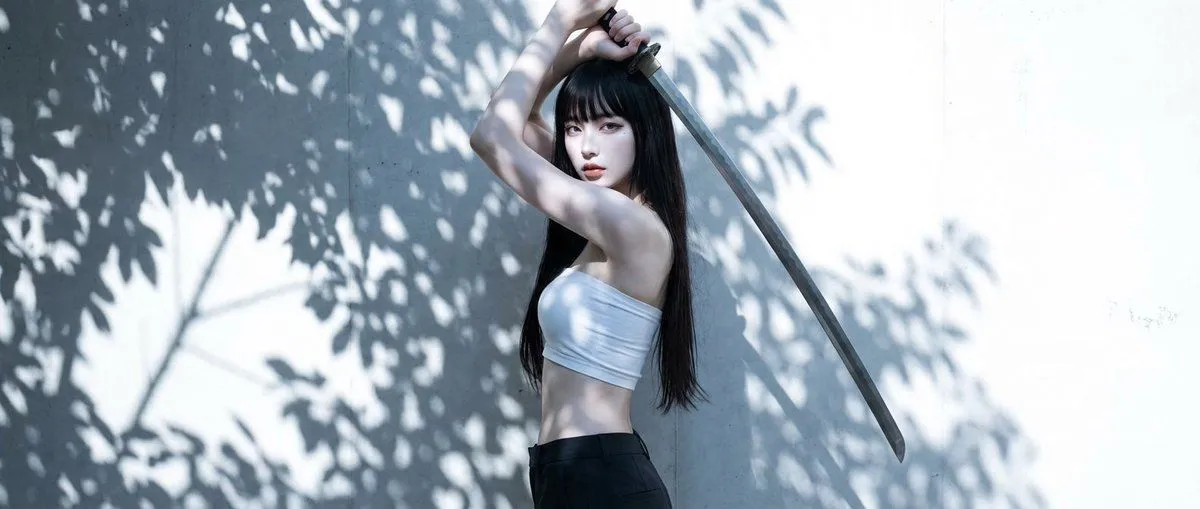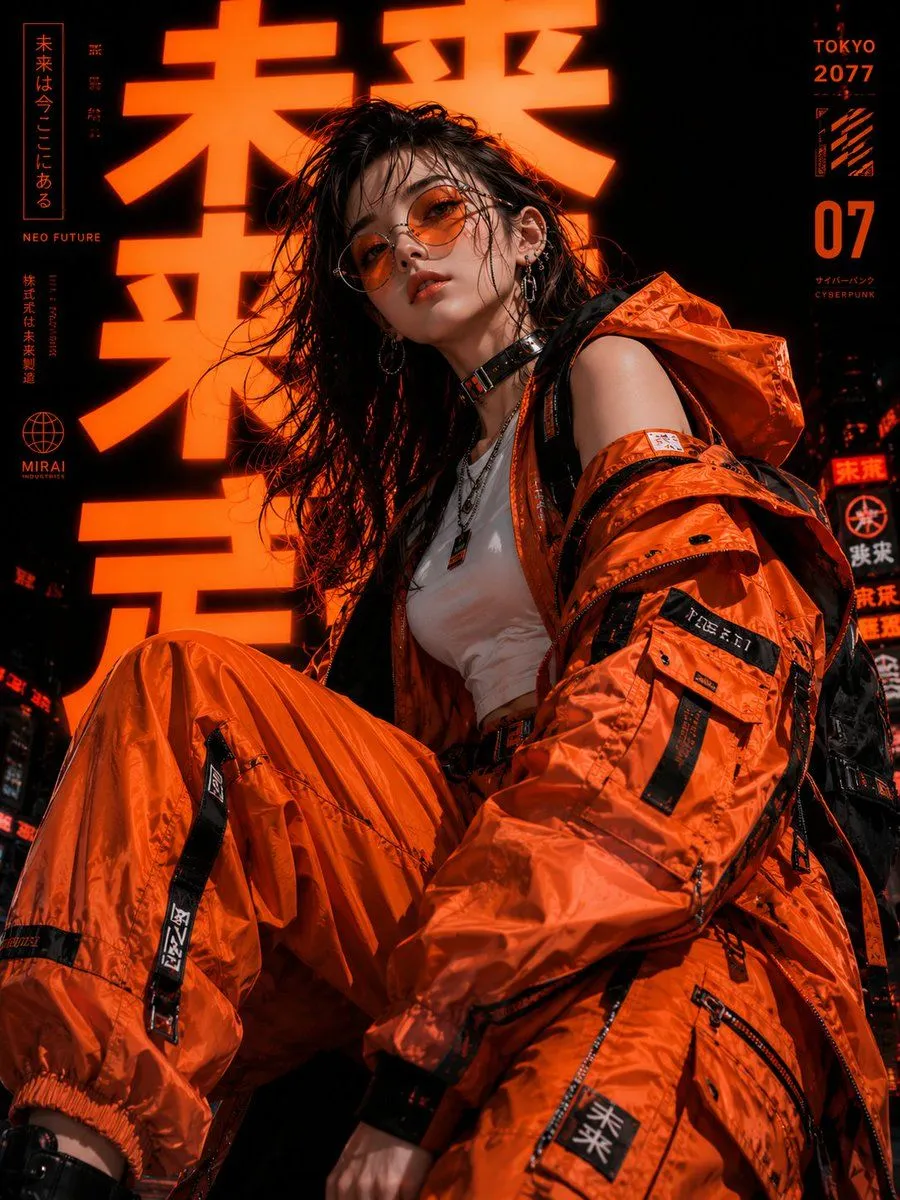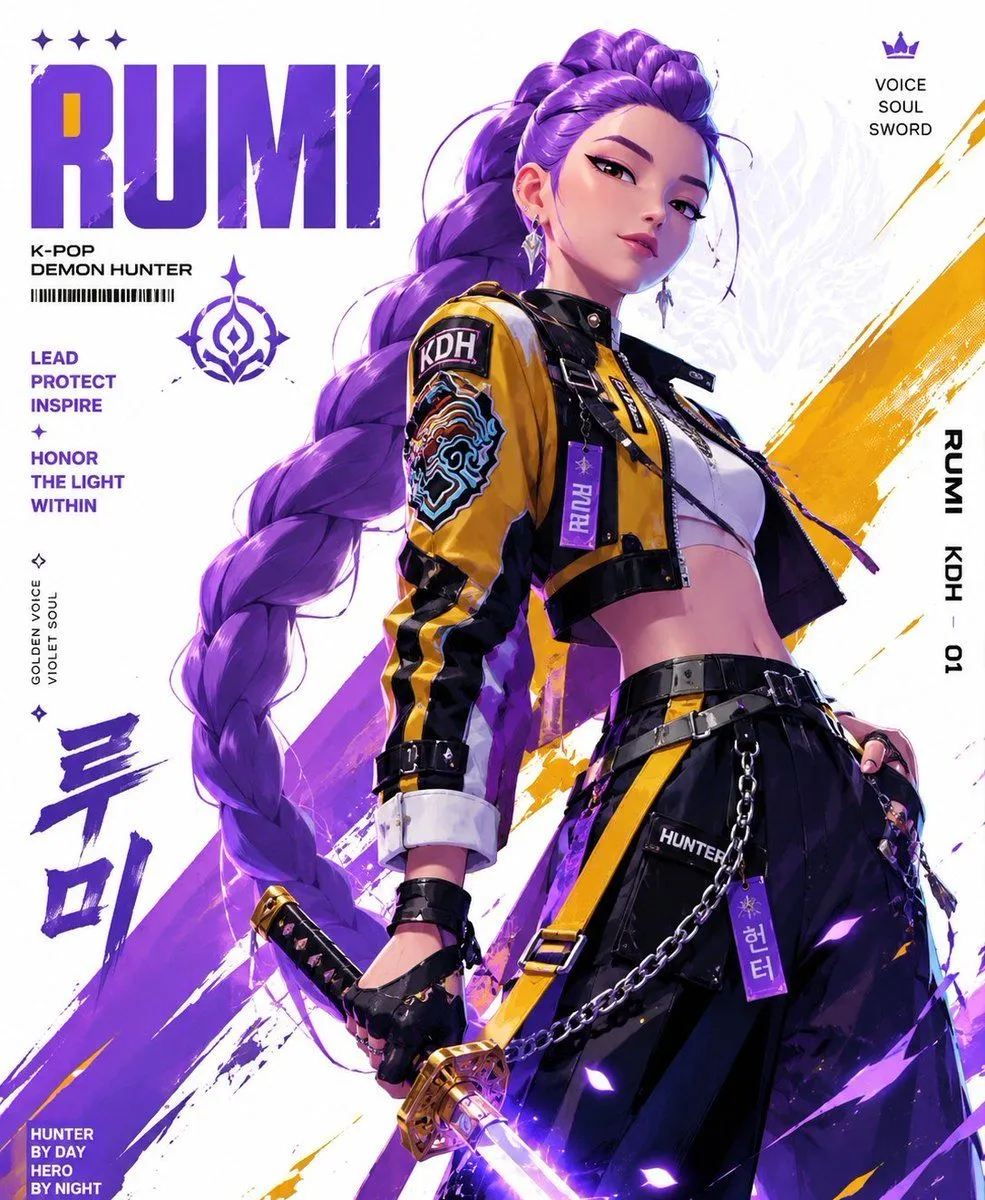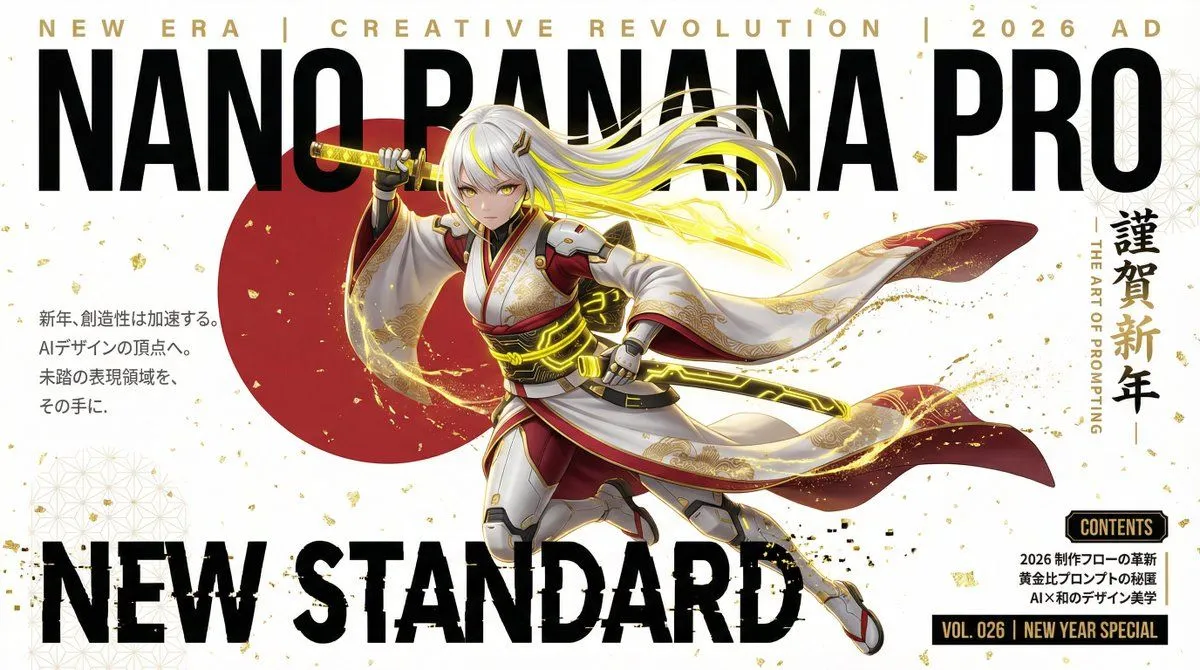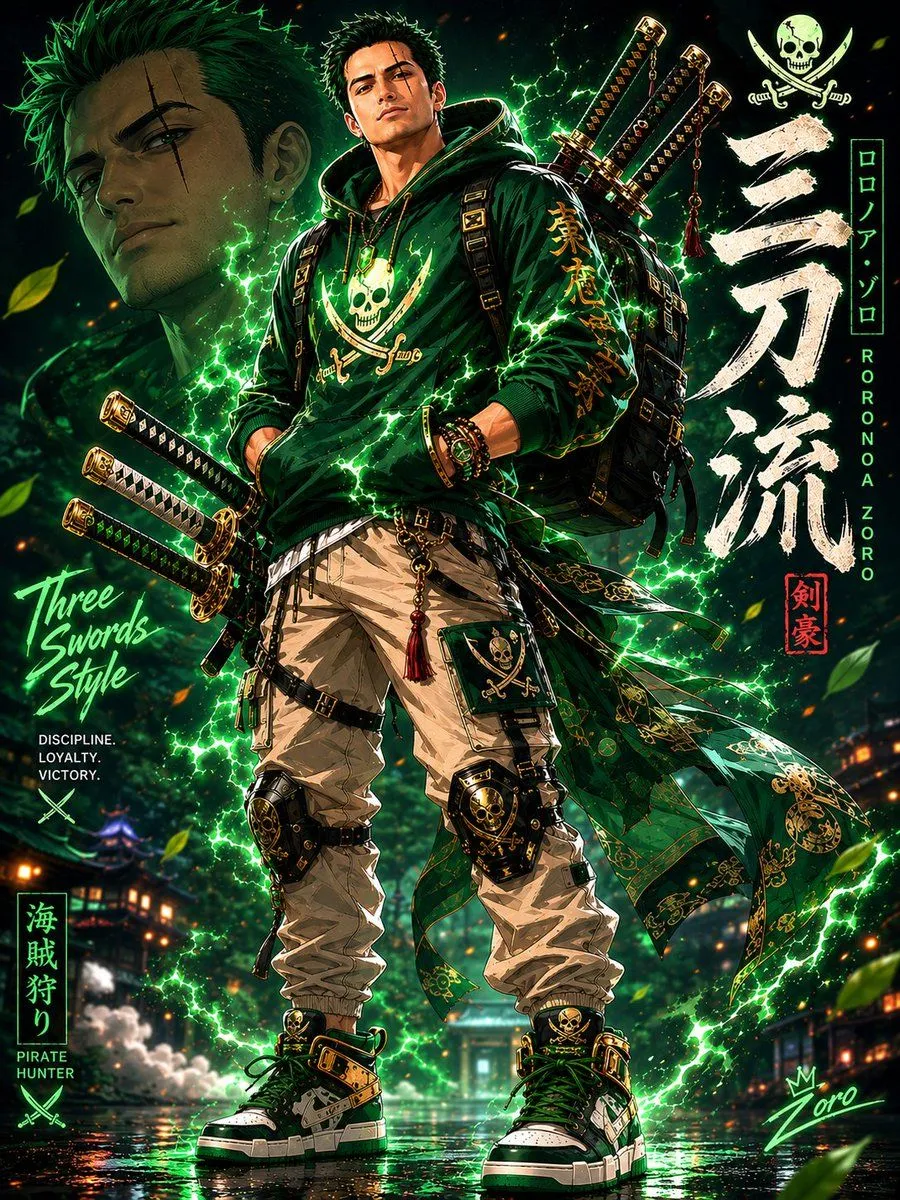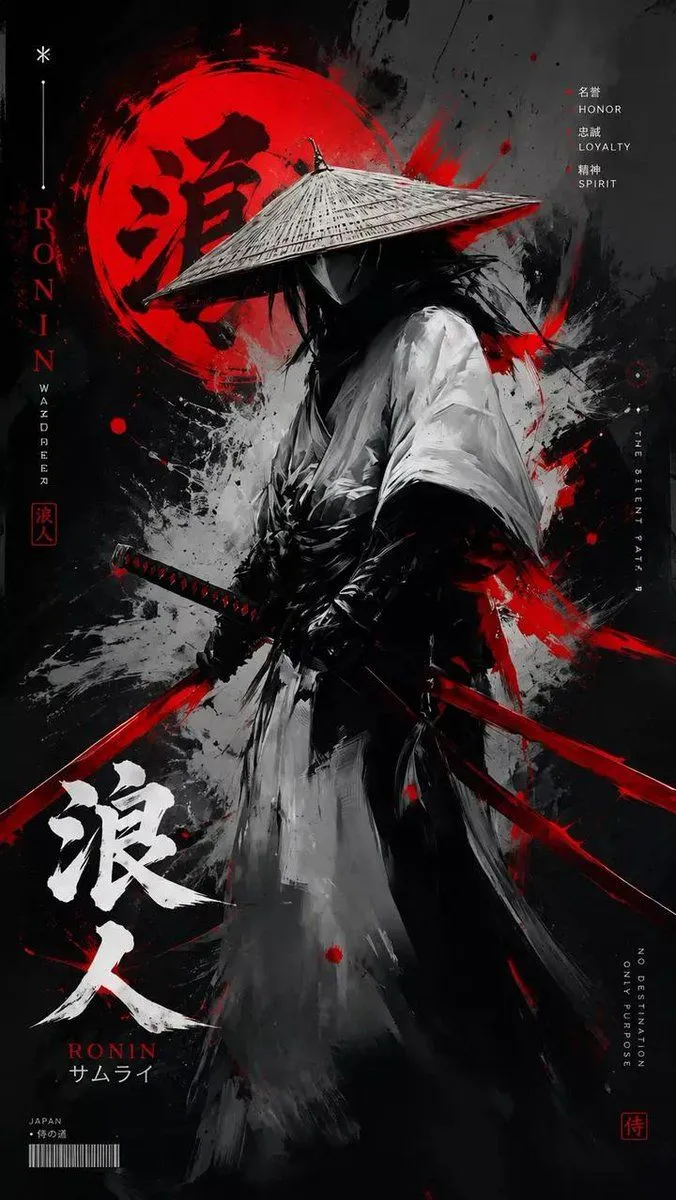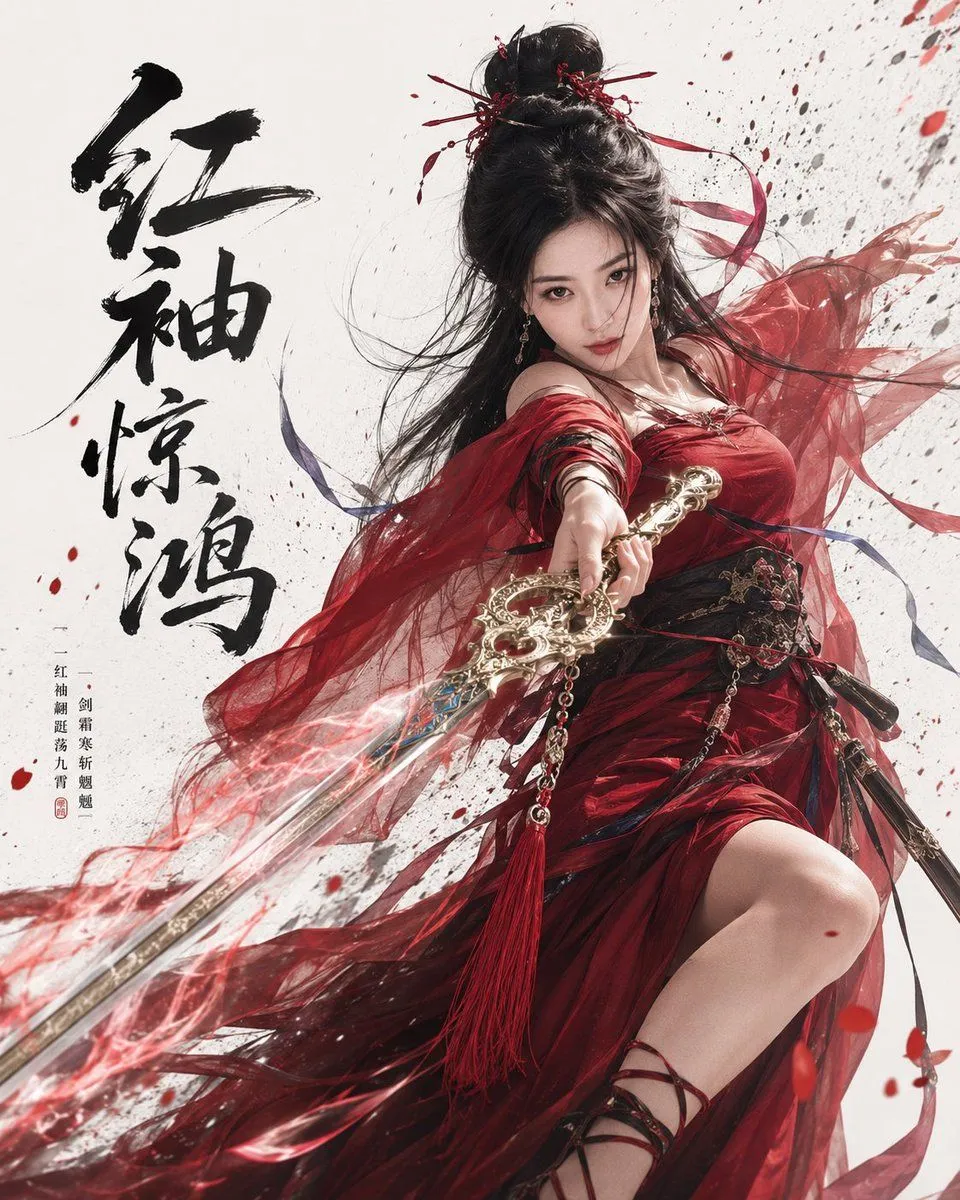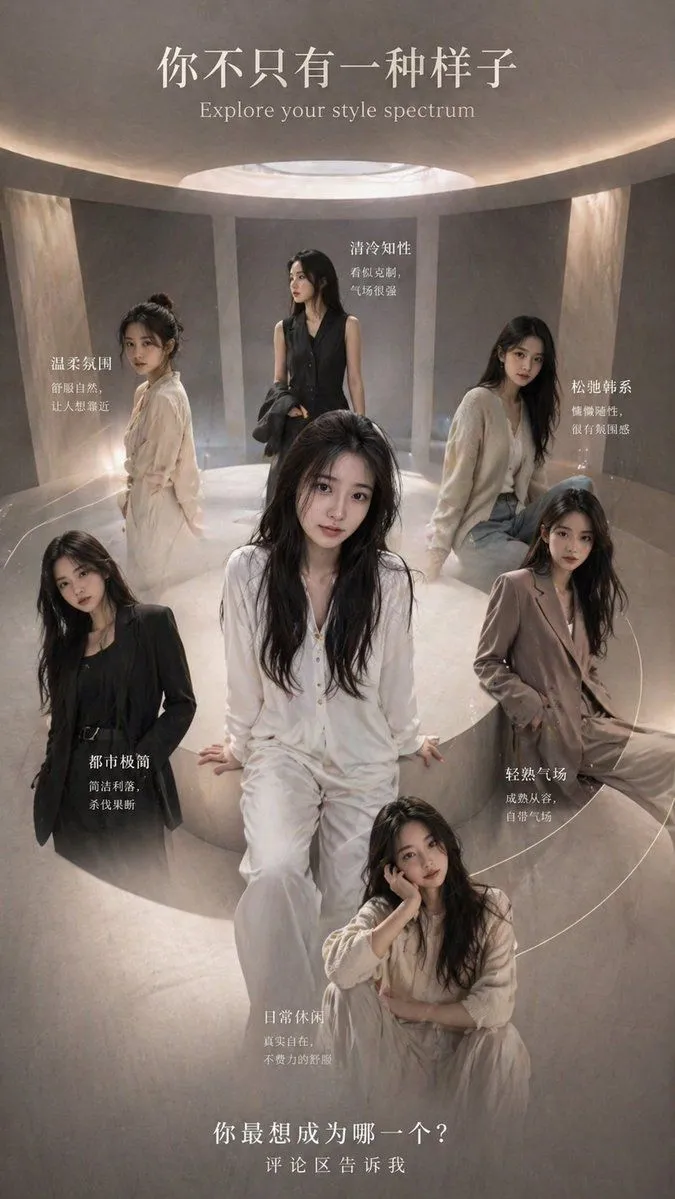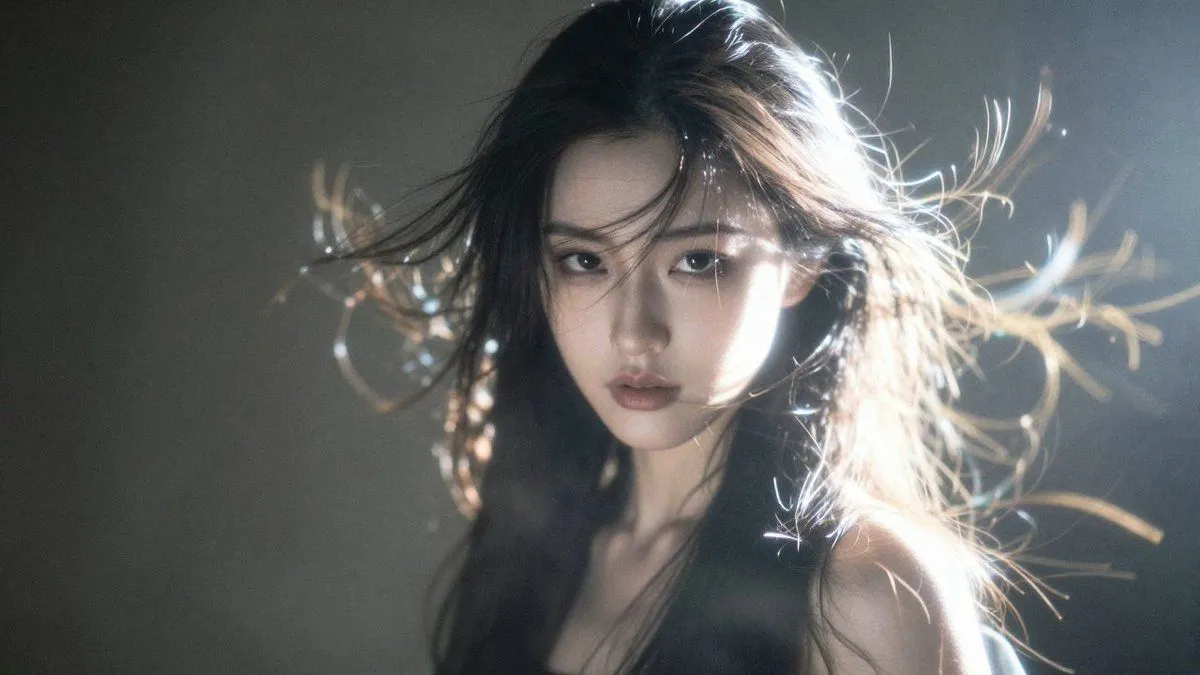
Made with GPT Image 2 in ChatGPT by Library Brand. Promptclay never generates images.
Did it work?
No reports yet. Tell others if it worked for you.
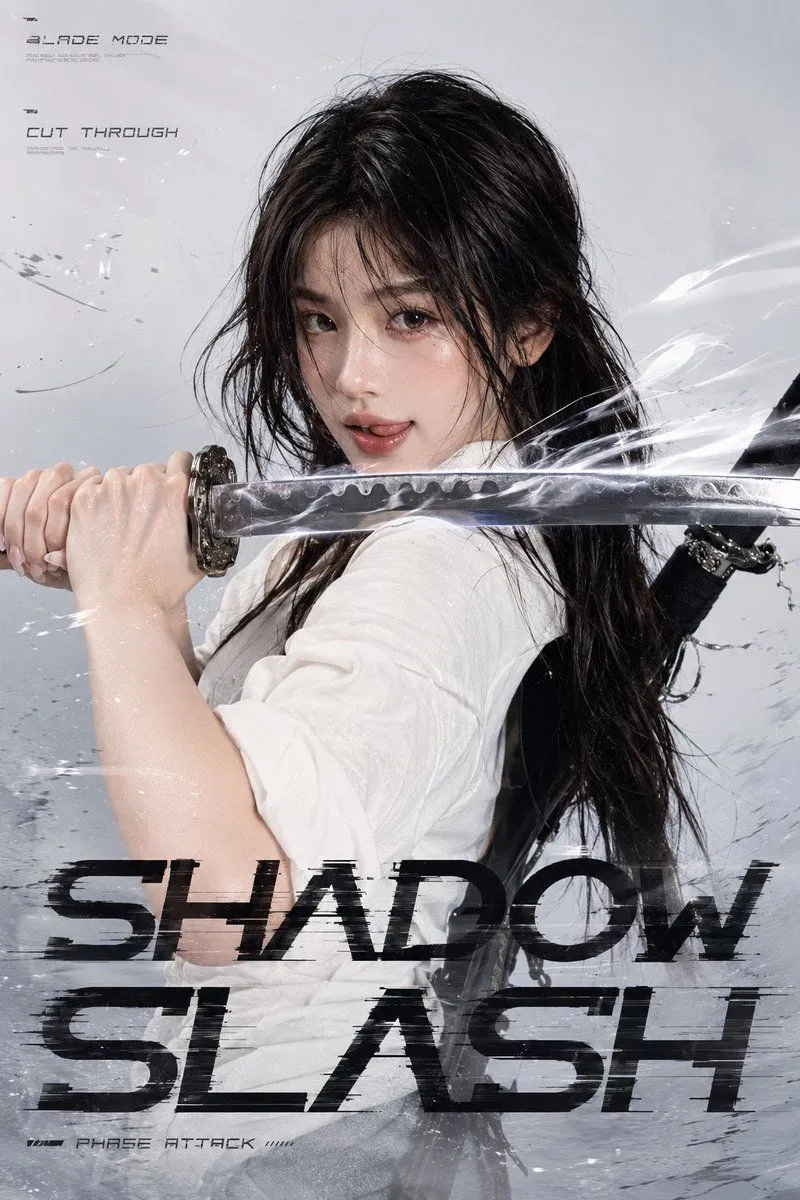
Shadow Slash Fashion Poster
Prompt
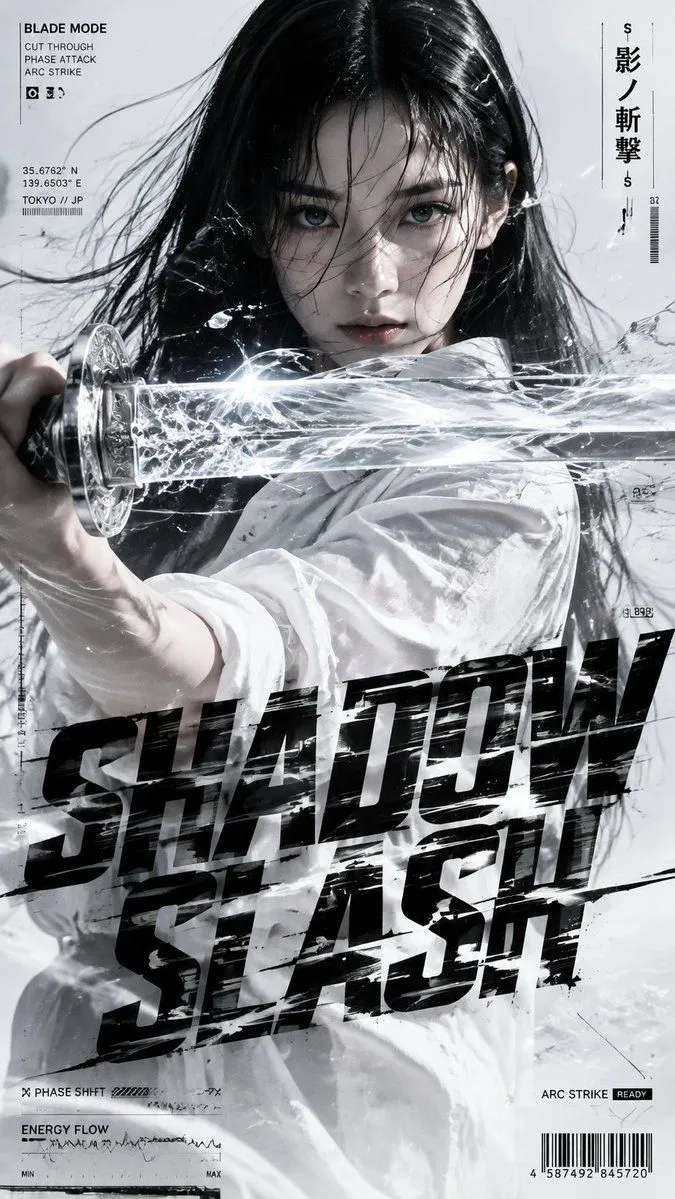
3 blanks to fillUsing REFERENCE_0 as the creative brief, turn the written prompt into a finished vertical 9:16 cinematic Japanese action fashion poster. Do not reproduce the large word “prompt” or the paragraph blocks from the reference; instead generate the actual scene described there. Goal: Create a high-end monochrome silver-gray, white, and black fashion-action poster titled {title_text}, with a cold futuristic cyber-samurai editorial look. Composition: Use a tight close-up to medium close-up crop. Place the woman centered, facing camera with intense eye contact, wet black hair blown across her face. Have her extend a single translucent glass/crystal katana horizontally across the foreground, cutting through the frame from left to right and partially overlapping her face and torso. Emphasize strong depth layering between face, hair, sword, energy, typography, and background. Action effect: Make the katana look like precision optical glass with metallic handle details, frosted crystal edges, internal refraction, and flowing white energy inside. Add bright frozen energy trails, cracked-glass shards, transparent fluid ribbons, sharp motion streaks, and subtle ice-crack patterns around the blade, as if the action is frozen at a decisive instant. Wardrobe and styling: Keep the minimal white shirt styling from the brief, with rolled sleeves and realistic wrinkles. Preserve the realistic adult East Asian fashion editorial subject, subtle makeup, refined sharp expression, natural skin texture, and cool studio lighting. Typography: Add huge distressed black condensed futuristic sans-serif title typography across the lower half, slightly italicized and horizontally stretched, split into two stacked lines reading {title_text}. The title should partially overlap the clothing and energy effects, with scanline distortion, fragmented edges, glitch displacement, and motion-slashed cuts. HUD/editorial annotations: Add exactly 7 small technical annotation groups around the poster: 1) top-left “BLADE MODE” with the three lines “CUT THROUGH”, “PHASE ATTACK”, “ARC STRIKE”; 2) left-side coordinate/location block with {location_text}; 3) upper-right vertical Japanese title {vertical_japanese_text}; 4) bottom-left “PHASE SHIFT” with small bars; 5) lower-left “ENERGY FLOW” with waveform and MIN/MAX scale; 6) bottom-right “ARC STRIKE READY”; 7) bottom-right barcode with tiny numbers. Keep all annotations small, crisp, and integrated like a premium tech-fashion magazine poster. Style constraints: Premium commercial fashion photography fused with Japanese action cinema, hard frontal flash, cool-white high-key lighting, subtle overexposure, controlled highlights, realistic skin and hair detail, realistic glass and metal reflections, aggressive but elegant high contrast. Avoid clutter, avoid cartoon/anime rendering, avoid extra characters, avoid extra weapons, and keep the overall palette monochrome white, silver-gray, and black.
Preview of your prompt
Using REFERENCE_0 as the creative brief, turn the written prompt into a finished vertical 9:16 cinematic Japanese action fashion poster. Do not reproduce the large word “prompt” or the paragraph blocks from the reference; instead generate the actual scene described there. Goal: Create a high-end monochrome silver-gray, white, and black fashion-action poster titled SHADOW SLASH, with a cold futuristic cyber-samurai editorial look. Composition: Use a tight close-up to medium close-up crop. Place the woman centered, facing camera with intense eye contact, wet black hair blown across her face. Have her extend a single translucent glass/crystal katana horizontally across the foreground, cutting through the frame from left to right and partially overlapping her face and torso. Emphasize strong depth layering between face, hair, sword, energy, typography, and background. Action effect: Make the katana look like precision optical glass with metallic handle details, frosted crystal edges, internal refraction, and flowing white energy inside. Add bright frozen energy trails, cracked-glass shards, transparent fluid ribbons, sharp motion streaks, and subtle ice-crack patterns around the blade, as if the action is frozen at a decisive instant. Wardrobe and styling: Keep the minimal white shirt styling from the brief, with rolled sleeves and realistic wrinkles. Preserve the realistic adult East Asian fashion editorial subject, subtle makeup, refined sharp expression, natural skin texture, and cool studio lighting. Typography: Add huge distressed black condensed futuristic sans-serif title typography across the lower half, slightly italicized and horizontally stretched, split into two stacked lines reading SHADOW SLASH. The title should partially overlap the clothing and energy effects, with scanline distortion, fragmented edges, glitch displacement, and motion-slashed cuts. HUD/editorial annotations: Add exactly 7 small technical annotation groups around the poster: 1) top-left “BLADE MODE” with the three lines “CUT THROUGH”, “PHASE ATTACK”, “ARC STRIKE”; 2) left-side coordinate/location block with 35.6762° N / 139.6503° E / TOKYO // JP; 3) upper-right vertical Japanese title 影ノ斬撃; 4) bottom-left “PHASE SHIFT” with small bars; 5) lower-left “ENERGY FLOW” with waveform and MIN/MAX scale; 6) bottom-right “ARC STRIKE READY”; 7) bottom-right barcode with tiny numbers. Keep all annotations small, crisp, and integrated like a premium tech-fashion magazine poster. Style constraints: Premium commercial fashion photography fused with Japanese action cinema, hard frontal flash, cool-white high-key lighting, subtle overexposure, controlled highlights, realistic skin and hair detail, realistic glass and metal reflections, aggressive but elegant high contrast. Avoid clutter, avoid cartoon/anime rendering, avoid extra characters, avoid extra weapons, and keep the overall palette monochrome white, silver-gray, and black.
DetailsVersions, settings and questions
Written for
What's in the prompt
- Subject
- Model
- GPT Image 2
If your face changes
keep my face exactly the sameQuestions
- Does this work in the ChatGPT app?
- Yes. Paste the prompt and attach your photo if it uses one.
- It changed my face. What do I do?
- Add "keep my face exactly the same" to the end and run it again.
- Can I use the images I make?
- Check the terms of the app you use. Promptclay never generates images and claims nothing you make.