Tell us anything

An idea, a bug, something you love. We read every note.

⌘↵ to send. The page you're on comes along.

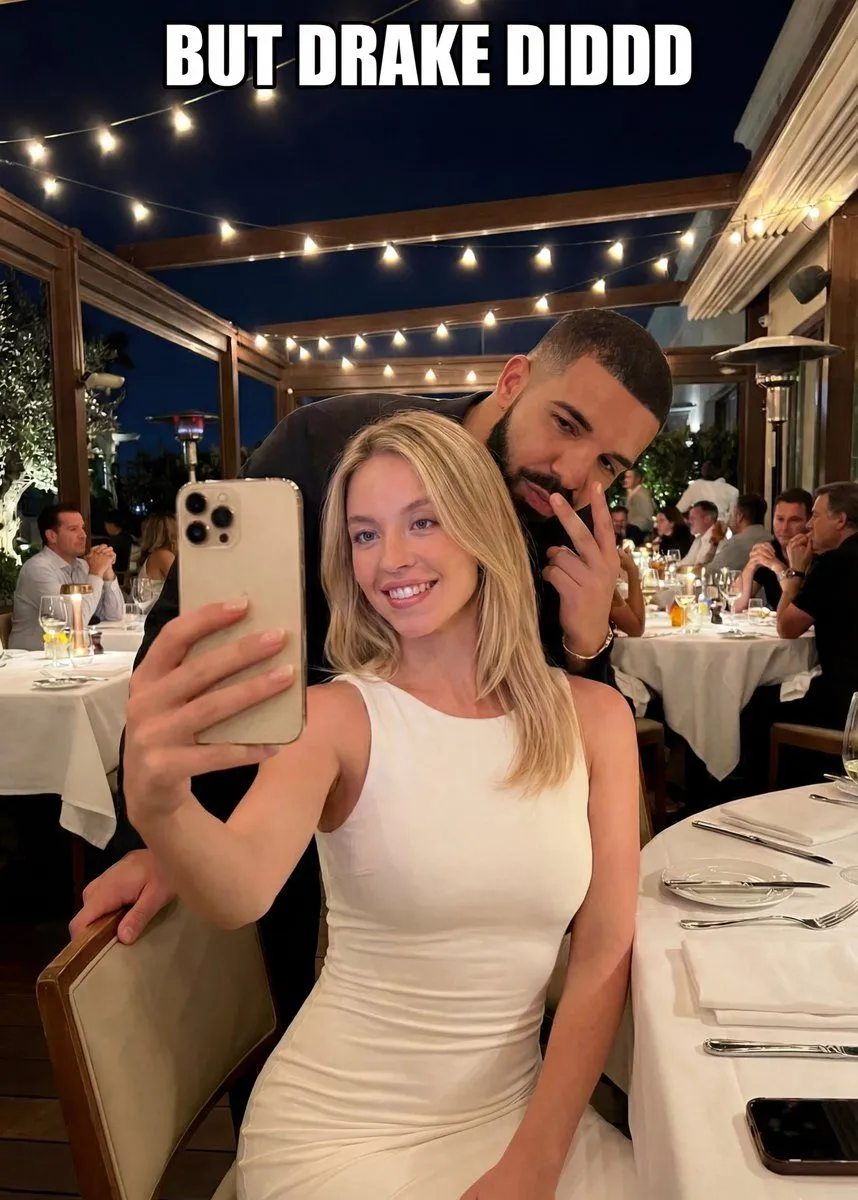
Selfie Scene in an Upscale Restaurant with Text Overlay

Made with Nano Banana Pro in Gemini by Library Social. Promptclay never generates images.

Did it work?

No reports yet. Tell others if it worked for you.

No comments yet. Be the first.

    Selfie Scene in an Upscale Restaurant with Text Overlay

    Nano Banana ProAI-generated

    Prompt

    { "scene": { "setting": "Upscale restaurant or event venue at night", "lighting": "Warm ambient lighting with string lights overhead", "environment": { "tables": "White tablecloths with place settings", "background": "Seated guests dining and conversing", "atmosphere": "Elegant and social" } }, "subjects": [ { "role": "Foreground subject", "description": { "gender_presentation": "Female-presenting", "appearance": { "hair": "Long blonde hair, worn down", "clothing": "{argument name=\"dress color\" default=\"Fitted white\"} sleeveless dress" }, "pose": "Seated and holding a smartphone at arm’s length", "expression": "Smiling", "action": "Taking a selfie" } }, { "role": "Background subject", "description": { "gender_presentation": "Male-presenting", "appearance": { "hair": "Short dark hair", "facial_hair": "Beard", "clothing": "Dark-colored top" }, "pose": "Leaning in from behind", "gesture": "Peace sign with fingers", "expression": "Neutral to playful" } } ], "objects": [ { "type": "Smartphone", "details": "Light-colored phone with visible rear camera lenses", "interaction": "Held by foreground subject" } ], "text_overlay": { "content": "{argument name=\"text overlay\" default=\"But DRAKE DIDDD\"}", "position": "Top center of image", "style": "White, bold, uppercase lettering" }, "camera": { "angle": "Eye-level", "framing": "Medium close-up", "focus": "Foreground subject with background slightly visible" }, "mood": "Casual, celebratory, playful" }

    Works in
    Gemini, ChatGPT
    Status
    Free to copy
    0
    DetailsVersions, settings and questions

    Written for

    What's in the prompt

    Subject
    Model
    Nano Banana Pro

    If your face changes

    keep my face exactly the same

    Questions

    Does this work in the Gemini app?
    Yes. Gemini runs Nano Banana, so paste the prompt and attach your photo if it uses one.
    It changed my face. What do I do?
    Add "keep my face exactly the same" to the end and run it again.
    Can I use the images I make?
    Check the terms of the app you use. Promptclay never generates images and claims nothing you make.
    Similar prompts

    See more
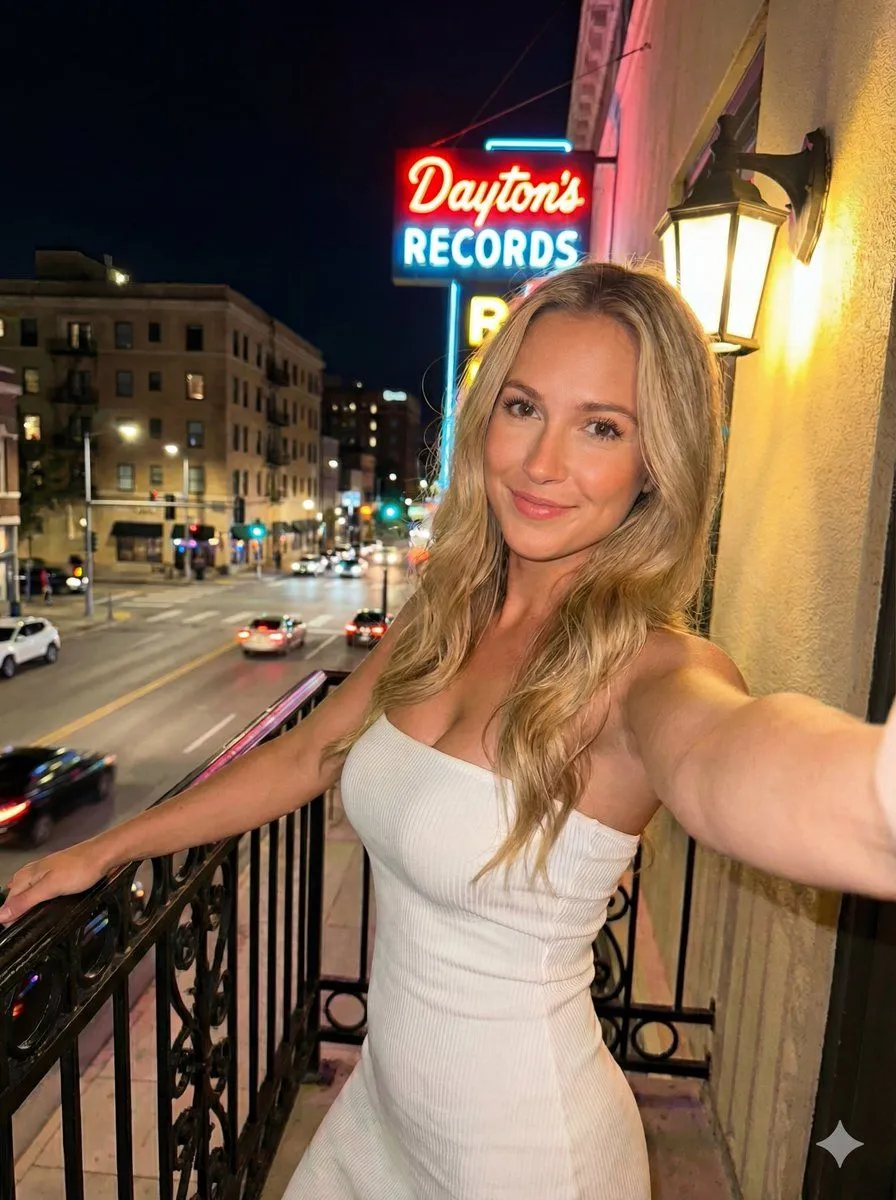
    • Nighttime Urban Balcony Selfie with Neon Sign
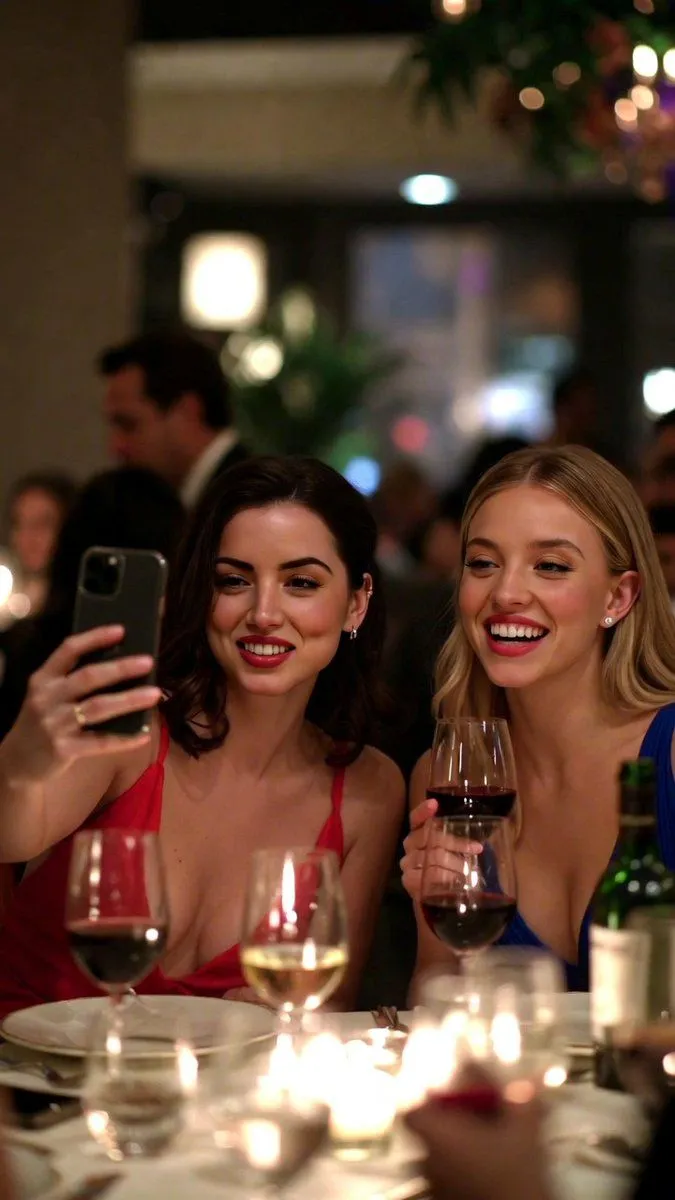
    • Low-Quality Smartphone Selfie of Ana de Armas and Sydney Sweeney
    • Luxury Fine Dining Evening Portrait
    • Moody Restaurant AI Beauty Portrait
    • Glamour Selfie on Luxury Terrace at Night
    • Restaurant Review Video GenerationVideo, 0:10
    • East Asian Woman Restaurant Portrait
    • Candid Nightlife Selfie Portrait
    • Authentic iPhone Night Flash Selfie
    • Nightclub Group Selfie Transformation
    • High-End Valentine’s Dinner Photoshoot
    • Nighttime Street Fashion Selfie
    • Sophisticated Dining Scene with Burgundy Gown (Urdu/Hindi)
    • Early 2000s Rom-Com Movie Poster
    • Imagination Coming to Life
    • Man with Zootopia Characters in Alpine Cable Car
    • Multi-Angle Scene Generation Prompt (Oshi no Ko Style)
    • Nano Banana Pro Prompt for Hidden Effort
    • RPG Status Screen Overlay
    • Weekend photo dump grid for Instagram
    • Hand-Carved Wooden Miniature Figure
    • Hyperrealistic Tattooed Elf Couple
    • Nano Banana Pro Thumbnail Generation Example
    • Stylized Wicker Caricature Figurine

    Show more

    Run it on your phone

    1. Prompt copiedRead it

      { "scene": { "setting": "Upscale restaurant or event venue at night", "lighting": "Warm ambient lighting with string lights overhead", "environment": { "tables": "White tablecloths with place settings", "background": "Seated guests dining and conversing", "atmosphere": "Elegant and social" } }, "subjects": [ { "role": "Foreground subject", "description": { "gender_presentation": "Female-presenting", "appearance": { "hair": "Long blonde hair, worn down", "clothing": "{argument name=\"dress color\" default=\"Fitted white\"} sleeveless dress" }, "pose": "Seated and holding a smartphone at arm’s length", "expression": "Smiling", "action": "Taking a selfie" } }, { "role": "Background subject", "description": { "gender_presentation": "Male-presenting", "appearance": { "hair": "Short dark hair", "facial_hair": "Beard", "clothing": "Dark-colored top" }, "pose": "Leaning in from behind", "gesture": "Peace sign with fingers", "expression": "Neutral to playful" } } ], "objects": [ { "type": "Smartphone", "details": "Light-colored phone with visible rear camera lenses", "interaction": "Held by foreground subject" } ], "text_overlay": { "content": "{argument name=\"text overlay\" default=\"But DRAKE DIDDD\"}", "position": "Top center of image", "style": "White, bold, uppercase lettering" }, "camera": { "angle": "Eye-level", "framing": "Medium close-up", "focus": "Foreground subject with background slightly visible" }, "mood": "Casual, celebratory, playful" }

    2. Open your app

    3. Paste and run

      Press and hold the message box, then tap Paste. Add your photo first if the prompt uses one. You may need to sign in.

    Selfie Scene in an Upscale Restaurant with Text Overlay