Tell us anything

An idea, a bug, something you love. We read every note.

⌘↵ to send. The page you're on comes along.

Seedance 2.0 Video Prompt: Immortal Swordsman Casting Ten Thousand Swords

Made with Seedance 2.0 in Kling by Library Cinema. Promptclay never generates images.

Did it work?

No reports yet. Tell others if it worked for you.

No comments yet. Be the first.

    Seedance 2.0 Video Prompt: Immortal Swordsman Casting Ten Thousand Swords

    Seedance 2.016:9AI-generated

    Prompt

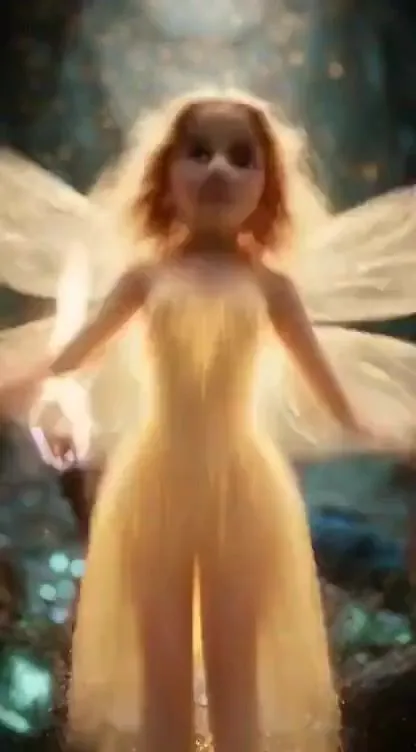
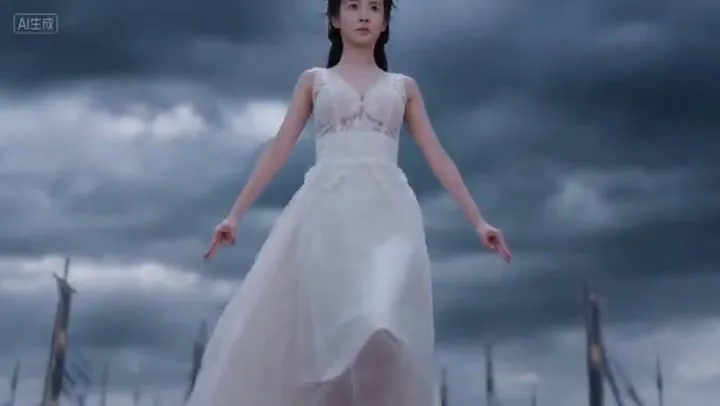
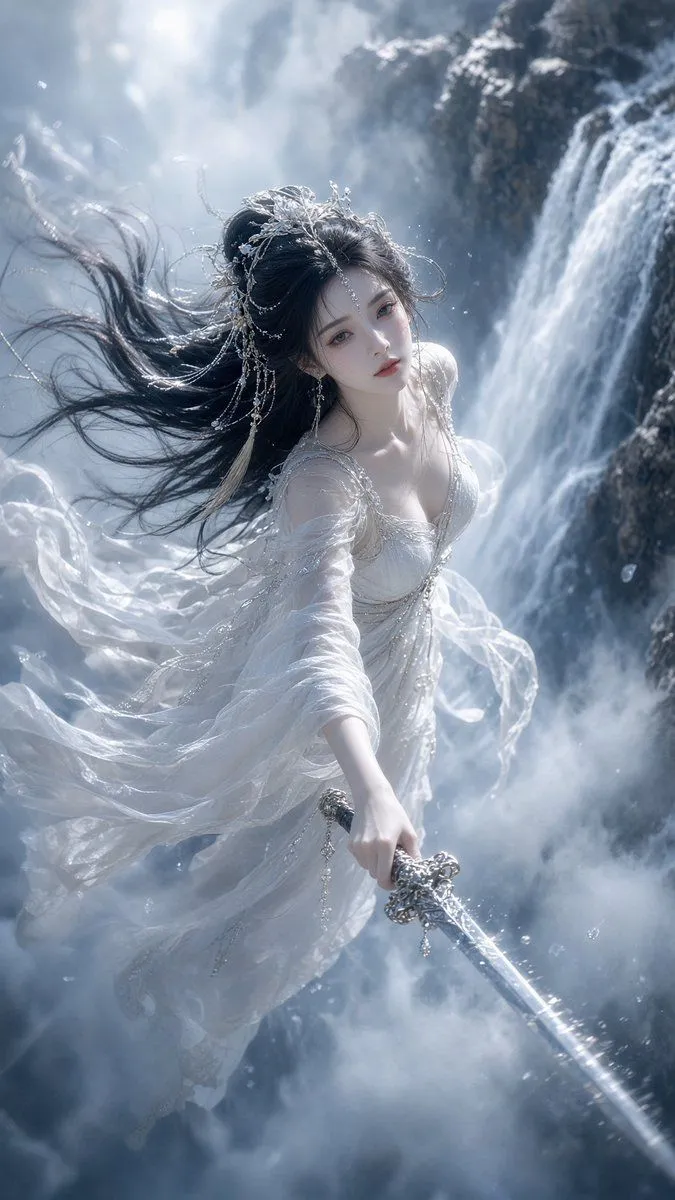
    Fairy appearance references @[Image 1] 1. Shot 1 (0-3 seconds): Medium shot + low angle, the fairy floats in the air, robes fluttering, hands quickly forming seals, chanting: “Heaven and Earth are boundless—” The background is a gloomy sky, distant black-clad enemies are arrayed and ready, the camera slowly moves up from the enemy formation to the fairy. 2. Shot 2 (3-6 seconds): Close-up + orbiting, the fairy's seal gestures accelerate, fingertips glow purple, continuing the chant: “Qiankun borrows the law!” Countless sword shadows instantly appear in the sky, initially rotating slowly, the camera orbits the fairy to capture the change in the seals, the sword cluster gradually accelerates with the incantation. 3. Shot 3 (6-10 seconds): Full view + dive cinematography, purple lightning tears through the clouds at the center of the sword cluster, thunder roars, the rotation speed breaks the limit forming a light vortex. The fairy's arm sharply swings down, the sword cluster pours down like purple dragons, the camera follows the sword cluster diving, light and shadow track the blade trajectories. 4. Shot 4 (10-15 seconds): Wide-angle full view, black-clad enemies raise a huge black light shield to resist, the sword cluster impacts the light shield triggering continuous explosions, fire and purple light intertwine, strong winds carry dust across the battlefield, the moment the light shield shatters, the camera pulls back to show the explosive light and shadow effects across the scene.

    Works in
    Kling
    Status
    Free to copy
    0
    DetailsVersions, settings and questions

    Written for

    What's in the prompt

    Subject
    Model
    Seedance 2.0

    If your face changes

    keep my face exactly the same

    Questions

    Does this work in the Kling app?
    Yes. Paste the prompt and attach your photo if it uses one.
    It changed my face. What do I do?
    Add "keep my face exactly the same" to the end and run it again.
    Can I use the images I make?
    Check the terms of the app you use. Promptclay never generates images and claims nothing you make.
    Similar prompts

    See more
    • Ethereal Xianxia Sword Maiden
    • Structured JSON Prompt for Controlling Aesthetic Elements in Nano Banana Pro
    • Elite Guardian Sky Kingdom Fantasy Portrait
    • Heroic Fantasy Warrior Portrait
    • Crimson Battlefield Warrior
    • Nano Banana Pro Image Generation of a Mythological Warrior
    • Rainy Night Fantasy Glowing Orb
    • Floating Woman in Celestial Clouds
    • Grok Imagine Multi-Shot Fantasy Adventure Video Prompt (30 Seconds)Video, 0:30
    • Dune-Inspired Epic Scene with Woman Riding a Giant Rooster
    • Epic fantasy movie scene generation using SJinn Seedance 2.0Video, 0:15
    • Dark Fairytale Cinematic Diptych
    • High-Fashion Cinematic Motion Shot
    • Cosmic Horizon Fantasy Portrait
    • Epic Fantasy Sorceress Action Scene
    • Magical Sky Dancer Portrait
    • Final Fantasy transformation prompt (Nano Banana Pro)
    • Dark Fantasy Paladin Duel
    • Cinematic GPT-Image 2.5 Announcement
    • Moody Black Studio Portrait
    • Hyper-Detailed Saber Cosplay Film Photography Prompt
    • Aria Monroe Urban Action Scene
    • Blonde Woman in Pink Satin Pajamas
    • Fantasy Realism and Art Nouveau Fusion

    Show more

    Run it on your phone

    1. Prompt copiedRead it

      Fairy appearance references @[Image 1] 1. Shot 1 (0-3 seconds): Medium shot + low angle, the fairy floats in the air, robes fluttering, hands quickly forming seals, chanting: “Heaven and Earth are boundless—” The background is a gloomy sky, distant black-clad enemies are arrayed and ready, the camera slowly moves up from the enemy formation to the fairy. 2. Shot 2 (3-6 seconds): Close-up + orbiting, the fairy's seal gestures accelerate, fingertips glow purple, continuing the chant: “Qiankun borrows the law!” Countless sword shadows instantly appear in the sky, initially rotating slowly, the camera orbits the fairy to capture the change in the seals, the sword cluster gradually accelerates with the incantation. 3. Shot 3 (6-10 seconds): Full view + dive cinematography, purple lightning tears through the clouds at the center of the sword cluster, thunder roars, the rotation speed breaks the limit forming a light vortex. The fairy's arm sharply swings down, the sword cluster pours down like purple dragons, the camera follows the sword cluster diving, light and shadow track the blade trajectories. 4. Shot 4 (10-15 seconds): Wide-angle full view, black-clad enemies raise a huge black light shield to resist, the sword cluster impacts the light shield triggering continuous explosions, fire and purple light intertwine, strong winds carry dust across the battlefield, the moment the light shield shatters, the camera pulls back to show the explosive light and shadow effects across the scene.

    2. Open your app

    3. Paste and run

      Press and hold the message box, then tap Paste. Add your photo first if the prompt uses one. You may need to sign in.