Tell us anything

An idea, a bug, something you love. We read every note.

⌘↵ to send. The page you're on comes along.

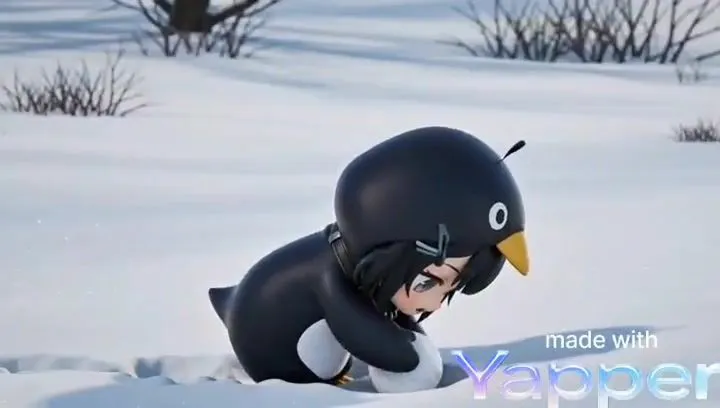
Seedance 2.0 Prompt: Melancholic Chibi Penguin in Snow

Made with Seedance 2.0 in Kling by Library Cinema. Promptclay never generates images.

Did it work?

No reports yet. Tell others if it worked for you.

No comments yet. Be the first.

    Seedance 2.0 Prompt: Melancholic Chibi Penguin in Snow

    Seedance 2.016:9AI-generated

    Prompt

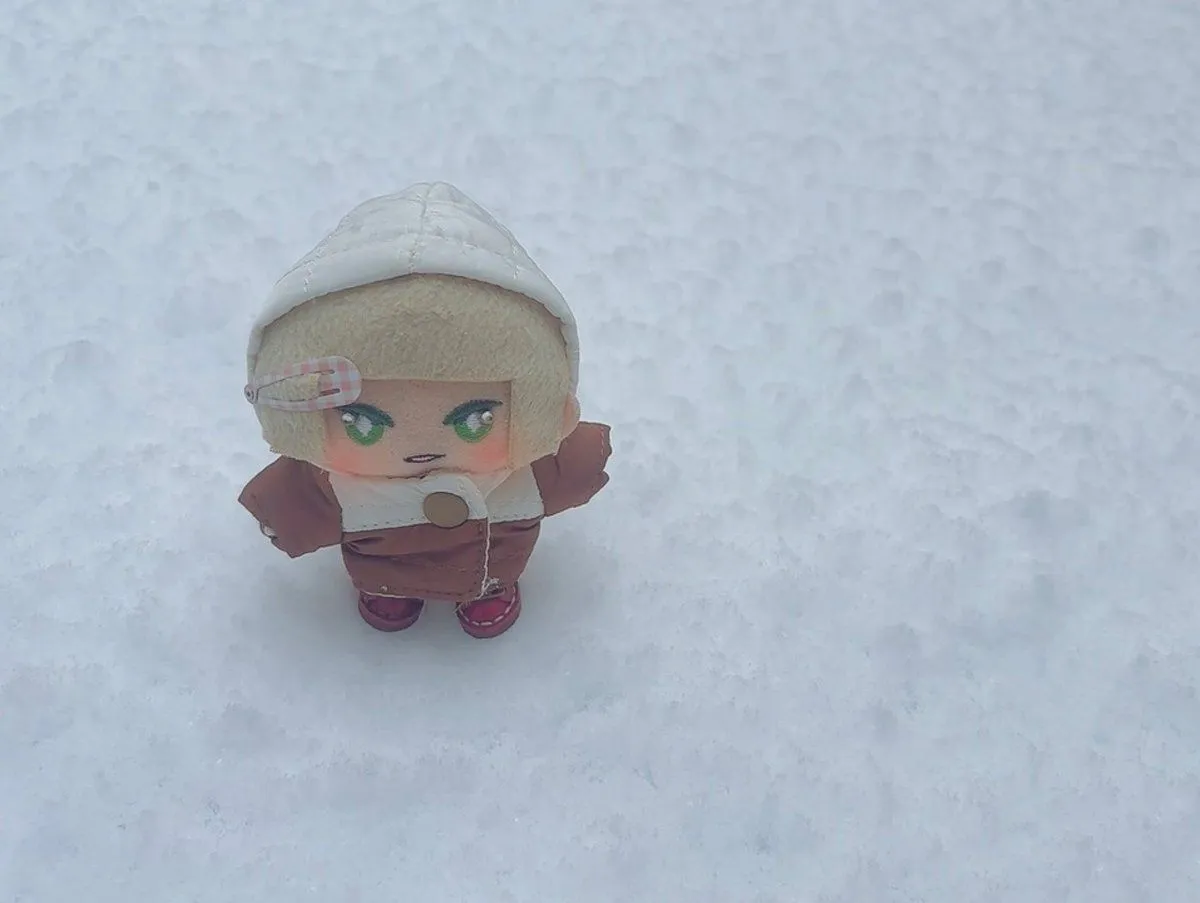
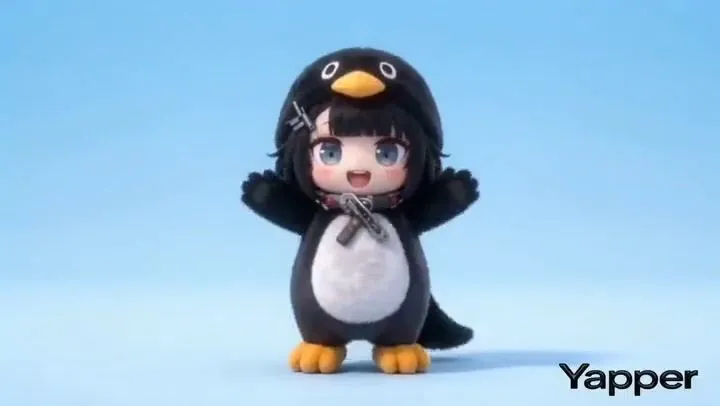
    Ultra-detailed 12–15 second cinematic animation, 3D CGI style, emotional storytelling, soft winter lighting. Scene: a small chibi penguin character struggling through deep snow in a quiet, snowy landscape. The penguin looks exhausted and slightly sad, crawling forward slowly with tiny flippers, leaving a trail behind. Environment: vast snowy terrain with gentle wind, soft snow particles falling, minimal background with a calm, muted color palette. Mood: melancholic but cute, emotional resilience, “keep going” energy. Camera: low-angle close tracking shot, shallow depth of field, subtle camera shake for realism. Lighting: soft, diffused daylight with cool tones, cinematic shadows. Details: high-quality textures on snow, visible breath in cold air, smooth character animation, expressive eyes. Style: Pixar-quality, hyper-cute but emotionally touching, masterpiece rendering, 4K, vertical 9:16.

    Works in
    Kling
    Status
    Free to copy
    0
    DetailsVersions, settings and questions

    Written for

    What's in the prompt

    Subject
    Model
    Seedance 2.0

    If your face changes

    keep my face exactly the same

    Questions

    Does this work in the Kling app?
    Yes. Paste the prompt and attach your photo if it uses one.
    It changed my face. What do I do?
    Add "keep my face exactly the same" to the end and run it again.
    Can I use the images I make?
    Check the terms of the app you use. Promptclay never generates images and claims nothing you make.
    Similar prompts

    See more
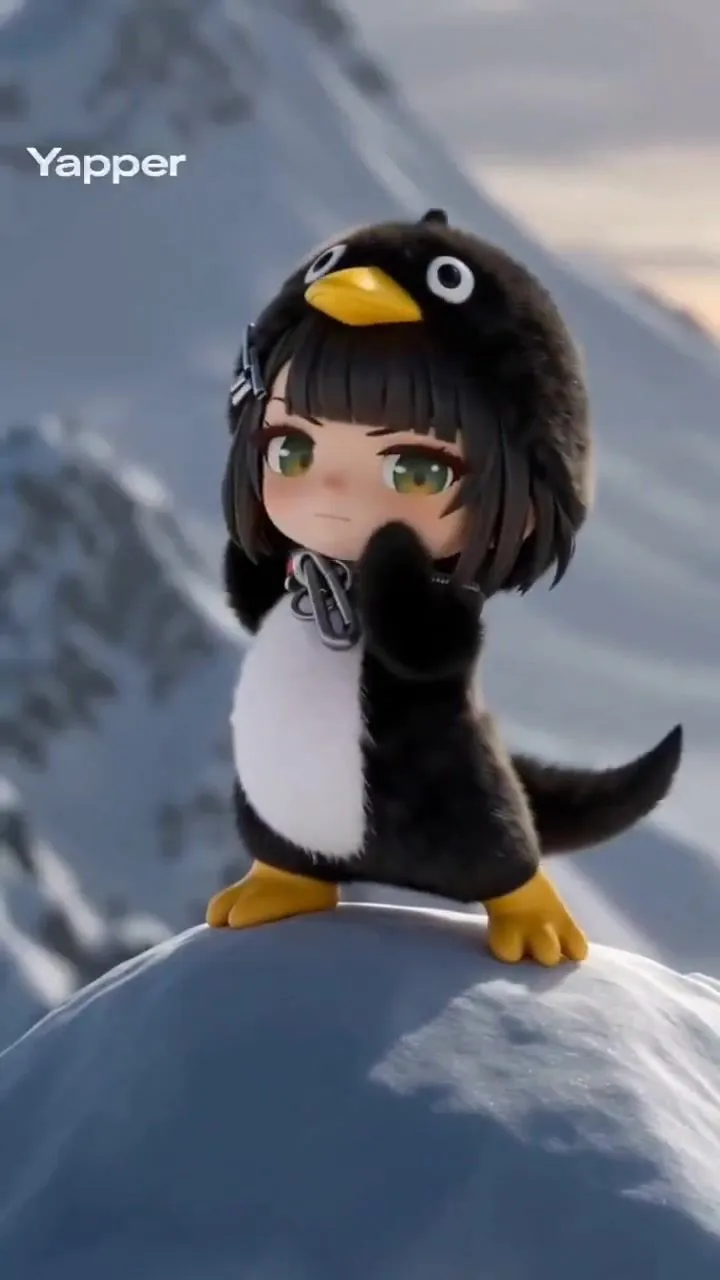
    • Seedance 2.0 Prompt: Gugu Gaga on a Mountain TopVideo, 0:15
    • Pixar-Style Storyboard Layout
    • 3D Animated Scene with Reference Matching
    • Chibi Penguin Expression Grid
    • Cute Character Walking Illustration
    • Convert image to night scene with warm lights
    • Chibi Penguin on a Motorcycle
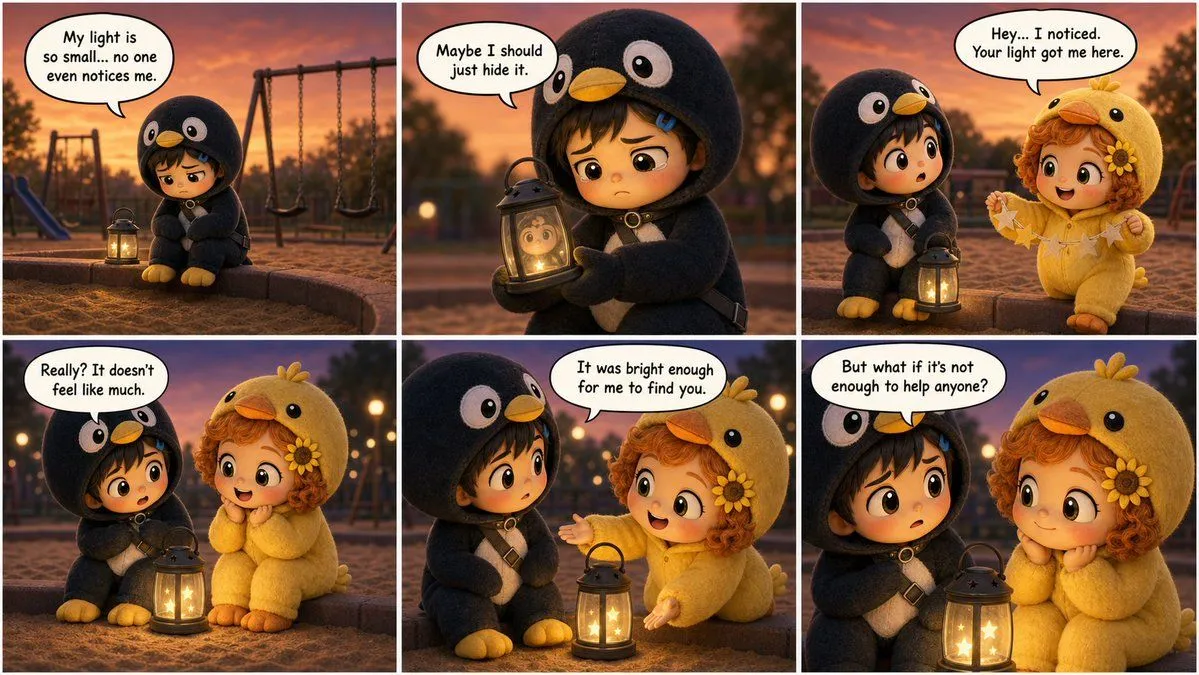
    • Cute Penguin Girl Comic Strip
    • 3D Tiny Anime Girl 'Gugu' Sequence
    • Kawaii Mochi 3D Toy Character
    • Structured Chibi Character Animation PromptVideo, 0:15
    • Hyper-Realistic Portrait with Chibi Penguin Character
    • Nano Banana Pro Chibi Snow Globe Prompt
    • 3D Chibi Toy Vendor Portrait
    • Ingrid Ice Storage Café Fantasy Scene
    • Chibi Pixar-Style Studio Composition
    • Rainbow Chibi Schoolgirl Figurine
    • Collectible Art Toy Character Design Sheet
    • Nano Banana Pro Multi-Panel Generation
    • 2D Anime to 3D Toy Avatar
    • Cinematic Character Poster with Layered Depth
    • Cinematic Superhero Rooftop Prompt
    • Exaggerated 3D Caricature Character Portrait
    • Surreal Vaporwave Night Landscape

    Show more

    Run it on your phone

    1. Prompt copiedRead it

      Ultra-detailed 12–15 second cinematic animation, 3D CGI style, emotional storytelling, soft winter lighting. Scene: a small chibi penguin character struggling through deep snow in a quiet, snowy landscape. The penguin looks exhausted and slightly sad, crawling forward slowly with tiny flippers, leaving a trail behind. Environment: vast snowy terrain with gentle wind, soft snow particles falling, minimal background with a calm, muted color palette. Mood: melancholic but cute, emotional resilience, “keep going” energy. Camera: low-angle close tracking shot, shallow depth of field, subtle camera shake for realism. Lighting: soft, diffused daylight with cool tones, cinematic shadows. Details: high-quality textures on snow, visible breath in cold air, smooth character animation, expressive eyes. Style: Pixar-quality, hyper-cute but emotionally touching, masterpiece rendering, 4K, vertical 9:16.

    2. Open your app

    3. Paste and run

      Press and hold the message box, then tap Paste. Add your photo first if the prompt uses one. You may need to sign in.