Tell us anything

An idea, a bug, something you love. We read every note.

⌘↵ to send. The page you're on comes along.

Seedance 2.0 Prompt for Luxury Car and Red Carpet Montage

Made with Seedance 2.0 in Kling by Library Cinema. Promptclay never generates images.

Did it work?

No reports yet. Tell others if it worked for you.

No comments yet. Be the first.

    Seedance 2.0 Prompt for Luxury Car and Red Carpet Montage

    Seedance 2.03:4AI-generated

    Prompt

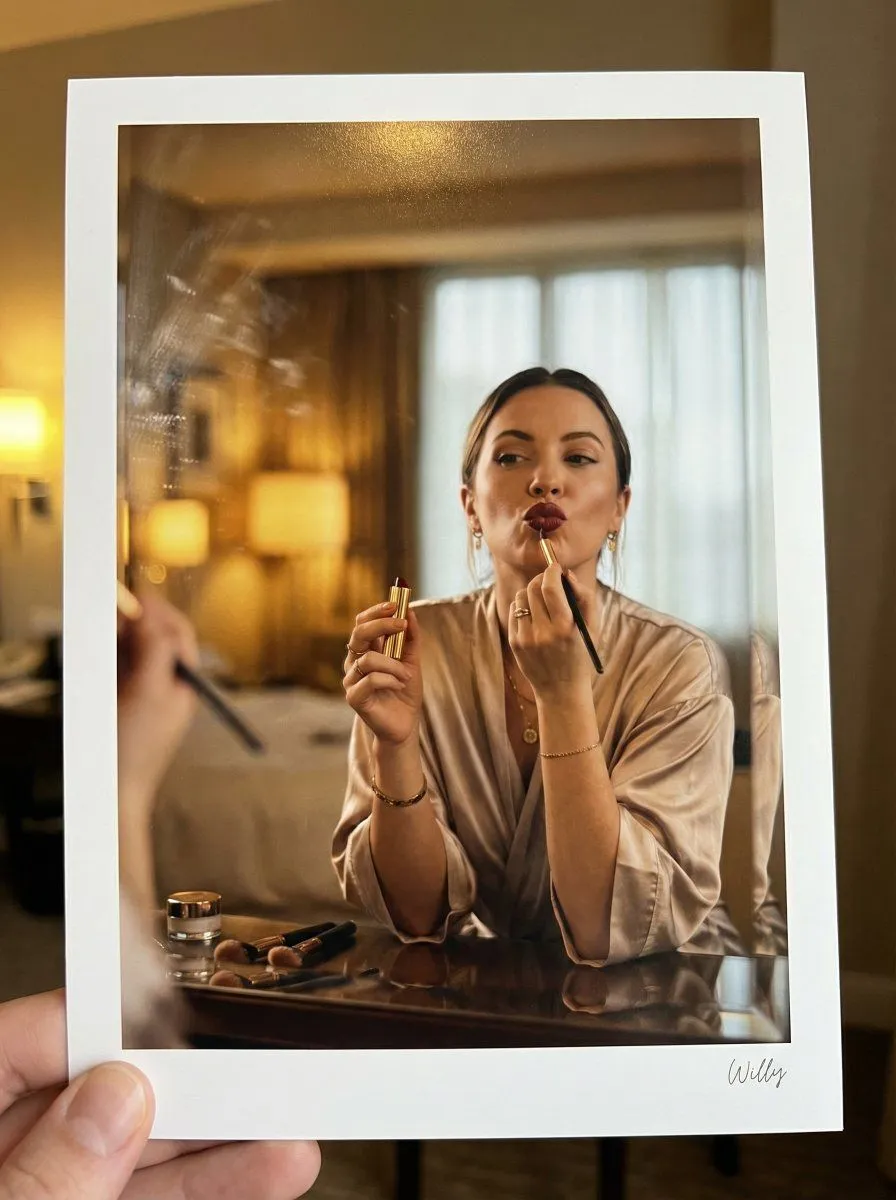
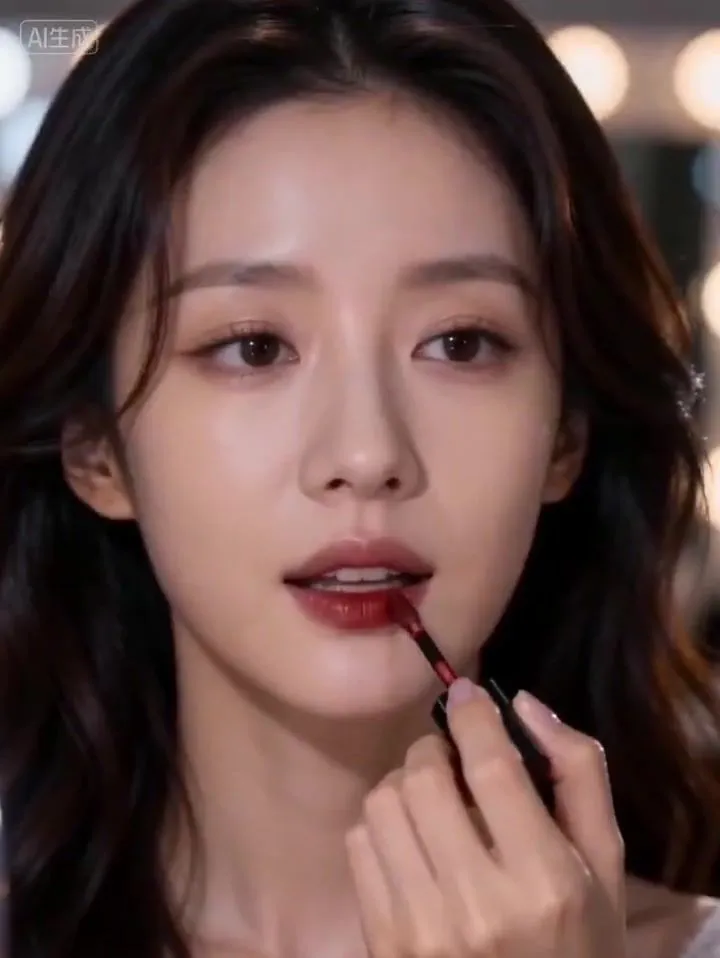
    [Subject]: The girl in @【@Image 1】, maintaining high consistency in facial features, translucent skin texture, exquisite makeup, wearing sparkling diamond earrings. [Action]: 0-5s Makeup room montage: Slowly applying deep red lipstick, curled hair falling; 6-10s A red supercar drives smoothly through the city night, wheels shimmering; 11-15s The girl elegantly walks onto the red carpet wearing the defined gown, confidently smiling and posing for the camera. [Defined Gown]: High-end custom black silk strapless long dress, the body fully embroidered with heavy gold thread patterns, studded with dense rhinestones, presenting a shimmering metallic texture under the flashlights, high-level tailoring. [Scene]: From a warm-toned high-end makeup room, quickly cutting into a cold-toned neon tunnel, finally freezing on a grand red carpet full of twinkling stars and media reporters. [Camera Movement]: Starts with a Close-up, the supercar segment uses low-angle Truck Right, the red carpet uses Cinematic Orbit, the footage is stable without shaking. [Style/Quality]: 4K ultra-high definition, cinematic color grading, rich details, sharp clarity, smooth footage without ghosting. [Constraints]: Normal human anatomy, stable and non-distorted face, slow and natural movements, flashlight rhythm aligned with the audio beat.

    Works in
    Kling
    Status
    Free to copy
    0
    DetailsVersions, settings and questions

    Written for

    What's in the prompt

    Subject
    Model
    Seedance 2.0

    If your face changes

    keep my face exactly the same

    Questions

    Does this work in the Kling app?
    Yes. Paste the prompt and attach your photo if it uses one.
    It changed my face. What do I do?
    Add "keep my face exactly the same" to the end and run it again.
    Can I use the images I make?
    Check the terms of the app you use. Promptclay never generates images and claims nothing you make.
    Similar prompts

    See more
    • Cinematic Portrait of a Woman Applying Red Lipstick (Alternative)
    • Vintage Beauty Portrait with Lipstick
    • Glamorous Makeup Mirror Reflection Editorial Shot Prompt
    • Luxury Beauty Editorial Collage
    • Vogue-Style Beauty Portrait (Dilireba Dilmurat)
    • Extreme Beauty Close-up Lip Portrait
    • New Realities and Floating OrbsVideo, 0:20
    • Editorial Beauty Portrait for Consistency
    • Glossy Lips Beauty Close-Up
    • Devilish Beauty Lipstick Advertisement Prompt
    • High-quality portrait upscaling and enhancement
    • Nine-Panel Grid Interactive AnimationVideo, 0:12
    • Crimson Velvet Studio Portrait
    • Painterly Gold Light Portrait
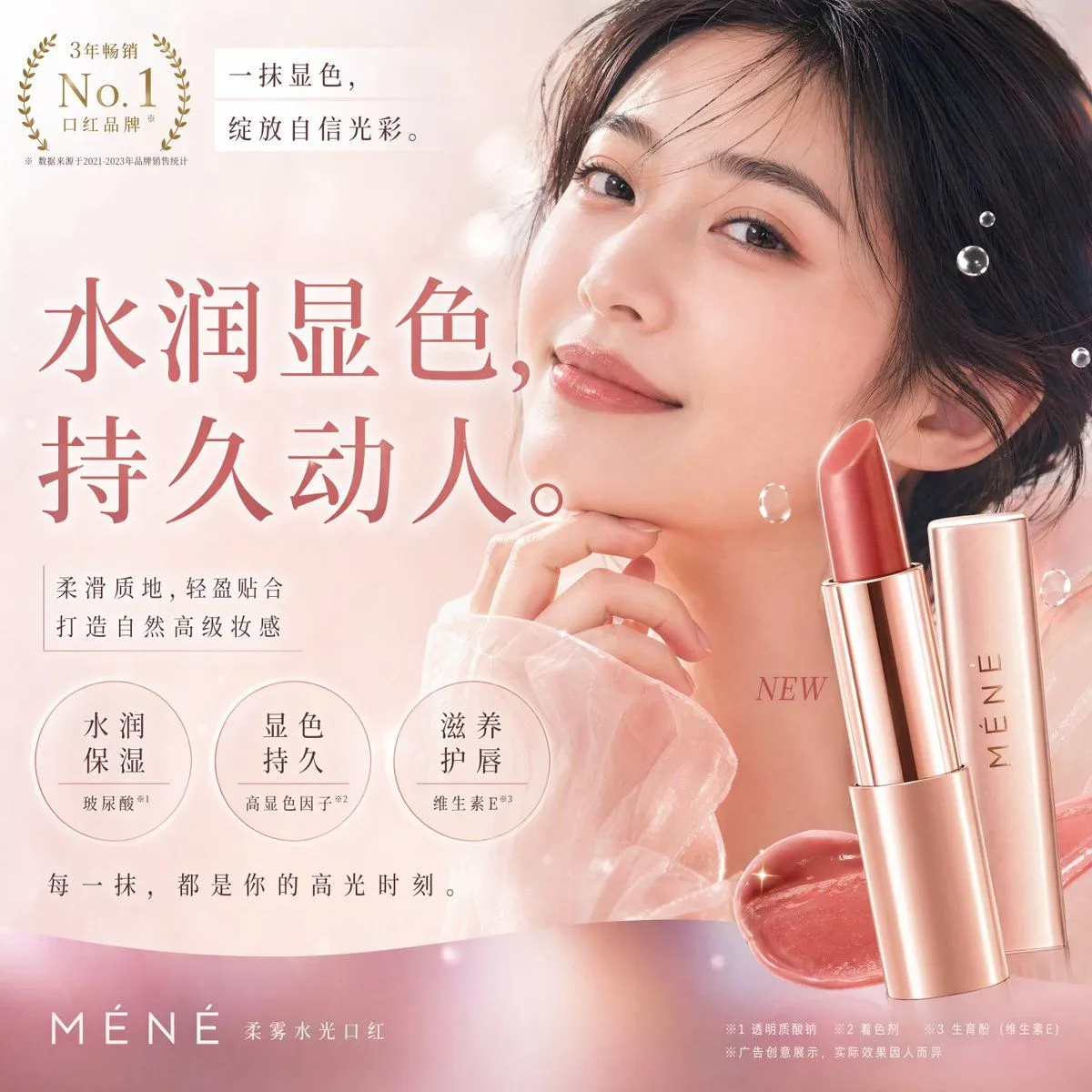
    • Elegant Cosmetic Poster Prompt
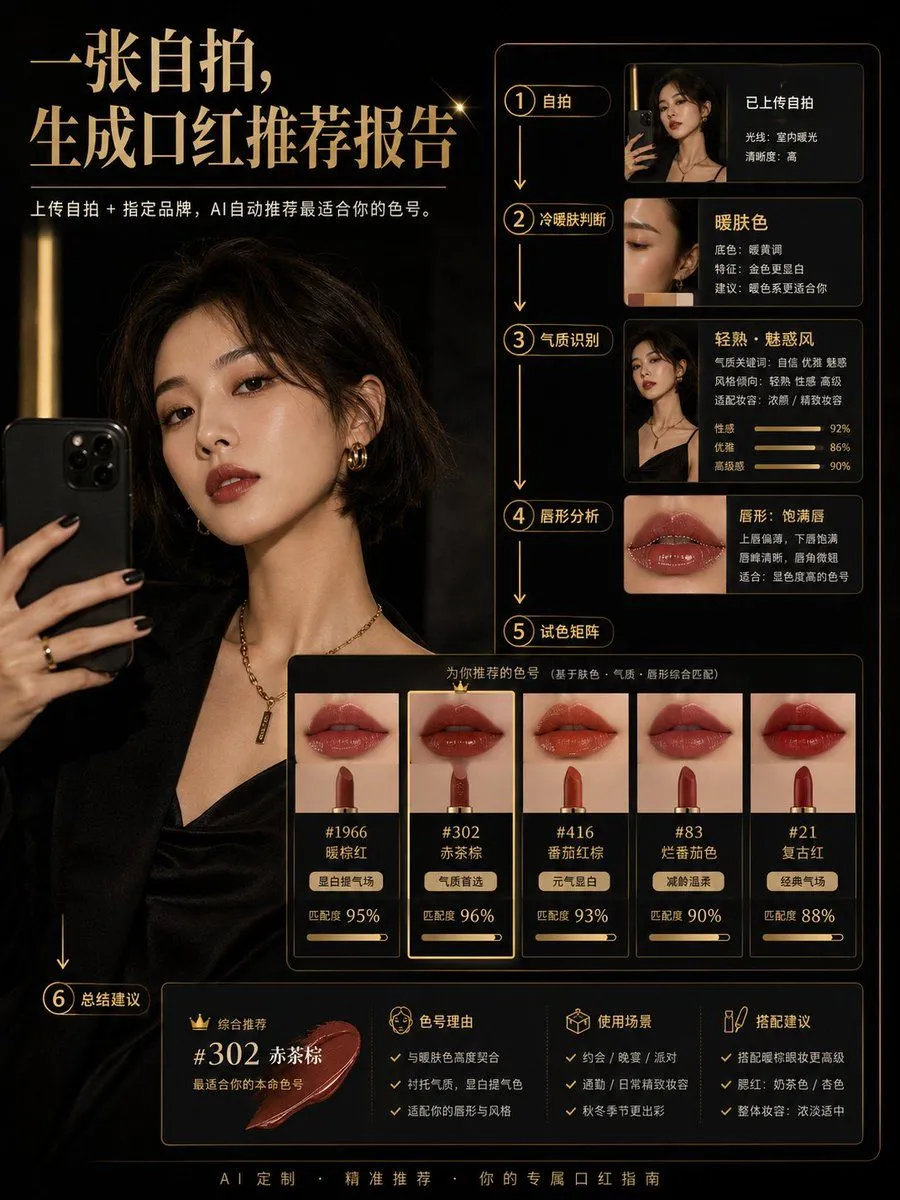
    • Lipstick Recommendation and Analysis Infographic
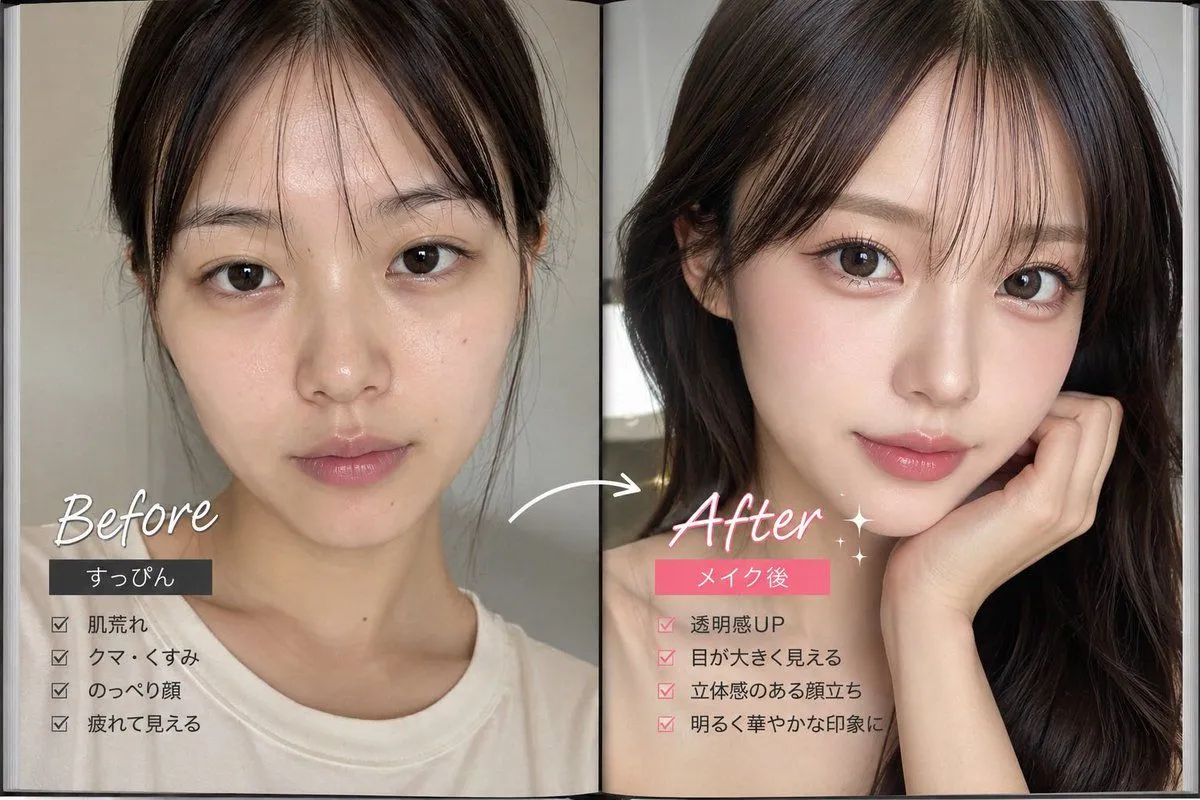
    • Makeup Before After Magazine Spread
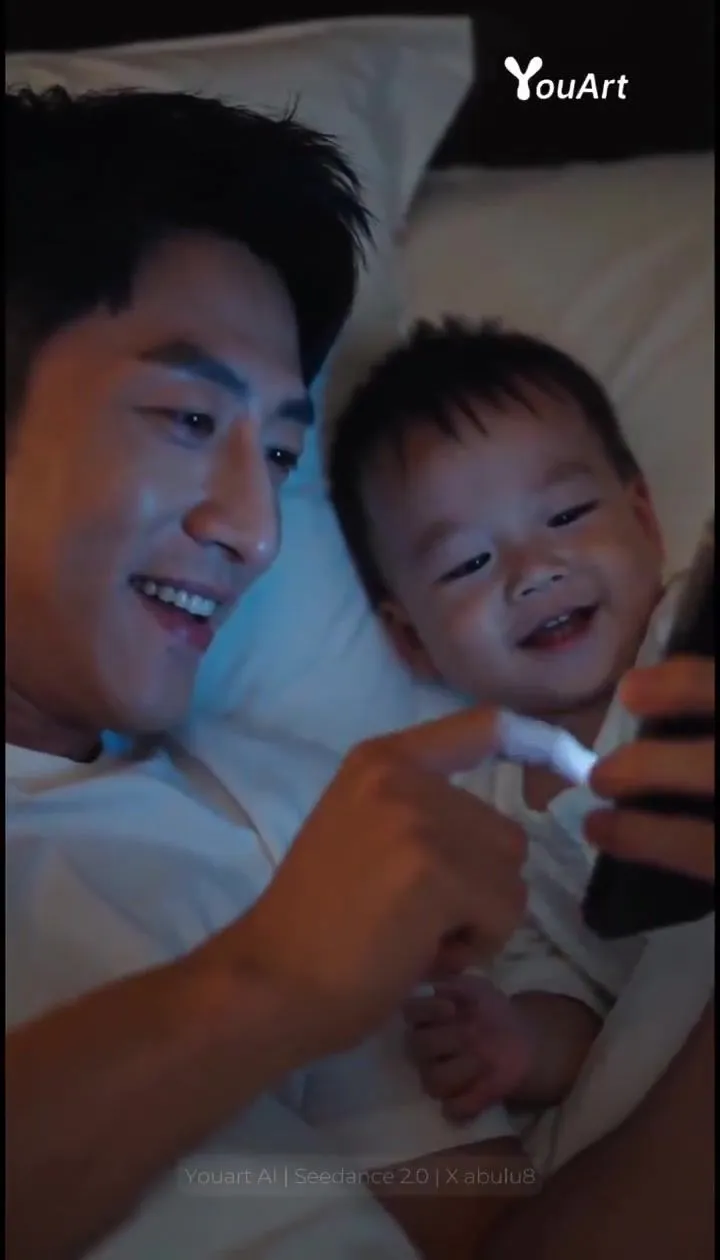
    • Father and Baby Bedroom Scene Prompt for Seedance 2.0Video, 0:10
    • Cinematic Sunbeam Apartment Poster
    • Dracula and the Beautiful Prey
    • Dystopian Poster Prompt with Text Rendering Test
    • Image Editing Prompt for Jawline, Glasses, and Head Shape
    • Multi-Angle Scene Generation Prompt (Oshi no Ko Style)
    • Sharpen blurred lifestyle photo

    Show more

    Run it on your phone

    1. Prompt copiedRead it

      [Subject]: The girl in @【@Image 1】, maintaining high consistency in facial features, translucent skin texture, exquisite makeup, wearing sparkling diamond earrings. [Action]: 0-5s Makeup room montage: Slowly applying deep red lipstick, curled hair falling; 6-10s A red supercar drives smoothly through the city night, wheels shimmering; 11-15s The girl elegantly walks onto the red carpet wearing the defined gown, confidently smiling and posing for the camera. [Defined Gown]: High-end custom black silk strapless long dress, the body fully embroidered with heavy gold thread patterns, studded with dense rhinestones, presenting a shimmering metallic texture under the flashlights, high-level tailoring. [Scene]: From a warm-toned high-end makeup room, quickly cutting into a cold-toned neon tunnel, finally freezing on a grand red carpet full of twinkling stars and media reporters. [Camera Movement]: Starts with a Close-up, the supercar segment uses low-angle Truck Right, the red carpet uses Cinematic Orbit, the footage is stable without shaking. [Style/Quality]: 4K ultra-high definition, cinematic color grading, rich details, sharp clarity, smooth footage without ghosting. [Constraints]: Normal human anatomy, stable and non-distorted face, slow and natural movements, flashlight rhythm aligned with the audio beat.

    2. Open your app

    3. Paste and run

      Press and hold the message box, then tap Paste. Add your photo first if the prompt uses one. You may need to sign in.