Tell us anything

An idea, a bug, something you love. We read every note.

⌘↵ to send. The page you're on comes along.

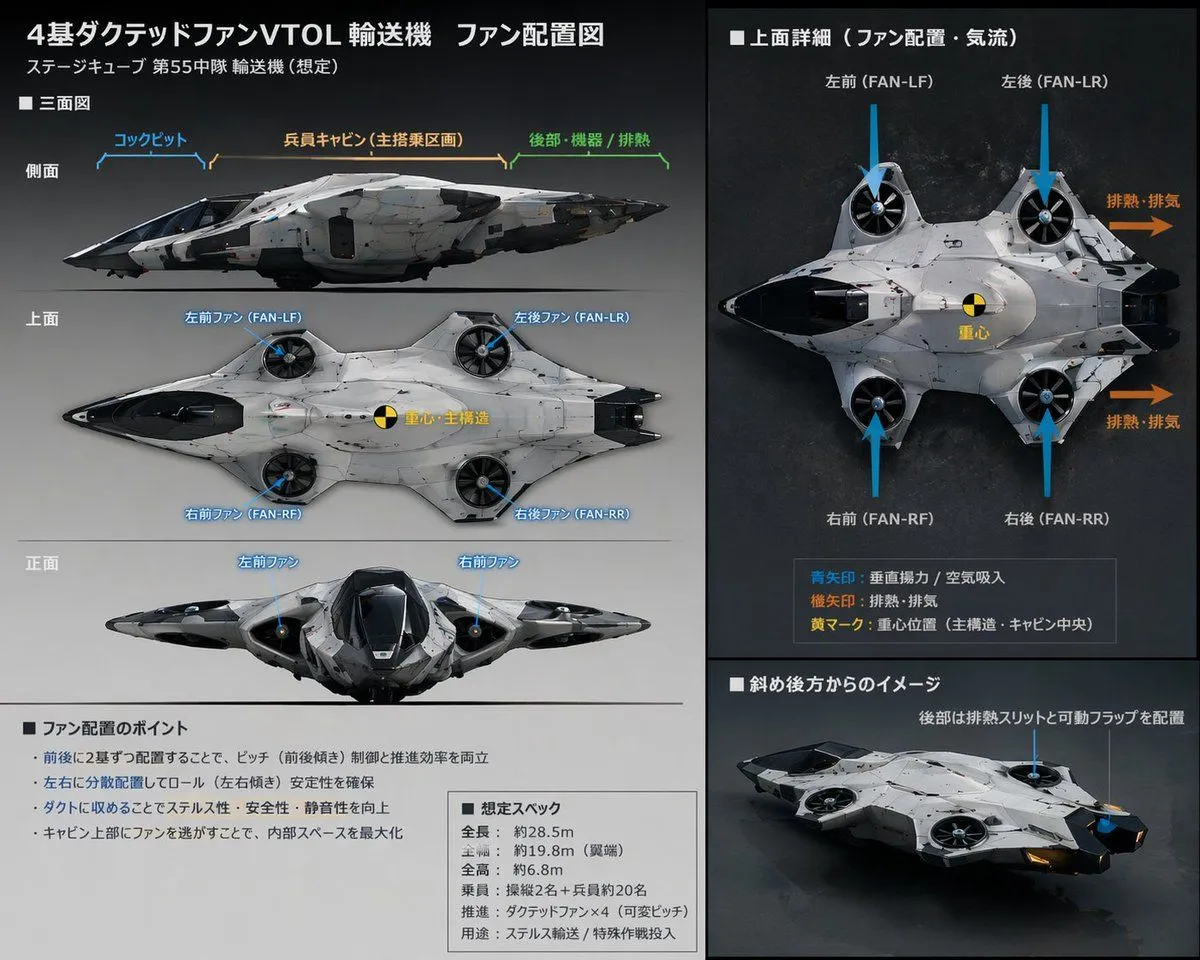
Sci-Fi VTOL Aircraft Technical Spec Sheet

Made with GPT Image 2 in ChatGPT, collected by Library Explainers. Promptclay never generates images.

Did it work?

No reports yet. Tell others if it worked for you.

No comments yet. Be the first.

    Sci-Fi VTOL Aircraft Technical Spec Sheet

    GPT Image 25:4AI-generated

    Prompt

    { "type": "technical reference sheet", "subject": { "design": "{argument name=\"aircraft type\" default=\"futuristic VTOL transport aircraft\"}", "features": "4 ducted fans integrated into a blended wing body", "colors": ["{argument name=\"primary color\" default=\"white\"}", "{argument name=\"secondary color\" default=\"black\"}"] }, "style": "sci-fi concept art, schematic layout, detailed annotations", "layout": { "background": "{argument name=\"background color\" default=\"dark grey\"}", "header": { "title": "{argument name=\"main title\" default=\"4基ダクテッドファンVTOL輸送機 ファン配置図\"}", "subtitle": "ステージキューブ 第55中隊 輸送機 (想定)" }, "columns": [ { "position": "left", "sections": [ { "title": "■ 三面図", "description": "Orthographic projections", "view_count": 3, "view_labels": ["側面", "上面", "正面"], "annotations": "Blue lines pointing to cockpit, cabin, and fans" }, { "title": "■ ファン配置のポイント", "description": "Text box with bullet points", "bullet_count": 4 }, { "title": "■ 想定スペック", "description": "Text box with specifications", "line_count": 6 } ] }, { "position": "right", "sections": [ { "title": "■ 上面詳細(ファン配置・気流)", "description": "Large top-down view", "visual_elements": { "blue_arrows": 4, "orange_arrows": 2, "center_of_gravity_marker": 1 }, "legend": { "item_count": 3, "description": "Explains arrow colors and markers" } }, { "title": "■ 斜め後方からのイメージ", "description": "3/4 rear perspective view of the aircraft" } ] } ] } }

    Works in
    ChatGPT, Gemini
    Status
    Free to copy
    0
    DetailsVersions, settings and questions

    Written for

    What's in the prompt

    Subject
    Model
    GPT Image 2

    If your face changes

    keep my face exactly the same

    Questions

    Does this work in the ChatGPT app?
    Yes. Paste the prompt and attach your photo if it uses one.
    It changed my face. What do I do?
    Add "keep my face exactly the same" to the end and run it again.
    Can I use the images I make?
    Check the terms of the app you use. Promptclay never generates images and claims nothing you make.
    Similar prompts

    See more
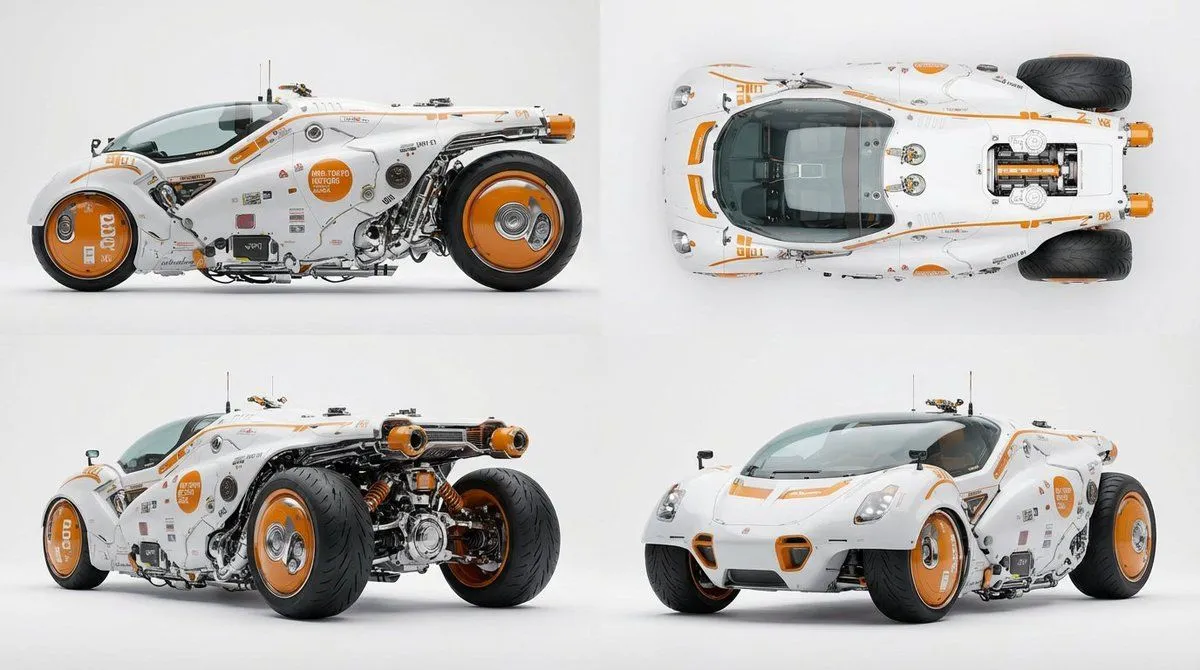
    • Multi-View Car Sheet
    • Mecha Protagonist Design
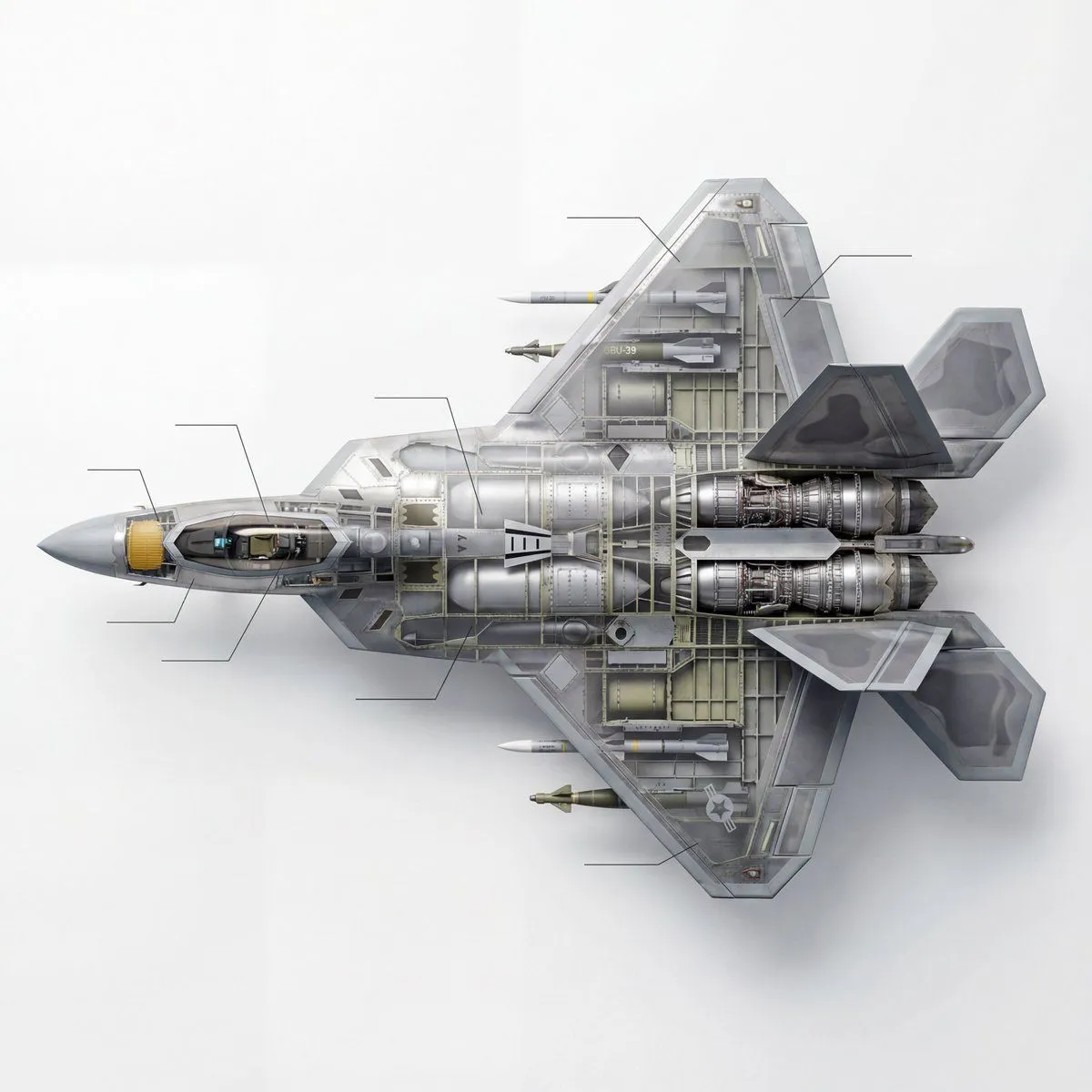
    • Cutaway infographic of a 5th generation stealth fighter jet
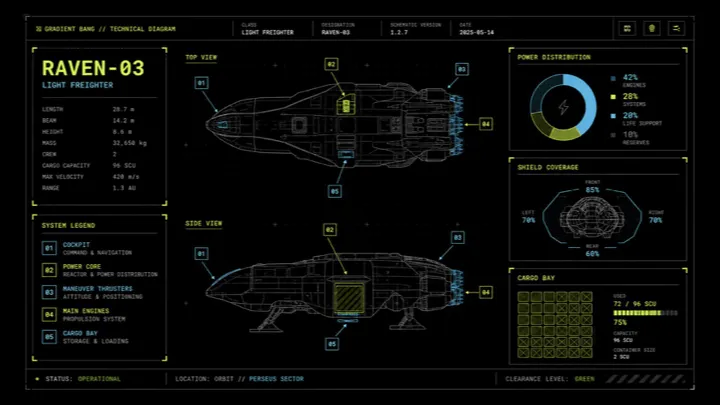
    • Sci-Fi Light Freighter Schematic HUD
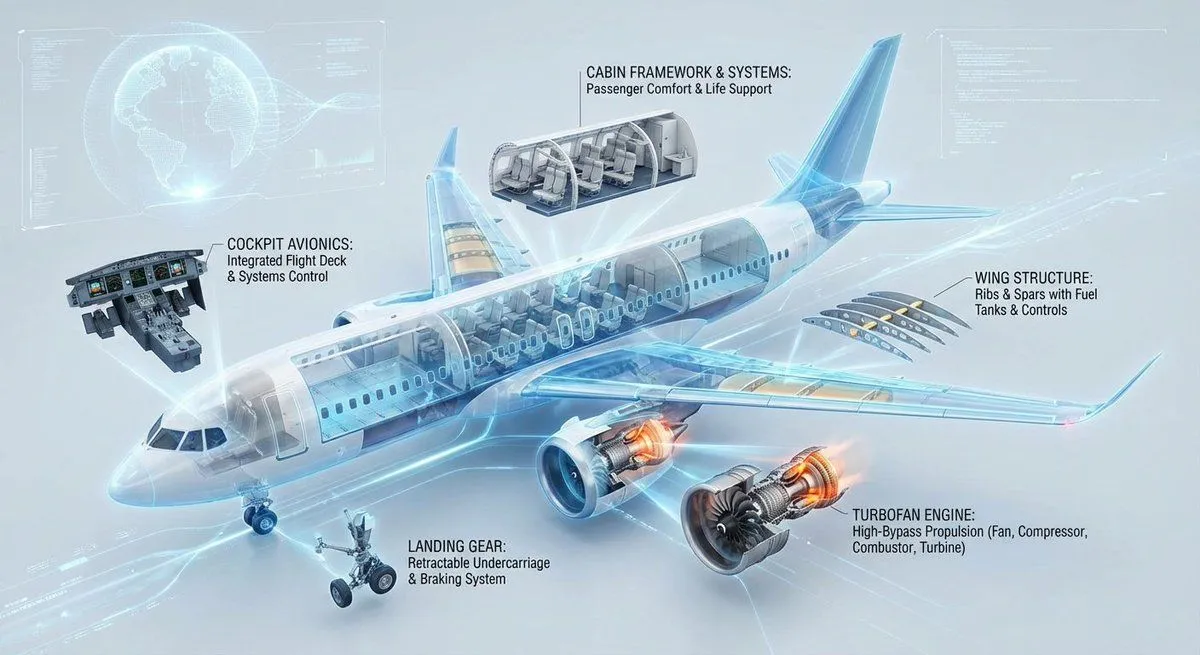
    • Cutaway infographic of a modern jet airliner
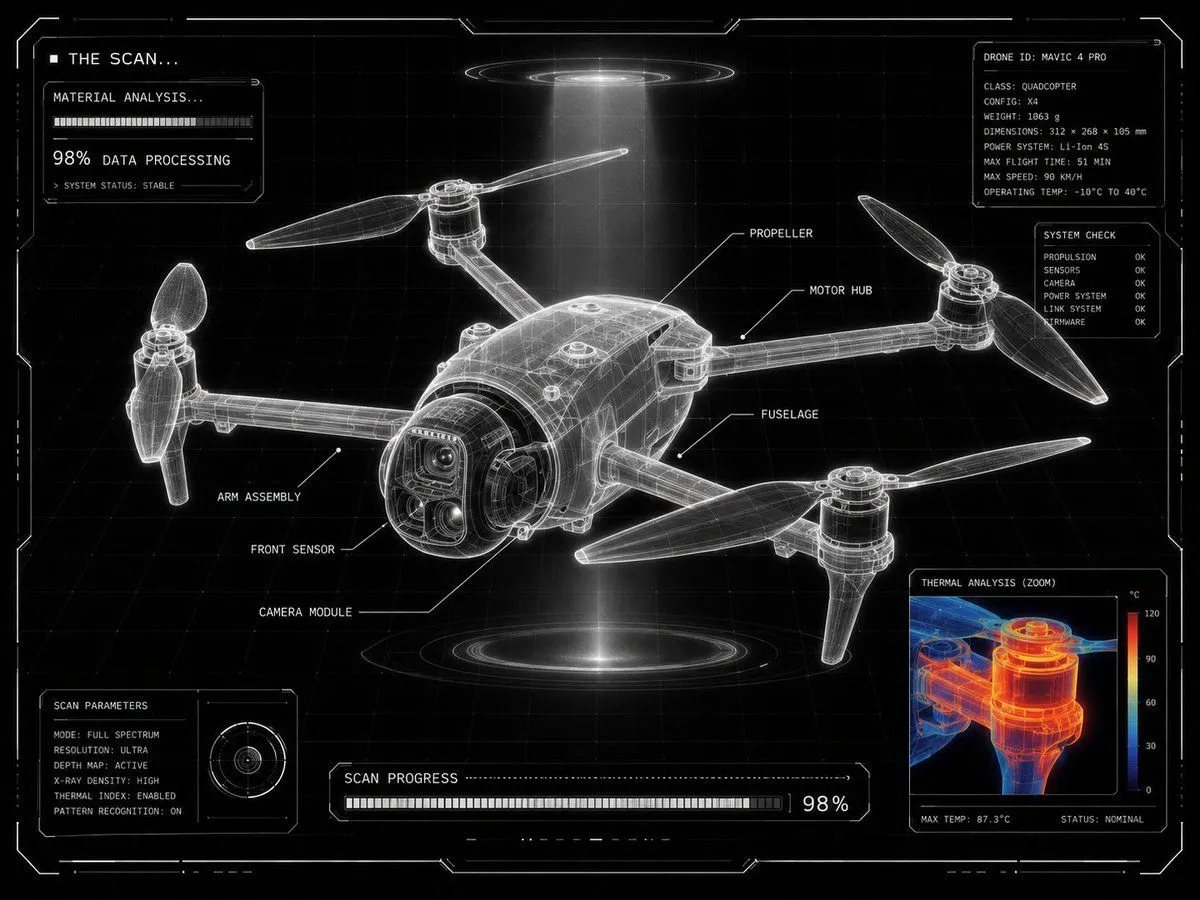
    • Futuristic Sci-Fi Laboratory Scan UI
    • Mechanical Design Sketch Notes
    • Industrial Designer Sketchbook Concept
    • Futuristic Branded Drone Product Poster
    • Futuristic Nanchatte-Machine Hangar
    • Japanese eVTOL Traffic Infographic
    • Starfighter Squadron Above Ocean
    • Weather Control Mecha Concept Art
    • Aviation-Themed UI Design System Board
    • Fan Creature Concept Sheet
    • Sci-Fi Celestial Voyager Character Sheet
    • Archive Recovery Operative Character Sheet
    • Technical Cutaway Diagram
    • Haaland Futuristic Football Poster
    • Futuristic Vehicle Postcard Layout
    • Sketch to Controller Design Board
    • Technical Prompt for 3x2 Robot Character Matrix
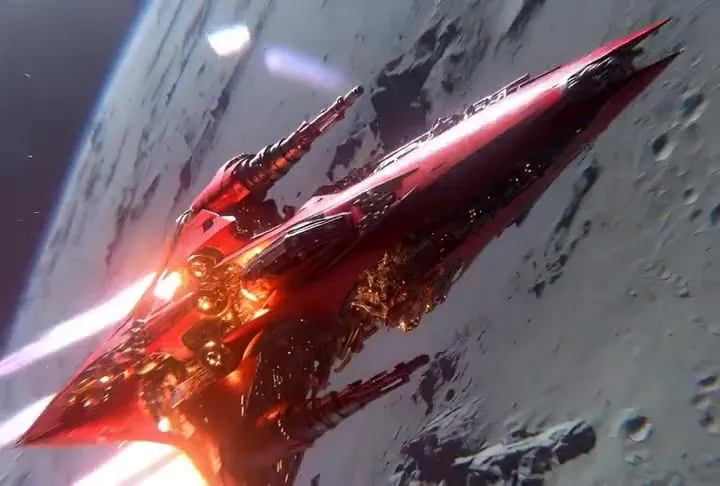
    • Crimson Cosmic Warship Descent VideoVideo, 0:06
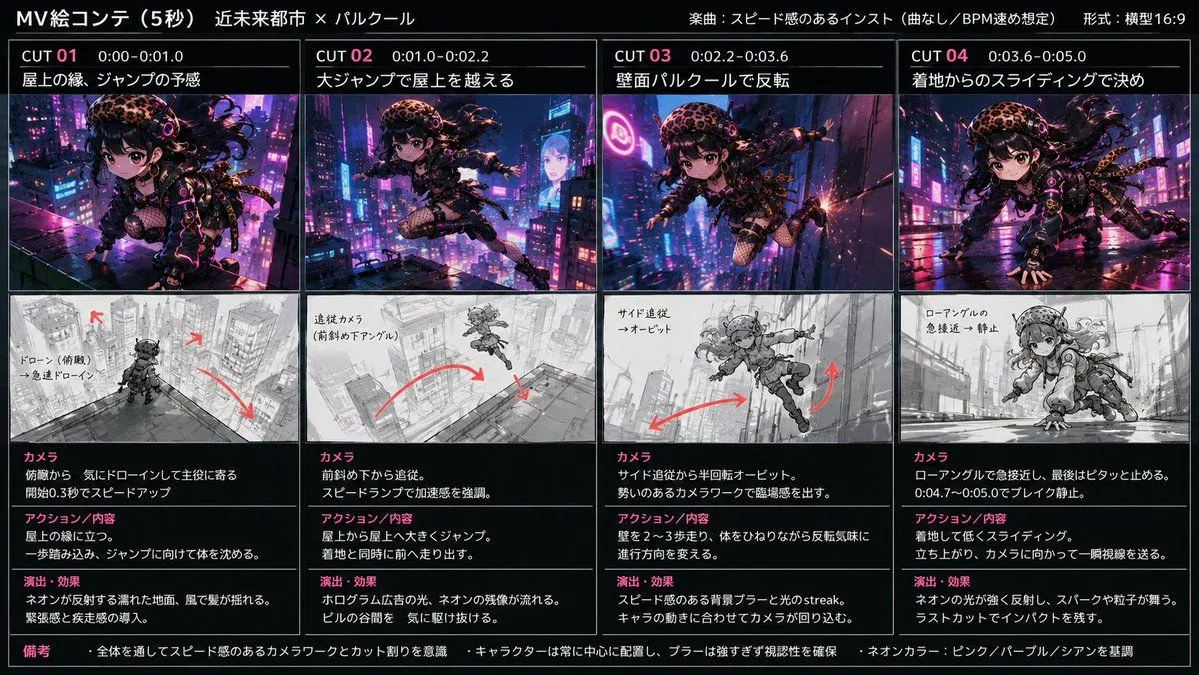
    • Cyberpunk City Parkour MV

    Show more

    Run it on your phone

    1. Prompt copiedRead it

      { "type": "technical reference sheet", "subject": { "design": "{argument name=\"aircraft type\" default=\"futuristic VTOL transport aircraft\"}", "features": "4 ducted fans integrated into a blended wing body", "colors": ["{argument name=\"primary color\" default=\"white\"}", "{argument name=\"secondary color\" default=\"black\"}"] }, "style": "sci-fi concept art, schematic layout, detailed annotations", "layout": { "background": "{argument name=\"background color\" default=\"dark grey\"}", "header": { "title": "{argument name=\"main title\" default=\"4基ダクテッドファンVTOL輸送機 ファン配置図\"}", "subtitle": "ステージキューブ 第55中隊 輸送機 (想定)" }, "columns": [ { "position": "left", "sections": [ { "title": "■ 三面図", "description": "Orthographic projections", "view_count": 3, "view_labels": ["側面", "上面", "正面"], "annotations": "Blue lines pointing to cockpit, cabin, and fans" }, { "title": "■ ファン配置のポイント", "description": "Text box with bullet points", "bullet_count": 4 }, { "title": "■ 想定スペック", "description": "Text box with specifications", "line_count": 6 } ] }, { "position": "right", "sections": [ { "title": "■ 上面詳細(ファン配置・気流)", "description": "Large top-down view", "visual_elements": { "blue_arrows": 4, "orange_arrows": 2, "center_of_gravity_marker": 1 }, "legend": { "item_count": 3, "description": "Explains arrow colors and markers" } }, { "title": "■ 斜め後方からのイメージ", "description": "3/4 rear perspective view of the aircraft" } ] } ] } }

    2. Open your app

      This prompt is long, so it is copied instead of sent in the link. Paste it in the app.

    3. Paste and run

      Press and hold the message box, then tap Paste. Add your photo first if the prompt uses one. You may need to sign in.

    Sci-Fi VTOL Aircraft Technical Spec Sheet