Tell us anything

An idea, a bug, something you love. We read every note.

⌘↵ to send. The page you're on comes along.

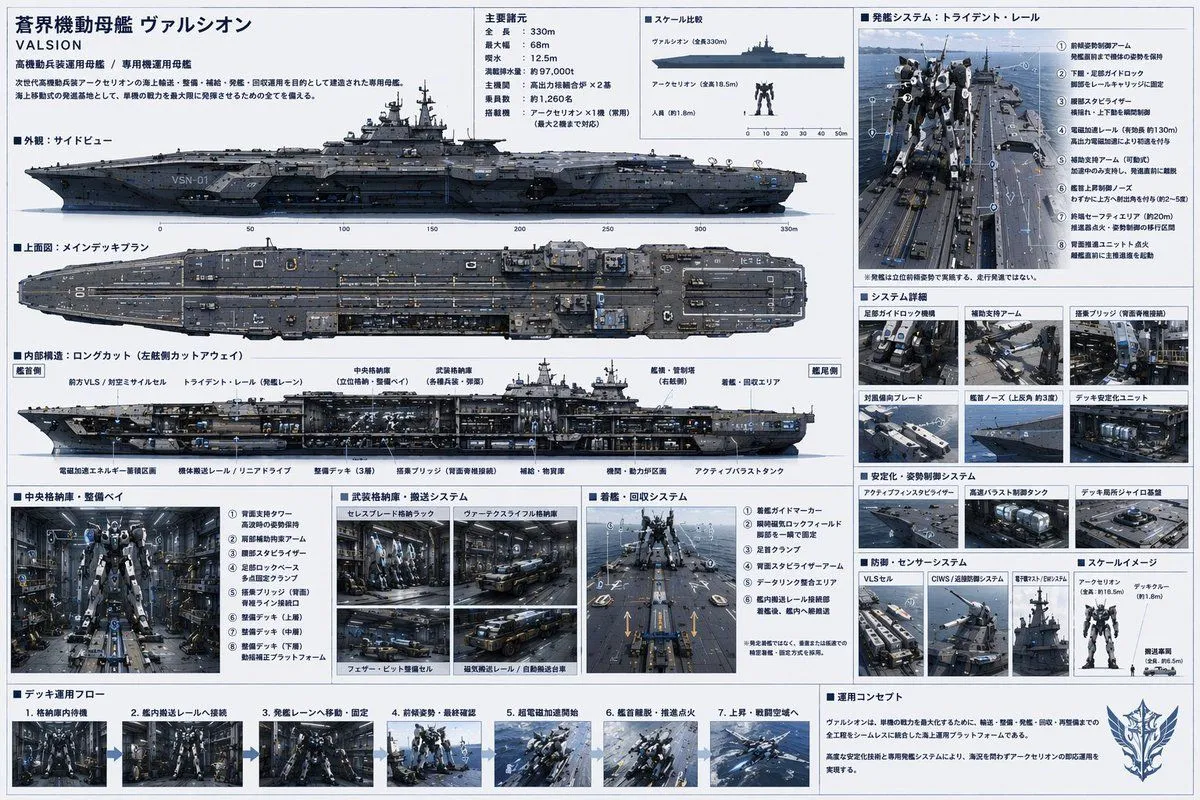
Sci-Fi Mecha Carrier Specification Sheet

Made with GPT Image 2 in ChatGPT, collected by Library Explainers. Promptclay never generates images.

Did it work?

No reports yet. Tell others if it worked for you.

No comments yet. Be the first.

    Sci-Fi Mecha Carrier Specification Sheet

    GPT Image 23:2AI-generated

    Prompt

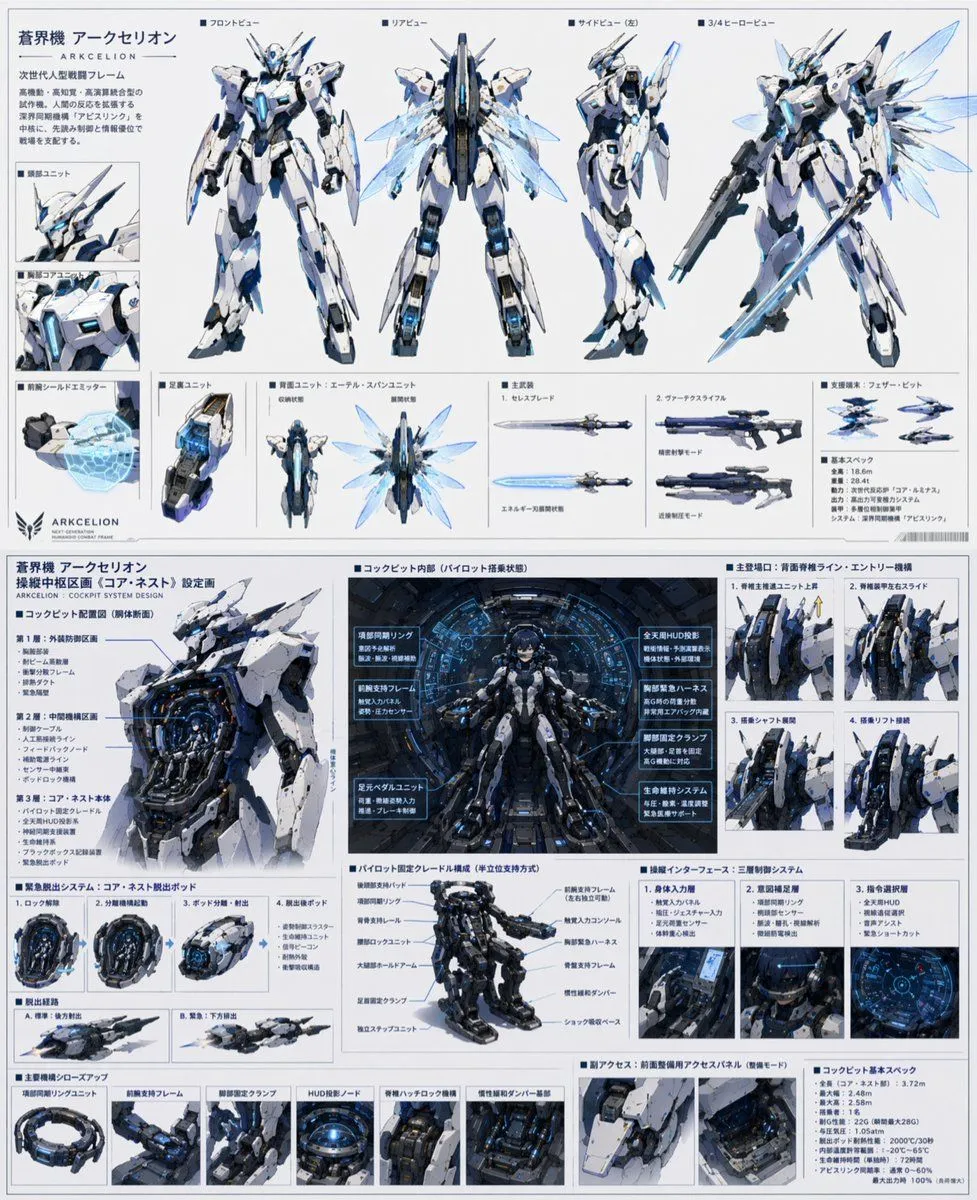
    { "type": "sci-fi military ship specification sheet", "subject": { "name": "{argument name=\"ship name\" default=\"蒼界機動母艦 ヴァルシオン\"}", "english_name": "{argument name=\"english name\" default=\"VALSION\"}", "subtitle": "{argument name=\"ship type\" default=\"高機動兵装運用母艦 / 専用機運用母艦\"}", "design": "massive futuristic aircraft carrier designed for mecha deployment, {argument name=\"primary color\" default=\"dark naval gray\"} hull, flat flight deck with catapult rails, bridge tower on the starboard side" }, "layout": { "style": "dense technical infographic, blueprint aesthetic with realistic renders, light blue grid background, dark blue headers", "sections": [ { "title": "主要諸元", "position": "top-center", "content": "List of 6 technical specifications including length, width, draft, displacement, main engine, and crew capacity." }, { "title": "スケール比較", "position": "top-center right", "count": 3, "labels": ["ヴァルシオン (全長330m)", "{argument name=\"mecha name\" default=\"アークセリオン\"} (全高18.5m)", "人員 (約1.8m)"] }, { "title": "外観:サイドビュー", "position": "upper-left", "content": "Detailed side profile render of the ship with a scale bar underneath." }, { "title": "上面図:メインデッキプラン", "position": "mid-left", "content": "Detailed top-down render of the ship's flight deck." }, { "title": "内部構造:ロングカット (左舷側カットアウェイ)", "position": "center-left", "content": "Cross-section render showing internal hangars, VLS, and launch rails with 10 text callouts." }, { "title": "発艦システム:トライデント・レール", "position": "top-right", "count": 8, "labels": ["① 前傾姿勢制御アーム", "② 下腿・足部ガイドロック", "③ 腰部スタビライザー", "④ 電磁加速レール", "⑤ 補助支持アーム", "⑥ 艦首上昇制御ノーズ", "⑦ 終端セーフティエリア", "⑧ 背面推進ユニット点火"] }, { "title": "システム詳細", "position": "mid-right", "count": 6, "labels": ["足部ガイドロック機構", "補助支持アーム", "搭乗ブリッジ", "対風偏向ブレード", "艦首ノーズ", "デッキ安定化ユニット"] }, { "title": "安定化・姿勢制御システム", "position": "mid-lower-right", "count": 3, "labels": ["アクティブフィンスタビライザー", "高速バラスト制御タンク", "デッキ局所ジャイロ基盤"] }, { "title": "防御・センサーシステム", "position": "lower-right", "count": 3, "labels": ["VLSセル", "CIWS/近接防御システム", "電子戦マスト/EWシステム"] }, { "title": "中央格納庫・整備ベイ", "position": "bottom-left", "count": 8, "labels": ["① 背面支持タワー", "② 肩部補助拘束アーム", "③ 腰部スタビライザー", "④ 足部ロックベース", "⑤ 搭乗ブリッジ", "⑥ 整備デッキ(上層)", "⑦ 整備デッキ(中層)", "⑧ 整備デッキ(下層)"] }, { "title": "武装格納庫・搬送システム", "position": "bottom-mid-left", "count": 4, "labels": ["セレスブレード格納ラック", "ヴァーテクスライフル格納庫", "フェザー・ビット整備セル", "磁気搬送レール/自動搬送台車"] }, { "title": "着艦・回収システム", "position": "bottom-center", "count": 6, "labels": ["① 着艦ガイドマーカー", "② 瞬時磁気ロックフィールド", "③ 足首クランプ", "④ 背面スタビライザーアーム", "⑤ データリンク整合エリア", "⑥ 艦内搬送レール接続部"] }, { "title": "デッキ運用フロー", "position": "bottom-strip", "count": 7, "labels": ["1. 格納庫内待機", "2. 艦内搬送レールへ接続", "3. 発艦レーンへ移動・固定", "4. 前傾姿勢・最終確認", "5. 超電磁加速開始", "6. 艦首離脱・推進点火", "7. 上昇・戦闘空域へ"] }, { "title": "運用コンセプト", "position": "bottom-right corner", "content": "Text paragraph describing the operational concept, accompanied by a stylized wing-and-sword emblem." } ] } }

    Works in
    ChatGPT, Gemini
    Status
    Free to copy
    0
    DetailsVersions, settings and questions

    Written for

    What's in the prompt

    Subject
    Model
    GPT Image 2

    If your face changes

    keep my face exactly the same

    Questions

    Does this work in the ChatGPT app?
    Yes. Paste the prompt and attach your photo if it uses one.
    It changed my face. What do I do?
    Add "keep my face exactly the same" to the end and run it again.
    Can I use the images I make?
    Check the terms of the app you use. Promptclay never generates images and claims nothing you make.
    Similar prompts

    See more
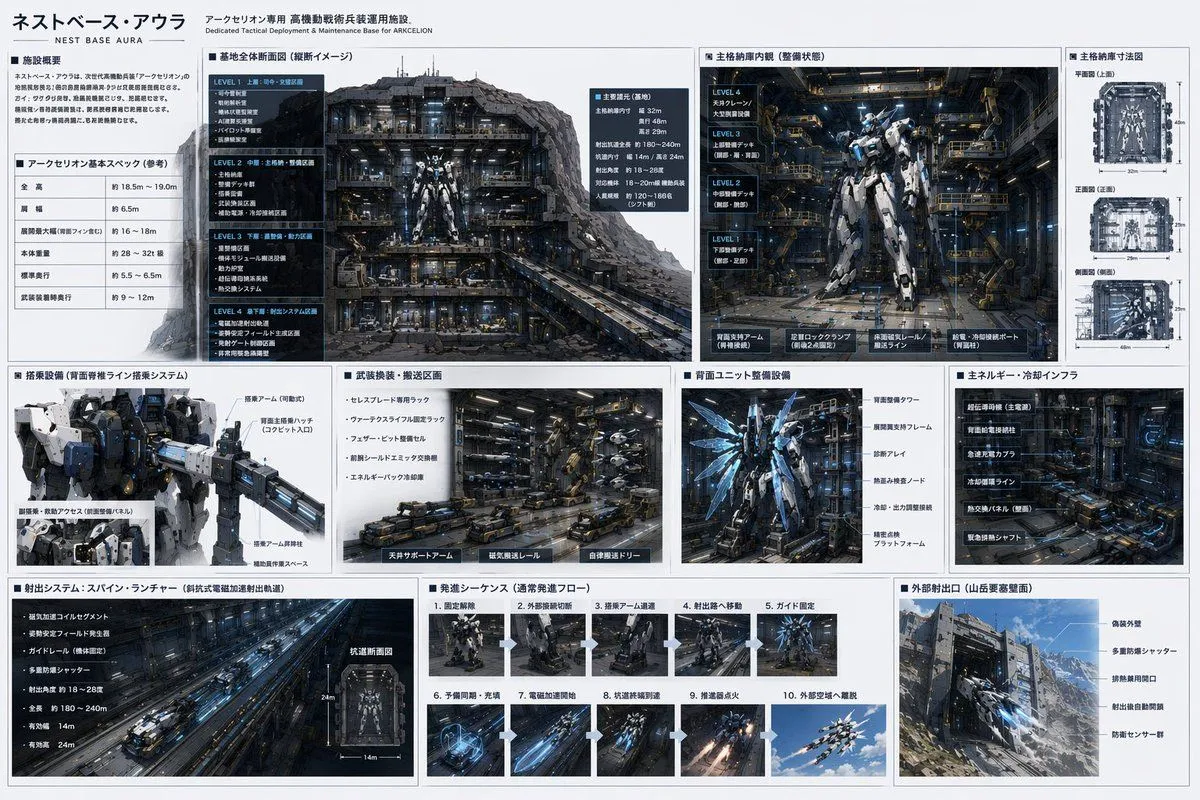
    • Mecha Base Technical Spec Sheet
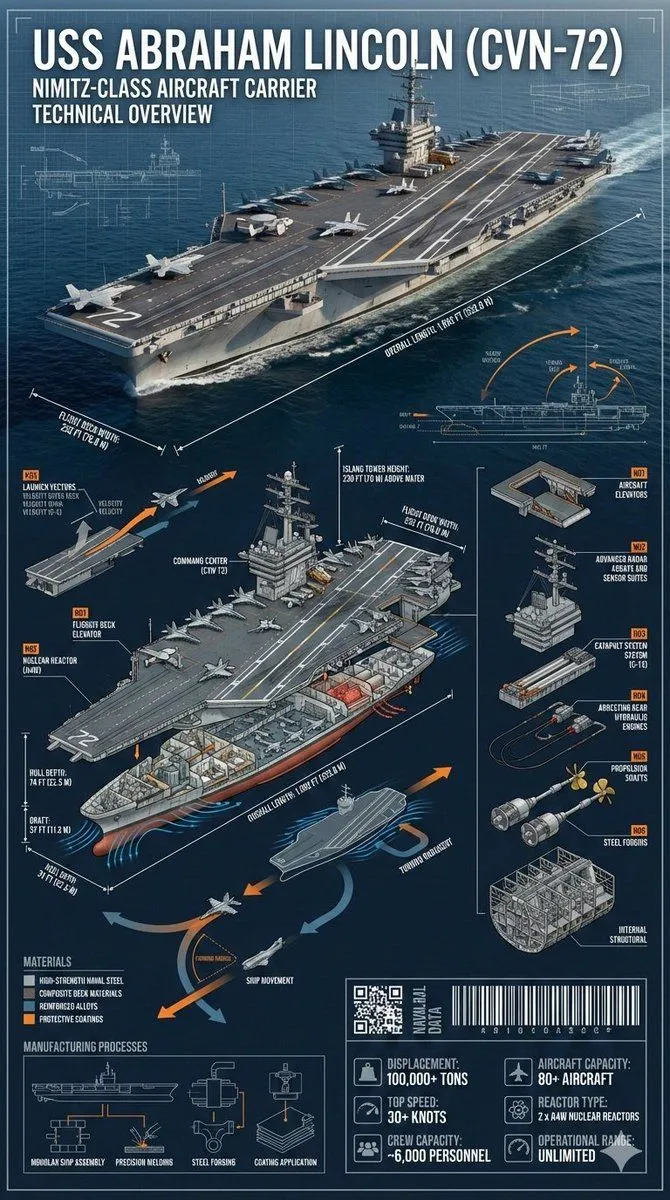
    • Cinematic Engineering Infographic of USS Abraham Lincoln
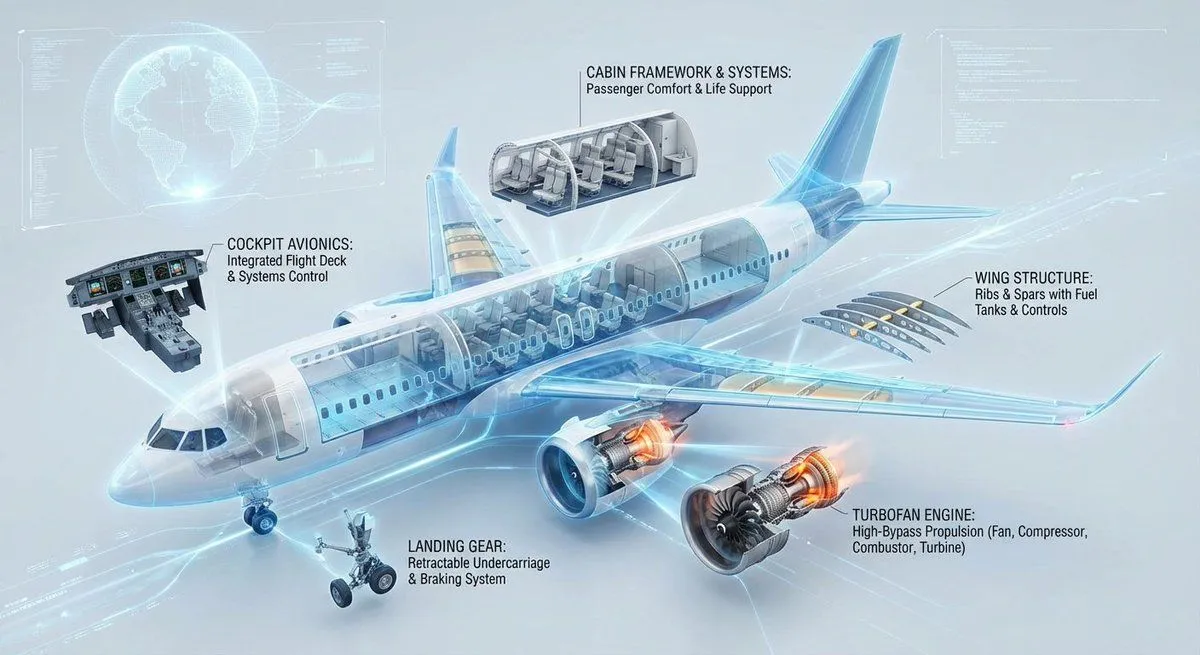
    • Cutaway infographic of a modern jet airliner
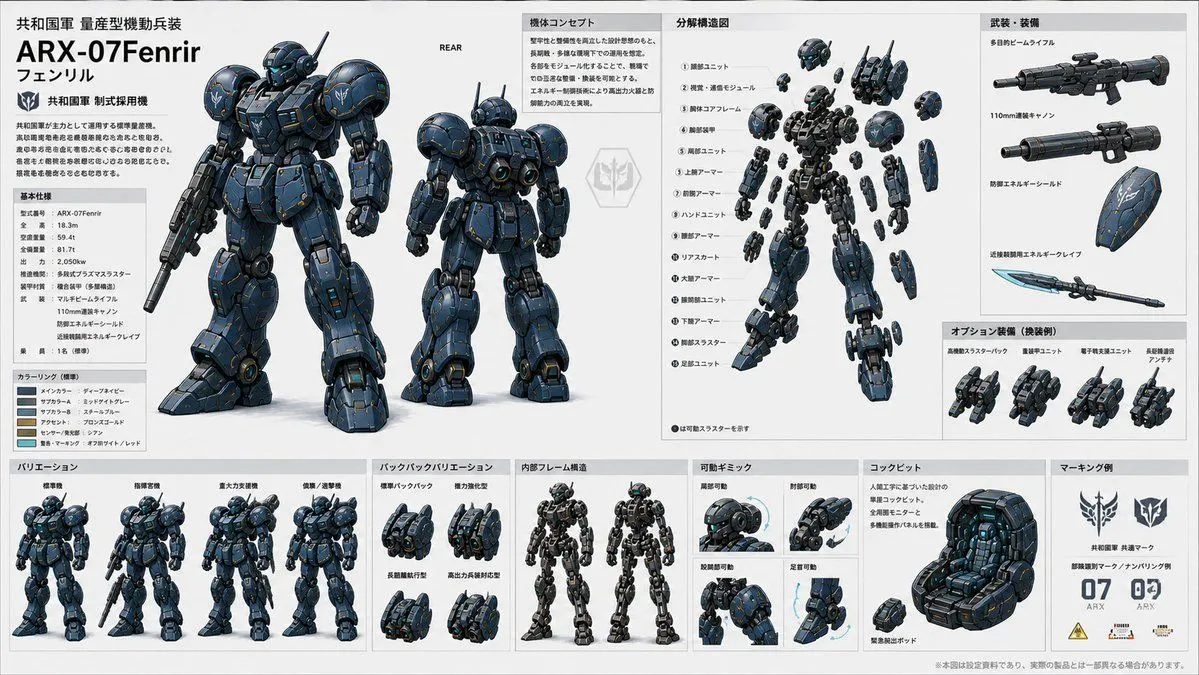
    • ARX-07 Fenrir Mecha Spec Sheet
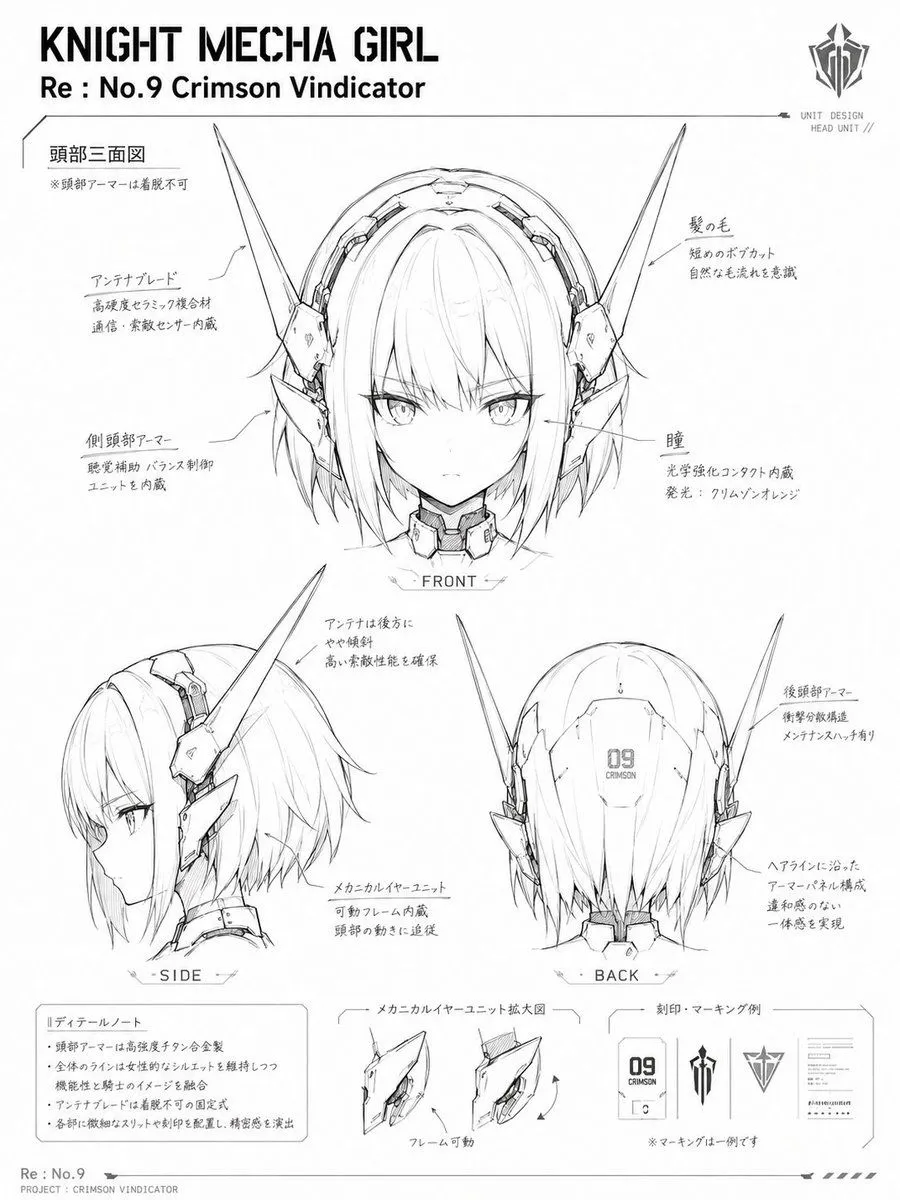
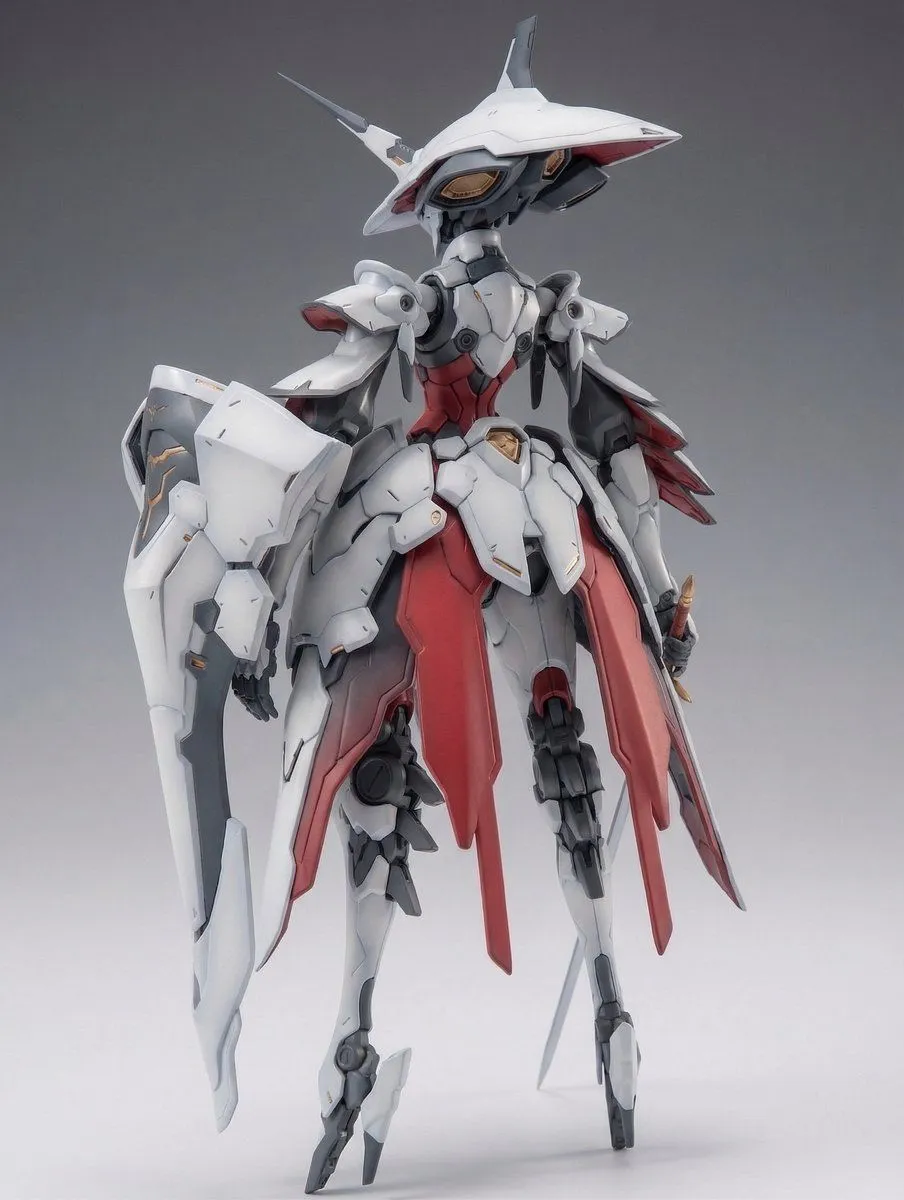
    • Knight Mecha Girl Model Kit Style
    • Mecha Protagonist Design
    • Sci-Fi Mecha Turnaround Sheet
    • Technical Prompt for 3x2 Robot Character Matrix
    • Tokusatsu Hero Reference Sheet
    • Odaiba Gundam Construction Process Visualization
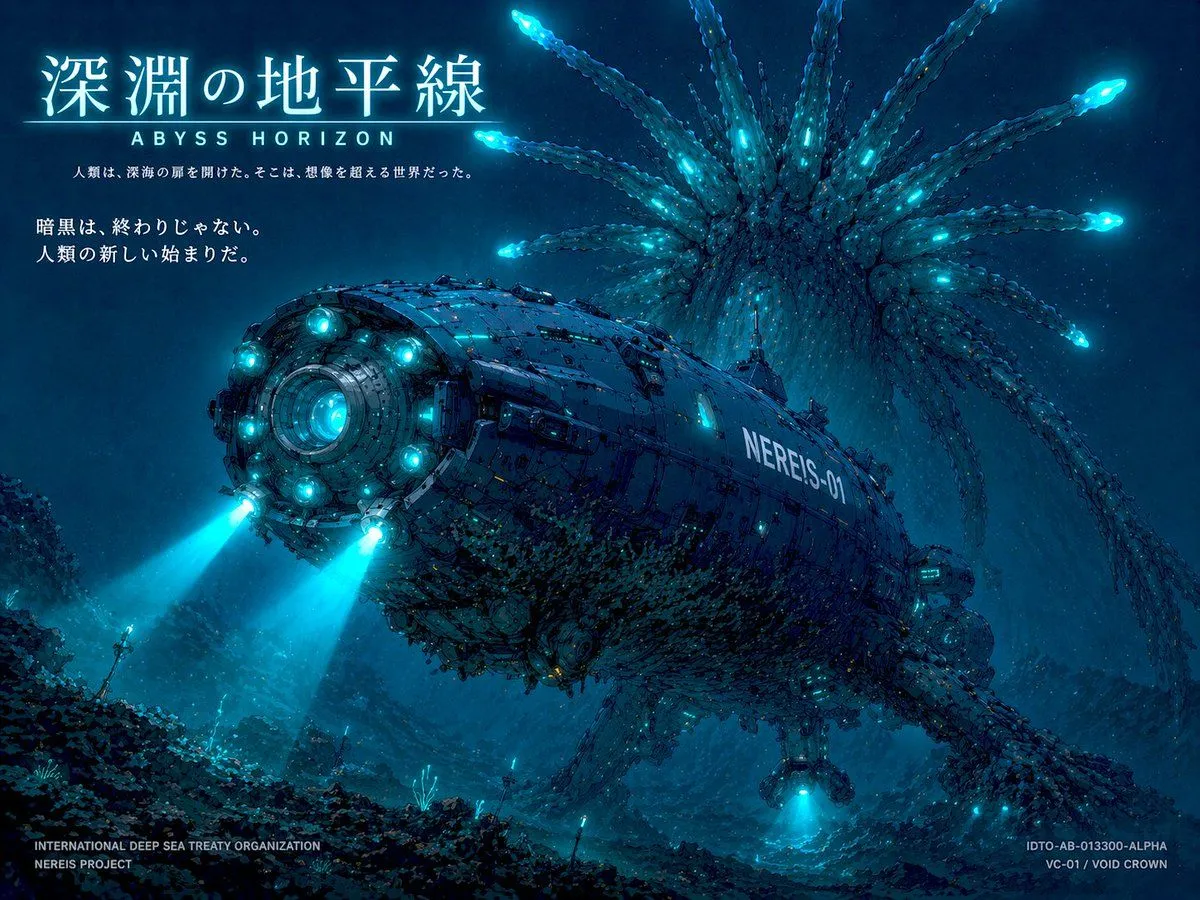
    • Sci-Fi Deep Sea Concept Art & Reference Sheet
    • Luxury Cruise Ship Editorial Infographic
    • Robot Mecha Movie Key Visual Prompt
    • Industrial Packaging Design Sheet
    • Full Armor Mecha Girl model kit concept prompt
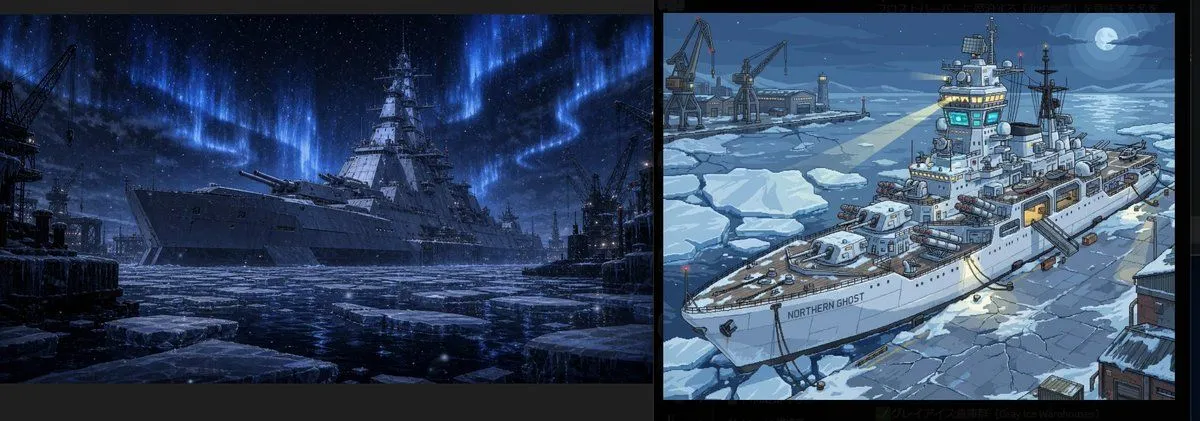
    • Arctic Warship Style Comparison
    • Sci-Fi Deep Sea Submarine Poster
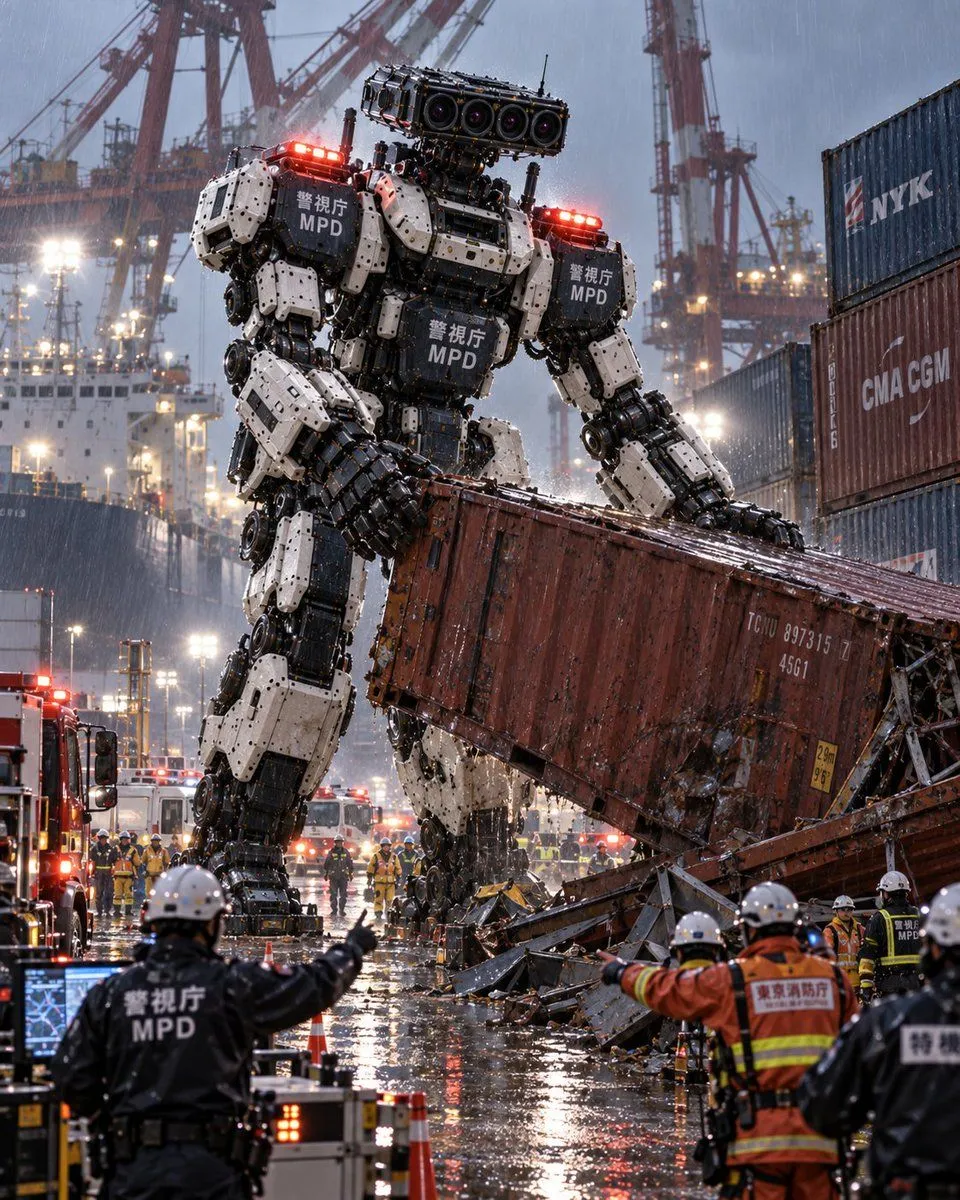
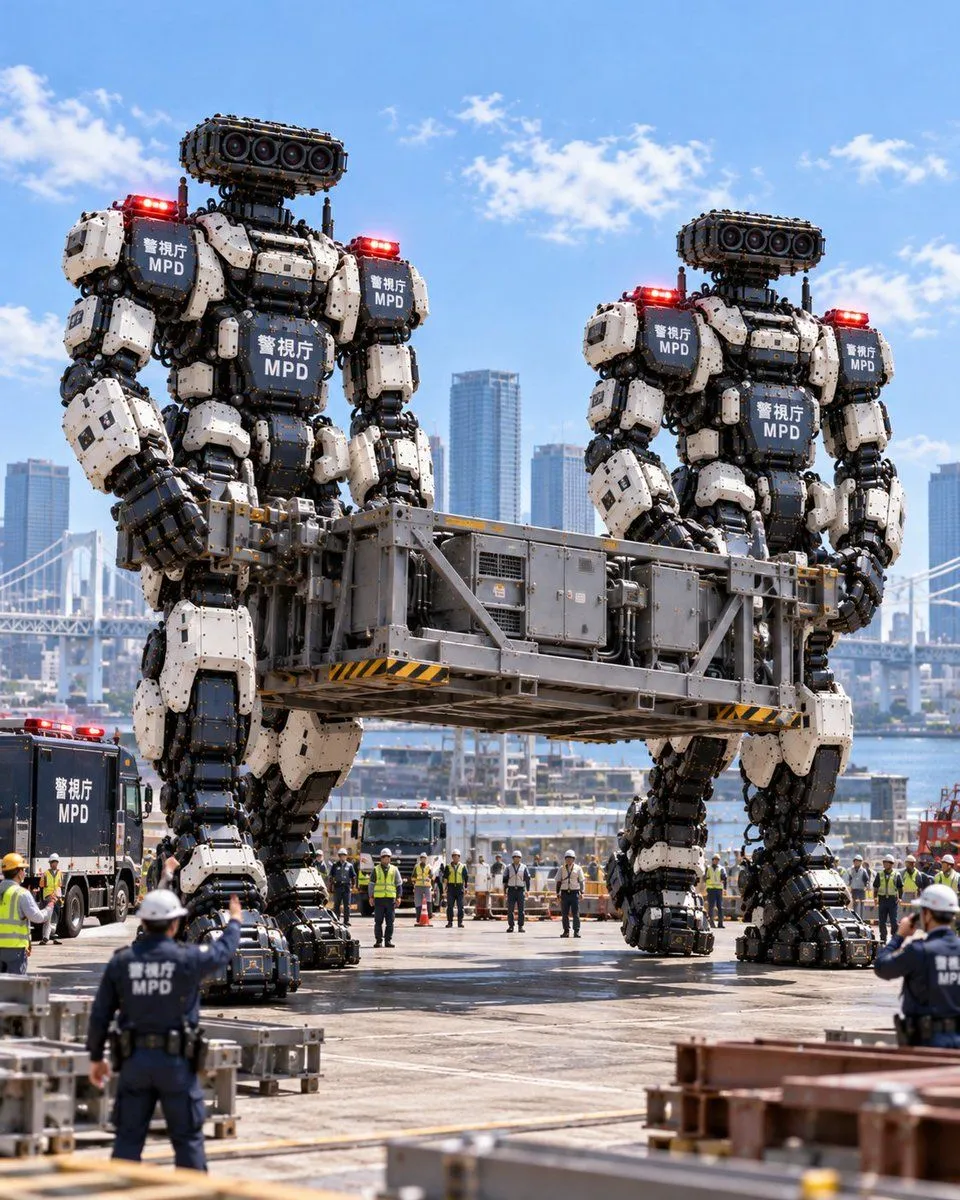
    • MPD Robot Lifting Container
    • Giant MPD Robots Carrying Heavy Load
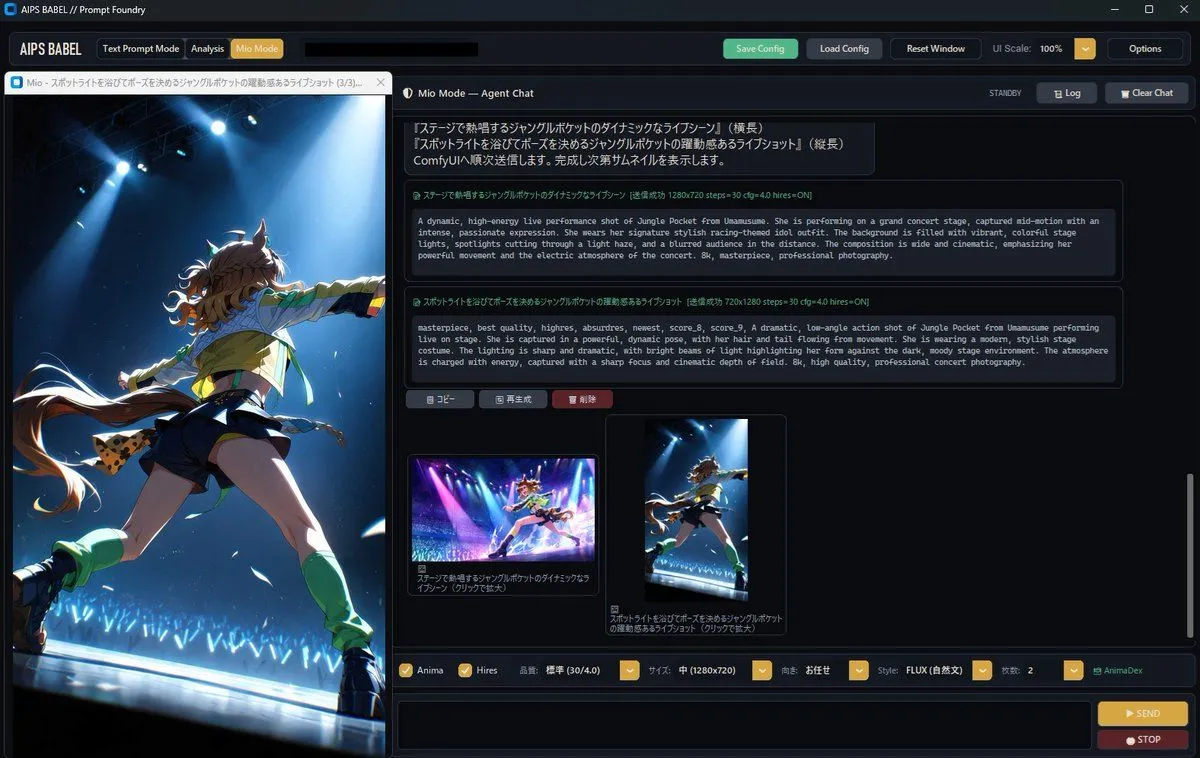
    • Dark Anime Prompt Foundry UI
    • Japanese X Monetization Thumbnail
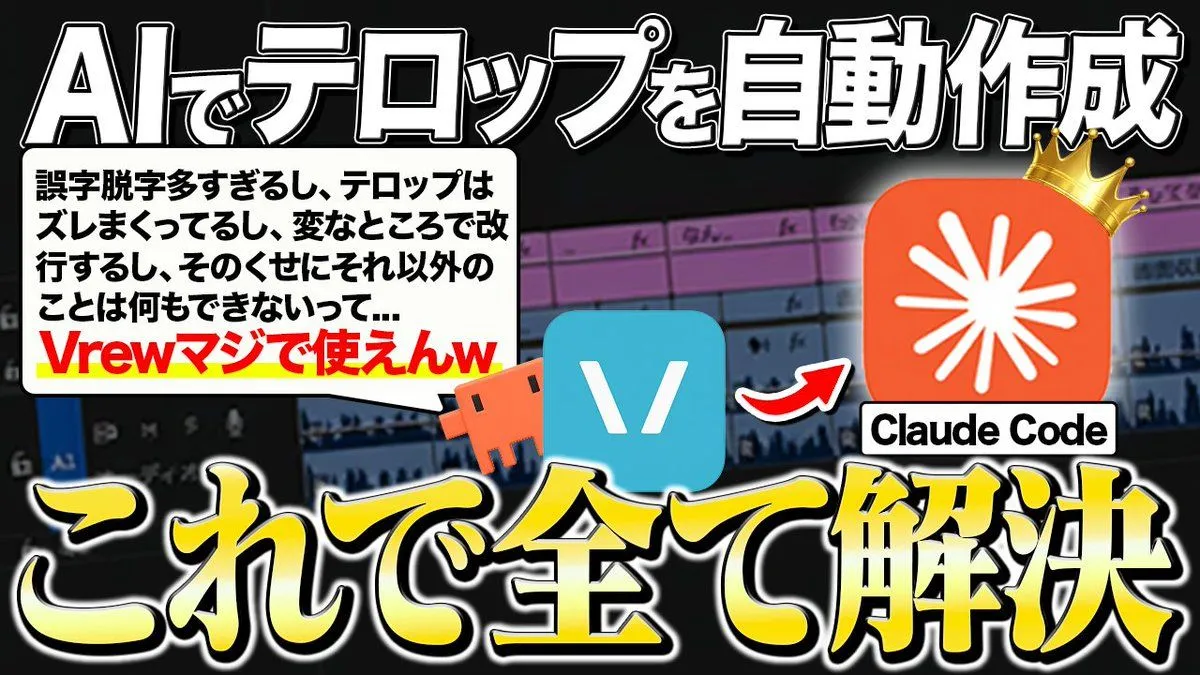
    • Japanese AI Telop Thumbnail
    • Mechanical Keyboard Product Page Mockup
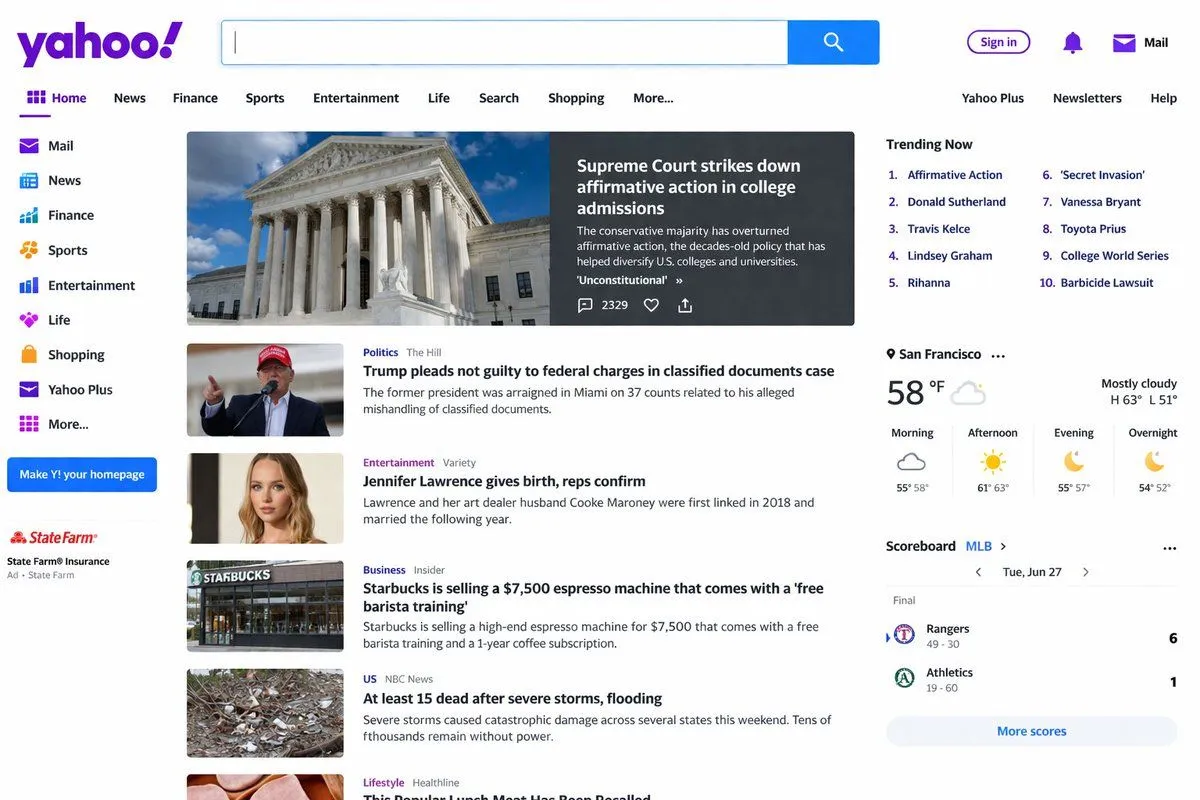
    • Website Homepage Screenshot Generation

    Show more

    Run it on your phone

    1. Prompt copiedRead it

      { "type": "sci-fi military ship specification sheet", "subject": { "name": "{argument name=\"ship name\" default=\"蒼界機動母艦 ヴァルシオン\"}", "english_name": "{argument name=\"english name\" default=\"VALSION\"}", "subtitle": "{argument name=\"ship type\" default=\"高機動兵装運用母艦 / 専用機運用母艦\"}", "design": "massive futuristic aircraft carrier designed for mecha deployment, {argument name=\"primary color\" default=\"dark naval gray\"} hull, flat flight deck with catapult rails, bridge tower on the starboard side" }, "layout": { "style": "dense technical infographic, blueprint aesthetic with realistic renders, light blue grid background, dark blue headers", "sections": [ { "title": "主要諸元", "position": "top-center", "content": "List of 6 technical specifications including length, width, draft, displacement, main engine, and crew capacity." }, { "title": "スケール比較", "position": "top-center right", "count": 3, "labels": ["ヴァルシオン (全長330m)", "{argument name=\"mecha name\" default=\"アークセリオン\"} (全高18.5m)", "人員 (約1.8m)"] }, { "title": "外観:サイドビュー", "position": "upper-left", "content": "Detailed side profile render of the ship with a scale bar underneath." }, { "title": "上面図:メインデッキプラン", "position": "mid-left", "content": "Detailed top-down render of the ship's flight deck." }, { "title": "内部構造:ロングカット (左舷側カットアウェイ)", "position": "center-left", "content": "Cross-section render showing internal hangars, VLS, and launch rails with 10 text callouts." }, { "title": "発艦システム:トライデント・レール", "position": "top-right", "count": 8, "labels": ["① 前傾姿勢制御アーム", "② 下腿・足部ガイドロック", "③ 腰部スタビライザー", "④ 電磁加速レール", "⑤ 補助支持アーム", "⑥ 艦首上昇制御ノーズ", "⑦ 終端セーフティエリア", "⑧ 背面推進ユニット点火"] }, { "title": "システム詳細", "position": "mid-right", "count": 6, "labels": ["足部ガイドロック機構", "補助支持アーム", "搭乗ブリッジ", "対風偏向ブレード", "艦首ノーズ", "デッキ安定化ユニット"] }, { "title": "安定化・姿勢制御システム", "position": "mid-lower-right", "count": 3, "labels": ["アクティブフィンスタビライザー", "高速バラスト制御タンク", "デッキ局所ジャイロ基盤"] }, { "title": "防御・センサーシステム", "position": "lower-right", "count": 3, "labels": ["VLSセル", "CIWS/近接防御システム", "電子戦マスト/EWシステム"] }, { "title": "中央格納庫・整備ベイ", "position": "bottom-left", "count": 8, "labels": ["① 背面支持タワー", "② 肩部補助拘束アーム", "③ 腰部スタビライザー", "④ 足部ロックベース", "⑤ 搭乗ブリッジ", "⑥ 整備デッキ(上層)", "⑦ 整備デッキ(中層)", "⑧ 整備デッキ(下層)"] }, { "title": "武装格納庫・搬送システム", "position": "bottom-mid-left", "count": 4, "labels": ["セレスブレード格納ラック", "ヴァーテクスライフル格納庫", "フェザー・ビット整備セル", "磁気搬送レール/自動搬送台車"] }, { "title": "着艦・回収システム", "position": "bottom-center", "count": 6, "labels": ["① 着艦ガイドマーカー", "② 瞬時磁気ロックフィールド", "③ 足首クランプ", "④ 背面スタビライザーアーム", "⑤ データリンク整合エリア", "⑥ 艦内搬送レール接続部"] }, { "title": "デッキ運用フロー", "position": "bottom-strip", "count": 7, "labels": ["1. 格納庫内待機", "2. 艦内搬送レールへ接続", "3. 発艦レーンへ移動・固定", "4. 前傾姿勢・最終確認", "5. 超電磁加速開始", "6. 艦首離脱・推進点火", "7. 上昇・戦闘空域へ"] }, { "title": "運用コンセプト", "position": "bottom-right corner", "content": "Text paragraph describing the operational concept, accompanied by a stylized wing-and-sword emblem." } ] } }

    2. Open your app

      This prompt is long, so it is copied instead of sent in the link. Paste it in the app.

    3. Paste and run

      Press and hold the message box, then tap Paste. Add your photo first if the prompt uses one. You may need to sign in.

    Sci-Fi Mecha Carrier Specification Sheet