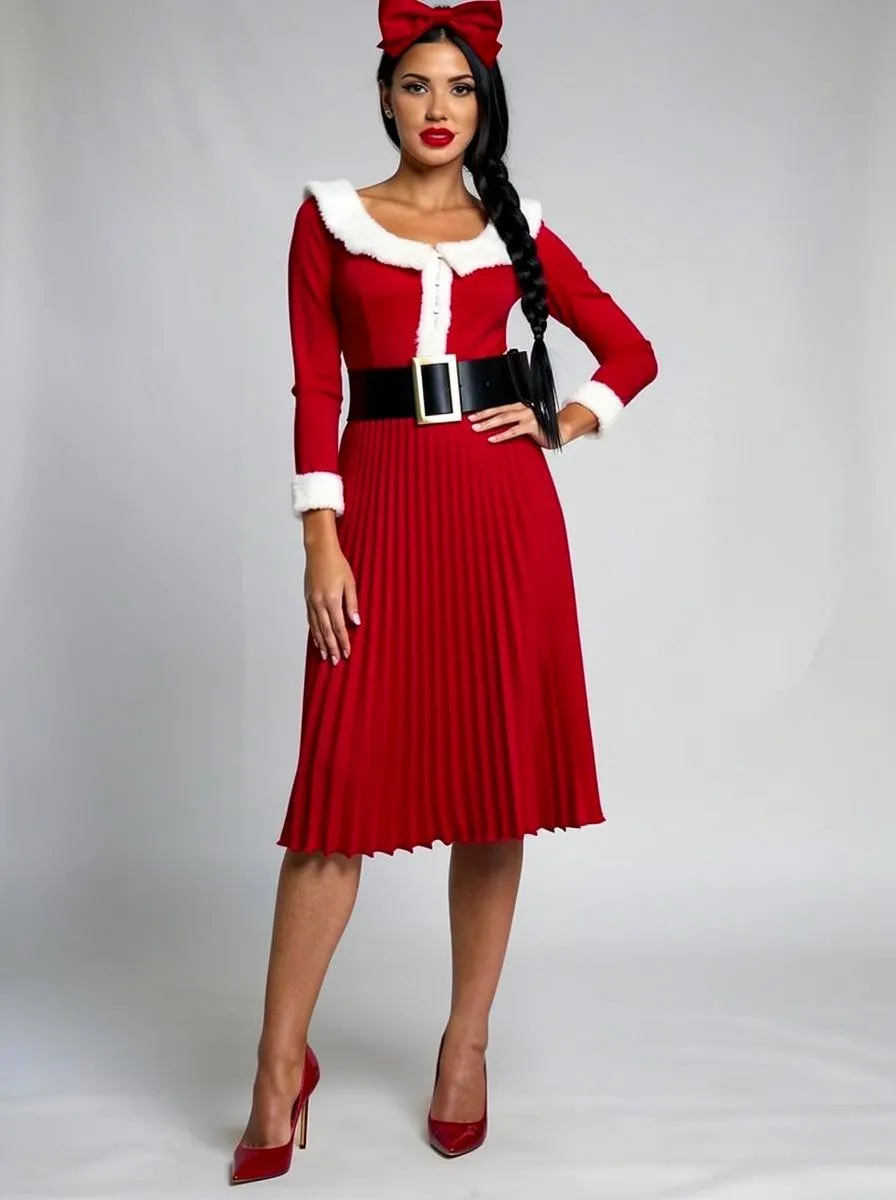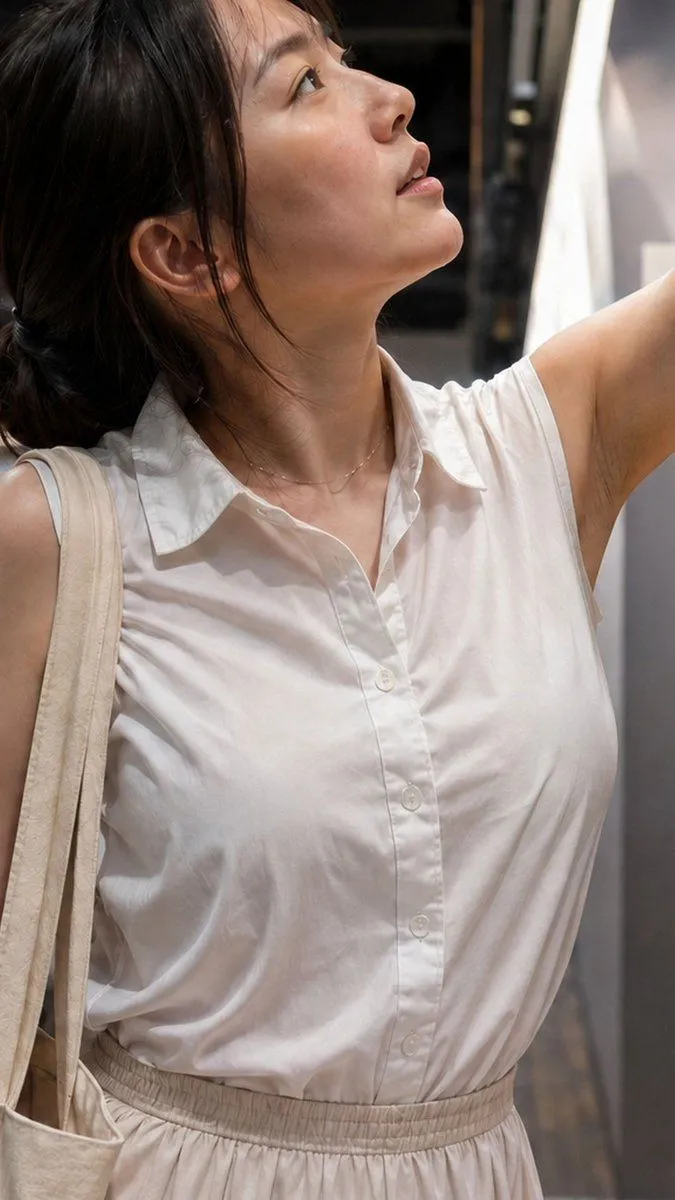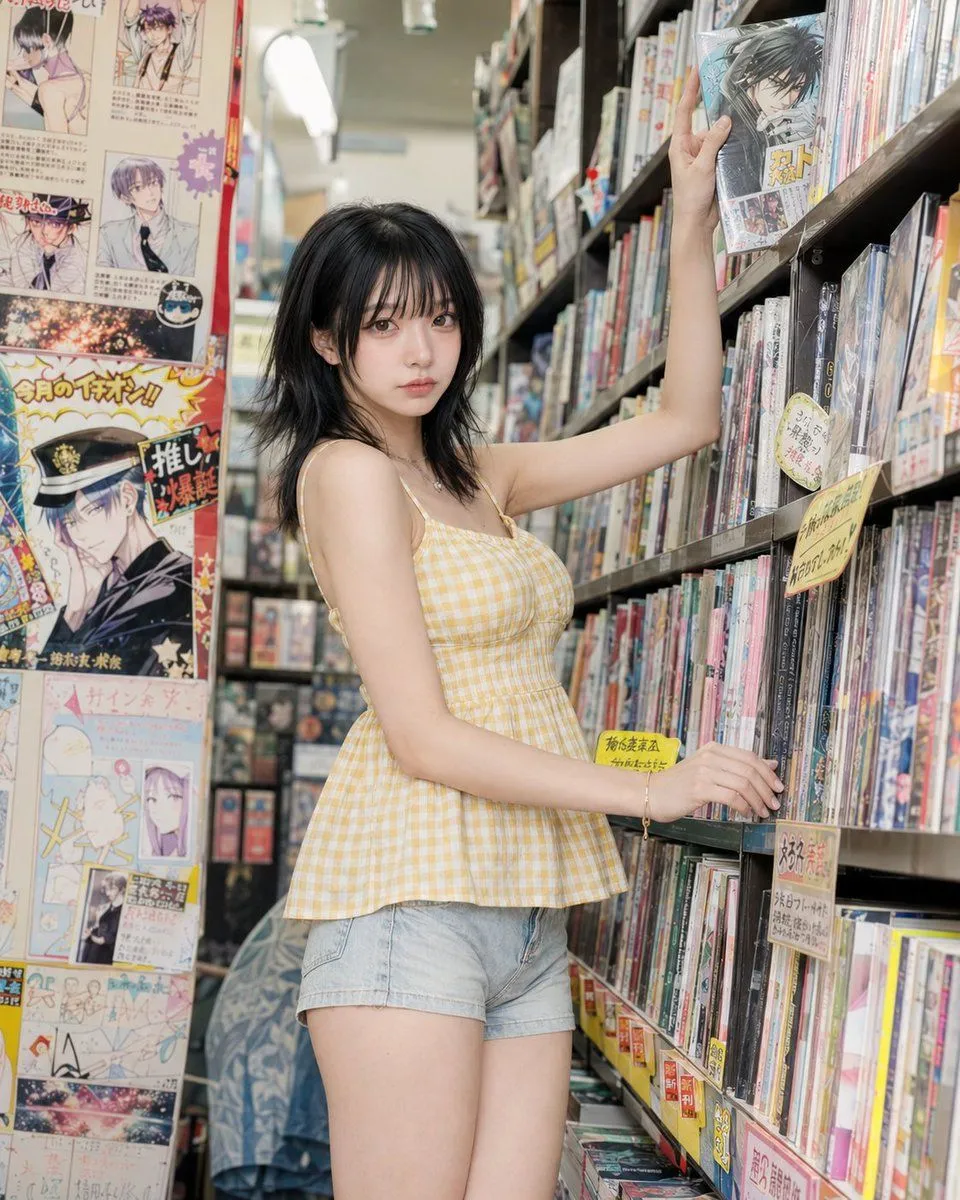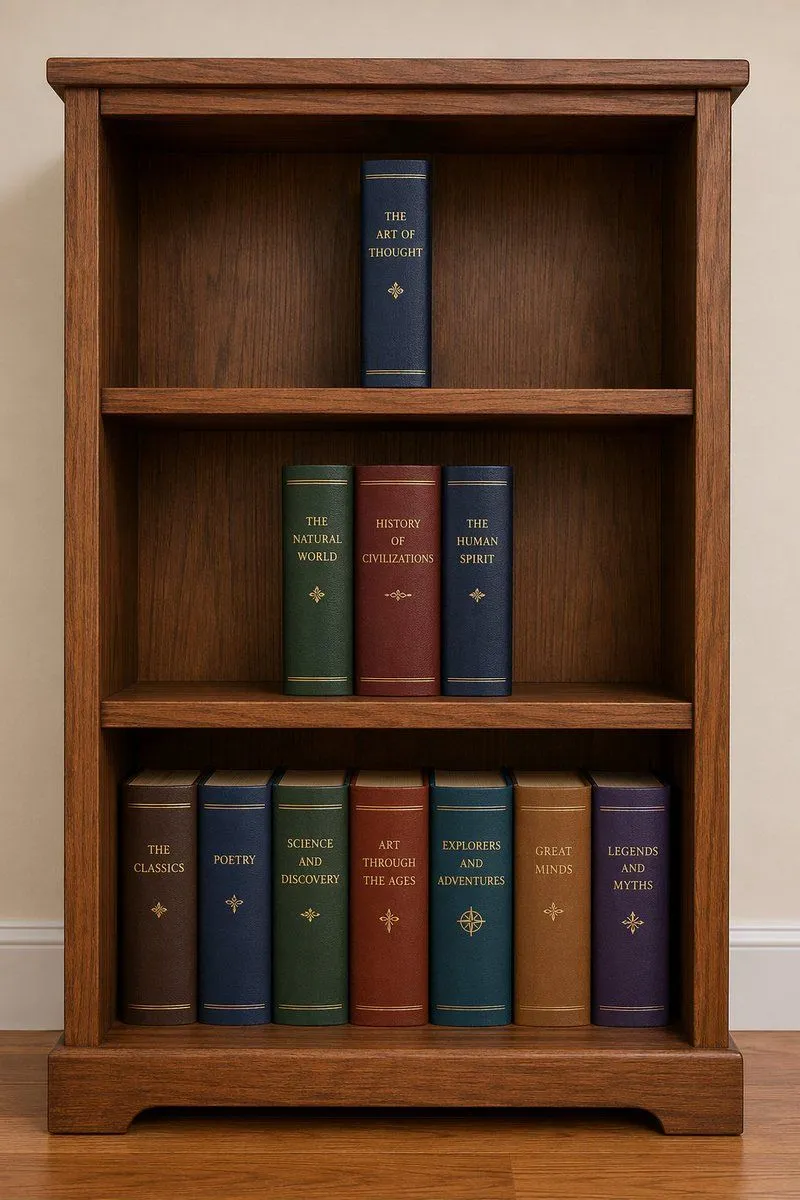
Made with Nano Banana Pro in Gemini, collected by Library Social. Promptclay never generates images.
Did it work?
No reports yet. Tell others if it worked for you.
Santa's Switch Prank Multi-Angle Grid
Prompt
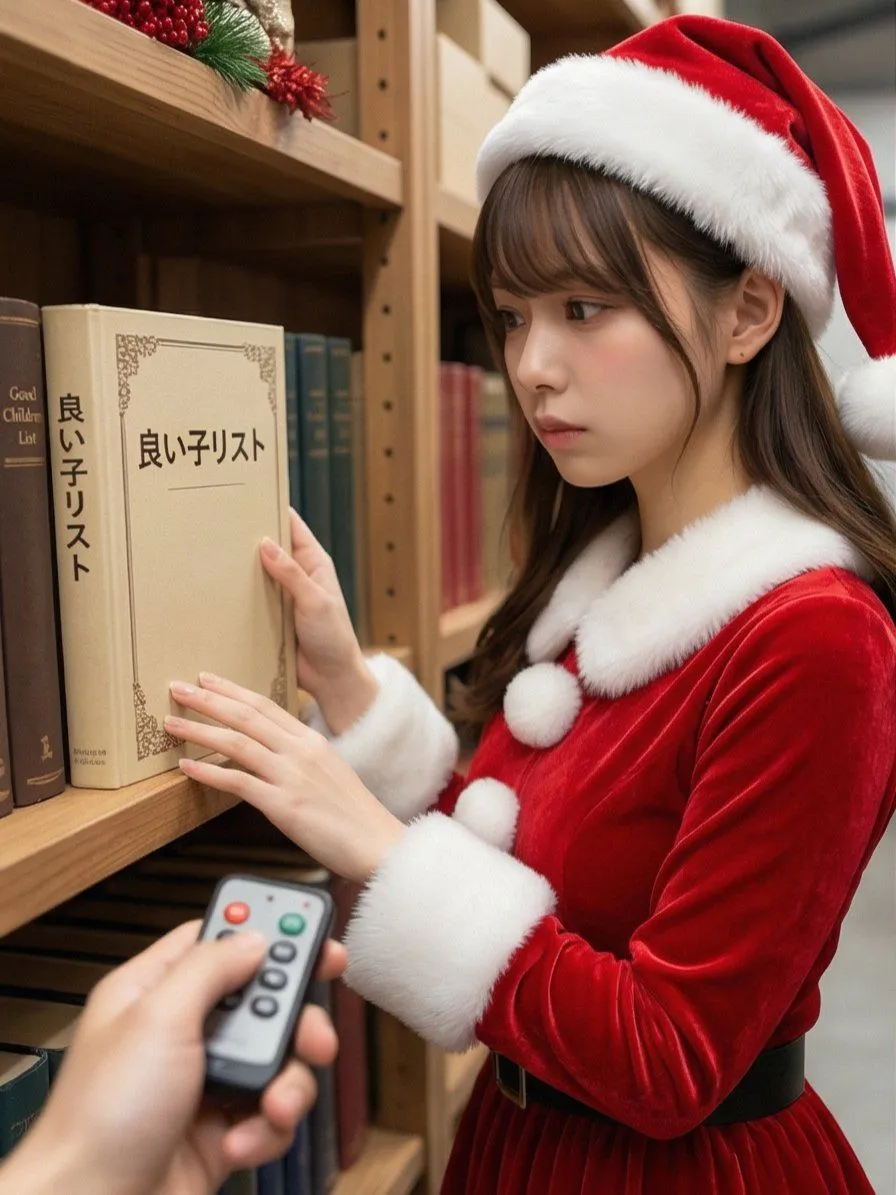
1 blank to fillRead the motifs depicted in the attached image, generate multi-angle shots, and create four scenes divided into a 2x2 grid. 【Action 1】 Santa Claus, with a serious expression, is looking at documents (thick books) on a bookshelf in a Christmas-decorated warehouse. The book title is left to the AI's interpretation in a way that suggests a story. The photographer presses a button on a remote control in their hand, making a unique 'Pikoon!' electronic sound or a cute chime sound. 【Dialogue 1】 Santa jumps in surprise and immediately turns toward the camera (photographer). While shaking his white beard, he says a word or phrase that is slightly embarrassed yet playful (left to the AI's interpretation in a way that suggests a story). 【Action 2】 The photographer grins and immediately presses the 'Pikoon!' electronic sound again. 【Action 3】 Santa looks down shyly with an expression of "Oh, come on!" He curls his large body and squats momentarily in a "moe-costume" (instead of moe-sleeves), then stands up, laughs heartily, and covers his face with red gloves to hide his embarrassment. Caption: "{caption}" Two hashtags. The content of the hashtags is left to the AI's interpretation in a way that suggests a story.
Preview of your prompt
Read the motifs depicted in the attached image, generate multi-angle shots, and create four scenes divided into a 2x2 grid. 【Action 1】 Santa Claus, with a serious expression, is looking at documents (thick books) on a bookshelf in a Christmas-decorated warehouse. The book title is left to the AI's interpretation in a way that suggests a story. The photographer presses a button on a remote control in their hand, making a unique 'Pikoon!' electronic sound or a cute chime sound. 【Dialogue 1】 Santa jumps in surprise and immediately turns toward the camera (photographer). While shaking his white beard, he says a word or phrase that is slightly embarrassed yet playful (left to the AI's interpretation in a way that suggests a story). 【Action 2】 The photographer grins and immediately presses the 'Pikoon!' electronic sound again. 【Action 3】 Santa looks down shyly with an expression of "Oh, come on!" He curls his large body and squats momentarily in a "moe-costume" (instead of moe-sleeves), then stands up, laughs heartily, and covers his face with red gloves to hide his embarrassment. Caption: "I pressed the switch on Santa preparing in the warehouse 🎅✨" Two hashtags. The content of the hashtags is left to the AI's interpretation in a way that suggests a story.
DetailsVersions, settings and questions
Written for
What's in the prompt
- Subject
- Model
- Nano Banana Pro
If your face changes
keep my face exactly the sameQuestions
- Does this work in the Gemini app?
- Yes. Gemini runs Nano Banana, so paste the prompt and attach your photo if it uses one.
- It changed my face. What do I do?
- Add "keep my face exactly the same" to the end and run it again.
- Can I use the images I make?
- Check the terms of the app you use. Promptclay never generates images and claims nothing you make.