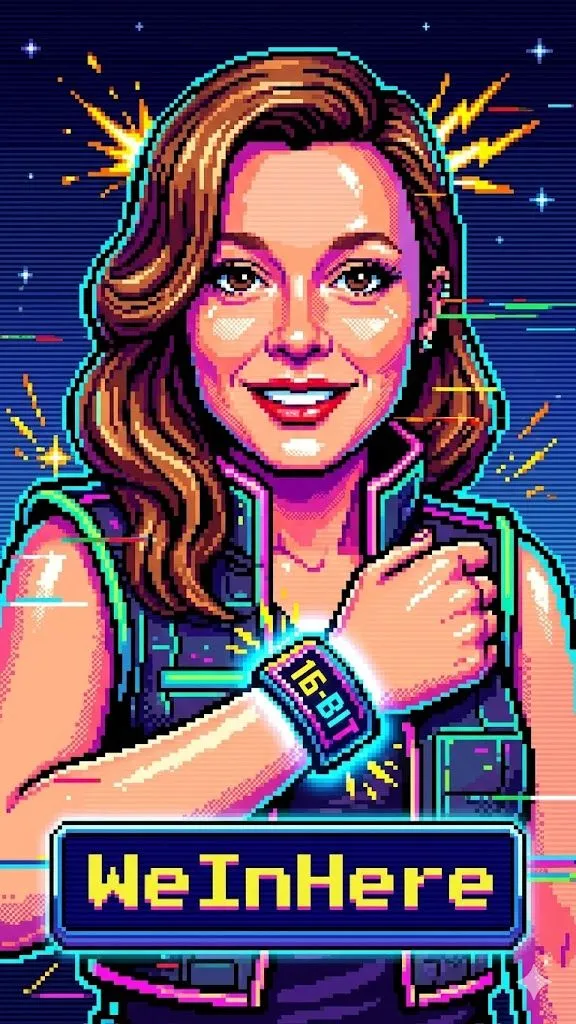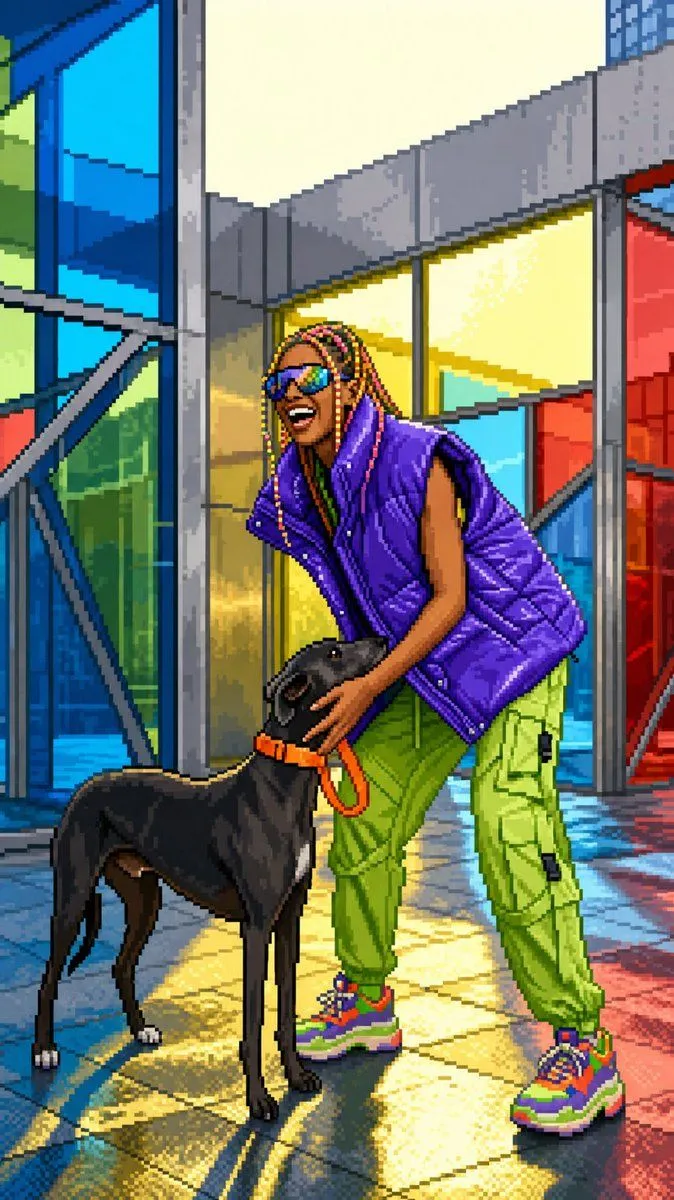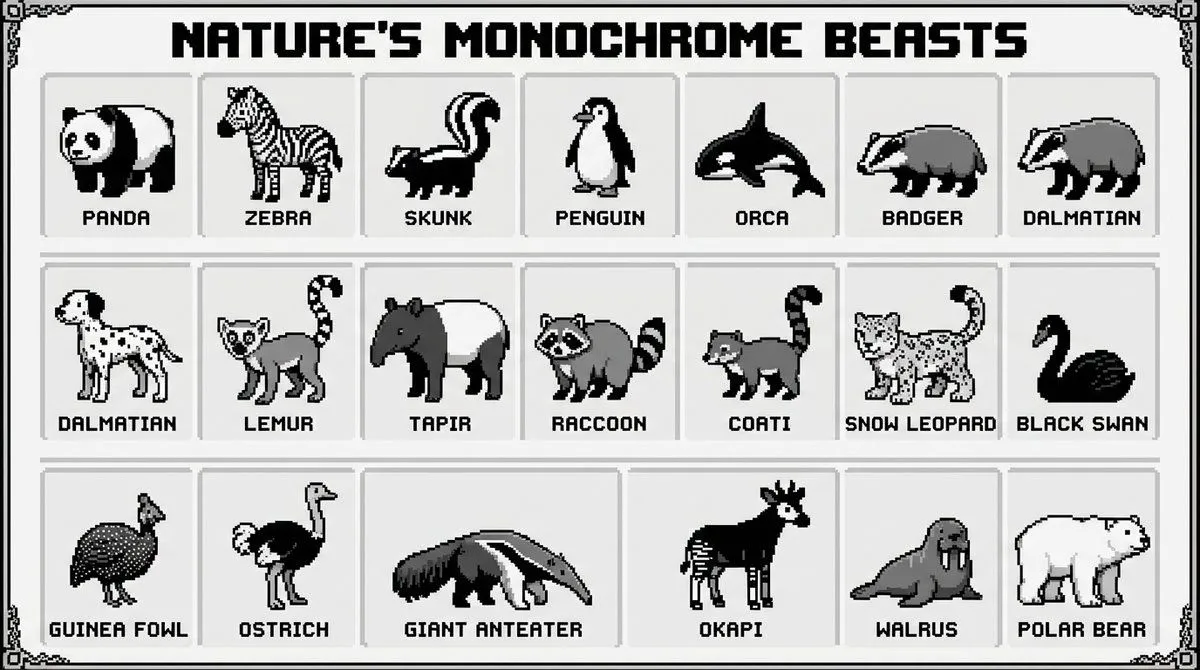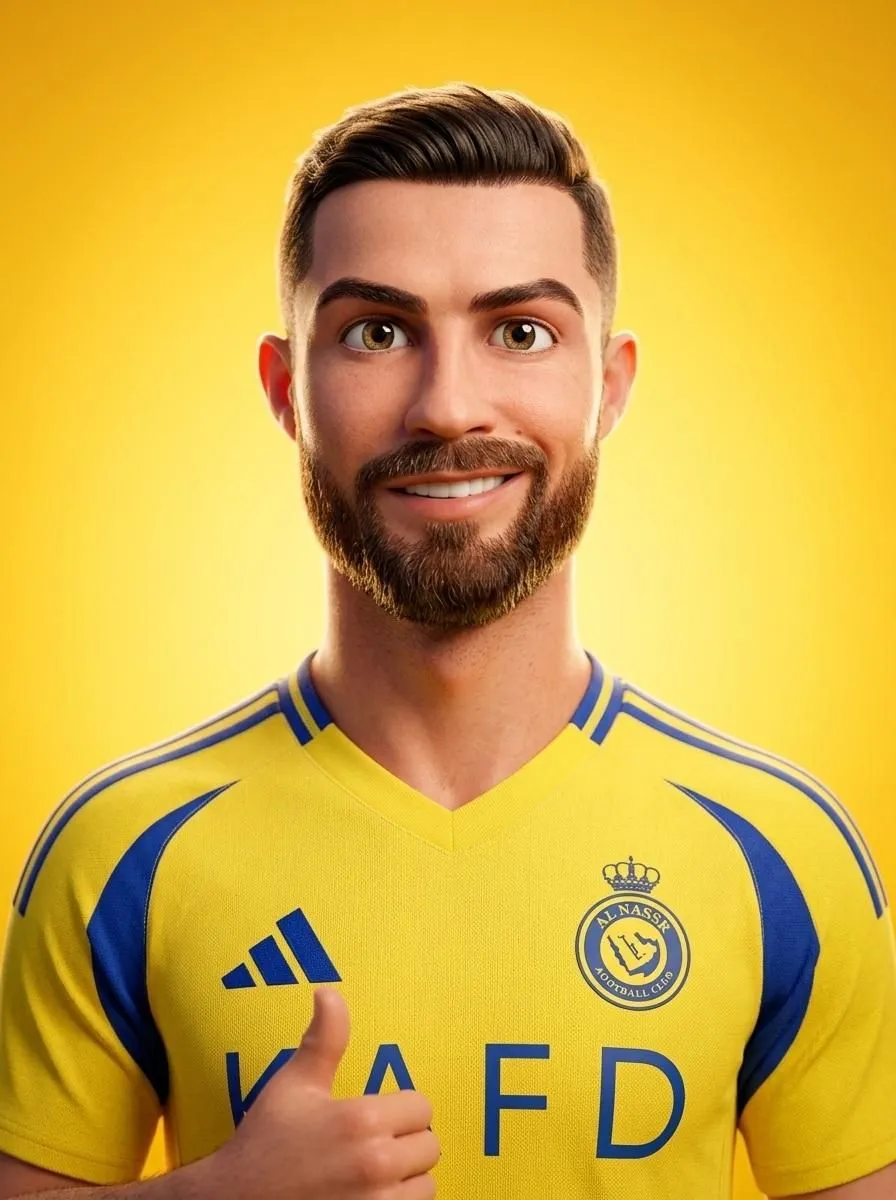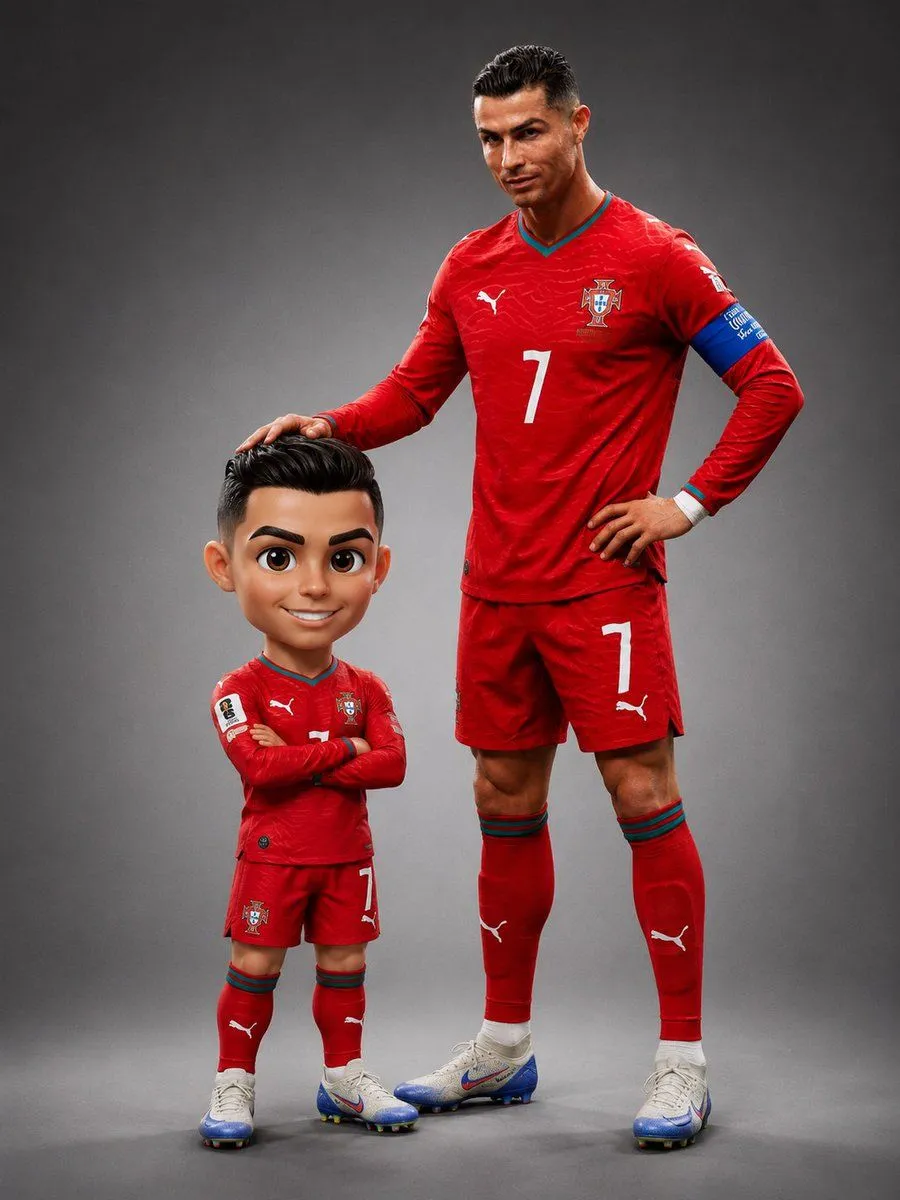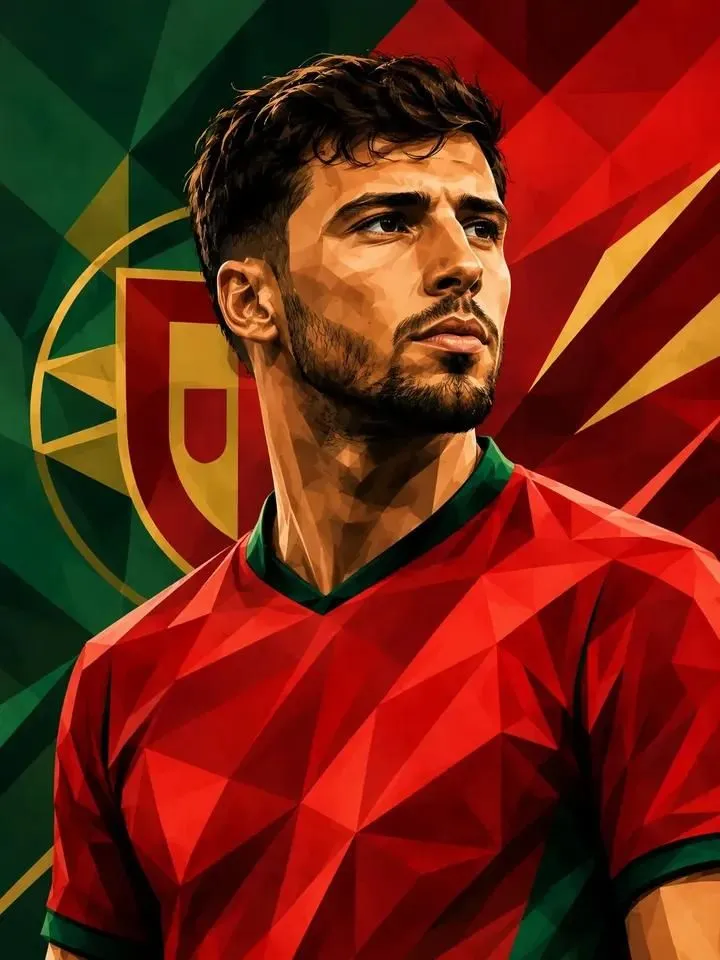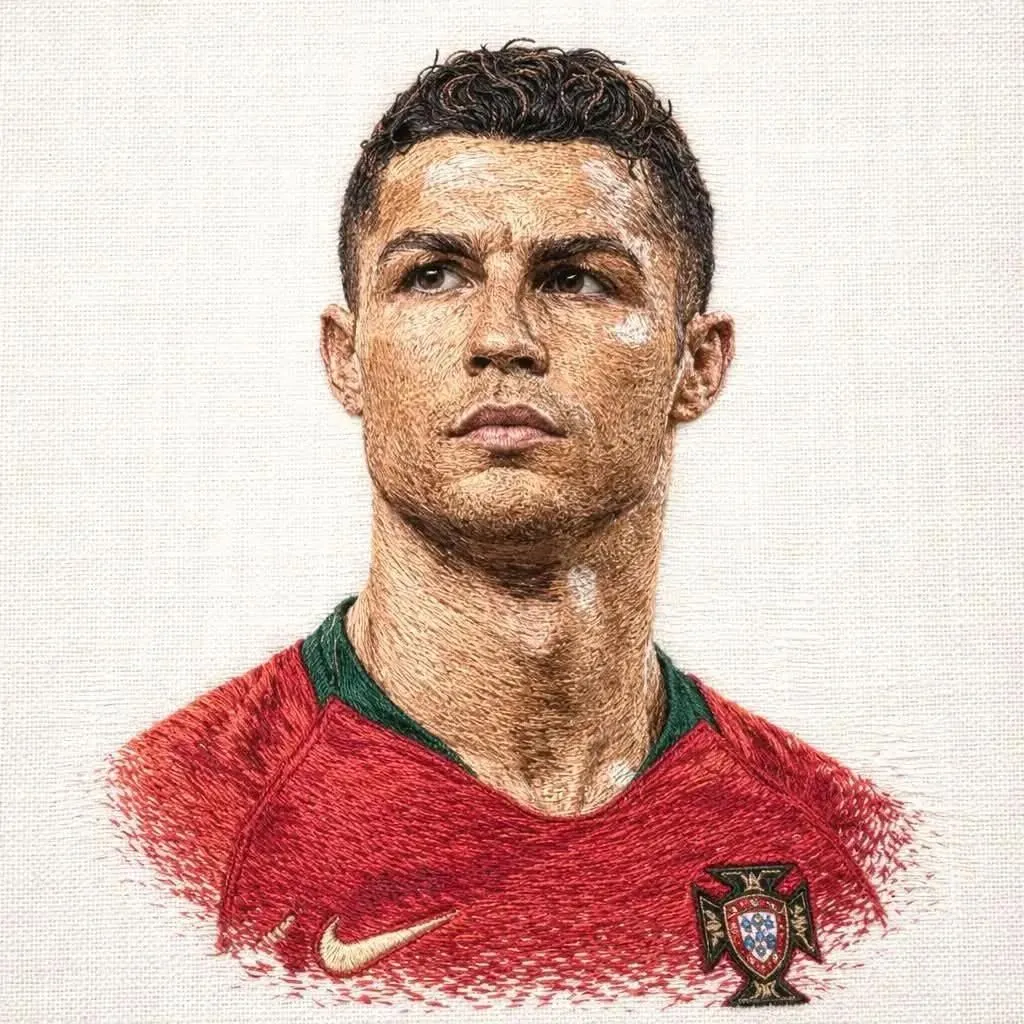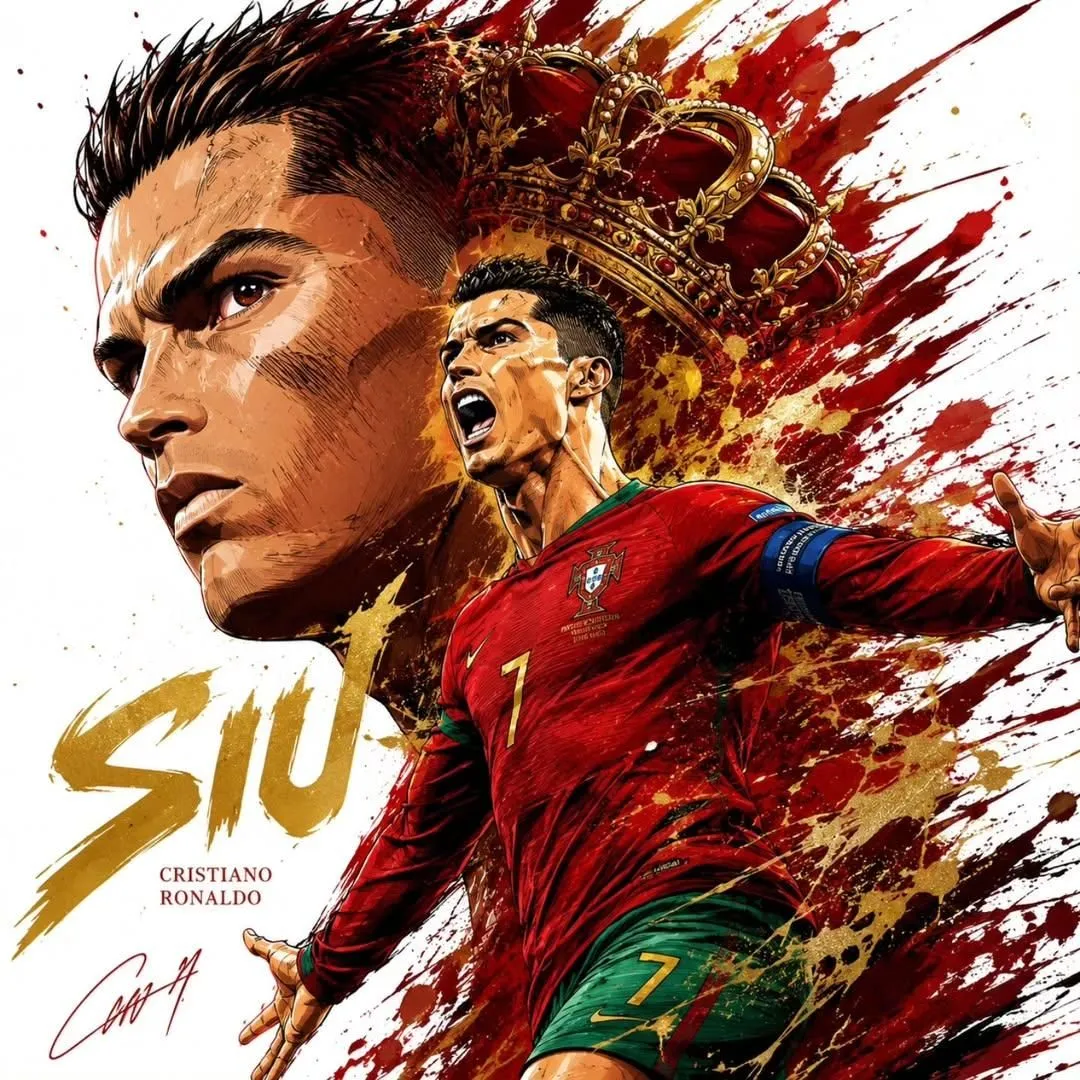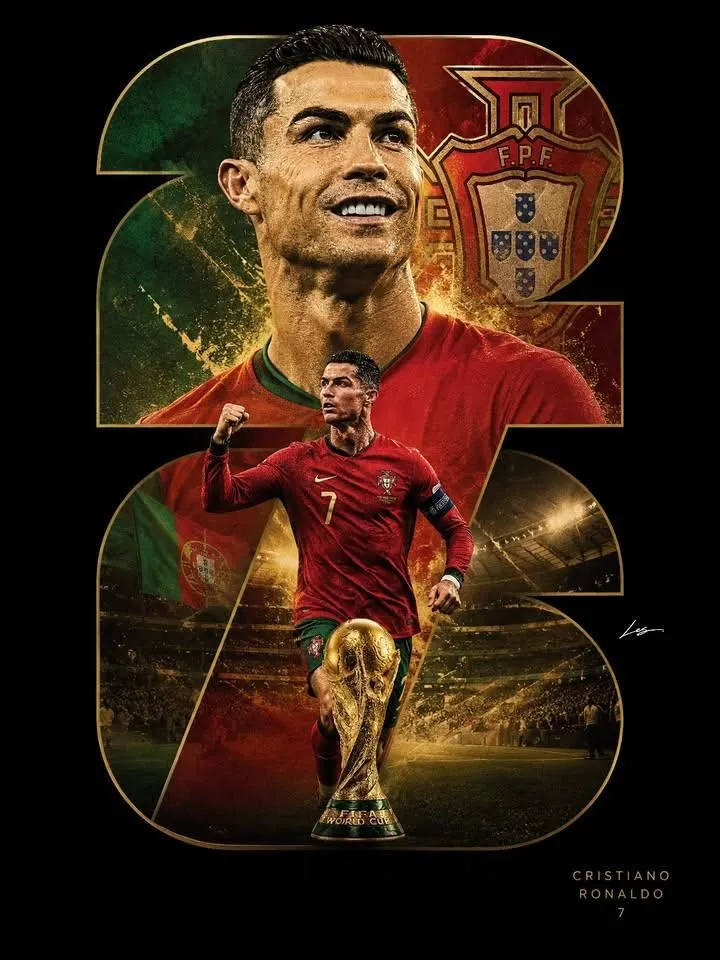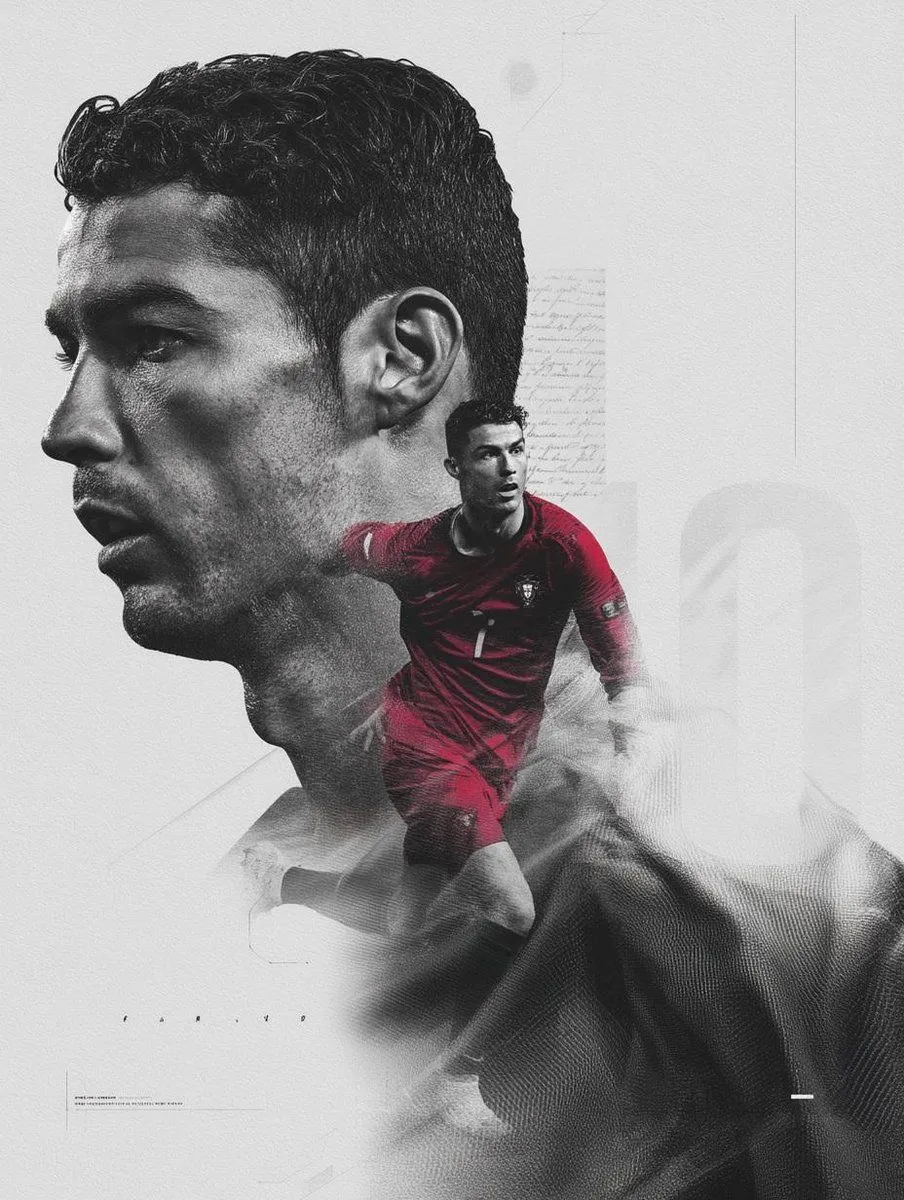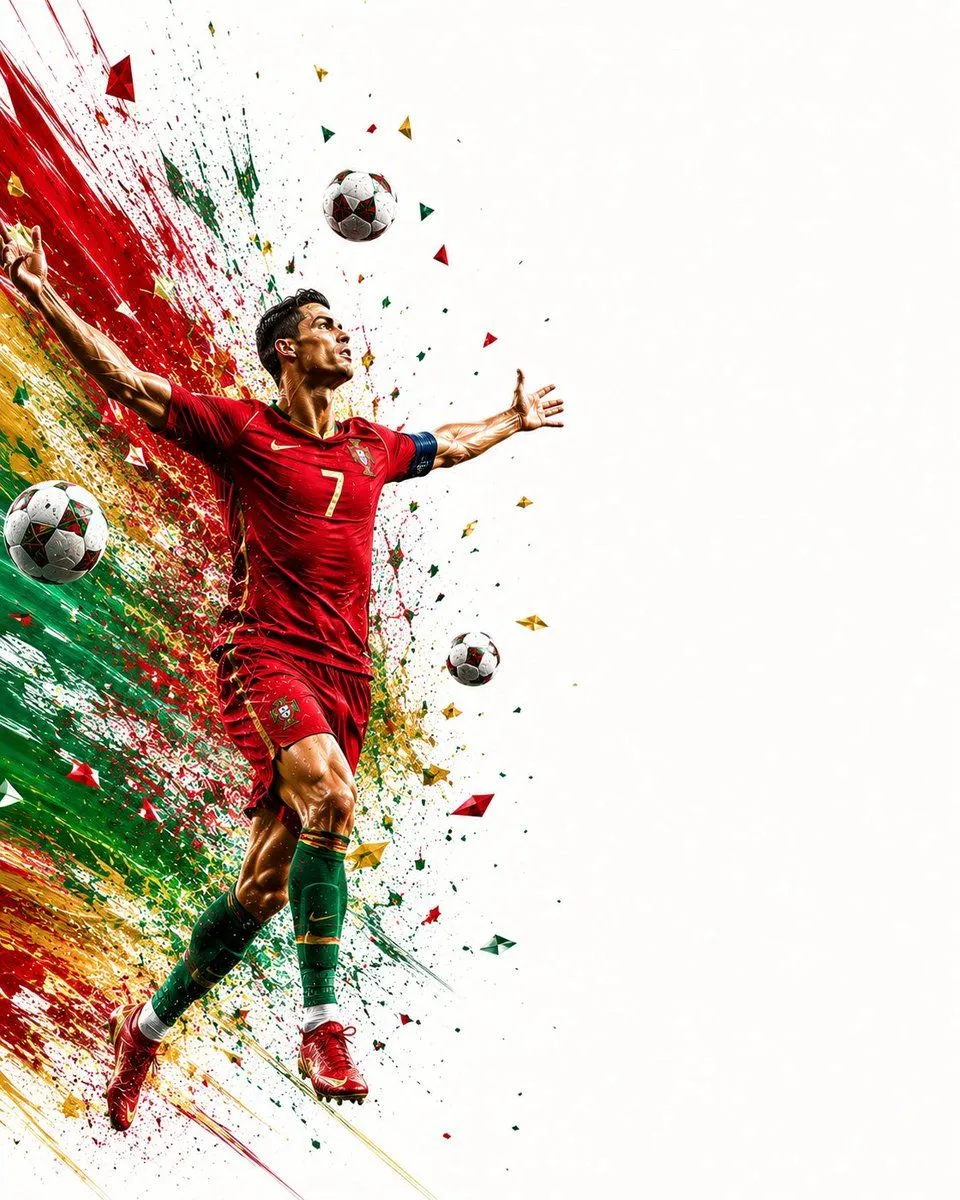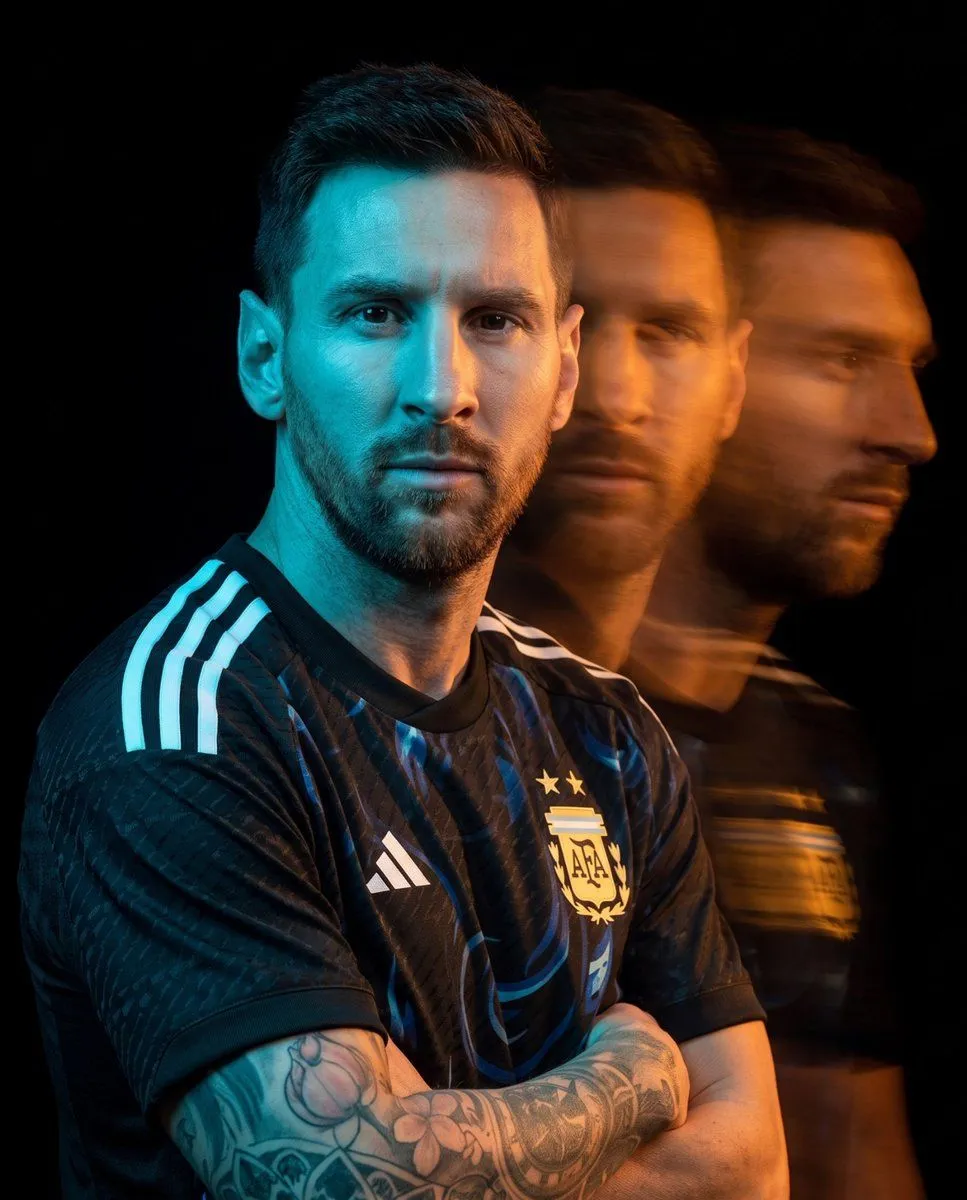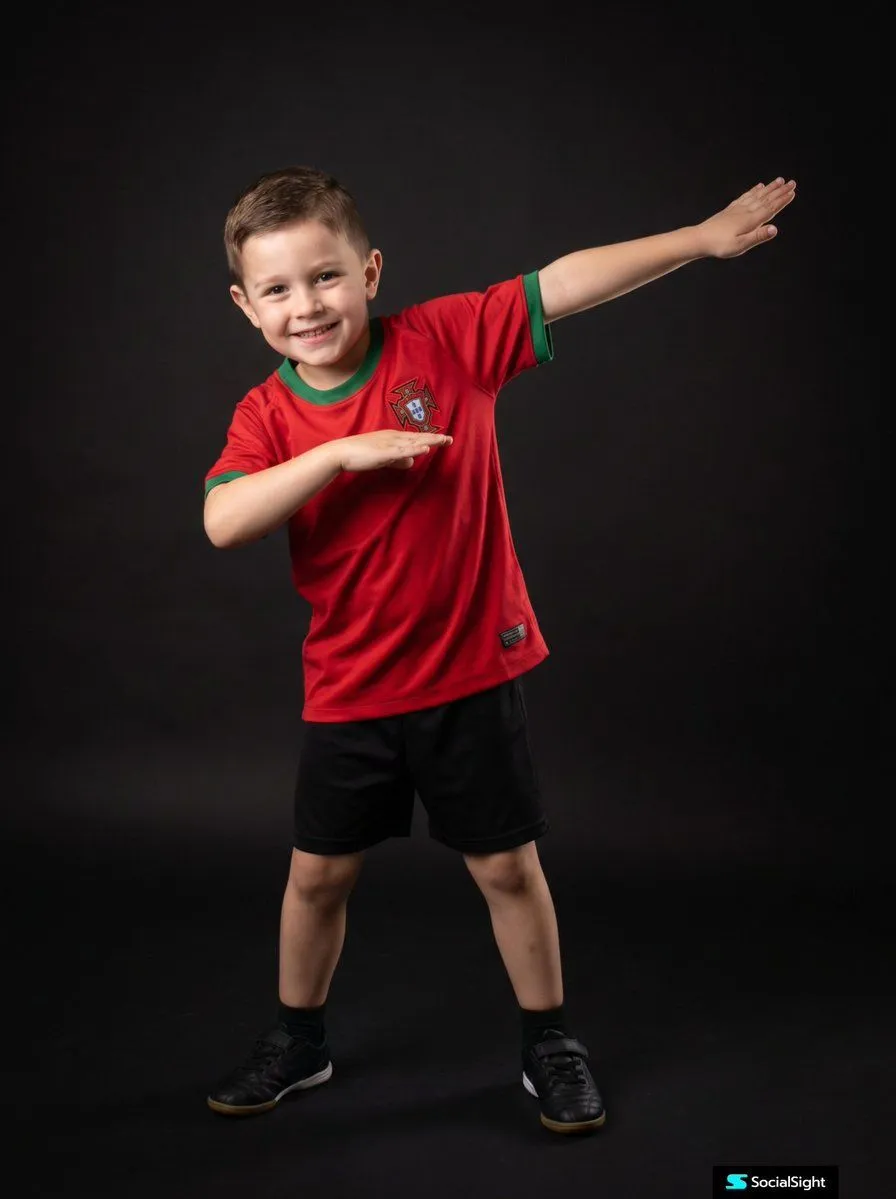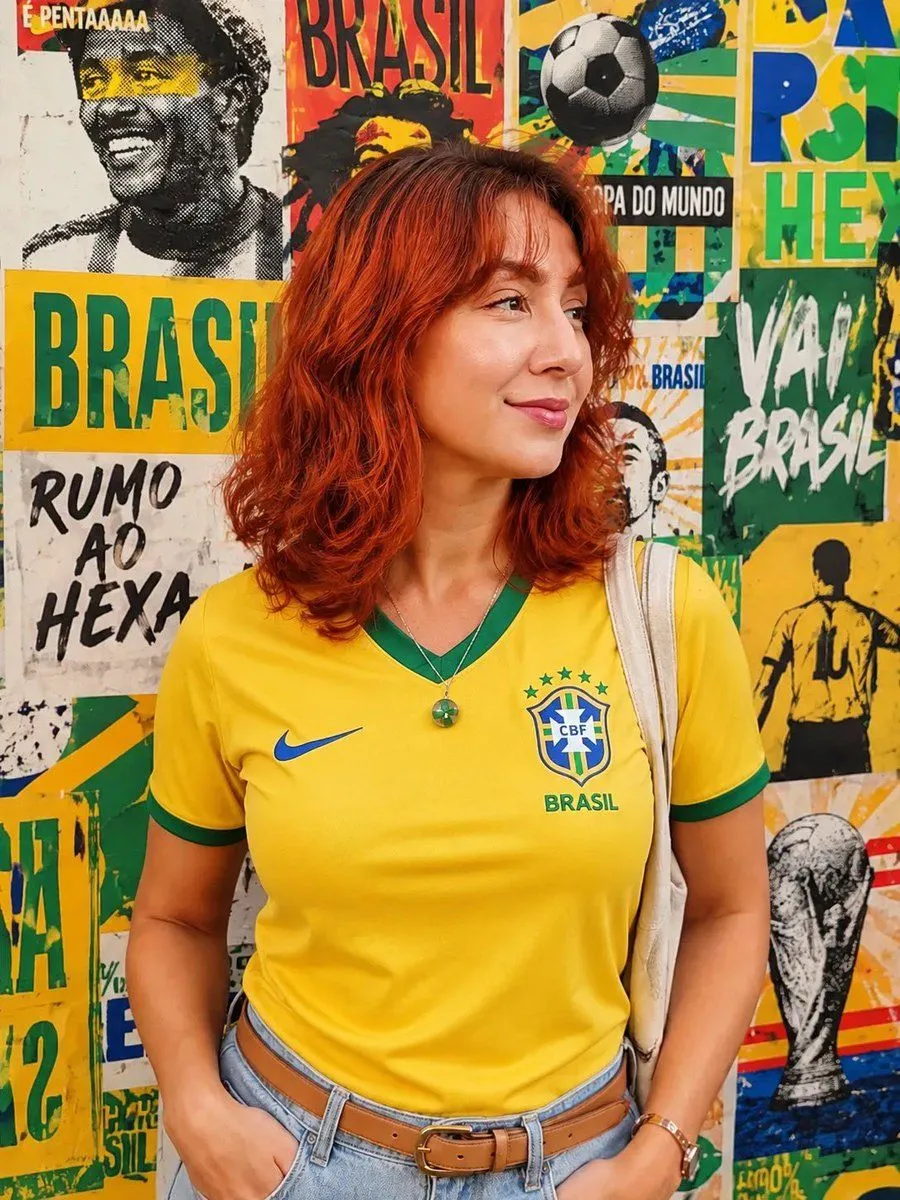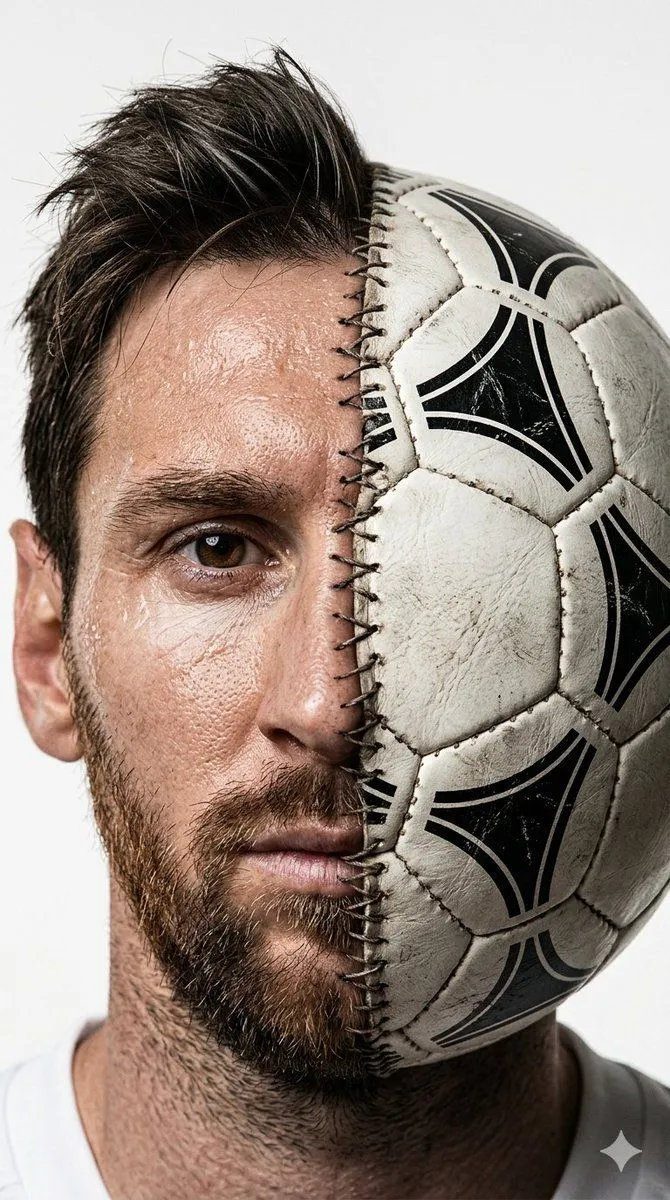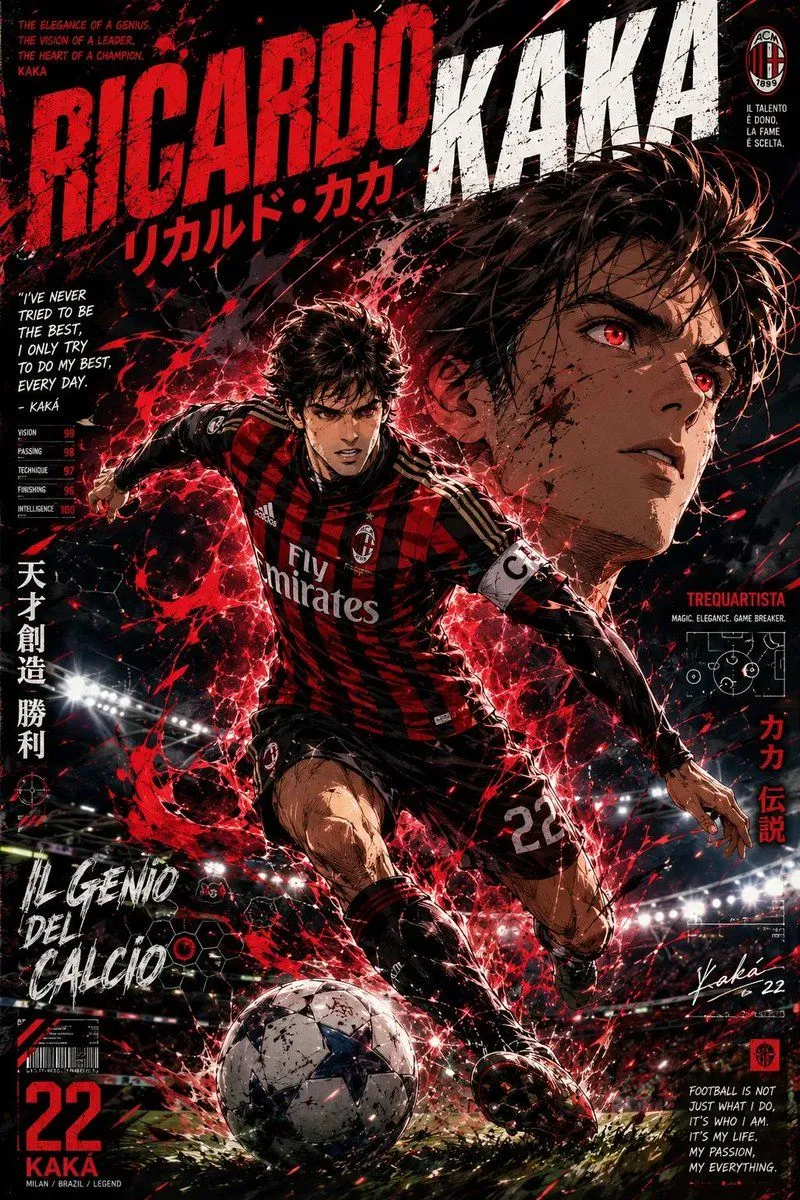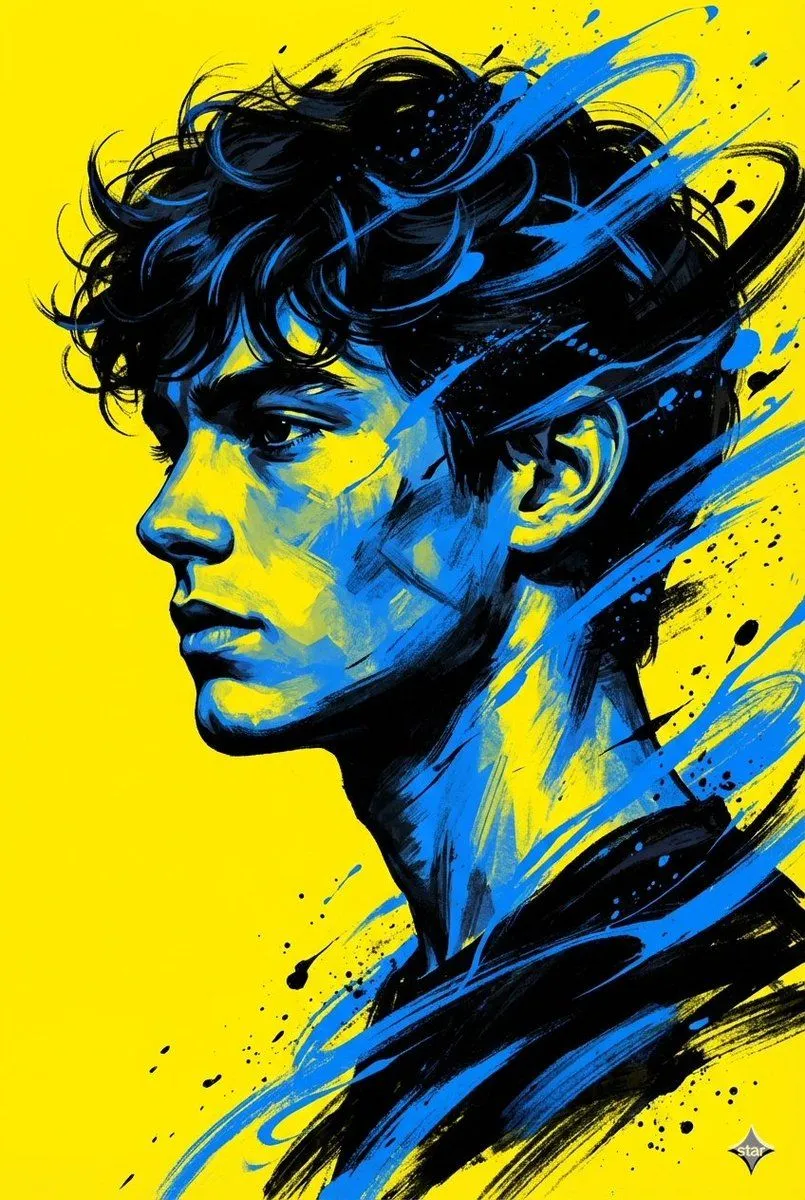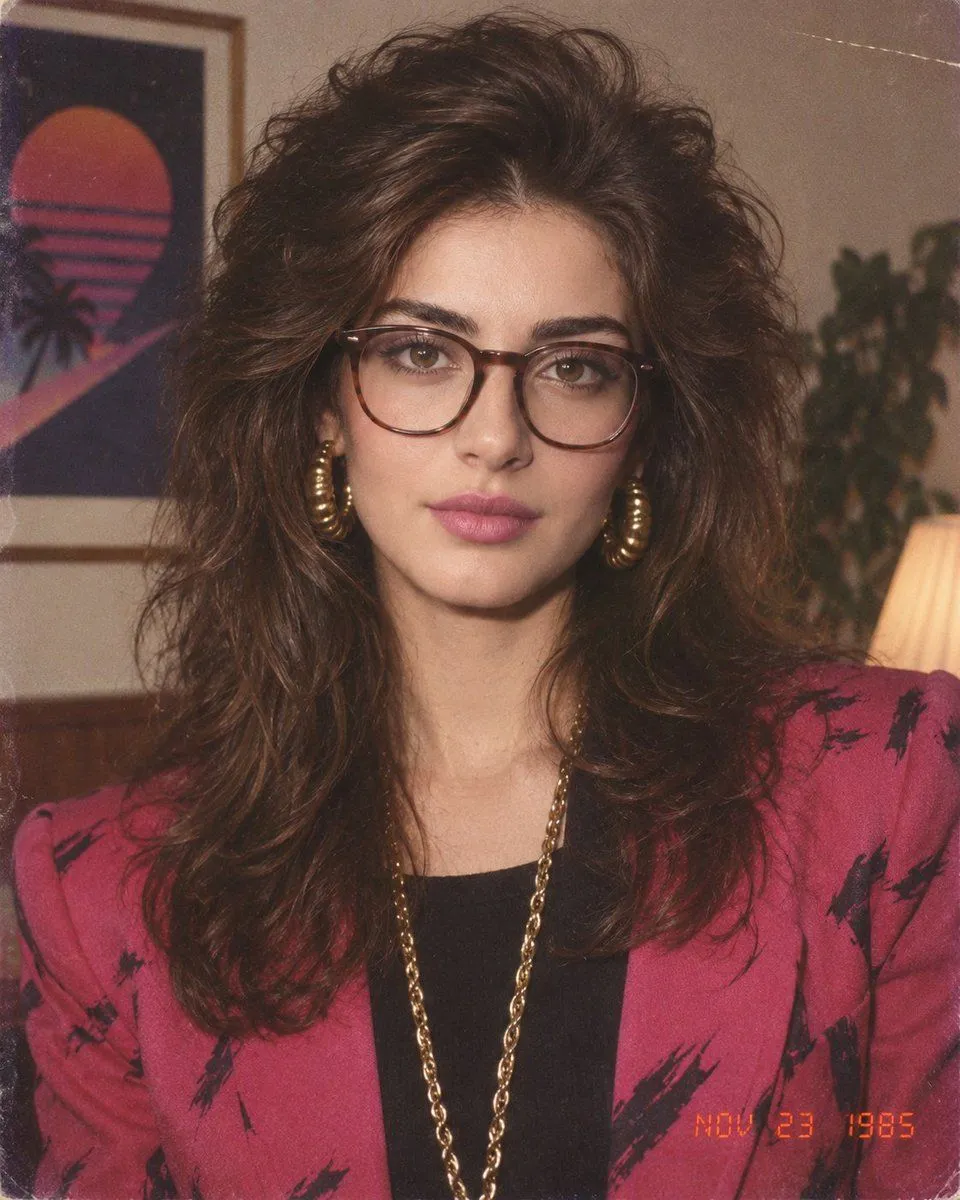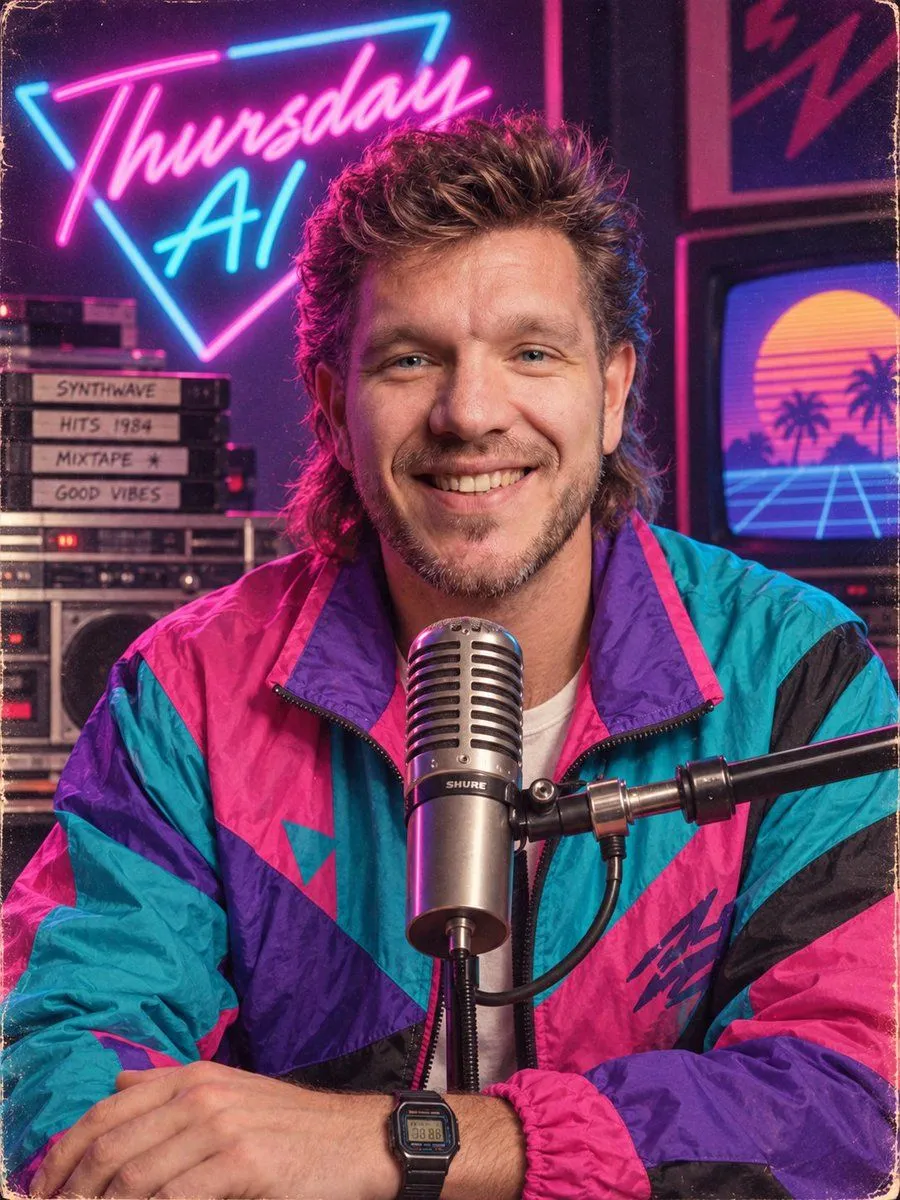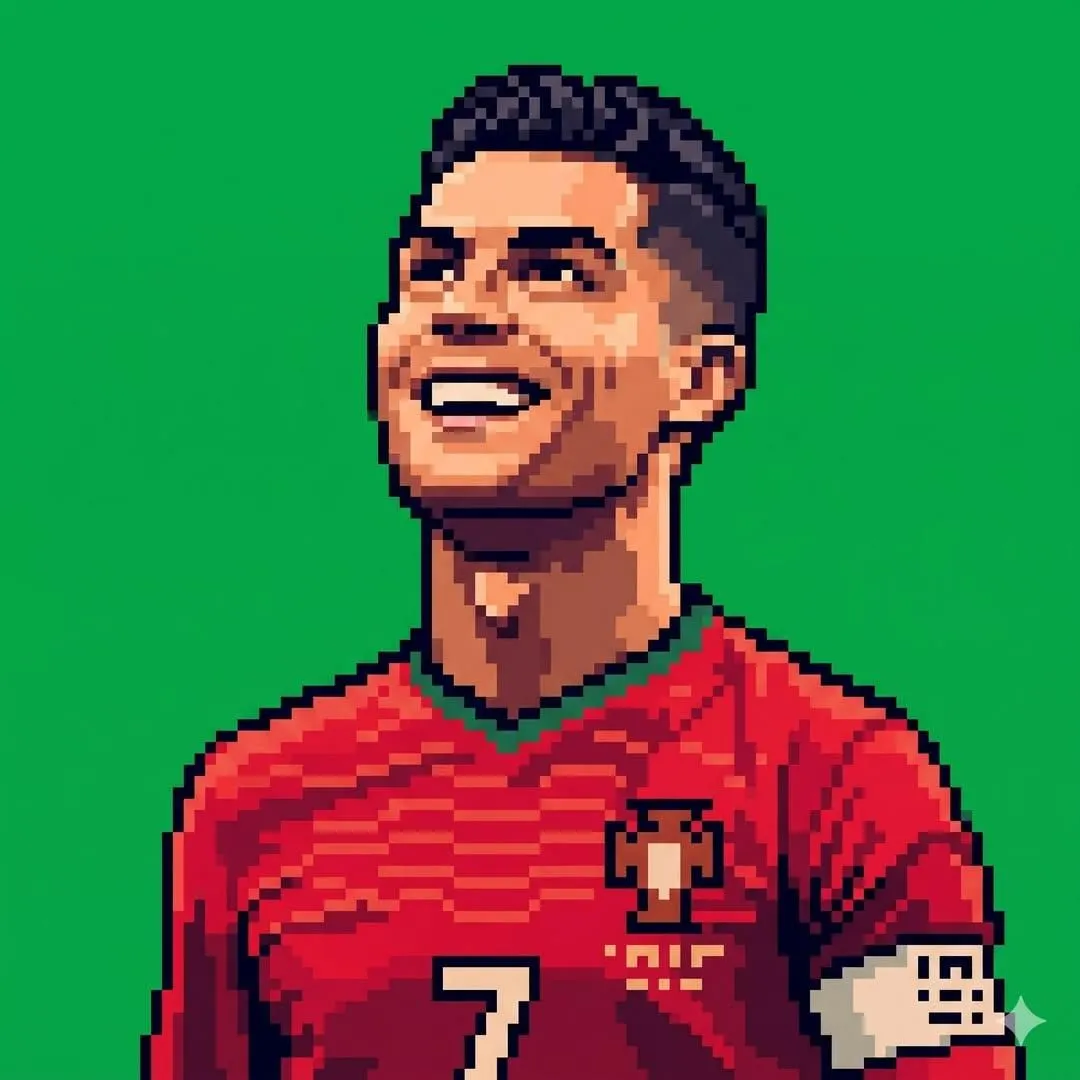
Made with GPT Image 2 in ChatGPT by Library Avatars. Promptclay never generates images.
Did it work?
No reports yet. Tell others if it worked for you.
Retro Pixel Art Profile Picture
Prompt
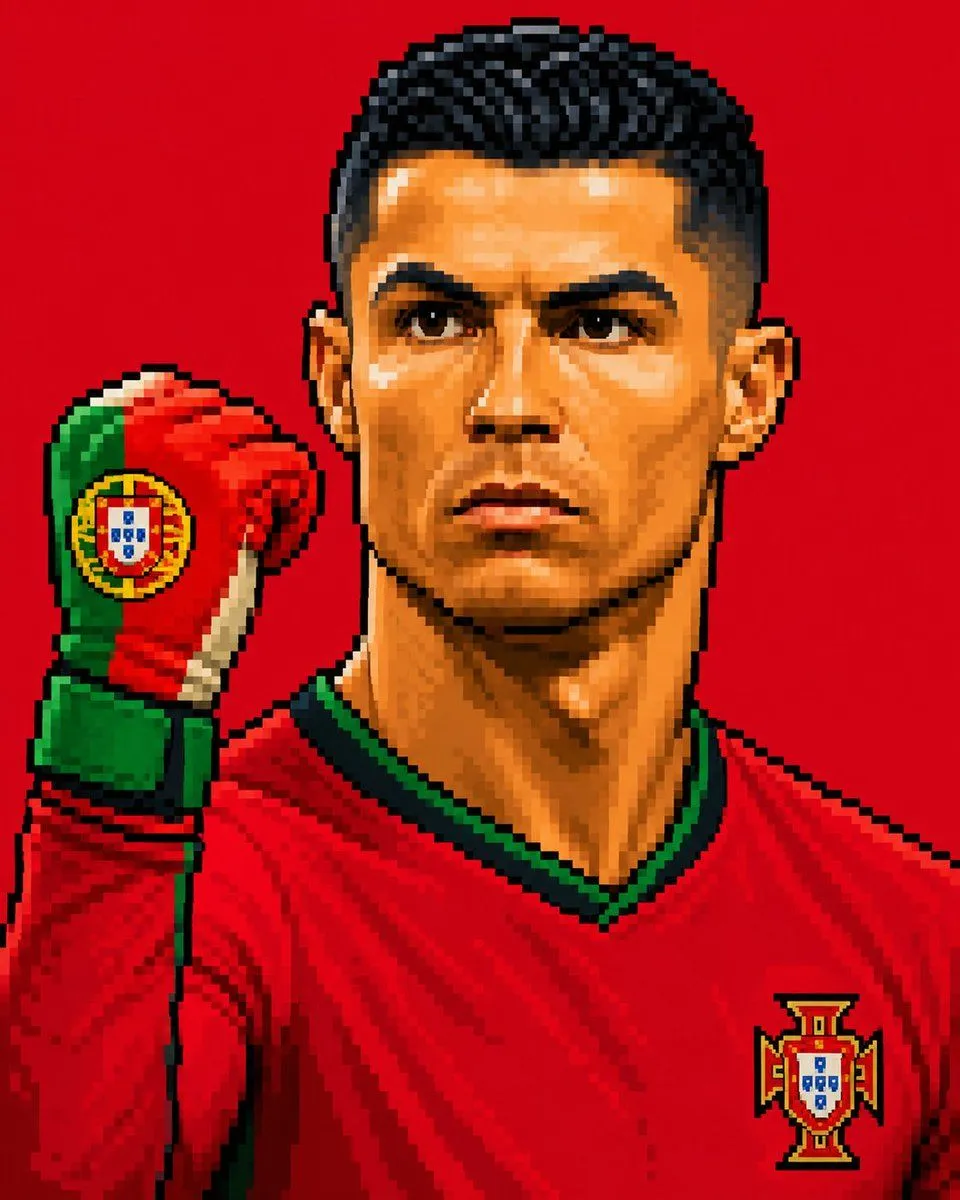
2 blanks to fillCreate a square 1:1 profile picture using the uploaded image as the exact reference for the pose, composition, and pixel art style. Recreate the subject as detailed retro pixel art with large, clearly visible pixels, crisp stepped edges, bold dark outlines, dramatic pixelated shading, vibrant colors, and the sharp look of a classic 16-bit/32-bit arcade sprite. Use only a solid {background_color} background ({hex_code}). Do not include gradients, textures, text, logos, extra objects, or any photorealistic elements. Keep the raised glove, facial features, framing, and overall style exactly the same as in the reference image.
Preview of your prompt
Create a square 1:1 profile picture using the uploaded image as the exact reference for the pose, composition, and pixel art style. Recreate the subject as detailed retro pixel art with large, clearly visible pixels, crisp stepped edges, bold dark outlines, dramatic pixelated shading, vibrant colors, and the sharp look of a classic 16-bit/32-bit arcade sprite. Use only a solid Pantone 354C green background (#00B140). Do not include gradients, textures, text, logos, extra objects, or any photorealistic elements. Keep the raised glove, facial features, framing, and overall style exactly the same as in the reference image.
DetailsVersions, settings and questions
Written for
What's in the prompt
- Subject
- Model
- GPT Image 2
If your face changes
keep my face exactly the sameQuestions
- Does this work in the ChatGPT app?
- Yes. Paste the prompt and attach your photo if it uses one.
- It changed my face. What do I do?
- Add "keep my face exactly the same" to the end and run it again.
- Can I use the images I make?
- Check the terms of the app you use. Promptclay never generates images and claims nothing you make.