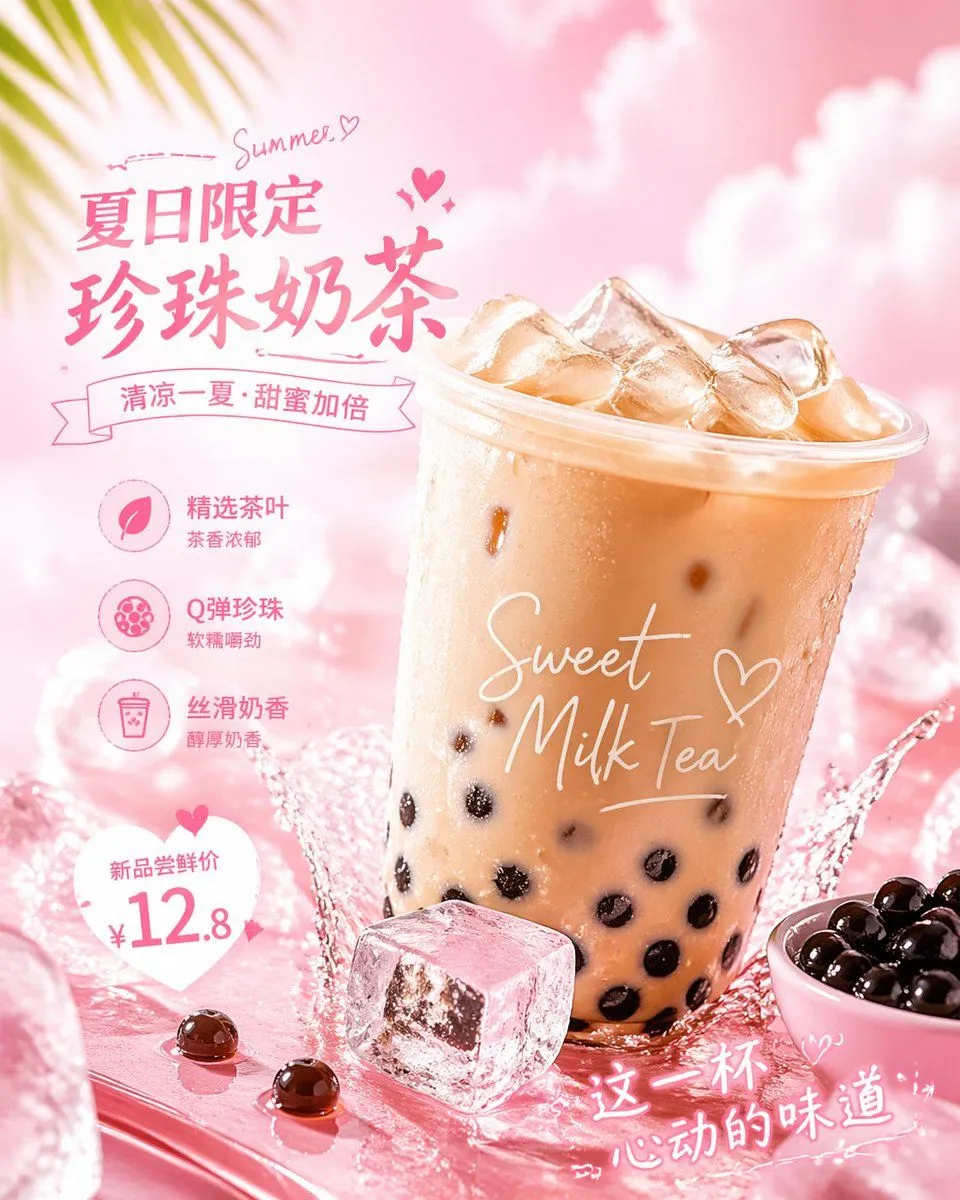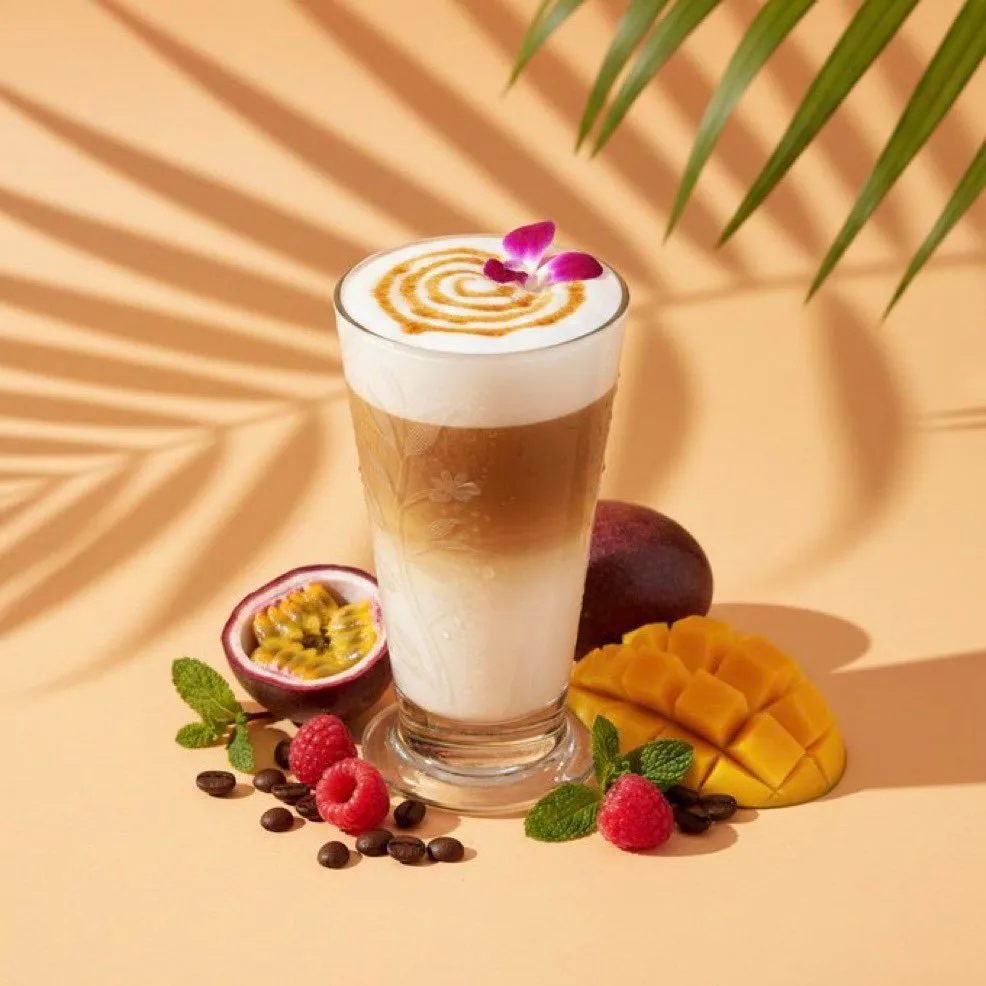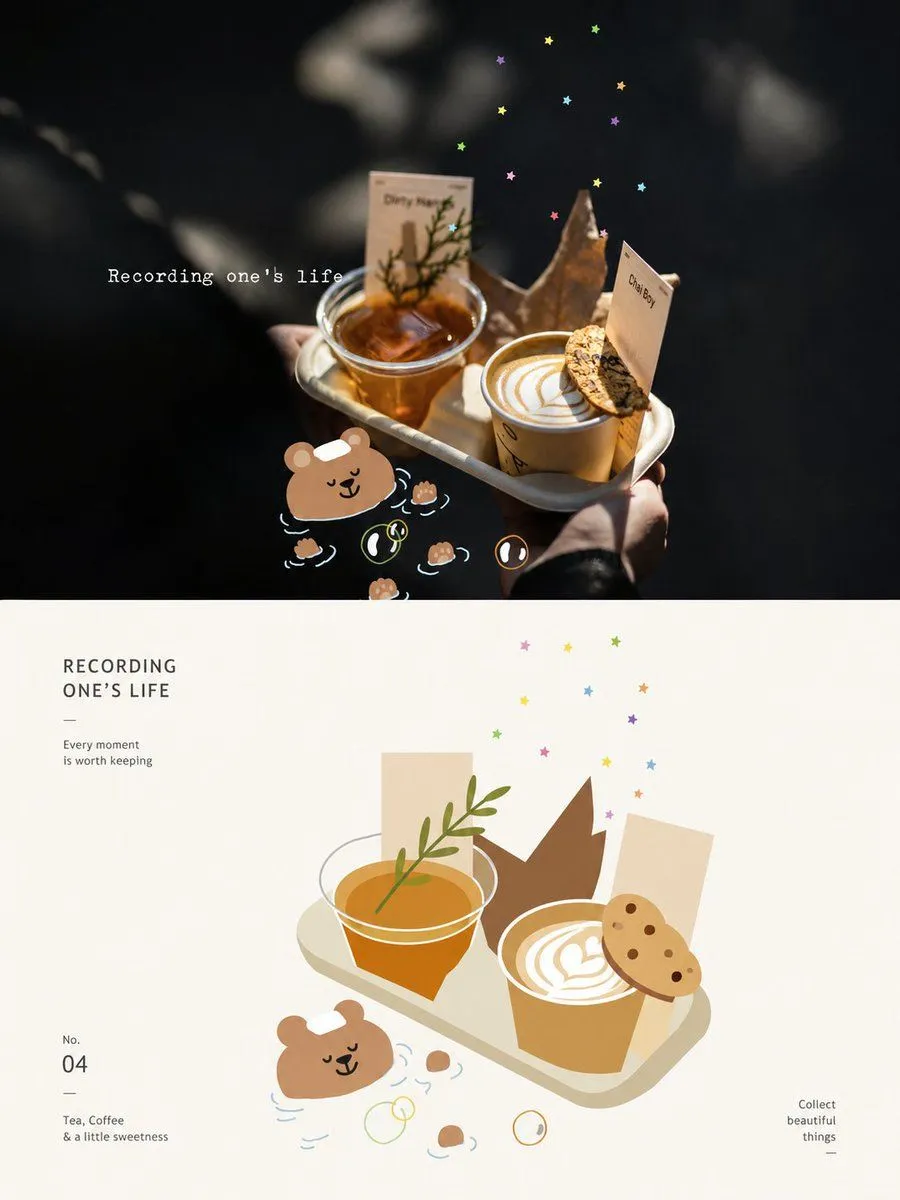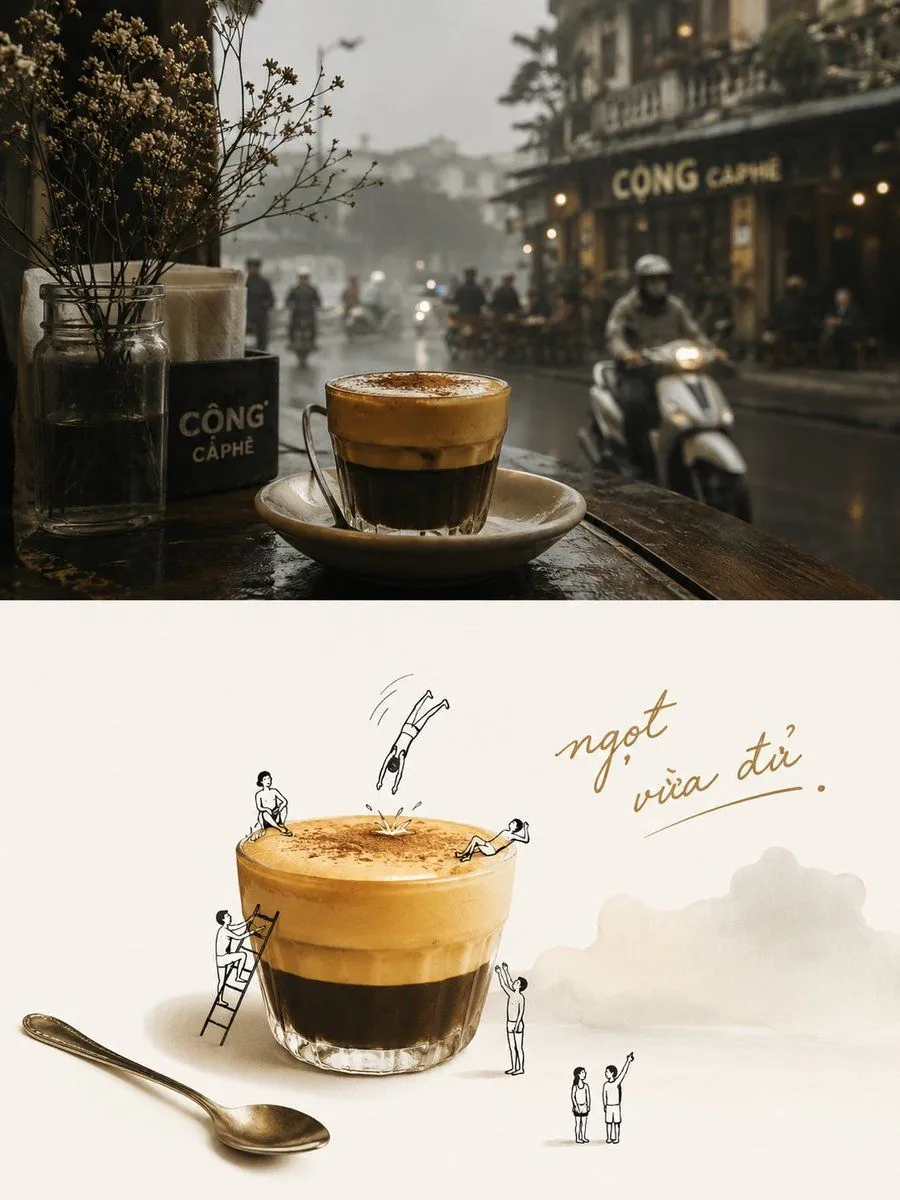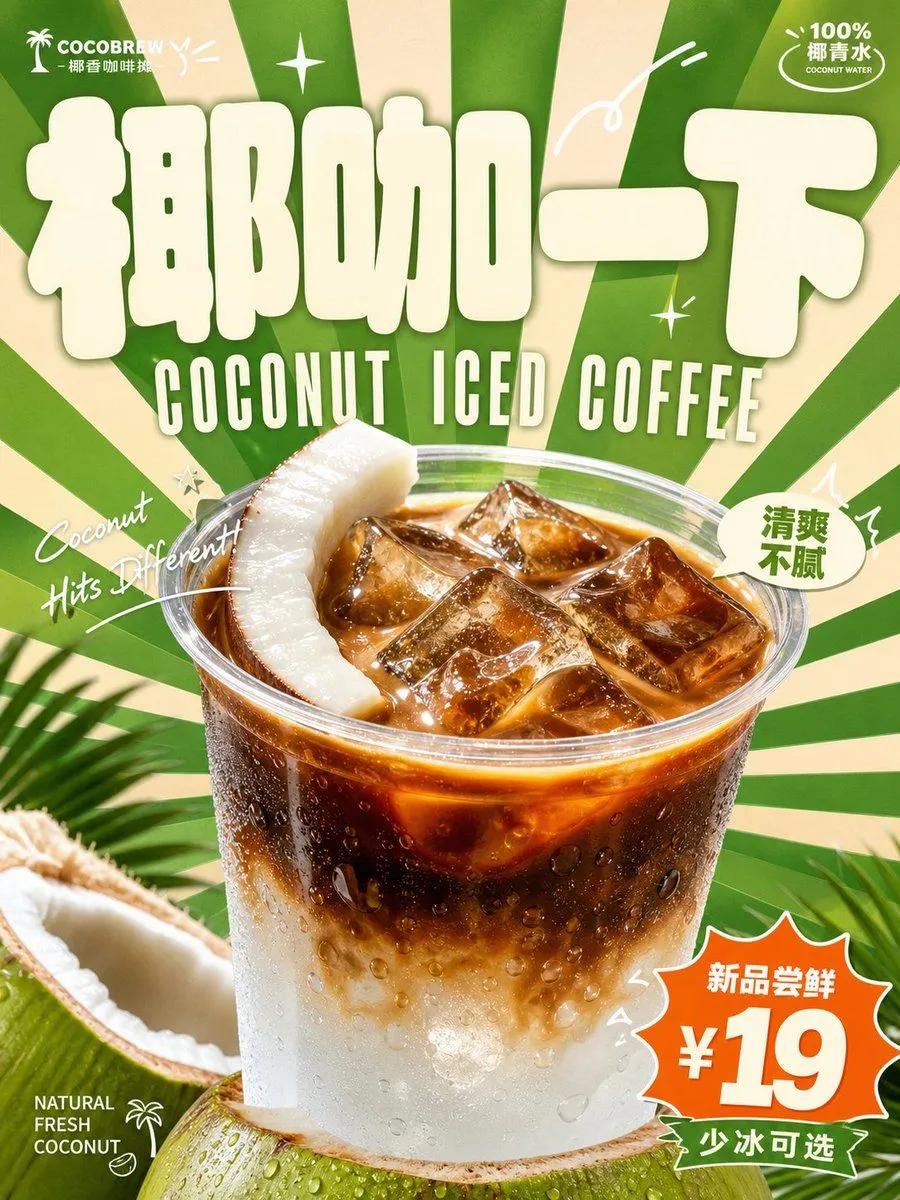
Made with GPT Image 2 in ChatGPT by Library Brand. Promptclay never generates images.
Did it work?
No reports yet. Tell others if it worked for you.
Retro Beverage Advertisement Poster
Prompt
3 blanks to fillCreate a bright and light retro commercial advertisement visual around a specific beverage theme: the first impression should establish a memory point with an oversized, thick, rounded theme logo. The font should look like a soft, inflated signage block with light color filling and clean edges, anchoring the upper visual center of gravity. The main beverage form appears in the lower center with a realistic product photography texture, zoomed in, with clear highlights, condensation or liquid luster, and natural shadows, overlapping the background and part of the text to create a strong sense of depth between the graphic elements and the real product. The background uses radial blocks spreading out from near the subject, with sharp edges and dense rhythm, creating a sense of speed and cheerful impact. The text system is divided into three layers: the main logo is the largest, the subtitle uses a narrow and tall retro uppercase font closely following it, small information is scattered in the corners, and handwritten italic short phrases cross around the subject in arcs or slanting lines, with a few white line-drawn arcs, flash symbols, and small markers added to enhance the rhythm. Colors are extracted from the beverage's flavor, material, and brand emotion, maintaining the relationship between large areas of clear structural color, a few strong contrast accent colors, light information text, and warm main subject color; the overall result is high brightness, high saturation, yet clean and ventilated, with clear color steps, fresh, playful, and energetic emotions, avoiding dark, dirty, muddy layers, or low-vitality retro graininess. —————— Display Ratio: {display_ratio}, suitable for shopping mall beverage pop-up stands Main Subject: {main_subject} On-site Text: {text_content} Feeling for passers-by: Like a sweet drink sign that attracts people from afar while shopping
Preview of your prompt
Create a bright and light retro commercial advertisement visual around a specific beverage theme: the first impression should establish a memory point with an oversized, thick, rounded theme logo. The font should look like a soft, inflated signage block with light color filling and clean edges, anchoring the upper visual center of gravity. The main beverage form appears in the lower center with a realistic product photography texture, zoomed in, with clear highlights, condensation or liquid luster, and natural shadows, overlapping the background and part of the text to create a strong sense of depth between the graphic elements and the real product. The background uses radial blocks spreading out from near the subject, with sharp edges and dense rhythm, creating a sense of speed and cheerful impact. The text system is divided into three layers: the main logo is the largest, the subtitle uses a narrow and tall retro uppercase font closely following it, small information is scattered in the corners, and handwritten italic short phrases cross around the subject in arcs or slanting lines, with a few white line-drawn arcs, flash symbols, and small markers added to enhance the rhythm. Colors are extracted from the beverage's flavor, material, and brand emotion, maintaining the relationship between large areas of clear structural color, a few strong contrast accent colors, light information text, and warm main subject color; the overall result is high brightness, high saturation, yet clean and ventilated, with clear color steps, fresh, playful, and energetic emotions, avoiding dark, dirty, muddy layers, or low-vitality retro graininess. —————— Display Ratio: Vertical 3:4, suitable for shopping mall beverage pop-up stands Main Subject: A cup of lychee iced tea close to the bottom, with lychee pulp and ice cubes inside, and a straw slightly sticking out On-site Text: Main logo 'Lychee Opening', subtitle 'LYCHEE ICED TEA', corner small text 'Weekend limited 100 cups' Feeling for passers-by: Like a sweet drink sign that attracts people from afar while shopping
DetailsVersions, settings and questions
Written for
What's in the prompt
- Subject
- Model
- GPT Image 2
If your face changes
keep my face exactly the sameQuestions
- Does this work in the ChatGPT app?
- Yes. Paste the prompt and attach your photo if it uses one.
- It changed my face. What do I do?
- Add "keep my face exactly the same" to the end and run it again.
- Can I use the images I make?
- Check the terms of the app you use. Promptclay never generates images and claims nothing you make.