Tell us anything

An idea, a bug, something you love. We read every note.

⌘↵ to send. The page you're on comes along.

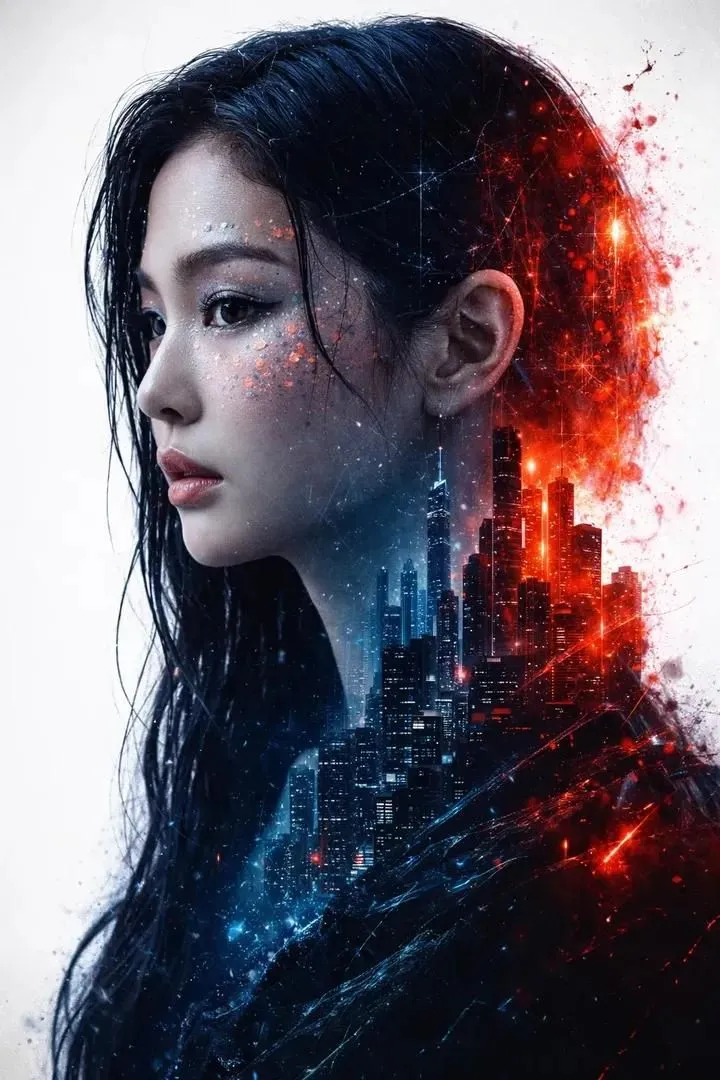
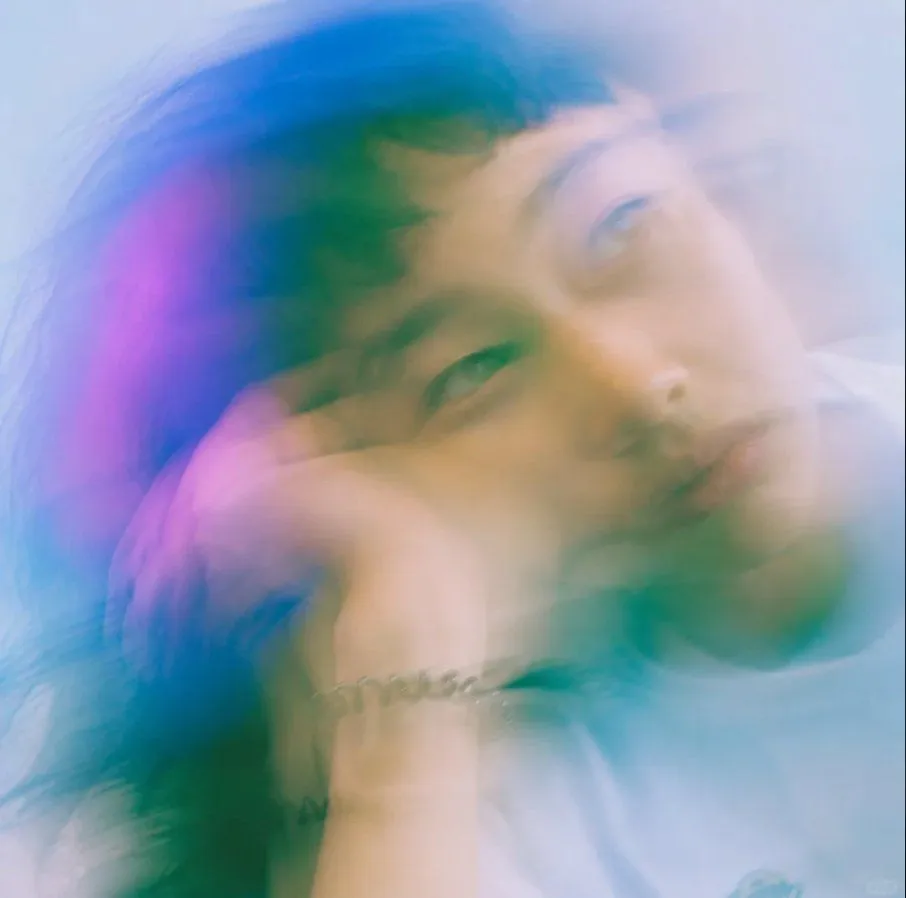
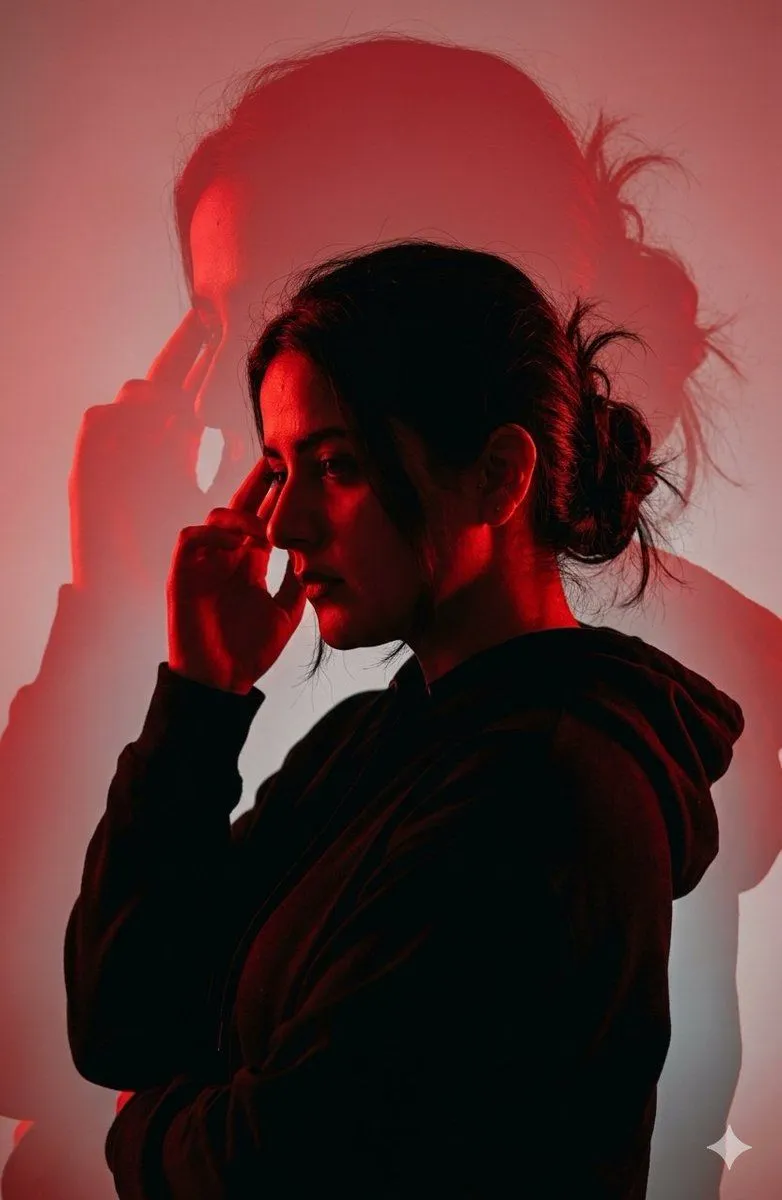
Red-Blue Double Exposure Effect

Made with Nano Banana Pro in Gemini, collected by Library Social. Promptclay never generates images.

Did it work?

No reports yet. Tell others if it worked for you.

No comments yet. Be the first.

    Red-Blue Double Exposure Effect

    Nano Banana Pro3:4AI-generated

    Prompt

    Apply an artistic red–blue double-exposure effect using two poses of the same woman. Keep the base layer as the original pose, and generate a second pose where her head angle, facial direction, or expression is slightly different, as if captured a moment earlier or later. Color the second pose in red, the base pose in cyan, and offset the layers to create a clean ghosting effect. Preserve skin texture, tattoos, and contrast while keeping the background minimal.

    Works in
    Gemini, ChatGPT
    Status
    Free to copy
    0
    DetailsVersions, settings and questions

    Written for

    What's in the prompt

    Subject
    Model
    Nano Banana Pro

    If your face changes

    keep my face exactly the same

    Questions

    Does this work in the Gemini app?
    Yes. Gemini runs Nano Banana, so paste the prompt and attach your photo if it uses one.
    It changed my face. What do I do?
    Add "keep my face exactly the same" to the end and run it again.
    Can I use the images I make?
    Check the terms of the app you use. Promptclay never generates images and claims nothing you make.
    Similar prompts

    See more
    • Dramatic Cinematic Silhouette
    • Double Exposure Fashion Portrait
    • Emerald Double Exposure Fashion Portrait
    • High-Fashion Double Exposure Portrait with Reflection
    • Vertical Slice Double Exposure Woman
    • Double Exposure City Portrait
    • Double Exposure Fashion Portrait
    • Double Exposure Sunset Beach Portrait
    • Moody Cinematic Portrait
    • Double Exposure Motion Blur Portrait
    • Enhanced Cinematic Noir Worm's-Eye View
    • Surreal Profile Portrait with Floating Dice
    • Fine Art Editorial Portrait Illustration
    • Cinematic Fashion Poster Luxury Editorial
    • Dreamy Motion Blur Portrait
    • Expressionist Double Exposure Face Painting
    • Fantasy Card Master Portrait
    • Dark, High-Contrast Poster Design Prompt with Amber Lenses
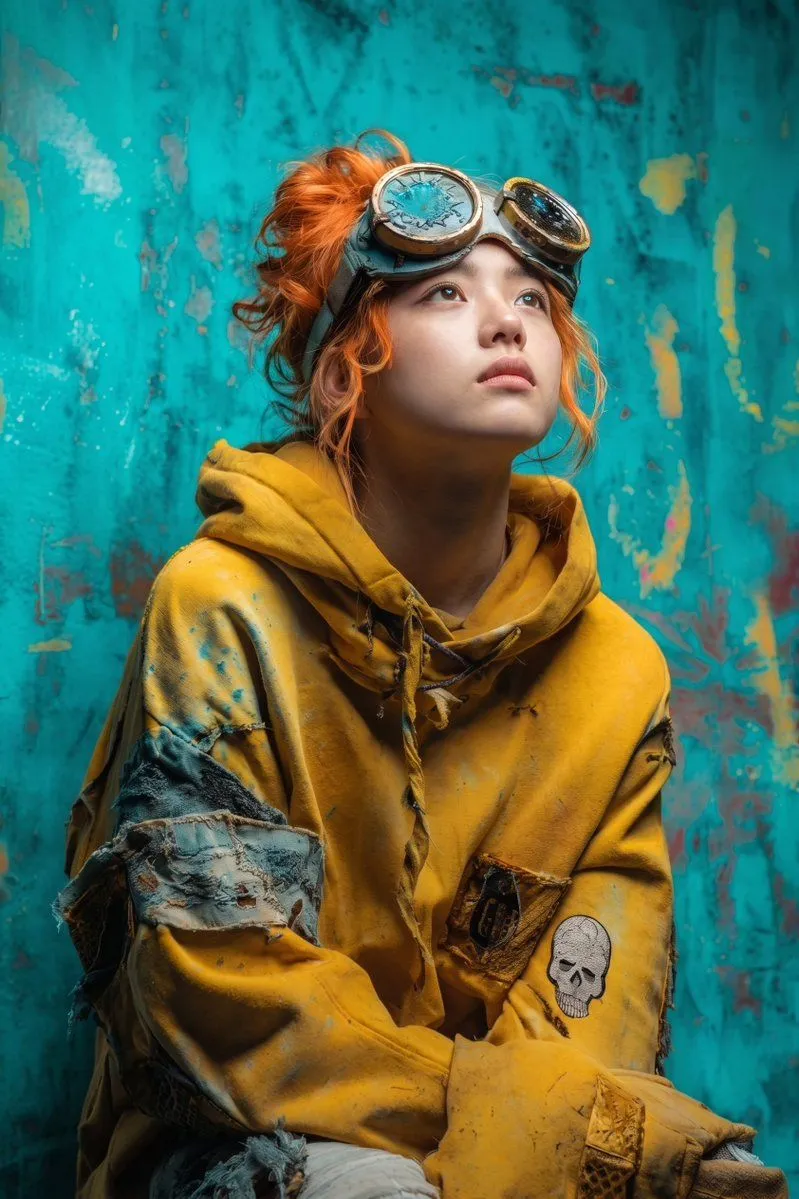
    • Post-Apocalyptic Girl with Welding Goggles
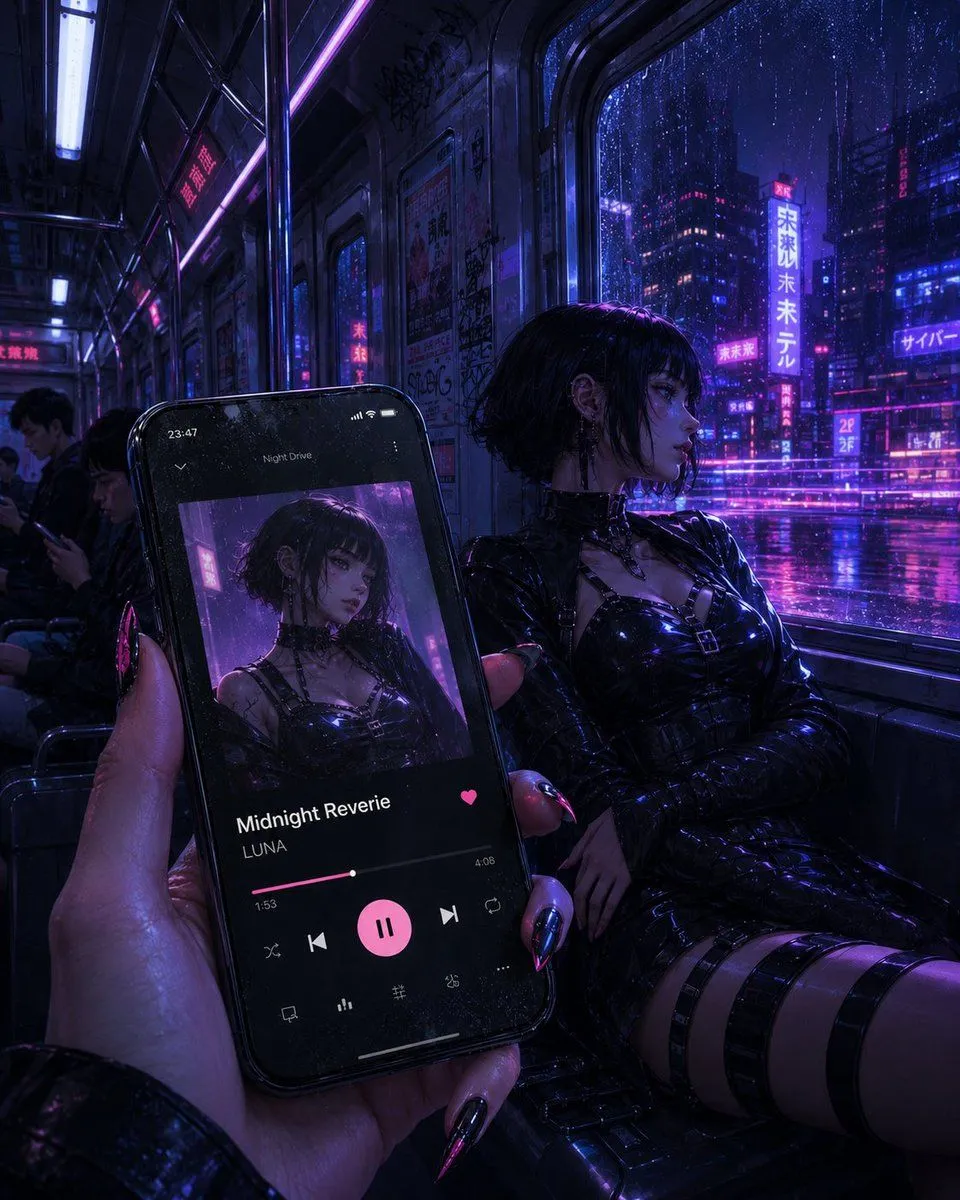
    • Cyberpunk Subway Music Player
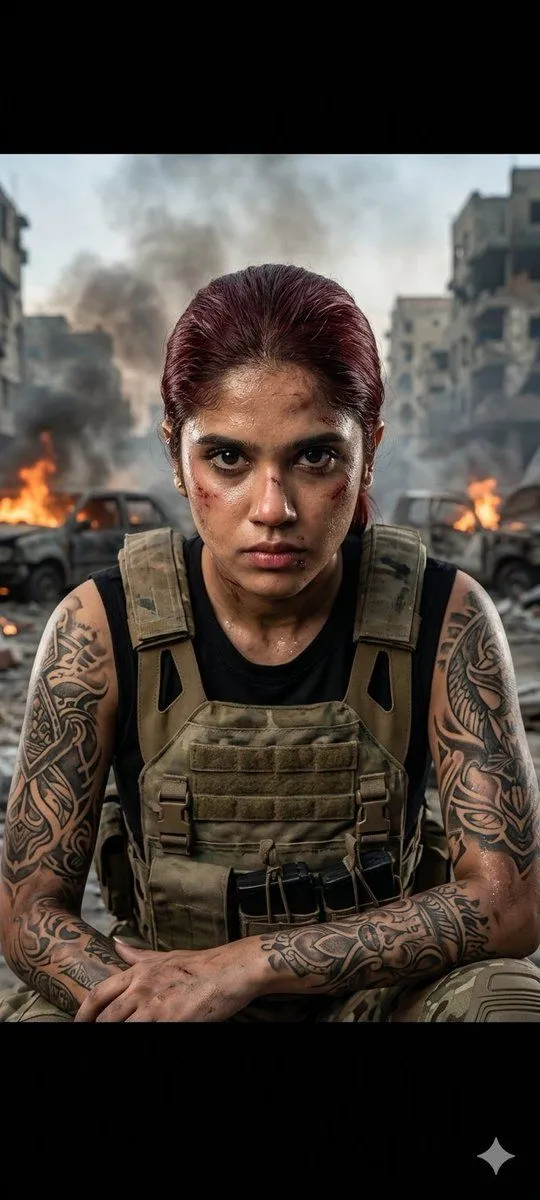
    • Cinematic Military Woman Portrait
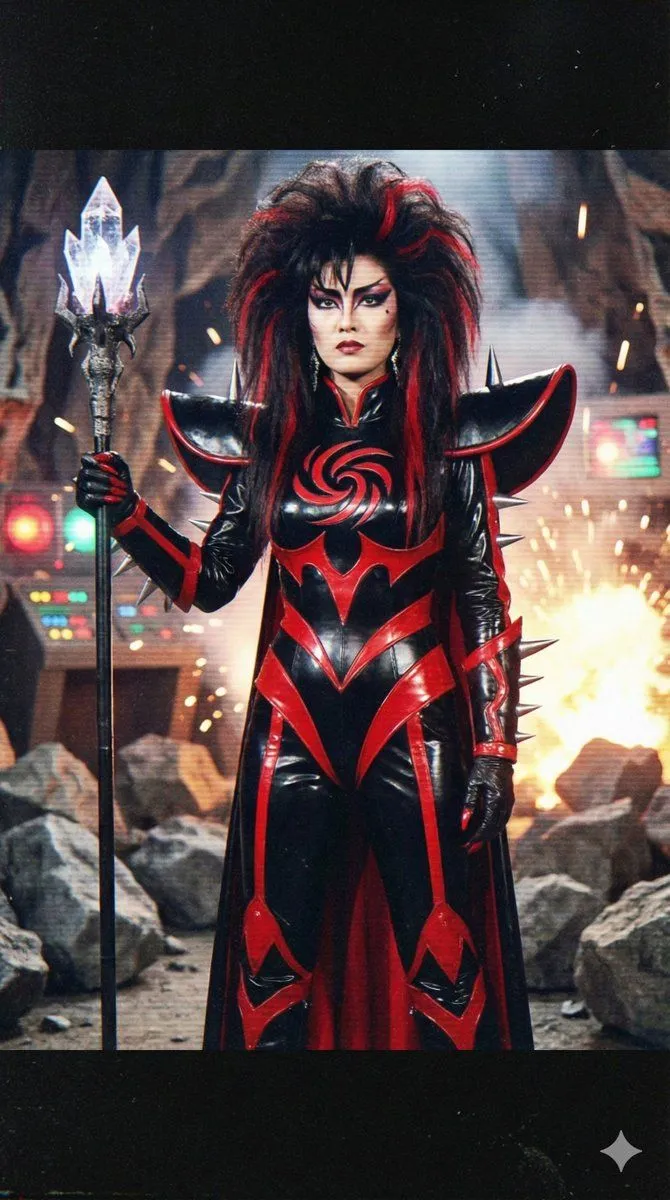
    • Prompt for 80s TV Style Villainess Character Design
    • YouTube Thumbnail Prompt: Political Split Screen
    • Nano Banana Pro Thumbnail Generation Example

    Show more

    Run it on your phone

    1. Prompt copiedRead it

      Apply an artistic red–blue double-exposure effect using two poses of the same woman. Keep the base layer as the original pose, and generate a second pose where her head angle, facial direction, or expression is slightly different, as if captured a moment earlier or later. Color the second pose in red, the base pose in cyan, and offset the layers to create a clean ghosting effect. Preserve skin texture, tattoos, and contrast while keeping the background minimal.

    2. Open your app

    3. Paste and run

      Press and hold the message box, then tap Paste. Add your photo first if the prompt uses one. You may need to sign in.

    Red-Blue Double Exposure Effect