Tell us anything

An idea, a bug, something you love. We read every note.

⌘↵ to send. The page you're on comes along.

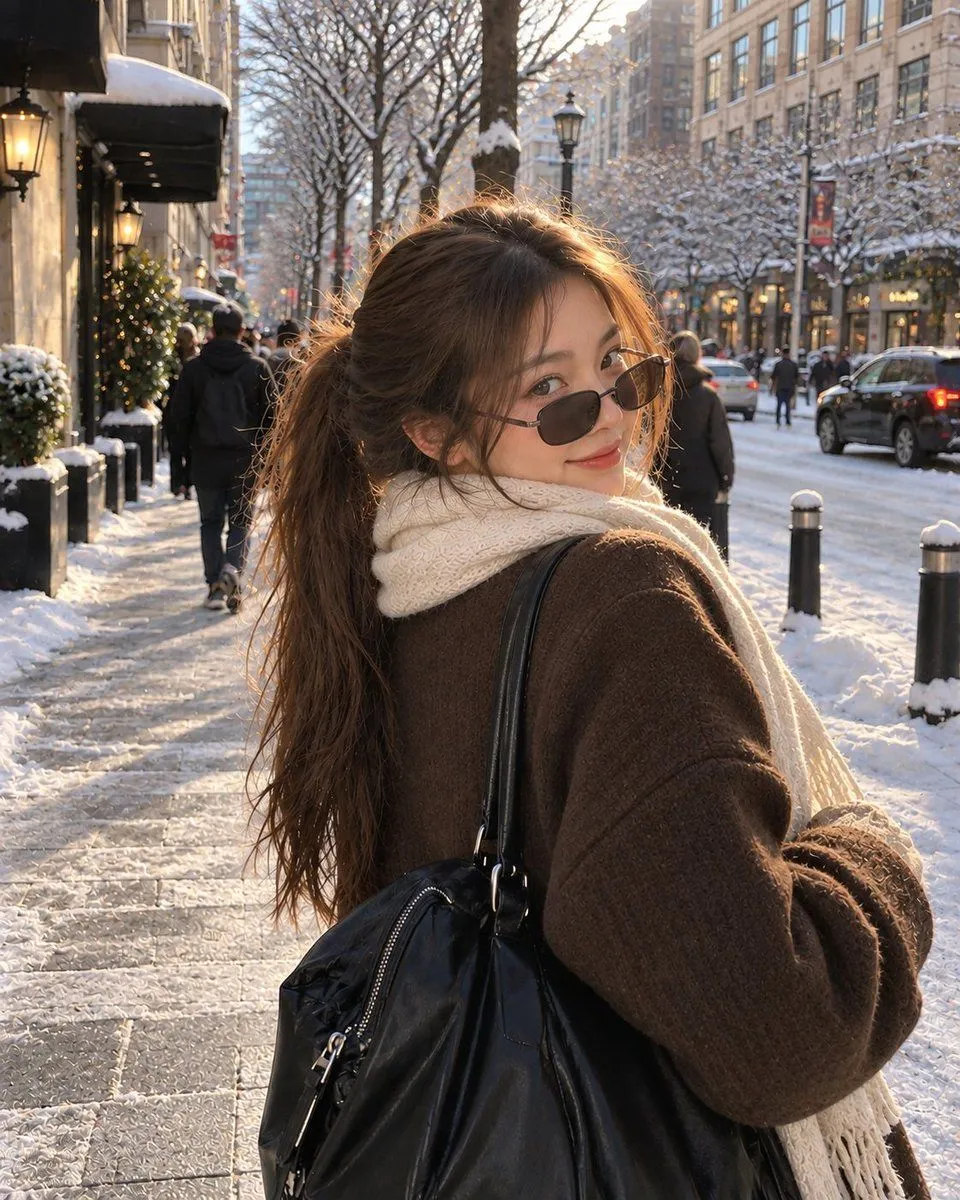
Realistic Street Portrait with GPT Image 2

Made with GPT Image 2 in ChatGPT by Library Avatars. Promptclay never generates images.

Did it work?

No reports yet. Tell others if it worked for you.

No comments yet. Be the first.

    Realistic Street Portrait with GPT Image 2

    GPT Image 24:5AI-generated

    Prompt

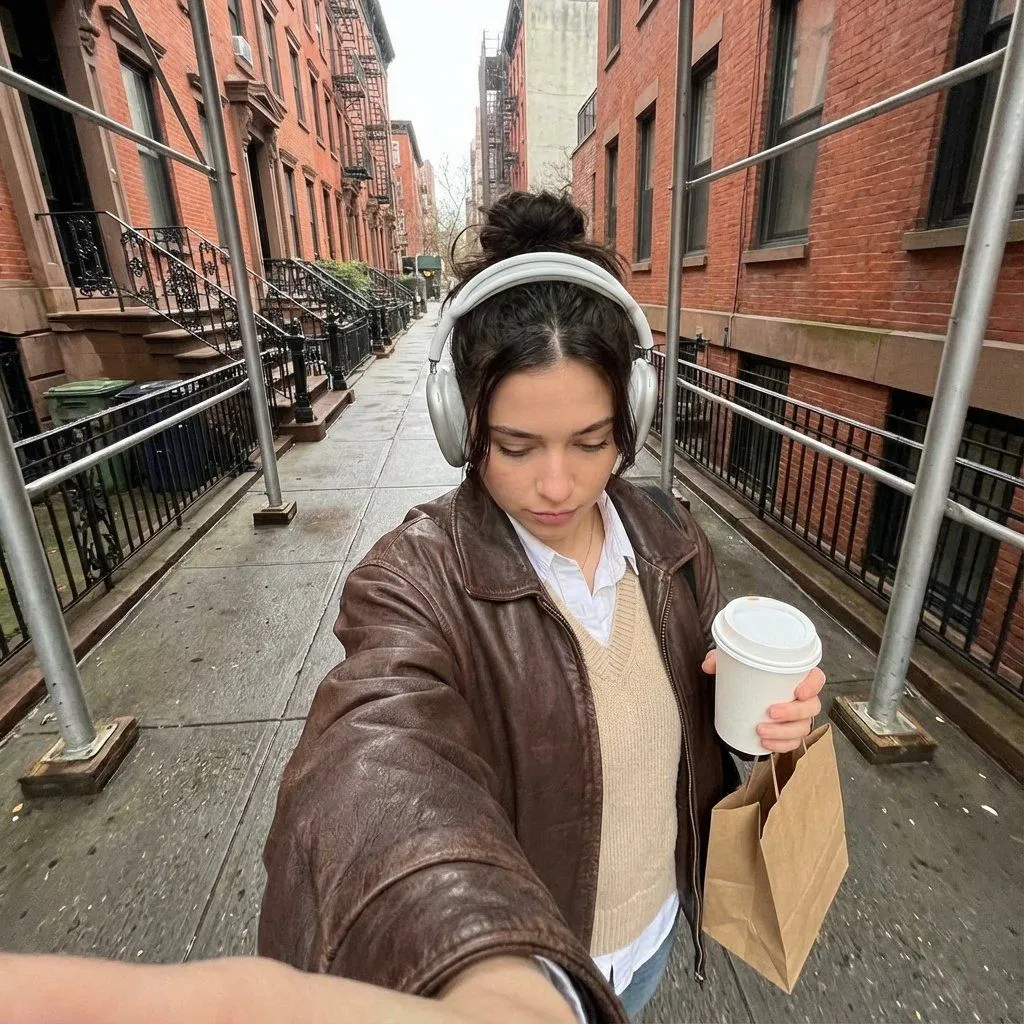
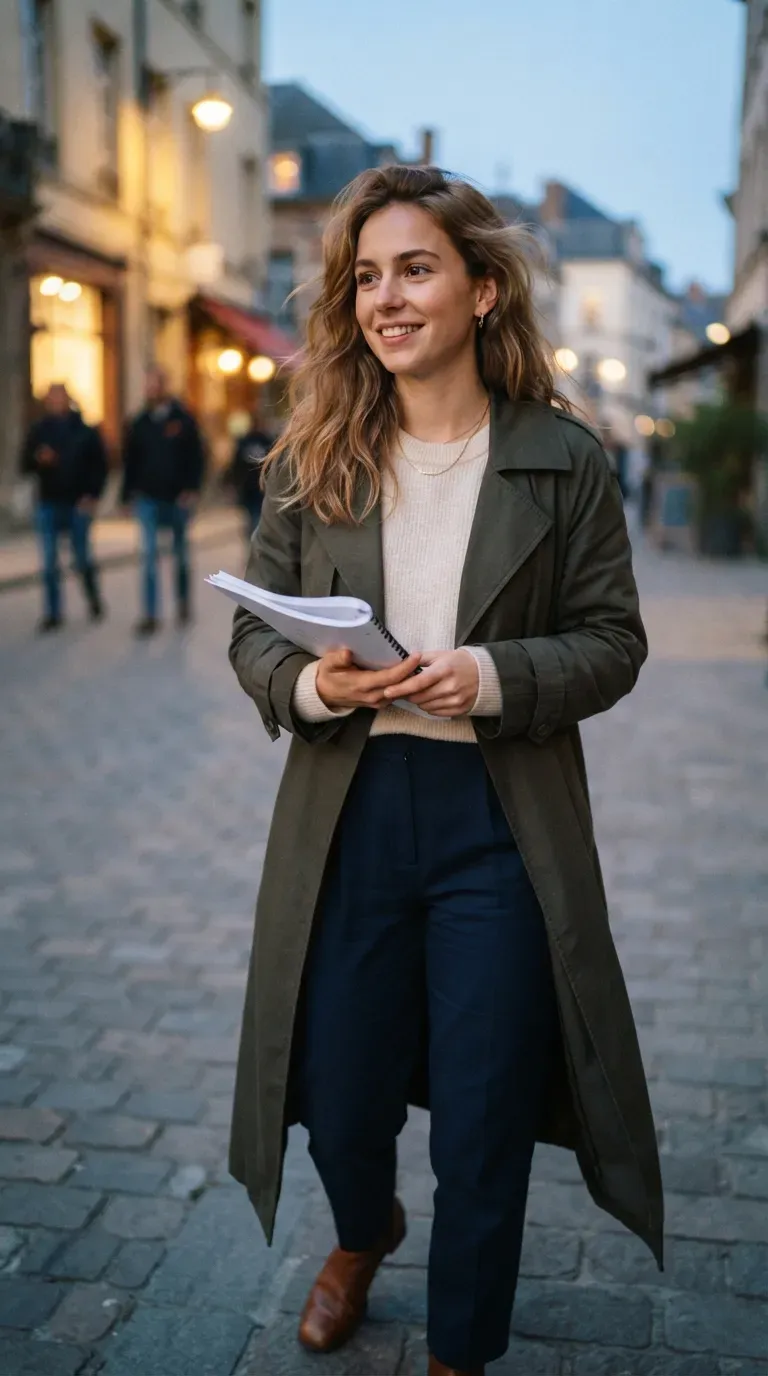
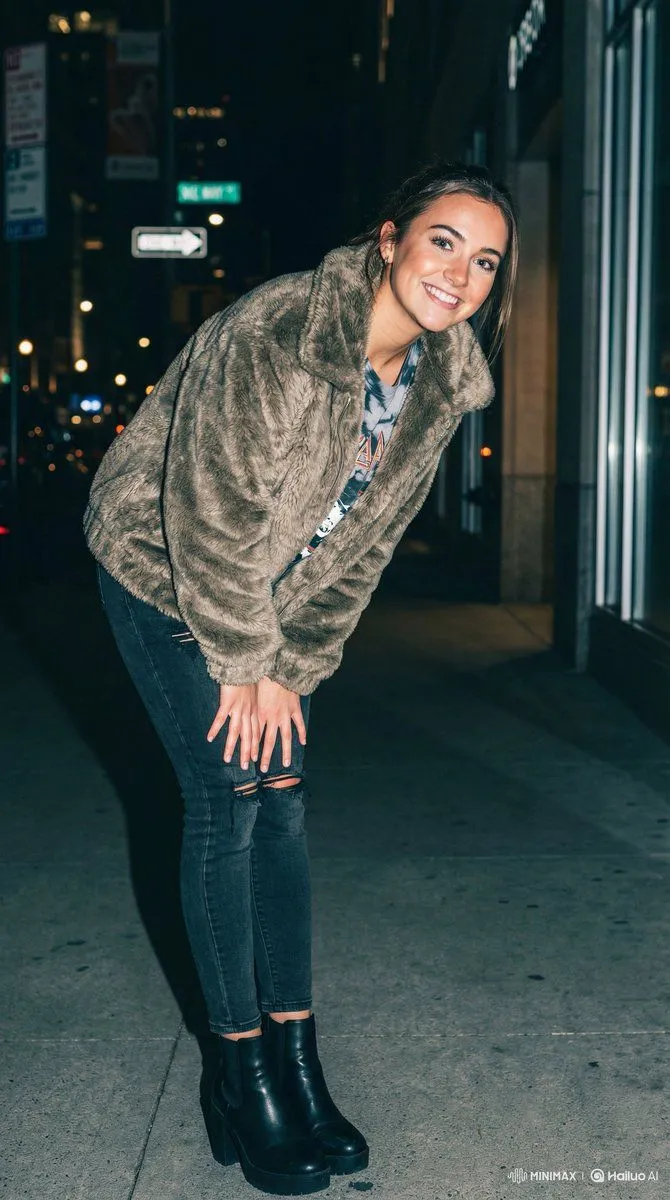
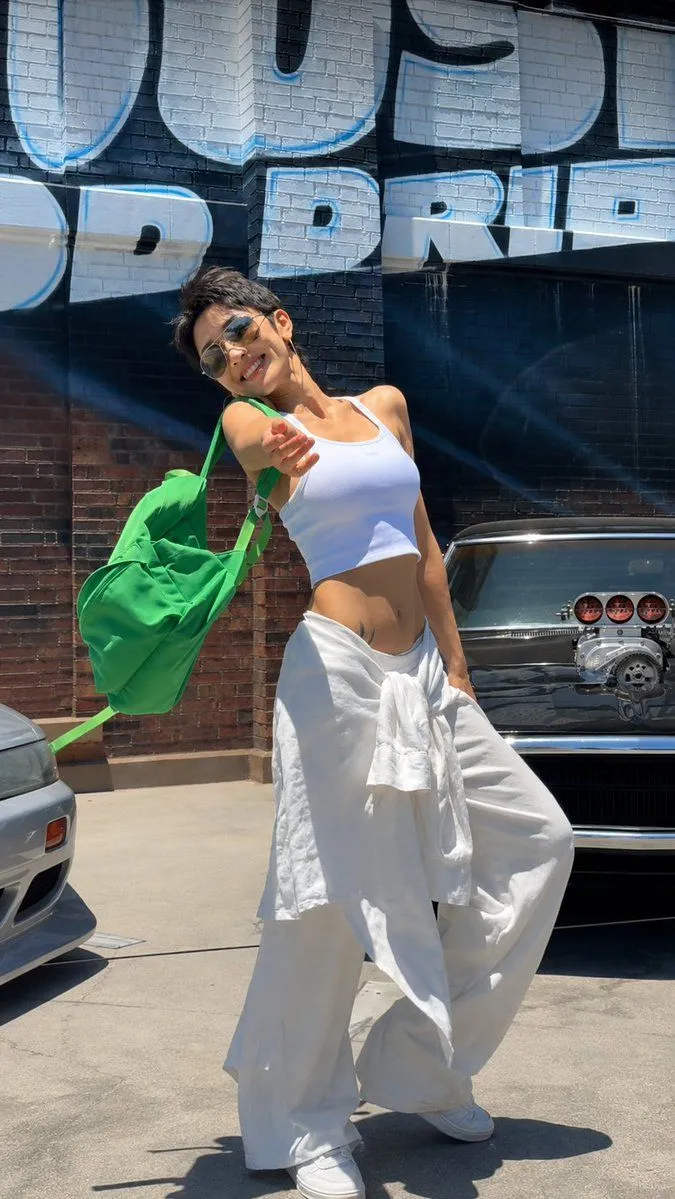
    A realistic candid street-style portrait of a young woman with light-brown hair tied into a loose ponytail, a few soft strands framing her face. She is turning slightly away from the camera and looking back over her shoulder with a subtle, playful smile. She wears narrow oval dark sunglasses lowered slightly on her nose, a white collared shirt layered under a chunky brown ribbed knit sweater, and carries a large black leather shoulder bag. The photo is taken outdoors on a sunny city street, with warm golden sunlight illuminating her hair and face. The background shows modern buildings, trees, pedestrians, and urban street details softly blurred into beautiful bokeh. Natural skin texture, detailed hair strands, realistic clothing fibers, cinematic depth of field, warm backlighting, soft highlights, candid fashion photography, high-resolution smartphone camera look, vertical composition, photorealistic.

    Works in
    ChatGPT, Gemini
    Status
    Free to copy
    0
    DetailsVersions, settings and questions

    Written for

    What's in the prompt

    Subject
    Model
    GPT Image 2

    If your face changes

    keep my face exactly the same

    Questions

    Does this work in the ChatGPT app?
    Yes. Paste the prompt and attach your photo if it uses one.
    It changed my face. What do I do?
    Add "keep my face exactly the same" to the end and run it again.
    Can I use the images I make?
    Check the terms of the app you use. Promptclay never generates images and claims nothing you make.
    Similar prompts

    See more
    • Backlit Over-Shoulder Portrait
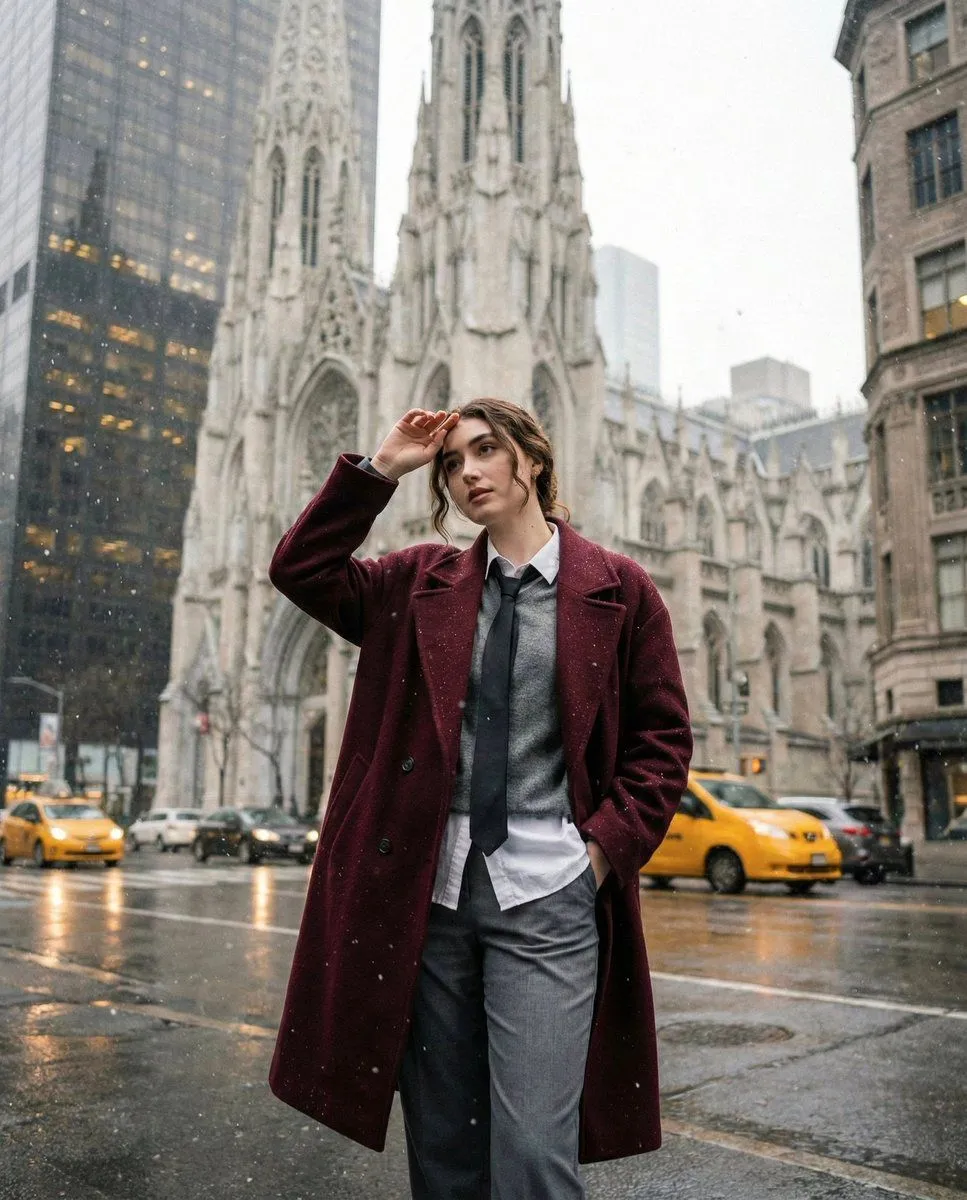
    • Candid Winter City Portrait during Snowfall
    • Candid iPhone Style City Portrait
    • Prompt
    • Photorealistic Close-Up of Woman in Busy NYC Street
    • Urban Fashion Portrait Prompt
    • Candid Urban Street Photography Prompt (JSON Structure)
    • London city photo
    • Off-Center Flash Street Snap Portrait Generator
    • Urban Summer Street Style Portrait
    • LLM prompt for generating a detailed travel itinerary for a trip to Japan
    • Realistic iPhone Cafe Portrait
    • Attempting to Recreate a BeautyPlus Prompt
    • Kawaii Girl With Manga Wall Doodle
    • Luxury Arcade with Sunlight Patterns
    • AI Chat Screenshot With Censored Women
    • Cinematic Dark Movie Poster
    • Convenience Store Fight Scene
    • Côte d’Azur Couture Magazine Cover
    • Futuristic Fashion in Neon Seoul
    • Monochrome Scribble Ink Sketch
    • Mysterious Dark Forest Ritual Portrait
    • Pop Idol Typography Cover Art
    • Skyscraper Climbing Action Shot

    Show more

    Run it on your phone

    1. Prompt copiedRead it

      A realistic candid street-style portrait of a young woman with light-brown hair tied into a loose ponytail, a few soft strands framing her face. She is turning slightly away from the camera and looking back over her shoulder with a subtle, playful smile. She wears narrow oval dark sunglasses lowered slightly on her nose, a white collared shirt layered under a chunky brown ribbed knit sweater, and carries a large black leather shoulder bag. The photo is taken outdoors on a sunny city street, with warm golden sunlight illuminating her hair and face. The background shows modern buildings, trees, pedestrians, and urban street details softly blurred into beautiful bokeh. Natural skin texture, detailed hair strands, realistic clothing fibers, cinematic depth of field, warm backlighting, soft highlights, candid fashion photography, high-resolution smartphone camera look, vertical composition, photorealistic.

    2. Open your app

    3. Paste and run

      Press and hold the message box, then tap Paste. Add your photo first if the prompt uses one. You may need to sign in.

    Realistic Street Portrait with GPT Image 2