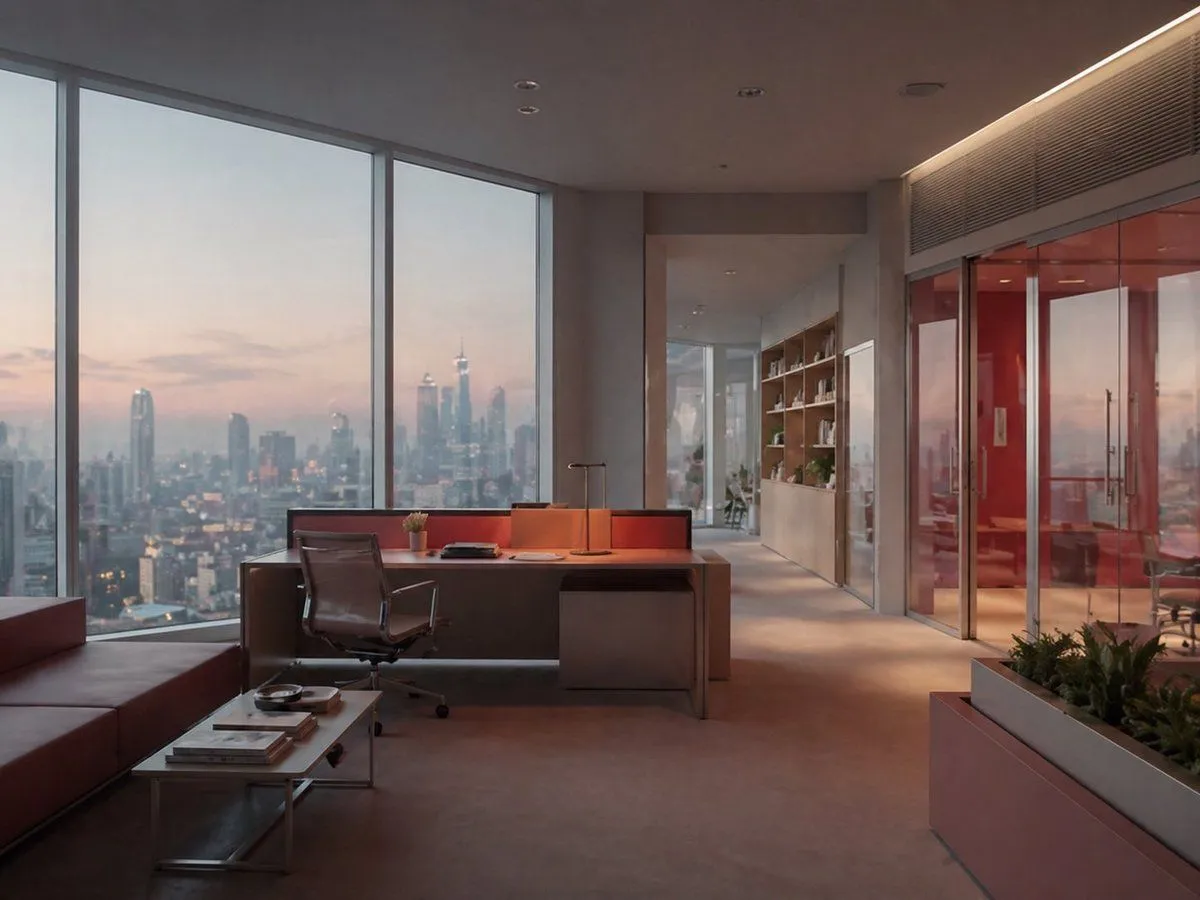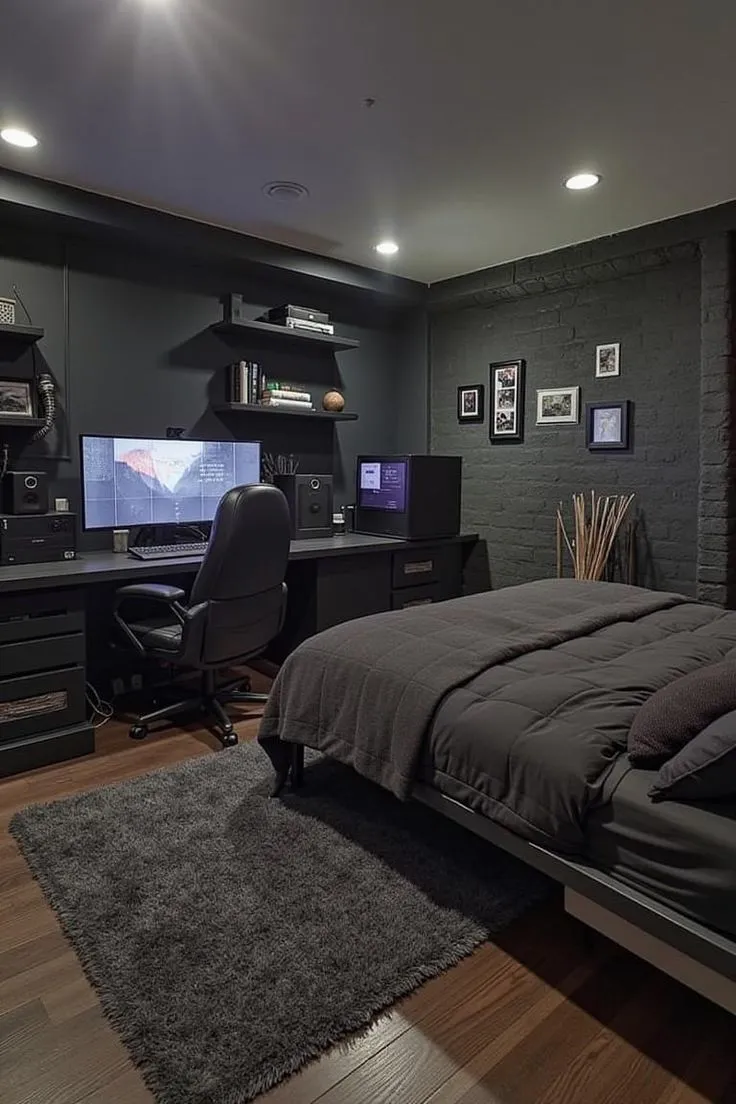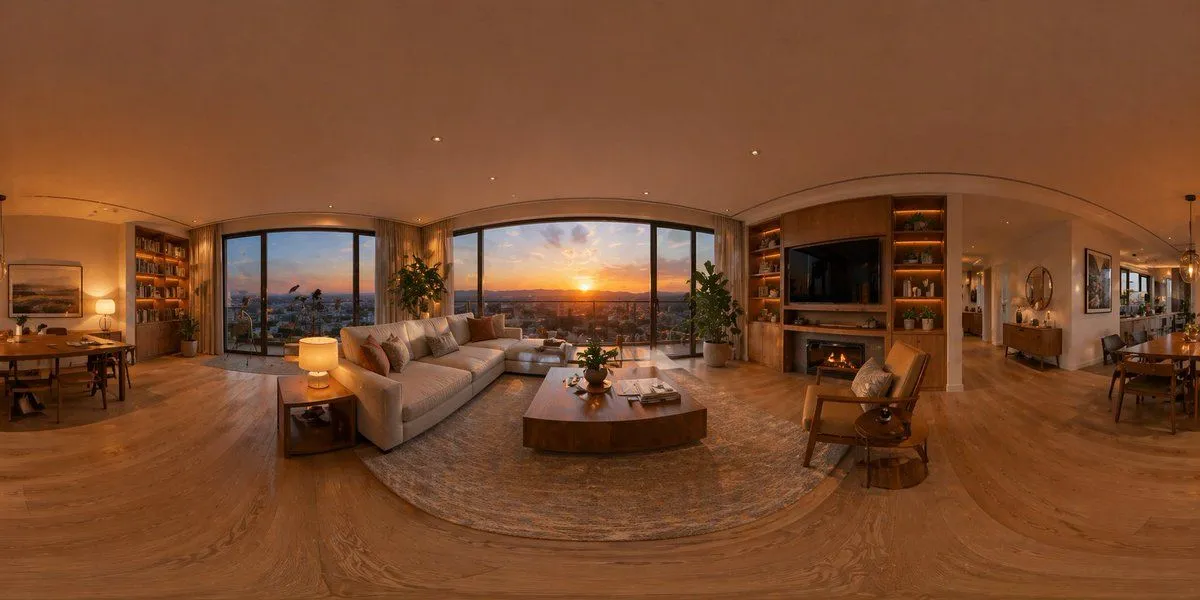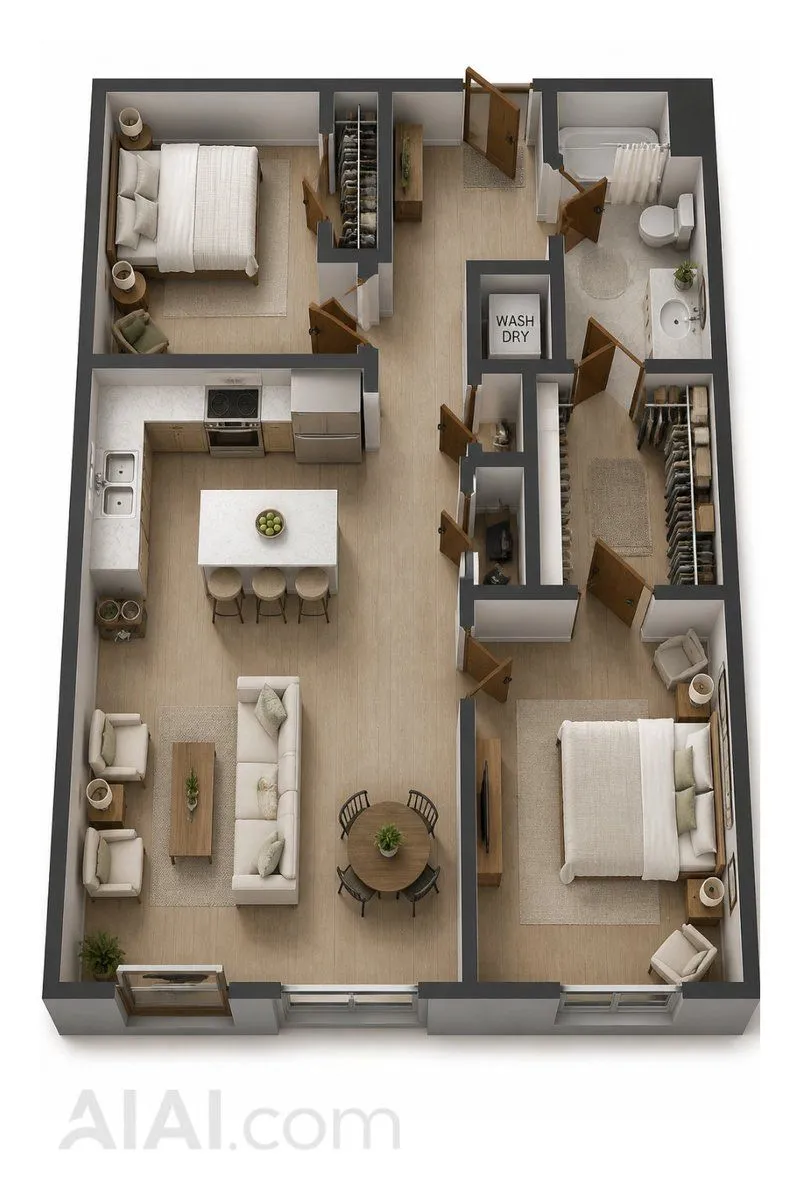
Made with GPT Image 2 in ChatGPT by Library Brand. Promptclay never generates images.
Did it work?
No reports yet. Tell others if it worked for you.
Realistic Room Promotion Render from Sketch
Prompt
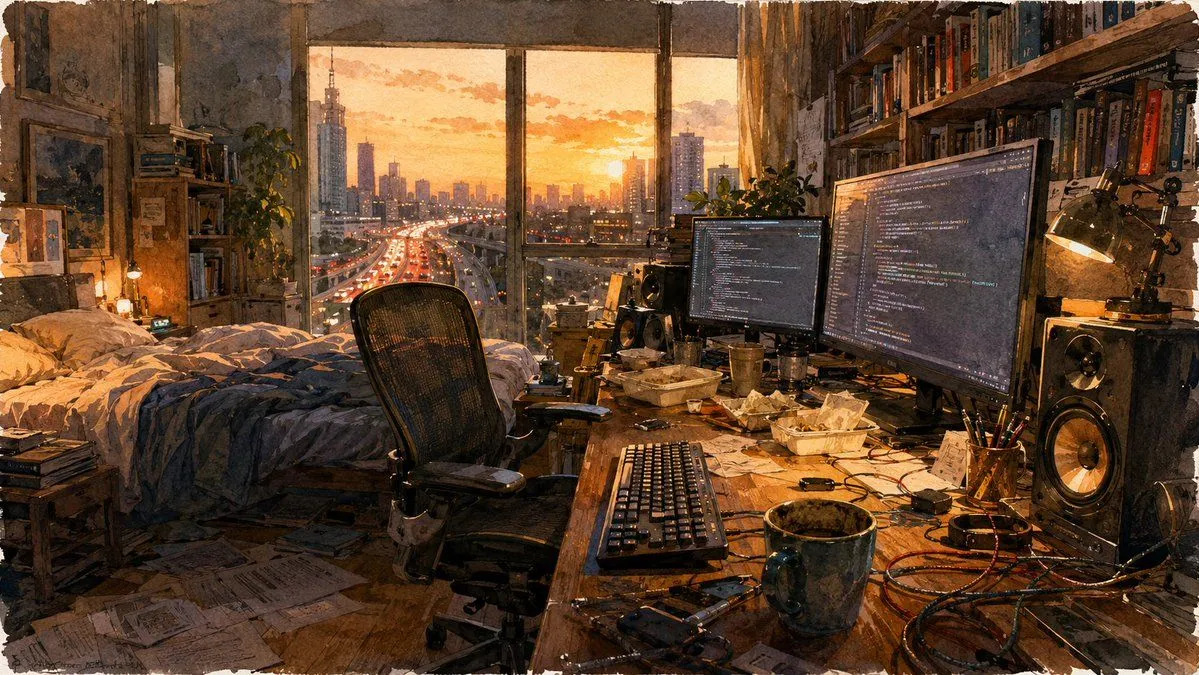
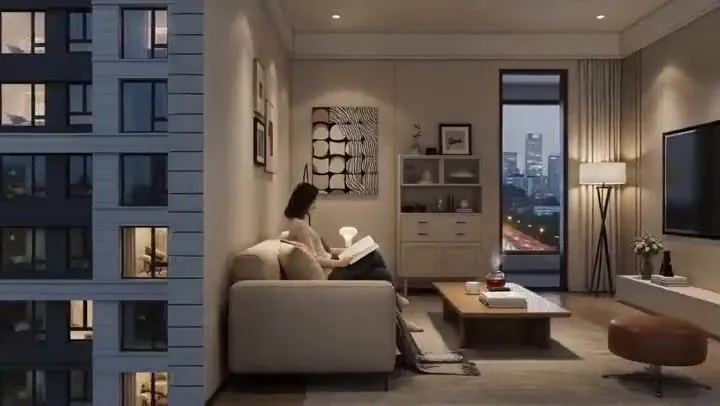
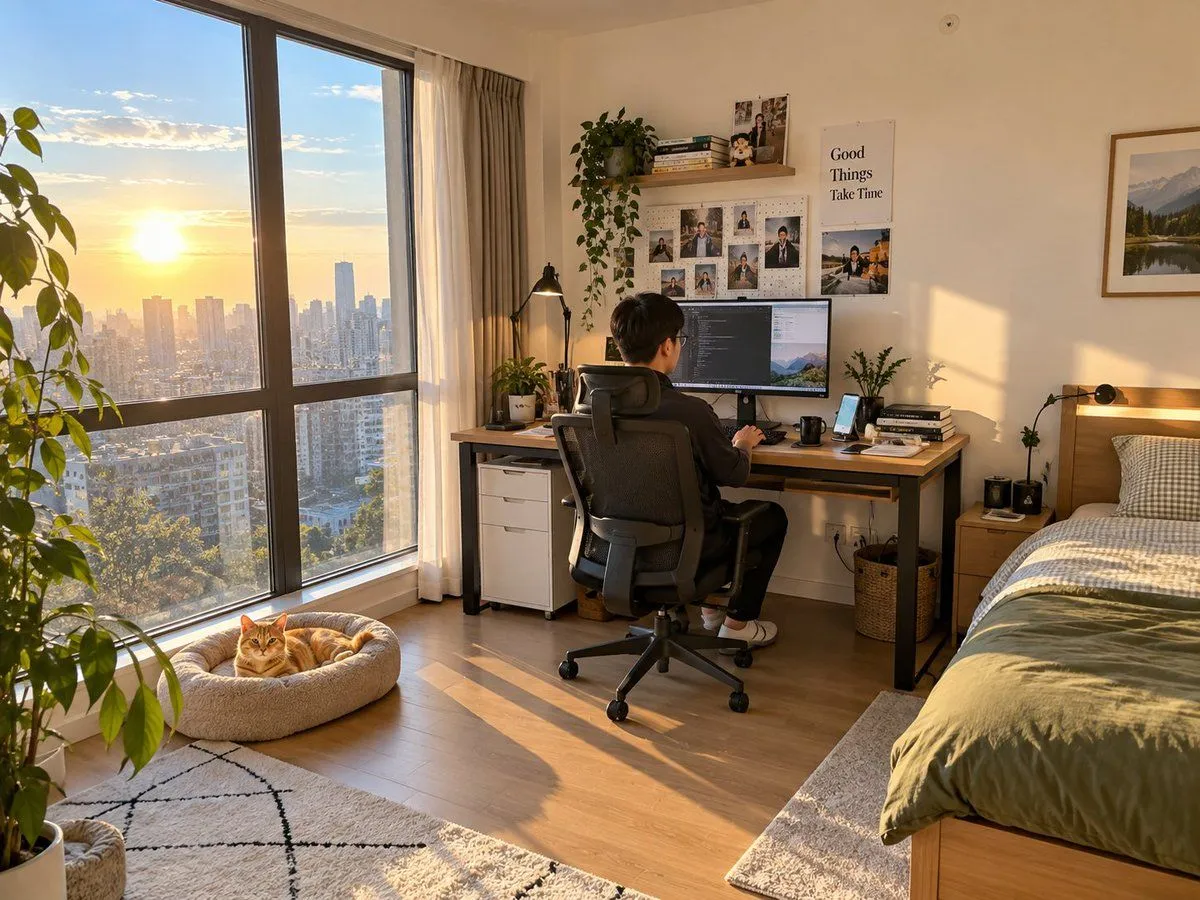
1 blank to fillCreate a real-life room promotional image to market my room to potential tenants. The theme is room layout: a large floor-to-ceiling window on the left with excellent sunlight and lighting. Beside the window is a cat bed with a {pet} lying on it. Inside the bedroom is a large desk with daily items like a computer, keyboard, mouse, and phone. A young Chinese male is sitting on an ergonomic chair operating the computer. To the right of the desk is a single bed. The overall spatial relationship follows the sketch. Lighting and textures should look like a bedroom photo taken with a phone. Hard requirements: all items drawn in the sketch must appear, including the sun outside the window. Problems to avoid: do not include any elements or phenomena that contradict real daily life. Other proportions and room details are up to you to ensure a natural, realistic, and unforced effect.
Preview of your prompt
Create a real-life room promotional image to market my room to potential tenants. The theme is room layout: a large floor-to-ceiling window on the left with excellent sunlight and lighting. Beside the window is a cat bed with a orange cat lying on it. Inside the bedroom is a large desk with daily items like a computer, keyboard, mouse, and phone. A young Chinese male is sitting on an ergonomic chair operating the computer. To the right of the desk is a single bed. The overall spatial relationship follows the sketch. Lighting and textures should look like a bedroom photo taken with a phone. Hard requirements: all items drawn in the sketch must appear, including the sun outside the window. Problems to avoid: do not include any elements or phenomena that contradict real daily life. Other proportions and room details are up to you to ensure a natural, realistic, and unforced effect.
DetailsVersions, settings and questions
Written for
What's in the prompt
- Subject
- Model
- GPT Image 2
If your face changes
keep my face exactly the sameQuestions
- Does this work in the ChatGPT app?
- Yes. Paste the prompt and attach your photo if it uses one.
- It changed my face. What do I do?
- Add "keep my face exactly the same" to the end and run it again.
- Can I use the images I make?
- Check the terms of the app you use. Promptclay never generates images and claims nothing you make.