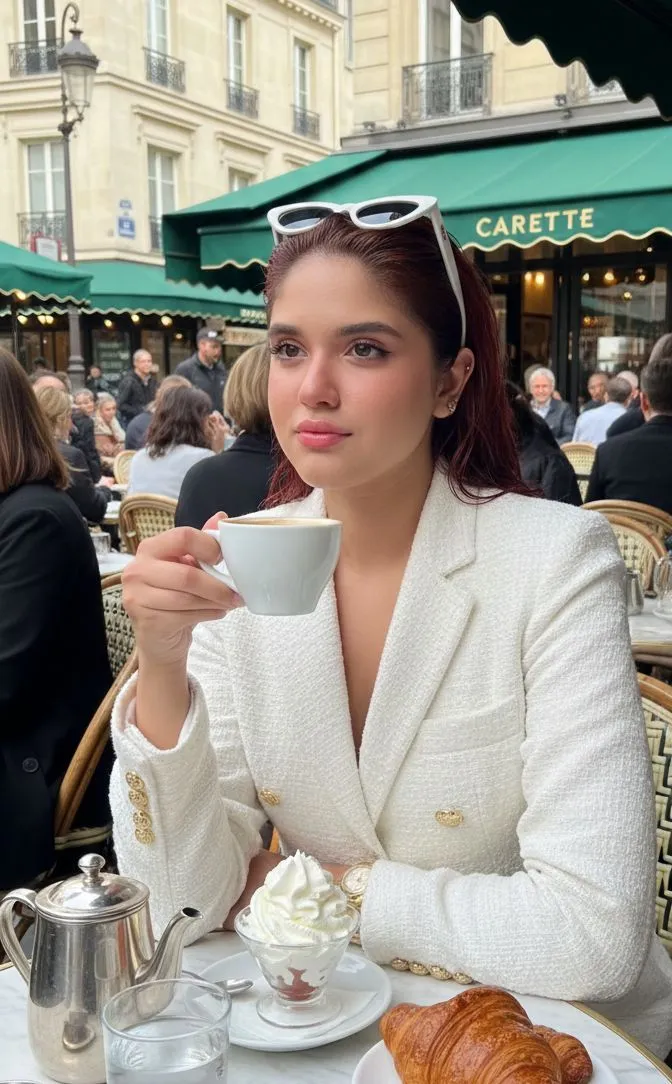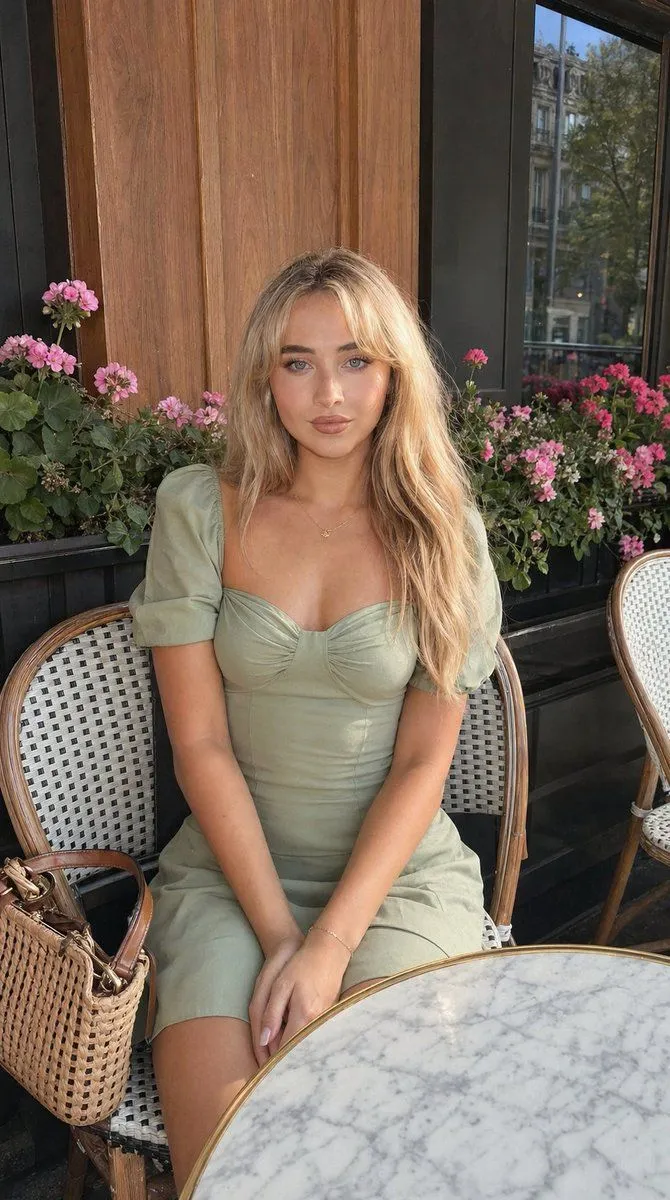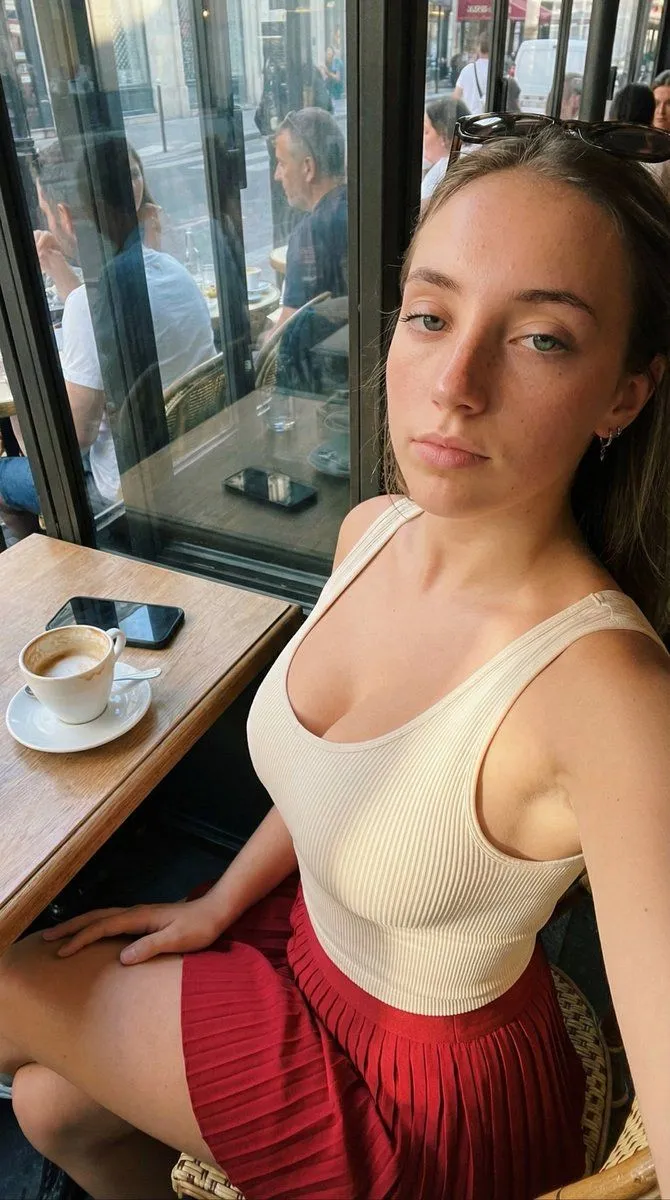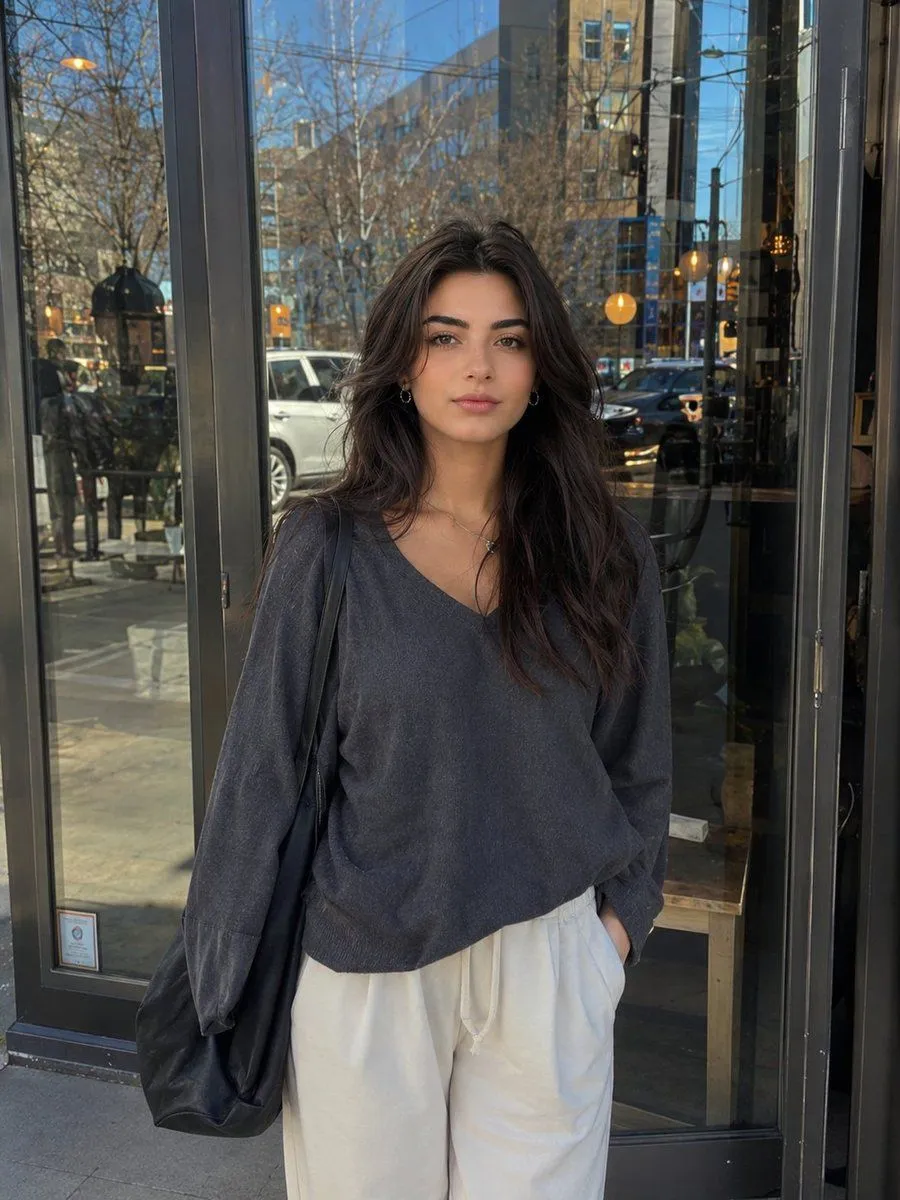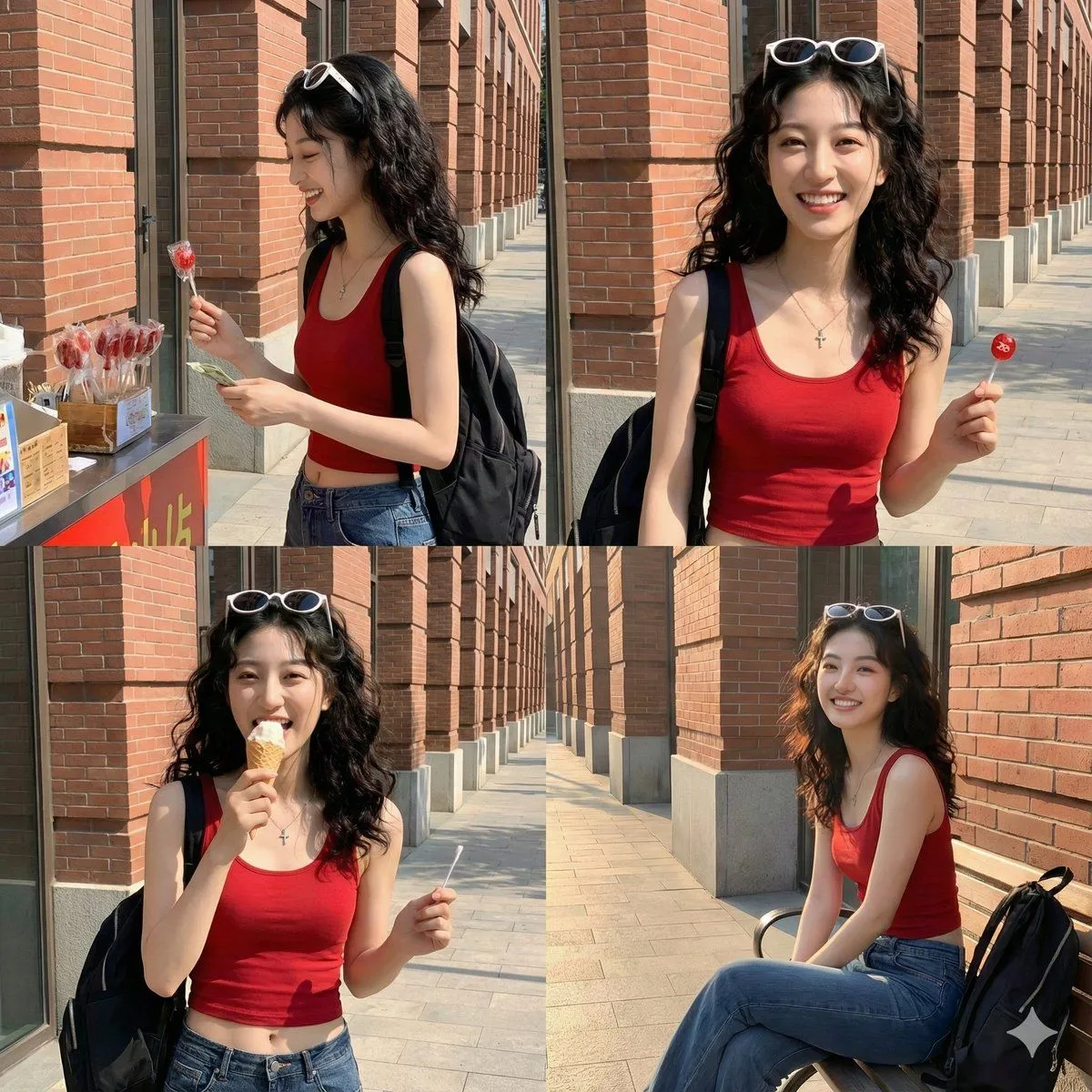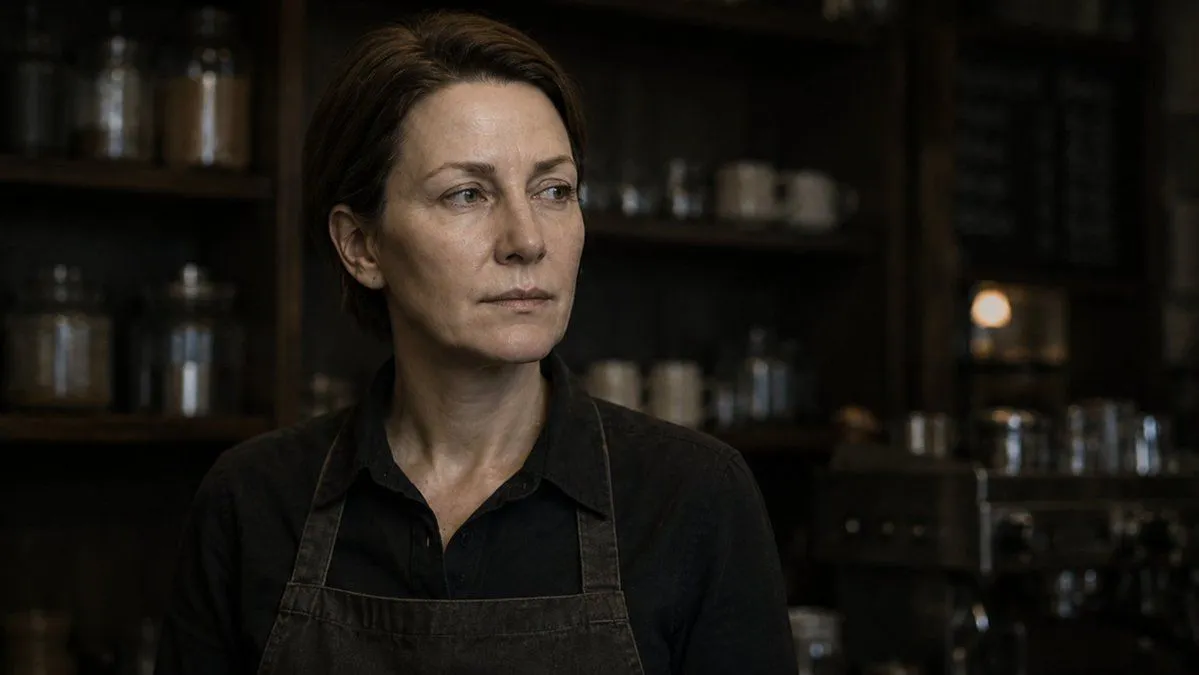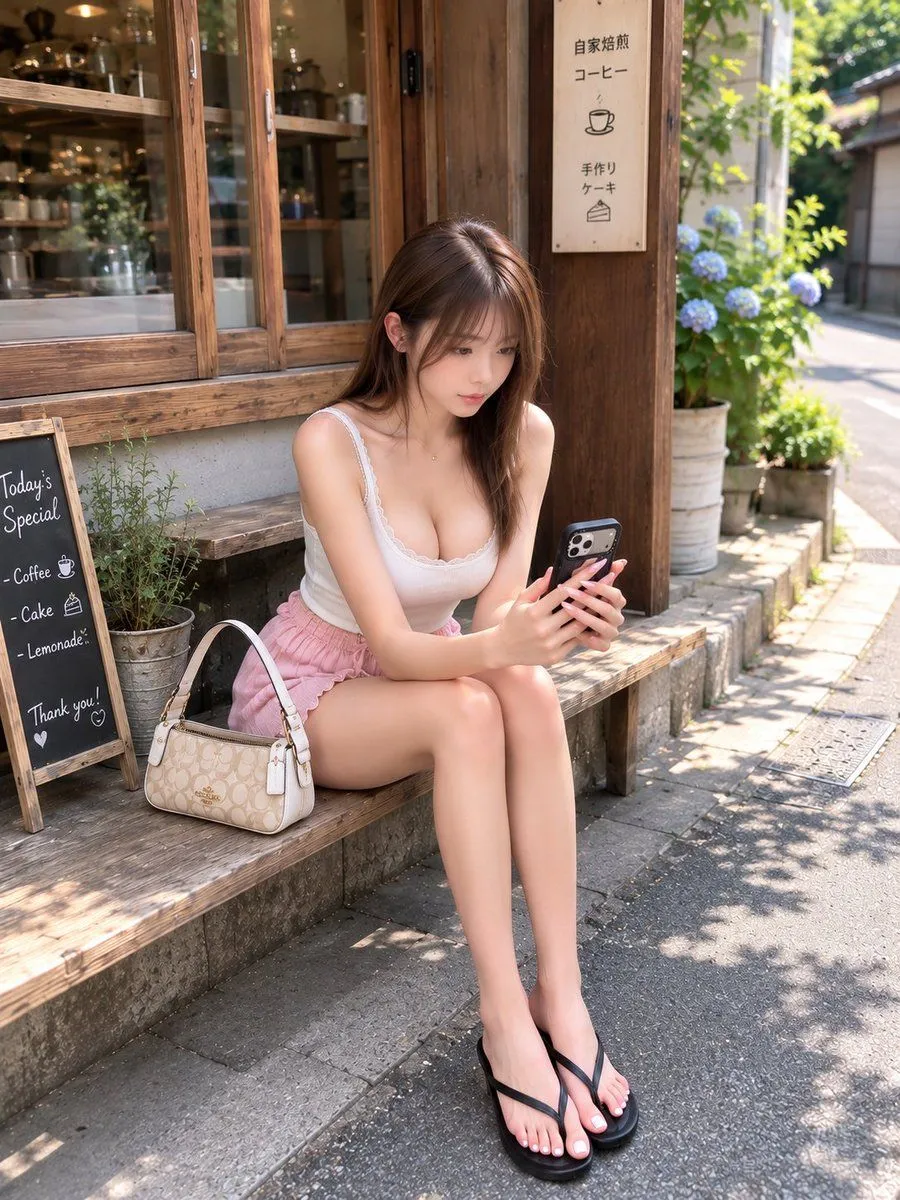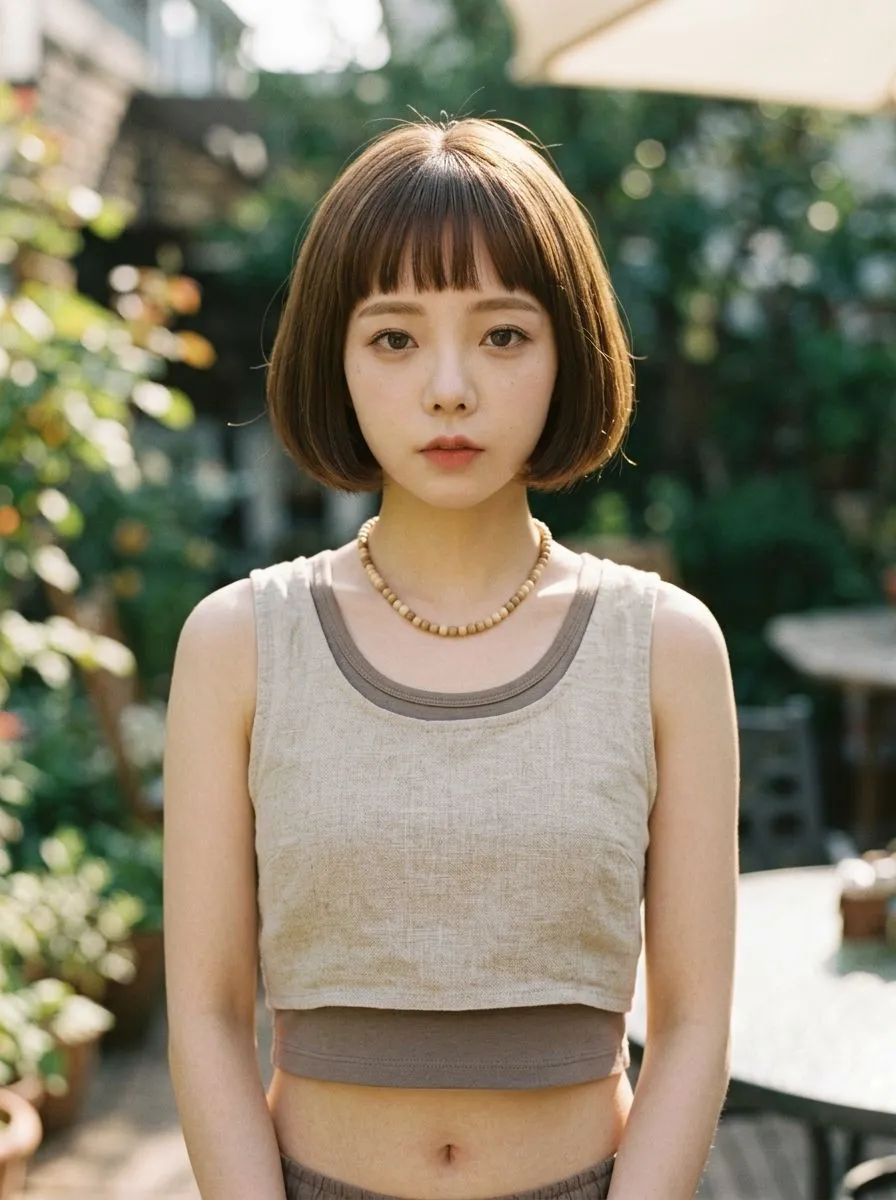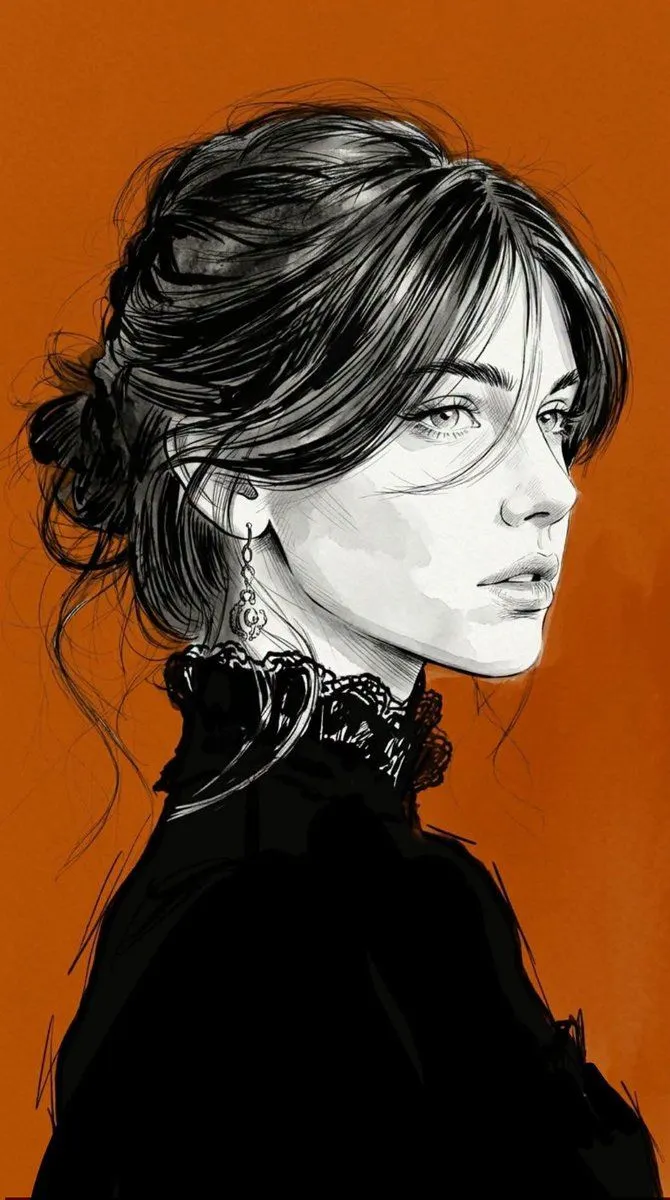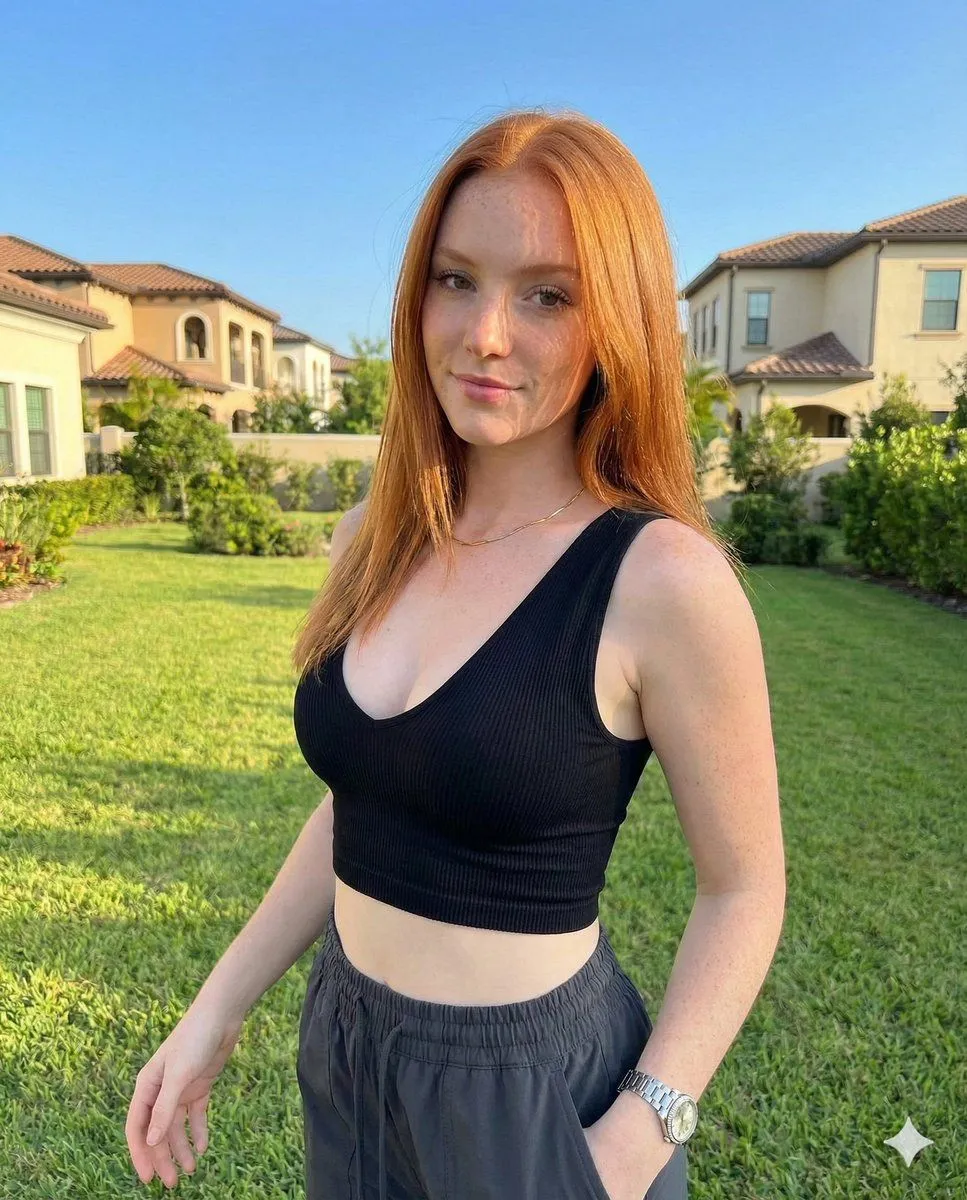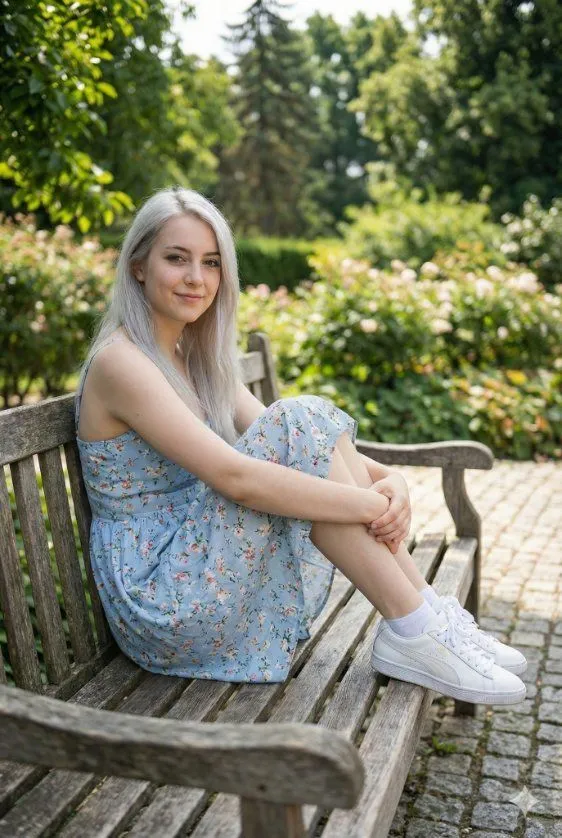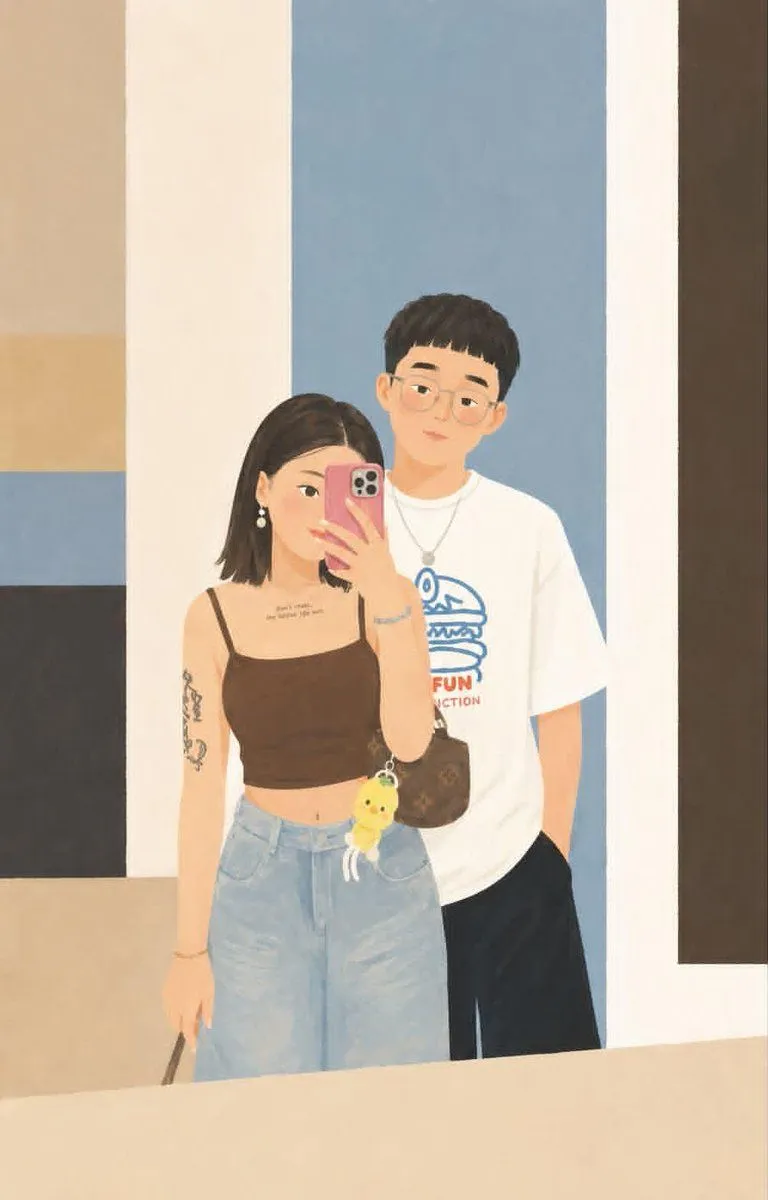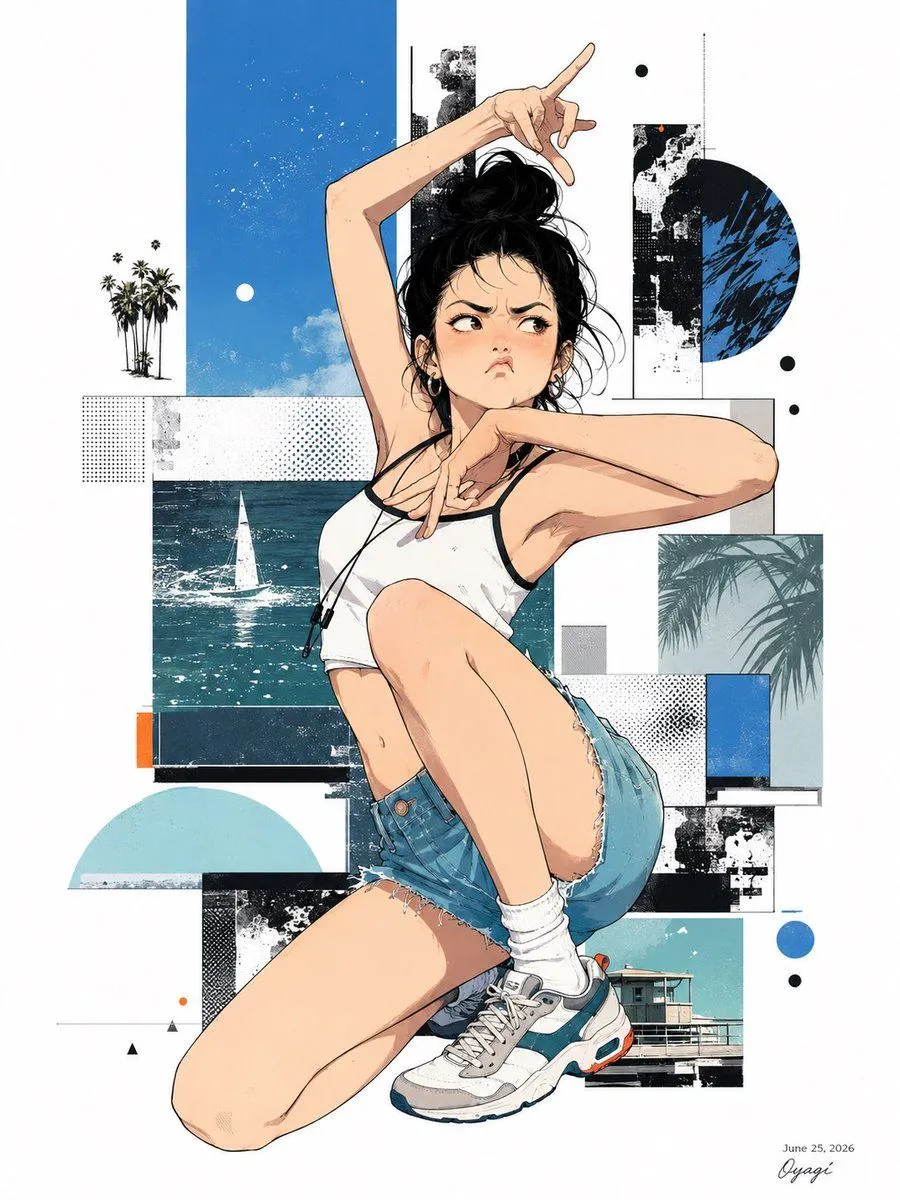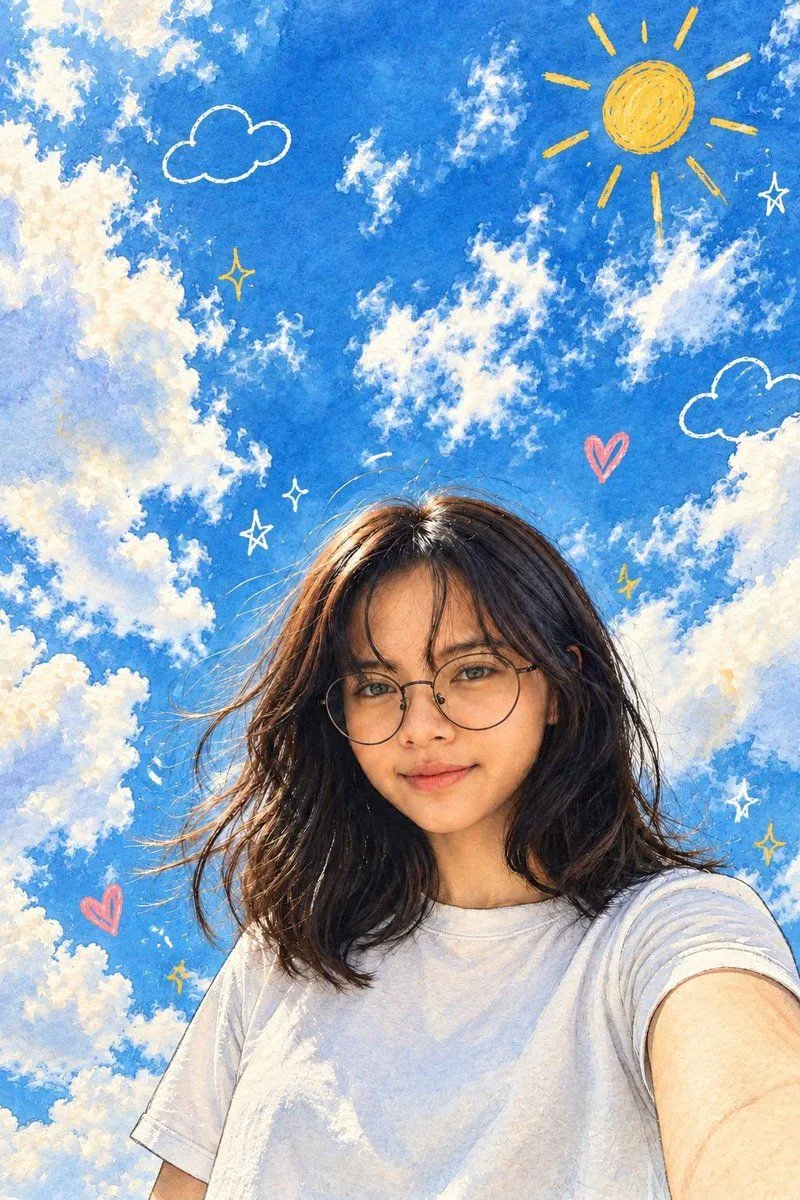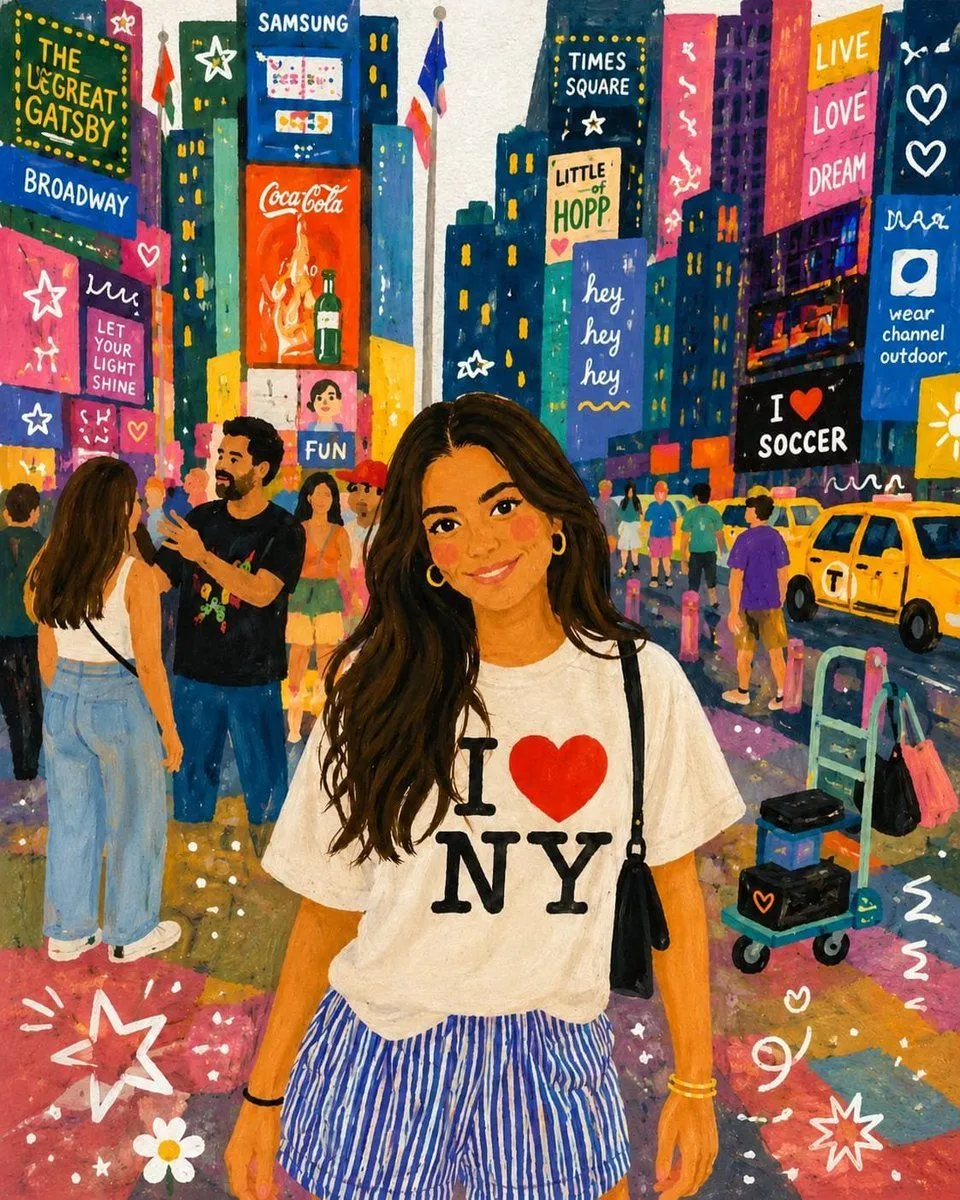
Made with GPT Image 2 in ChatGPT by Library Lifestyle. Promptclay never generates images.
Did it work?
No reports yet. Tell others if it worked for you.
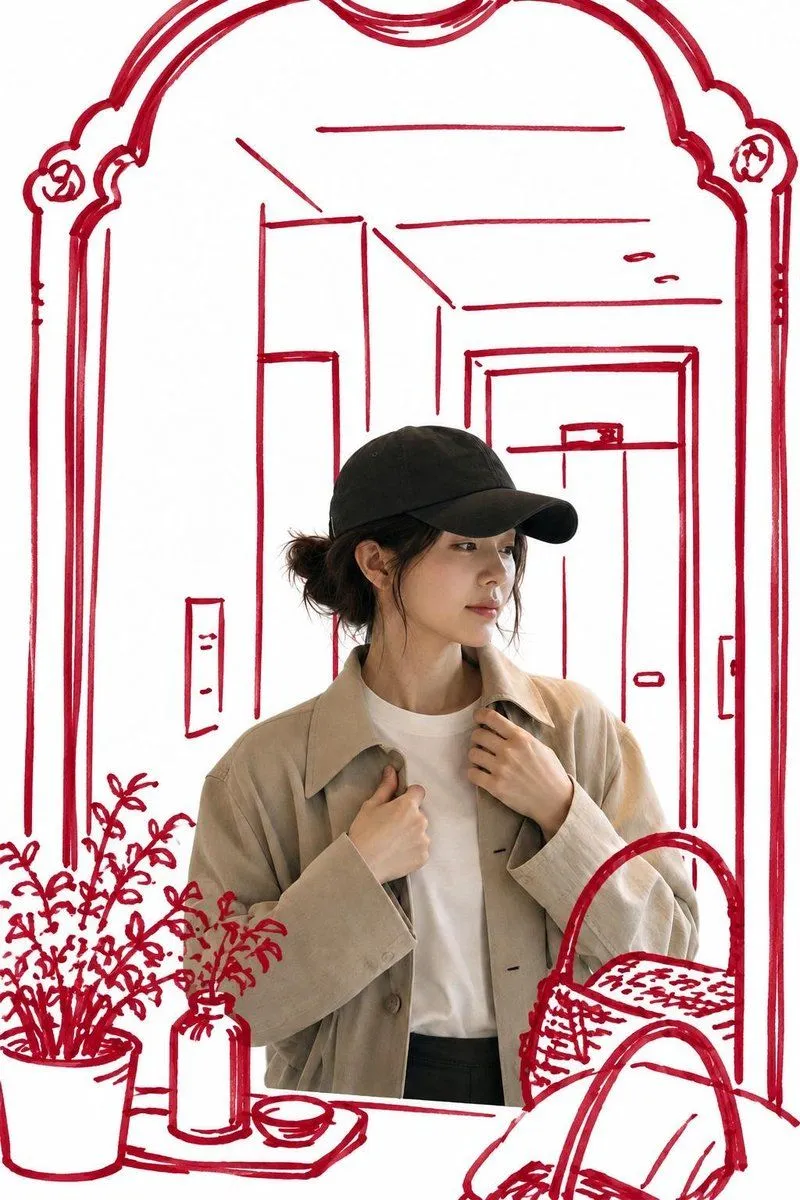
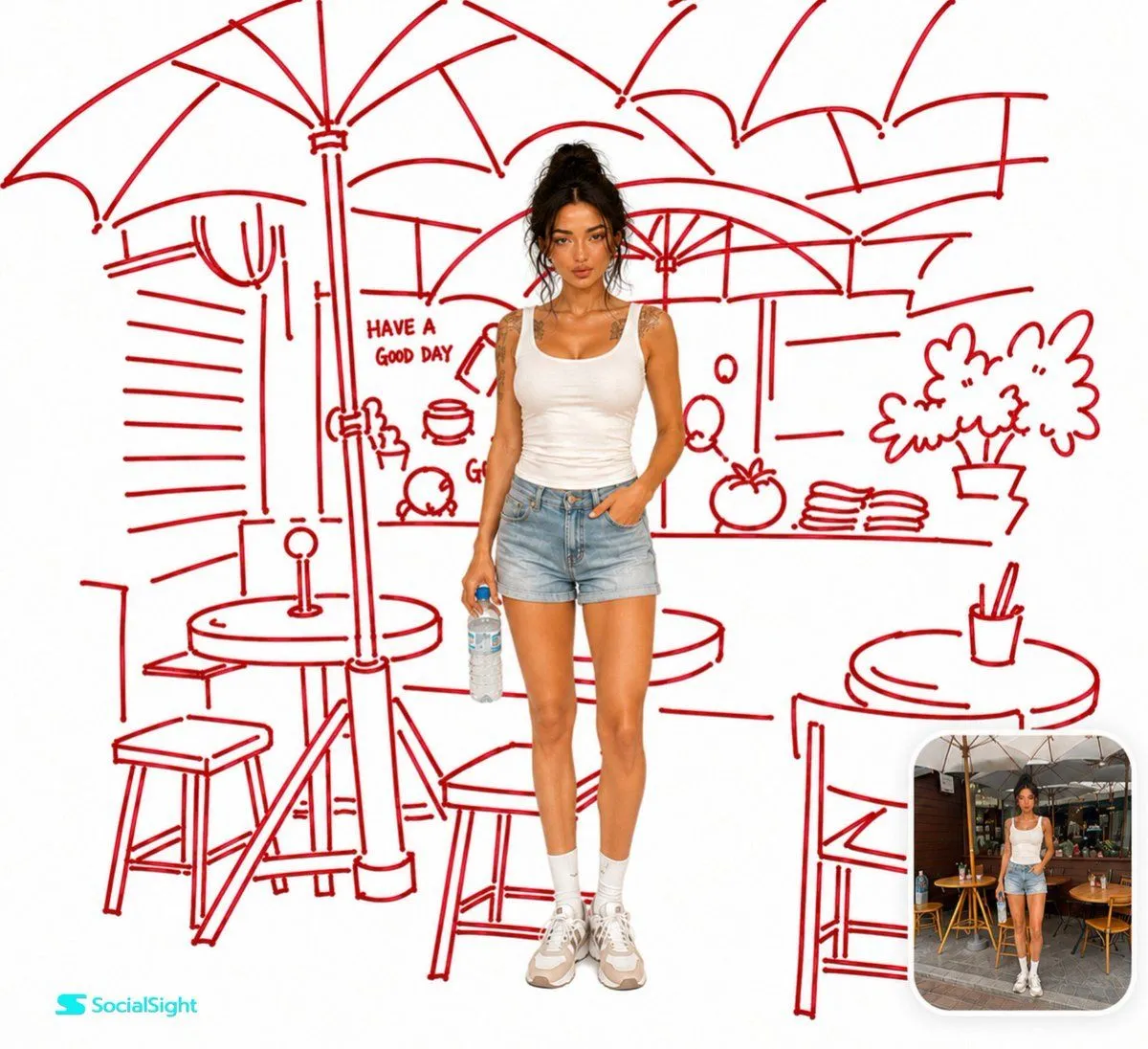
Realistic Portrait with Red Marker Background
Prompt
3 blanks to fillUse the uploaded image as the only reference. Keep the person exactly the same, preserving their face, pose, clothing, hairstyle, lighting, colors, and proportions. Remove the original background and recreate the same environment as a {sketch_style} on a {background_color}. The sketch should be quick, playful, imperfect, and confidently hand-drawn with medium-thick strokes, slight wobble, pressure variation, tiny gaps, and marker bleed—not vector art or technical line work. Keep the person 100% photorealistic with no sketch effect or outline applied to them. Place the subject naturally in front of the illustrated background, ensuring all {marker_color} sketch lines remain behind the person. Add a small rounded-corner inset in the bottom-right corner showing the original uploaded photo of the exact same person and scene before the transformation for a clear before-and-after comparison. Ultra-clean editorial style, high resolution, strong contrast between the realistic subject and the bold red sketch, no extra colors, no gradients, and no paper texture.
Use only photos you have the right to usePhoto tips
- Your photo stays with your app. You upload it to Gemini, ChatGPT or the app you use. Promptclay never sees or stores it.
- Crop to what the prompt needs. Your face for a portrait. Leave out other people, house numbers, cards and screens.
- Check the result before you post. Apps sometimes add things that were not in your photo, like a mole, a tattoo or bare shoulders. Run it again or ask the app to remove them.
Preview of your prompt
Use the uploaded image as the only reference. Keep the person exactly the same, preserving their face, pose, clothing, hairstyle, lighting, colors, and proportions. Remove the original background and recreate the same environment as a loose hand-drawn sketch using only deep crimson red felt-tip marker lines on a pure white background. The sketch should be quick, playful, imperfect, and confidently hand-drawn with medium-thick strokes, slight wobble, pressure variation, tiny gaps, and marker bleed—not vector art or technical line work. Keep the person 100% photorealistic with no sketch effect or outline applied to them. Place the subject naturally in front of the illustrated background, ensuring all red sketch lines remain behind the person. Add a small rounded-corner inset in the bottom-right corner showing the original uploaded photo of the exact same person and scene before the transformation for a clear before-and-after comparison. Ultra-clean editorial style, high resolution, strong contrast between the realistic subject and the bold red sketch, no extra colors, no gradients, and no paper texture.
DetailsVersions, settings and questions
Written for
What's in the prompt
- Subject
- Model
- GPT Image 2
If your face changes
keep my face exactly the sameQuestions
- Does this work in the ChatGPT app?
- Yes. Paste the prompt and attach your photo if it uses one.
- It changed my face. What do I do?
- Add "keep my face exactly the same" to the end and run it again.
- Can I use the images I make?
- Check the terms of the app you use. Promptclay never generates images and claims nothing you make.