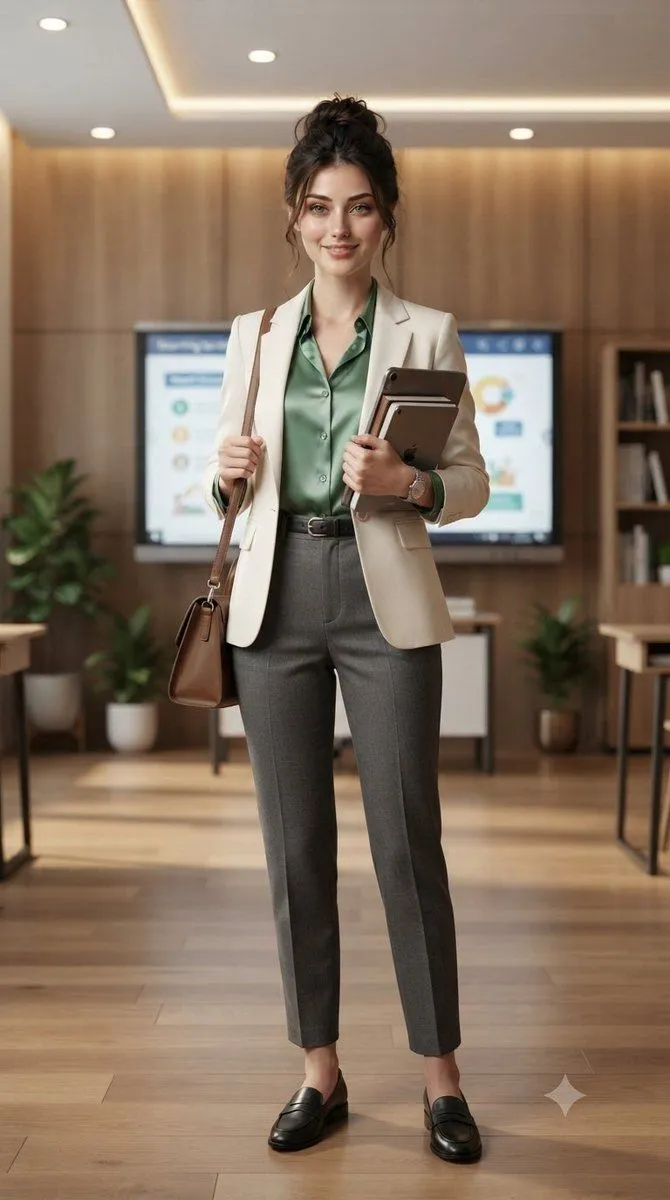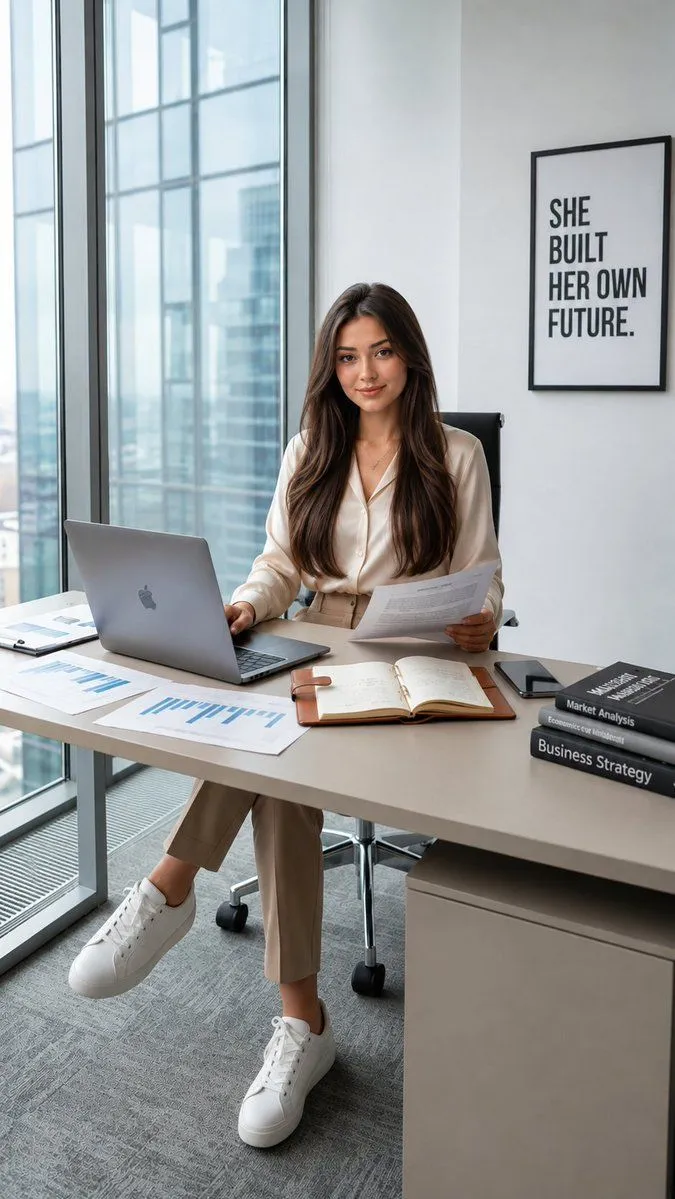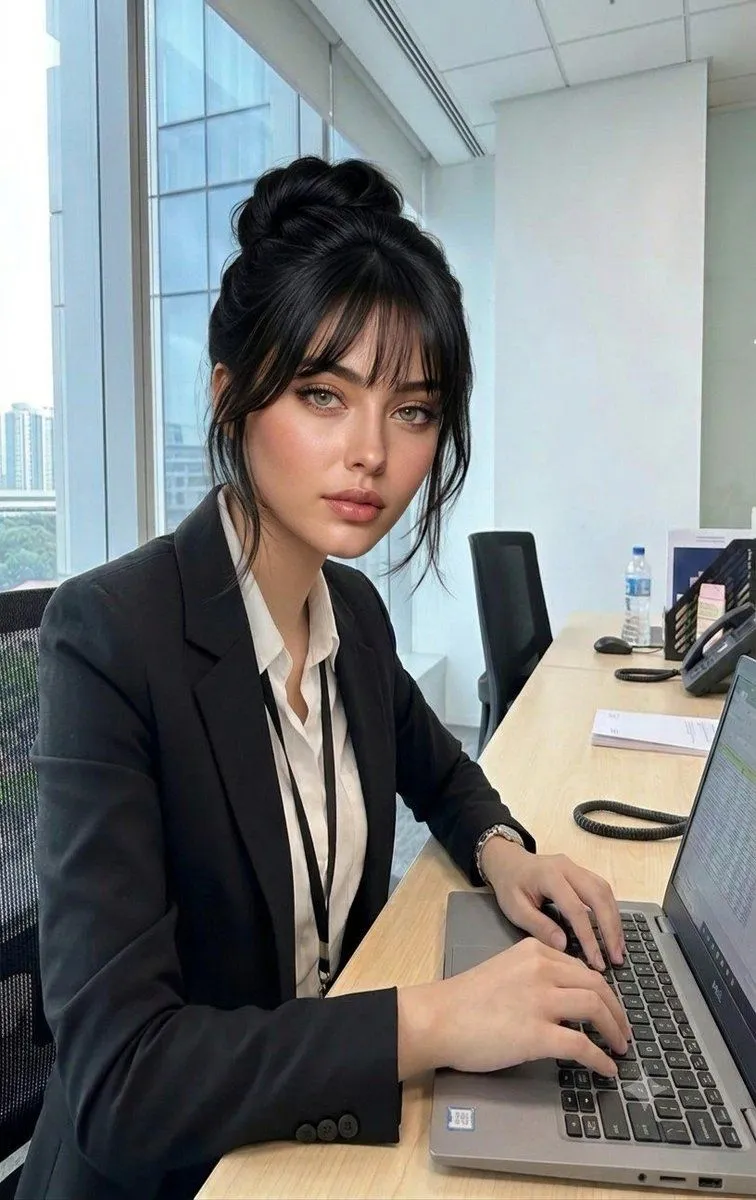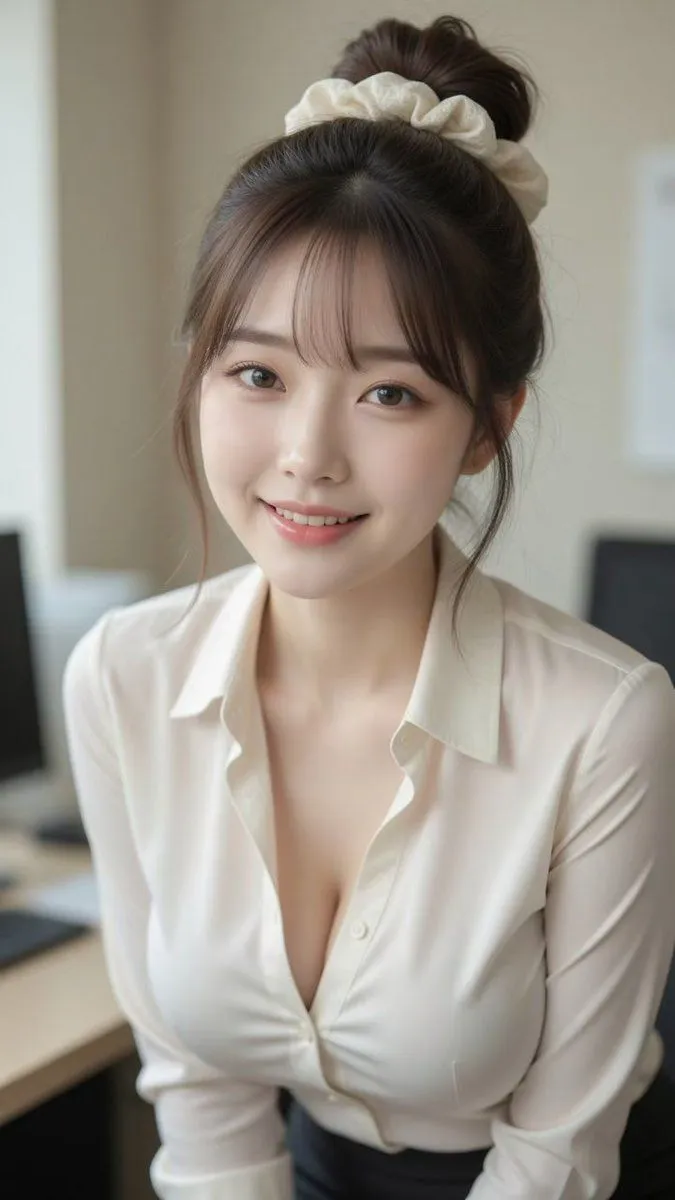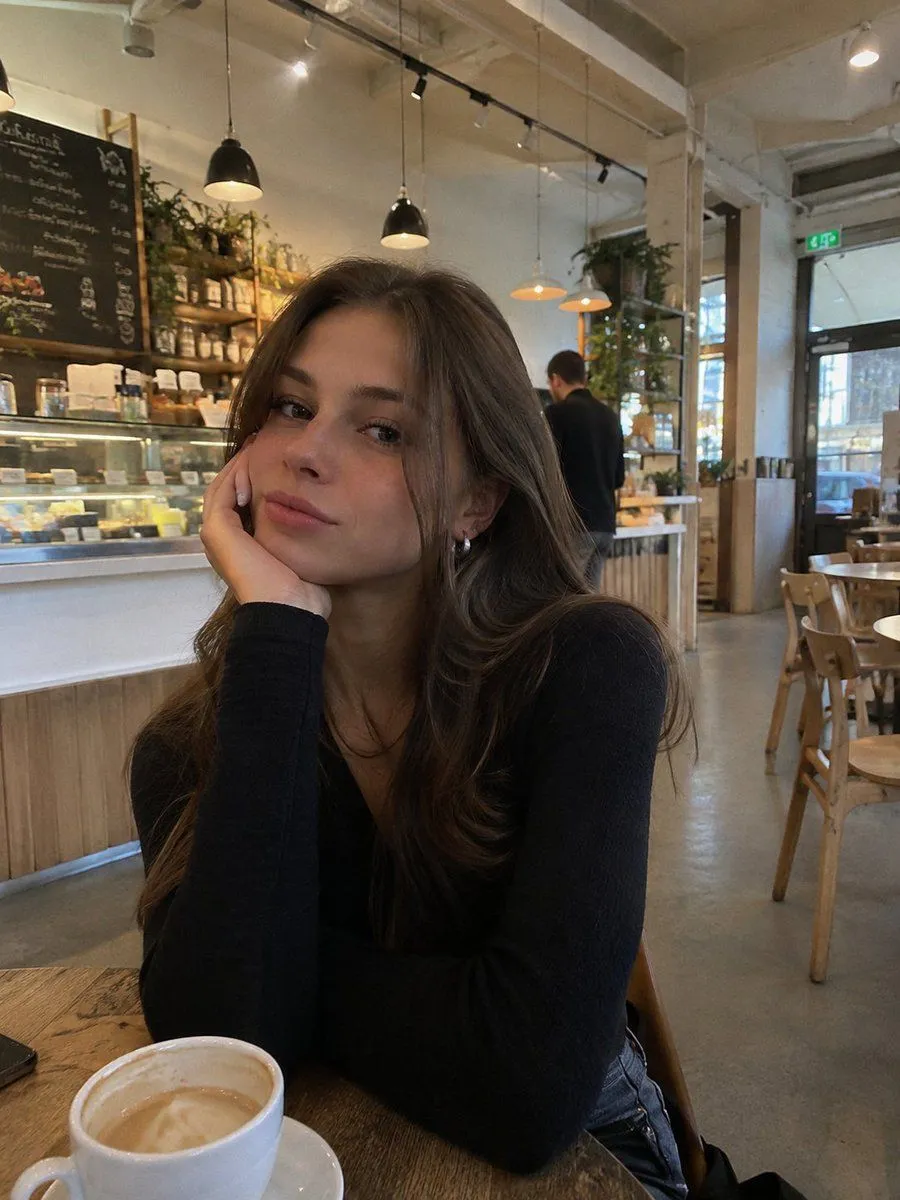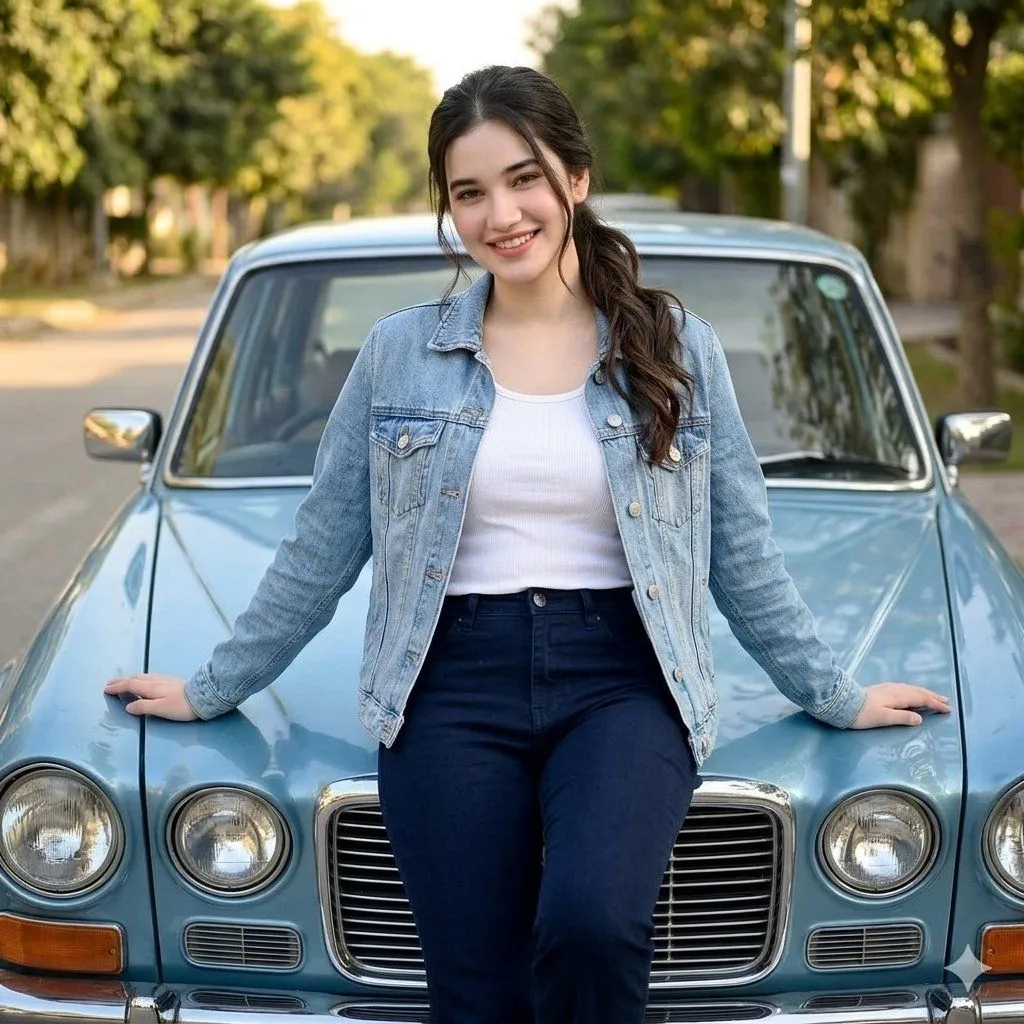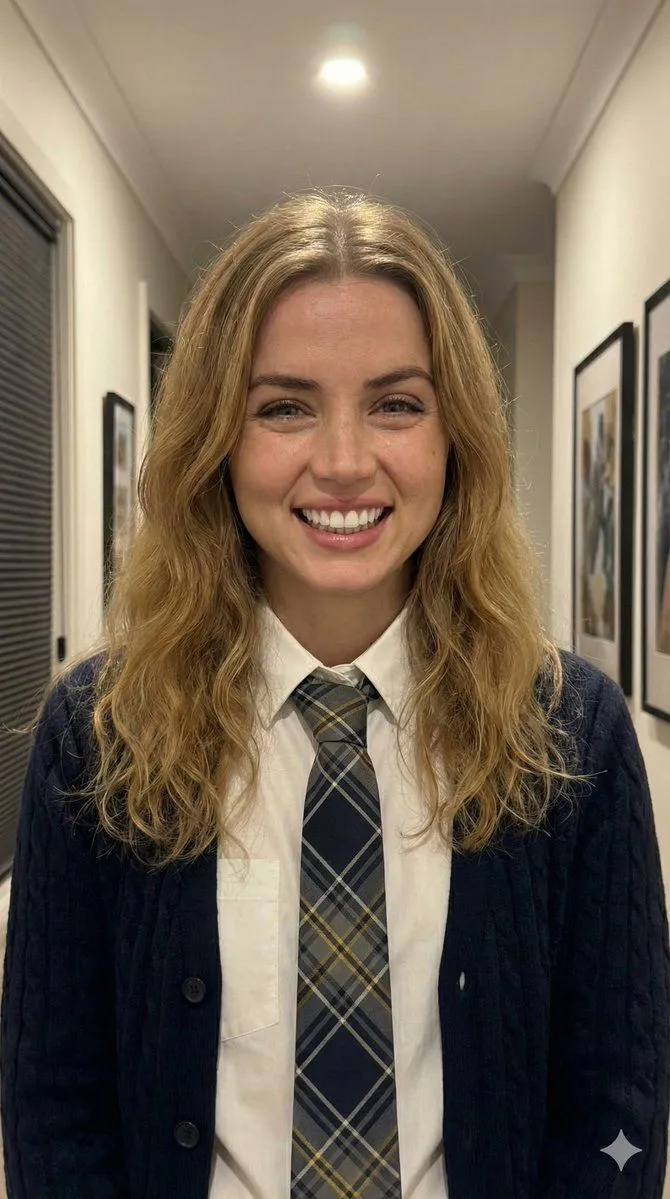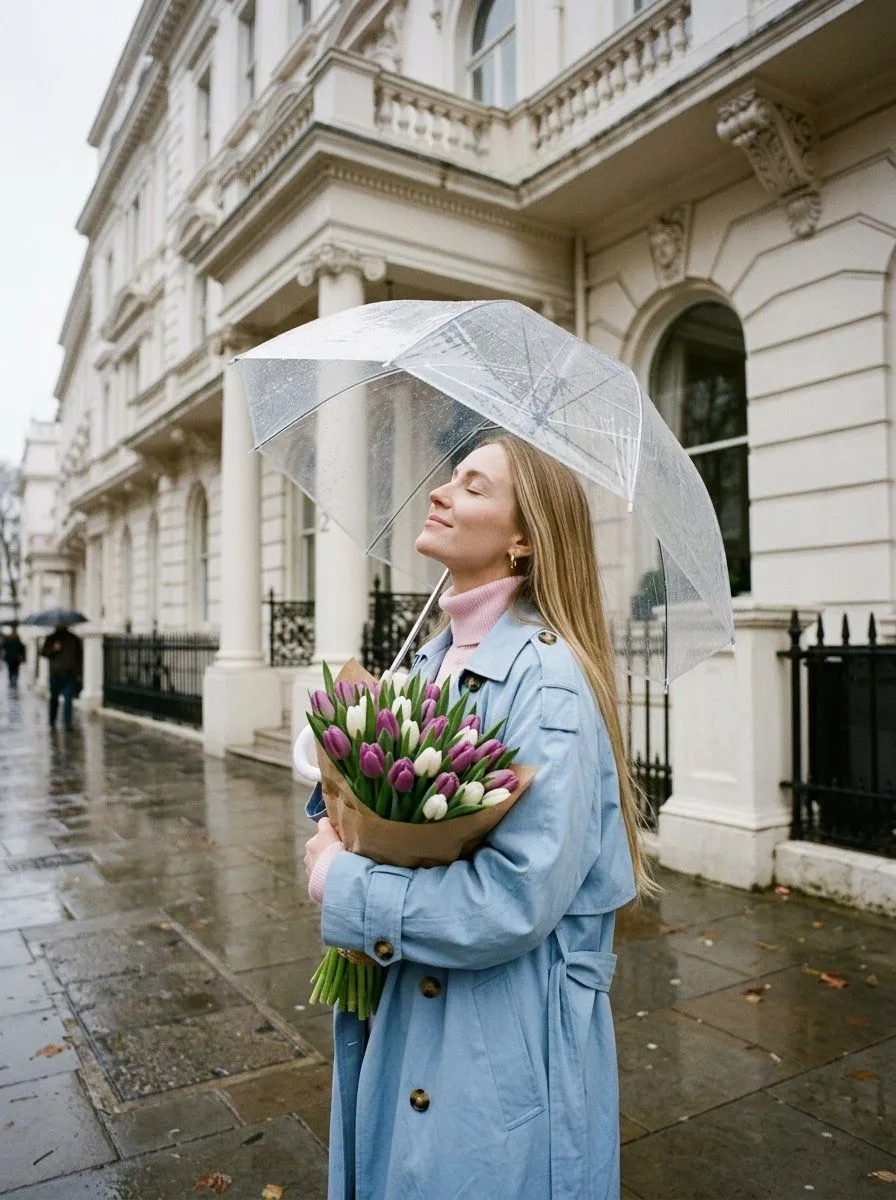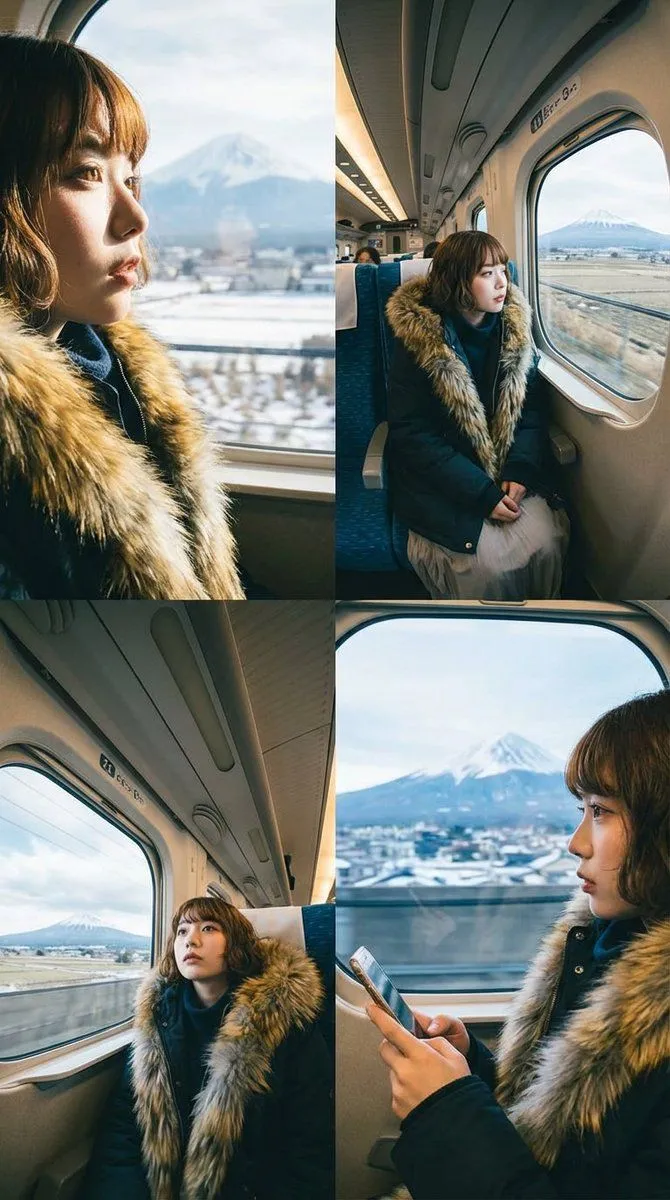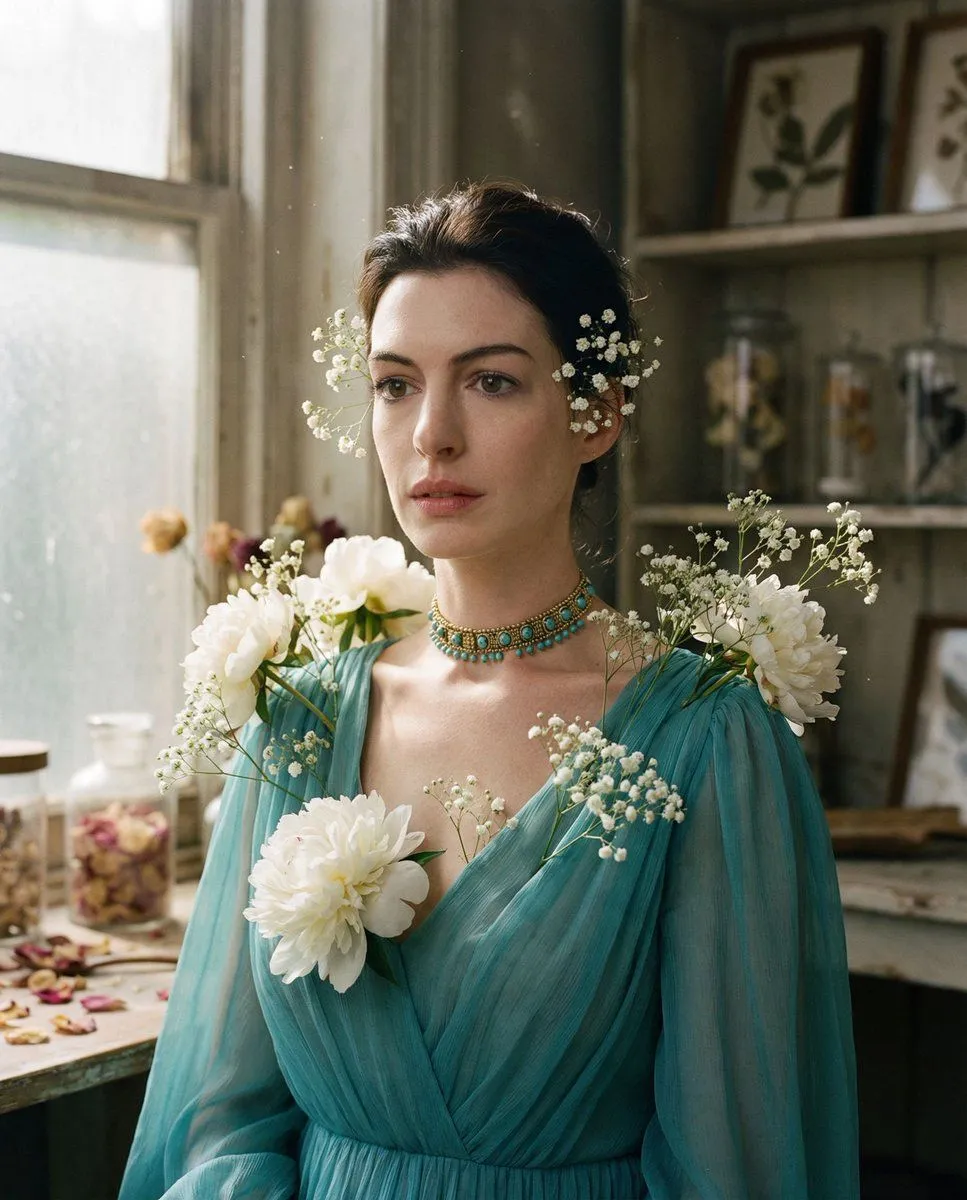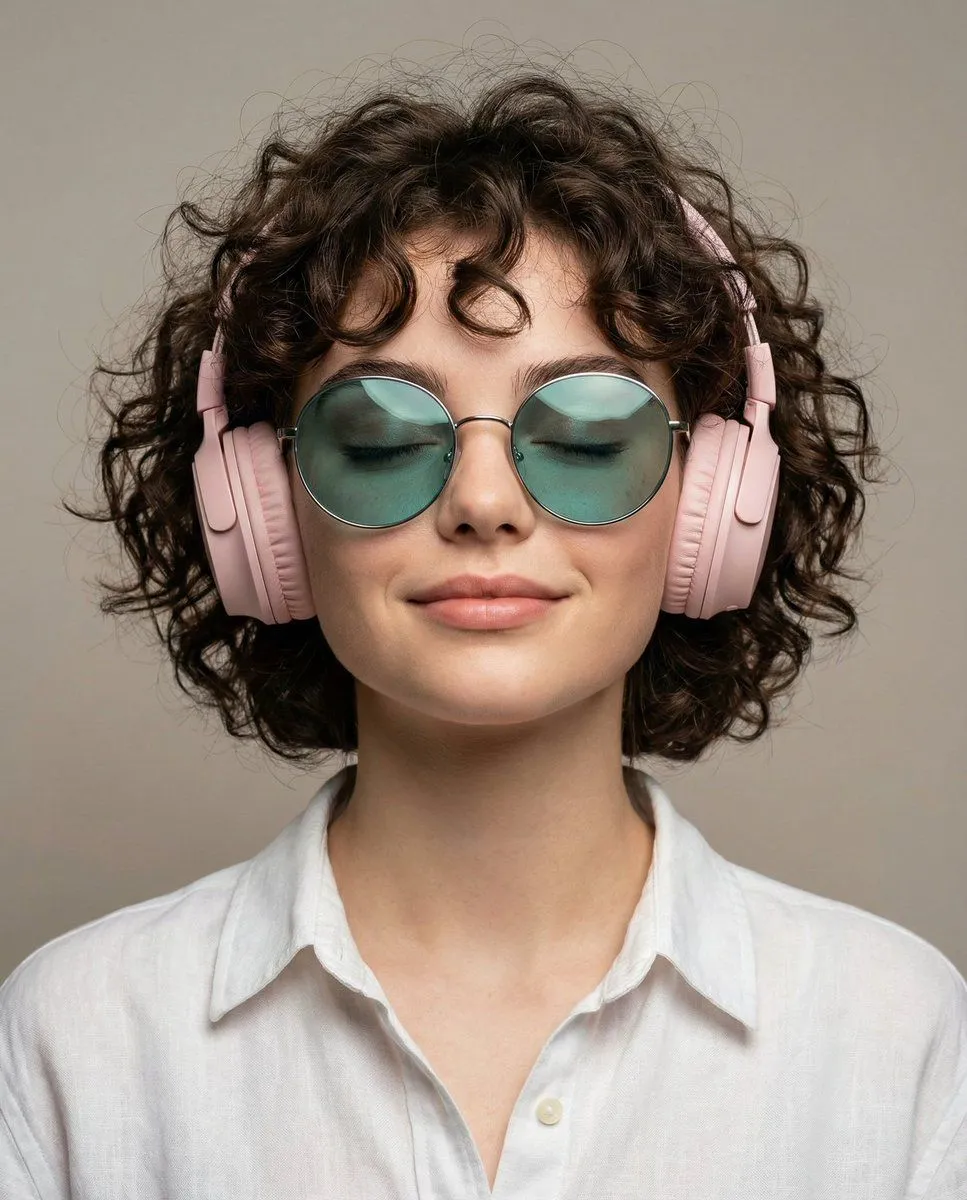
Made with Nano Banana Pro in Gemini, collected by Library Portraits. Promptclay never generates images.
Did it work?
No reports yet. Tell others if it worked for you.
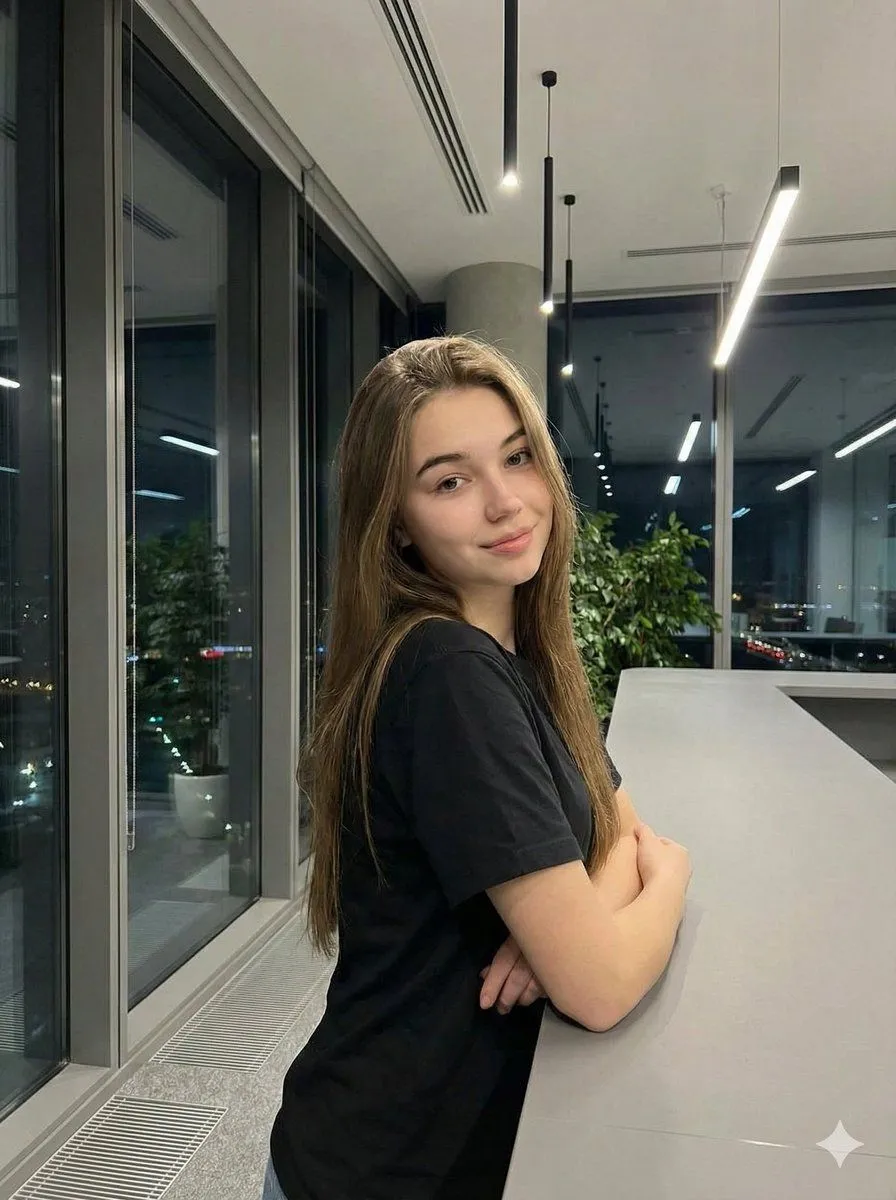
Realistic Corporate Portrait in a Modern Office at Night
Prompt
1 blank to fill{ "type": "image_generation_prompt", "style": "realistic, professional, corporate photography", "subject": { "gender": "female", "wardrobe": { "top": "{top_wear}" }, "pose": { "stance": "standing and leaning slightly against a long grey counter or table", "arms": "lightly crossed, holding one elbow with the opposite hand", "expression": "soft smile", "view_angle": "three-quarter side view" } }, "environment": { "location": "modern office space", "features": [ "large floor-to-ceiling windows on the right side", "hanging linear ceiling lights receding into the background" ], "outside_view": { "time": "night", "elements": [ "soft cityscape", "greenery visible through the windows" ] } }, "lighting": { "type": "natural night lighting", "environment_brightness": "slightly dark", "mood": "professional and calm" }, "camera": { "shot_type": "medium-shot portrait", "focus": "sharp focus on the subject", "background": "softly blurred with professional bokeh", "depth": "strong sense of depth from three-quarter perspective" }, "quality": { "realism": "highly realistic", "detail_level": "clean, professional corporate finish" }, "output_goal": "Create a realistic medium-shot corporate portrait of a woman in a modern office at night, with natural lighting, soft background blur, and a professional, approachable atmosphere." }
Preview of your prompt
{ "type": "image_generation_prompt", "style": "realistic, professional, corporate photography", "subject": { "gender": "female", "wardrobe": { "top": "black t-shirt" }, "pose": { "stance": "standing and leaning slightly against a long grey counter or table", "arms": "lightly crossed, holding one elbow with the opposite hand", "expression": "soft smile", "view_angle": "three-quarter side view" } }, "environment": { "location": "modern office space", "features": [ "large floor-to-ceiling windows on the right side", "hanging linear ceiling lights receding into the background" ], "outside_view": { "time": "night", "elements": [ "soft cityscape", "greenery visible through the windows" ] } }, "lighting": { "type": "natural night lighting", "environment_brightness": "slightly dark", "mood": "professional and calm" }, "camera": { "shot_type": "medium-shot portrait", "focus": "sharp focus on the subject", "background": "softly blurred with professional bokeh", "depth": "strong sense of depth from three-quarter perspective" }, "quality": { "realism": "highly realistic", "detail_level": "clean, professional corporate finish" }, "output_goal": "Create a realistic medium-shot corporate portrait of a woman in a modern office at night, with natural lighting, soft background blur, and a professional, approachable atmosphere." }
DetailsVersions, settings and questions
Written for
What's in the prompt
- Subject
- Model
- Nano Banana Pro
If your face changes
keep my face exactly the sameQuestions
- Does this work in the Gemini app?
- Yes. Gemini runs Nano Banana, so paste the prompt and attach your photo if it uses one.
- It changed my face. What do I do?
- Add "keep my face exactly the same" to the end and run it again.
- Can I use the images I make?
- Check the terms of the app you use. Promptclay never generates images and claims nothing you make.