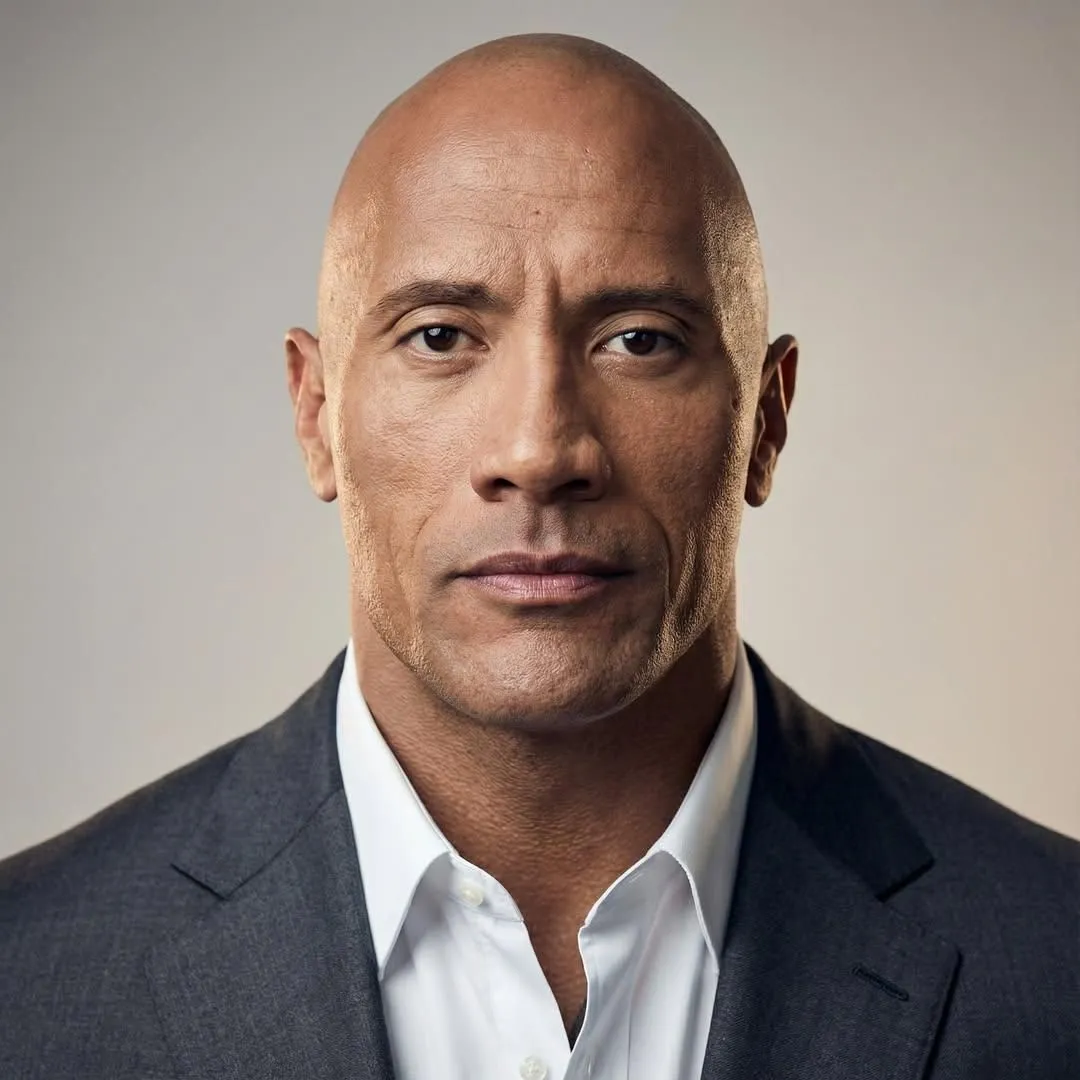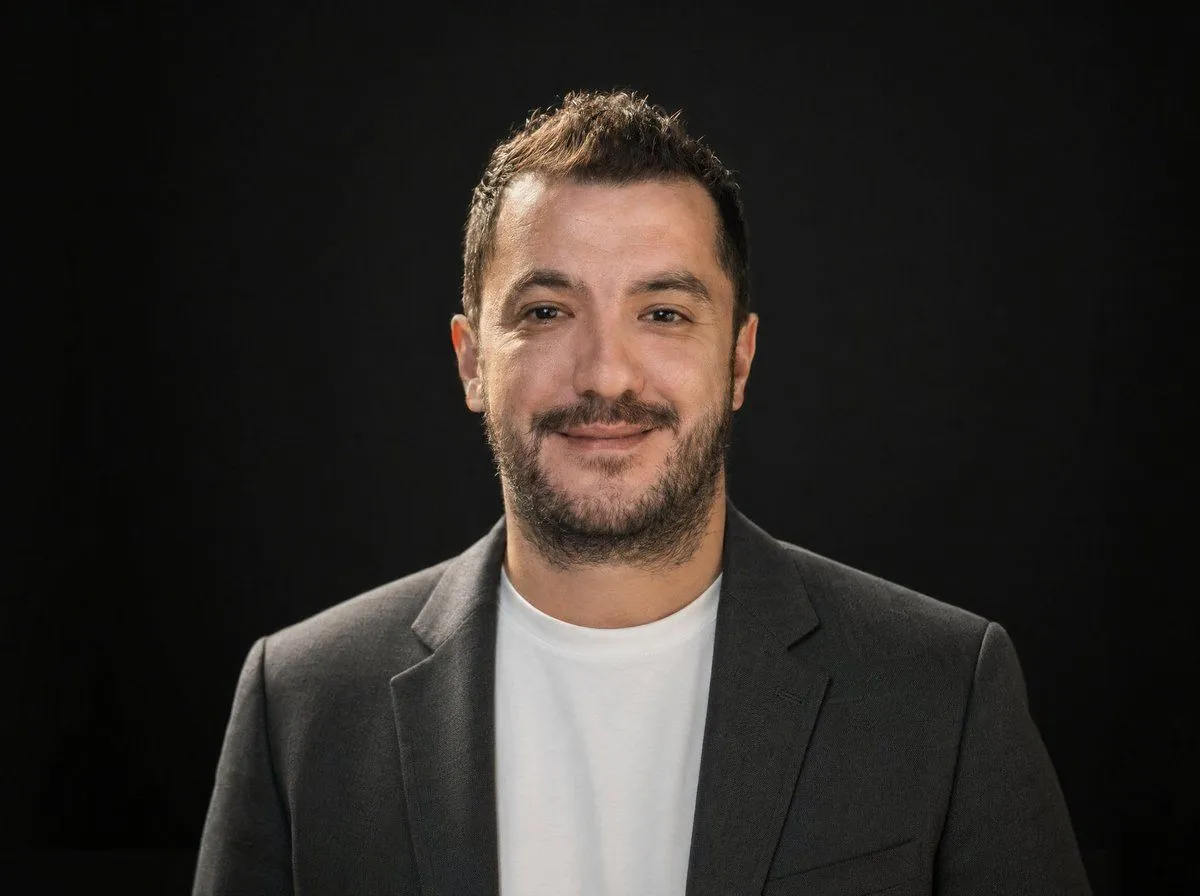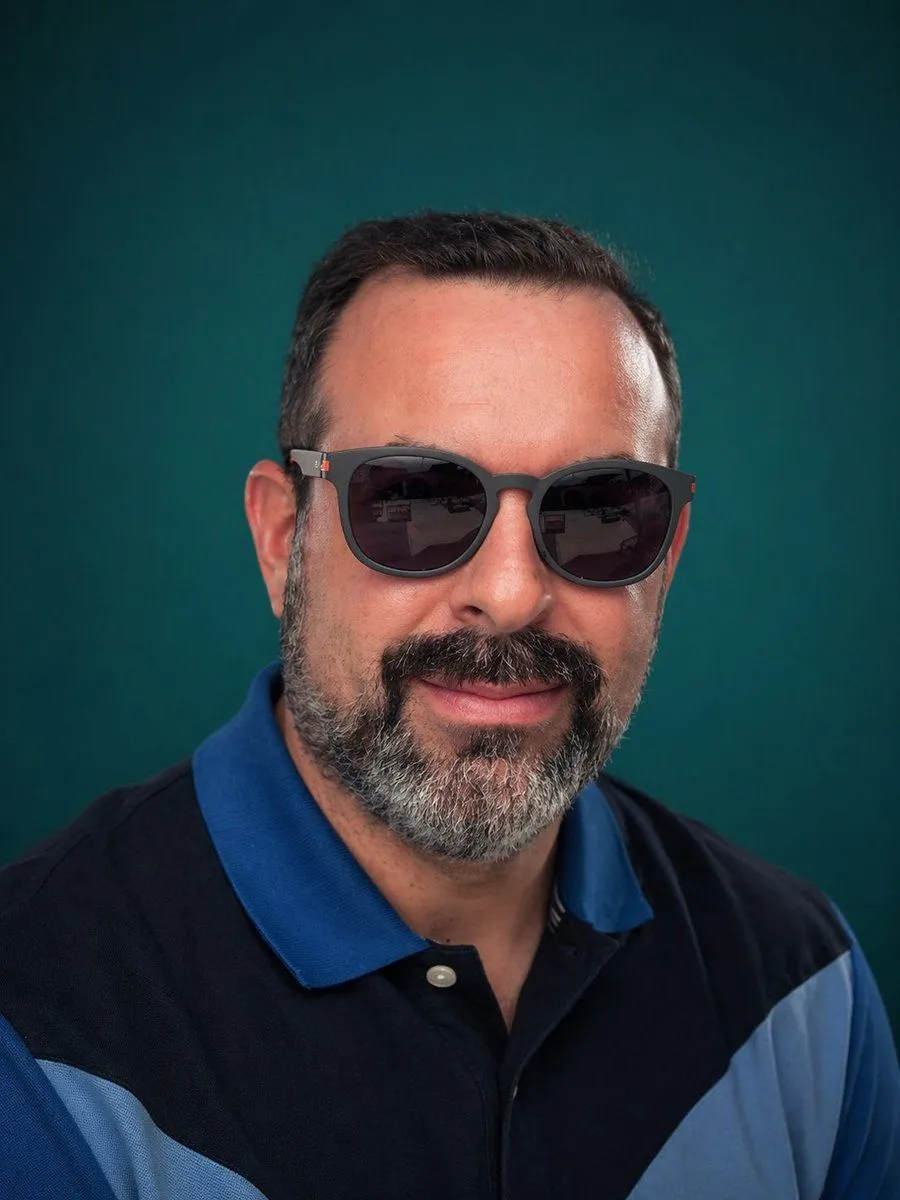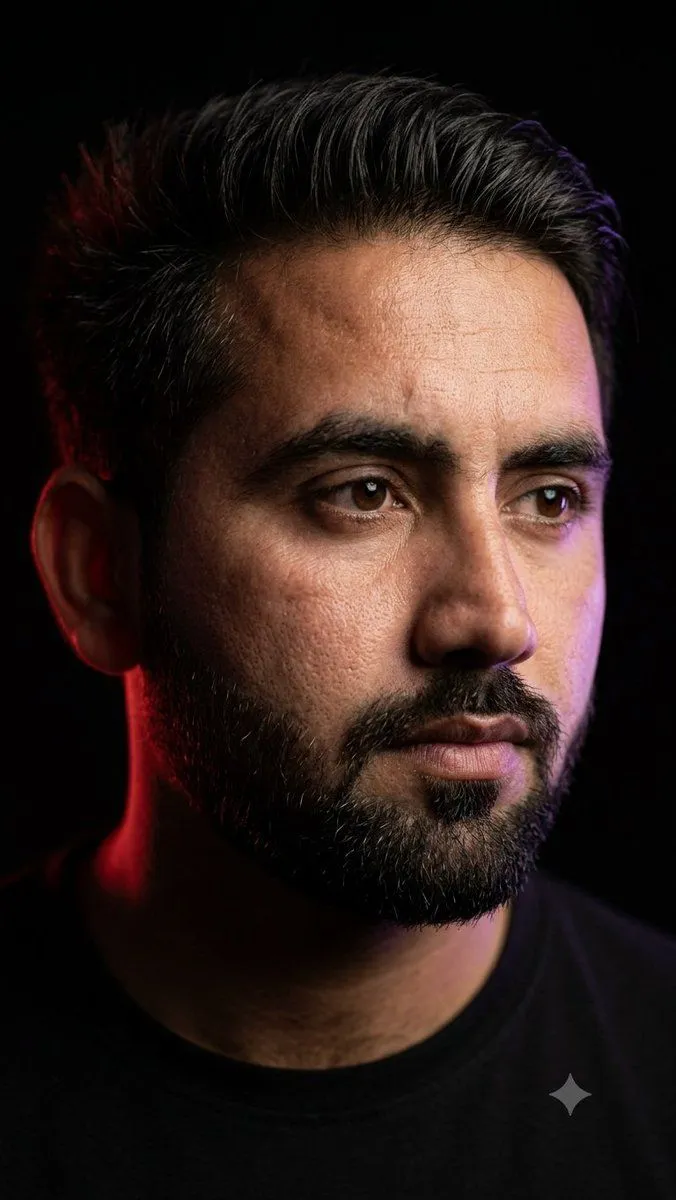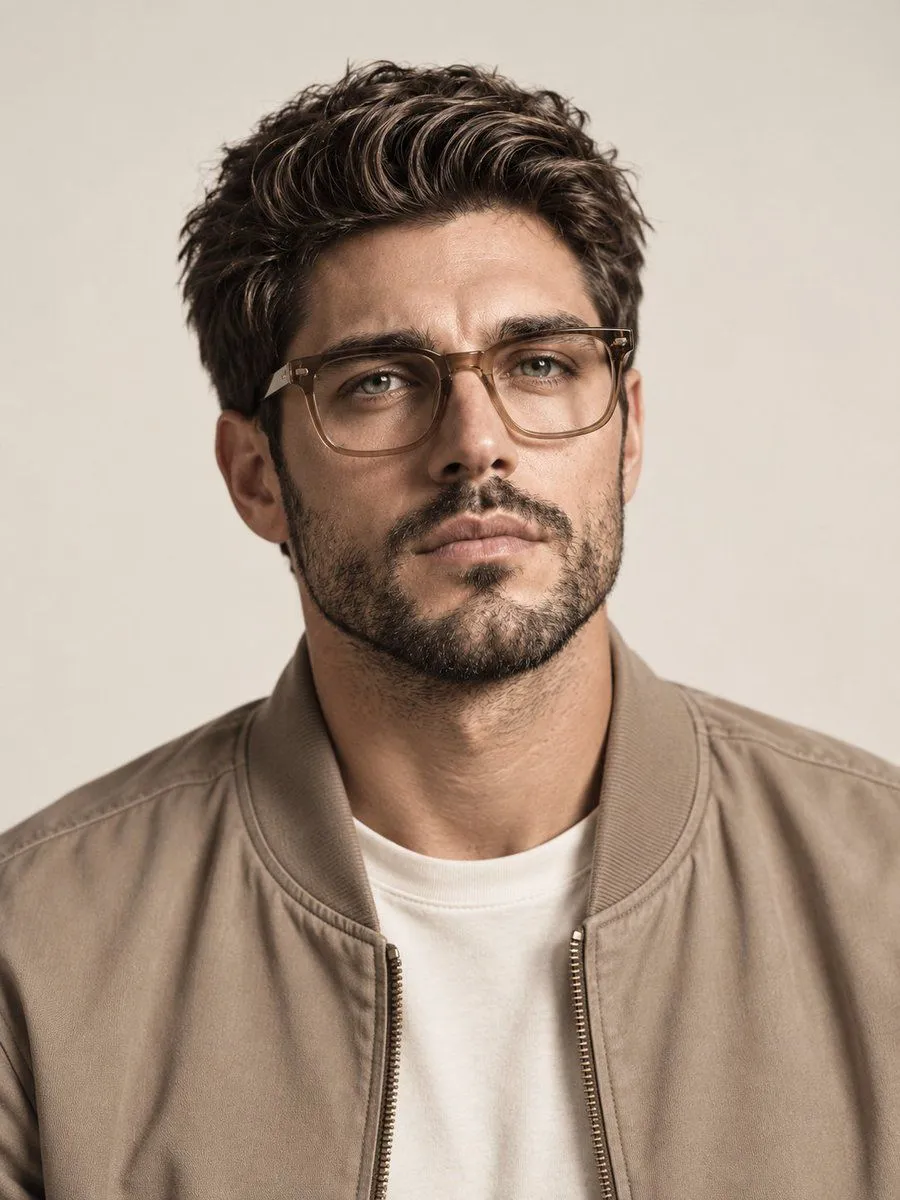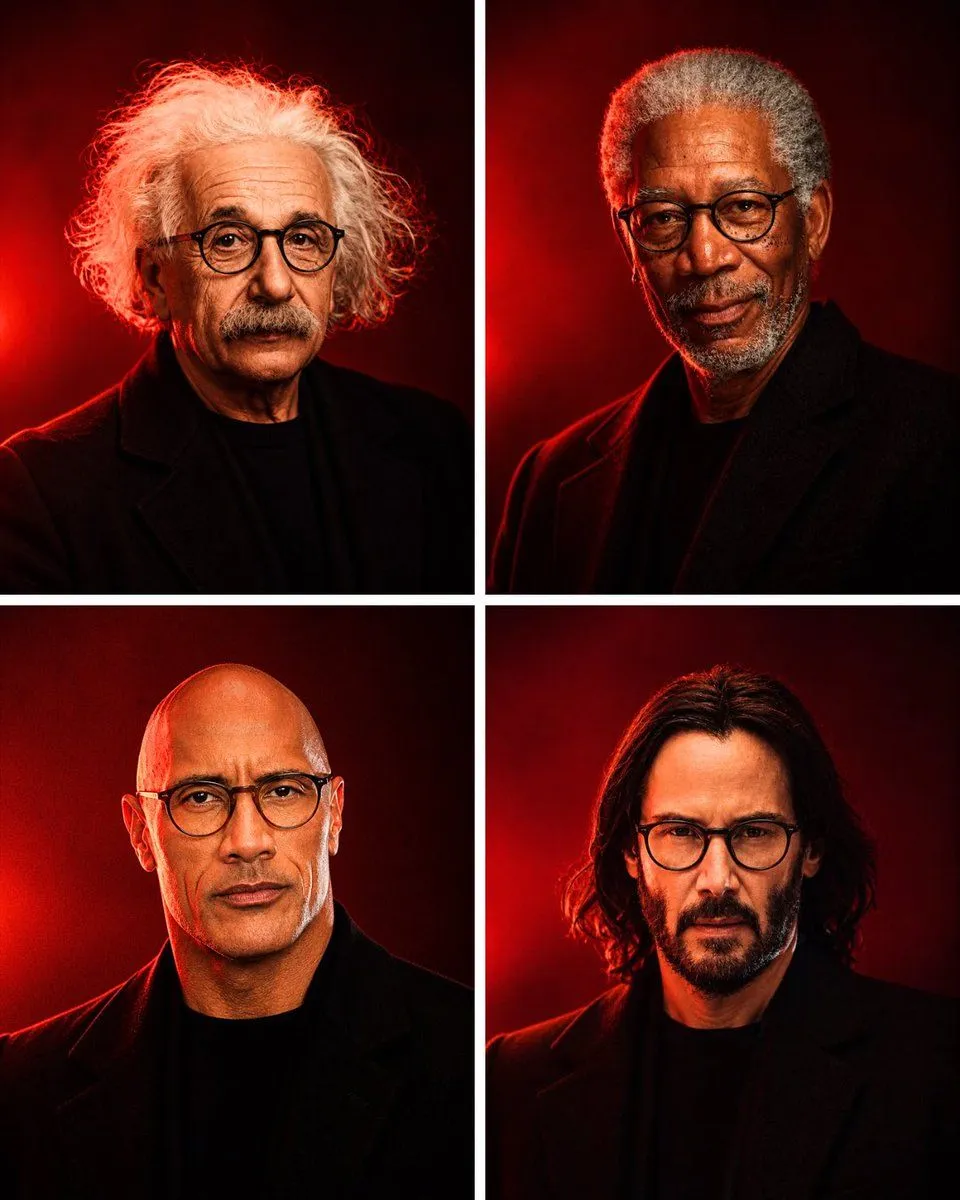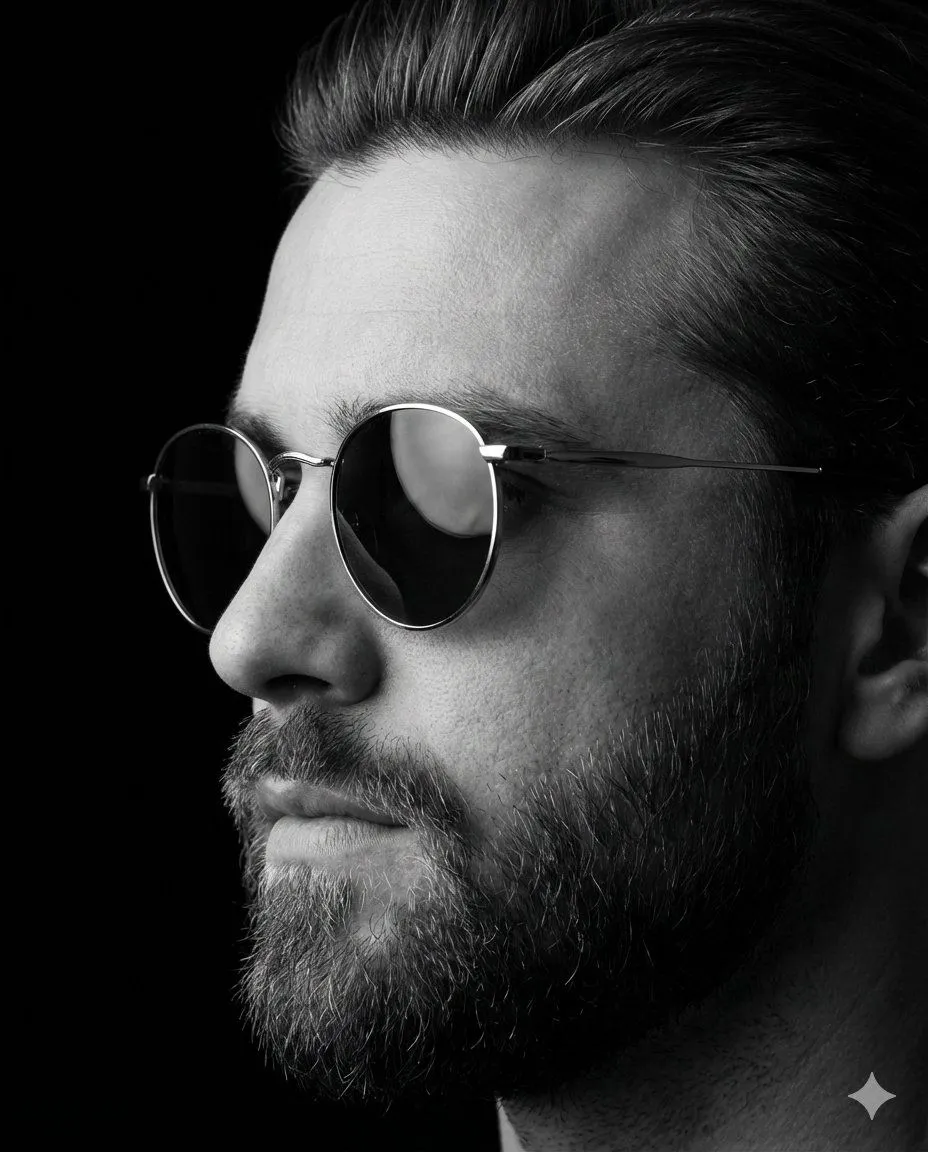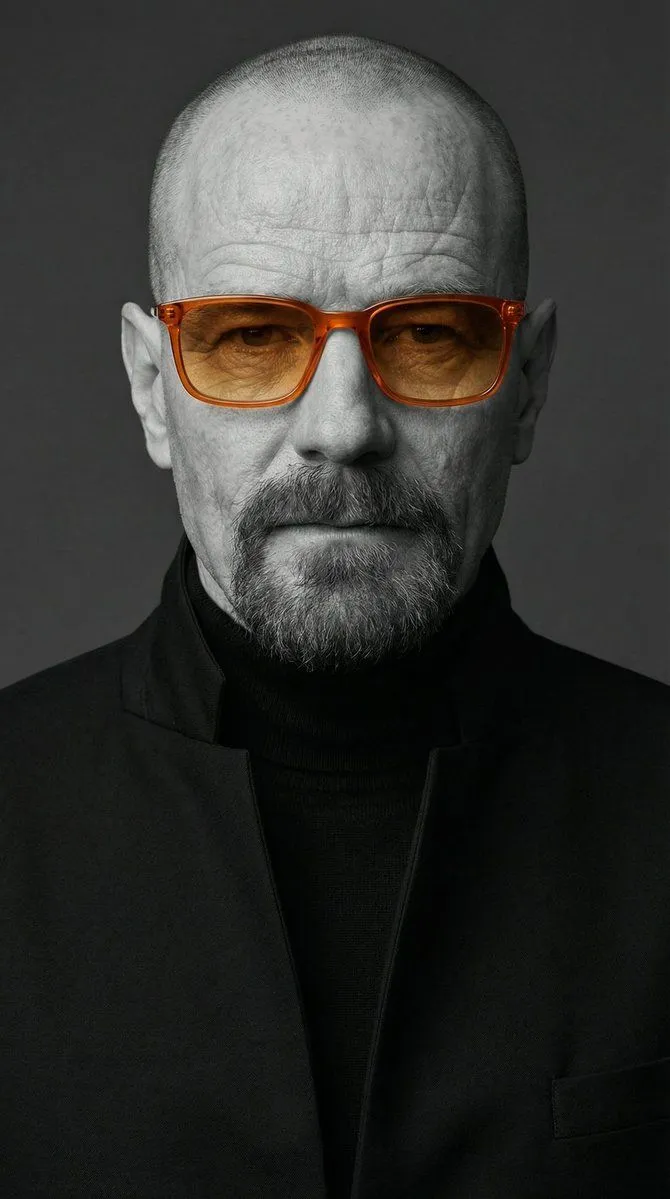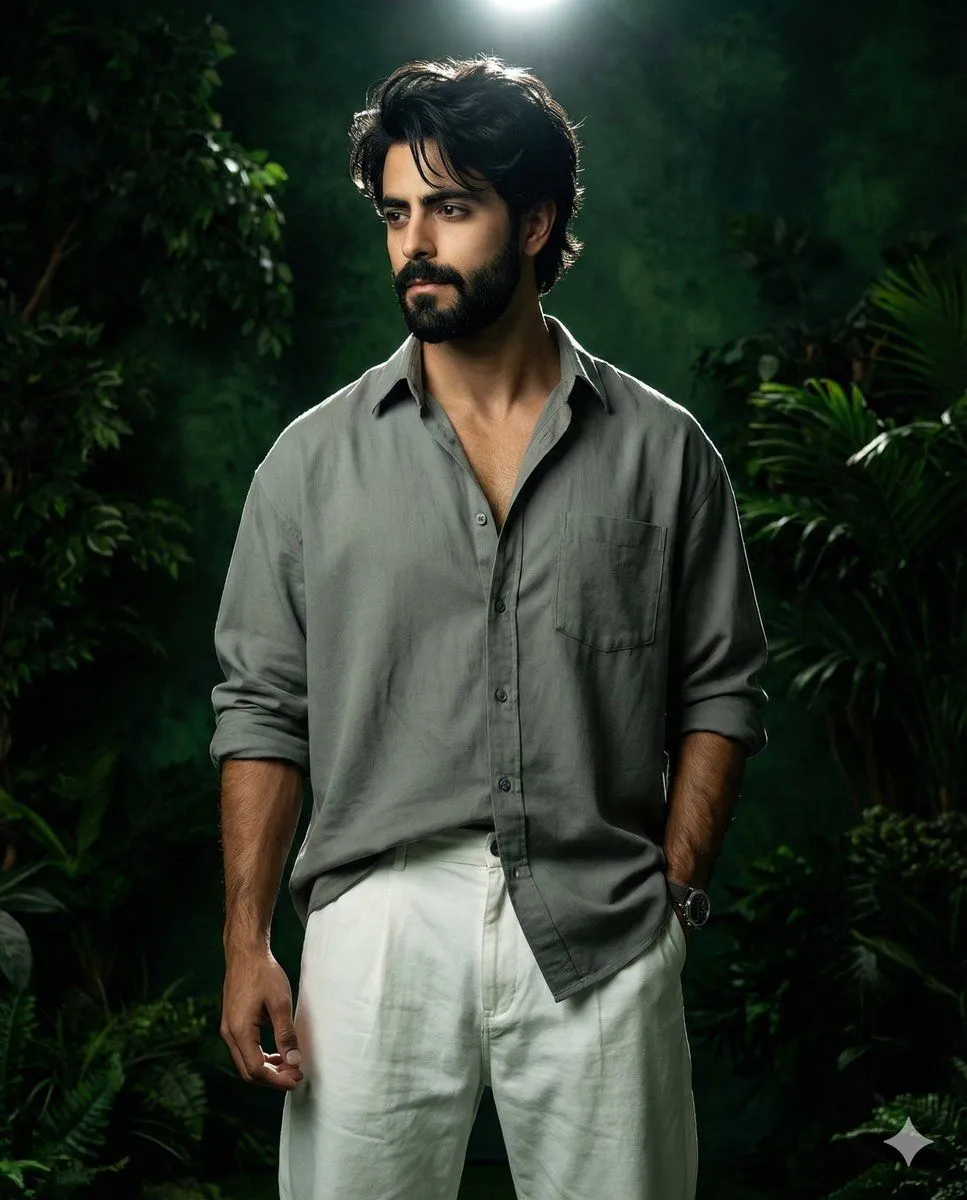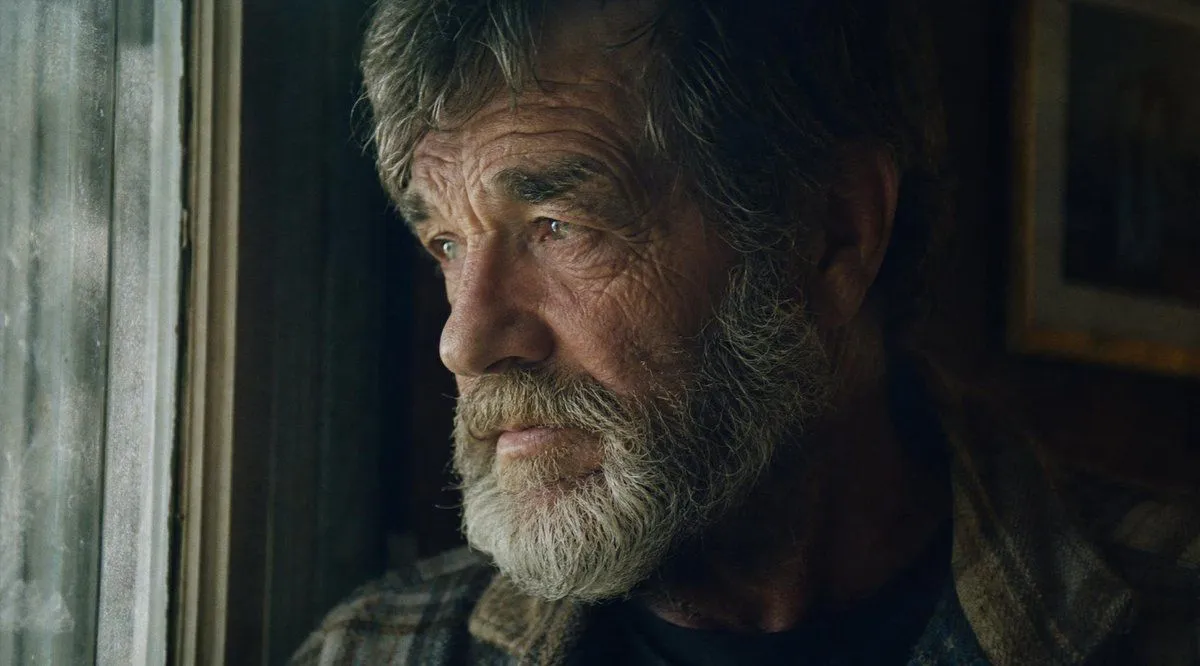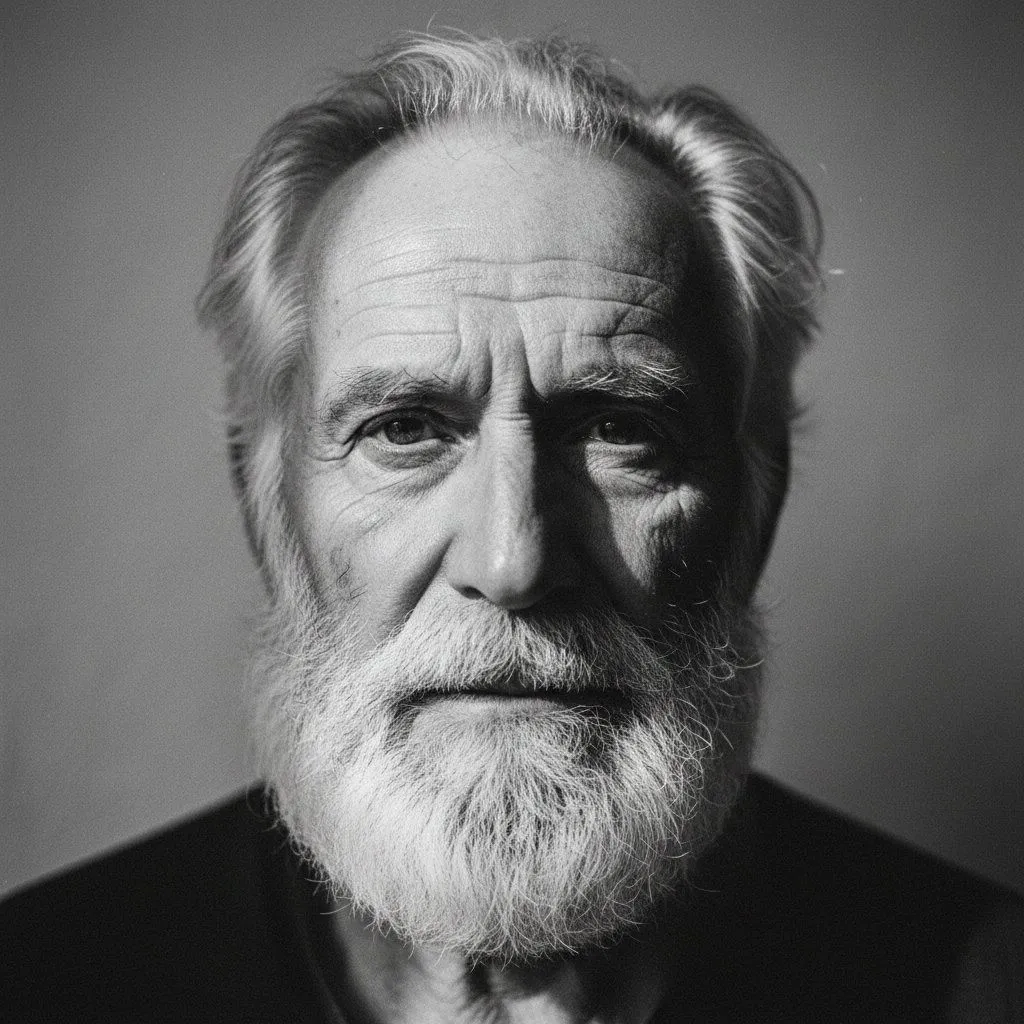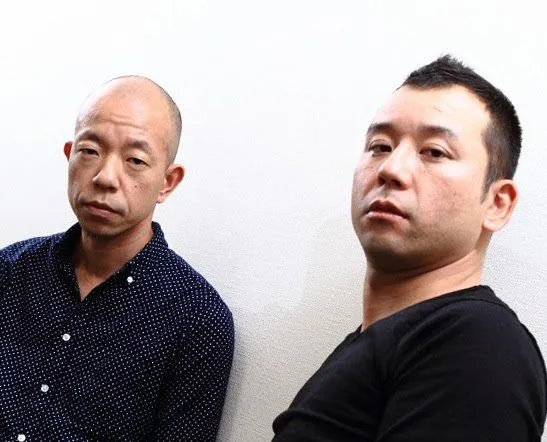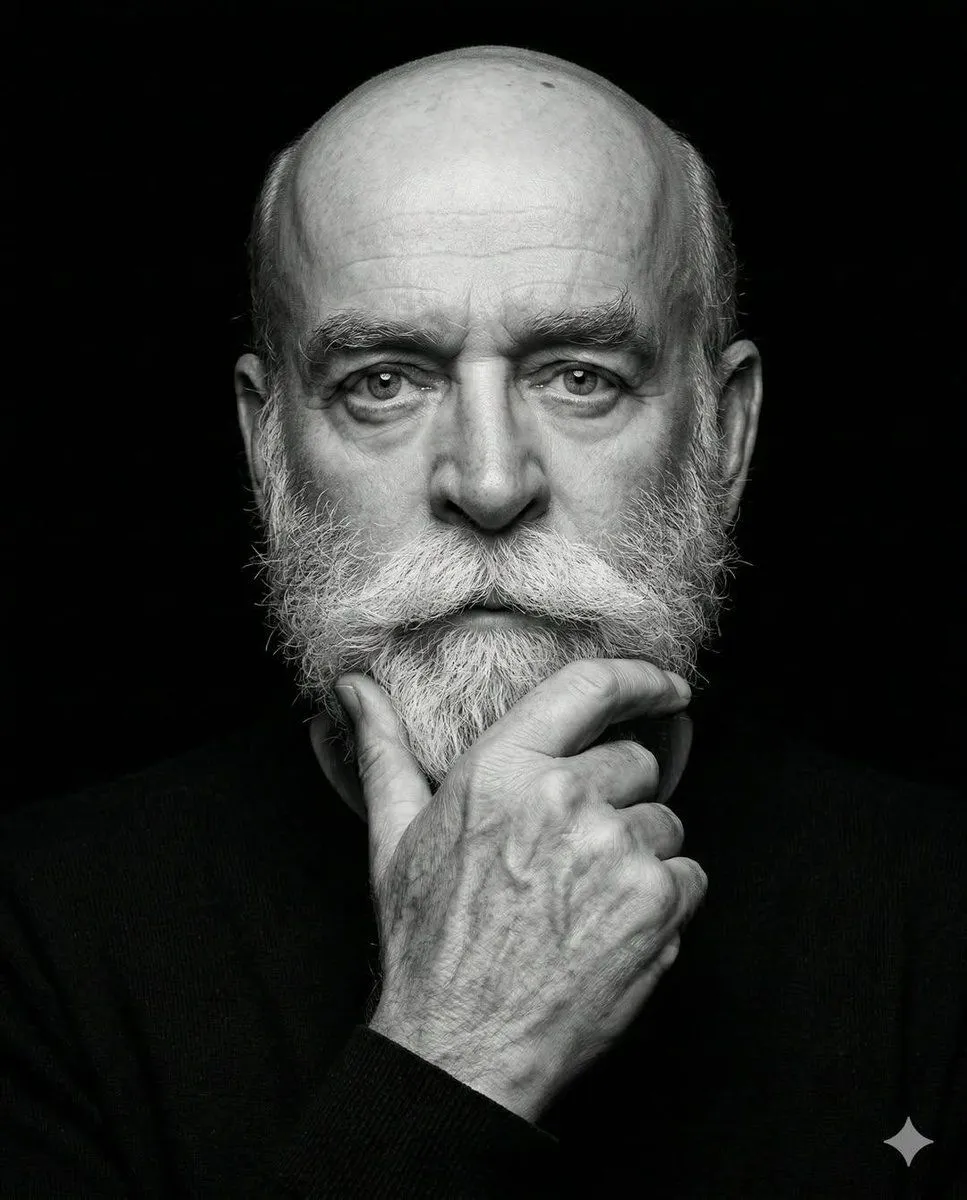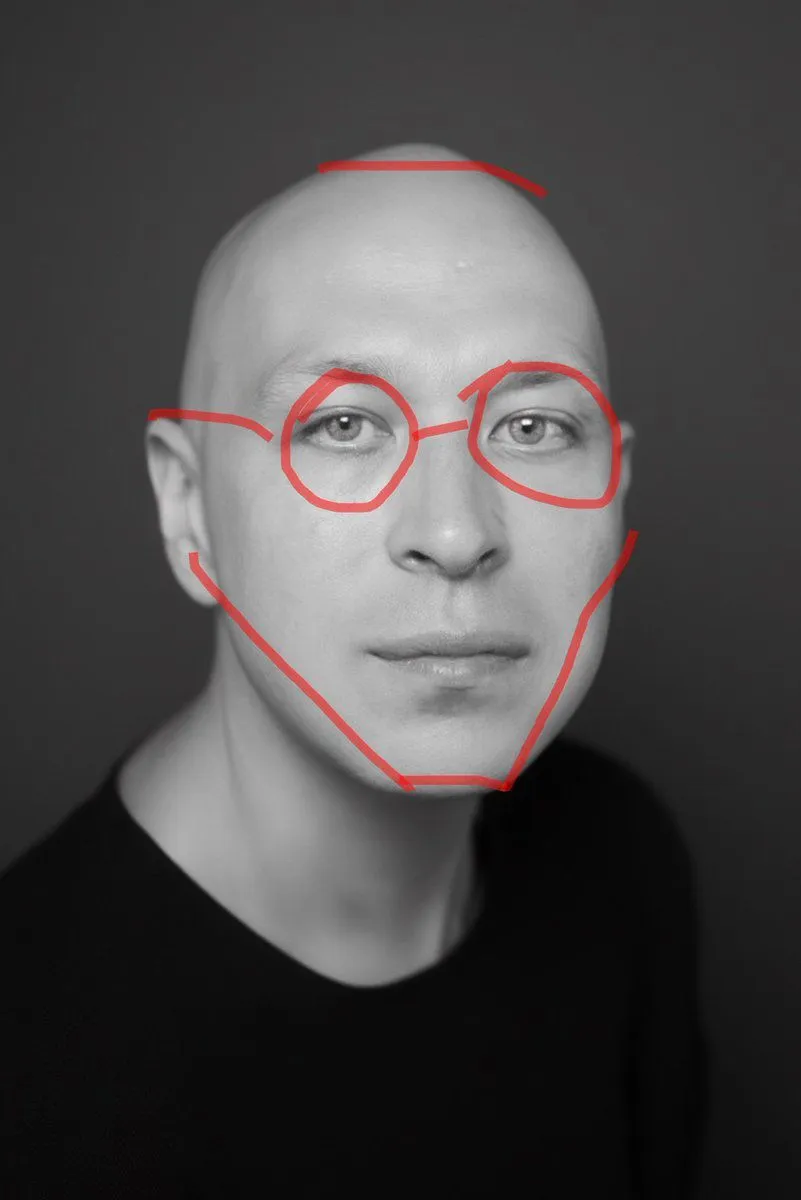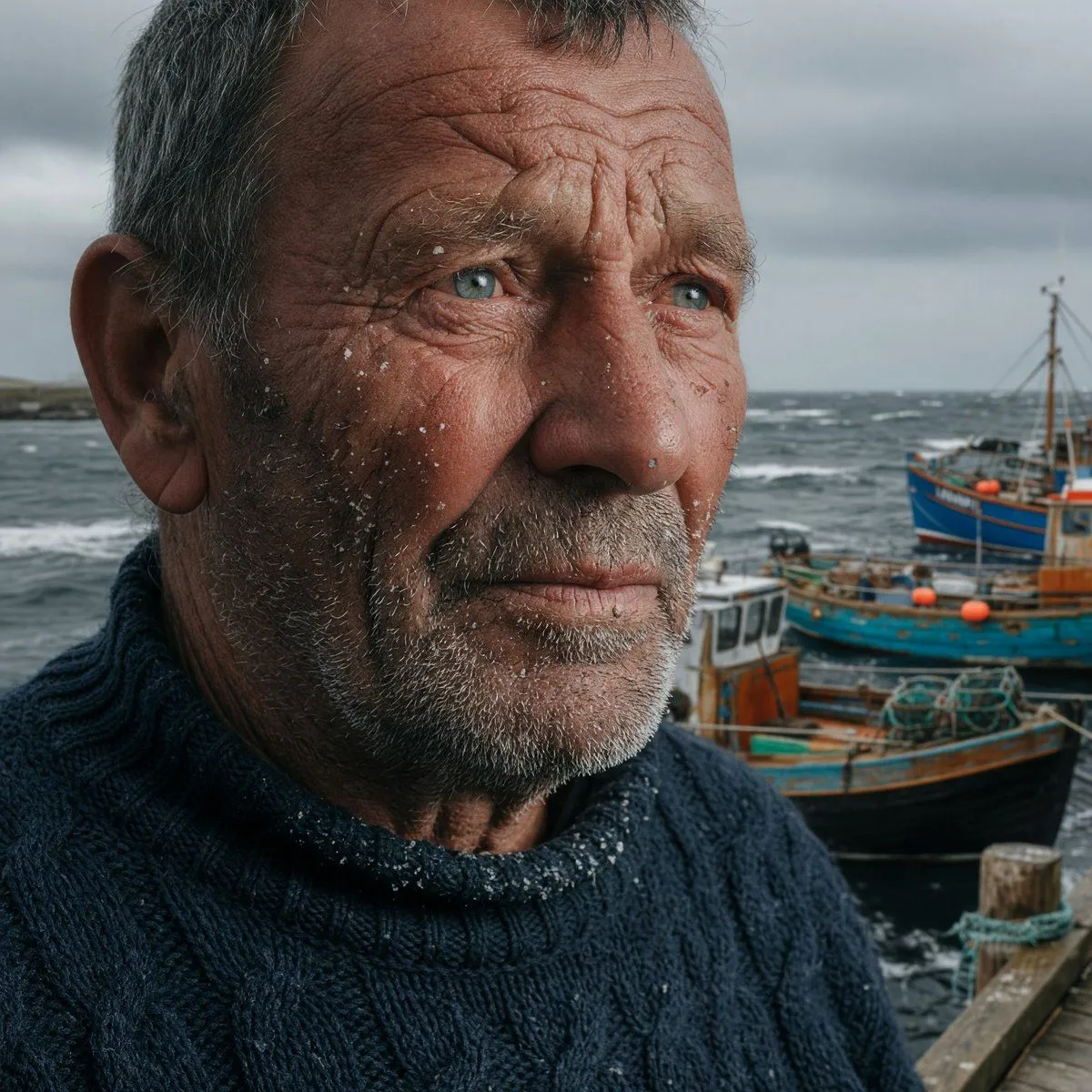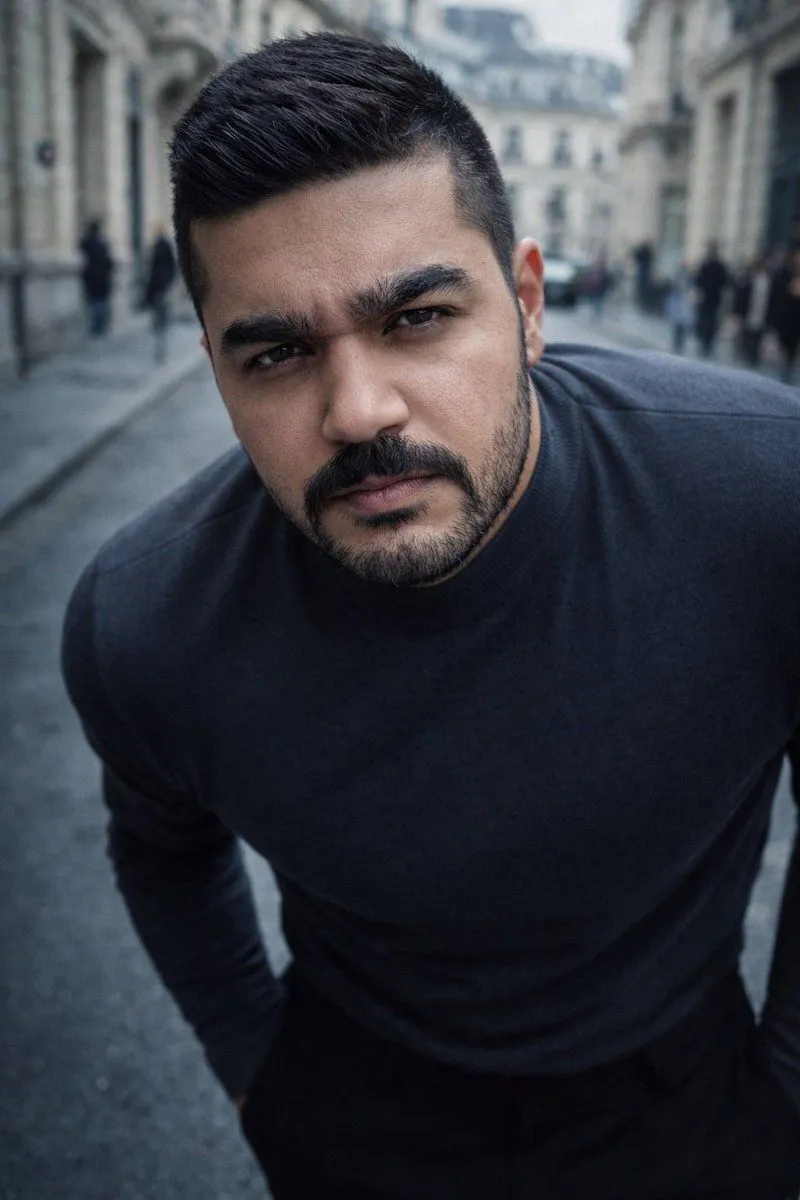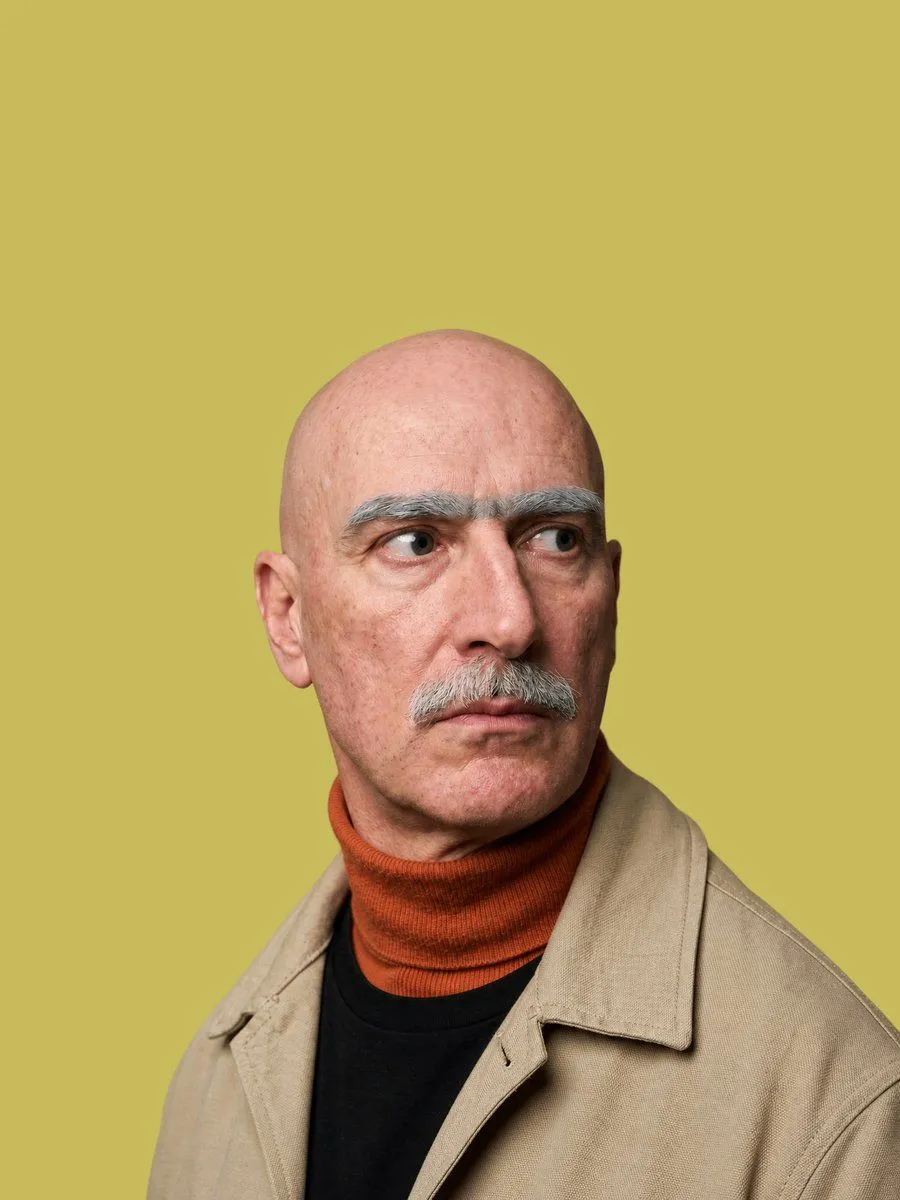
Made with GPT Image 2 in ChatGPT, collected by Library Avatars. Promptclay never generates images.
Realistic Censored Studio Portrait
Prompt
4 blanks to fillCreate a realistic studio portrait of {subject} from the chest up, centered against a flat {background_color} backdrop. The subject faces forward with a slight three-quarter turn, ears and the top of a shaved head visible, wearing {outerwear} over {layers}. Cover the entire face with one large perfectly square opaque censor block centered over the head, extending from just below the scalp to below the chin; the square has a smooth skin-tone gradient from warm tan on the left to darker brown on the right, with no facial features visible. Use soft even studio lighting, natural fabric texture, shallow portrait framing, high realism, clean minimal composition, no text, no logo, no watermark.
Preview of your prompt
Create a realistic studio portrait of a bald middle-aged man from the chest up, centered against a flat muted mustard yellow backdrop. The subject faces forward with a slight three-quarter turn, ears and the top of a shaved head visible, wearing a beige canvas work jacket over a black crewneck shirt and a burnt orange ribbed turtleneck. Cover the entire face with one large perfectly square opaque censor block centered over the head, extending from just below the scalp to below the chin; the square has a smooth skin-tone gradient from warm tan on the left to darker brown on the right, with no facial features visible. Use soft even studio lighting, natural fabric texture, shallow portrait framing, high realism, clean minimal composition, no text, no logo, no watermark.
DetailsVersions, settings and questions
Written for
What's in the prompt
- Subject
- Model
- GPT Image 2
If your face changes
keep my face exactly the sameQuestions
- Does this work in the ChatGPT app?
- Yes. Paste the prompt and attach your photo if it uses one.
- It changed my face. What do I do?
- Add "keep my face exactly the same" to the end and run it again.
- Can I use the images I make?
- Check the terms of the app you use. Promptclay never generates images and claims nothing you make.