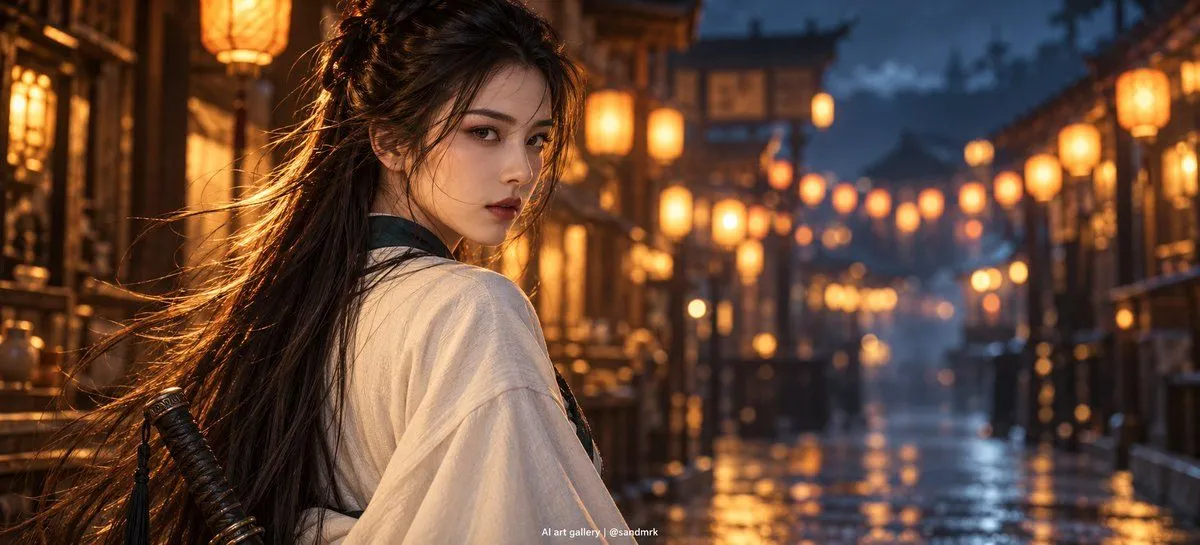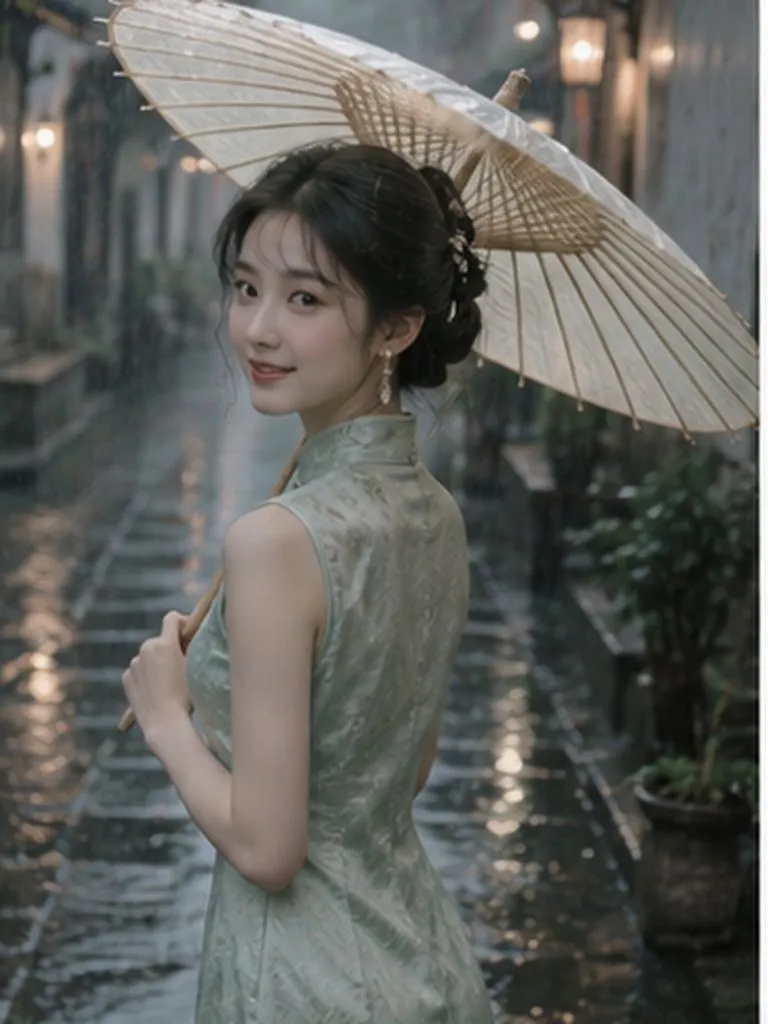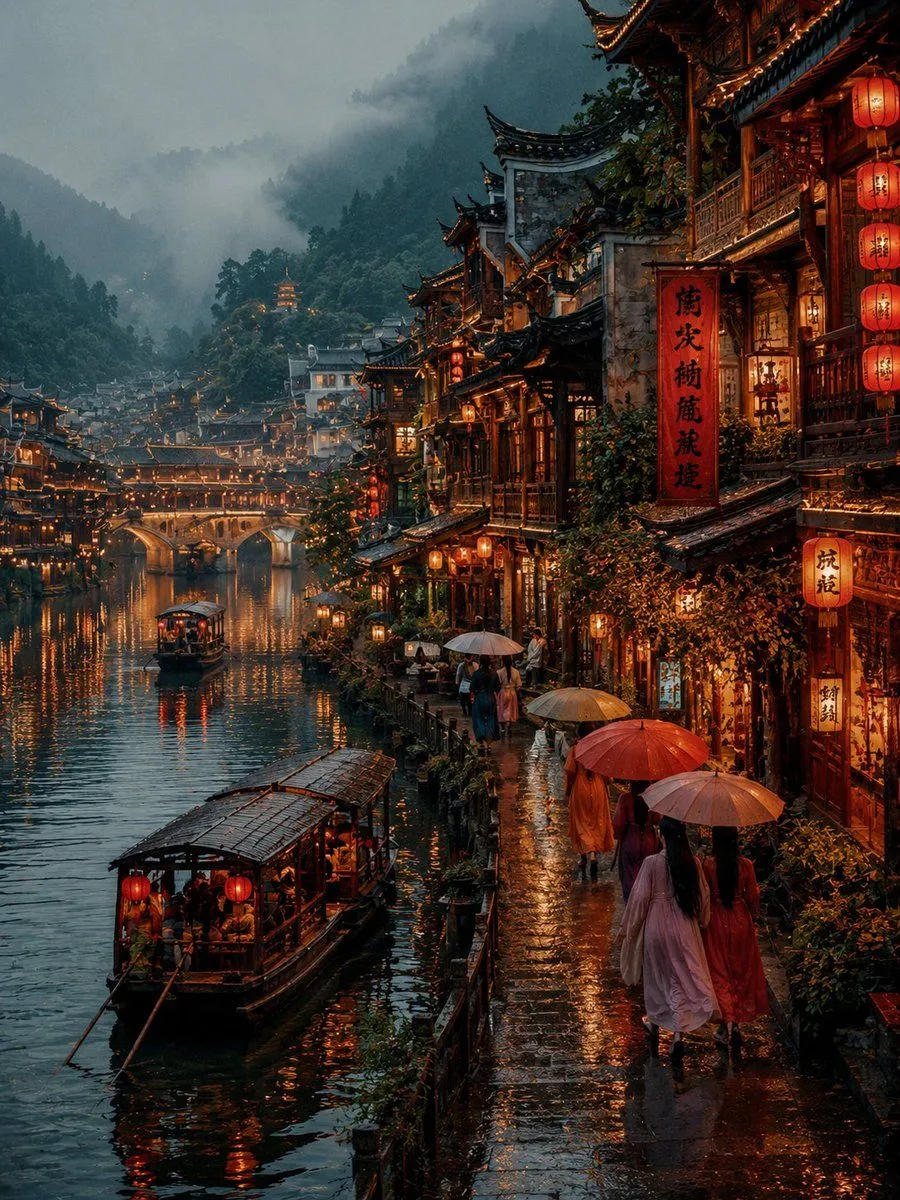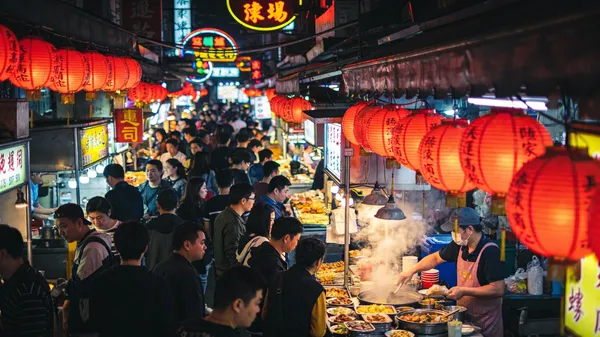
Made with GPT Image 2 in ChatGPT by Library Anime. Promptclay never generates images.
Did it work?
No reports yet. Tell others if it worked for you.
Realistic Ancient Chinese Street Scene
Prompt
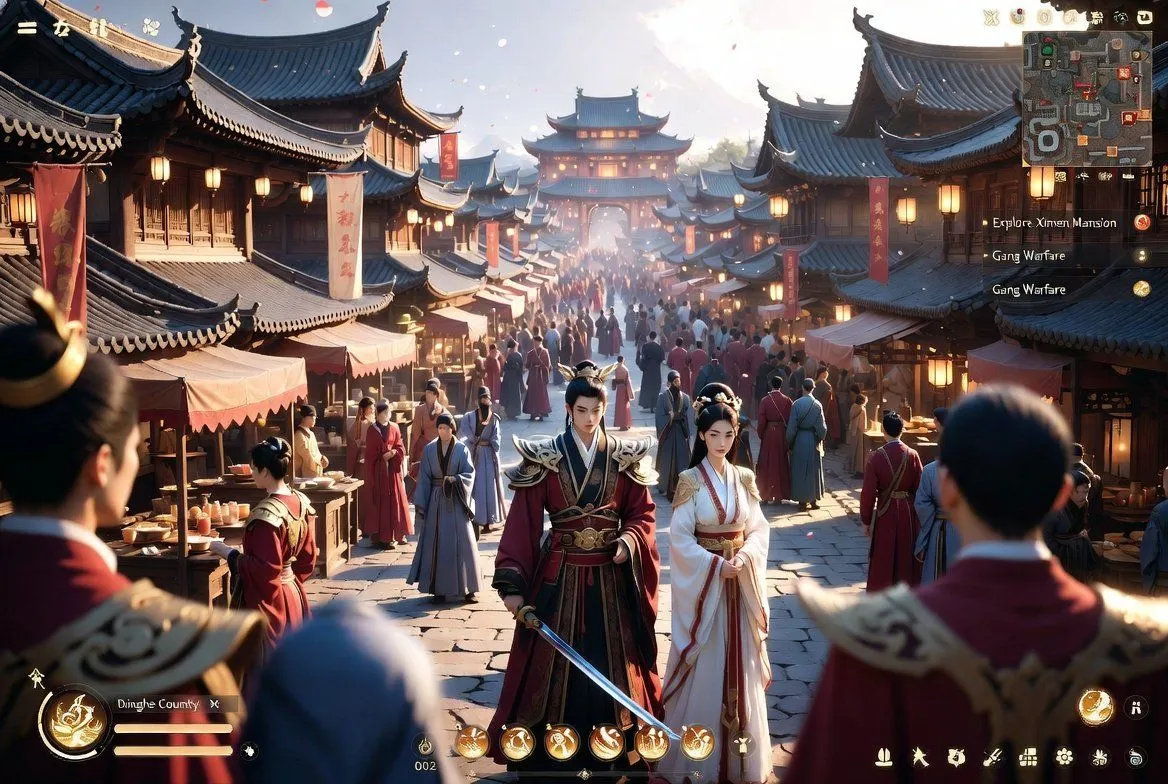
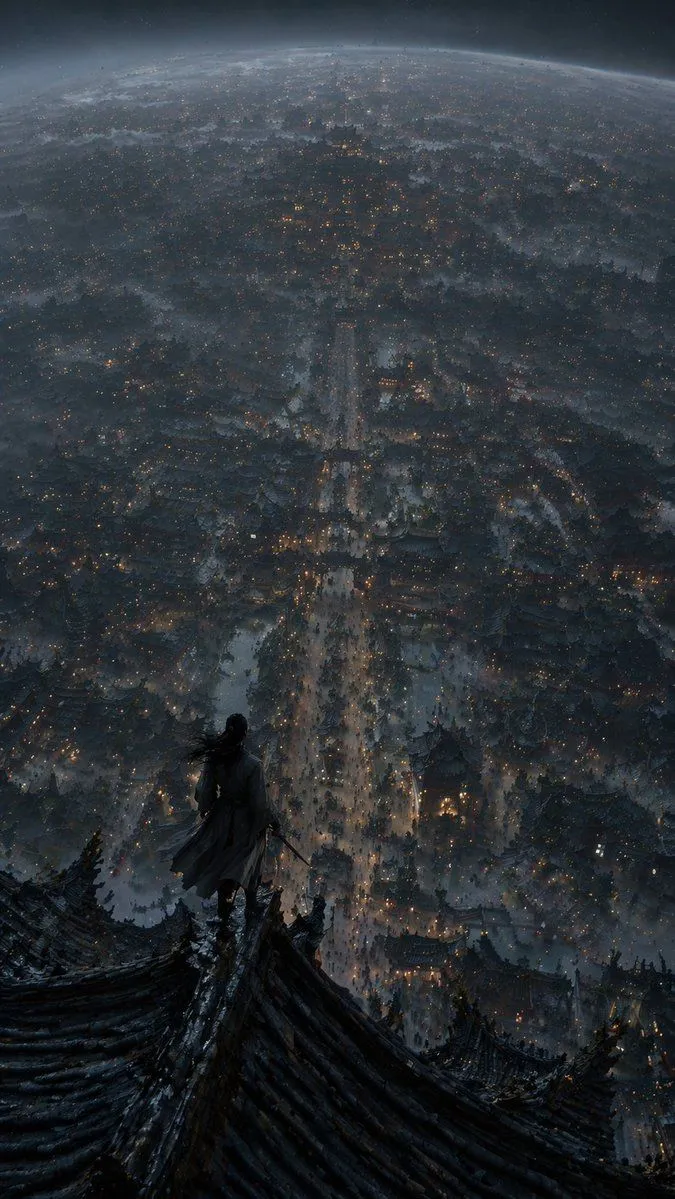
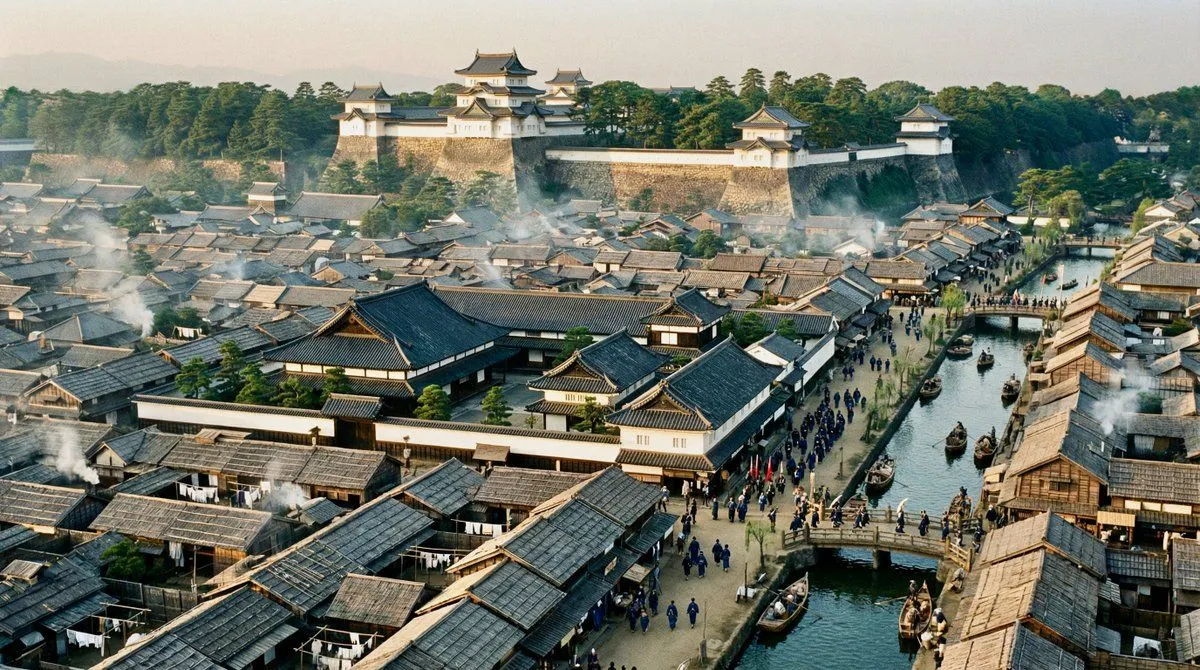
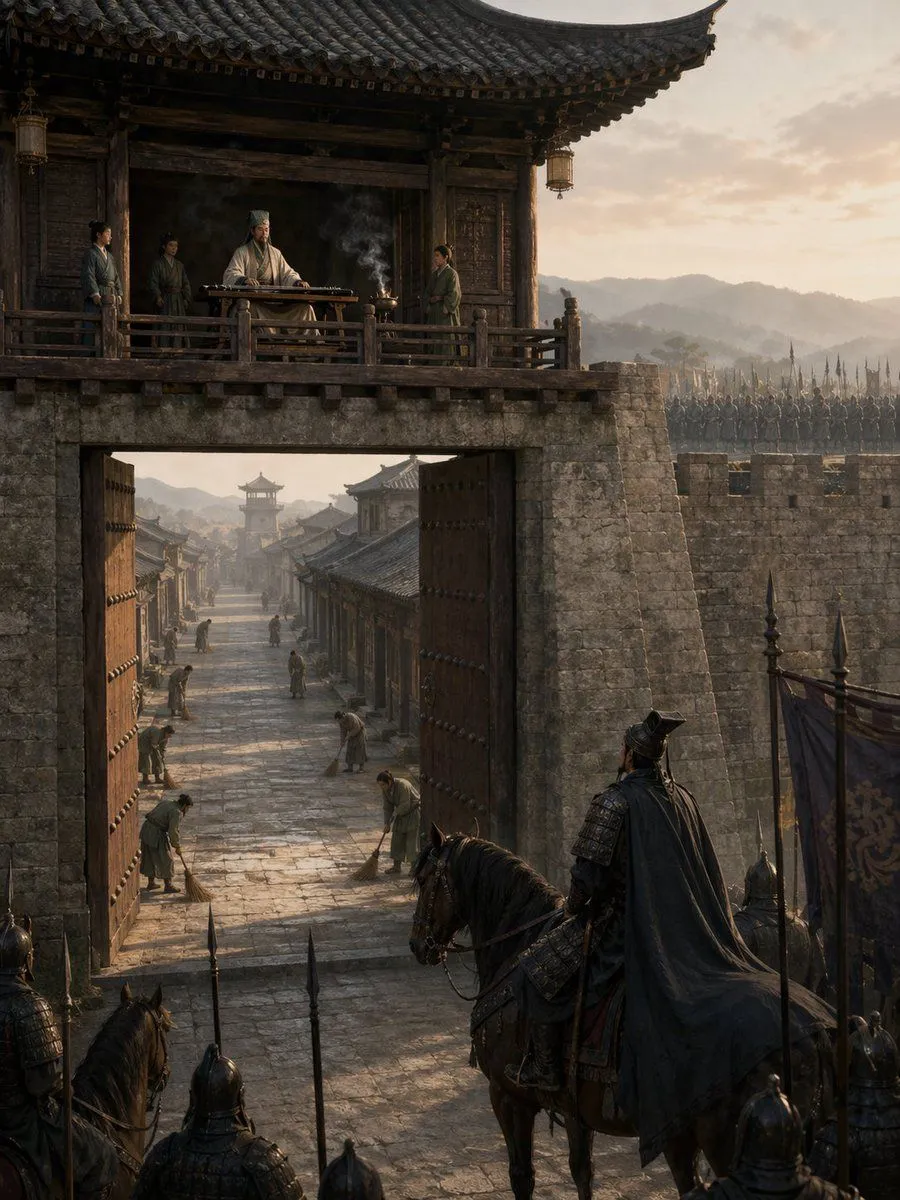
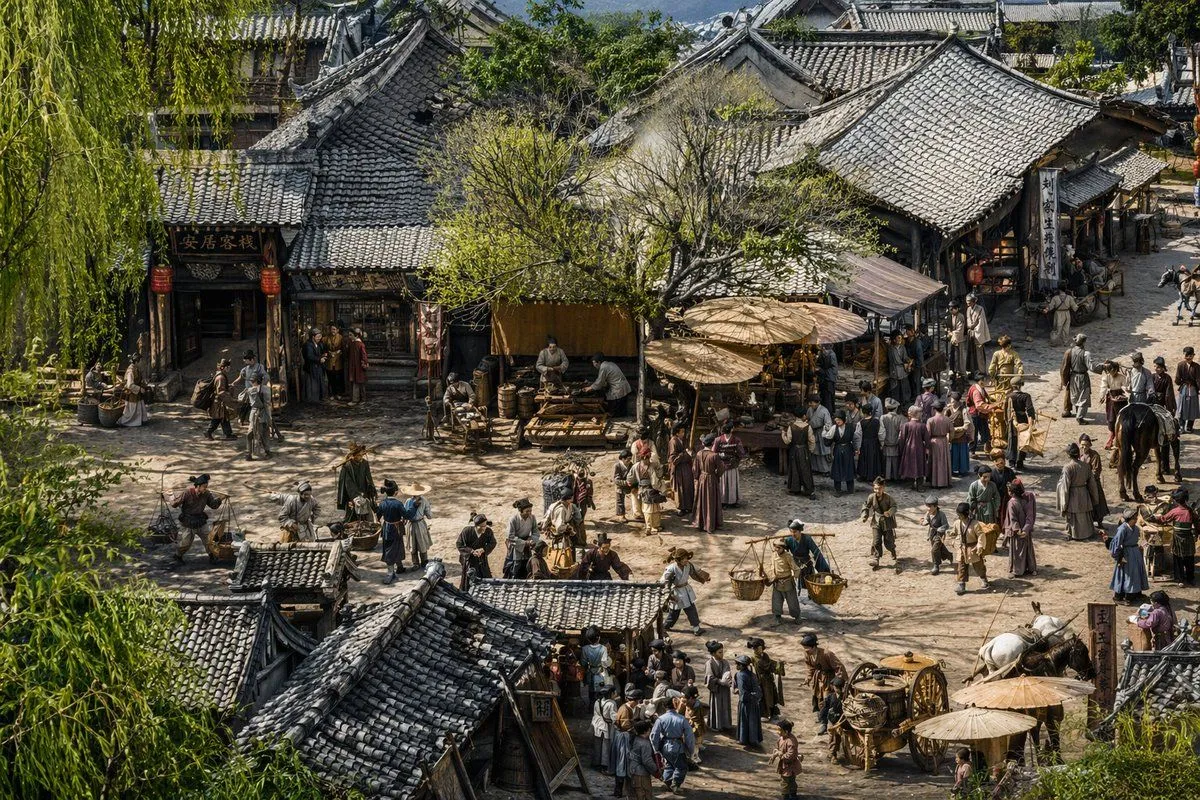
3 blanks to fillA highly detailed, {art_style} of an {historical_setting}. The elevated, wide-angle perspective looks down upon a bustling dirt crossroad surrounded by traditional wooden buildings with intricate grey tiled roofs. On the left, a building features a sign reading "安居客栈" with red lanterns hanging outside. The scene is densely populated with dozens of villagers, merchants, and travelers in traditional period clothing. People are engaged in various activities: carrying woven baskets on shoulder poles, tending to market stalls under large wooden parasols, riding horses, and pulling a wooden cart with large spoked wheels in the lower right. A large, leafy green tree stands centrally among the shops, and weeping willow branches frame the extreme left foreground. The atmosphere is lively and dusty, illuminated by {lighting} that casts sharp, intricate shadows across the highly textured, hyper-detailed environment.
Preview of your prompt
A highly detailed, hyper-realistic cinematic 3D render of an ancient Chinese street scene inspired by Along the River During the Qingming Festival. The elevated, wide-angle perspective looks down upon a bustling dirt crossroad surrounded by traditional wooden buildings with intricate grey tiled roofs. On the left, a building features a sign reading "安居客栈" with red lanterns hanging outside. The scene is densely populated with dozens of villagers, merchants, and travelers in traditional period clothing. People are engaged in various activities: carrying woven baskets on shoulder poles, tending to market stalls under large wooden parasols, riding horses, and pulling a wooden cart with large spoked wheels in the lower right. A large, leafy green tree stands centrally among the shops, and weeping willow branches frame the extreme left foreground. The atmosphere is lively and dusty, illuminated by warm afternoon sunlight that casts sharp, intricate shadows across the highly textured, hyper-detailed environment.
DetailsVersions, settings and questions
Written for
What's in the prompt
- Subject
- Model
- GPT Image 2
If your face changes
keep my face exactly the sameQuestions
- Does this work in the ChatGPT app?
- Yes. Paste the prompt and attach your photo if it uses one.
- It changed my face. What do I do?
- Add "keep my face exactly the same" to the end and run it again.
- Can I use the images I make?
- Check the terms of the app you use. Promptclay never generates images and claims nothing you make.