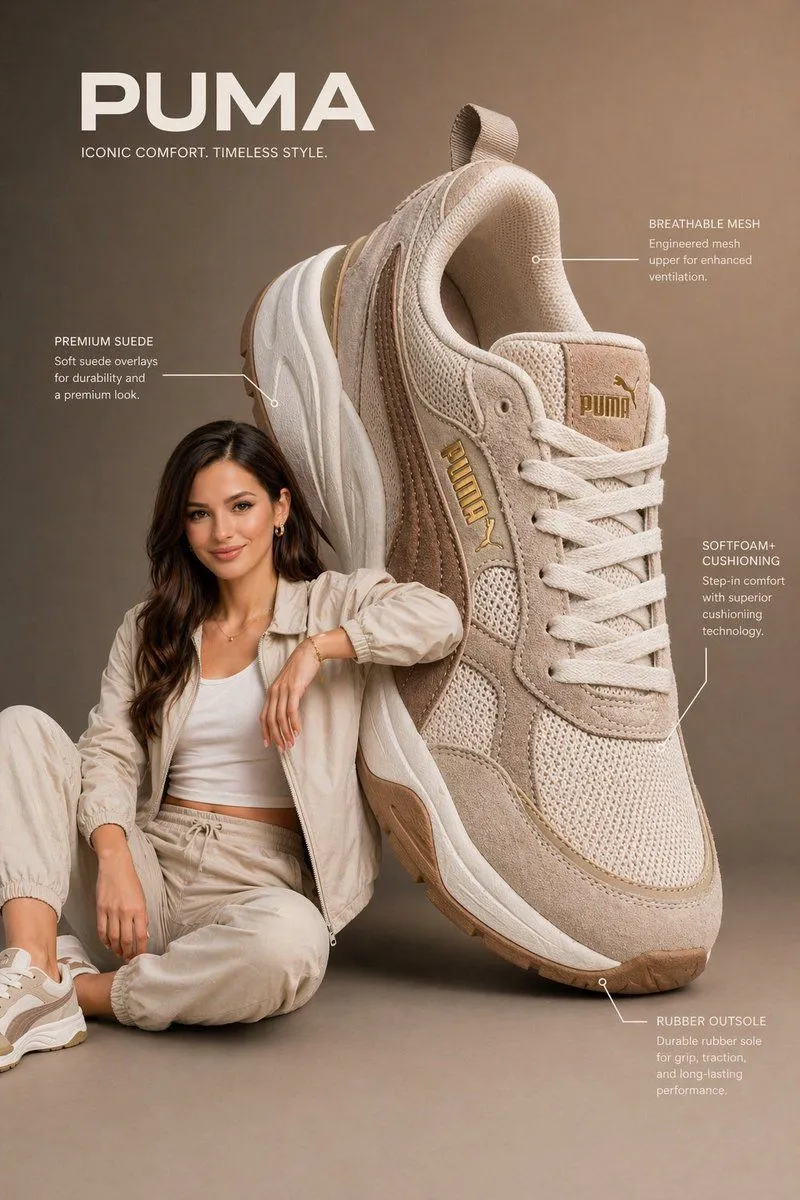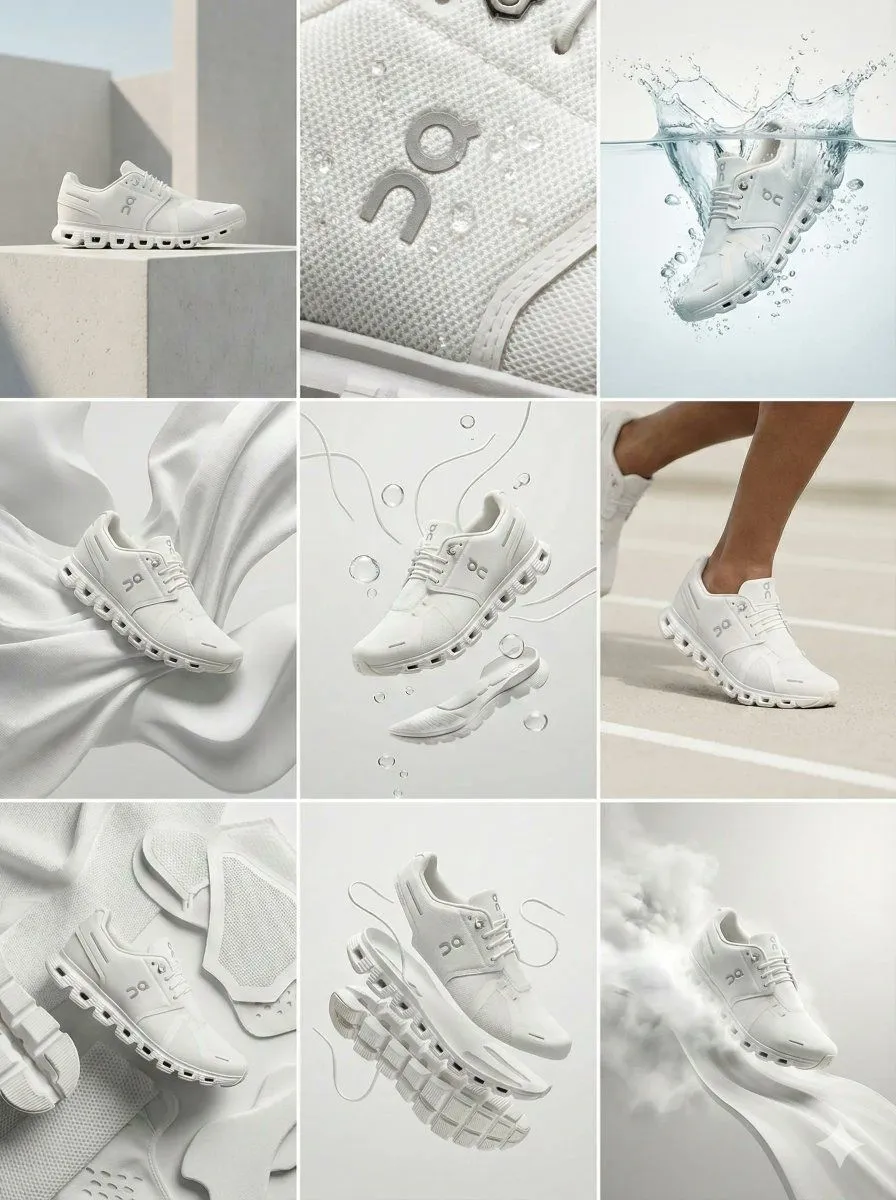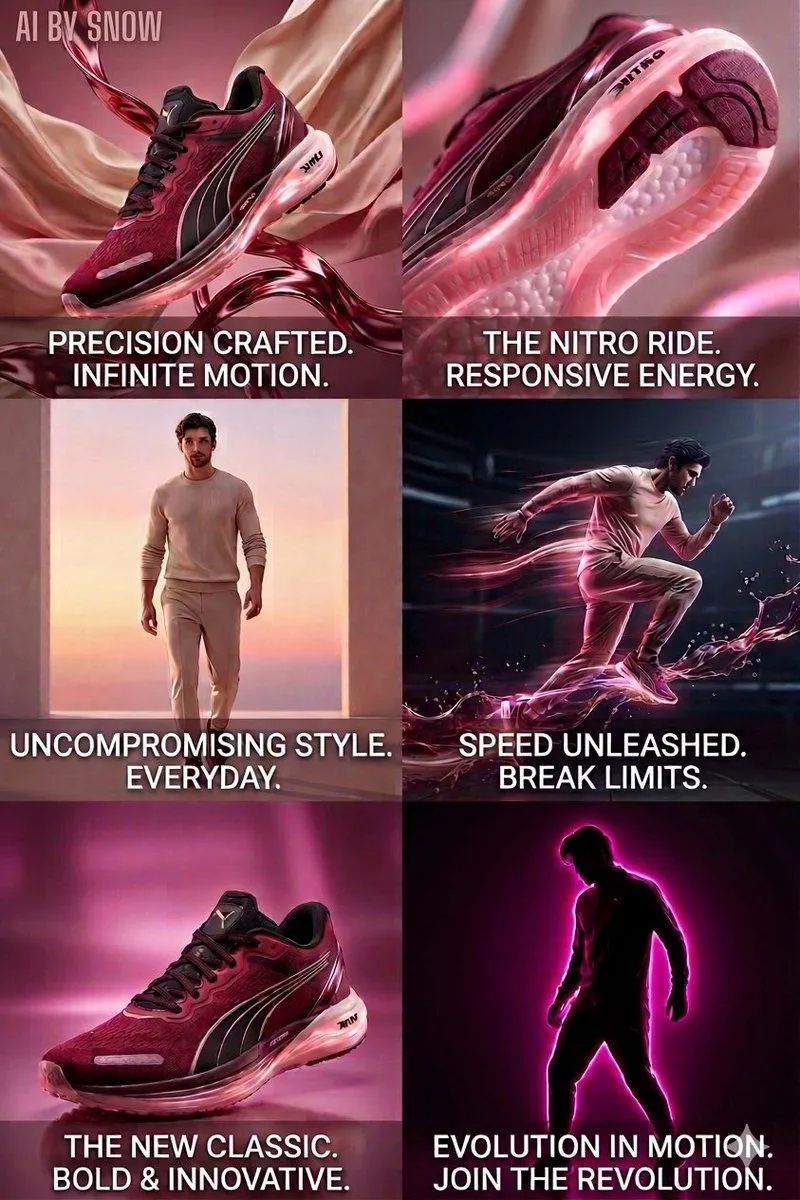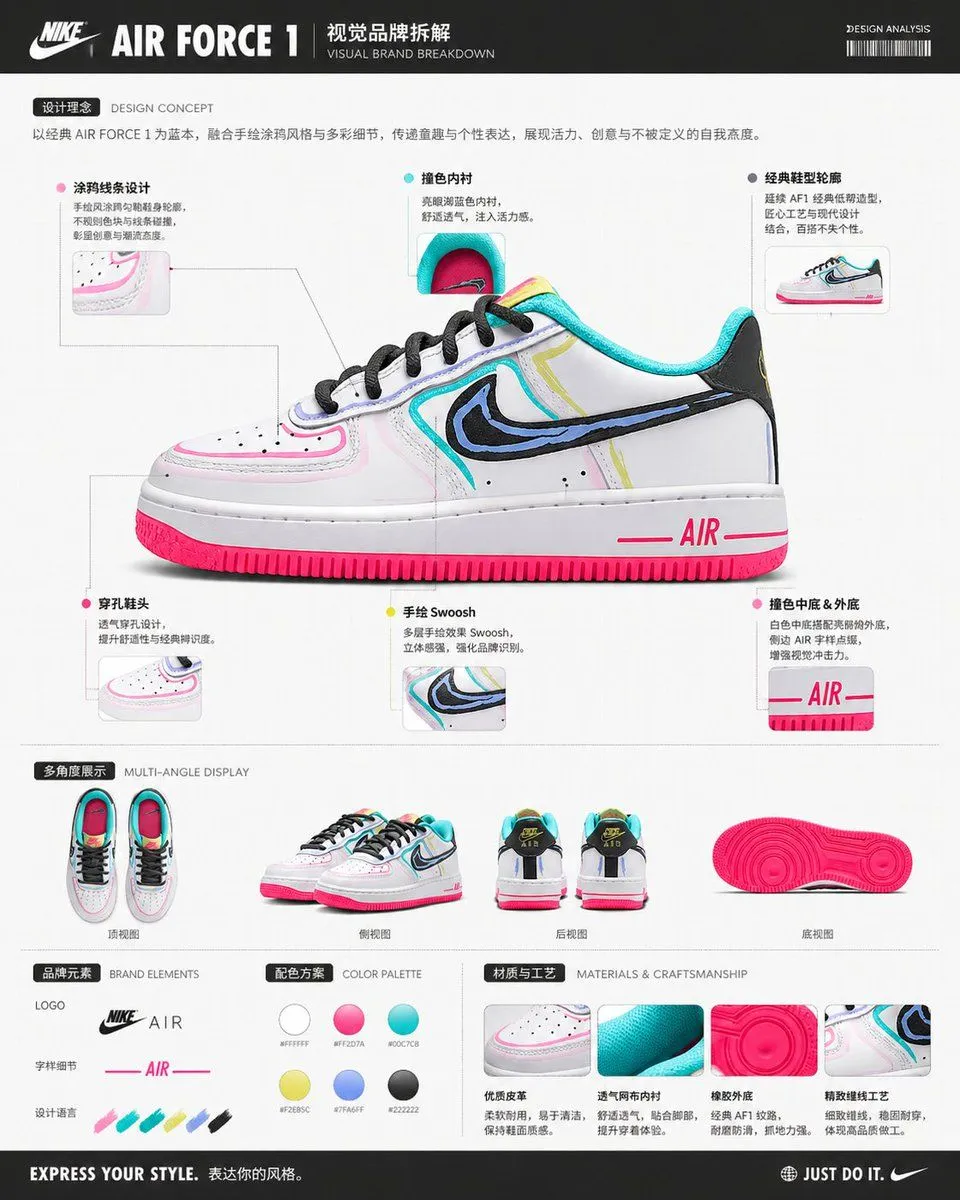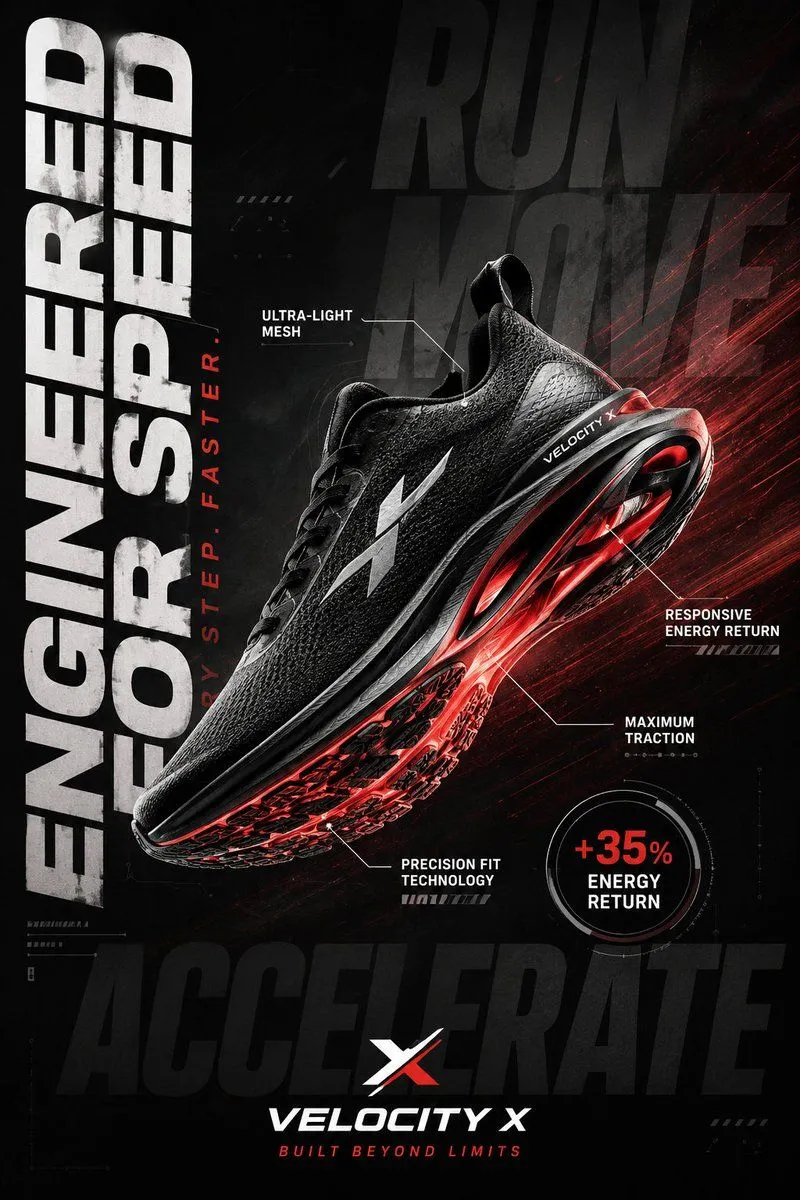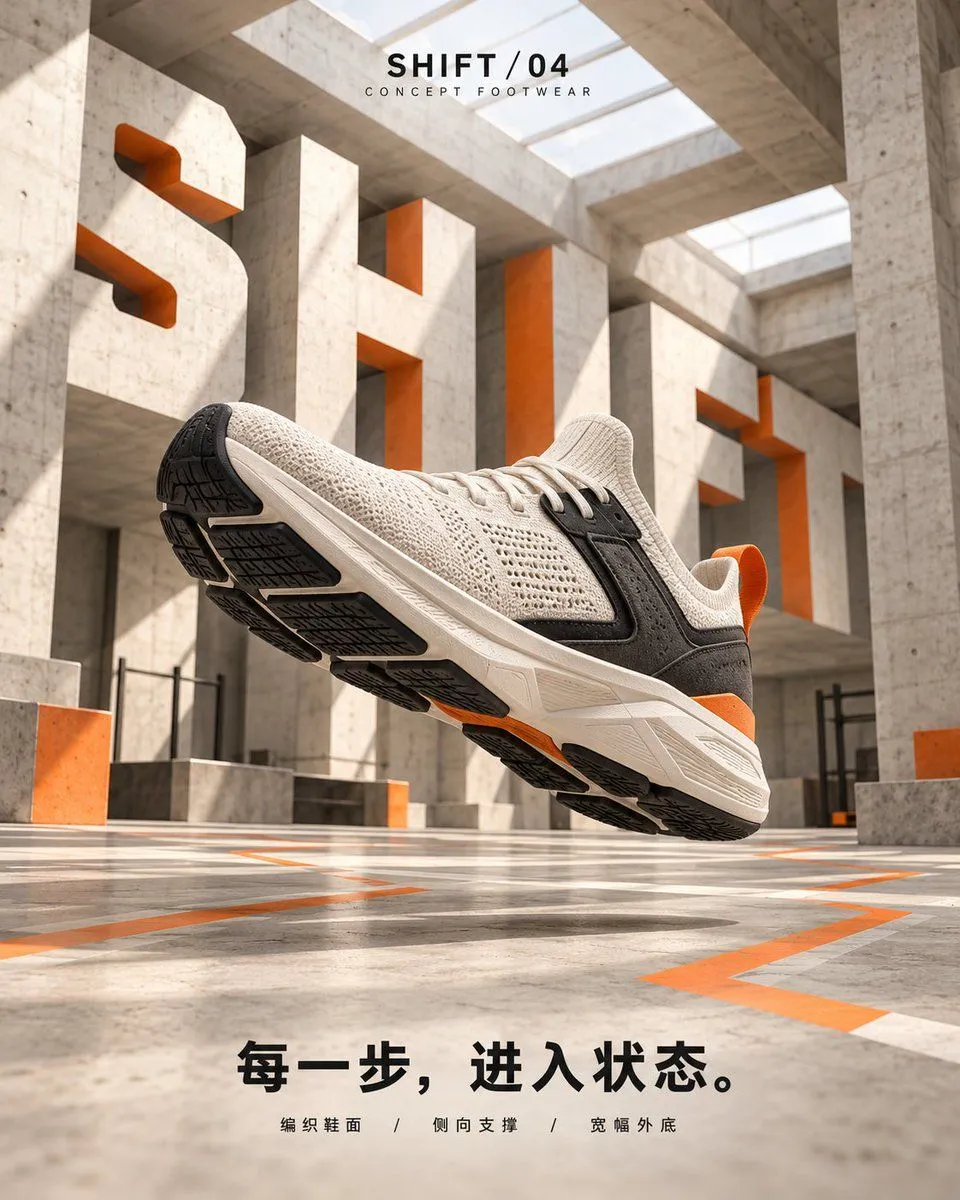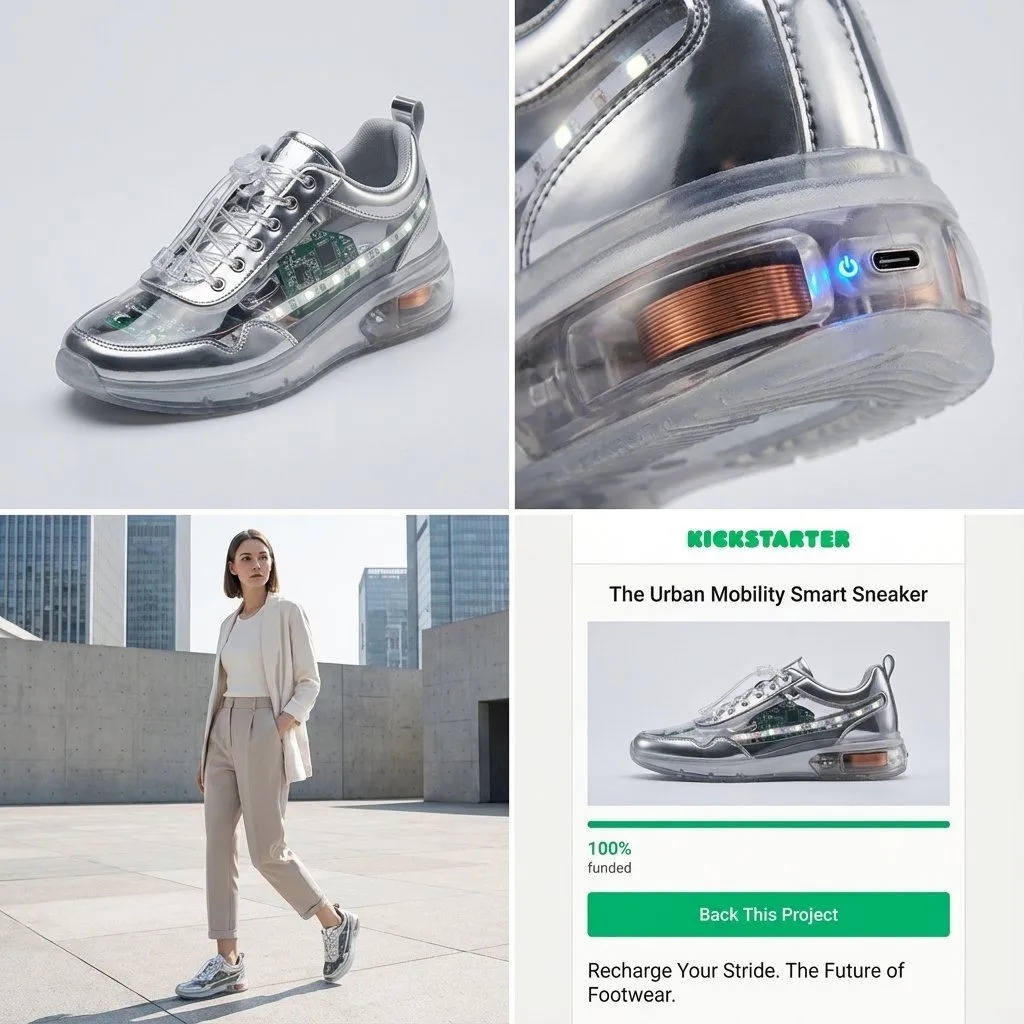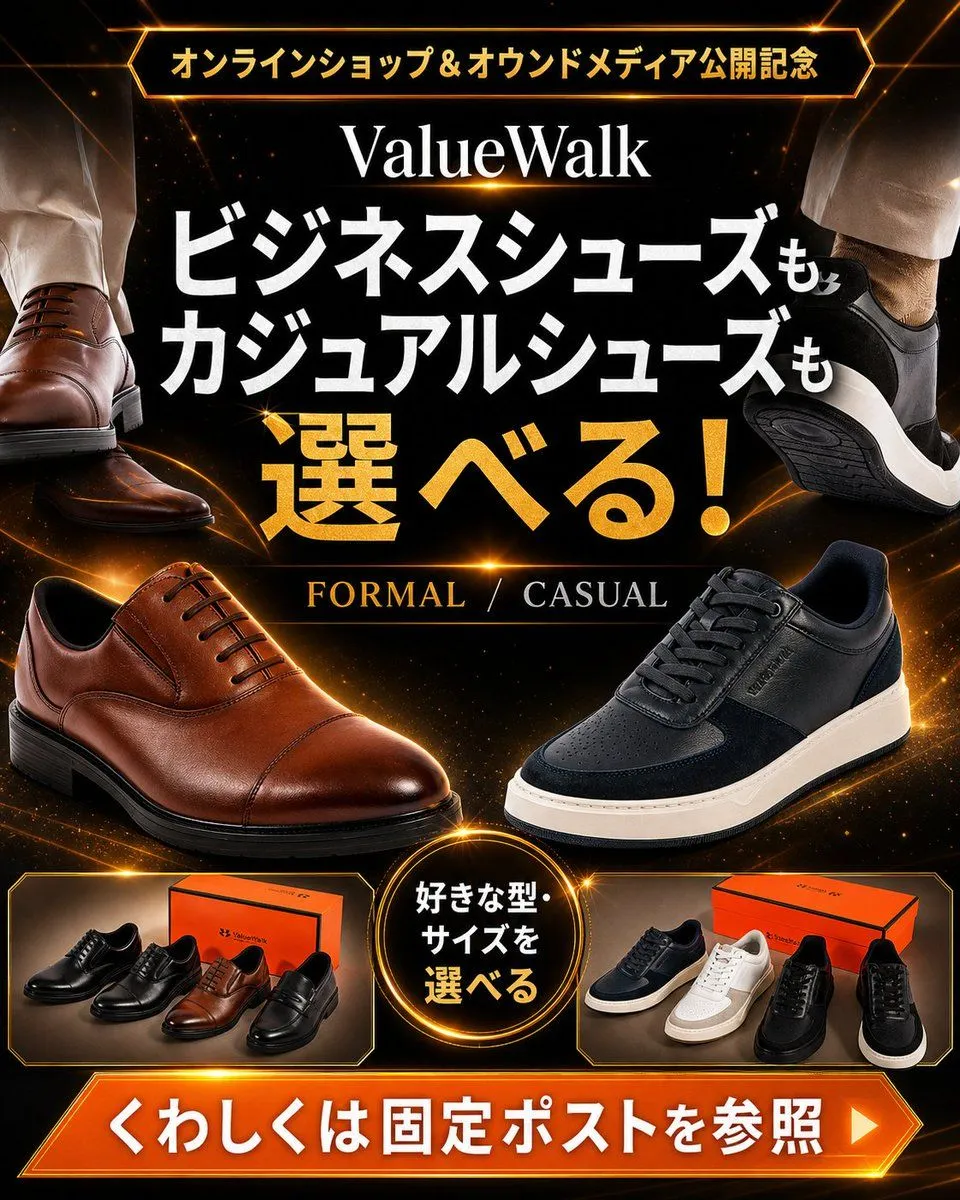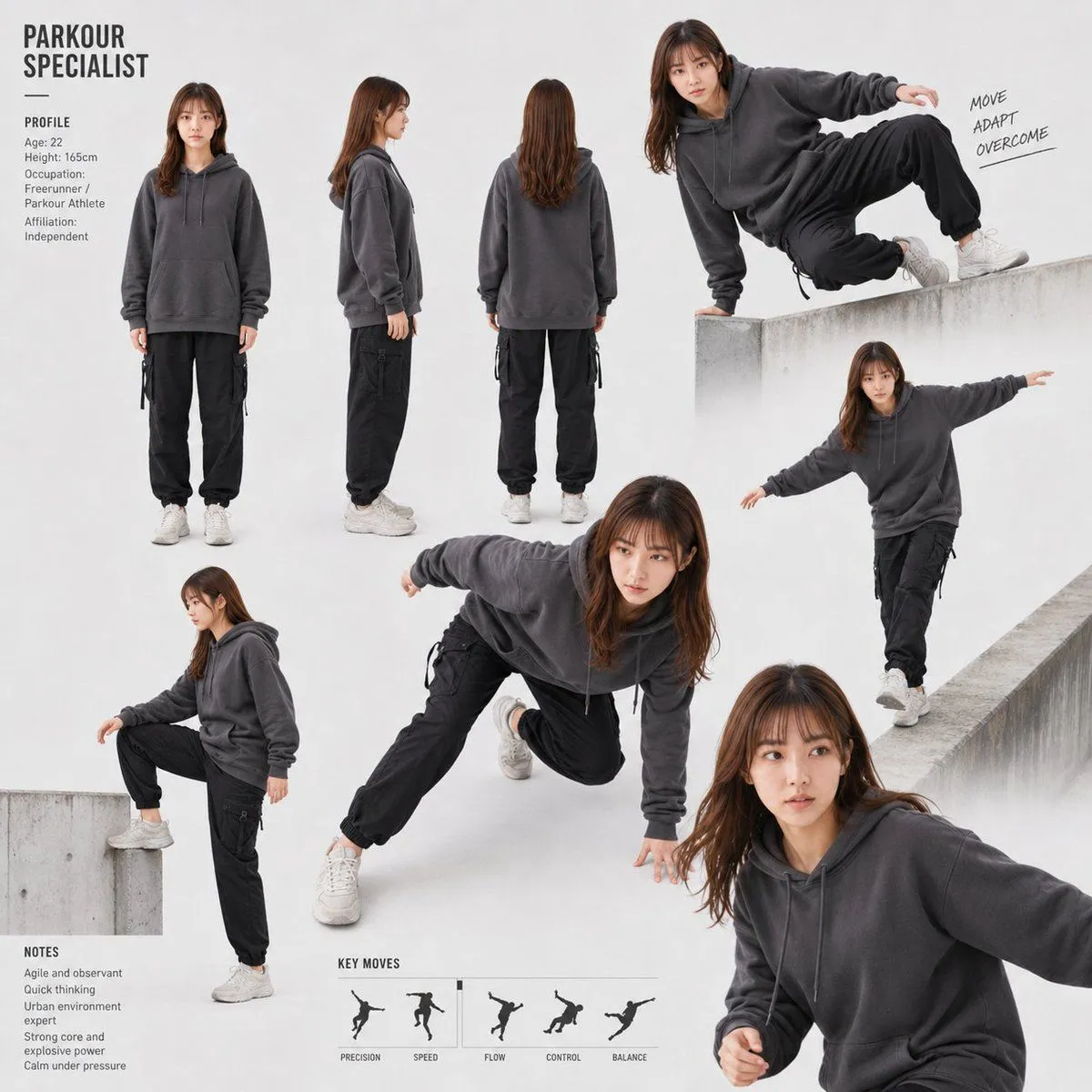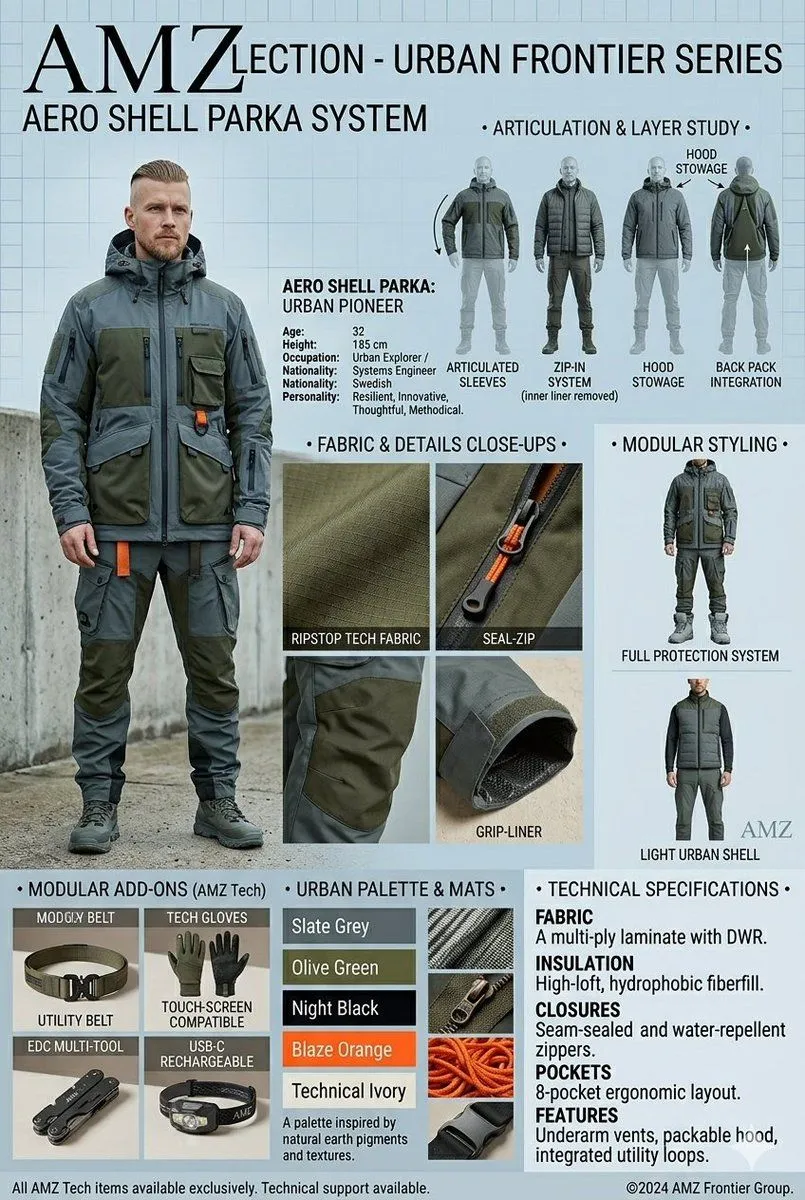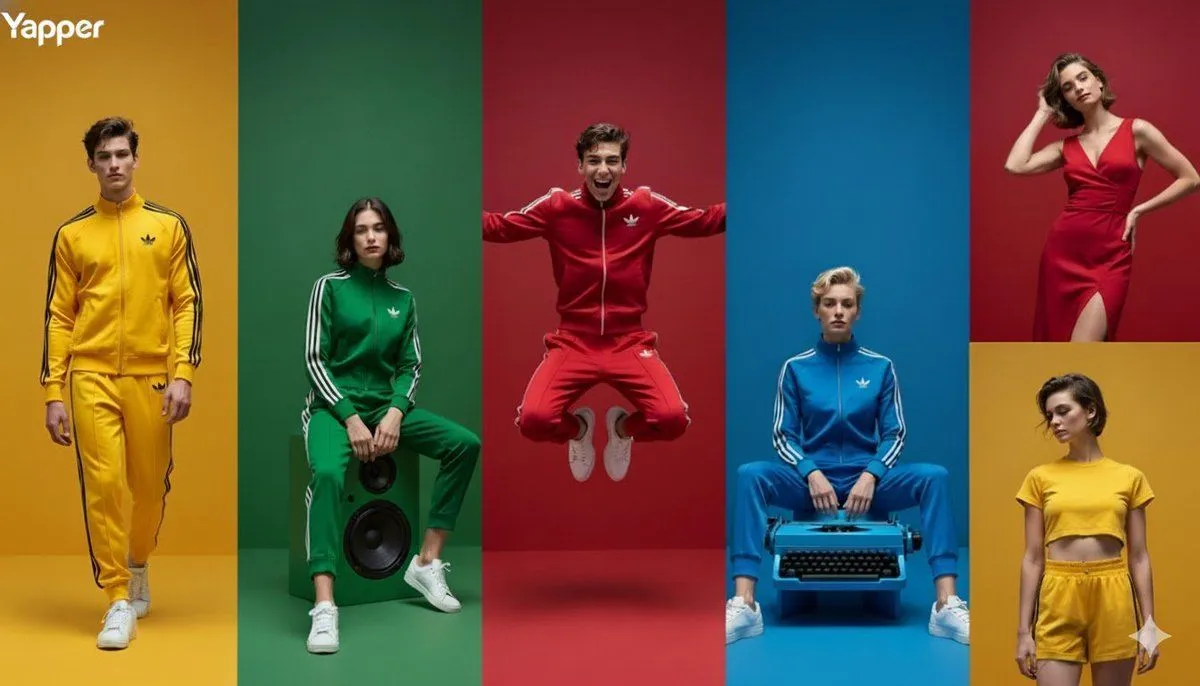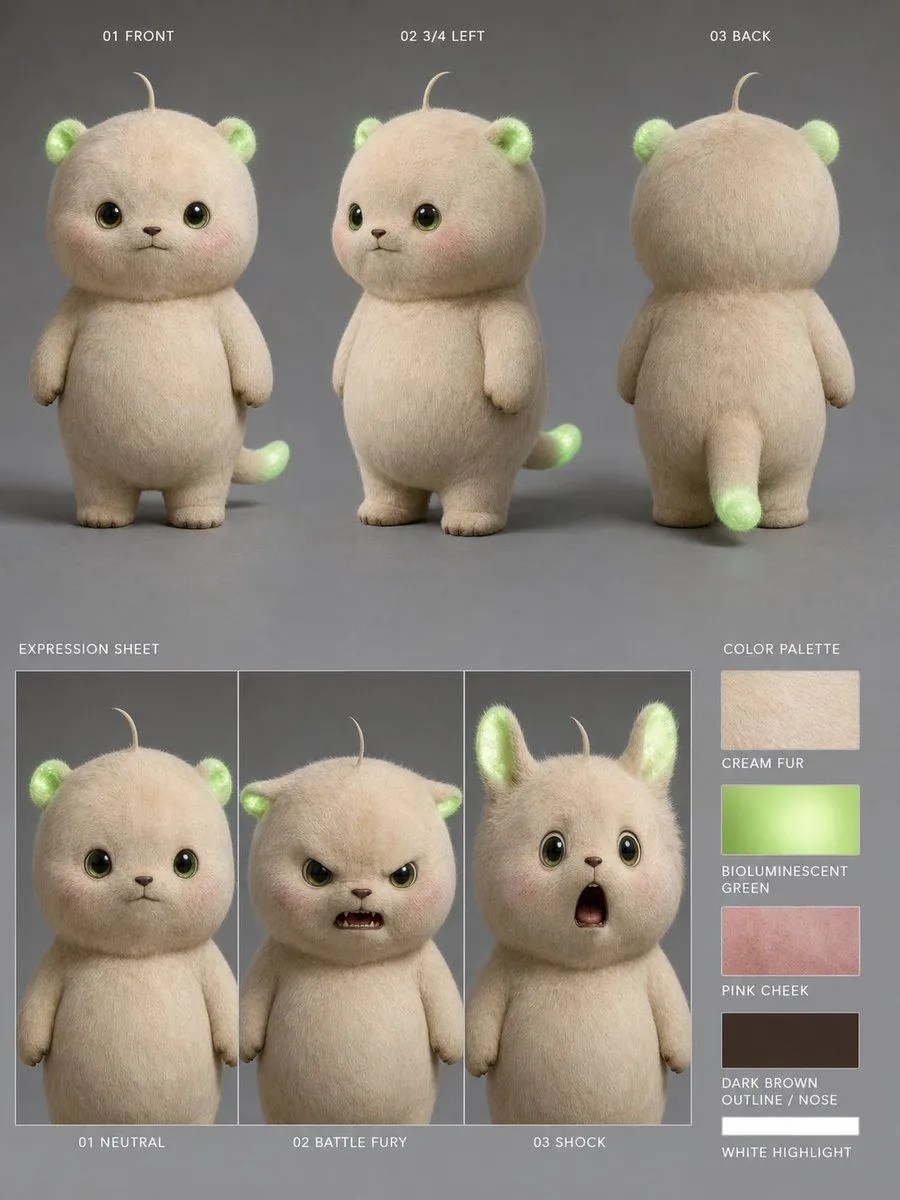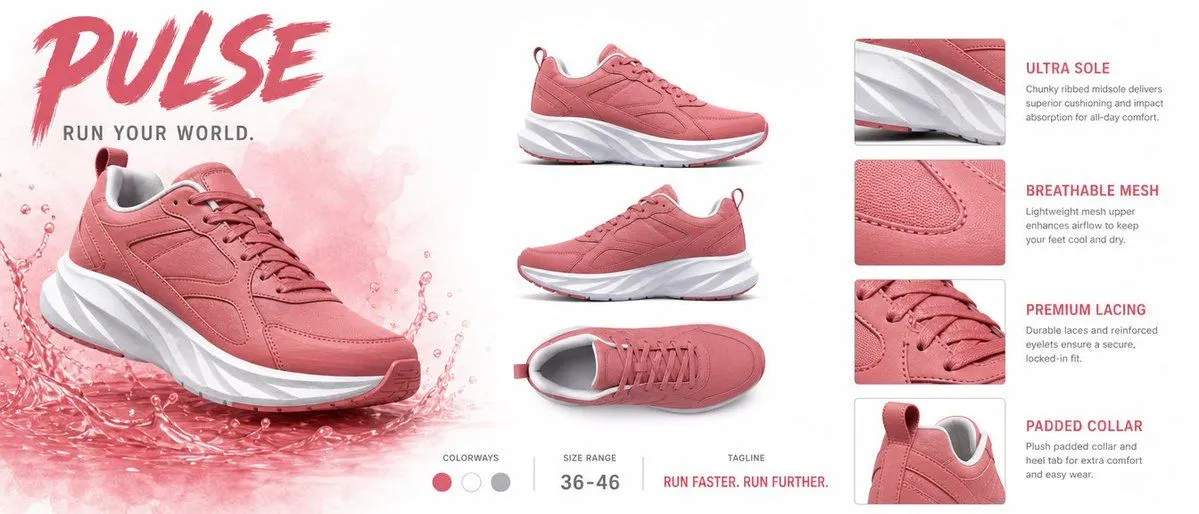
Made with GPT Image 2 in ChatGPT by Library Brand. Promptclay never generates images.
Did it work?
No reports yet. Tell others if it worked for you.
PULSE Sneaker Product Sheet
Prompt
5 blanks to fillGoal: Create a premium cinematic product specification sheet for the {sneaker_name} sneaker, showing a coral-pink athletic running shoe with a chunky sculpted white midsole, pink outsole accents, pink laces, paneled mesh-and-suede upper, padded gray inner collar, and rear pull tab. Do not alter the sneaker design across views. Canvas: Wide horizontal product sheet, approximately 2.35:1 aspect ratio, clean white background with soft studio lighting and subtle shadows. Use a high-end sportswear catalog aesthetic with crisp photorealistic product renders and pink accent graphics. Layout: Divide the sheet into three zones. Left zone contains the hero branding and main sneaker render; center zone contains exactly 3 smaller product views; right zone contains exactly 4 feature callout cards with close-up crops and explanatory text. Along the bottom center, add a compact specs strip with exactly 3 items. Left zone: Place a huge bold brushstroke headline reading {headline_text} in deep pink at the top left. Under it, add the tagline in spaced uppercase dark gray text: {subheadline_text}. Below, show the main sneaker large and angled three-quarter front view, pointing to the right, sitting in a dynamic translucent pink liquid splash with droplets and watercolor mist behind it. Center zone: Show exactly 3 clean product renders on white: 1) side profile view near the upper center, 2) three-quarter side view below it, 3) top-down view near the lower center. Keep all three aligned vertically with soft shadows and consistent scale. Right zone feature callouts: Create exactly 4 stacked feature cards, each with a rounded-rectangle close-up image on the left and text on the right. Card 1 title: “ULTRA SOLE”; body: “Chunky ribbed midsole delivers superior cushioning and impact absorption for all-day comfort.” Close-up should show the white sculpted midsole and pink upper edge. Card 2 title: “BREATHABLE MESH”; body: “Lightweight mesh upper enhances airflow to keep your feet cool and dry.” Close-up should show pink mesh texture and stitched paneling. Card 3 title: “PREMIUM LACING”; body: “Durable laces and reinforced eyelets ensure a secure, locked-in fit.” Close-up should show the pink laces and eyelets. Card 4 title: “PADDED COLLAR”; body: “Plush padded collar and heel tab for extra comfort and easy wear.” Close-up should show the rear collar, gray lining, and pull tab. Bottom specs strip: Include exactly 3 labeled spec groups separated by thin vertical gray dividers. Group 1 label “COLORWAYS” with exactly 3 circular swatches: coral pink, white, and medium gray. Group 2 label “SIZE RANGE” with value {size_range}. Group 3 label “TAGLINE” with value {bottom_tagline} in pink uppercase. Visual style: Photorealistic footwear advertising, clean magazine layout, deep pink typography, thin gray dividers, minimal sans-serif body text, generous white space, sharp close-up detail, premium cinematic lighting, no people, no extra logos, no watermark, no additional text beyond the specified labels and copy.
Preview of your prompt
Goal: Create a premium cinematic product specification sheet for the PULSE sneaker, showing a coral-pink athletic running shoe with a chunky sculpted white midsole, pink outsole accents, pink laces, paneled mesh-and-suede upper, padded gray inner collar, and rear pull tab. Do not alter the sneaker design across views. Canvas: Wide horizontal product sheet, approximately 2.35:1 aspect ratio, clean white background with soft studio lighting and subtle shadows. Use a high-end sportswear catalog aesthetic with crisp photorealistic product renders and pink accent graphics. Layout: Divide the sheet into three zones. Left zone contains the hero branding and main sneaker render; center zone contains exactly 3 smaller product views; right zone contains exactly 4 feature callout cards with close-up crops and explanatory text. Along the bottom center, add a compact specs strip with exactly 3 items. Left zone: Place a huge bold brushstroke headline reading PULSE in deep pink at the top left. Under it, add the tagline in spaced uppercase dark gray text: RUN YOUR WORLD.. Below, show the main sneaker large and angled three-quarter front view, pointing to the right, sitting in a dynamic translucent pink liquid splash with droplets and watercolor mist behind it. Center zone: Show exactly 3 clean product renders on white: 1) side profile view near the upper center, 2) three-quarter side view below it, 3) top-down view near the lower center. Keep all three aligned vertically with soft shadows and consistent scale. Right zone feature callouts: Create exactly 4 stacked feature cards, each with a rounded-rectangle close-up image on the left and text on the right. Card 1 title: “ULTRA SOLE”; body: “Chunky ribbed midsole delivers superior cushioning and impact absorption for all-day comfort.” Close-up should show the white sculpted midsole and pink upper edge. Card 2 title: “BREATHABLE MESH”; body: “Lightweight mesh upper enhances airflow to keep your feet cool and dry.” Close-up should show pink mesh texture and stitched paneling. Card 3 title: “PREMIUM LACING”; body: “Durable laces and reinforced eyelets ensure a secure, locked-in fit.” Close-up should show the pink laces and eyelets. Card 4 title: “PADDED COLLAR”; body: “Plush padded collar and heel tab for extra comfort and easy wear.” Close-up should show the rear collar, gray lining, and pull tab. Bottom specs strip: Include exactly 3 labeled spec groups separated by thin vertical gray dividers. Group 1 label “COLORWAYS” with exactly 3 circular swatches: coral pink, white, and medium gray. Group 2 label “SIZE RANGE” with value 36-46. Group 3 label “TAGLINE” with value RUN FASTER. RUN FURTHER. in pink uppercase. Visual style: Photorealistic footwear advertising, clean magazine layout, deep pink typography, thin gray dividers, minimal sans-serif body text, generous white space, sharp close-up detail, premium cinematic lighting, no people, no extra logos, no watermark, no additional text beyond the specified labels and copy.
DetailsVersions, settings and questions
Written for
What's in the prompt
- Subject
- Model
- GPT Image 2
If your face changes
keep my face exactly the sameQuestions
- Does this work in the ChatGPT app?
- Yes. Paste the prompt and attach your photo if it uses one.
- It changed my face. What do I do?
- Add "keep my face exactly the same" to the end and run it again.
- Can I use the images I make?
- Check the terms of the app you use. Promptclay never generates images and claims nothing you make.