Tell us anything

An idea, a bug, something you love. We read every note.

⌘↵ to send. The page you're on comes along.

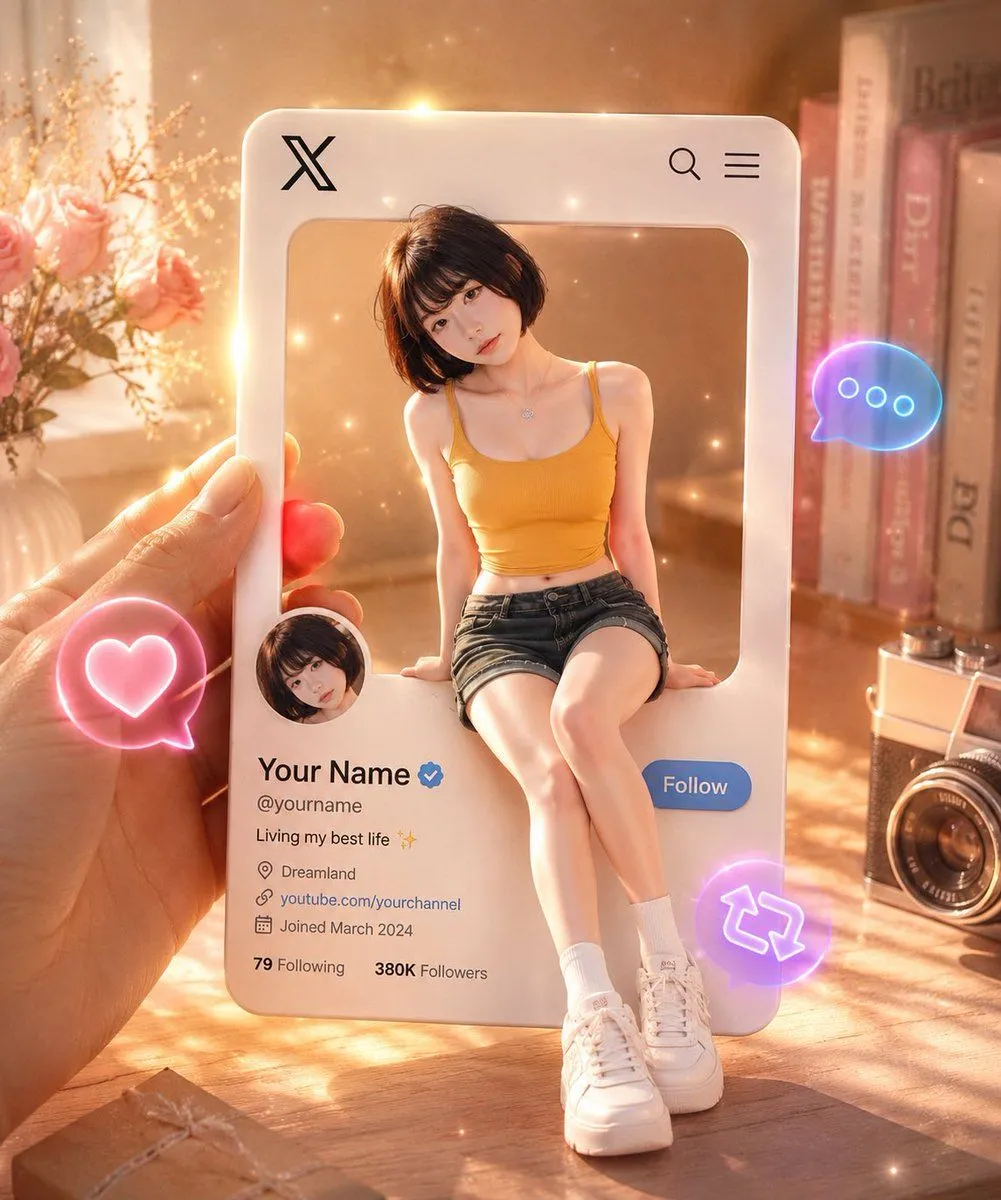
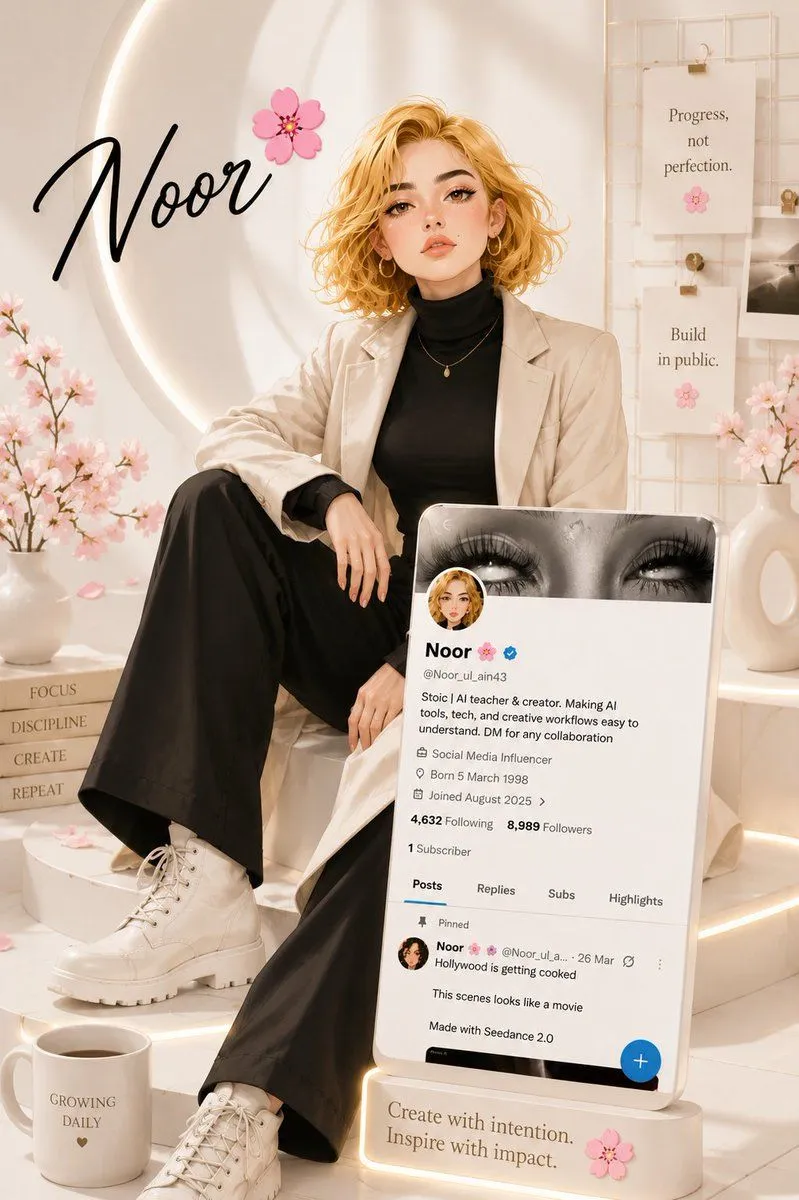
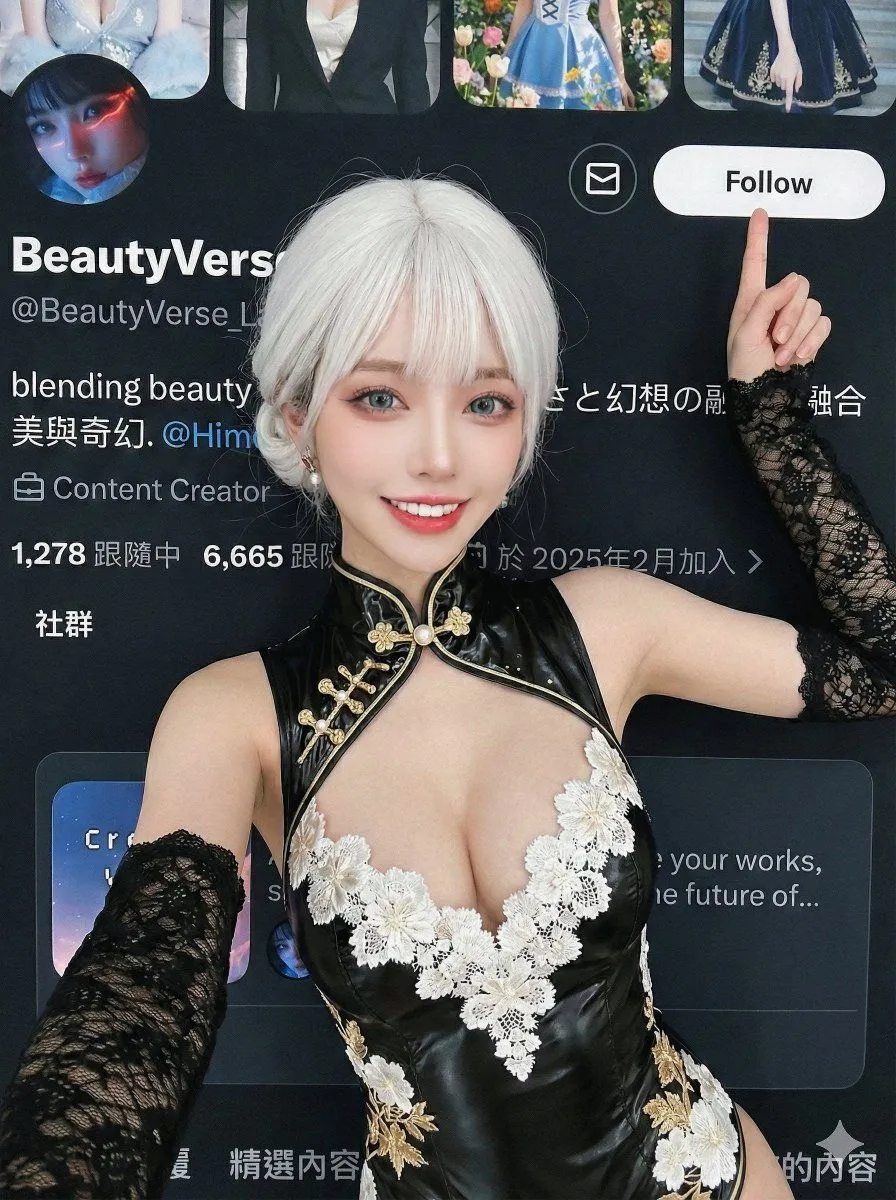
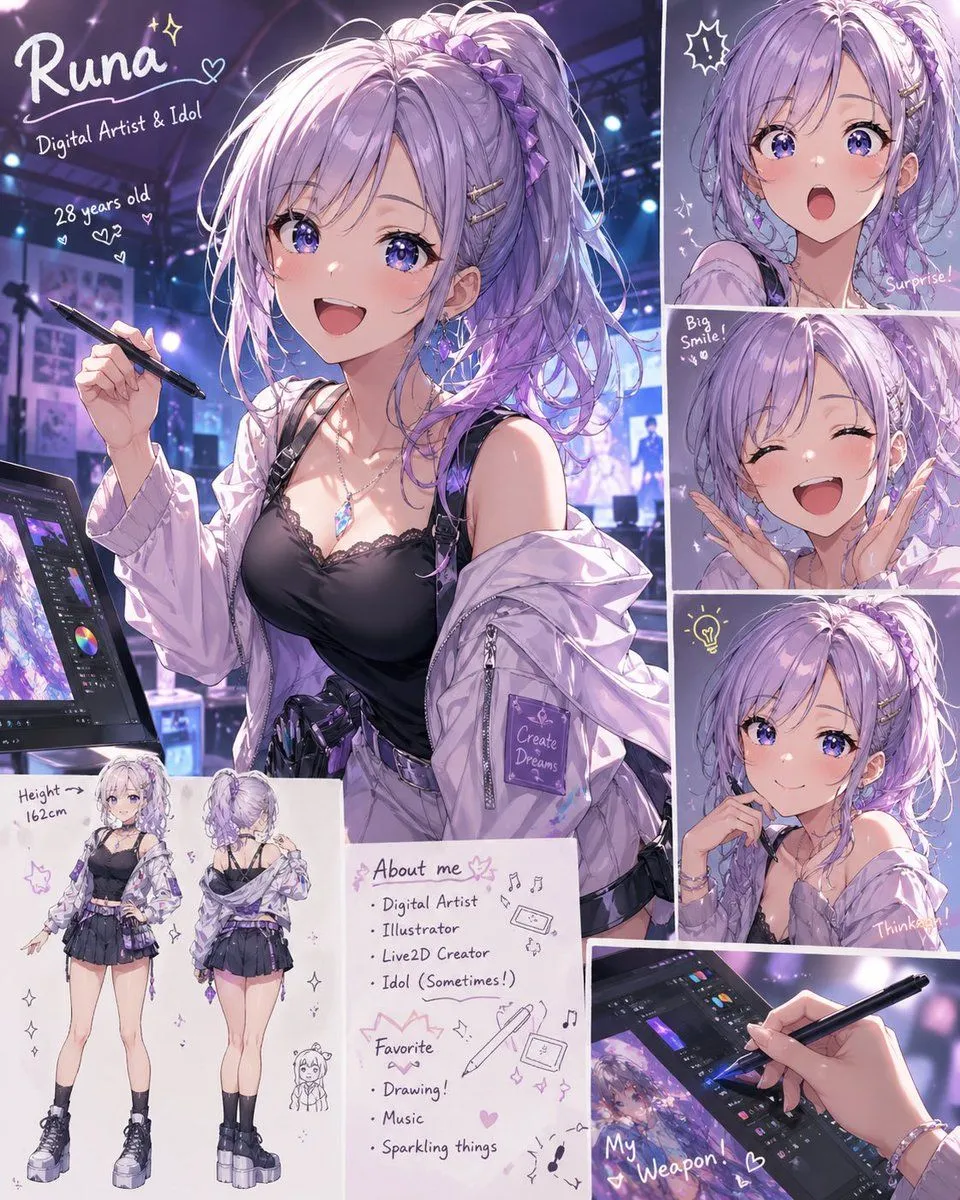
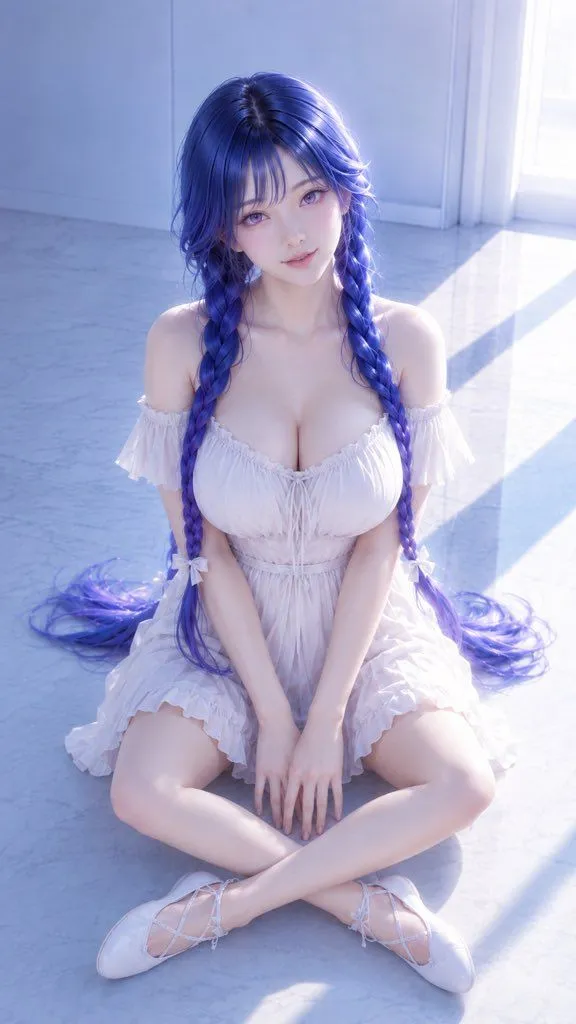
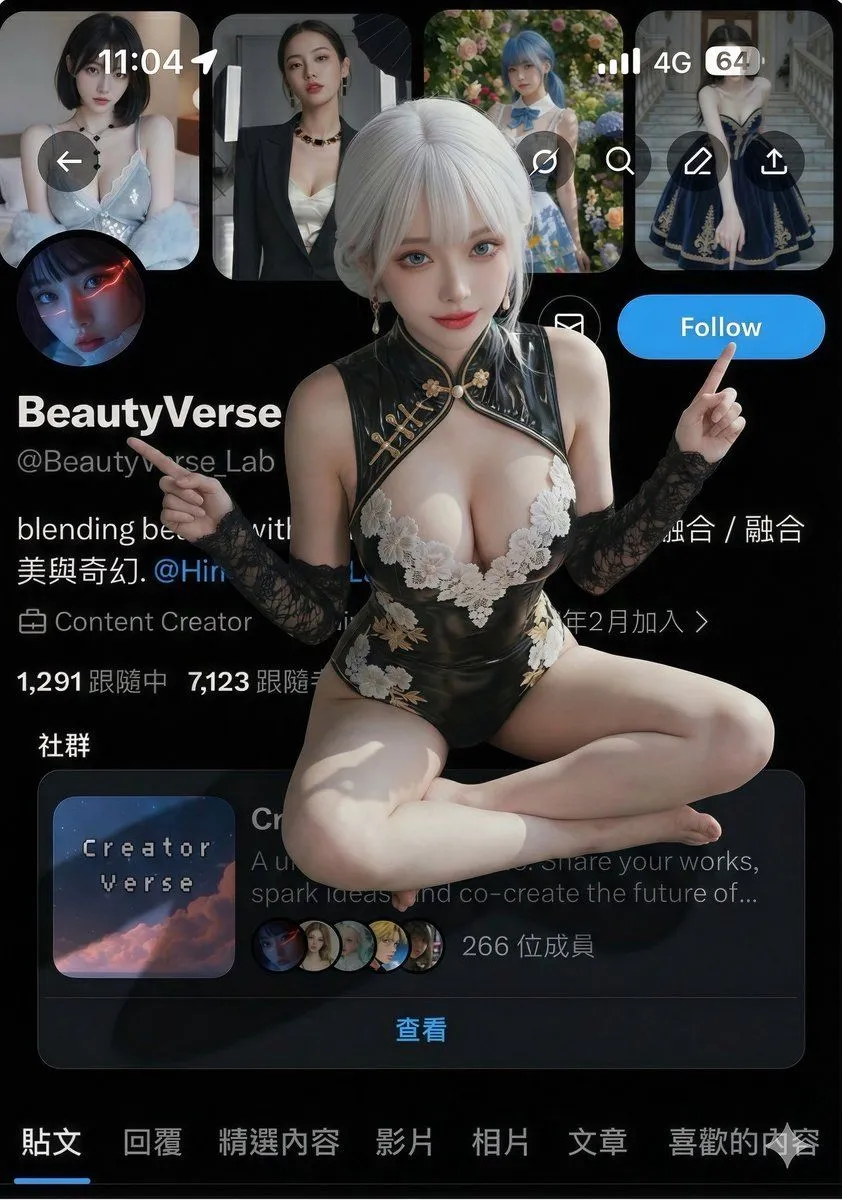
Promo Effect v2.0 Prompt for Profile Screenshot Composition

Made with Nano Banana Pro in Gemini, collected by Library Social. Promptclay never generates images.

Did it work?

No reports yet. Tell others if it worked for you.

No comments yet. Be the first.

    Promo Effect v2.0 Prompt for Profile Screenshot Composition

    Nano Banana ProAI-generated

    Prompt

    { "edit_type": "precise_composite_overlay_dual_interaction_english_ui", "source": { "_hint": "Base Logic: Character sitting on Background. Background is fixed EXCEPT for the specific text on the button.", "mode": "IMAGE_COMPOSITION", "reference_images": { "foreground": "character_ref_image", "background_canvas": "profile_page_screenshot" }, "consistency": { "character_fidelity": "high", "background_structure": "rigid_layout_preservation" } }, "ui_text_enforcement": { "_hint": "CRITICAL: Ensure the button text reads 'Follow' in English, regardless of the text in the original screenshot.", "target_element": "action_button_top_right", "mandatory_text": "Follow", "language": "English", "font_style": "sans_serif_bold_legible", "correction_policy": "overwrite_original_text_if_not_follow" }, "background_preservation": { "_hint": "Background is a rigid floor. Only allow changes to shadows and the button text.", "policy": "strict_pixel_retention_mostly", "allowed_modifications": [ "realistic_contact_shadows_under_character", "replacement_of_button_text_to_Follow" ] }, "camera_and_lighting": { "_hint": "Character sitting ON the interface.", "perspective": "high_angle_looking_down", "grounding_effect": { "technique": "contact_shadows_under_legs", "placement": "on_background_surface" } }, "pose": { "_hint": "Dual pointing: Left Hand -> Name, Right Hand -> 'Follow' Button.", "pose_style": "sitting_cross-legged_or_kneeling", "head_position": "tilted_back_looking_at_camera", "hands_configuration": { "s

    Works in
    Gemini, ChatGPT
    Status
    Free to copy
    0
    DetailsVersions, settings and questions

    Written for

    What's in the prompt

    Subject
    Model
    Nano Banana Pro

    If your face changes

    keep my face exactly the same

    Questions

    Does this work in the Gemini app?
    Yes. Gemini runs Nano Banana, so paste the prompt and attach your photo if it uses one.
    It changed my face. What do I do?
    Add "keep my face exactly the same" to the end and run it again.
    Can I use the images I make?
    Check the terms of the app you use. Promptclay never generates images and claims nothing you make.
    Similar prompts

    See more
    • Realistic 3D Social Media Profile
    • Pixar/Disney Style X (Twitter) Profile Card Prompt
    • 3D Social Media Profile Card
    • Luxury Influencer Branding Poster
    • Creative Composite for 'Follow' Button Promo
    • Lavender Anime Artist Profile Sheet
    • Selfie with 3D Q-version and 2D Illustration of a Person
    • 3D CG Anime Girl Illustration
    • Fantasy 3D CG Character Portrait
    • Mini-Me Character Composite Image
    • Anime Character in Real Tokyo Street
    • Chibi Moe Anime Penguin GirlVideo, 0:15
    • Cinematic anime character portrait
    • Premium Cinematic Character Identity Board
    • Prompt for Changing Character Pose using Reference Image
    • Image Fusion Prompt Using Multiple References
    • Live Streaming App UI Mockup
    • Chibi Pixar-Style Studio Composition
    • Japanese Manus Chat Pixel Art Screenshot
    • E-commerce Live Stream UI Mockup
    • Character Generation from Google Slides Shapes
    • Dark Chat UI Anime Conversion Screenshot
    • The Source of Suffering and Letting GoVideo, 0:06
    • Generating Purikura-style Photos with Animals using GPT Image 1.5

    Show more

    Run it on your phone

    1. Prompt copiedRead it

      { "edit_type": "precise_composite_overlay_dual_interaction_english_ui", "source": { "_hint": "Base Logic: Character sitting on Background. Background is fixed EXCEPT for the specific text on the button.", "mode": "IMAGE_COMPOSITION", "reference_images": { "foreground": "character_ref_image", "background_canvas": "profile_page_screenshot" }, "consistency": { "character_fidelity": "high", "background_structure": "rigid_layout_preservation" } }, "ui_text_enforcement": { "_hint": "CRITICAL: Ensure the button text reads 'Follow' in English, regardless of the text in the original screenshot.", "target_element": "action_button_top_right", "mandatory_text": "Follow", "language": "English", "font_style": "sans_serif_bold_legible", "correction_policy": "overwrite_original_text_if_not_follow" }, "background_preservation": { "_hint": "Background is a rigid floor. Only allow changes to shadows and the button text.", "policy": "strict_pixel_retention_mostly", "allowed_modifications": [ "realistic_contact_shadows_under_character", "replacement_of_button_text_to_Follow" ] }, "camera_and_lighting": { "_hint": "Character sitting ON the interface.", "perspective": "high_angle_looking_down", "grounding_effect": { "technique": "contact_shadows_under_legs", "placement": "on_background_surface" } }, "pose": { "_hint": "Dual pointing: Left Hand -> Name, Right Hand -> 'Follow' Button.", "pose_style": "sitting_cross-legged_or_kneeling", "head_position": "tilted_back_looking_at_camera", "hands_configuration": { "s

    2. Open your app

    3. Paste and run

      Press and hold the message box, then tap Paste. Add your photo first if the prompt uses one. You may need to sign in.

    Promo Effect v2.0 Prompt for Profile Screenshot Composition