Tell us anything

An idea, a bug, something you love. We read every note.

⌘↵ to send. The page you're on comes along.

Profile URL to Magazine Infographic Prompt

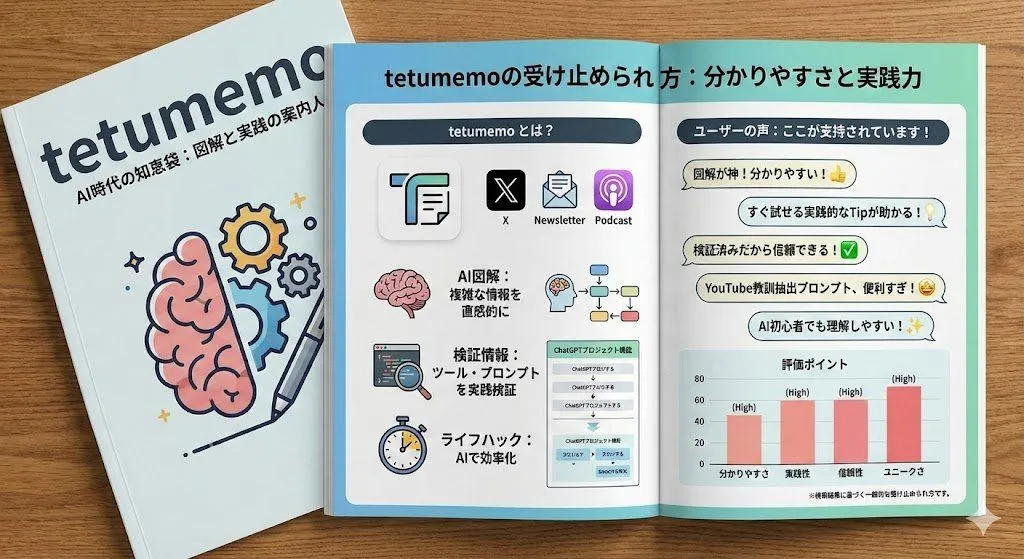
Made with Nano Banana Pro in Gemini by Library Social. Promptclay never generates images.

Did it work?

No reports yet. Tell others if it worked for you.

No comments yet. Be the first.

    Profile URL to Magazine Infographic Prompt

    Nano Banana Pro16:9AI-generated

    Prompt

    2 blanks to fill

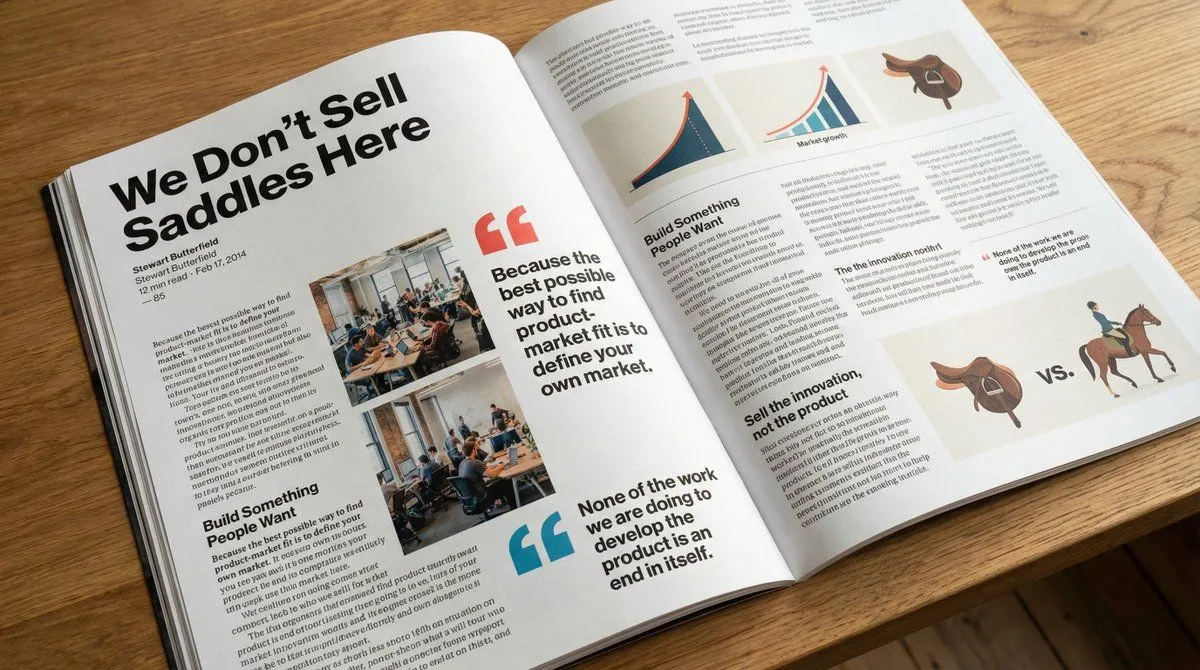
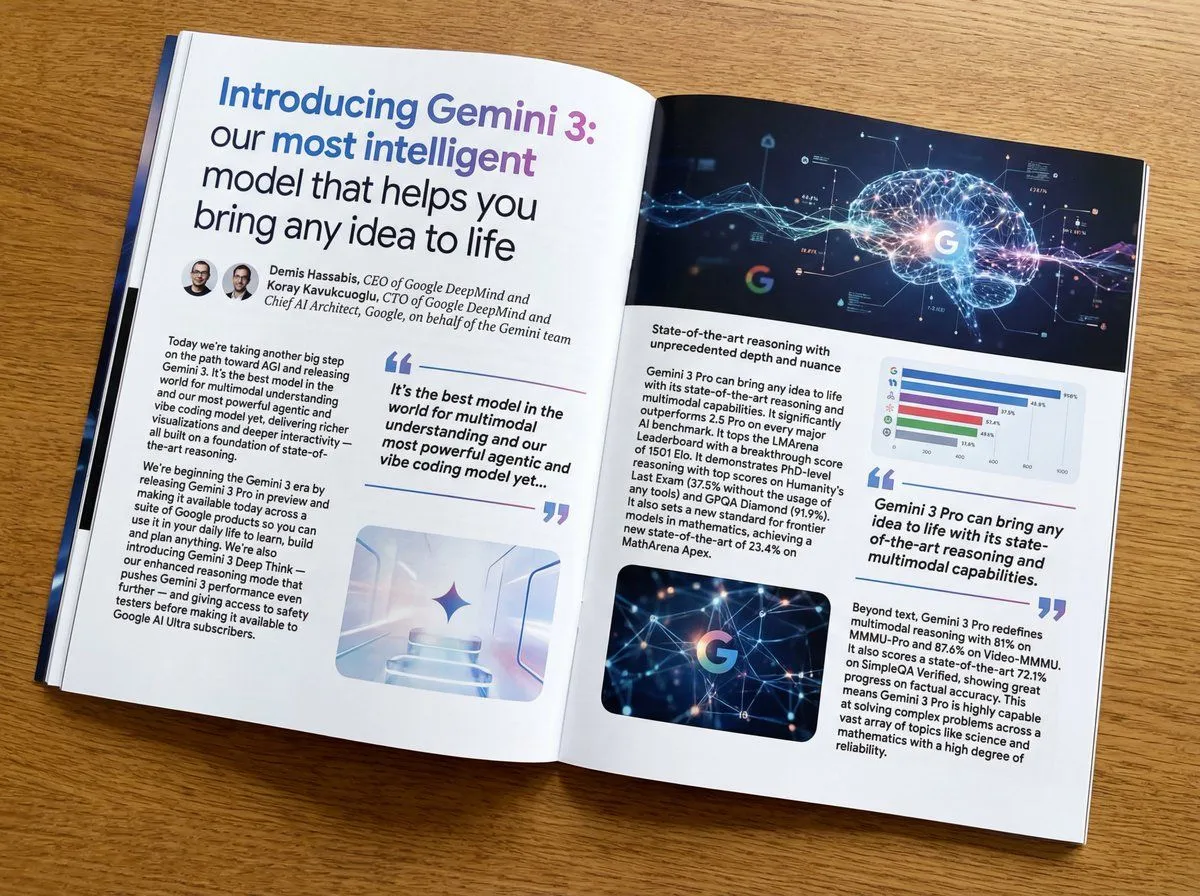
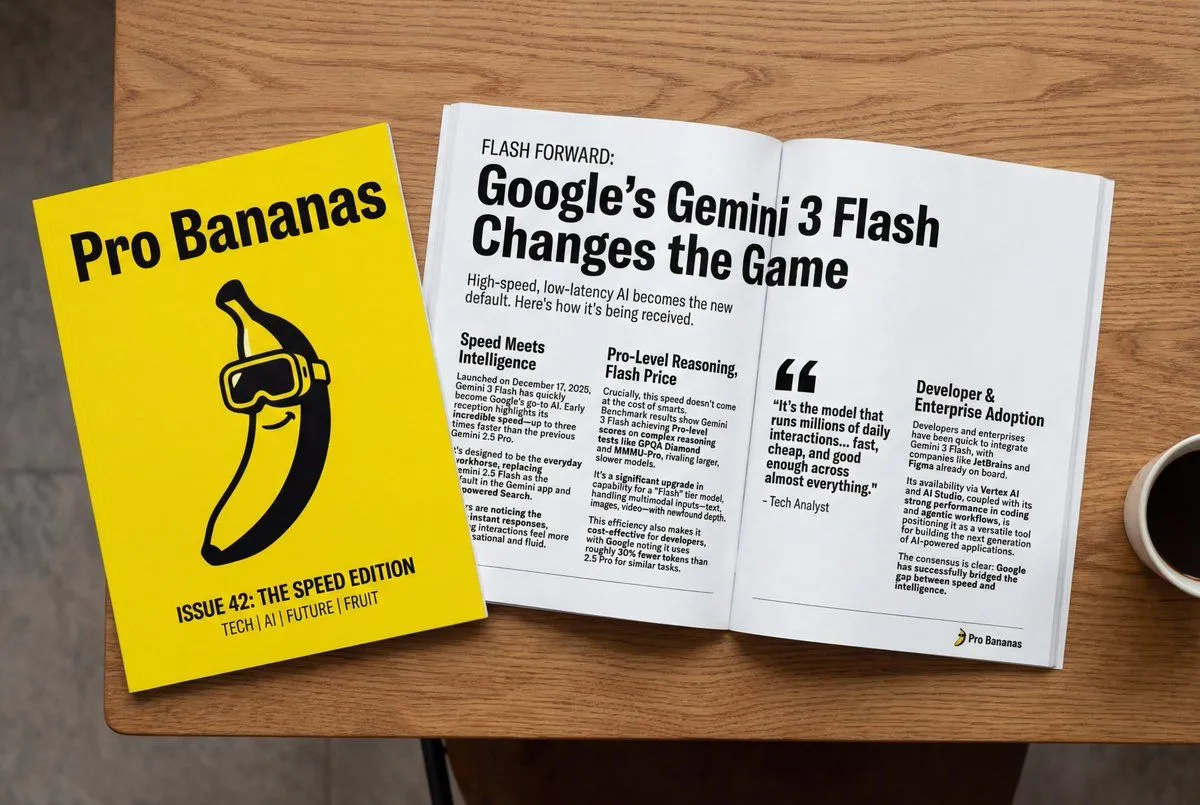
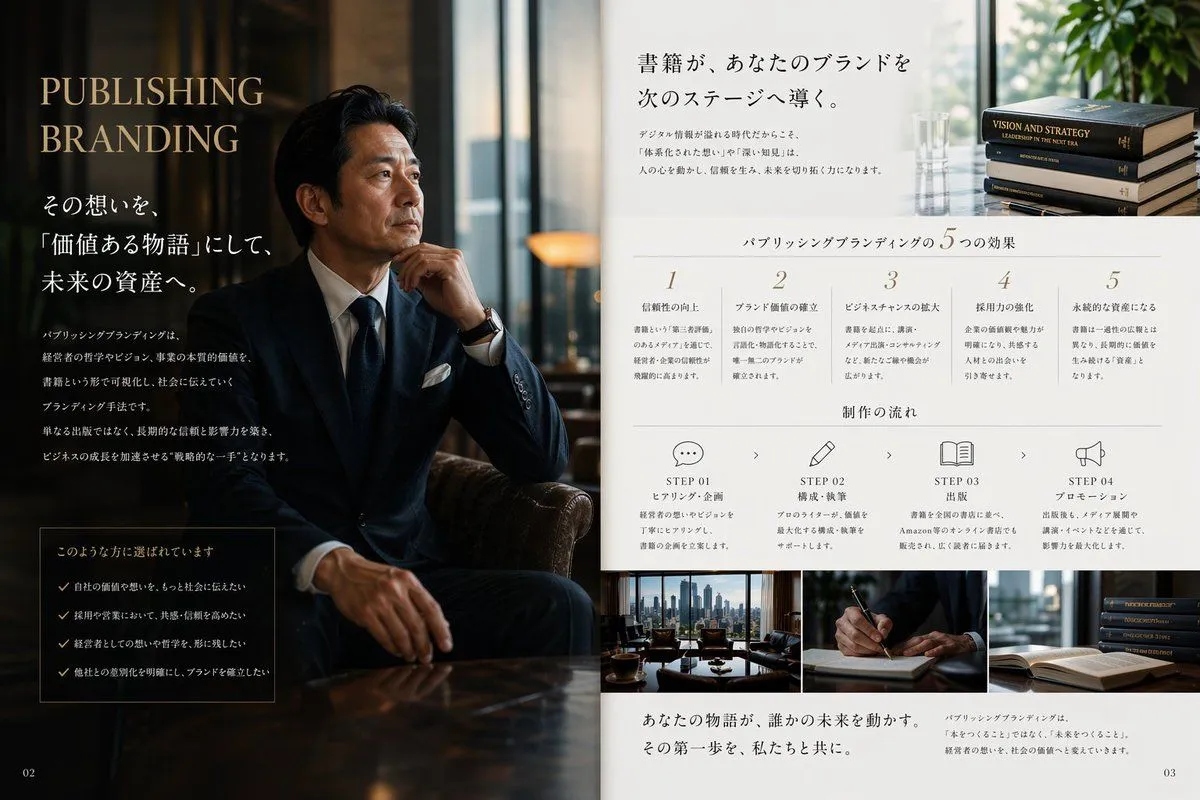
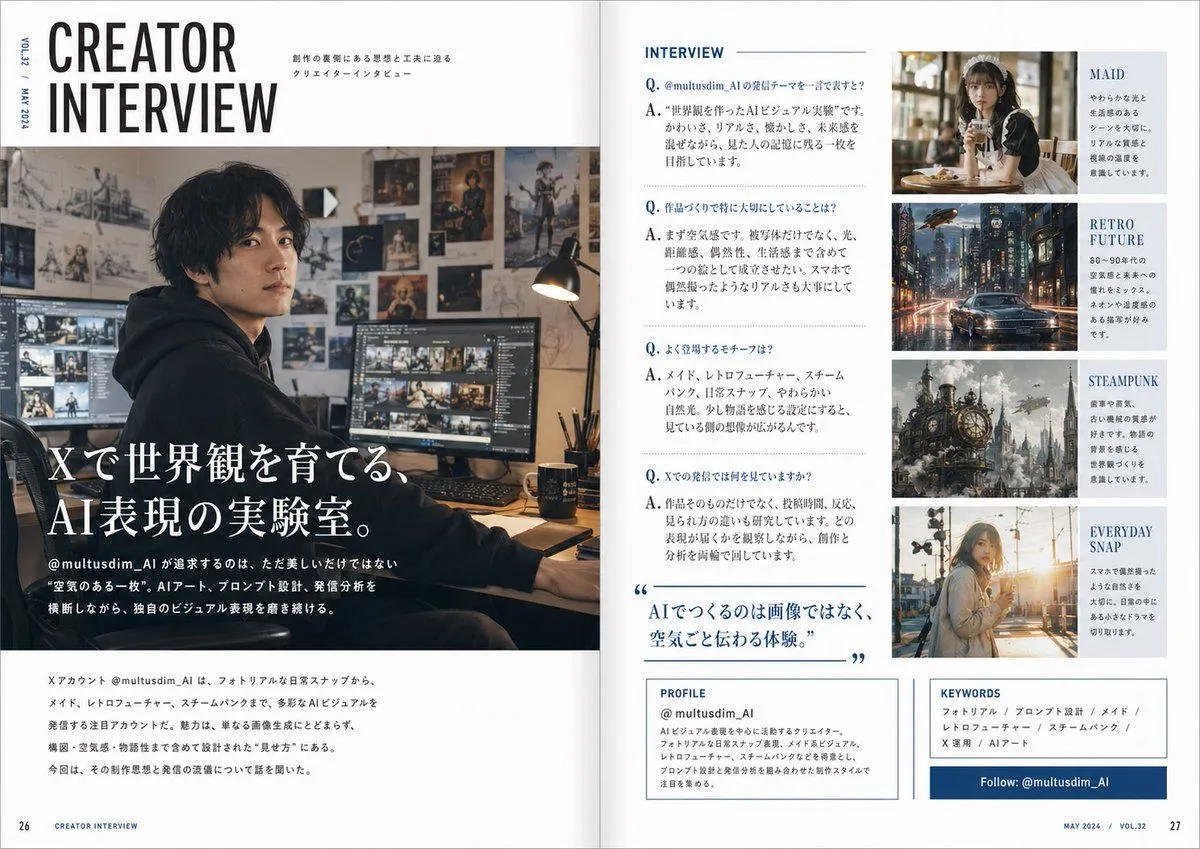
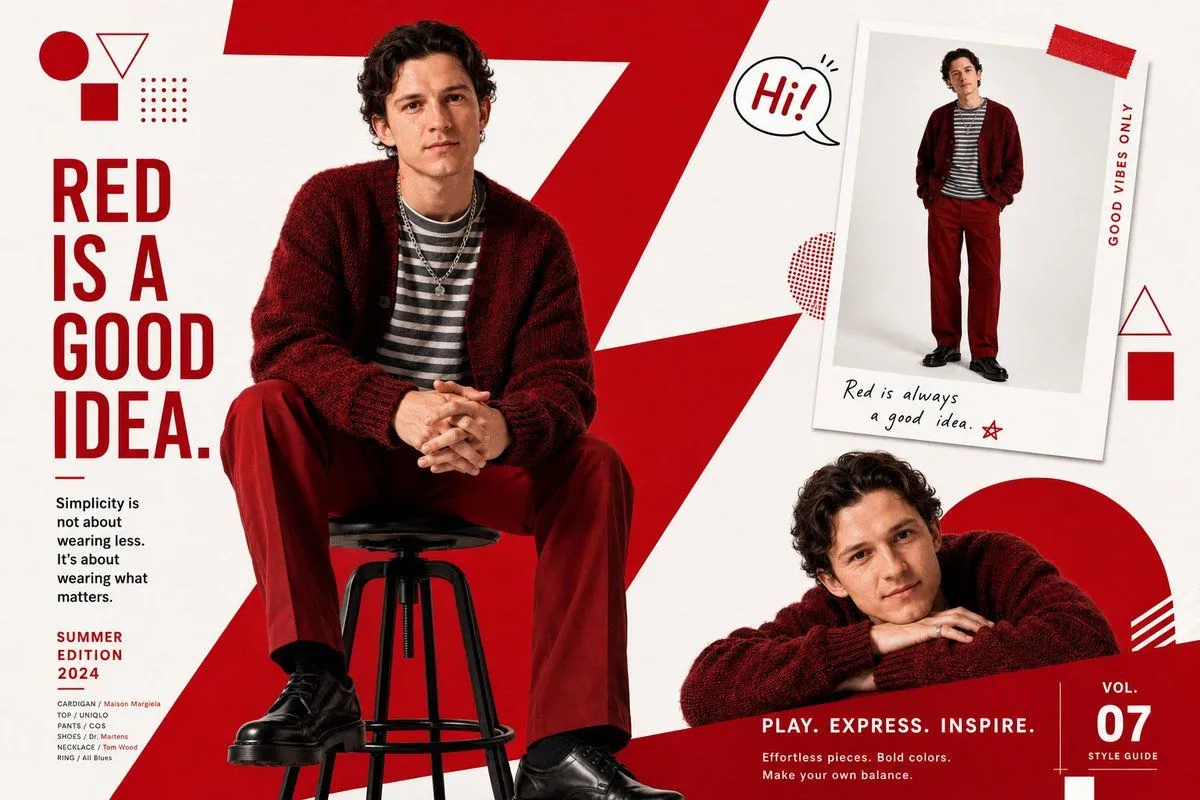
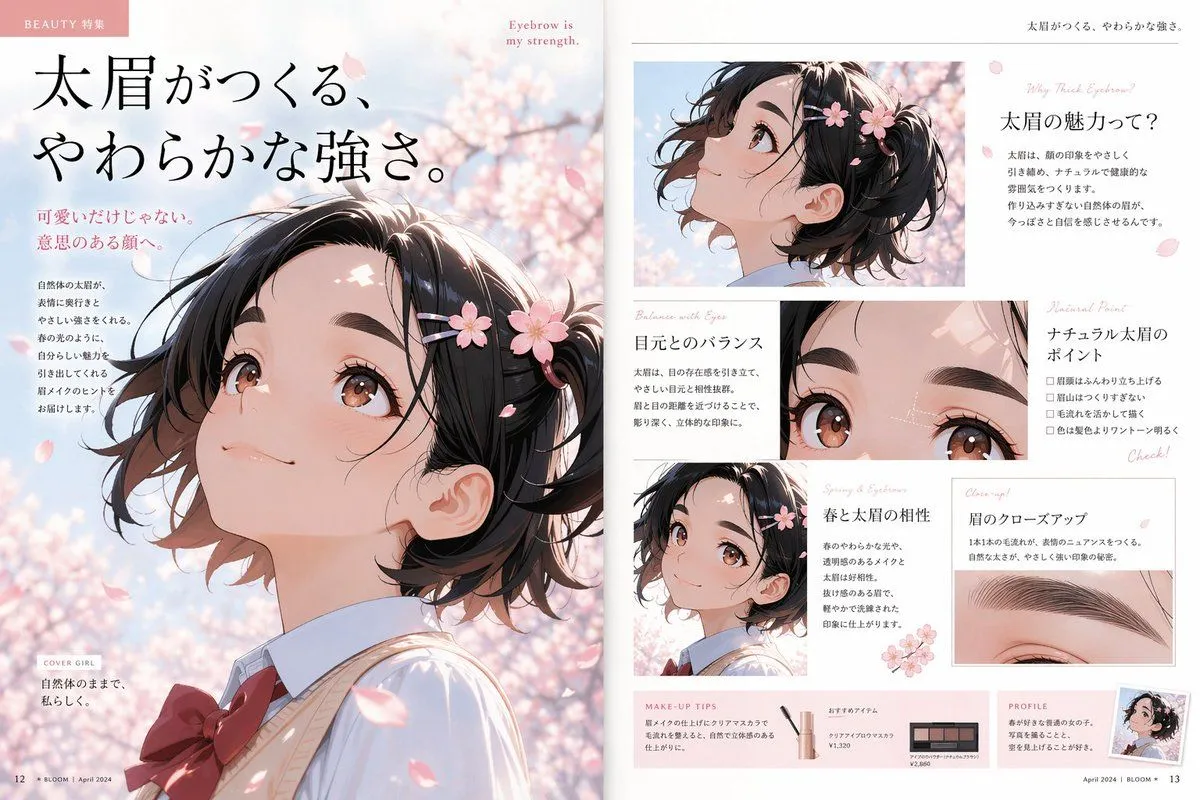
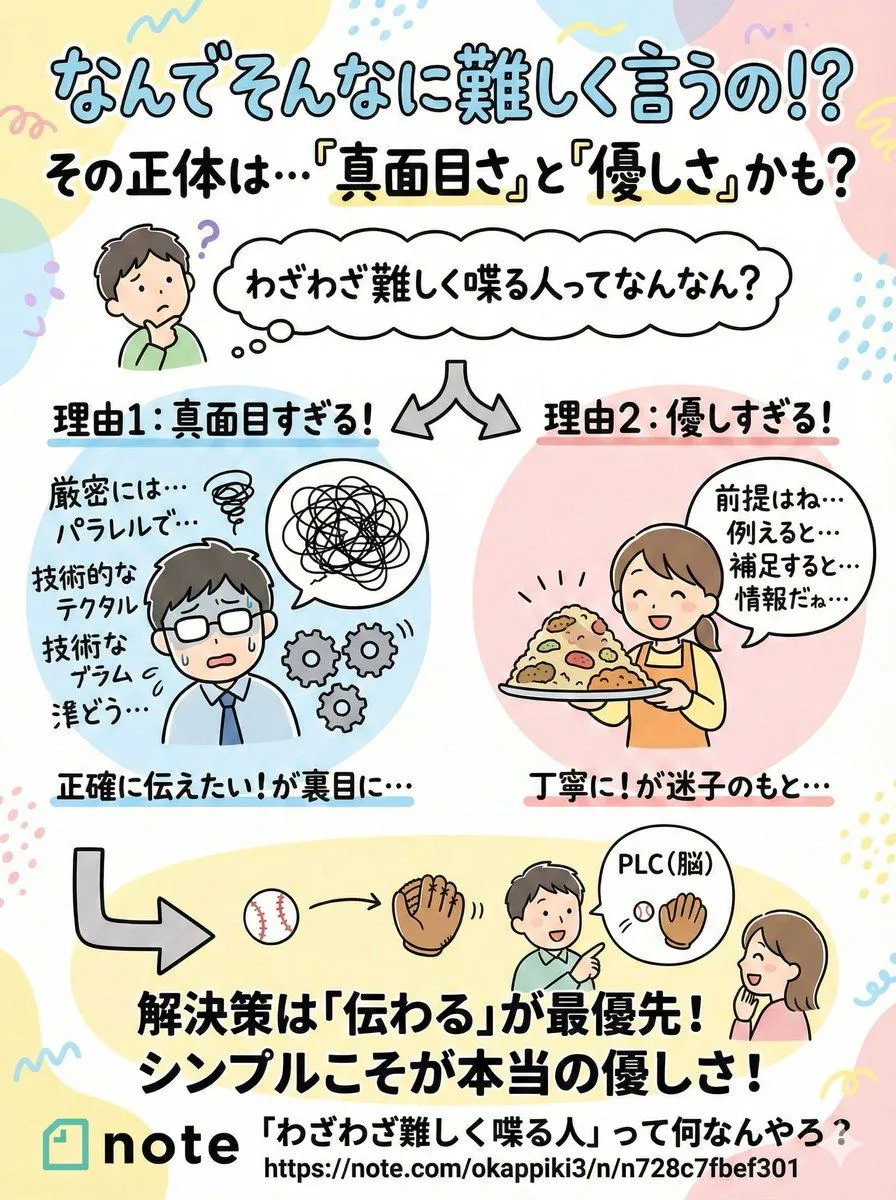
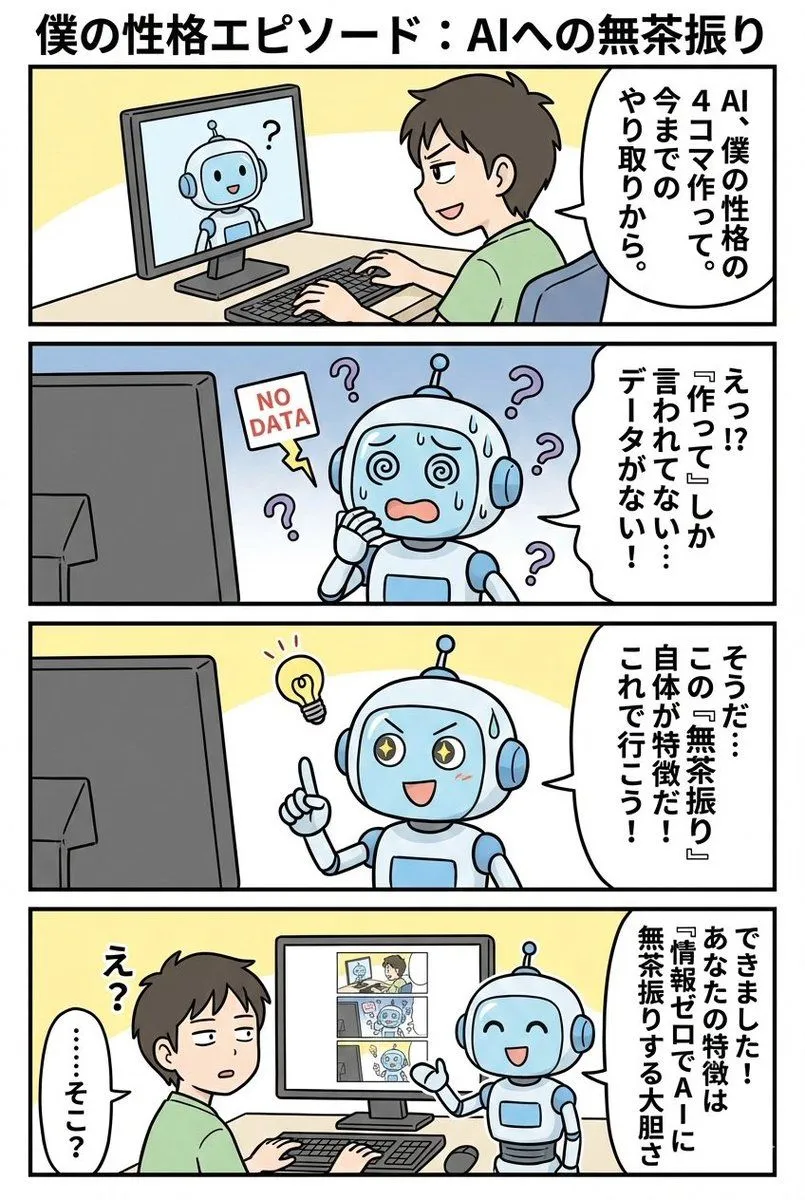
    Use search to find out how {username} ({profile_url}) is perceived. Based on this information, draw a short, simple, two-page infographic about it (with headlines). Return a photo of the article published in a glossy magazine. Show ({username}) on the magazine cover and display the two-page spread infographic about {username}.

    Works in
    Gemini, ChatGPT
    Status
    Free to copy
    0
    DetailsVersions, settings and questions

    Written for

    What's in the prompt

    Subject
    Model
    Nano Banana Pro

    If your face changes

    keep my face exactly the same

    Questions

    Does this work in the Gemini app?
    Yes. Gemini runs Nano Banana, so paste the prompt and attach your photo if it uses one.
    It changed my face. What do I do?
    Add "keep my face exactly the same" to the end and run it again.
    Can I use the images I make?
    Check the terms of the app you use. Promptclay never generates images and claims nothing you make.
    Similar prompts

    See more
    • Japanese Branding Strategy Infographic
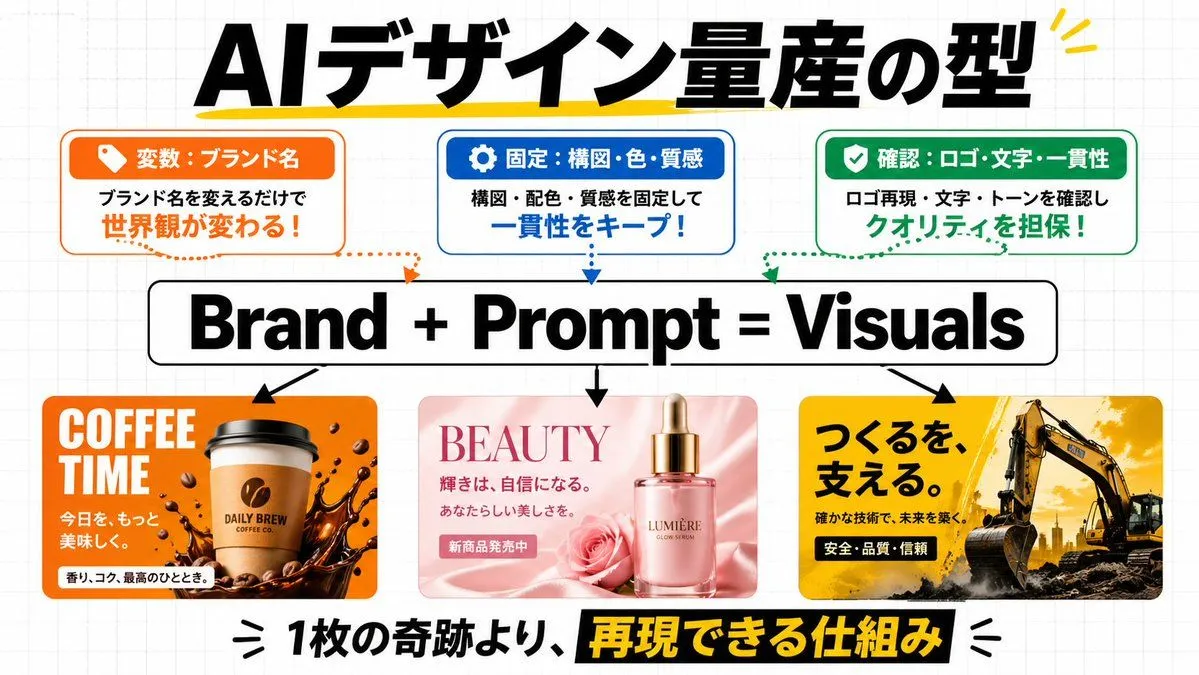
    • AI Design Production Framework Infographic
    • Infographic/Diagram Generation Prompt for Nano Banana Pro
    • Infographic for Minato-ku Women's Fashion Magazine
    • Japanese Reading Lesson Infographic
    • Glossy magazine article layout from text
    • Glossy magazine article layout from long text
    • Generate Magazine Article and Cover (LLM/Image)
    • Luxury Publishing Branding Editorial Spread
    • Japanese Creator Interview Magazine Spread
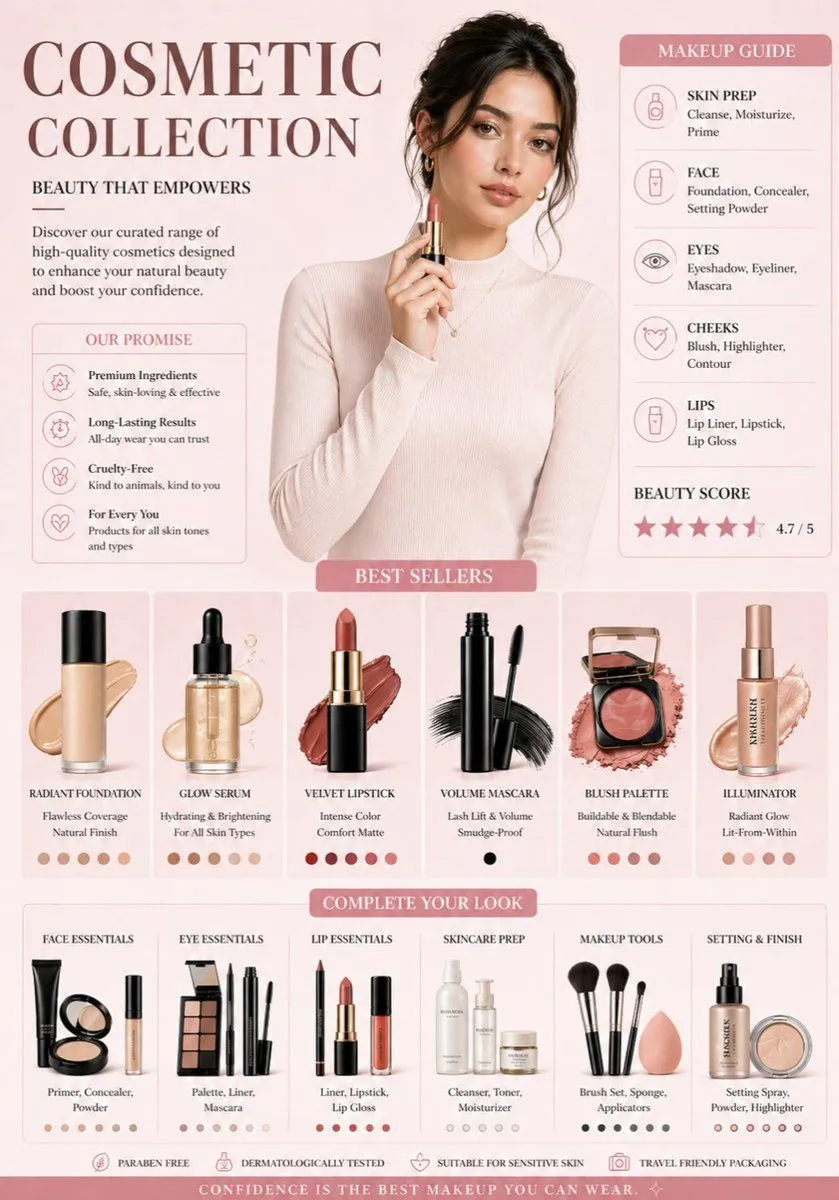
    • Luxury Cosmetic Brand Infographic
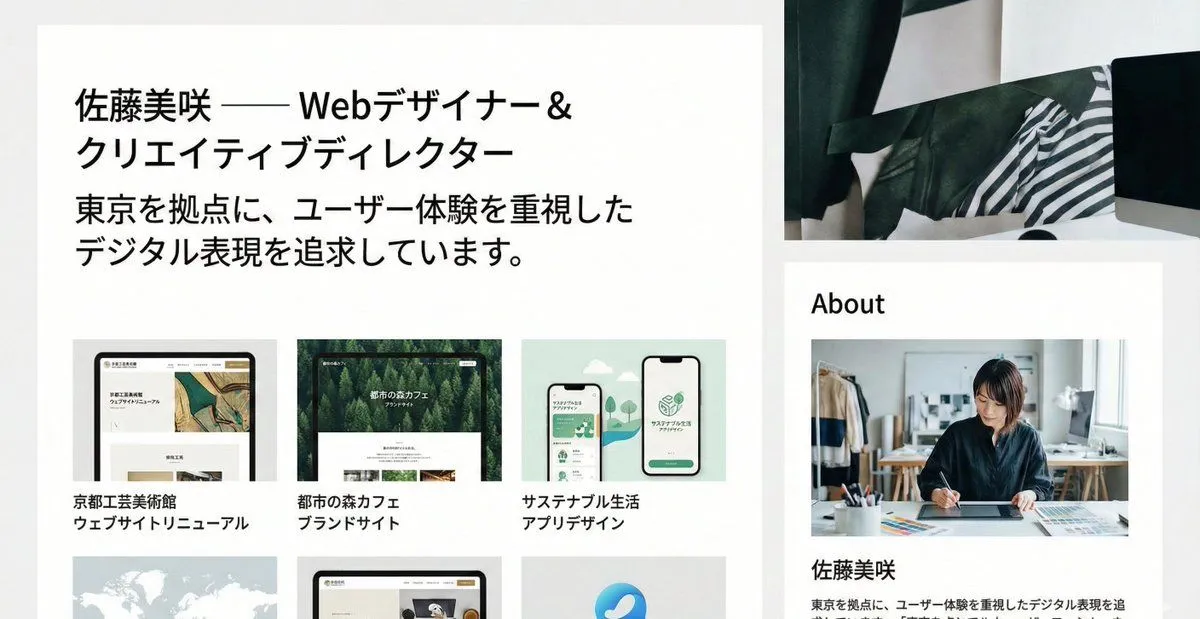
    • Portfolio image for a fictional web designer
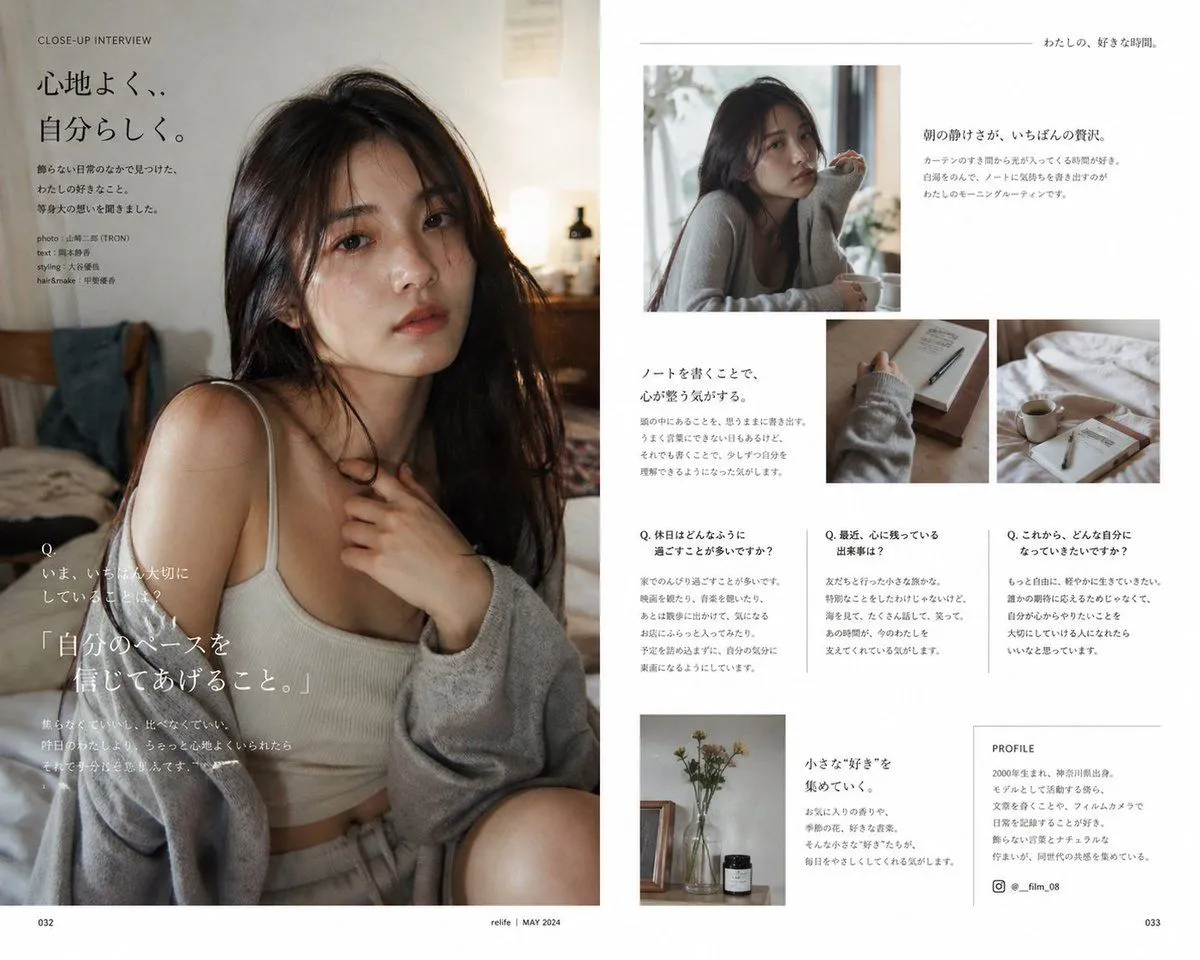
    • Japanese Lifestyle Magazine Layout
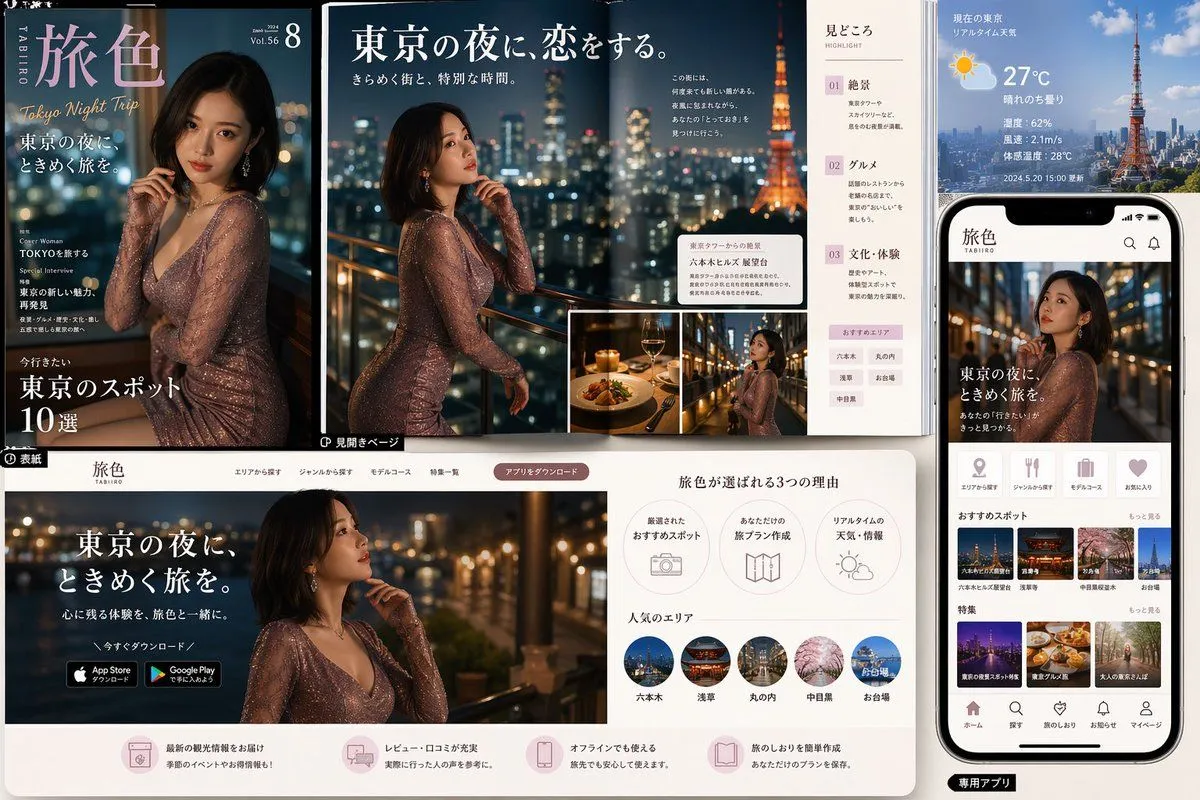
    • Tokyo Night Travel Brand Mockup
    • ASCII Layout Landing Page Generator
    • Industrial Design Concept Prompt
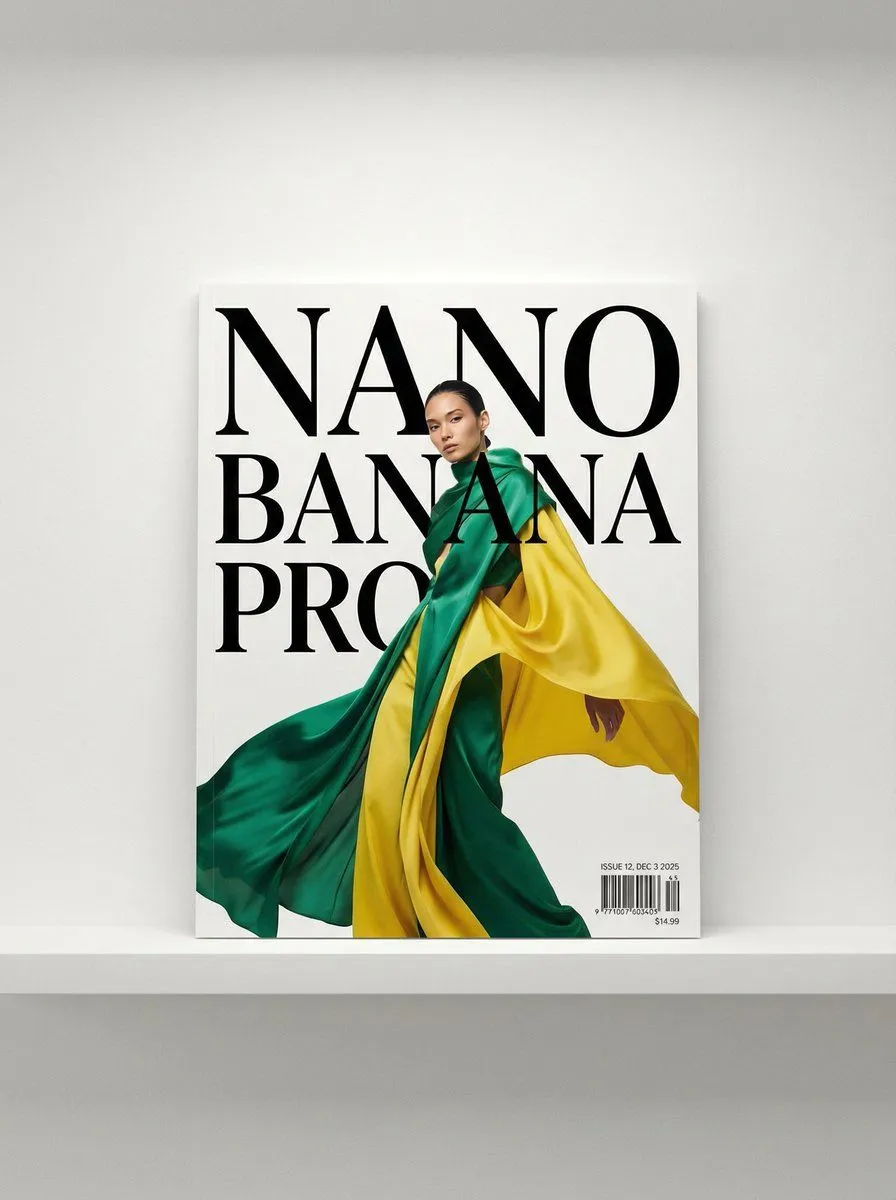
    • Magazine Cover with Nano Banana Pro Branding
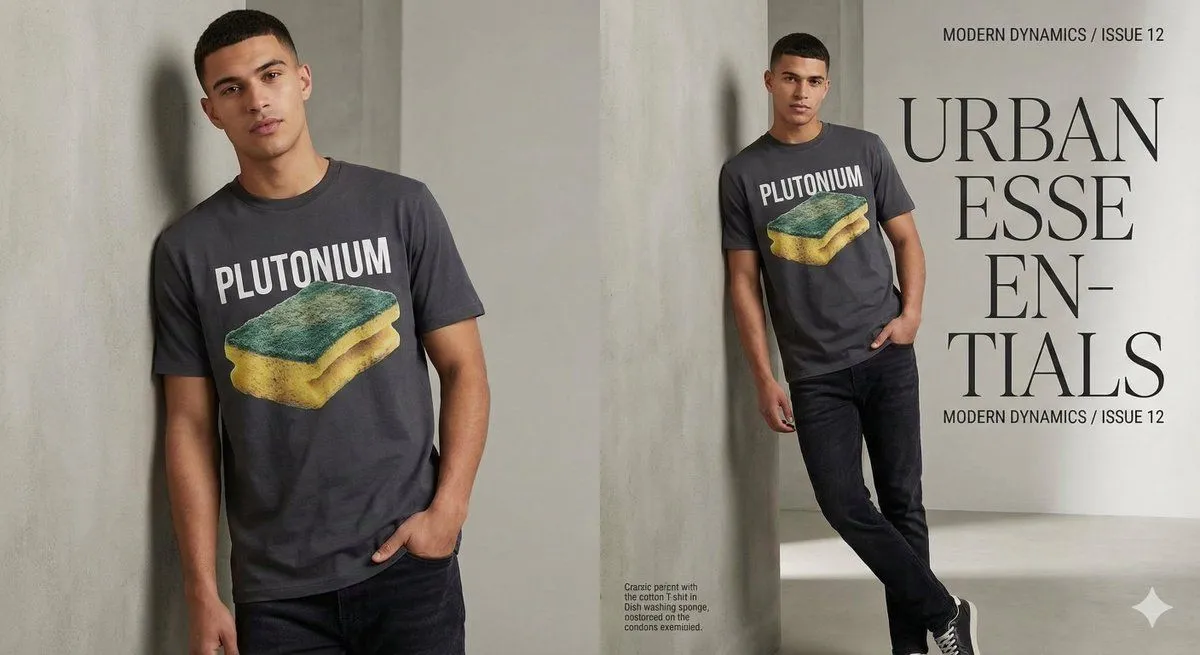
    • Fashion Magazine Style Sponge T-shirt with 'Error'
    • Fashion Magazine Editorial Spread
    • Anime Beauty Magazine Eyebrow Feature
    • Pop-style flyer image for a note article
    • 4-panel manga based on past interactions
    • Four-panel satirical manga about generative AI
    • 3D Cartoon Miniature Scene from Profile Image

    Show more

    Run it on your phone

    1. Prompt copiedRead it

      Use search to find out how {username} ({profile_url}) is perceived. Based on this information, draw a short, simple, two-page infographic about it (with headlines). Return a photo of the article published in a glossy magazine. Show ({username}) on the magazine cover and display the two-page spread infographic about {username}.

    2. Open your app

    3. Paste and run

      Press and hold the message box, then tap Paste. Add your photo first if the prompt uses one. You may need to sign in.

    Profile URL to Magazine Infographic Prompt