Tell us anything

An idea, a bug, something you love. We read every note.

⌘↵ to send. The page you're on comes along.

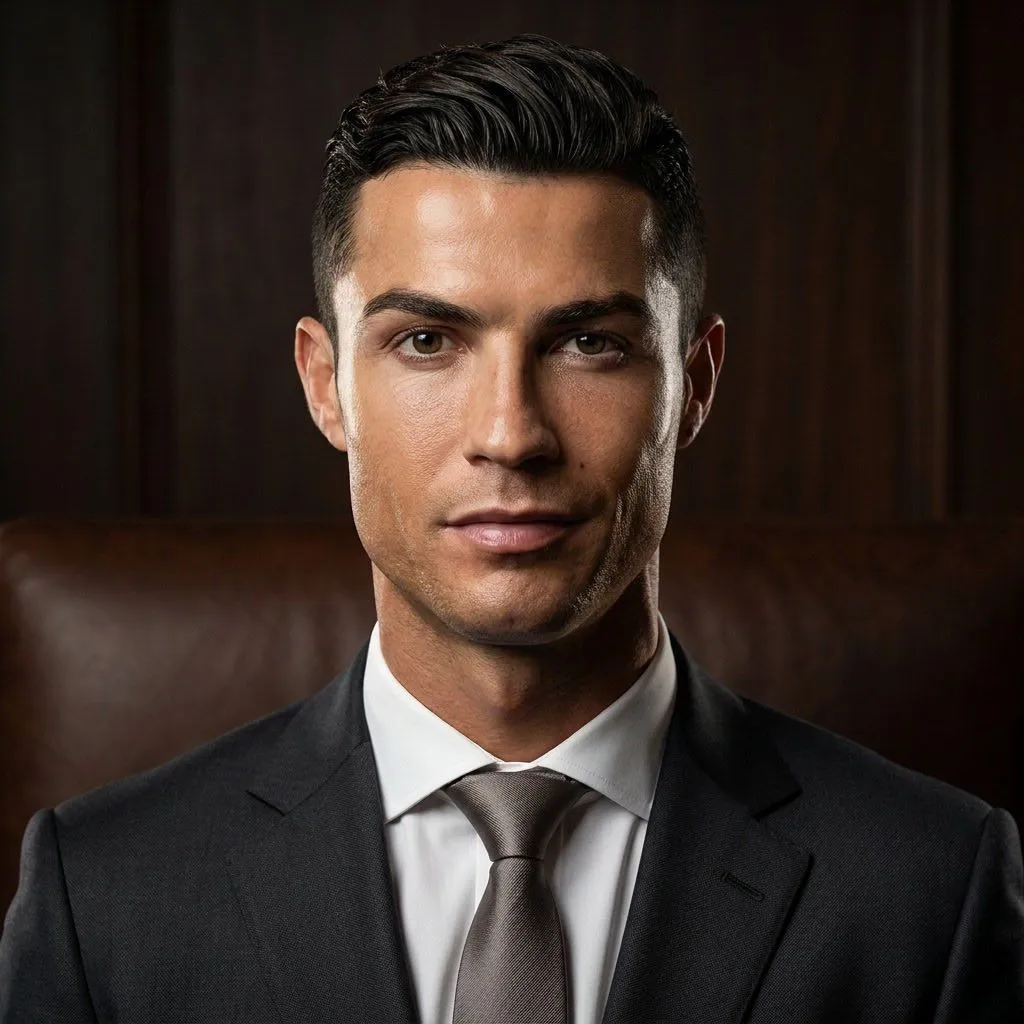
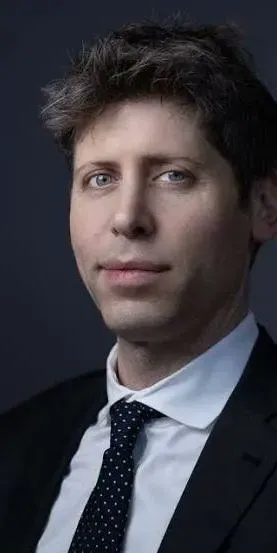
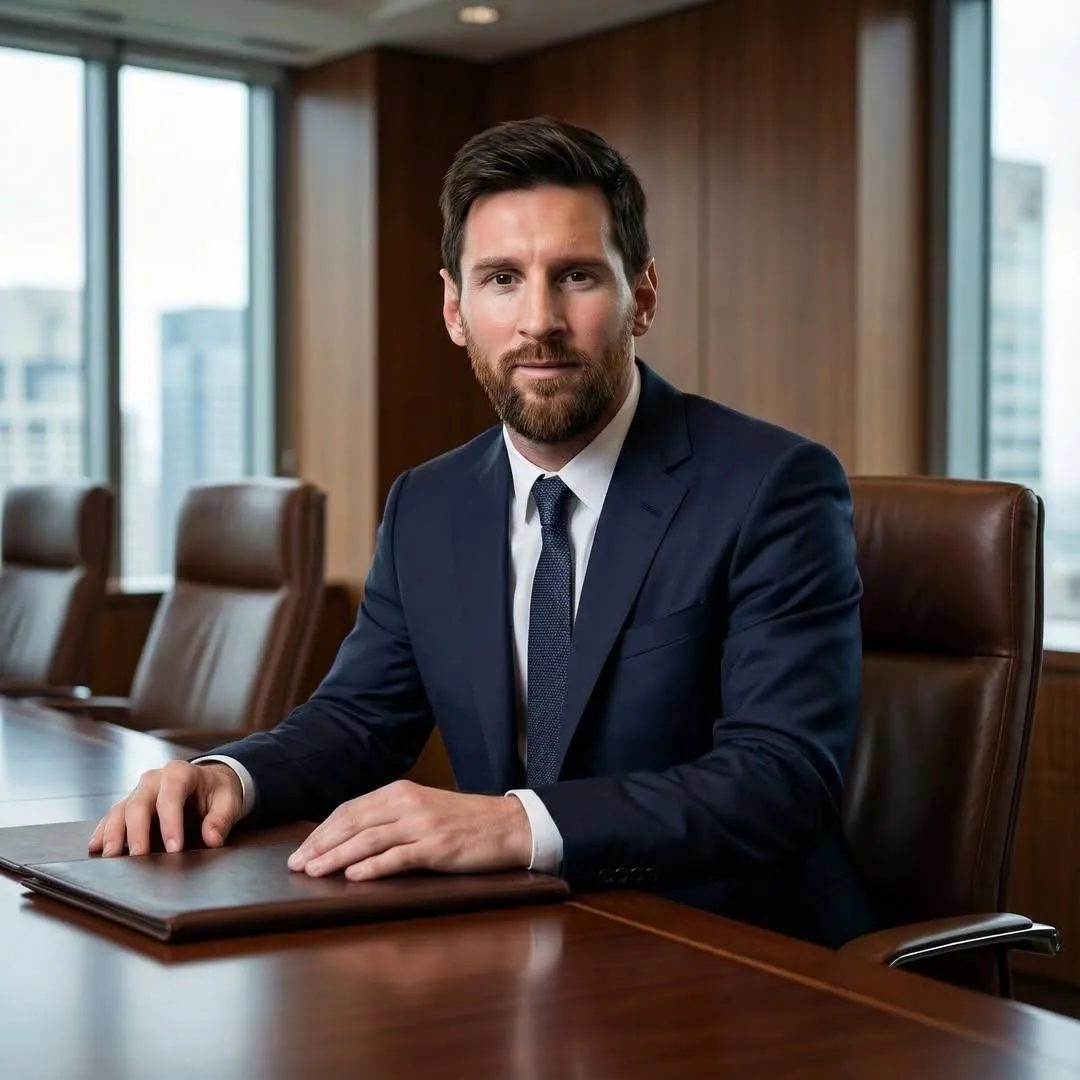
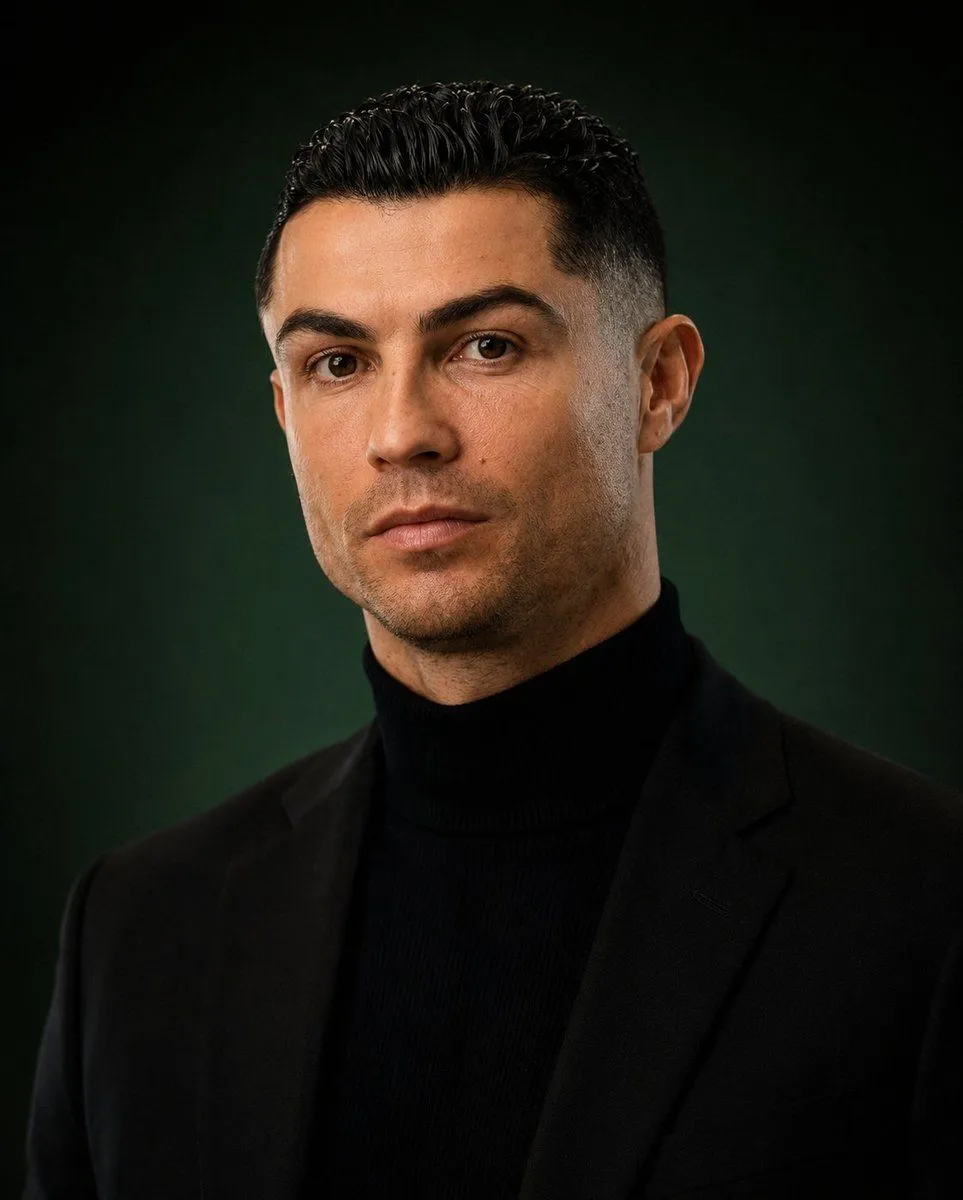
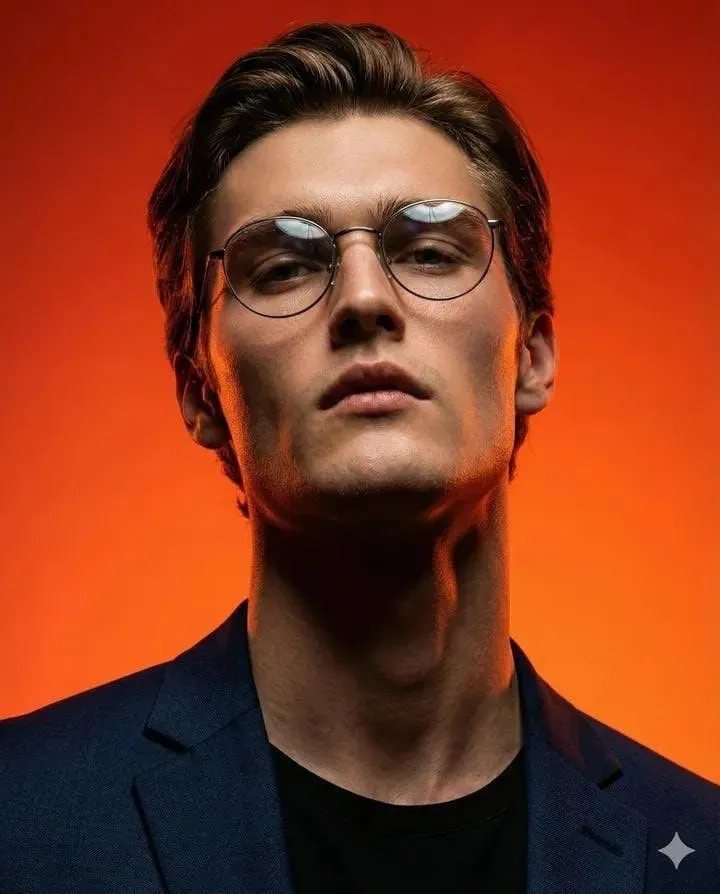
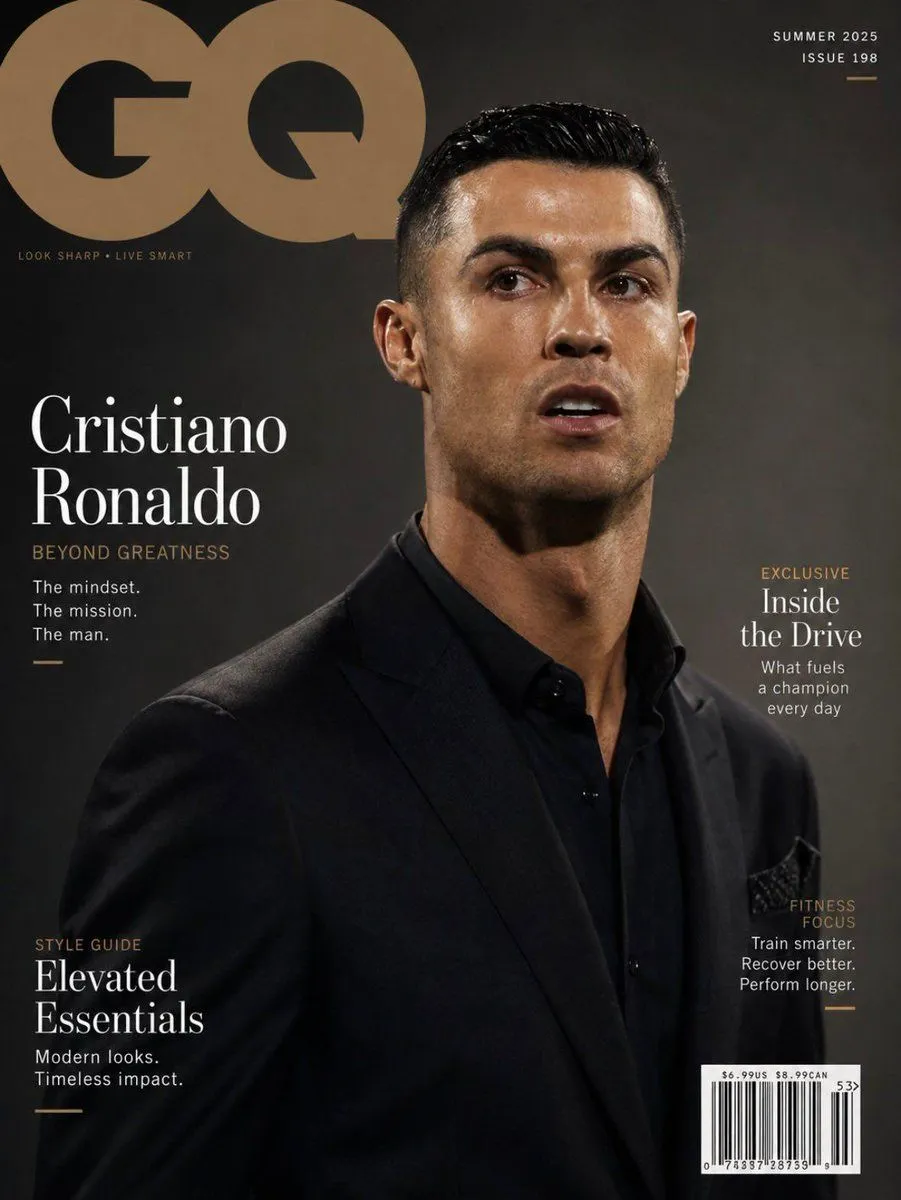
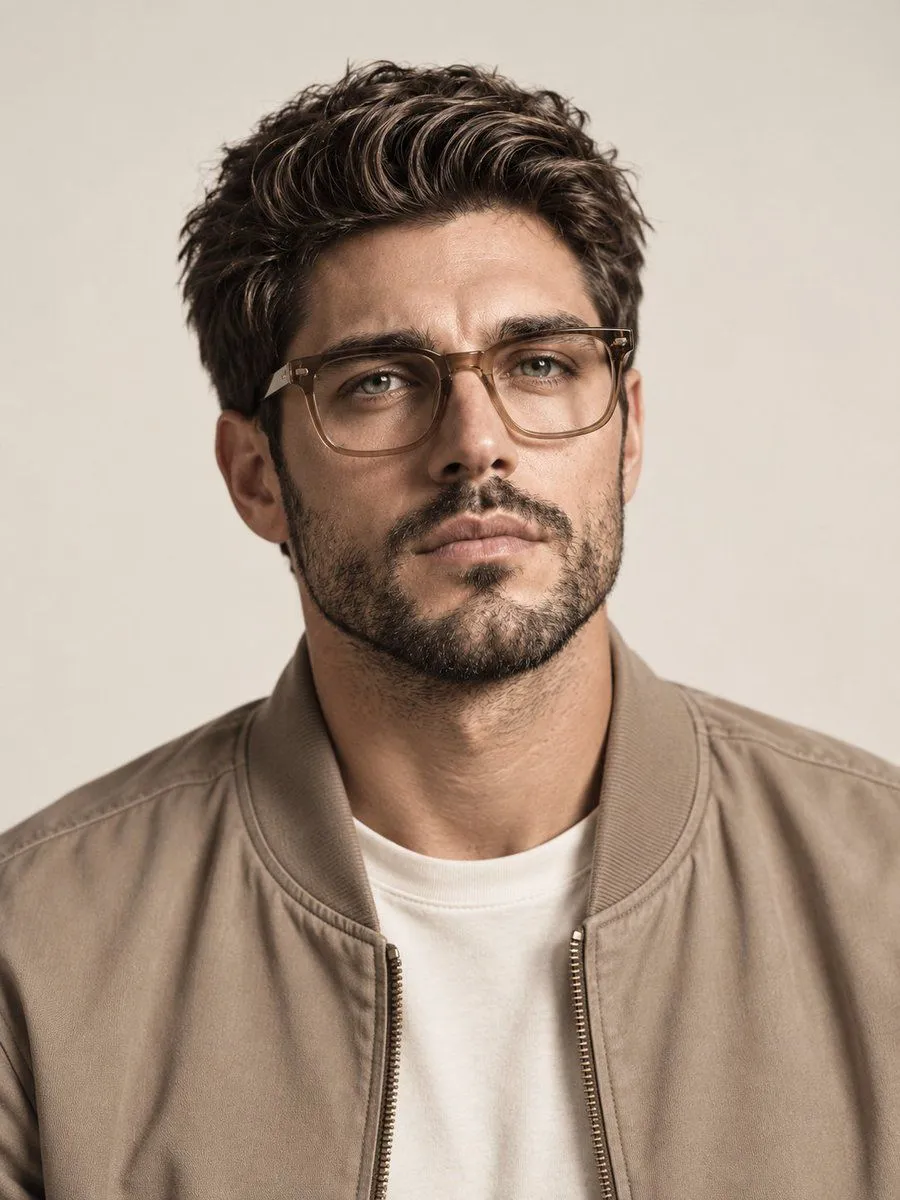
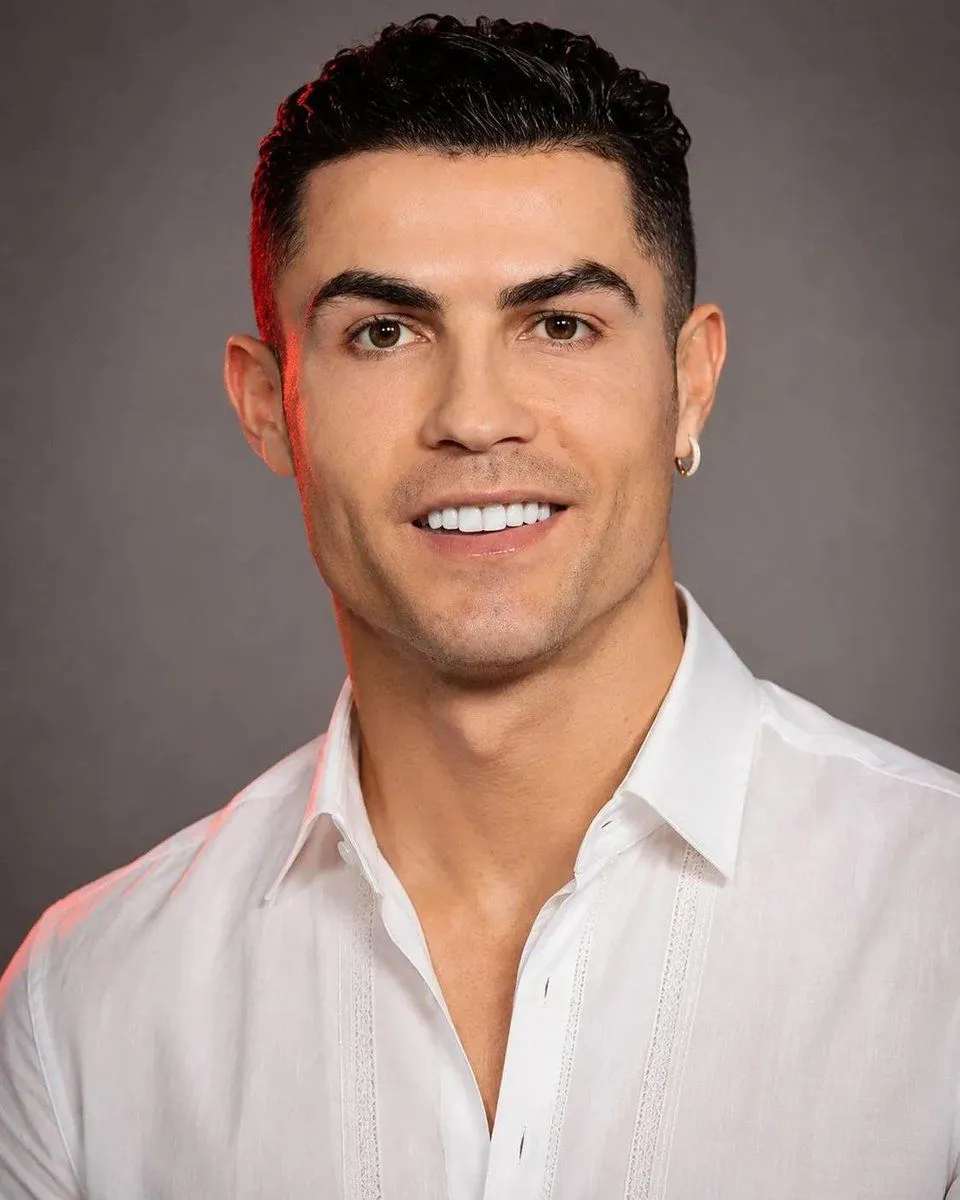
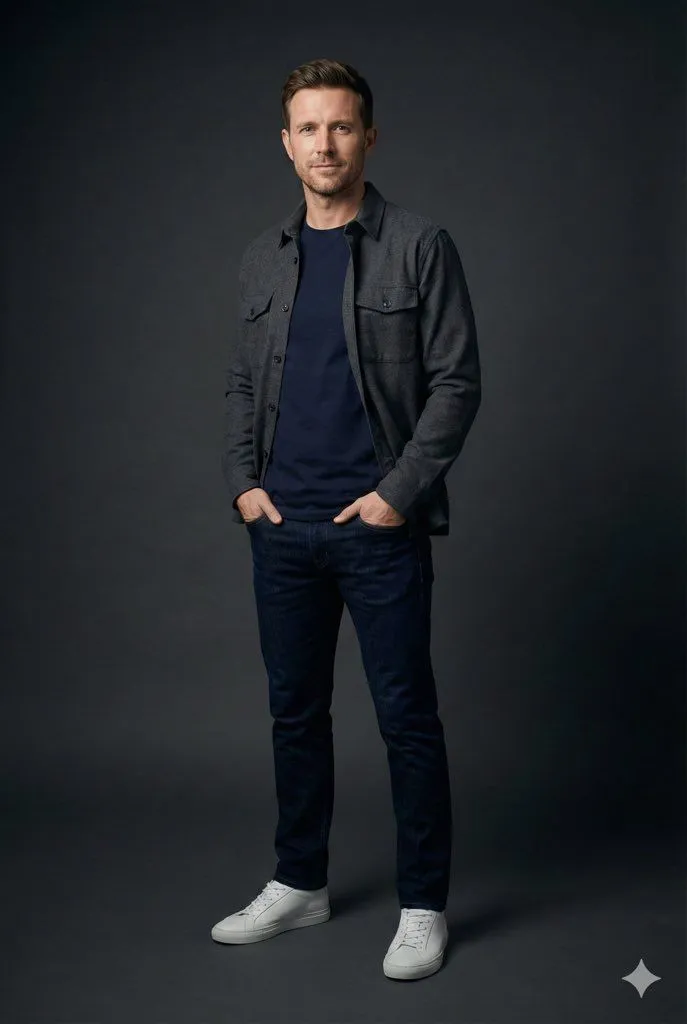
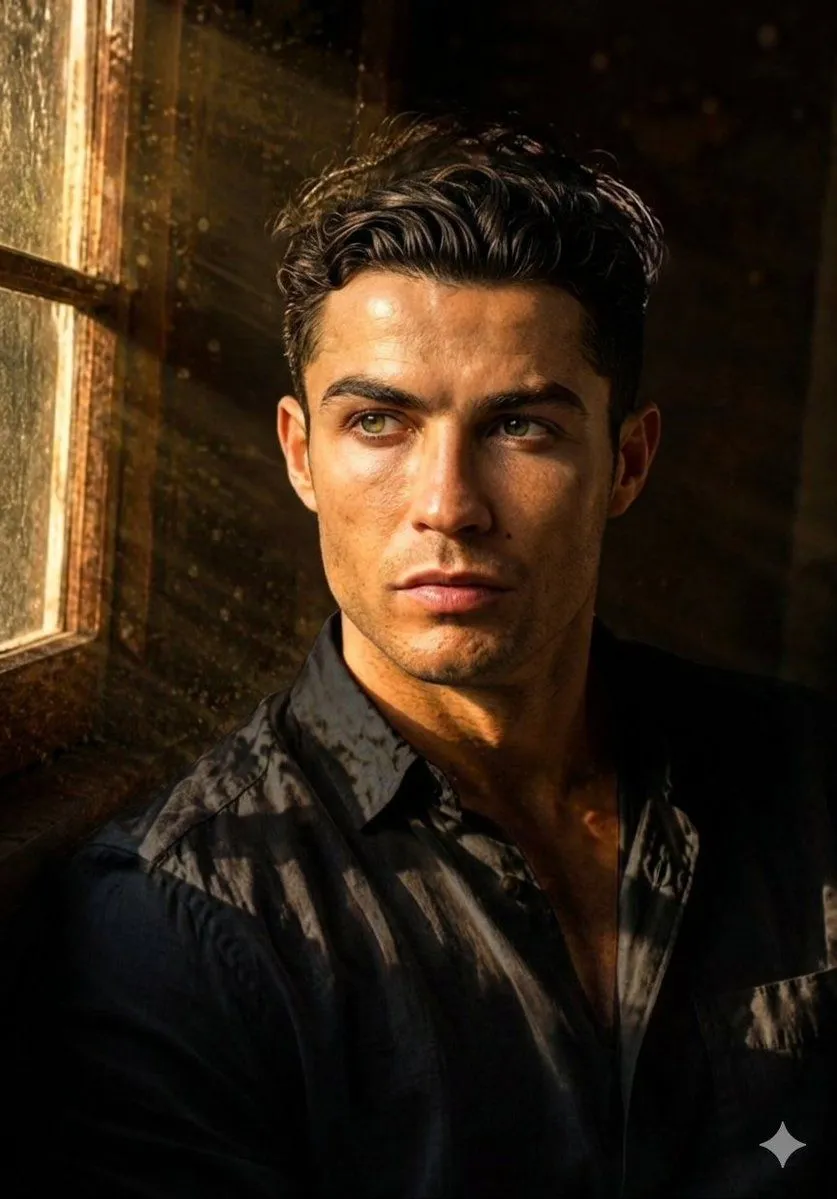
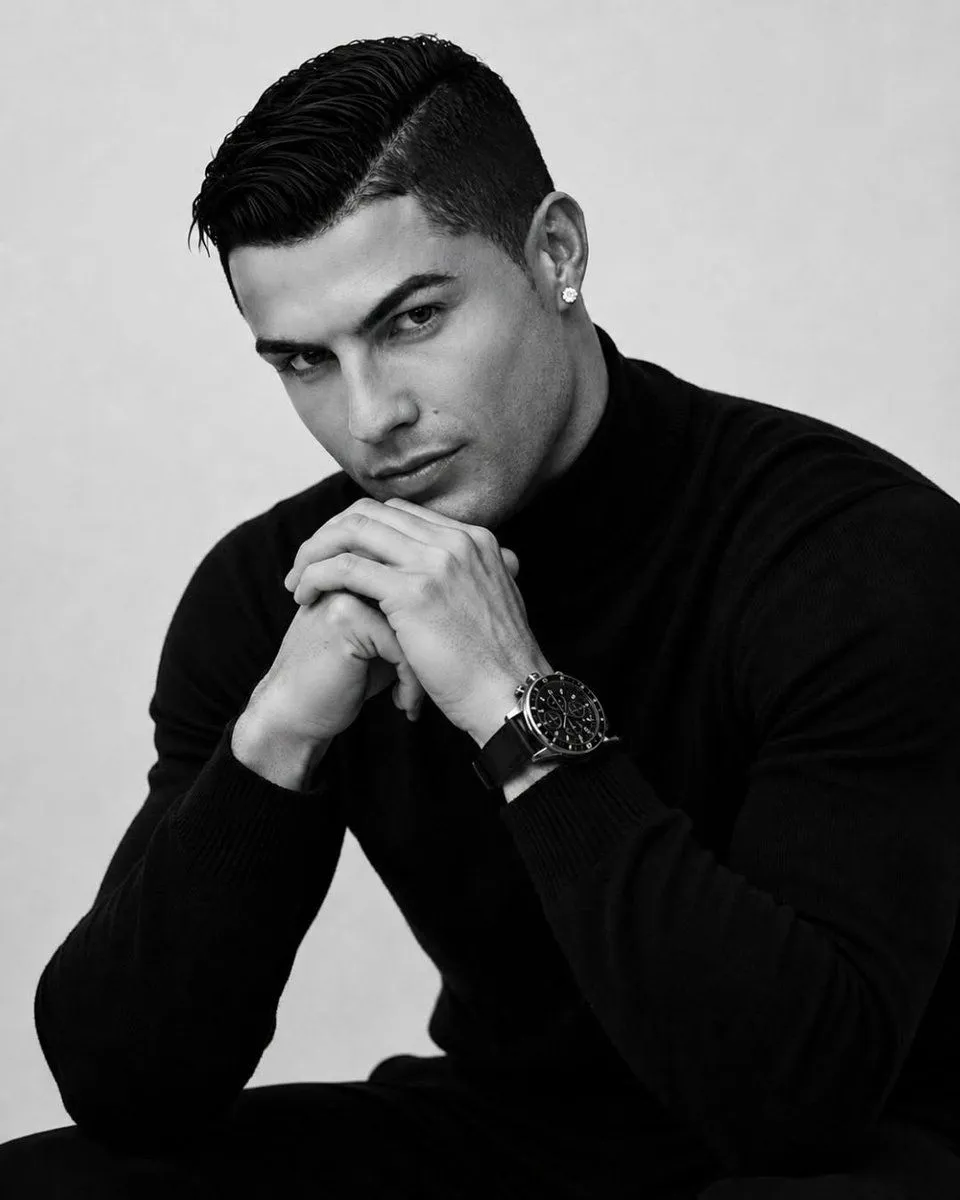
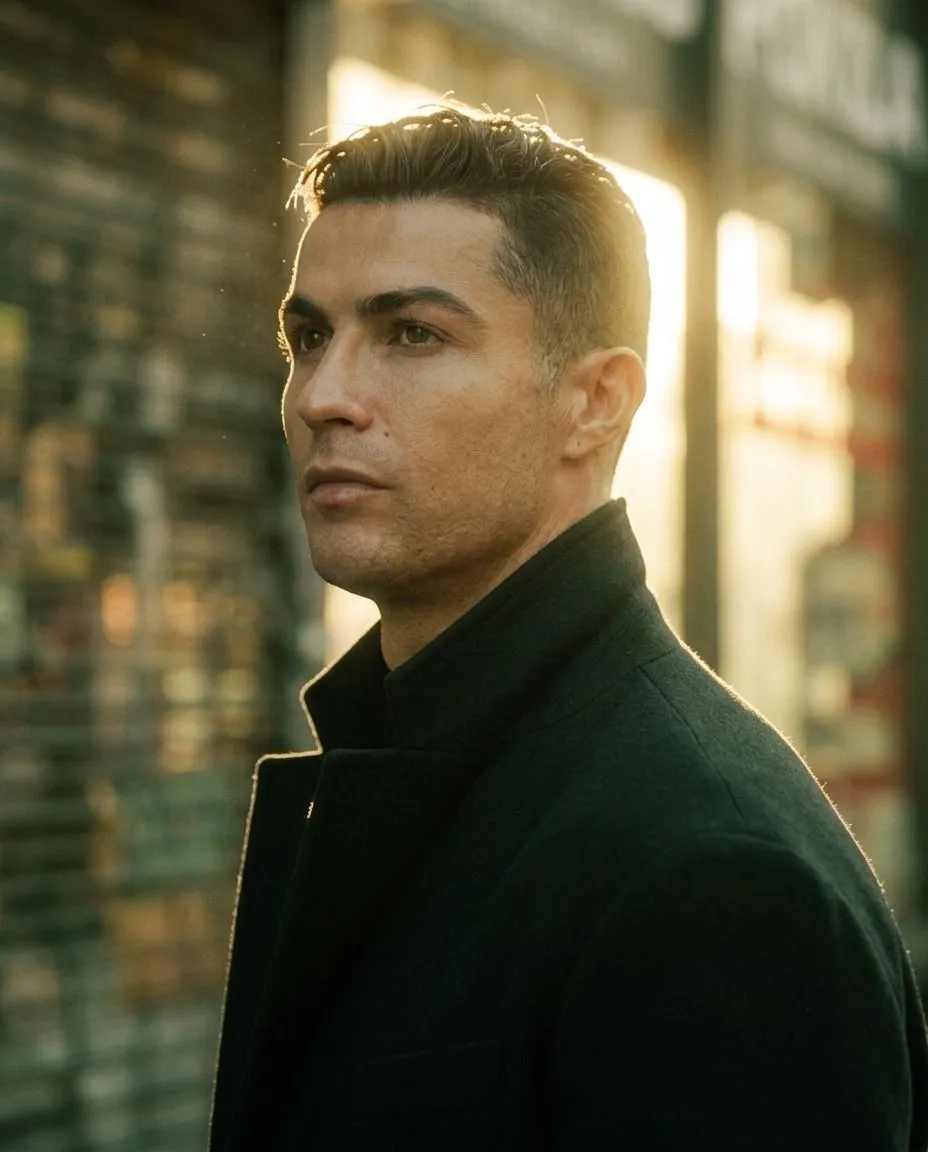
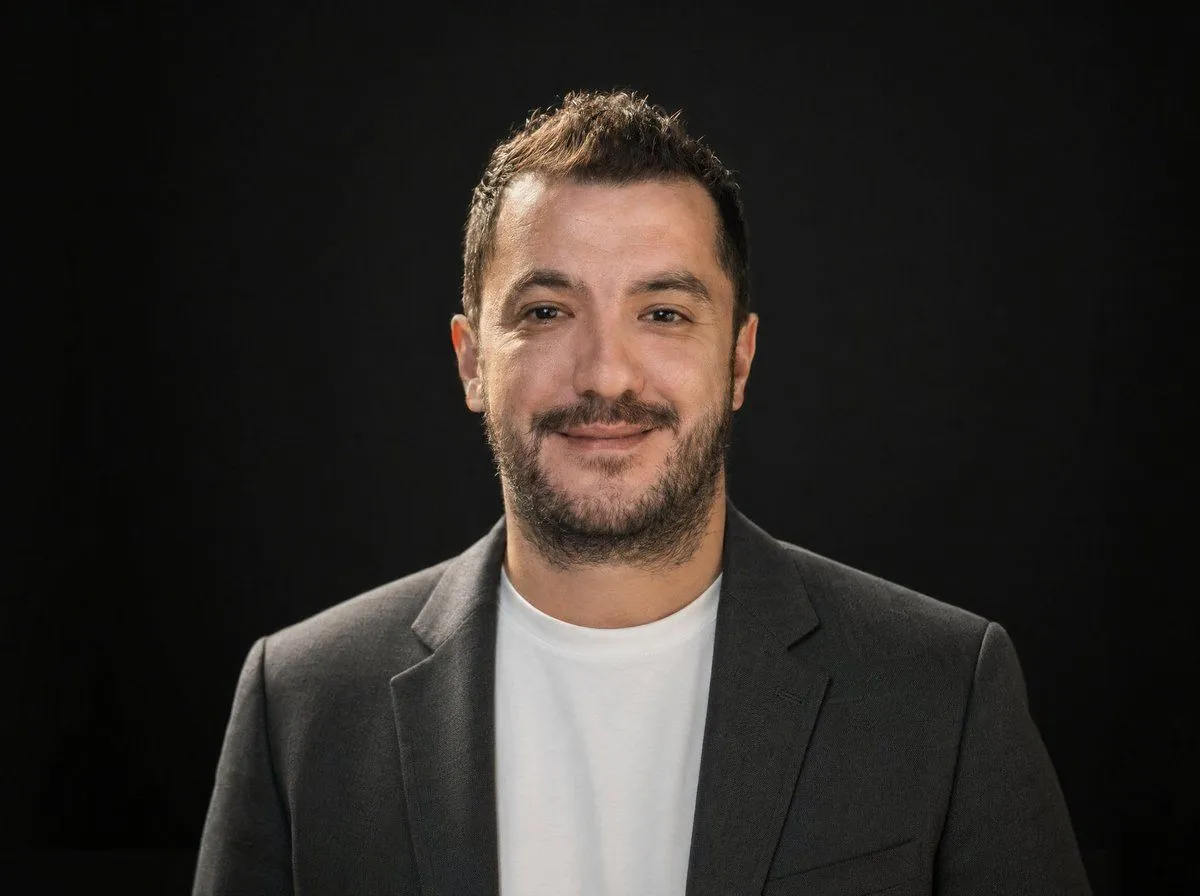
Professional Studio Headshot Prompt

Made with Nano Banana Pro in Gemini, collected by Library Portraits. Promptclay never generates images.

Did it work?

No reports yet. Tell others if it worked for you.

No comments yet. Be the first.

    Professional Studio Headshot Prompt

    Nano Banana Pro1:1AI-generated

    Prompt

    { "image_prompt": { "main_description": "Professional studio headshot of a confident, well-groomed man in his early 30s.", "subject_details": { "appearance": "Neat short hairstyle, sharp facial features, subtle stubble or clean-shaven", "expression": "Natural, friendly smile, confident", "apparel": "Dark blazer over a plain black or navy t-shirt" }, "environment": { "setting": "Modern office background", "elements": "Softly blurred desk, monitor, and indoor plants", "depth": "Shallow depth of field" }, "lighting_and_atmosphere": { "lighting_setup": "Soft diffused studio lighting, gentle key light, balanced fill", "color_grading": "Clean color grading, realistic skin tones", "mood": "Minimalist, polished, executive" }, "technical_specs": { "style": "LinkedIn-quality professional photography, ultra-realistic", "focus": "Sharp focus, crisp details", "resolution": "High resolution" } } }

    Works in
    Gemini, ChatGPT
    Status
    Free to copy
    0
    DetailsVersions, settings and questions

    Written for

    What's in the prompt

    Subject
    Model
    Nano Banana Pro

    If your face changes

    keep my face exactly the same

    Questions

    Does this work in the Gemini app?
    Yes. Gemini runs Nano Banana, so paste the prompt and attach your photo if it uses one.
    It changed my face. What do I do?
    Add "keep my face exactly the same" to the end and run it again.
    Can I use the images I make?
    Check the terms of the app you use. Promptclay never generates images and claims nothing you make.

    Similar prompts

    See more
    • Ultra-Realistic Corporate Executive Portrait
    • Professional Dark-Background LinkedIn Portrait
    • Professional Studio Male Portraits
    • Magical Forest Creature Portrait Prompt (from ALT text)
    • Ultra-Realistic Corporate Lifestyle Portrait
    • Professional Studio Portrait Headshots
    • Premium Male Editorial Portrait
    • Cinematic Studio Portrait of an Intellectual Man
    • Luxury Magazine Cover Transformation
    • Studio Portrait with Vintage Glasses
    • Professional Footballer Media Day Portrait
    • Modern Casual British Man Studio Portrait Prompt
    • Moody Dual Portrait at Golden Hour
    • Monochrome Luxury Fashion Portrait
    • Golden Hour Footballer Editorial
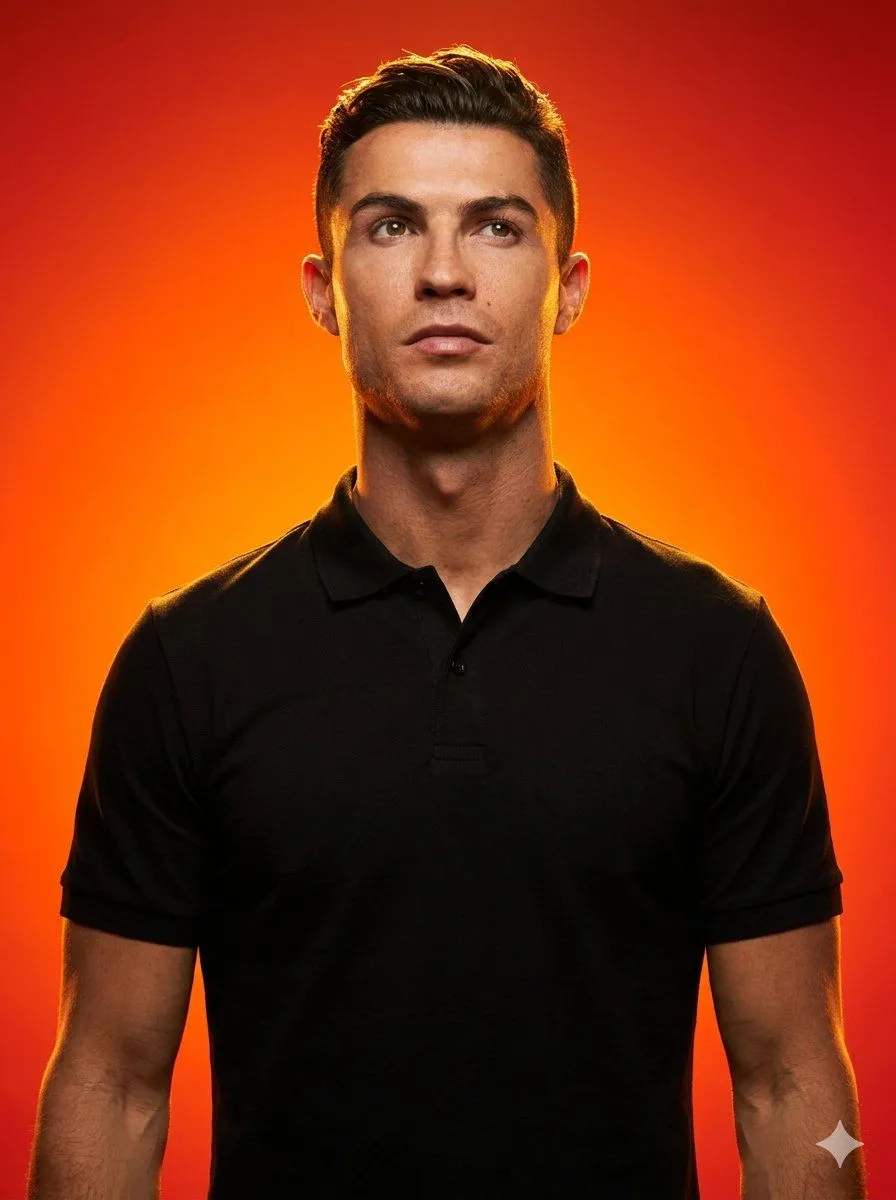
    • Studio portrait with fiery gradient background
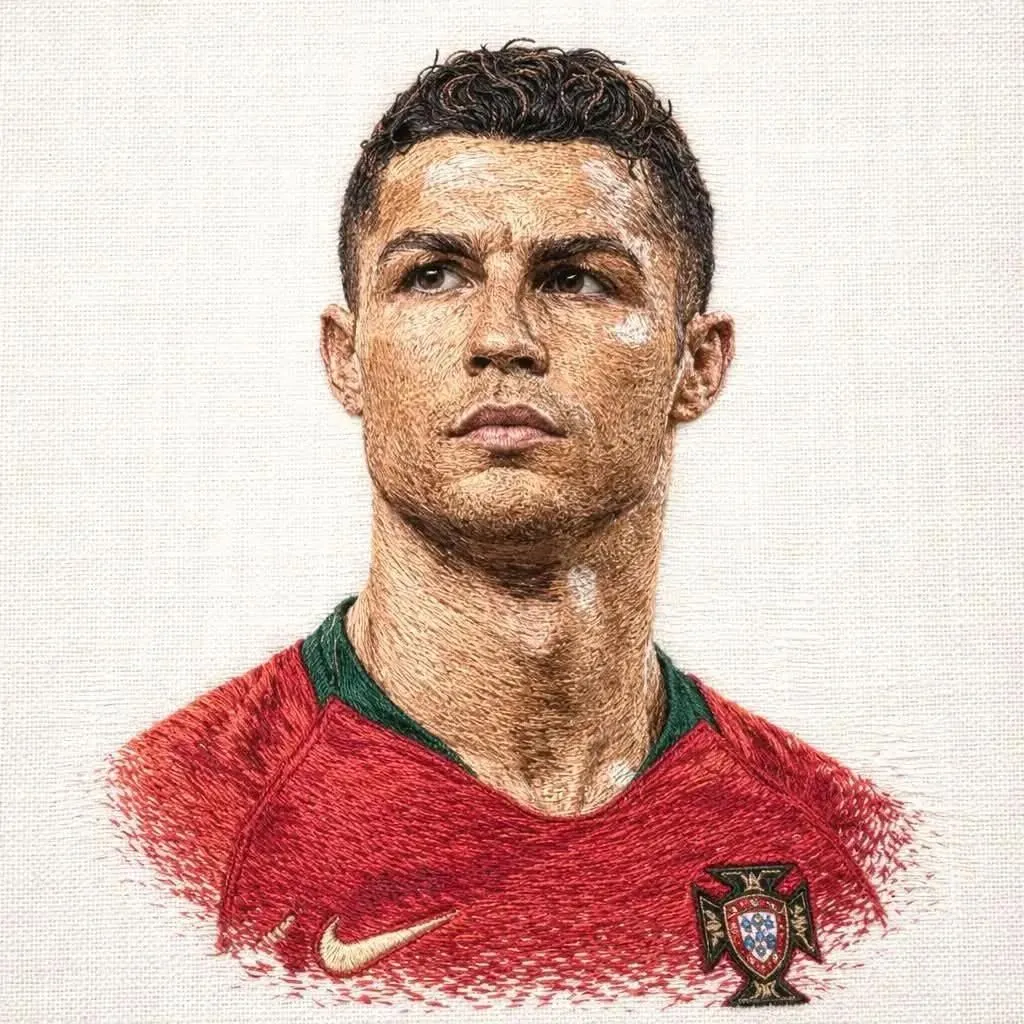
    • Hyper-Detailed Footballer Portrait Sketch Prompt
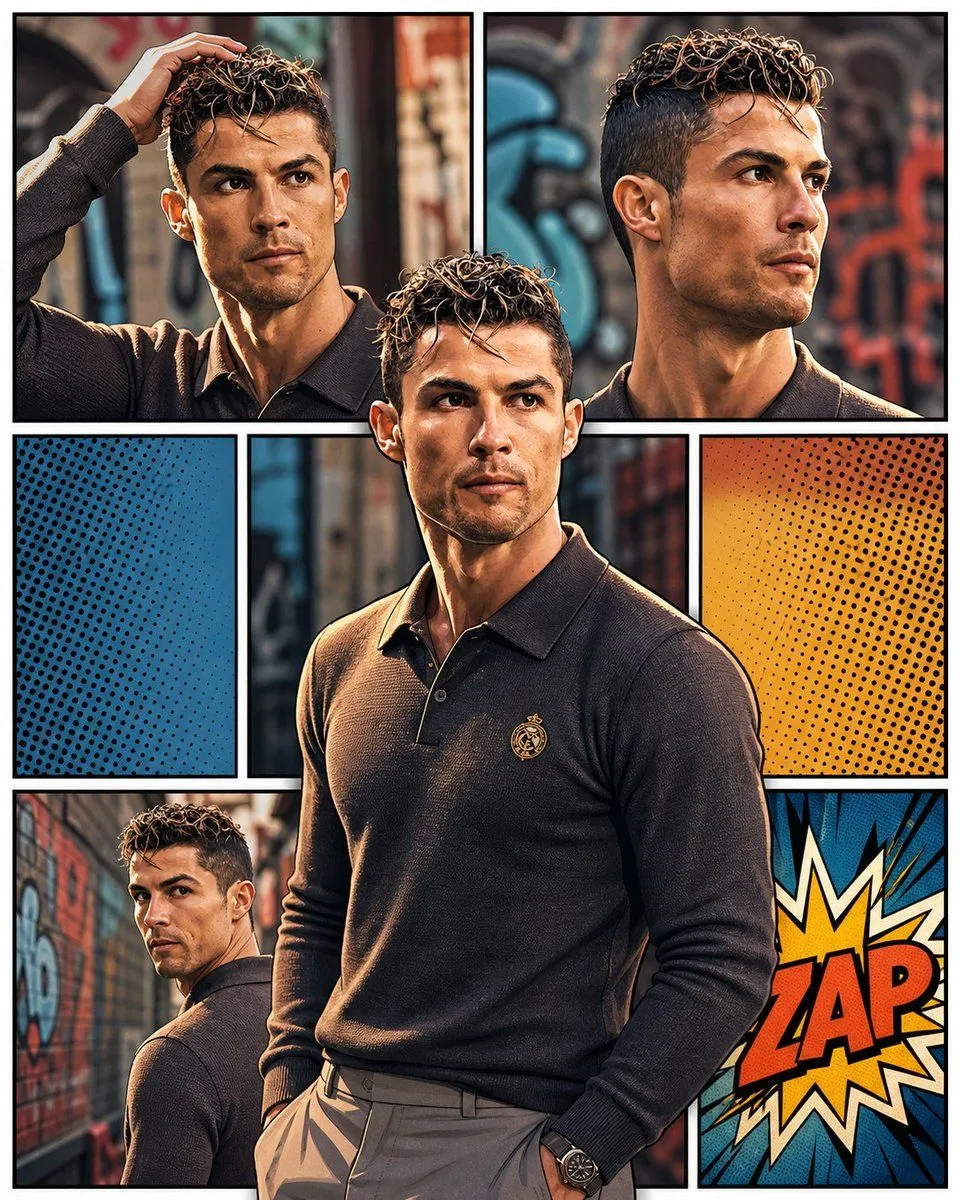
    • 3D Pop-Art Comic Grid
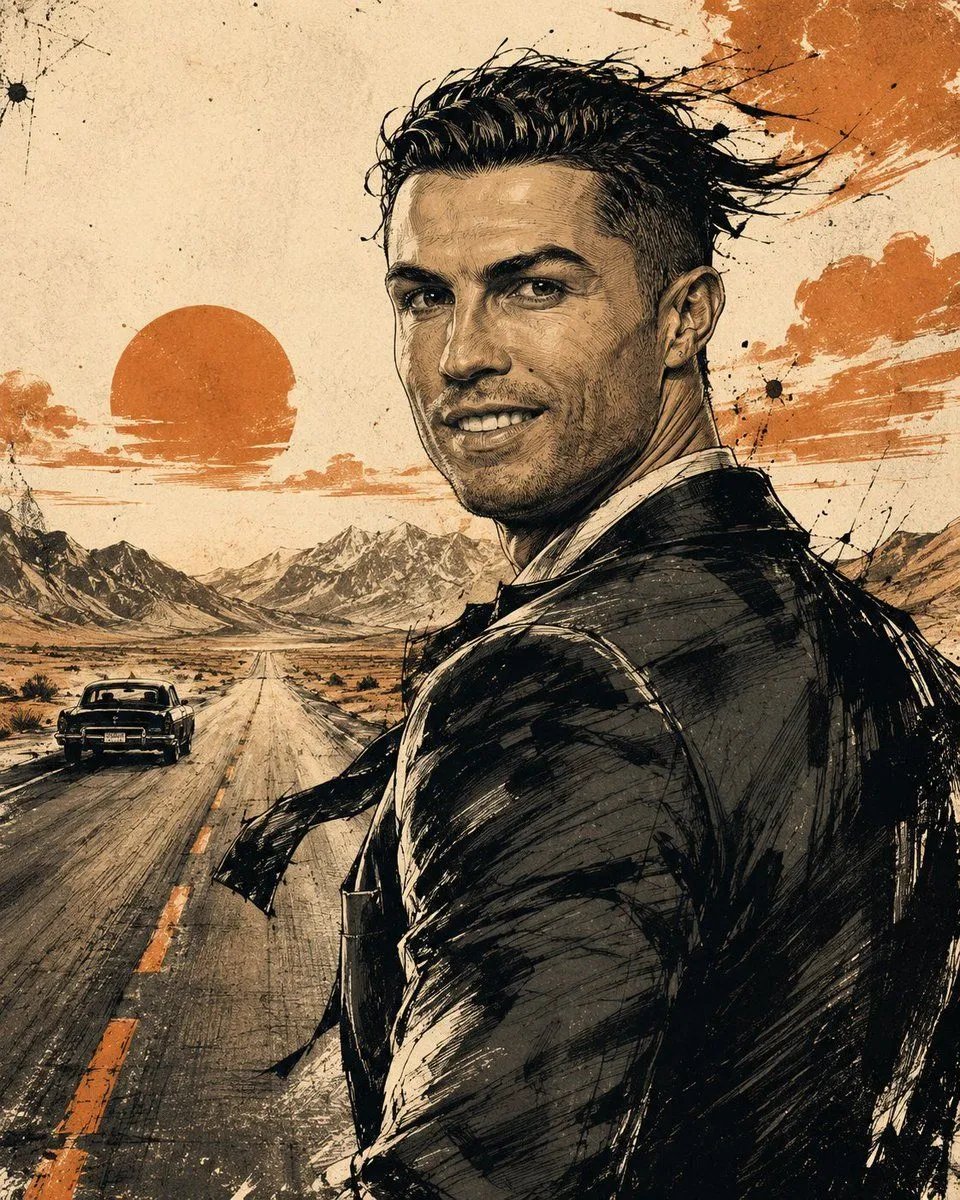
    • Cinematic Editorial Ink Illustration
    • Hand-Carved Wooden Miniature Figure
    • Multi-Angle Scene Generation Prompt (Oshi no Ko Style)
    • Nano Banana Pro Thumbnail Generation Example
    • Newspaper Collage Shadow Portrait
    • The Lighthouse Keeper Storyboard

    Show more

    Run it on your phone

    1. Prompt copiedRead it

      { "image_prompt": { "main_description": "Professional studio headshot of a confident, well-groomed man in his early 30s.", "subject_details": { "appearance": "Neat short hairstyle, sharp facial features, subtle stubble or clean-shaven", "expression": "Natural, friendly smile, confident", "apparel": "Dark blazer over a plain black or navy t-shirt" }, "environment": { "setting": "Modern office background", "elements": "Softly blurred desk, monitor, and indoor plants", "depth": "Shallow depth of field" }, "lighting_and_atmosphere": { "lighting_setup": "Soft diffused studio lighting, gentle key light, balanced fill", "color_grading": "Clean color grading, realistic skin tones", "mood": "Minimalist, polished, executive" }, "technical_specs": { "style": "LinkedIn-quality professional photography, ultra-realistic", "focus": "Sharp focus, crisp details", "resolution": "High resolution" } } }

    2. Open your app

    3. Paste and run

      Press and hold the message box, then tap Paste. Add your photo first if the prompt uses one. You may need to sign in.

    Professional Studio Headshot Prompt