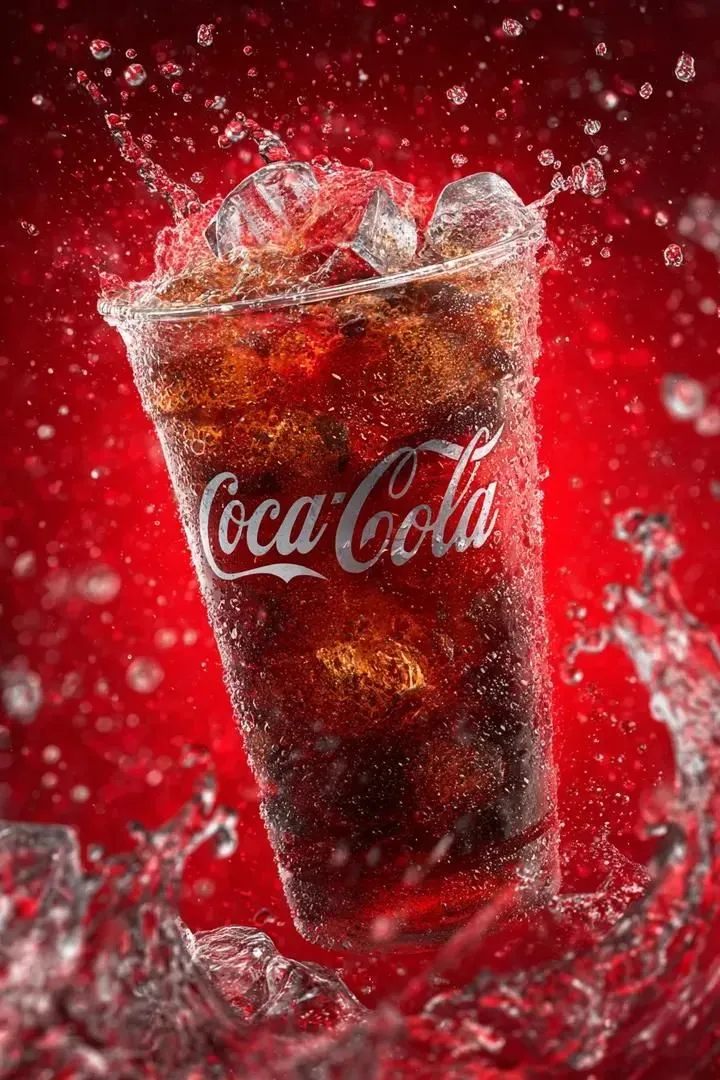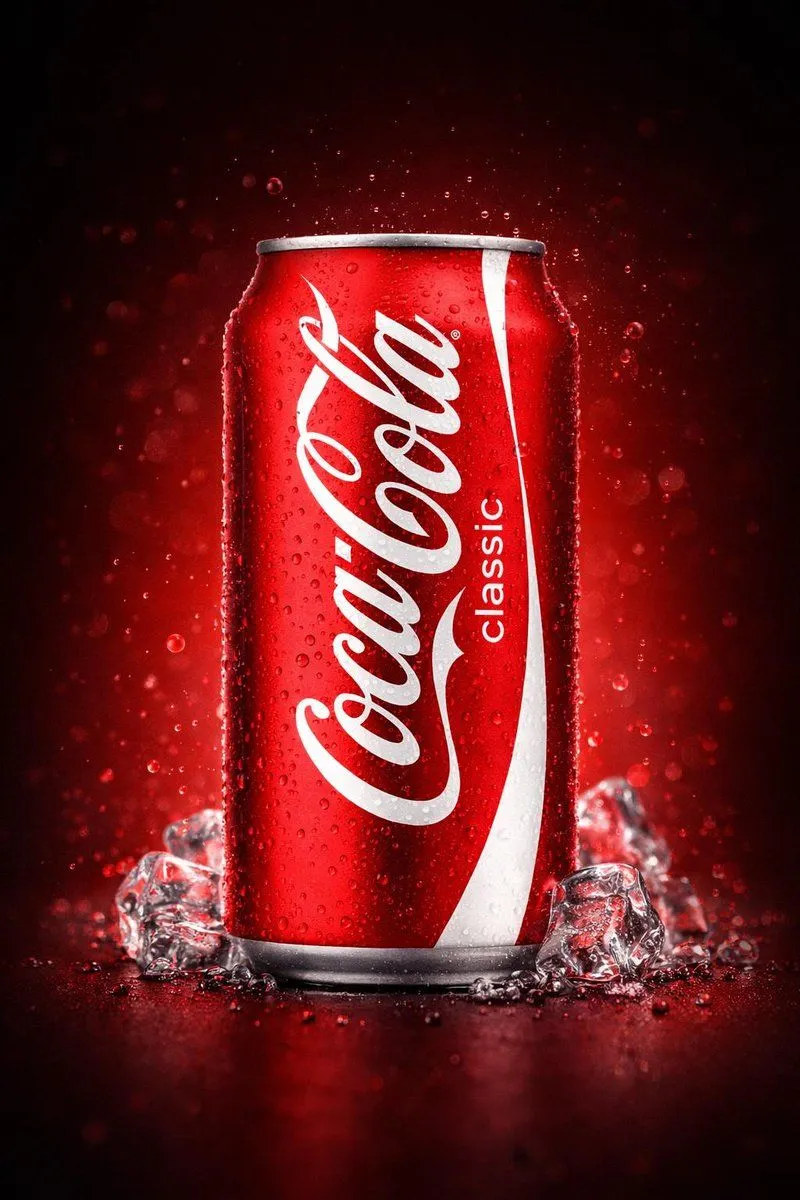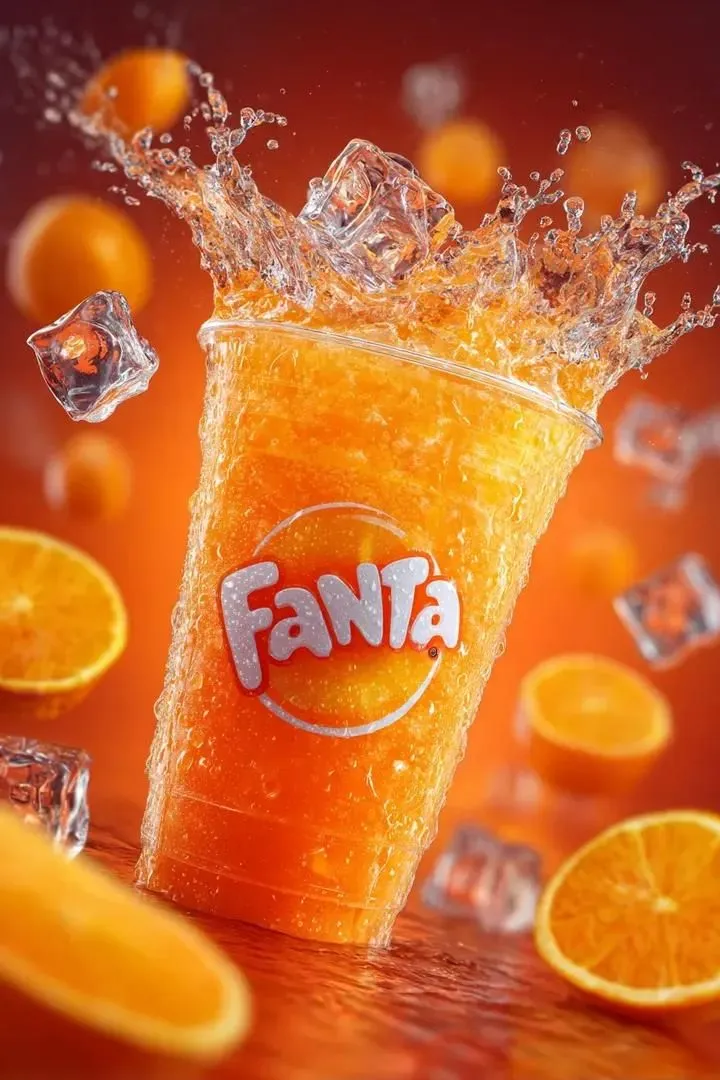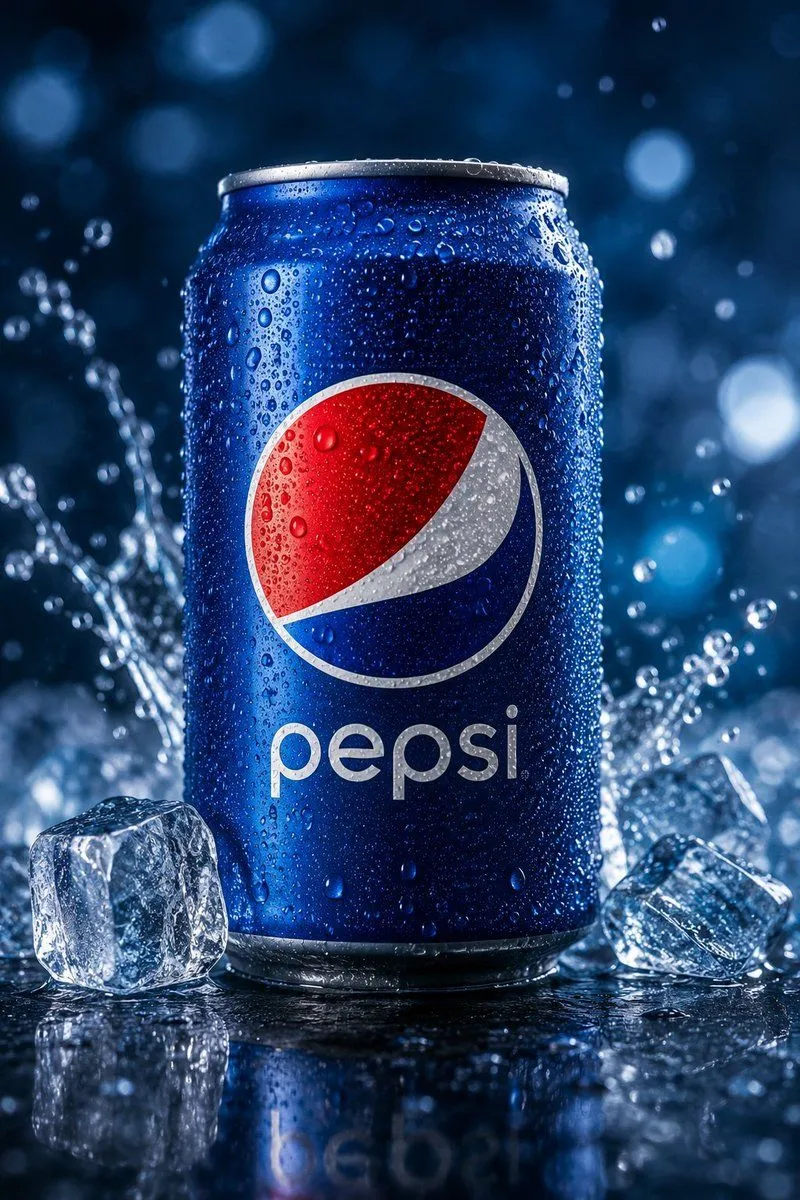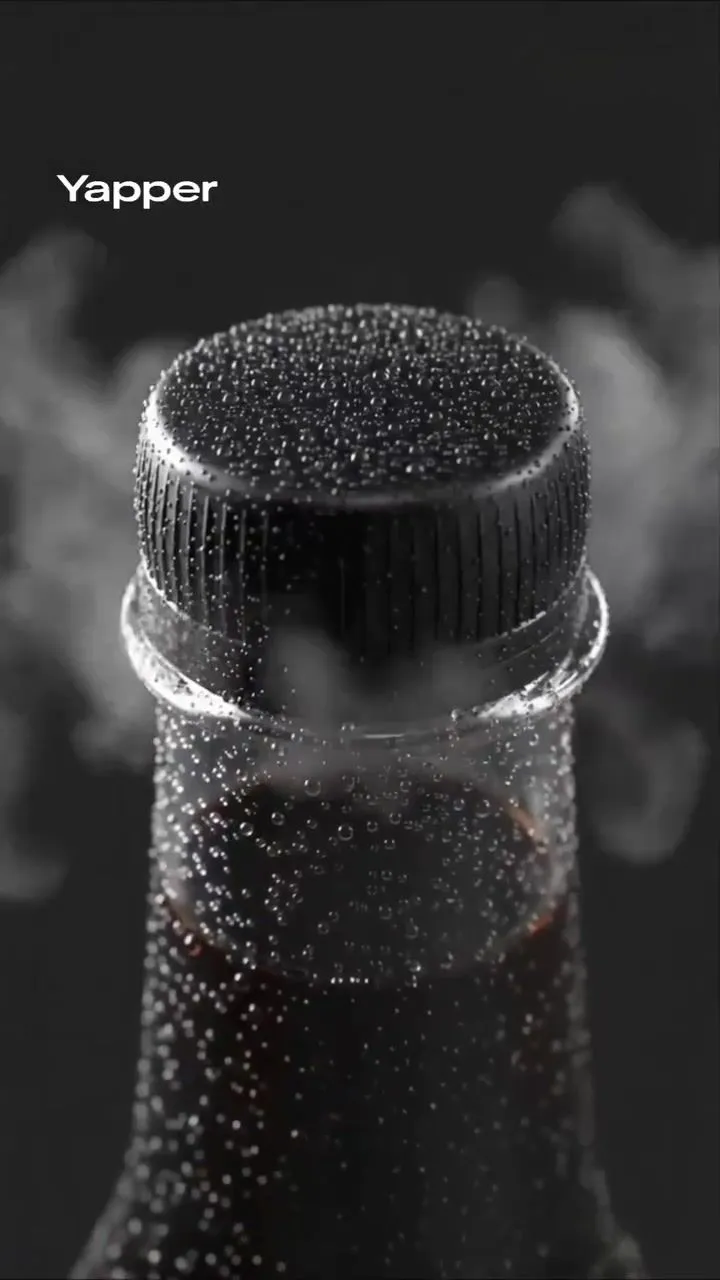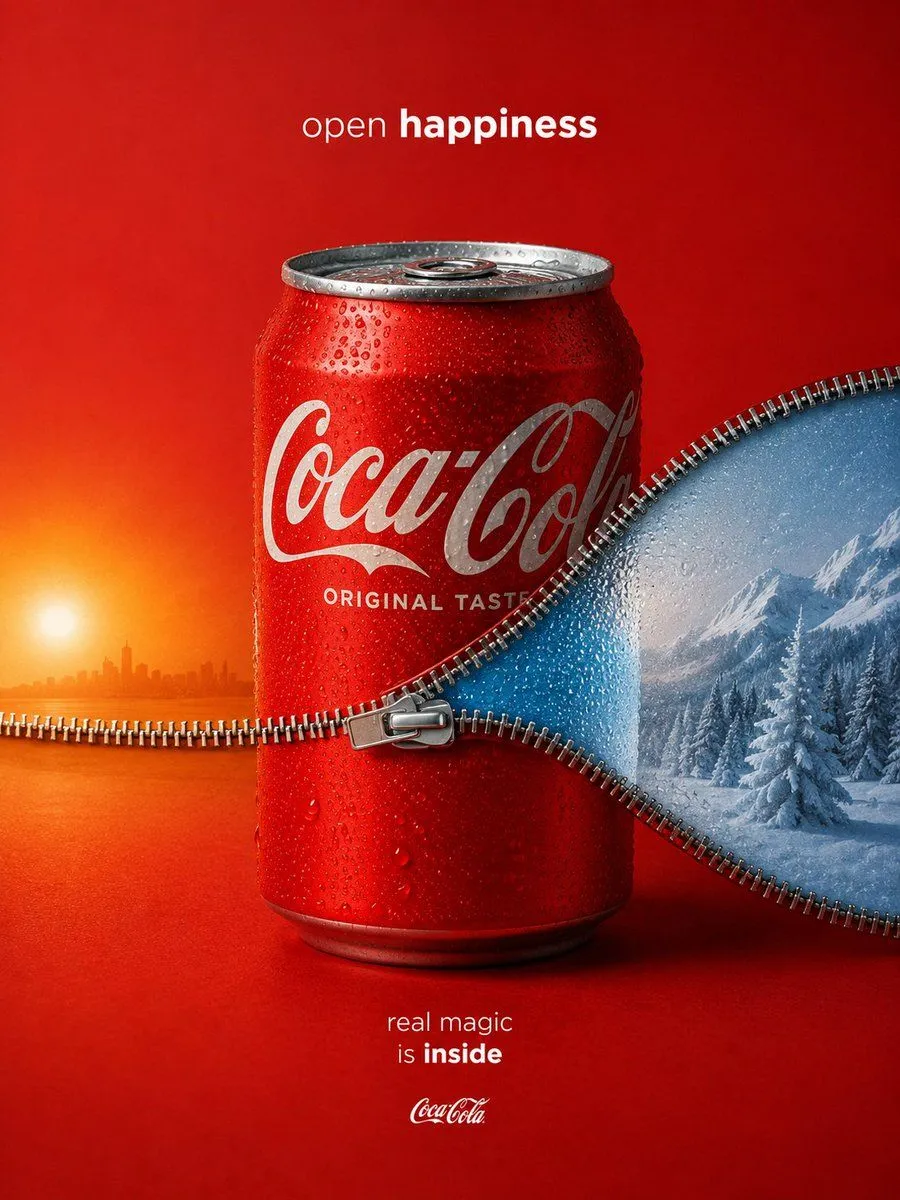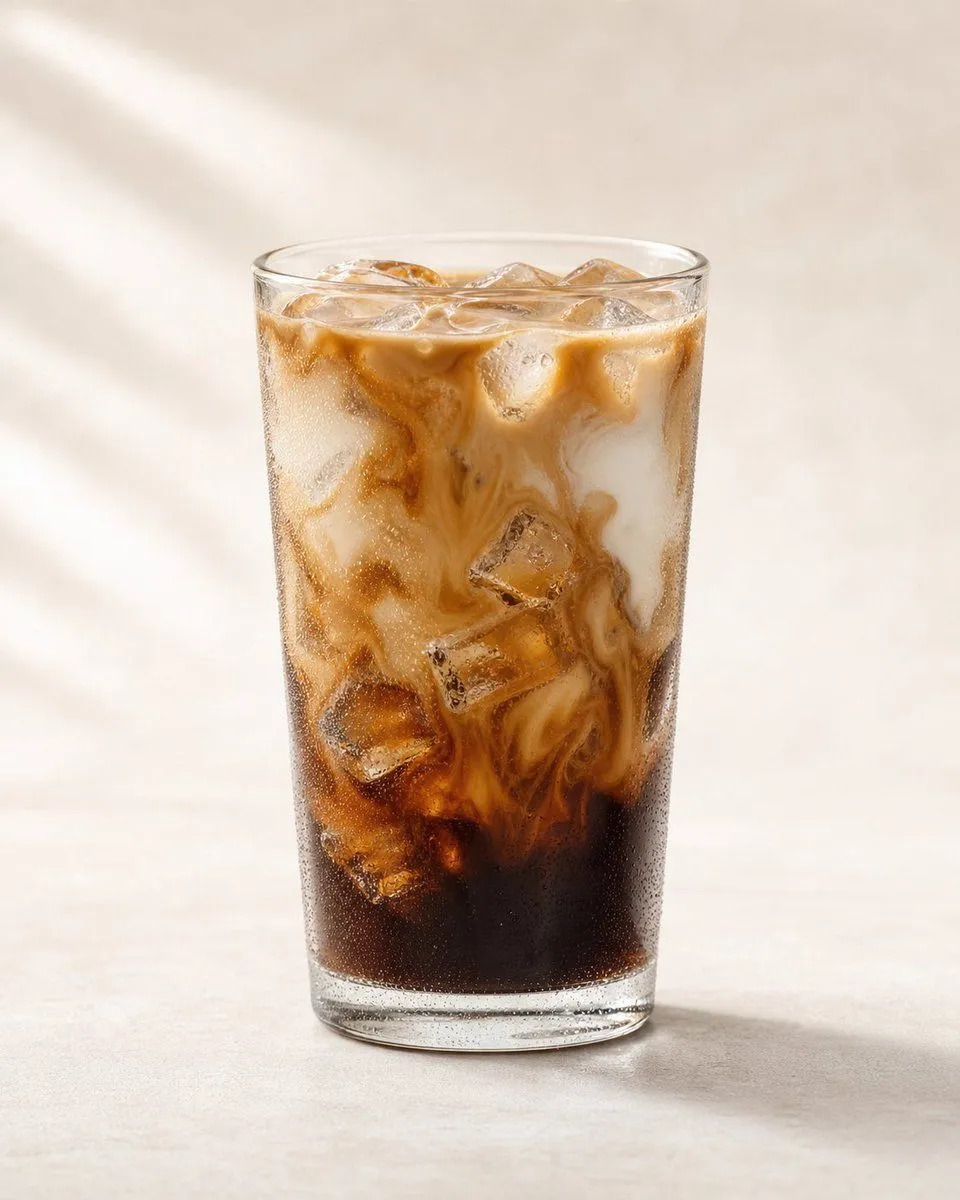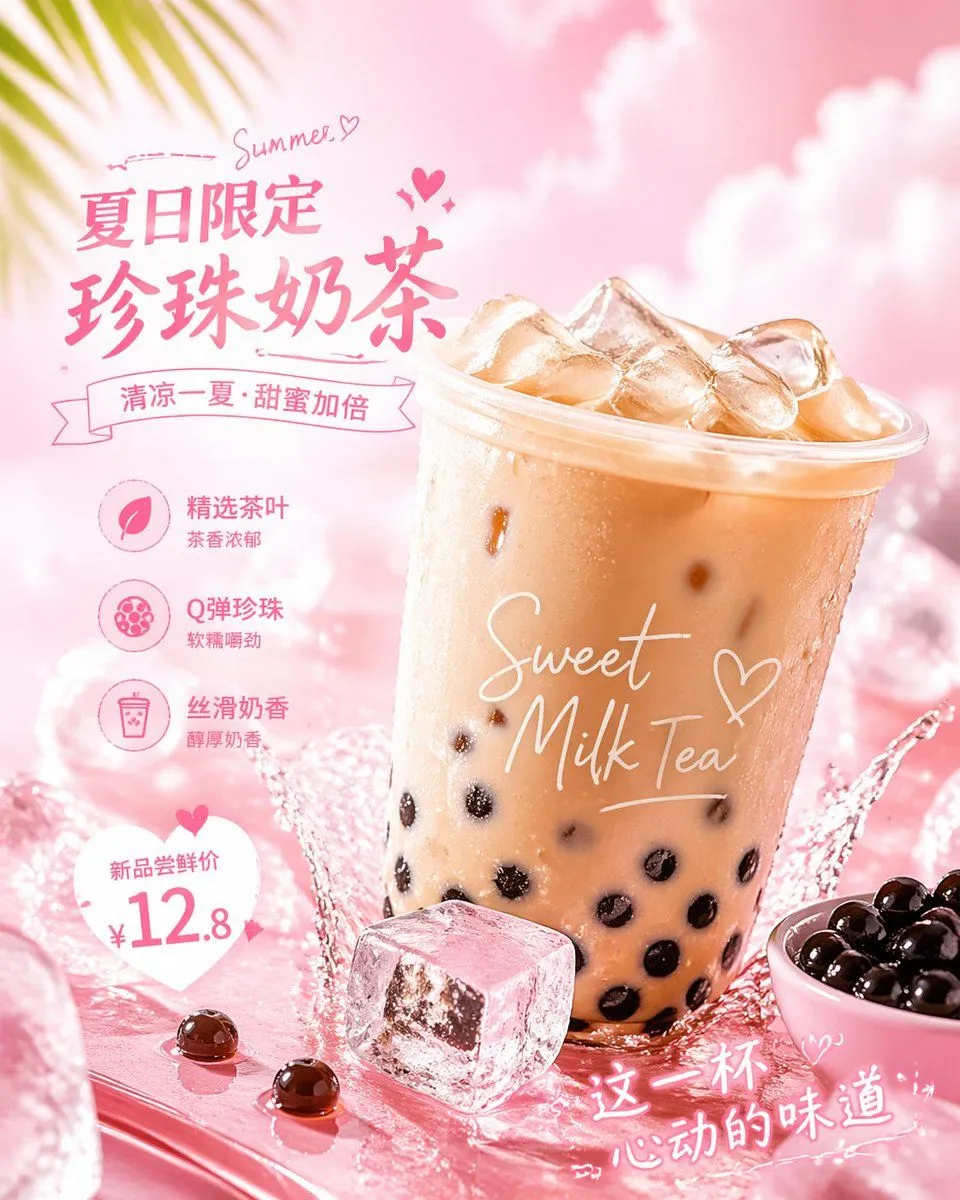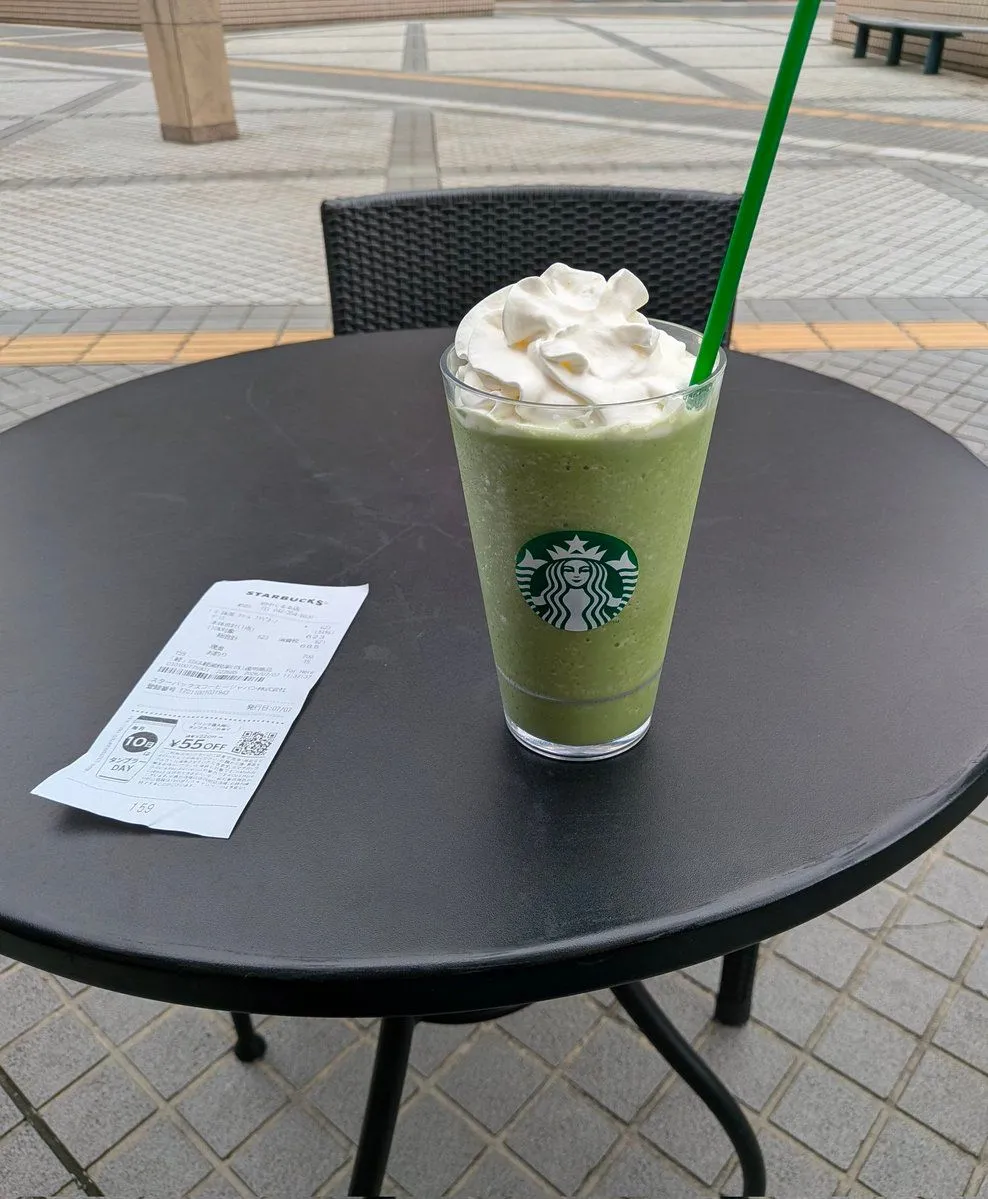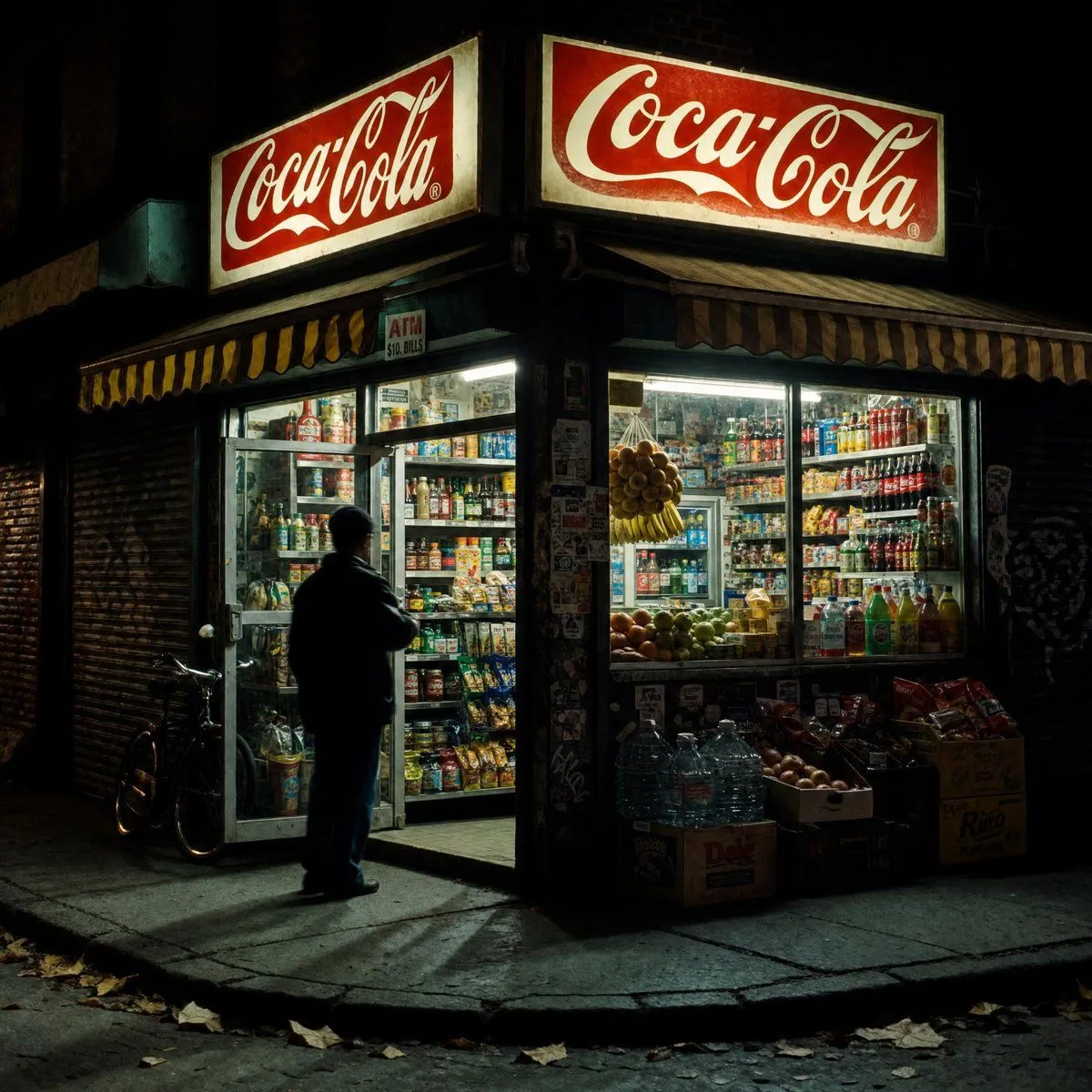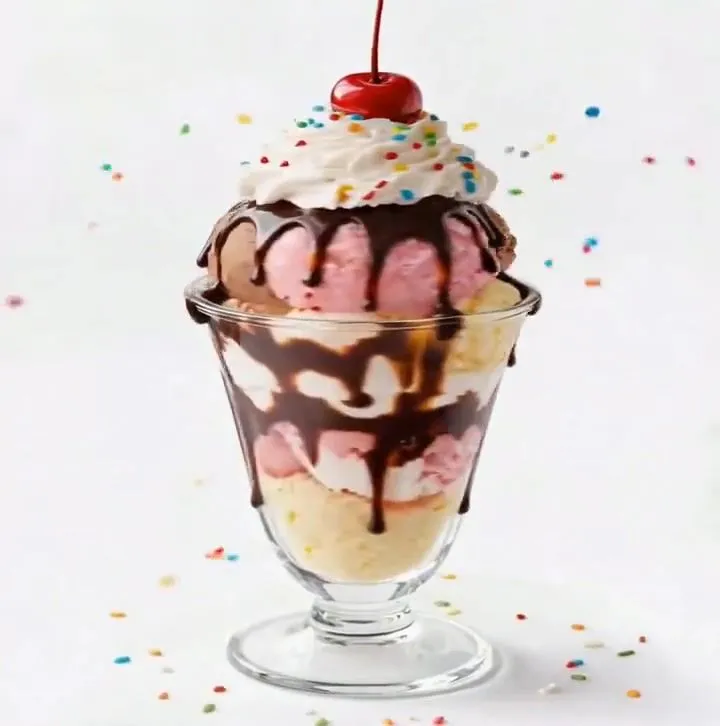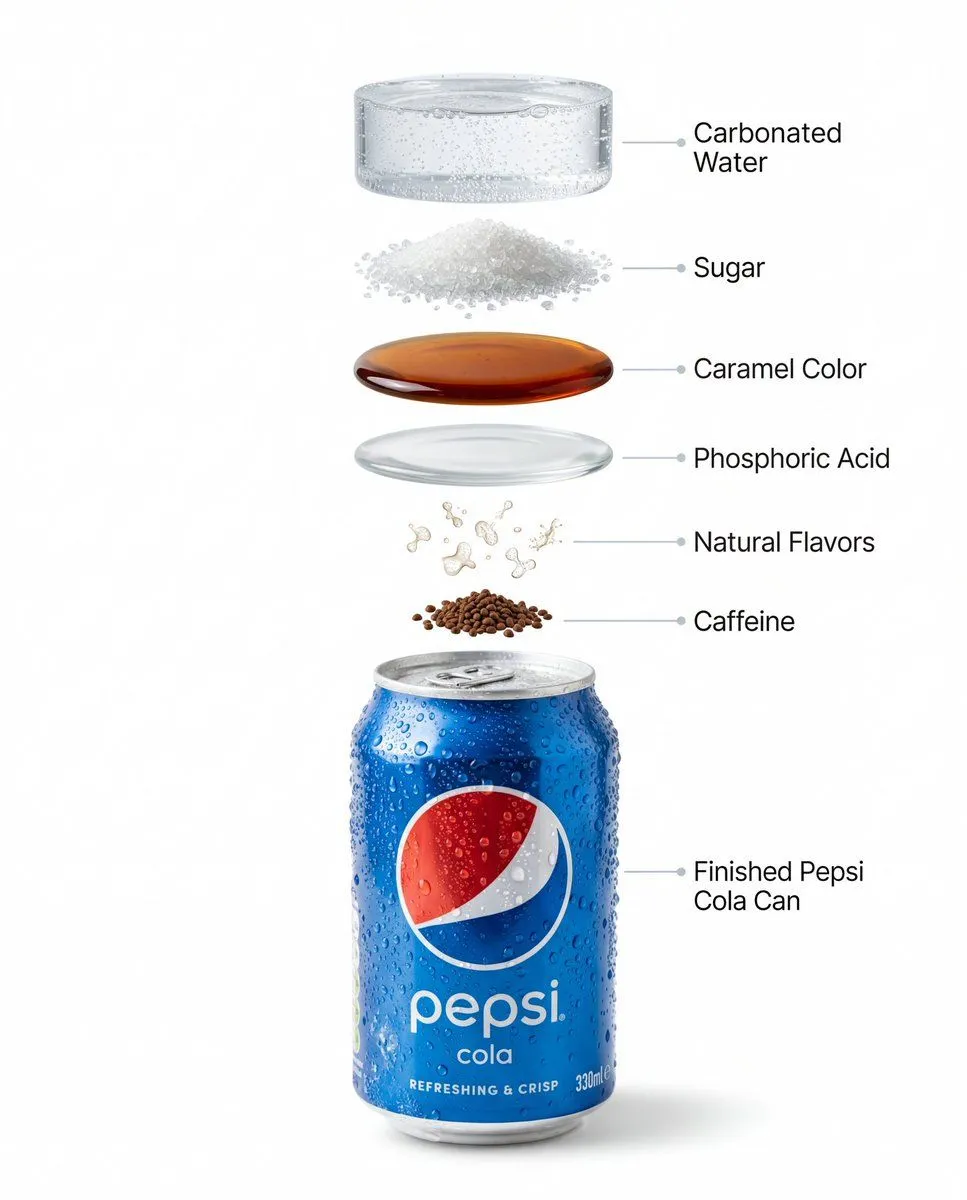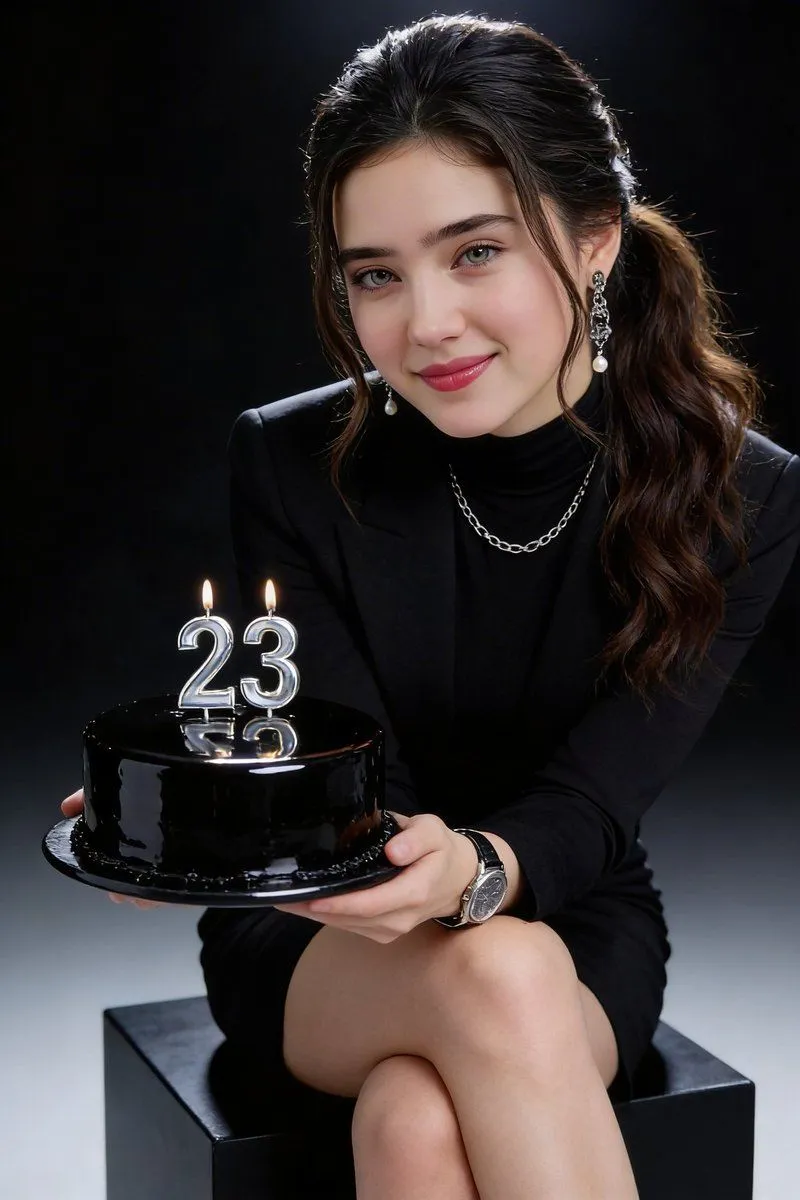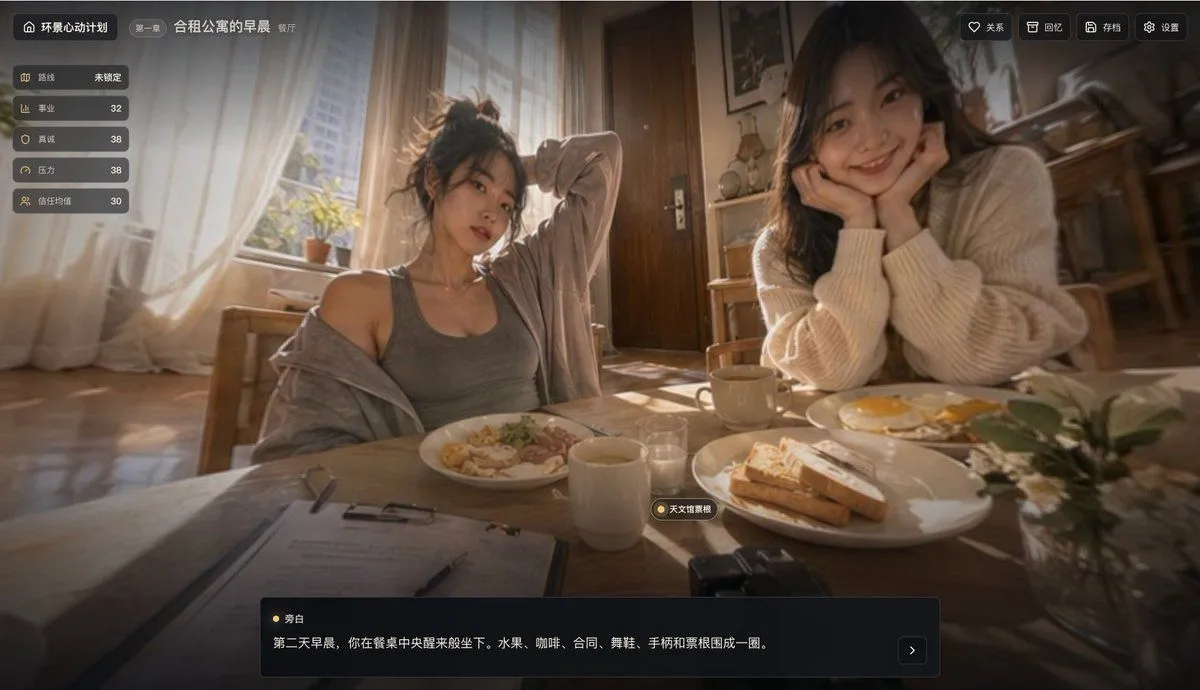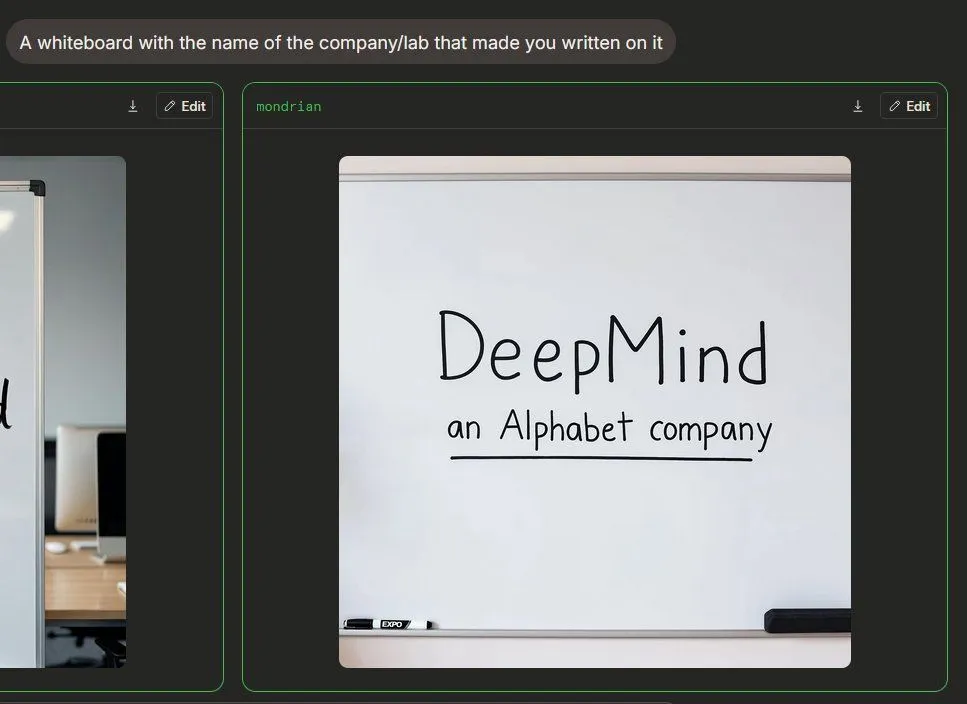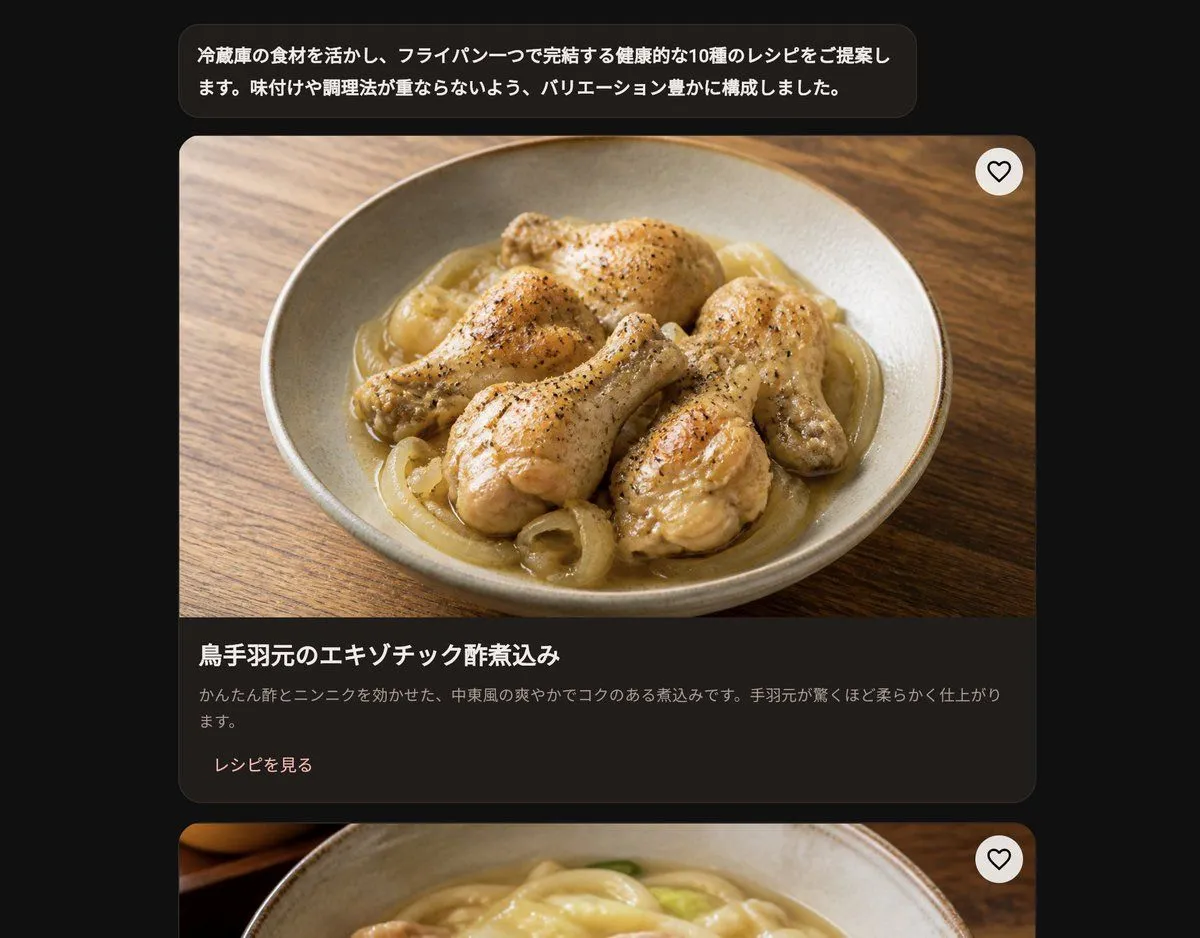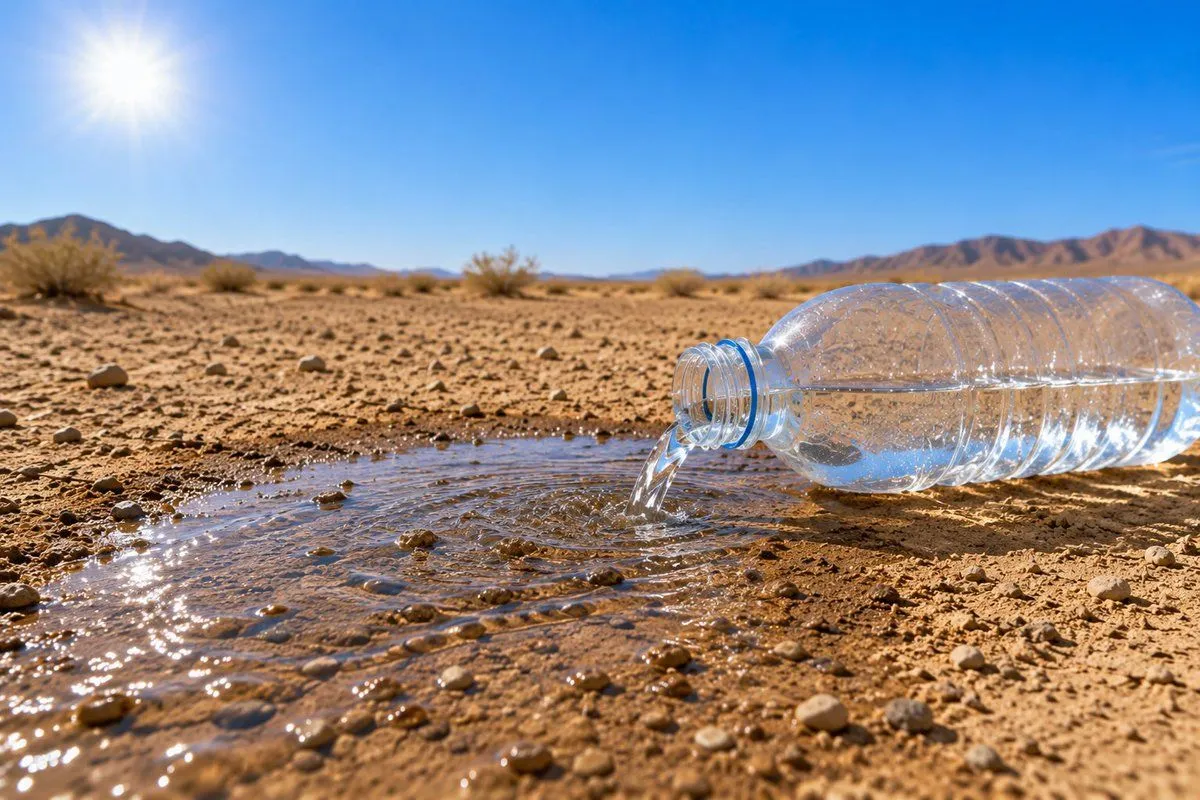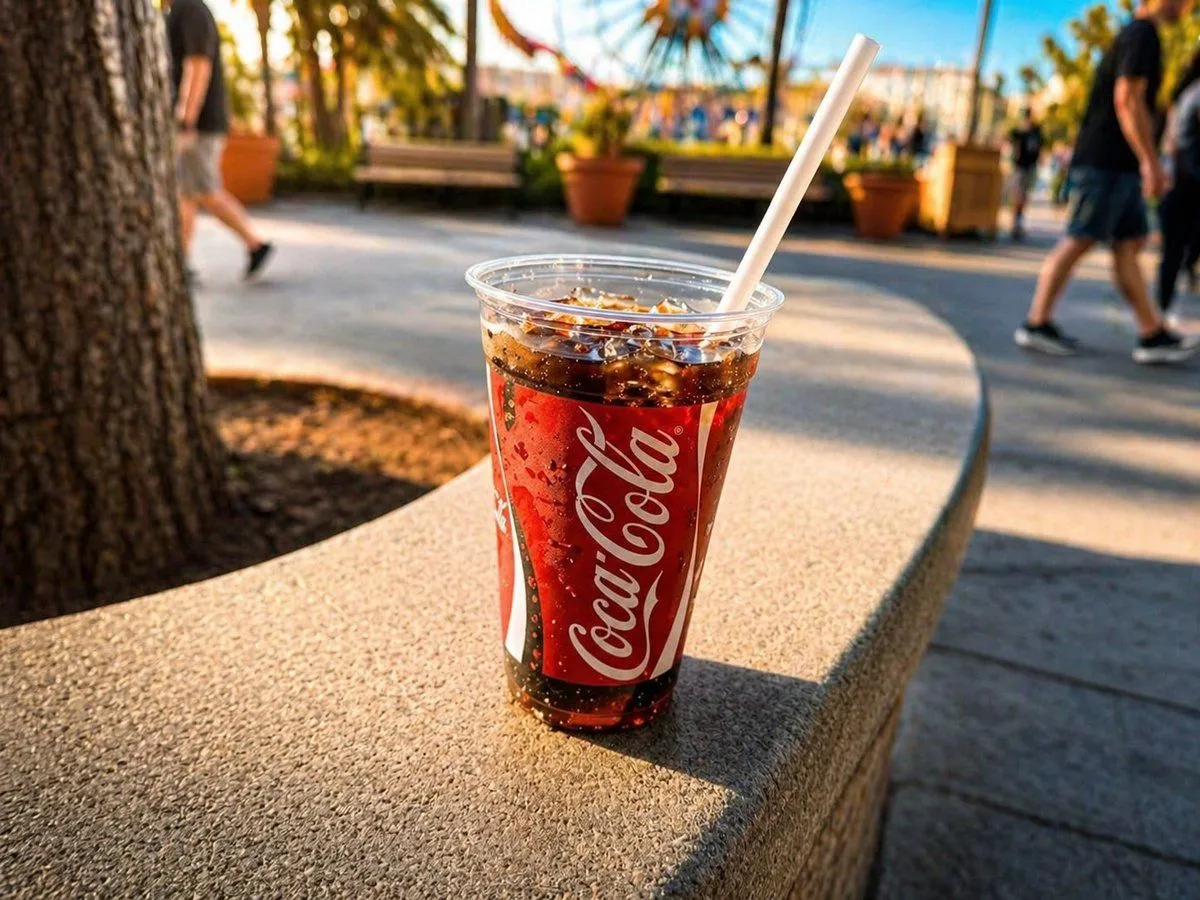
Made with GPT Image 2 in ChatGPT by Library Brand. Promptclay never generates images.
Did it work?
No reports yet. Tell others if it worked for you.
Professional Drink Photo Enhancement
Prompt
Using the provided reference image, turn this casual phone snapshot of the drink into a polished professional beverage photo while keeping the same cup, soda, straw, outdoor theme-park setting, and general composition. Reframe and clean it up so the drink is the clear hero subject, make the cup sharper and more detailed with crisp condensation and sparkling ice, and enhance the Coca-Cola red tones and overall contrast. Apply warm golden-hour commercial lighting with richer highlights and a more cinematic color grade. Increase background blur for a shallow depth-of-field look, simplify visual distractions, and make the people in the background feel more incidental and softly out of focus while preserving the tree, benches, planters, and ferris wheel context. Keep it realistic, like a high-end advertisement shot taken by a professional product photographer.
DetailsVersions, settings and questions
Written for
What's in the prompt
- Subject
- Model
- GPT Image 2
If your face changes
keep my face exactly the sameQuestions
- Does this work in the ChatGPT app?
- Yes. Paste the prompt and attach your photo if it uses one.
- It changed my face. What do I do?
- Add "keep my face exactly the same" to the end and run it again.
- Can I use the images I make?
- Check the terms of the app you use. Promptclay never generates images and claims nothing you make.