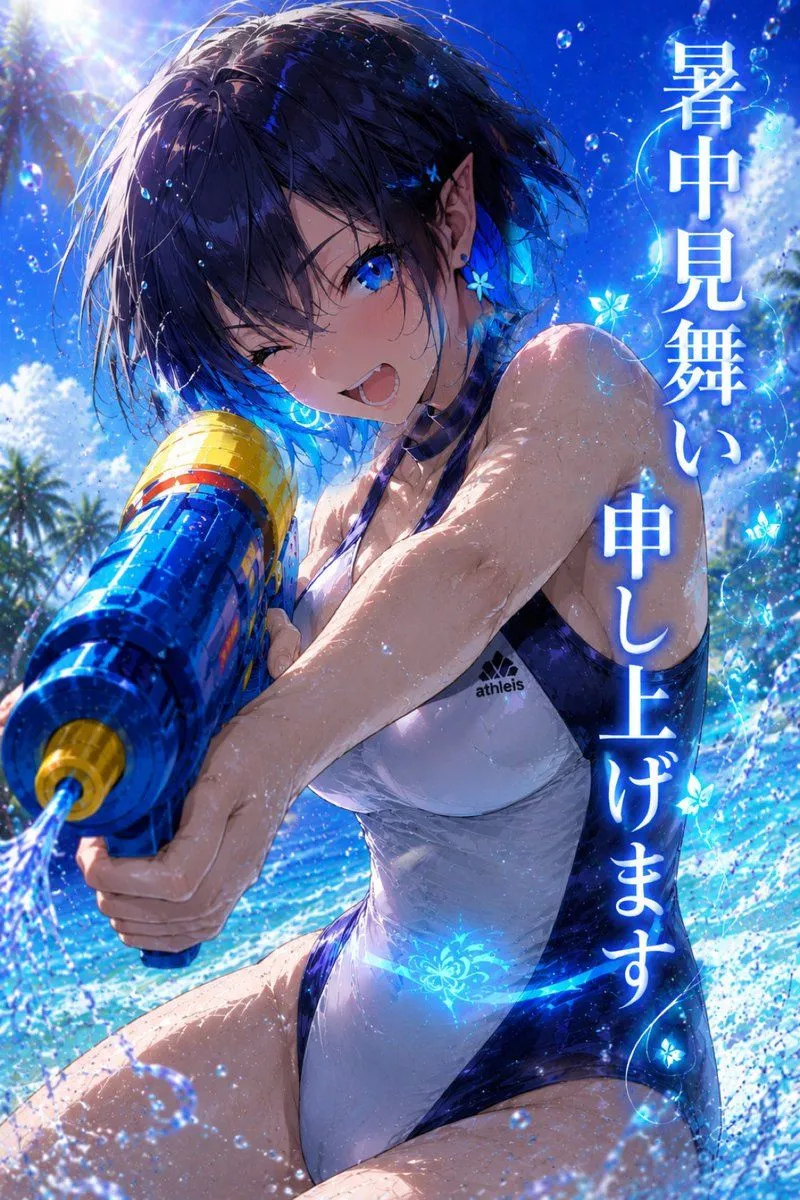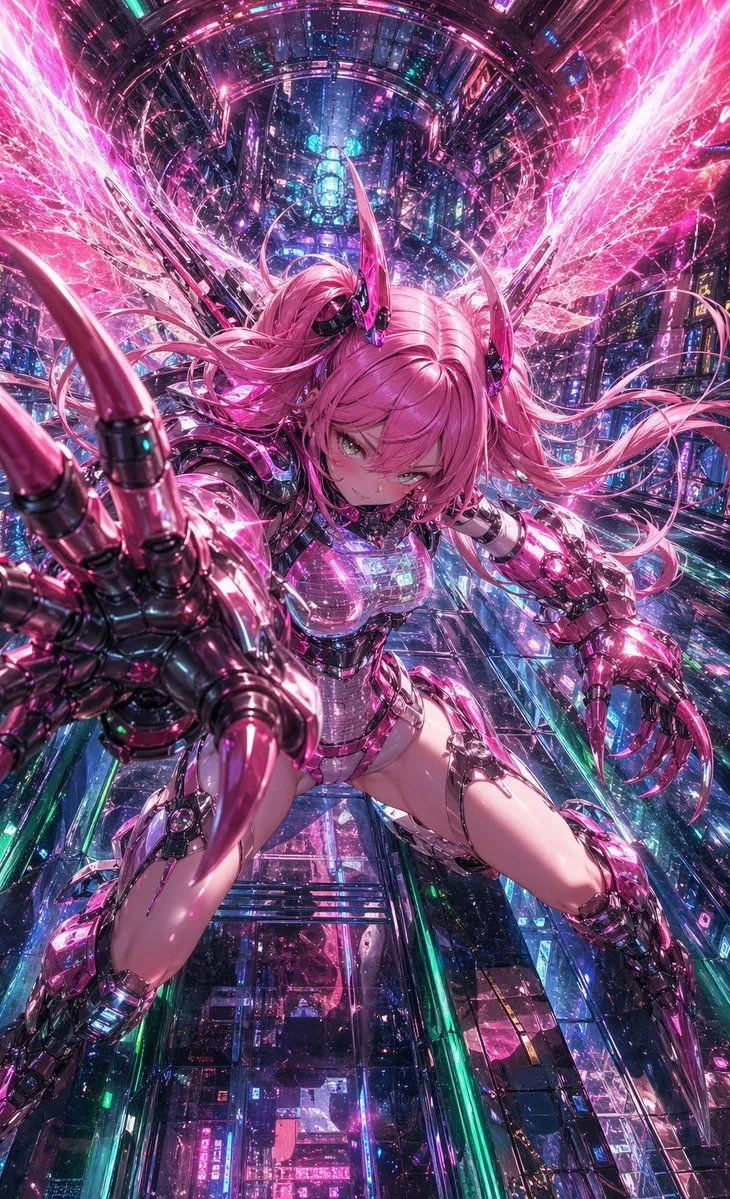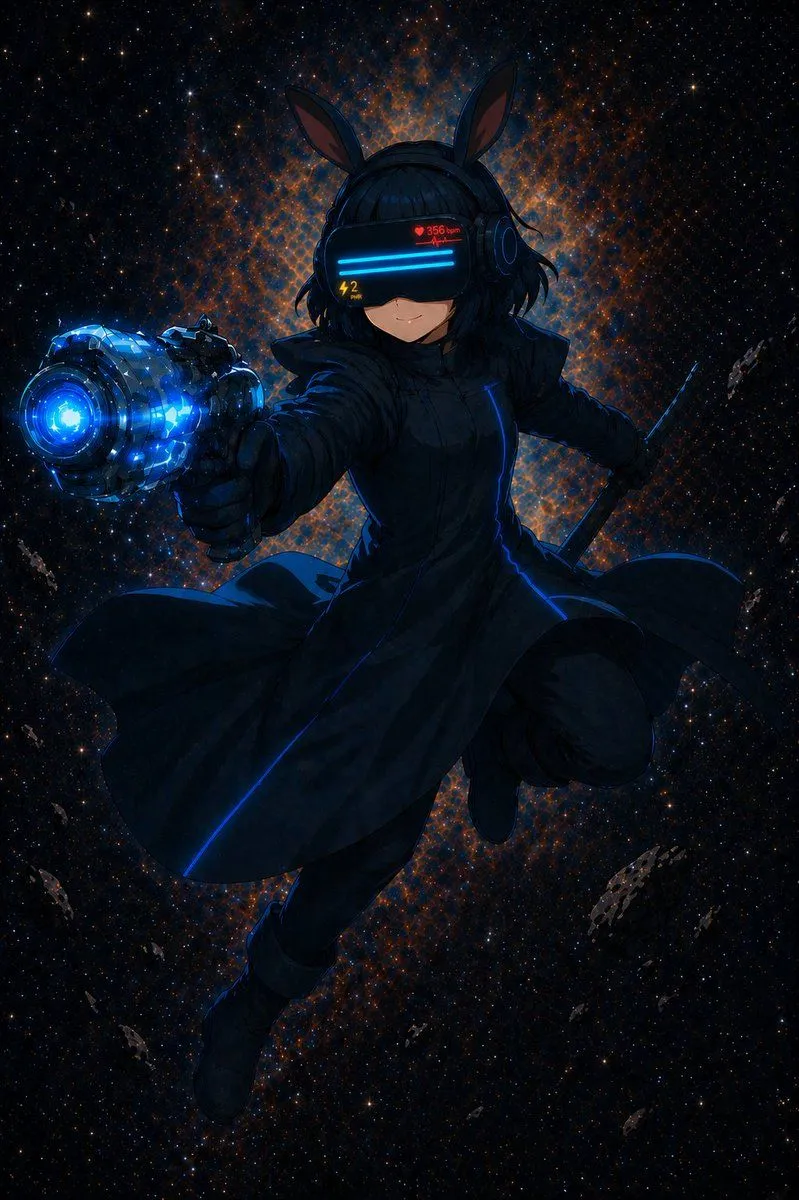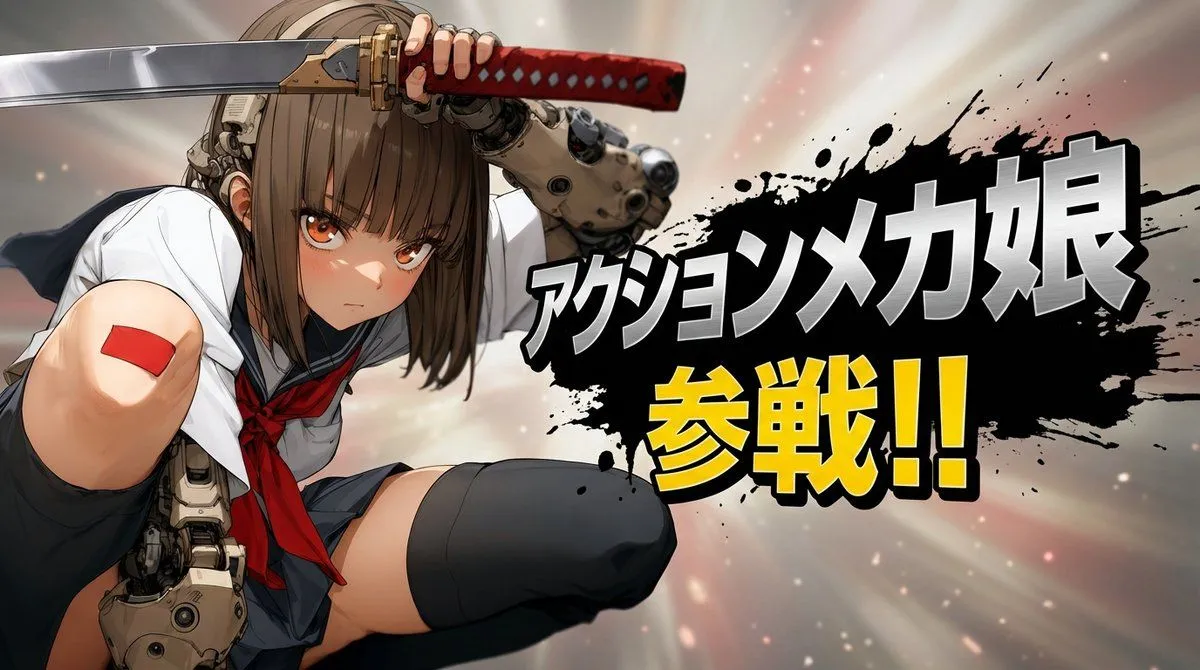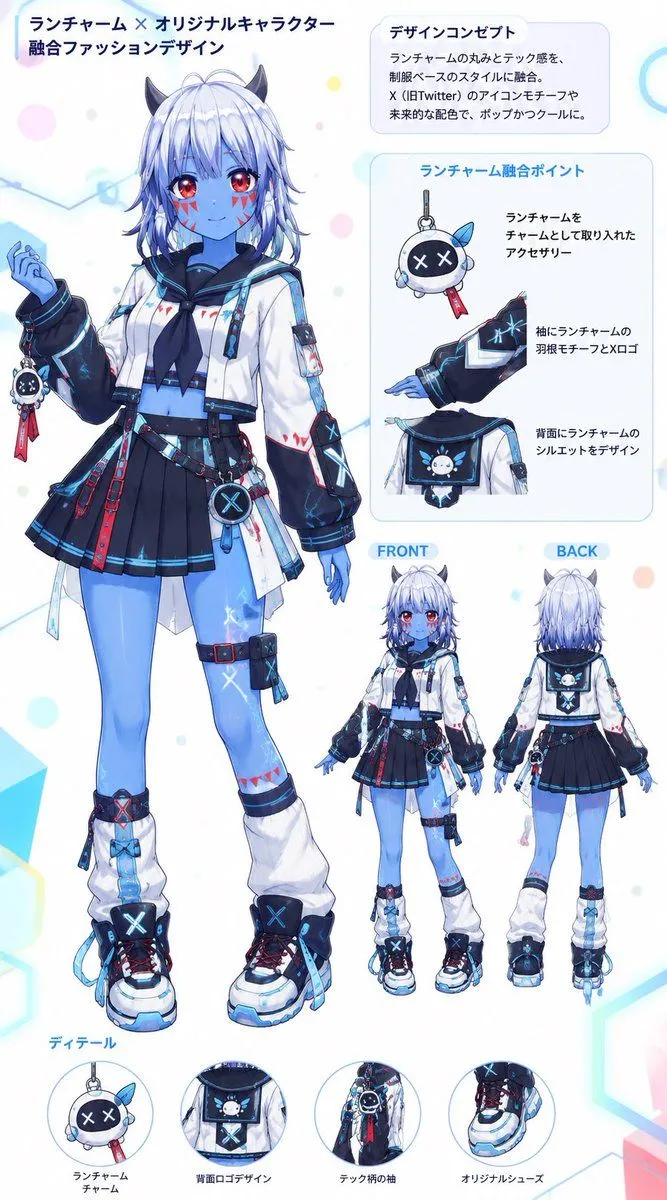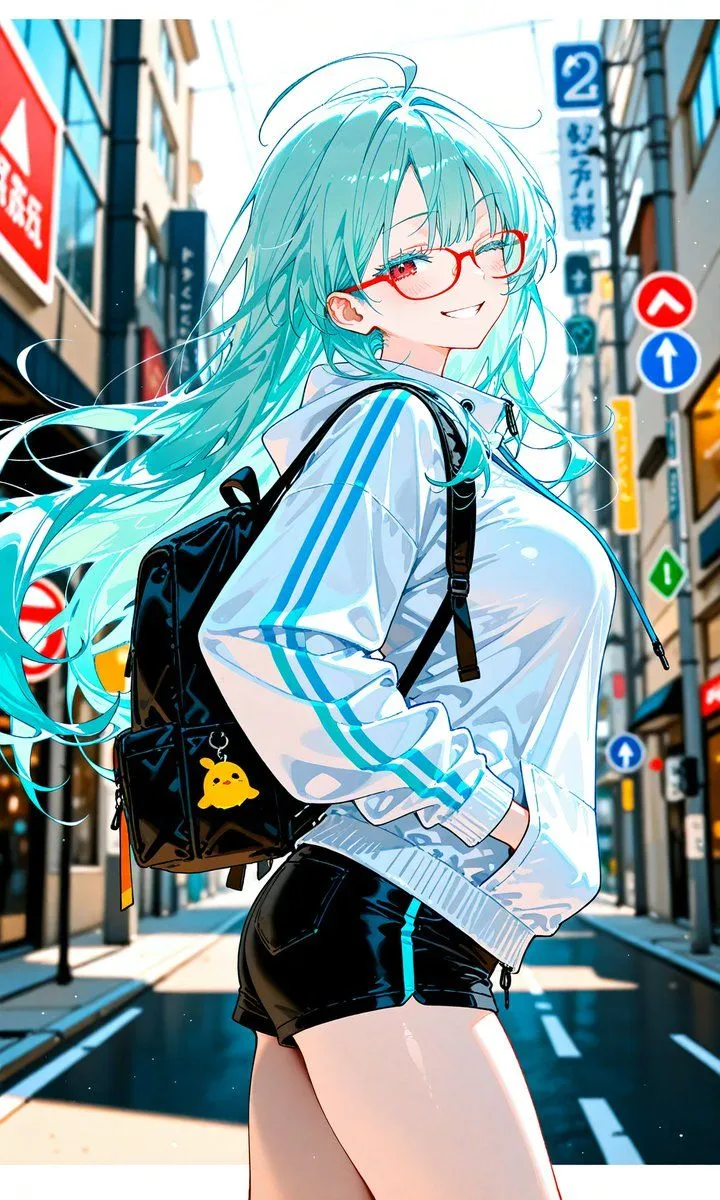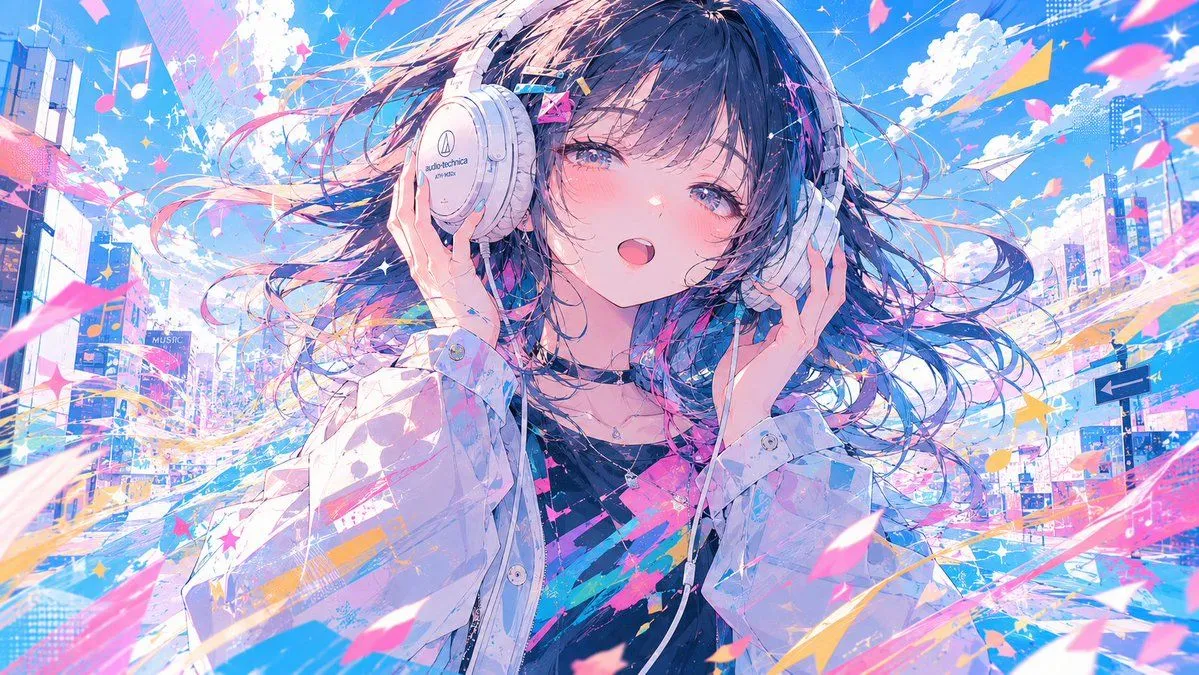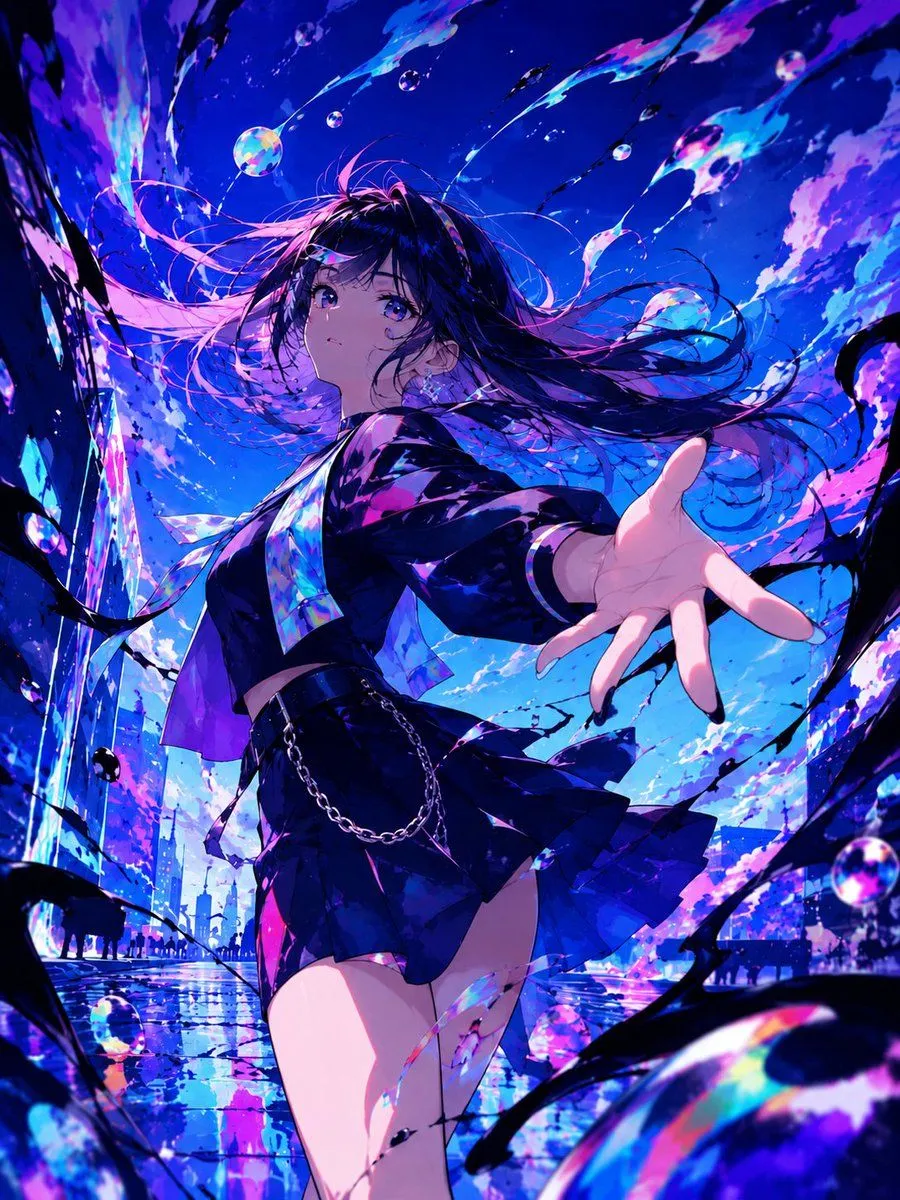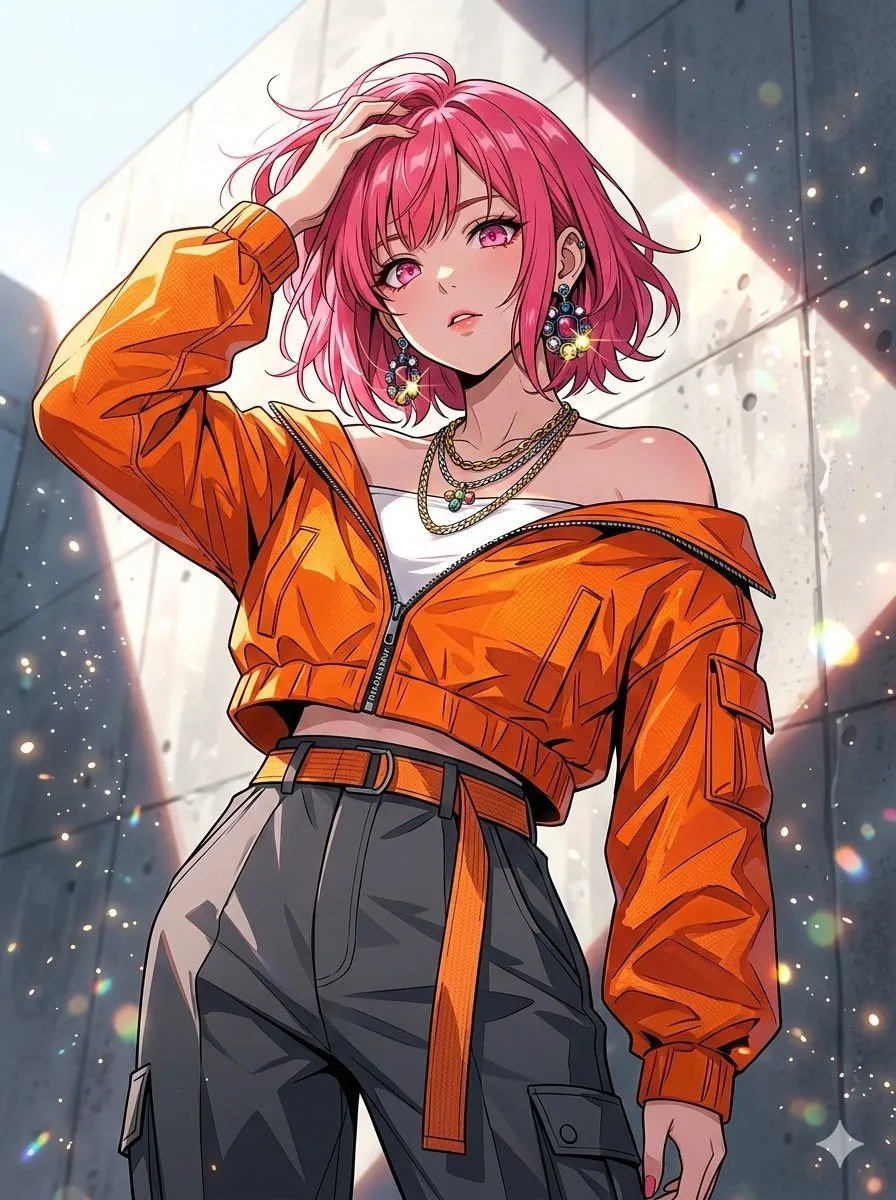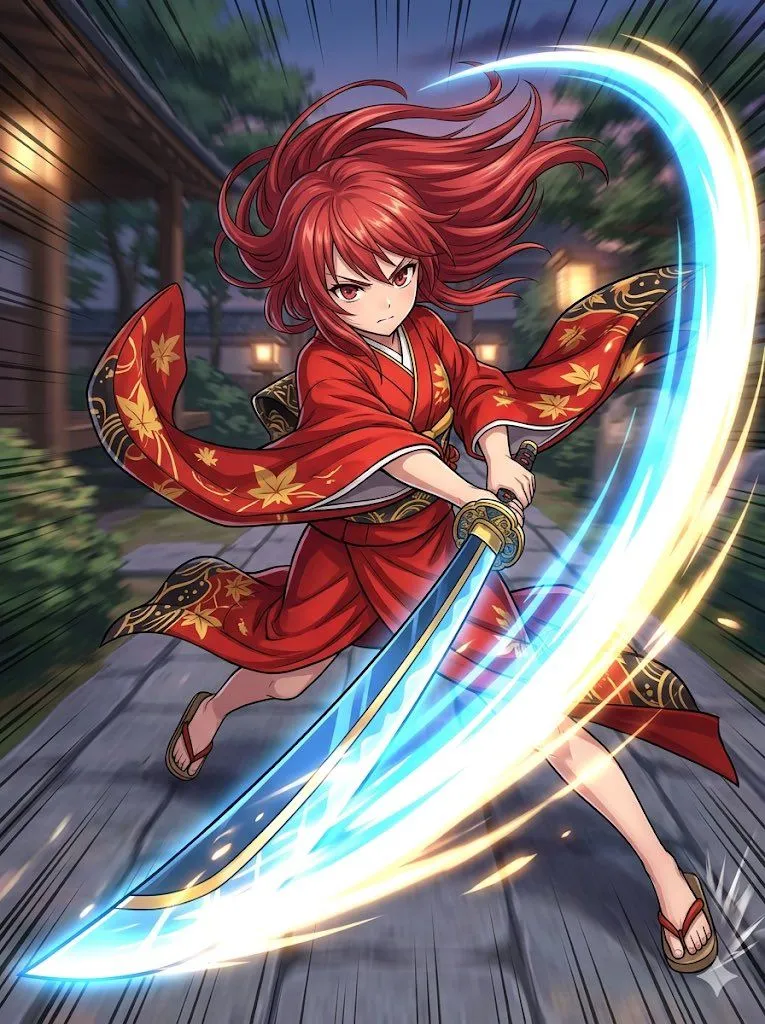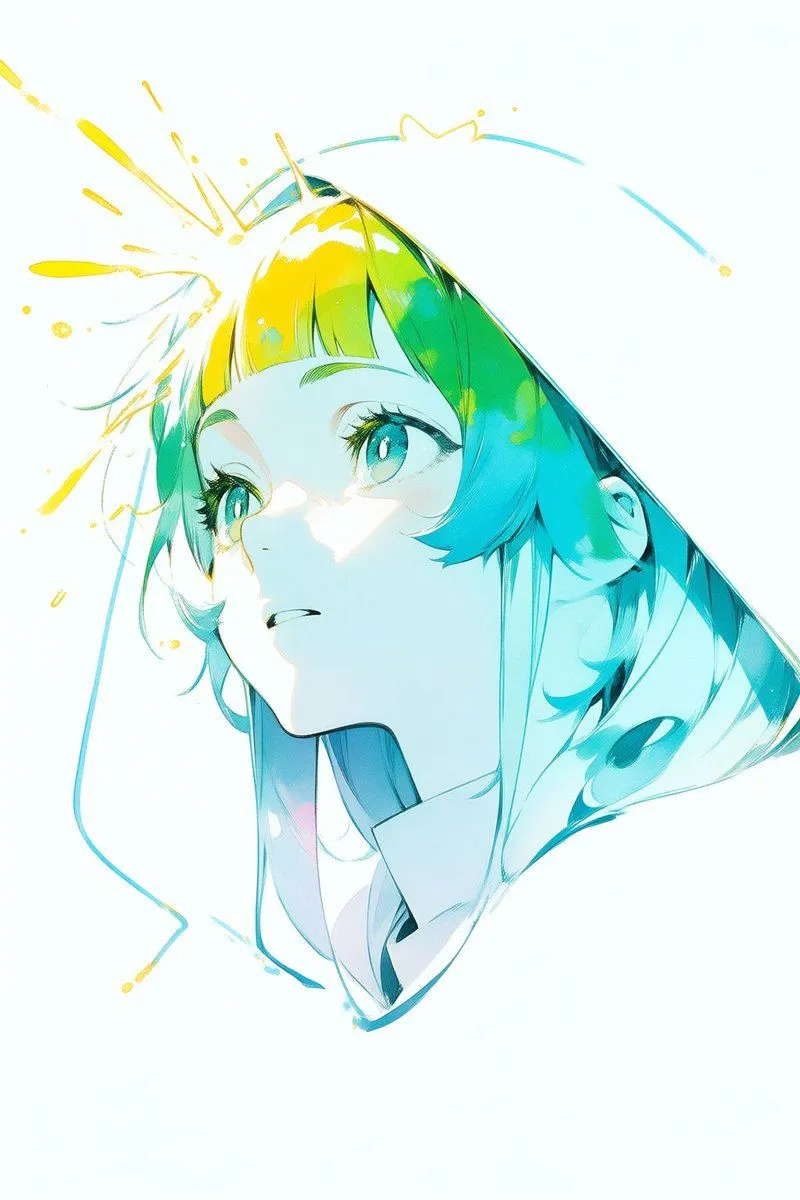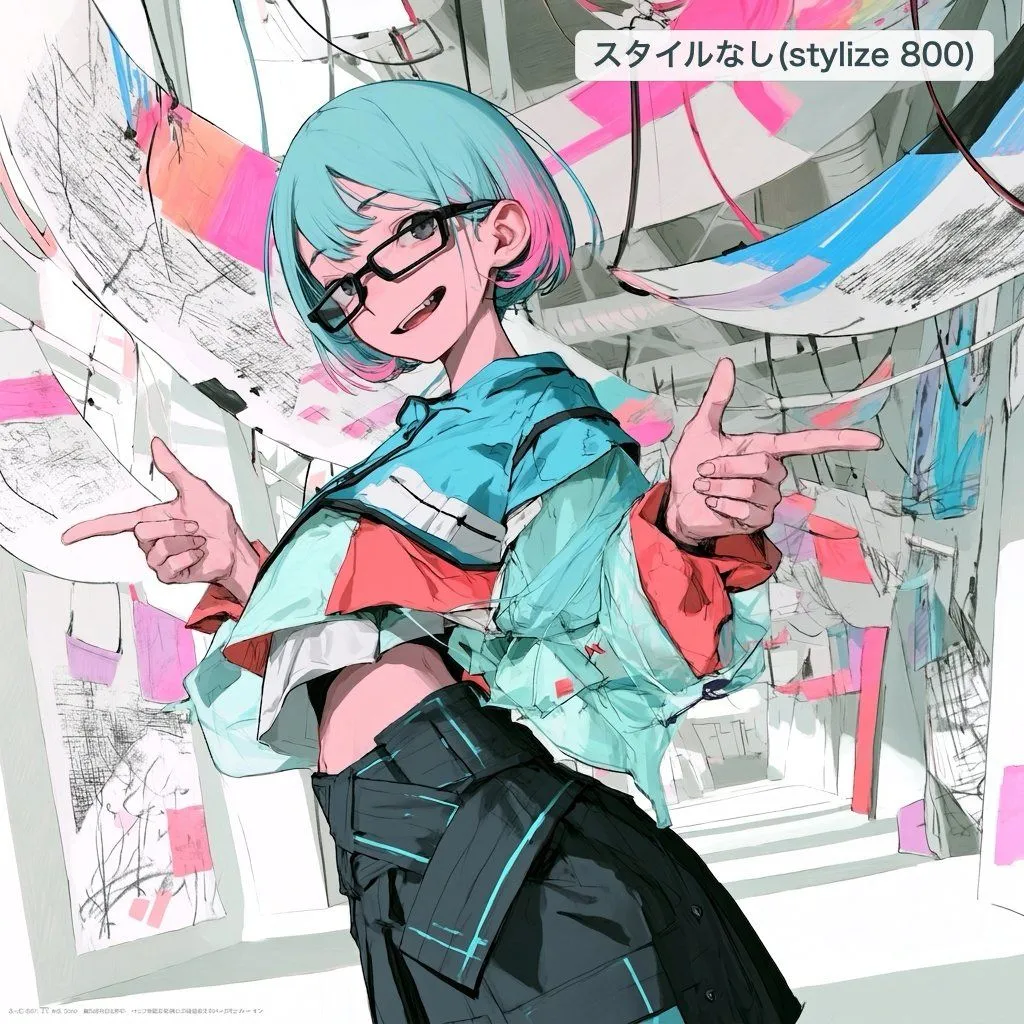
Made with GPT Image 2 in ChatGPT by Library Avatars. Promptclay never generates images.
Did it work?
No reports yet. Tell others if it worked for you.
Polished Anime Edit from Rough Sketch
Prompt
1 blank to fillUsing REFERENCE_0 as the rough sketch and composition guide, clean it up into a polished, high-quality Japanese animation-style illustration with an artistic, creator-driven look. Keep the same main subject, the short turquoise hair, glasses, playful expression, cropped top silhouette, and both hands making finger-gun gestures, but refine the anatomy, hands, clothing folds, face, and linework into a finished illustration rather than a sketch. Style and rendering: Use crisp expressive anime line art, painterly cel shading, high contrast, detailed fabric texture, and vivid cyan-pink accents. Preserve some rough sketch energy through visible scribbly marks and graphic brush textures, but make the character fully resolved and attractive. Composition changes: Reframe the pose into a more dynamic low-angle, three-quarter view with the character leaning toward the viewer. Replace the simple pastel background with a dense abstract interior/gallery-like space made of curved hanging panels, paper sheets, sketch marks, cables, and blocks of cyan and hot pink paint. Text overlay: Add exactly 1 rounded white label near the top right containing the Japanese text {top_right_label}. Do not keep the original label from the reference. Constraints: Do not add extra characters. Avoid photorealism. Keep the image square. Make the final result look like a refined edit of the rough draft, not a completely unrelated character.
Preview of your prompt
Using REFERENCE_0 as the rough sketch and composition guide, clean it up into a polished, high-quality Japanese animation-style illustration with an artistic, creator-driven look. Keep the same main subject, the short turquoise hair, glasses, playful expression, cropped top silhouette, and both hands making finger-gun gestures, but refine the anatomy, hands, clothing folds, face, and linework into a finished illustration rather than a sketch. Style and rendering: Use crisp expressive anime line art, painterly cel shading, high contrast, detailed fabric texture, and vivid cyan-pink accents. Preserve some rough sketch energy through visible scribbly marks and graphic brush textures, but make the character fully resolved and attractive. Composition changes: Reframe the pose into a more dynamic low-angle, three-quarter view with the character leaning toward the viewer. Replace the simple pastel background with a dense abstract interior/gallery-like space made of curved hanging panels, paper sheets, sketch marks, cables, and blocks of cyan and hot pink paint. Text overlay: Add exactly 1 rounded white label near the top right containing the Japanese text スタイルなし(stylize 800). Do not keep the original label from the reference. Constraints: Do not add extra characters. Avoid photorealism. Keep the image square. Make the final result look like a refined edit of the rough draft, not a completely unrelated character.
DetailsVersions, settings and questions
Written for
What's in the prompt
- Subject
- Model
- GPT Image 2
If your face changes
keep my face exactly the sameQuestions
- Does this work in the ChatGPT app?
- Yes. Paste the prompt and attach your photo if it uses one.
- It changed my face. What do I do?
- Add "keep my face exactly the same" to the end and run it again.
- Can I use the images I make?
- Check the terms of the app you use. Promptclay never generates images and claims nothing you make.