Tell us anything

An idea, a bug, something you love. We read every note.

⌘↵ to send. The page you're on comes along.

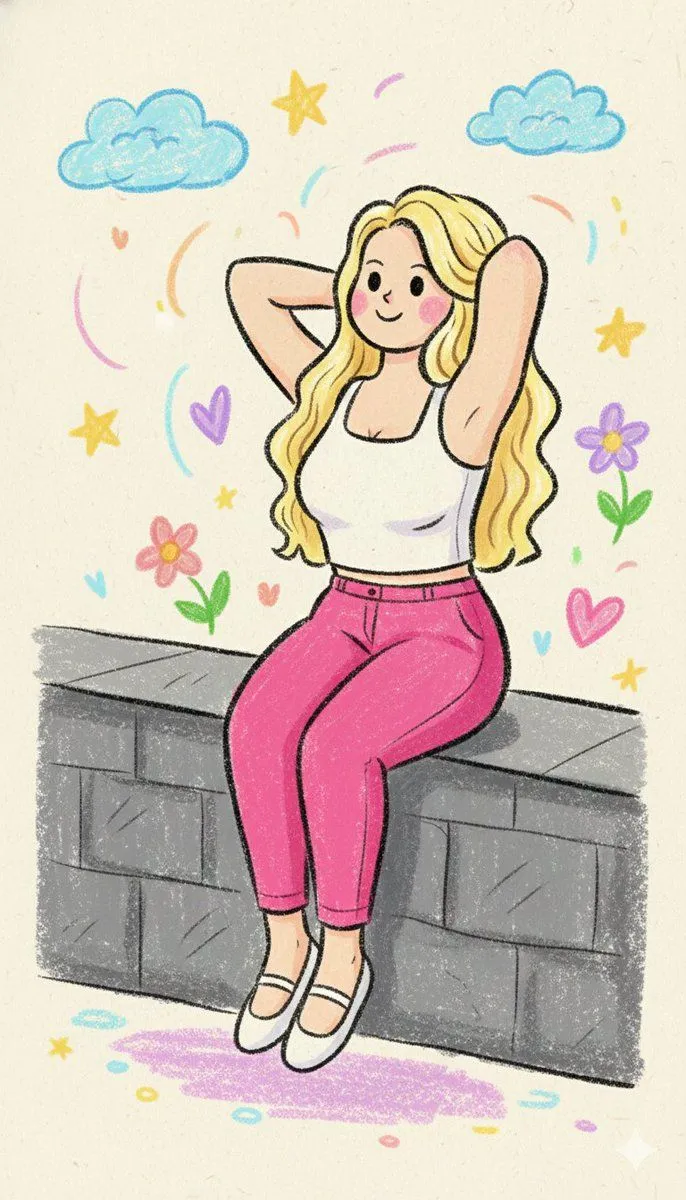
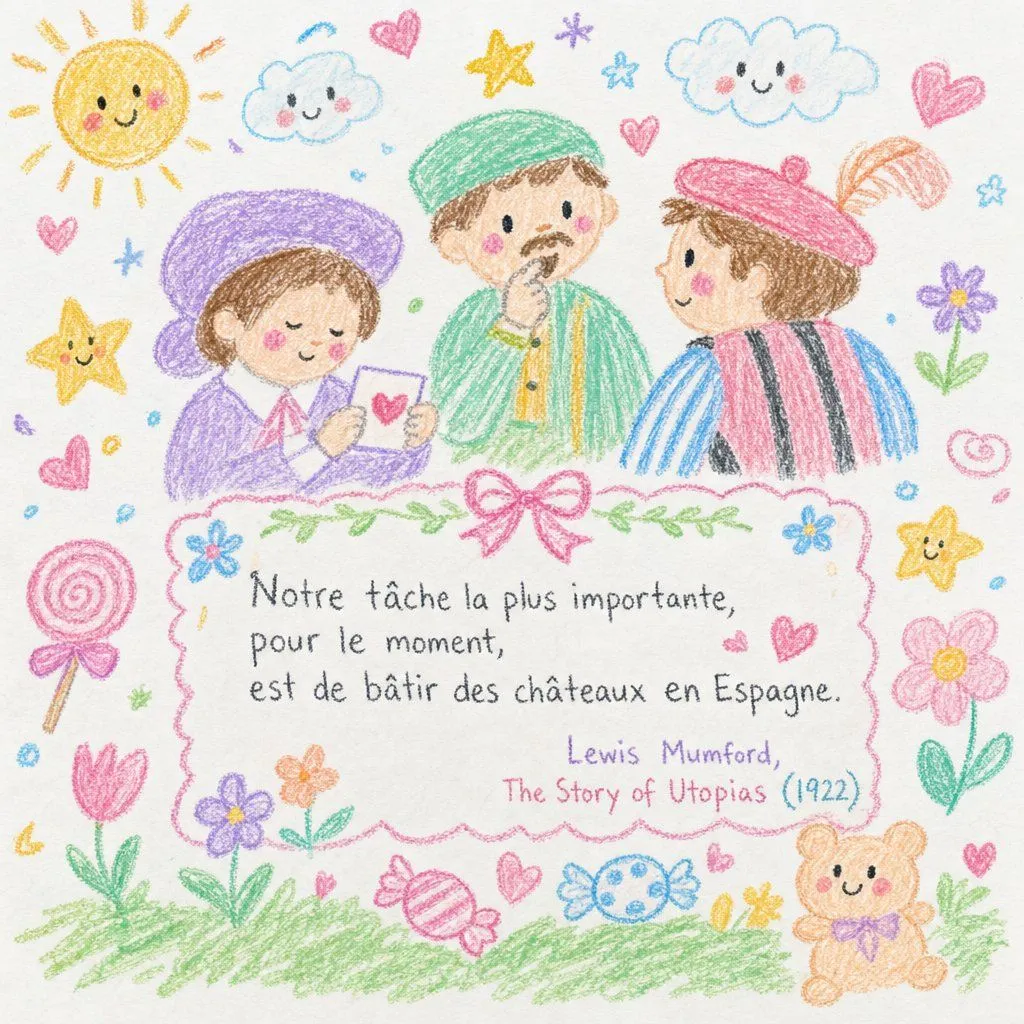
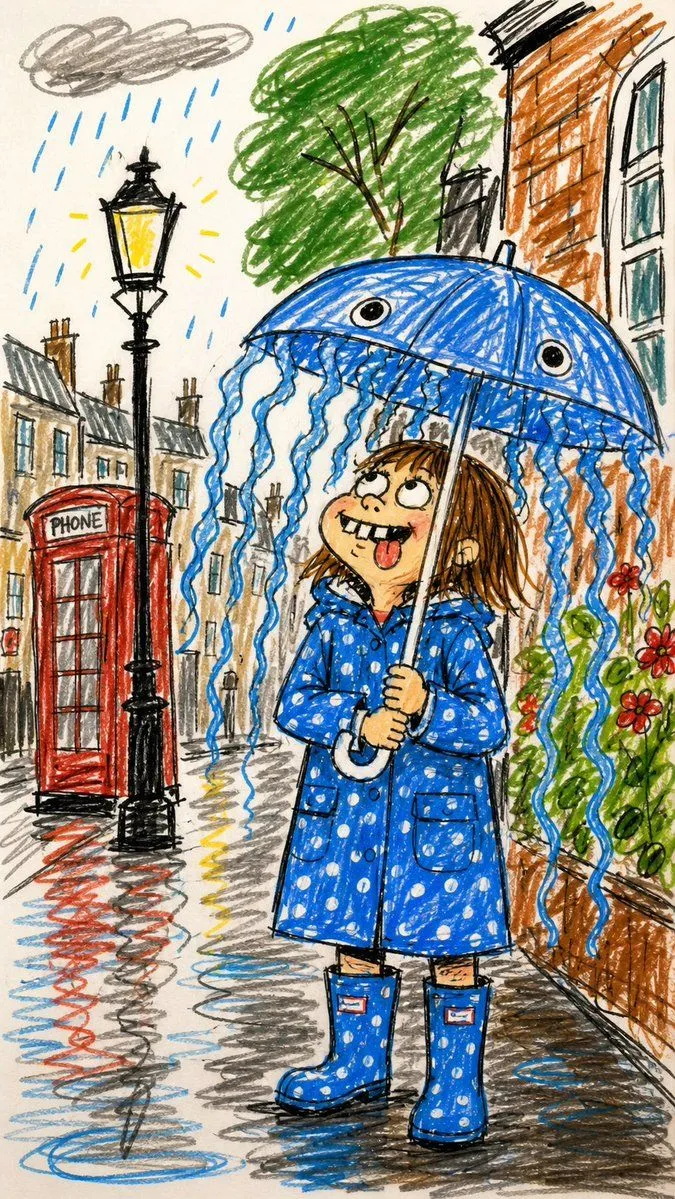
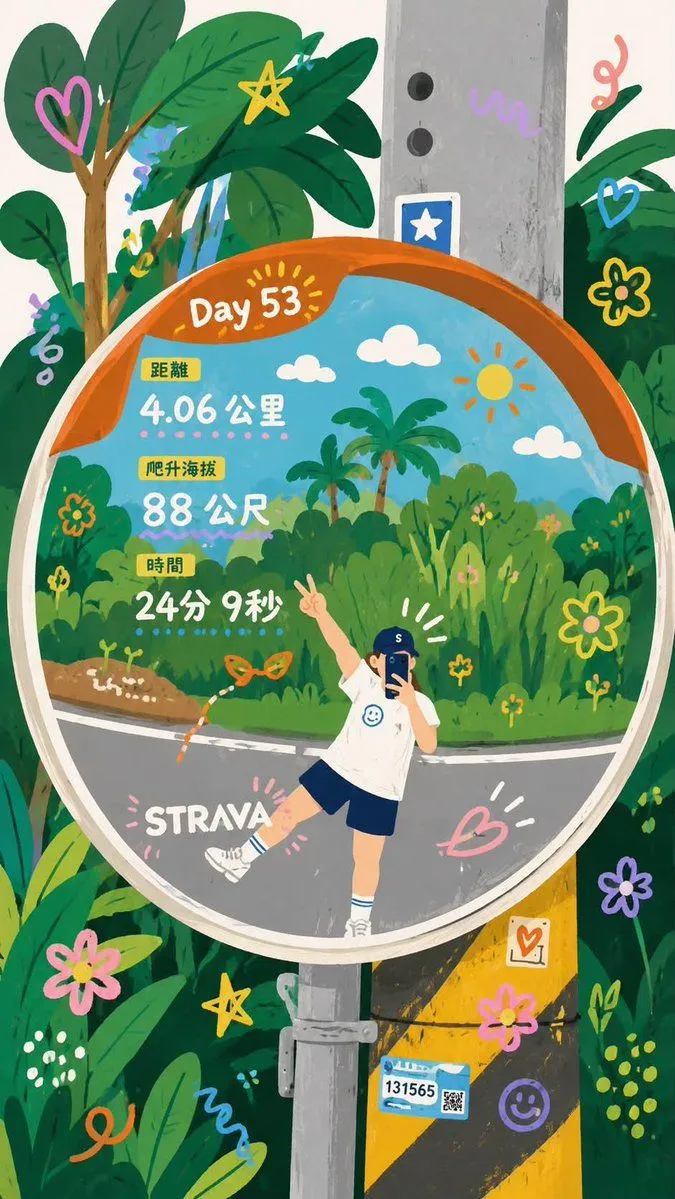
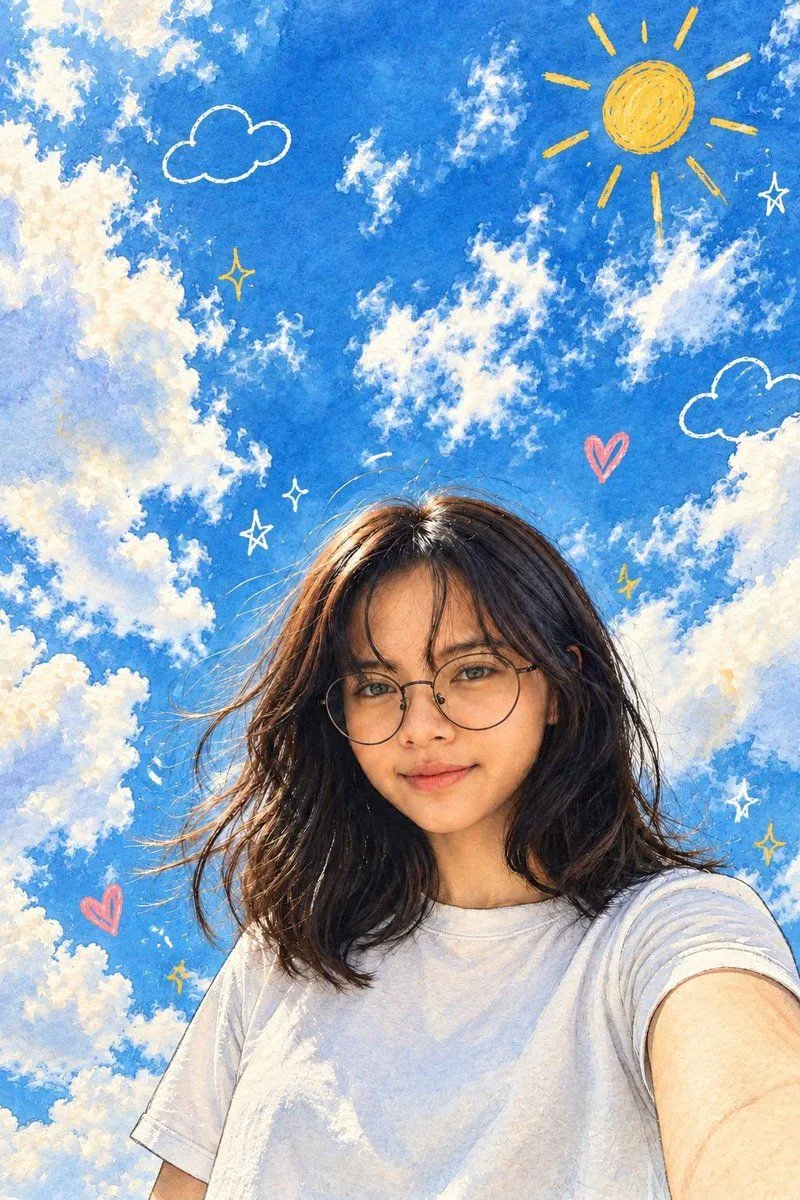
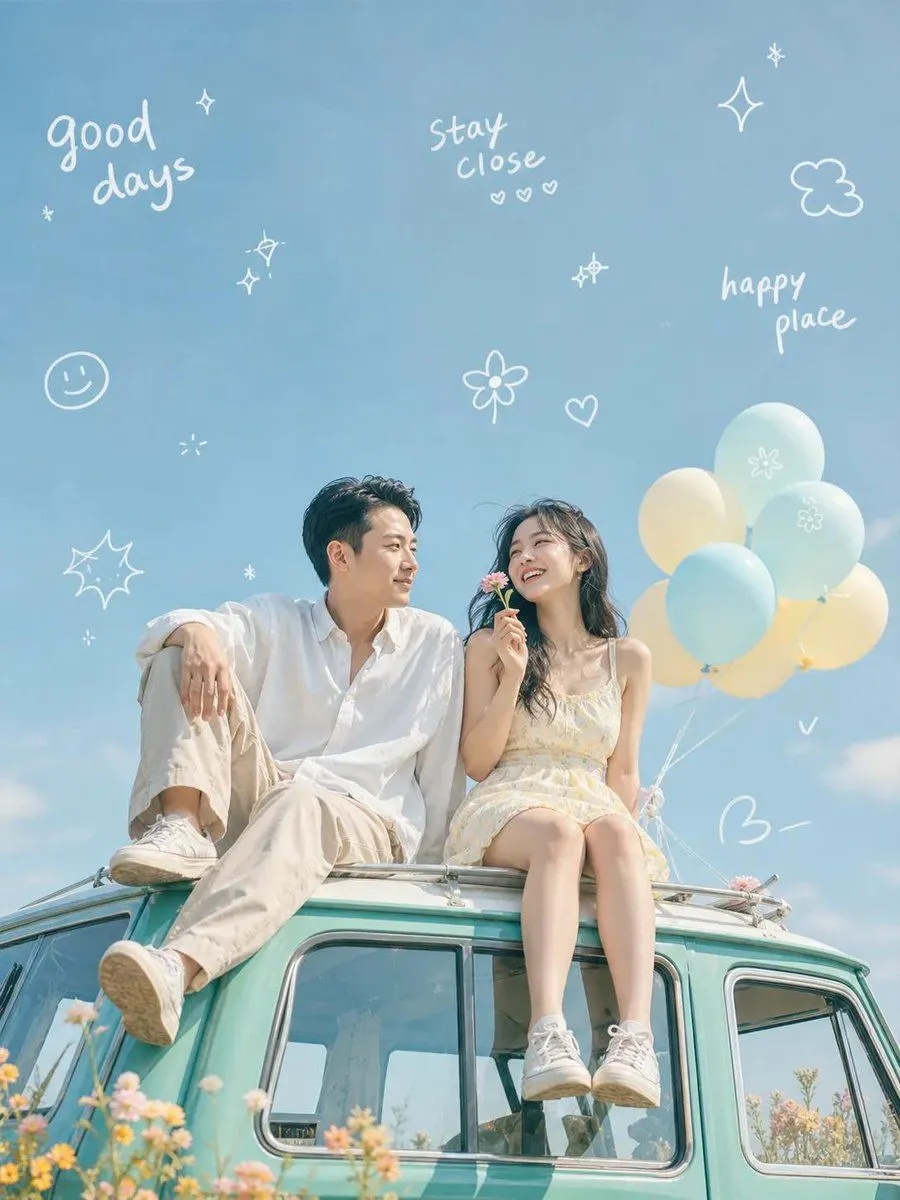
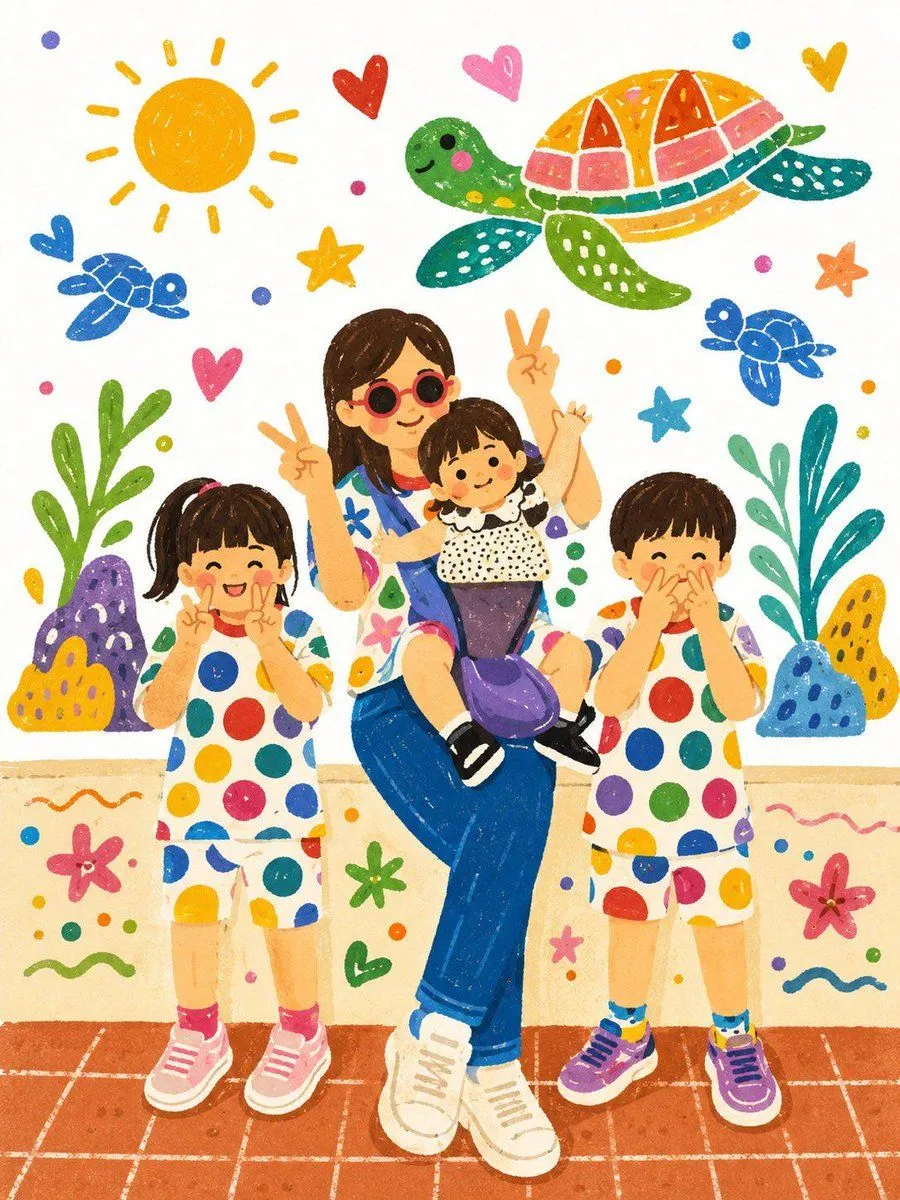
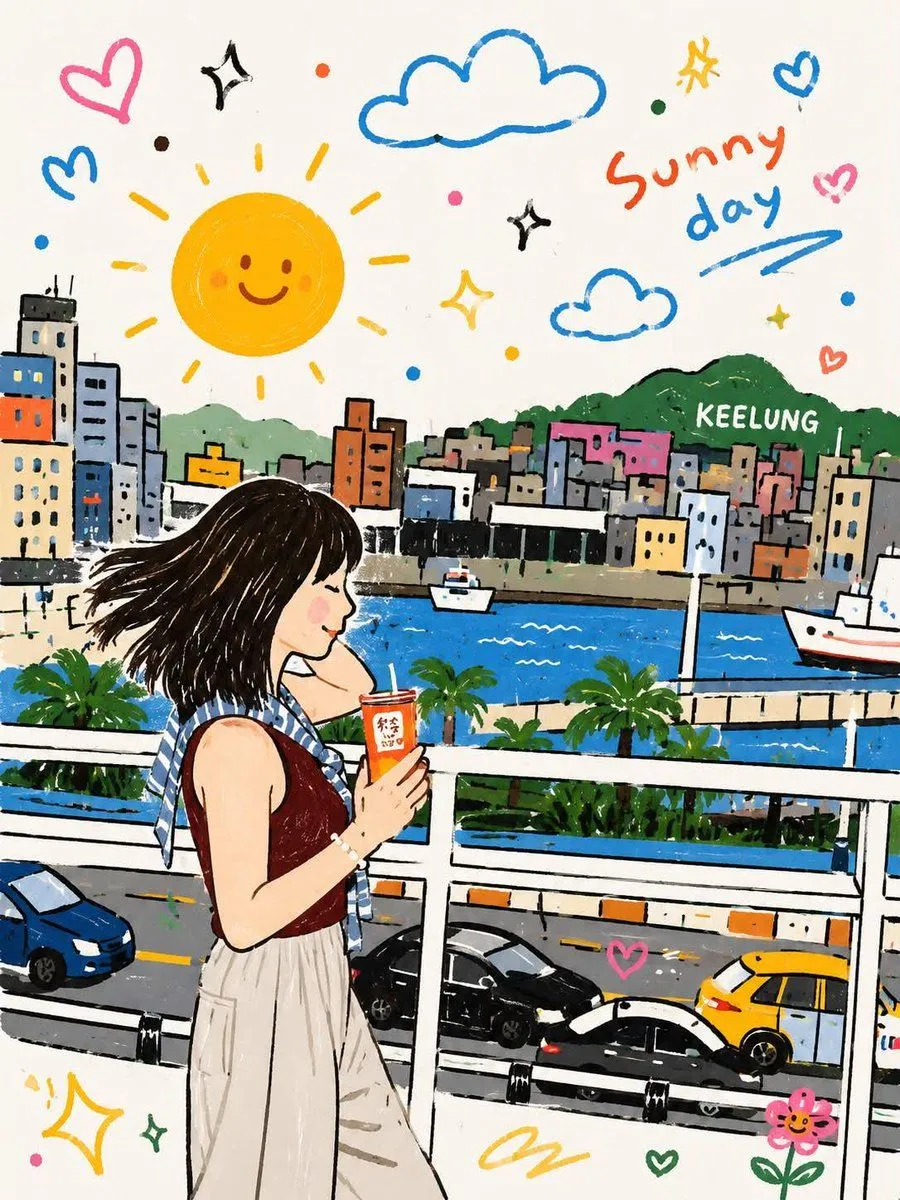
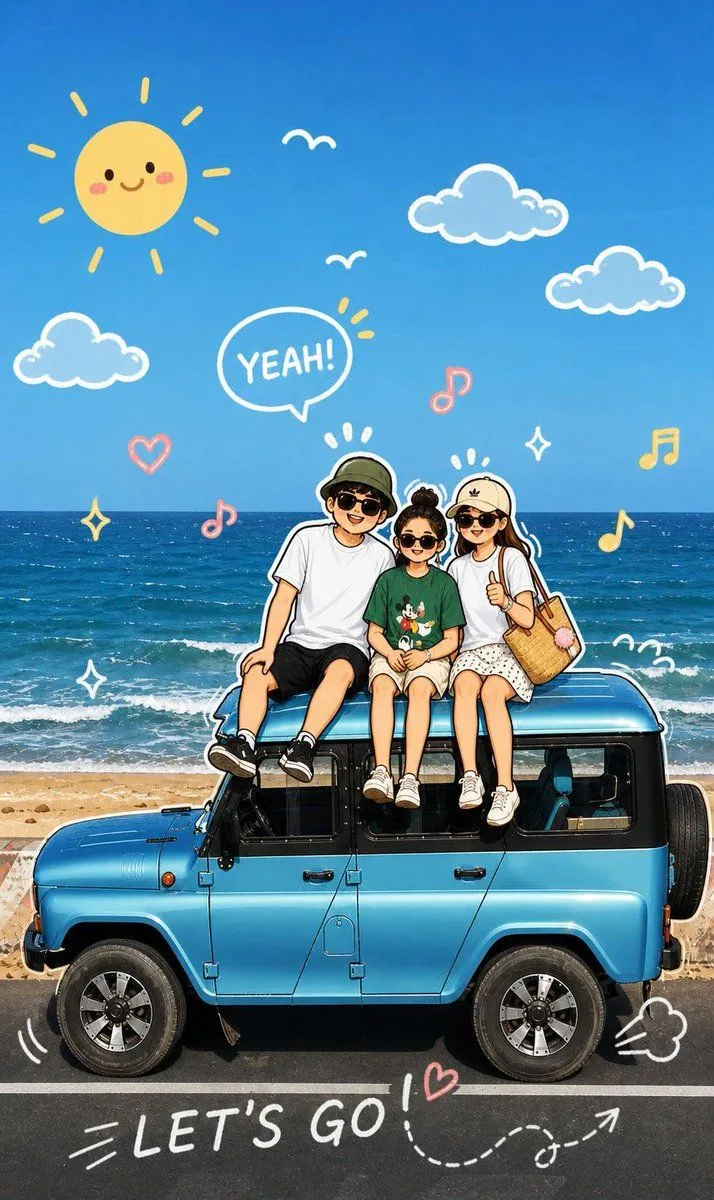
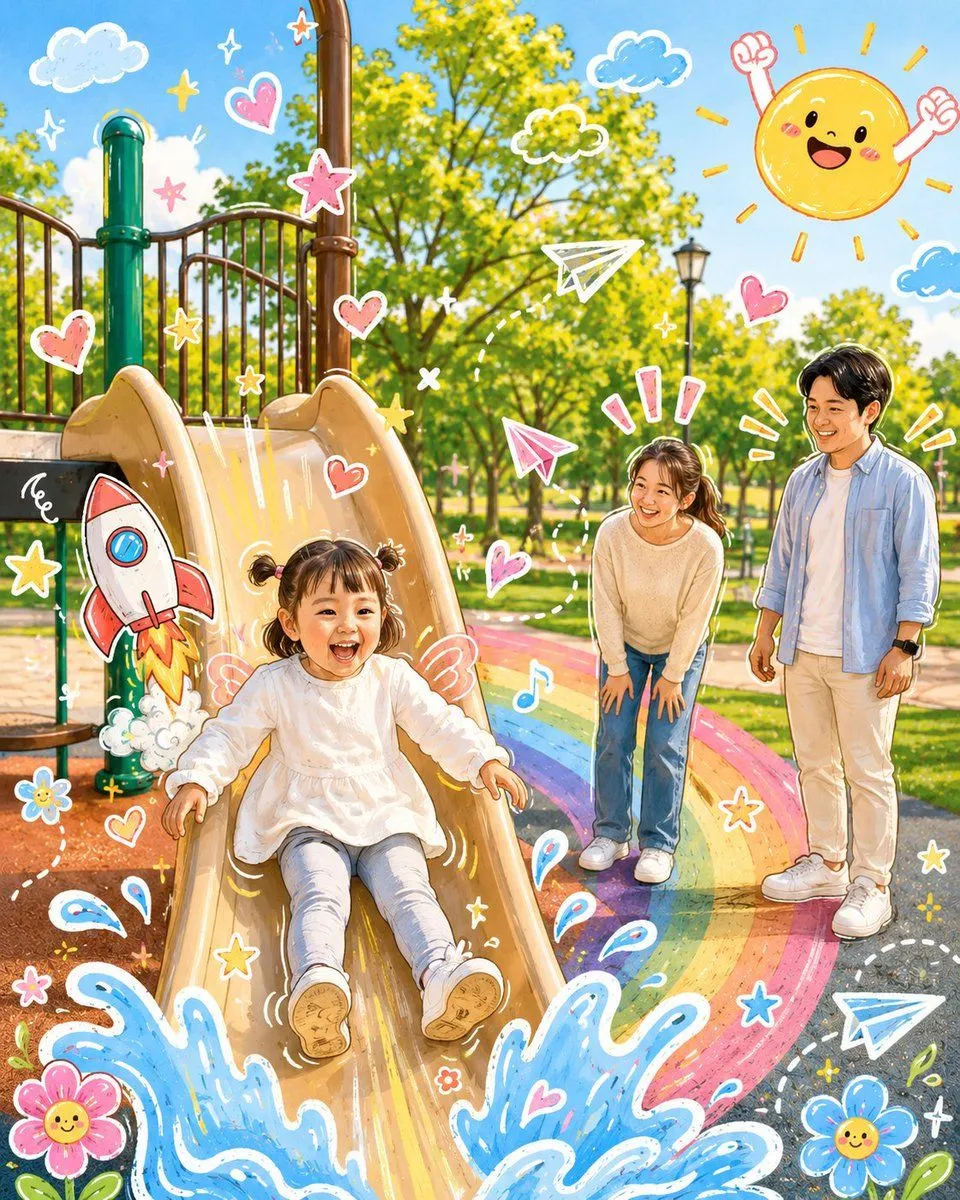
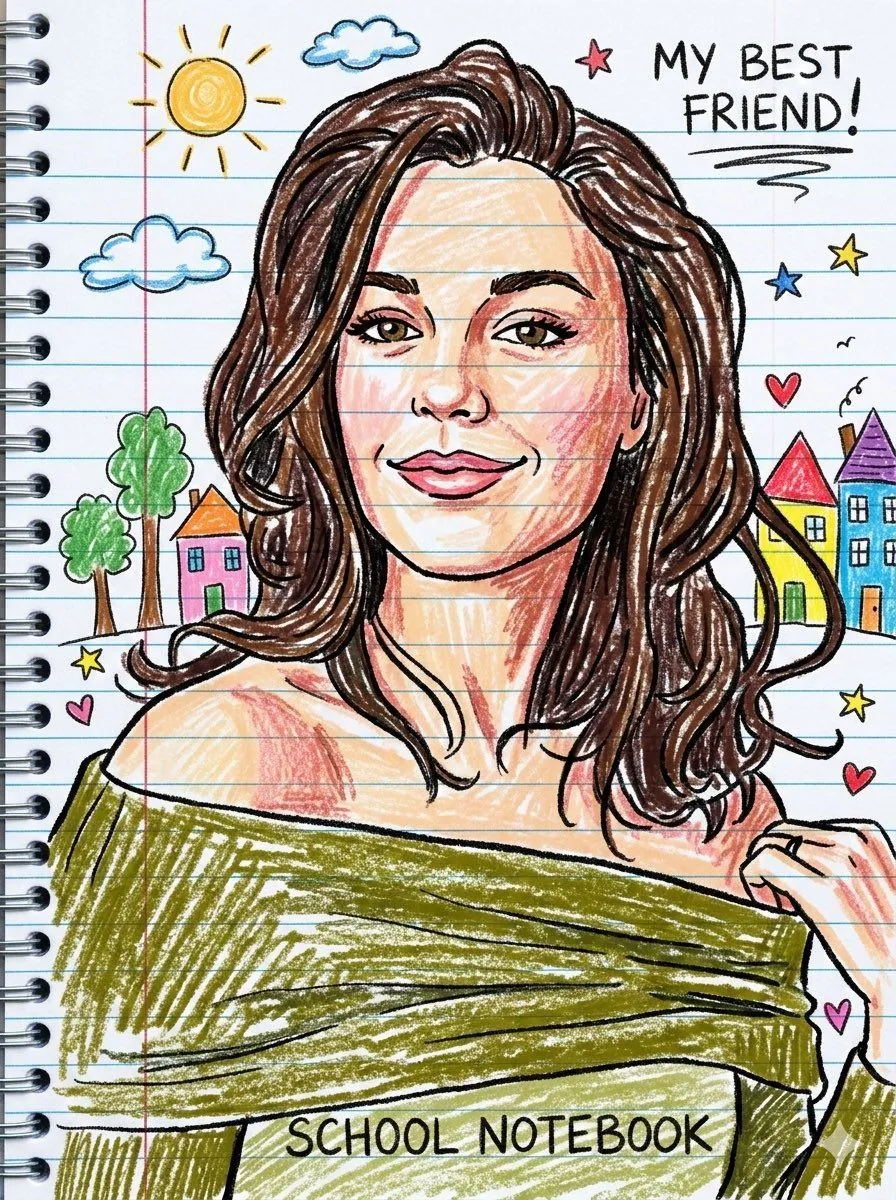
Playful Cartoon Sketch Transformation

Made with GPT Image 2 in ChatGPT by Library Lifestyle. Promptclay never generates images.

Did it work?

No reports yet. Tell others if it worked for you.

No comments yet. Be the first.

    Playful Cartoon Sketch Transformation

    GPT Image 2AI-generated

    Prompt

    Analyze the uploaded image and maintain the original subject, composition, and lighting. Do not change the identity or facial structure of the main character. Add playful hand-drawn graphic elements that interact directly with the subject in the image. The drawings should mimic, follow, or exaggerate the existing shapes, gestures, or movements — such as drawing lines around the pose, extending arms or legs, adding motion lines, or creating imaginary elements that "interact" with the subject. Step 2: Transform the entire image into a cute cartoon illustration in a soft, vibrant, and playful cartoon style. Maintain the original scene and character details while applying a vibrant, cute, and playful cartoon look.

    Works in
    ChatGPT, Gemini
    Status
    Free to copy
    0
    DetailsVersions, settings and questions

    Written for

    What's in the prompt

    Subject
    Model
    GPT Image 2

    If your face changes

    keep my face exactly the same

    Questions

    Does this work in the ChatGPT app?
    Yes. Paste the prompt and attach your photo if it uses one.
    It changed my face. What do I do?
    Add "keep my face exactly the same" to the end and run it again.
    Can I use the images I make?
    Check the terms of the app you use. Promptclay never generates images and claims nothing you make.
    Similar prompts

    See more
    • Cartoon Doodle Transformation
    • Playful Crayon Drawing Notebook Style Prompt
    • Kindergarten Crayon Doodle Illustration Prompt
    • Whimsical Crayon Utopia Quote
    • Funny Doodle Photo Transformation
    • Storybook Travel Journal Illustration
    • Photo to Gouache Travel Illustration
    • Dreamy Couple on Turquoise Van
    • High-Energy, Print-Ready Comic Art Prompt
    • Family Portrait Storybook Illustration
    • Whimsical Childlike Doodle Reconstruction
    • Steve and Dustin Photo Album
    • Layered Papercraft Image Transformation
    • Chaotic Road Trip Comedy Poster
    • Three-Panel Anime Watercolor Split Composition Prompt for Nano Banana Pro
    • Anime Girl at Sunset Beach
    • Video Prompt Instruction for Nano Banana
    • Mint Green Coastal Car Portrait
    • Low-Poly Cartoon Stoner Living Room
    • Anime Summer Water Gun Postcard
    • Chibi Shark Adventure Movie Poster
    • Soft Watercolor Storybook Illustration
    • 3D Stylized Cartoon Girl on Stone Stool
    • GTA-Style Beach Club Gameplay Screenshot

    Show more

    Run it on your phone

    1. Prompt copiedRead it

      Analyze the uploaded image and maintain the original subject, composition, and lighting. Do not change the identity or facial structure of the main character. Add playful hand-drawn graphic elements that interact directly with the subject in the image. The drawings should mimic, follow, or exaggerate the existing shapes, gestures, or movements — such as drawing lines around the pose, extending arms or legs, adding motion lines, or creating imaginary elements that "interact" with the subject. Step 2: Transform the entire image into a cute cartoon illustration in a soft, vibrant, and playful cartoon style. Maintain the original scene and character details while applying a vibrant, cute, and playful cartoon look.

    2. Open your app

    3. Paste and run

      Press and hold the message box, then tap Paste. Add your photo first if the prompt uses one. You may need to sign in.

    Playful Cartoon Sketch Transformation