Tell us anything

An idea, a bug, something you love. We read every note.

⌘↵ to send. The page you're on comes along.

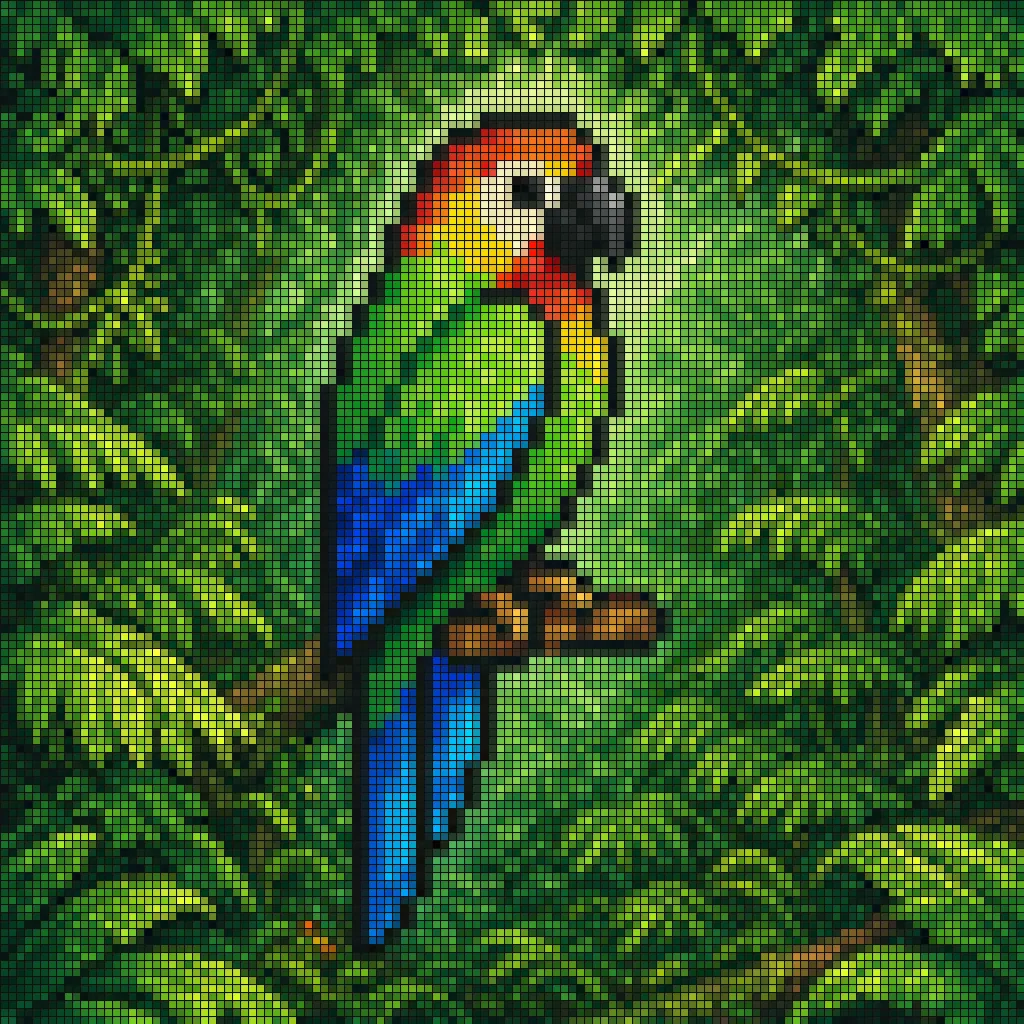
Pixel Mosaic Jungle Parrot

Made with GPT Image 2 in ChatGPT by Library Typography. Promptclay never generates images.

Did it work?

No reports yet. Tell others if it worked for you.

No comments yet. Be the first.

    Pixel Mosaic Jungle Parrot

    GPT Image 21:1AI-generated

    Prompt

    A pixel-art style mosaic illustration of a tropical parrot perched on a short brown branch in the middle of dense jungle foliage, created as if assembled from a tight uniform square grid of tiny colored tiles with thin dark outlines around every square. The single bird is shown in side profile facing right, with a large curved black beak, a pale cream face, a bright red-orange forehead and throat, a vivid yellow neck, a bright green body, and long wings and tail feathers in saturated blue and cyan. The parrot is centered vertically and slightly left of center, standing upright on the branch, with the tail extending downward. Surround the bird with lush layered leaves in many shades of green, from deep forest green to lime, filling the entire frame with no sky visible. Use strong contrast, crisp black contouring, and a glowing light green area behind the parrot to separate it from the darker foliage. The overall image should look like retro pixel art or stained-glass mosaic, highly detailed, colorful, square format, and edge-to-edge tiled texture.

    Works in
    ChatGPT, Gemini
    Status
    Free to copy
    0
    DetailsVersions, settings and questions

    Written for

    What's in the prompt

    Subject
    Model
    GPT Image 2

    If your face changes

    keep my face exactly the same

    Questions

    Does this work in the ChatGPT app?
    Yes. Paste the prompt and attach your photo if it uses one.
    It changed my face. What do I do?
    Add "keep my face exactly the same" to the end and run it again.
    Can I use the images I make?
    Check the terms of the app you use. Promptclay never generates images and claims nothing you make.
    Similar prompts

    See more
    • Blurry Retro Pixel Parrot Jungle
    • Faux Pixel Raven in Wheat Field
    • Convert illustration to retro Game Boy Advance-style pixel art
    • Pixelated Cartoon Animal Image
    • Tropical Rainforest Wildlife Ecosystem
    • Voxel Stop-Motion Character
    • Stained Glass Flying Owl
    • Dreamy Plush Sparrow in Mossy Sunlight
    • Exquisite Relief Embroidery Illustration
    • Whimsical Claymation Chameleon Scene
    • Vibrant Cardinal Collage Prompt
    • Macro Wildlife Photography
    • Split Pixel Art Canvas
    • Realistic Dodo Bird Illustration
    • Vintage Peacock Botanical Illustration
    • Whimsical Lollipop and Pigeons Illustration
    • Abstract Geometric Flamingo Poster
    • Vintage Retro Pickleball Frog Illustration
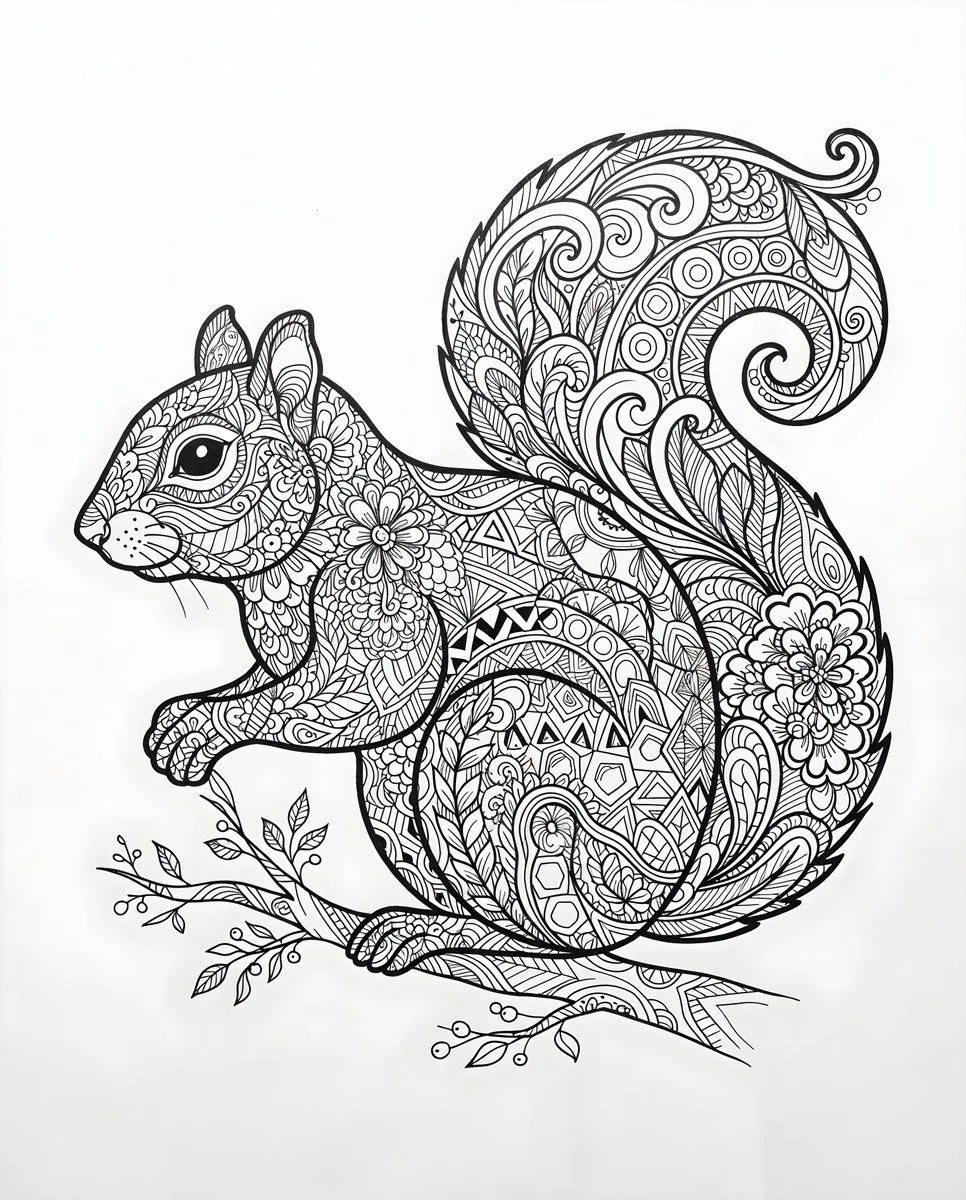
    • Zentangle Squirrel Line Drawing
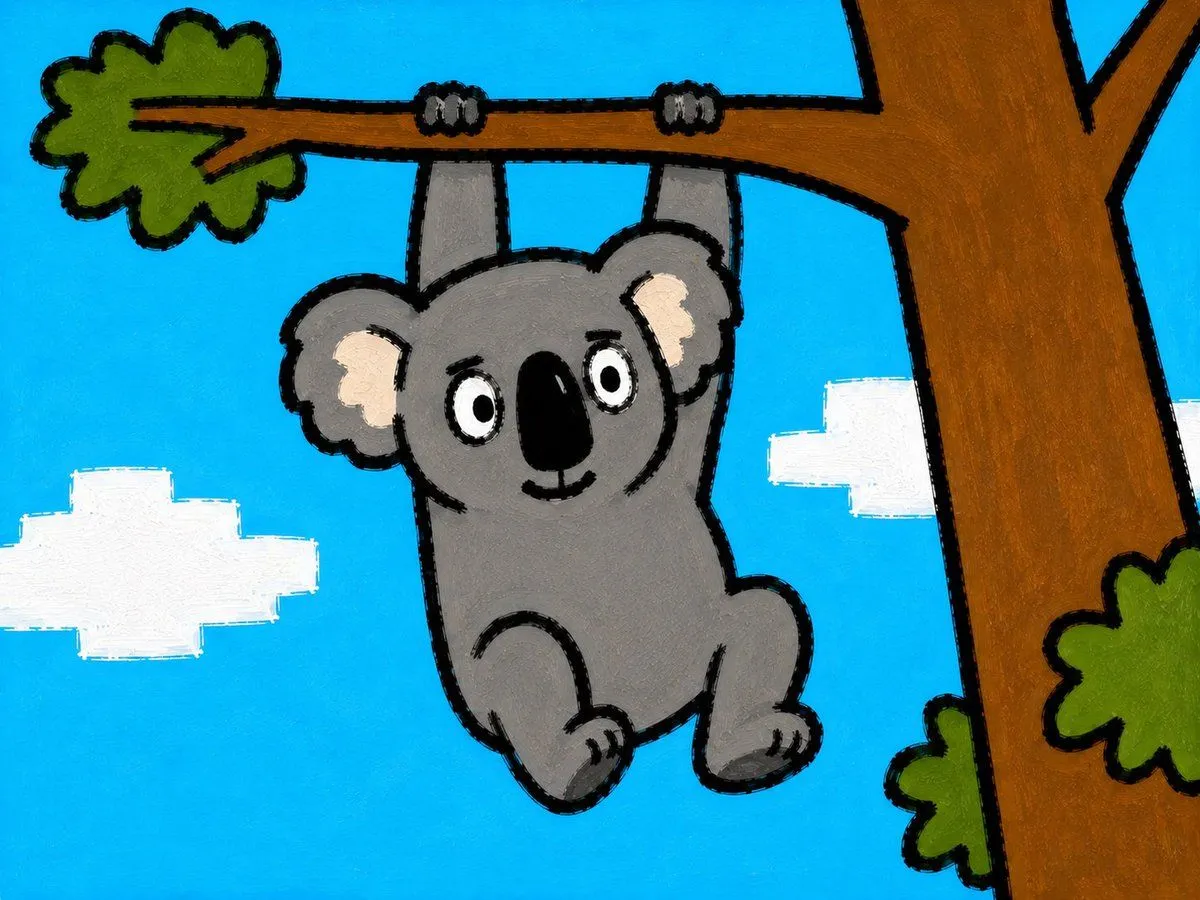
    • Childlike Koala Hanging From Tree
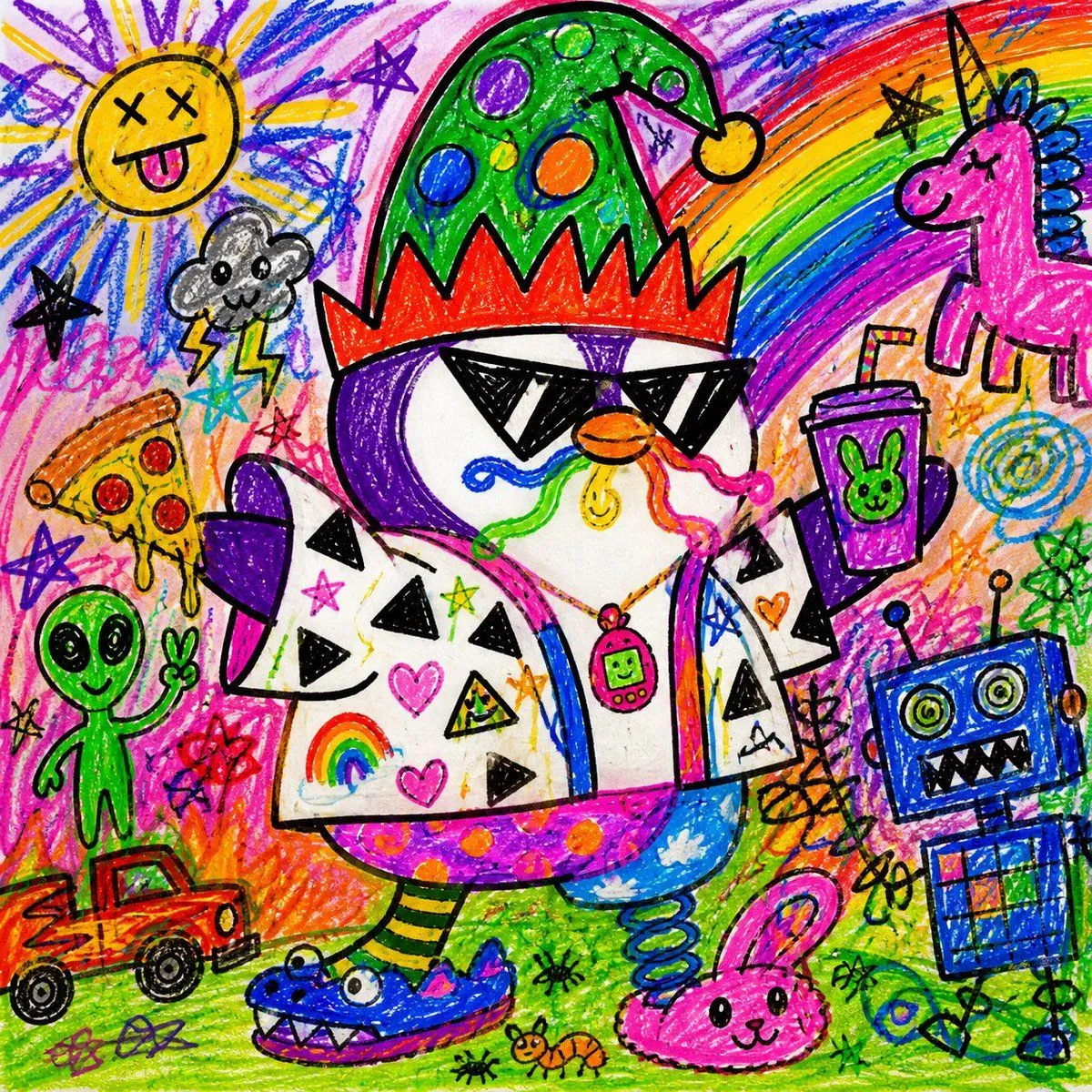
    • Chaotic Child Style Drawing
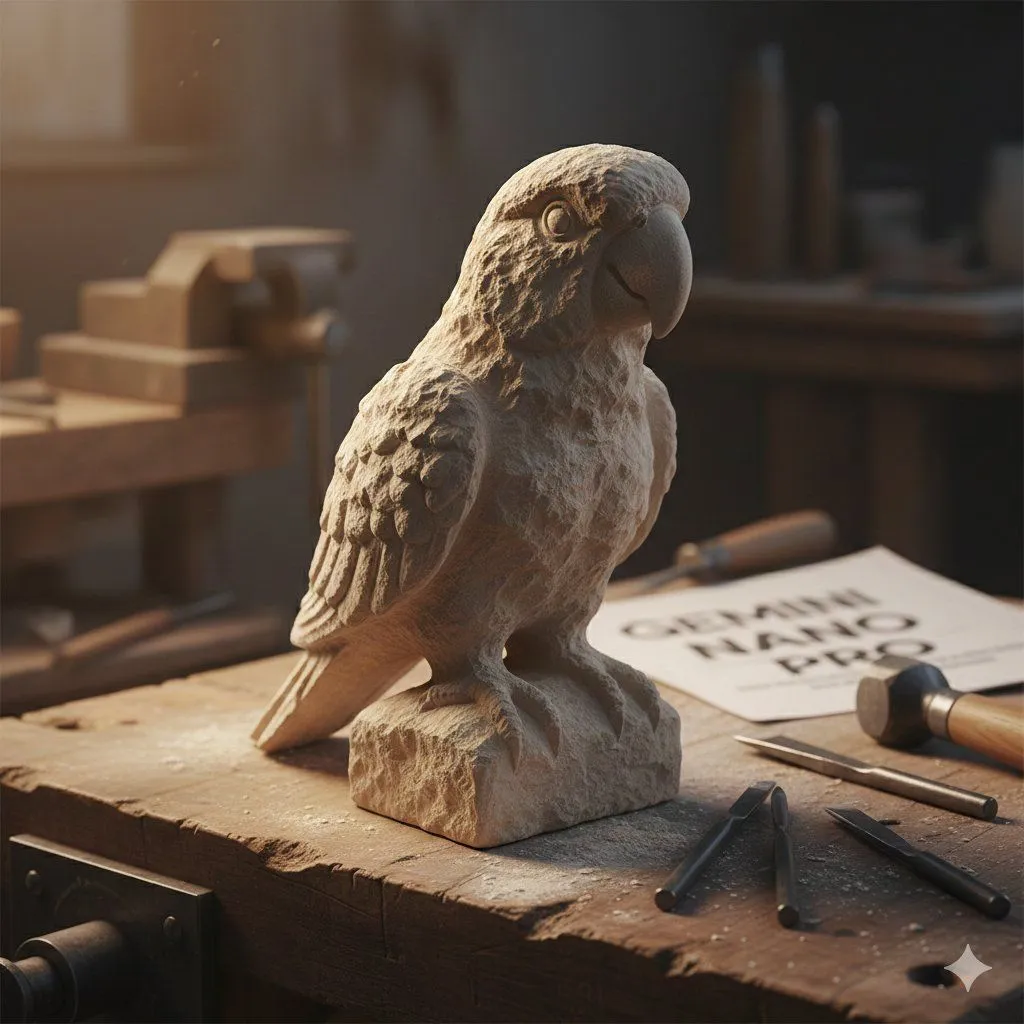
    • Stone-Carved Pet Statue on Workbench
    • Chasing Sunsets Seagull Watercolor
    • Majestic Manatee Village Illustration

    Show more

    Run it on your phone

    1. Prompt copiedRead it

      A pixel-art style mosaic illustration of a tropical parrot perched on a short brown branch in the middle of dense jungle foliage, created as if assembled from a tight uniform square grid of tiny colored tiles with thin dark outlines around every square. The single bird is shown in side profile facing right, with a large curved black beak, a pale cream face, a bright red-orange forehead and throat, a vivid yellow neck, a bright green body, and long wings and tail feathers in saturated blue and cyan. The parrot is centered vertically and slightly left of center, standing upright on the branch, with the tail extending downward. Surround the bird with lush layered leaves in many shades of green, from deep forest green to lime, filling the entire frame with no sky visible. Use strong contrast, crisp black contouring, and a glowing light green area behind the parrot to separate it from the darker foliage. The overall image should look like retro pixel art or stained-glass mosaic, highly detailed, colorful, square format, and edge-to-edge tiled texture.

    2. Open your app

    3. Paste and run

      Press and hold the message box, then tap Paste. Add your photo first if the prompt uses one. You may need to sign in.

    Pixel Mosaic Jungle Parrot