Tell us anything

An idea, a bug, something you love. We read every note.

⌘↵ to send. The page you're on comes along.

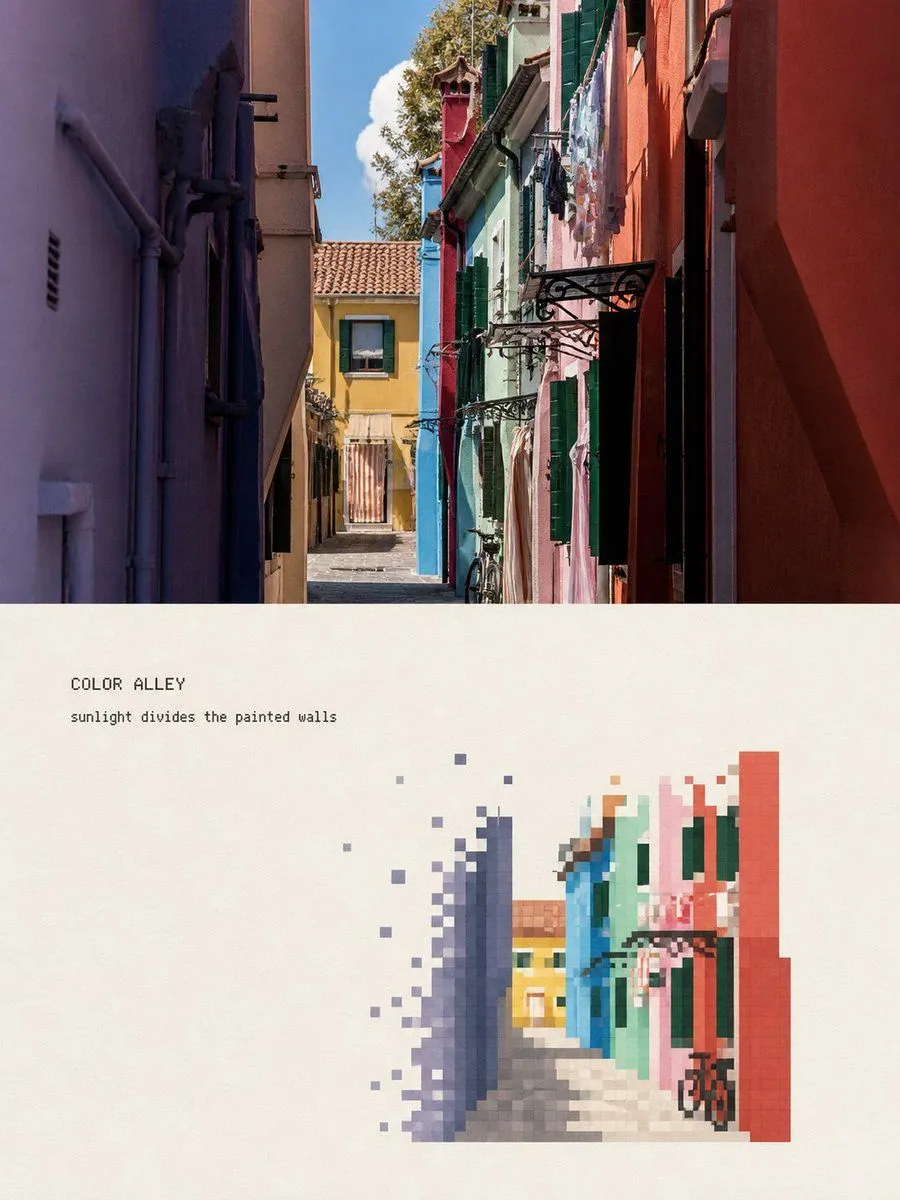
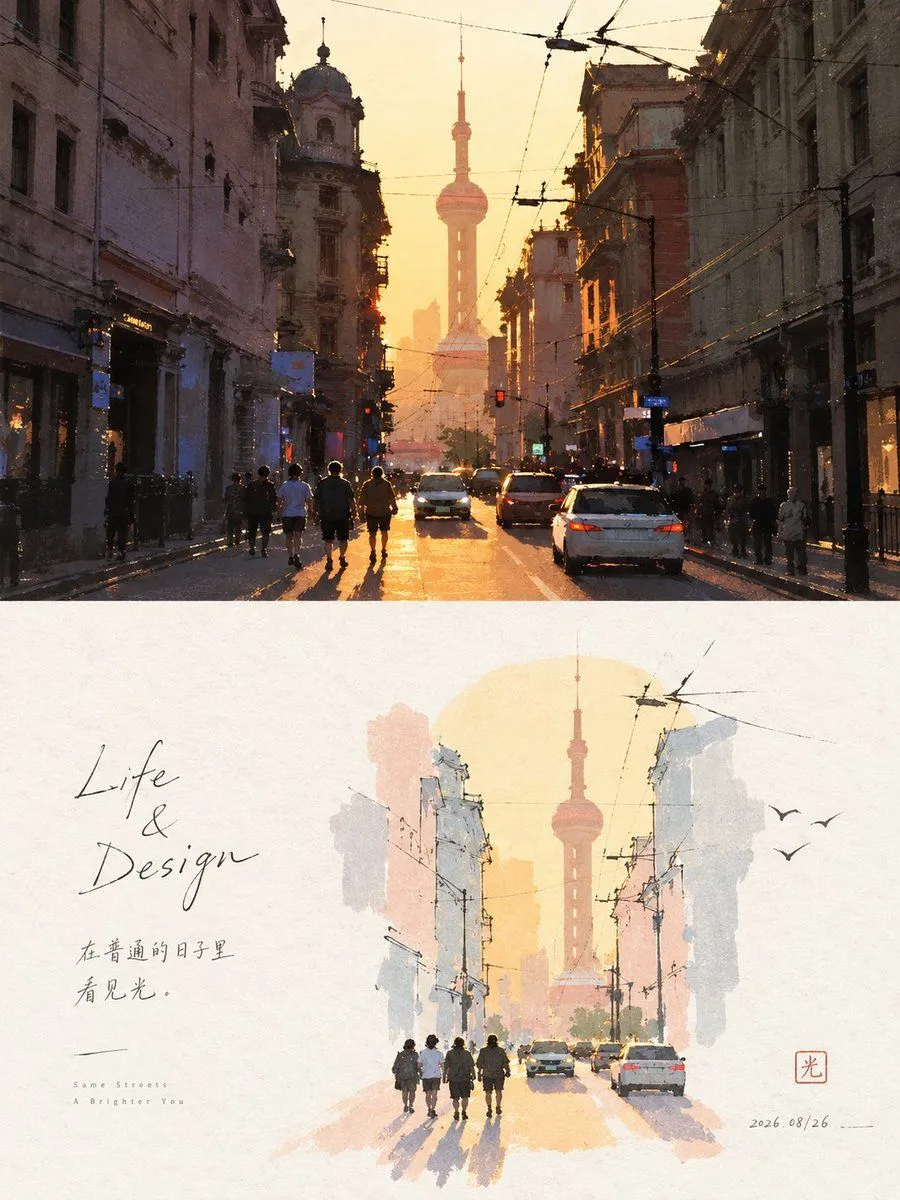
Pixel Faded Landscape Poster

Made with GPT Image 2 in ChatGPT, collected by Library Typography. Promptclay never generates images.

Did it work?

No reports yet. Tell others if it worked for you.

No comments yet. Be the first.

    Pixel Faded Landscape Poster

    GPT Image 23:4AI-generated

    Prompt

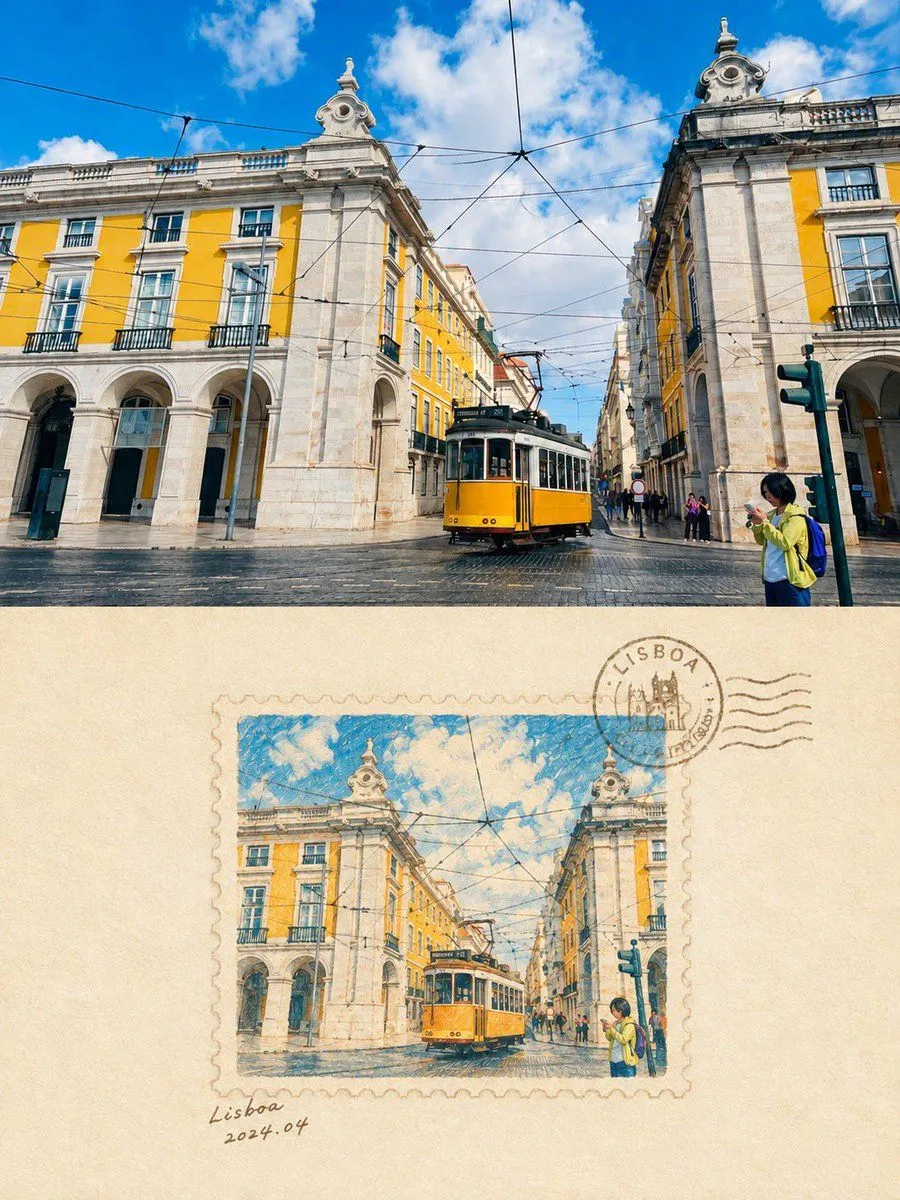
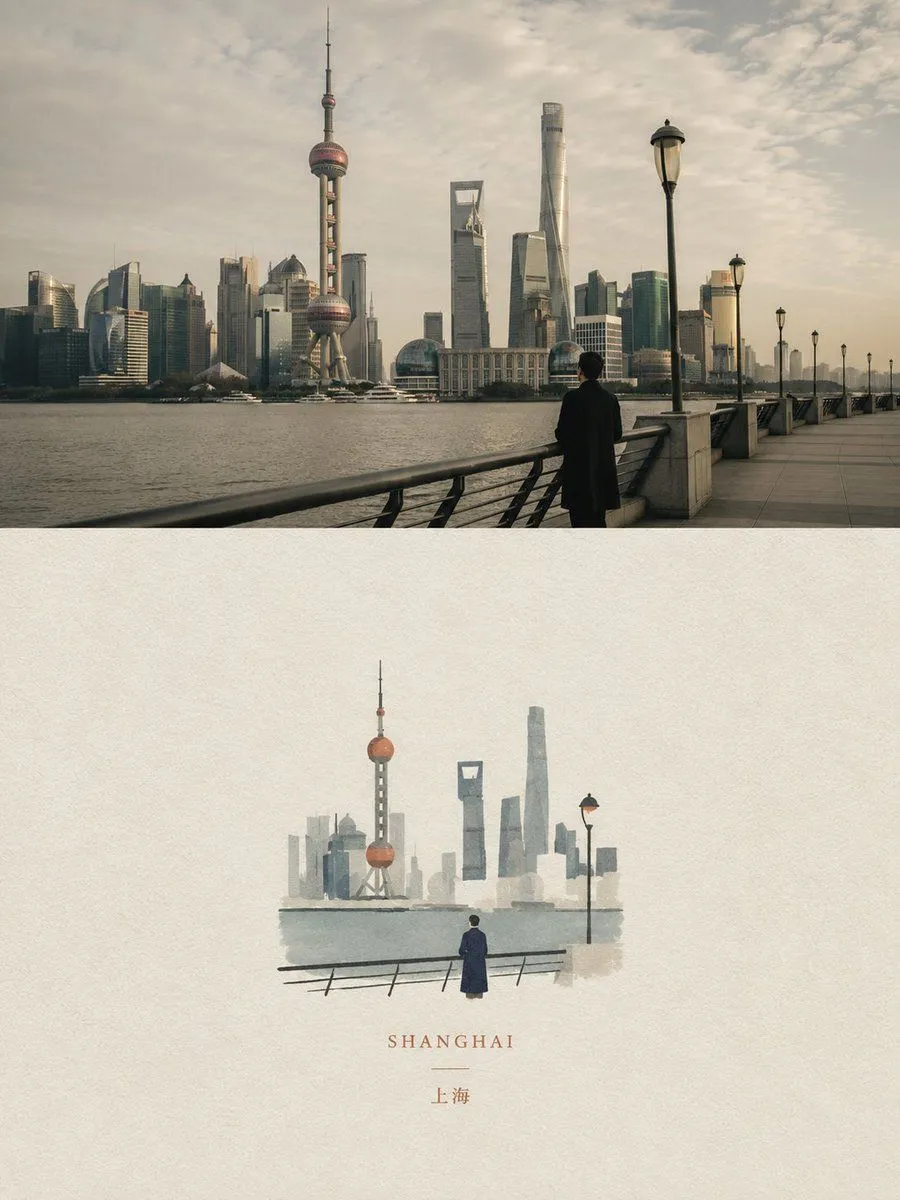
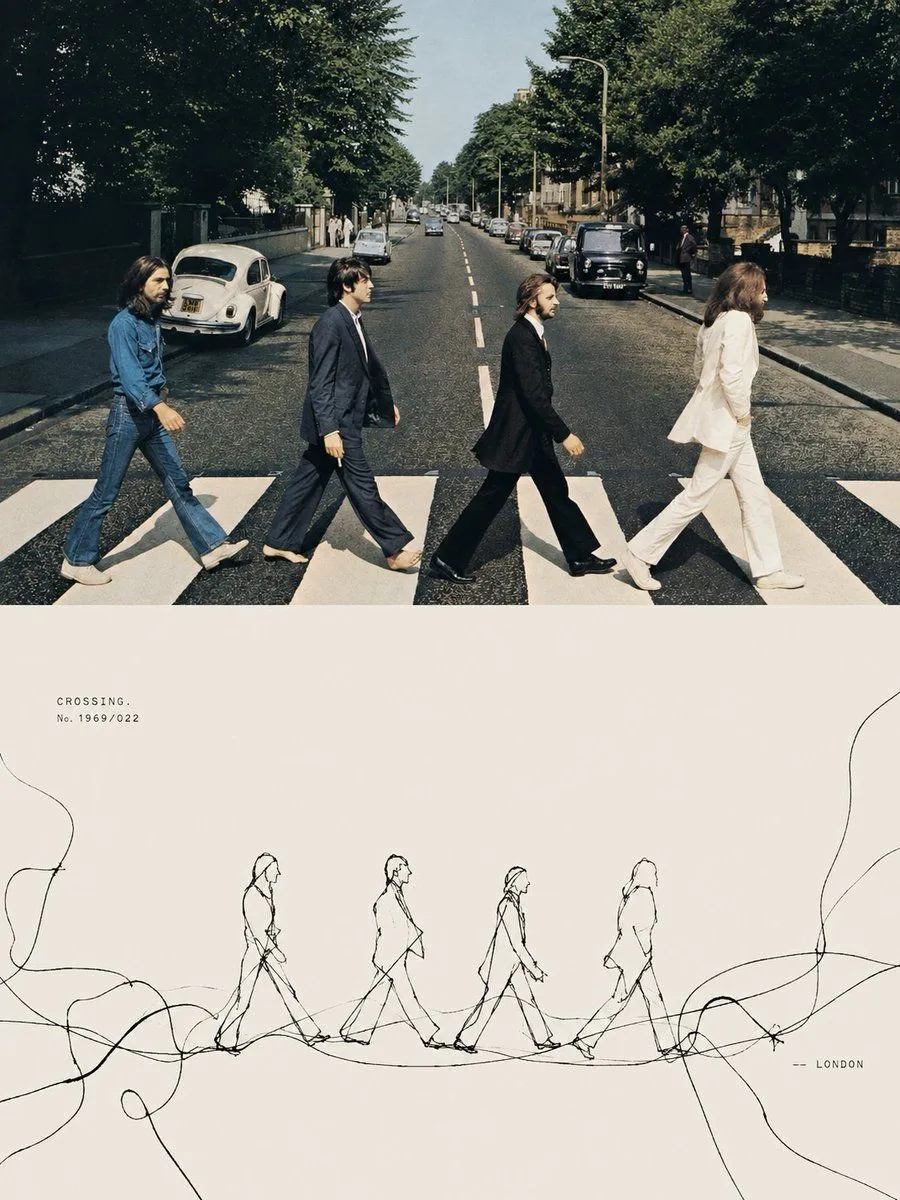
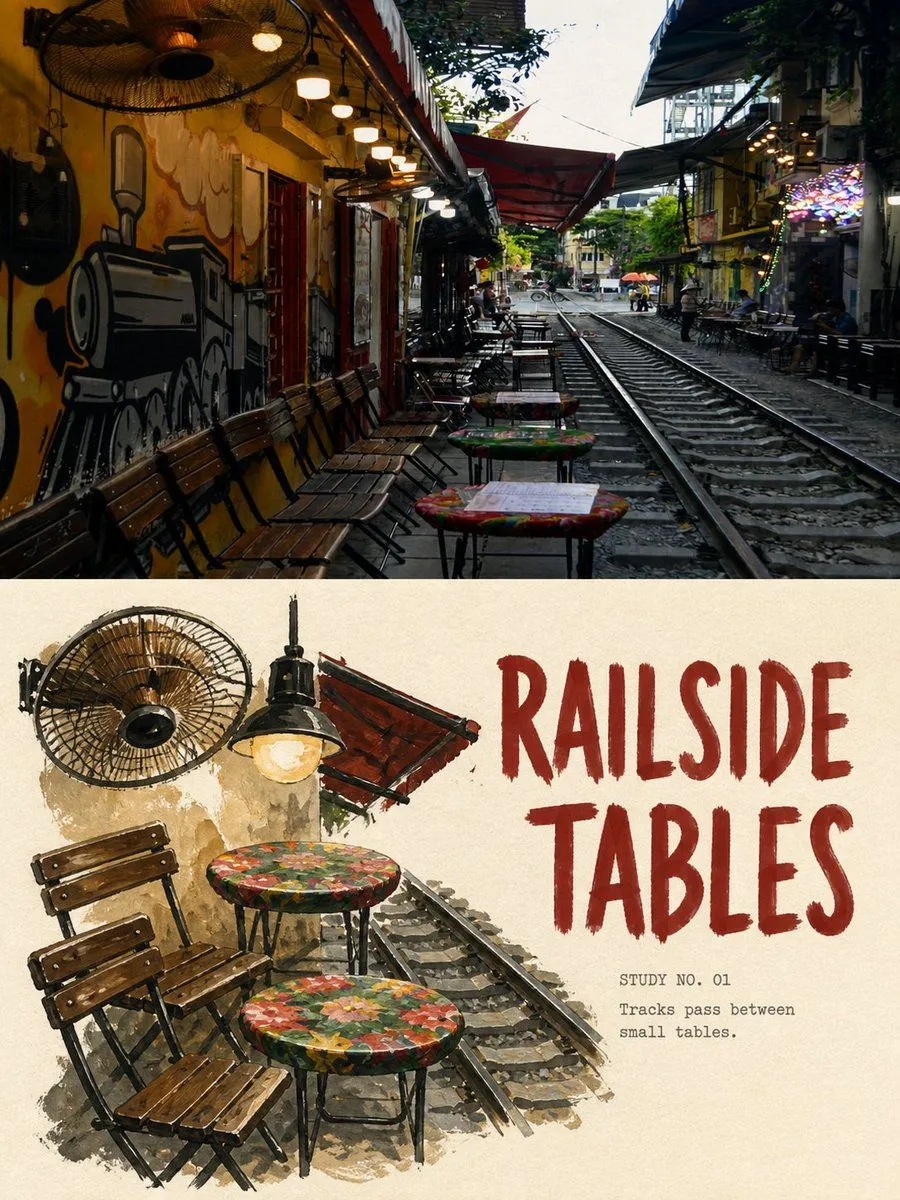
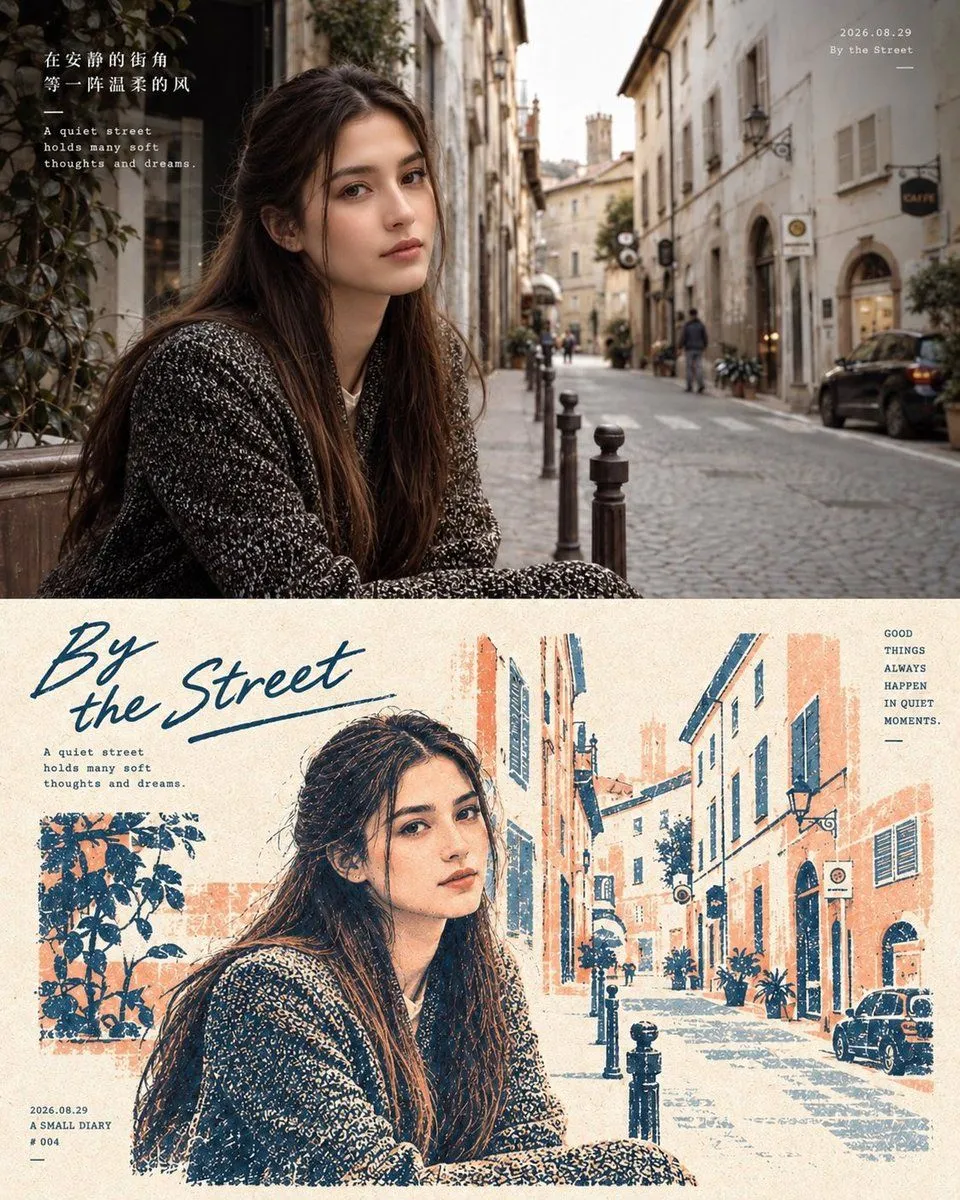
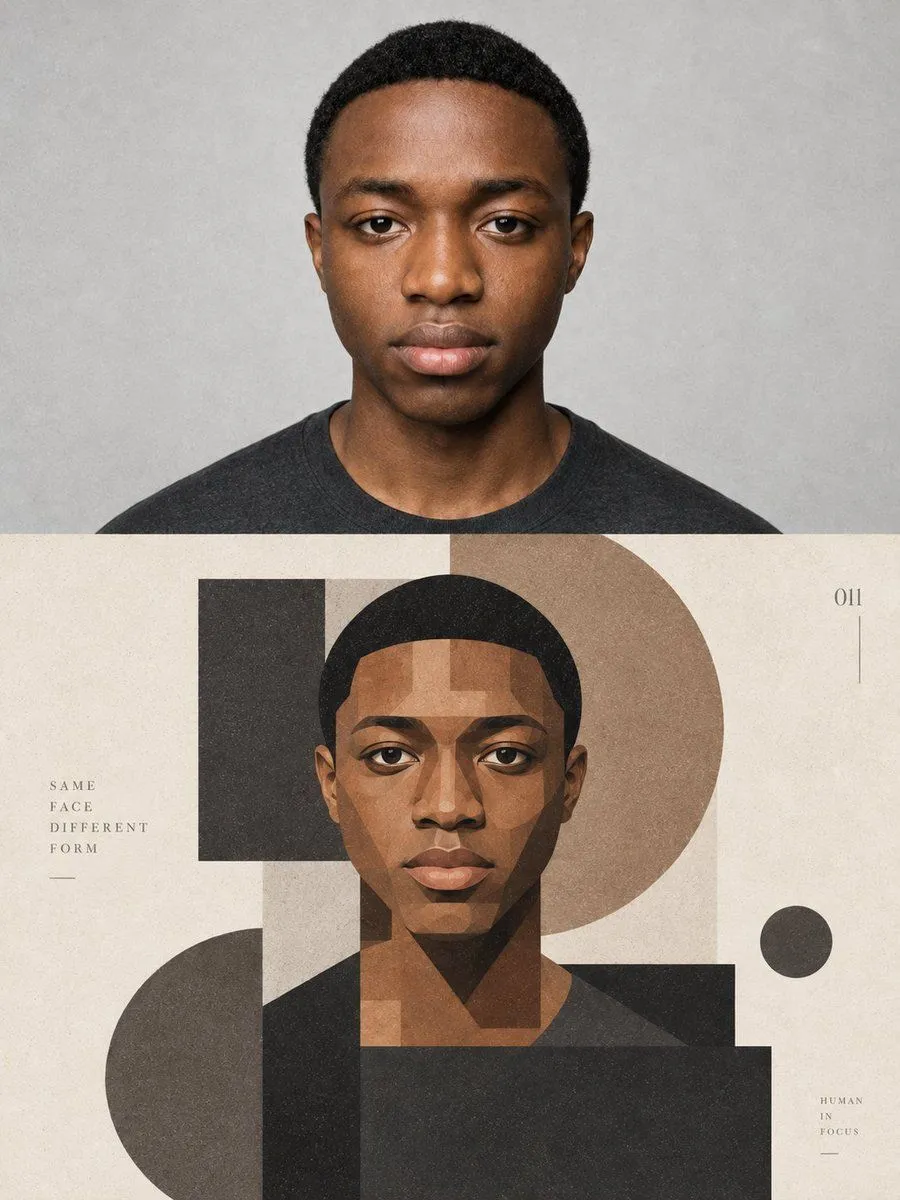
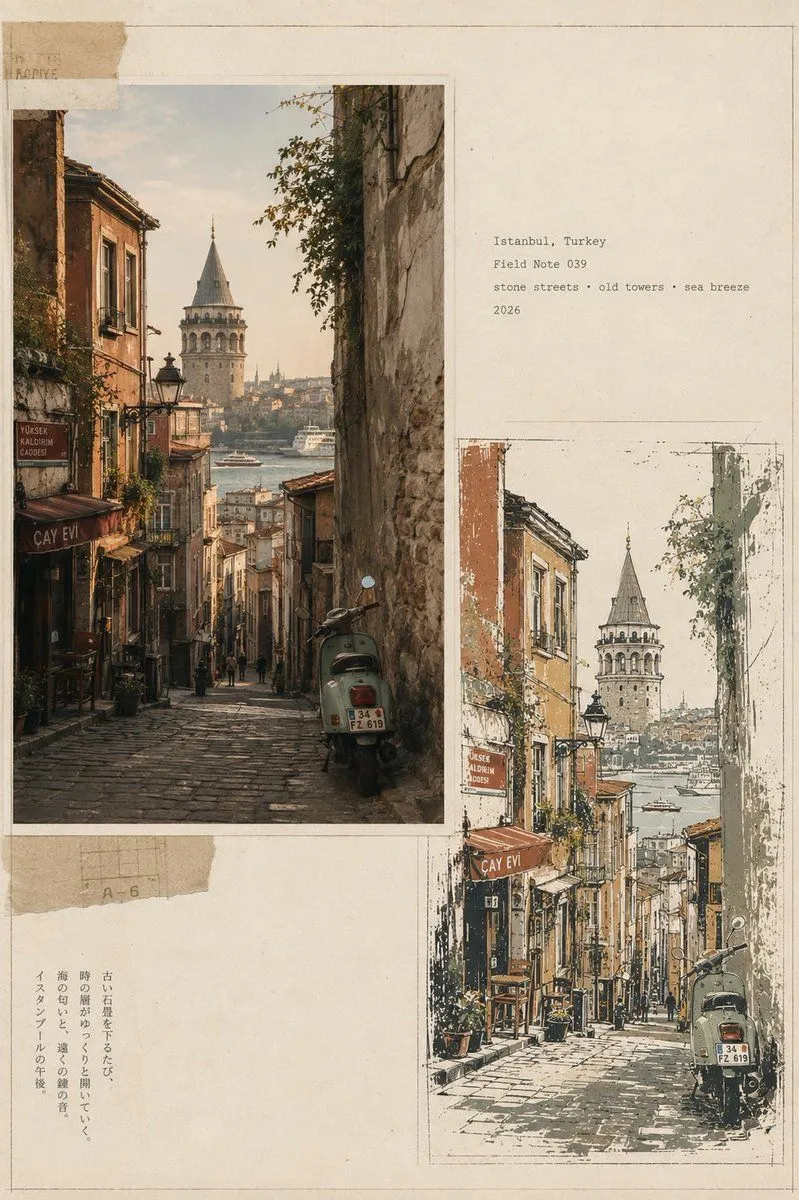
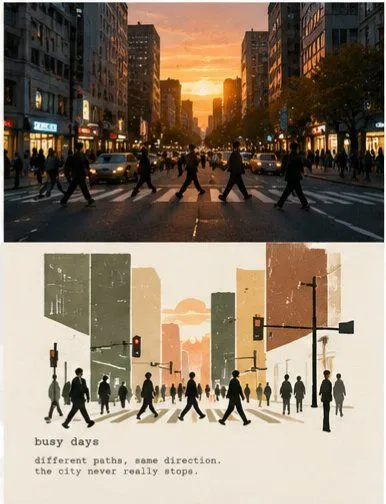
    Please turn each of the travel photos I upload into an independent high-end editorial poster, with no multi-image splicing, each photo output individually. The overall layout uses a 3:4 vertical top-bottom contrast composition, with the upper and lower areas approximately 1:1, separated by a straight, clear, and clean horizontal boundary. Do not feather, permeate, or layer; do not shrink the original image into an icon, rounded card, or floating thumbnail. The upper half must retain the high-fidelity original photo. Accurately maintain the identity and quantity of subjects, architectural outlines, roof and window/door proportions, human poses, vehicles, bridges, boats, road directions, foreground/background occlusions, observation angles, real materials, natural light and shadow, and the original color atmosphere. Apply only slight, restrained color grading at the level of travel magazines, art publications, or photography exhibitions, and add a very thin film grain. Do not turn photos into illustrations; do not move, replace, add/delete, or distort subjects; do not change architectural and street perspectives. The lower half, on a warm off-white or light ivory paper surface, reorganizes the same scene into an 'artificial pixel vanishing landscape' with a large amount of white space. This is not a photo mosaic filter, nor is it lowering the resolution of the entire photo. First, select the most recognizable visual anchor from the photo, such as a bridge, a section of colored facade, a dome, a motorcycle, a bicycle, a boat, a gatehouse, or a group of clear roofs, then retain only the minimum elements that can illustrate the location and spatial relationship. Adopt a reduced and refined secondary composition: the subject usually occupies only about 30%–50% of the width and about 30%–50% of the height of the re-rendering area, concentrated in the middle-lower part, slightly to the left or right, and naturally arranged according to the direction of the original photo. Keep at least 50%–65% of the complete off-white paper surface blank on all sides. Do not completely fill the lower area with the original street scene. Only two or three layers of sparse pixel hints are kept in the background. Remove repeating window panes, fine tile lines, small signboard text, tourist shadows, dense pipelines, foliage, and photographic noise, but do not delete the eaves, bridge arches, domes, vehicle outlines, human poses, or road directions that determine the identity of the subject. Rebuild the body using discrete pixel blocks with clear edges, square or near-square: - Build the main outline, volume, light/shadow, and main color surfaces of the subject with medium-sized pixel blocks. - Use smaller, denser pixel blocks at key identification points such as eaves, spires, dome edges, window/door proportions, bridge arches, human poses, wheels, and prows. - Gradually reduce pixel density at the outer edges of buildings, vegetation, road surfaces, water surfaces, reflections, and distant views, causing squares to disconnect, dislocate, scatter, and disappear onto the paper surface. - The interior of the subject is relatively complete, and the periphery forms a clear pixel vanishing zone. - Vanishing must come from the decrease in the number and density of independent squares; do not use soft focus, feathering, smoke, transparent gradients, or pixel stretching. - A small number of discrete blocks can leave the subject along eaves, road perspective, water flow, terrain, or movement direction, but must not become random digital glitches. The color scheme is completely extracted from the current photo and compressed into about 6–12 main color steps. Retain the subject's 1–3 most recognizable colors, and then use adjacent light and dark colors to establish volume. Environmental colors are reduced in saturation and unified to natural gray, slate gray, gray-blue, gray-green, wood brown, or the photo's own architectural colors. A small area of high-saturation color that actually exists in the photo can be used as a visual focal point, such as tail lights, doors and windows, or clothing colors. The off-white paper surface must be the largest color in the re-rendering area...

    Works in
    ChatGPT, Gemini
    Status
    Free to copy
    0
    DetailsVersions, settings and questions

    Written for

    What's in the prompt

    Subject
    Model
    GPT Image 2

    If your face changes

    keep my face exactly the same

    Questions

    Does this work in the ChatGPT app?
    Yes. Paste the prompt and attach your photo if it uses one.
    It changed my face. What do I do?
    Add "keep my face exactly the same" to the end and run it again.
    Can I use the images I make?
    Check the terms of the app you use. Promptclay never generates images and claims nothing you make.
    Similar prompts

    See more
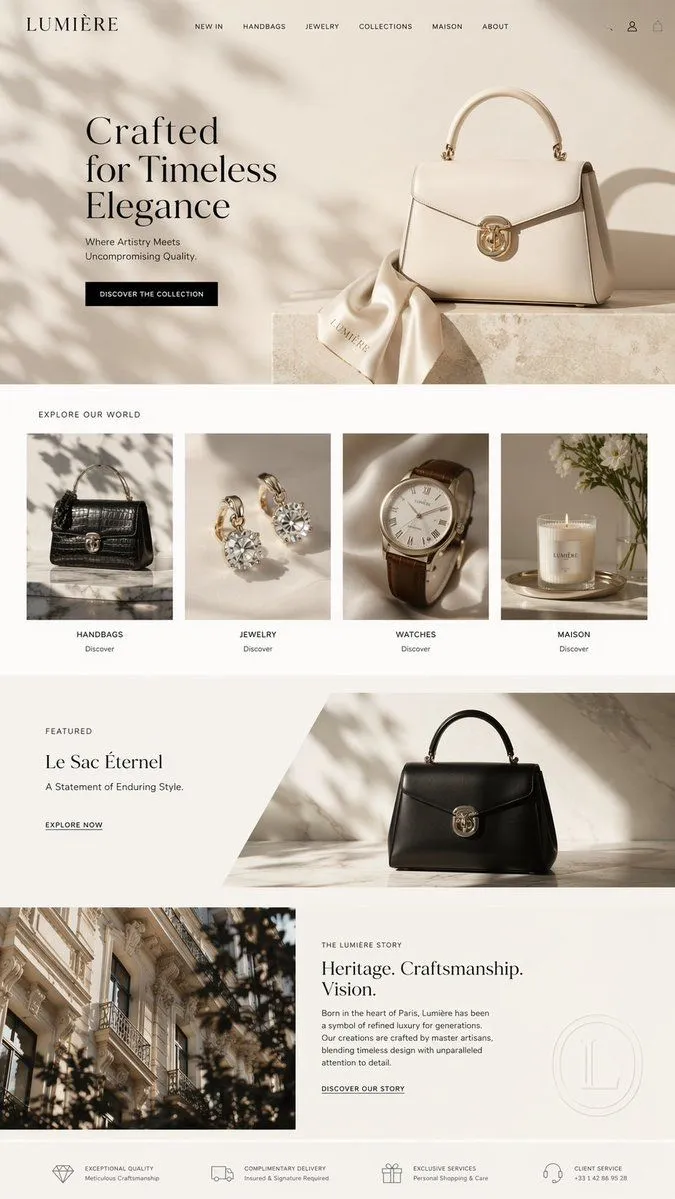
    • Premium Cinematic Art-Book Editorial Poster Prompt
    • Artistic Collage Design Poster
    • GPT Image 2 Vintage Stamp Poster Prompt
    • Dual Editorial Poster Layout
    • Tension Line Art Concept Poster
    • Travel Gouache Still Life Poster
    • Two-Panel Editorial Travel Diary Poster
    • Geometric Editorial Portrait Collage
    • Vintage Travel Journal Editorial Collage
    • Ligne Claire Suburban Landscape
    • Editorial Typography Poster Design
    • Modern Fashion Editorial Poster
    • High-Fashion Typography Poster Template
    • Cinematic Editorial Urban Golden Hour
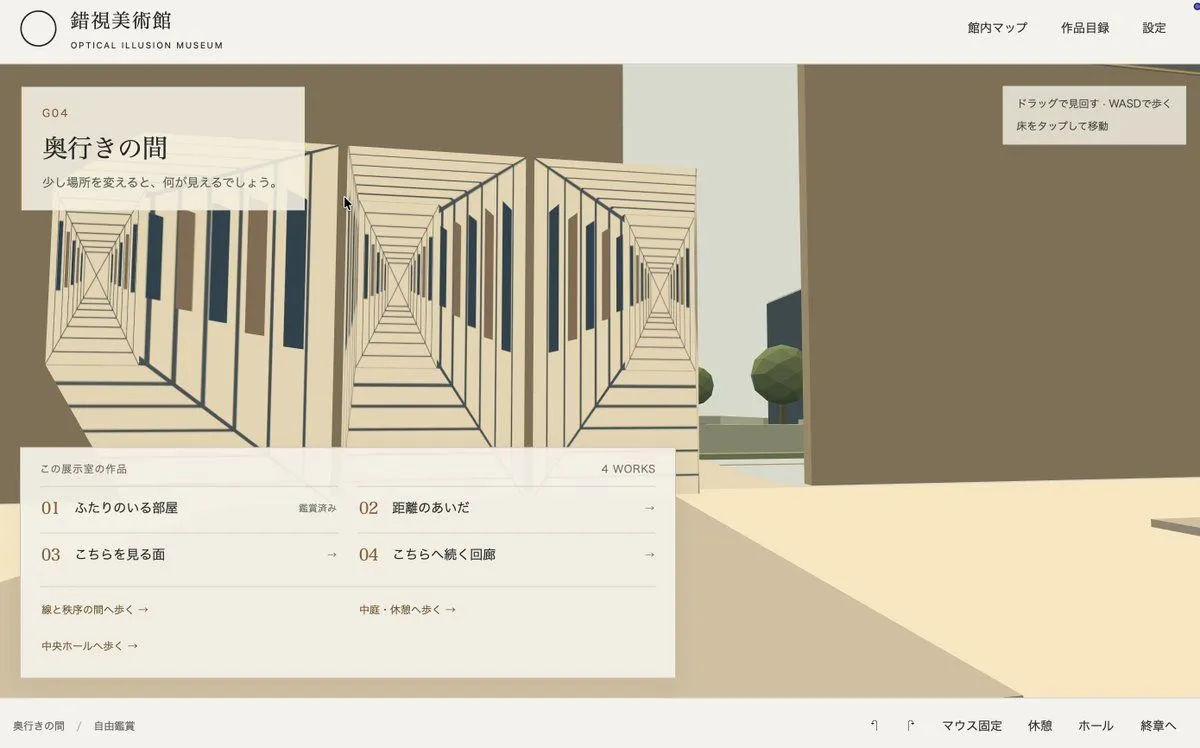
    • Japanese Optical Illusion Museum UI
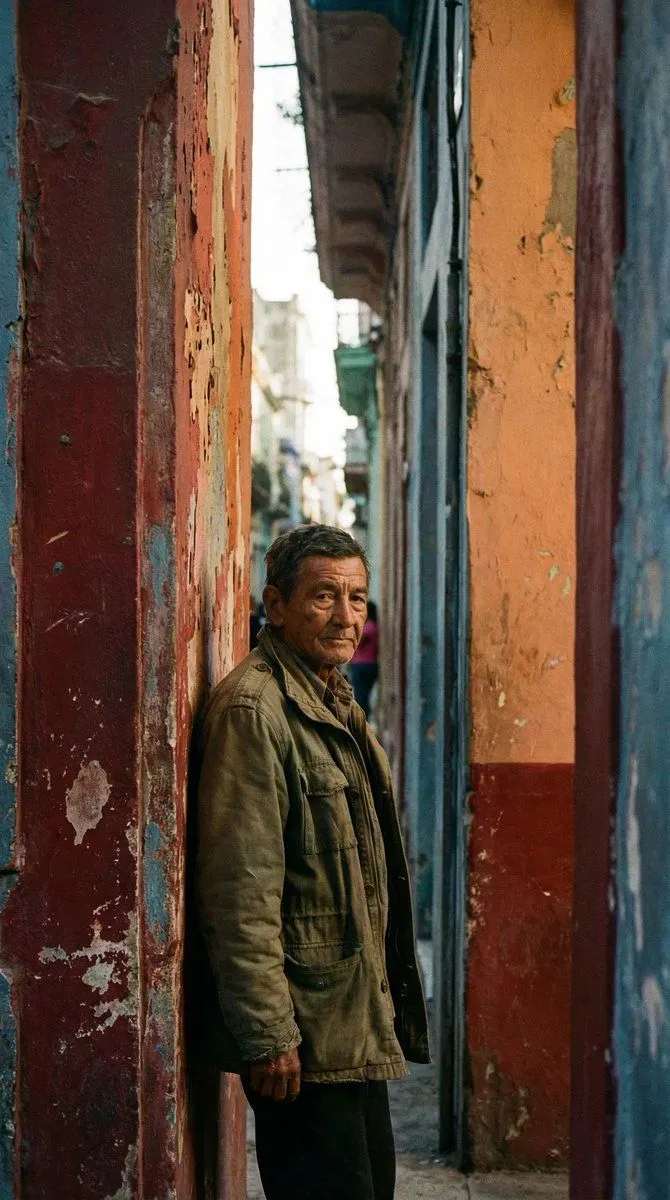
    • Timeless human-centered street photography
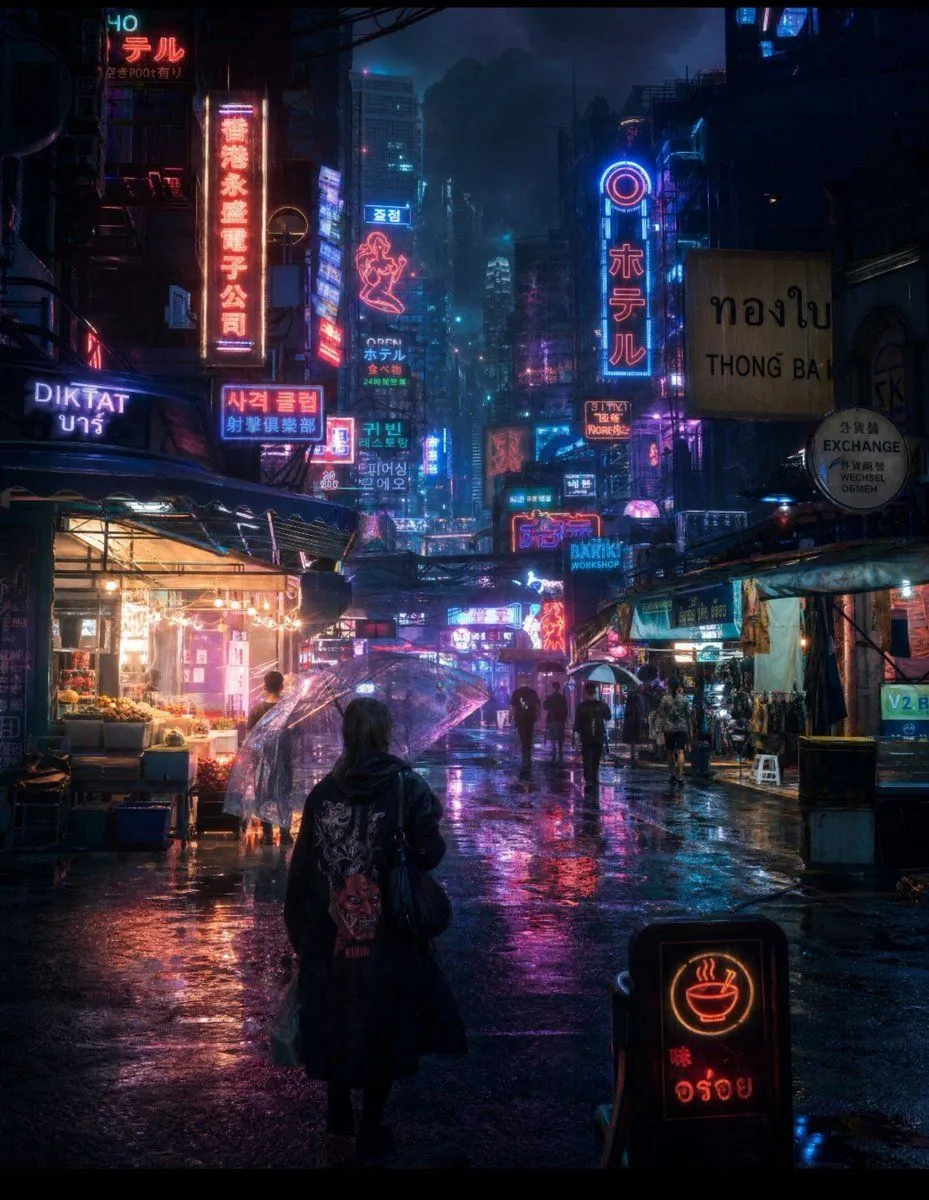
    • Cyberpunk Rainy Night Market
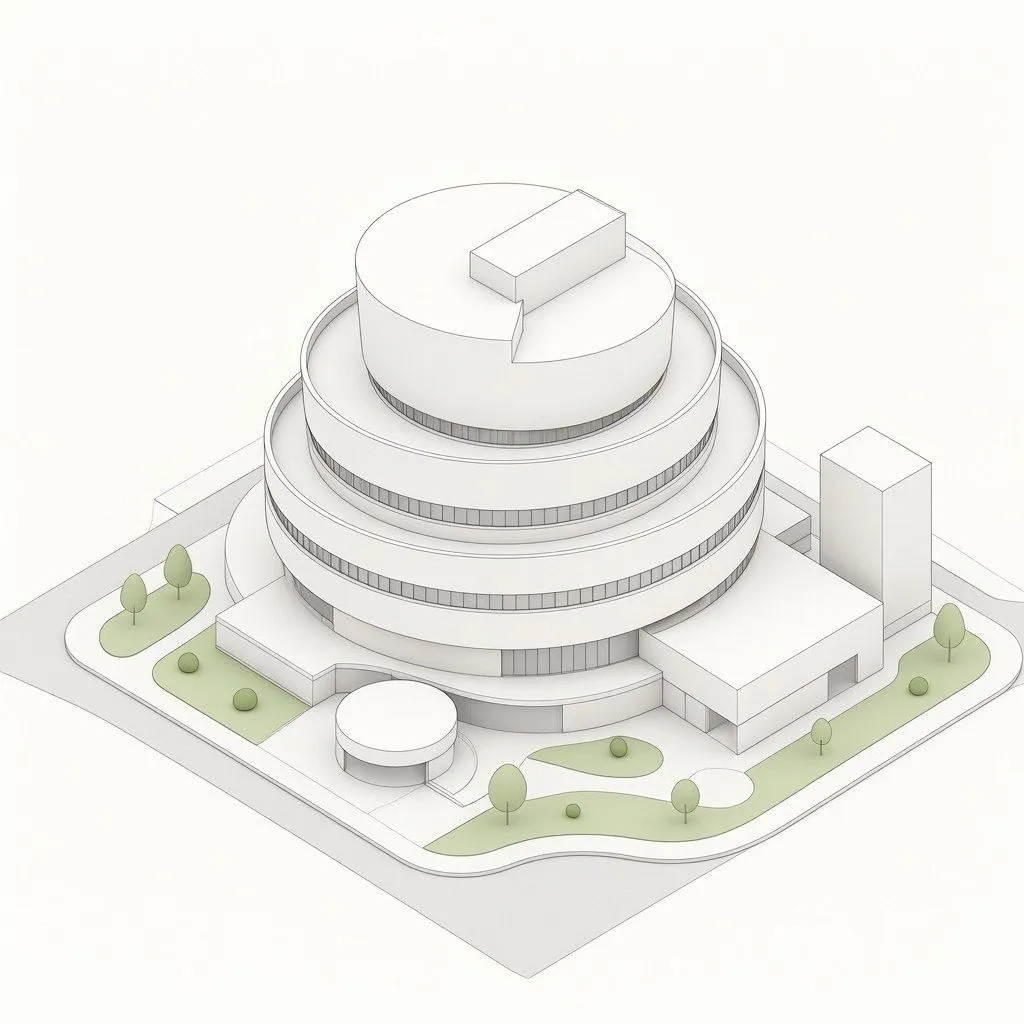
    • Isometric Circular Museum Architecture
    • Luxury E-Commerce Landing Page Mockup
    • Mechanical Keyboard Product Page Mockup
    • Pop Idol Typography Cover Art
    • Snow Flower Hashira Diagnosis Poster
    • Tech Tutorial Thumbnail with UI Mockup
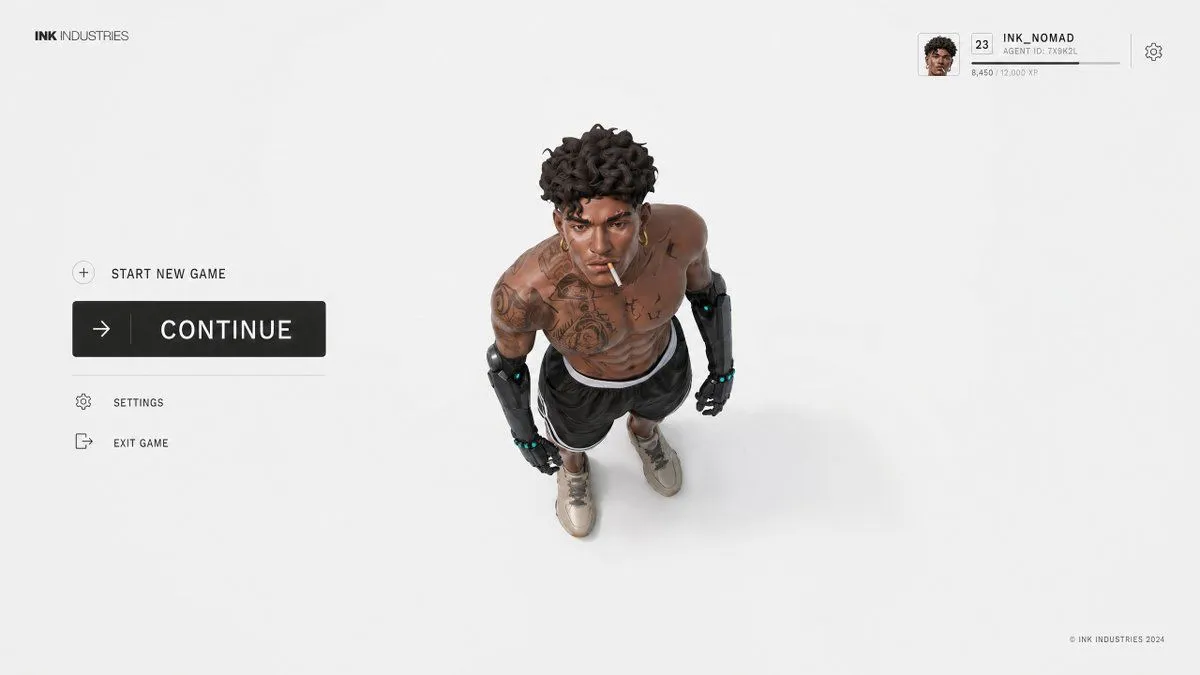
    • Video Game Lobby Interface Prompt

    Show more

    Run it on your phone

    1. Prompt copiedRead it

      Please turn each of the travel photos I upload into an independent high-end editorial poster, with no multi-image splicing, each photo output individually. The overall layout uses a 3:4 vertical top-bottom contrast composition, with the upper and lower areas approximately 1:1, separated by a straight, clear, and clean horizontal boundary. Do not feather, permeate, or layer; do not shrink the original image into an icon, rounded card, or floating thumbnail. The upper half must retain the high-fidelity original photo. Accurately maintain the identity and quantity of subjects, architectural outlines, roof and window/door proportions, human poses, vehicles, bridges, boats, road directions, foreground/background occlusions, observation angles, real materials, natural light and shadow, and the original color atmosphere. Apply only slight, restrained color grading at the level of travel magazines, art publications, or photography exhibitions, and add a very thin film grain. Do not turn photos into illustrations; do not move, replace, add/delete, or distort subjects; do not change architectural and street perspectives. The lower half, on a warm off-white or light ivory paper surface, reorganizes the same scene into an 'artificial pixel vanishing landscape' with a large amount of white space. This is not a photo mosaic filter, nor is it lowering the resolution of the entire photo. First, select the most recognizable visual anchor from the photo, such as a bridge, a section of colored facade, a dome, a motorcycle, a bicycle, a boat, a gatehouse, or a group of clear roofs, then retain only the minimum elements that can illustrate the location and spatial relationship. Adopt a reduced and refined secondary composition: the subject usually occupies only about 30%–50% of the width and about 30%–50% of the height of the re-rendering area, concentrated in the middle-lower part, slightly to the left or right, and naturally arranged according to the direction of the original photo. Keep at least 50%–65% of the complete off-white paper surface blank on all sides. Do not completely fill the lower area with the original street scene. Only two or three layers of sparse pixel hints are kept in the background. Remove repeating window panes, fine tile lines, small signboard text, tourist shadows, dense pipelines, foliage, and photographic noise, but do not delete the eaves, bridge arches, domes, vehicle outlines, human poses, or road directions that determine the identity of the subject. Rebuild the body using discrete pixel blocks with clear edges, square or near-square: - Build the main outline, volume, light/shadow, and main color surfaces of the subject with medium-sized pixel blocks. - Use smaller, denser pixel blocks at key identification points such as eaves, spires, dome edges, window/door proportions, bridge arches, human poses, wheels, and prows. - Gradually reduce pixel density at the outer edges of buildings, vegetation, road surfaces, water surfaces, reflections, and distant views, causing squares to disconnect, dislocate, scatter, and disappear onto the paper surface. - The interior of the subject is relatively complete, and the periphery forms a clear pixel vanishing zone. - Vanishing must come from the decrease in the number and density of independent squares; do not use soft focus, feathering, smoke, transparent gradients, or pixel stretching. - A small number of discrete blocks can leave the subject along eaves, road perspective, water flow, terrain, or movement direction, but must not become random digital glitches. The color scheme is completely extracted from the current photo and compressed into about 6–12 main color steps. Retain the subject's 1–3 most recognizable colors, and then use adjacent light and dark colors to establish volume. Environmental colors are reduced in saturation and unified to natural gray, slate gray, gray-blue, gray-green, wood brown, or the photo's own architectural colors. A small area of high-saturation color that actually exists in the photo can be used as a visual focal point, such as tail lights, doors and windows, or clothing colors. The off-white paper surface must be the largest color in the re-rendering area...

    2. Open your app

      This prompt is long, so it is copied instead of sent in the link. Paste it in the app.

    3. Paste and run

      Press and hold the message box, then tap Paste. Add your photo first if the prompt uses one. You may need to sign in.

    Pixel Faded Landscape Poster