Tell us anything

An idea, a bug, something you love. We read every note.

⌘↵ to send. The page you're on comes along.

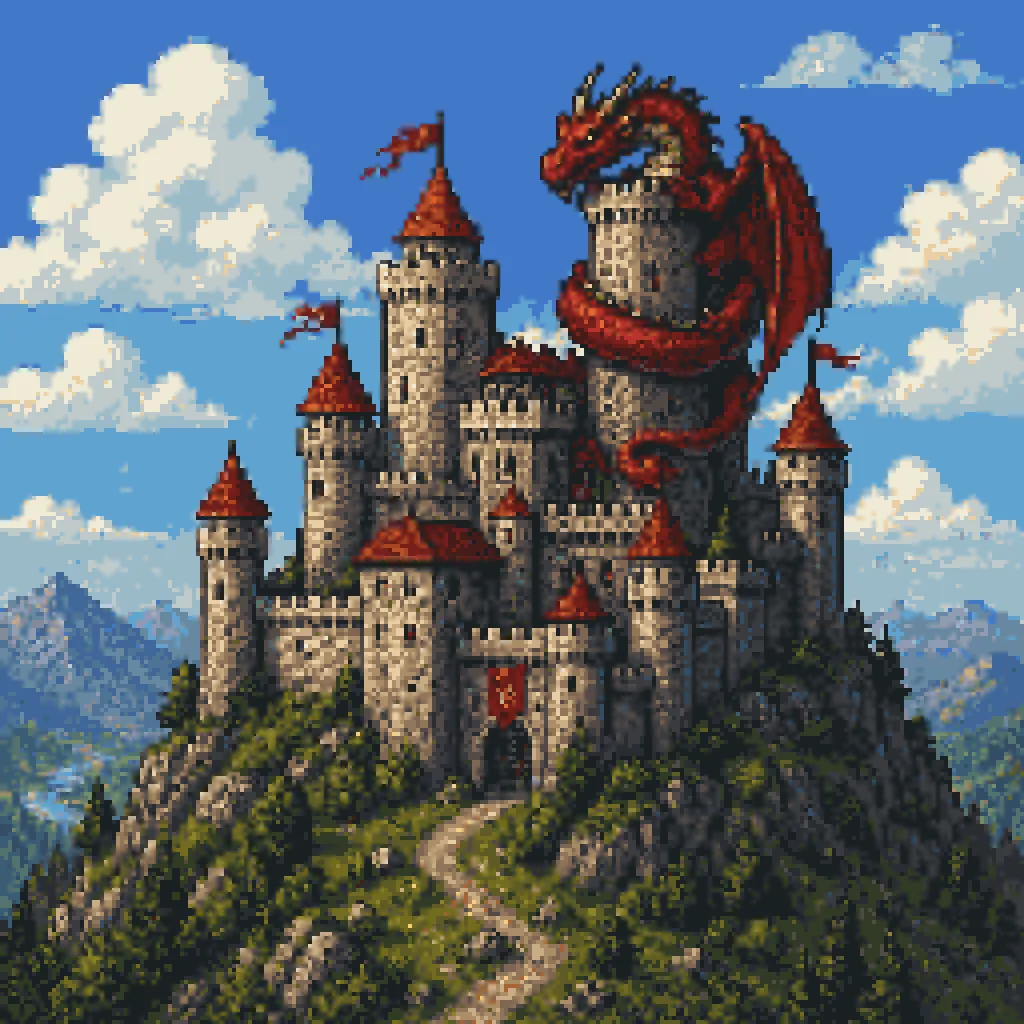
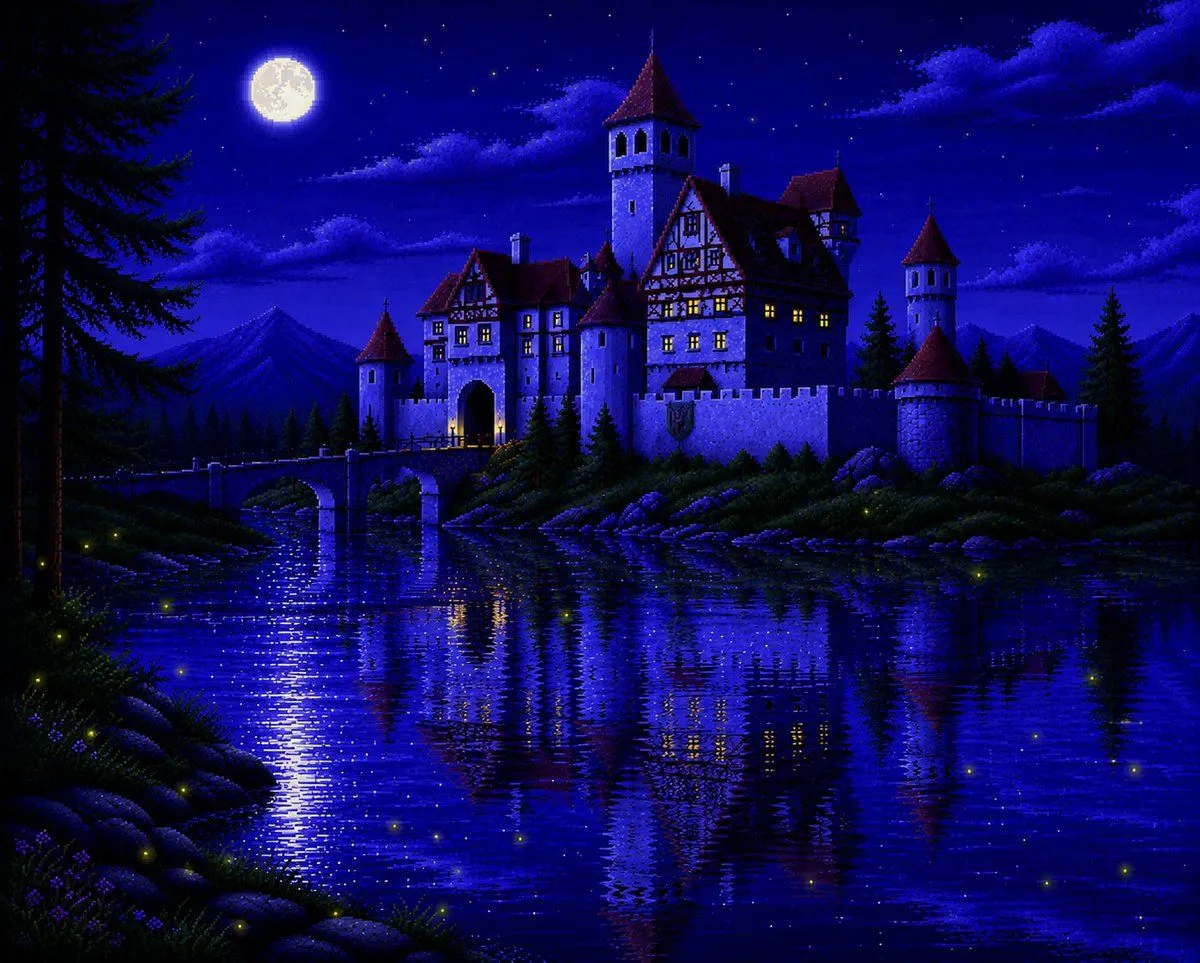
Pixel Art Dragon Castle

Made with GPT Image 2 in ChatGPT, collected by Library Lifestyle. Promptclay never generates images.

Did it work?

No reports yet. Tell others if it worked for you.

No comments yet. Be the first.

    Pixel Art Dragon Castle

    GPT Image 21:1AI-generated

    Prompt

    A detailed retro fantasy pixel art scene of a massive medieval stone castle perched on a steep rocky hill, viewed from a slight low angle, with a winding dirt path leading up to the gate. The castle has many cylindrical towers and connecting walls, exactly 9 visible towers with red-orange conical roofs, several small red flags fluttering from the tallest spires, and weathered gray stone masonry. A huge red dragon is coiled around the tallest central tower, with its long body wrapped around the stone, claws gripping the battlements, horned head leaning forward near the top, and one large batlike wing spread open on the right side. Surround the hill with dense dark-green pine trees and rocky outcrops, with distant blue mountains on the horizon. Place the castle against a bright daytime sky in saturated blue with large fluffy white cumulus clouds. Render in classic 16-bit inspired pixel art with crisp sprite-like shapes, visible pixel texture, rich contrast, adventurous fantasy game cover composition, centered subject, and a square frame.

    Works in
    ChatGPT, Gemini
    Status
    Free to copy
    0
    DetailsVersions, settings and questions

    Written for

    What's in the prompt

    Subject
    Model
    GPT Image 2

    If your face changes

    keep my face exactly the same

    Questions

    Does this work in the ChatGPT app?
    Yes. Paste the prompt and attach your photo if it uses one.
    It changed my face. What do I do?
    Add "keep my face exactly the same" to the end and run it again.
    Can I use the images I make?
    Check the terms of the app you use. Promptclay never generates images and claims nothing you make.
    Similar prompts

    See more
    • Pixel Art Dragon on Castle
    • Moonlit Sierra-Style Castle Pixel Art
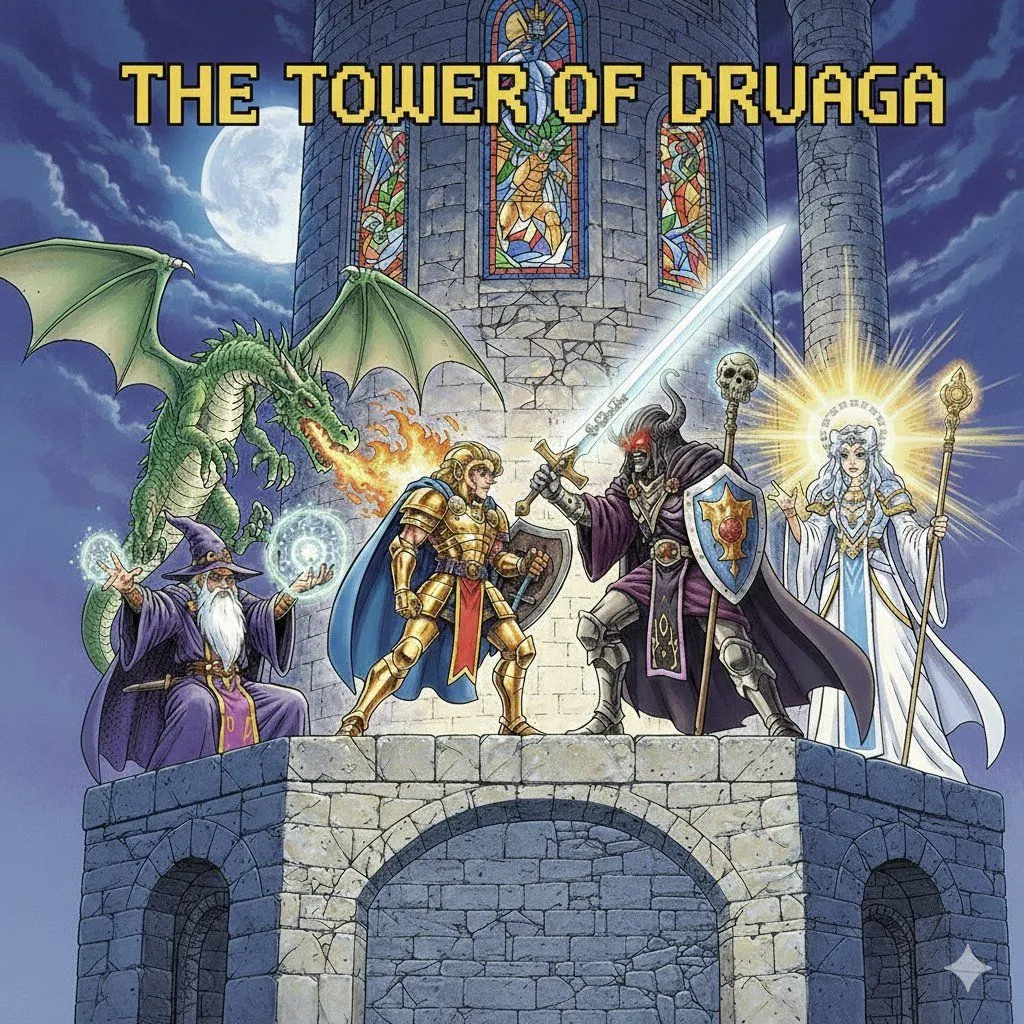
    • Tower of Druaga Gilgamesh vs. Druaga Prompt
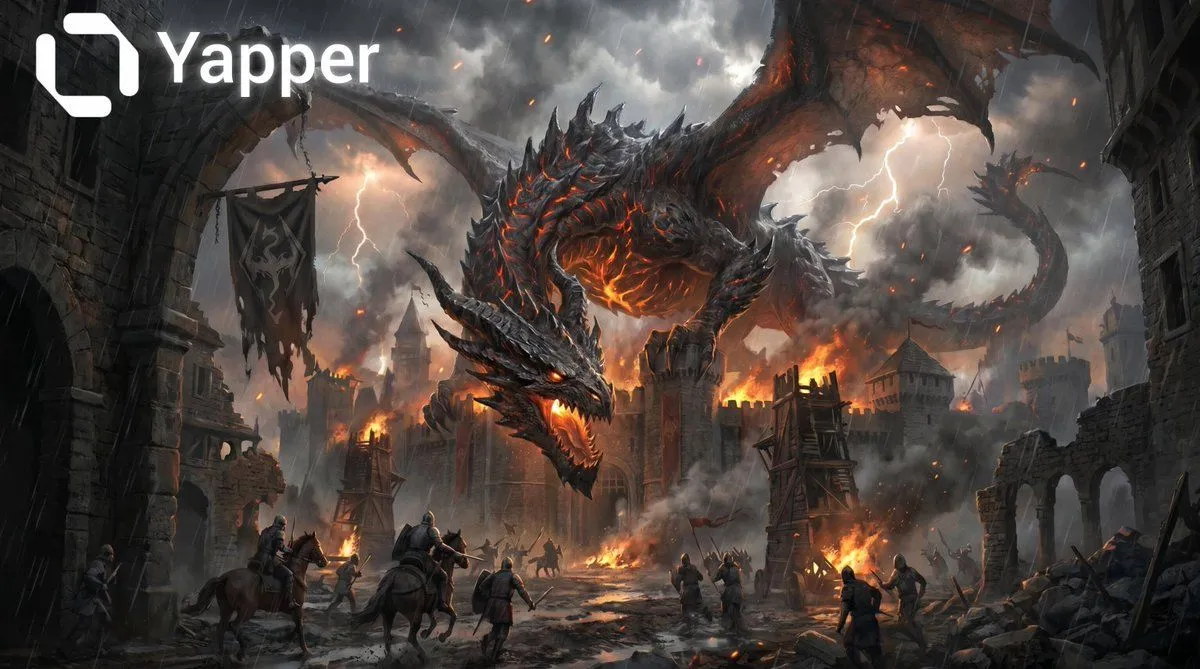
    • Dragon and Burning Kingdom
    • Ancient Castle Siege by DragonVideo, 0:10
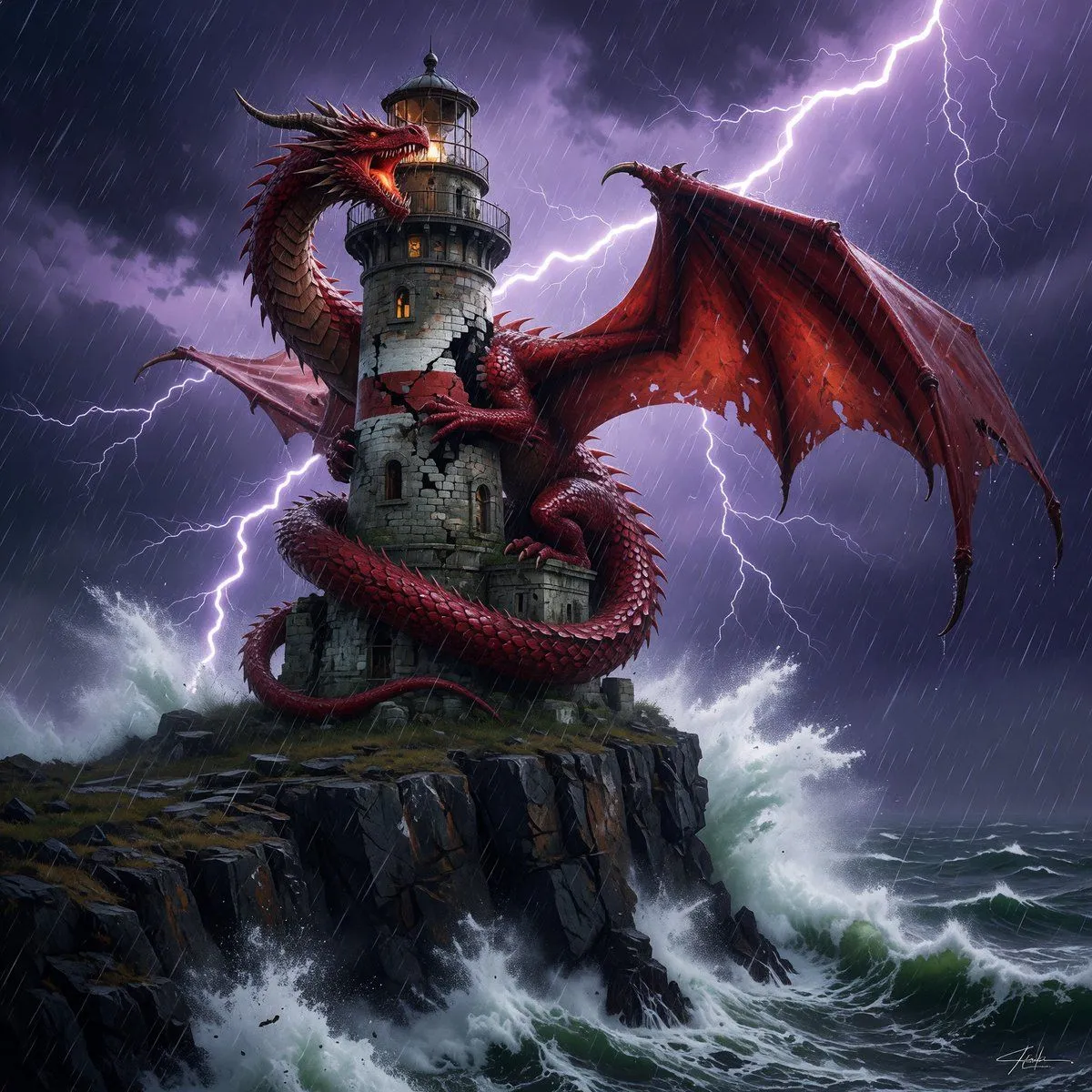
    • Dragon-Coiled Lighthouse Storm
    • Dragon Knight and Crimson Dragon
    • Dragon Realm simulation videoVideo, 0:10
    • Intricate Poetic Dragon Fantasy Text
    • Toy Circus JRPG Battle
    • Anime Fantasy Castle at Night
    • Moonlit Guardian Balcony
    • Castle Island with White Goose
    • Generic 'Make Something Like This' Prompt
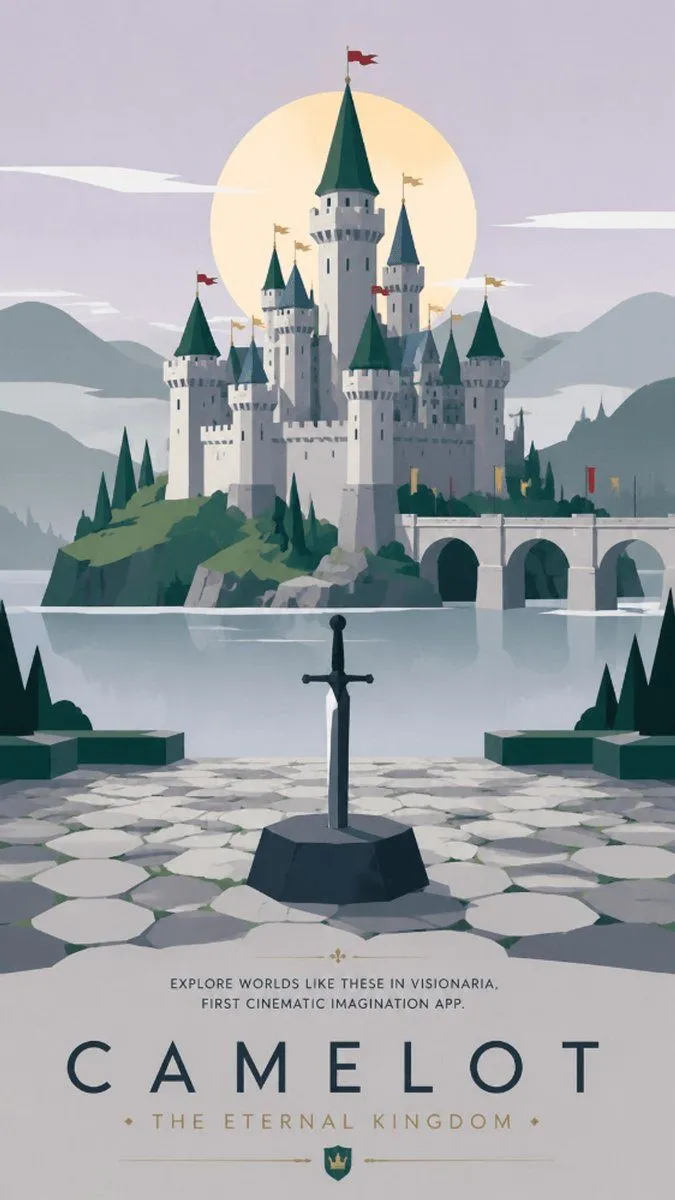
    • Camelot Fantasy Travel Poster
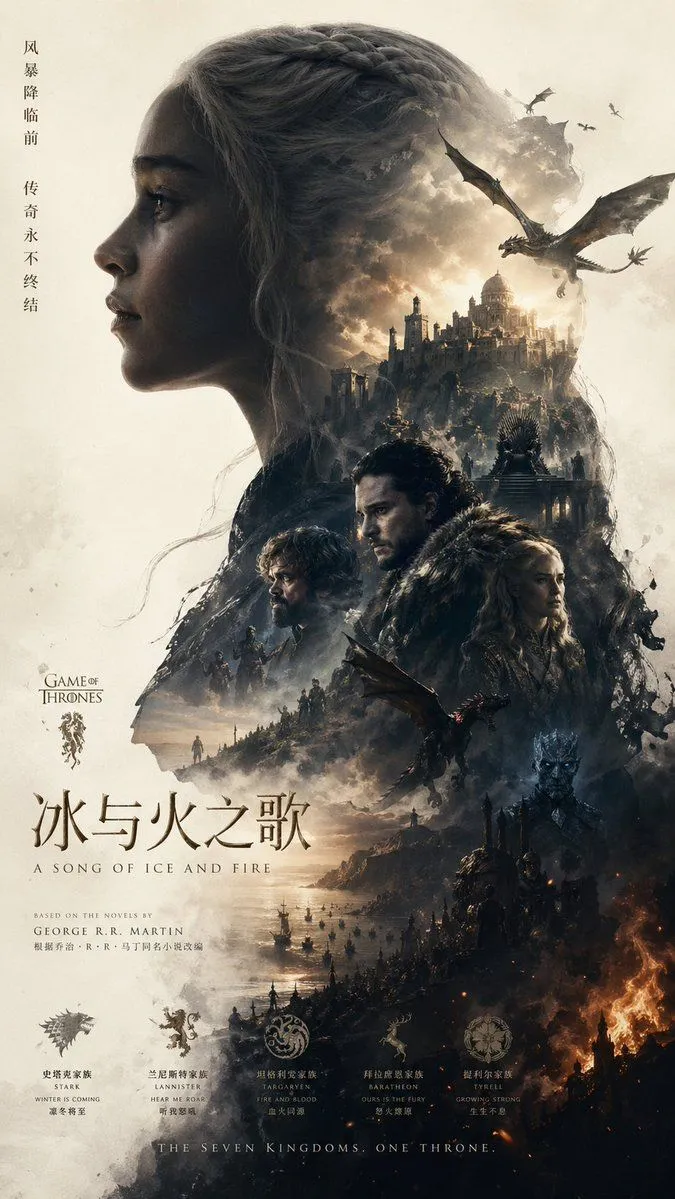
    • Epic Fantasy Double-Exposure Poster
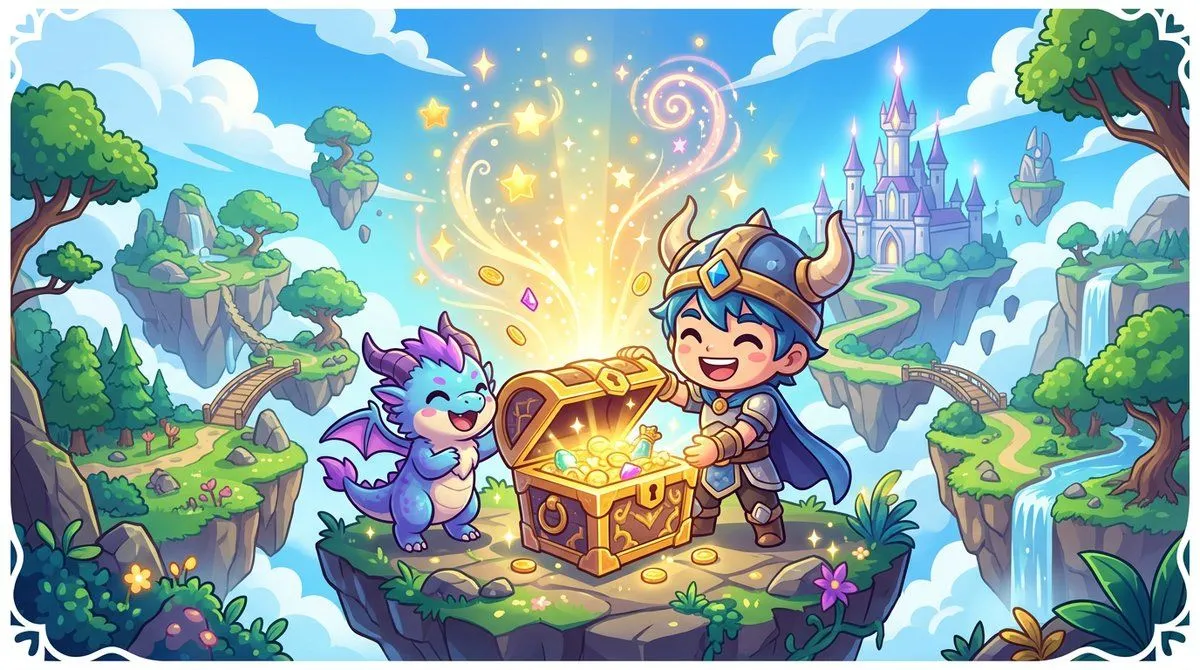
    • Chibi RPG Game Campaign Key Visual
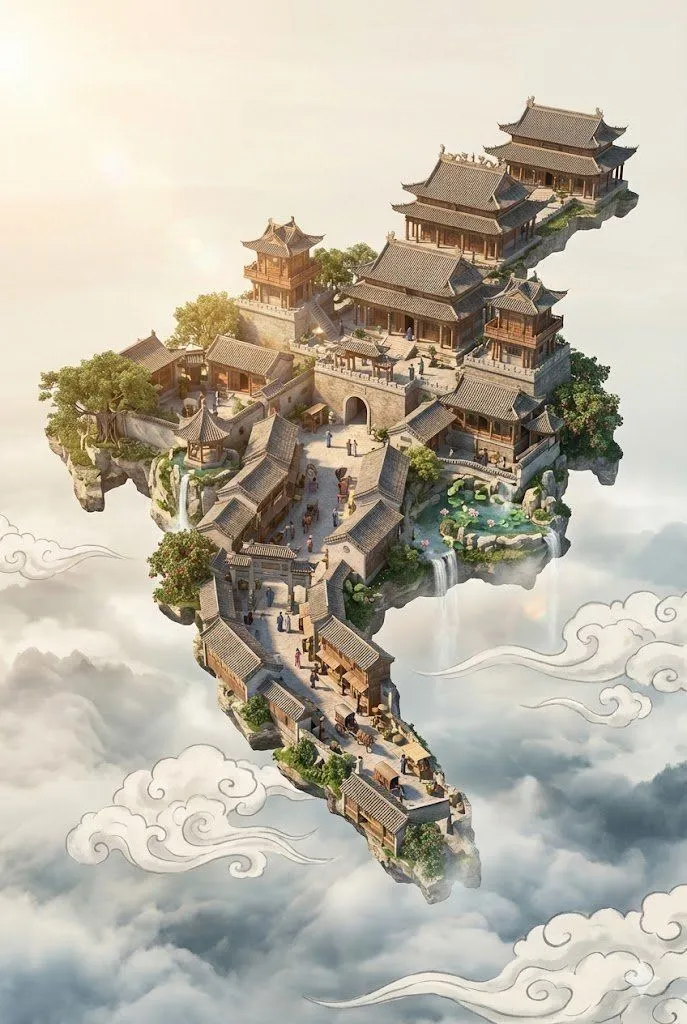
    • Floating Sky Castle Digital Art Poster Prompt
    • Epic Vertical Fantasy Castle Wallpaper
    • Castle Edit Markup Overlay
    • AI Transformation to Dragonewt
    • Futuristic Metropolis Above the Clouds
    • Magical Sketchbook Art Coming to Life
    • Pixel Game Asset Atlas Template

    Show more

    Run it on your phone

    1. Prompt copiedRead it

      A detailed retro fantasy pixel art scene of a massive medieval stone castle perched on a steep rocky hill, viewed from a slight low angle, with a winding dirt path leading up to the gate. The castle has many cylindrical towers and connecting walls, exactly 9 visible towers with red-orange conical roofs, several small red flags fluttering from the tallest spires, and weathered gray stone masonry. A huge red dragon is coiled around the tallest central tower, with its long body wrapped around the stone, claws gripping the battlements, horned head leaning forward near the top, and one large batlike wing spread open on the right side. Surround the hill with dense dark-green pine trees and rocky outcrops, with distant blue mountains on the horizon. Place the castle against a bright daytime sky in saturated blue with large fluffy white cumulus clouds. Render in classic 16-bit inspired pixel art with crisp sprite-like shapes, visible pixel texture, rich contrast, adventurous fantasy game cover composition, centered subject, and a square frame.

    2. Open your app

    3. Paste and run

      Press and hold the message box, then tap Paste. Add your photo first if the prompt uses one. You may need to sign in.

    Pixel Art Dragon Castle