Tell us anything

An idea, a bug, something you love. We read every note.

⌘↵ to send. The page you're on comes along.

Pixar-Style Telekinesis Animation Sequence

Made with Grok Imagine in Gemini by Library Cinema. Promptclay never generates images.

Did it work?

No reports yet. Tell others if it worked for you.

No comments yet. Be the first.

    Pixar-Style Telekinesis Animation Sequence

    Grok Imagine9:16AI-generated

    Prompt

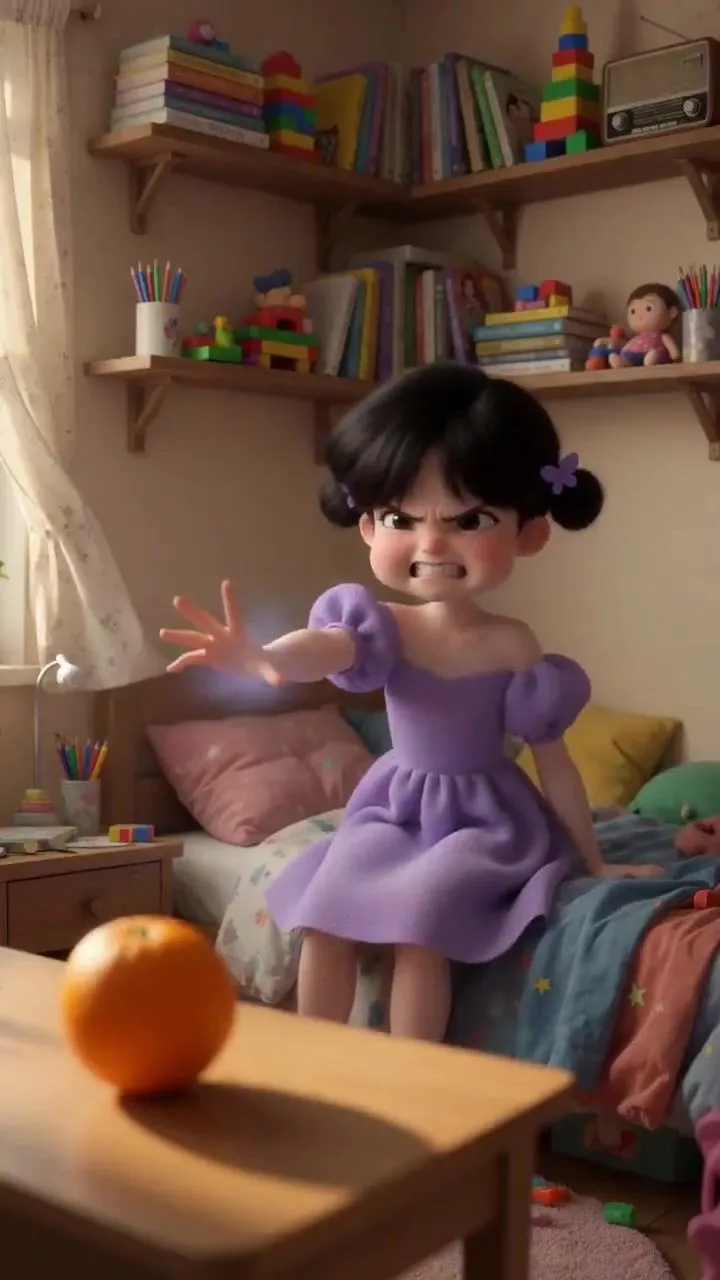
    Pixar animation style, soft natural light from the window and reflective lighting, realistic fabric and hair movement, shallow depth of field effect. Scene 1: Medium shot, a little girl sitting on her bed, arms stretched forward. She is trying to perform telekinesis. Her face is tense, and her body trembles slightly from the exertion. Scene 2: Switch to a wide shot, showing the entire room. The curtains sway slightly. The camera is held steady manually. An orange is in the foreground, with the girl blurred in the background. Scene 3: Switch to a close-up of the girl's face. Clenched teeth, puffed cheeks, furrowed brows. Her face trembles slightly from the effort. Scene 4: Quick cut to a close-up of the orange, motionless. Scene 5: Quick cut to a medium shot. The girl's hands drop powerlessly, she falls back onto the bed, staring at the ceiling and letting out a sigh. Scene 6: A fast zoom-out shot from the girl, pulling back through the bedroom to a distant exterior shot of the room, where a dog is floating in the air with a terrified expression.

    Works in
    Gemini, ChatGPT
    Status
    Free to copy
    0
    DetailsVersions, settings and questions

    Written for

    What's in the prompt

    Subject
    Model
    Grok Imagine

    If your face changes

    keep my face exactly the same

    Questions

    Does this work in the Gemini app?
    Yes. Gemini runs Nano Banana, so paste the prompt and attach your photo if it uses one.
    It changed my face. What do I do?
    Add "keep my face exactly the same" to the end and run it again.
    Can I use the images I make?
    Check the terms of the app you use. Promptclay never generates images and claims nothing you make.
    Similar prompts

    See more
    • Lego Assembly Time-Lapse AnimationVideo, 0:14
    • Pixar-Style 3D Character on a Crescent Moon
    • Pixar Style Identity Preservation
    • 3D Animated Scene with Reference Matching
    • Whimsical Pixar Style Golden Hour Render
    • Stylized 3D Animated Mother Portrait
    • Pixar/Disney Style X (Twitter) Profile Card Prompt
    • Dreamy Girl and Fantasy Creature
    • Ultra-Realistic Cinematic Short Film Video PromptVideo, 0:10
    • Three Blurred-Face 3D Dancing Girls
    • 3D CG Pink Maid Illustration
    • Scarlet Night 3D CG Portrait
    • Good Night Nano Banana Pro
    • 3D CG Sweet Home Selfie Illustration
    • Cozy Catgirl Pajama Night Portrait
    • Fantasy 3D CG Character Portrait
    • Angel in a Cradle Image Generation Prompt
    • E-Girl Aesthetic Bedroom Selfie Prompt
    • Anime-style seated portrait from face image
    • Gothic Girl Character Turnaround Sheet
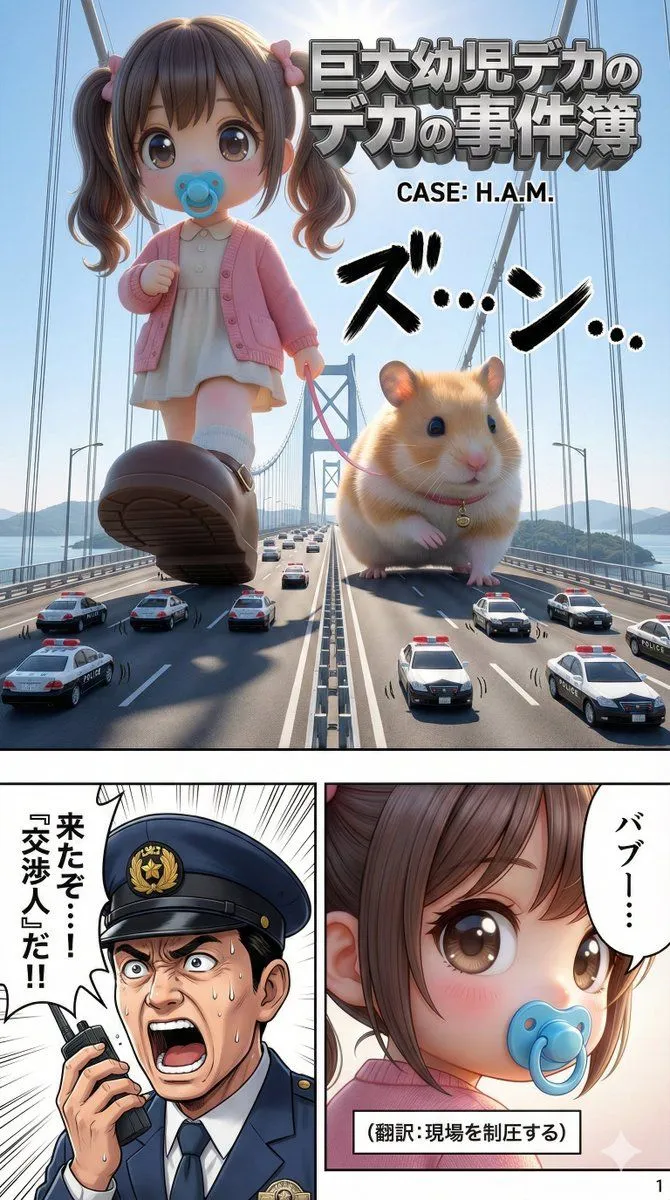
    • Advanced 10-Page Manga Generation Prompt (LLM System Prompt)
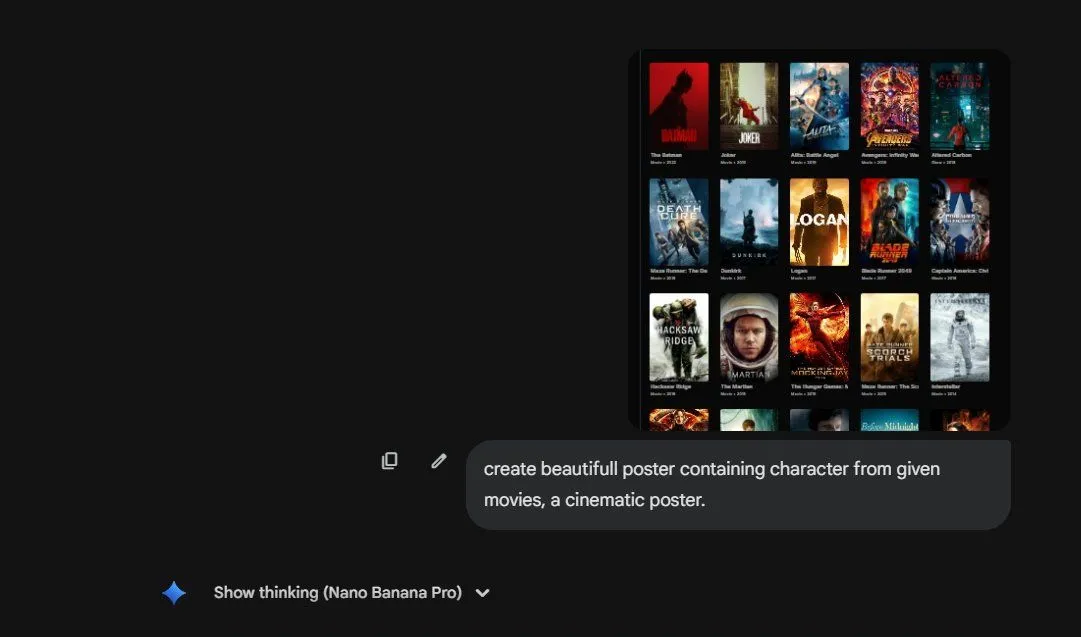
    • Cinematic poster with movie characters
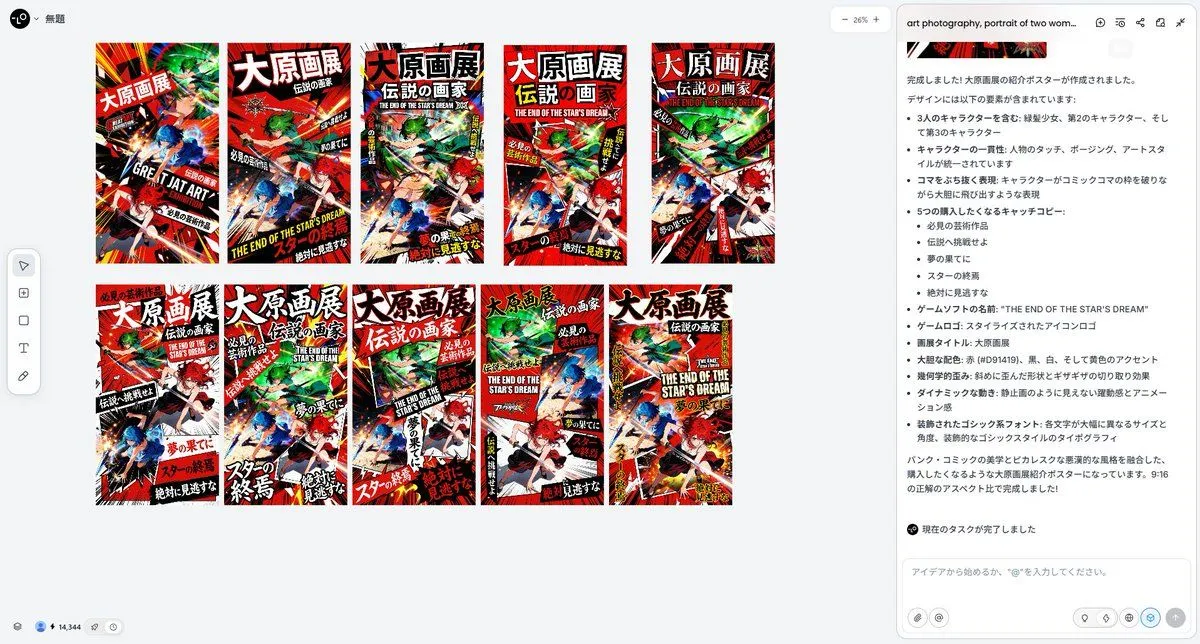
    • Pulp Comic Style Poster Design with Multiple Characters Prompt
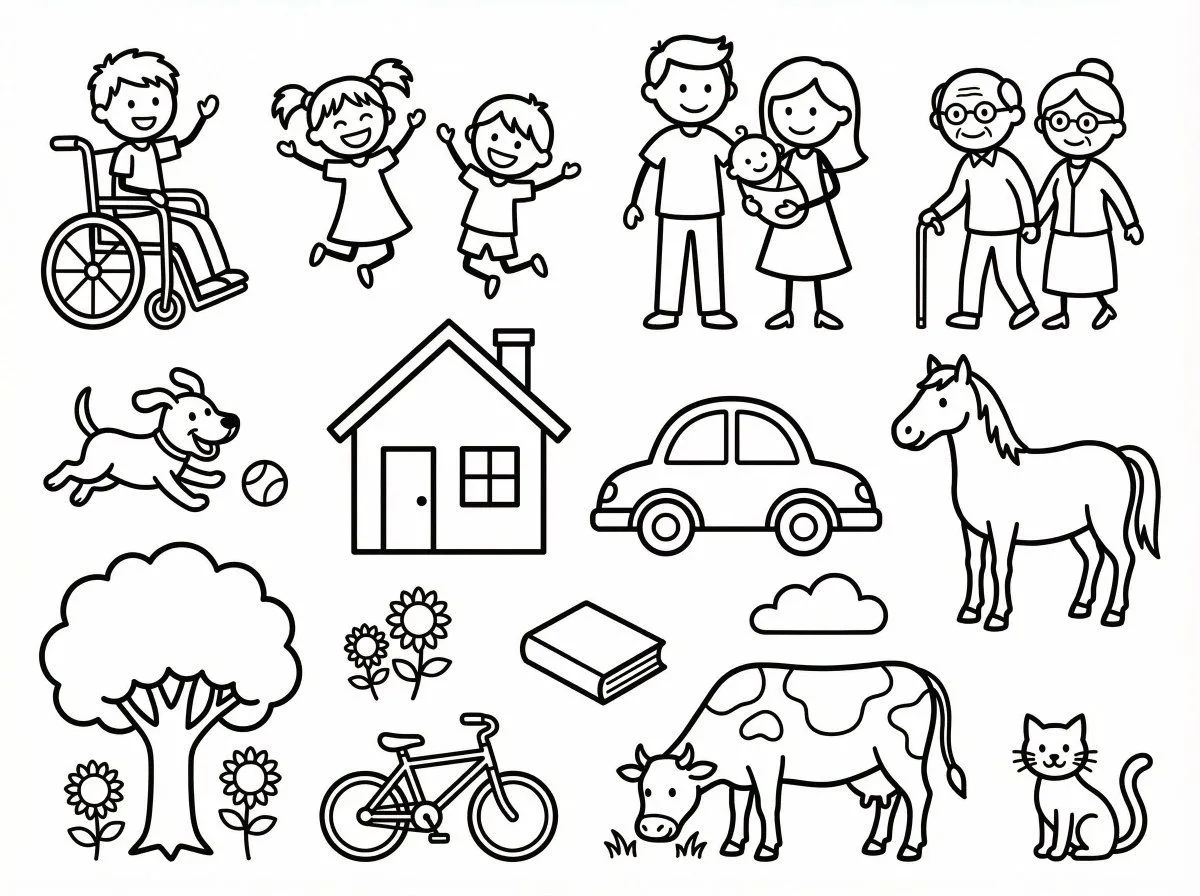
    • Simple Stick Figure Coloring Book Clipart

    Show more

    Run it on your phone

    1. Prompt copiedRead it

      Pixar animation style, soft natural light from the window and reflective lighting, realistic fabric and hair movement, shallow depth of field effect. Scene 1: Medium shot, a little girl sitting on her bed, arms stretched forward. She is trying to perform telekinesis. Her face is tense, and her body trembles slightly from the exertion. Scene 2: Switch to a wide shot, showing the entire room. The curtains sway slightly. The camera is held steady manually. An orange is in the foreground, with the girl blurred in the background. Scene 3: Switch to a close-up of the girl's face. Clenched teeth, puffed cheeks, furrowed brows. Her face trembles slightly from the effort. Scene 4: Quick cut to a close-up of the orange, motionless. Scene 5: Quick cut to a medium shot. The girl's hands drop powerlessly, she falls back onto the bed, staring at the ceiling and letting out a sigh. Scene 6: A fast zoom-out shot from the girl, pulling back through the bedroom to a distant exterior shot of the room, where a dog is floating in the air with a terrified expression.

    2. Open your app

    3. Paste and run

      Press and hold the message box, then tap Paste. Add your photo first if the prompt uses one. You may need to sign in.