Tell us anything

An idea, a bug, something you love. We read every note.

⌘↵ to send. The page you're on comes along.

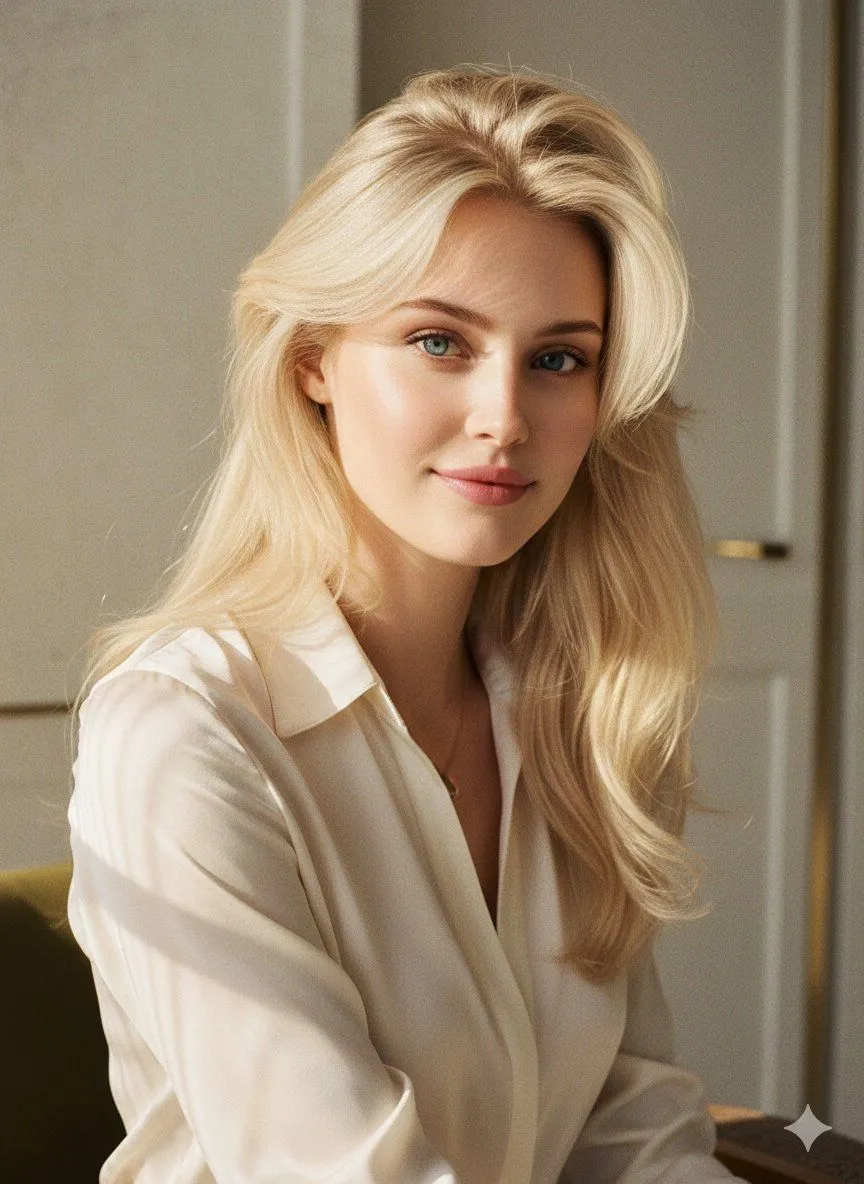
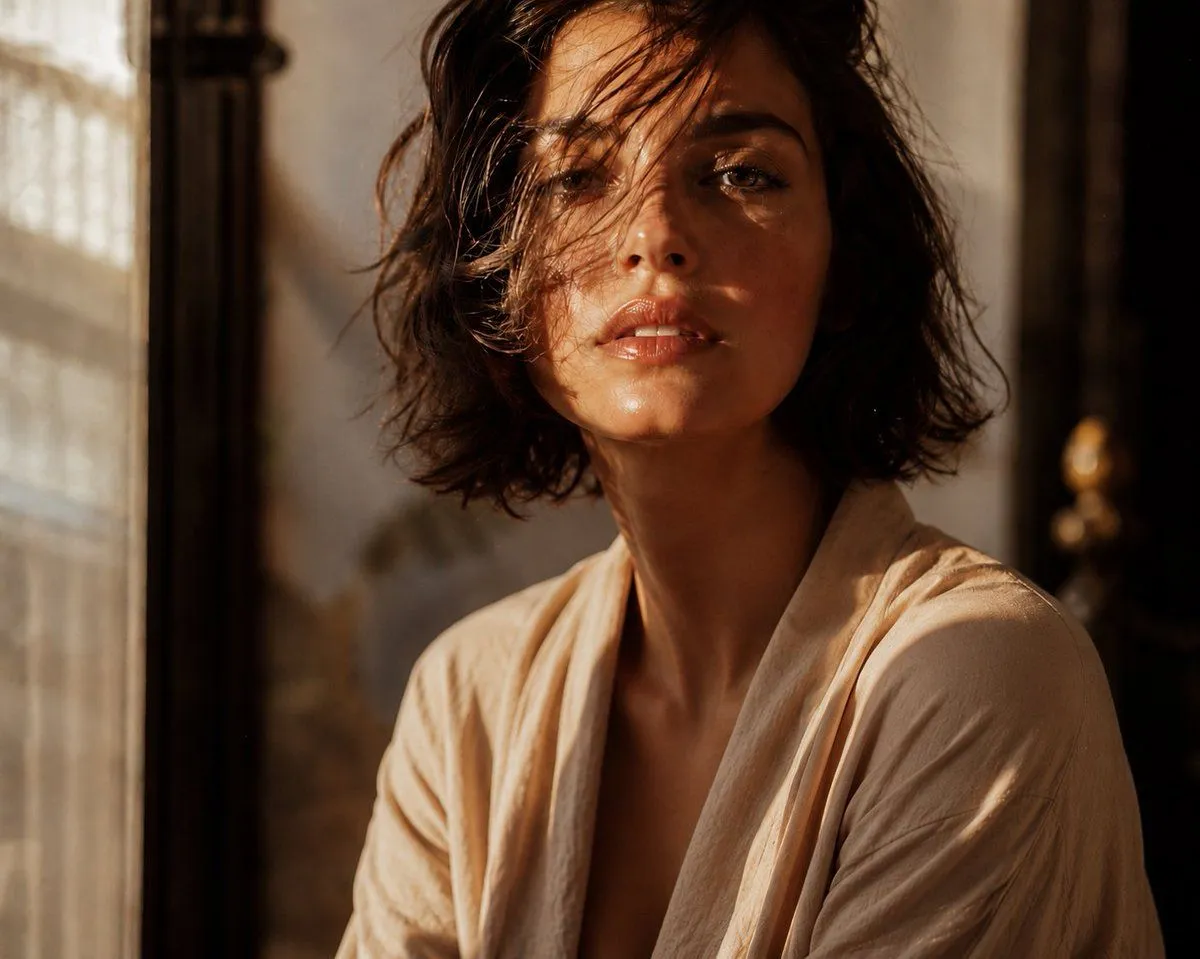
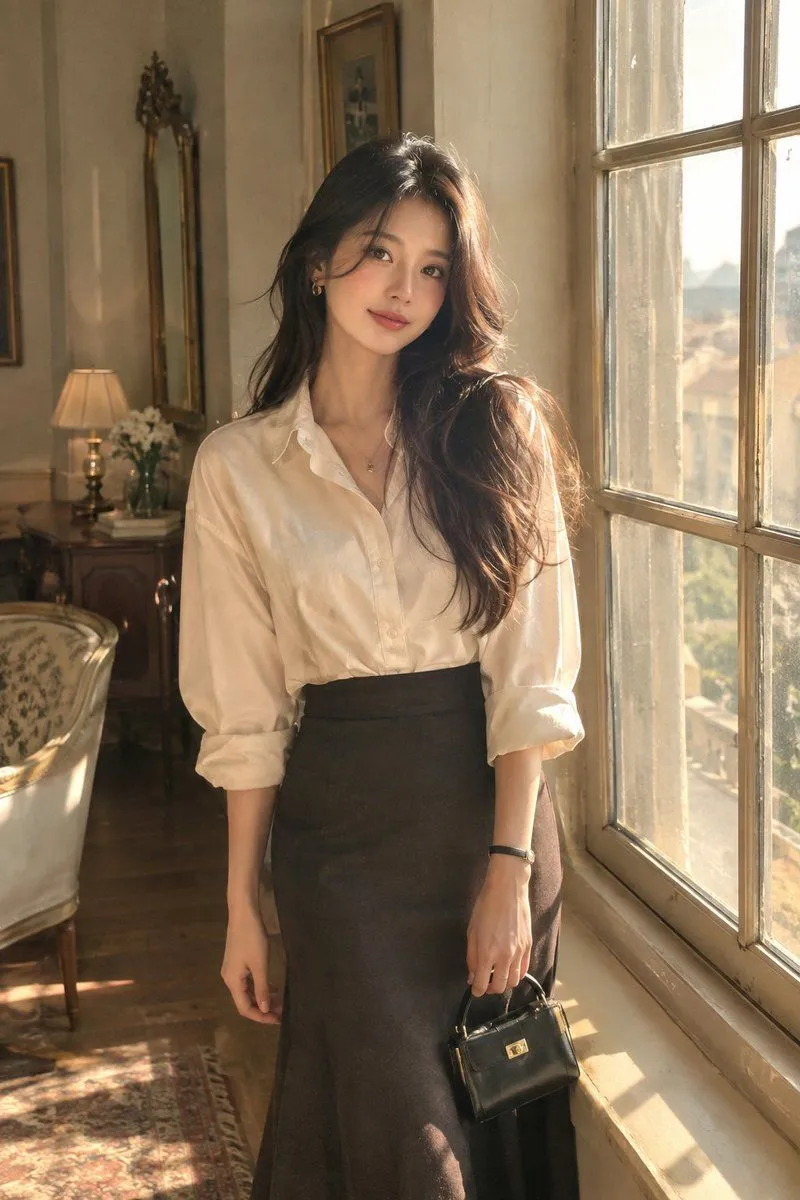
Photorealistic Vintage Window Portrait

Made with GPT Image 2 in ChatGPT, collected by Library Brand. Promptclay never generates images.

Did it work?

No reports yet. Tell others if it worked for you.

No comments yet. Be the first.

    Photorealistic Vintage Window Portrait

    GPT Image 22:3AI-generated

    Prompt

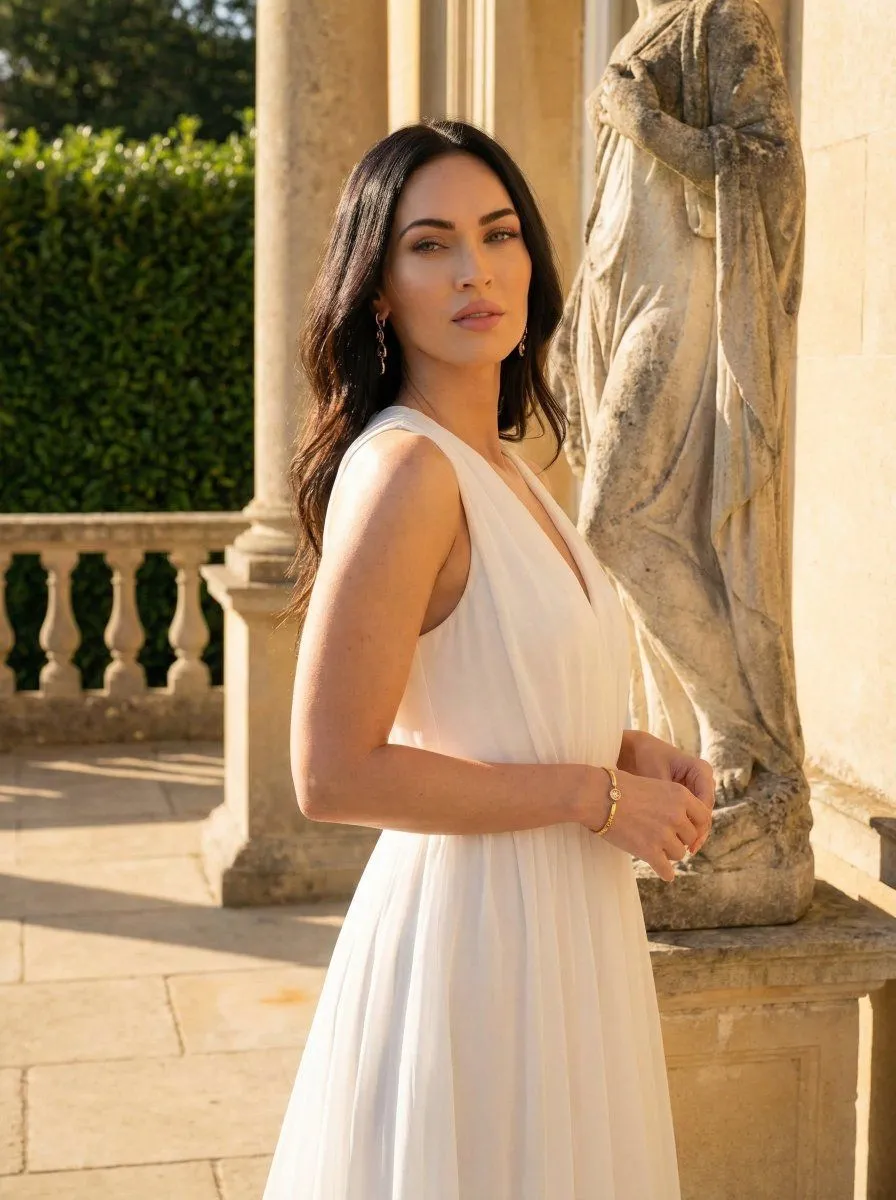
    Create a highly photorealistic aesthetic portrait of an elegant adult woman standing beside a large vintage window in a beautiful sunlit room. She has long, naturally flowing dark hair, soft expressive eyes, realistic skin texture, natural facial features, and a subtle gentle smile. She is wearing a sophisticated cream-colored oversized shirt tucked into a high-waisted dark skirt, minimal delicate jewelry, and a small elegant handbag. Relaxed natural pose, one hand lightly holding the handbag and the other resting naturally by her side. Warm golden-hour sunlight entering through the window, soft shadows, muted beige and cream interior, vintage furniture, subtle film grain, dreamy atmosphere, Kodak-inspired color grading, soft highlights, natural skin tones, editorial fashion photography, cinematic composition, shallow depth of field, 85mm lens, ultra-detailed, realistic proportions, premium aesthetic, 8K.

    Works in
    ChatGPT, Gemini
    Status
    Free to copy
    0
    DetailsVersions, settings and questions

    Written for

    What's in the prompt

    Subject
    Model
    GPT Image 2

    If your face changes

    keep my face exactly the same

    Questions

    Does this work in the ChatGPT app?
    Yes. Paste the prompt and attach your photo if it uses one.
    It changed my face. What do I do?
    Add "keep my face exactly the same" to the end and run it again.
    Can I use the images I make?
    Check the terms of the app you use. Promptclay never generates images and claims nothing you make.
    Similar prompts

    See more
    • Sunlight Contours Indoor Portrait
    • Luxury Lifestyle Identity Reference Portrait
    • High Fashion Editorial Portrait in Golden Hour
    • Editorial Portrait Close-Up
    • Realistic Backlit Silhouette Portrait of a Young Woman
    • Photorealistic Vintage Editorial Portrait Prompt (Face Lock)
    • Ethereal Editorial Studio Portrait
    • Botanical Studio Fashion Portrait
    • High-Fashion Editorial Golden Hour Studio Shot
    • Golden Hour Goddess Editorial Portrait
    • Golden Hour Urban Fashion Portrait
    • Professional Korean Office Portrait
    • Multi-Ethnic Editorial Fashion Portraits
    • Premium Editorial Split-Canvas Poster
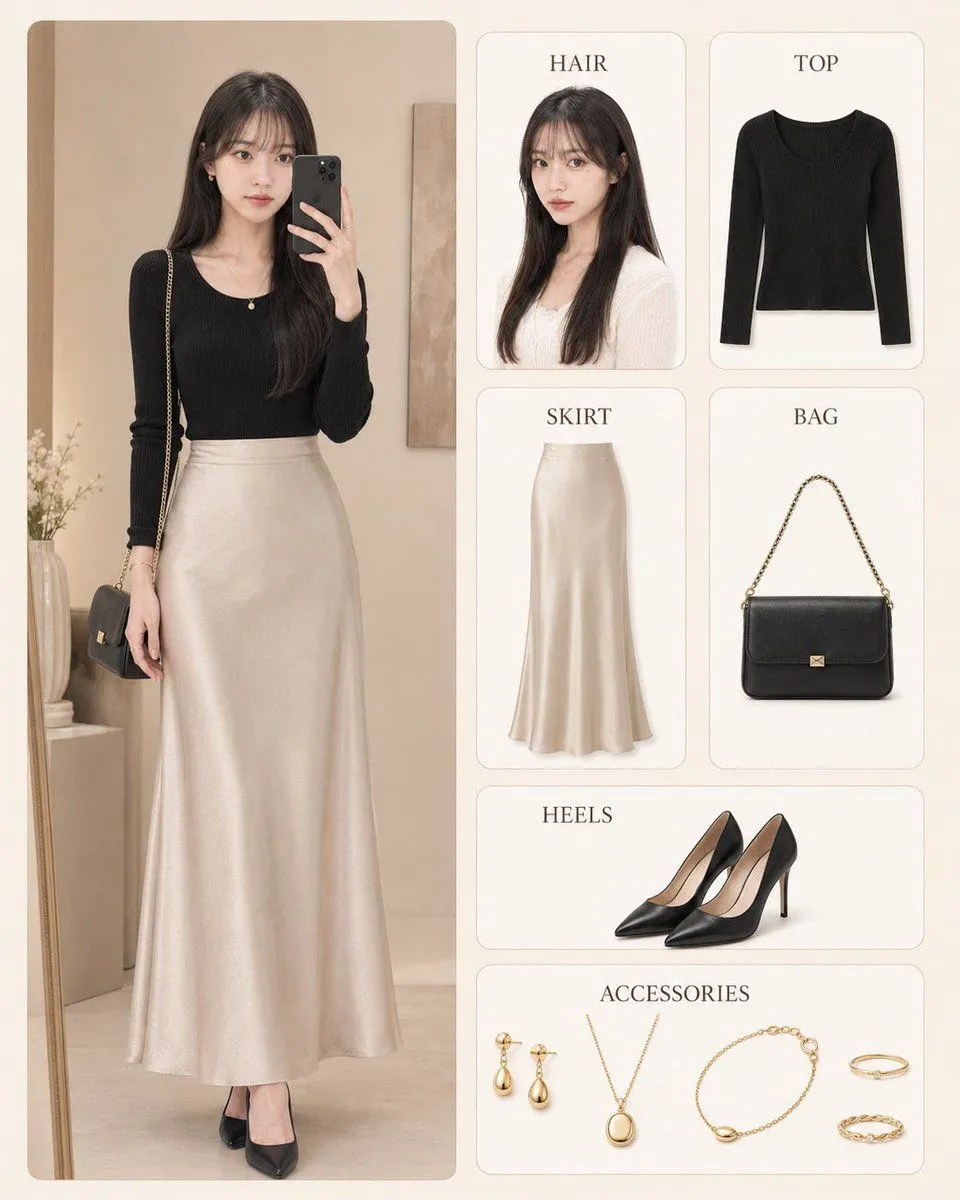
    • Korean Style Fashion Outfit Infographic
    • AI Chat Screenshot With Censored Women
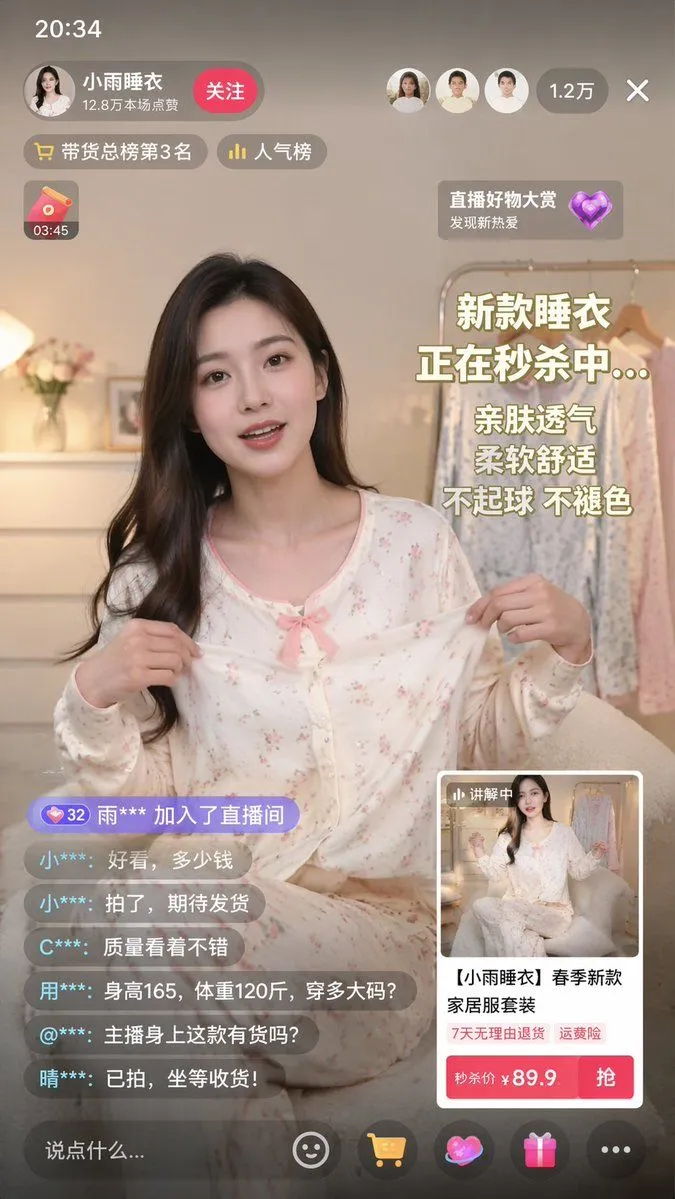
    • Live-Streaming App Interface Mockup
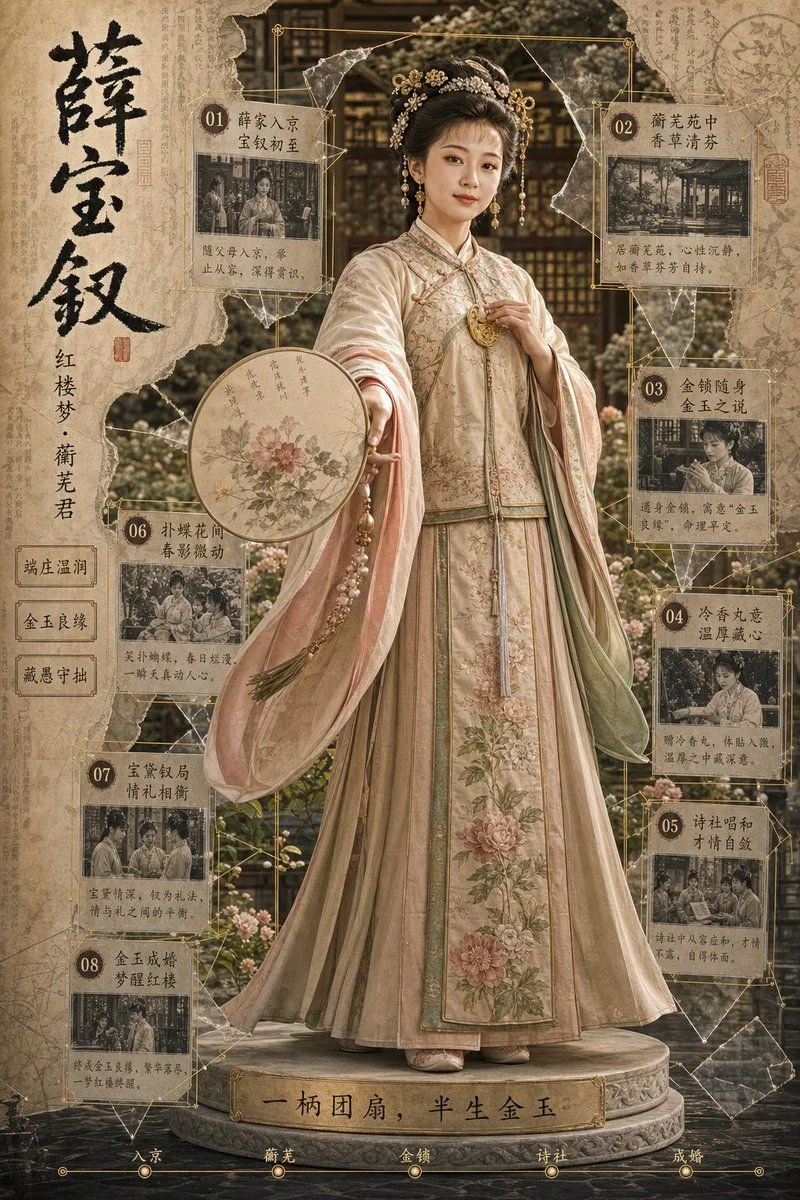
    • Antique Chinese Noblewoman Poster
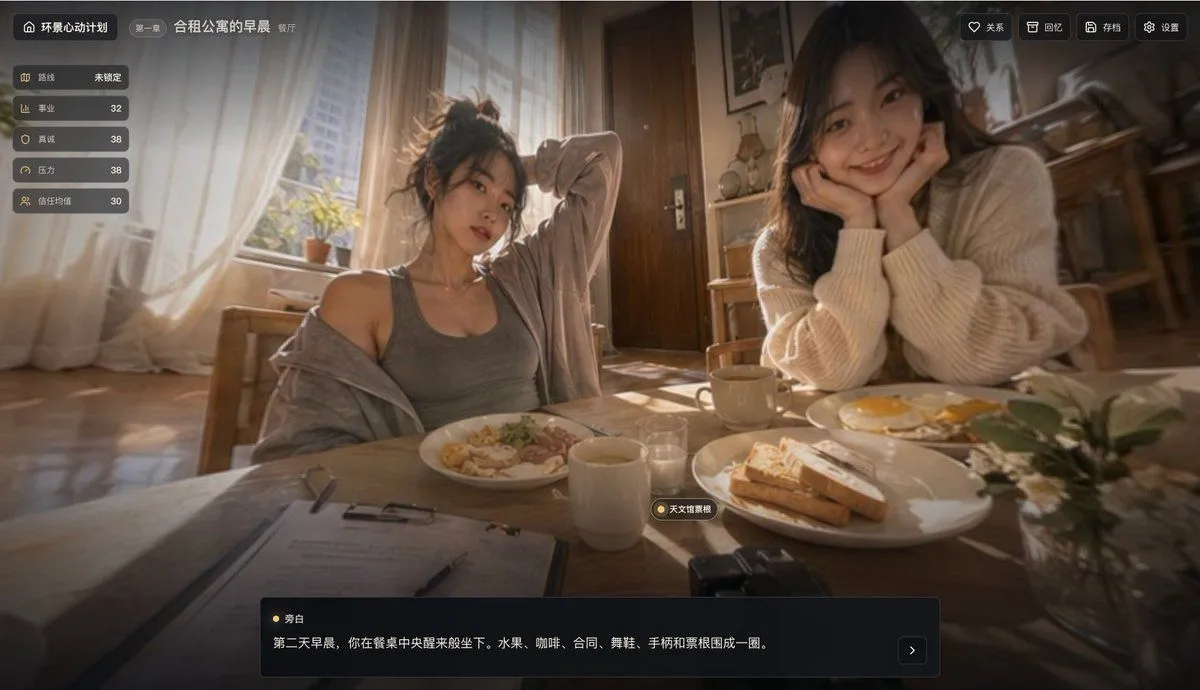
    • Cinematic Breakfast Dating Sim UI
    • Cinematic Dark Movie Poster
    • Convenience Store Fight Scene
    • Live E-commerce UI Mockup
    • Pop Idol Typography Cover Art
    • Victorian Railroad Ceremony Scene

    Show more

    Run it on your phone

    1. Prompt copiedRead it

      Create a highly photorealistic aesthetic portrait of an elegant adult woman standing beside a large vintage window in a beautiful sunlit room. She has long, naturally flowing dark hair, soft expressive eyes, realistic skin texture, natural facial features, and a subtle gentle smile. She is wearing a sophisticated cream-colored oversized shirt tucked into a high-waisted dark skirt, minimal delicate jewelry, and a small elegant handbag. Relaxed natural pose, one hand lightly holding the handbag and the other resting naturally by her side. Warm golden-hour sunlight entering through the window, soft shadows, muted beige and cream interior, vintage furniture, subtle film grain, dreamy atmosphere, Kodak-inspired color grading, soft highlights, natural skin tones, editorial fashion photography, cinematic composition, shallow depth of field, 85mm lens, ultra-detailed, realistic proportions, premium aesthetic, 8K.

    2. Open your app

    3. Paste and run

      Press and hold the message box, then tap Paste. Add your photo first if the prompt uses one. You may need to sign in.

    Photorealistic Vintage Window Portrait