Tell us anything

An idea, a bug, something you love. We read every note.

⌘↵ to send. The page you're on comes along.

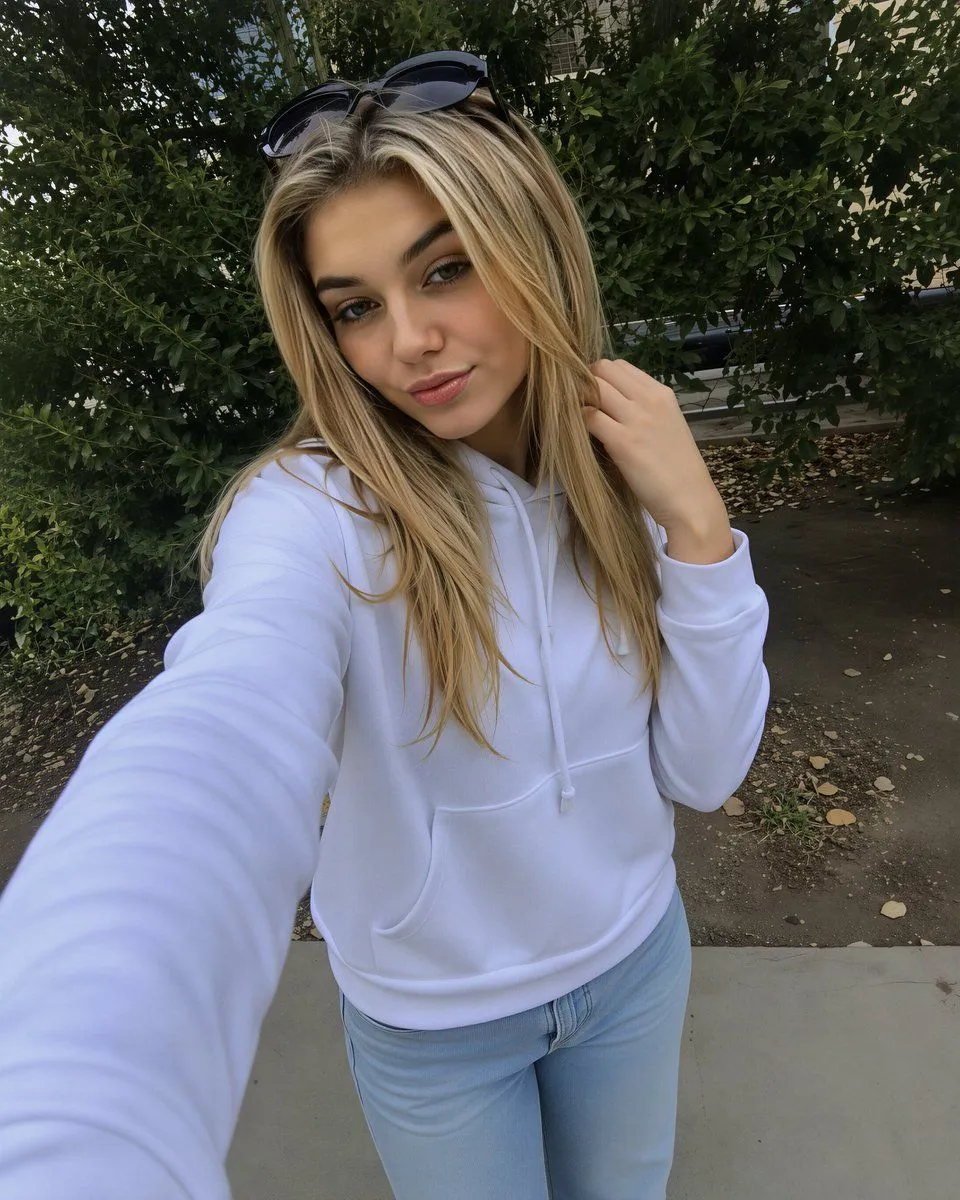
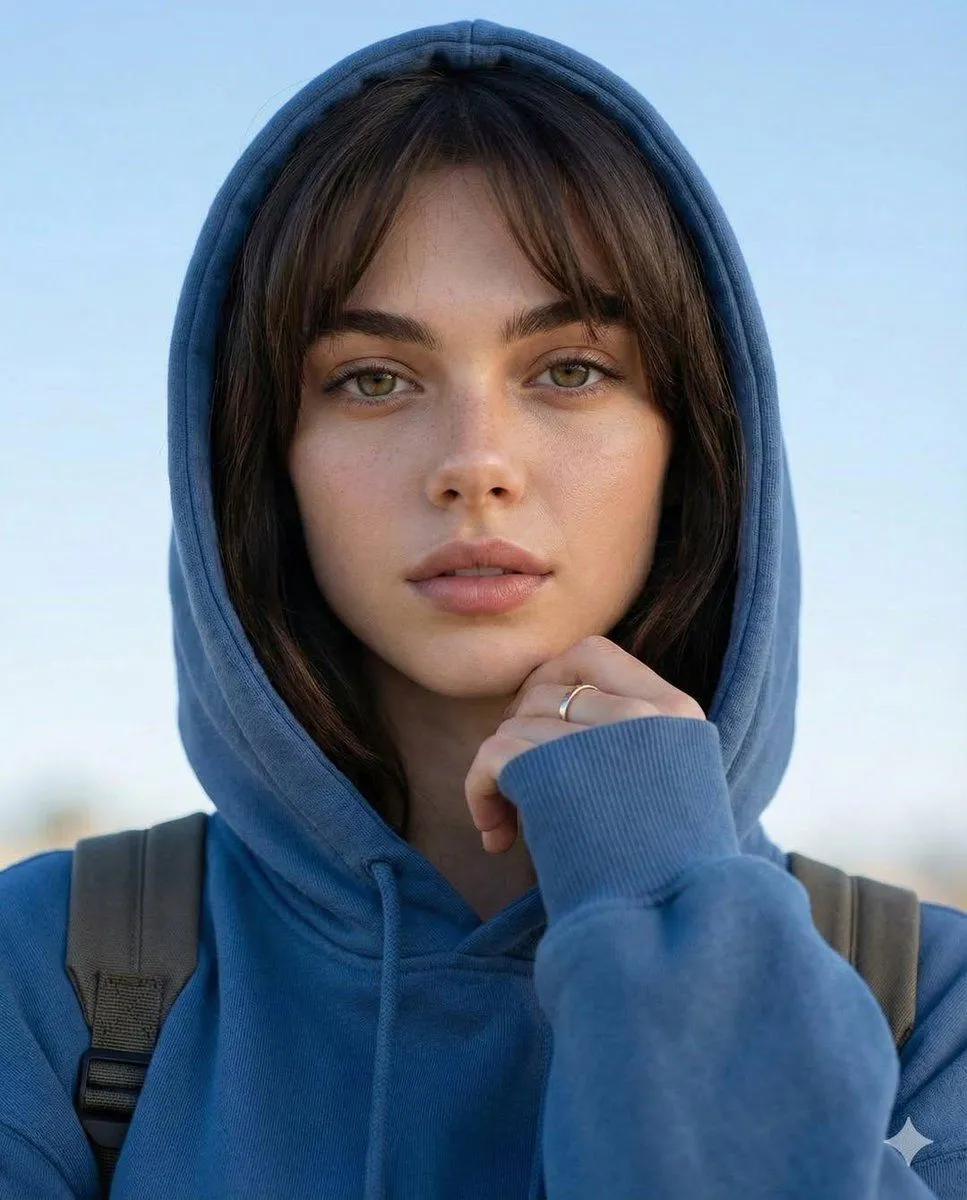
Photorealistic Selfie Upscale

Made with GPT Image 2 in ChatGPT by Library Avatars. Promptclay never generates images.

Did it work?

No reports yet. Tell others if it worked for you.

No comments yet. Be the first.

    Photorealistic Selfie Upscale

    GPT Image 24:5AI-generated

    Prompt

    Using the provided reference image, upscale and enhance it into a crisp, high-resolution photorealistic version while preserving the original composition, selfie camera angle, pose, clothing, background, lighting, and color balance. Keep the same outdoor setting and all existing elements unchanged, including exactly 1 opaque square face-covering block, exactly 1 pair of sunglasses on top of the head, and the same white hoodie and light blue jeans. Improve fine detail, sharpness, texture clarity, and edge definition in the hair, fabric, foliage, pavement, and shadows without changing identity, adding new objects, removing objects, beautifying the scene, or altering the anonymizing block.

    Works in
    ChatGPT, Gemini
    Status
    Free to copy
    0
    DetailsVersions, settings and questions

    Written for

    What's in the prompt

    Subject
    Model
    GPT Image 2

    If your face changes

    keep my face exactly the same

    Questions

    Does this work in the ChatGPT app?
    Yes. Paste the prompt and attach your photo if it uses one.
    It changed my face. What do I do?
    Add "keep my face exactly the same" to the end and run it again.
    Can I use the images I make?
    Check the terms of the app you use. Promptclay never generates images and claims nothing you make.
    Similar prompts

    See more
    • Candid Car Selfie Portrait Prompt with Technical Specs
    • Photorealistic Portrait with Absolute Facial Identity Lock
    • Ultra-Photorealistic Intimate Car Selfie Portrait
    • Sydney Sweeney mirror selfie in athletic wear
    • Sunny Sky Park Selfie
    • High Fashion Editorial Portrait in Golden Hour
    • System Prompt for High-Control Photorealistic Image Generation
    • High-Angle Indoor Selfie Portrait
    • Photorealistic Bedroom Selfie Prompt
    • Hyper-Realistic Young Woman Self-Portrait
    • 1980s Vintage Retro Portrait
    • AI Chat Screenshot With Censored Women
    • Cinematic Dark Movie Poster
    • Convenience Store Fight Scene
    • Côte d’Azur Couture Magazine Cover
    • Futuristic Fashion in Neon Seoul
    • Industrial Humanoid Robot Blueprint
    • Japanese Creator Branding Poster
    • Live-Streaming App Interface Mockup
    • Mysterious Dark Forest Ritual Portrait
    • Pink Lolita Color Correction Comparison
    • Pop Idol Typography Cover Art
    • Skyscraper Climbing Action Shot
    • Victorian Railroad Ceremony Scene

    Show more

    Run it on your phone

    1. Prompt copiedRead it

      Using the provided reference image, upscale and enhance it into a crisp, high-resolution photorealistic version while preserving the original composition, selfie camera angle, pose, clothing, background, lighting, and color balance. Keep the same outdoor setting and all existing elements unchanged, including exactly 1 opaque square face-covering block, exactly 1 pair of sunglasses on top of the head, and the same white hoodie and light blue jeans. Improve fine detail, sharpness, texture clarity, and edge definition in the hair, fabric, foliage, pavement, and shadows without changing identity, adding new objects, removing objects, beautifying the scene, or altering the anonymizing block.

    2. Open your app

    3. Paste and run

      Press and hold the message box, then tap Paste. Add your photo first if the prompt uses one. You may need to sign in.

    Photorealistic Selfie Upscale