Tell us anything

An idea, a bug, something you love. We read every note.

⌘↵ to send. The page you're on comes along.

Photorealistic Self-Portrait Drawing with Reference Images

Made with Nano Banana Pro in Gemini by Library Social. Promptclay never generates images.

Did it work?

No reports yet. Tell others if it worked for you.

No comments yet. Be the first.

    Photorealistic Self-Portrait Drawing with Reference Images

    Nano Banana Pro4:5AI-generated

    Prompt

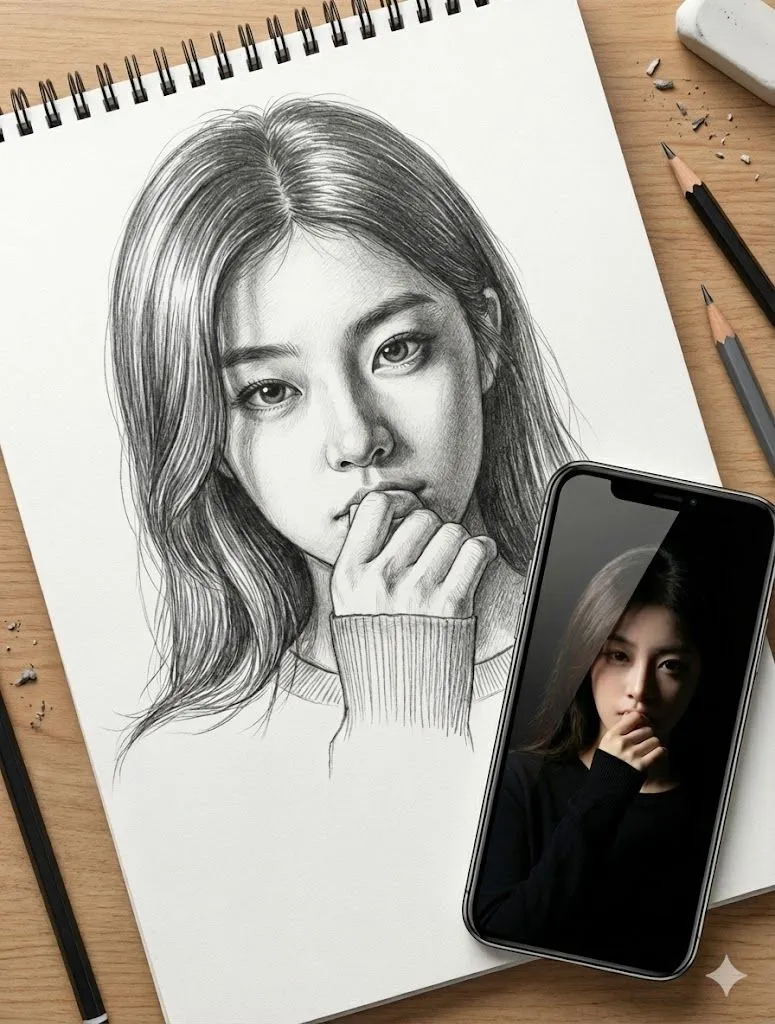
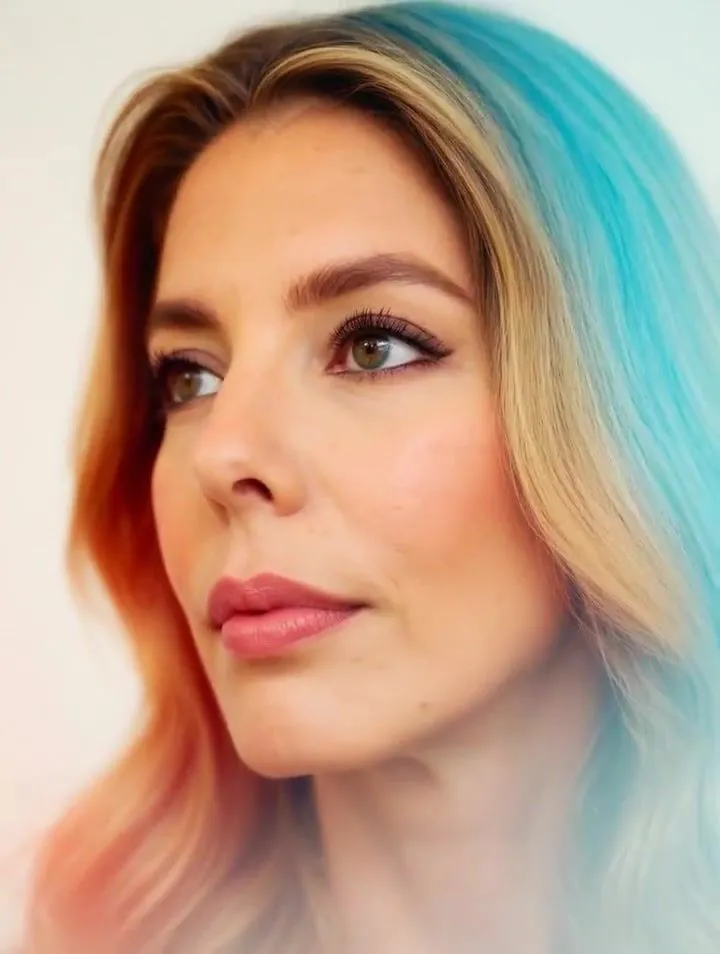
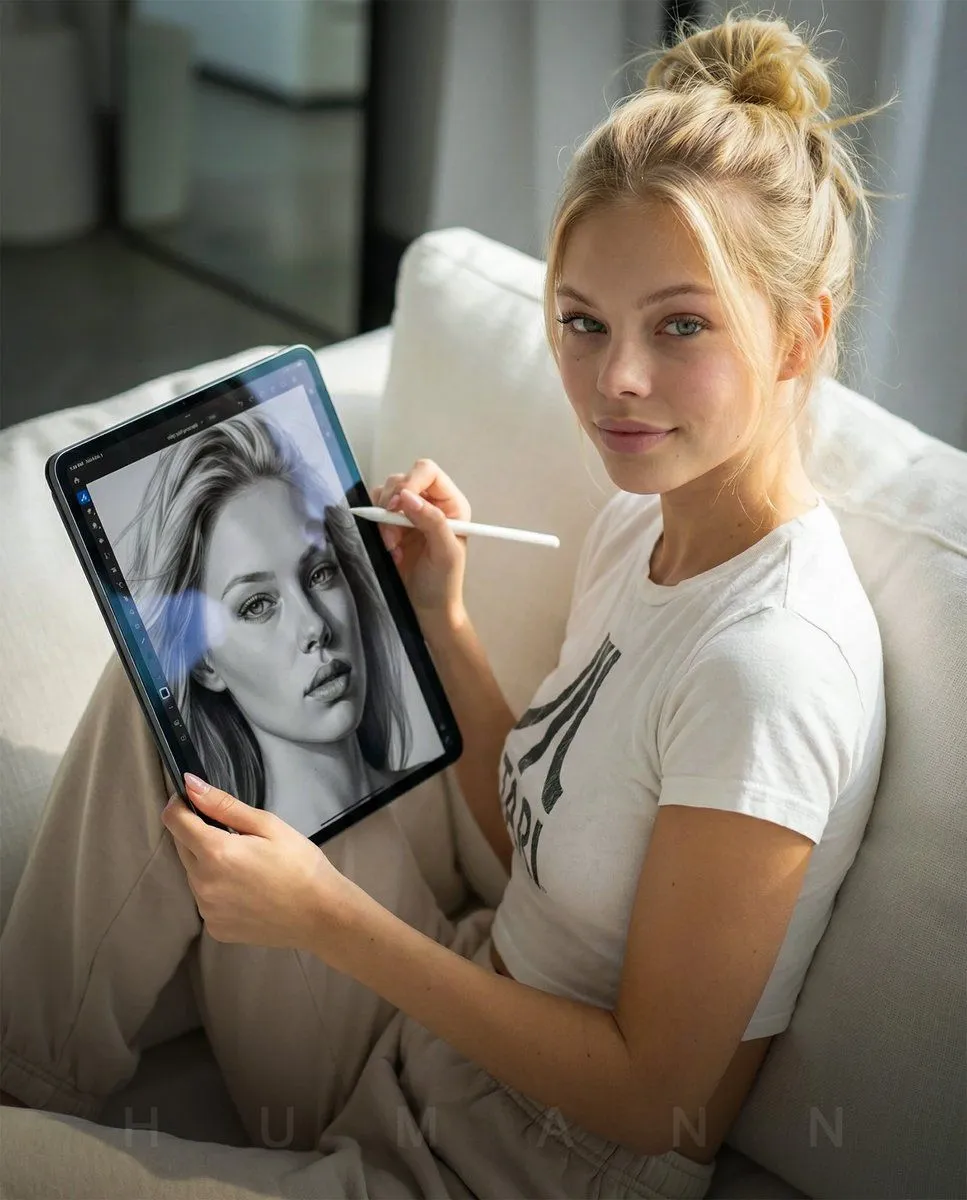
    Ultra-photorealistic editorial lifestyle photograph shot on a full-frame DSLR with an 85mm f/1.8 lens. Natural indoor daylight from the left. THE_SUBJECT (from attached reference) must be replicated with 100% identity fidelity, exact facial structure, skin tone, proportions, and natural texture. THE_SUBJECT is seated on a couch, angled slightly toward camera, holding a large 12.9-inch iPad Pro vertically and showing the screen directly to the viewer. In the other hand, THE_SUBJECT holds an Apple Pencil naturally, as if paused mid-drawing. Insert THE_SCREEN (attached reference image) exactly onto the iPad display with correct proportions and perspective. The screen should appear realistically illuminated with subtle glass reflections and edge glare. Both face and iPad screen in sharp focus. No stylization, no illustration effect; it must look like a real professional photograph.

    Works in
    Gemini, ChatGPT
    Status
    Free to copy
    0
    DetailsVersions, settings and questions

    Written for

    What's in the prompt

    Subject
    Model
    Nano Banana Pro

    If your face changes

    keep my face exactly the same

    Questions

    Does this work in the Gemini app?
    Yes. Gemini runs Nano Banana, so paste the prompt and attach your photo if it uses one.
    It changed my face. What do I do?
    Add "keep my face exactly the same" to the end and run it again.
    Can I use the images I make?
    Check the terms of the app you use. Promptclay never generates images and claims nothing you make.
    Similar prompts

    See more
    • Cozy English Cottage Interior with Laptop
    • Dim Apartment Sofa Portrait
    • iPhone Portrait with Phone Frame Effect
    • Miniature Painter Studio Portrait
    • Artist Mural Portrait in Cafe
    • Cinematic Studio Scene of Woman Observing Portrait
    • Urban Street Market Caricature Portrait
    • Cozy Indoor Sofa Portrait
    • Sunlit Indoor Portrait with Photo Books
    • Mid-Century Modern Interior Girl Portrait
    • Masterful Realistic Oil Painting of a Live Model
    • Photorealistic Lifestyle Portrait with Red Heels
    • Modern Kitchen Indoor Lifestyle Portrait
    • Photorealistic Summer Park Portrait
    • Subway artist sketching perspective
    • Hyper-Realistic Graphite Sketch Portrait
    • Cozy Anime Manga Artist Studio
    • Elegant Minimalist Editorial Illustration
    • Image-to-video transformation promptVideo, 0:10
    • Hand-Carved Wooden Miniature Figure
    • Hyperrealistic Tattooed Elf Couple
    • Multi-Angle Scene Generation Prompt (Oshi no Ko Style)
    • Nano Banana Pro Thumbnail Generation Example
    • Newspaper Collage Shadow Portrait

    Show more

    Run it on your phone

    1. Prompt copiedRead it

      Ultra-photorealistic editorial lifestyle photograph shot on a full-frame DSLR with an 85mm f/1.8 lens. Natural indoor daylight from the left. THE_SUBJECT (from attached reference) must be replicated with 100% identity fidelity, exact facial structure, skin tone, proportions, and natural texture. THE_SUBJECT is seated on a couch, angled slightly toward camera, holding a large 12.9-inch iPad Pro vertically and showing the screen directly to the viewer. In the other hand, THE_SUBJECT holds an Apple Pencil naturally, as if paused mid-drawing. Insert THE_SCREEN (attached reference image) exactly onto the iPad display with correct proportions and perspective. The screen should appear realistically illuminated with subtle glass reflections and edge glare. Both face and iPad screen in sharp focus. No stylization, no illustration effect; it must look like a real professional photograph.

    2. Open your app

    3. Paste and run

      Press and hold the message box, then tap Paste. Add your photo first if the prompt uses one. You may need to sign in.

    Photorealistic Self-Portrait Drawing with Reference Images