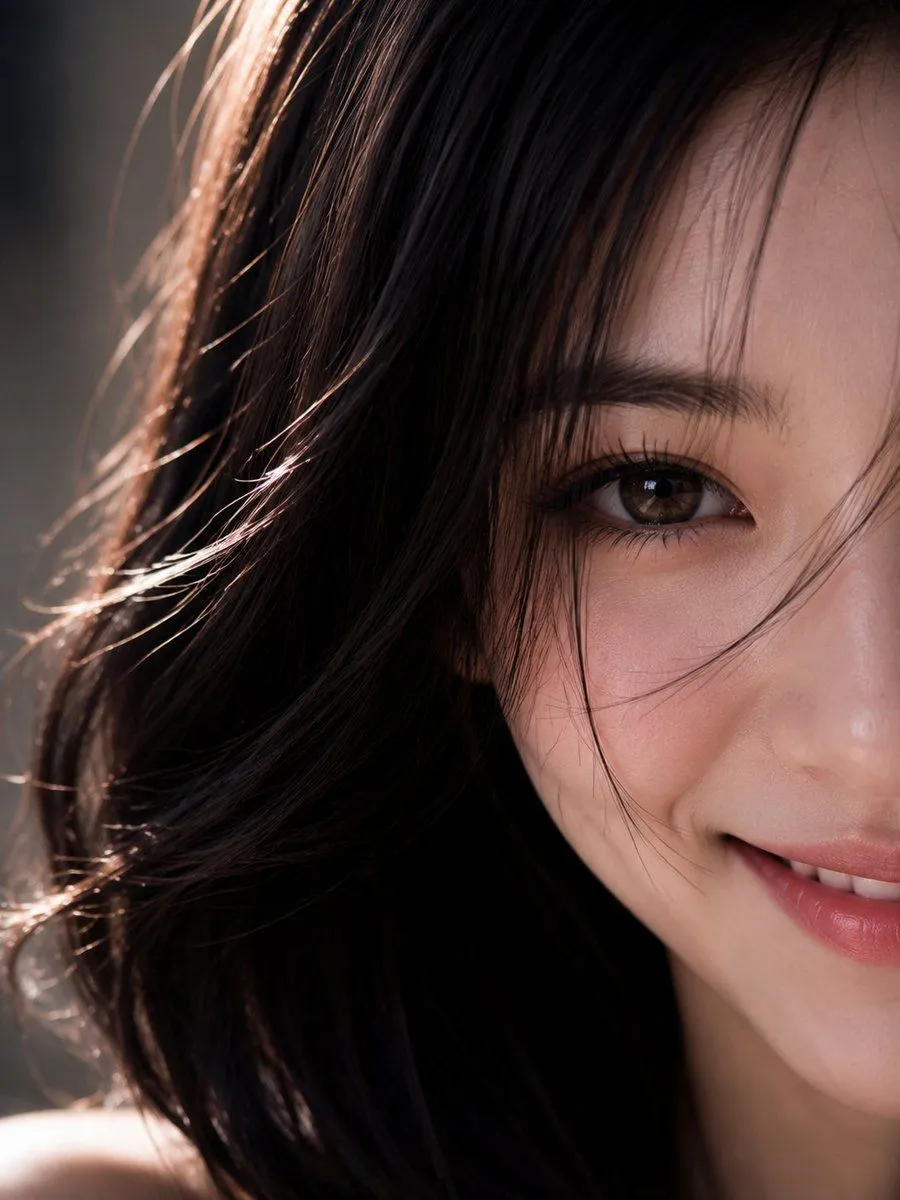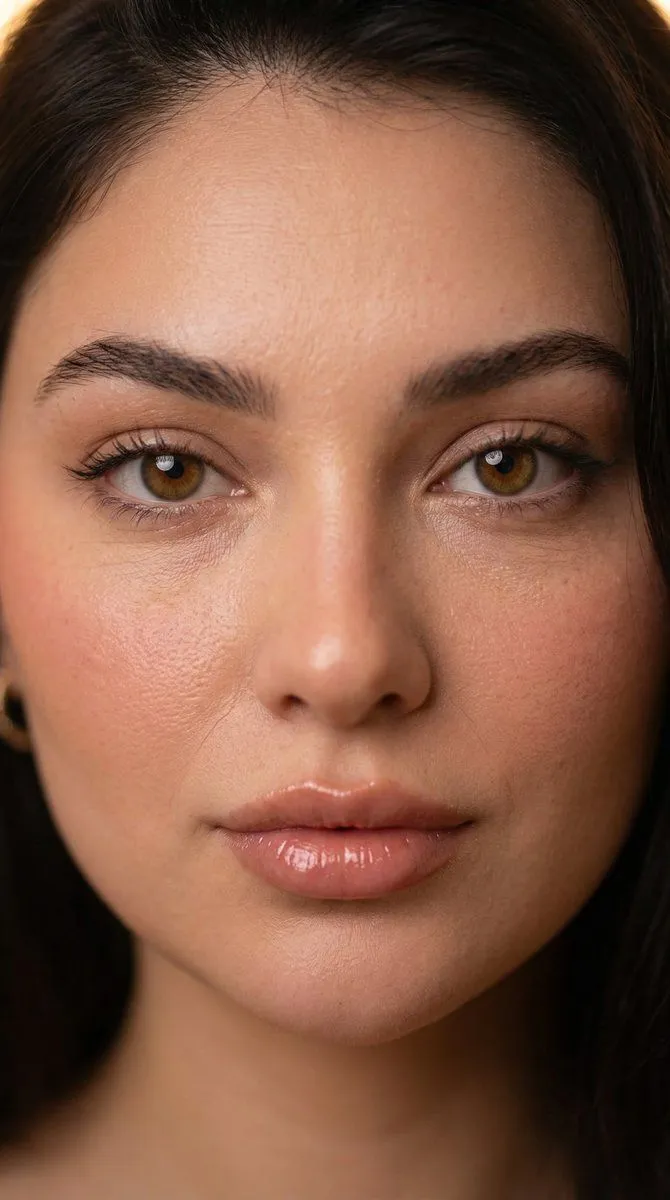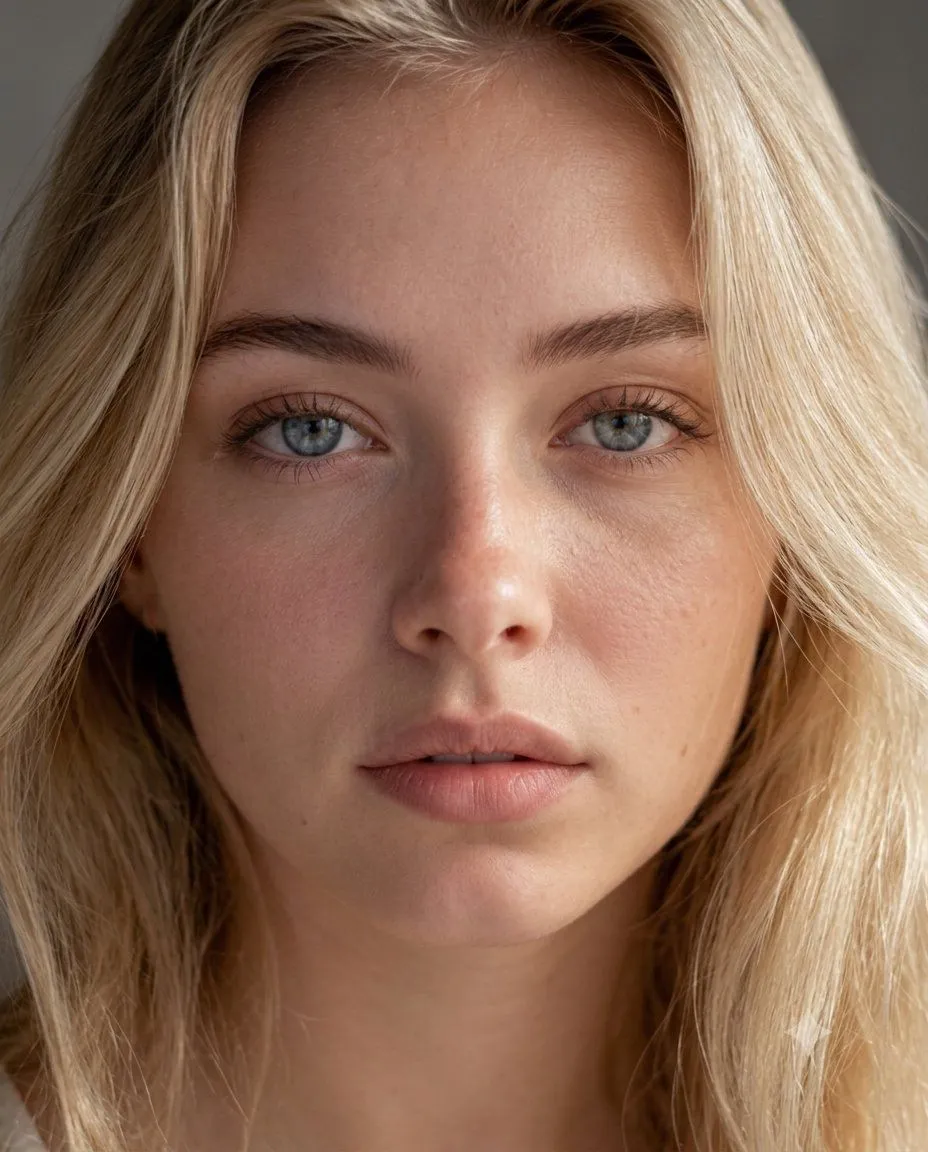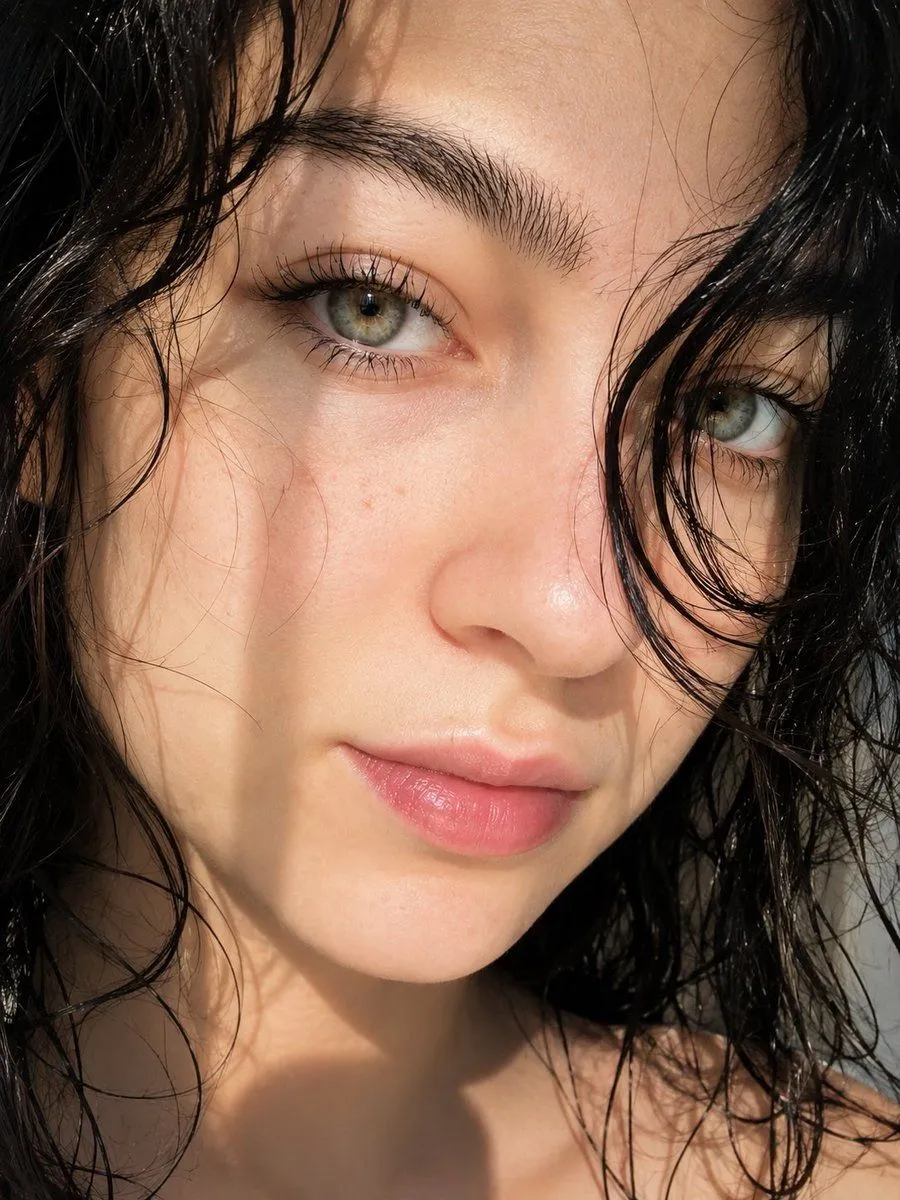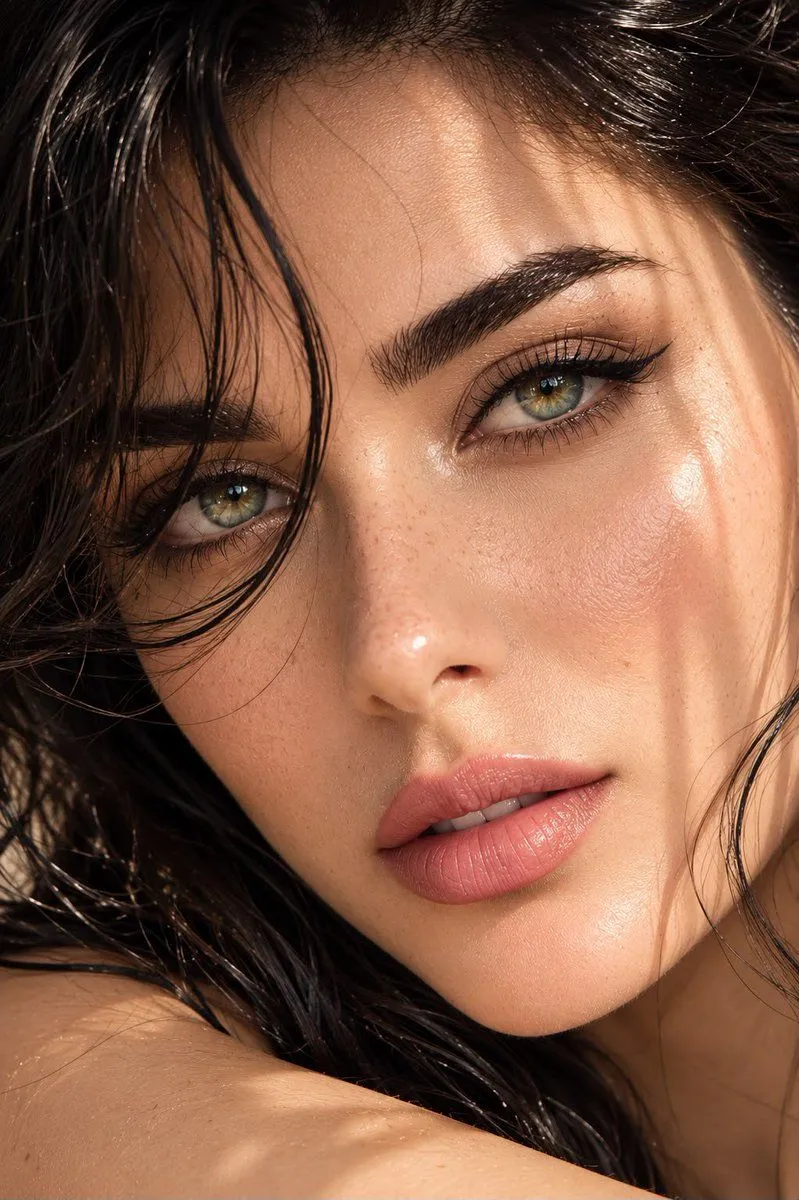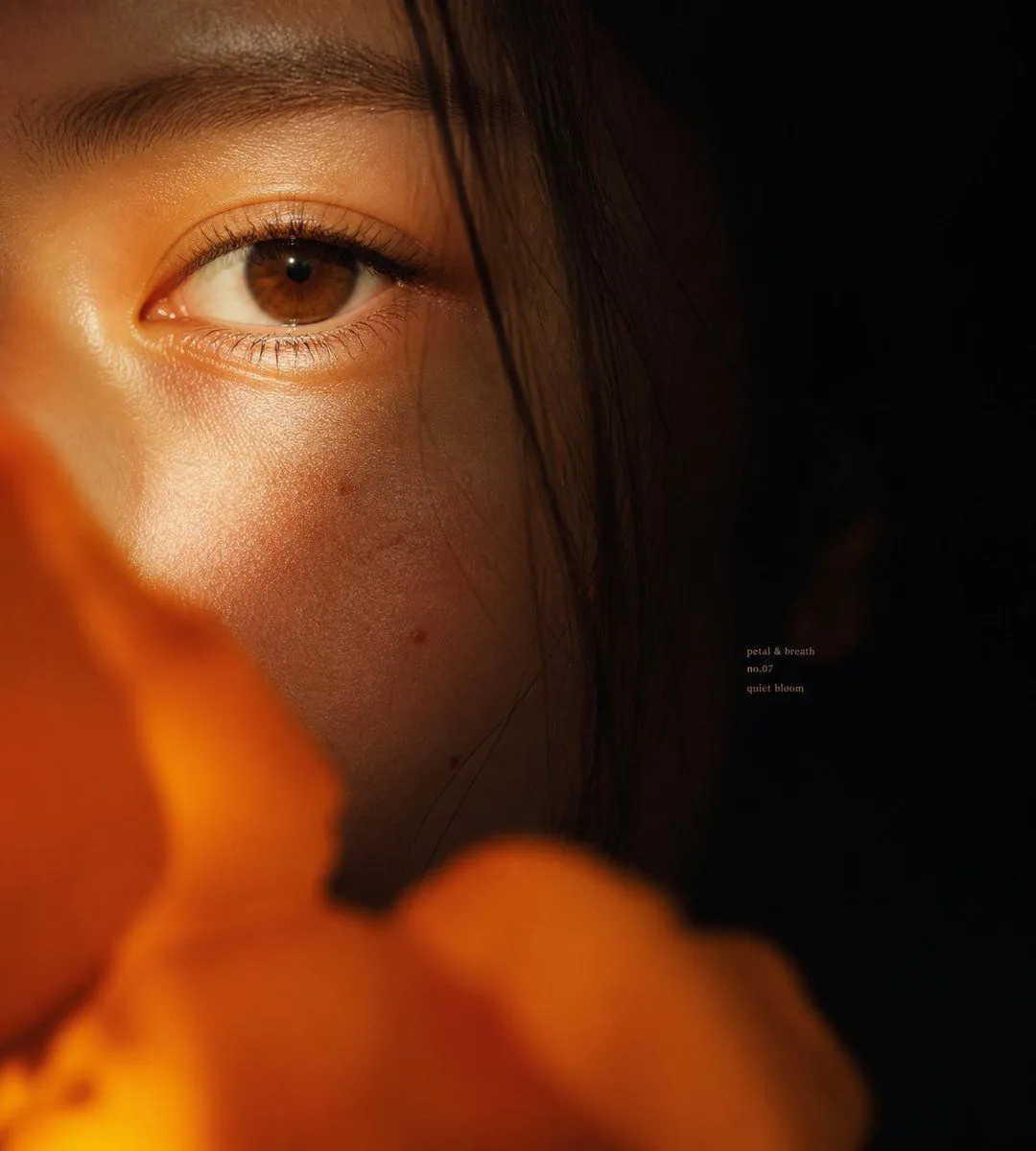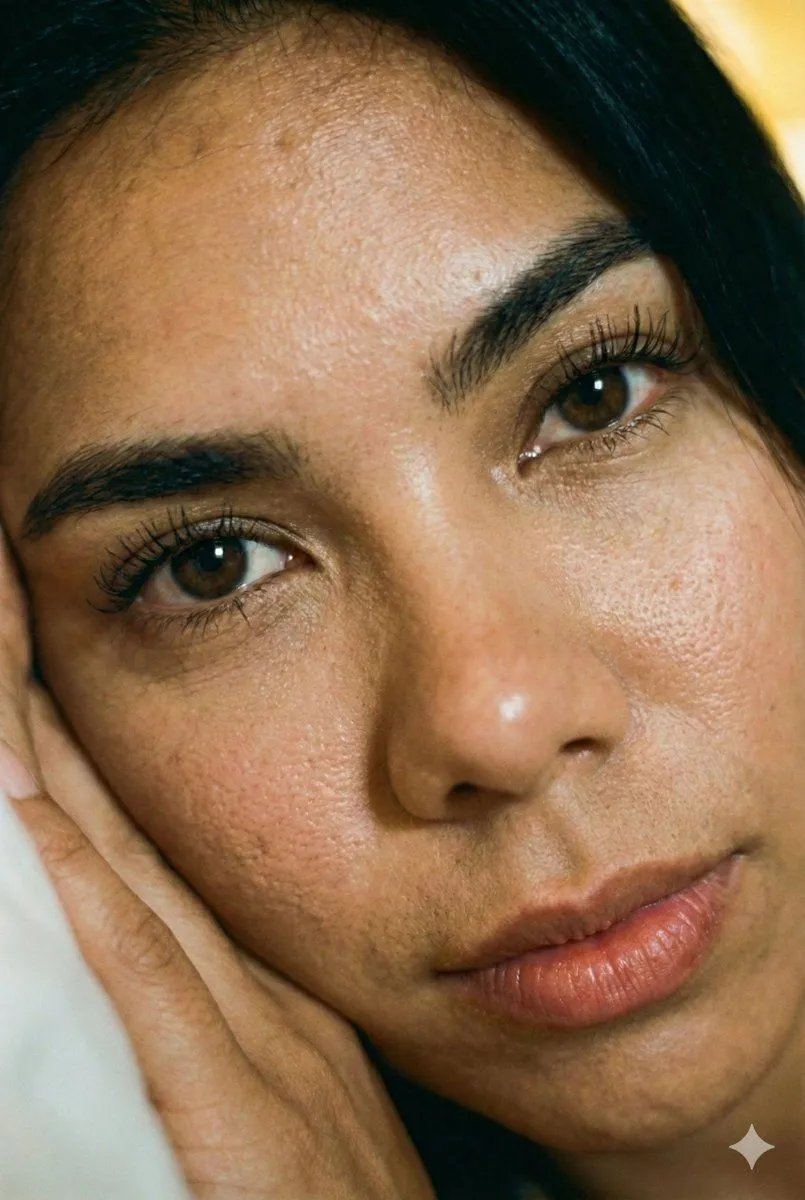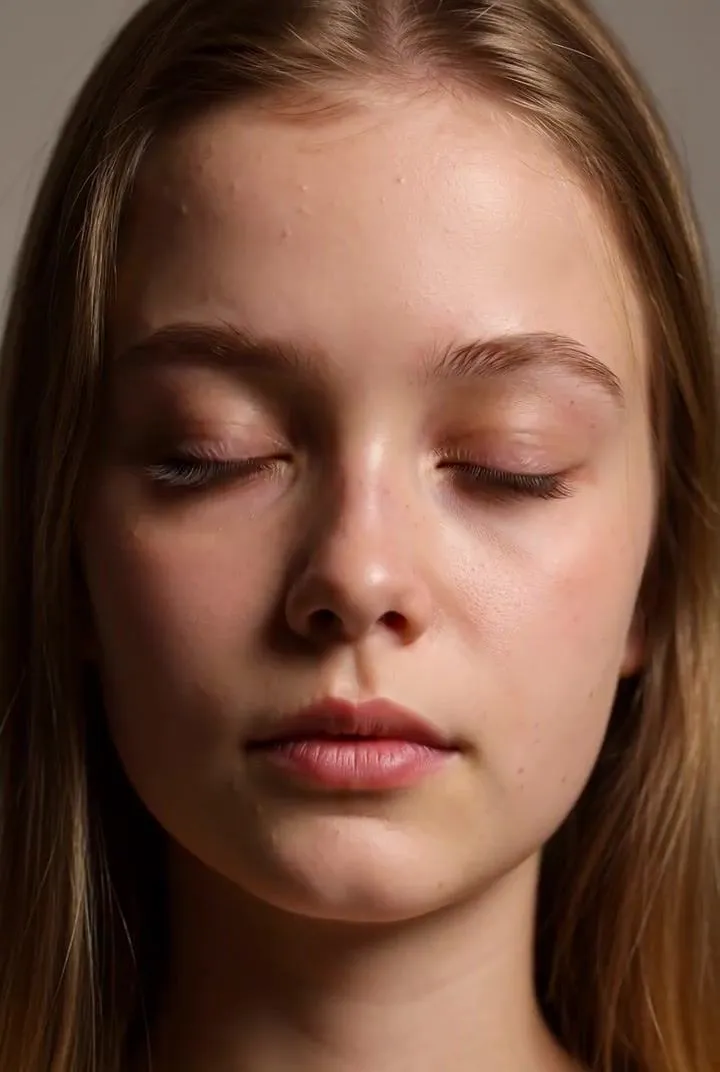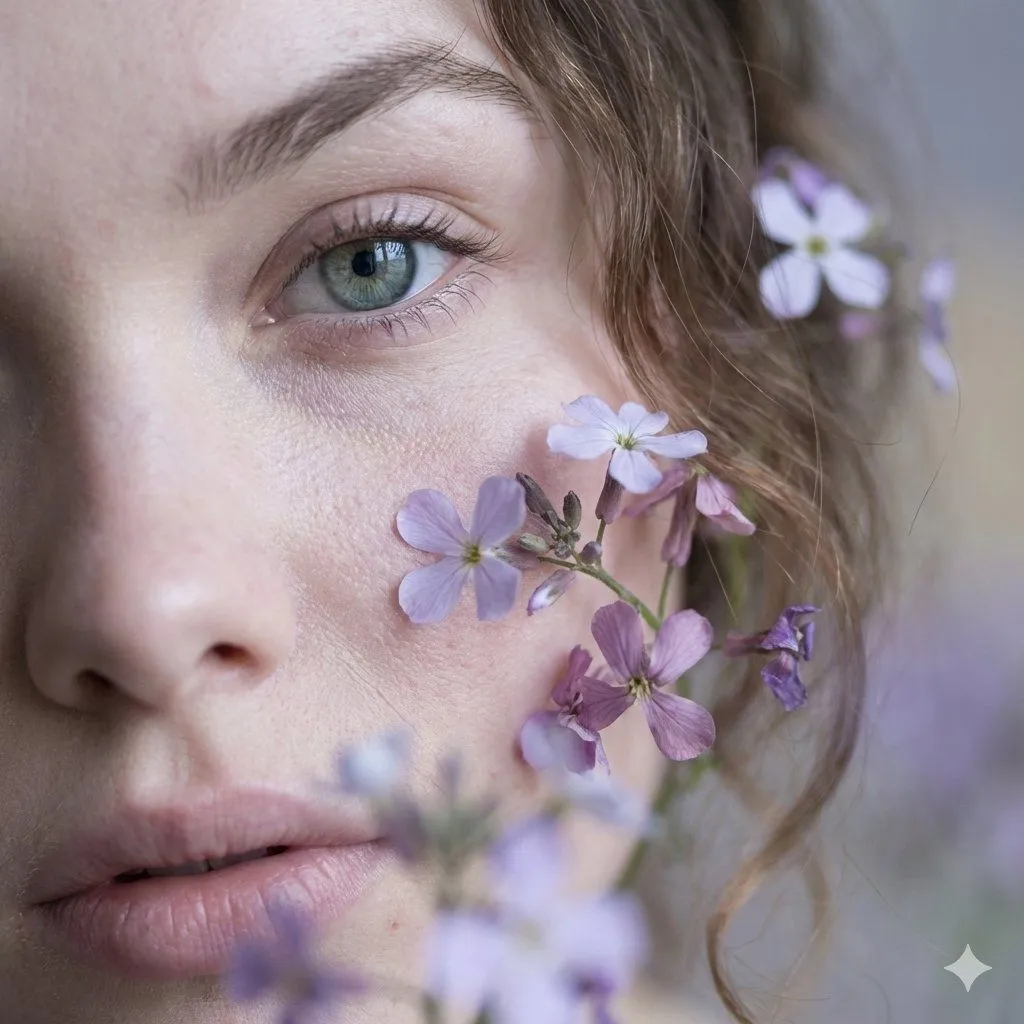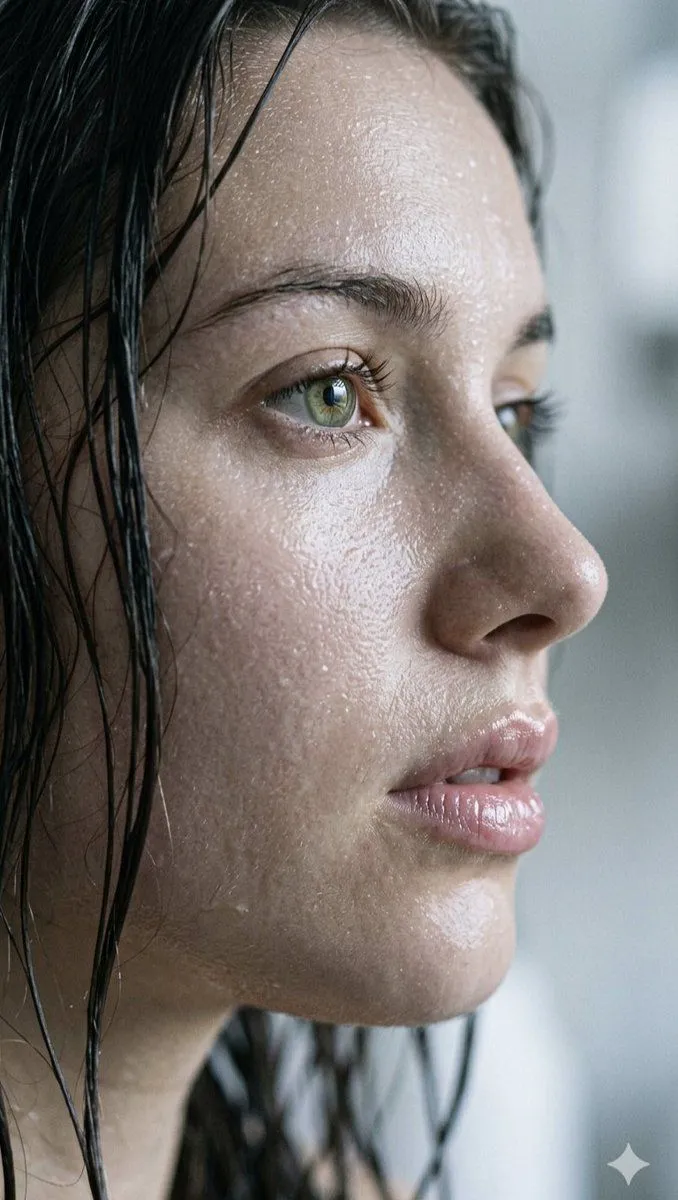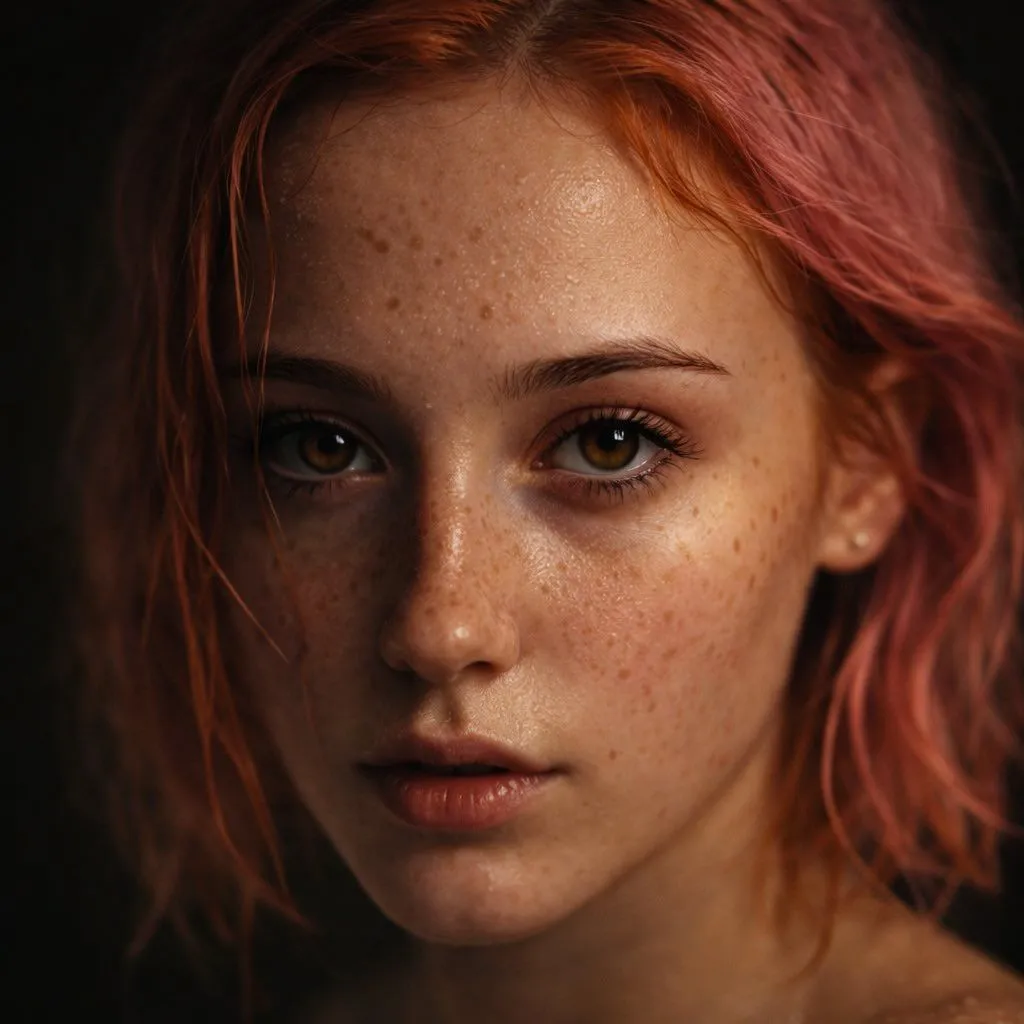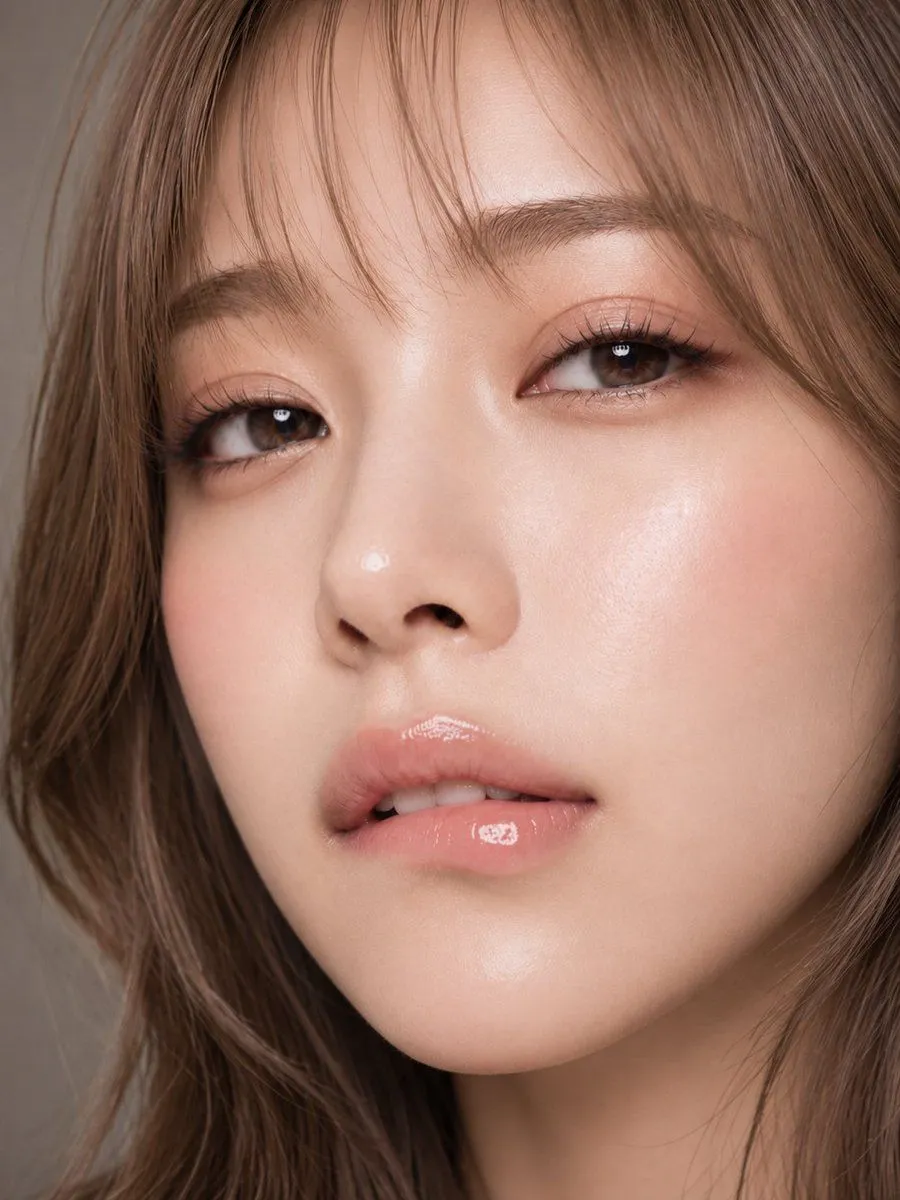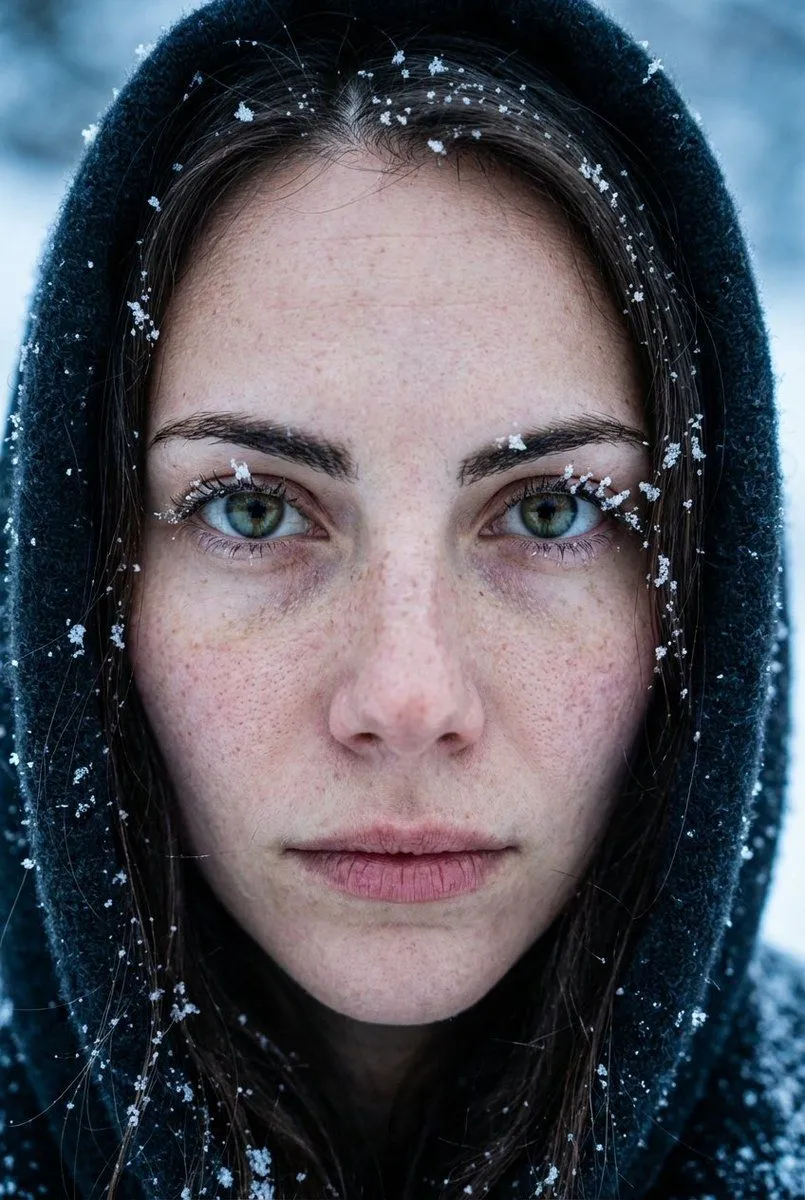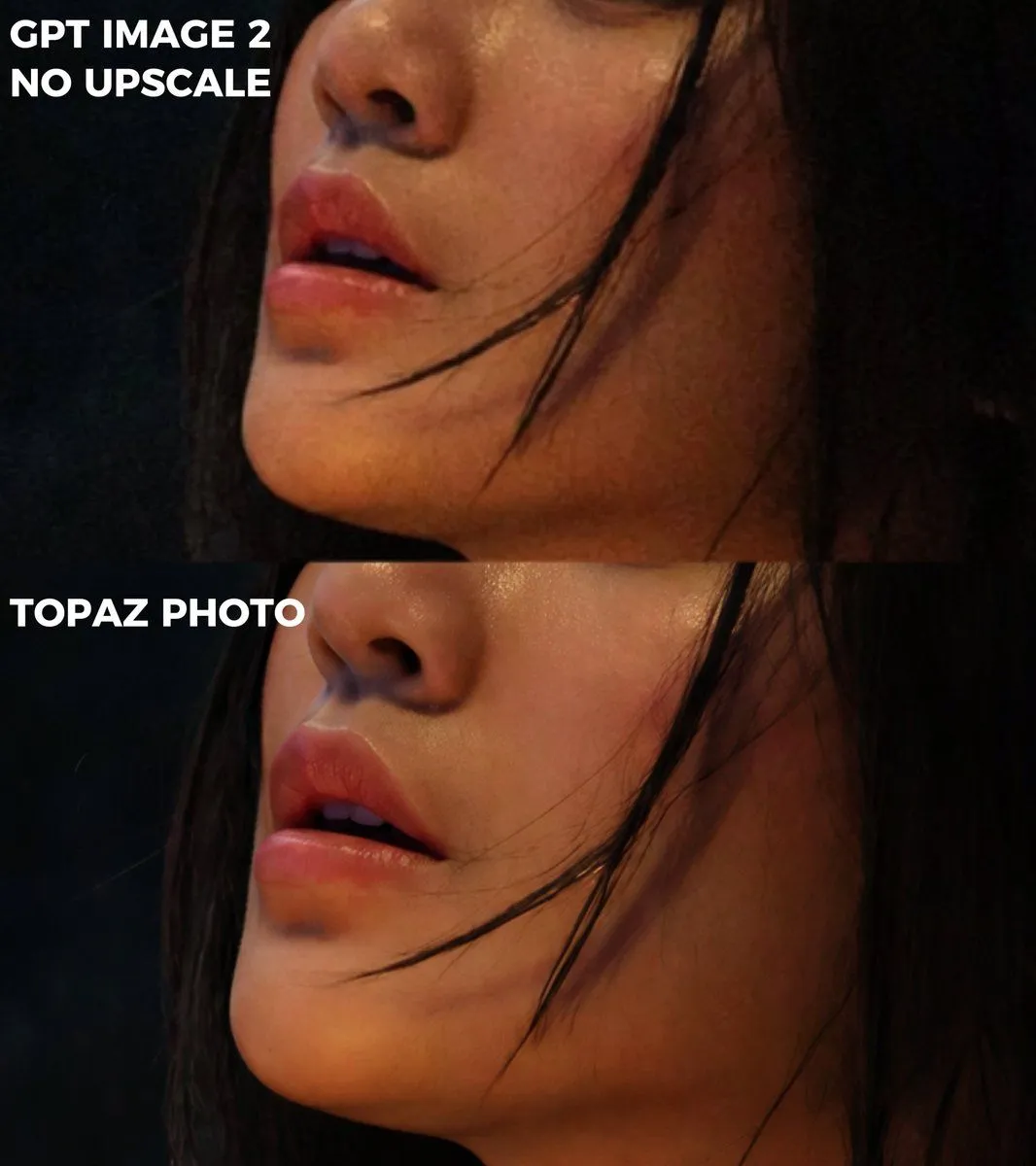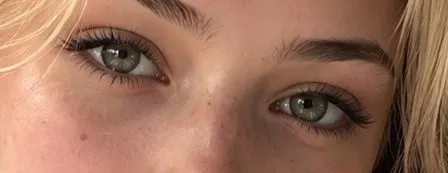
Made with GPT Image 2 in ChatGPT by Library Avatars. Promptclay never generates images.
Did it work?
No reports yet. Tell others if it worked for you.
Photorealistic Eye Close-Up
Prompt
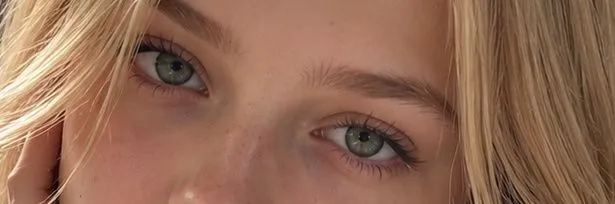
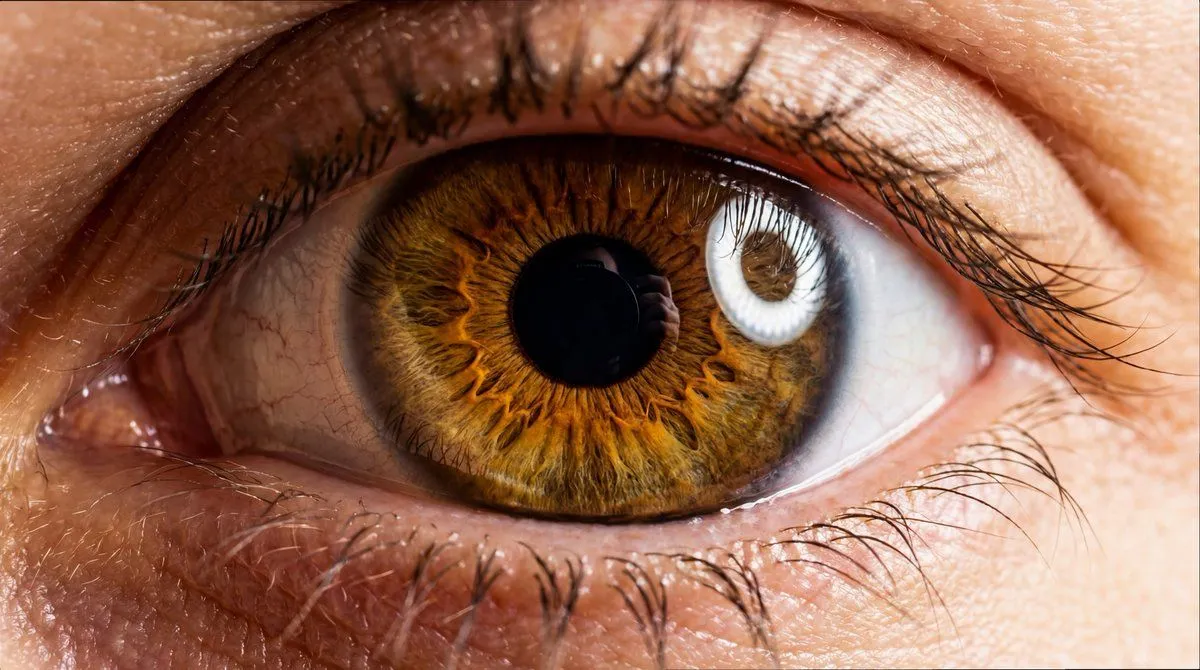
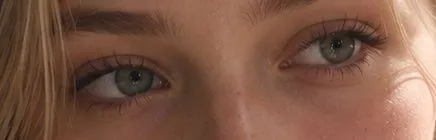
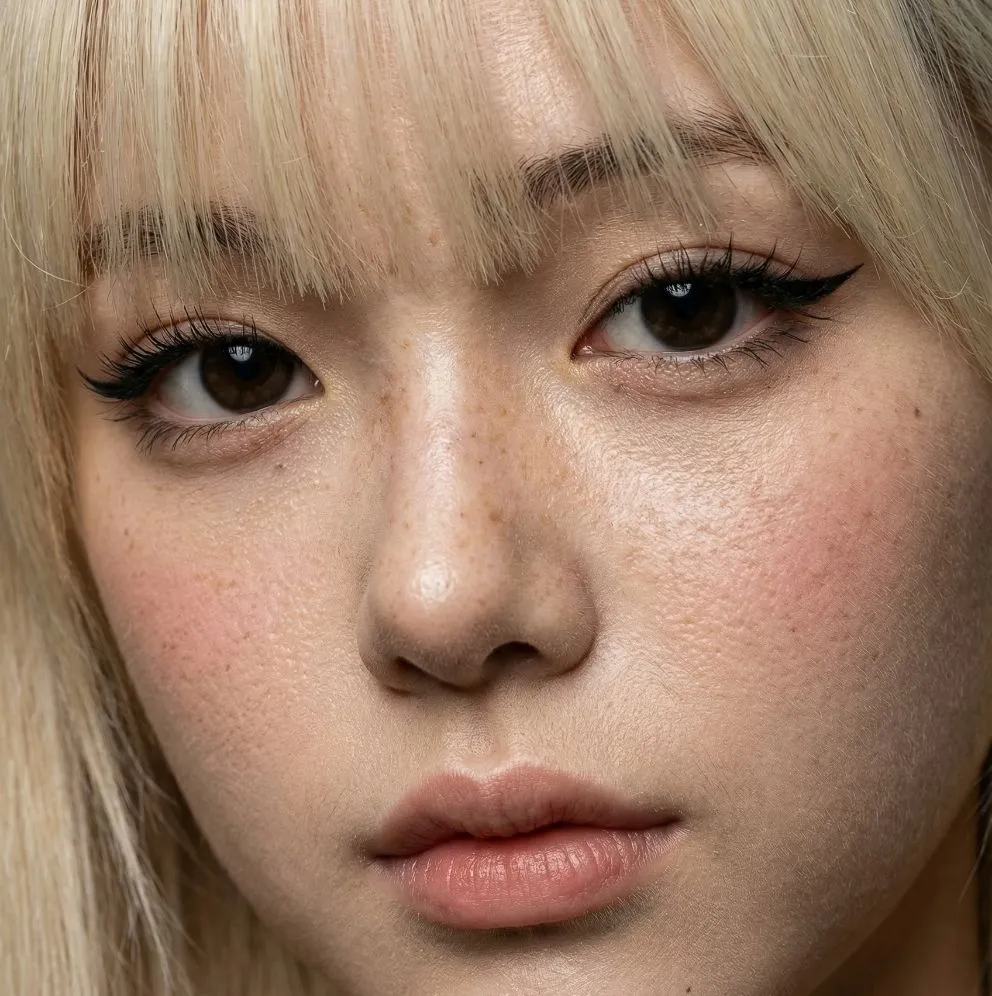
2 blanks to fillCreate an extreme photorealistic close-up portrait cropped tightly across the upper half of a young woman's face, showing only both eyes, eyebrows, bridge of nose, upper cheeks, and strands of hair at the edges. She has {eye_color} eyes looking directly into the camera, natural asymmetrical eyelids, detailed irises with catchlights, long dark upper eyelashes, and visibly sparse simplified lower eyelashes. Her skin is realistic with pores, faint freckles, small moles, peach-pink cheek texture, subtle under-eye shadows, and natural shine on the nose bridge. She has {hair_color} hair falling in loose strands along the left and right edges, thick natural dark-blonde eyebrows, minimal makeup with soft brown mascara and a slightly smudged eyelash look. Use warm natural daylight, shallow depth of field, intimate macro-lens framing, high-resolution skin detail, realistic color grading, no text, no accessories, no full face visible, landscape aspect ratio.
Preview of your prompt
Create an extreme photorealistic close-up portrait cropped tightly across the upper half of a young woman's face, showing only both eyes, eyebrows, bridge of nose, upper cheeks, and strands of hair at the edges. She has pale green-gray eyes looking directly into the camera, natural asymmetrical eyelids, detailed irises with catchlights, long dark upper eyelashes, and visibly sparse simplified lower eyelashes. Her skin is realistic with pores, faint freckles, small moles, peach-pink cheek texture, subtle under-eye shadows, and natural shine on the nose bridge. She has light blonde hair falling in loose strands along the left and right edges, thick natural dark-blonde eyebrows, minimal makeup with soft brown mascara and a slightly smudged eyelash look. Use warm natural daylight, shallow depth of field, intimate macro-lens framing, high-resolution skin detail, realistic color grading, no text, no accessories, no full face visible, landscape aspect ratio.
DetailsVersions, settings and questions
Written for
What's in the prompt
- Subject
- Model
- GPT Image 2
If your face changes
keep my face exactly the sameQuestions
- Does this work in the ChatGPT app?
- Yes. Paste the prompt and attach your photo if it uses one.
- It changed my face. What do I do?
- Add "keep my face exactly the same" to the end and run it again.
- Can I use the images I make?
- Check the terms of the app you use. Promptclay never generates images and claims nothing you make.